Prototyping the Internet of
Things with Node-RED
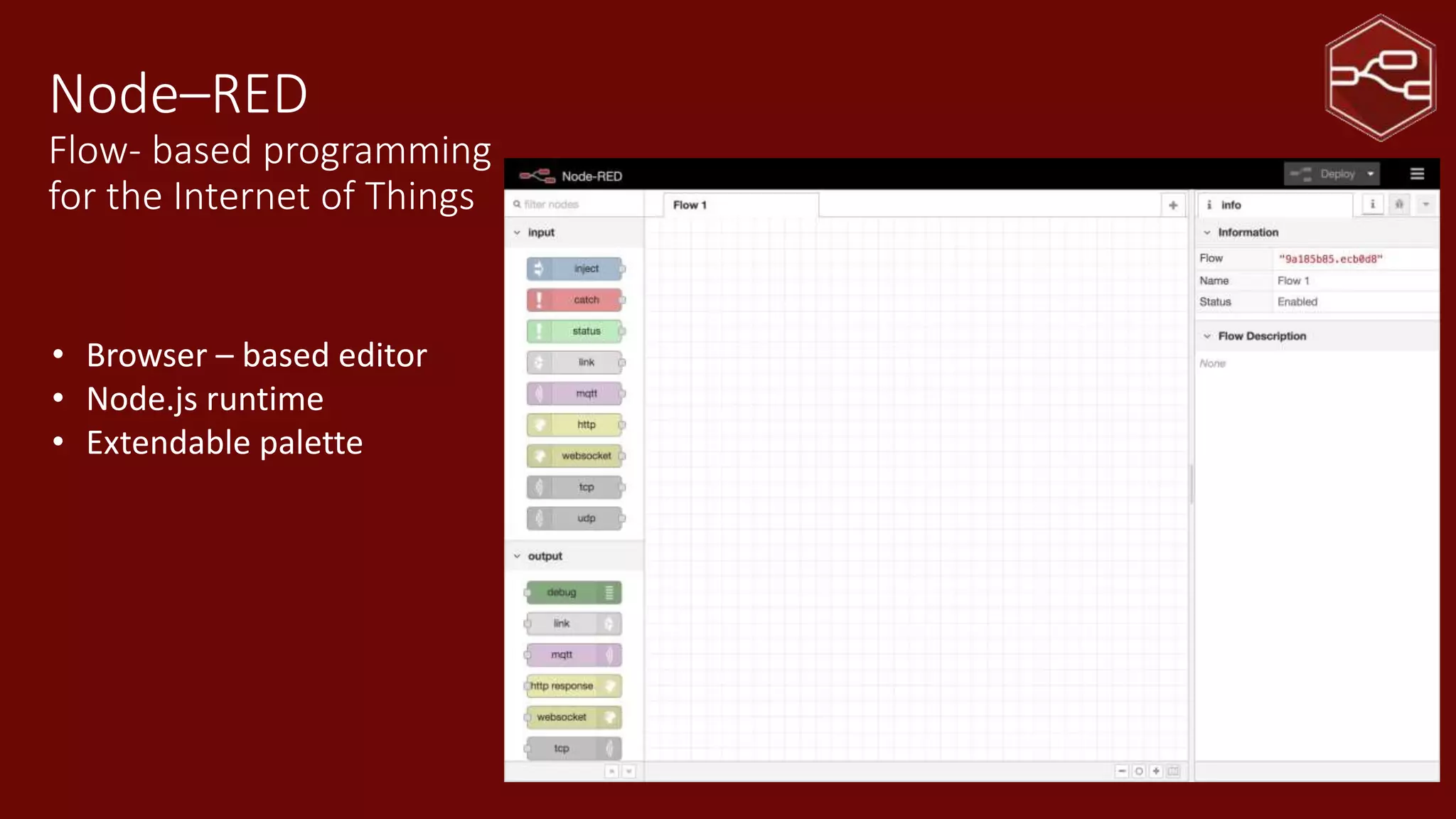
Node–RED
Flow- based programming
for the Internet of Things
• Browser – based editor
• Node.js runtime
• Extendable palette
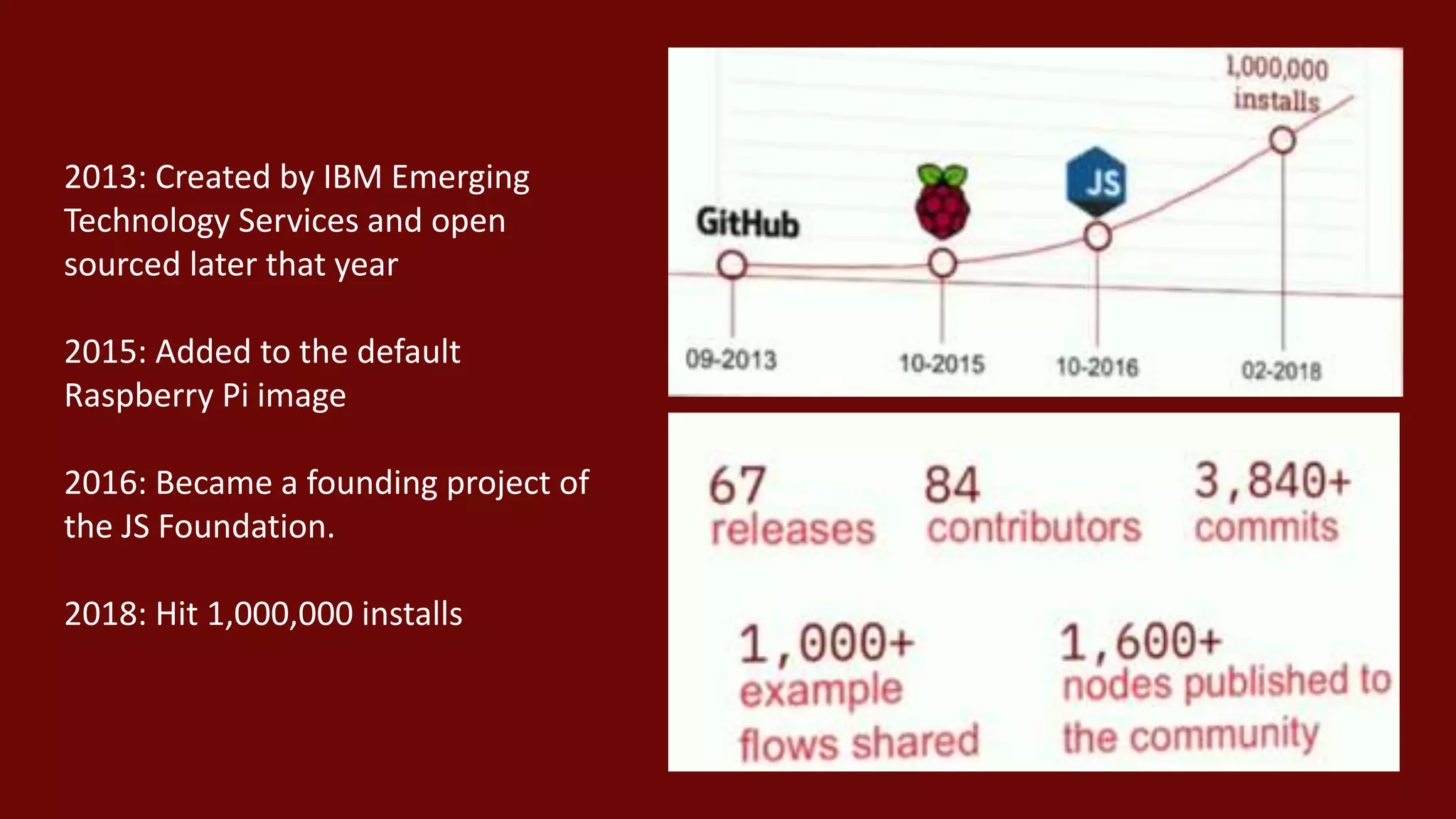
2013: Created by IBM Emerging
Technology Services and open
sourced later that year
2015: Added to the default
Raspberry Pi image
2016: Became a founding project of
the JS Foundation.
2018: Hit 1,000,000 installs
Flow Based Programming
• Invented by J. Paul Morrison at IBM in early 1970’s
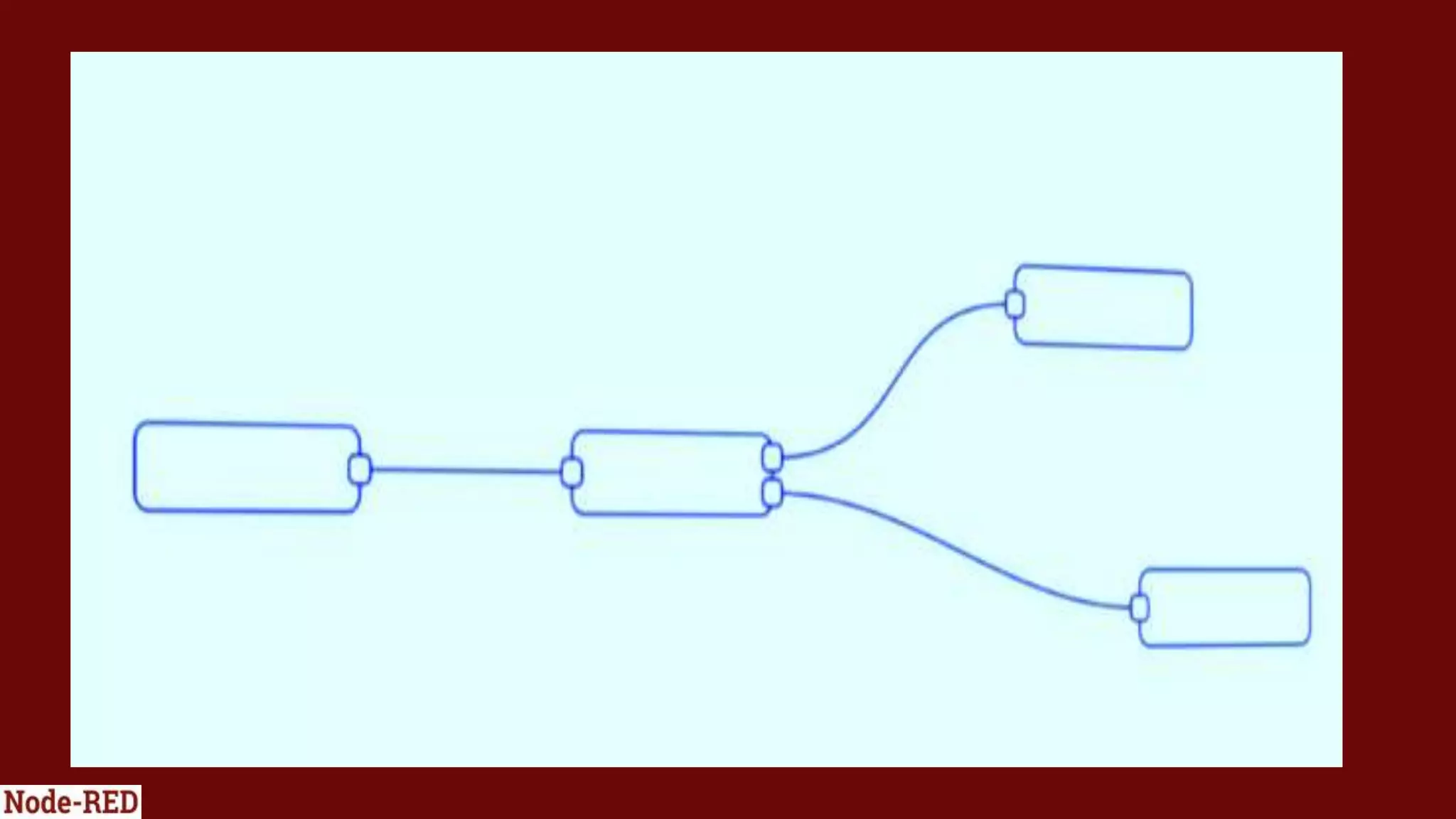
• A network of asynchronous processes communicating by means of
streams of structured data chunks
• Each process is a black box – it doesn’t know what has come before it
or what comes after it ; it just acts on the data it receives and passes
the result on
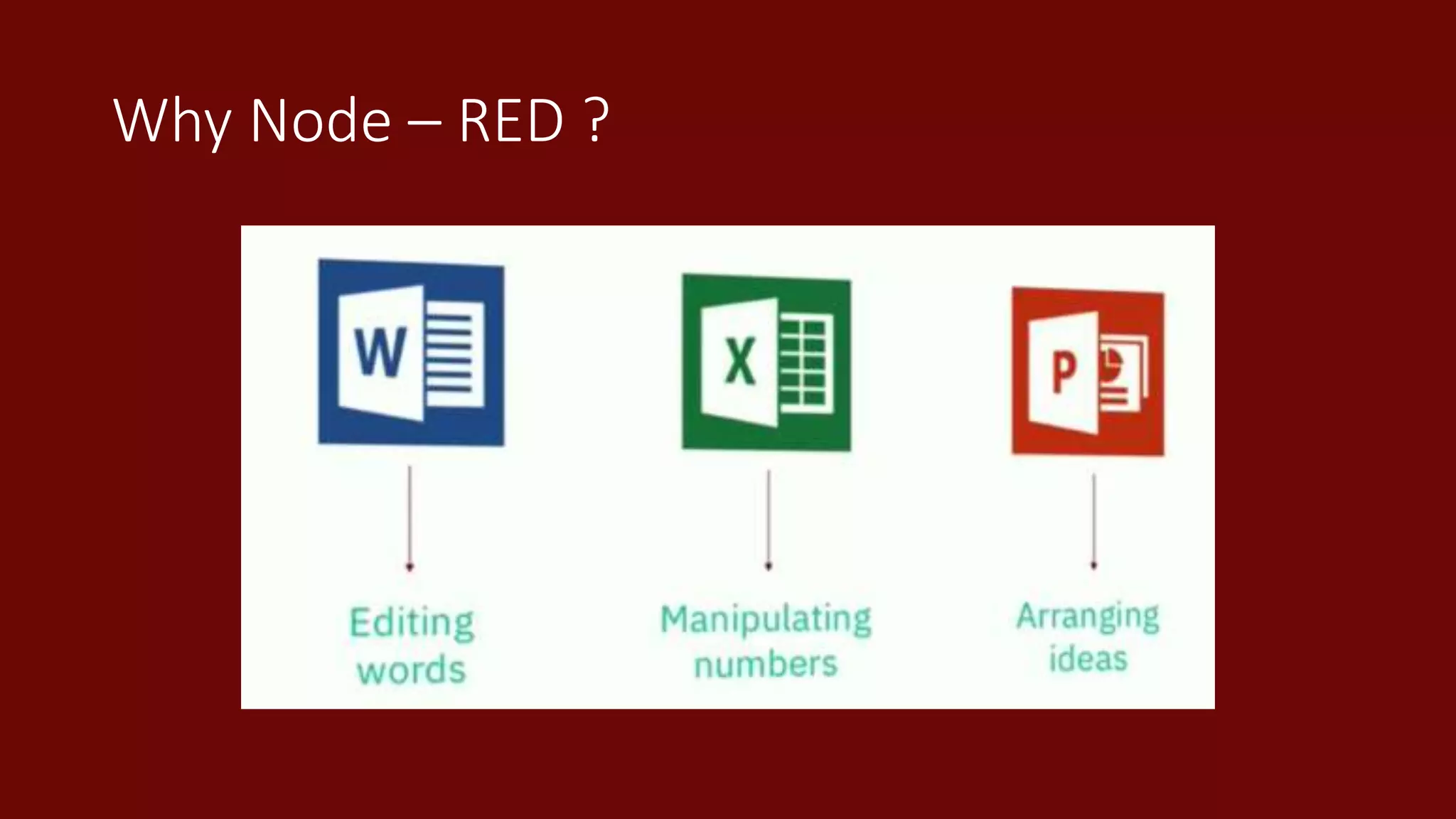
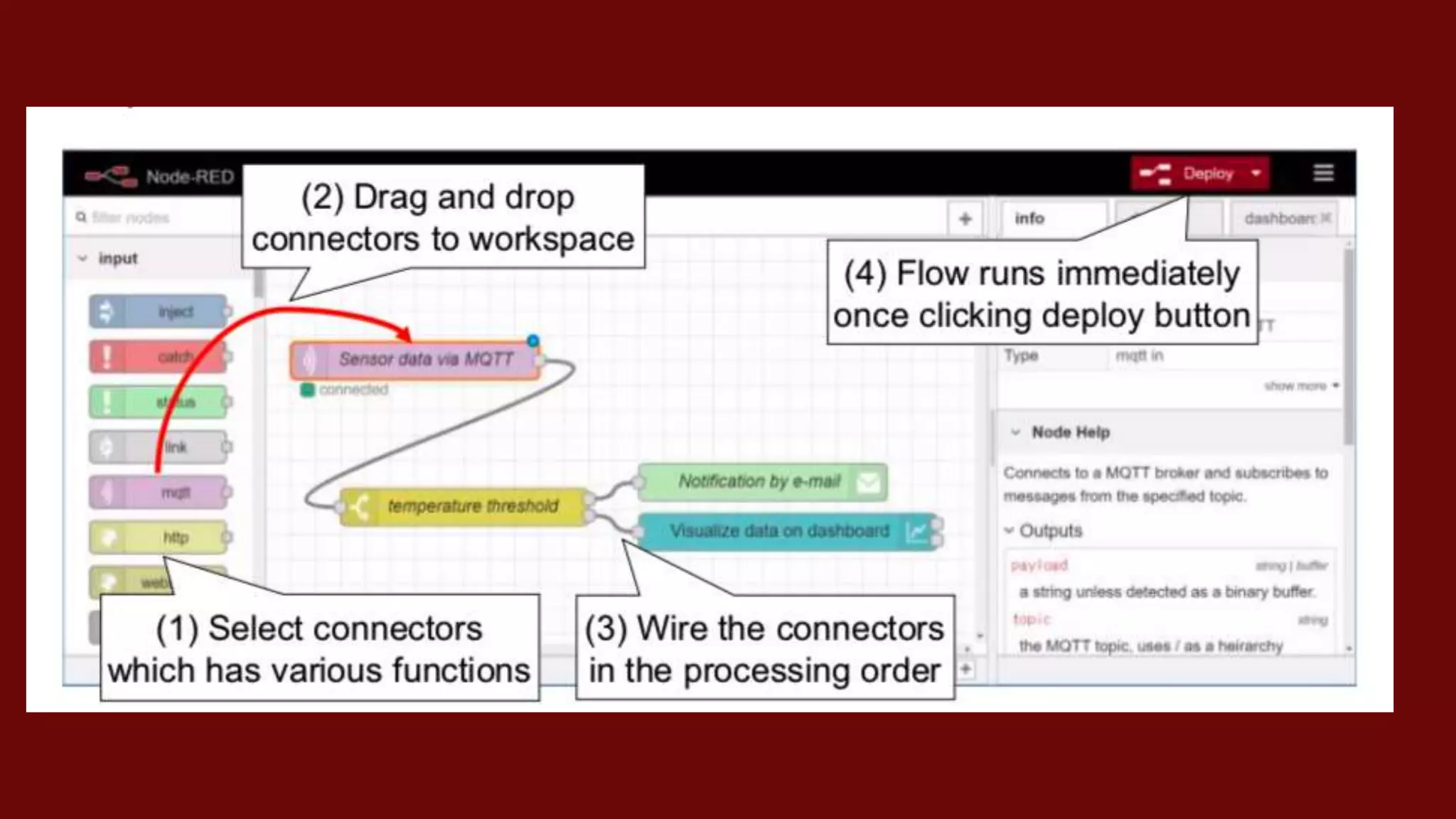
Why Node – RED ?
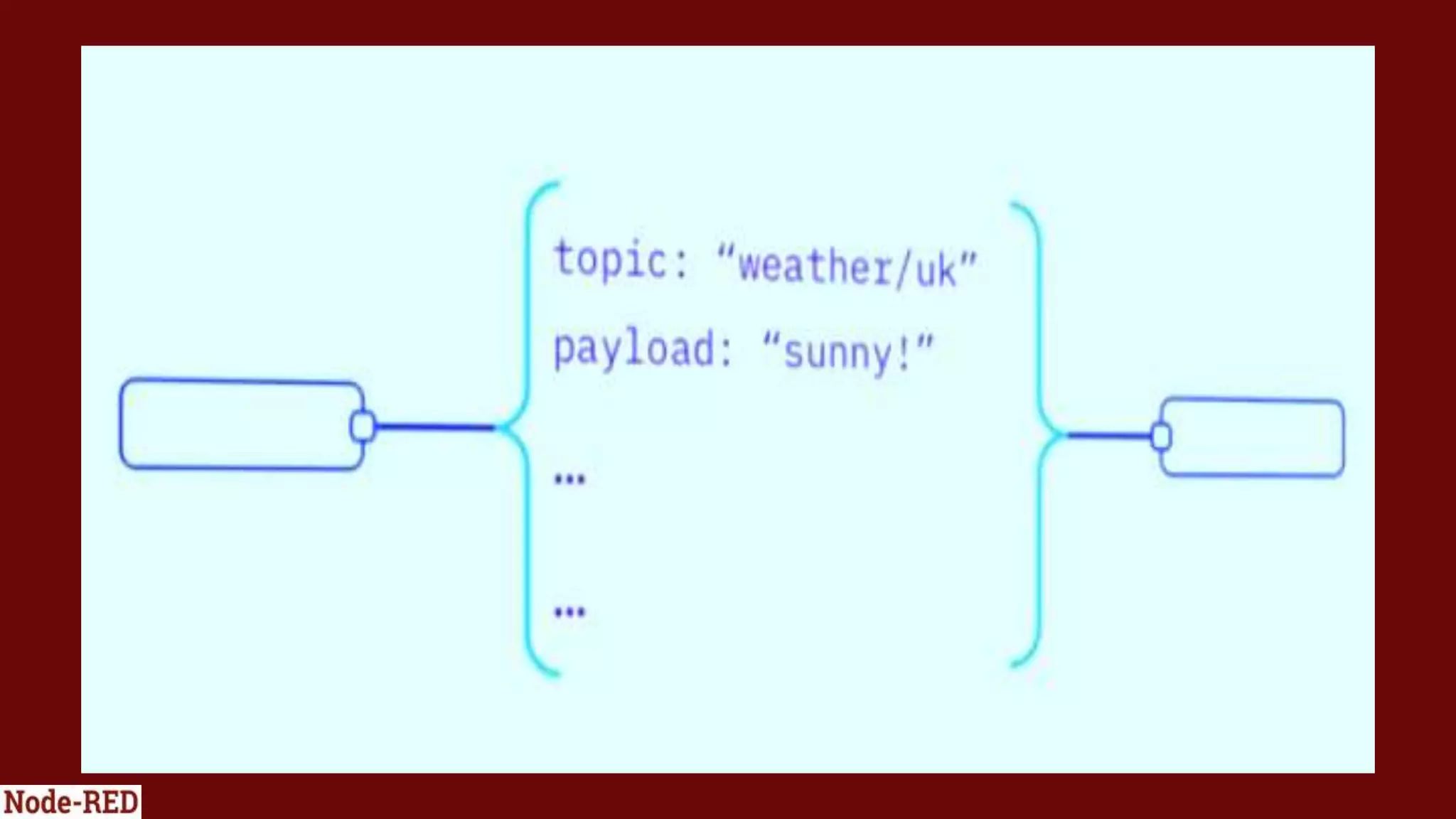
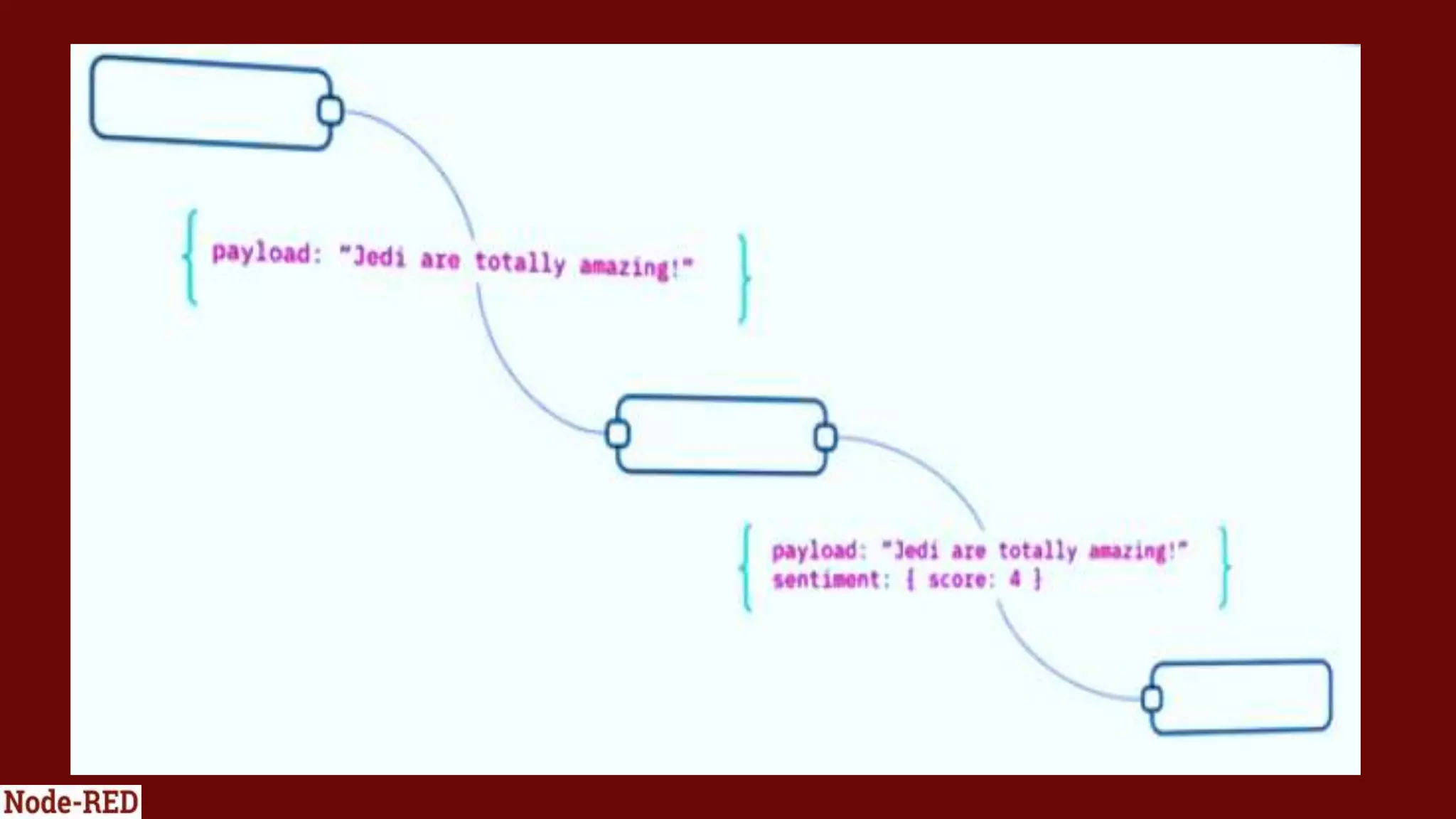
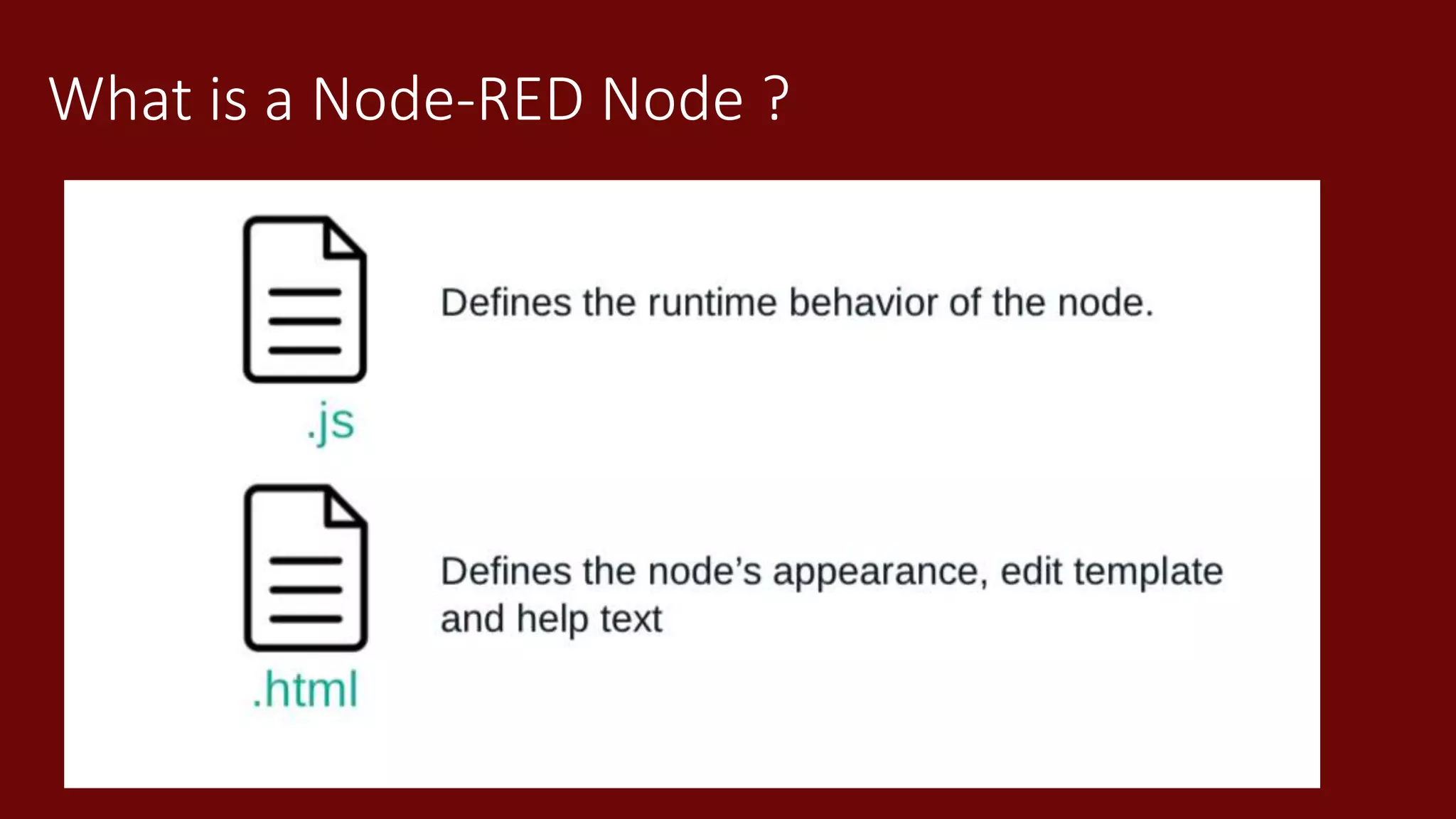
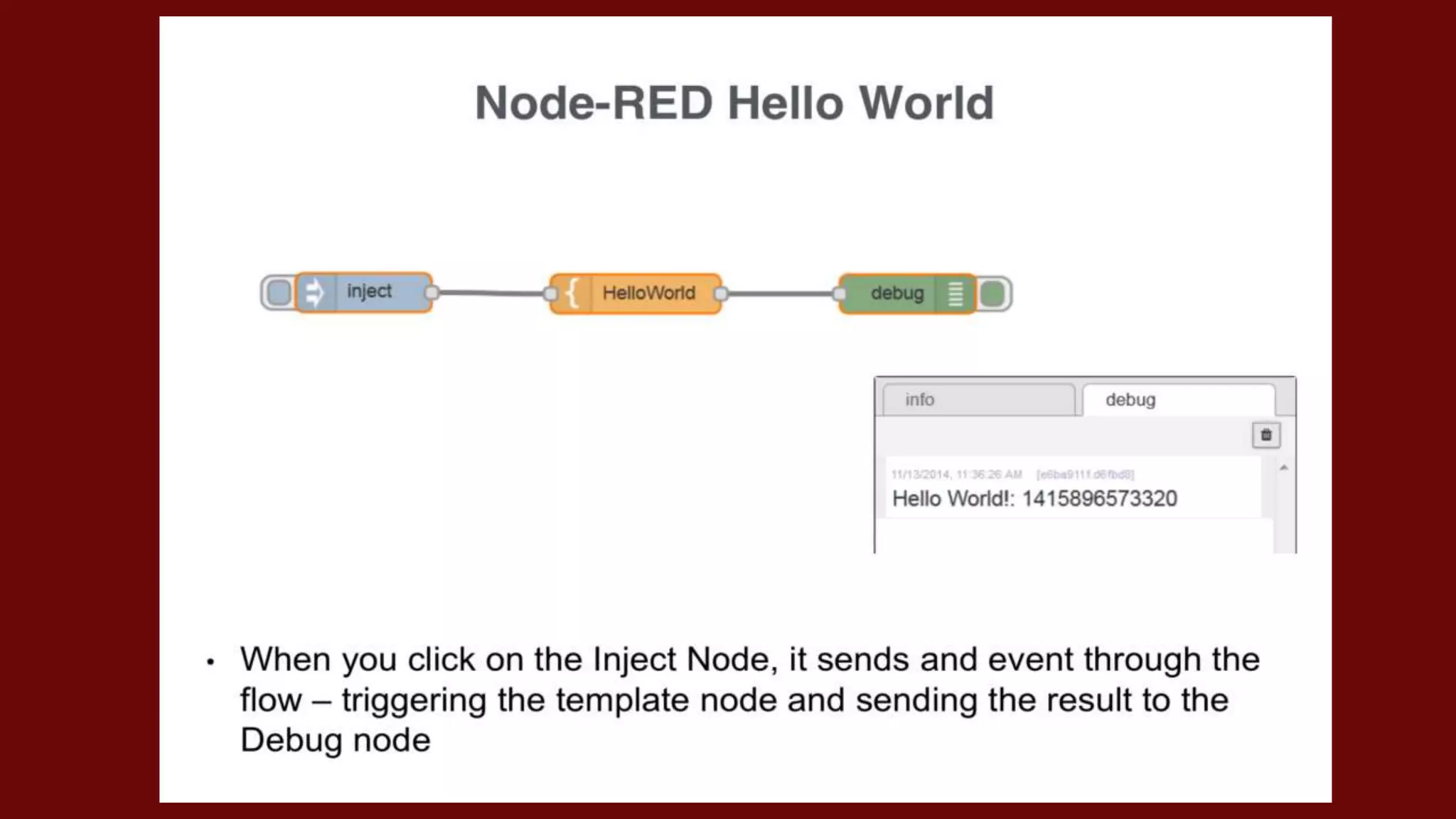
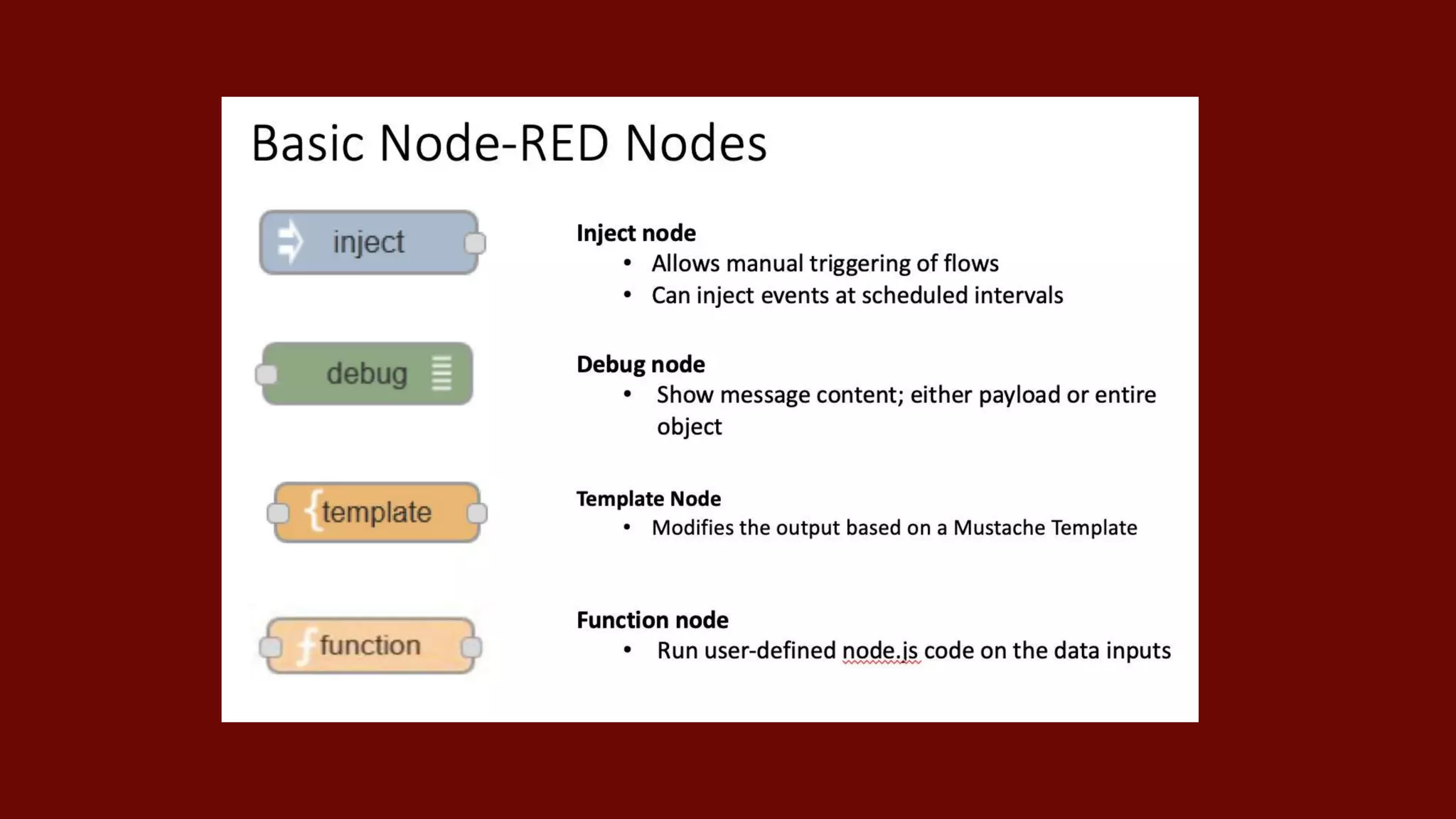
What is a Node-RED Node ?
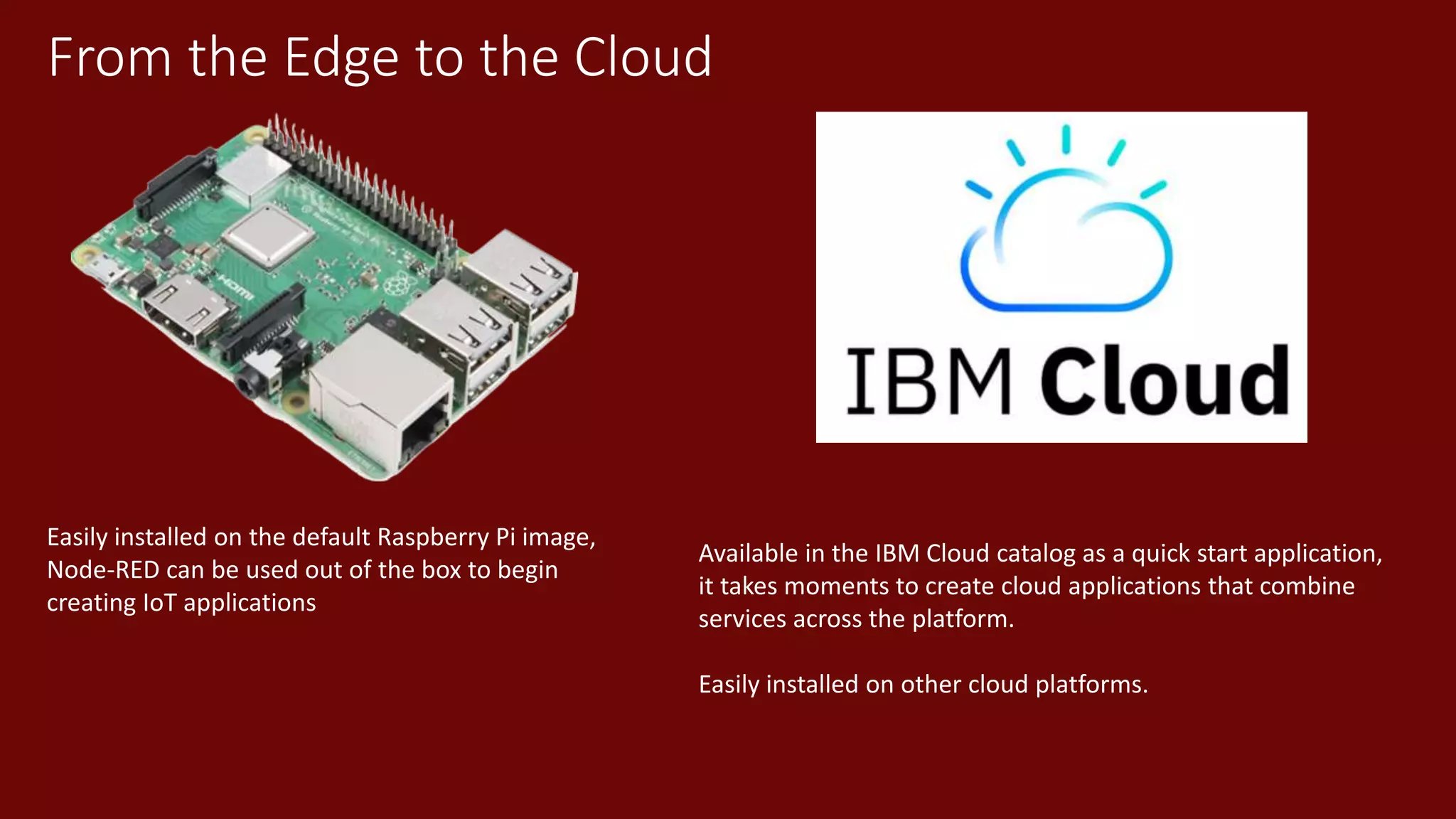
From the Edge to the Cloud
Easily installed on the default Raspberry Pi image,
Node-RED can be used out of the box to begin
creating IoT applications
Available in the IBM Cloud catalog as a quick start application,
it takes moments to create cloud applications that combine
services across the platform.
Easily installed on other cloud platforms.
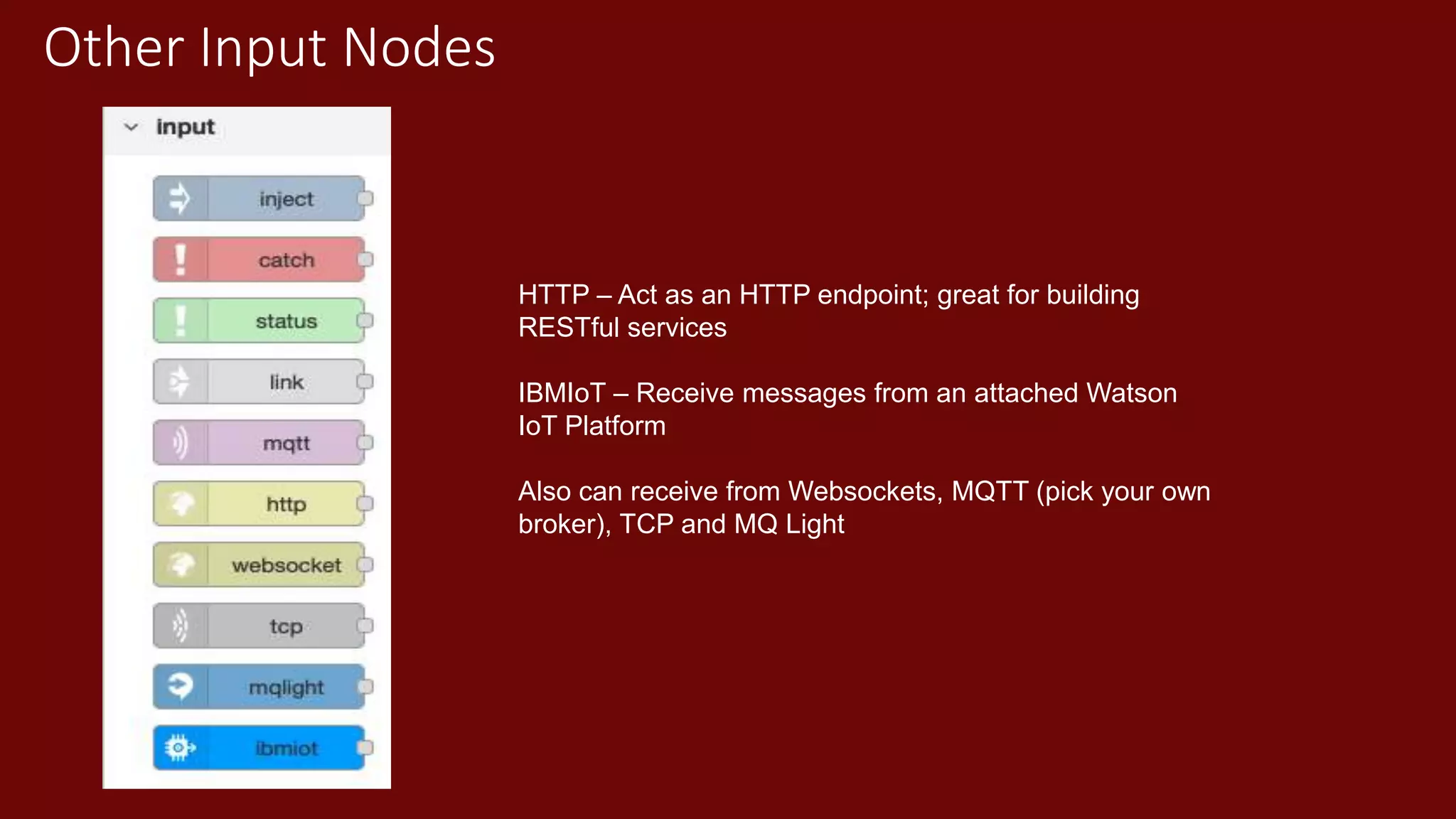
Other Input Nodes
HTTP – Act as an HTTP endpoint; great for building
RESTful services
IBMIoT – Receive messages from an attached Watson
IoT Platform
Also can receive from Websockets, MQTT (pick your own
broker), TCP and MQ Light
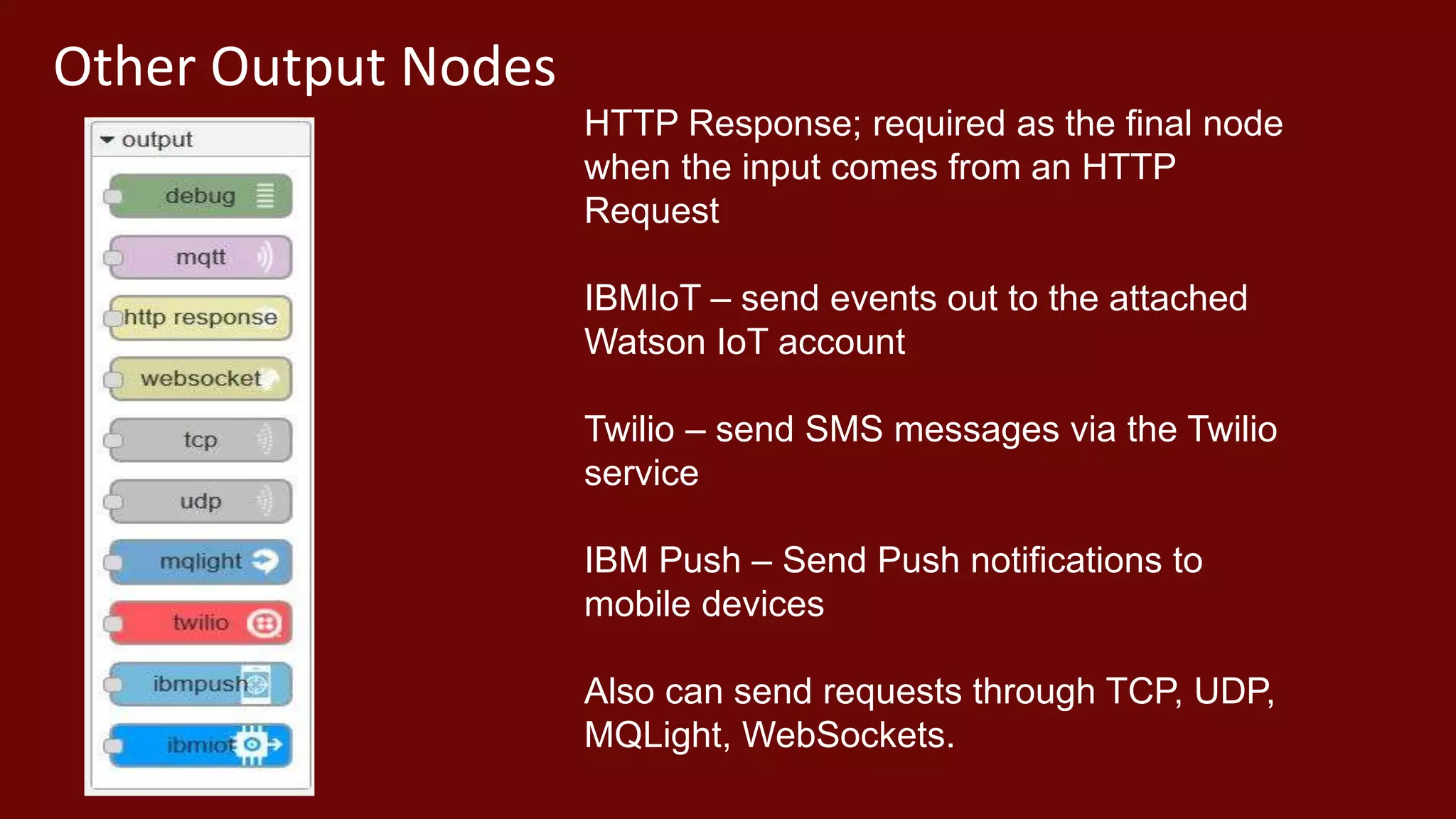
Other Output Nodes
HTTP Response; required as the final node
when the input comes from an HTTP
Request
IBMIoT – send events out to the attached
Watson IoT account
Twilio – send SMS messages via the Twilio
service
IBM Push – Send Push notifications to
mobile devices
Also can send requests through TCP, UDP,
MQLight, WebSockets.
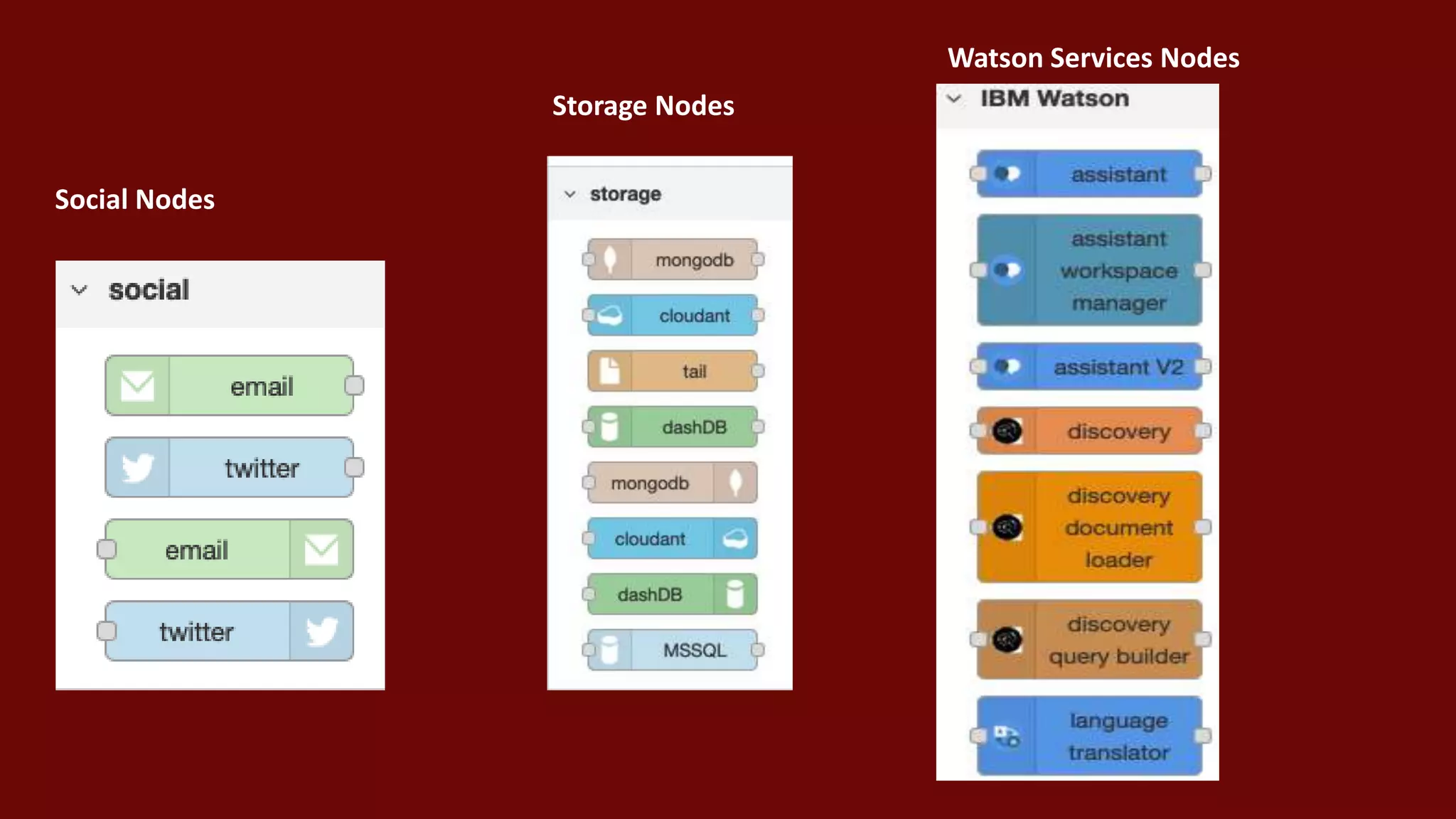
Social Nodes
Storage Nodes
Watson Services Nodes
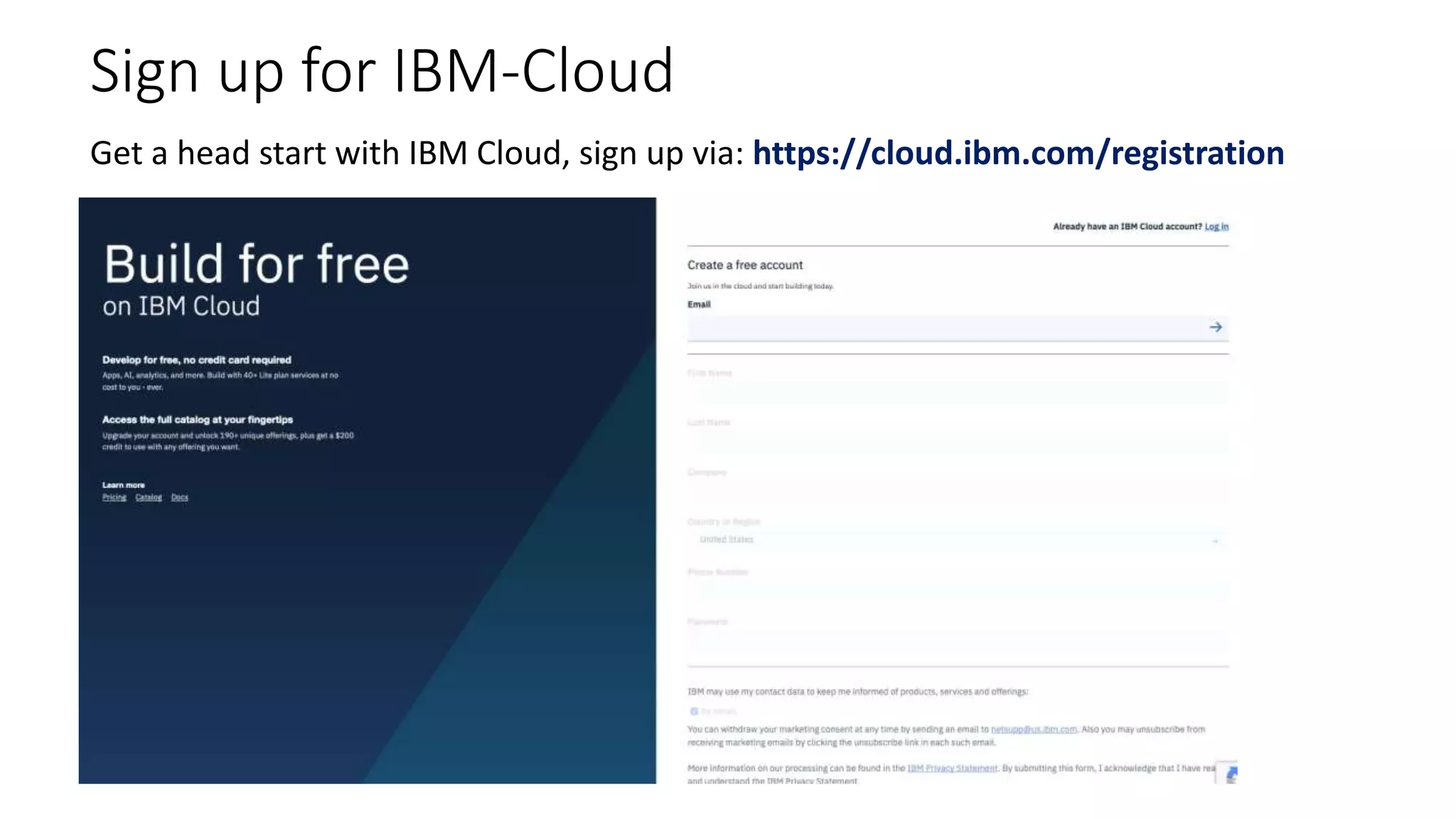
Sign up for IBM-Cloud
Get a head start with IBM Cloud, sign up via: https://cloud.ibm.com/registration
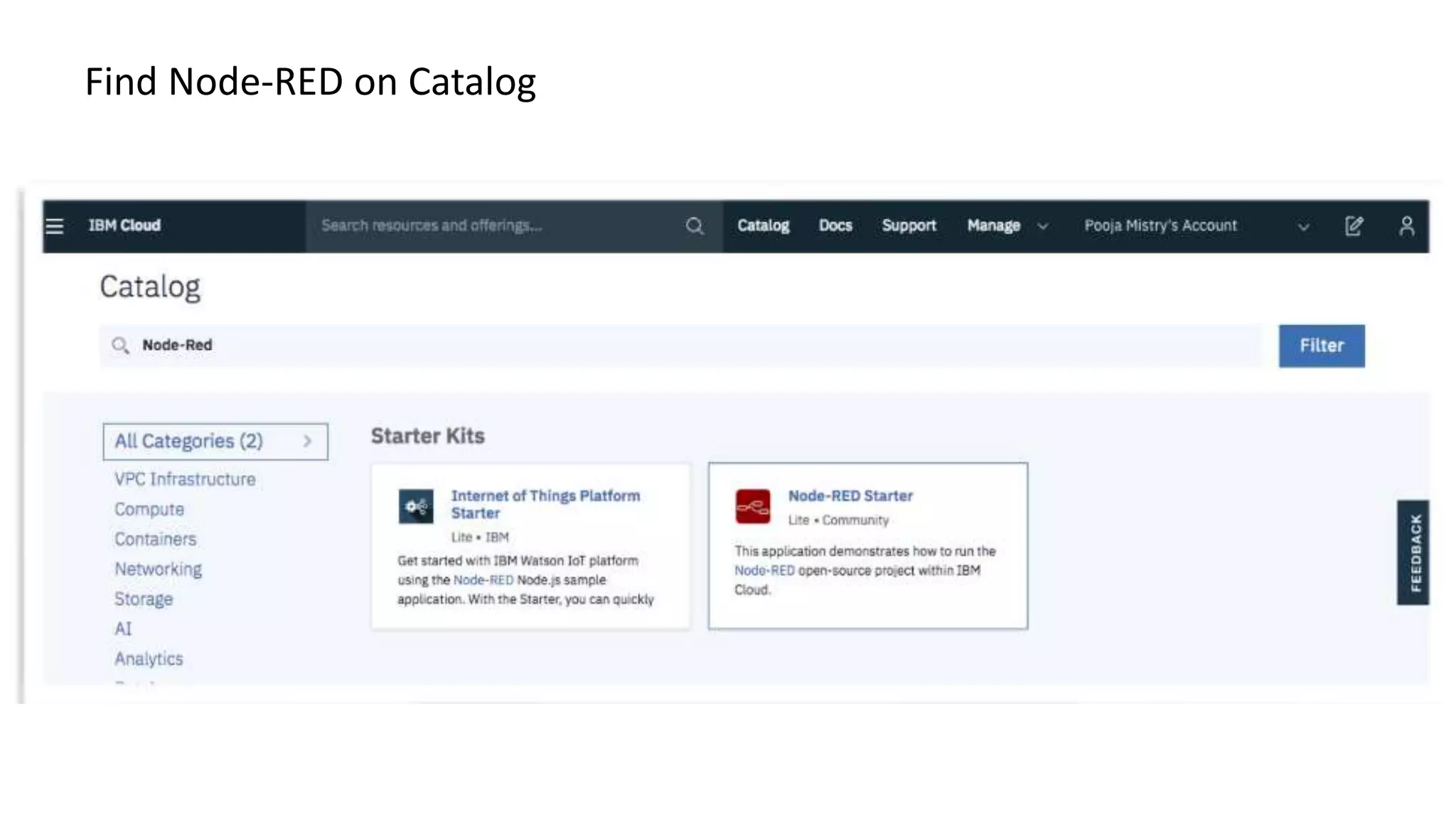
Find Node-RED on Catalog
Demo Time!
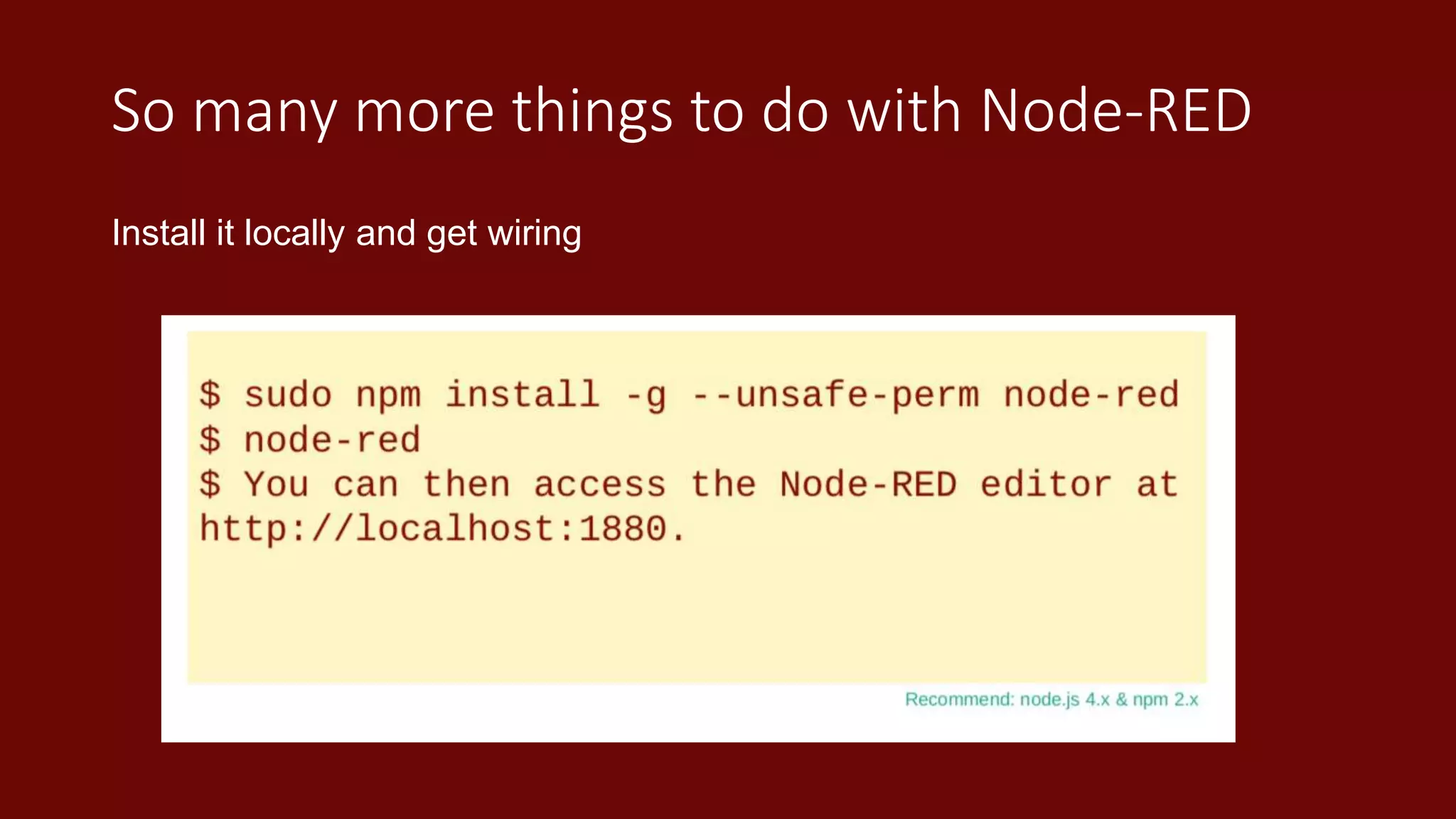
So many more things to do with Node-RED
Install it locally and get wiring
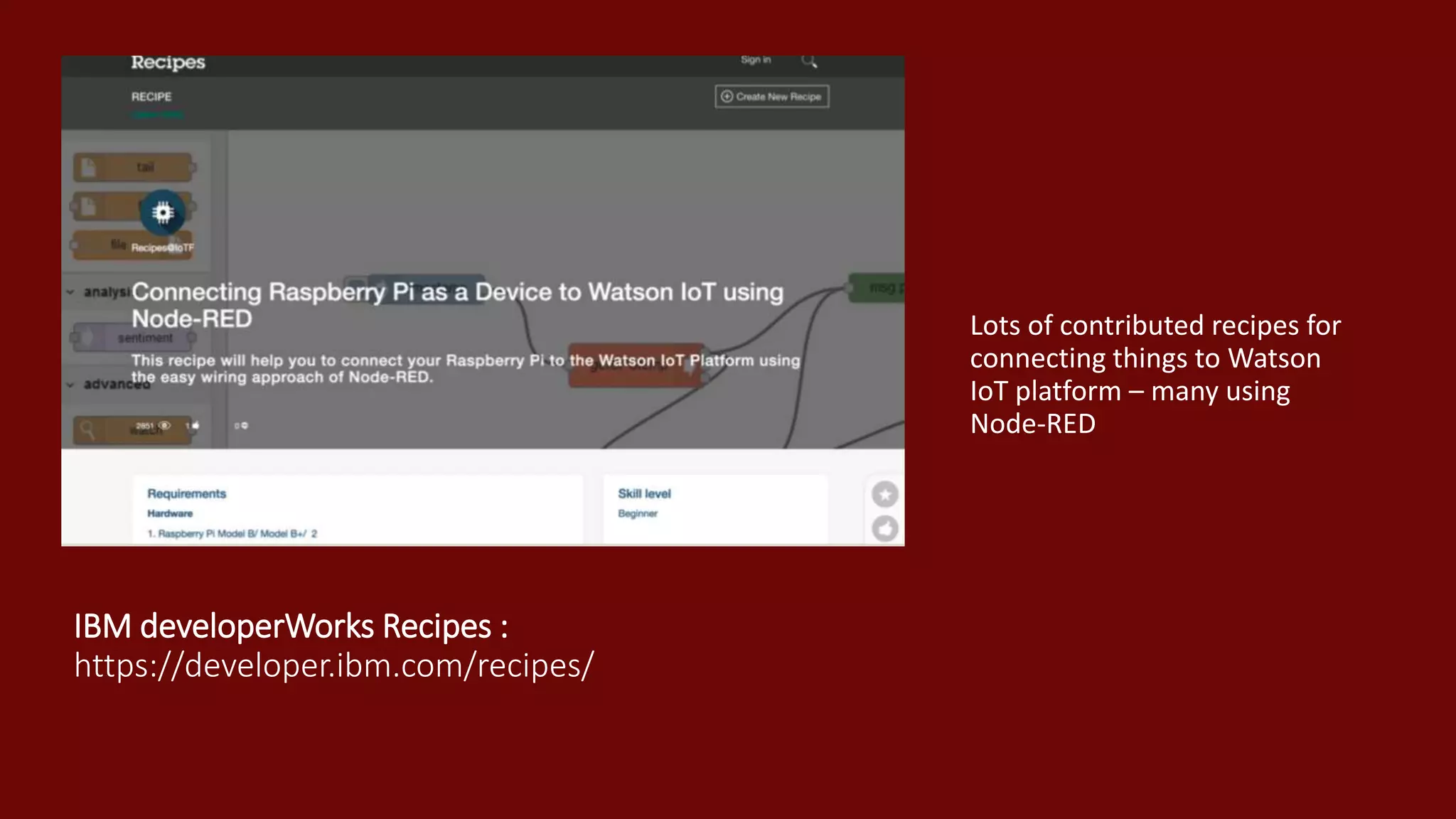
IBM developerWorks Recipes :
https://developer.ibm.com/recipes/
Lots of contributed recipes for
connecting things to Watson
IoT platform – many using
Node-RED
More Node-
RED
Resources
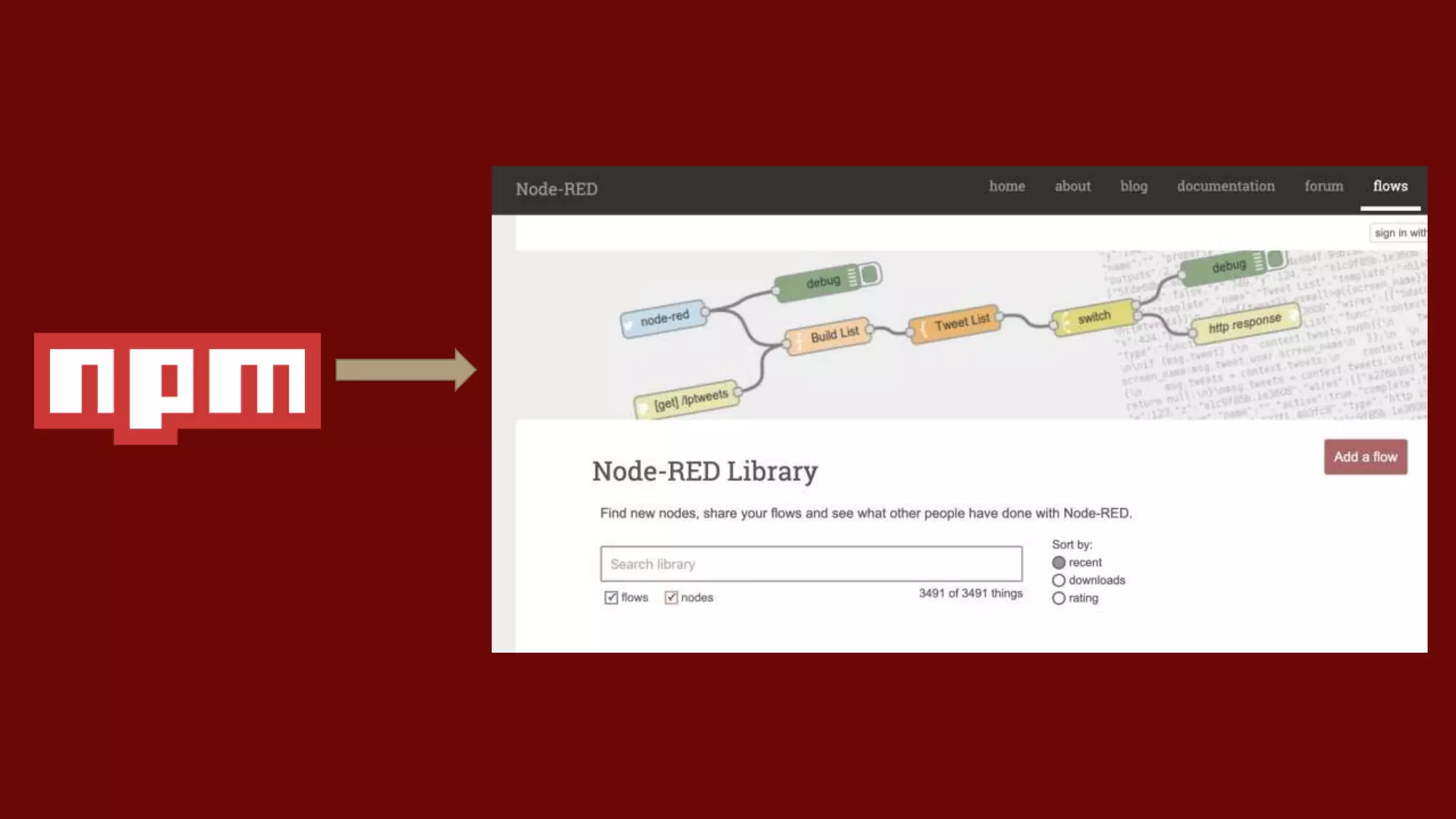
Node Red nodes and Flows:
• https://flows.nodered.org
• Find new nodes, share your flows and see what other
• people have done with Node-RED
Node Red official documentation:
• https://nodered.org/docs/
• Getting Started - User Guide - Cookbook
Watson Node Red nodes:
• https://github.com/watson-developer-cloud/node-red-labs
• A collection of examples on how to use the Watson nodes in Node-Red
Community Hosted Node Red Guide :
http://noderedguide.com/
• “ The node red guide is a series of lectures designed to get you stared with
Node-Red”
Pooja’s Node-RED Demo: https://github.com/pmmistry/Intro-to-Node-RED
John Walicki Node-RED Examples: https://github.com/johnwalicki
Thank You
Find us on Twitter : @poojamakes
@johnwalicki
Follow my Node-RED Blogs on dev.to :
https://dev.to/poojamakes

Prototyping the internet of things with Node-RED

  • 1.
    Prototyping the Internetof Things with Node-RED
  • 2.
    Node–RED Flow- based programming forthe Internet of Things • Browser – based editor • Node.js runtime • Extendable palette
  • 3.
    2013: Created byIBM Emerging Technology Services and open sourced later that year 2015: Added to the default Raspberry Pi image 2016: Became a founding project of the JS Foundation. 2018: Hit 1,000,000 installs
  • 4.
    Flow Based Programming •Invented by J. Paul Morrison at IBM in early 1970’s • A network of asynchronous processes communicating by means of streams of structured data chunks • Each process is a black box – it doesn’t know what has come before it or what comes after it ; it just acts on the data it receives and passes the result on
  • 5.
  • 9.
    What is aNode-RED Node ?
  • 12.
    From the Edgeto the Cloud Easily installed on the default Raspberry Pi image, Node-RED can be used out of the box to begin creating IoT applications Available in the IBM Cloud catalog as a quick start application, it takes moments to create cloud applications that combine services across the platform. Easily installed on other cloud platforms.
  • 16.
    Other Input Nodes HTTP– Act as an HTTP endpoint; great for building RESTful services IBMIoT – Receive messages from an attached Watson IoT Platform Also can receive from Websockets, MQTT (pick your own broker), TCP and MQ Light
  • 17.
    Other Output Nodes HTTPResponse; required as the final node when the input comes from an HTTP Request IBMIoT – send events out to the attached Watson IoT account Twilio – send SMS messages via the Twilio service IBM Push – Send Push notifications to mobile devices Also can send requests through TCP, UDP, MQLight, WebSockets.
  • 18.
  • 19.
    Sign up forIBM-Cloud Get a head start with IBM Cloud, sign up via: https://cloud.ibm.com/registration
  • 20.
  • 21.
  • 22.
    So many morethings to do with Node-RED Install it locally and get wiring
  • 23.
    IBM developerWorks Recipes: https://developer.ibm.com/recipes/ Lots of contributed recipes for connecting things to Watson IoT platform – many using Node-RED
  • 24.
    More Node- RED Resources Node Rednodes and Flows: • https://flows.nodered.org • Find new nodes, share your flows and see what other • people have done with Node-RED Node Red official documentation: • https://nodered.org/docs/ • Getting Started - User Guide - Cookbook Watson Node Red nodes: • https://github.com/watson-developer-cloud/node-red-labs • A collection of examples on how to use the Watson nodes in Node-Red Community Hosted Node Red Guide : http://noderedguide.com/ • “ The node red guide is a series of lectures designed to get you stared with Node-Red” Pooja’s Node-RED Demo: https://github.com/pmmistry/Intro-to-Node-RED John Walicki Node-RED Examples: https://github.com/johnwalicki
  • 25.
    Thank You Find uson Twitter : @poojamakes @johnwalicki Follow my Node-RED Blogs on dev.to : https://dev.to/poojamakes