Opinionated containers and the 
future of game servers 
1
2 
• Brendan Fosberry 
• Software Engineer 
• Shopkeep POS 
• Core Services Team
3 
Overview 
Opinionated Applications 
• Background 
• Containerizing Applications 
• Containerizing a Simple Application 
• Containerizing a Complex Application 
• The Future
4 
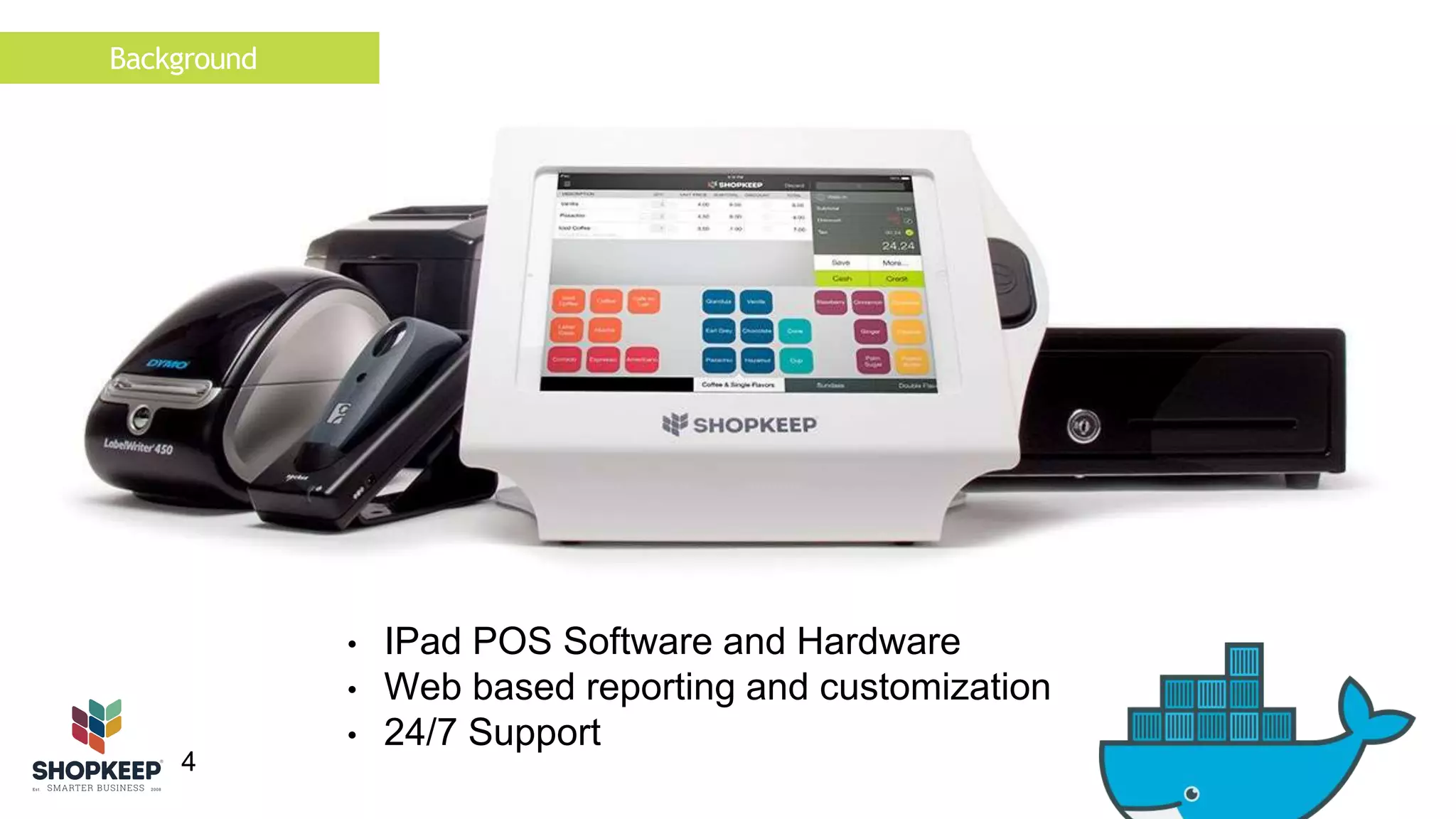
• IPad POS Software and Hardware 
• Web based reporting and customization 
• 24/7 Support 
Background
Background 
5 
• Founded in 2008 
• 180 employees 
• 4 Development teams + Devops 
• Rails, Objective C, Golang 
• 11k active registers 
• 100k transaction per hour at peak 
• 700k transactions per day
Background 
6 
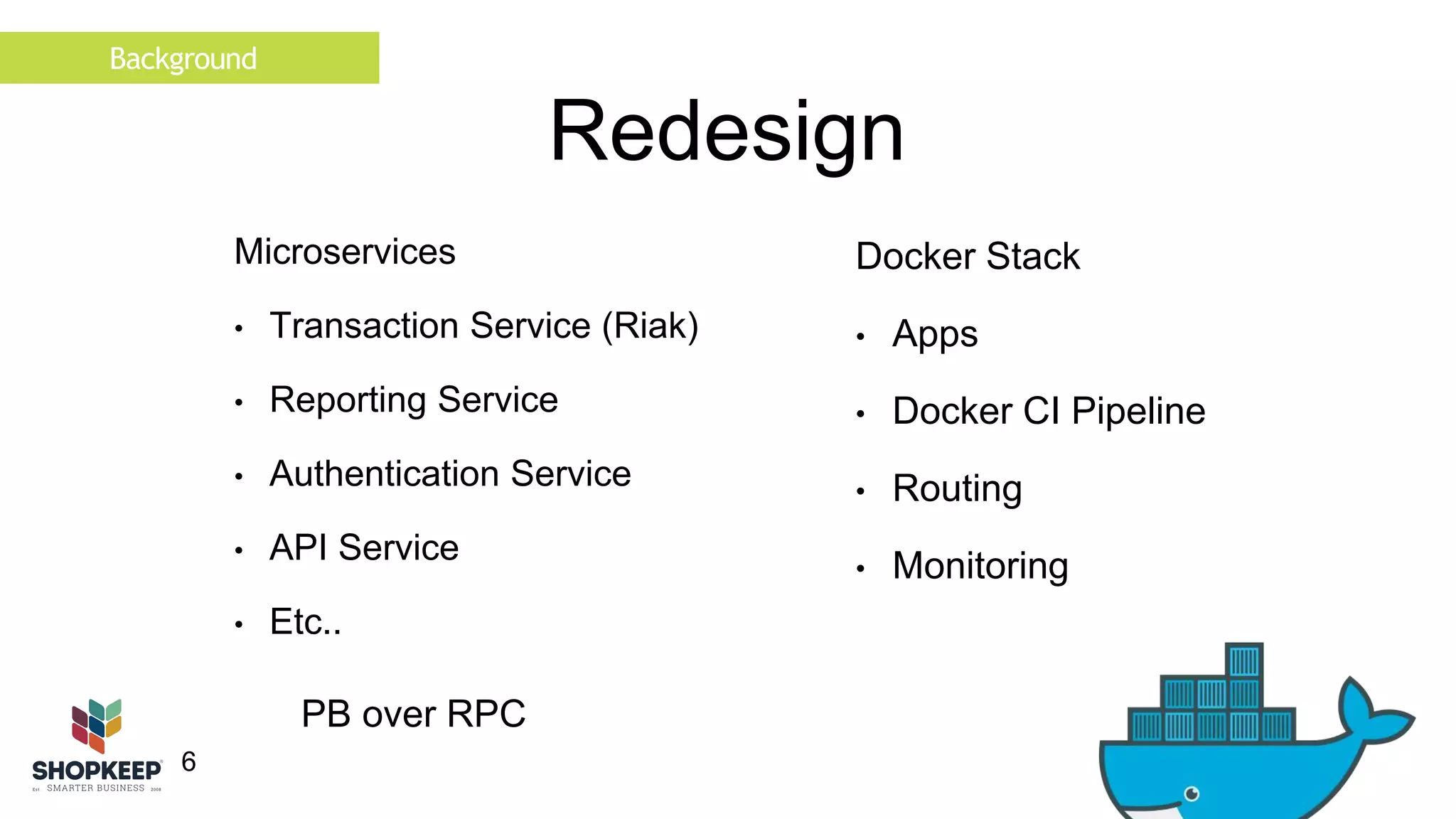
Redesign 
Microservices 
• Transaction Service (Riak) 
• Reporting Service 
• Authentication Service 
• API Service 
• Etc.. 
Docker Stack 
• Apps 
• Docker CI Pipeline 
• Routing 
• Monitoring 
PB over RPC
Background 
7 
Containers 
Dockerfile 
FROM debian:jessie 
RUN mkdir -p /opt/go 
ADD ./core-api /opt/go/core-api 
VOLUME /var/log/ /opt/go/logs/ 
EXPOSE 8080 
ENTRYPOINT ["/opt/go/core-api"] 
Procfile 
web: core-api
Containerizing Applications 
8 
Best Practices 
Based on Dockerfile best practices 
Applicable for in-house/black box applications 
Assumes working Dockerfile 
Mostly common sense
Containerizing Applications 
9 
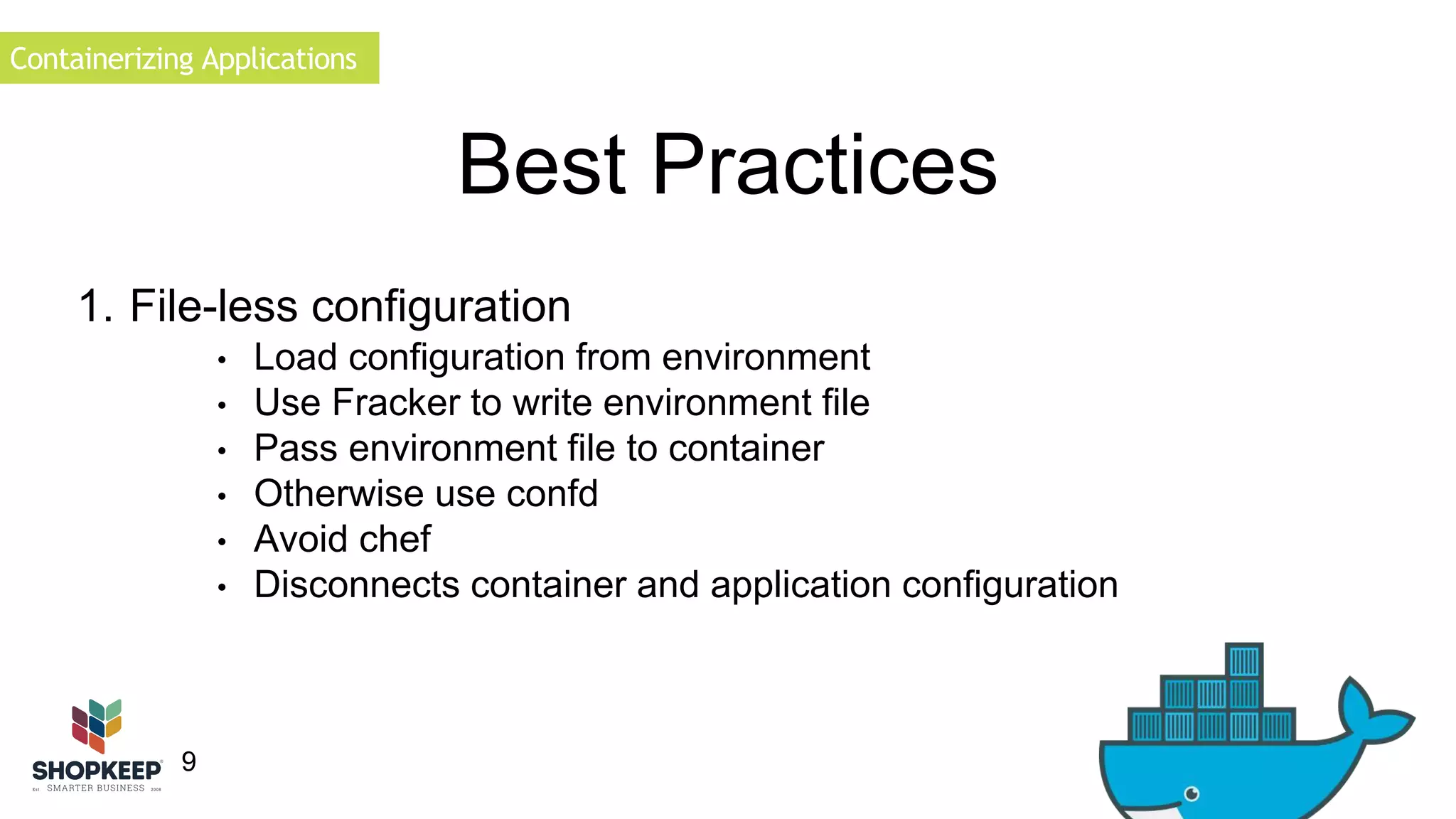
Best Practices 
1. File-less configuration 
• Load configuration from environment 
• Use Fracker to write environment file 
• Pass environment file to container 
• Otherwise use confd 
• Avoid chef 
• Disconnects container and application configuration
Containerizing Applications 
10 
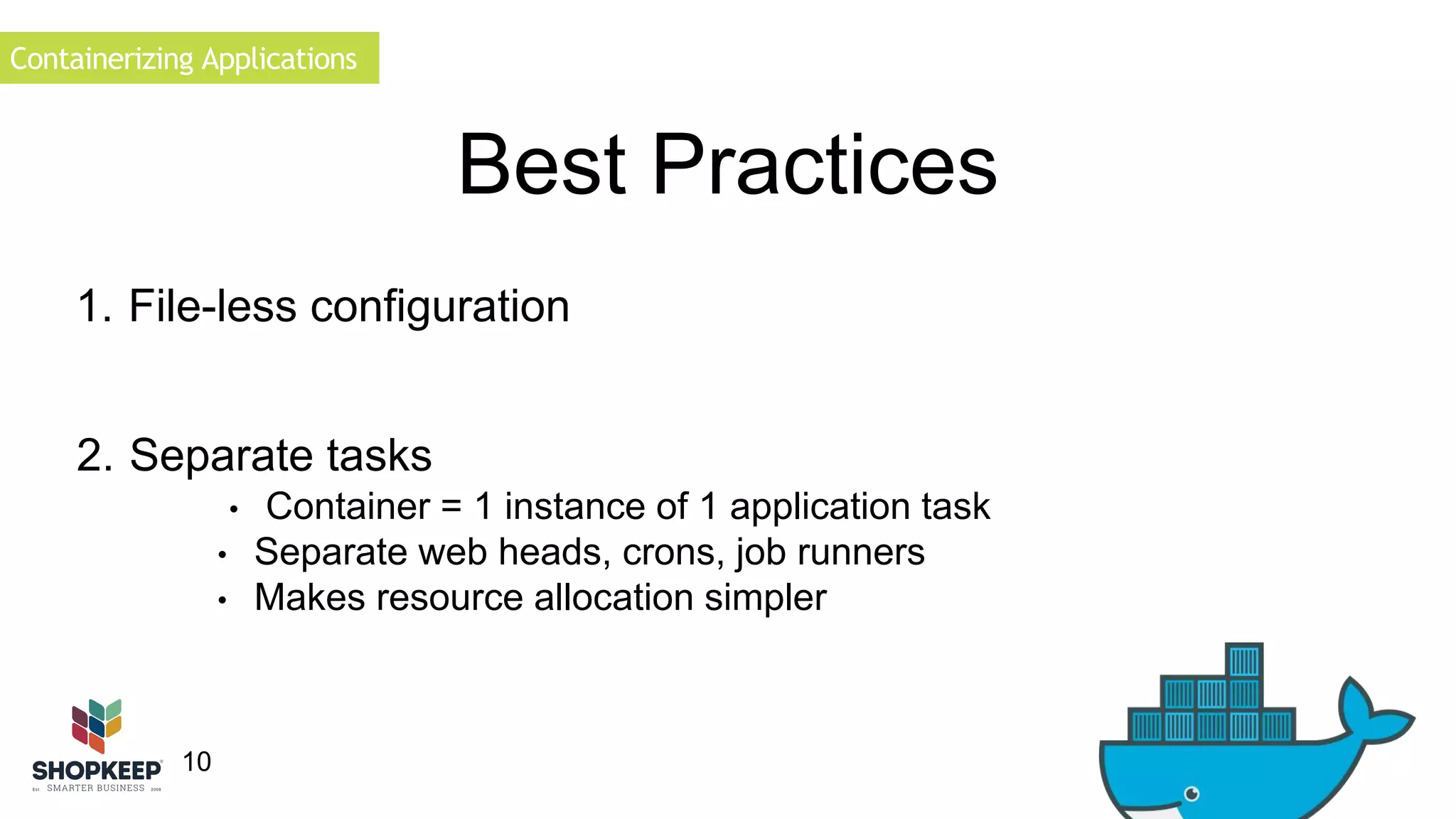
Best Practices 
1. File-less configuration 
2. Separate tasks 
• Container = 1 instance of 1 application task 
• Separate web heads, crons, job runners 
• Makes resource allocation simpler
Containerizing Applications 
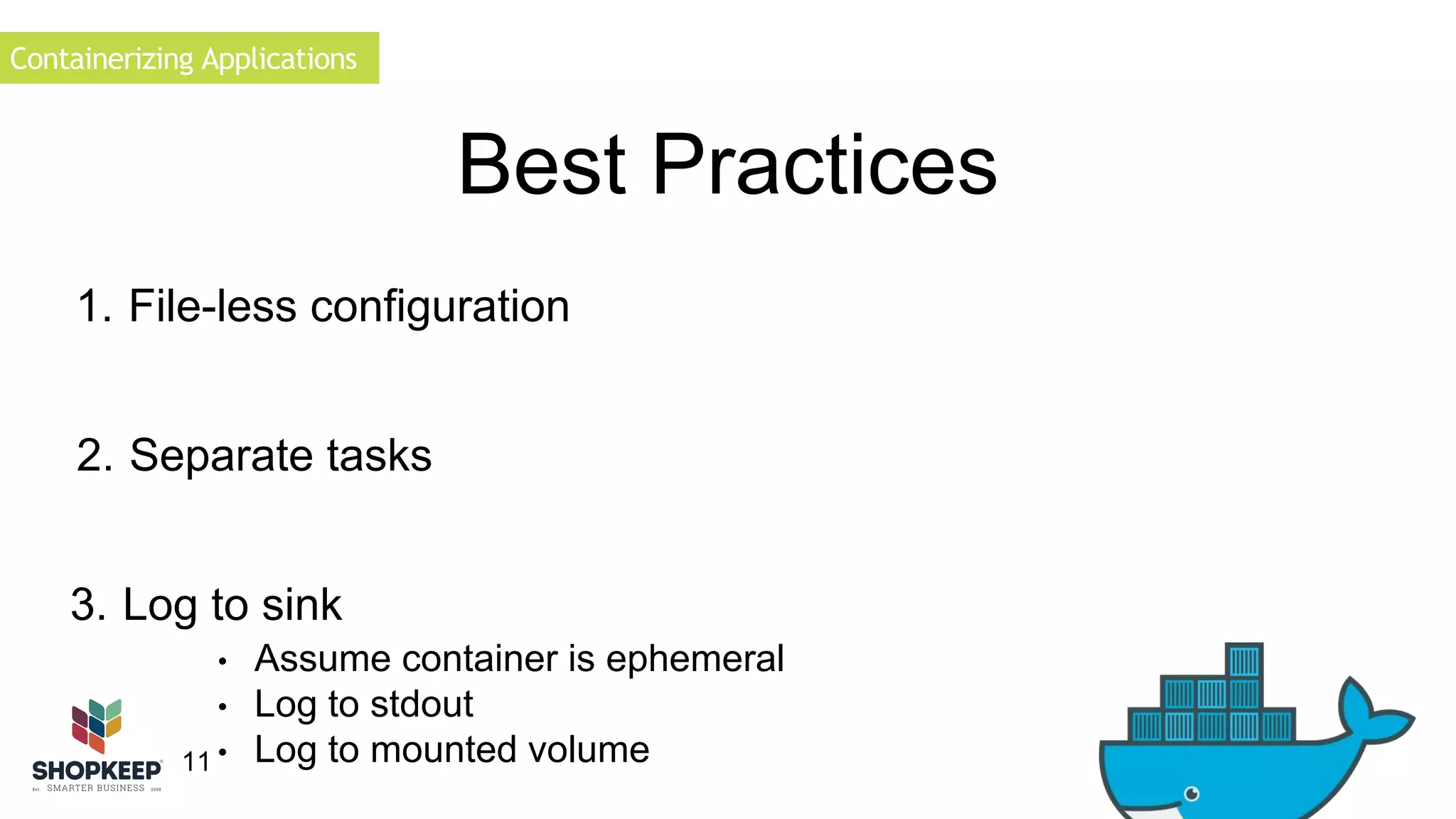
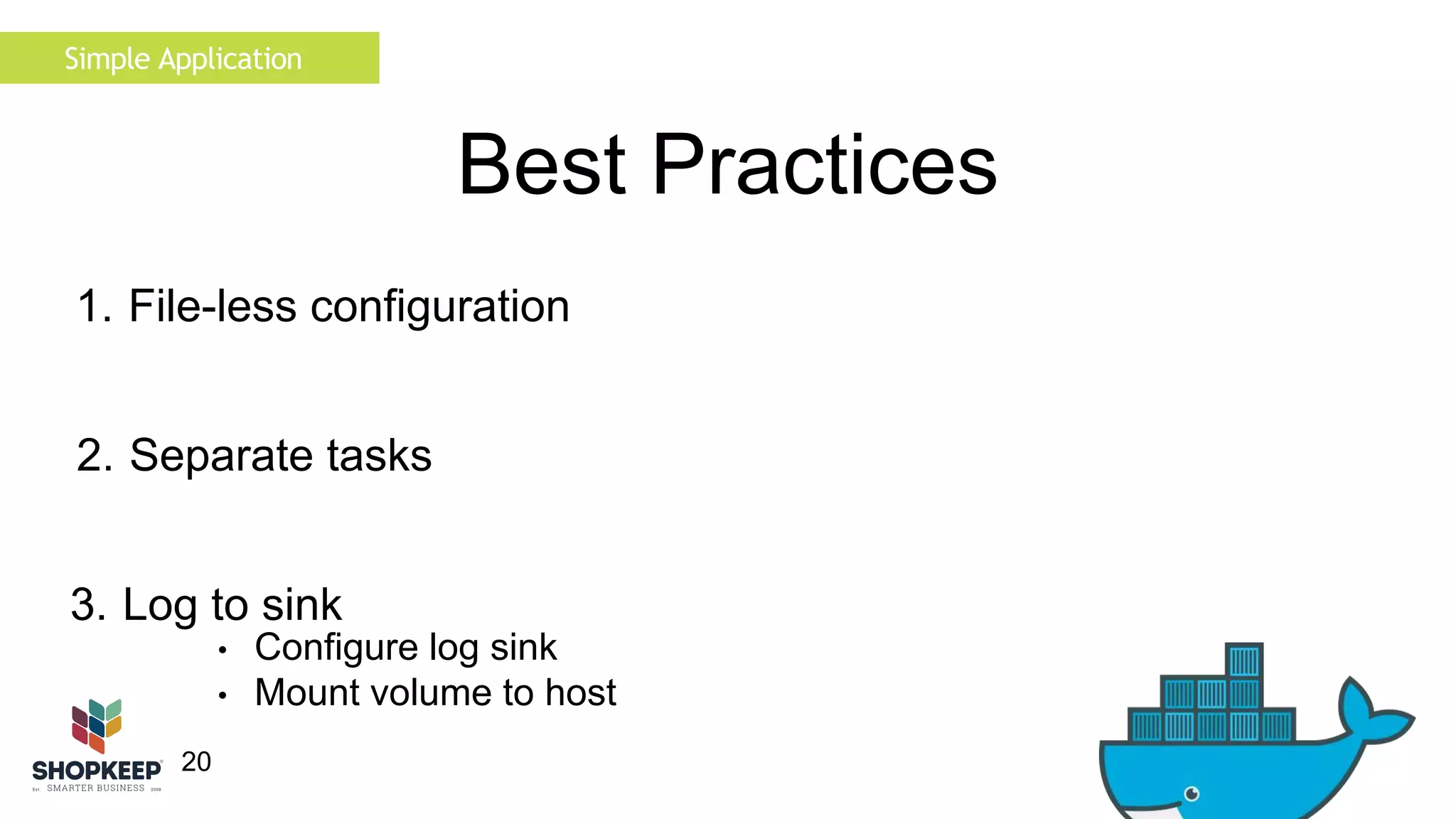
3. Log to sink 
11 
Best Practices 
1. File-less configuration 
2. Separate tasks 
• Assume container is ephemeral 
• Log to stdout 
• Log to mounted volume
Containerizing Applications 
12 
Best Practices 
1. File-less configuration 
2. Separate tasks 
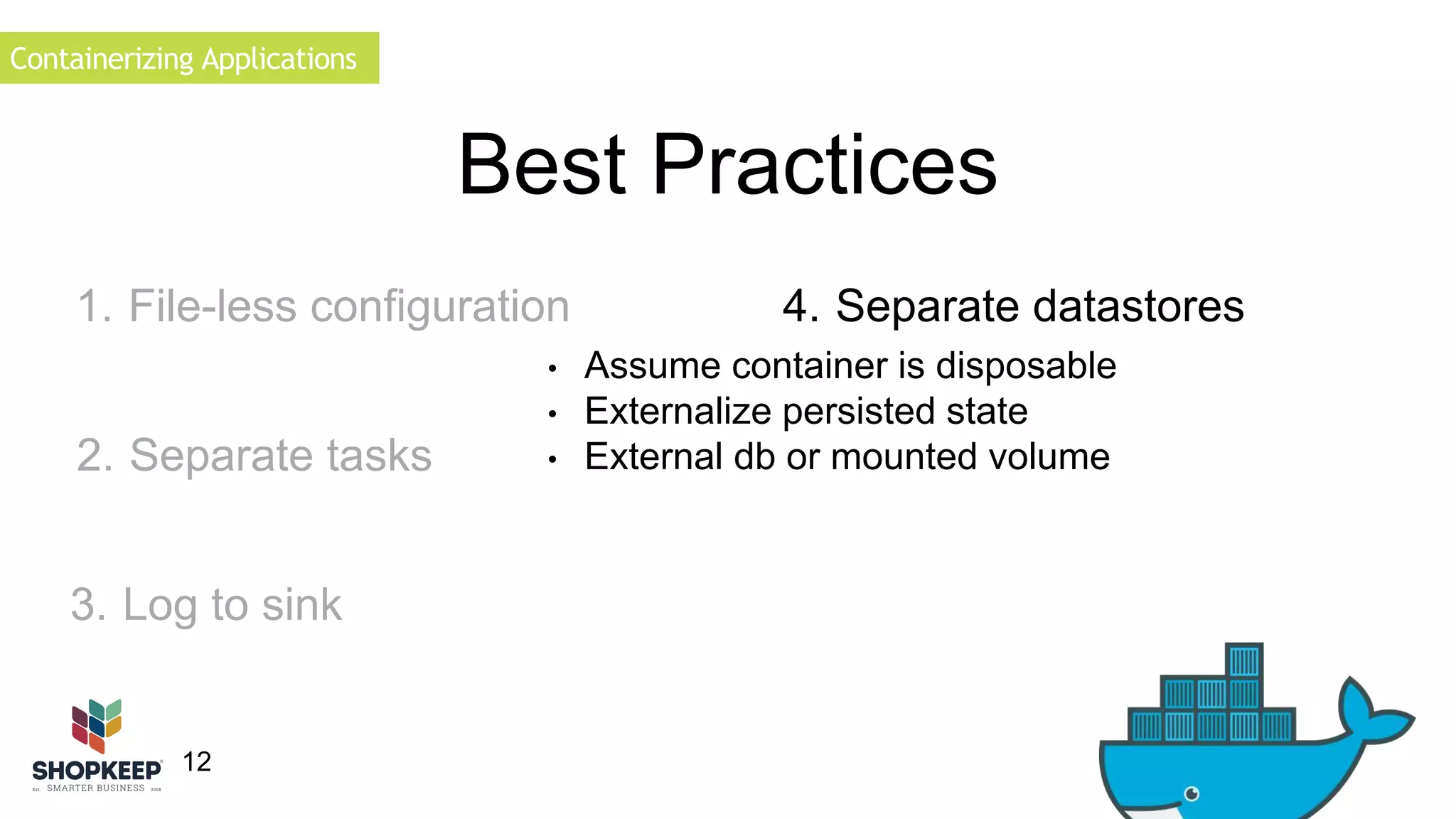
• Assume container is disposable 
• Externalize persisted state 
• External db or mounted volume 
3. Log to sink 
4. Separate datastores
Containerizing Applications 
1. File-less configuration 
13 
Best Practices 
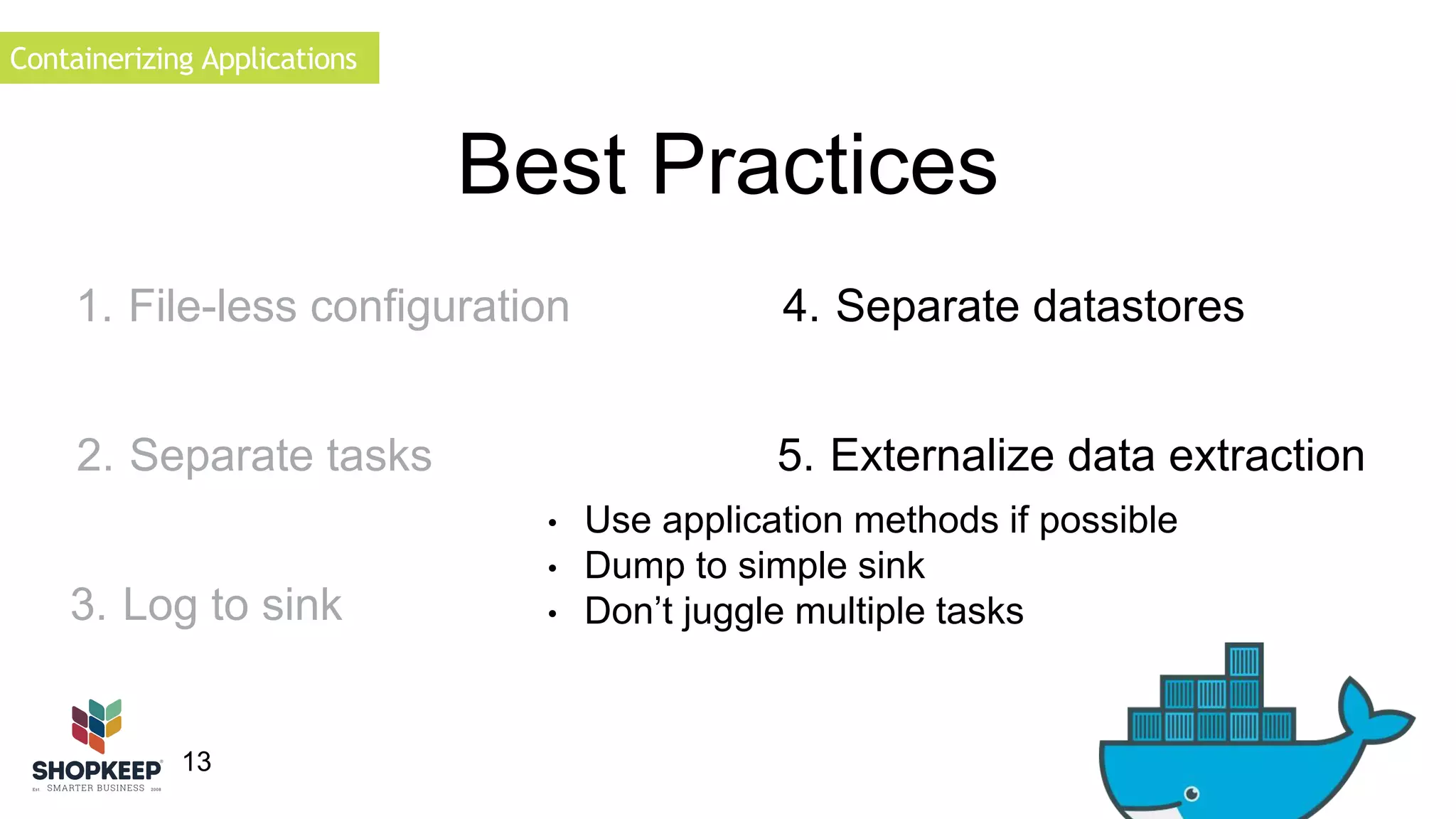
4. Separate datastores 
5. Externalize data extraction 
• Use application methods if possible 
• Dump to simple sink 
• Don’t juggle multiple tasks 
2. Separate tasks 
3. Log to sink
Containerizing Applications 
1. File-less configuration 
14 
Best Practices 
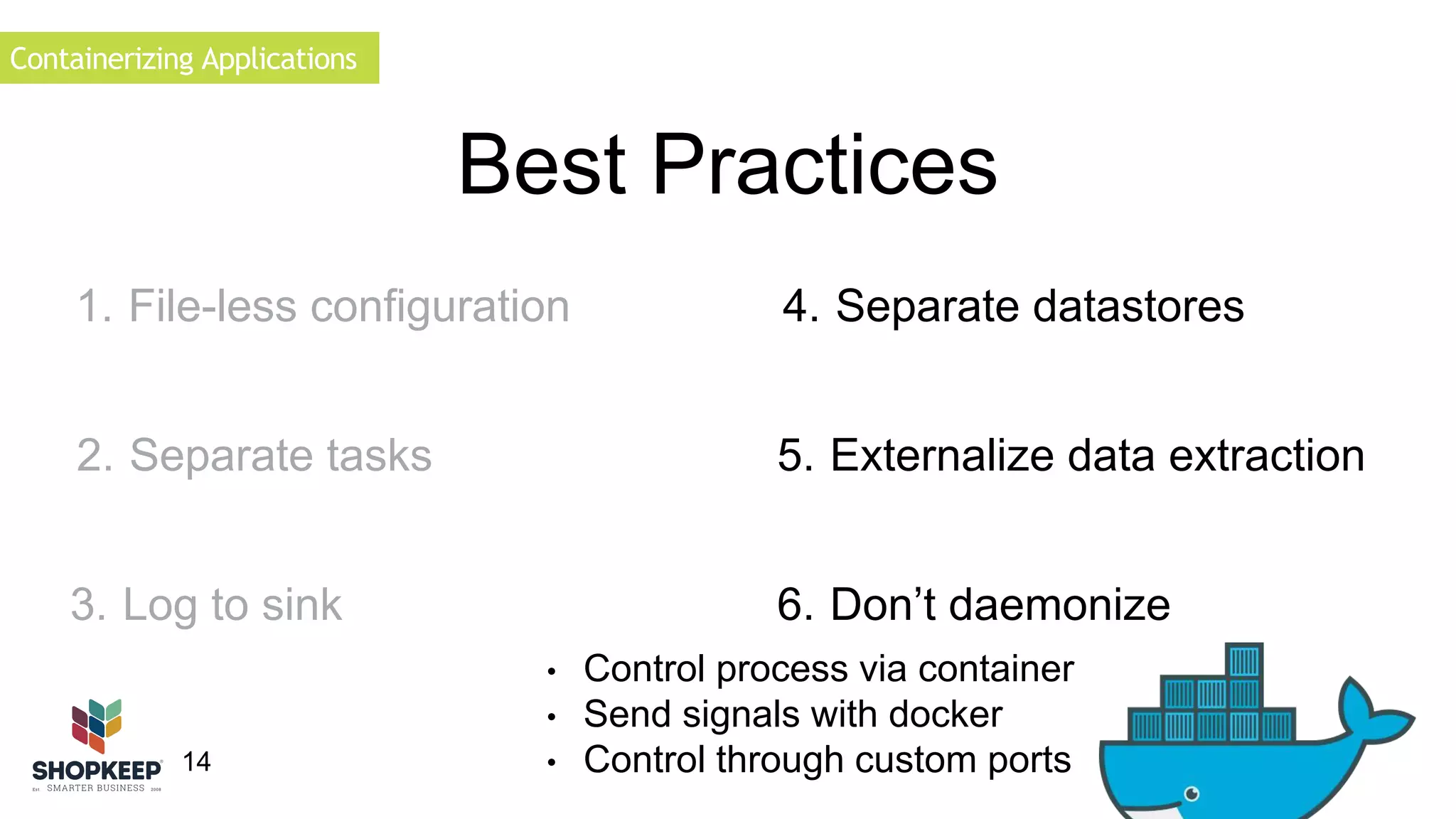
4. Separate datastores 
5. Externalize data extraction 
6. Don’t daemonize 
• Control process via container 
• Send signals with docker 
• Control through custom ports 
2. Separate tasks 
3. Log to sink
Containerizing Applications 
15 
Why Game Servers? 
• Each server is unique 
• Poor existing automation 
• Poor open source tooling 
• Daniel Gibbs 
• Poor isolation 
• Why not?
Containerizing Applications 
16 
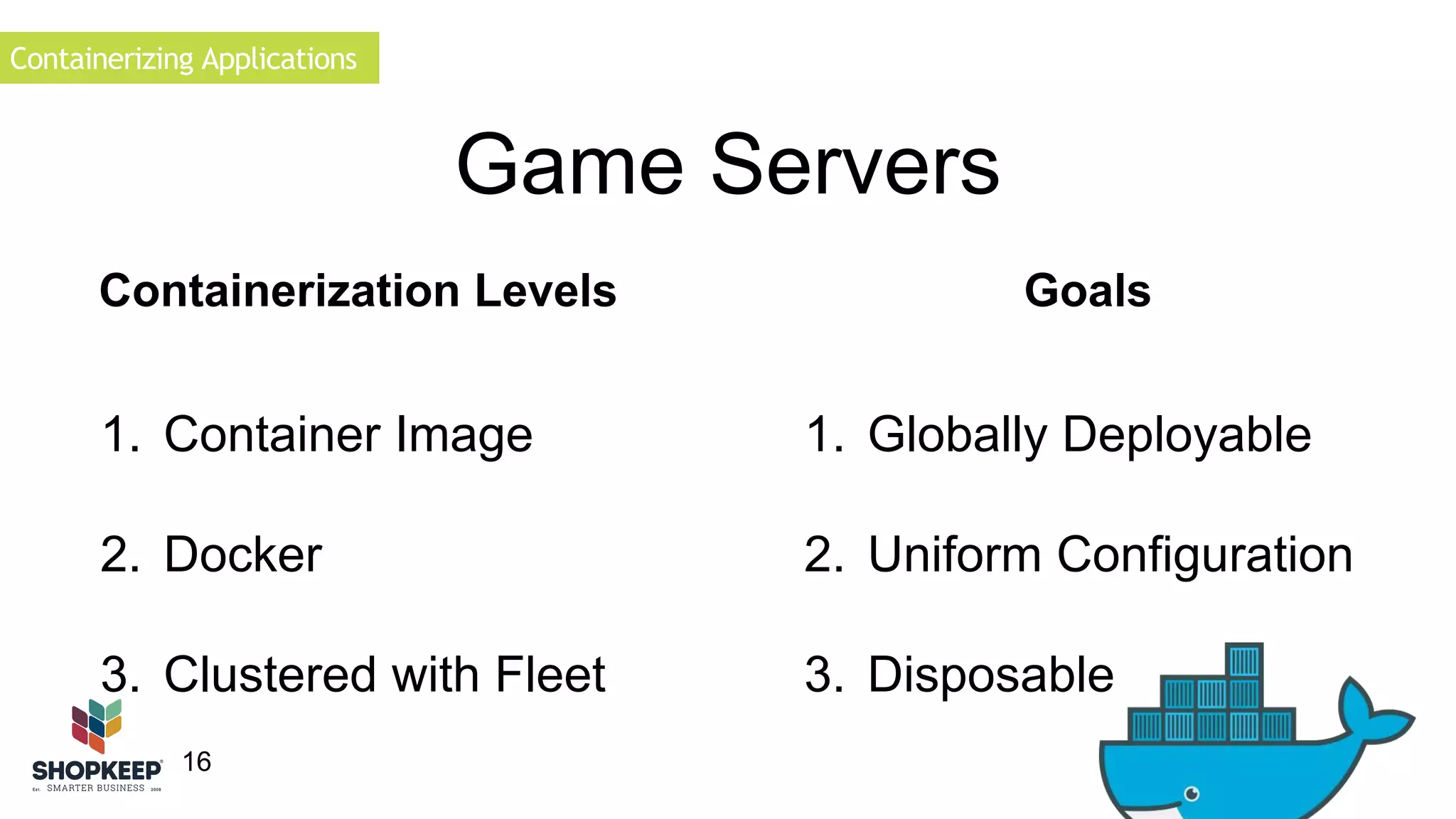
Game Servers 
Containerization Levels Goals 
1. Globally Deployable 
2. Uniform Configuration 
3. Disposable 
1. Container Image 
2. Docker 
3. Clustered with Fleet
Simple Application 
17 
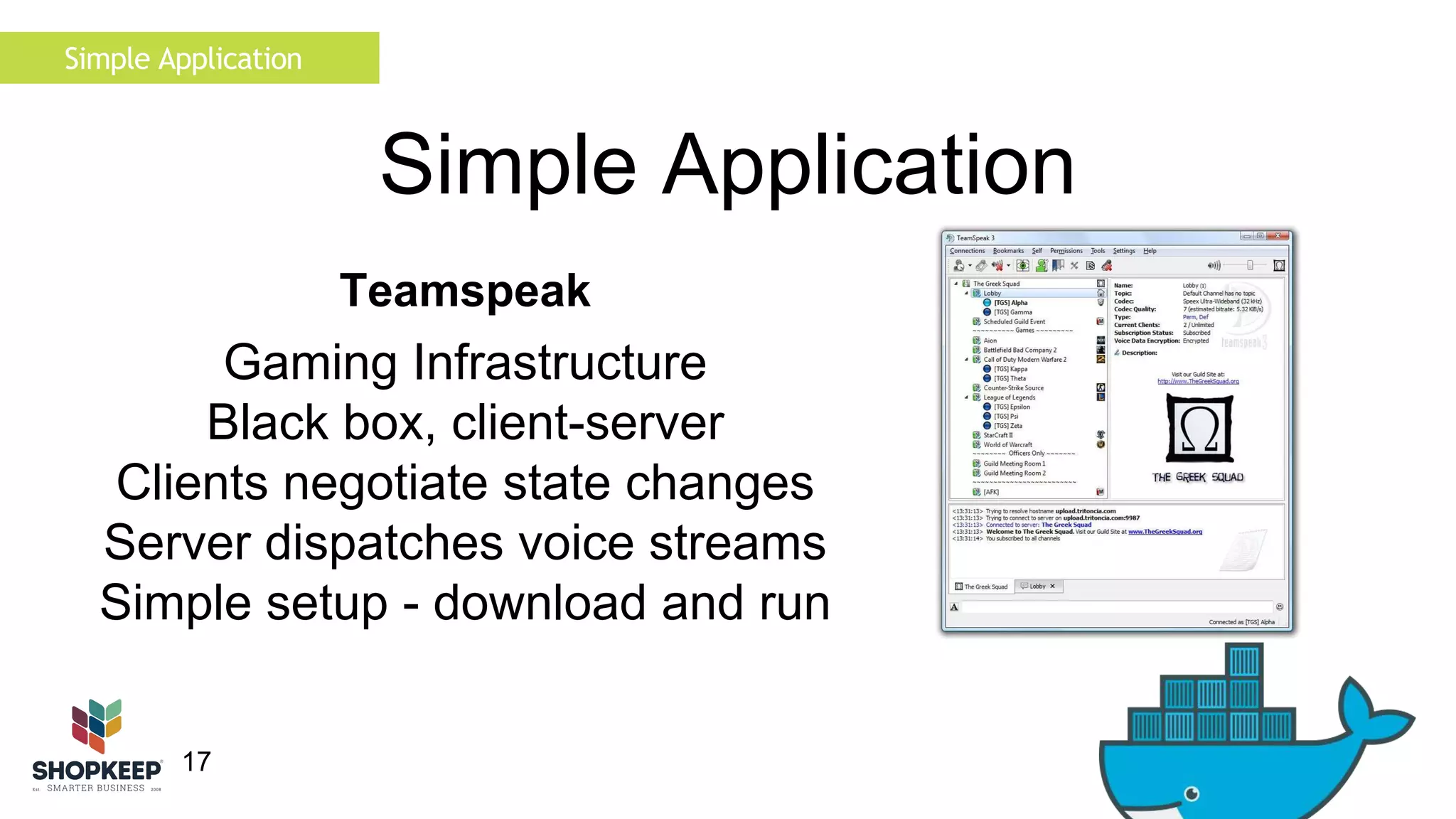
Simple Application 
Teamspeak 
Gaming Infrastructure 
Black box, client-server 
Clients negotiate state changes 
Server dispatches voice streams 
Simple setup - download and run
Simple Application 
18 
Best Practices 
1. File-less configuration 
• Requires configuration files 
• Use confd
Simple Application 
19 
Best Practices 
1. File-less configuration 
2. Separate tasks 
• Single Task 
• No background Jobs
Simple Application 
3. Log to sink 
20 
Best Practices 
1. File-less configuration 
2. Separate tasks 
• Configure log sink 
• Mount volume to host
21 
Best Practices 
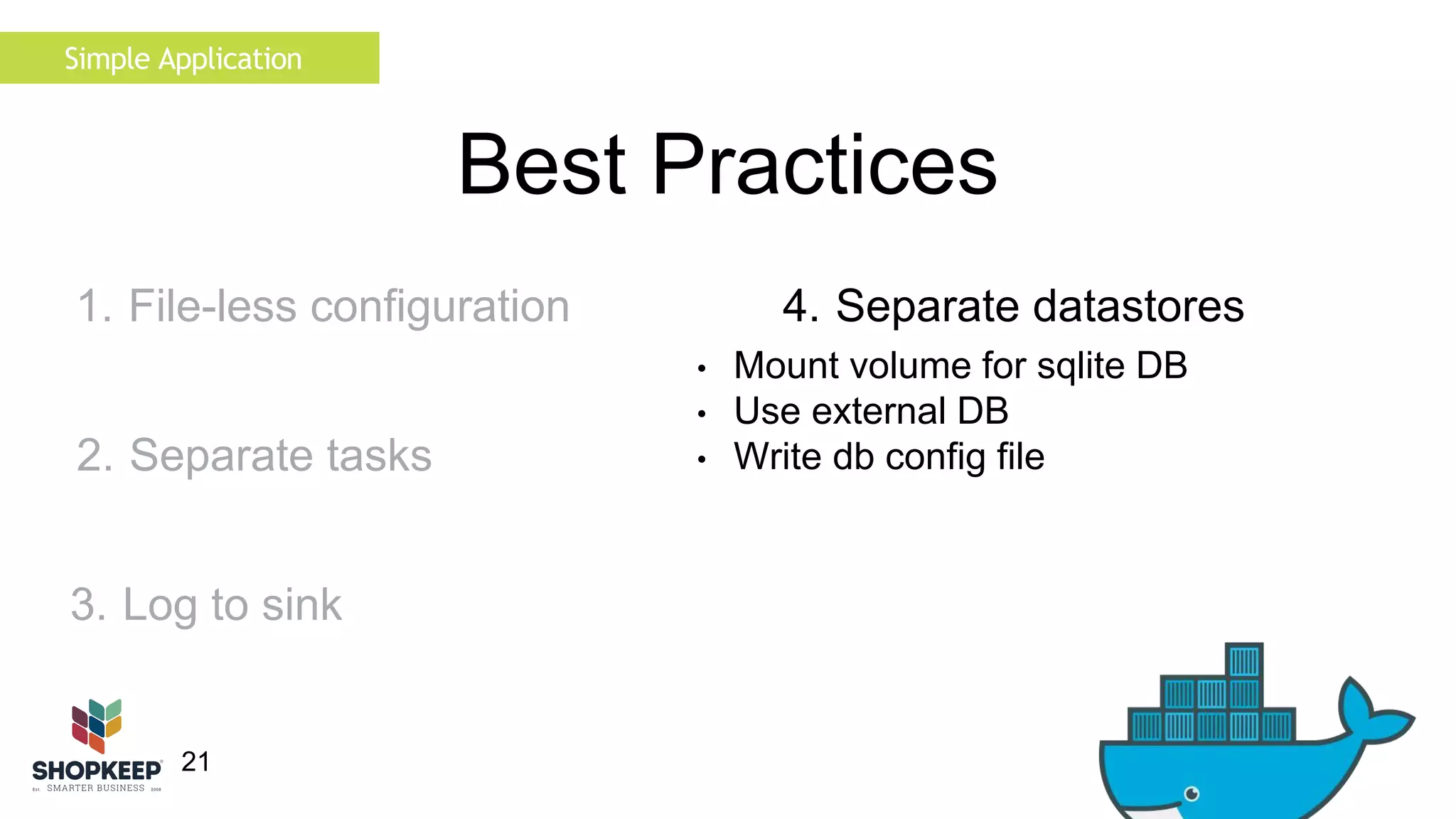
4. Separate datastores 
• Mount volume for sqlite DB 
• Use external DB 
• Write db config file 
Simple Application 
1. File-less configuration 
2. Separate tasks 
3. Log to sink
22 
Best Practices 
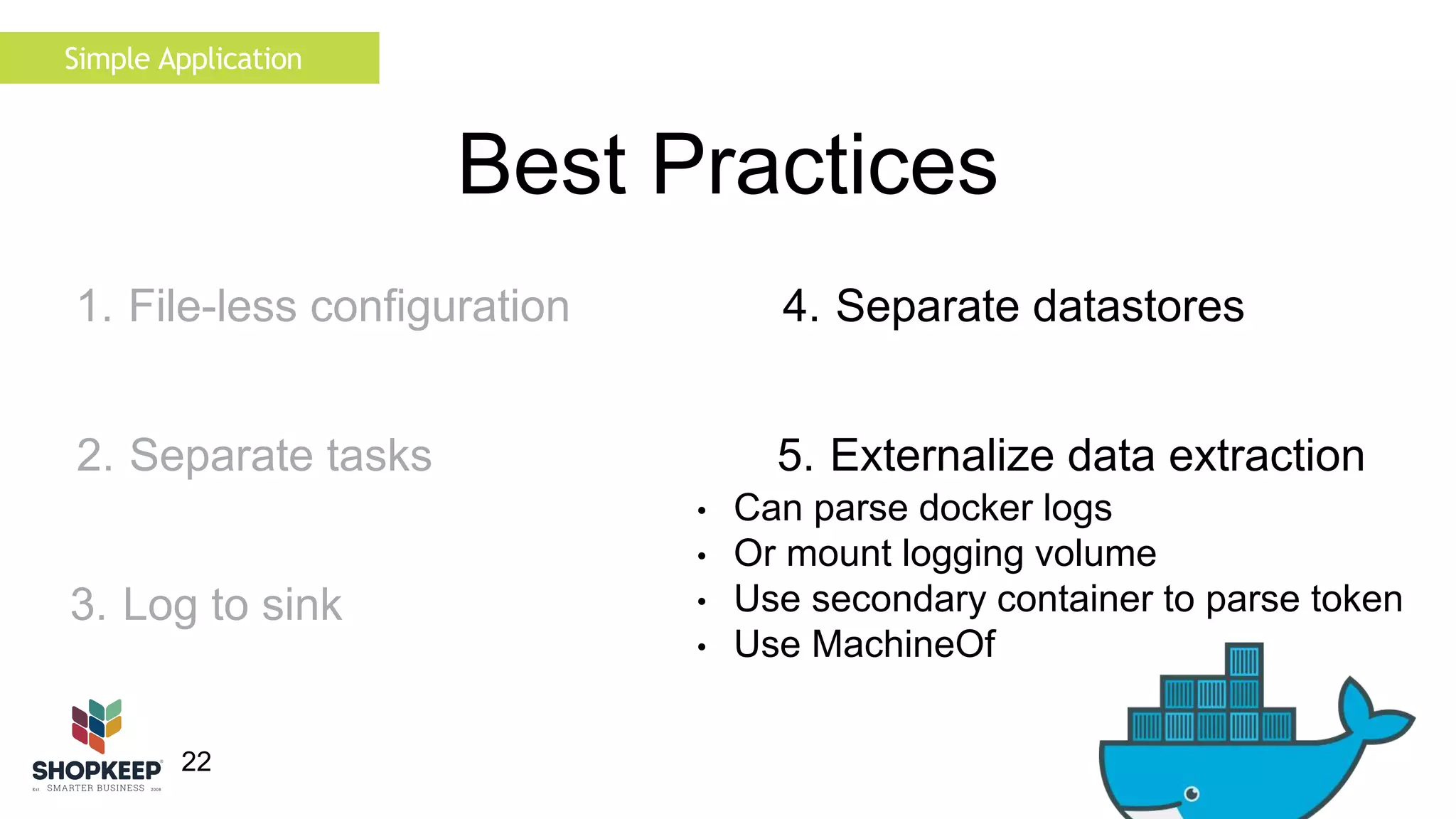
4. Separate datastores 
5. Externalize data extraction 
• Can parse docker logs 
• Or mount logging volume 
• Use secondary container to parse token 
• Use MachineOf 
Simple Application 
1. File-less configuration 
2. Separate tasks 
3. Log to sink
23 
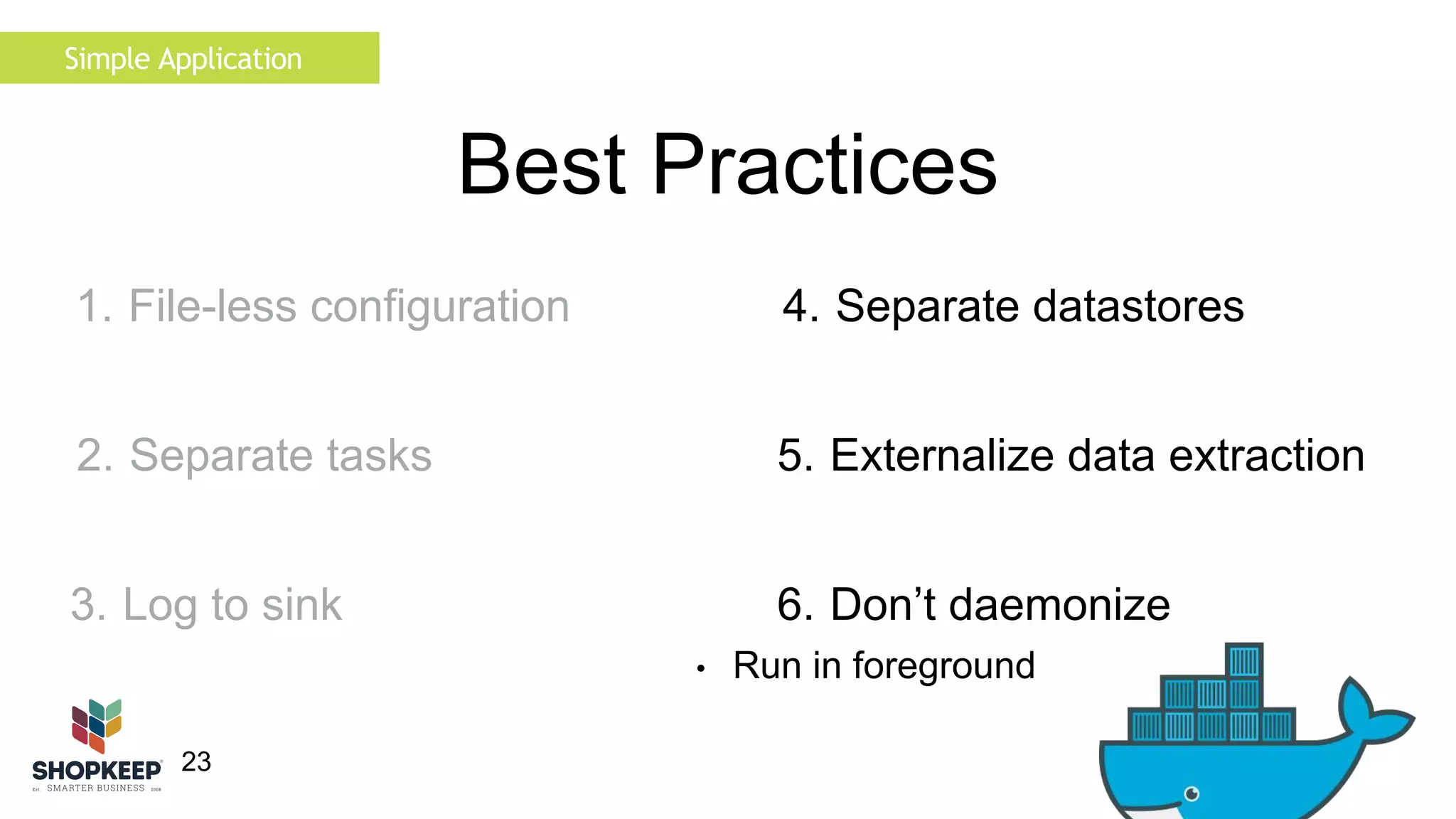
Best Practices 
4. Separate datastores 
5. Externalize data extraction 
6. Don’t daemonize 
• Run in foreground 
Simple Application 
1. File-less configuration 
2. Separate tasks 
3. Log to sink
24 
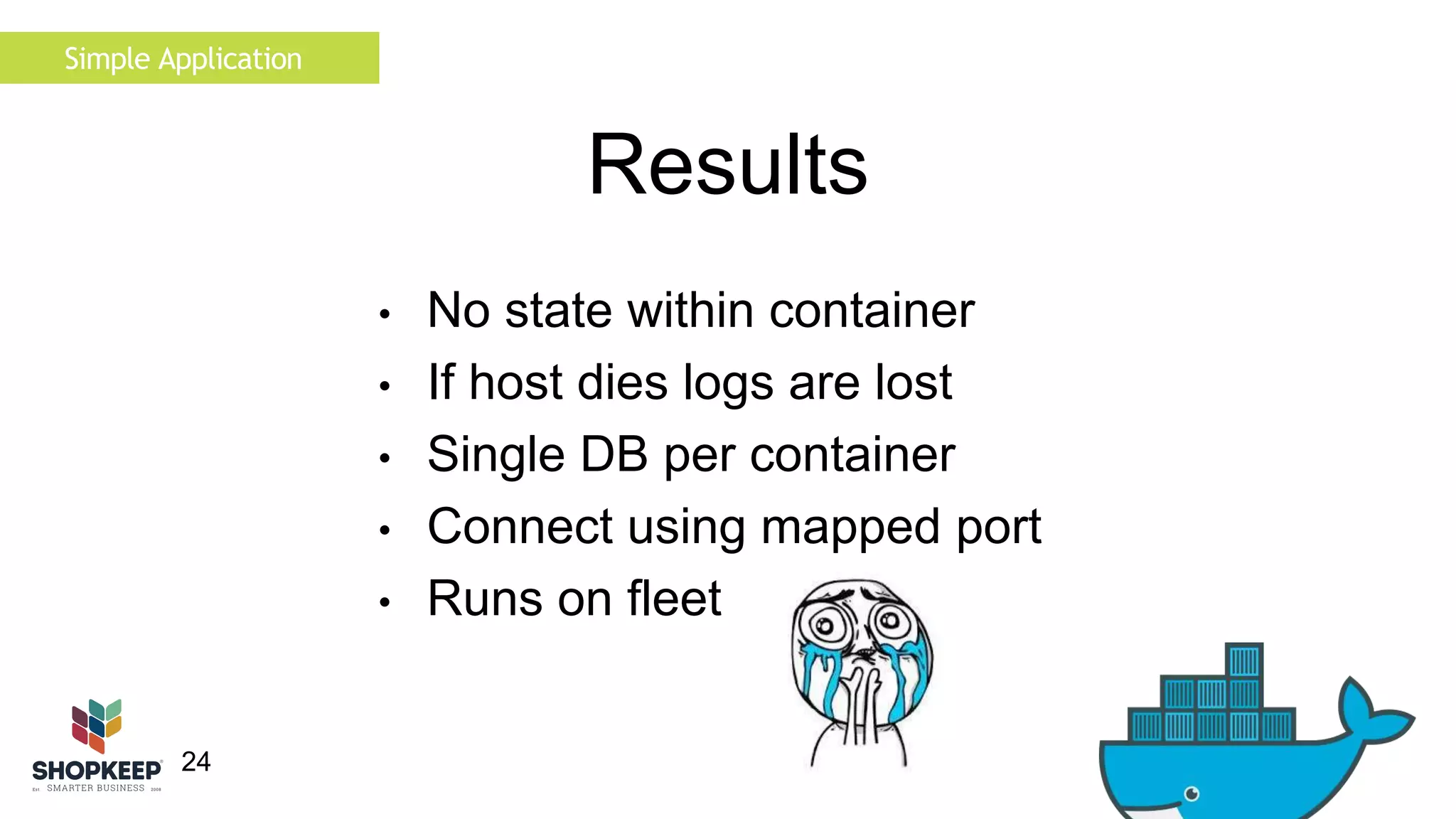
Results 
Simple Application 
• No state within container 
• If host dies logs are lost 
• Single DB per container 
• Connect using mapped port 
• Runs on fleet
Simple Application 
25 
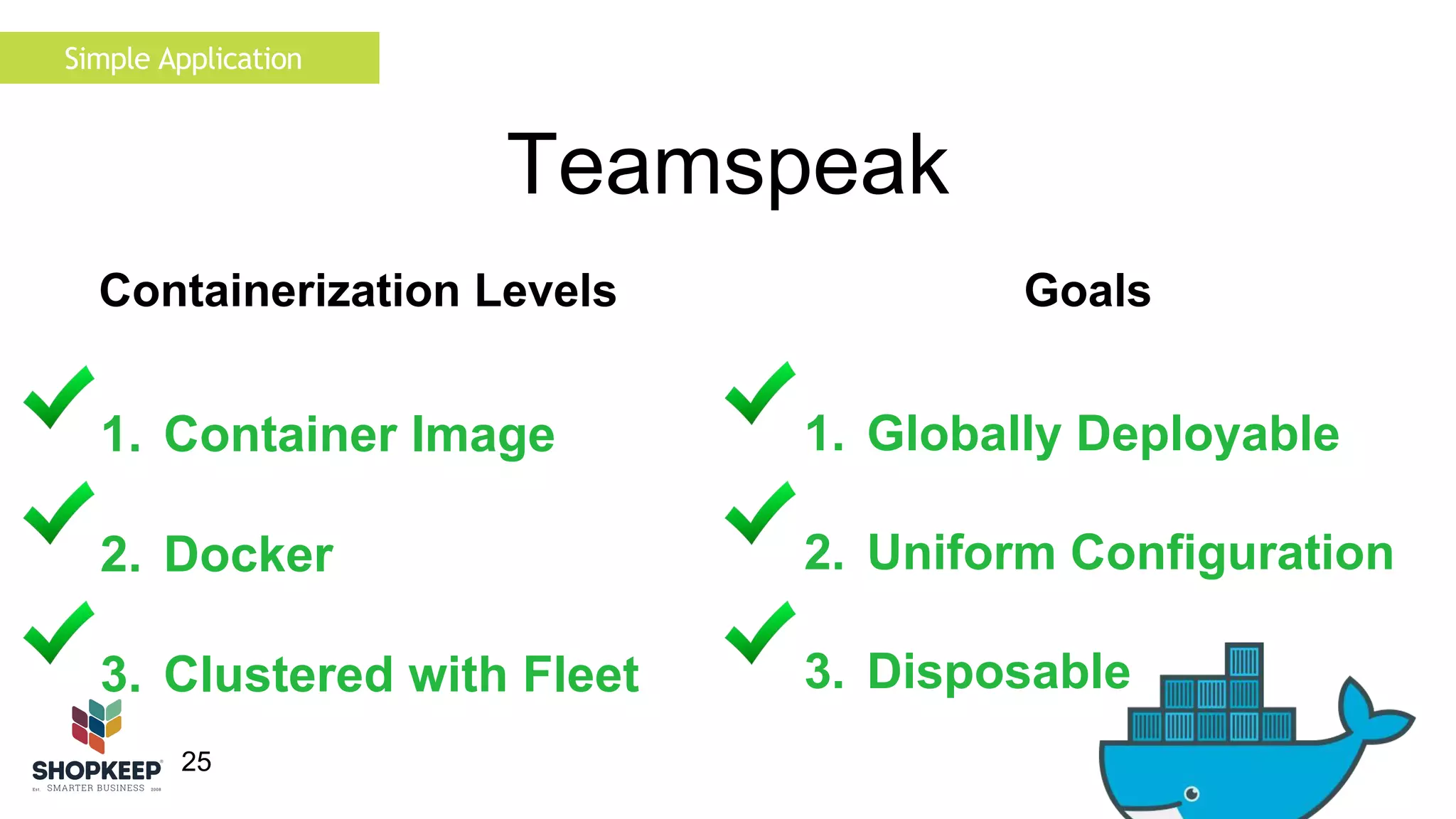
Teamspeak 
Containerization Levels Goals 
1. Globally Deployable 
2. Uniform Configuration 
3. Disposable 
1. Container Image 
2. Docker 
3. Clustered with Fleet
Complex Application 
26 
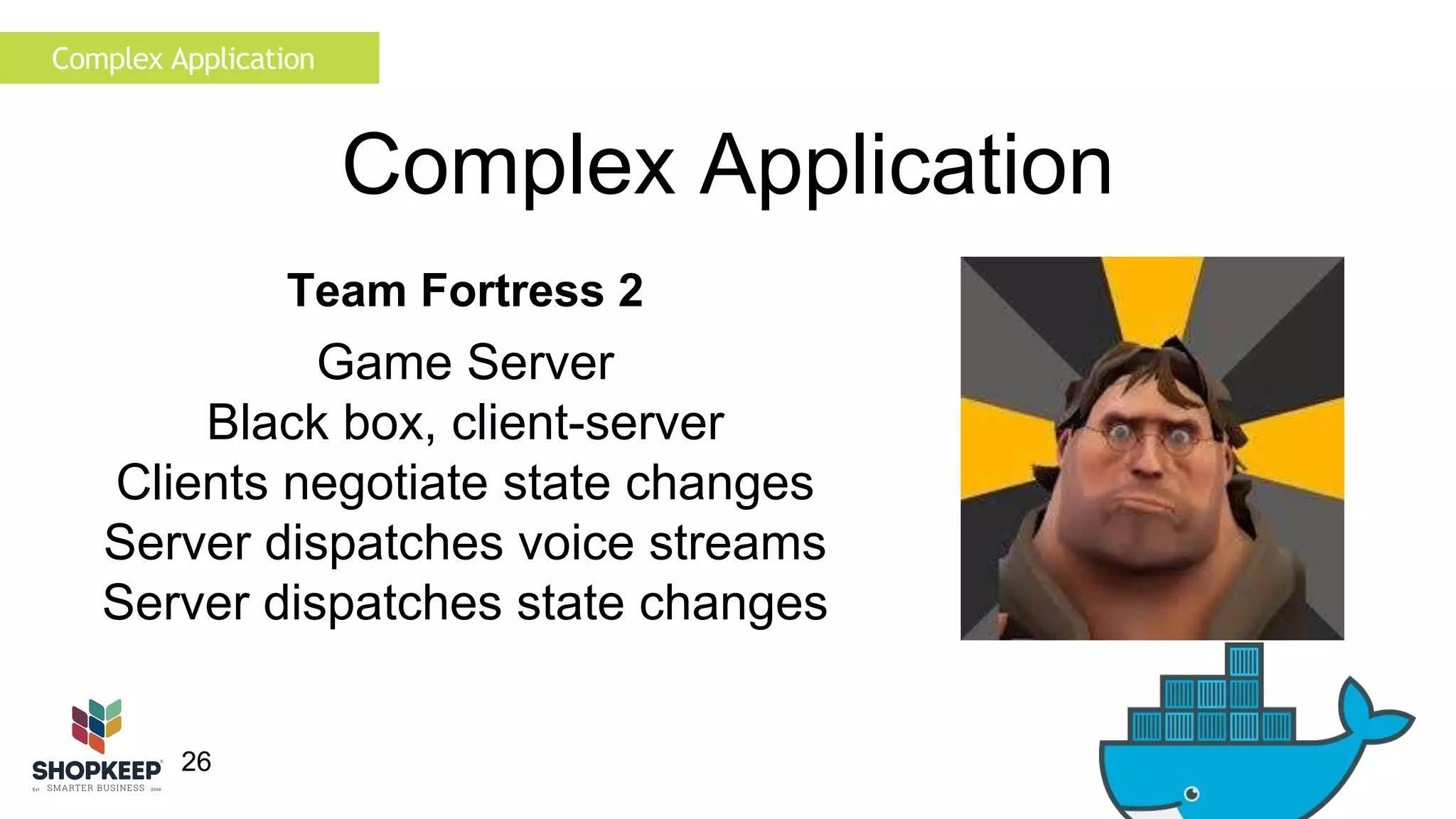
Complex Application 
Team Fortress 2 
Game Server 
Black box, client-server 
Clients negotiate state changes 
Server dispatches voice streams 
Server dispatches state changes
27 
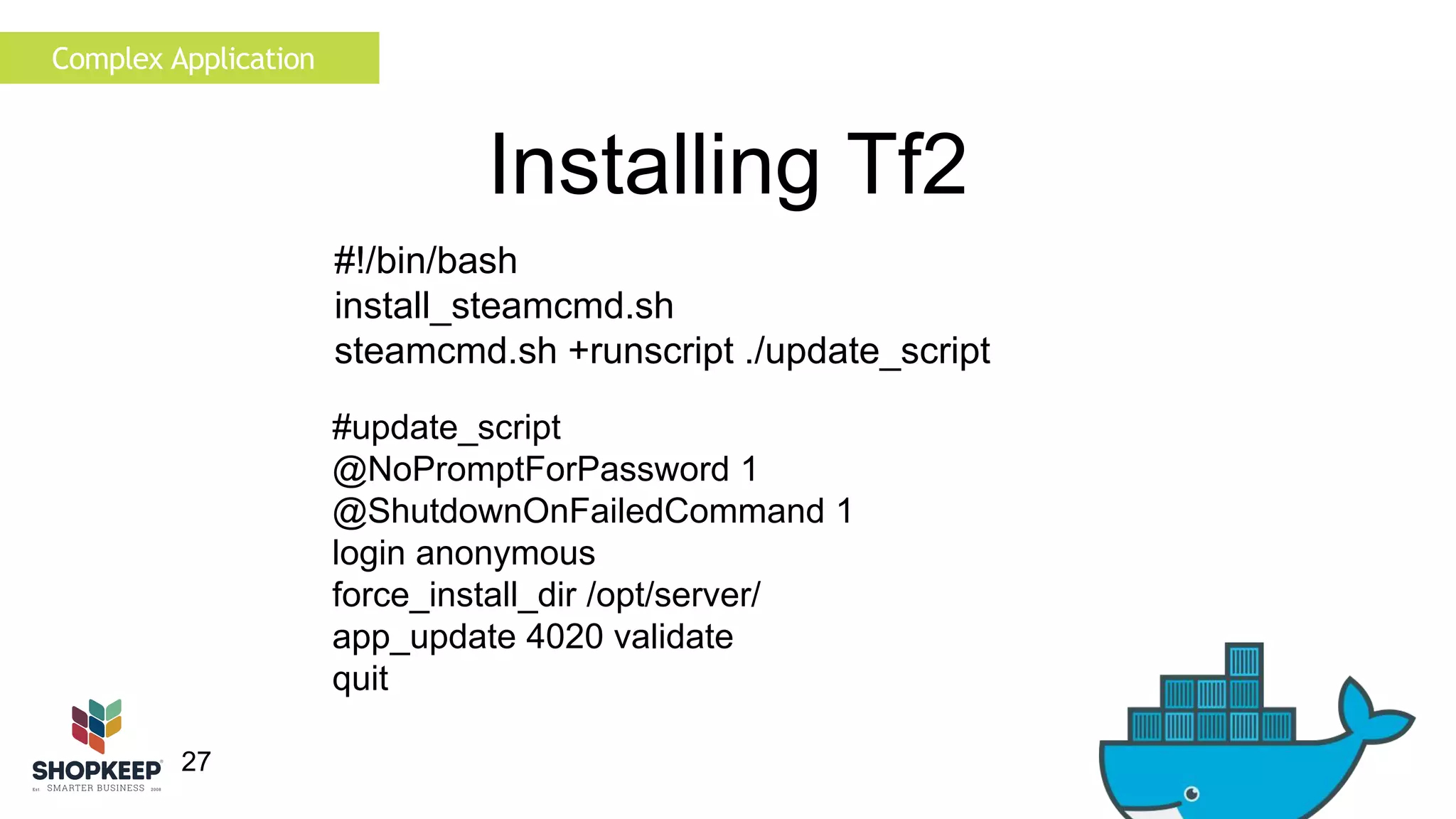
Installing Tf2 
#update_script 
@NoPromptForPassword 1 
@ShutdownOnFailedCommand 1 
login anonymous 
force_install_dir /opt/server/ 
app_update 4020 validate 
quit 
Complex Application 
#!/bin/bash 
install_steamcmd.sh 
steamcmd.sh +runscript ./update_script
28 
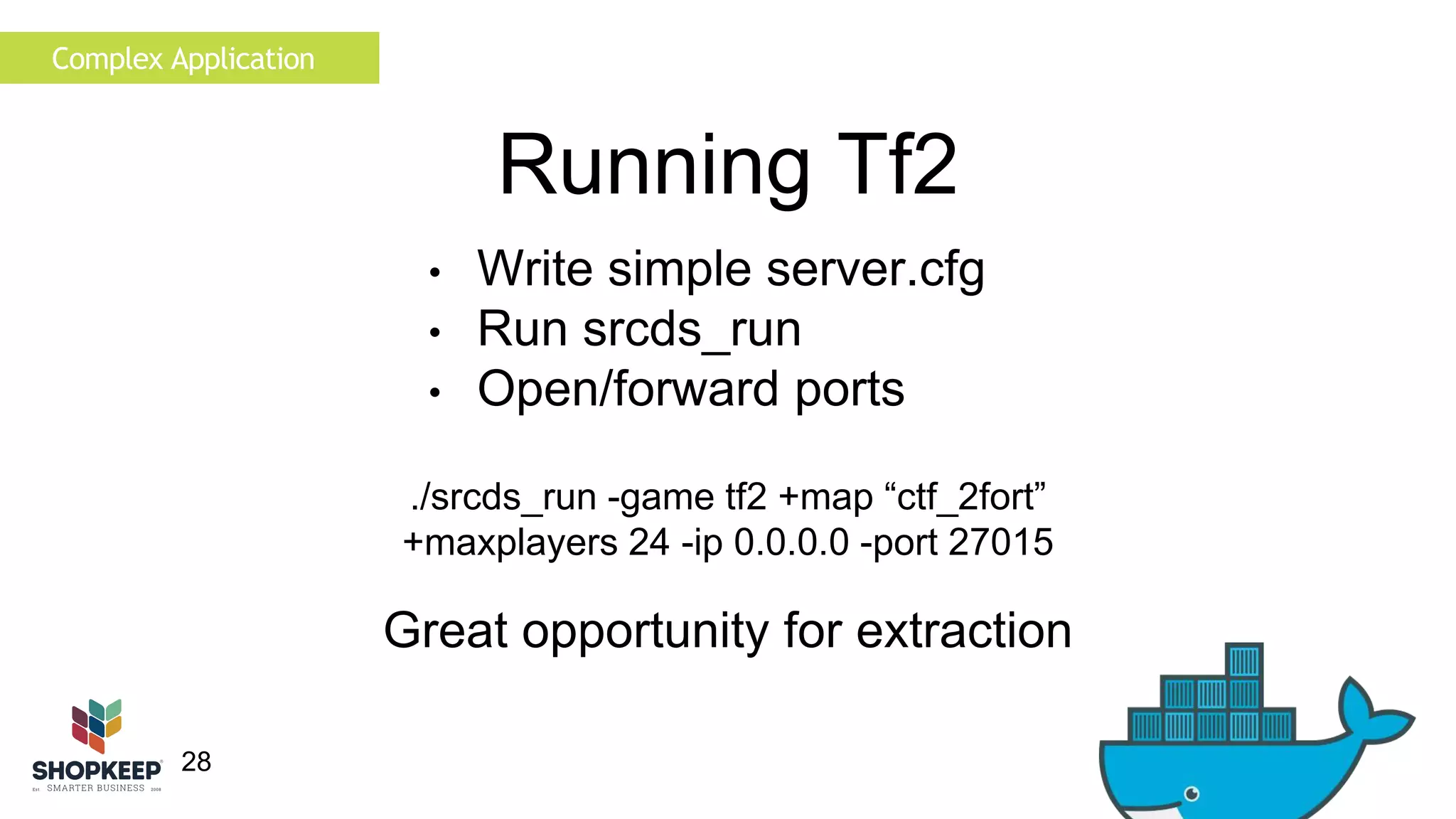
Running Tf2 
• Write simple server.cfg 
• Run srcds_run 
• Open/forward ports 
./srcds_run -game tf2 +map “ctf_2fort” 
+maxplayers 24 -ip 0.0.0.0 -port 27015 
Complex Application 
Great opportunity for extraction
Complex Application 
29 
Best Practices 
1. File-less configuration 
• Requires configuration files 
• Use confd
Complex Application 
30 
Best Practices 
1. File-less configuration 
2. Separate tasks 
• Single Task 
• No background Jobs
Complex Application 
3. Log to sink 
31 
Best Practices 
1. File-less configuration 
2. Separate tasks 
• Configure log sink 
• Mount volume to host
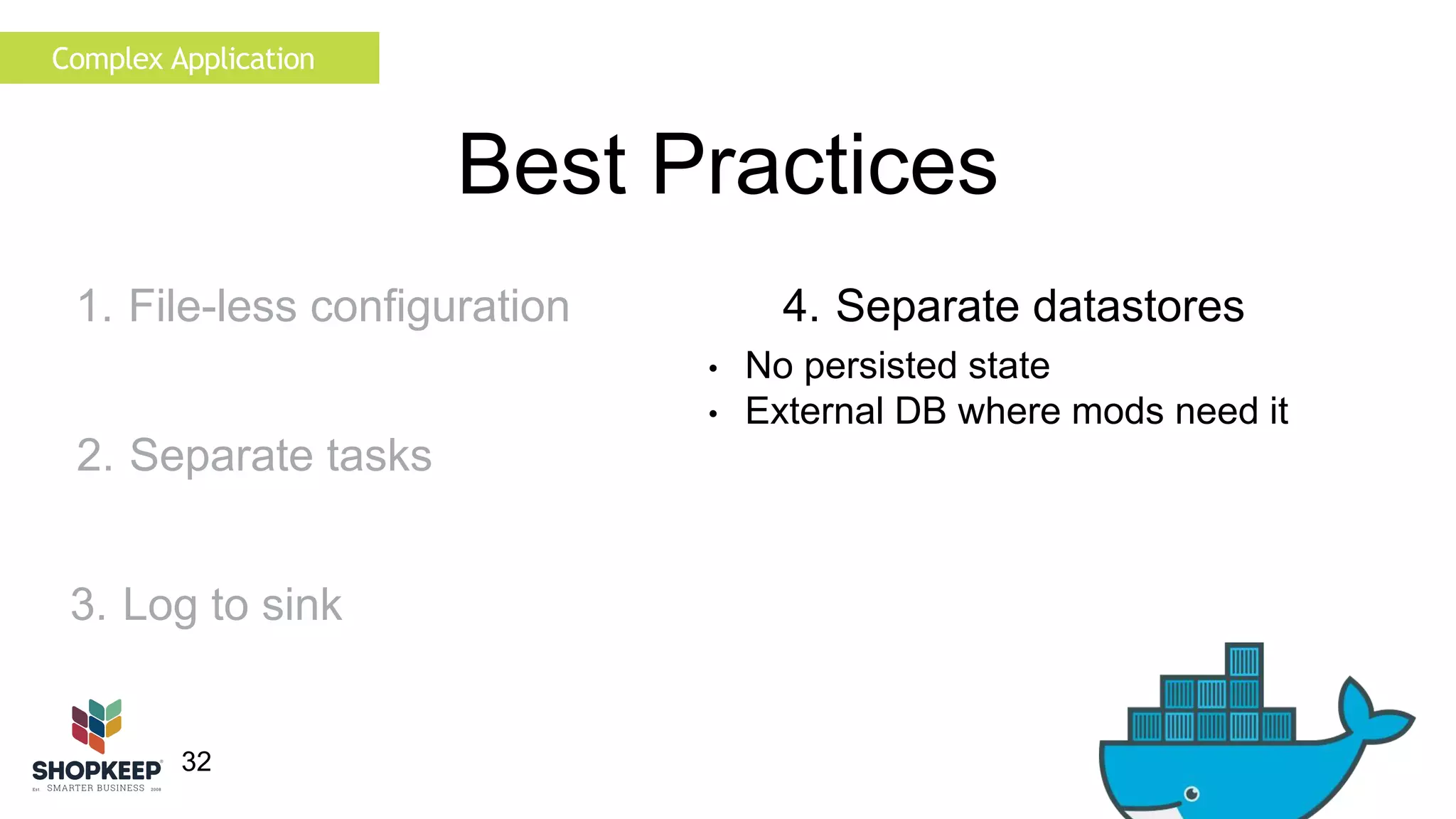
32 
Best Practices 
4. Separate datastores 
• No persisted state 
• External DB where mods need it 
Complex Application 
1. File-less configuration 
2. Separate tasks 
3. Log to sink
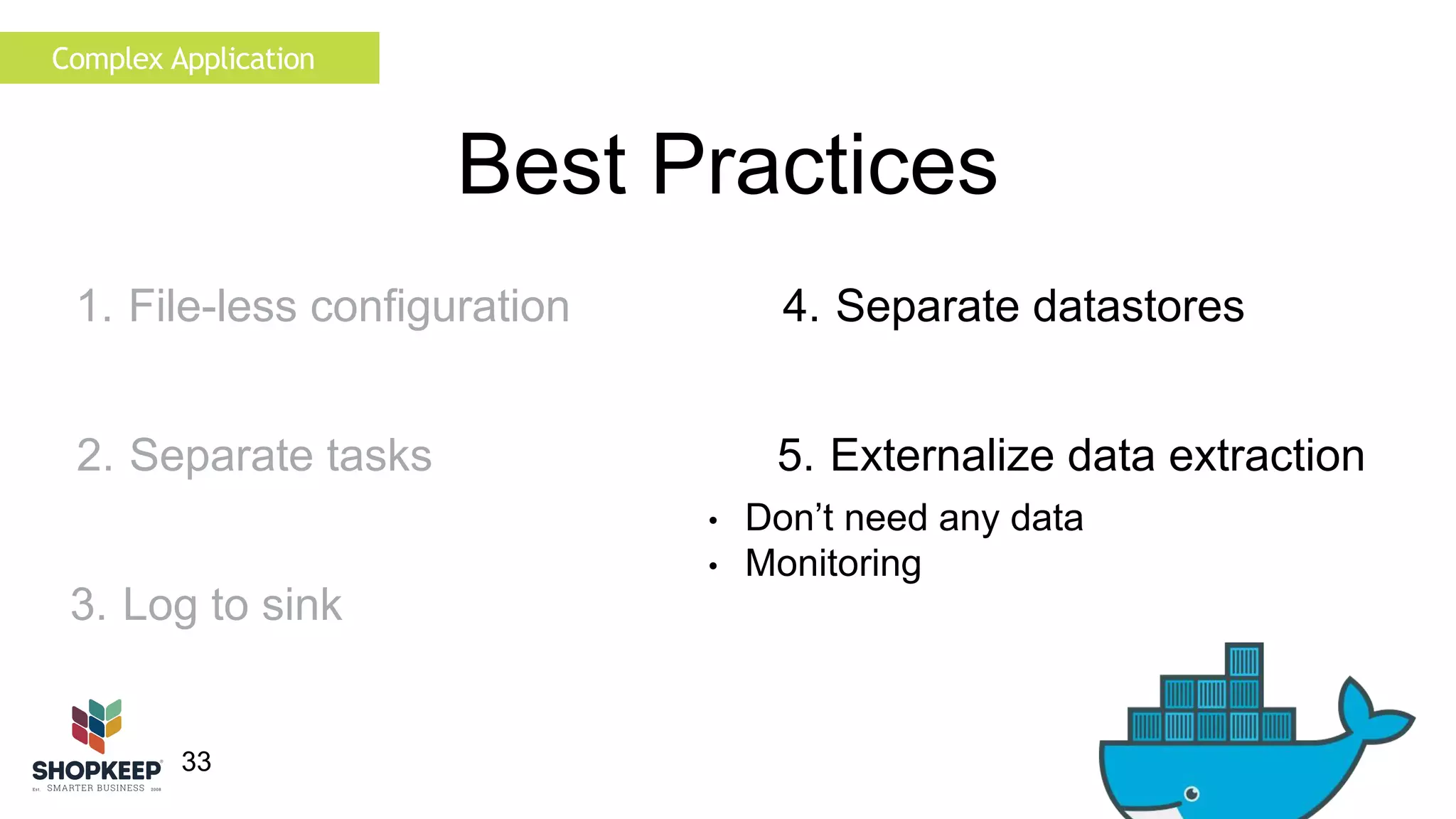
33 
Best Practices 
4. Separate datastores 
5. Externalize data extraction 
• Don’t need any data 
• Monitoring 
Complex Application 
1. File-less configuration 
2. Separate tasks 
3. Log to sink
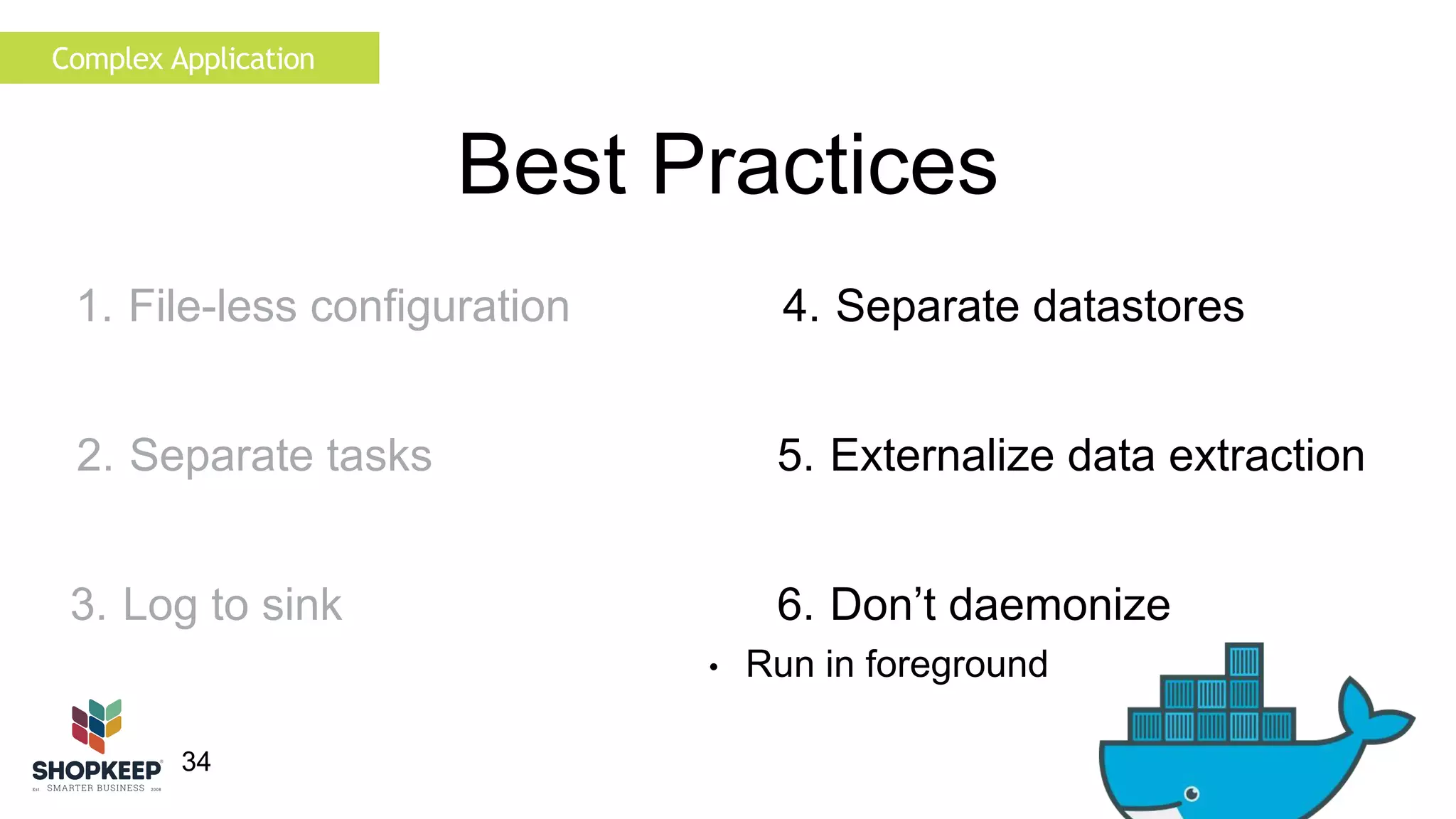
34 
Best Practices 
4. Separate datastores 
5. Externalize data extraction 
6. Don’t daemonize 
• Run in foreground 
Complex Application 
1. File-less configuration 
2. Separate tasks 
3. Log to sink
35 
Results 
Complex Application 
No state within container. 
If host dies logs are lost. 
Connect using mapped port. 
8Gb is large for an image.
36 
Port Mapping 
Complex Application 
Source servers report ip and port. 
Steam master list references static ports. 
Favouriting references static port. 
Direct connection works.
Complex Application 
37 
Port Remapping 
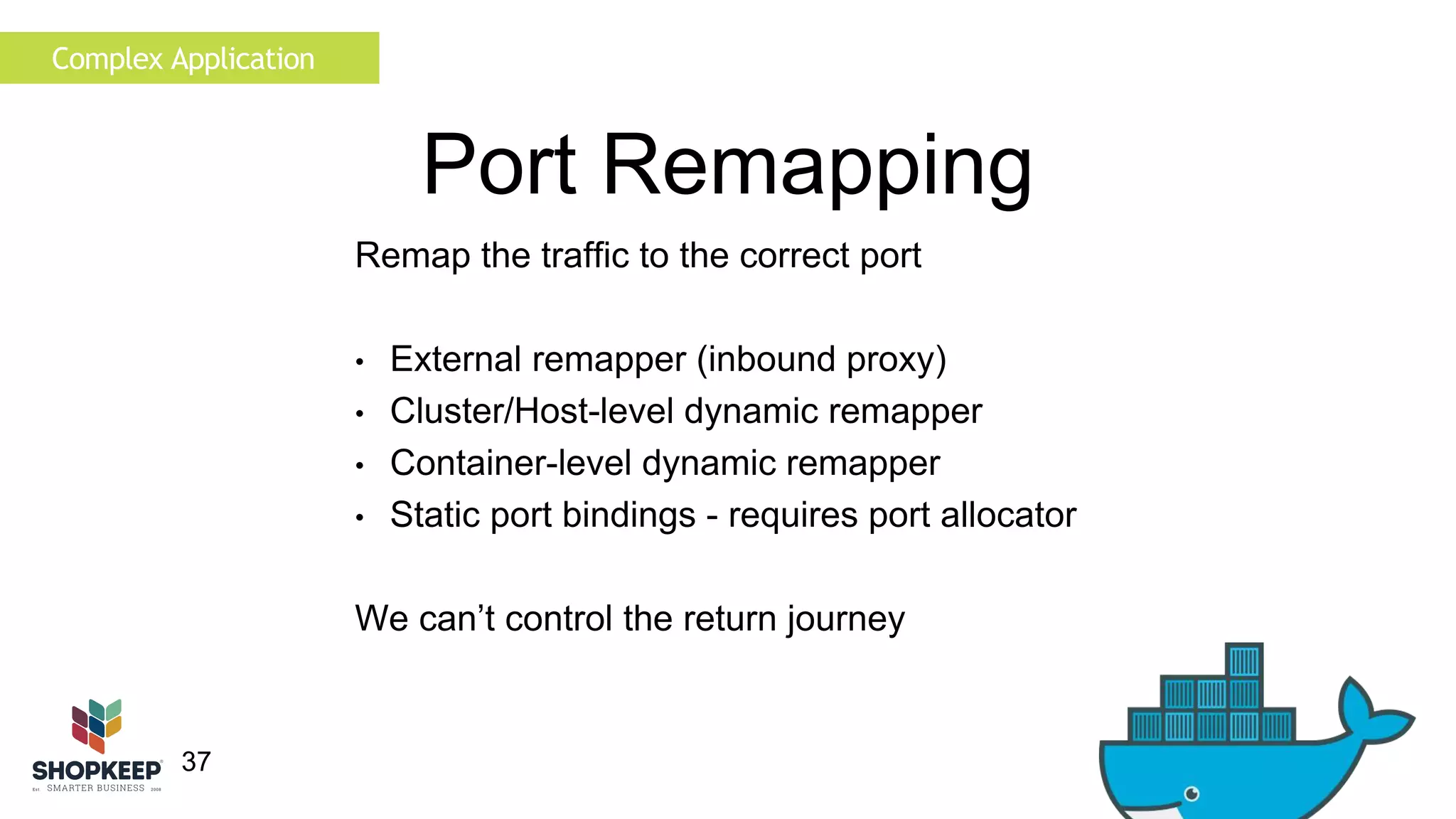
Remap the traffic to the correct port 
• External remapper (inbound proxy) 
• Cluster/Host-level dynamic remapper 
• Container-level dynamic remapper 
• Static port bindings - requires port allocator 
We can’t control the return journey
38 
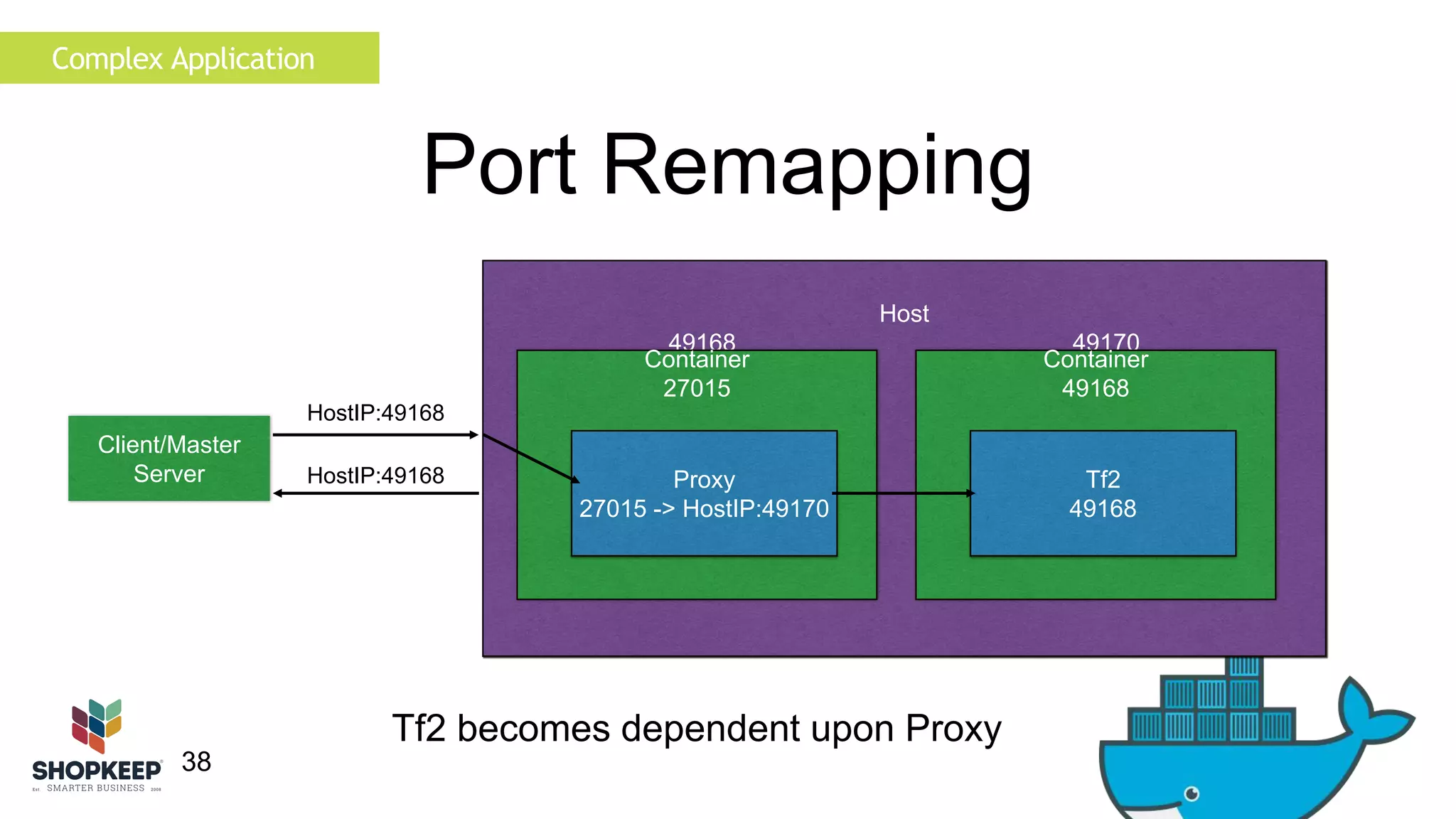
Port Remapping 
Host 
49168 49170 
Container 
49168 
Complex Application 
Tf2 
49168 
Client/Master 
Server 
HostIP:49168 
Container 
27015 
Proxy 
27015 -> HostIP:49170 
HostIP:49168 
Tf2 becomes dependent upon Proxy
39 
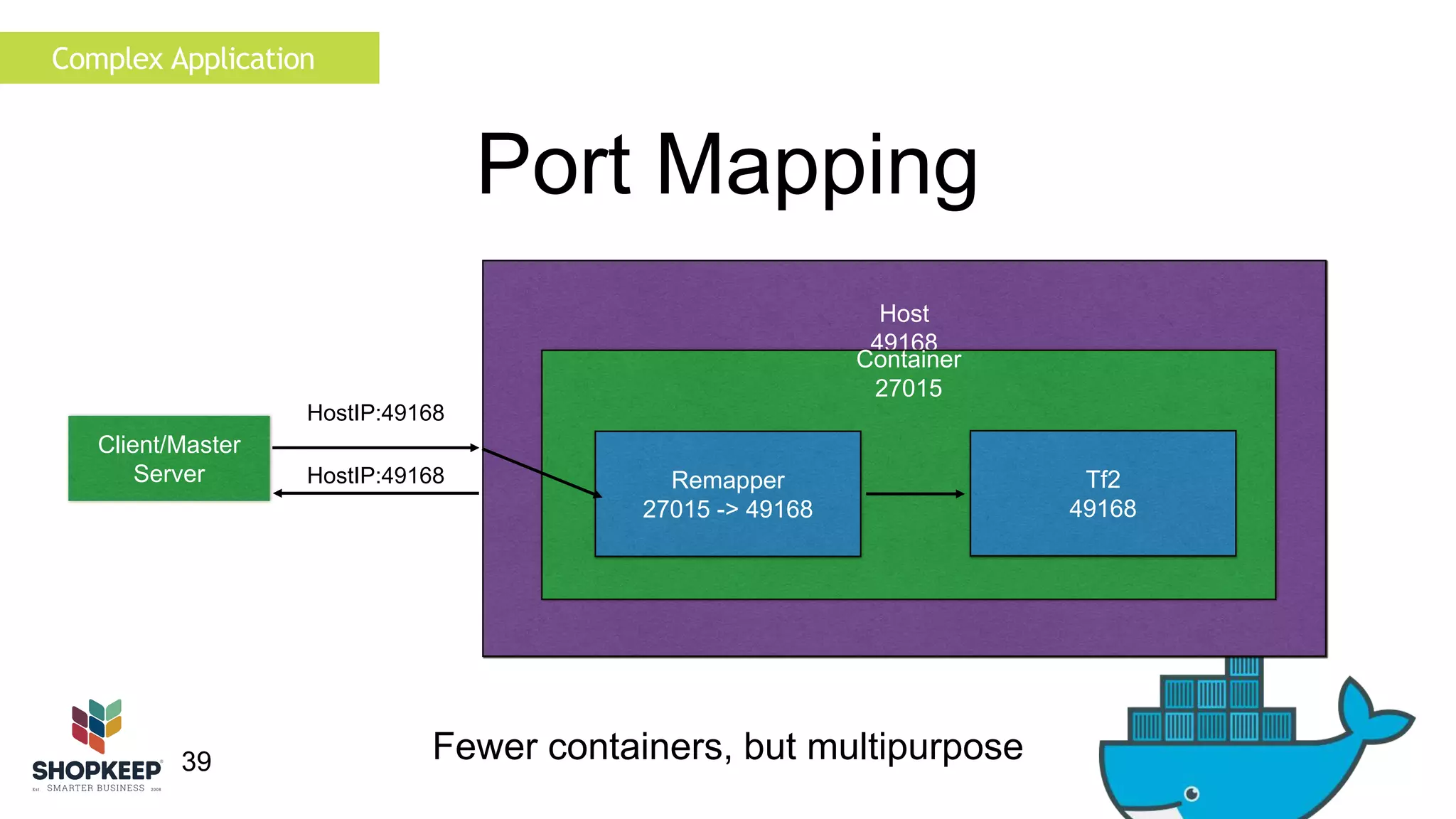
Host 
49168 
Container 
27015 
Complex Application 
Tf2 
49168 
Client/Master 
Server 
HostIP:49168 
Port Mapping 
HostIP:49168 Remapper 
27015 -> 49168 
Fewer containers, but multipurpose
Complex Application 
40 
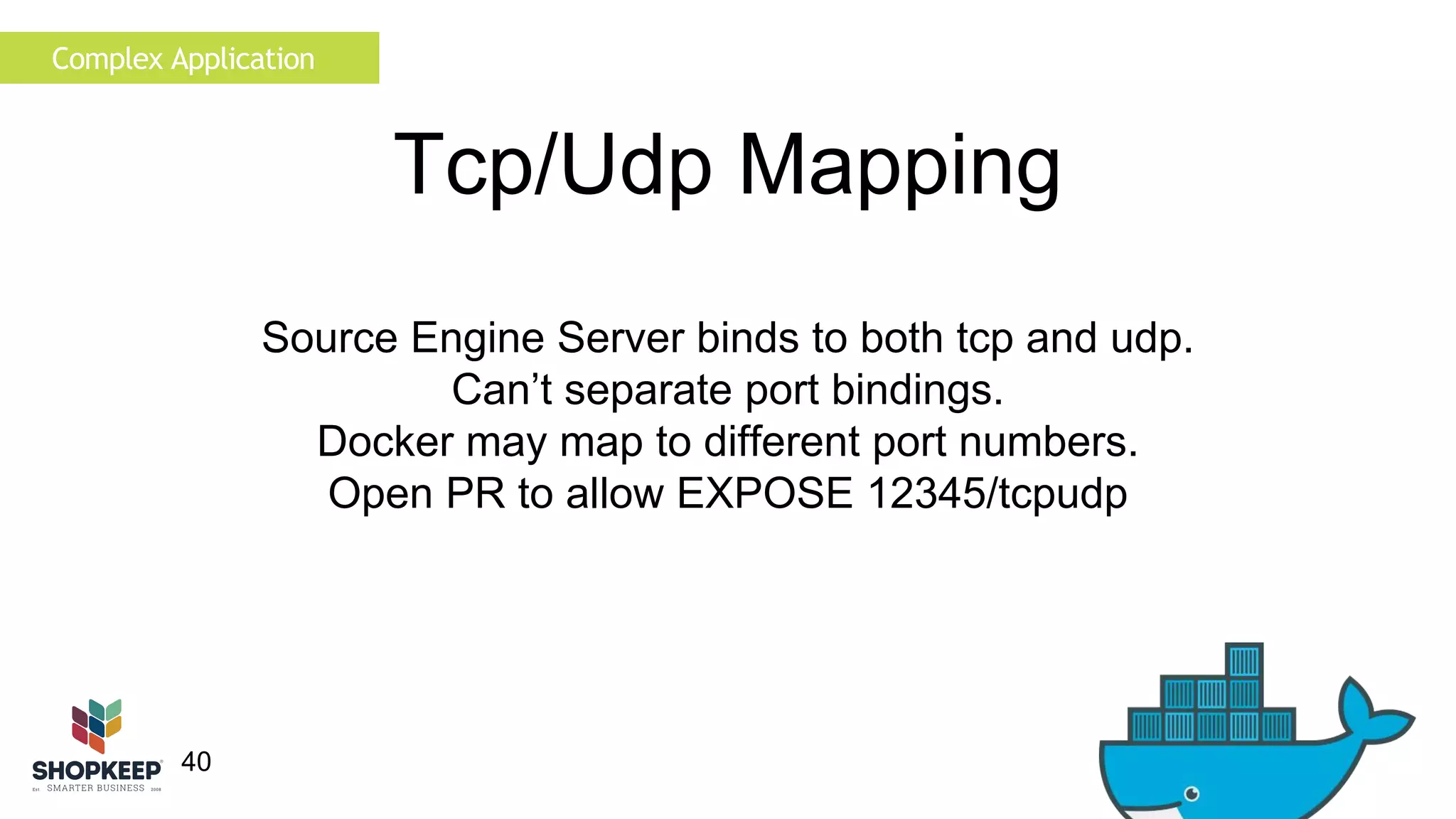
Tcp/Udp Mapping 
Source Engine Server binds to both tcp and udp. 
Can’t separate port bindings. 
Docker may map to different port numbers. 
Open PR to allow EXPOSE 12345/tcpudp
Complex Application 
41 
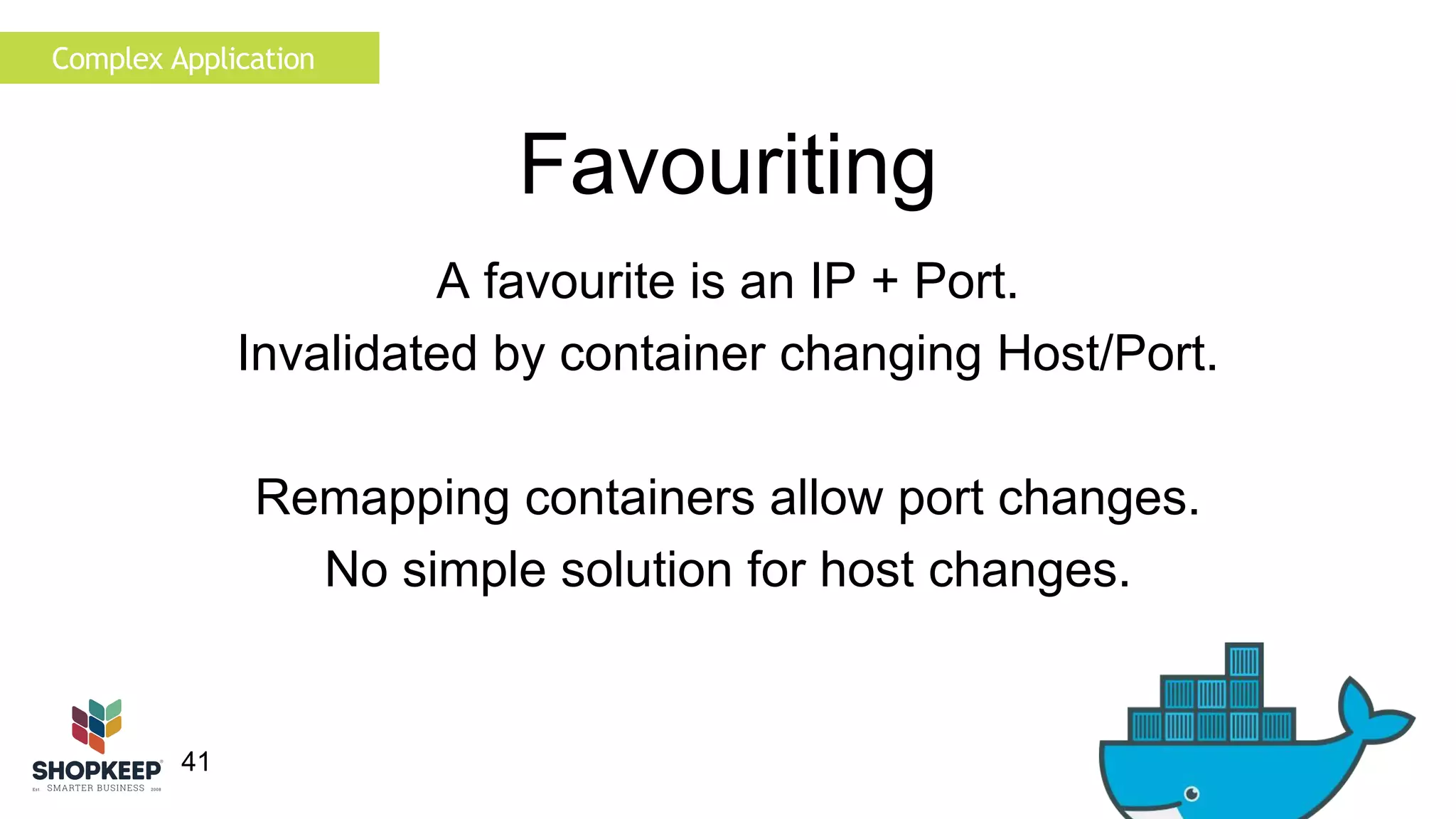
Favouriting 
A favourite is an IP + Port. 
Invalidated by container changing Host/Port. 
Remapping containers allow port changes. 
No simple solution for host changes.
Complex Application 
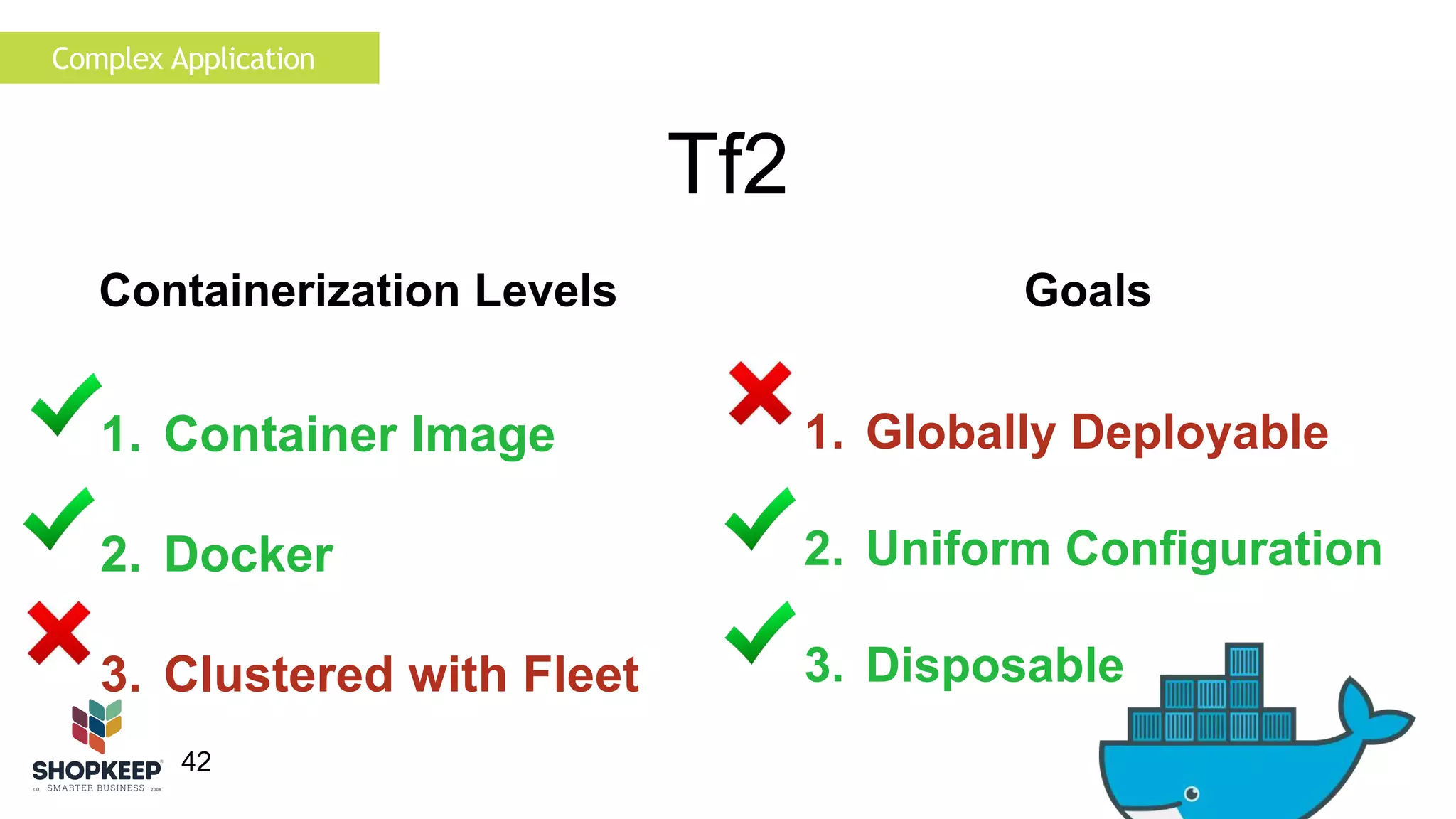
1. Container Image 
2. Docker 
3. Clustered with Fleet 
42 
Tf2 
Containerization Levels Goals 
1. Globally Deployable 
2. Uniform Configuration 
3. Disposable
Complex Application 
43 
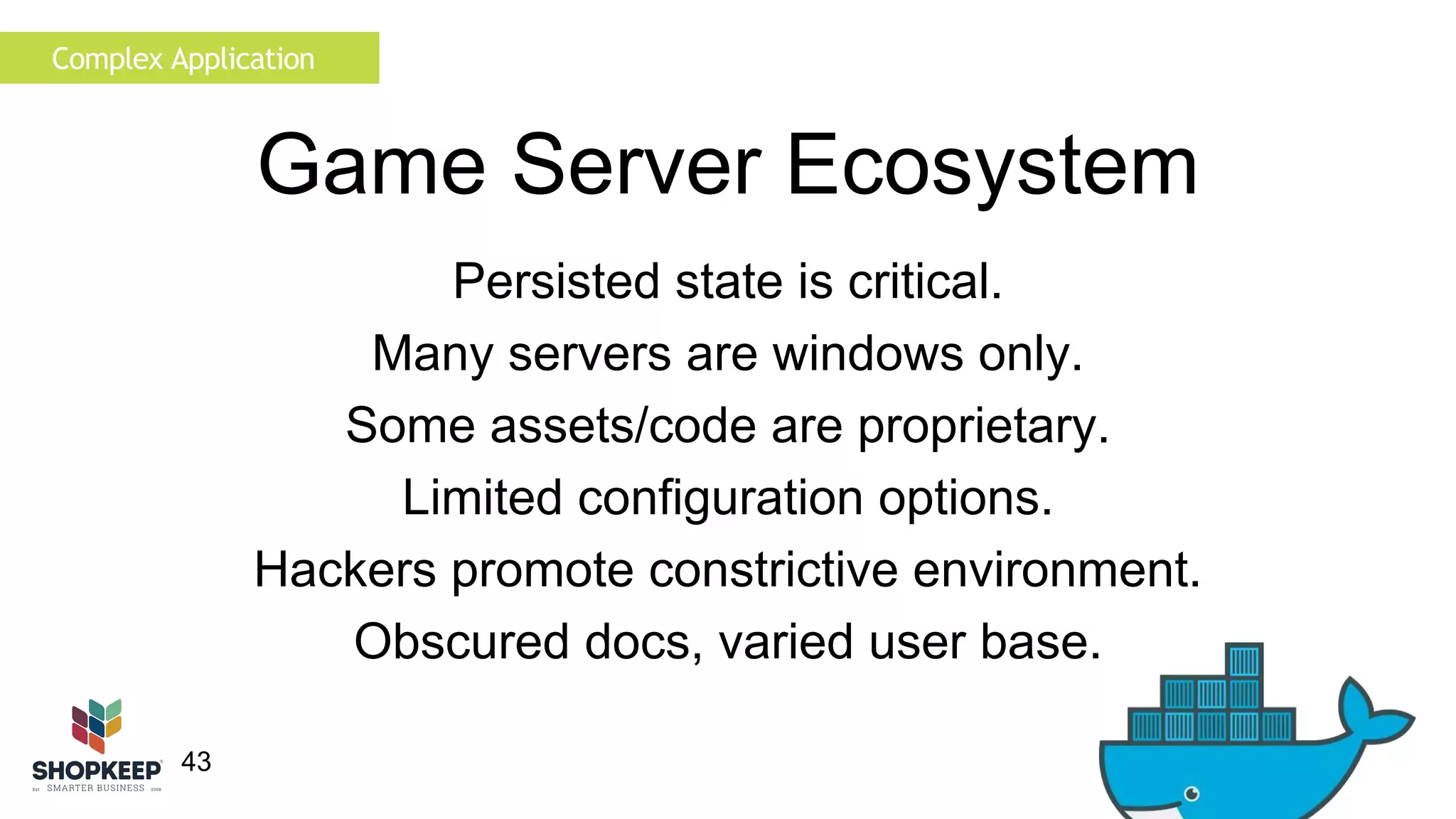
Game Server Ecosystem 
Persisted state is critical. 
Many servers are windows only. 
Some assets/code are proprietary. 
Limited configuration options. 
Hackers promote constrictive environment. 
Obscured docs, varied user base.
The Future 
44 
The future of game servers 
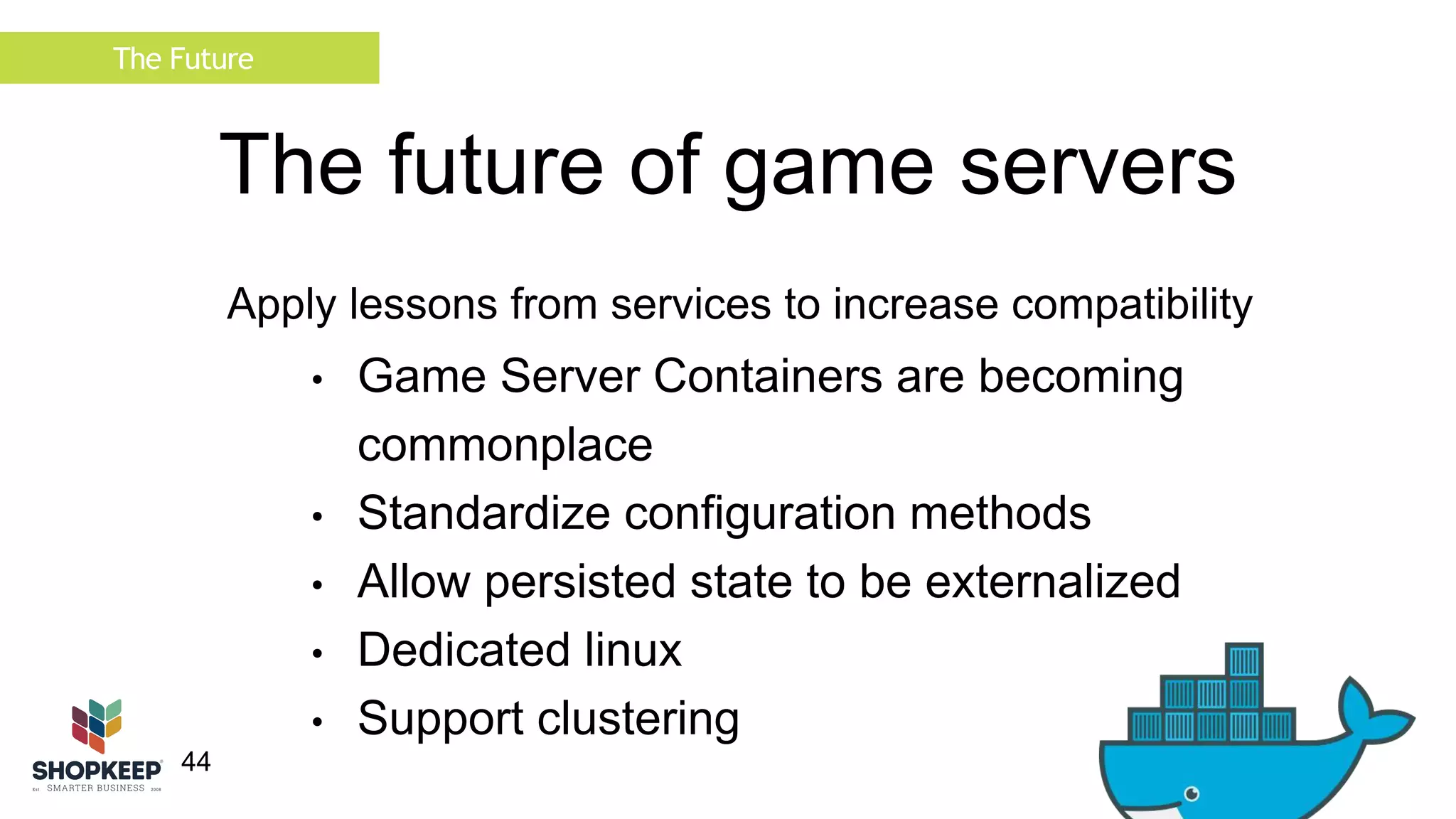
Apply lessons from services to increase compatibility 
• Game Server Containers are becoming 
commonplace 
• Standardize configuration methods 
• Allow persisted state to be externalized 
• Dedicated linux 
• Support clustering
Summary 
45 
Summary 
• Containerizing opinionated apps is easy 
• Deploying an opinionated container may not be 
• Container deployment will become increasingly relevant 
• Container compatibility will become increasingly defining 
• Game servers have a lot of work to do
Summary 
46 
Questions? 
brendan@shopkeep.com 
@brendanfosberry 
bfosberry 
Fozz
Thank You. 
47

Opinionated containers and the future of game servers by Brendan Fosberry

  • 1.
    Opinionated containers andthe future of game servers 1
  • 2.
    2 • BrendanFosberry • Software Engineer • Shopkeep POS • Core Services Team
  • 3.
    3 Overview OpinionatedApplications • Background • Containerizing Applications • Containerizing a Simple Application • Containerizing a Complex Application • The Future
  • 4.
    4 • IPadPOS Software and Hardware • Web based reporting and customization • 24/7 Support Background
  • 5.
    Background 5 •Founded in 2008 • 180 employees • 4 Development teams + Devops • Rails, Objective C, Golang • 11k active registers • 100k transaction per hour at peak • 700k transactions per day
  • 6.
    Background 6 Redesign Microservices • Transaction Service (Riak) • Reporting Service • Authentication Service • API Service • Etc.. Docker Stack • Apps • Docker CI Pipeline • Routing • Monitoring PB over RPC
  • 7.
    Background 7 Containers Dockerfile FROM debian:jessie RUN mkdir -p /opt/go ADD ./core-api /opt/go/core-api VOLUME /var/log/ /opt/go/logs/ EXPOSE 8080 ENTRYPOINT ["/opt/go/core-api"] Procfile web: core-api
  • 8.
    Containerizing Applications 8 Best Practices Based on Dockerfile best practices Applicable for in-house/black box applications Assumes working Dockerfile Mostly common sense
  • 9.
    Containerizing Applications 9 Best Practices 1. File-less configuration • Load configuration from environment • Use Fracker to write environment file • Pass environment file to container • Otherwise use confd • Avoid chef • Disconnects container and application configuration
  • 10.
    Containerizing Applications 10 Best Practices 1. File-less configuration 2. Separate tasks • Container = 1 instance of 1 application task • Separate web heads, crons, job runners • Makes resource allocation simpler
  • 11.
    Containerizing Applications 3.Log to sink 11 Best Practices 1. File-less configuration 2. Separate tasks • Assume container is ephemeral • Log to stdout • Log to mounted volume
  • 12.
    Containerizing Applications 12 Best Practices 1. File-less configuration 2. Separate tasks • Assume container is disposable • Externalize persisted state • External db or mounted volume 3. Log to sink 4. Separate datastores
  • 13.
    Containerizing Applications 1.File-less configuration 13 Best Practices 4. Separate datastores 5. Externalize data extraction • Use application methods if possible • Dump to simple sink • Don’t juggle multiple tasks 2. Separate tasks 3. Log to sink
  • 14.
    Containerizing Applications 1.File-less configuration 14 Best Practices 4. Separate datastores 5. Externalize data extraction 6. Don’t daemonize • Control process via container • Send signals with docker • Control through custom ports 2. Separate tasks 3. Log to sink
  • 15.
    Containerizing Applications 15 Why Game Servers? • Each server is unique • Poor existing automation • Poor open source tooling • Daniel Gibbs • Poor isolation • Why not?
  • 16.
    Containerizing Applications 16 Game Servers Containerization Levels Goals 1. Globally Deployable 2. Uniform Configuration 3. Disposable 1. Container Image 2. Docker 3. Clustered with Fleet
  • 17.
    Simple Application 17 Simple Application Teamspeak Gaming Infrastructure Black box, client-server Clients negotiate state changes Server dispatches voice streams Simple setup - download and run
  • 18.
    Simple Application 18 Best Practices 1. File-less configuration • Requires configuration files • Use confd
  • 19.
    Simple Application 19 Best Practices 1. File-less configuration 2. Separate tasks • Single Task • No background Jobs
  • 20.
    Simple Application 3.Log to sink 20 Best Practices 1. File-less configuration 2. Separate tasks • Configure log sink • Mount volume to host
  • 21.
    21 Best Practices 4. Separate datastores • Mount volume for sqlite DB • Use external DB • Write db config file Simple Application 1. File-less configuration 2. Separate tasks 3. Log to sink
  • 22.
    22 Best Practices 4. Separate datastores 5. Externalize data extraction • Can parse docker logs • Or mount logging volume • Use secondary container to parse token • Use MachineOf Simple Application 1. File-less configuration 2. Separate tasks 3. Log to sink
  • 23.
    23 Best Practices 4. Separate datastores 5. Externalize data extraction 6. Don’t daemonize • Run in foreground Simple Application 1. File-less configuration 2. Separate tasks 3. Log to sink
  • 24.
    24 Results SimpleApplication • No state within container • If host dies logs are lost • Single DB per container • Connect using mapped port • Runs on fleet
  • 25.
    Simple Application 25 Teamspeak Containerization Levels Goals 1. Globally Deployable 2. Uniform Configuration 3. Disposable 1. Container Image 2. Docker 3. Clustered with Fleet
  • 26.
    Complex Application 26 Complex Application Team Fortress 2 Game Server Black box, client-server Clients negotiate state changes Server dispatches voice streams Server dispatches state changes
  • 27.
    27 Installing Tf2 #update_script @NoPromptForPassword 1 @ShutdownOnFailedCommand 1 login anonymous force_install_dir /opt/server/ app_update 4020 validate quit Complex Application #!/bin/bash install_steamcmd.sh steamcmd.sh +runscript ./update_script
  • 28.
    28 Running Tf2 • Write simple server.cfg • Run srcds_run • Open/forward ports ./srcds_run -game tf2 +map “ctf_2fort” +maxplayers 24 -ip 0.0.0.0 -port 27015 Complex Application Great opportunity for extraction
  • 29.
    Complex Application 29 Best Practices 1. File-less configuration • Requires configuration files • Use confd
  • 30.
    Complex Application 30 Best Practices 1. File-less configuration 2. Separate tasks • Single Task • No background Jobs
  • 31.
    Complex Application 3.Log to sink 31 Best Practices 1. File-less configuration 2. Separate tasks • Configure log sink • Mount volume to host
  • 32.
    32 Best Practices 4. Separate datastores • No persisted state • External DB where mods need it Complex Application 1. File-less configuration 2. Separate tasks 3. Log to sink
  • 33.
    33 Best Practices 4. Separate datastores 5. Externalize data extraction • Don’t need any data • Monitoring Complex Application 1. File-less configuration 2. Separate tasks 3. Log to sink
  • 34.
    34 Best Practices 4. Separate datastores 5. Externalize data extraction 6. Don’t daemonize • Run in foreground Complex Application 1. File-less configuration 2. Separate tasks 3. Log to sink
  • 35.
    35 Results ComplexApplication No state within container. If host dies logs are lost. Connect using mapped port. 8Gb is large for an image.
  • 36.
    36 Port Mapping Complex Application Source servers report ip and port. Steam master list references static ports. Favouriting references static port. Direct connection works.
  • 37.
    Complex Application 37 Port Remapping Remap the traffic to the correct port • External remapper (inbound proxy) • Cluster/Host-level dynamic remapper • Container-level dynamic remapper • Static port bindings - requires port allocator We can’t control the return journey
  • 38.
    38 Port Remapping Host 49168 49170 Container 49168 Complex Application Tf2 49168 Client/Master Server HostIP:49168 Container 27015 Proxy 27015 -> HostIP:49170 HostIP:49168 Tf2 becomes dependent upon Proxy
  • 39.
    39 Host 49168 Container 27015 Complex Application Tf2 49168 Client/Master Server HostIP:49168 Port Mapping HostIP:49168 Remapper 27015 -> 49168 Fewer containers, but multipurpose
  • 40.
    Complex Application 40 Tcp/Udp Mapping Source Engine Server binds to both tcp and udp. Can’t separate port bindings. Docker may map to different port numbers. Open PR to allow EXPOSE 12345/tcpudp
  • 41.
    Complex Application 41 Favouriting A favourite is an IP + Port. Invalidated by container changing Host/Port. Remapping containers allow port changes. No simple solution for host changes.
  • 42.
    Complex Application 1.Container Image 2. Docker 3. Clustered with Fleet 42 Tf2 Containerization Levels Goals 1. Globally Deployable 2. Uniform Configuration 3. Disposable
  • 43.
    Complex Application 43 Game Server Ecosystem Persisted state is critical. Many servers are windows only. Some assets/code are proprietary. Limited configuration options. Hackers promote constrictive environment. Obscured docs, varied user base.
  • 44.
    The Future 44 The future of game servers Apply lessons from services to increase compatibility • Game Server Containers are becoming commonplace • Standardize configuration methods • Allow persisted state to be externalized • Dedicated linux • Support clustering
  • 45.
    Summary 45 Summary • Containerizing opinionated apps is easy • Deploying an opinionated container may not be • Container deployment will become increasingly relevant • Container compatibility will become increasingly defining • Game servers have a lot of work to do
  • 46.
    Summary 46 Questions? brendan@shopkeep.com @brendanfosberry bfosberry Fozz
  • 47.

Editor's Notes

  • #3 Talk about background more where you came from
  • #4 how I got into what I do talk about game servers & personal projects Pause between sections
  • #5 customer outcomes focused
  • #7 tight coupling Container crazy mention health checks
  • #8 Reduced docker footprint Prepare for next section (best practices)
  • #9 Starting point of working dockerfile None of this should be surprising
  • #10 Container level, application generic configuration interface Specify over defaults
  • #11 Single purpose containers
  • #14 * Will give example of this later
  • #15 Monitoring through container I made all these mistakes Dont trust anything I say
  • #16 Beautiful snowflakes * contention around filesystem and network resources
  • #17 * Application generic configuration interface
  • #25 Not very opinionated
  • #29 * extraction keeps game server specific docker file trivial
  • #44 Wine
  • #45 First talk about commonplace Being a services engineer….
  • #46 The opinionated nature of some applications acts as a barrier to containerization Hopefully this talk has provided some insight into some mitigation methods
  • #47 Thank Most likely to be found on steam