Dmitry Grapov, PhD
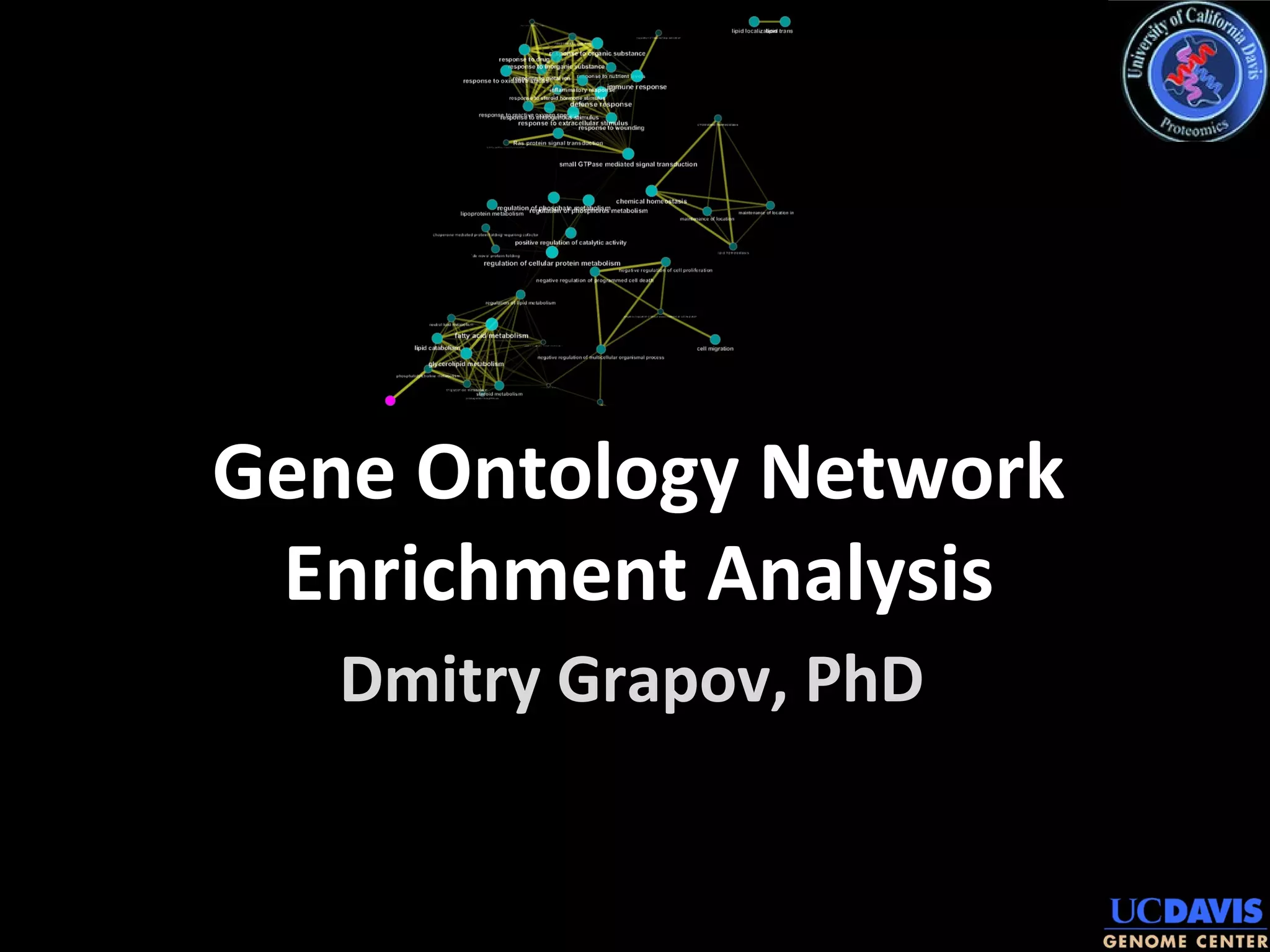
Gene Ontology Network
Enrichment Analysis
Download all material for the tutorial
https://sourceforge.net/projects/teachingdemos/files/2014%2
https://sourceforge.net/projects/teachingdemos/files/
Choose 2014 UC Davis Proteomics Workshop or use the
full URL below
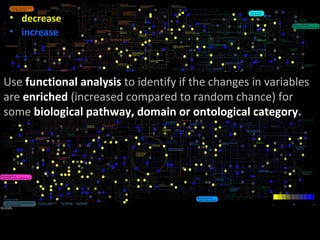
• decrease
• increase
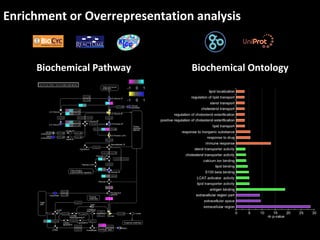
Use functional analysis to identify if the changes in variables
are enriched (increased compared to random chance) for
some biological pathway, domain or ontological category.
Enrichment or Overrepresentation analysis
Biochemical Pathway Biochemical Ontology
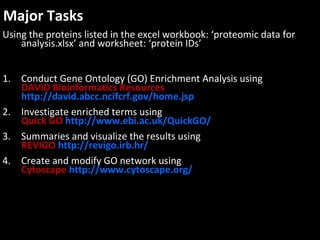
Major Tasks
Using the proteins listed in the excel workbook: ‘proteomic data for
analysis.xlsx’ and worksheet: ‘protein IDs’
1. Conduct Gene Ontology (GO) Enrichment Analysis using
DAVID Bioinformatics Resources
http://david.abcc.ncifcrf.gov/home.jsp
2. Investigate enriched terms using
Quick GO http://www.ebi.ac.uk/QuickGO/
3. Summaries and visualize the results using
REVIGO http://revigo.irb.hr/
4. Create and modify GO network using
Cytoscape http://www.cytoscape.org/
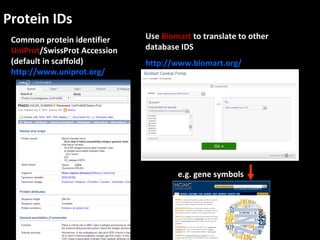
Protein IDs
Common protein identifier
UniProt/SwissProt Accession
(default in scaffold)
http://www.uniprot.org/
Use Biomart to translate to other
database IDS
http://www.biomart.org/
e.g. gene symbols
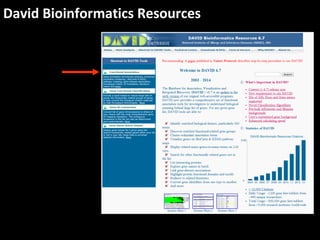
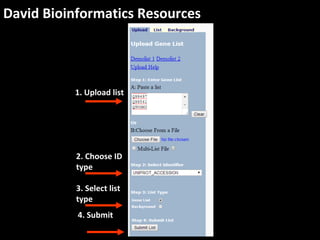
David Bioinformatics Resources
1. Upload list
2. Choose ID
type
3. Select list
type
4. Submit
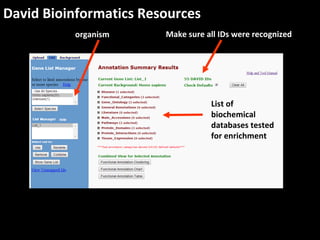
David Bioinformatics Resources
organism Make sure all IDs were recognized
List of
biochemical
databases tested
for enrichment
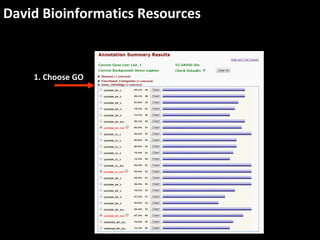
David Bioinformatics Resources
List of
biochemical
databases tested
for enrichment
1. Choose GO
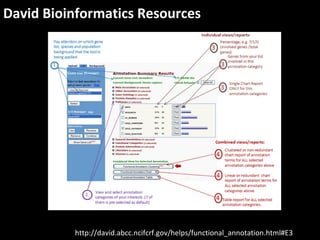
David Bioinformatics Resources
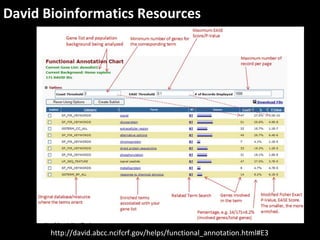
http://david.abcc.ncifcrf.gov/helps/functional_annotation.html#E3
David Bioinformatics Resources
List of
biochemical
databases tested
for enrichment
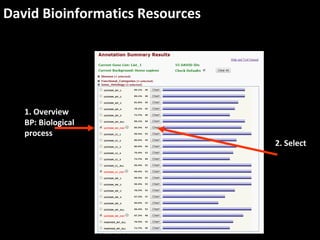
1. Overview
BP: Biological
process
2. Select
David Bioinformatics Resources
http://david.abcc.ncifcrf.gov/helps/functional_annotation.html#E3
David Bioinformatics Resources
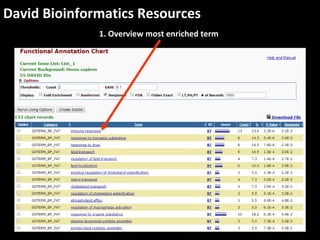
1. Overview most enriched term
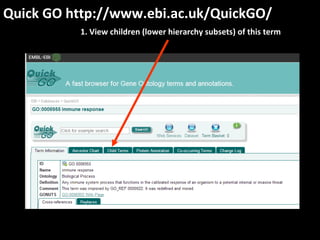
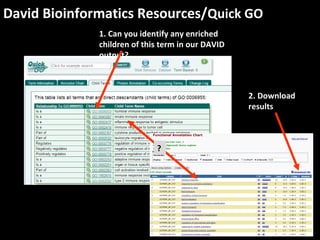
Quick GO http://www.ebi.ac.uk/QuickGO/
1. View children (lower hierarchy subsets) of this term
David Bioinformatics Resources/Quick GO
1. Can you identify any enriched
children of this term in our DAVID
output?
?
2. Download
results
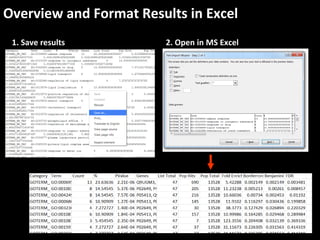
Overview and Format Results in Excel
1. Save results 2. Open in MS Excel
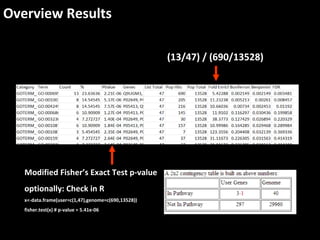
Overview Results
Modified Fisher’s Exact Test p-value
optionally: Check in R
x<-data.frame(user=c(1,47),genome=c(690,13528))
fisher.test(x) # p-value = 5.41e-06
(13/47) / (690/13528)
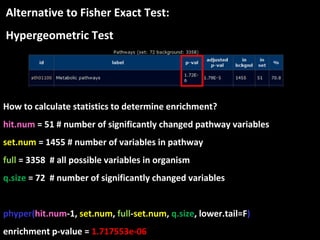
Alternative to Fisher Exact Test:
Hypergeometric Test
How to calculate statistics to determine enrichment?
hit.num = 51 # number of significantly changed pathway variables
set.num = 1455 # number of variables in pathway
full = 3358 # all possible variables in organism
q.size = 72 # number of significantly changed variables
phyper(hit.num-1, set.num, full-set.num, q.size, lower.tail=F)
enrichment p-value = 1.717553e-06
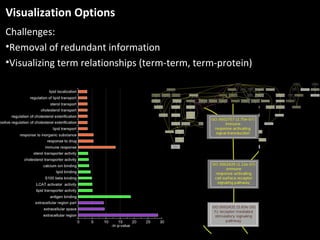
Visualization Options
Challenges:
•Removal of redundant information
•Visualizing term relationships (term-term, term-protein)
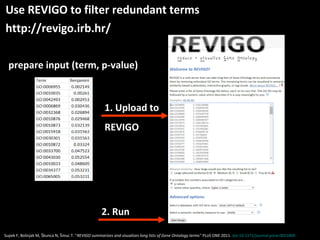
Use REVIGO to filter redundant terms
http://revigo.irb.hr/
prepare input (term, p-value)
1. Upload to
REVIGO
Supek F, Bošnjak M, Škunca N, Šmuc T. "REVIGO summarizes and visualizes long lists of Gene Ontology terms" PLoS ONE 2011. doi:10.1371/journal.pone.0021800
2. Run
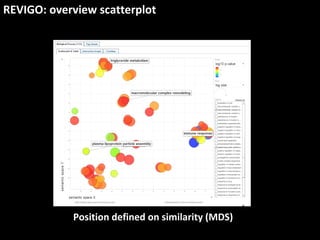
REVIGO: overview scatterplot
Position defined on similarity (MDS)
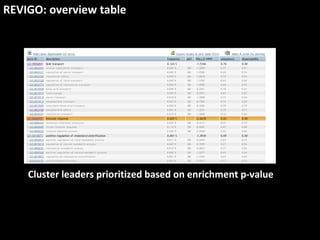
REVIGO: overview table
Cluster leaders prioritized based on enrichment p-value
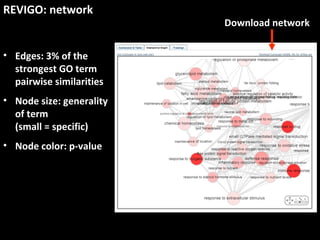
REVIGO: network
• Edges: 3% of the
strongest GO term
pairwise similarities
• Node size: generality
of term
(small = specific)
• Node color: p-value
Download network
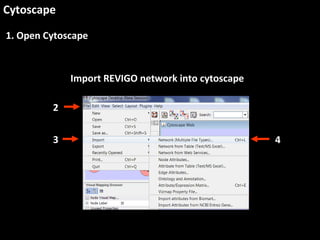
Cytoscape
1. Open Cytoscape
Import REVIGO network into cytoscape
2
3 4
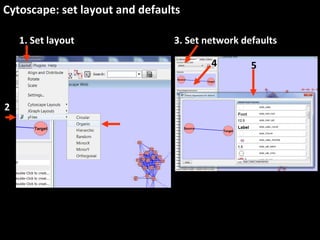
Cytoscape: set layout and defaults
1. Set layout 3. Set network defaults
2
4 5
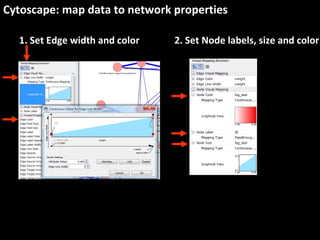
Cytoscape: map data to network properties
1. Set Edge width and color 2. Set Node labels, size and color
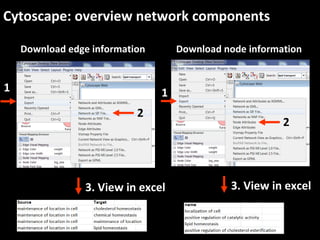
Cytoscape: overview network components
Download edge information
1
2
3. View in excel
Download node information
1
2
3. View in excel
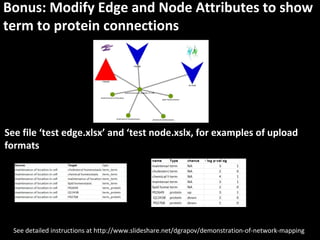
Bonus: Modify Edge and Node Attributes to show
term to protein connections
See file ‘test edge.xlsx’ and ‘test node.xslx, for examples of upload
formats
See detailed instructions at http://www.slideshare.net/dgrapov/demonstration-of-network-mapping
See more Statistical and Multivariate Analysis Examples at
http://imdevsoftware.wordpress.com/tutorials/
Questions?
dgrapov@ucdavis.edu
This research was supported in part by NIH 1 U24 DK097154

Gene Ontology Enrichment Network Analysis -Tutorial