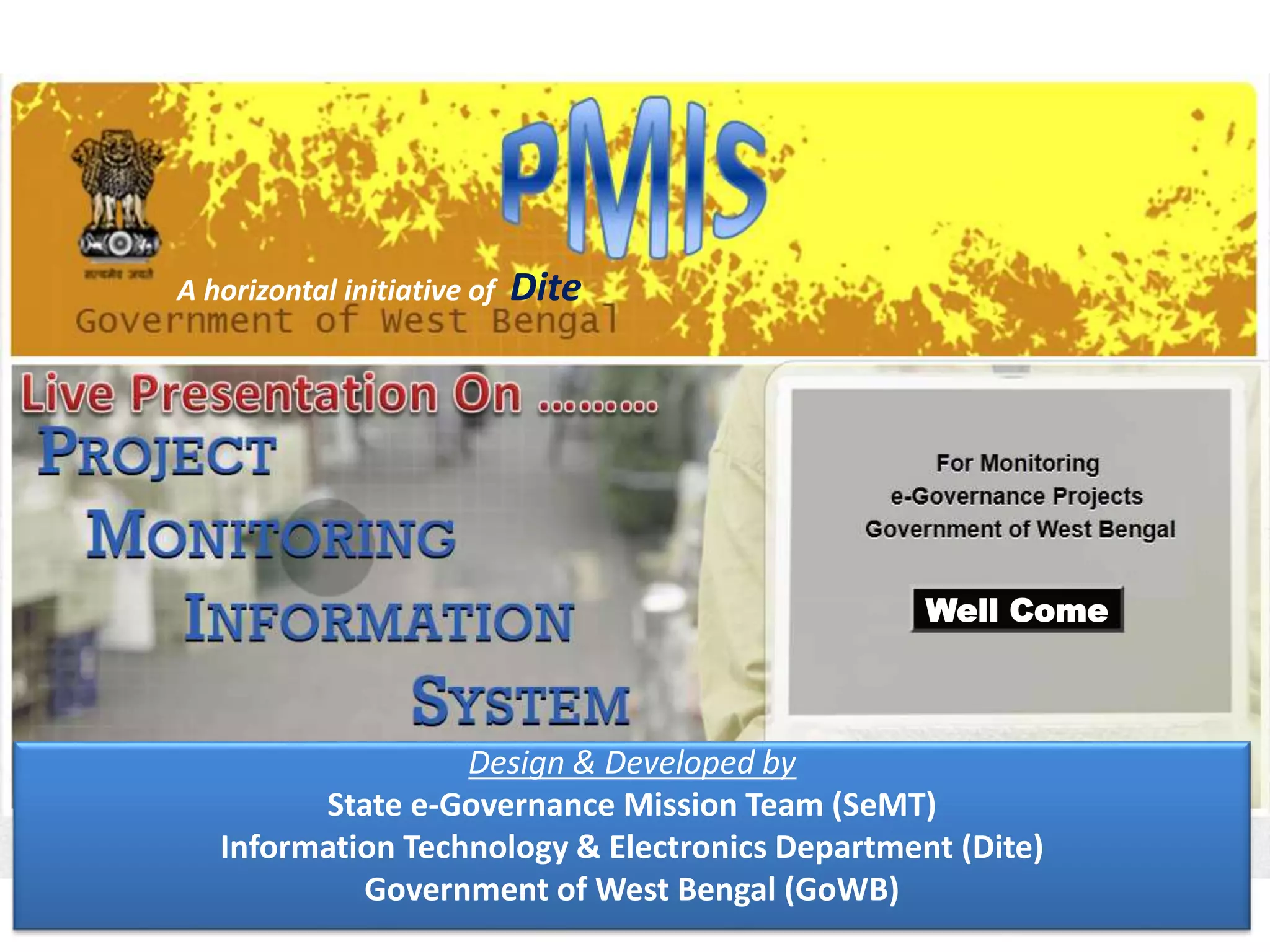
Design & Developed by
State e-Governance Mission Team (SeMT)
Information Technology & Electronics Department (Dite)
Government of West Bengal (GoWB)
A horizontal initiative of Dite
Well Come
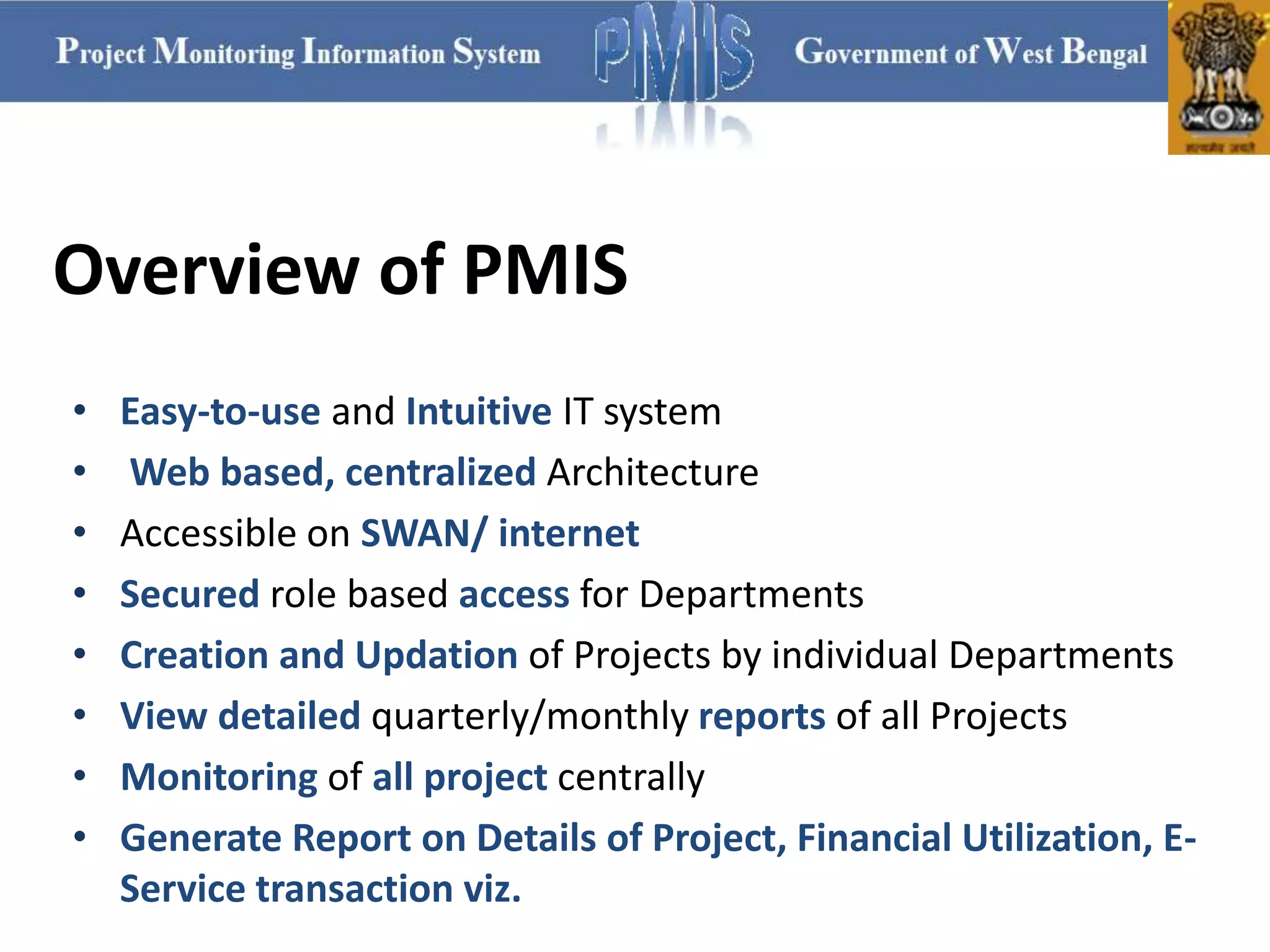
Overview of PMIS
• Easy-to-use and Intuitive IT system
• Web based, centralized Architecture
• Accessible on SWAN/ internet
• Secured role based access for Departments
• Creation and Updation of Projects by individual Departments
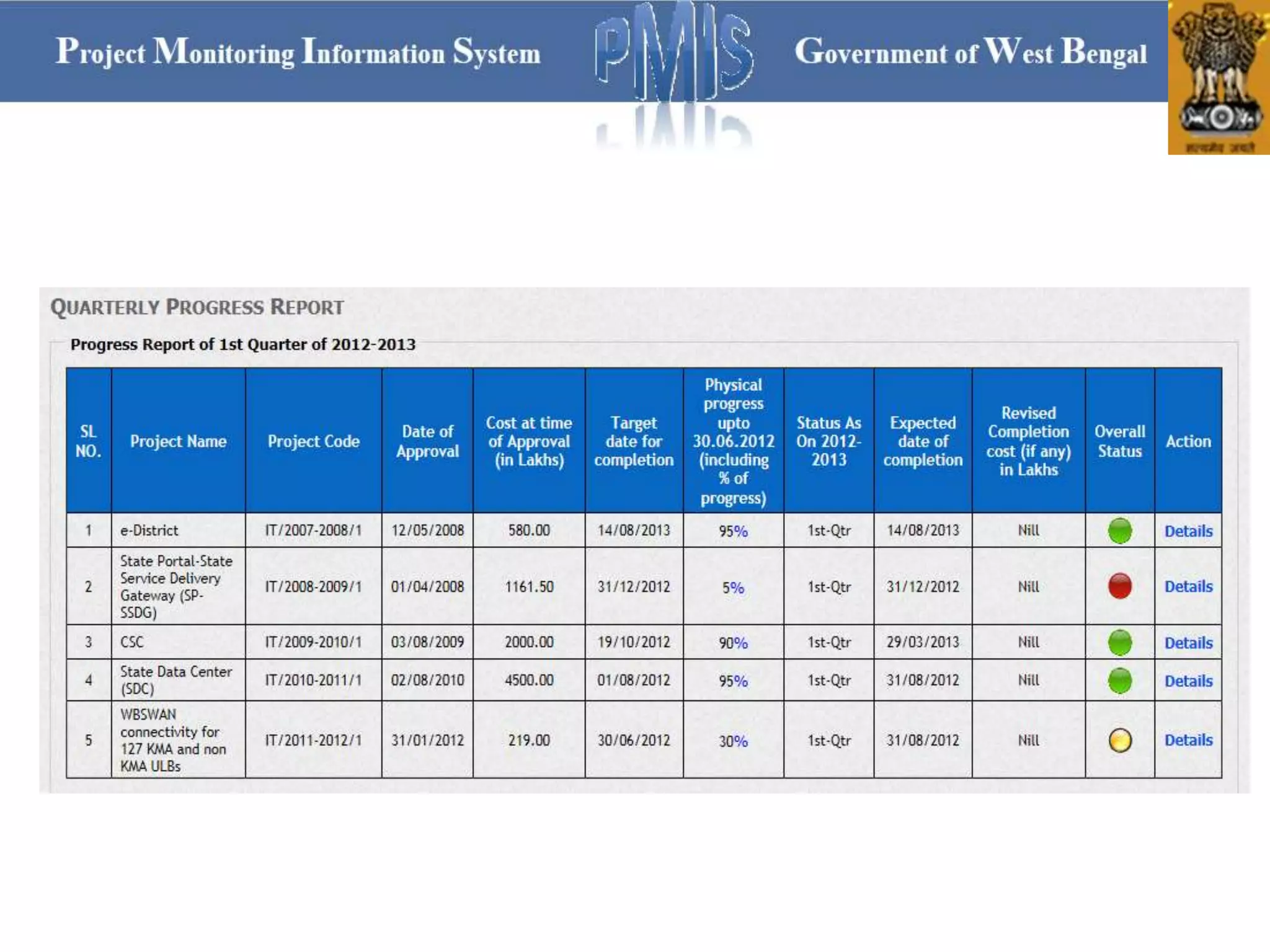
• View detailed quarterly/monthly reports of all Projects
• Monitoring of all project centrally
• Generate Report on Details of Project, Financial Utilization, E-
Service transaction viz.
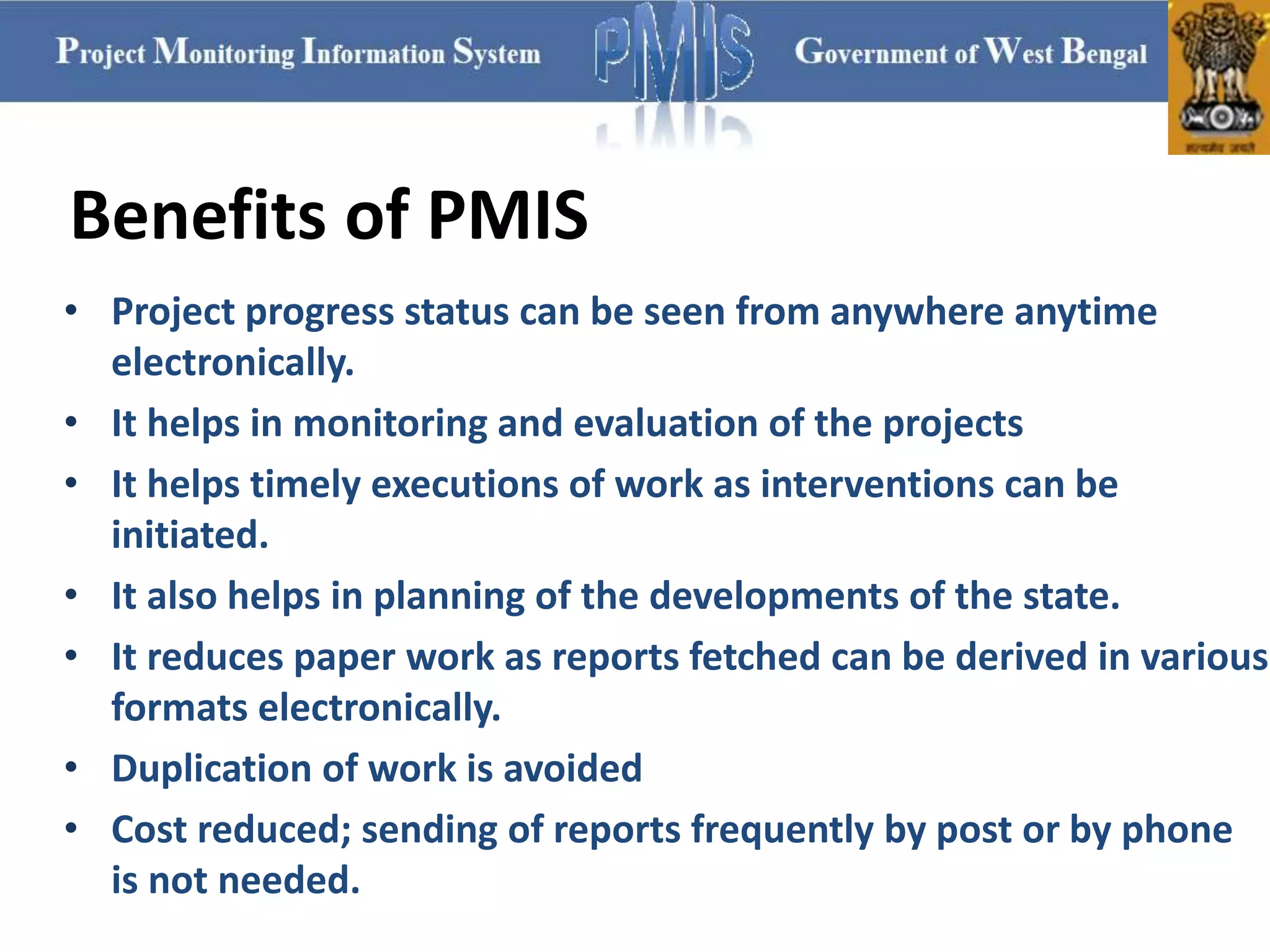
• Project progress status can be seen from anywhere anytime
electronically.
• It helps in monitoring and evaluation of the projects
• It helps timely executions of work as interventions can be
initiated.
• It also helps in planning of the developments of the state.
• It reduces paper work as reports fetched can be derived in various
formats electronically.
• Duplication of work is avoided
• Cost reduced; sending of reports frequently by post or by phone
is not needed.
Benefits of PMIS
Proposed Overview of PMIS – Phase II
• One glance view of ALL project status
Timeline – 2 weeks
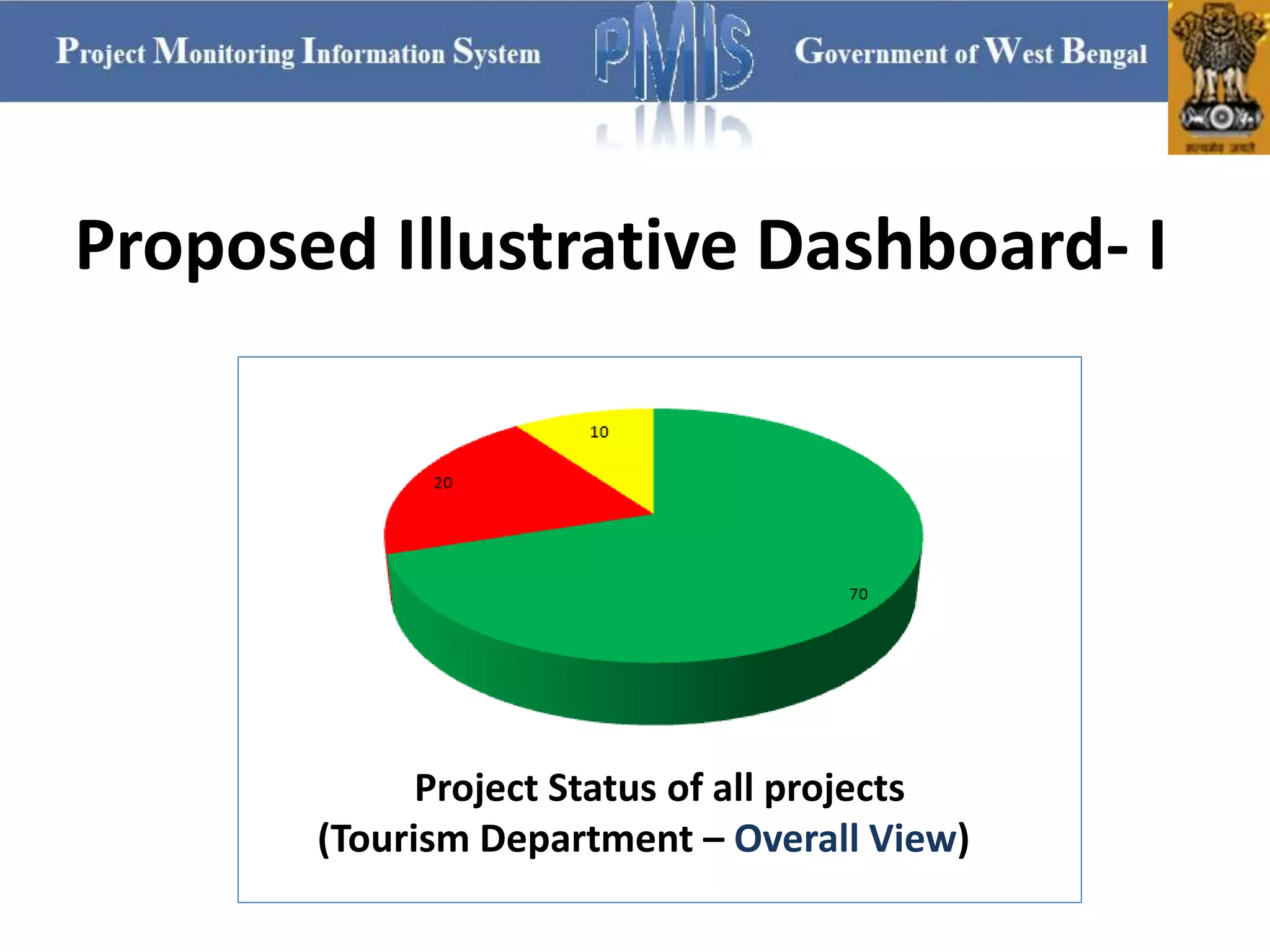
Proposed Illustrative Dashboard- I
Project Status of all projects
(Tourism Department – Overall View)
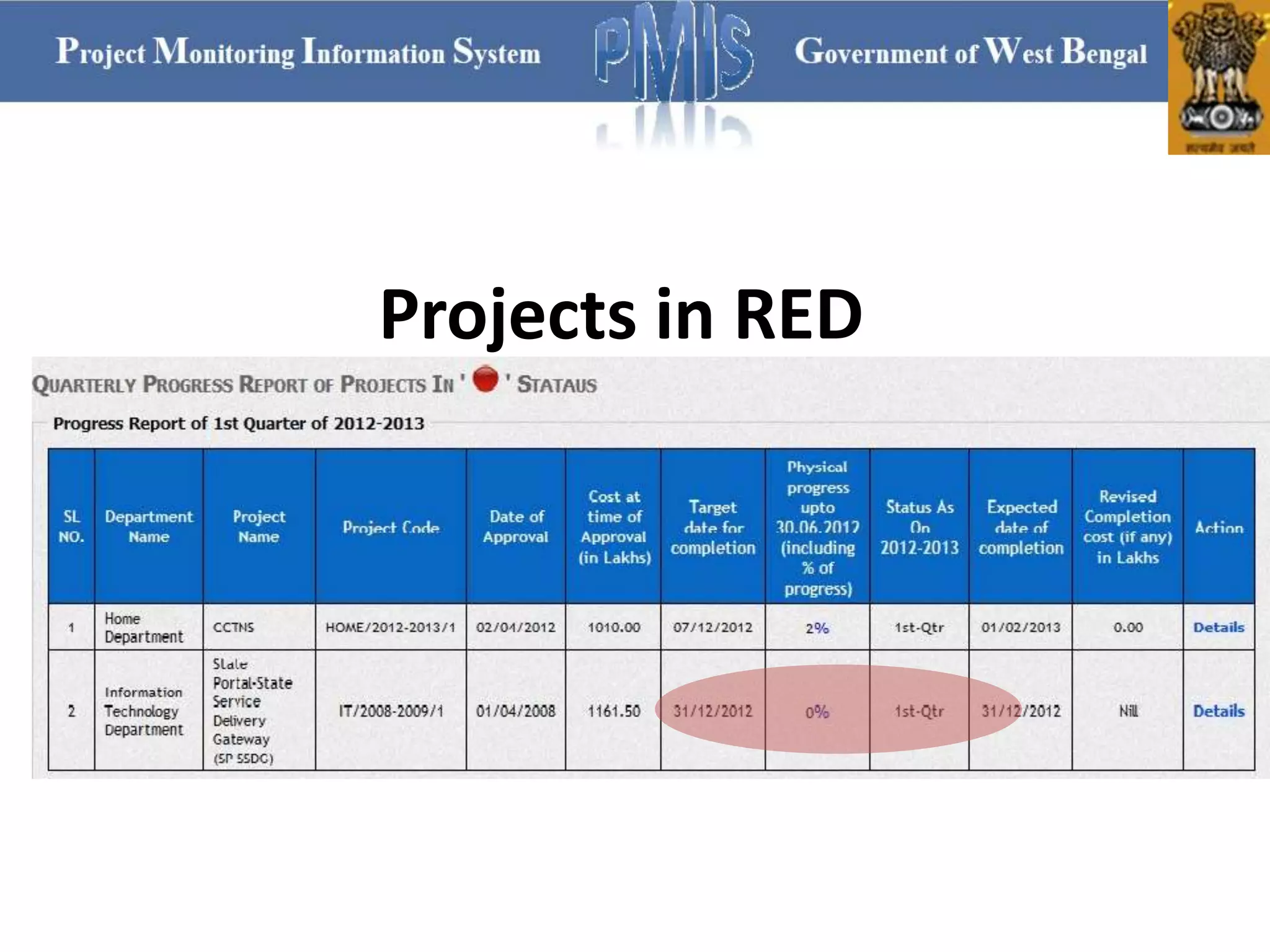
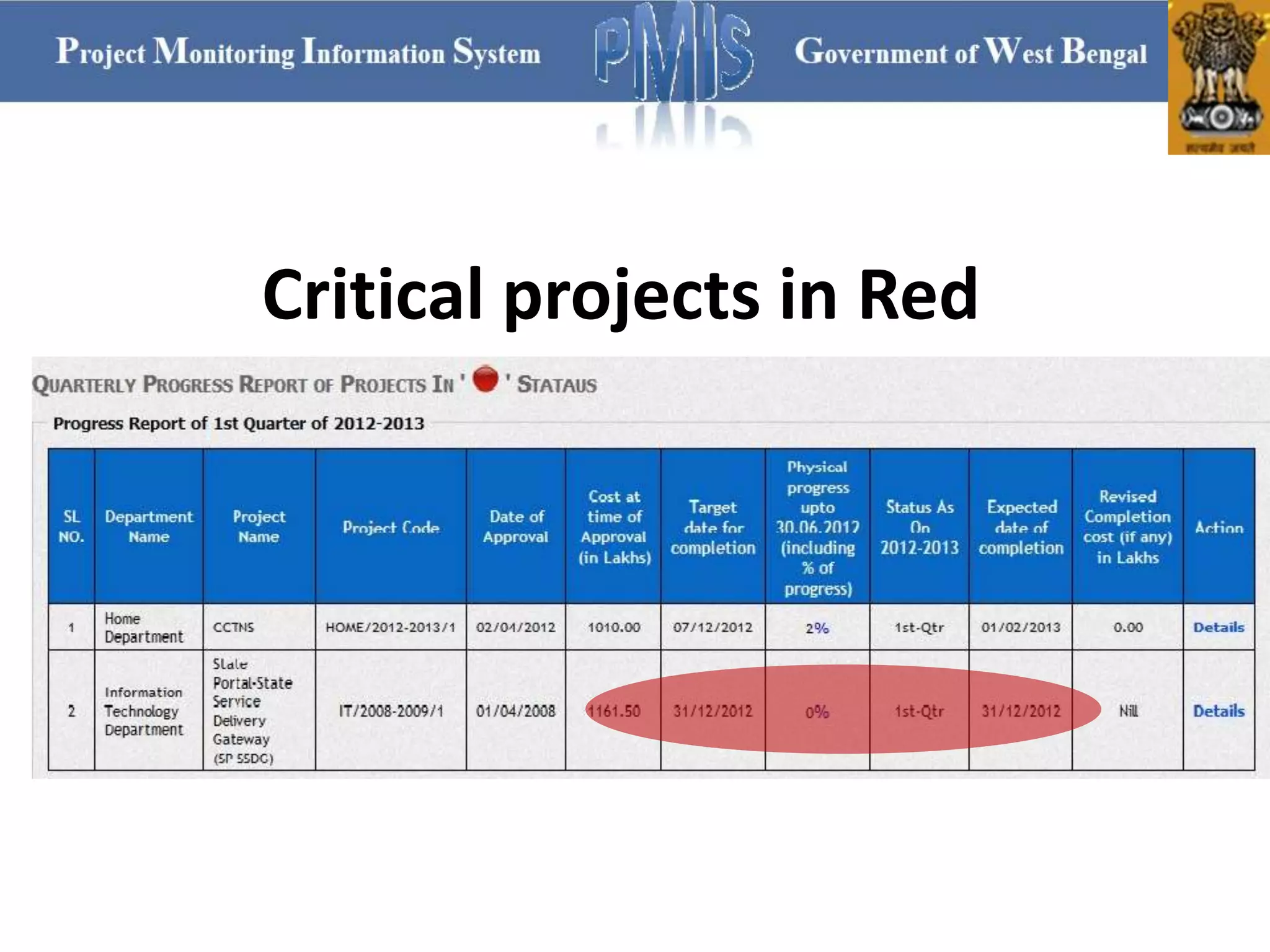
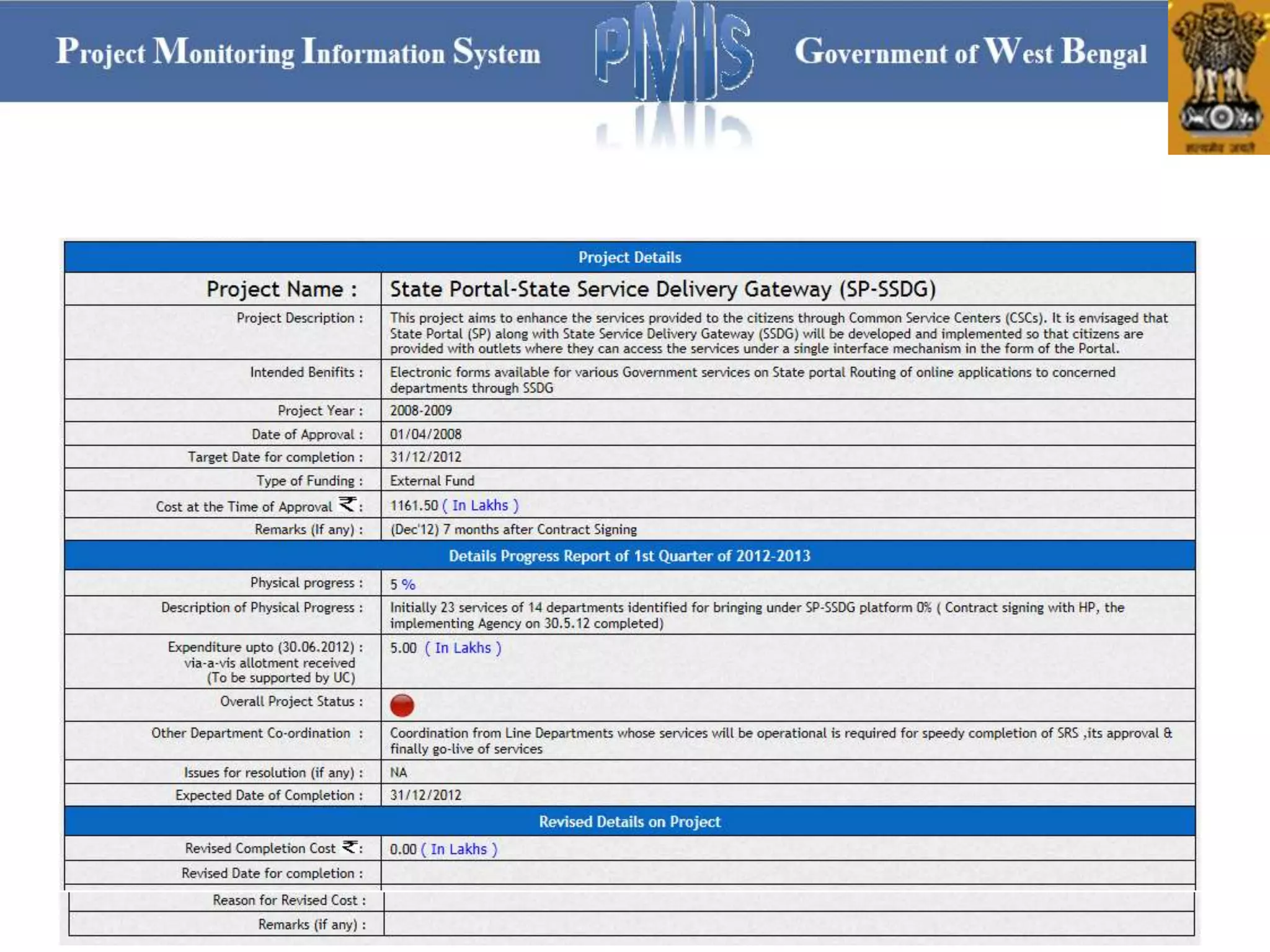
Projects in RED
Implementation – Phase II
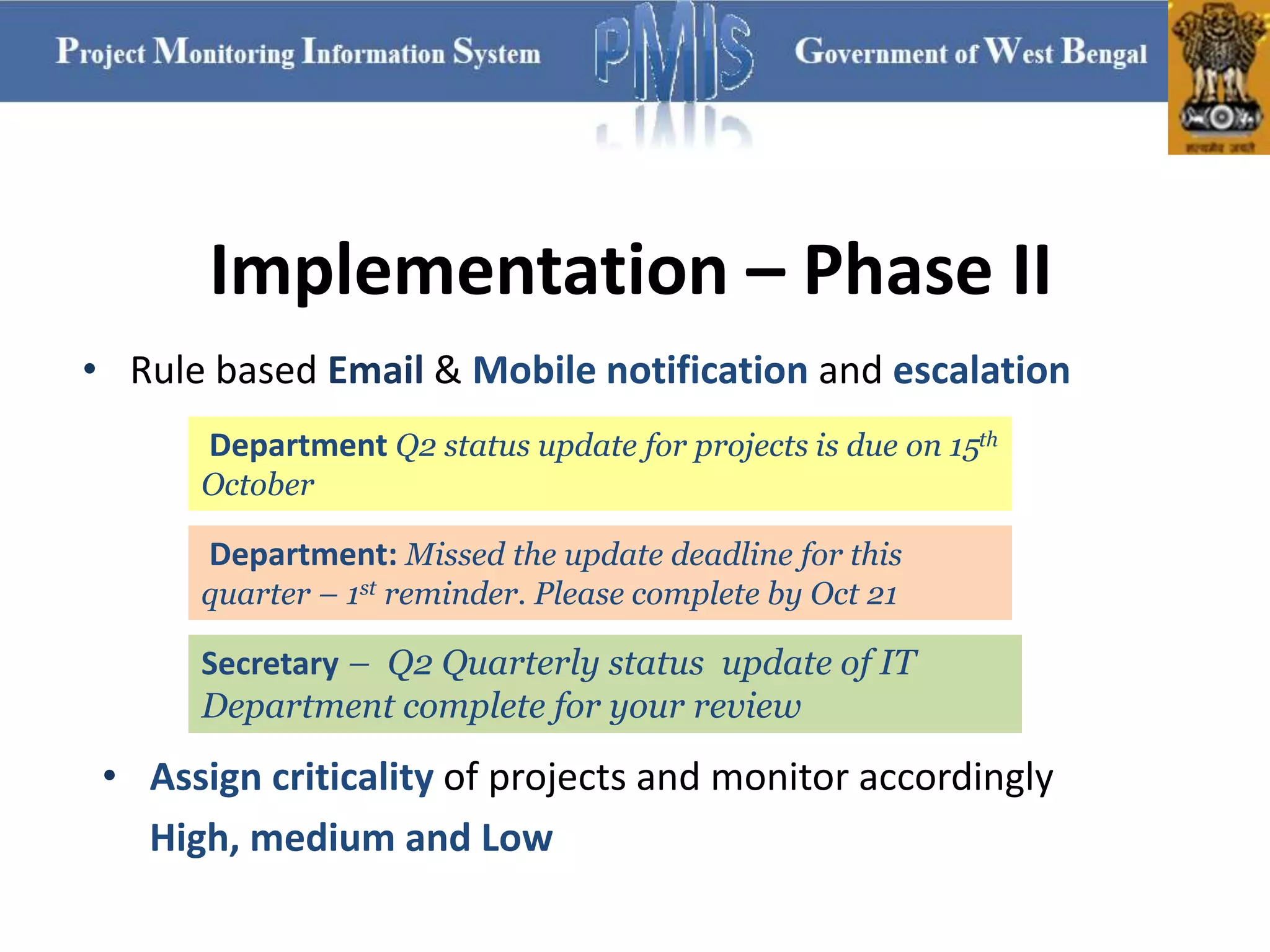
• Rule based Email & Mobile notification and escalation
Department Q2 status update for projects is due on 15th
October
Department: Missed the update deadline for this
quarter – 1st reminder. Please complete by Oct 21
Secretary – Q2 Quarterly status update of IT
Department complete for your review
• Assign criticality of projects and monitor accordingly
High, medium and Low
Implementation – Phase II
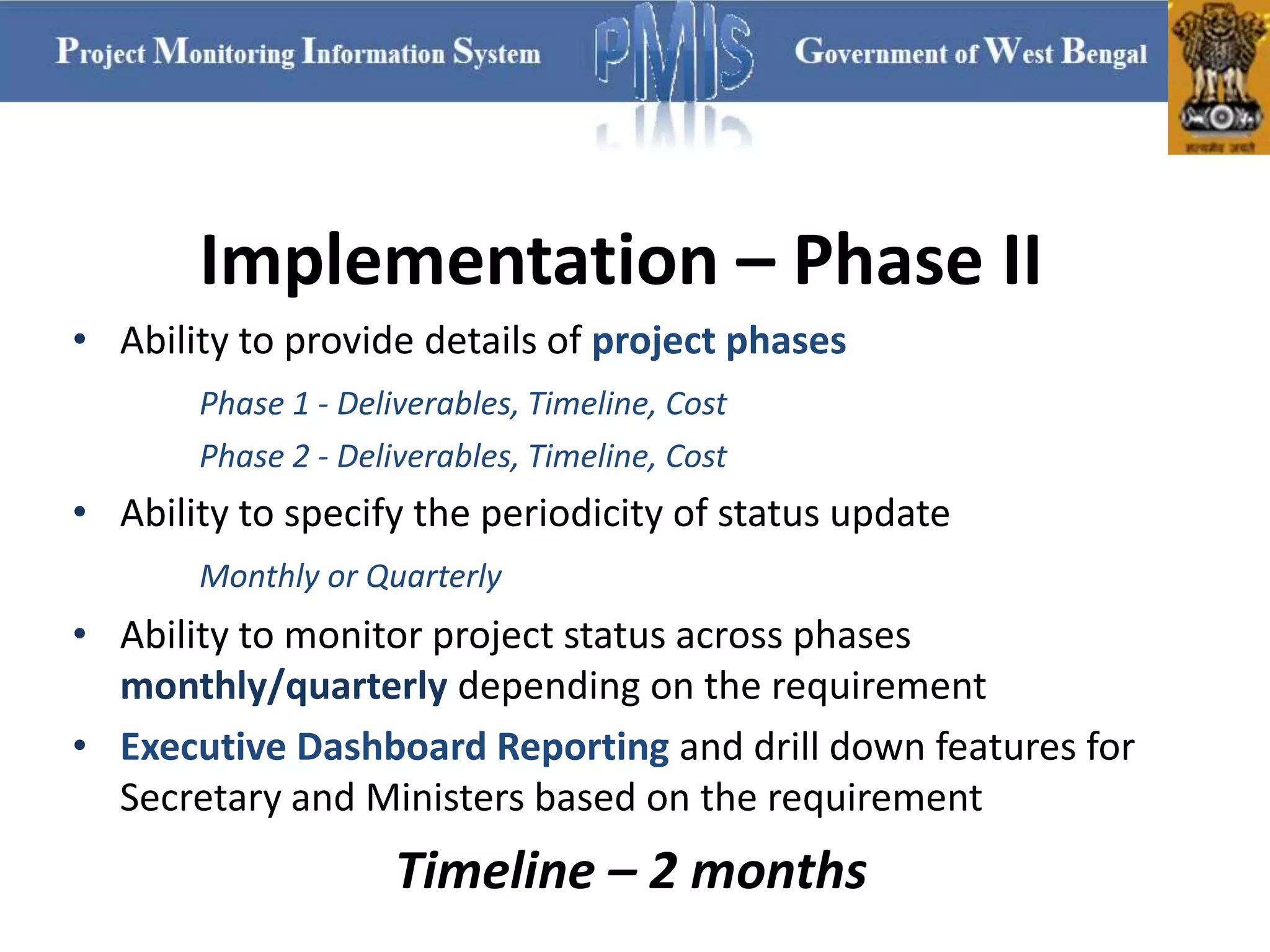
• Ability to provide details of project phases
Phase 1 - Deliverables, Timeline, Cost
Phase 2 - Deliverables, Timeline, Cost
• Ability to specify the periodicity of status update
Monthly or Quarterly
• Ability to monitor project status across phases
monthly/quarterly depending on the requirement
• Executive Dashboard Reporting and drill down features for
Secretary and Ministers based on the requirement
Timeline – 2 months
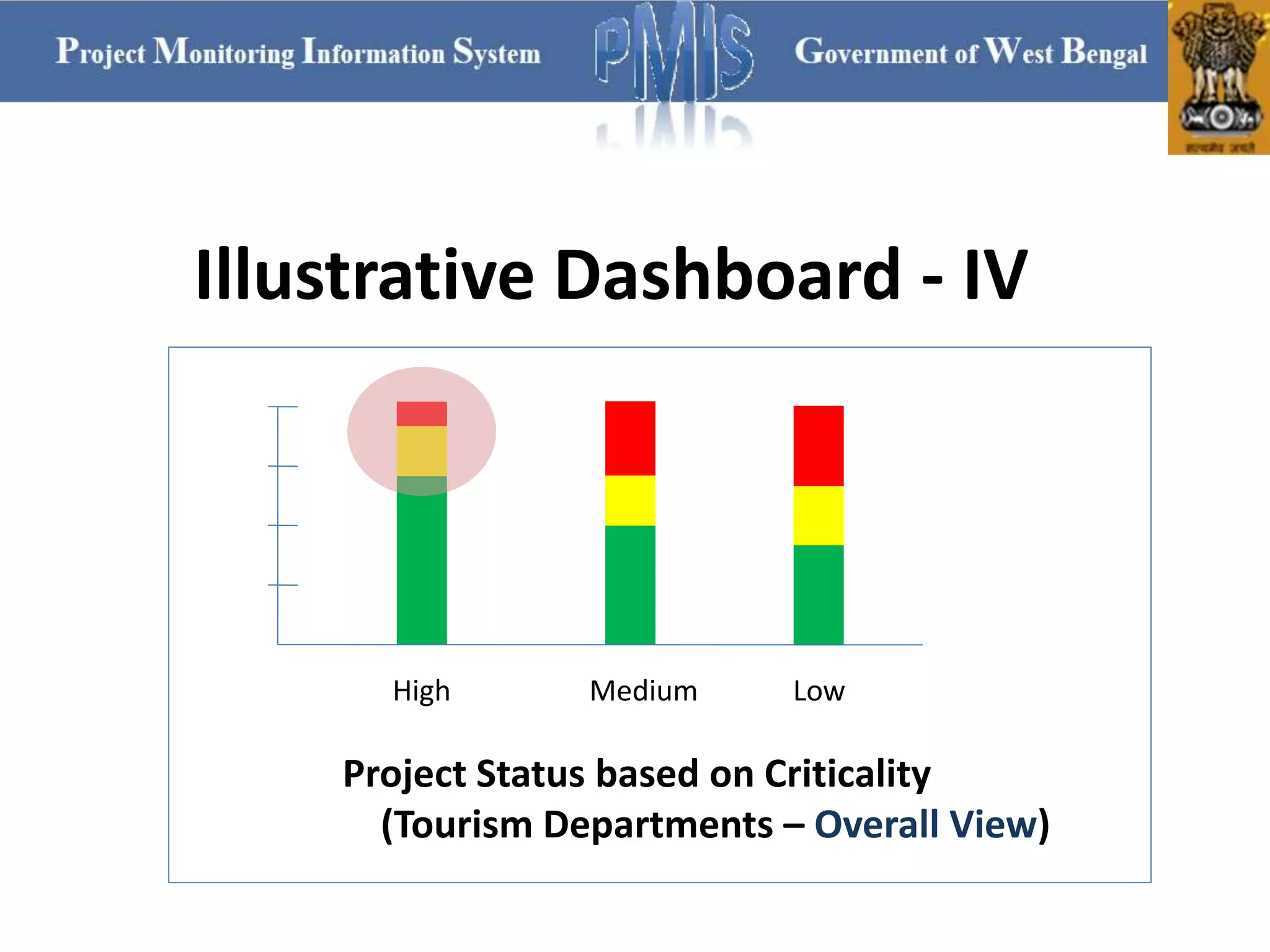
Illustrative Dashboard - IV
High Medium Low
Project Status based on Criticality
(Tourism Departments – Overall View)
Critical projects in Red
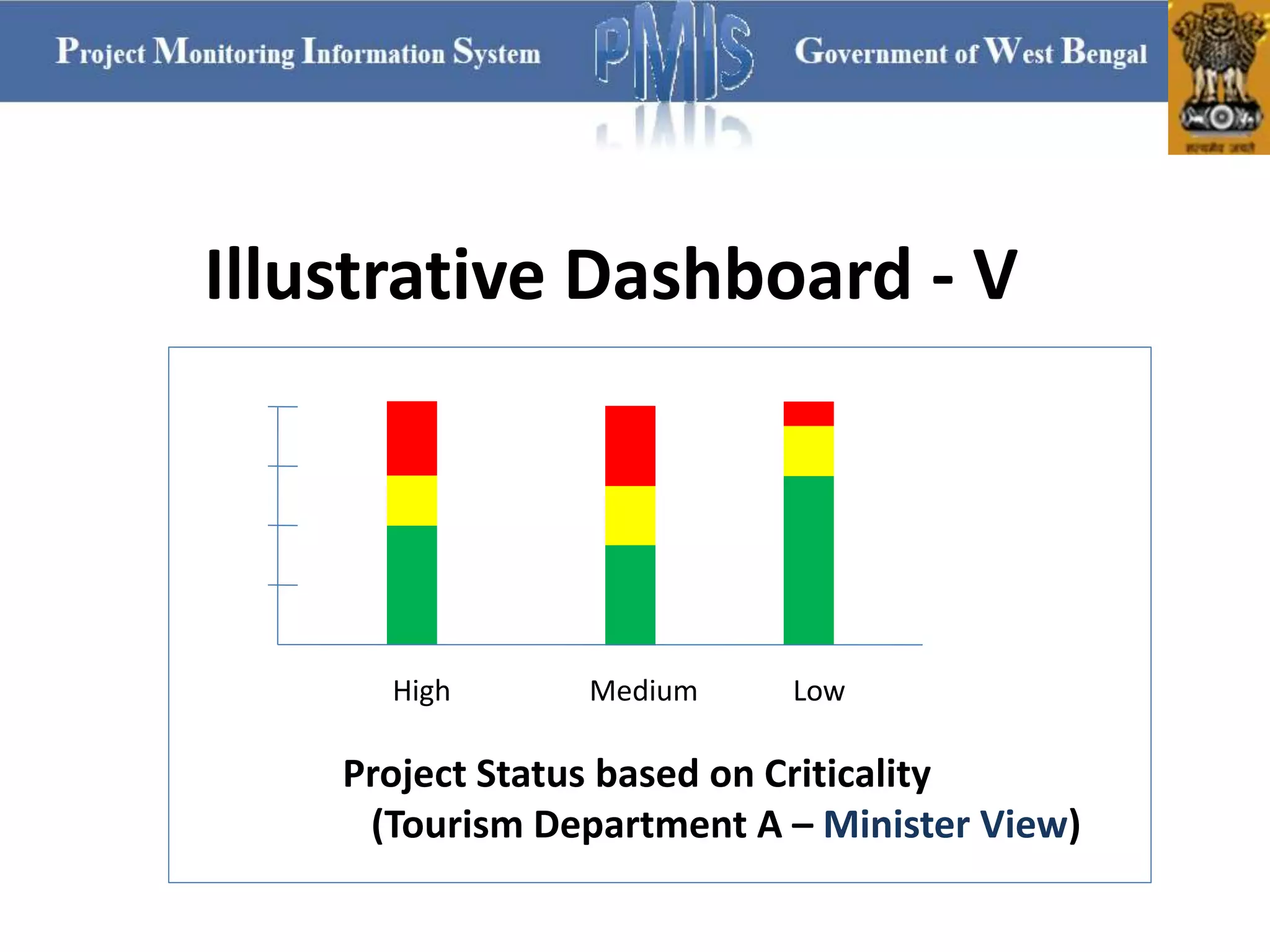
Illustrative Dashboard - V
High Medium Low
Project Status based on Criticality
(Tourism Department A – Minister View)
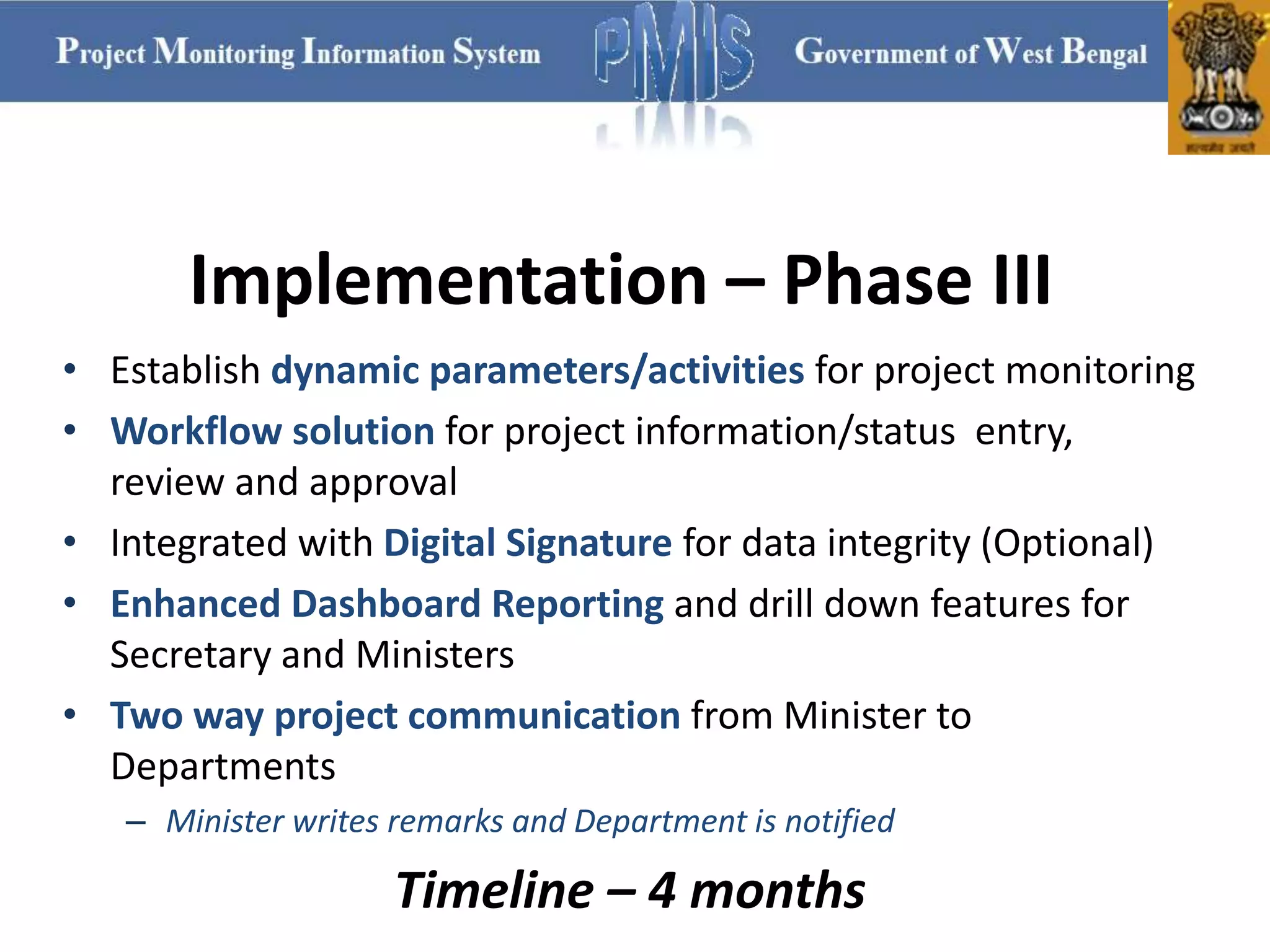
Implementation – Phase III
• Establish dynamic parameters/activities for project monitoring
• Workflow solution for project information/status entry,
review and approval
• Integrated with Digital Signature for data integrity (Optional)
• Enhanced Dashboard Reporting and drill down features for
Secretary and Ministers
• Two way project communication from Minister to
Departments
– Minister writes remarks and Department is notified
Timeline – 4 months
Illustrative Dashboard - V
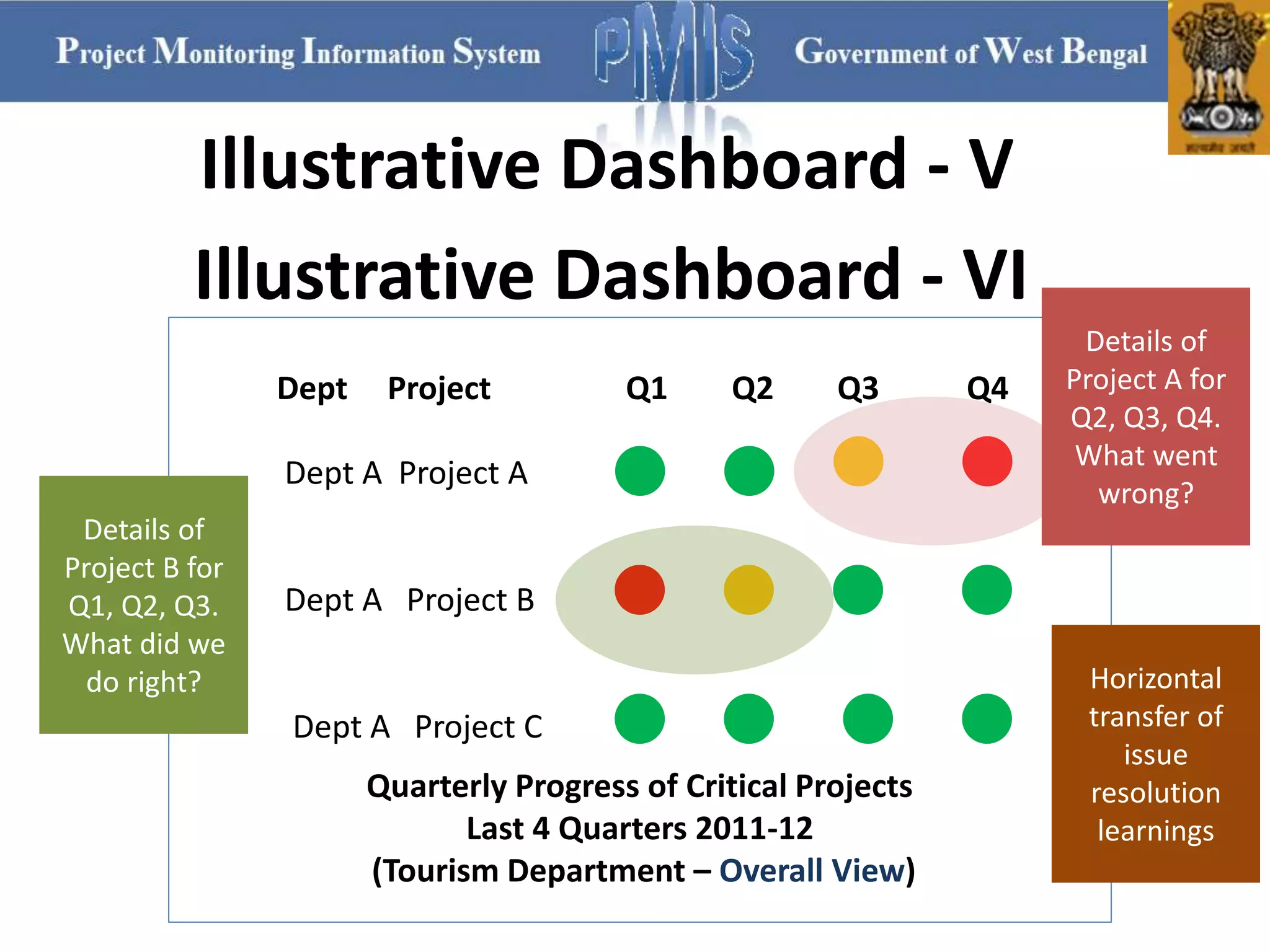
Dept Project Q1 Q2 Q3 Q4
Dept A Project A
Dept A Project B
Dept A Project C
Quarterly Progress of Critical Projects
Last 4 Quarters 2011-12
(Tourism Department – Overall View)
Illustrative Dashboard - VI
Details of
Project A for
Q2, Q3, Q4.
What went
wrong?
Details of
Project B for
Q1, Q2, Q3.
What did we
do right? Horizontal
transfer of
issue
resolution
learnings
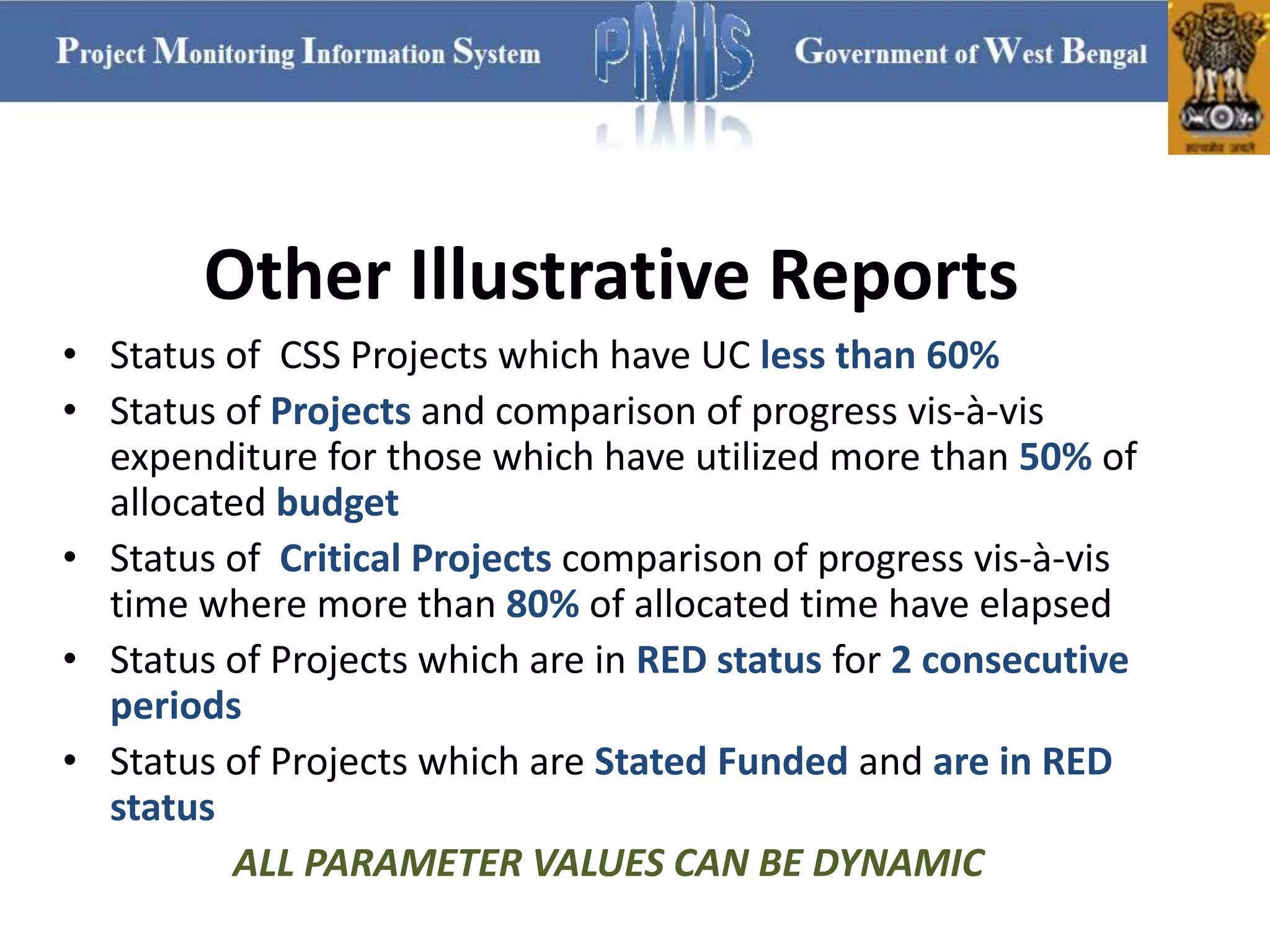
• Status of CSS Projects which have UC less than 60%
• Status of Projects and comparison of progress vis-à-vis
expenditure for those which have utilized more than 50% of
allocated budget
• Status of Critical Projects comparison of progress vis-à-vis
time where more than 80% of allocated time have elapsed
• Status of Projects which are in RED status for 2 consecutive
periods
• Status of Projects which are Stated Funded and are in RED
status
ALL PARAMETER VALUES CAN BE DYNAMIC
Other Illustrative Reports
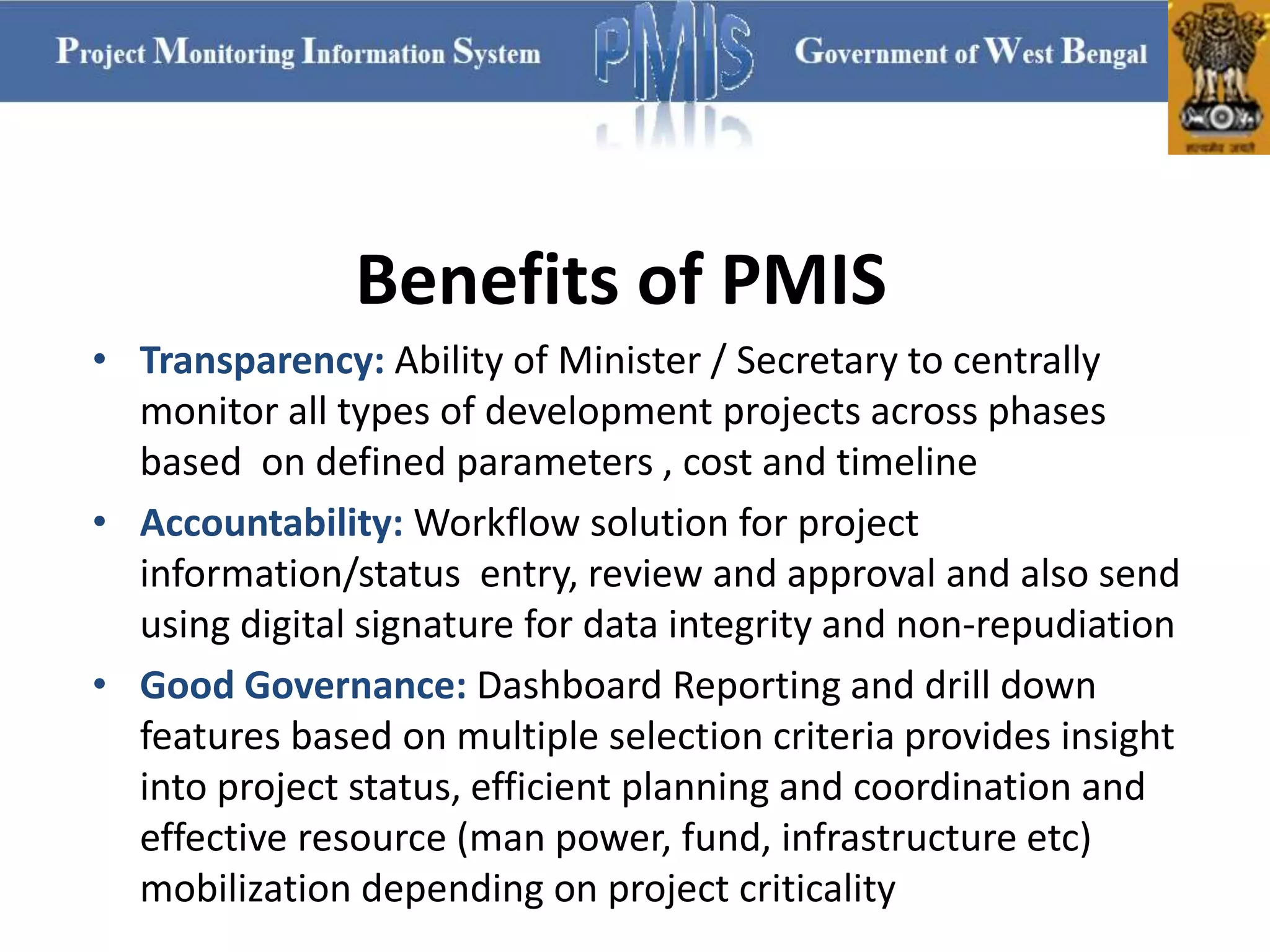
Benefits of PMIS
• Transparency: Ability of Minister / Secretary to centrally
monitor all types of development projects across phases
based on defined parameters , cost and timeline
• Accountability: Workflow solution for project
information/status entry, review and approval and also send
using digital signature for data integrity and non-repudiation
• Good Governance: Dashboard Reporting and drill down
features based on multiple selection criteria provides insight
into project status, efficient planning and coordination and
effective resource (man power, fund, infrastructure etc)
mobilization depending on project criticality
Project Monitoring System (PMIS)

Project Monitoring System (PMIS)

  • 1.
    Design & Developedby State e-Governance Mission Team (SeMT) Information Technology & Electronics Department (Dite) Government of West Bengal (GoWB) A horizontal initiative of Dite Well Come
  • 2.
    Overview of PMIS •Easy-to-use and Intuitive IT system • Web based, centralized Architecture • Accessible on SWAN/ internet • Secured role based access for Departments • Creation and Updation of Projects by individual Departments • View detailed quarterly/monthly reports of all Projects • Monitoring of all project centrally • Generate Report on Details of Project, Financial Utilization, E- Service transaction viz.
  • 3.
    • Project progressstatus can be seen from anywhere anytime electronically. • It helps in monitoring and evaluation of the projects • It helps timely executions of work as interventions can be initiated. • It also helps in planning of the developments of the state. • It reduces paper work as reports fetched can be derived in various formats electronically. • Duplication of work is avoided • Cost reduced; sending of reports frequently by post or by phone is not needed. Benefits of PMIS
  • 4.
    Proposed Overview ofPMIS – Phase II • One glance view of ALL project status Timeline – 2 weeks
  • 5.
    Proposed Illustrative Dashboard-I Project Status of all projects (Tourism Department – Overall View)
  • 6.
  • 10.
    Implementation – PhaseII • Rule based Email & Mobile notification and escalation Department Q2 status update for projects is due on 15th October Department: Missed the update deadline for this quarter – 1st reminder. Please complete by Oct 21 Secretary – Q2 Quarterly status update of IT Department complete for your review • Assign criticality of projects and monitor accordingly High, medium and Low
  • 11.
    Implementation – PhaseII • Ability to provide details of project phases Phase 1 - Deliverables, Timeline, Cost Phase 2 - Deliverables, Timeline, Cost • Ability to specify the periodicity of status update Monthly or Quarterly • Ability to monitor project status across phases monthly/quarterly depending on the requirement • Executive Dashboard Reporting and drill down features for Secretary and Ministers based on the requirement Timeline – 2 months
  • 12.
    Illustrative Dashboard -IV High Medium Low Project Status based on Criticality (Tourism Departments – Overall View)
  • 13.
  • 15.
    Illustrative Dashboard -V High Medium Low Project Status based on Criticality (Tourism Department A – Minister View)
  • 16.
    Implementation – PhaseIII • Establish dynamic parameters/activities for project monitoring • Workflow solution for project information/status entry, review and approval • Integrated with Digital Signature for data integrity (Optional) • Enhanced Dashboard Reporting and drill down features for Secretary and Ministers • Two way project communication from Minister to Departments – Minister writes remarks and Department is notified Timeline – 4 months
  • 17.
    Illustrative Dashboard -V Dept Project Q1 Q2 Q3 Q4 Dept A Project A Dept A Project B Dept A Project C Quarterly Progress of Critical Projects Last 4 Quarters 2011-12 (Tourism Department – Overall View) Illustrative Dashboard - VI Details of Project A for Q2, Q3, Q4. What went wrong? Details of Project B for Q1, Q2, Q3. What did we do right? Horizontal transfer of issue resolution learnings
  • 18.
    • Status ofCSS Projects which have UC less than 60% • Status of Projects and comparison of progress vis-à-vis expenditure for those which have utilized more than 50% of allocated budget • Status of Critical Projects comparison of progress vis-à-vis time where more than 80% of allocated time have elapsed • Status of Projects which are in RED status for 2 consecutive periods • Status of Projects which are Stated Funded and are in RED status ALL PARAMETER VALUES CAN BE DYNAMIC Other Illustrative Reports
  • 19.
    Benefits of PMIS •Transparency: Ability of Minister / Secretary to centrally monitor all types of development projects across phases based on defined parameters , cost and timeline • Accountability: Workflow solution for project information/status entry, review and approval and also send using digital signature for data integrity and non-repudiation • Good Governance: Dashboard Reporting and drill down features based on multiple selection criteria provides insight into project status, efficient planning and coordination and effective resource (man power, fund, infrastructure etc) mobilization depending on project criticality