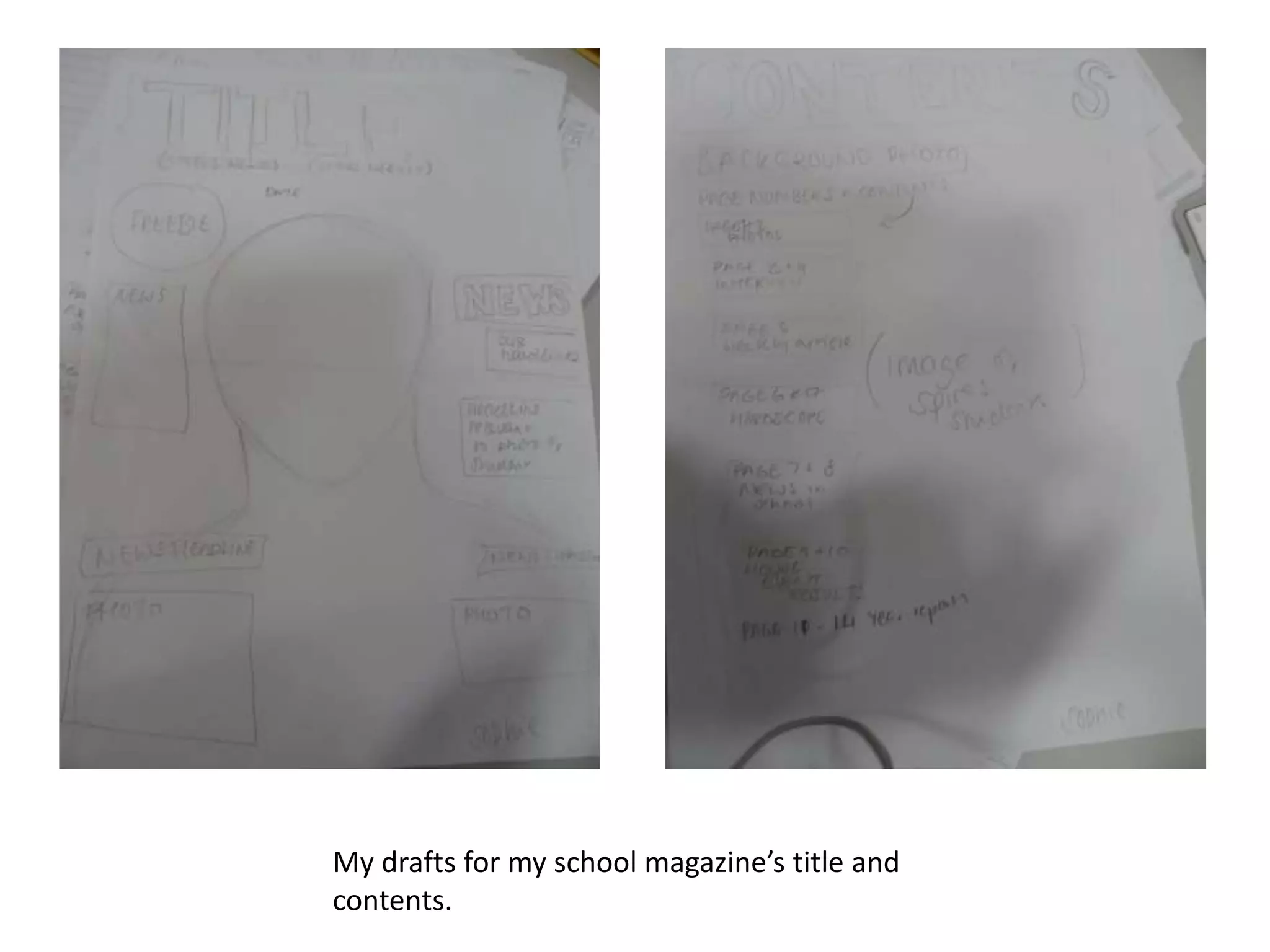
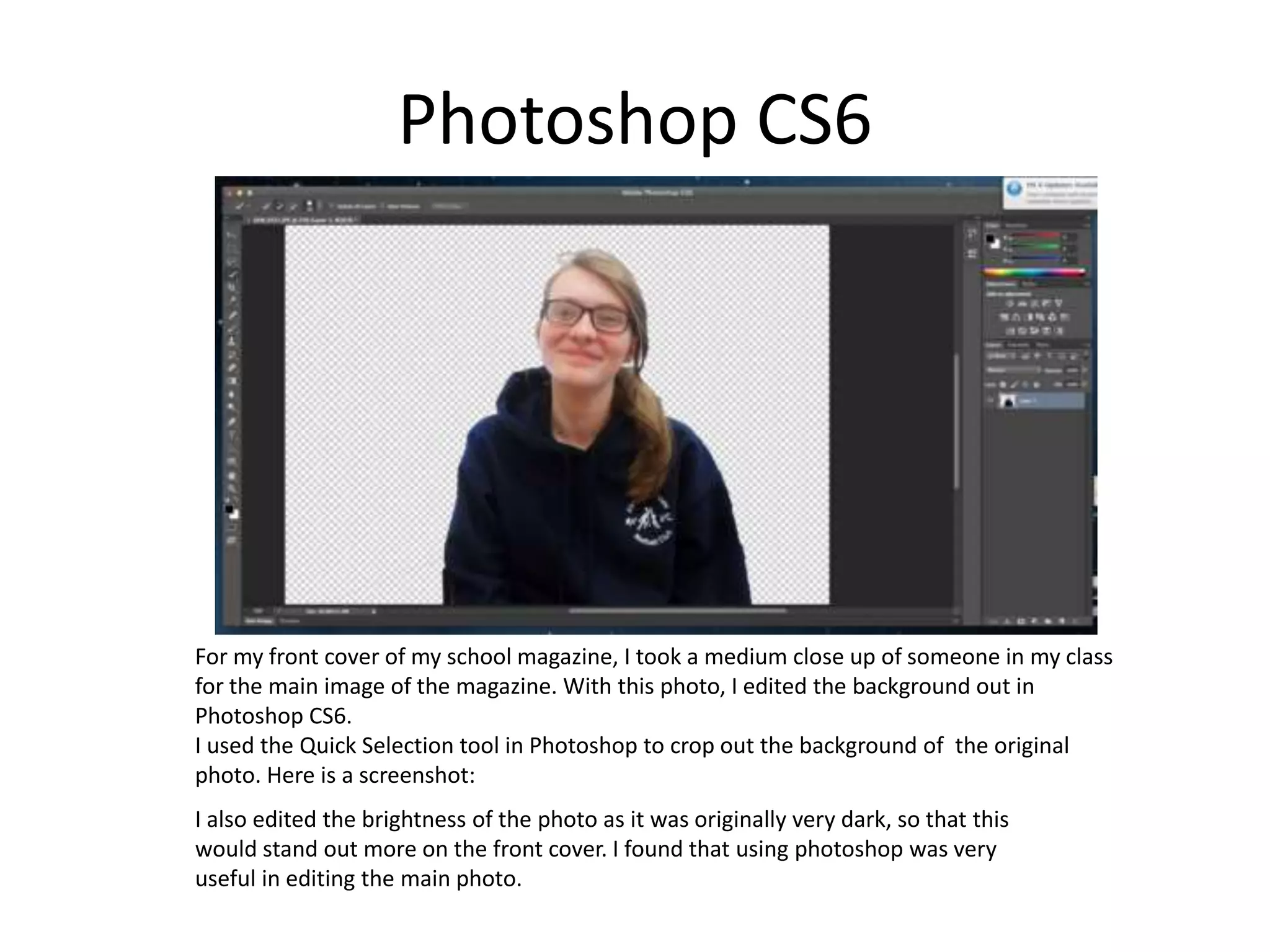
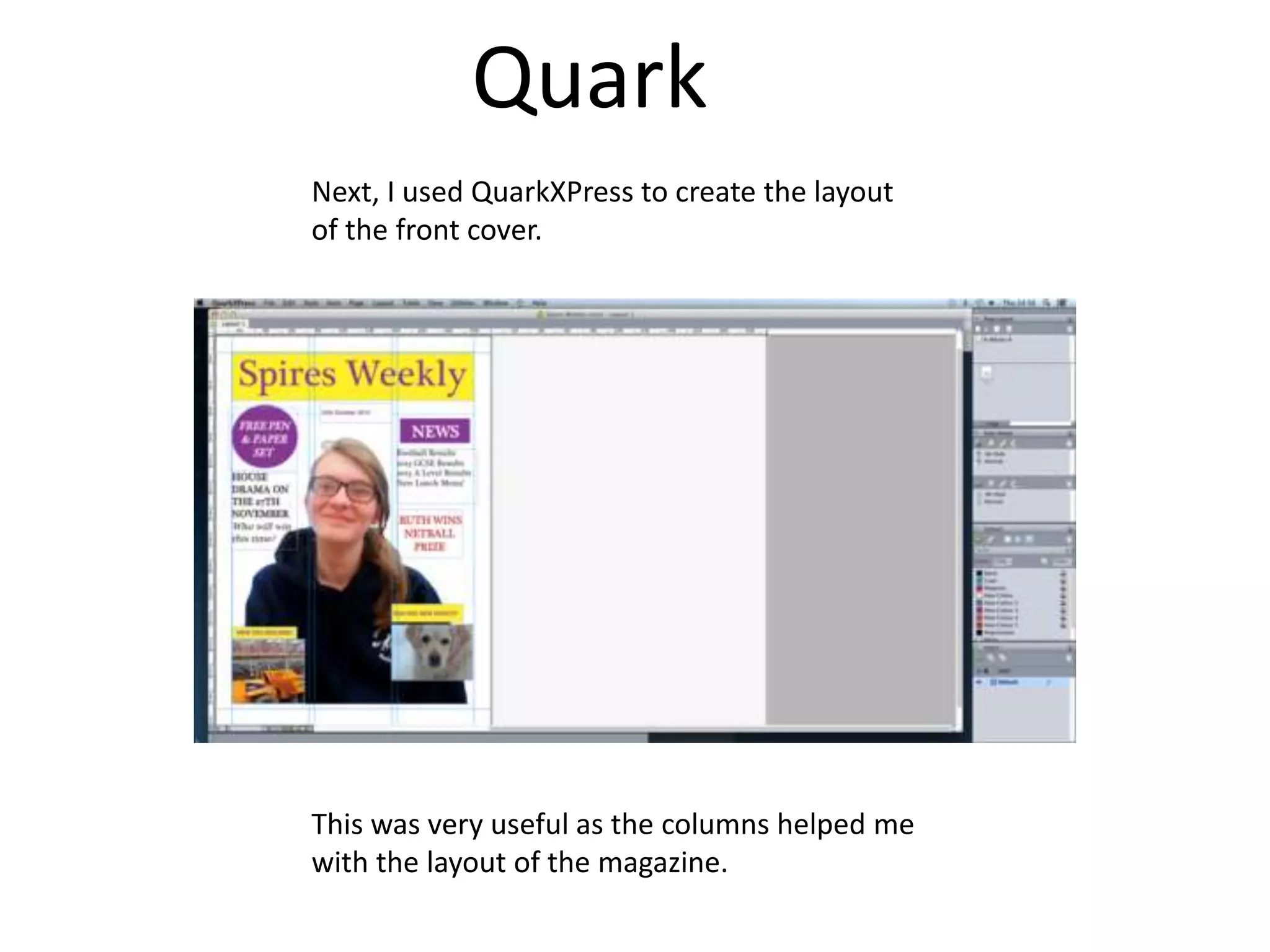
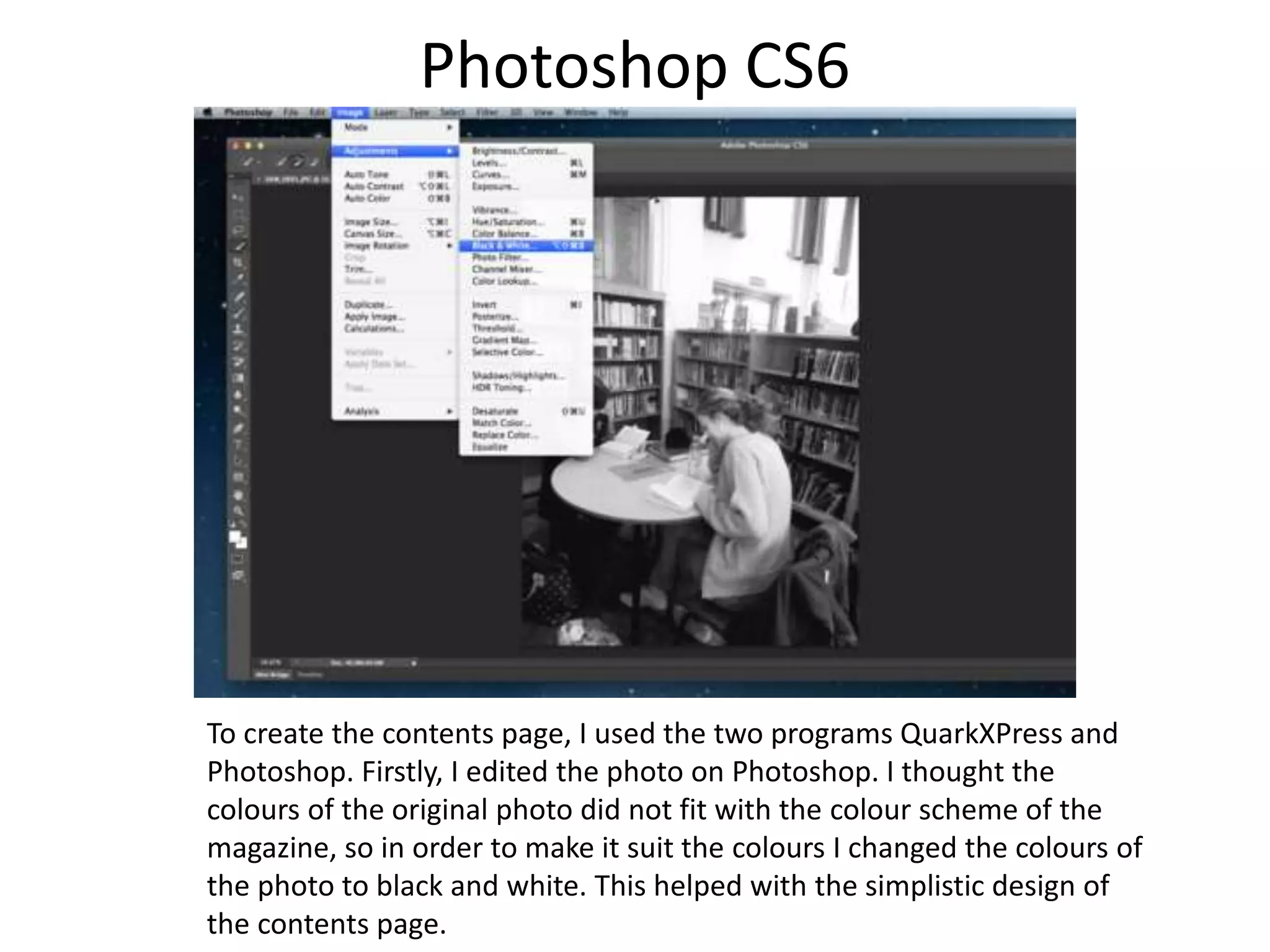
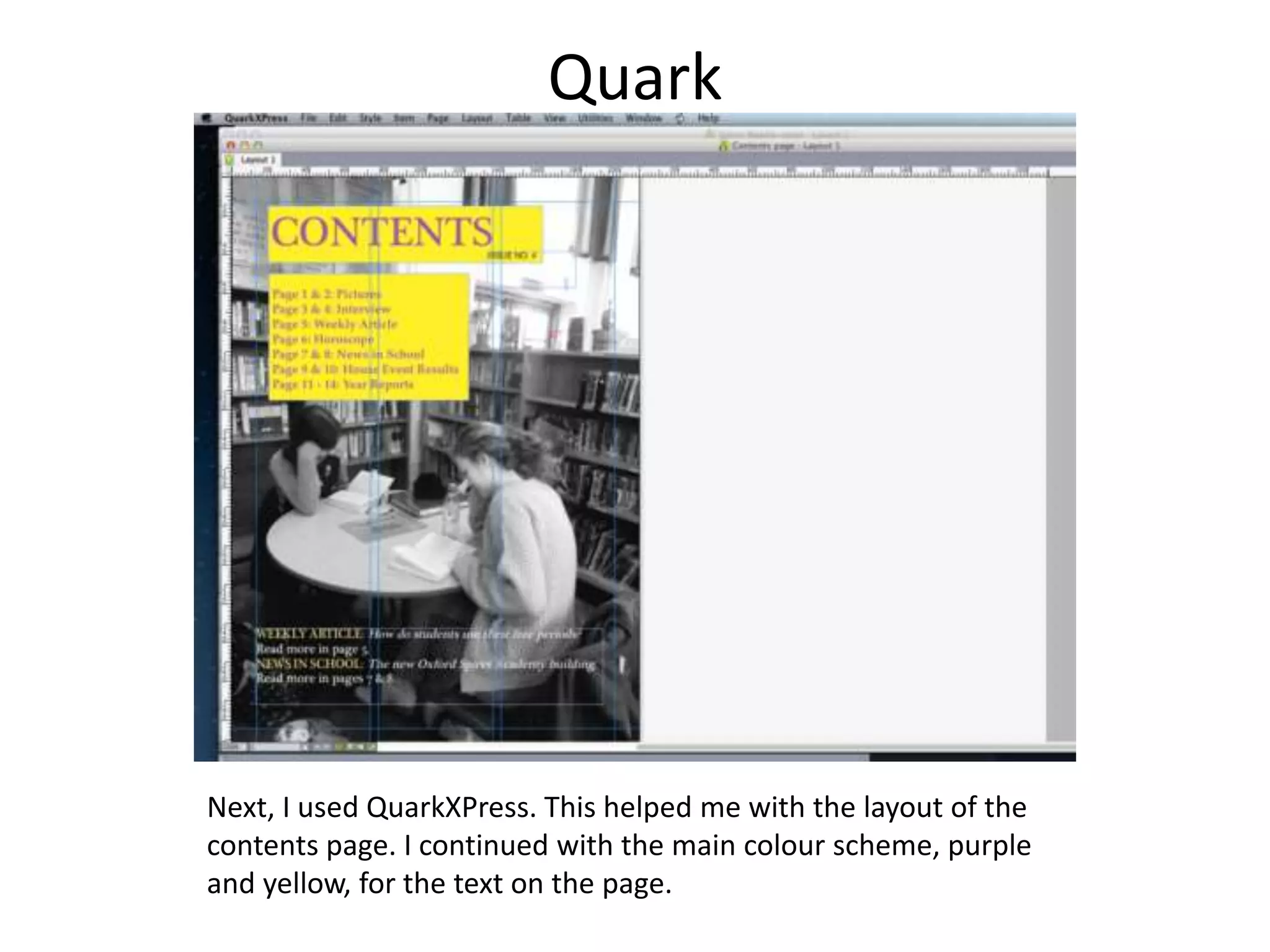
The document describes the process of creating the front cover and contents page for a school magazine. Photoshop was used to edit the main front cover photo by cropping out the background and adjusting the brightness. Quark was then used to layout the front cover, taking advantage of its column features. Similarly, Photoshop was used to edit a photo and change its colors to black and white for the contents page. Quark was then used to layout the contents page following the magazine's color scheme of purple and yellow text.