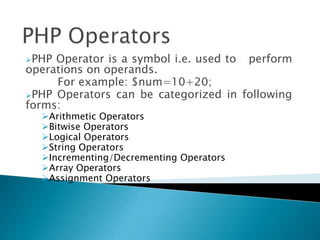
PHP Operator is a symbol i.e. used to perform
operations on operands.
For example: $num=10+20;
PHP Operators can be categorized in following
forms:
Arithmetic Operators
Bitwise Operators
Logical Operators
String Operators
Incrementing/Decrementing Operators
Array Operators
Assignment Operators
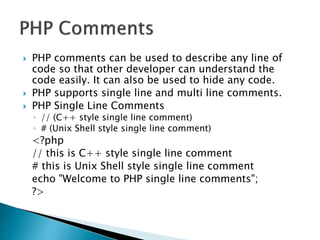
 PHP comments can be used to describe any line of
code so that other developer can understand the
code easily. It can also be used to hide any code.
 PHP supports single line and multi line comments.
 PHP Single Line Comments
◦ // (C++ style single line comment)
◦ # (Unix Shell style single line comment)
<?php
// this is C++ style single line comment
# this is Unix Shell style single line comment
echo "Welcome to PHP single line comments";
?>
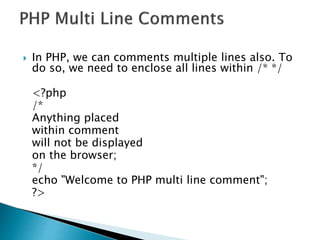
 In PHP, we can comments multiple lines also. To
do so, we need to enclose all lines within /* */
<?php
/*
Anything placed
within comment
will not be displayed
on the browser;
*/
echo "Welcome to PHP multi line comment";
?>
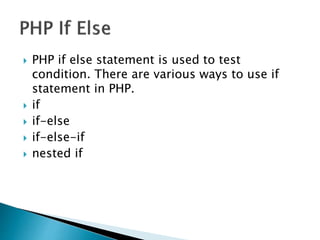
 PHP if else statement is used to test
condition. There are various ways to use if
statement in PHP.
 if
 if-else
 if-else-if
 nested if
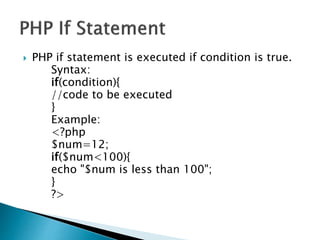
 PHP if statement is executed if condition is true.
Syntax:
if(condition){
//code to be executed
}
Example:
<?php
$num=12;
if($num<100){
echo "$num is less than 100";
}
?>
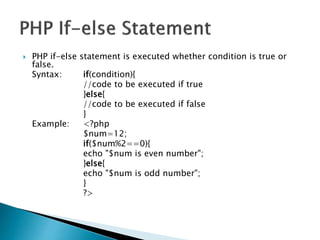
 PHP if-else statement is executed whether condition is true or
false.
Syntax: if(condition){
//code to be executed if true
}else{
//code to be executed if false
}
Example: <?php
$num=12;
if($num%2==0){
echo "$num is even number";
}else{
echo "$num is odd number";
}
?>
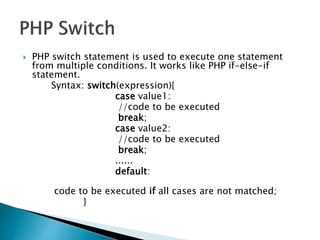
 PHP switch statement is used to execute one statement
from multiple conditions. It works like PHP if-else-if
statement.
Syntax: switch(expression){
case value1:
//code to be executed
break;
case value2:
//code to be executed
break;
......
default:
code to be executed if all cases are not matched;
}
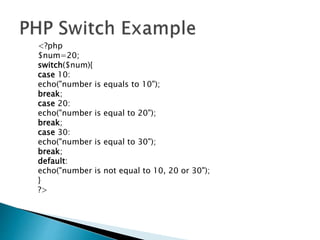
<?php
$num=20;
switch($num){
case 10:
echo("number is equals to 10");
break;
case 20:
echo("number is equal to 20");
break;
case 30:
echo("number is equal to 30");
break;
default:
echo("number is not equal to 10, 20 or 30");
}
?>
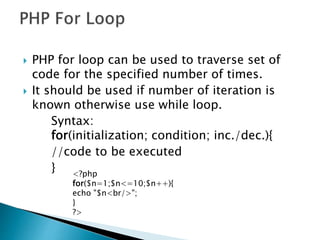
 PHP for loop can be used to traverse set of
code for the specified number of times.
 It should be used if number of iteration is
known otherwise use while loop.
Syntax:
for(initialization; condition; inc./dec.){
//code to be executed
} <?php
for($n=1;$n<=10;$n++){
echo "$n<br/>";
}
?>
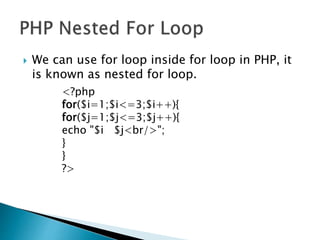
 We can use for loop inside for loop in PHP, it
is known as nested for loop.
<?php
for($i=1;$i<=3;$i++){
for($j=1;$j<=3;$j++){
echo "$i $j<br/>";
}
}
?>
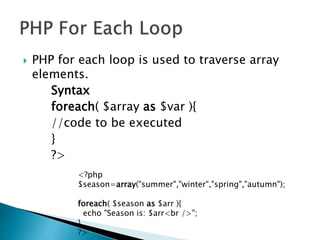
 PHP for each loop is used to traverse array
elements.
Syntax
foreach( $array as $var ){
//code to be executed
}
?>
<?php
$season=array("summer","winter","spring","autumn");
foreach( $season as $arr ){
echo "Season is: $arr<br />";
}
?>
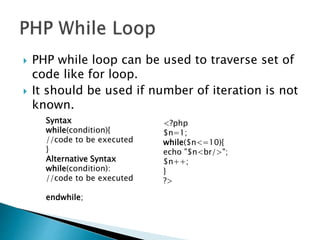
 PHP while loop can be used to traverse set of
code like for loop.
 It should be used if number of iteration is not
known.
Syntax
while(condition){
//code to be executed
}
Alternative Syntax
while(condition):
//code to be executed
endwhile;
<?php
$n=1;
while($n<=10){
echo "$n<br/>";
$n++;
}
?>
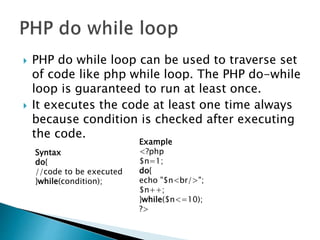
 PHP do while loop can be used to traverse set
of code like php while loop. The PHP do-while
loop is guaranteed to run at least once.
 It executes the code at least one time always
because condition is checked after executing
the code.
Syntax
do{
//code to be executed
}while(condition);
Example
<?php
$n=1;
do{
echo "$n<br/>";
$n++;
}while($n<=10);
?>
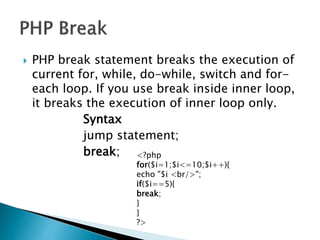
 PHP break statement breaks the execution of
current for, while, do-while, switch and for-
each loop. If you use break inside inner loop,
it breaks the execution of inner loop only.
Syntax
jump statement;
break; <?php
for($i=1;$i<=10;$i++){
echo "$i <br/>";
if($i==5){
break;
}
}
?>
 PHP function is a piece of code that can be
reused many times. It can take input as
argument list and return value. There are
thousands of built-in functions in PHP.
 Advantage of PHP Functions
◦ Code Reusability
◦ Less Code
◦ Easy to understand
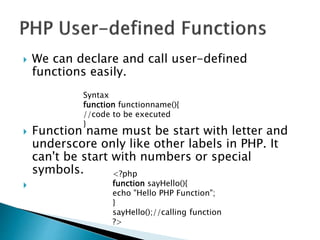
 We can declare and call user-defined
functions easily.
 Function name must be start with letter and
underscore only like other labels in PHP. It
can't be start with numbers or special
symbols.

Syntax
function functionname(){
//code to be executed
}
<?php
function sayHello(){
echo "Hello PHP Function";
}
sayHello();//calling function
?>
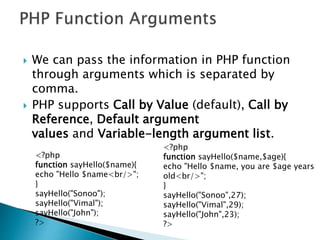
 We can pass the information in PHP function
through arguments which is separated by
comma.
 PHP supports Call by Value (default), Call by
Reference, Default argument
values and Variable-length argument list.
<?php
function sayHello($name){
echo "Hello $name<br/>";
}
sayHello("Sonoo");
sayHello("Vimal");
sayHello("John");
?>
<?php
function sayHello($name,$age){
echo "Hello $name, you are $age years
old<br/>";
}
sayHello("Sonoo",27);
sayHello("Vimal",29);
sayHello("John",23);
?>
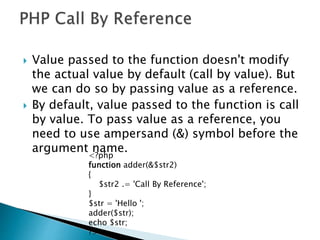
 Value passed to the function doesn't modify
the actual value by default (call by value). But
we can do so by passing value as a reference.
 By default, value passed to the function is call
by value. To pass value as a reference, you
need to use ampersand (&) symbol before the
argument name.
<?php
function adder(&$str2)
{
$str2 .= 'Call By Reference';
}
$str = 'Hello ';
adder($str);
echo $str;
?>
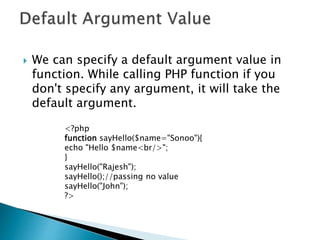
 We can specify a default argument value in
function. While calling PHP function if you
don't specify any argument, it will take the
default argument.
<?php
function sayHello($name="Sonoo"){
echo "Hello $name<br/>";
}
sayHello("Rajesh");
sayHello();//passing no value
sayHello("John");
?>
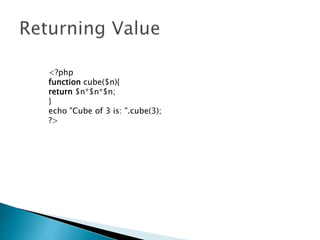
<?php
function cube($n){
return $n*$n*$n;
}
echo "Cube of 3 is: ".cube(3);
?>

Php operators

  • 1.
    PHP Operator isa symbol i.e. used to perform operations on operands. For example: $num=10+20; PHP Operators can be categorized in following forms: Arithmetic Operators Bitwise Operators Logical Operators String Operators Incrementing/Decrementing Operators Array Operators Assignment Operators
  • 2.
     PHP commentscan be used to describe any line of code so that other developer can understand the code easily. It can also be used to hide any code.  PHP supports single line and multi line comments.  PHP Single Line Comments ◦ // (C++ style single line comment) ◦ # (Unix Shell style single line comment) <?php // this is C++ style single line comment # this is Unix Shell style single line comment echo "Welcome to PHP single line comments"; ?>
  • 3.
     In PHP,we can comments multiple lines also. To do so, we need to enclose all lines within /* */ <?php /* Anything placed within comment will not be displayed on the browser; */ echo "Welcome to PHP multi line comment"; ?>
  • 4.
     PHP ifelse statement is used to test condition. There are various ways to use if statement in PHP.  if  if-else  if-else-if  nested if
  • 5.
     PHP ifstatement is executed if condition is true. Syntax: if(condition){ //code to be executed } Example: <?php $num=12; if($num<100){ echo "$num is less than 100"; } ?>
  • 6.
     PHP if-elsestatement is executed whether condition is true or false. Syntax: if(condition){ //code to be executed if true }else{ //code to be executed if false } Example: <?php $num=12; if($num%2==0){ echo "$num is even number"; }else{ echo "$num is odd number"; } ?>
  • 7.
     PHP switchstatement is used to execute one statement from multiple conditions. It works like PHP if-else-if statement. Syntax: switch(expression){ case value1: //code to be executed break; case value2: //code to be executed break; ...... default: code to be executed if all cases are not matched; }
  • 8.
    <?php $num=20; switch($num){ case 10: echo("number isequals to 10"); break; case 20: echo("number is equal to 20"); break; case 30: echo("number is equal to 30"); break; default: echo("number is not equal to 10, 20 or 30"); } ?>
  • 9.
     PHP forloop can be used to traverse set of code for the specified number of times.  It should be used if number of iteration is known otherwise use while loop. Syntax: for(initialization; condition; inc./dec.){ //code to be executed } <?php for($n=1;$n<=10;$n++){ echo "$n<br/>"; } ?>
  • 10.
     We canuse for loop inside for loop in PHP, it is known as nested for loop. <?php for($i=1;$i<=3;$i++){ for($j=1;$j<=3;$j++){ echo "$i $j<br/>"; } } ?>
  • 11.
     PHP foreach loop is used to traverse array elements. Syntax foreach( $array as $var ){ //code to be executed } ?> <?php $season=array("summer","winter","spring","autumn"); foreach( $season as $arr ){ echo "Season is: $arr<br />"; } ?>
  • 12.
     PHP whileloop can be used to traverse set of code like for loop.  It should be used if number of iteration is not known. Syntax while(condition){ //code to be executed } Alternative Syntax while(condition): //code to be executed endwhile; <?php $n=1; while($n<=10){ echo "$n<br/>"; $n++; } ?>
  • 13.
     PHP dowhile loop can be used to traverse set of code like php while loop. The PHP do-while loop is guaranteed to run at least once.  It executes the code at least one time always because condition is checked after executing the code. Syntax do{ //code to be executed }while(condition); Example <?php $n=1; do{ echo "$n<br/>"; $n++; }while($n<=10); ?>
  • 14.
     PHP breakstatement breaks the execution of current for, while, do-while, switch and for- each loop. If you use break inside inner loop, it breaks the execution of inner loop only. Syntax jump statement; break; <?php for($i=1;$i<=10;$i++){ echo "$i <br/>"; if($i==5){ break; } } ?>
  • 15.
     PHP functionis a piece of code that can be reused many times. It can take input as argument list and return value. There are thousands of built-in functions in PHP.  Advantage of PHP Functions ◦ Code Reusability ◦ Less Code ◦ Easy to understand
  • 16.
     We candeclare and call user-defined functions easily.  Function name must be start with letter and underscore only like other labels in PHP. It can't be start with numbers or special symbols.  Syntax function functionname(){ //code to be executed } <?php function sayHello(){ echo "Hello PHP Function"; } sayHello();//calling function ?>
  • 17.
     We canpass the information in PHP function through arguments which is separated by comma.  PHP supports Call by Value (default), Call by Reference, Default argument values and Variable-length argument list. <?php function sayHello($name){ echo "Hello $name<br/>"; } sayHello("Sonoo"); sayHello("Vimal"); sayHello("John"); ?> <?php function sayHello($name,$age){ echo "Hello $name, you are $age years old<br/>"; } sayHello("Sonoo",27); sayHello("Vimal",29); sayHello("John",23); ?>
  • 18.
     Value passedto the function doesn't modify the actual value by default (call by value). But we can do so by passing value as a reference.  By default, value passed to the function is call by value. To pass value as a reference, you need to use ampersand (&) symbol before the argument name. <?php function adder(&$str2) { $str2 .= 'Call By Reference'; } $str = 'Hello '; adder($str); echo $str; ?>
  • 19.
     We canspecify a default argument value in function. While calling PHP function if you don't specify any argument, it will take the default argument. <?php function sayHello($name="Sonoo"){ echo "Hello $name<br/>"; } sayHello("Rajesh"); sayHello();//passing no value sayHello("John"); ?>
  • 20.