What is PHP? PHP stands for PHP:  Hypertext Preprocessor PHP is a server-side scripting languagePHP scripts are executed on the server. PHP supports many databases (MySQL, Informix, Oracle, Sybase, Solid, PostgreSQL, Generic ODBC, etc.) PHP is an open source software (OSS)
Why PHP? PHP runs on different platforms (Windows, Linux, Unix, etc.) PHP is compatible with almost all servers used today (Apache, IIS, etc.) PHP is FREE to download from the official PHP resource:  www.php.net PHP is easy to learn
Where to Start? Install an Apache server on a Windows or Linux machine Install PHP on a Windows or Linux machine Install MySQL on a Windows or Linux machine
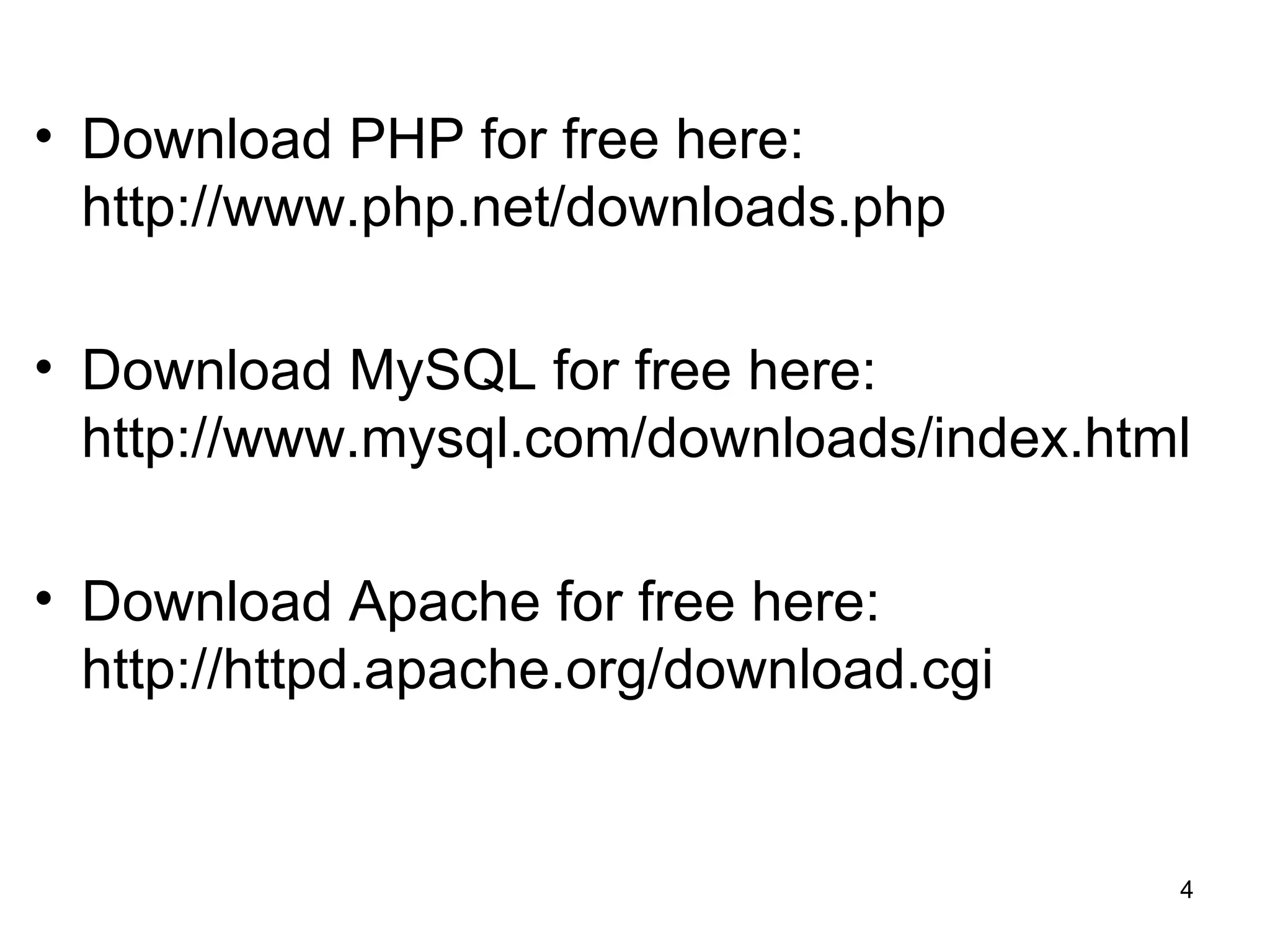
Download PHP for free here: http://www.php.net/downloads.php Download MySQL for free here: http://www.mysql.com/downloads/index.html Download Apache for free here: http://httpd.apache.org/download.cgi
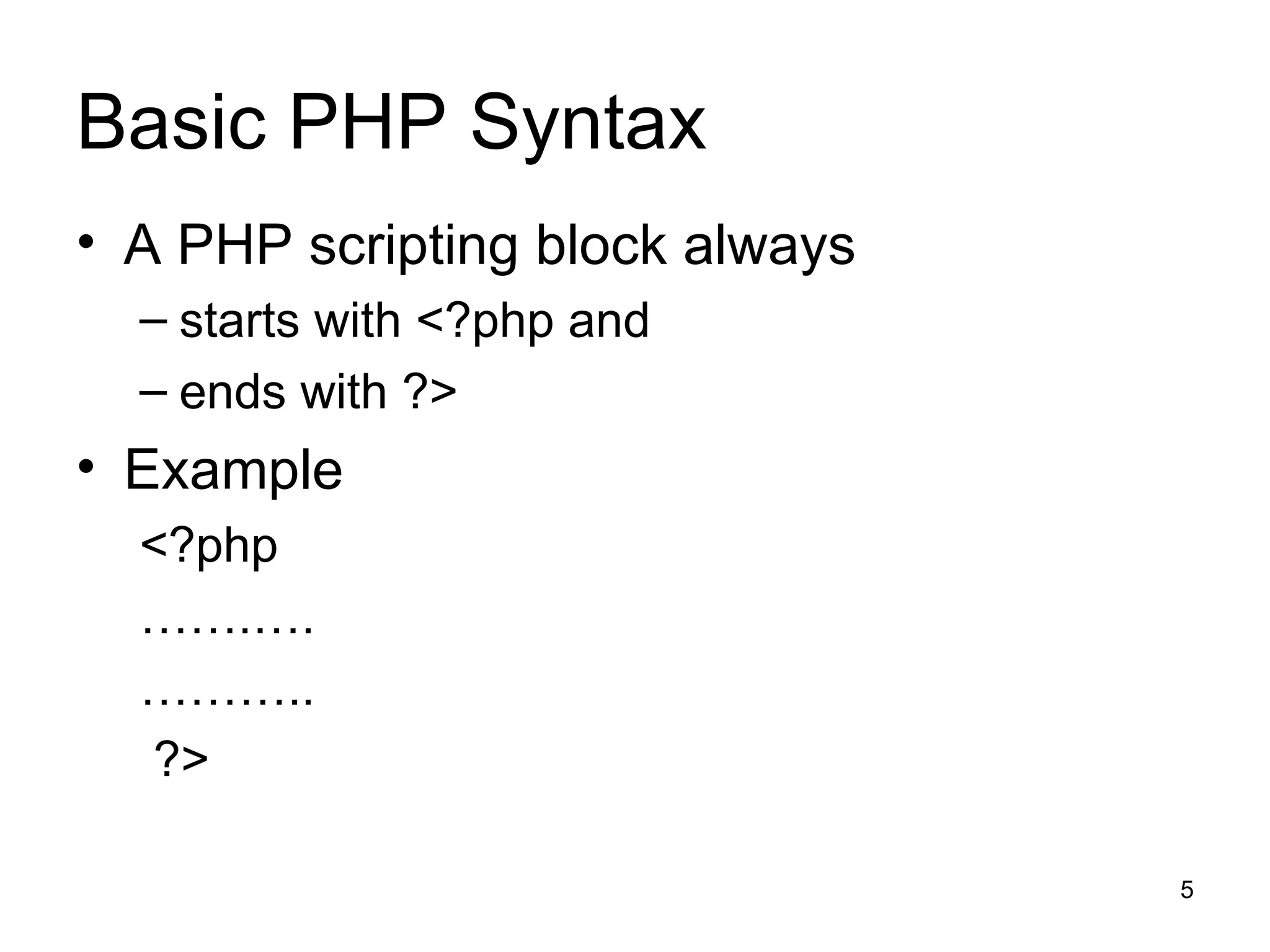
Basic PHP Syntax A PHP scripting block always starts with <?php and  ends with ?>  Example <?php  …… .…. ……… .. ?>
What is a PHP File? A PHP file normally contains  HTML tags, just like an HTML file some PHP scripting code
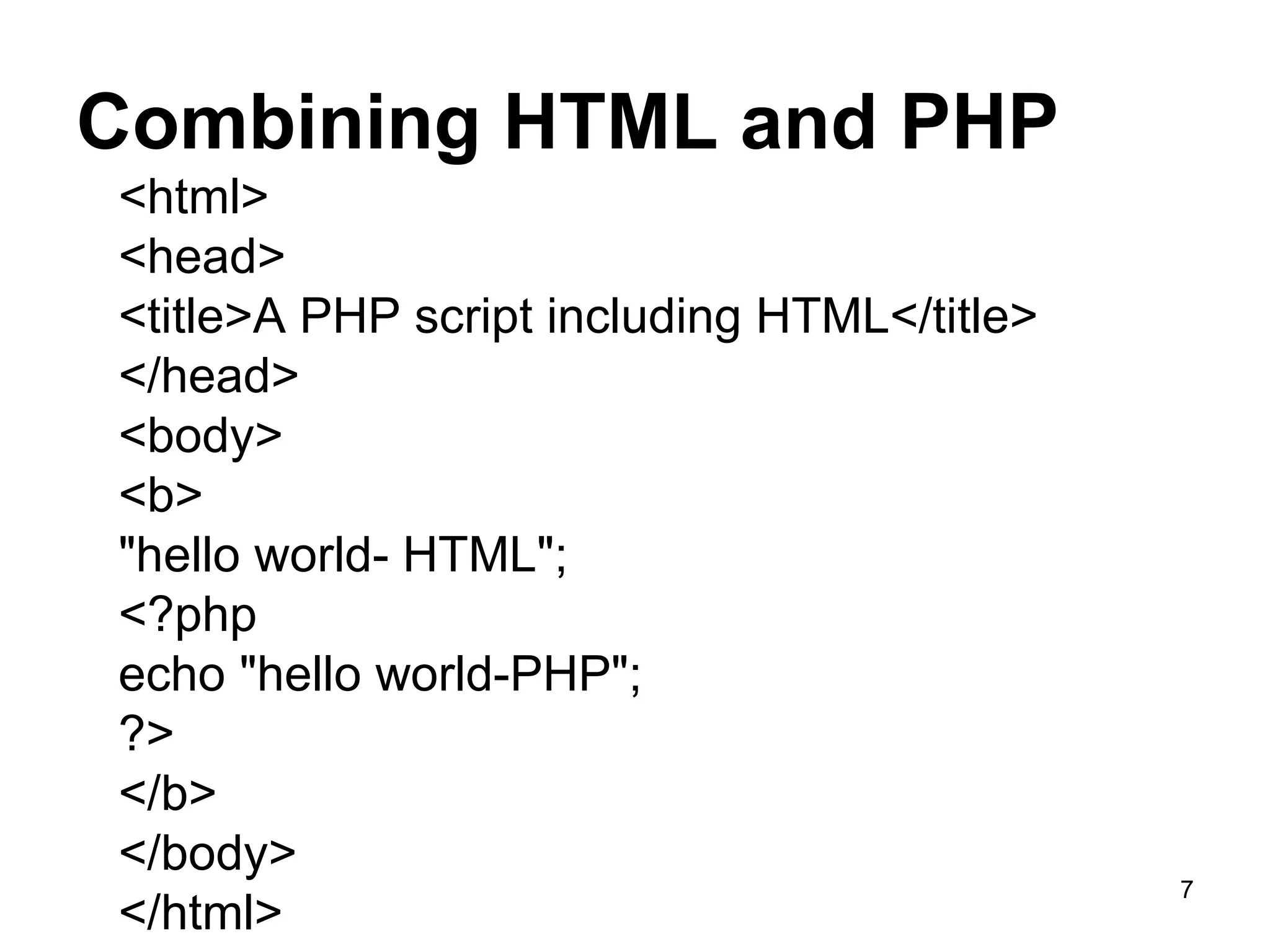
Combining HTML and PHP <html>  <head>  <title>A PHP script including HTML</title> </head> <body>  <b>  &quot;hello world- HTML&quot;; <?php  echo &quot;hello world-PHP&quot;; ?>  </b>  </body>  </html>
Comments in PHP In PHP, we use  // or # to make a single-line comment  /* and */   to make a large comment block.
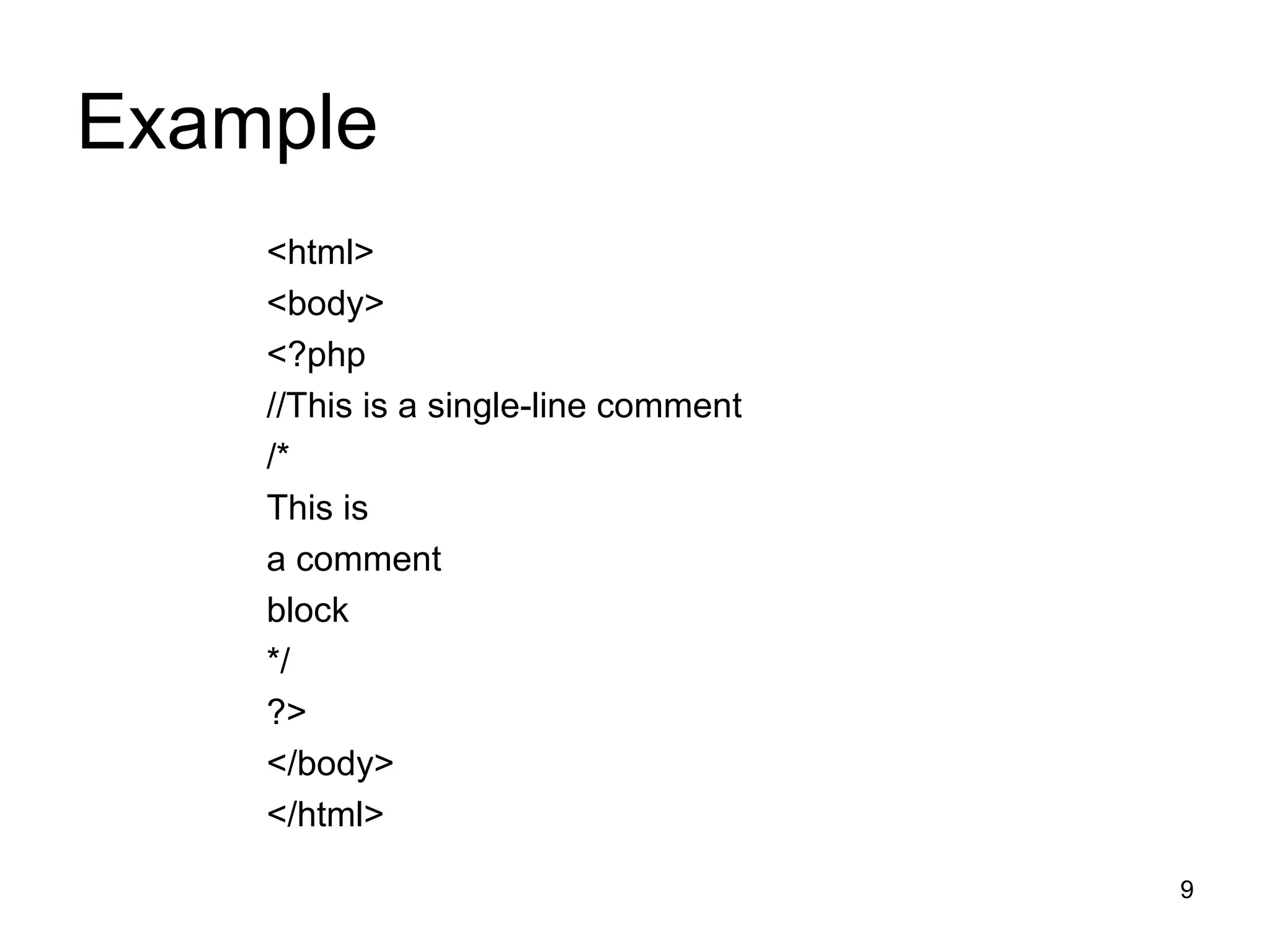
Example <html> <body> <?php //This is a single-line comment /* This is a comment block */ ?> </body> </html>
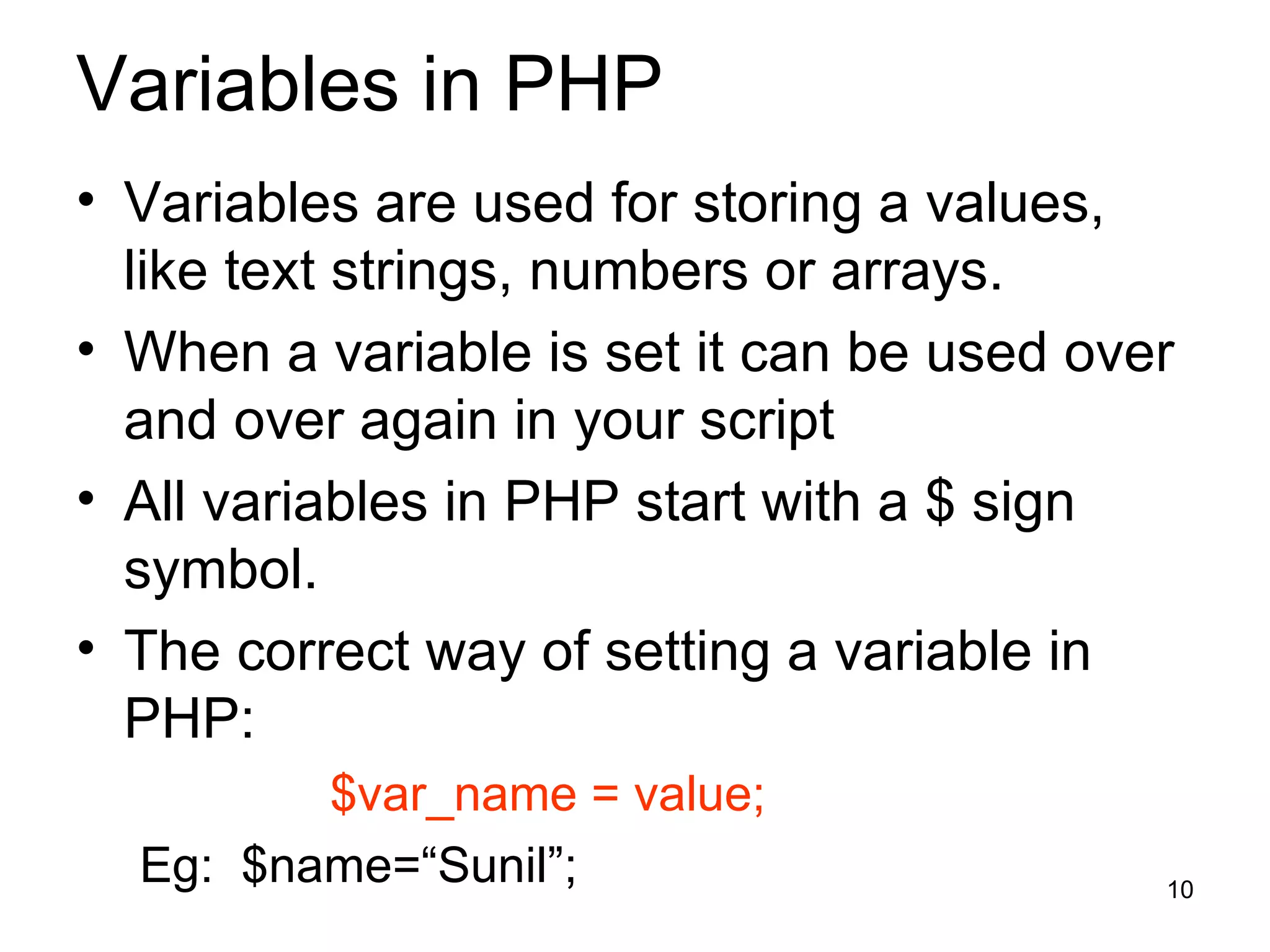
Variables in PHP Variables are used for storing a values, like text strings, numbers or arrays. When a variable is set it can be used over and over again in your script All variables in PHP start with a $ sign symbol. The correct way of setting a variable in PHP: $var_name = value; Eg:  $name=“Sunil”;
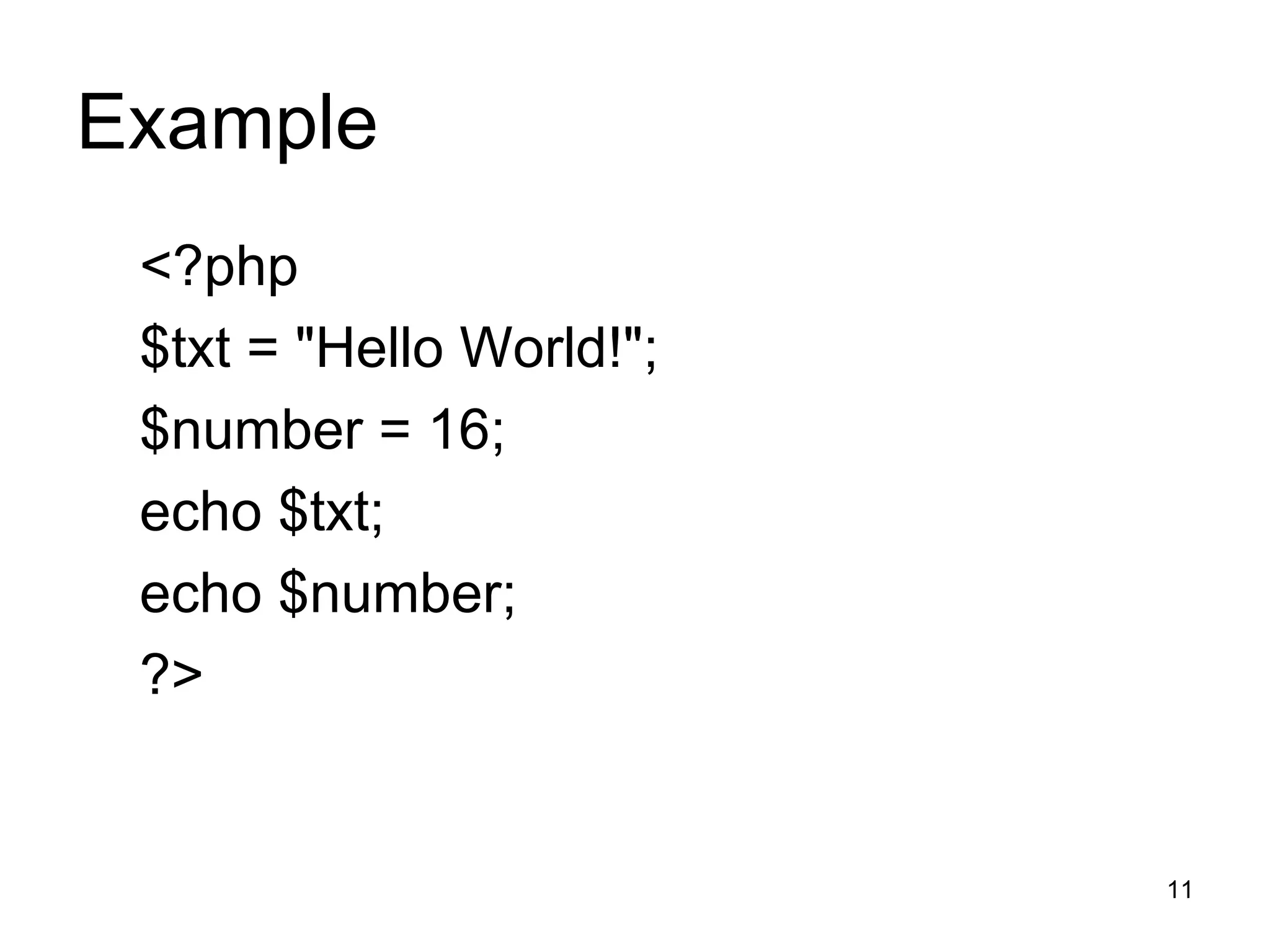
Example <?php $txt = &quot;Hello World!&quot;; $number = 16; echo $txt; echo $number; ?>
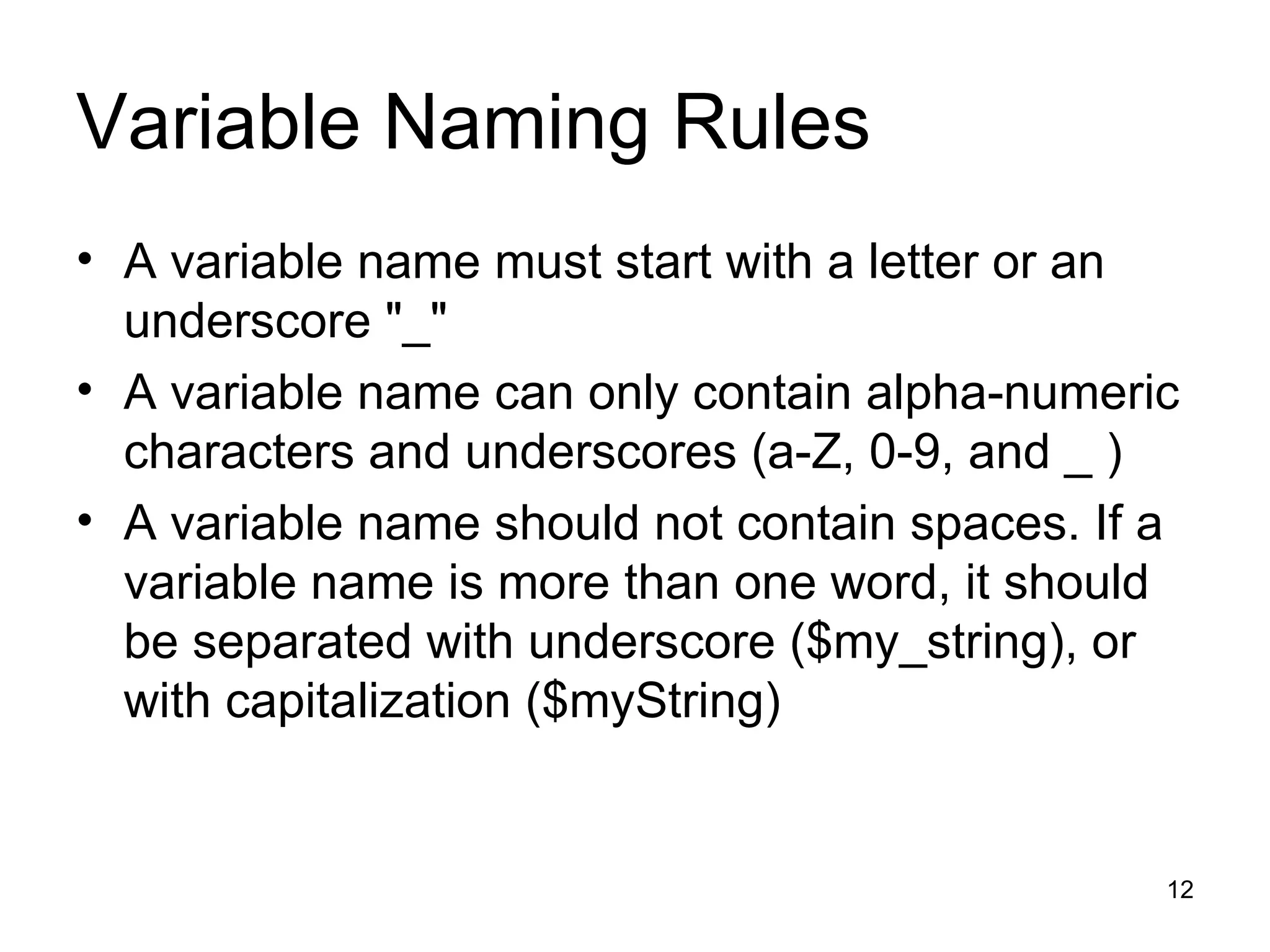
Variable Naming Rules A variable name must start with a letter or an underscore &quot;_&quot; A variable name can only contain alpha-numeric characters and underscores (a-Z, 0-9, and _ ) A variable name should not contain spaces. If a variable name is more than one word, it should be separated with underscore ($my_string), or with capitalization ($myString)
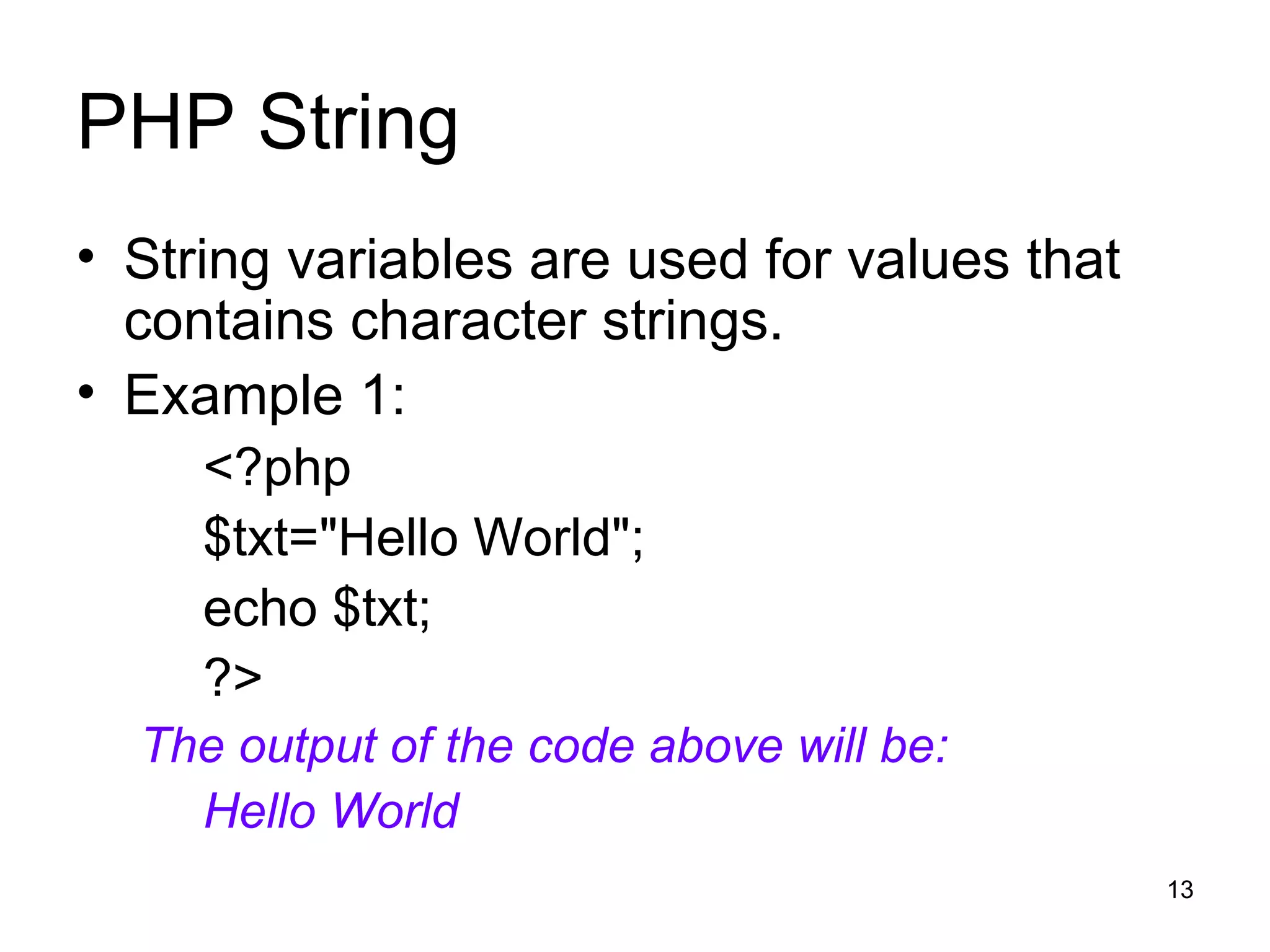
PHP String String variables are used for values that contains character strings. Example 1: <?php $txt=&quot;Hello World&quot;; echo $txt; ?> The output of the code above will be: Hello World
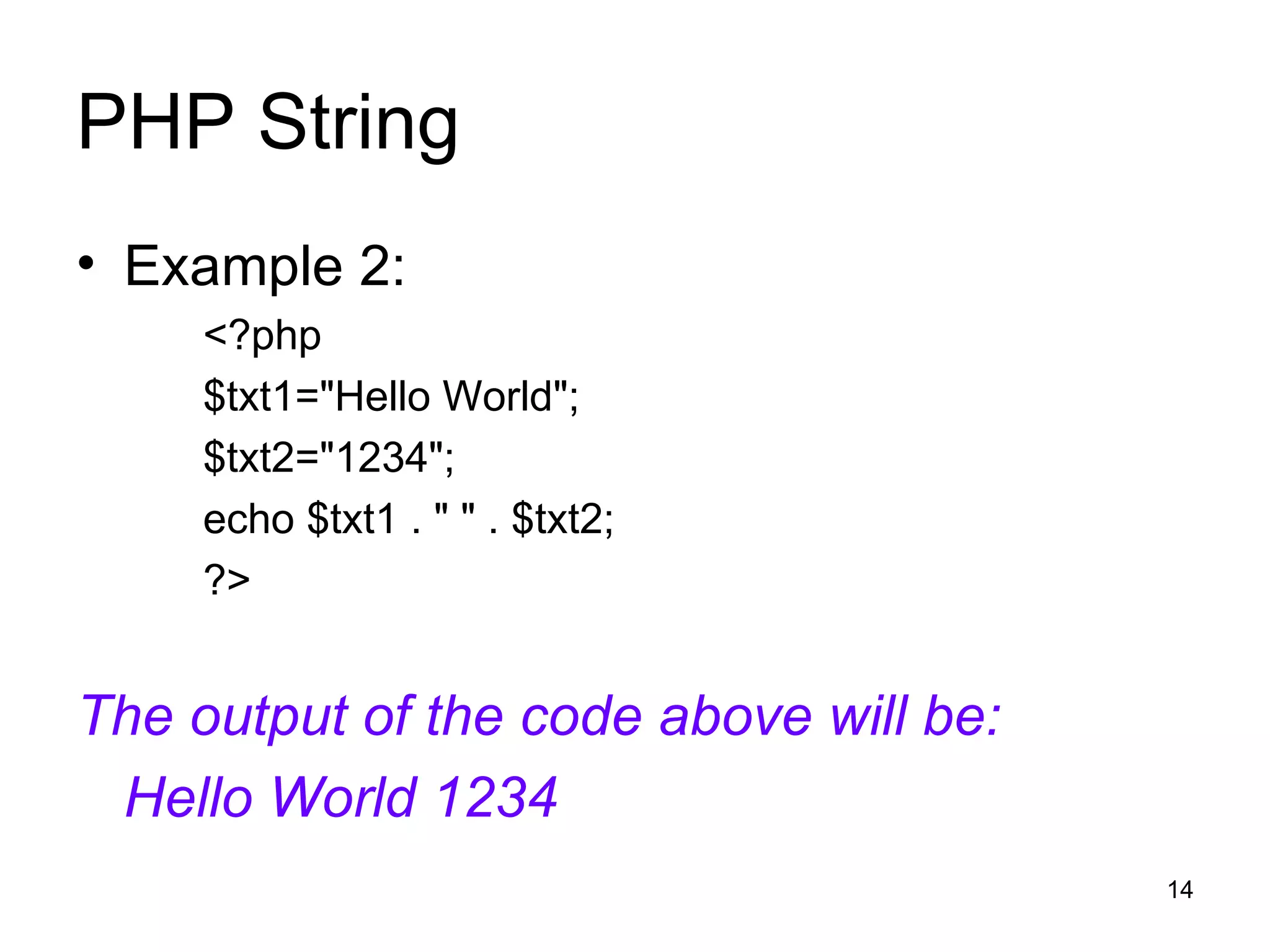
PHP String Example 2: <?php $txt1=&quot;Hello World&quot;; $txt2=&quot;1234&quot;; echo $txt1 . &quot; &quot; . $txt2; ?> The output of the code above will be: Hello World 1234
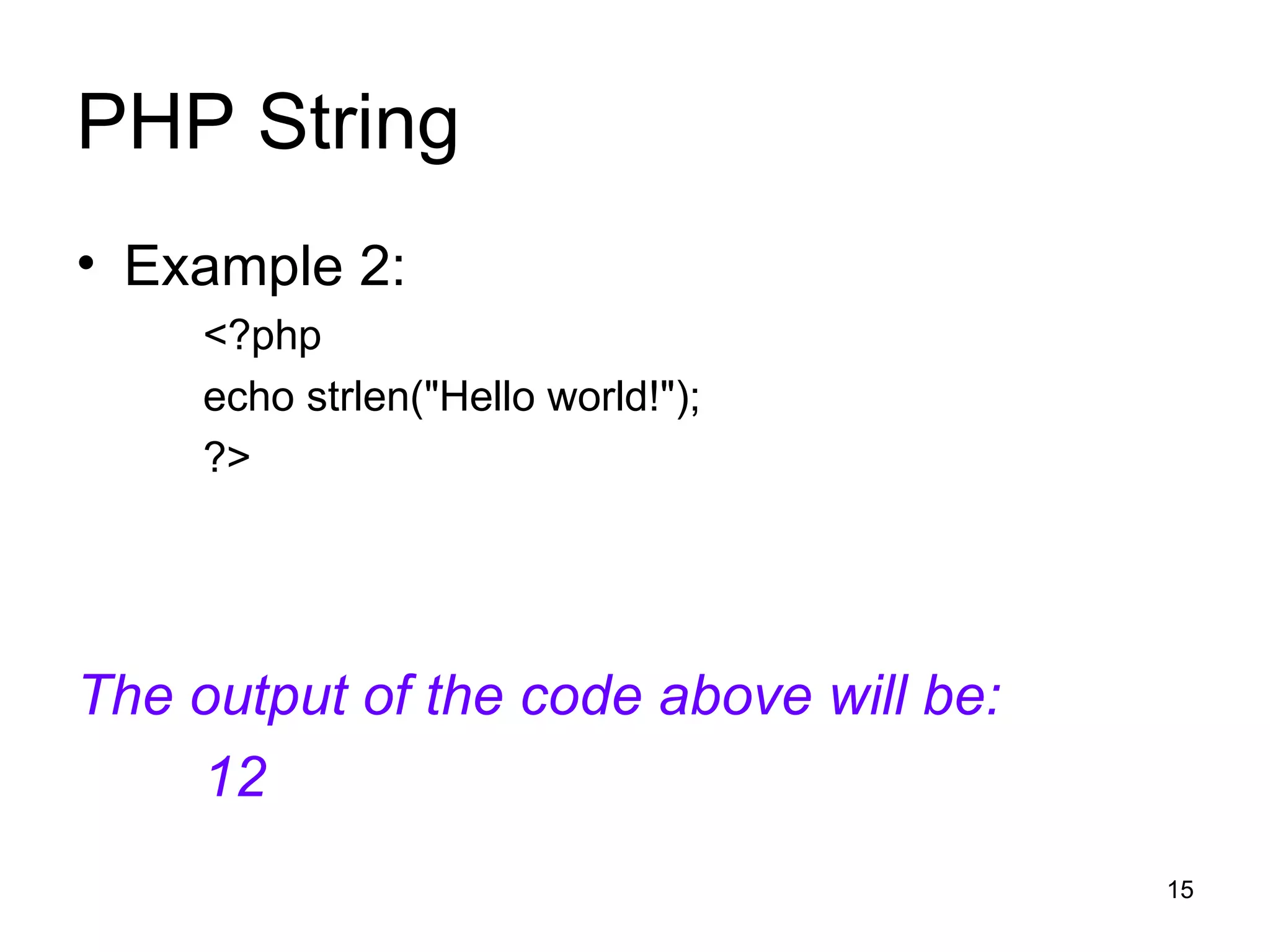
PHP String Example 2: <?php echo strlen(&quot;Hello world!&quot;); ?> The output of the code above will be: 12
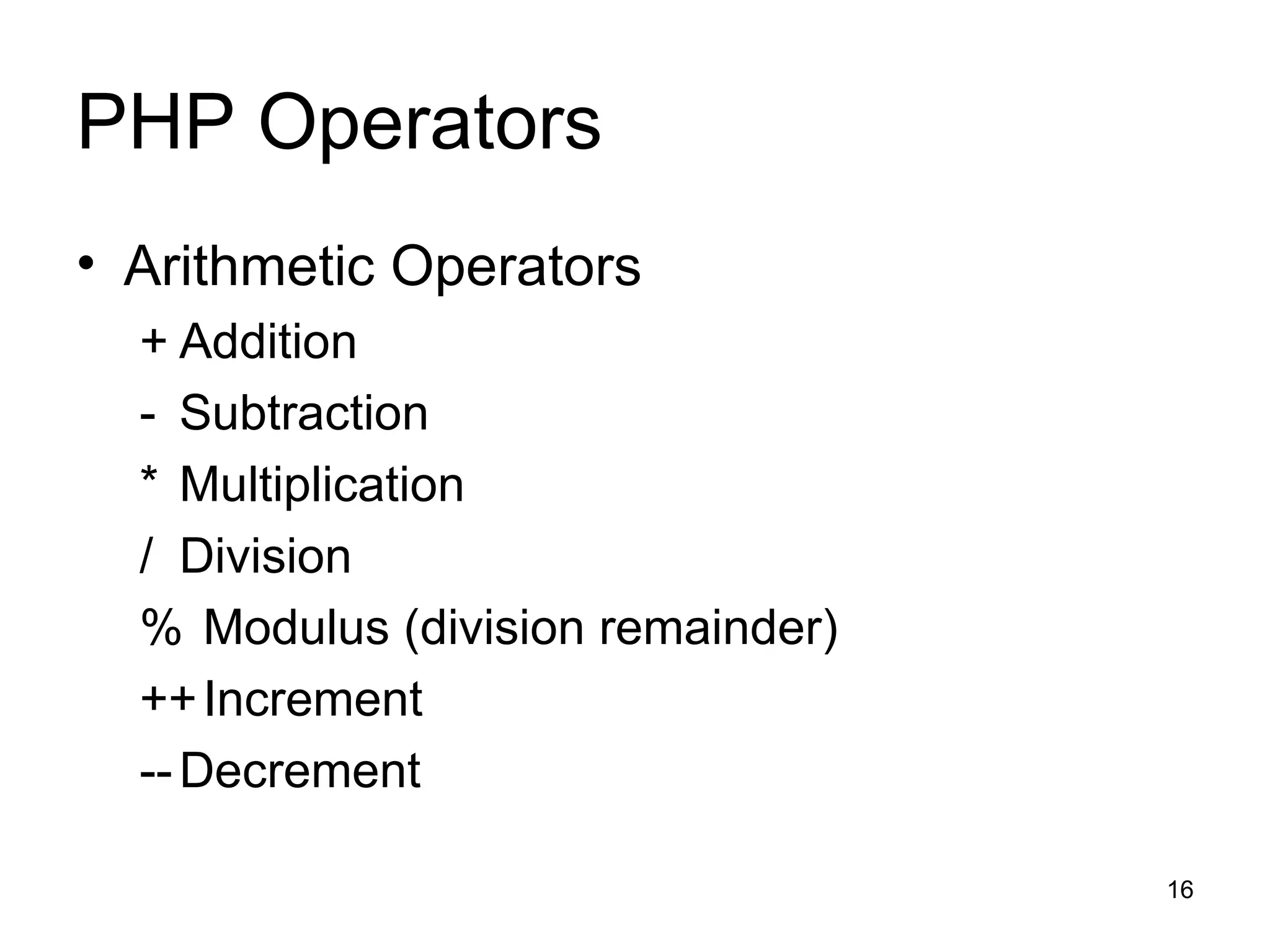
PHP Operators Arithmetic Operators + Addition - Subtraction * Multiplication / Division % Modulus (division remainder) ++ Increment -- Decrement
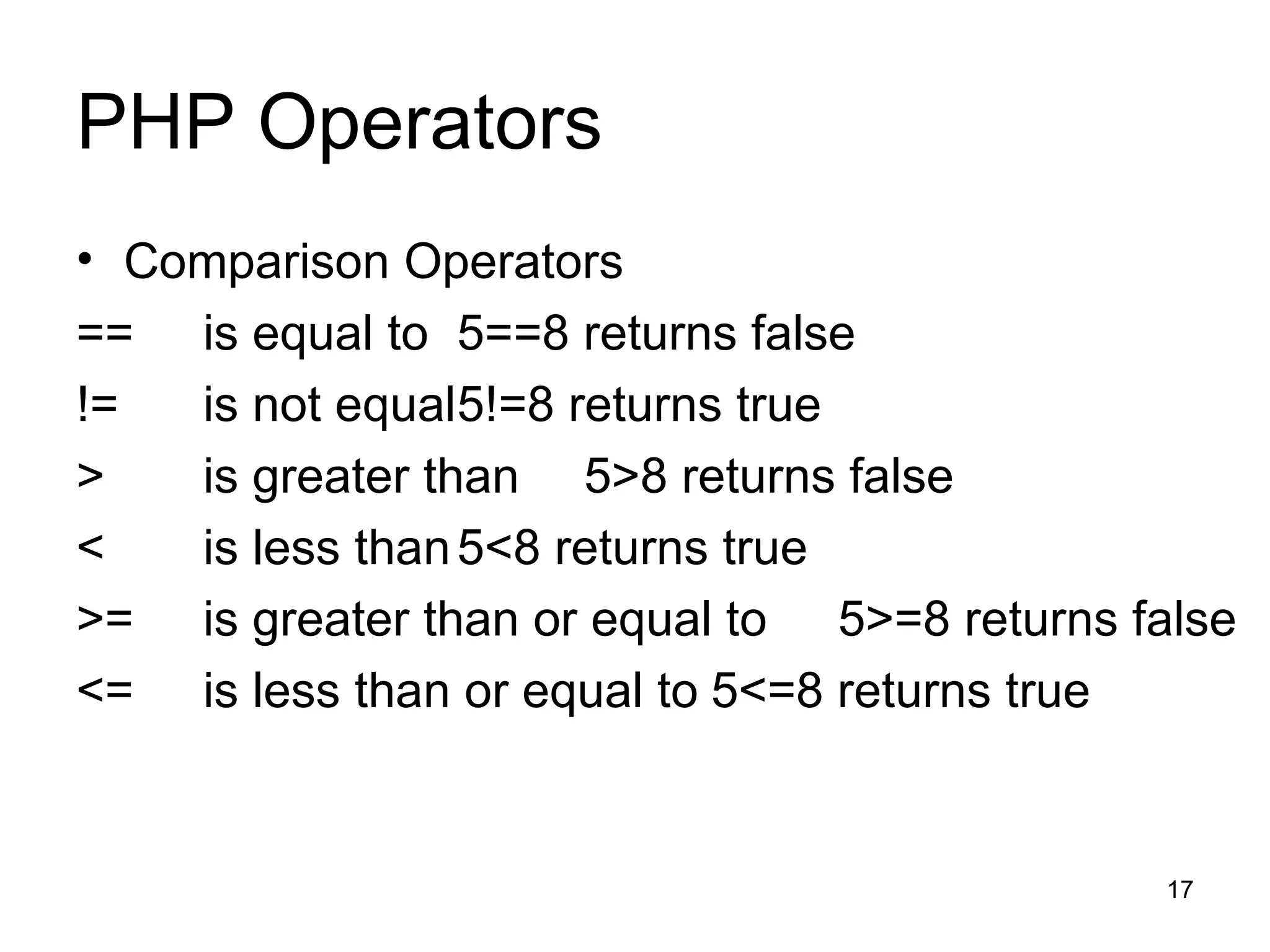
PHP Operators Comparison Operators == is equal to 5==8 returns false != is not equal 5!=8 returns true > is greater than 5>8 returns false < is less than 5<8 returns true >= is greater than or equal to 5>=8 returns false <= is less than or equal to 5<=8 returns true
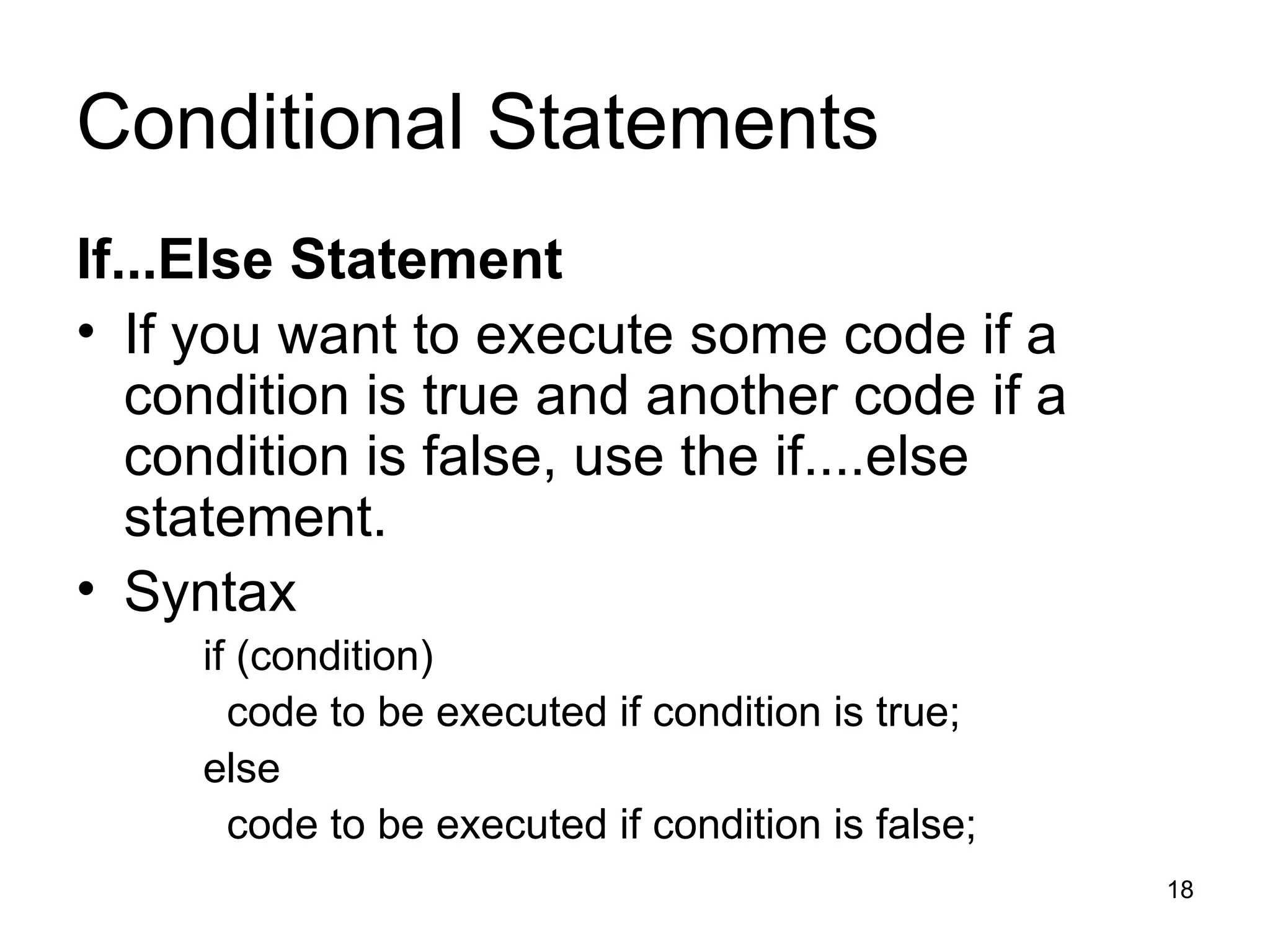
Conditional Statements If...Else Statement If you want to execute some code if a condition is true and another code if a condition is false, use the if....else statement. Syntax  if (condition) code to be executed if condition is true; else code to be executed if condition is false;
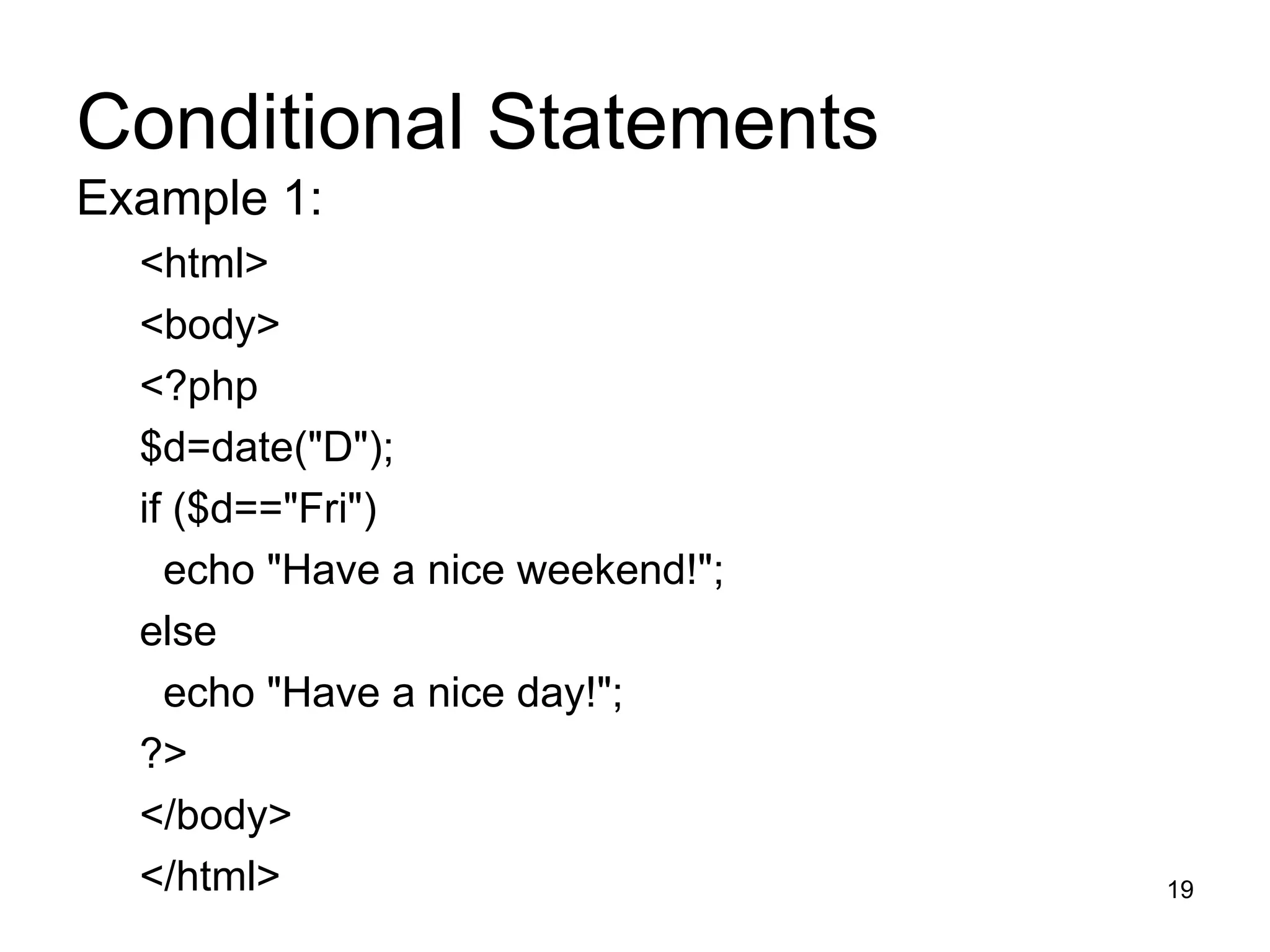
Conditional Statements Example 1: <html> <body> <?php $d=date(&quot;D&quot;); if ($d==&quot;Fri&quot;) echo &quot;Have a nice weekend!&quot;;  else echo &quot;Have a nice day!&quot;;  ?> </body> </html>
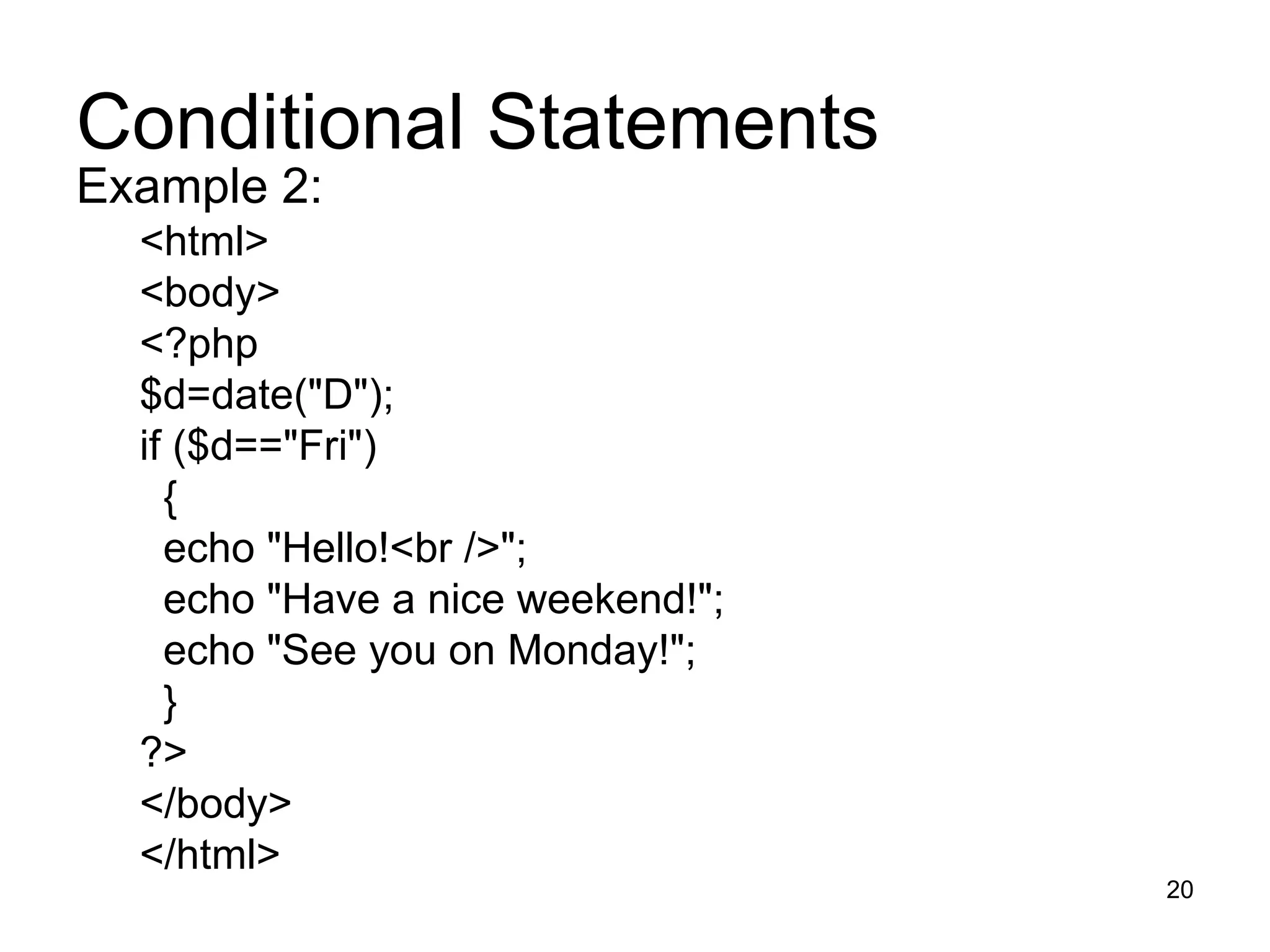
Conditional Statements Example 2: <html> <body> <?php $d=date(&quot;D&quot;); if ($d==&quot;Fri&quot;) { echo &quot;Hello!<br />&quot;;  echo &quot;Have a nice weekend!&quot;; echo &quot;See you on Monday!&quot;; } ?> </body> </html>
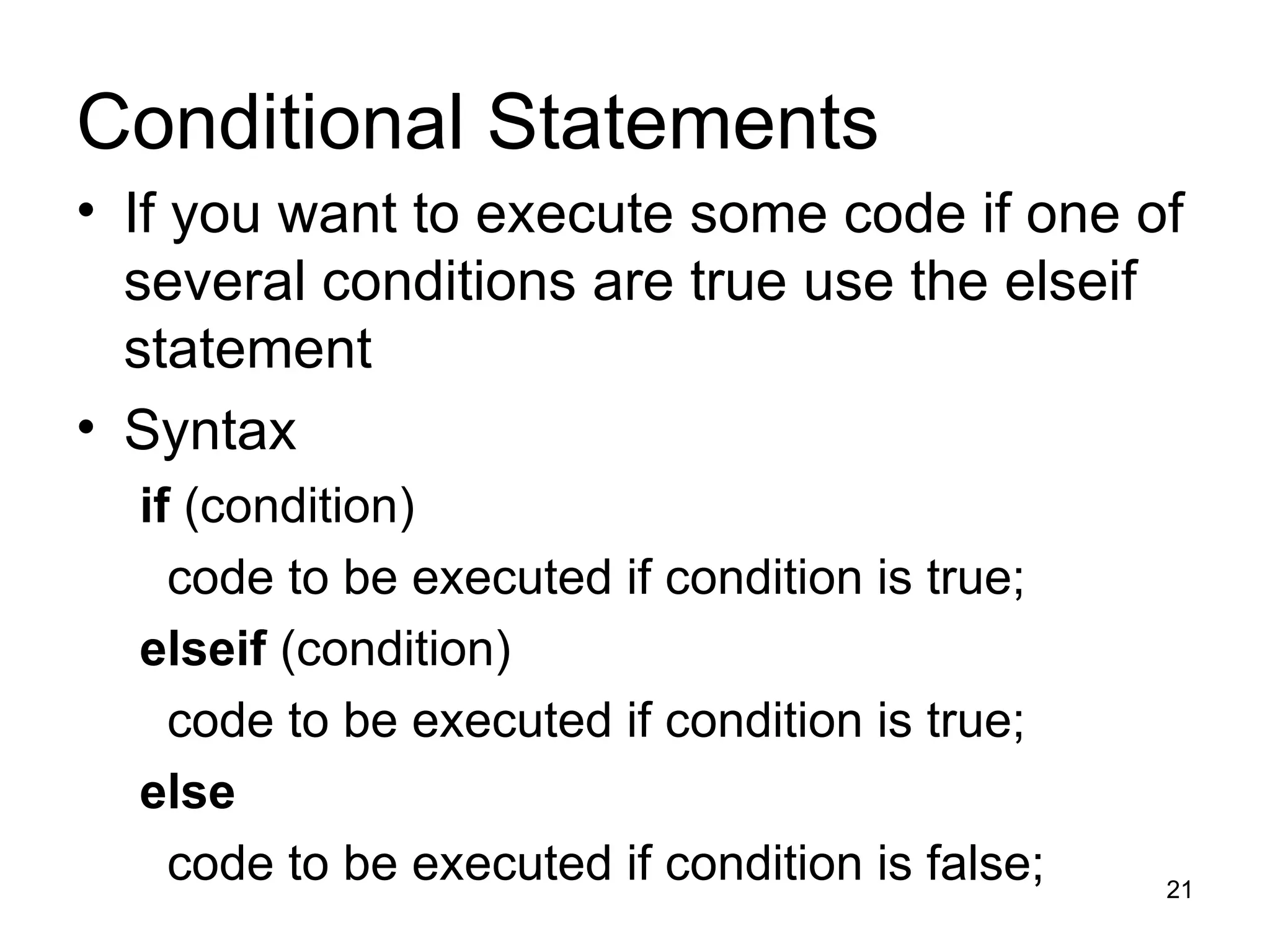
Conditional Statements If you want to execute some code if one of several conditions are true use the elseif statement  Syntax  if  (condition) code to be executed if condition is true; elseif  (condition) code to be executed if condition is true; else code to be executed if condition is false;
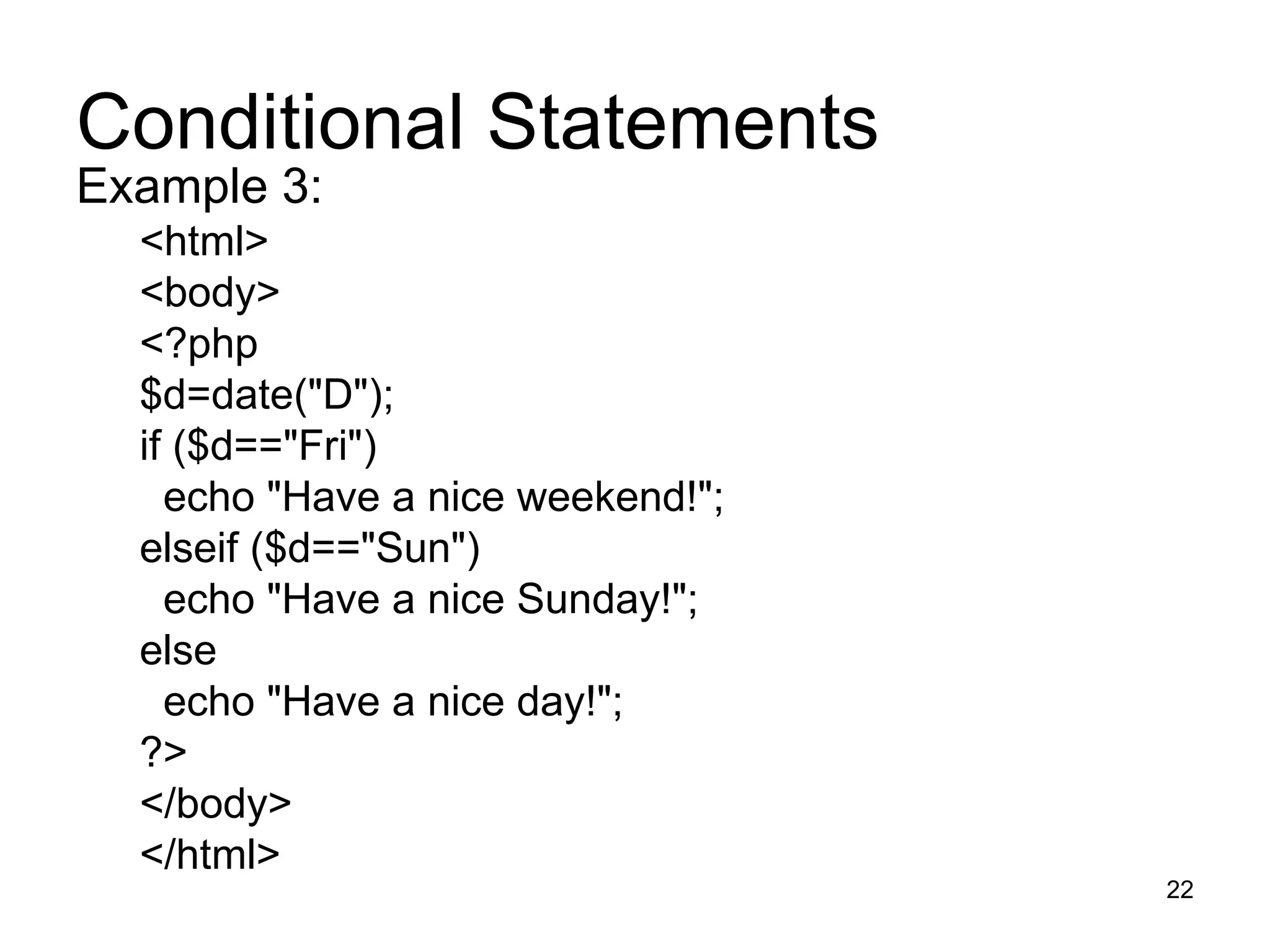
Conditional Statements Example 3: <html> <body> <?php $d=date(&quot;D&quot;); if ($d==&quot;Fri&quot;) echo &quot;Have a nice weekend!&quot;;  elseif ($d==&quot;Sun&quot;) echo &quot;Have a nice Sunday!&quot;;  else echo &quot;Have a nice day!&quot;;  ?> </body> </html>
PHP Switch Statement If you want to select one of many blocks of code to be executed, use the Switch statement. The switch statement is used to avoid long blocks of if..elseif..else code.
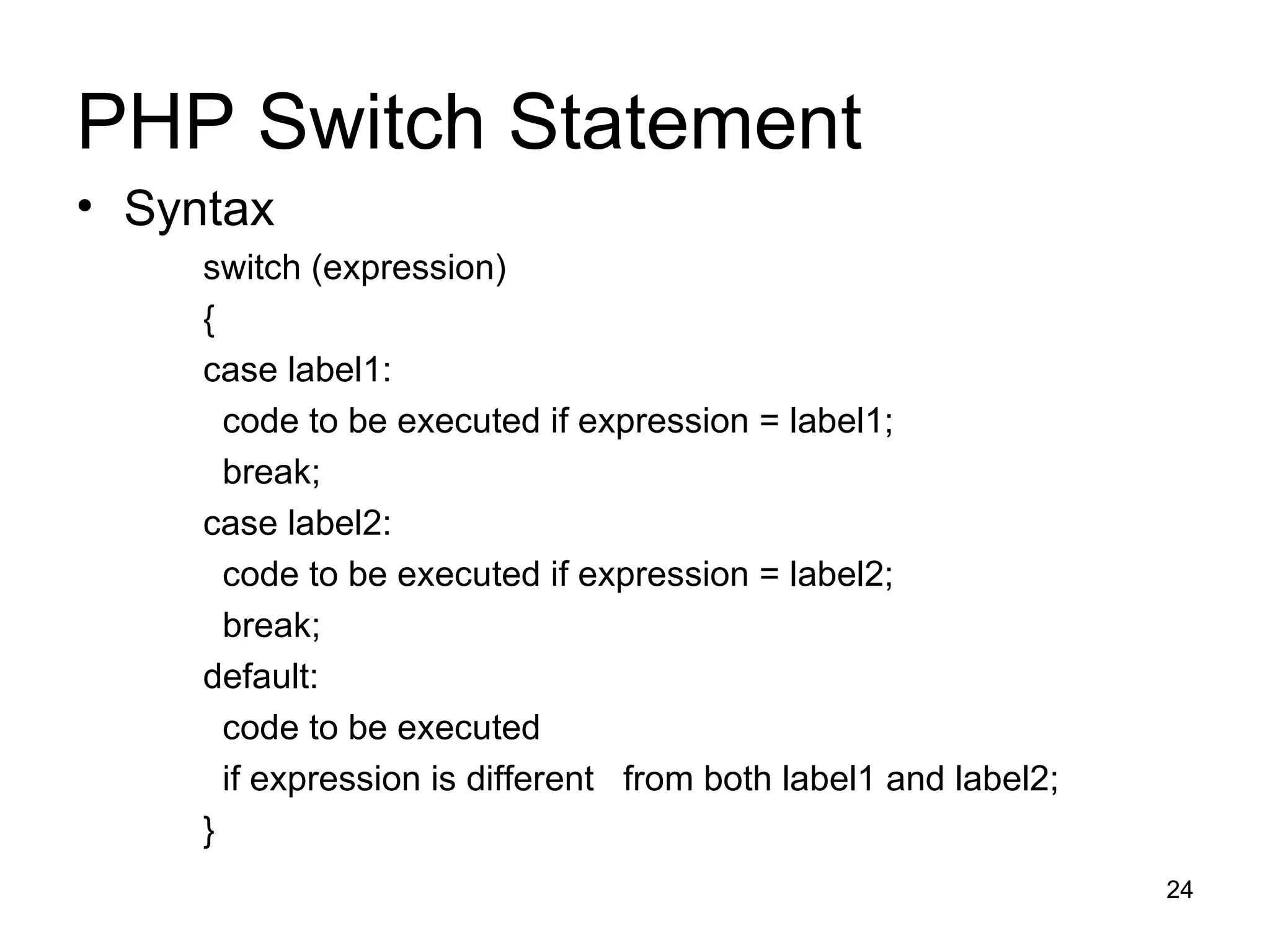
PHP Switch Statement Syntax switch (expression) { case label1: code to be executed if expression = label1; break;  case label2: code to be executed if expression = label2; break; default: code to be executed if expression is different  from both label1 and label2; }
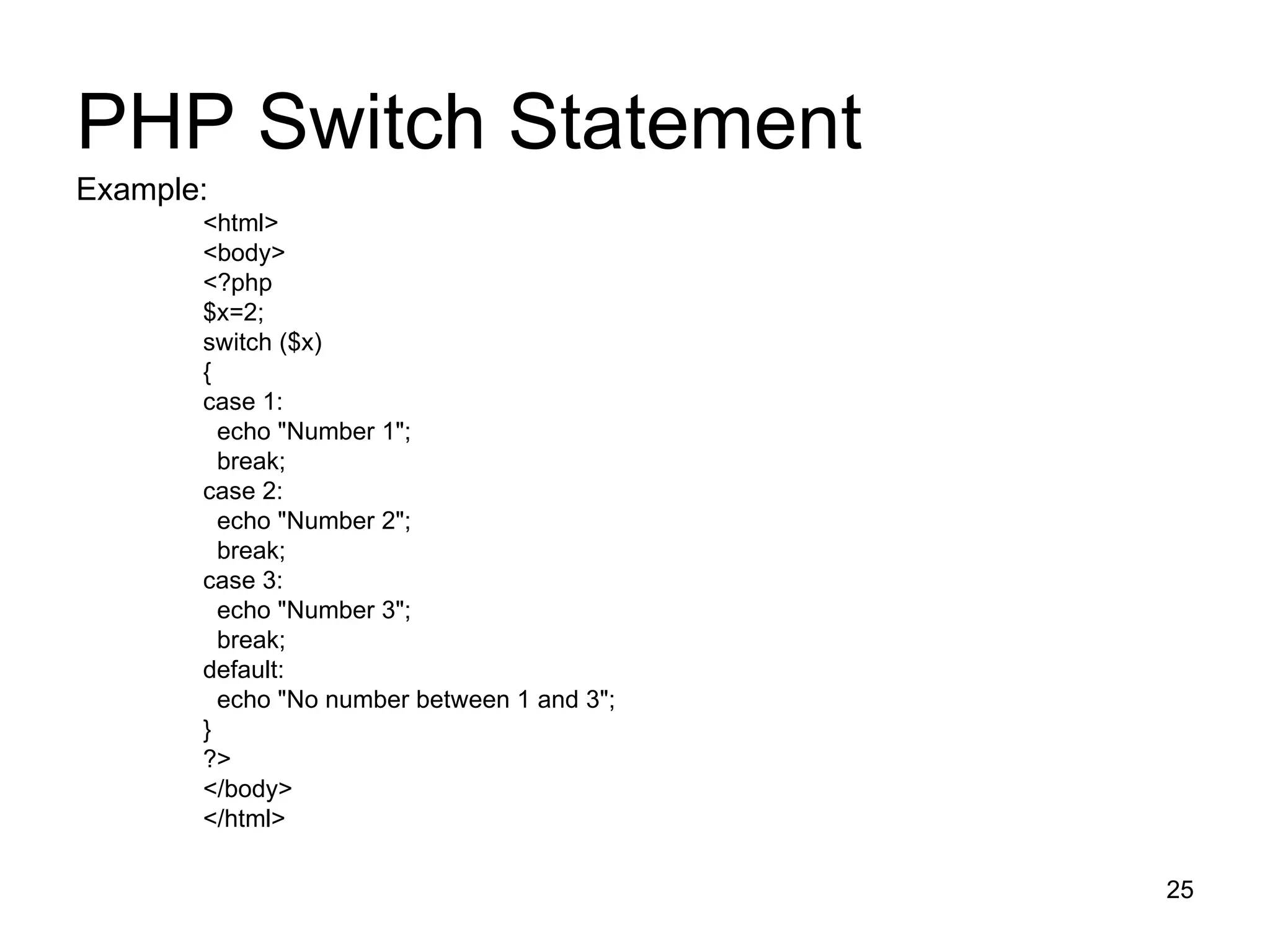
PHP Switch Statement Example: <html> <body> <?php $x=2; switch ($x) { case 1: echo &quot;Number 1&quot;; break; case 2: echo &quot;Number 2&quot;; break; case 3: echo &quot;Number 3&quot;; break; default: echo &quot;No number between 1 and 3&quot;; } ?> </body> </html>
Exercise : Assign values to two variables. Use comparison operators to test whether the first value is The same as the second Less than the second Greater than the second Less than or equal to the second Print the result of each test to the browser. Change the values assigned to your test variables and run the script again.
PHP Arrays What is an array? When working with PHP, sooner or later, you might want to create many similar variables. Instead of having many similar variables, you can store the data as elements in an array. Each element in the array has its own ID so that it can be easily accessed.
PHP Arrays : Example 1 <?php $names[0] = &quot;Peter&quot;; $names[1] = &quot;Quagmire&quot;; $names[2] = &quot;Joe&quot;; echo $names[1] . &quot; and &quot; . $names[2] .  &quot; are &quot;. $names[0] . &quot;'s neighbors&quot;; ?> The code above will output: Quagmire and Joe are Peter's neighbors
PHP Arrays : Example 2 <?php $names = array(&quot;Peter&quot;,&quot;Quagmire&quot;,&quot;Joe&quot;); echo $names[1] . &quot; and &quot; . $names[2] .  &quot; are &quot;. $names[0] . &quot;'s neighbors&quot;; ?> The code above will output: Quagmire and Joe are Peter's neighbors
Multidimensional Arrays In a multidimensional array,  each element in the main array can also be an array.  each element in the sub-array can be an array, and so on
PHP Looping Looping statements in PHP are used to execute the same block of code a specified number of times.
PHP Looping Looping statements in PHP are used to execute the same block of code a specified number of times. In PHP we have the following looping statements: while - loops  do...while - loops for - loops  foreach - loops
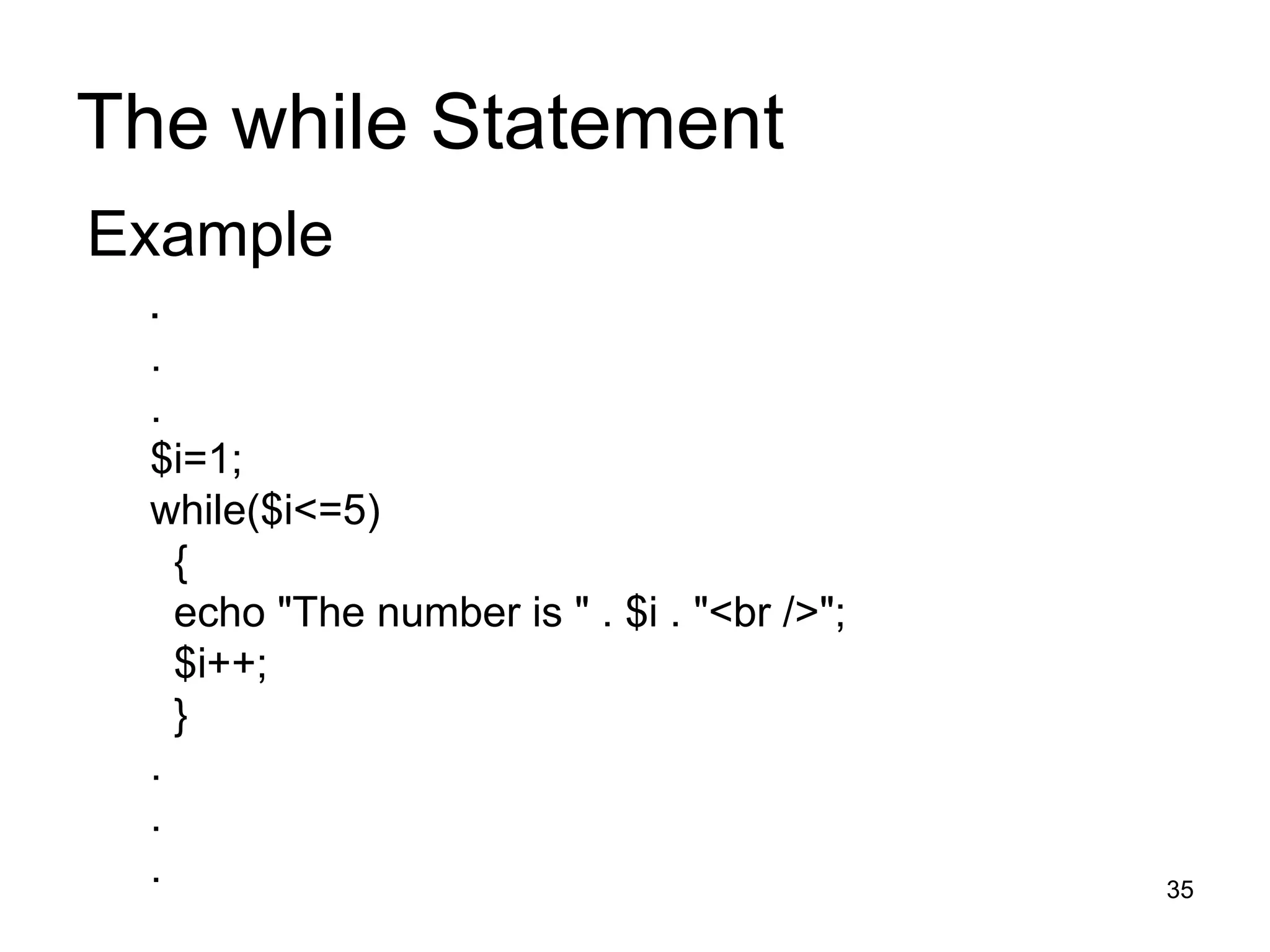
The while Statement The while statement will execute a block of code if and as long as a condition is true. Syntax while (condition) { statement 1; statement 2; }
The while Statement Example   . . .  $i=1; while($i<=5) { echo &quot;The number is &quot; . $i . &quot;<br />&quot;; $i++; } . . .
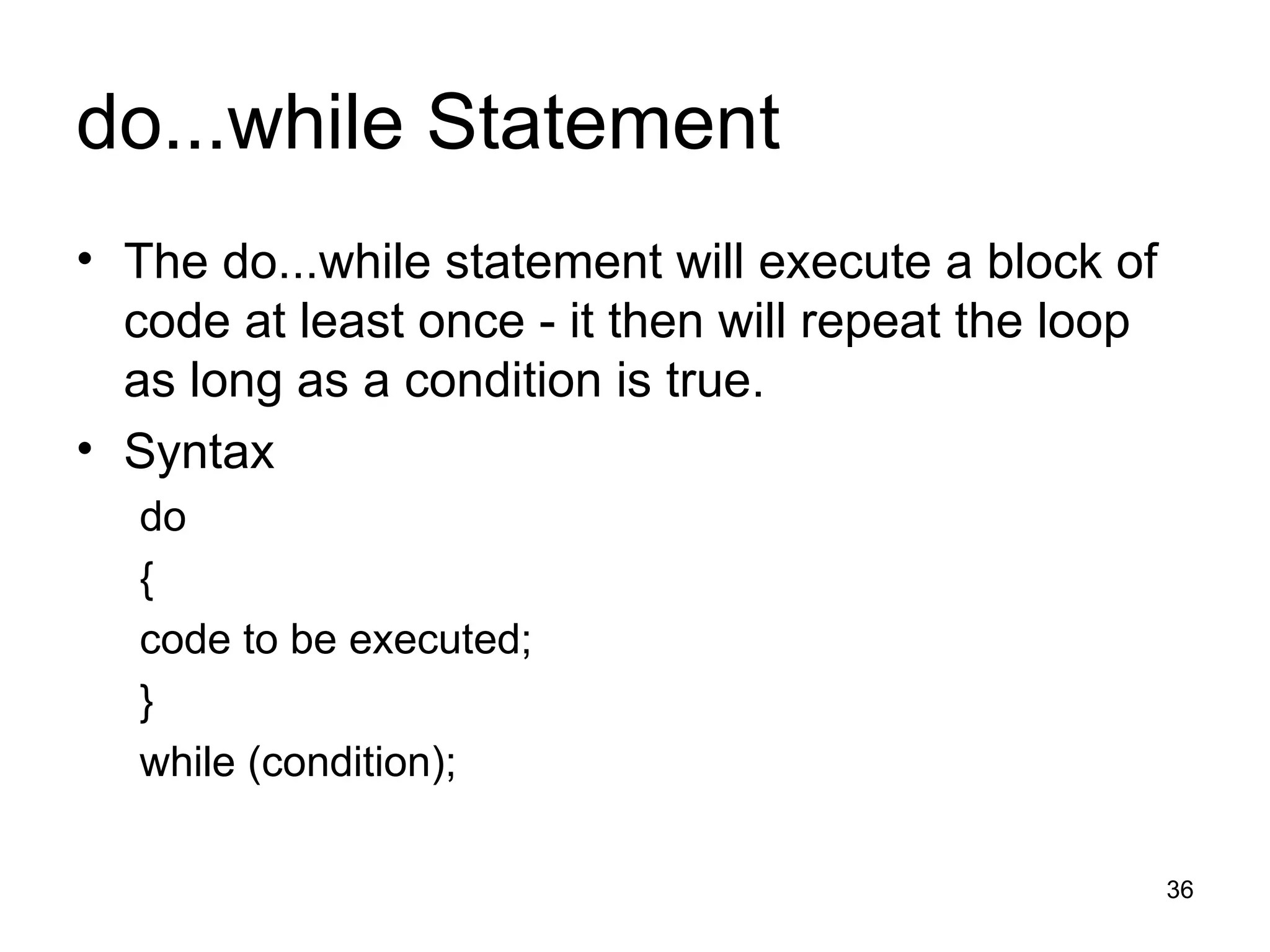
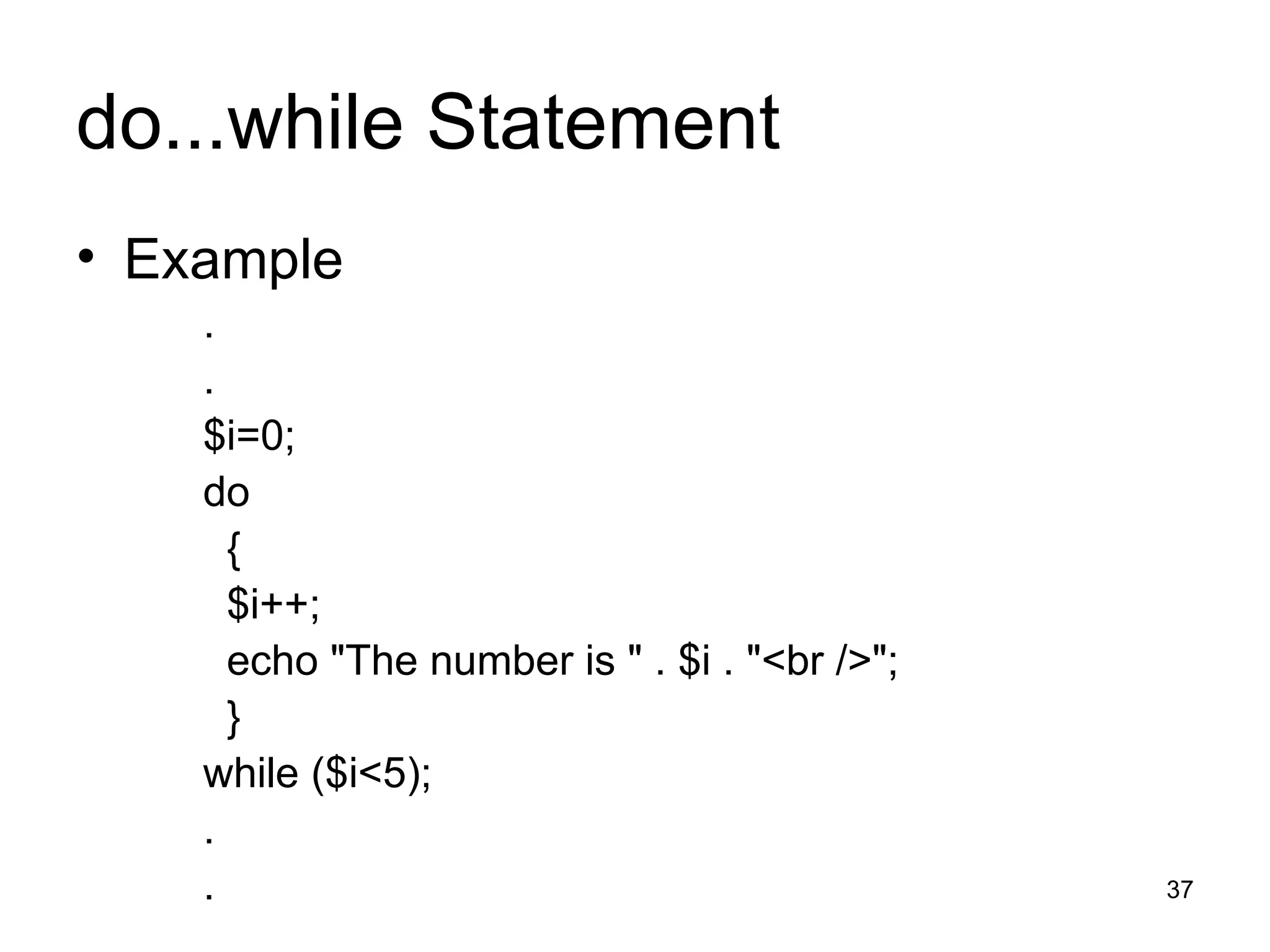
do...while Statement The do...while statement will execute a block of code at least once - it then will repeat the loop as long as a condition is true. Syntax do { code to be executed; } while (condition);
do...while Statement Example . . $i=0; do { $i++; echo &quot;The number is &quot; . $i . &quot;<br />&quot;; } while ($i<5); . .
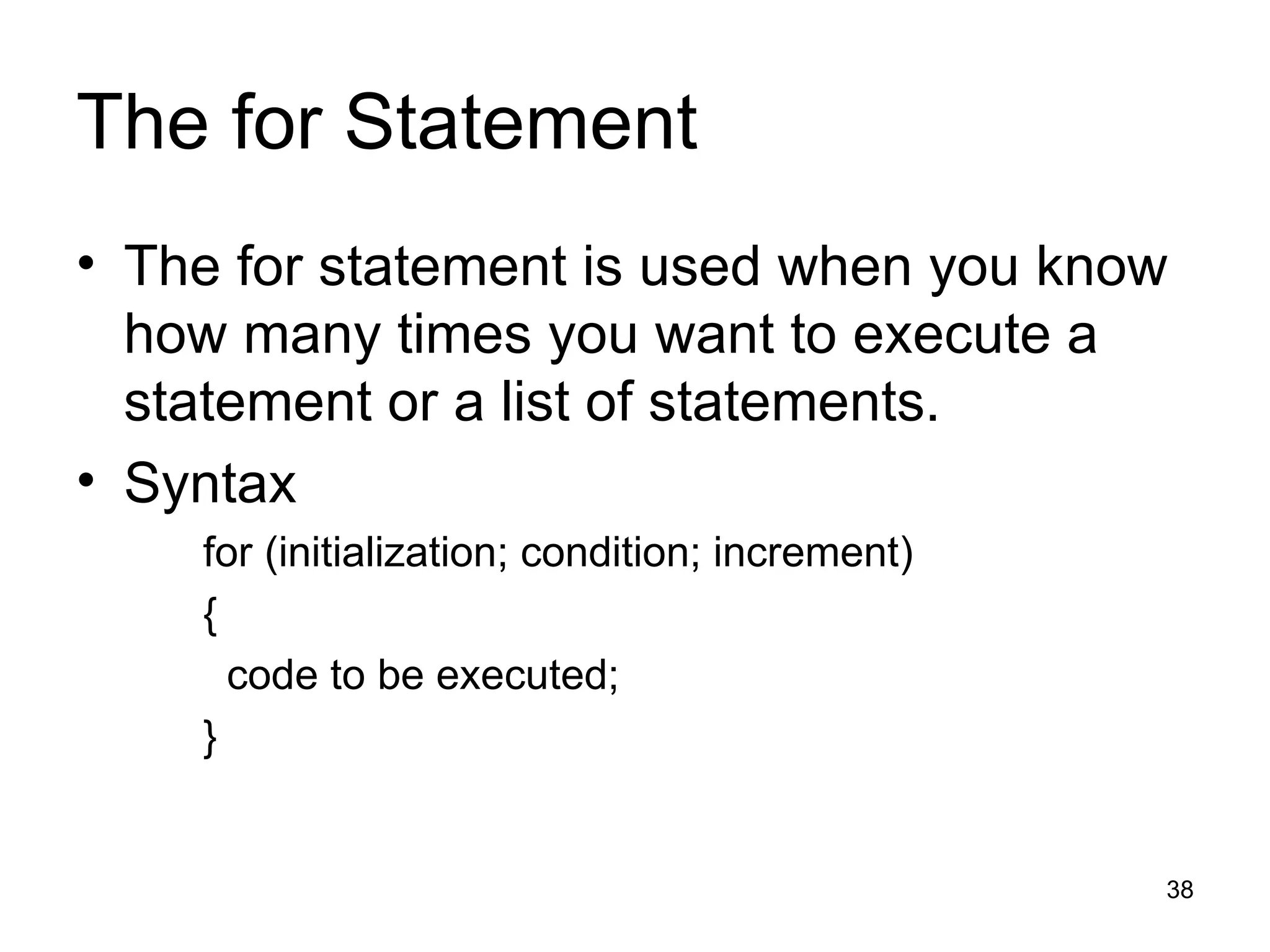
The for Statement The for statement is used when you know how many times you want to execute a statement or a list of statements. Syntax for (initialization; condition; increment) { code to be executed; }
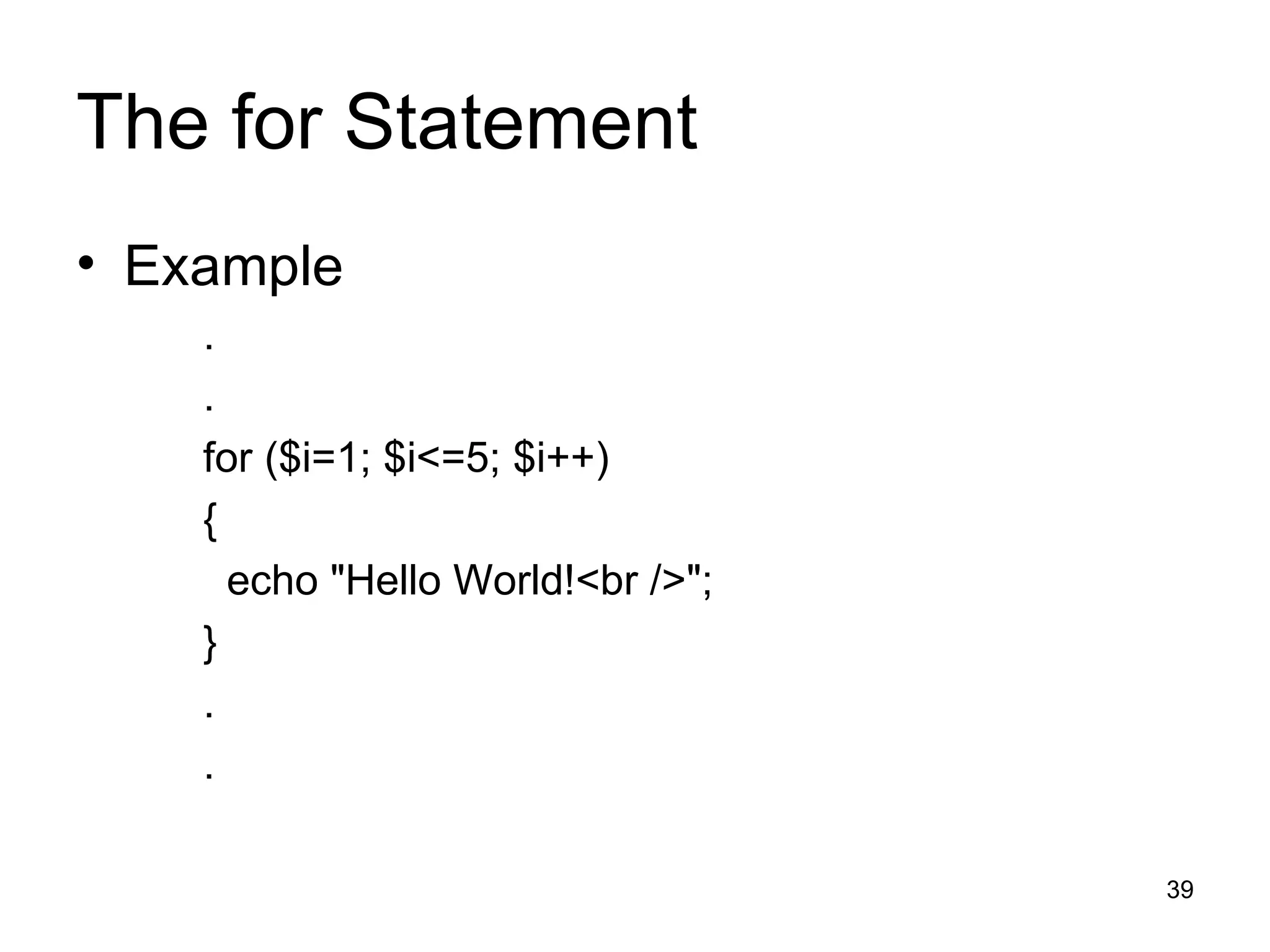
The for Statement Example . . for ($i=1; $i<=5; $i++) { echo &quot;Hello World!<br />&quot;; } . .
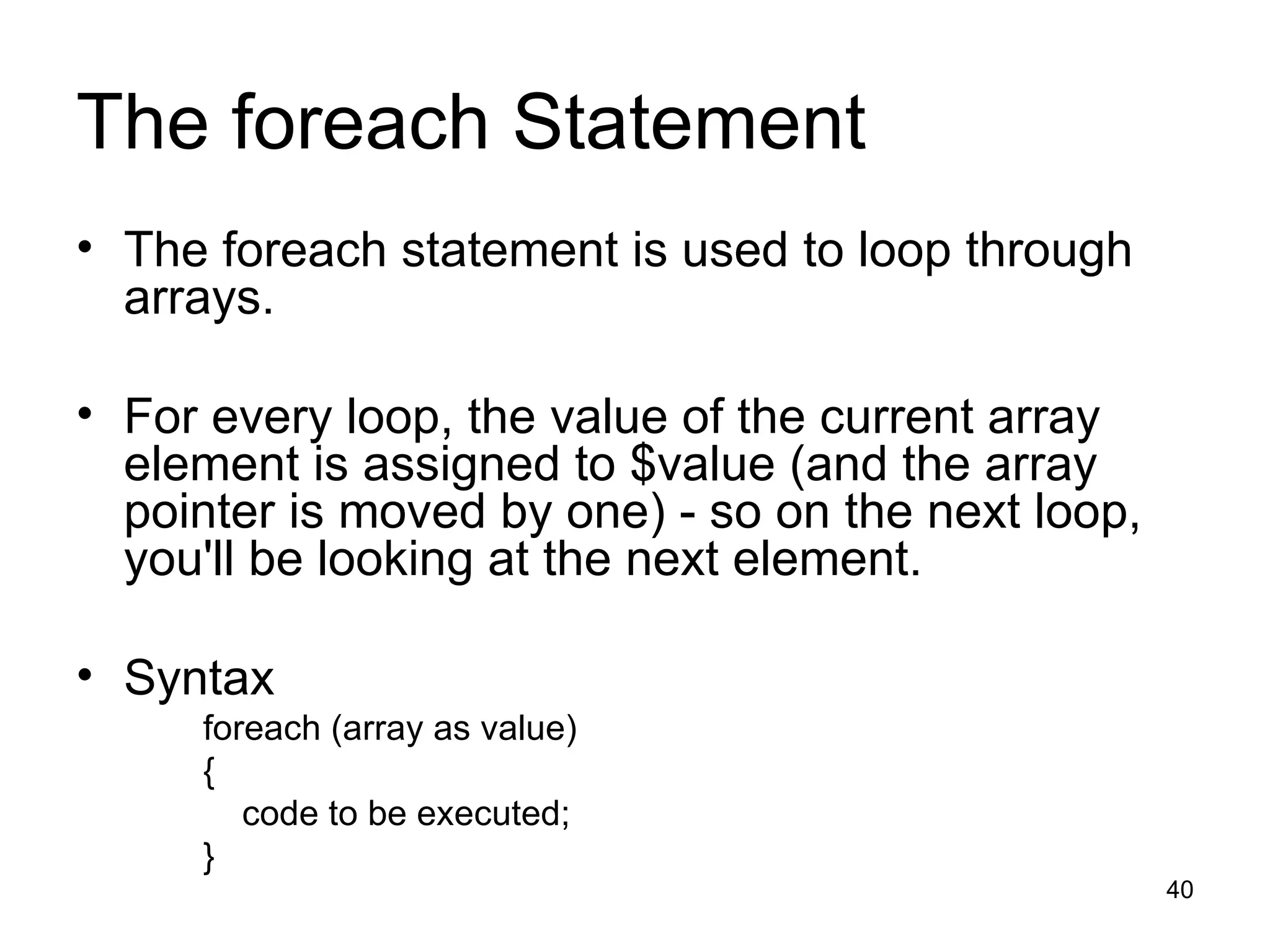
The foreach Statement The foreach statement is used to loop through arrays. For every loop, the value of the current array element is assigned to $value (and the array pointer is moved by one) - so on the next loop, you'll be looking at the next element. Syntax foreach (array as value) { code to be executed; }
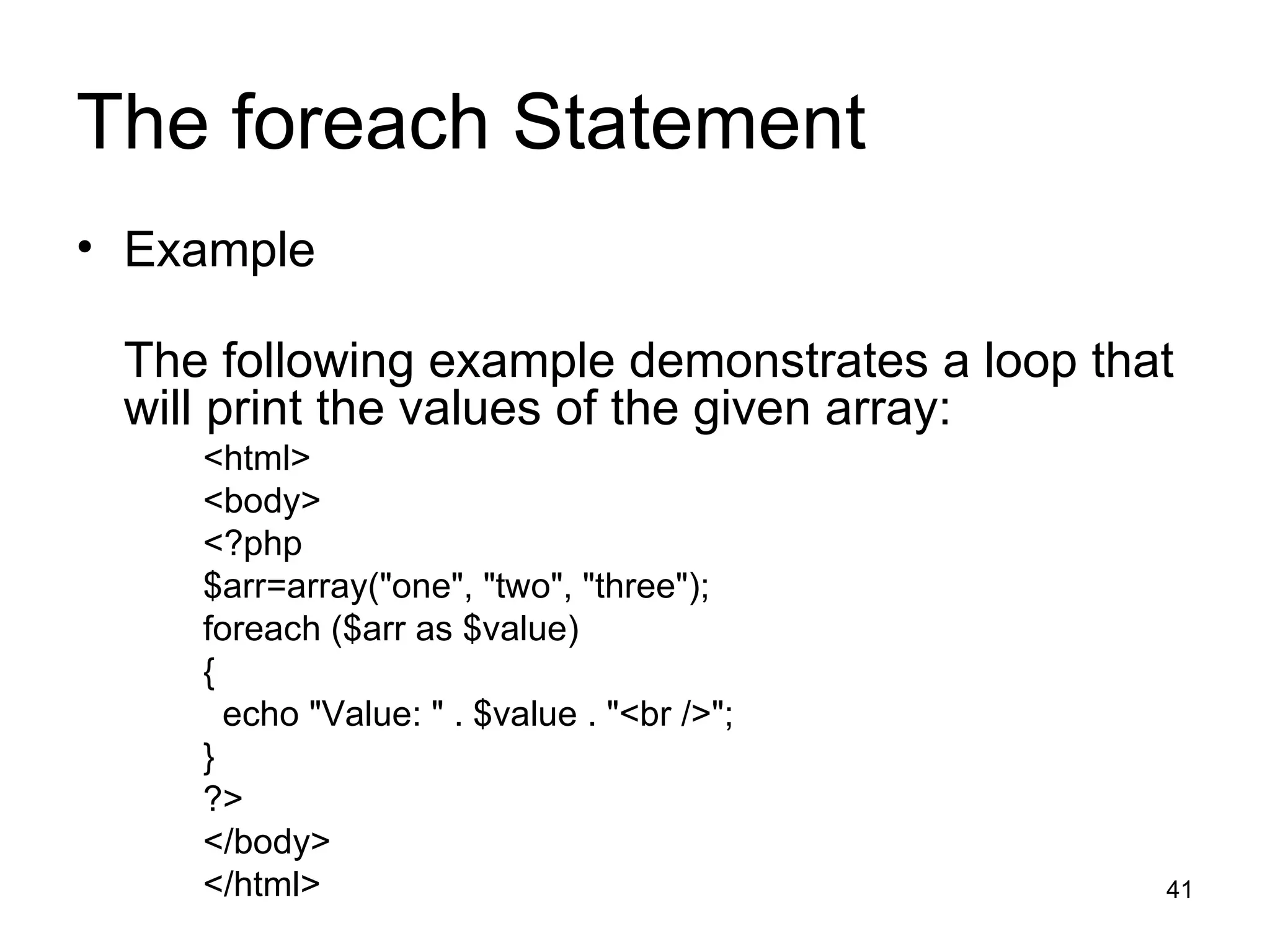
The foreach Statement Example The following example demonstrates a loop that will print the values of the given array: <html> <body> <?php $arr=array(&quot;one&quot;, &quot;two&quot;, &quot;three&quot;); foreach ($arr as $value) { echo &quot;Value: &quot; . $value . &quot;<br />&quot;; } ?> </body> </html>
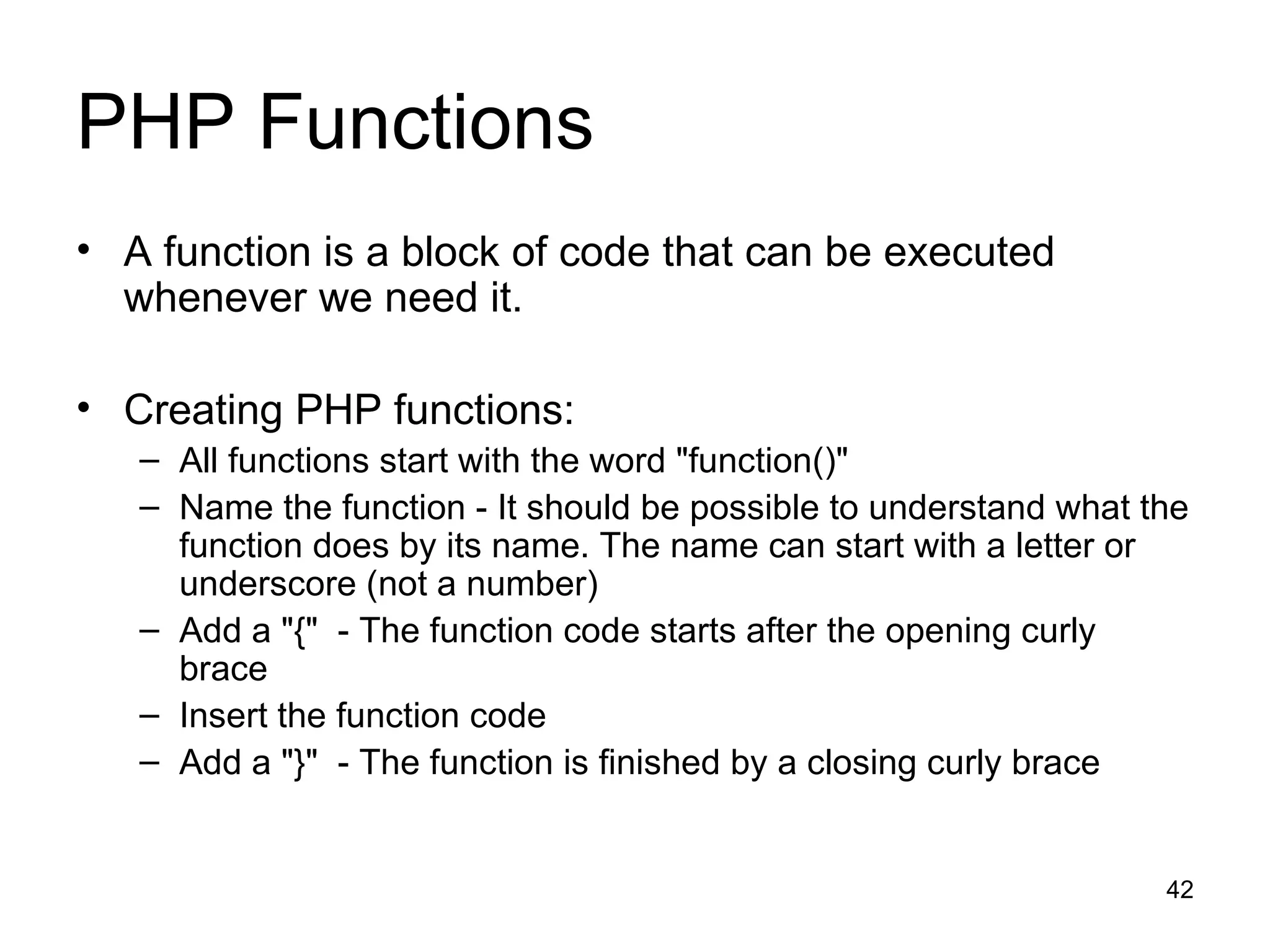
PHP Functions A function is a block of code that can be executed whenever we need it. Creating PHP functions: All functions start with the word &quot;function()&quot; Name the function - It should be possible to understand what the function does by its name. The name can start with a letter or underscore (not a number) Add a &quot;{&quot;  - The function code starts after the opening curly brace  Insert the function code Add a &quot;}&quot;  - The function is finished by a closing curly brace
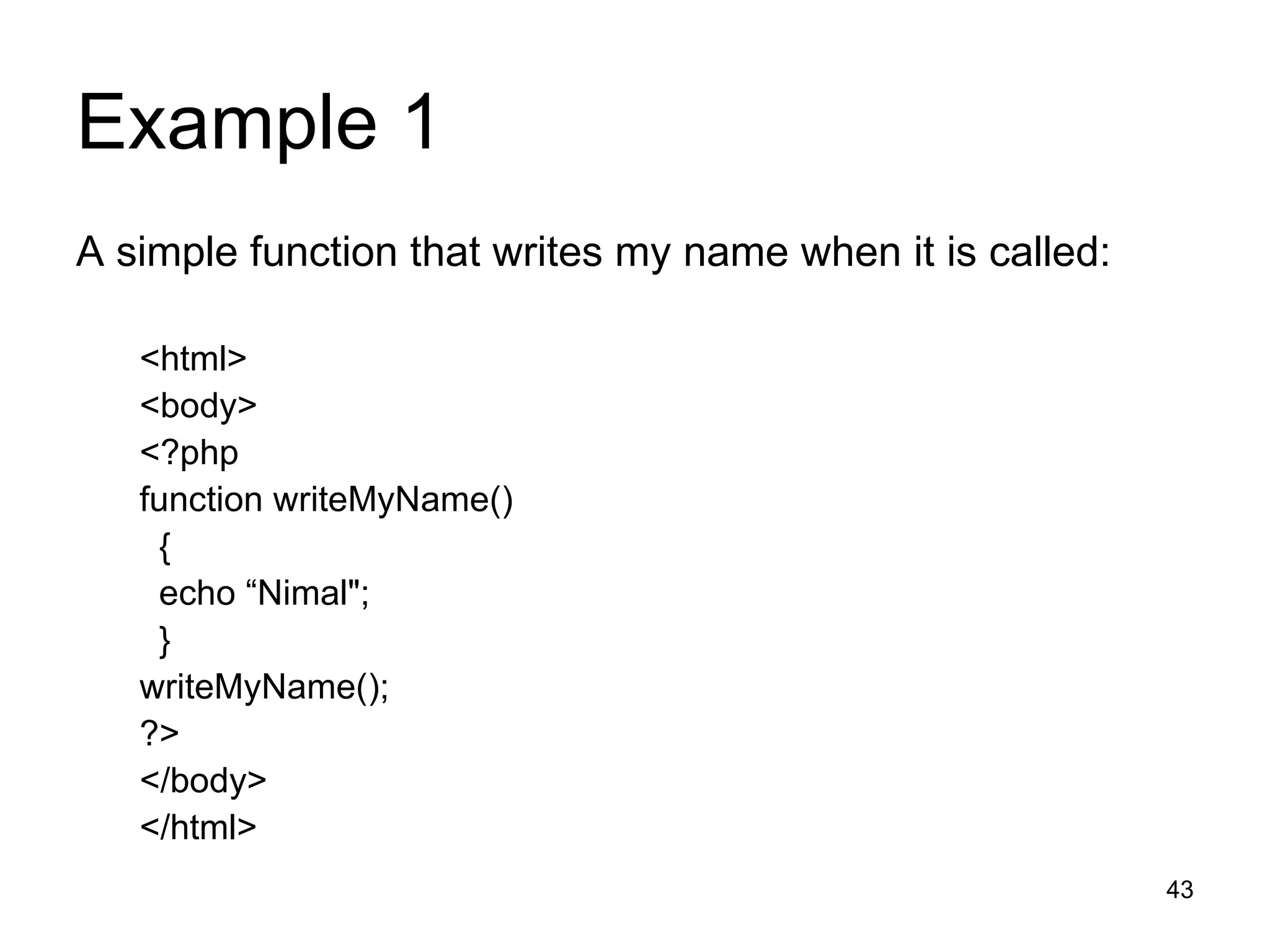
Example 1 A simple function that writes my name when it is called: <html> <body> <?php function writeMyName() { echo “Nimal&quot;; } writeMyName(); ?> </body> </html>
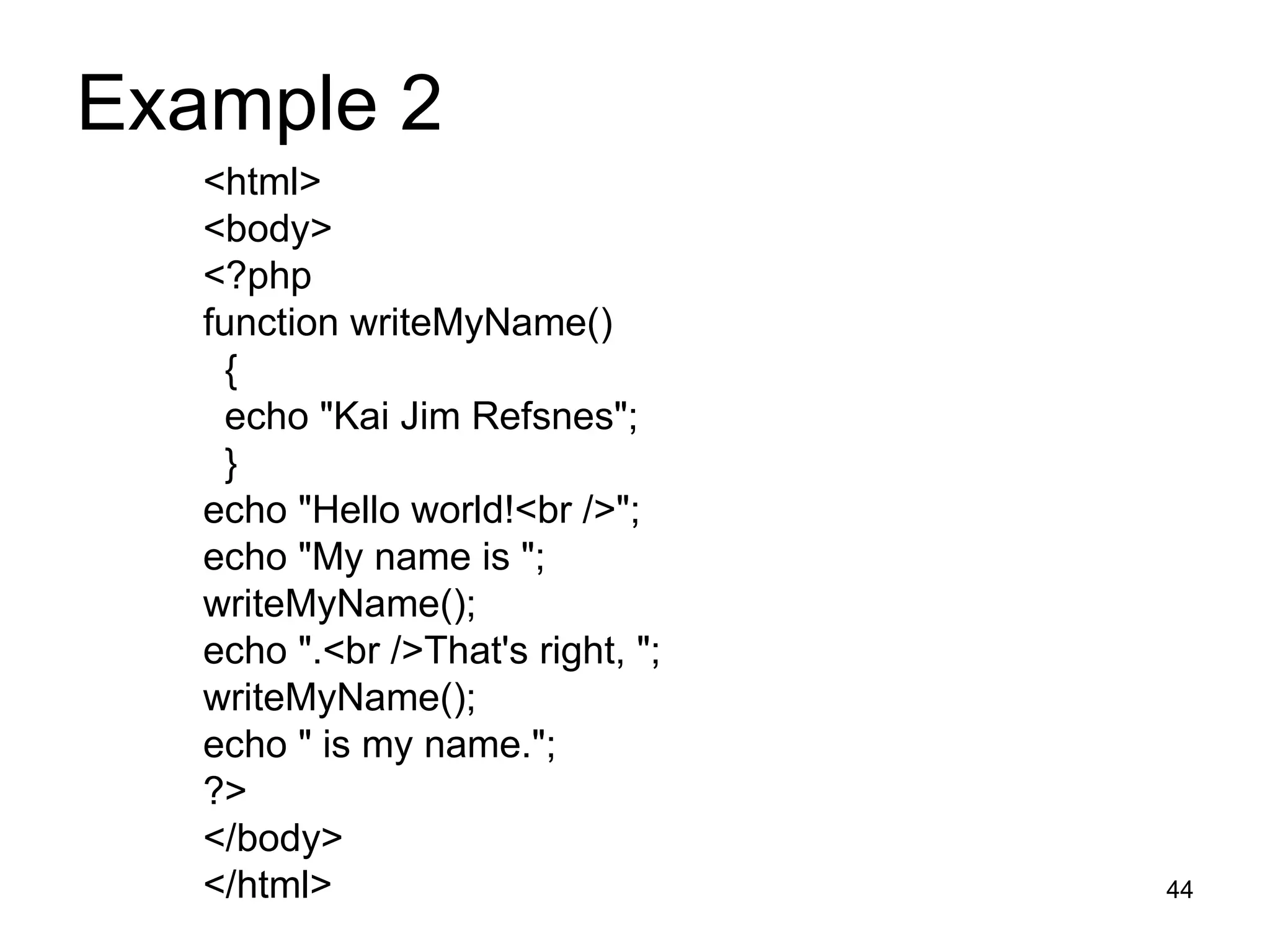
Example 2  <html> <body> <?php function writeMyName() { echo &quot;Kai Jim Refsnes&quot;; } echo &quot;Hello world!<br />&quot;; echo &quot;My name is &quot;; writeMyName(); echo &quot;.<br />That's right, &quot;; writeMyName(); echo &quot; is my name.&quot;; ?> </body> </html>
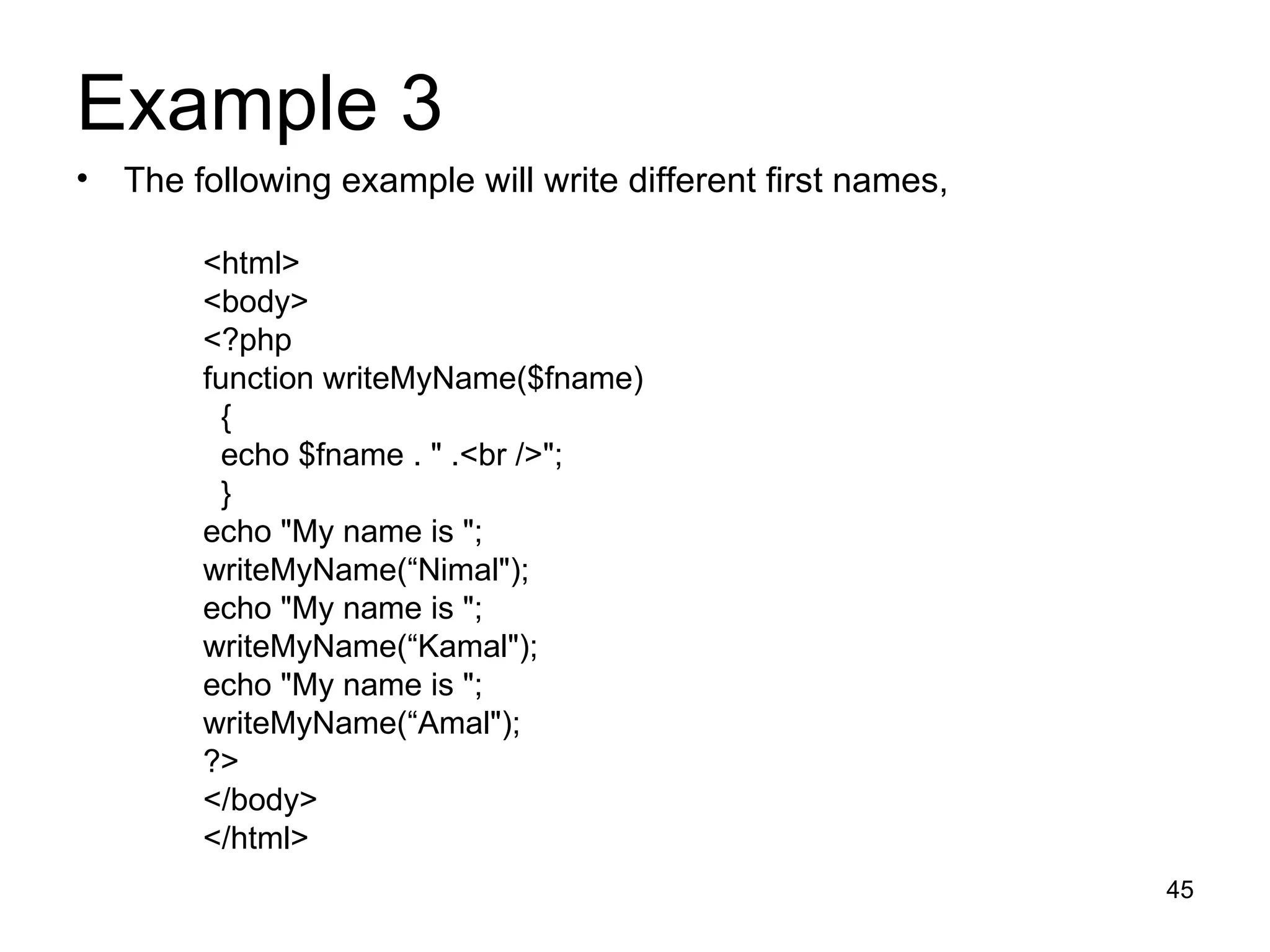
Example 3  The following example will write different first names,  <html> <body> <?php function writeMyName($fname) { echo $fname . &quot; .<br />&quot;; } echo &quot;My name is &quot;; writeMyName(“Nimal&quot;); echo &quot;My name is &quot;; writeMyName(“Kamal&quot;); echo &quot;My name is &quot;; writeMyName(“Amal&quot;); ?> </body> </html>
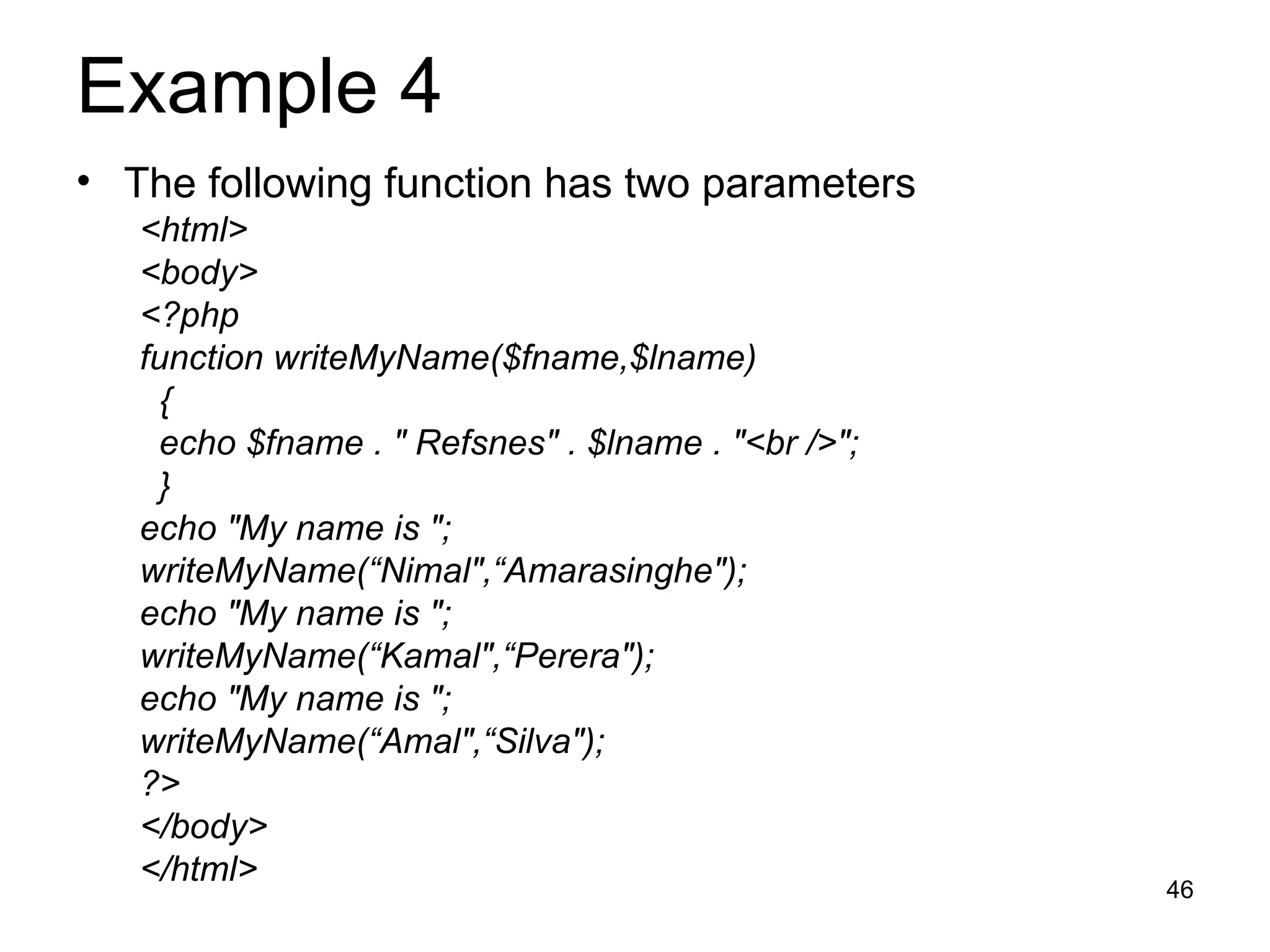
Example 4  The following function has two parameters <html> <body> <?php function writeMyName($fname,$lname) { echo $fname . &quot; Refsnes&quot; . $lname . &quot;<br />&quot;; } echo &quot;My name is &quot;; writeMyName(“Nimal&quot;,“Amarasinghe&quot;); echo &quot;My name is &quot;; writeMyName(“Kamal&quot;,“Perera&quot;); echo &quot;My name is &quot;; writeMyName(“Amal&quot;,“Silva&quot;); ?> </body> </html>
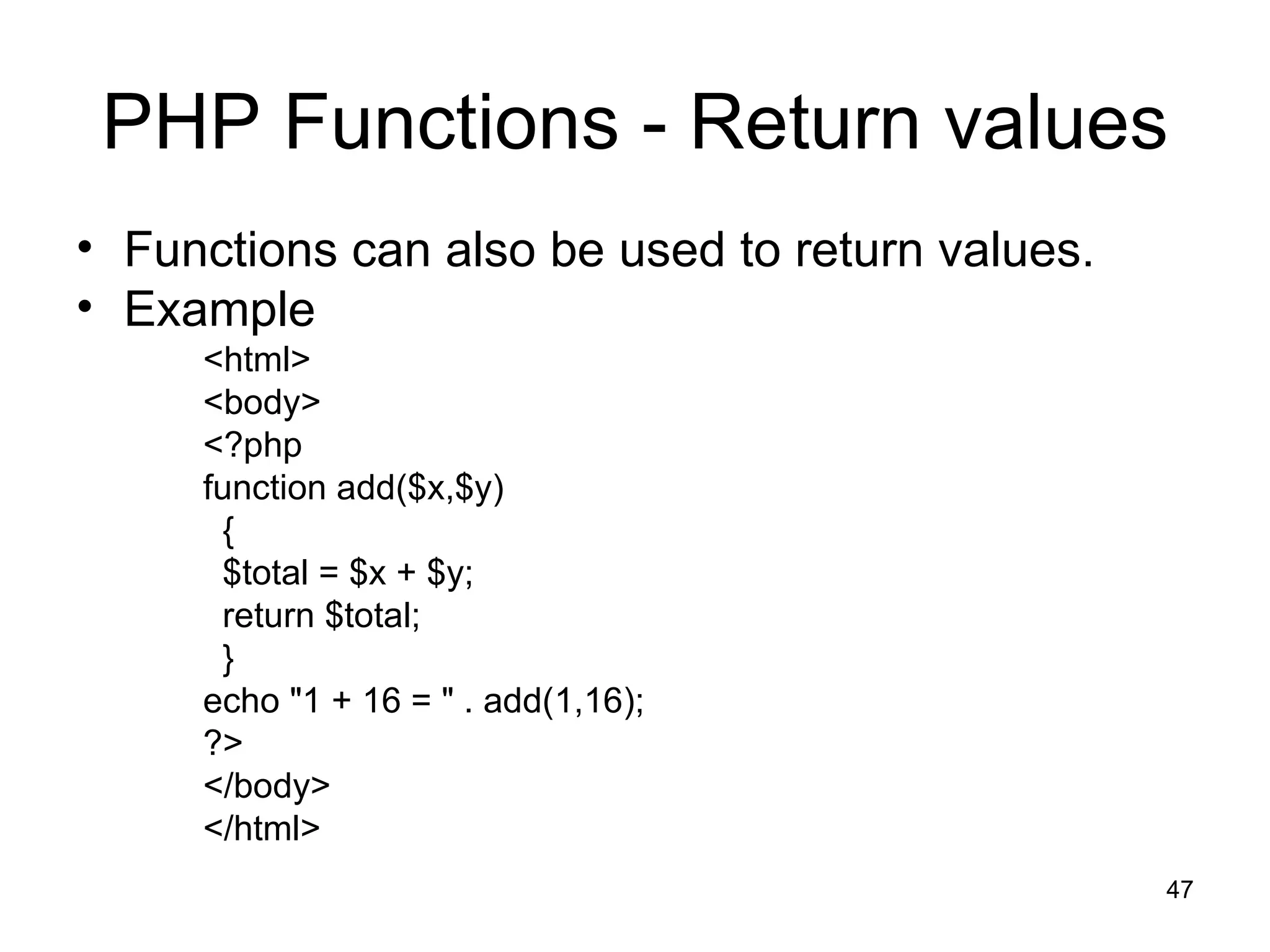
PHP Functions - Return values Functions can also be used to return values. Example <html> <body> <?php function add($x,$y) { $total = $x + $y; return $total; } echo &quot;1 + 16 = &quot; . add(1,16); ?> </body> </html>
PHP Forms The PHP $_GET and $_POST variables are used to retrieve information from forms, like user input.
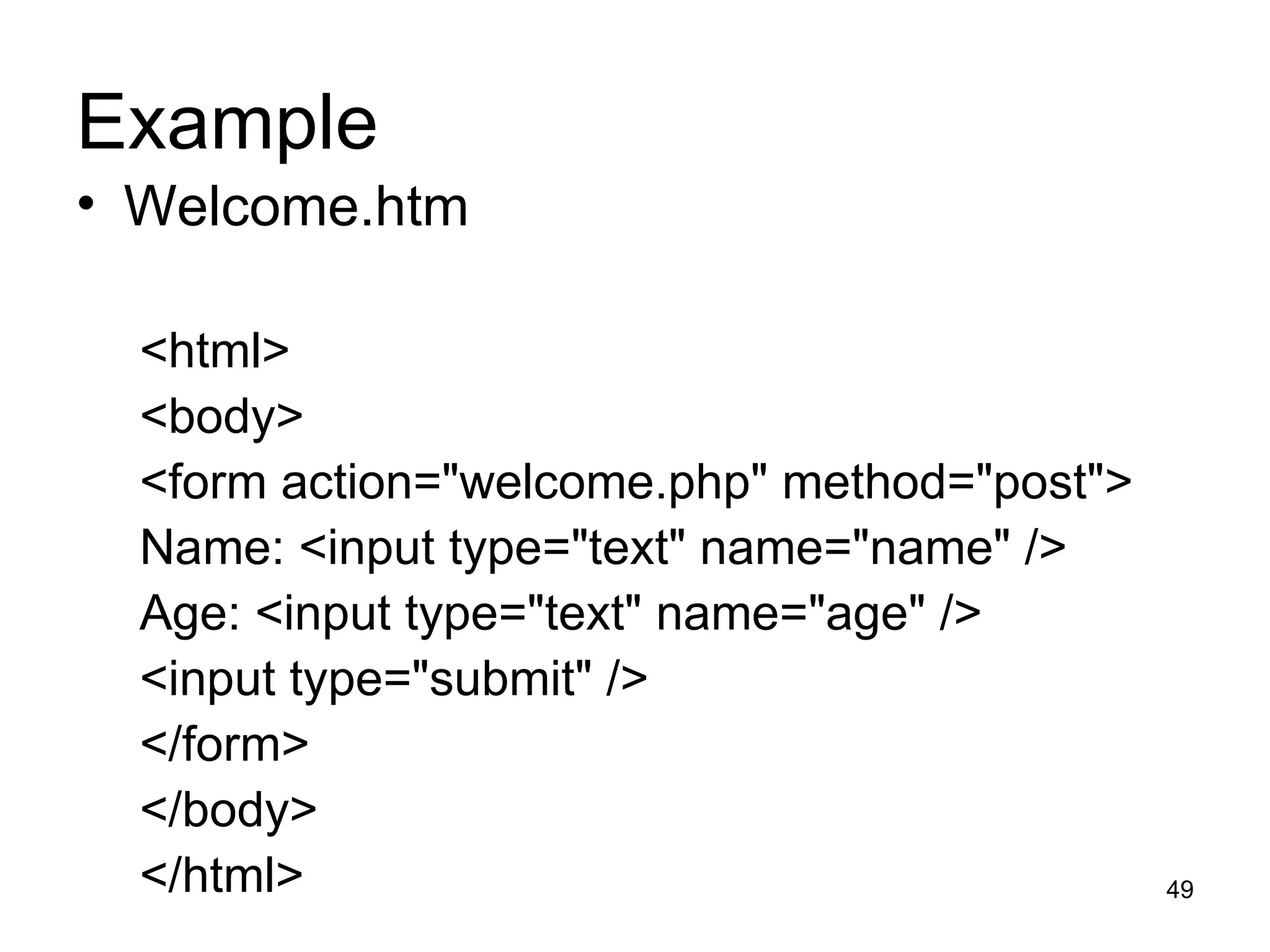
Example Welcome.htm <html> <body> <form action=&quot;welcome.php&quot; method=&quot;post&quot;> Name: <input type=&quot;text&quot; name=&quot;name&quot; /> Age: <input type=&quot;text&quot; name=&quot;age&quot; /> <input type=&quot;submit&quot; /> </form> </body> </html>
Example welcome.php <html> <body> Welcome <?php echo $_POST[&quot;name&quot;]; ?>.<br /> You are <?php echo $_POST[&quot;age&quot;]; ?> years old. </body> </html>
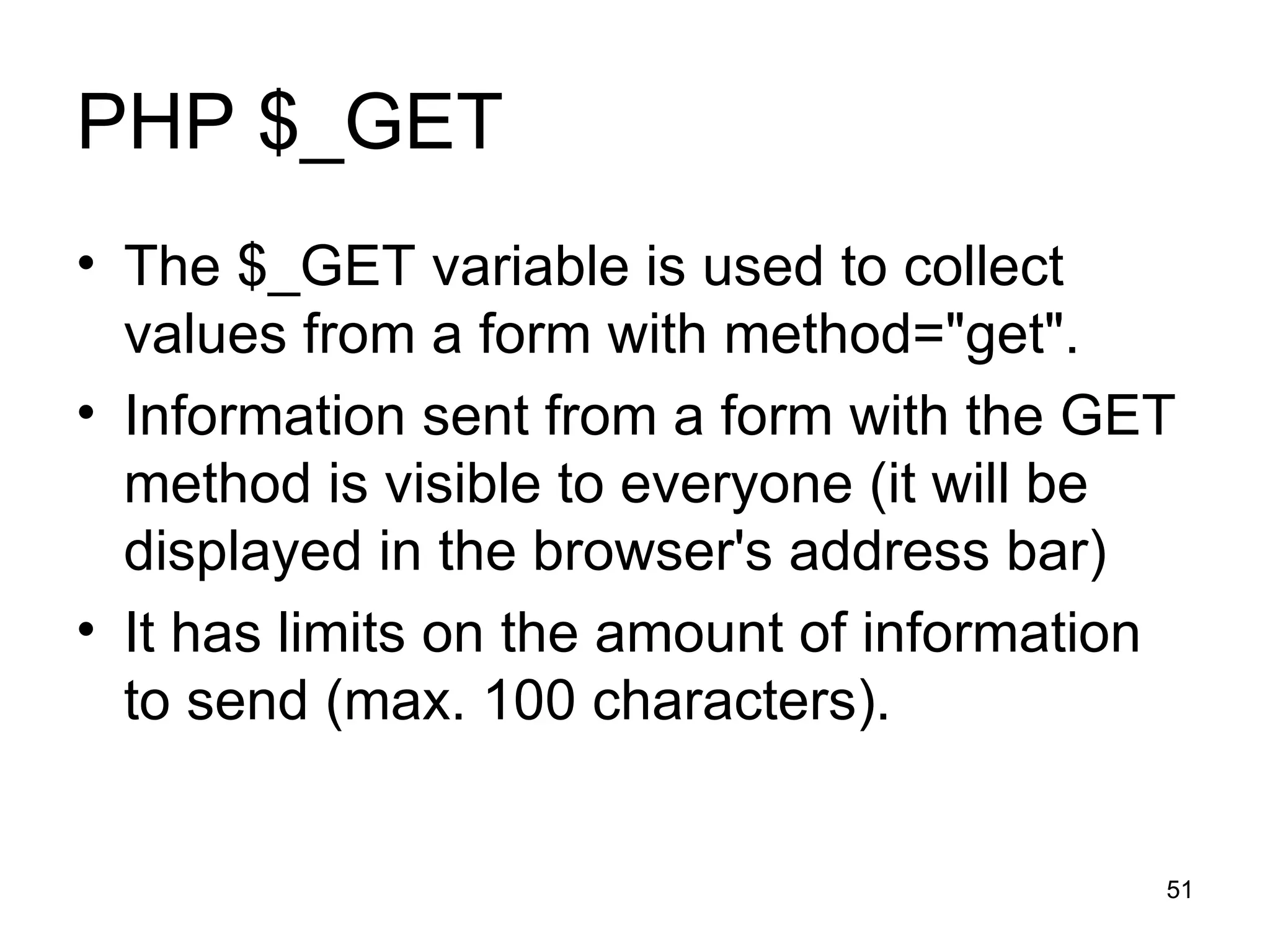
PHP $_GET The $_GET variable is used to collect values from a form with method=&quot;get&quot;.  Information sent from a form with the GET method is visible to everyone (it will be displayed in the browser's address bar) It has limits on the amount of information to send (max. 100 characters).
Example <form action=&quot;welcome.php&quot; method=&quot;get&quot;> Name: <input type=&quot;text&quot; name=&quot;name&quot; /> Age: <input type=&quot;text&quot; name=&quot;age&quot; /> <input type=&quot;submit&quot; /> </form> Welcome.php Welcome <?php echo $_GET[&quot;name&quot;]; ?>.<br /> You are <?php echo $_GET[&quot;age&quot;]; ?> years old!
Note: When using the $_GET variable all variable names and values are displayed in the URL. So this method should not be used when sending passwords or other sensitive information! The HTTP GET method is not suitable on large variable values; the value cannot exceed 100 characters.
PHP $_POST The $_POST variable is used to collect values from a form with method=&quot;post&quot;. Information sent from a form with the POST method is invisible to others and has no limits on the amount of information to send.
Example <form action=&quot;welcome.php&quot; method=&quot;post&quot;> Enter your name: <input type=&quot;text&quot; name=&quot;name&quot; /> Enter your age: <input type=&quot;text&quot; name=&quot;age&quot; /> <input type=&quot;submit&quot; /> </form> Welcome.php Welcome <?php echo $_POST[&quot;name&quot;]; ?>.<br /> You are <?php echo $_POST[&quot;age&quot;]; ?> years old!
PHP Database
Connecting to a MySQL Database Before you can access and work with data in a database, you must create a connection to the database. In PHP, this is done with the mysql_connect() function. Syntax mysql_connect(servername,username,password); servername Optional. Specifies the server to connect to.  Default value is &quot;localhost:3306&quot; username Optional. Specifies the username to log in with.  Default value is the name of the user that owns  the server process password Optional. Specifies the password to log in with.  Default is &quot;&quot;
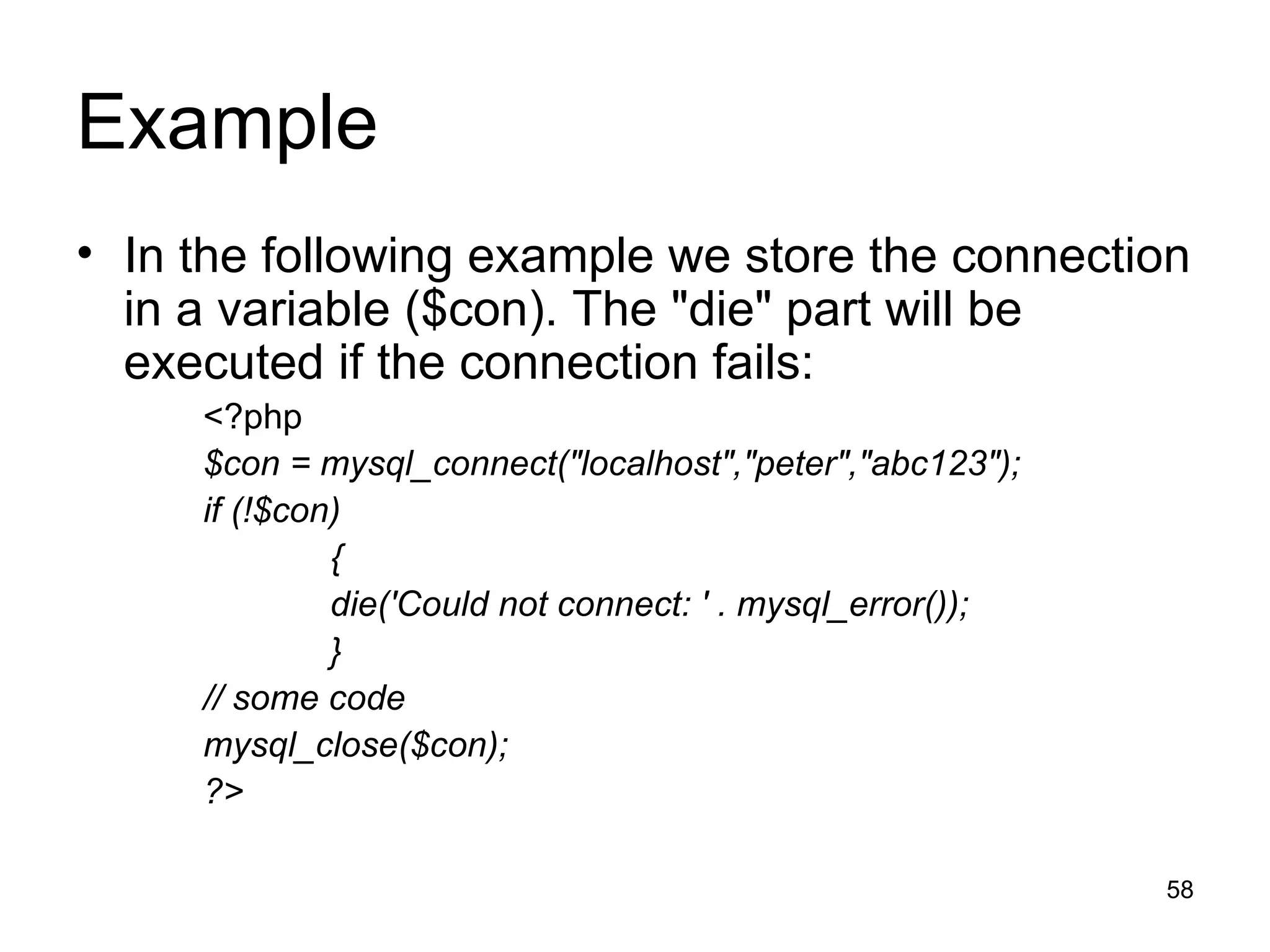
Example In the following example we store the connection in a variable ($con). The &quot;die&quot; part will be executed if the connection fails: <?php $con = mysql_connect(&quot;localhost&quot;,&quot;peter&quot;,&quot;abc123&quot;); if (!$con) { die('Could not connect: ' . mysql_error()); } // some code mysql_close($con); ?>
Create MySQLDatabase and Tables To get PHP to execute a MySQL statement we must use the mysql_query() function. This function is used to send a query or command to a MySQL connection.
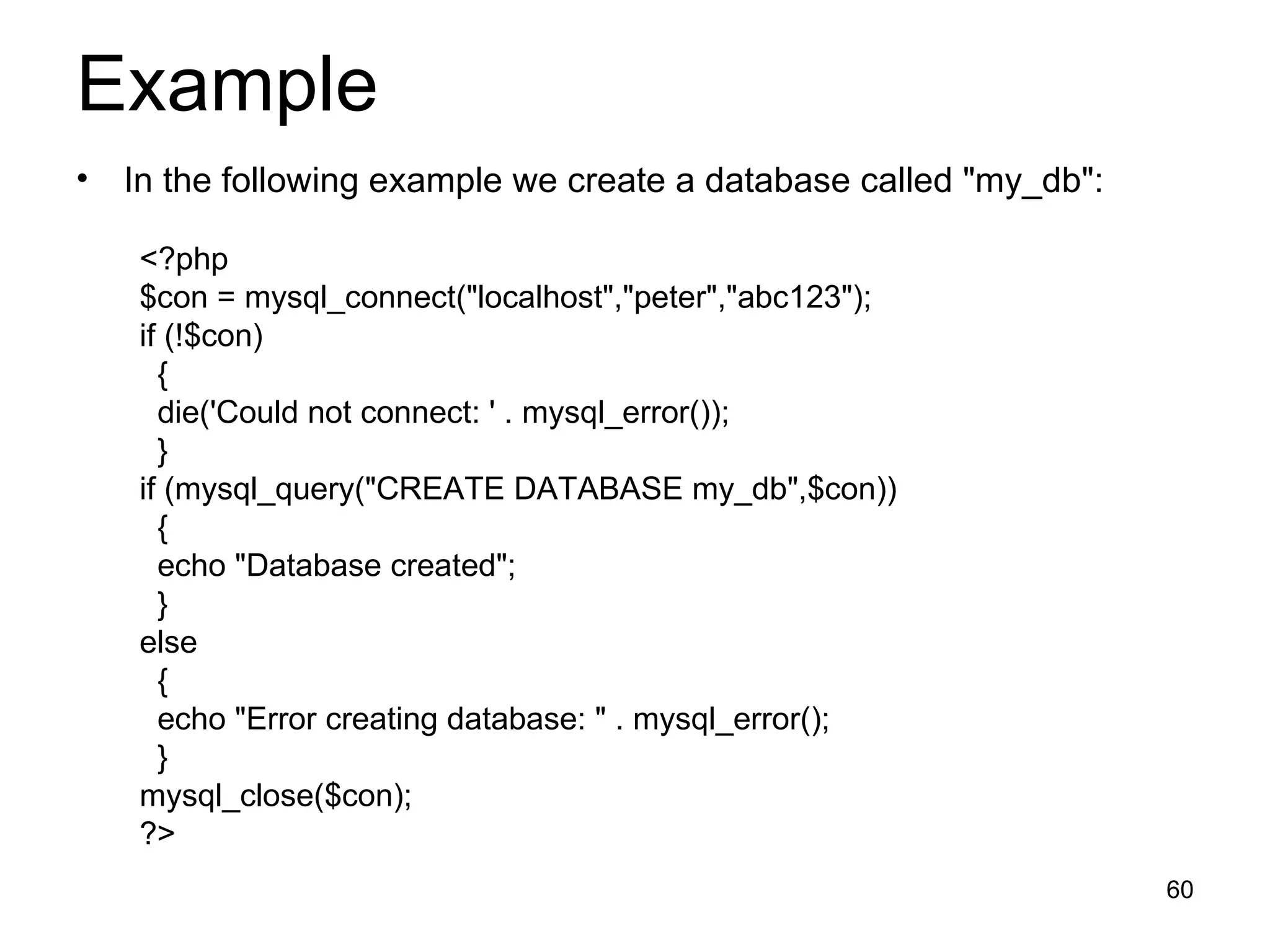
Example In the following example we create a database called &quot;my_db&quot;: <?php $con = mysql_connect(&quot;localhost&quot;,&quot;peter&quot;,&quot;abc123&quot;); if (!$con) { die('Could not connect: ' . mysql_error()); } if (mysql_query(&quot;CREATE DATABASE my_db&quot;,$con)) { echo &quot;Database created&quot;; } else { echo &quot;Error creating database: &quot; . mysql_error(); } mysql_close($con); ?>
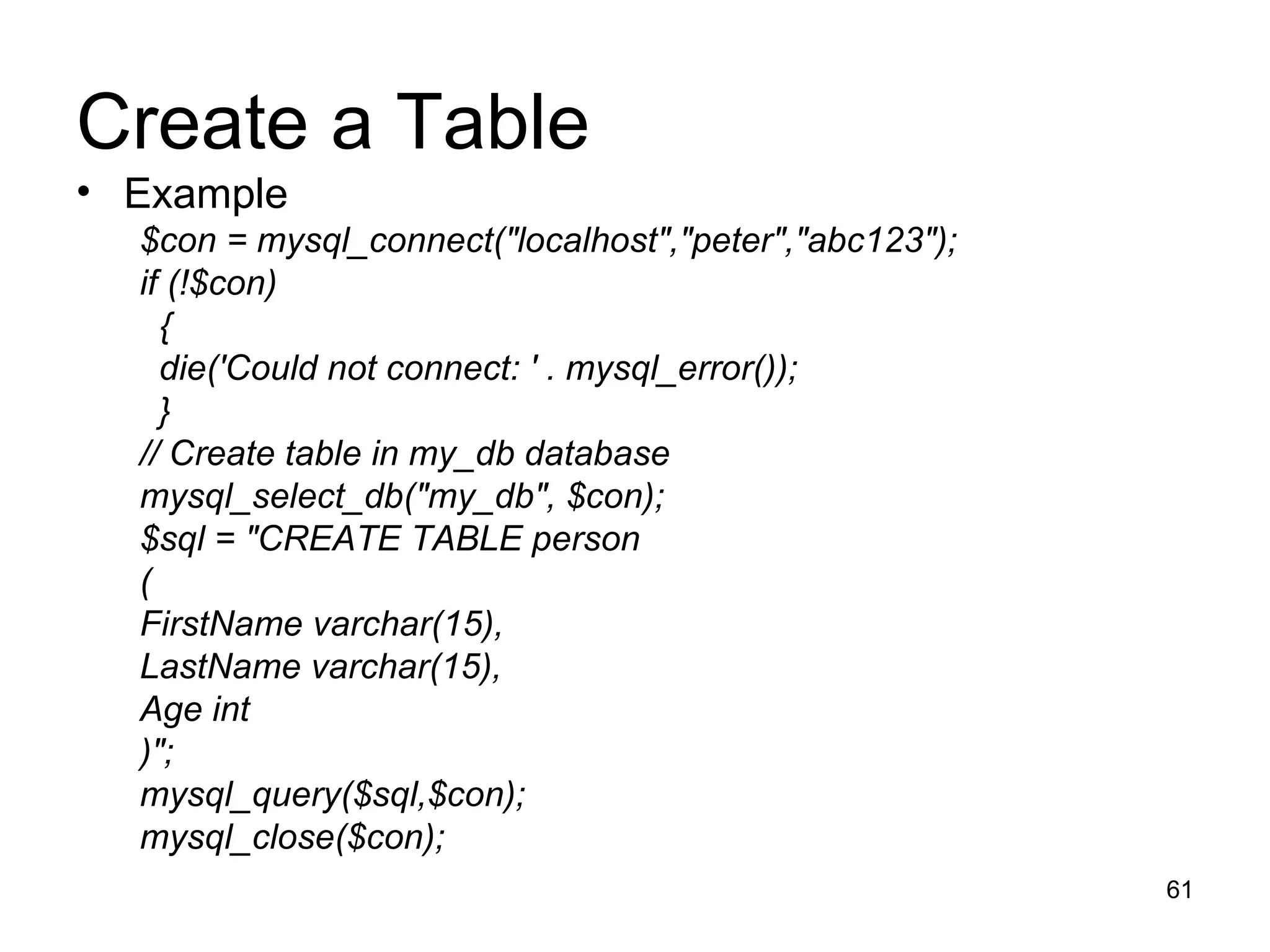
Create a Table Example $con = mysql_connect(&quot;localhost&quot;,&quot;peter&quot;,&quot;abc123&quot;); if (!$con) { die('Could not connect: ' . mysql_error()); } // Create table in my_db database mysql_select_db(&quot;my_db&quot;, $con); $sql = &quot;CREATE TABLE person  ( FirstName varchar(15), LastName varchar(15), Age int )&quot;; mysql_query($sql,$con); mysql_close($con);
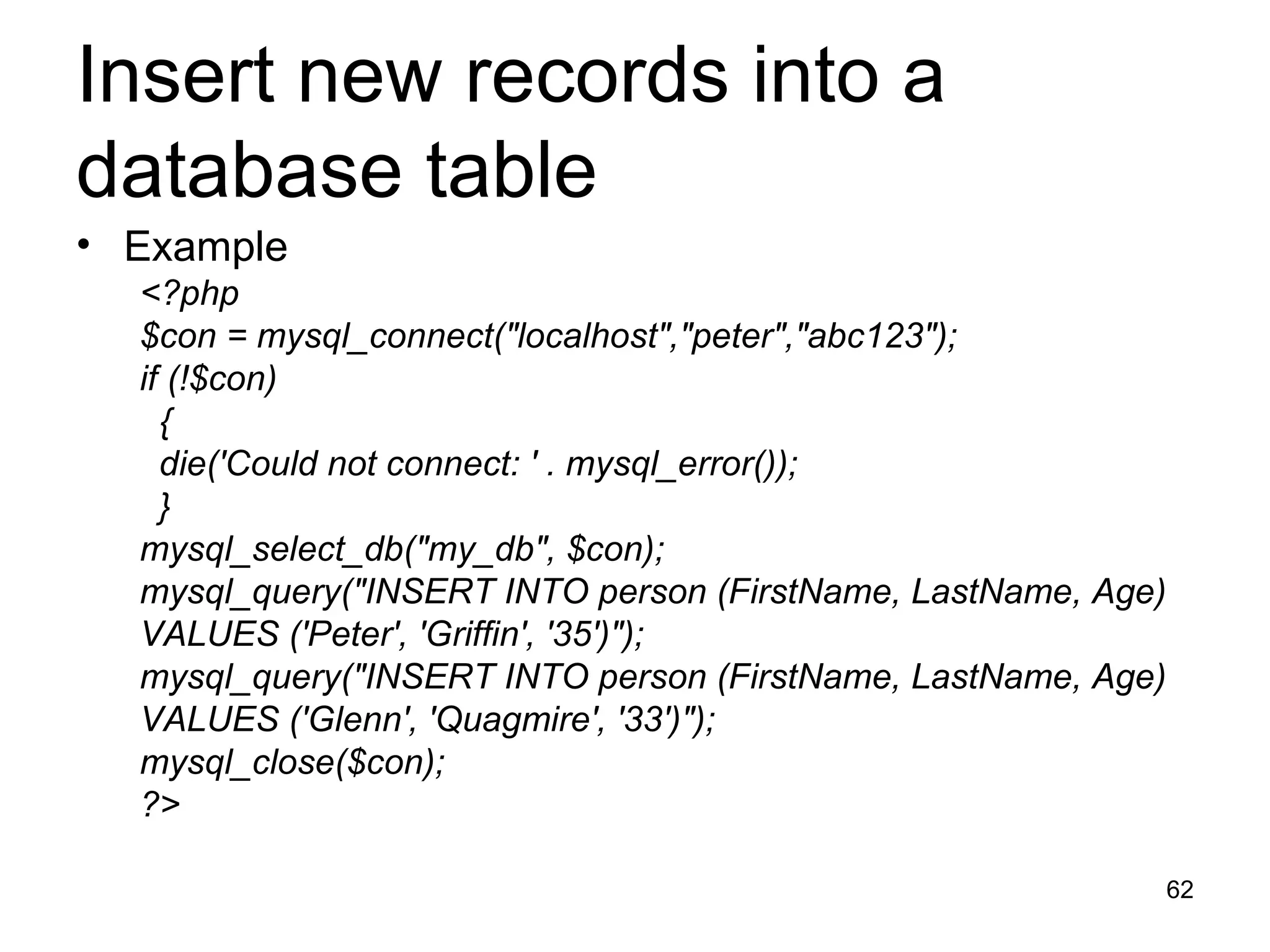
Insert new records into a database table Example <?php $con = mysql_connect(&quot;localhost&quot;,&quot;peter&quot;,&quot;abc123&quot;); if (!$con) { die('Could not connect: ' . mysql_error()); } mysql_select_db(&quot;my_db&quot;, $con); mysql_query(&quot;INSERT INTO person (FirstName, LastName, Age)  VALUES ('Peter', 'Griffin', '35')&quot;); mysql_query(&quot;INSERT INTO person (FirstName, LastName, Age)  VALUES ('Glenn', 'Quagmire', '33')&quot;); mysql_close($con); ?>
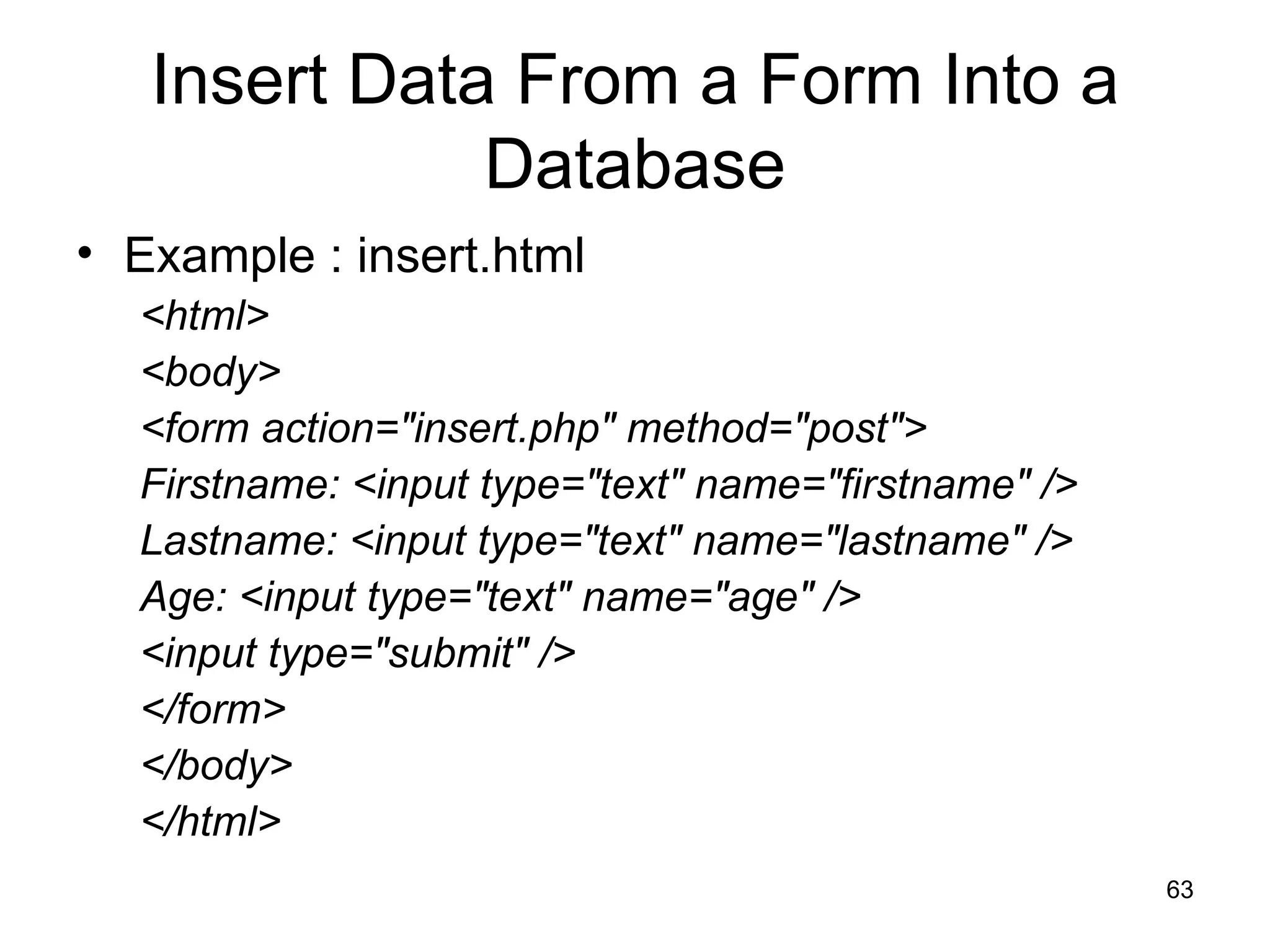
Insert Data From a Form Into a Database Example : insert.html <html> <body> <form action=&quot;insert.php&quot; method=&quot;post&quot;> Firstname: <input type=&quot;text&quot; name=&quot;firstname&quot; /> Lastname: <input type=&quot;text&quot; name=&quot;lastname&quot; /> Age: <input type=&quot;text&quot; name=&quot;age&quot; /> <input type=&quot;submit&quot; /> </form> </body> </html>
Insert Data From a Form Into a Database Example : insert.php <?php $con = mysql_connect(&quot;localhost&quot;,&quot;peter&quot;,&quot;abc123&quot;); if (!$con) { die('Could not connect: ' . mysql_error()); } mysql_select_db(&quot;my_db&quot;, $con); $sql=&quot;INSERT INTO person (FirstName, LastName, Age) VALUES ('$_POST[firstname]','$_POST[lastname]','$_POST[age]')&quot;; if (!mysql_query($sql,$con)) { die('Error: ' . mysql_error()); } echo &quot;1 record added&quot;; mysql_close($con) ?>

What Is Php

  • 1.
    What is PHP?PHP stands for PHP: Hypertext Preprocessor PHP is a server-side scripting languagePHP scripts are executed on the server. PHP supports many databases (MySQL, Informix, Oracle, Sybase, Solid, PostgreSQL, Generic ODBC, etc.) PHP is an open source software (OSS)
  • 2.
    Why PHP? PHPruns on different platforms (Windows, Linux, Unix, etc.) PHP is compatible with almost all servers used today (Apache, IIS, etc.) PHP is FREE to download from the official PHP resource: www.php.net PHP is easy to learn
  • 3.
    Where to Start?Install an Apache server on a Windows or Linux machine Install PHP on a Windows or Linux machine Install MySQL on a Windows or Linux machine
  • 4.
    Download PHP forfree here: http://www.php.net/downloads.php Download MySQL for free here: http://www.mysql.com/downloads/index.html Download Apache for free here: http://httpd.apache.org/download.cgi
  • 5.
    Basic PHP SyntaxA PHP scripting block always starts with <?php and ends with ?> Example <?php …… .…. ……… .. ?>
  • 6.
    What is aPHP File? A PHP file normally contains HTML tags, just like an HTML file some PHP scripting code
  • 7.
    Combining HTML andPHP <html> <head> <title>A PHP script including HTML</title> </head> <body> <b> &quot;hello world- HTML&quot;; <?php echo &quot;hello world-PHP&quot;; ?> </b> </body> </html>
  • 8.
    Comments in PHPIn PHP, we use // or # to make a single-line comment /* and */ to make a large comment block.
  • 9.
    Example <html> <body><?php //This is a single-line comment /* This is a comment block */ ?> </body> </html>
  • 10.
    Variables in PHPVariables are used for storing a values, like text strings, numbers or arrays. When a variable is set it can be used over and over again in your script All variables in PHP start with a $ sign symbol. The correct way of setting a variable in PHP: $var_name = value; Eg: $name=“Sunil”;
  • 11.
    Example <?php $txt= &quot;Hello World!&quot;; $number = 16; echo $txt; echo $number; ?>
  • 12.
    Variable Naming RulesA variable name must start with a letter or an underscore &quot;_&quot; A variable name can only contain alpha-numeric characters and underscores (a-Z, 0-9, and _ ) A variable name should not contain spaces. If a variable name is more than one word, it should be separated with underscore ($my_string), or with capitalization ($myString)
  • 13.
    PHP String Stringvariables are used for values that contains character strings. Example 1: <?php $txt=&quot;Hello World&quot;; echo $txt; ?> The output of the code above will be: Hello World
  • 14.
    PHP String Example2: <?php $txt1=&quot;Hello World&quot;; $txt2=&quot;1234&quot;; echo $txt1 . &quot; &quot; . $txt2; ?> The output of the code above will be: Hello World 1234
  • 15.
    PHP String Example2: <?php echo strlen(&quot;Hello world!&quot;); ?> The output of the code above will be: 12
  • 16.
    PHP Operators ArithmeticOperators + Addition - Subtraction * Multiplication / Division % Modulus (division remainder) ++ Increment -- Decrement
  • 17.
    PHP Operators ComparisonOperators == is equal to 5==8 returns false != is not equal 5!=8 returns true > is greater than 5>8 returns false < is less than 5<8 returns true >= is greater than or equal to 5>=8 returns false <= is less than or equal to 5<=8 returns true
  • 18.
    Conditional Statements If...ElseStatement If you want to execute some code if a condition is true and another code if a condition is false, use the if....else statement. Syntax if (condition) code to be executed if condition is true; else code to be executed if condition is false;
  • 19.
    Conditional Statements Example1: <html> <body> <?php $d=date(&quot;D&quot;); if ($d==&quot;Fri&quot;) echo &quot;Have a nice weekend!&quot;; else echo &quot;Have a nice day!&quot;; ?> </body> </html>
  • 20.
    Conditional Statements Example2: <html> <body> <?php $d=date(&quot;D&quot;); if ($d==&quot;Fri&quot;) { echo &quot;Hello!<br />&quot;; echo &quot;Have a nice weekend!&quot;; echo &quot;See you on Monday!&quot;; } ?> </body> </html>
  • 21.
    Conditional Statements Ifyou want to execute some code if one of several conditions are true use the elseif statement Syntax if (condition) code to be executed if condition is true; elseif (condition) code to be executed if condition is true; else code to be executed if condition is false;
  • 22.
    Conditional Statements Example3: <html> <body> <?php $d=date(&quot;D&quot;); if ($d==&quot;Fri&quot;) echo &quot;Have a nice weekend!&quot;; elseif ($d==&quot;Sun&quot;) echo &quot;Have a nice Sunday!&quot;; else echo &quot;Have a nice day!&quot;; ?> </body> </html>
  • 23.
    PHP Switch StatementIf you want to select one of many blocks of code to be executed, use the Switch statement. The switch statement is used to avoid long blocks of if..elseif..else code.
  • 24.
    PHP Switch StatementSyntax switch (expression) { case label1: code to be executed if expression = label1; break; case label2: code to be executed if expression = label2; break; default: code to be executed if expression is different from both label1 and label2; }
  • 25.
    PHP Switch StatementExample: <html> <body> <?php $x=2; switch ($x) { case 1: echo &quot;Number 1&quot;; break; case 2: echo &quot;Number 2&quot;; break; case 3: echo &quot;Number 3&quot;; break; default: echo &quot;No number between 1 and 3&quot;; } ?> </body> </html>
  • 26.
    Exercise : Assignvalues to two variables. Use comparison operators to test whether the first value is The same as the second Less than the second Greater than the second Less than or equal to the second Print the result of each test to the browser. Change the values assigned to your test variables and run the script again.
  • 27.
    PHP Arrays Whatis an array? When working with PHP, sooner or later, you might want to create many similar variables. Instead of having many similar variables, you can store the data as elements in an array. Each element in the array has its own ID so that it can be easily accessed.
  • 28.
    PHP Arrays :Example 1 <?php $names[0] = &quot;Peter&quot;; $names[1] = &quot;Quagmire&quot;; $names[2] = &quot;Joe&quot;; echo $names[1] . &quot; and &quot; . $names[2] . &quot; are &quot;. $names[0] . &quot;'s neighbors&quot;; ?> The code above will output: Quagmire and Joe are Peter's neighbors
  • 29.
    PHP Arrays :Example 2 <?php $names = array(&quot;Peter&quot;,&quot;Quagmire&quot;,&quot;Joe&quot;); echo $names[1] . &quot; and &quot; . $names[2] . &quot; are &quot;. $names[0] . &quot;'s neighbors&quot;; ?> The code above will output: Quagmire and Joe are Peter's neighbors
  • 30.
    Multidimensional Arrays Ina multidimensional array, each element in the main array can also be an array. each element in the sub-array can be an array, and so on
  • 31.
    Multidimensional Arrays Ina multidimensional array, each element in the main array can also be an array. each element in the sub-array can be an array, and so on
  • 32.
    PHP Looping Loopingstatements in PHP are used to execute the same block of code a specified number of times.
  • 33.
    PHP Looping Loopingstatements in PHP are used to execute the same block of code a specified number of times. In PHP we have the following looping statements: while - loops do...while - loops for - loops foreach - loops
  • 34.
    The while StatementThe while statement will execute a block of code if and as long as a condition is true. Syntax while (condition) { statement 1; statement 2; }
  • 35.
    The while StatementExample . . . $i=1; while($i<=5) { echo &quot;The number is &quot; . $i . &quot;<br />&quot;; $i++; } . . .
  • 36.
    do...while Statement Thedo...while statement will execute a block of code at least once - it then will repeat the loop as long as a condition is true. Syntax do { code to be executed; } while (condition);
  • 37.
    do...while Statement Example. . $i=0; do { $i++; echo &quot;The number is &quot; . $i . &quot;<br />&quot;; } while ($i<5); . .
  • 38.
    The for StatementThe for statement is used when you know how many times you want to execute a statement or a list of statements. Syntax for (initialization; condition; increment) { code to be executed; }
  • 39.
    The for StatementExample . . for ($i=1; $i<=5; $i++) { echo &quot;Hello World!<br />&quot;; } . .
  • 40.
    The foreach StatementThe foreach statement is used to loop through arrays. For every loop, the value of the current array element is assigned to $value (and the array pointer is moved by one) - so on the next loop, you'll be looking at the next element. Syntax foreach (array as value) { code to be executed; }
  • 41.
    The foreach StatementExample The following example demonstrates a loop that will print the values of the given array: <html> <body> <?php $arr=array(&quot;one&quot;, &quot;two&quot;, &quot;three&quot;); foreach ($arr as $value) { echo &quot;Value: &quot; . $value . &quot;<br />&quot;; } ?> </body> </html>
  • 42.
    PHP Functions Afunction is a block of code that can be executed whenever we need it. Creating PHP functions: All functions start with the word &quot;function()&quot; Name the function - It should be possible to understand what the function does by its name. The name can start with a letter or underscore (not a number) Add a &quot;{&quot; - The function code starts after the opening curly brace Insert the function code Add a &quot;}&quot; - The function is finished by a closing curly brace
  • 43.
    Example 1 Asimple function that writes my name when it is called: <html> <body> <?php function writeMyName() { echo “Nimal&quot;; } writeMyName(); ?> </body> </html>
  • 44.
    Example 2 <html> <body> <?php function writeMyName() { echo &quot;Kai Jim Refsnes&quot;; } echo &quot;Hello world!<br />&quot;; echo &quot;My name is &quot;; writeMyName(); echo &quot;.<br />That's right, &quot;; writeMyName(); echo &quot; is my name.&quot;; ?> </body> </html>
  • 45.
    Example 3 The following example will write different first names, <html> <body> <?php function writeMyName($fname) { echo $fname . &quot; .<br />&quot;; } echo &quot;My name is &quot;; writeMyName(“Nimal&quot;); echo &quot;My name is &quot;; writeMyName(“Kamal&quot;); echo &quot;My name is &quot;; writeMyName(“Amal&quot;); ?> </body> </html>
  • 46.
    Example 4 The following function has two parameters <html> <body> <?php function writeMyName($fname,$lname) { echo $fname . &quot; Refsnes&quot; . $lname . &quot;<br />&quot;; } echo &quot;My name is &quot;; writeMyName(“Nimal&quot;,“Amarasinghe&quot;); echo &quot;My name is &quot;; writeMyName(“Kamal&quot;,“Perera&quot;); echo &quot;My name is &quot;; writeMyName(“Amal&quot;,“Silva&quot;); ?> </body> </html>
  • 47.
    PHP Functions -Return values Functions can also be used to return values. Example <html> <body> <?php function add($x,$y) { $total = $x + $y; return $total; } echo &quot;1 + 16 = &quot; . add(1,16); ?> </body> </html>
  • 48.
    PHP Forms ThePHP $_GET and $_POST variables are used to retrieve information from forms, like user input.
  • 49.
    Example Welcome.htm <html><body> <form action=&quot;welcome.php&quot; method=&quot;post&quot;> Name: <input type=&quot;text&quot; name=&quot;name&quot; /> Age: <input type=&quot;text&quot; name=&quot;age&quot; /> <input type=&quot;submit&quot; /> </form> </body> </html>
  • 50.
    Example welcome.php <html><body> Welcome <?php echo $_POST[&quot;name&quot;]; ?>.<br /> You are <?php echo $_POST[&quot;age&quot;]; ?> years old. </body> </html>
  • 51.
    PHP $_GET The$_GET variable is used to collect values from a form with method=&quot;get&quot;. Information sent from a form with the GET method is visible to everyone (it will be displayed in the browser's address bar) It has limits on the amount of information to send (max. 100 characters).
  • 52.
    Example <form action=&quot;welcome.php&quot;method=&quot;get&quot;> Name: <input type=&quot;text&quot; name=&quot;name&quot; /> Age: <input type=&quot;text&quot; name=&quot;age&quot; /> <input type=&quot;submit&quot; /> </form> Welcome.php Welcome <?php echo $_GET[&quot;name&quot;]; ?>.<br /> You are <?php echo $_GET[&quot;age&quot;]; ?> years old!
  • 53.
    Note: When usingthe $_GET variable all variable names and values are displayed in the URL. So this method should not be used when sending passwords or other sensitive information! The HTTP GET method is not suitable on large variable values; the value cannot exceed 100 characters.
  • 54.
    PHP $_POST The$_POST variable is used to collect values from a form with method=&quot;post&quot;. Information sent from a form with the POST method is invisible to others and has no limits on the amount of information to send.
  • 55.
    Example <form action=&quot;welcome.php&quot;method=&quot;post&quot;> Enter your name: <input type=&quot;text&quot; name=&quot;name&quot; /> Enter your age: <input type=&quot;text&quot; name=&quot;age&quot; /> <input type=&quot;submit&quot; /> </form> Welcome.php Welcome <?php echo $_POST[&quot;name&quot;]; ?>.<br /> You are <?php echo $_POST[&quot;age&quot;]; ?> years old!
  • 56.
  • 57.
    Connecting to aMySQL Database Before you can access and work with data in a database, you must create a connection to the database. In PHP, this is done with the mysql_connect() function. Syntax mysql_connect(servername,username,password); servername Optional. Specifies the server to connect to. Default value is &quot;localhost:3306&quot; username Optional. Specifies the username to log in with. Default value is the name of the user that owns the server process password Optional. Specifies the password to log in with. Default is &quot;&quot;
  • 58.
    Example In thefollowing example we store the connection in a variable ($con). The &quot;die&quot; part will be executed if the connection fails: <?php $con = mysql_connect(&quot;localhost&quot;,&quot;peter&quot;,&quot;abc123&quot;); if (!$con) { die('Could not connect: ' . mysql_error()); } // some code mysql_close($con); ?>
  • 59.
    Create MySQLDatabase andTables To get PHP to execute a MySQL statement we must use the mysql_query() function. This function is used to send a query or command to a MySQL connection.
  • 60.
    Example In thefollowing example we create a database called &quot;my_db&quot;: <?php $con = mysql_connect(&quot;localhost&quot;,&quot;peter&quot;,&quot;abc123&quot;); if (!$con) { die('Could not connect: ' . mysql_error()); } if (mysql_query(&quot;CREATE DATABASE my_db&quot;,$con)) { echo &quot;Database created&quot;; } else { echo &quot;Error creating database: &quot; . mysql_error(); } mysql_close($con); ?>
  • 61.
    Create a TableExample $con = mysql_connect(&quot;localhost&quot;,&quot;peter&quot;,&quot;abc123&quot;); if (!$con) { die('Could not connect: ' . mysql_error()); } // Create table in my_db database mysql_select_db(&quot;my_db&quot;, $con); $sql = &quot;CREATE TABLE person ( FirstName varchar(15), LastName varchar(15), Age int )&quot;; mysql_query($sql,$con); mysql_close($con);
  • 62.
    Insert new recordsinto a database table Example <?php $con = mysql_connect(&quot;localhost&quot;,&quot;peter&quot;,&quot;abc123&quot;); if (!$con) { die('Could not connect: ' . mysql_error()); } mysql_select_db(&quot;my_db&quot;, $con); mysql_query(&quot;INSERT INTO person (FirstName, LastName, Age) VALUES ('Peter', 'Griffin', '35')&quot;); mysql_query(&quot;INSERT INTO person (FirstName, LastName, Age) VALUES ('Glenn', 'Quagmire', '33')&quot;); mysql_close($con); ?>
  • 63.
    Insert Data Froma Form Into a Database Example : insert.html <html> <body> <form action=&quot;insert.php&quot; method=&quot;post&quot;> Firstname: <input type=&quot;text&quot; name=&quot;firstname&quot; /> Lastname: <input type=&quot;text&quot; name=&quot;lastname&quot; /> Age: <input type=&quot;text&quot; name=&quot;age&quot; /> <input type=&quot;submit&quot; /> </form> </body> </html>
  • 64.
    Insert Data Froma Form Into a Database Example : insert.php <?php $con = mysql_connect(&quot;localhost&quot;,&quot;peter&quot;,&quot;abc123&quot;); if (!$con) { die('Could not connect: ' . mysql_error()); } mysql_select_db(&quot;my_db&quot;, $con); $sql=&quot;INSERT INTO person (FirstName, LastName, Age) VALUES ('$_POST[firstname]','$_POST[lastname]','$_POST[age]')&quot;; if (!mysql_query($sql,$con)) { die('Error: ' . mysql_error()); } echo &quot;1 record added&quot;; mysql_close($con) ?>