Basic Photo Editing with Adobe  (Lightroom and PS CS3) www.theweddingphotogblog.com Joshua Self Photography joshuaselfphotography.com
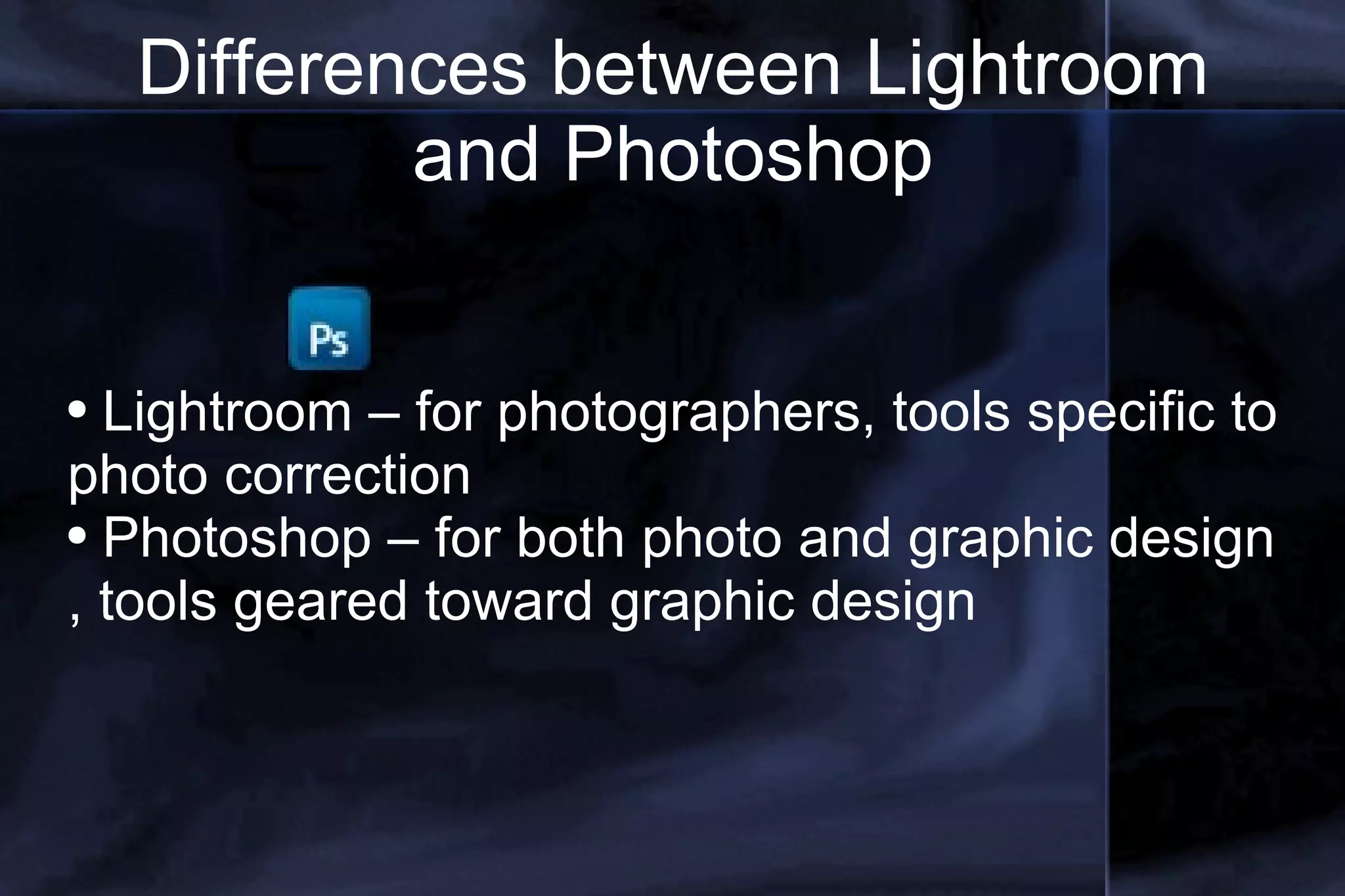
Differences between Lightroom and Photoshop Lightroom – for photographers, tools specific to photo correction Photoshop – for both photo and graphic design , tools geared toward graphic design
Lightroom Basics meant for photographers who shoot large quantities of predominantly RAW format photographic images, and wish to import, sort, edit and output those images in one smooth seamless series of non-destructive actions. Quicker editing and cataloging Non-destructive More powerful / easier to access color correction, cropping and special effects Quick integrated uploading with plug-ins
Photoshop Basics Bridge is the cataloging arm of Photoshop More powerful for fine tuning of an image or document down to the pixel More used for graphic design (brochure, flier, logos) More time consuming with specific menu commands for the beginner. Still has most of the same photo editing tools, just harder to find under menus.
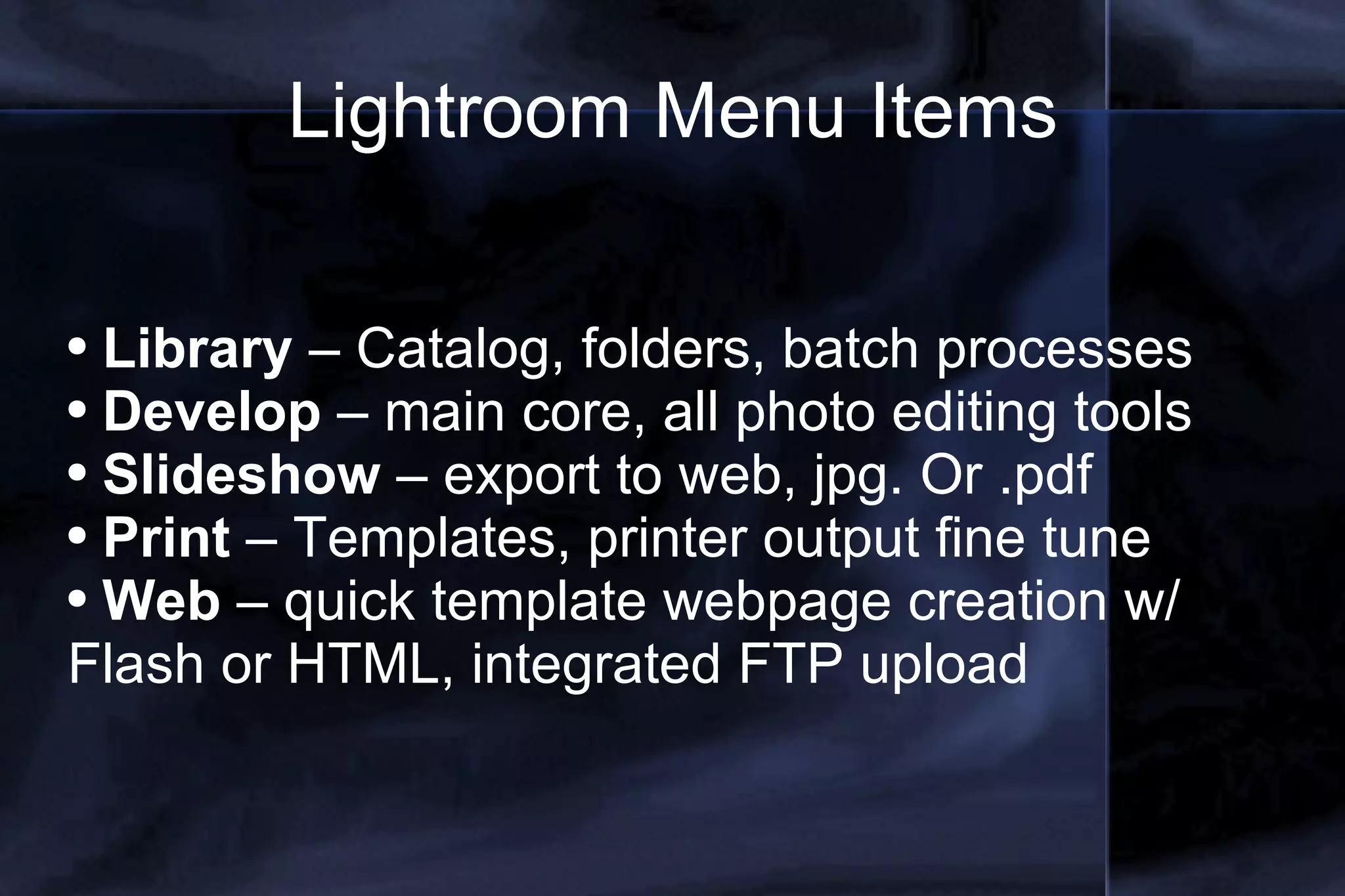
Lightroom Menu Items Library  – Catalog, folders, batch processes Develop  – main core, all photo editing tools Slideshow  – export to web, jpg. Or .pdf Print  – Templates, printer output fine tune Web  – quick template webpage creation w/ Flash or HTML, integrated FTP upload
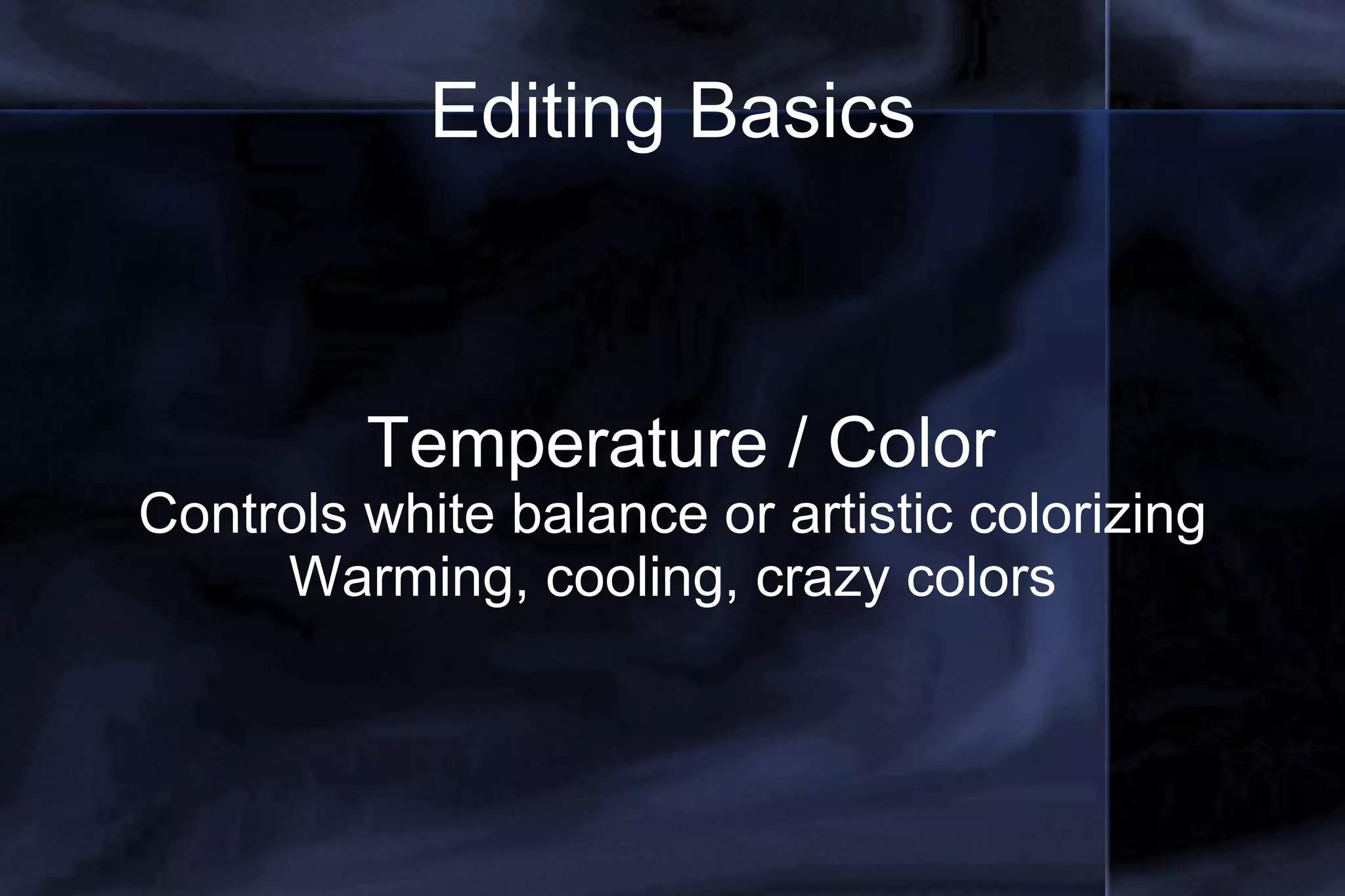
Editing Basics Temperature / Color Controls white balance or artistic colorizing Warming, cooling, crazy colors
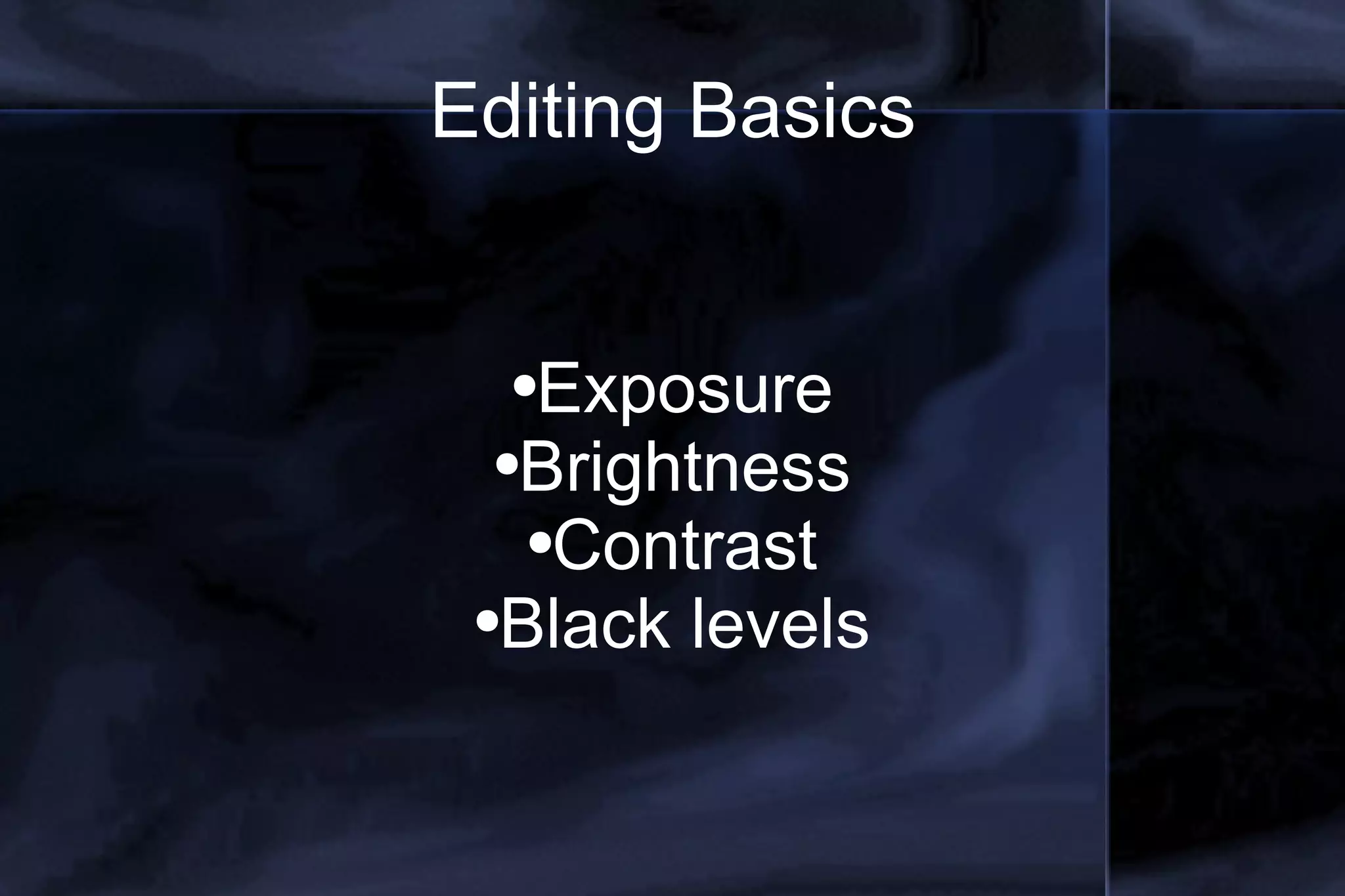
Editing Basics Exposure Brightness Contrast Black levels
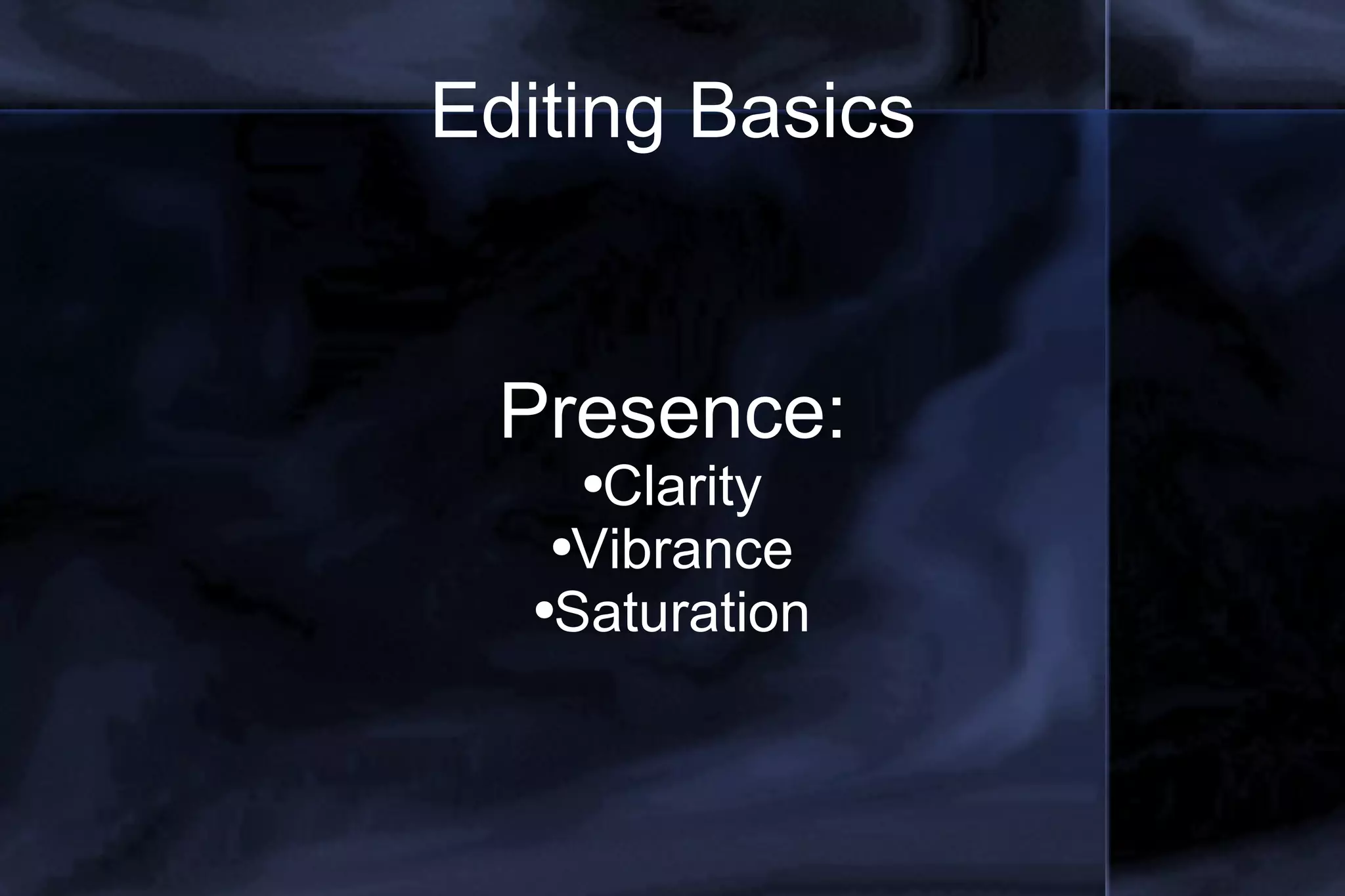
Editing Basics Presence: Clarity Vibrance Saturation
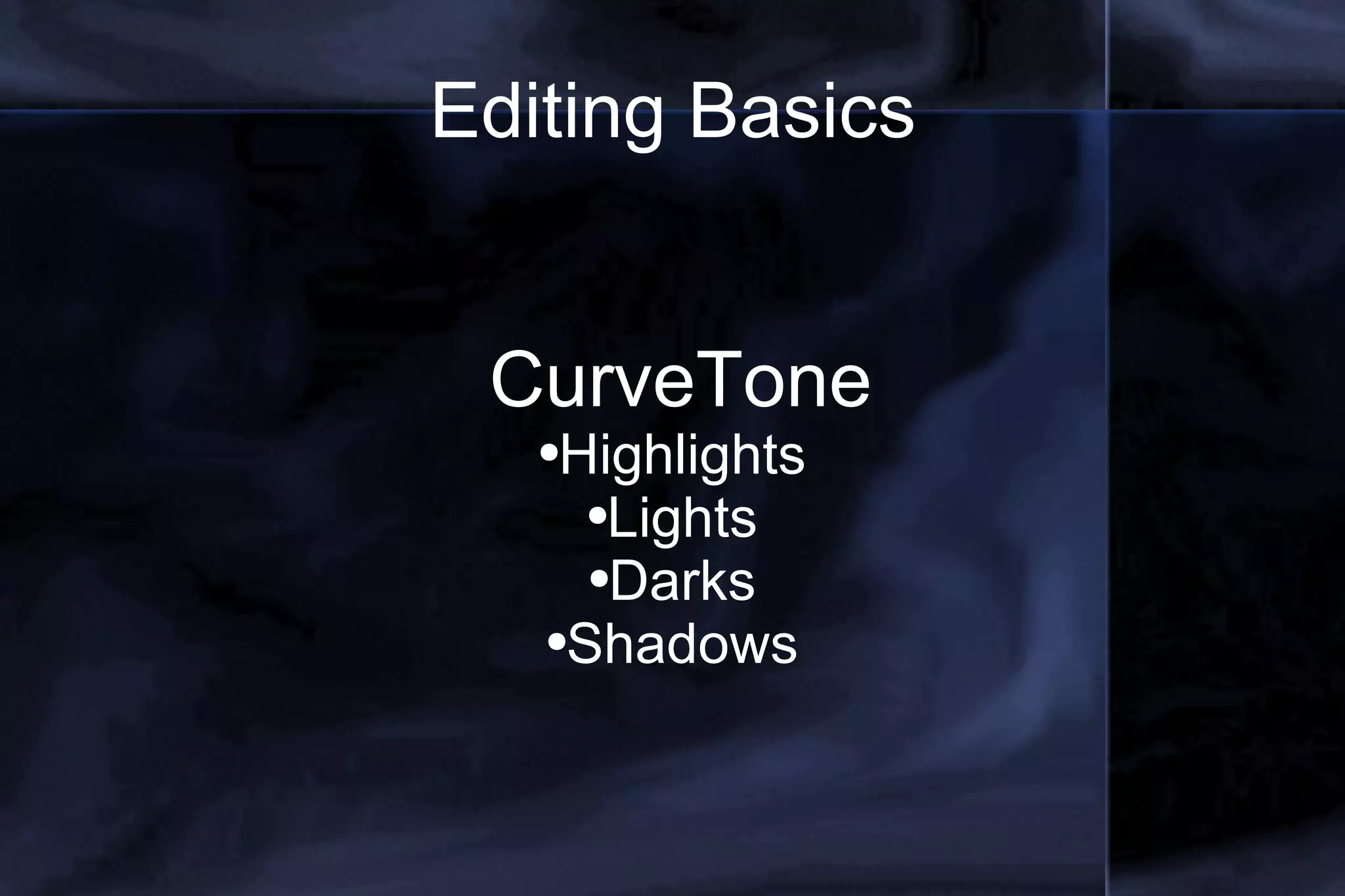
Editing Basics CurveTone Highlights Lights Darks Shadows
Editing Basic HSL (Hue, Saturation, Luminance) Fine tune all basic colors Enhance one specific color
Editing Basics Split toning – easy in Lightroom Noise Reduction –  Sharpening – better in PS Vingettes – easy in Lightroom
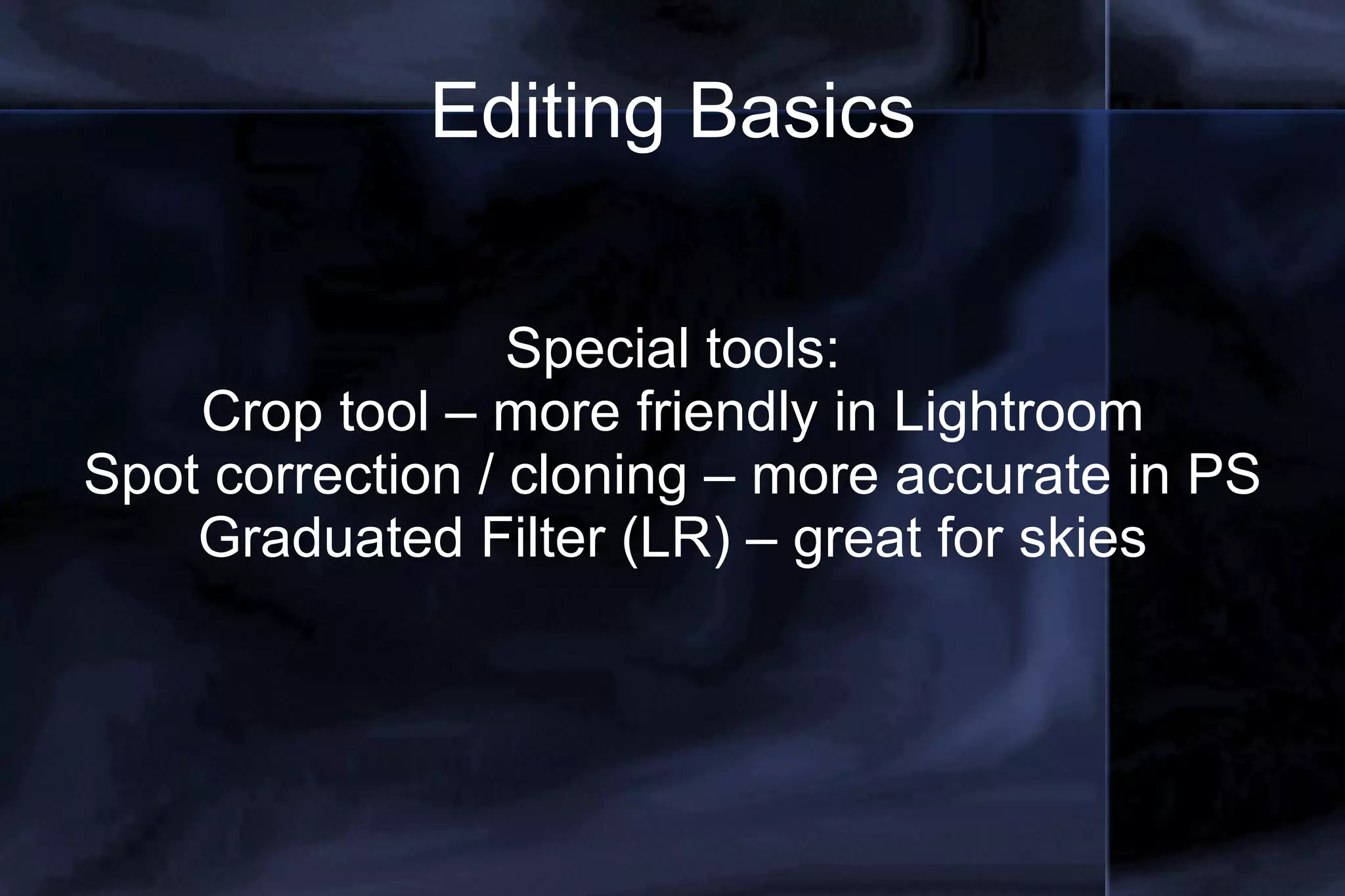
Editing Basics Special tools: Crop tool – more friendly in Lightroom Spot correction / cloning – more accurate in PS Graduated Filter (LR) – great for skies
Editing Basics Photoshop specialties: Layers – most powerful feature, like a tansparent sheet Selection tools: Marquee Tool Magic Wand Add / Subtract from selection
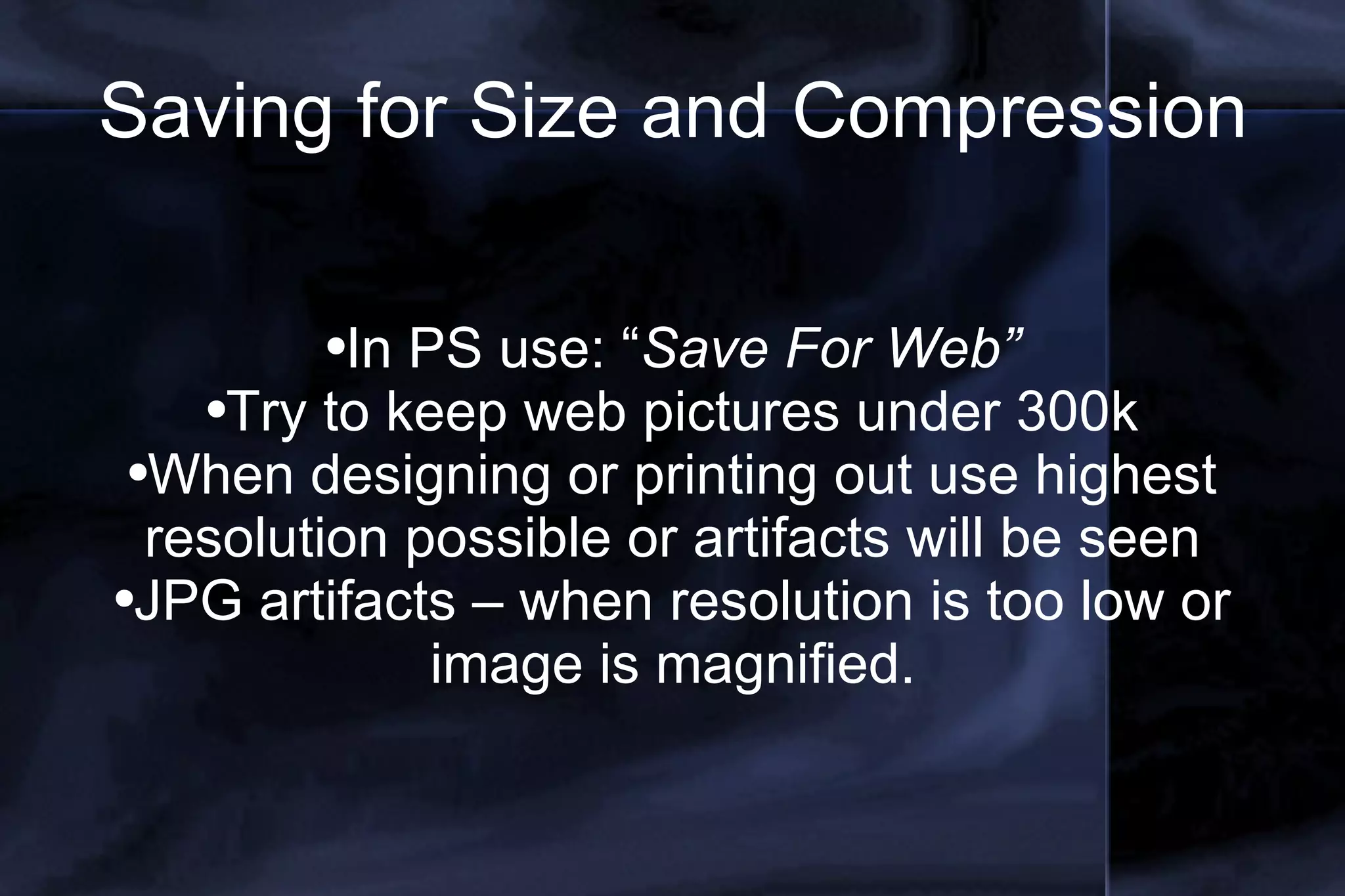
Saving for Size and Compression In PS use: “ Save For Web” Try to keep web pictures under 300k When designing or printing out use highest resolution possible or artifacts will be seen JPG artifacts – when resolution is too low or image is magnified.
Thanks for listening Check me out on: Twitter: joshself www.theweddingphotogblog.com The Horse: http://rigpea82.blogspot.com Get A Flip: http://getaflip.blogspot.com Flickr: user name “xabbu”

Photo Editing Slideshow

  • 1.
    Basic Photo Editingwith Adobe (Lightroom and PS CS3) www.theweddingphotogblog.com Joshua Self Photography joshuaselfphotography.com
  • 2.
    Differences between Lightroomand Photoshop Lightroom – for photographers, tools specific to photo correction Photoshop – for both photo and graphic design , tools geared toward graphic design
  • 3.
    Lightroom Basics meantfor photographers who shoot large quantities of predominantly RAW format photographic images, and wish to import, sort, edit and output those images in one smooth seamless series of non-destructive actions. Quicker editing and cataloging Non-destructive More powerful / easier to access color correction, cropping and special effects Quick integrated uploading with plug-ins
  • 4.
    Photoshop Basics Bridgeis the cataloging arm of Photoshop More powerful for fine tuning of an image or document down to the pixel More used for graphic design (brochure, flier, logos) More time consuming with specific menu commands for the beginner. Still has most of the same photo editing tools, just harder to find under menus.
  • 5.
    Lightroom Menu ItemsLibrary – Catalog, folders, batch processes Develop – main core, all photo editing tools Slideshow – export to web, jpg. Or .pdf Print – Templates, printer output fine tune Web – quick template webpage creation w/ Flash or HTML, integrated FTP upload
  • 6.
    Editing Basics Temperature/ Color Controls white balance or artistic colorizing Warming, cooling, crazy colors
  • 7.
    Editing Basics ExposureBrightness Contrast Black levels
  • 8.
    Editing Basics Presence:Clarity Vibrance Saturation
  • 9.
    Editing Basics CurveToneHighlights Lights Darks Shadows
  • 10.
    Editing Basic HSL(Hue, Saturation, Luminance) Fine tune all basic colors Enhance one specific color
  • 11.
    Editing Basics Splittoning – easy in Lightroom Noise Reduction – Sharpening – better in PS Vingettes – easy in Lightroom
  • 12.
    Editing Basics Specialtools: Crop tool – more friendly in Lightroom Spot correction / cloning – more accurate in PS Graduated Filter (LR) – great for skies
  • 13.
    Editing Basics Photoshopspecialties: Layers – most powerful feature, like a tansparent sheet Selection tools: Marquee Tool Magic Wand Add / Subtract from selection
  • 14.
    Saving for Sizeand Compression In PS use: “ Save For Web” Try to keep web pictures under 300k When designing or printing out use highest resolution possible or artifacts will be seen JPG artifacts – when resolution is too low or image is magnified.
  • 15.
    Thanks for listeningCheck me out on: Twitter: joshself www.theweddingphotogblog.com The Horse: http://rigpea82.blogspot.com Get A Flip: http://getaflip.blogspot.com Flickr: user name “xabbu”