TAHIR YASIN
1
Peripheral Devices
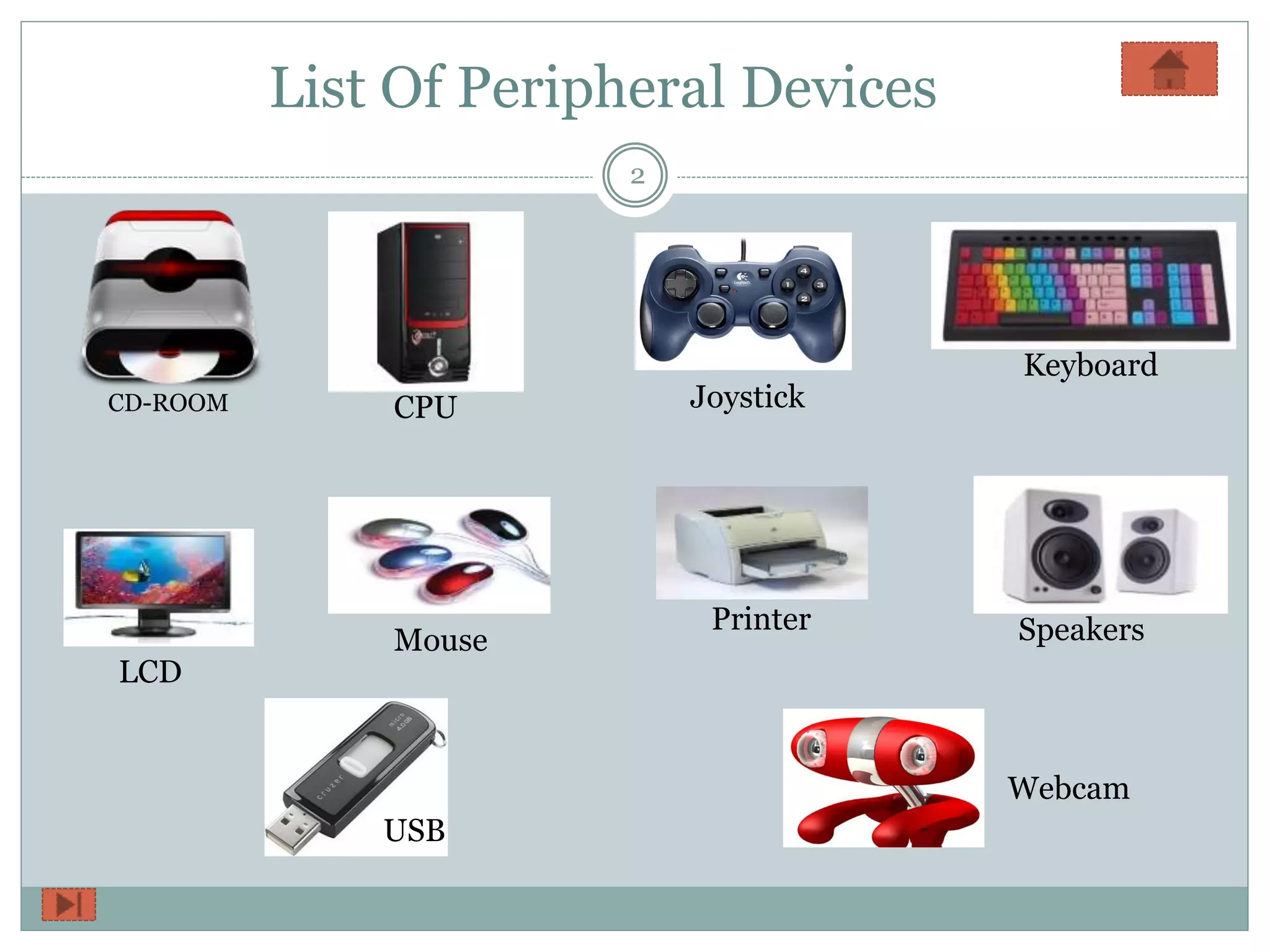
List Of Peripheral Devices
2
CD-ROOM CPU Joystick
Keyboard
LCD
Mouse
Printer Speakers
USB
Webcam
CD-ROOM
3
 A CD-ROM is a pre-pressed
optical compact disc which contains
data.
 The data structures used to group
data on a CD-ROM are also derived
from the Red Book.
CPU
4
• CPU is the abbreviation
for central processing unit.
• CPU is the brains of
the computer where most
calculations take place.
•In terms of computing
power, the CPU is the most
important element of
a computer system.
JoyStick
5
 A joystick is an input
device consisting of a stick
that pivots on a base and
reports its angle or direction
to the device it is
controlling.
 A lever that moves in all
directions and controls the
movement of a pointer or
some other display symbol
A joystick is similar to a
mouse.
Keyboard
6
 A keyboard is the set of typewriter-like keys used to
enter data into a computer.
 Keyboards are similar to typewriter keyboards but
contain additional keys.
LCD
7
 A liquid-crystal display
(LCD) is a flat panel display,
electronic visual display, or
video display that uses the
light modulating properties of
liquid crystals.
 Liquid crystals do not
emit light directly.
LCD televisions are thinner and lighter than cathode ray
tub (CRTs) of similar display size, and are available in much
larger sizes.
MOUSE
8
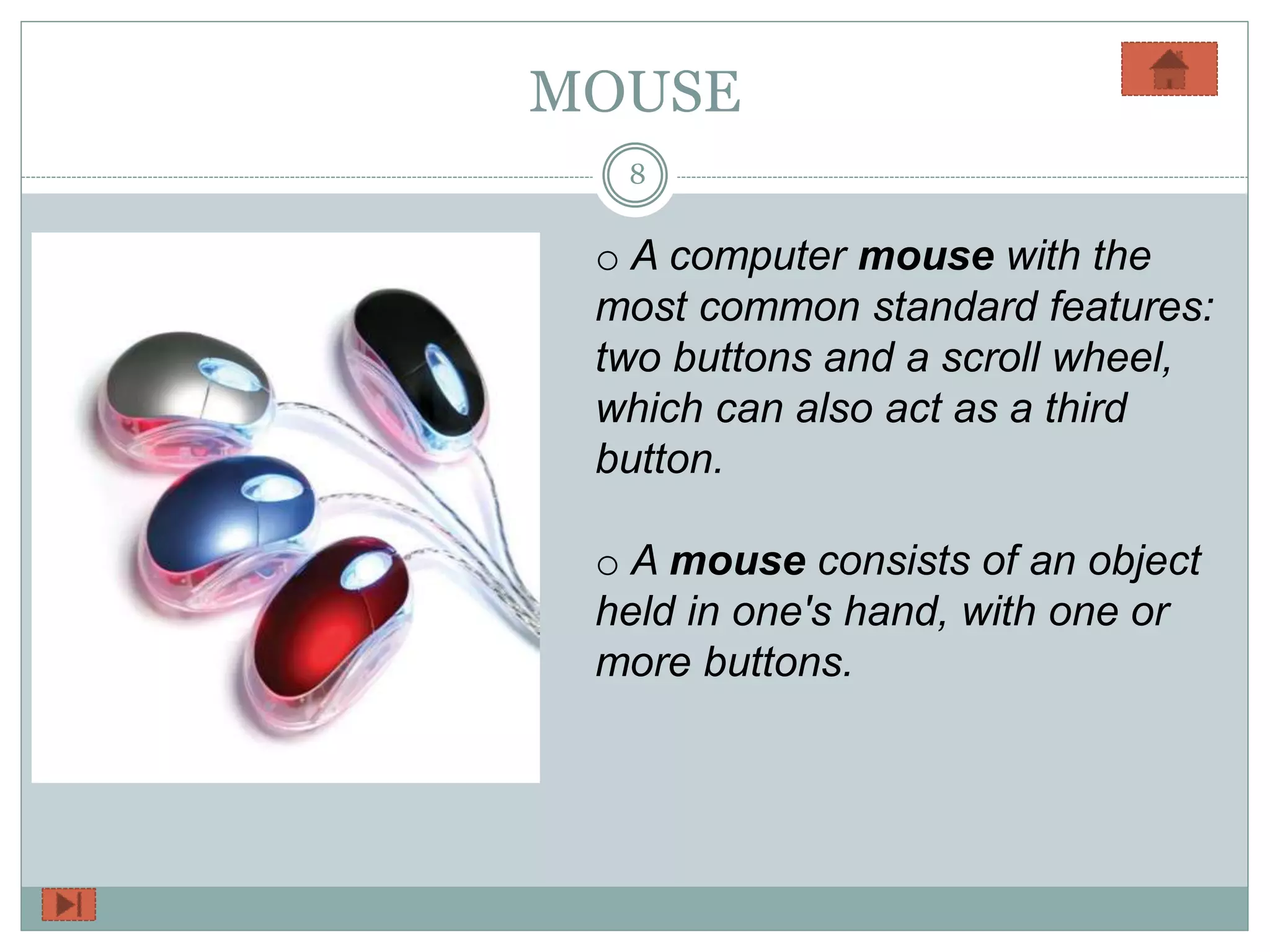
o A computer mouse with the
most common standard features:
two buttons and a scroll wheel,
which can also act as a third
button.
o A mouse consists of an object
held in one's hand, with one or
more buttons.
Printer
9
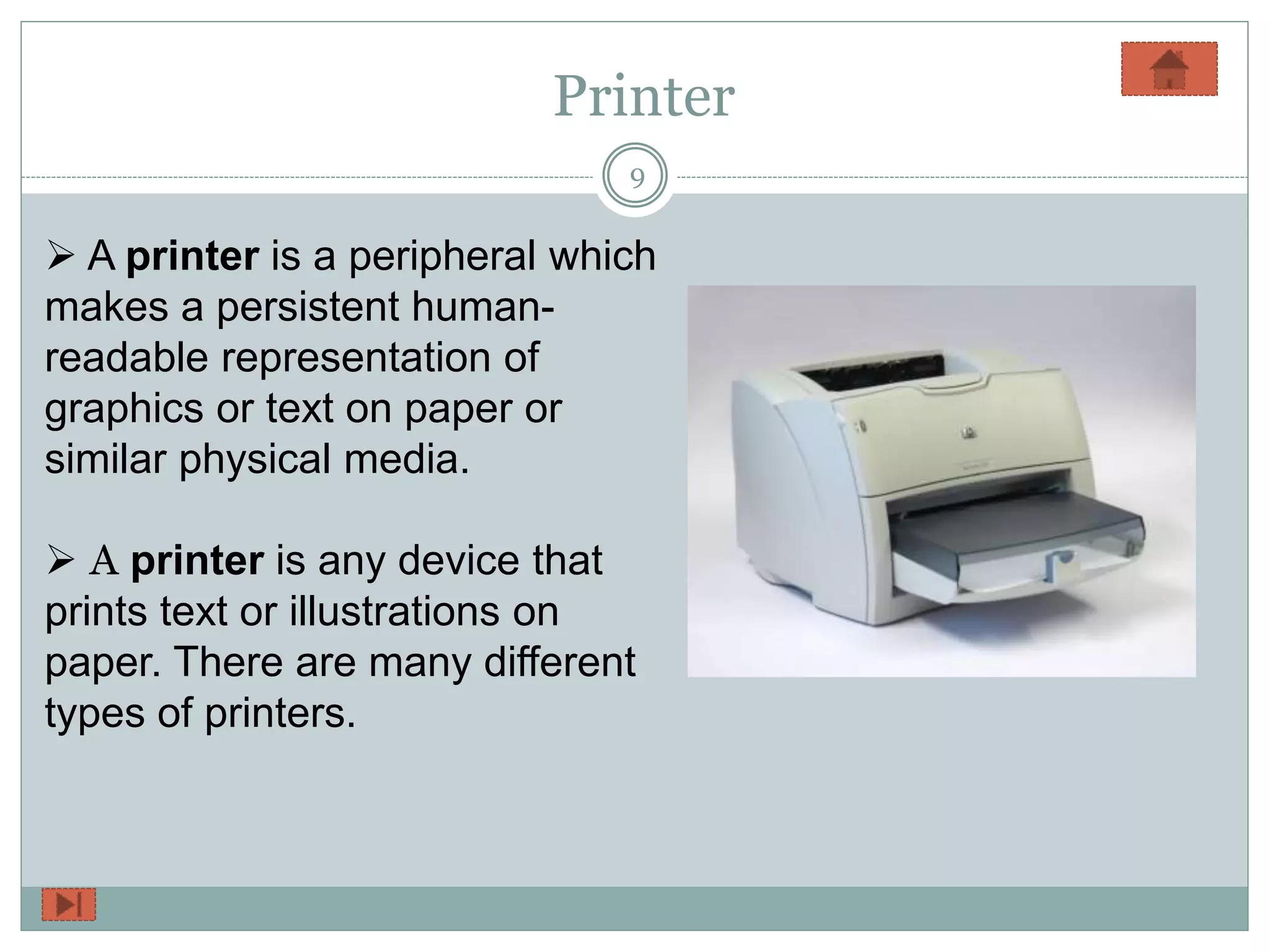
 A printer is a peripheral which
makes a persistent human-
readable representation of
graphics or text on paper or
similar physical media.
 A printer is any device that
prints text or illustrations on
paper. There are many different
types of printers.
Speakers
10
 Computer speakers,
or multimedia speakers,
are speakers external to a
computer, that disable the
lower fidelity built-in
speaker.
 Computer speakers
range widely in quality and
in price.
USB
11
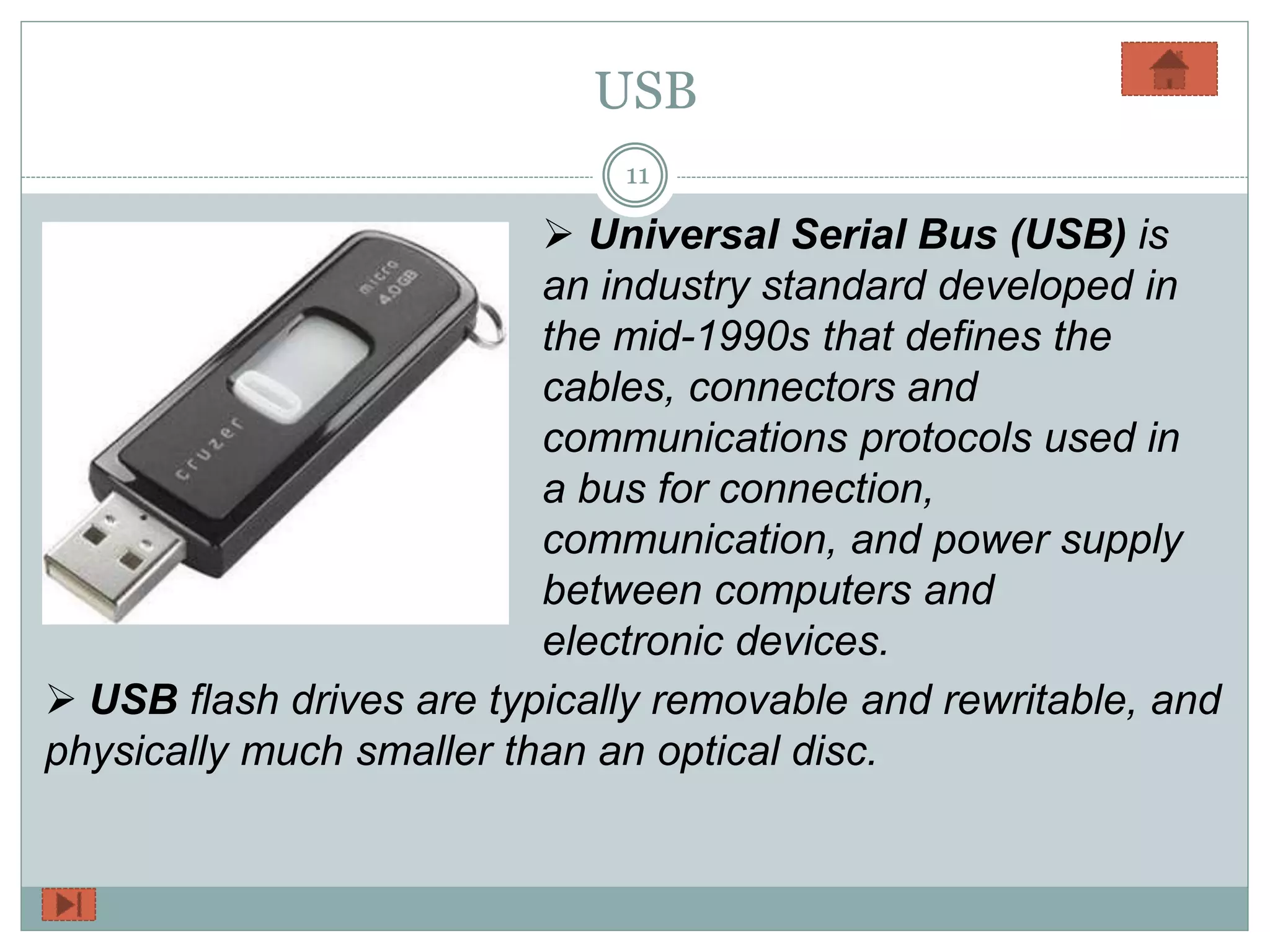
 Universal Serial Bus (USB) is
an industry standard developed in
the mid-1990s that defines the
cables, connectors and
communications protocols used in
a bus for connection,
communication, and power supply
between computers and
electronic devices.
 USB flash drives are typically removable and rewritable, and
physically much smaller than an optical disc.
WebCam
12
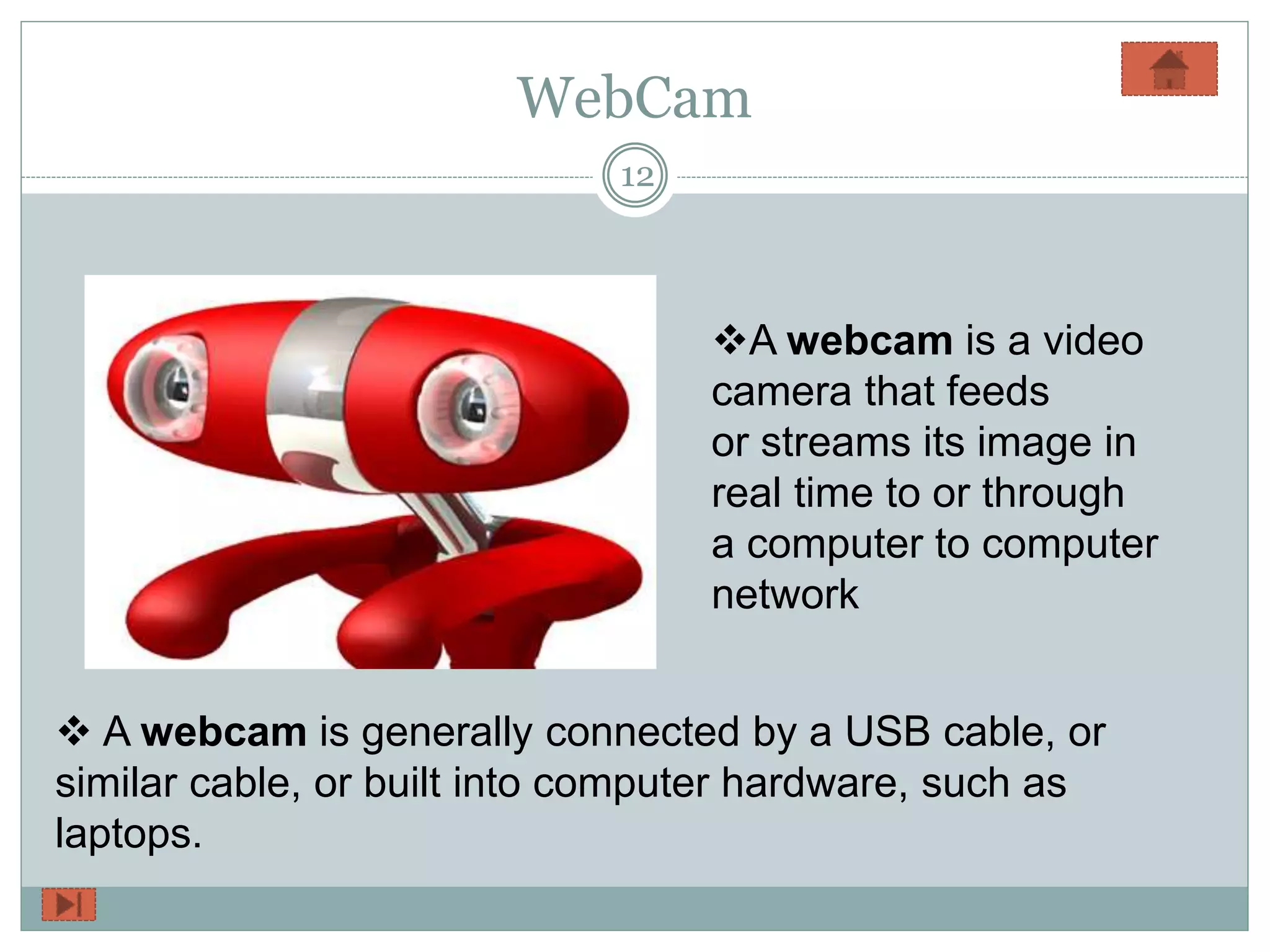
A webcam is a video
camera that feeds
or streams its image in
real time to or through
a computer to computer
network
 A webcam is generally connected by a USB cable, or
similar cable, or built into computer hardware, such as
laptops.

Peripheral devices by Tahir Yasin

  • 1.
  • 2.
    List Of PeripheralDevices 2 CD-ROOM CPU Joystick Keyboard LCD Mouse Printer Speakers USB Webcam
  • 3.
    CD-ROOM 3  A CD-ROMis a pre-pressed optical compact disc which contains data.  The data structures used to group data on a CD-ROM are also derived from the Red Book.
  • 4.
    CPU 4 • CPU isthe abbreviation for central processing unit. • CPU is the brains of the computer where most calculations take place. •In terms of computing power, the CPU is the most important element of a computer system.
  • 5.
    JoyStick 5  A joystickis an input device consisting of a stick that pivots on a base and reports its angle or direction to the device it is controlling.  A lever that moves in all directions and controls the movement of a pointer or some other display symbol A joystick is similar to a mouse.
  • 6.
    Keyboard 6  A keyboardis the set of typewriter-like keys used to enter data into a computer.  Keyboards are similar to typewriter keyboards but contain additional keys.
  • 7.
    LCD 7  A liquid-crystaldisplay (LCD) is a flat panel display, electronic visual display, or video display that uses the light modulating properties of liquid crystals.  Liquid crystals do not emit light directly. LCD televisions are thinner and lighter than cathode ray tub (CRTs) of similar display size, and are available in much larger sizes.
  • 8.
    MOUSE 8 o A computermouse with the most common standard features: two buttons and a scroll wheel, which can also act as a third button. o A mouse consists of an object held in one's hand, with one or more buttons.
  • 9.
    Printer 9  A printeris a peripheral which makes a persistent human- readable representation of graphics or text on paper or similar physical media.  A printer is any device that prints text or illustrations on paper. There are many different types of printers.
  • 10.
    Speakers 10  Computer speakers, ormultimedia speakers, are speakers external to a computer, that disable the lower fidelity built-in speaker.  Computer speakers range widely in quality and in price.
  • 11.
    USB 11  Universal SerialBus (USB) is an industry standard developed in the mid-1990s that defines the cables, connectors and communications protocols used in a bus for connection, communication, and power supply between computers and electronic devices.  USB flash drives are typically removable and rewritable, and physically much smaller than an optical disc.
  • 12.
    WebCam 12 A webcam isa video camera that feeds or streams its image in real time to or through a computer to computer network  A webcam is generally connected by a USB cable, or similar cable, or built into computer hardware, such as laptops.