PaaSing Your
Code Around
EMAIL: CHRIS@CTANKERSLEY.COM
TWITTER: @DRAGONMANTANK
1
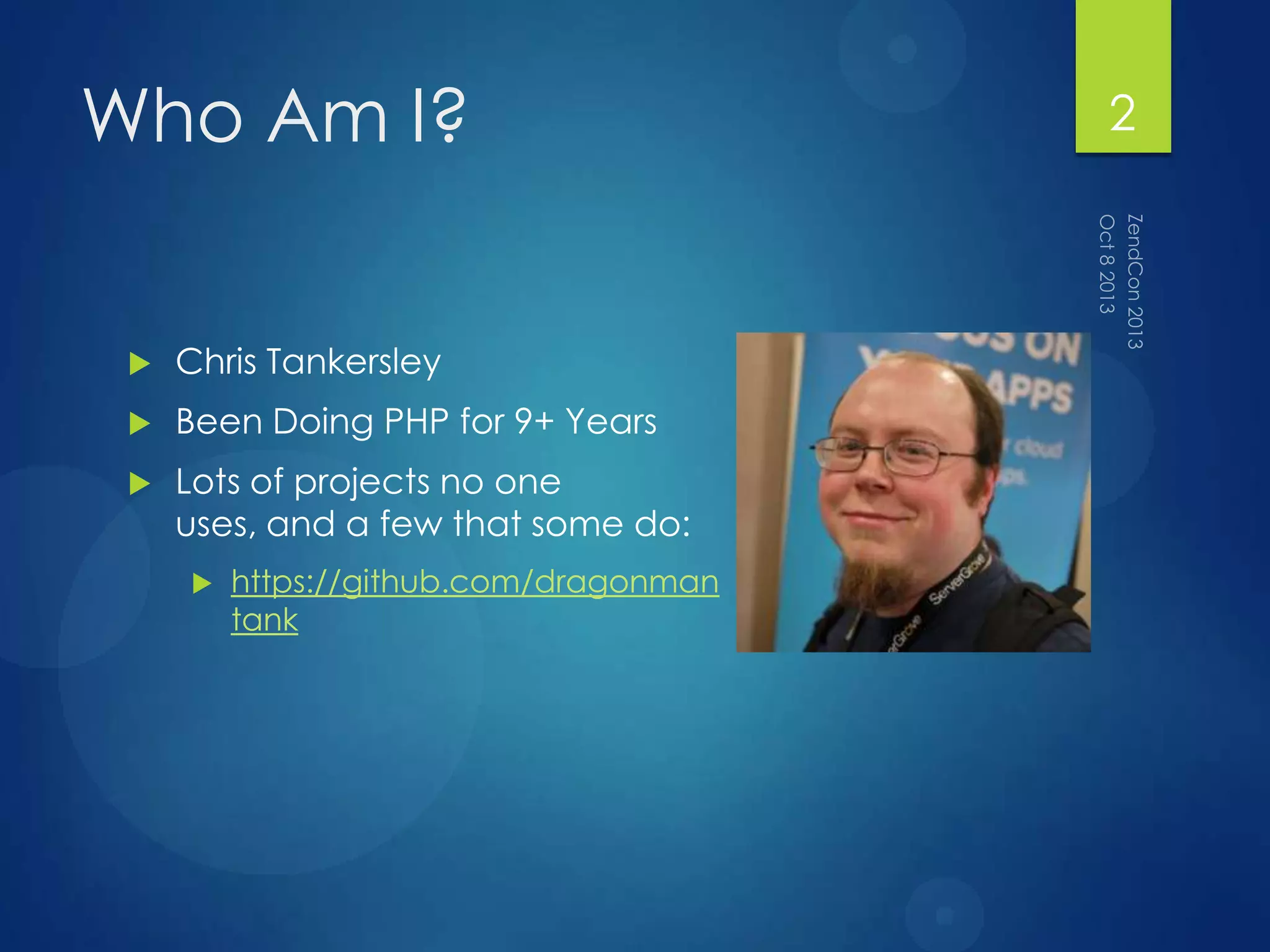
Who Am I?
 Chris Tankersley
 Been Doing PHP for 9+ Years
 Lots of projects no one
uses, and a few that some do:
 https://github.com/dragonman
tank
2
What is PaaS?
3
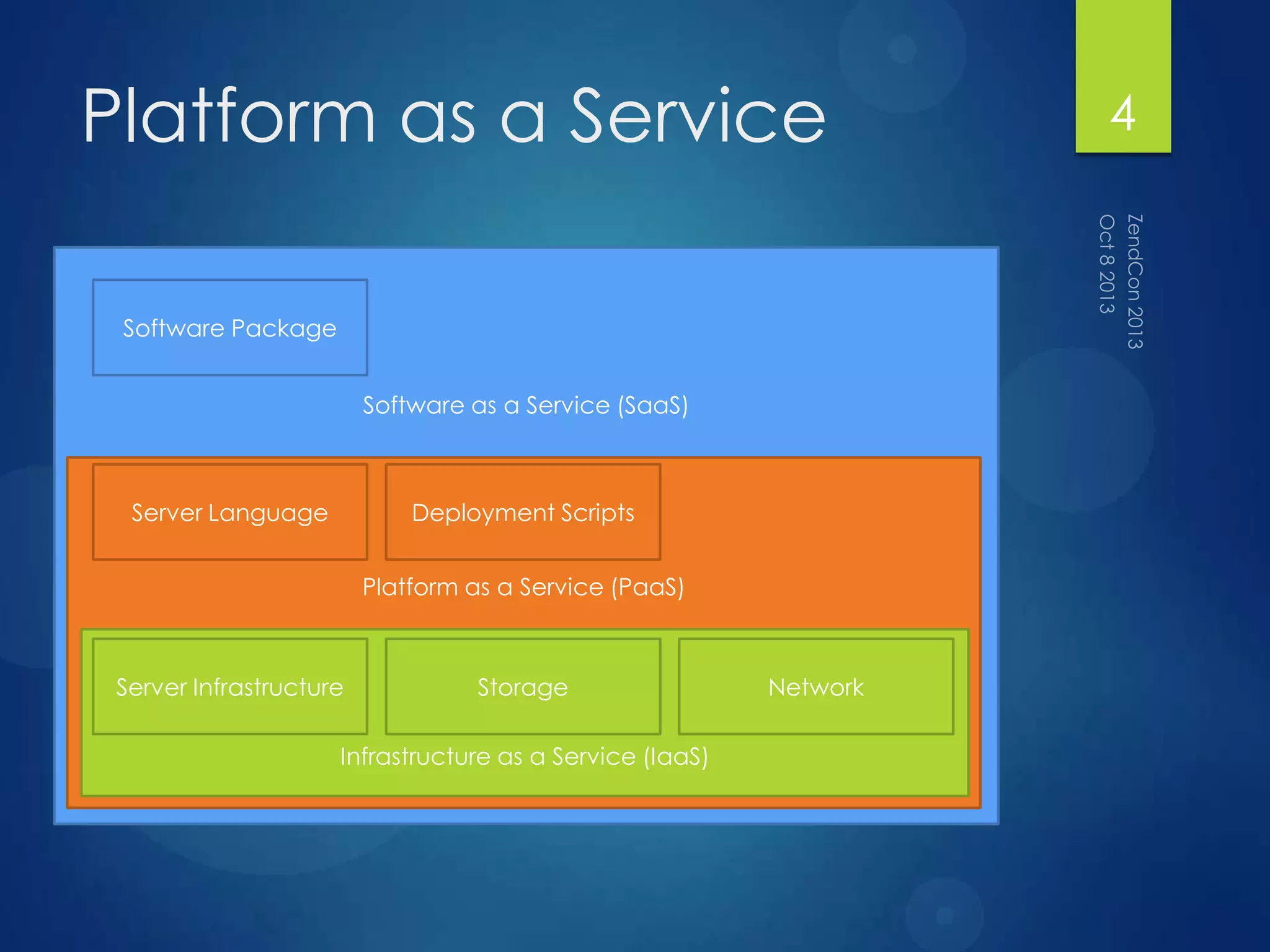
Software as a Service (SaaS)
Software Package
Platform as a Service
Platform as a Service (PaaS)
Server Language Deployment Scripts
Infrastructure as a Service (IaaS)
Server Infrastructure Storage Network
4
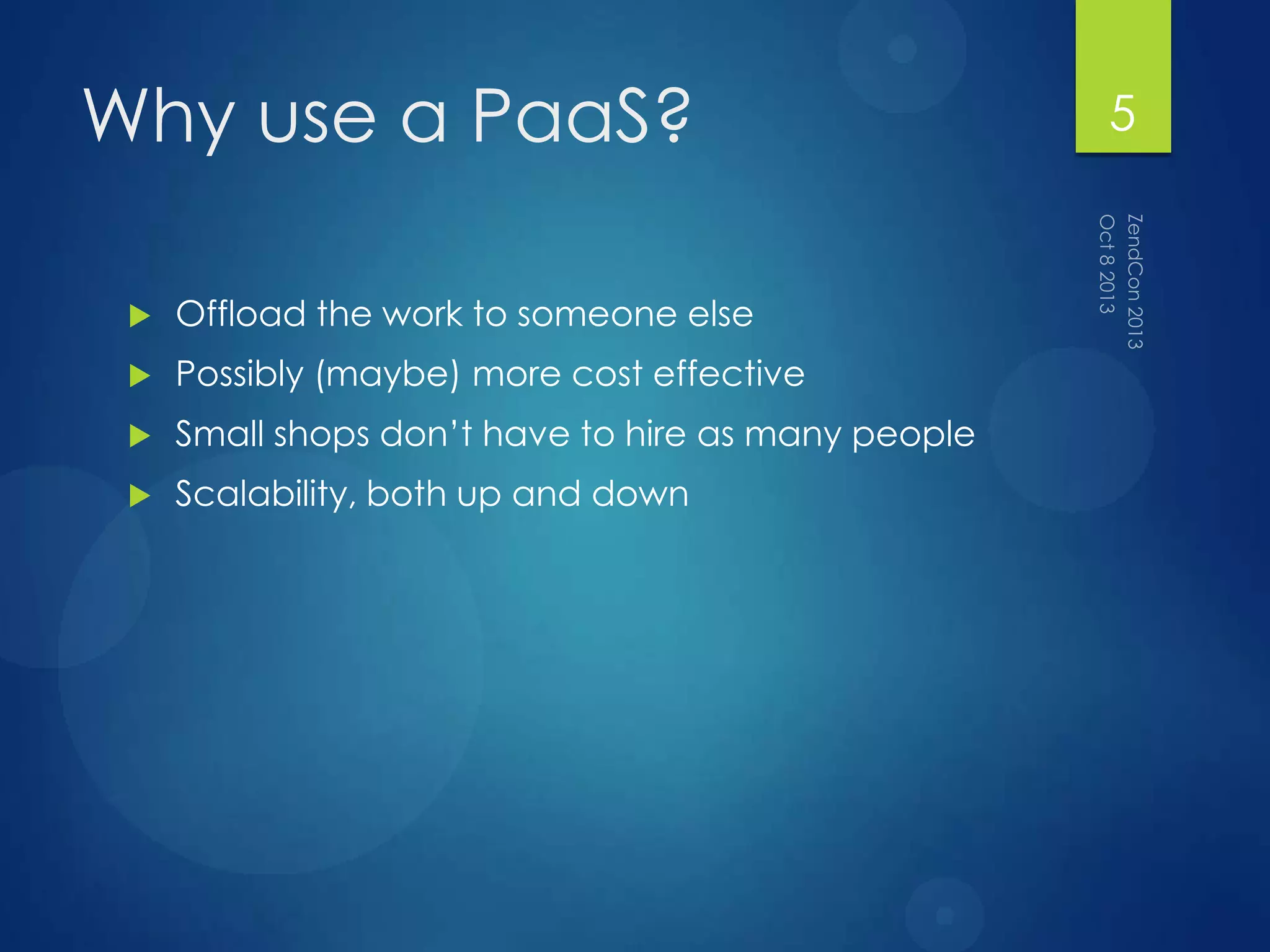
Why use a PaaS?
 Offload the work to someone else
 Possibly (maybe) more cost effective
 Small shops don‟t have to hire as many people
 Scalability, both up and down
5
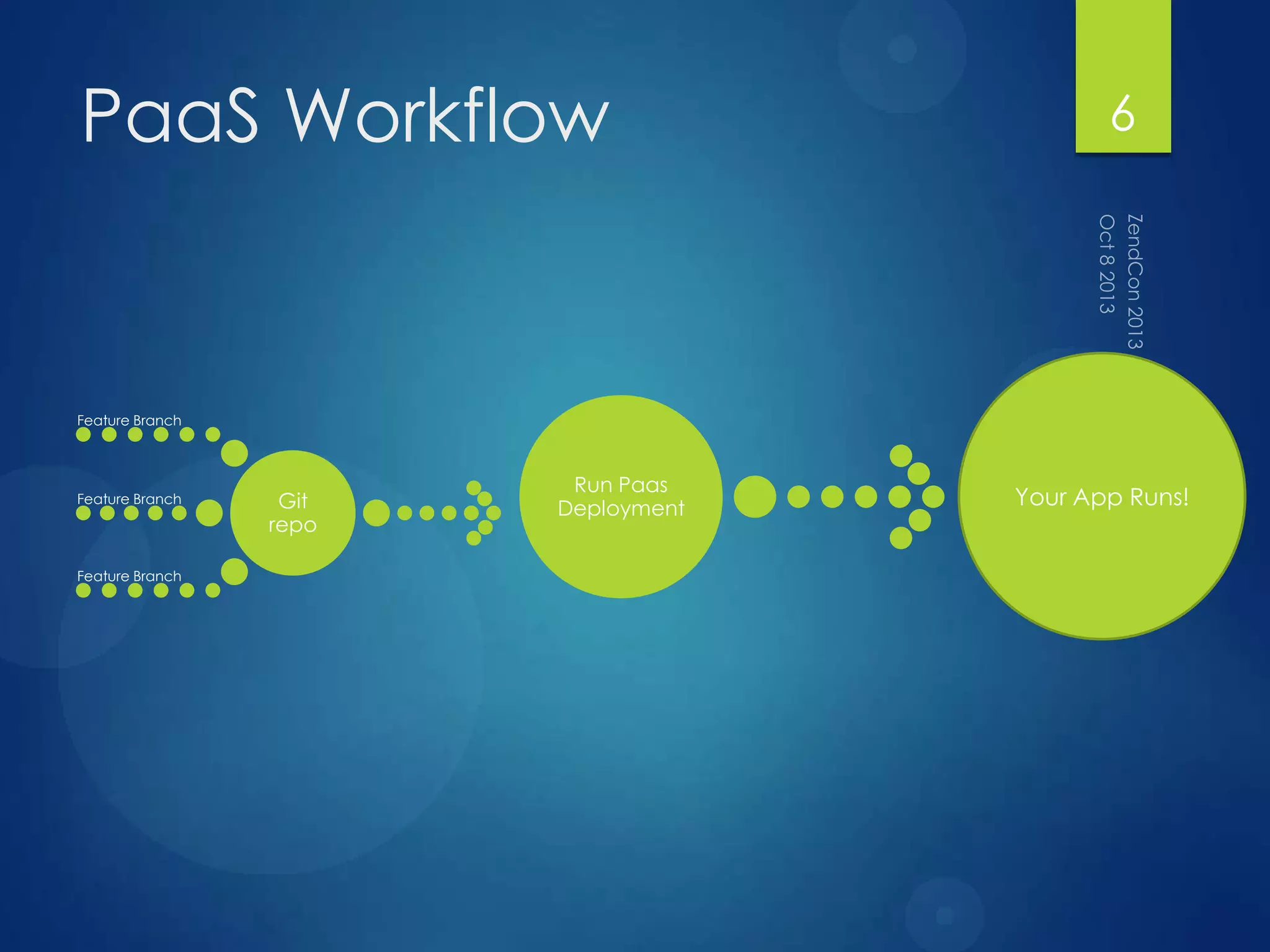
PaaS Workflow
Git
repo
Feature Branch
Feature Branch
Feature Branch
Run Paas
Deployment Your App Runs!
6
Basic Knowledge
 Just about all of them use git
 Just about all of them work best with a command
line
 Your OS doesn‟t matter, they all pretty much
support everything
 A server-side scripting language
 Bash, Ruby, Python
7
Other Considerations
 Where will uploaded files live?
 Does my app scale across multiple servers?
 How well does my application perform?
 Can I automate everything?
8
9
Let‟s set up a site on a
PaaS
 https://github.com/dragonmantank/paasing-
your-code-around
10
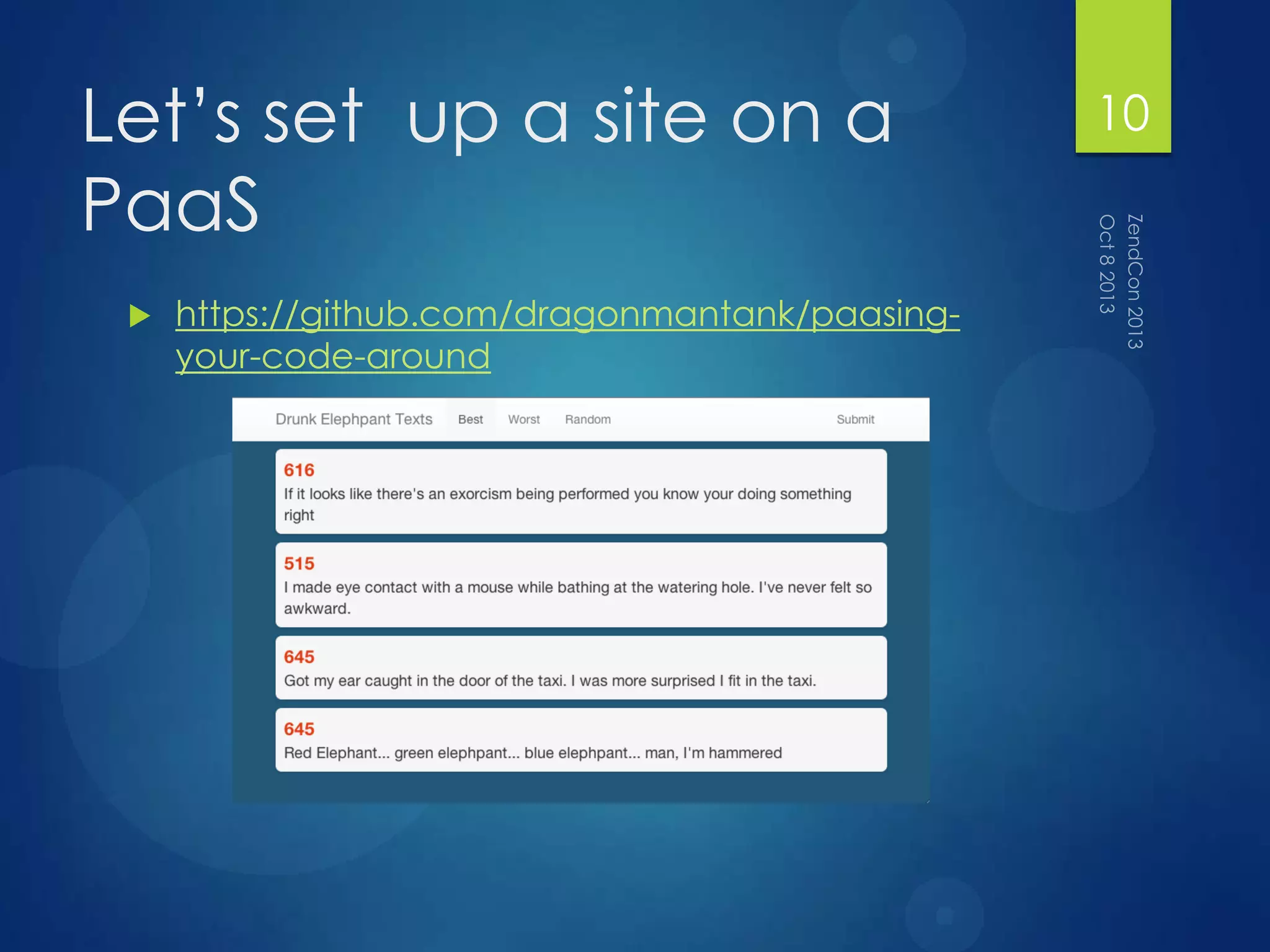
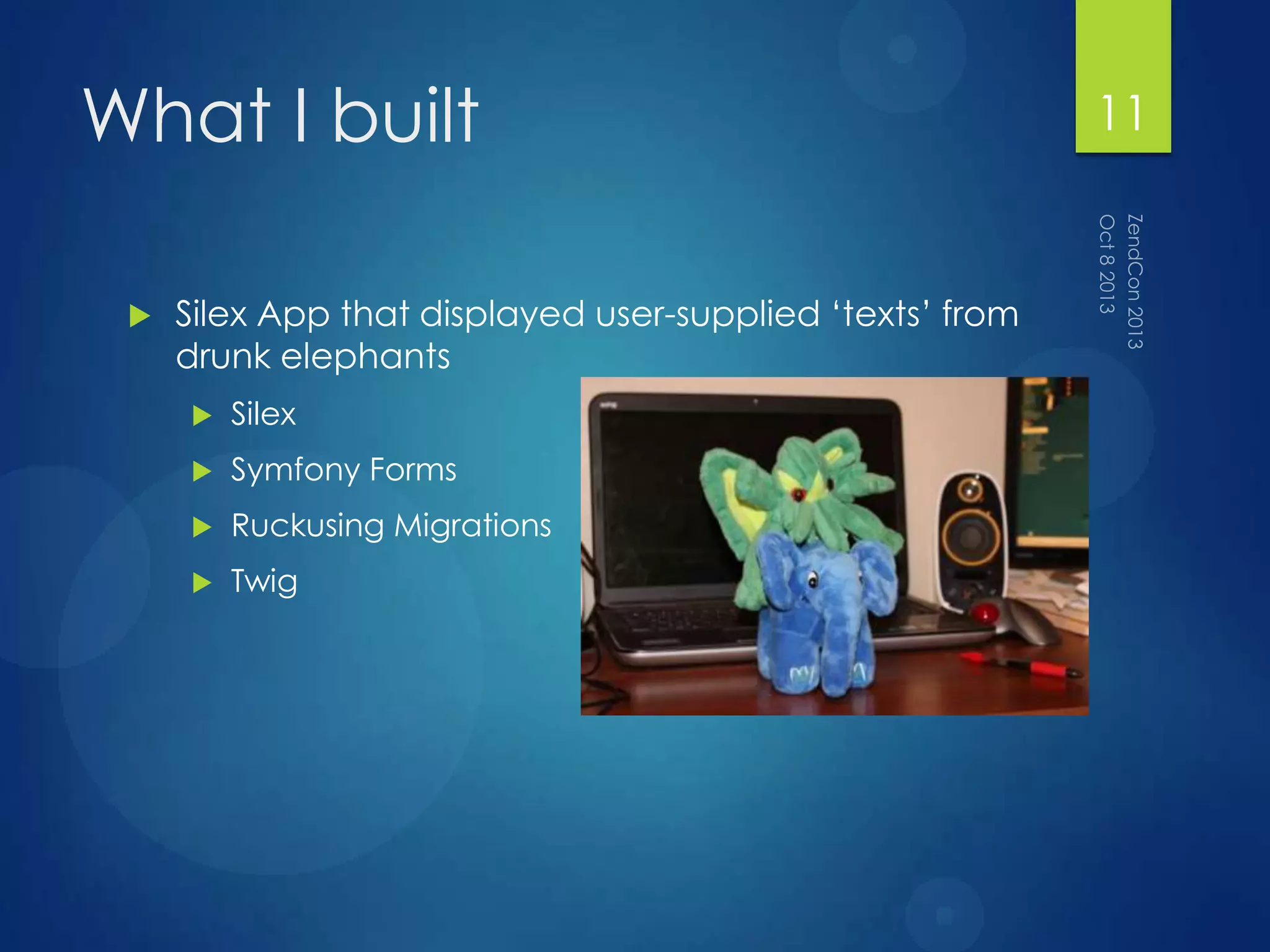
What I built
 Silex App that displayed user-supplied „texts‟ from
drunk elephants
 Silex
 Symfony Forms
 Ruckusing Migrations
 Twig
11
What did I want to find
out?
 How much code I had to change to get it to work
 How much of a pain was it to get the deployment
process set up
 How long the deployments took
 How easy the deployments were
 How easy things were to manage
12
What I did
 Created the basic app in vagrant
 Signed up for a PaaS
 Heroku
 Engineyard
 Redhat OpenShift
 Amazon ElasticBeanstalk
 Made the app work
 Each set of code is in paas/[service]
 You can fork the repo, checkout the branch, and
set up the config
13
Heroku
14
Heroku
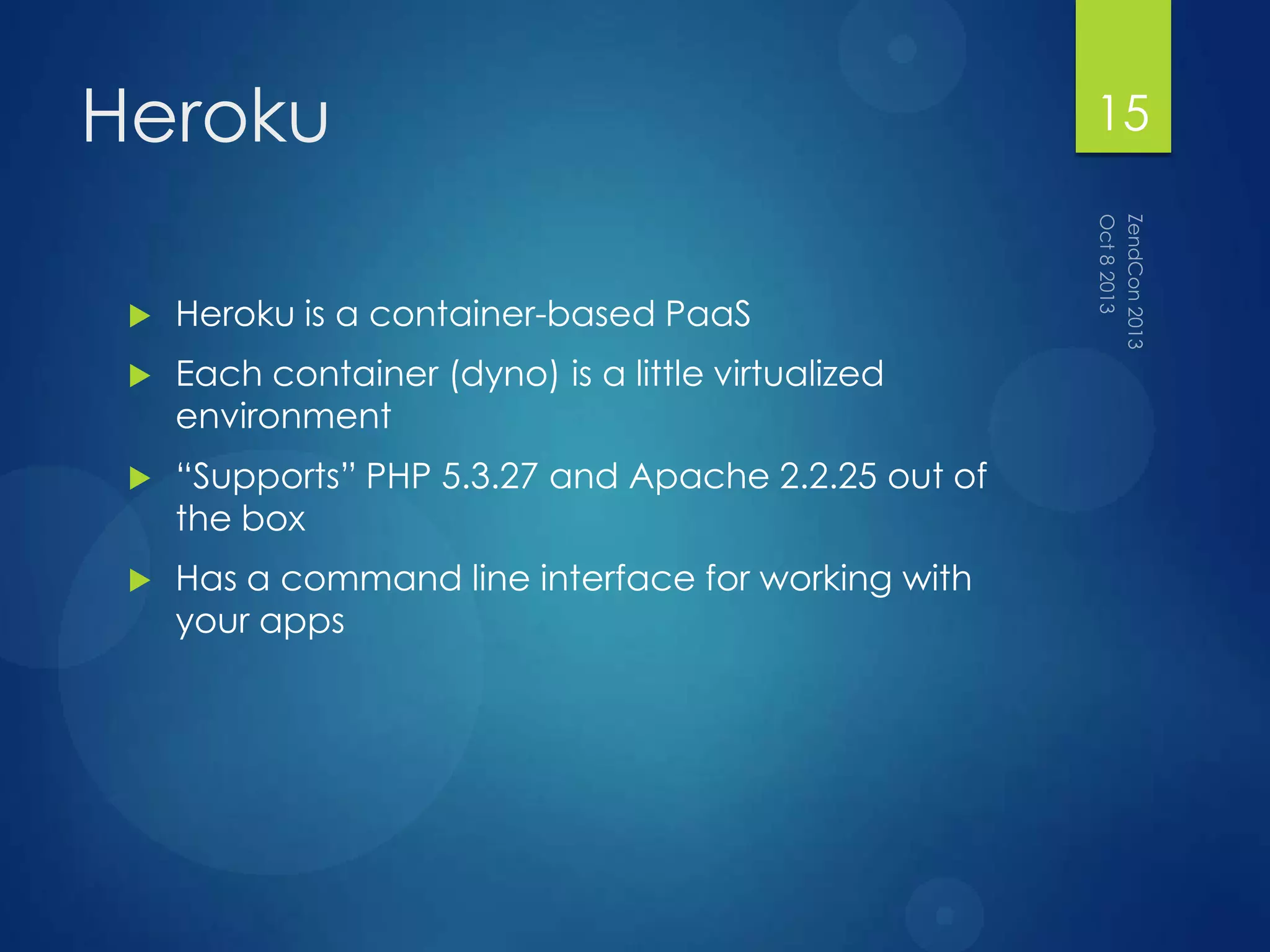
 Heroku is a container-based PaaS
 Each container (dyno) is a little virtualized
environment
 “Supports” PHP 5.3.27 and Apache 2.2.25 out of
the box
 Has a command line interface for working with
your apps
15
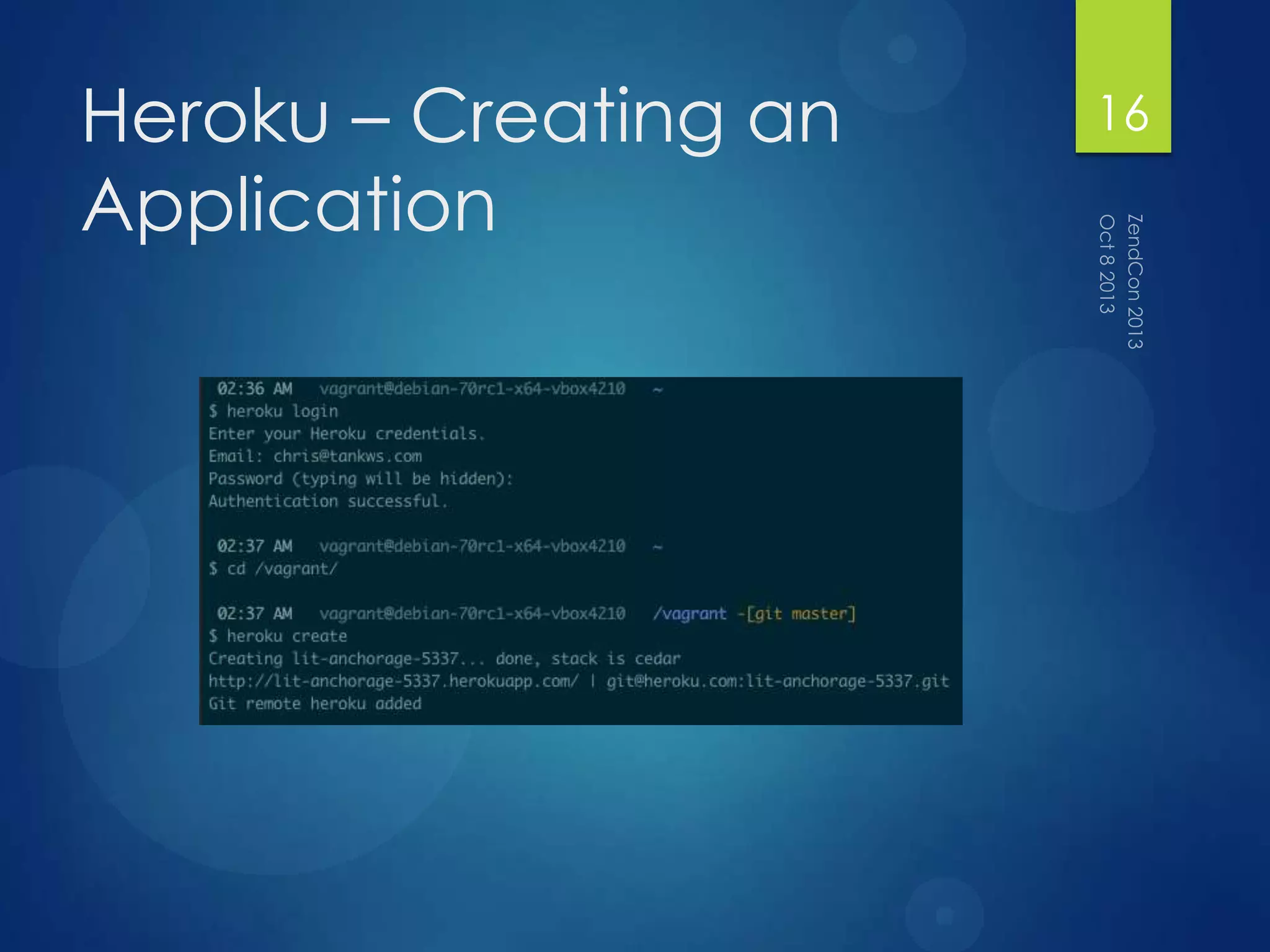
Heroku – Creating an
Application
16
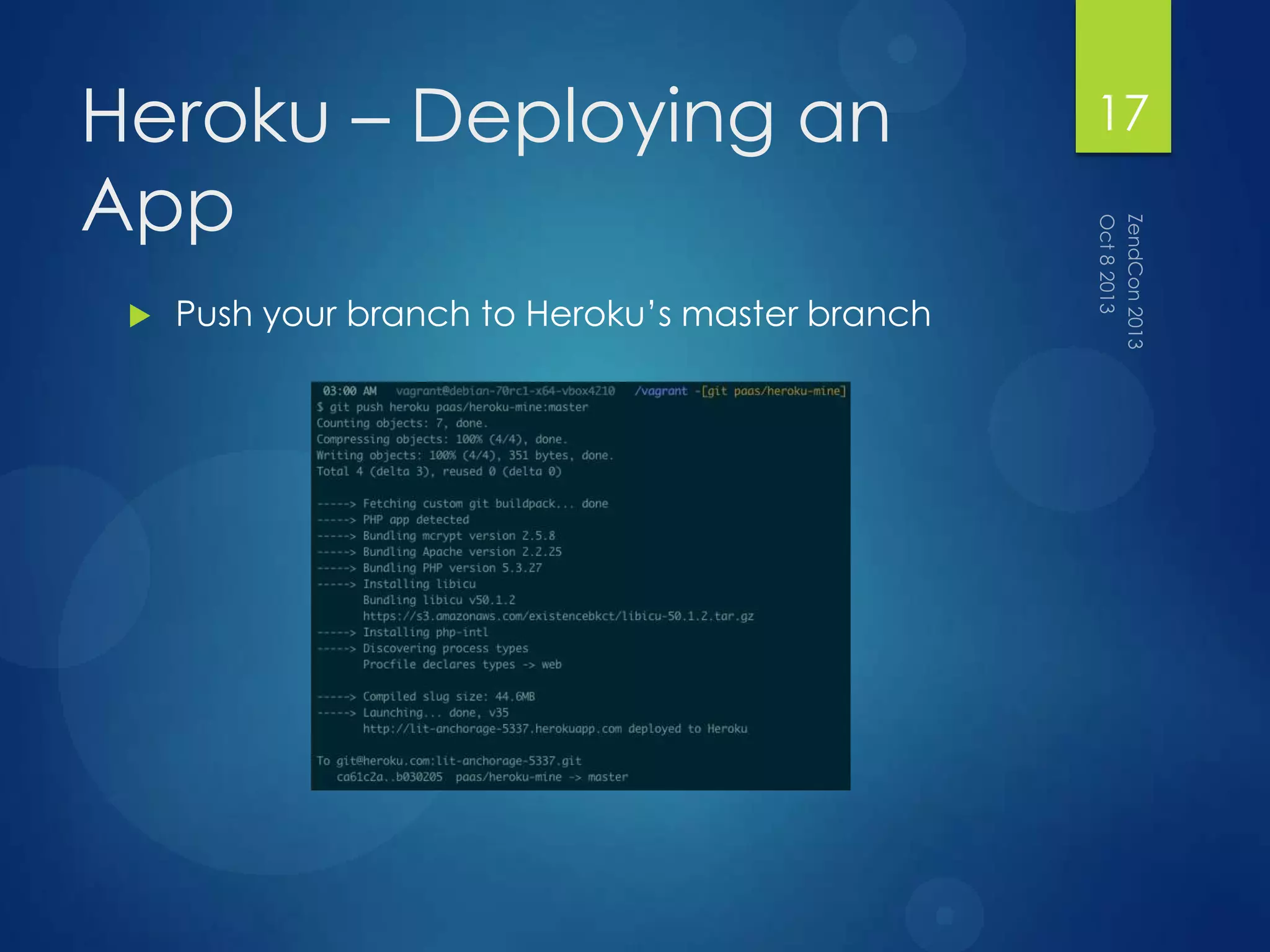
Heroku – Deploying an
App
 Push your branch to Heroku‟s master branch
17
Heroku – Getting it to
Work
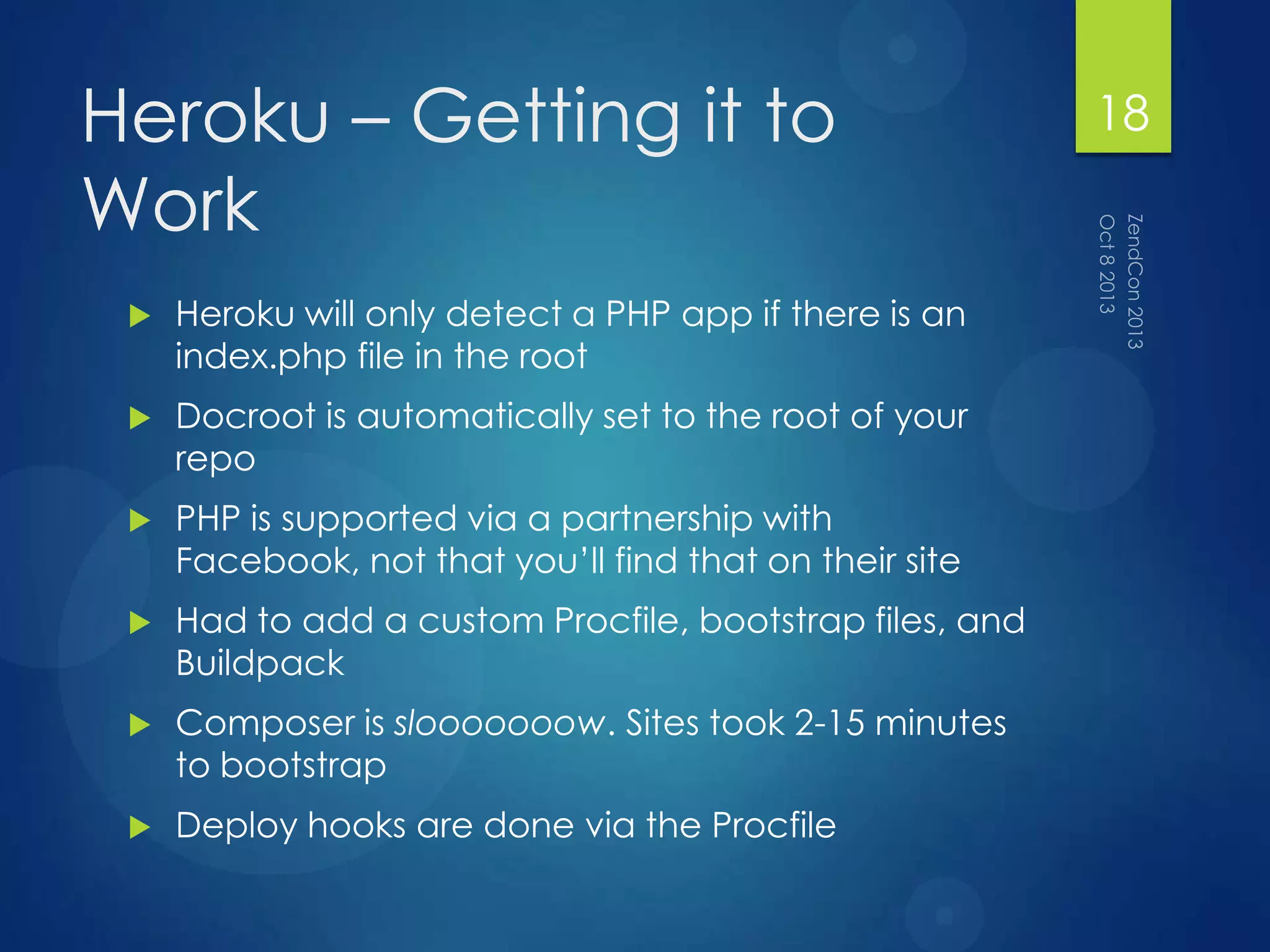
 Heroku will only detect a PHP app if there is an
index.php file in the root
 Docroot is automatically set to the root of your
repo
 PHP is supported via a partnership with
Facebook, not that you‟ll find that on their site
 Had to add a custom Procfile, bootstrap files, and
Buildpack
 Composer is slooooooow. Sites took 2-15 minutes
to bootstrap
 Deploy hooks are done via the Procfile
18
Heroku – General Notes
 Extension support is hit or miss. You might need to
compile your own
 Since buildpacks actually set up an entire
environment, really study what buildpack you use
 Might want to commit vendor/ to your deploy
branch to speed things up
 While PHP 5.3.27 is the base install, you can
actually install any PHP via a buildpack
 Heroku uses ephemeral storage, so make sure all
your files are saved to something like S3
19
Engineyard
20
Engineyard
 Engineyard is an AWS-based PaaS
 You set up Environments, which are groups of
EC2 instances
 Supports PHP 5.4.17 and MySQL 5.5 out of the box
 Has a command line interface for working with
your apps
 Works with your VCS host to pull down and deploy
code
21
Engineyard – Creating an
Application
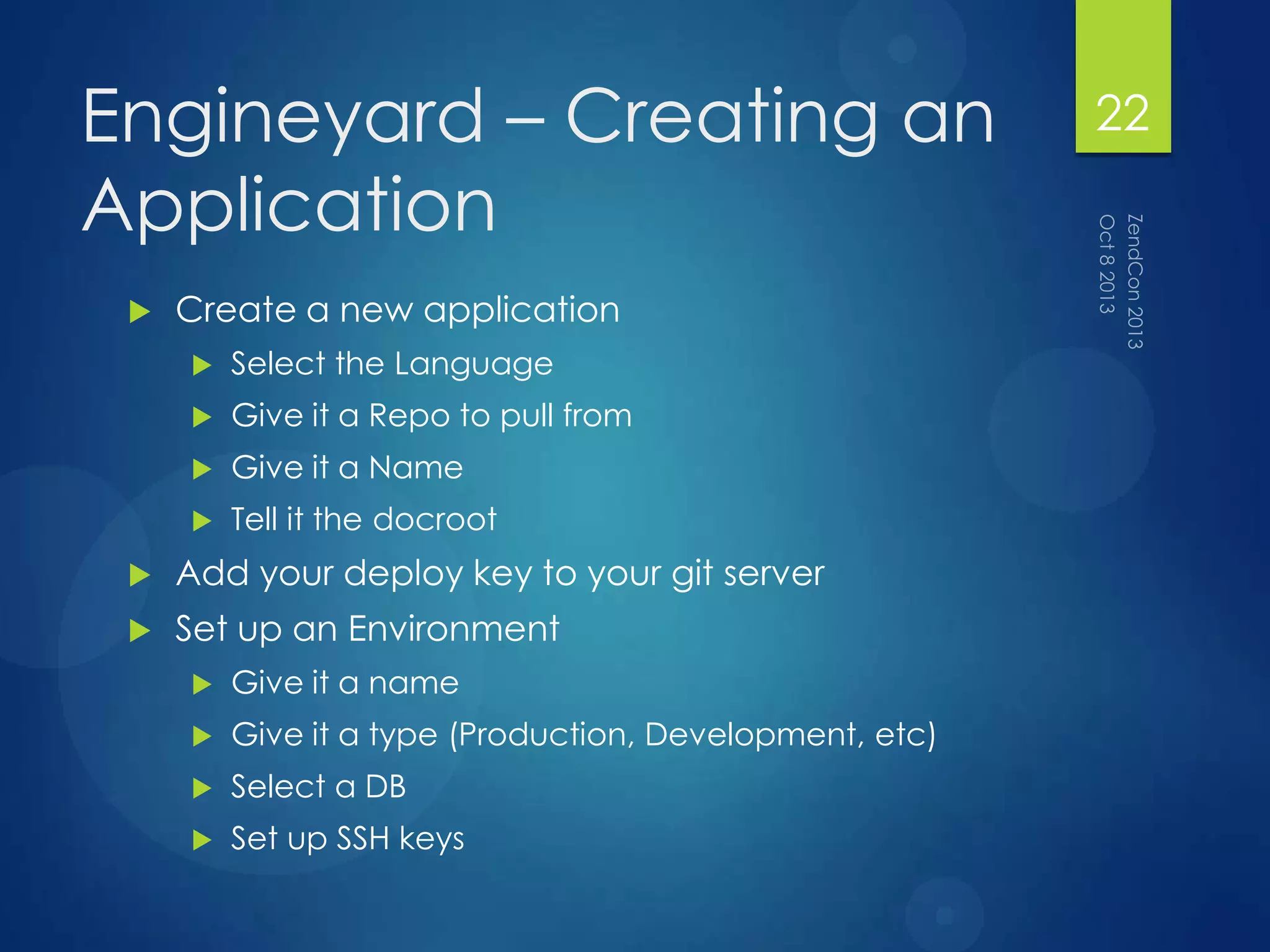
 Create a new application
 Select the Language
 Give it a Repo to pull from
 Give it a Name
 Tell it the docroot
 Add your deploy key to your git server
 Set up an Environment
 Give it a name
 Give it a type (Production, Development, etc)
 Select a DB
 Set up SSH keys
22
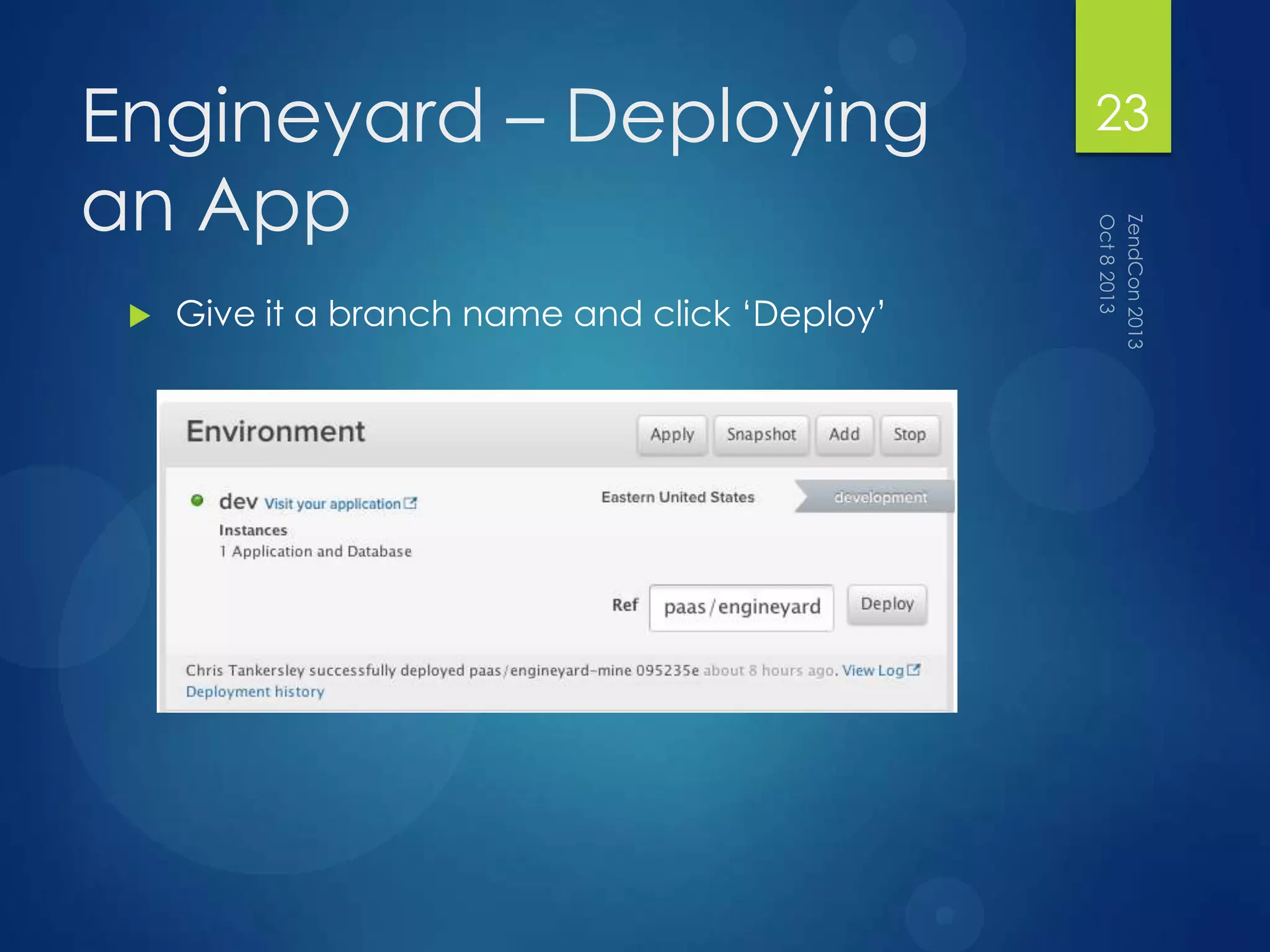
Engineyard – Deploying
an App
 Give it a branch name and click „Deploy‟
23
Engineyard – Getting it to
Work
 Had to add a deploy/ script to get the database
migrations to work
24
Engineyard – General
Notes
 You need to set up SSH keys to get into the boxes
 DB credentials are in
/data/[app_name]/shared/config/databases.yml
 They are also exposed through the $_SERVER array
 When you stop an instance without a public
IP, the IPs will change
 Since it‟s booting an EC2 instance, it‟s slow. Takes
10-15 minutes to provision the environment
(Deploys are much quicker)
 Natively supports Composer!
25
Redhat OpenShift
26
OpenShift
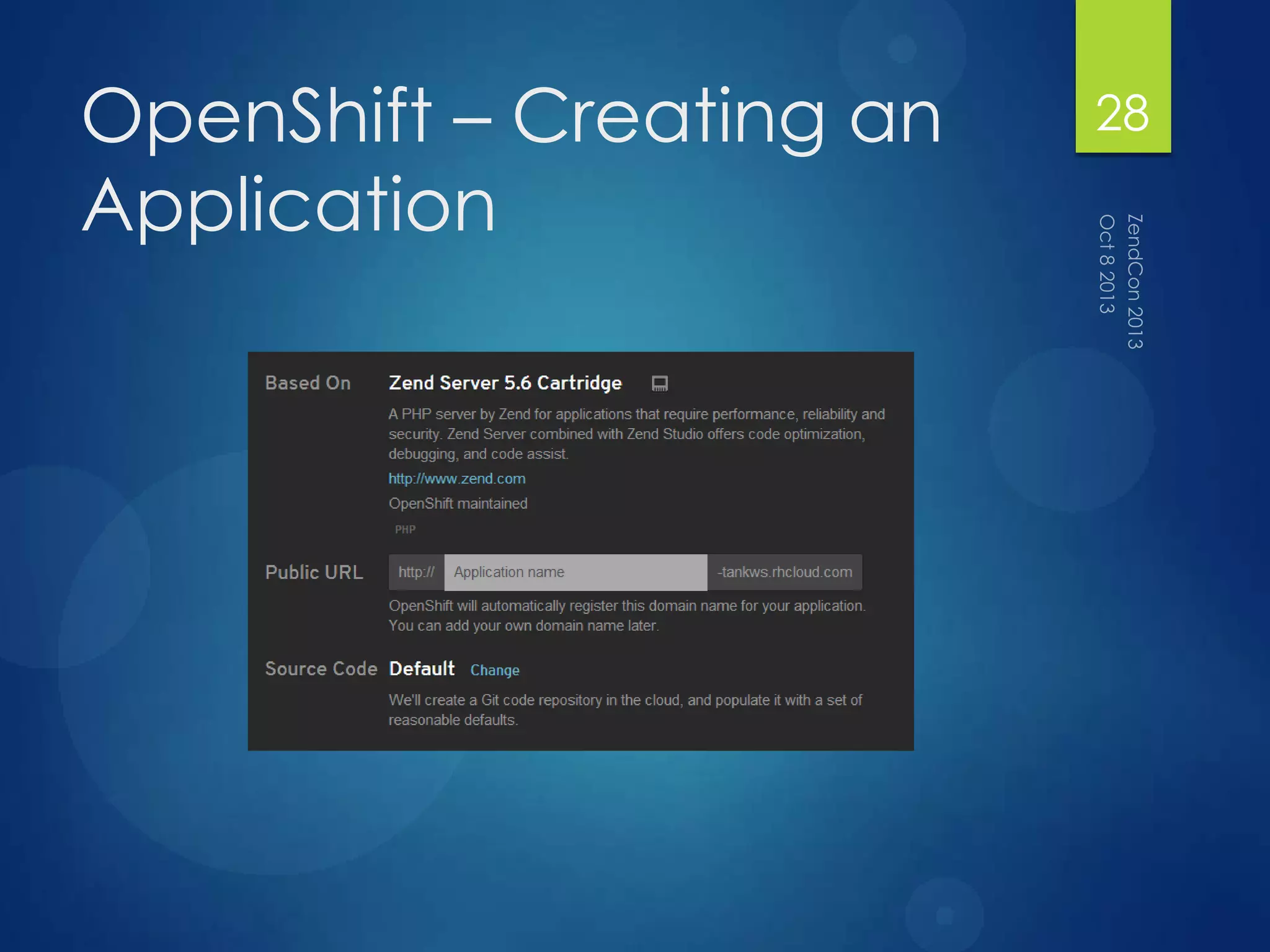
 OpenShift is a „cartridge‟ (container) PaaS
 Supports PHP 5.3.17 and MySQL 5.1 when using
the Zend Server cartridge
 Has a command line interface for working with
your apps
 The largest offering of platforms out of the test
PaaS‟s
27
OpenShift – Creating an
Application
28
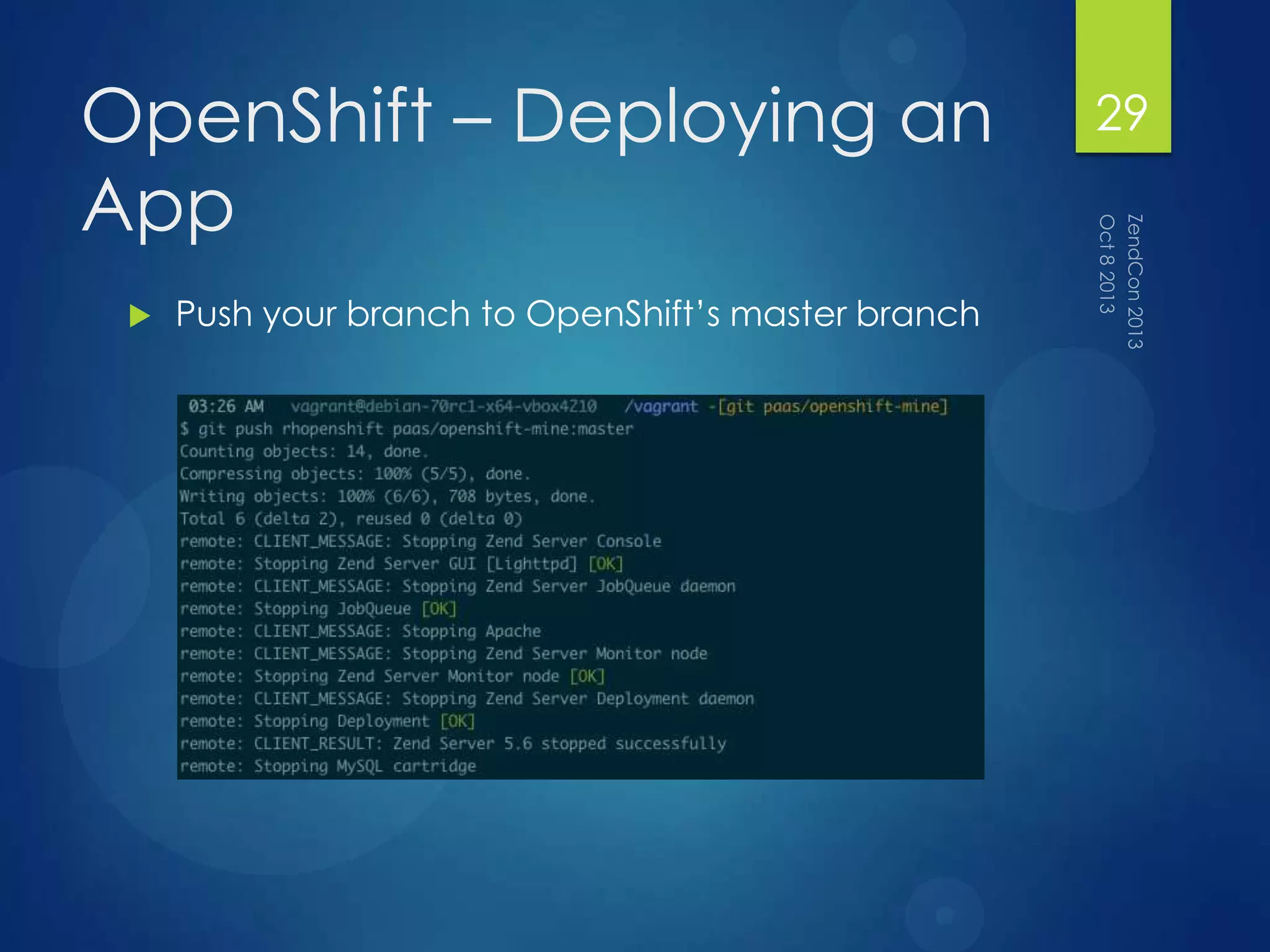
OpenShift – Deploying an
App
 Push your branch to OpenShift‟s master branch
29
OpenShift– Getting it to
Work
 Had to fetch and merge their master branch
 Docroot is php/, so our deploy script changes that
 php-intl extension had too old of an ICU
version, so had to downgrade it through
Composer
 Could have completely redone PHP, like in Heroku
 Composer is not natively supported, so do it via
the deploy script
 Deploy script is bash, so fairly easy to work with
30
OpenShift – General Notes
 You need to set up SSH keys to get into the boxes
 Cartridge system is interesting and works well
 Does offer persistent storage, in the
$OPENSHIFT_DATA_DIR
31
AWS ElasticBeanstalk
32
ElasticBeanStalk
 It‟s a Rackspace-based PaaS!
33
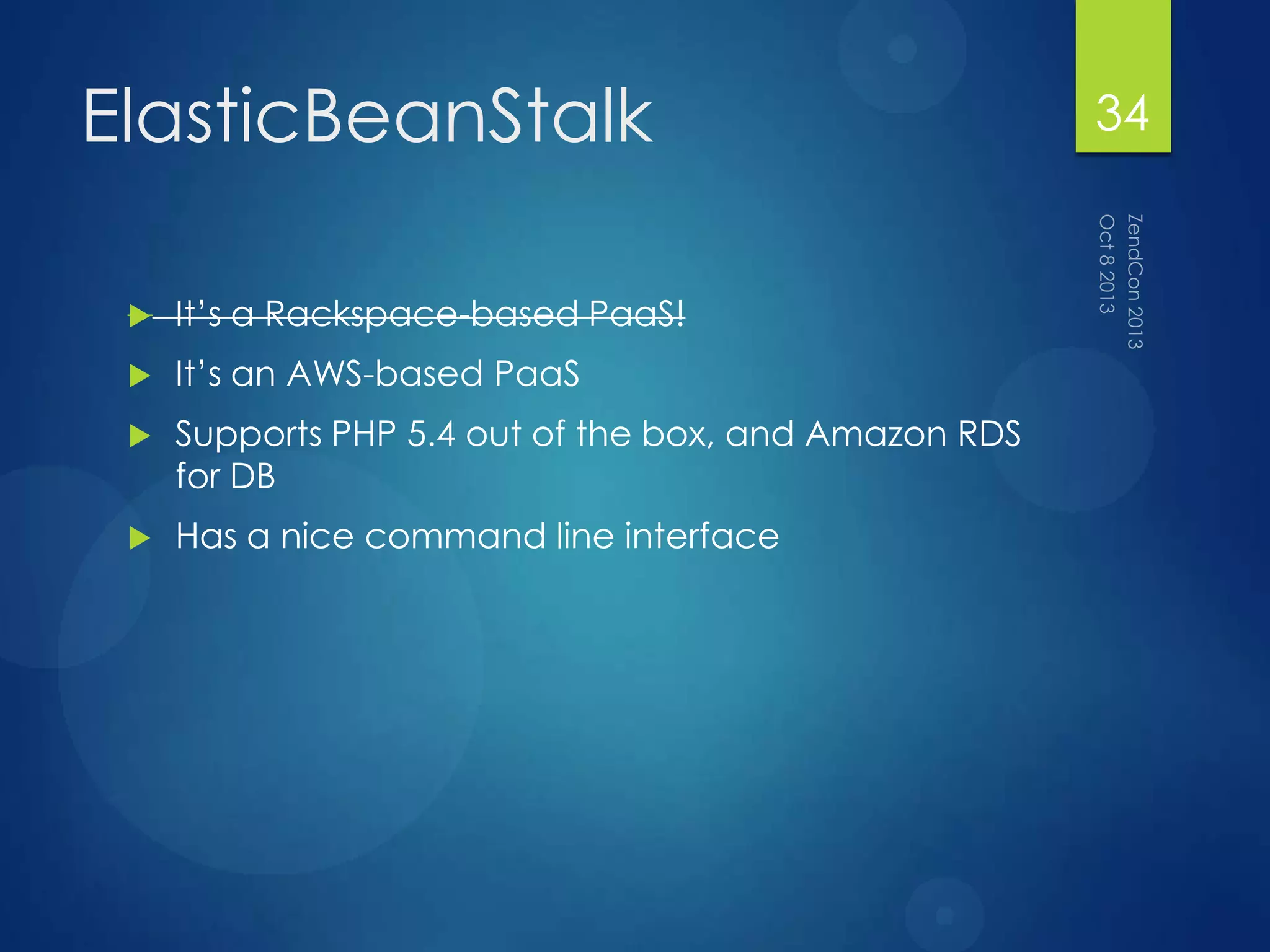
ElasticBeanStalk
 It‟s a Rackspace-based PaaS!
 It‟s an AWS-based PaaS
 Supports PHP 5.4 out of the box, and Amazon RDS
for DB
 Has a nice command line interface
34
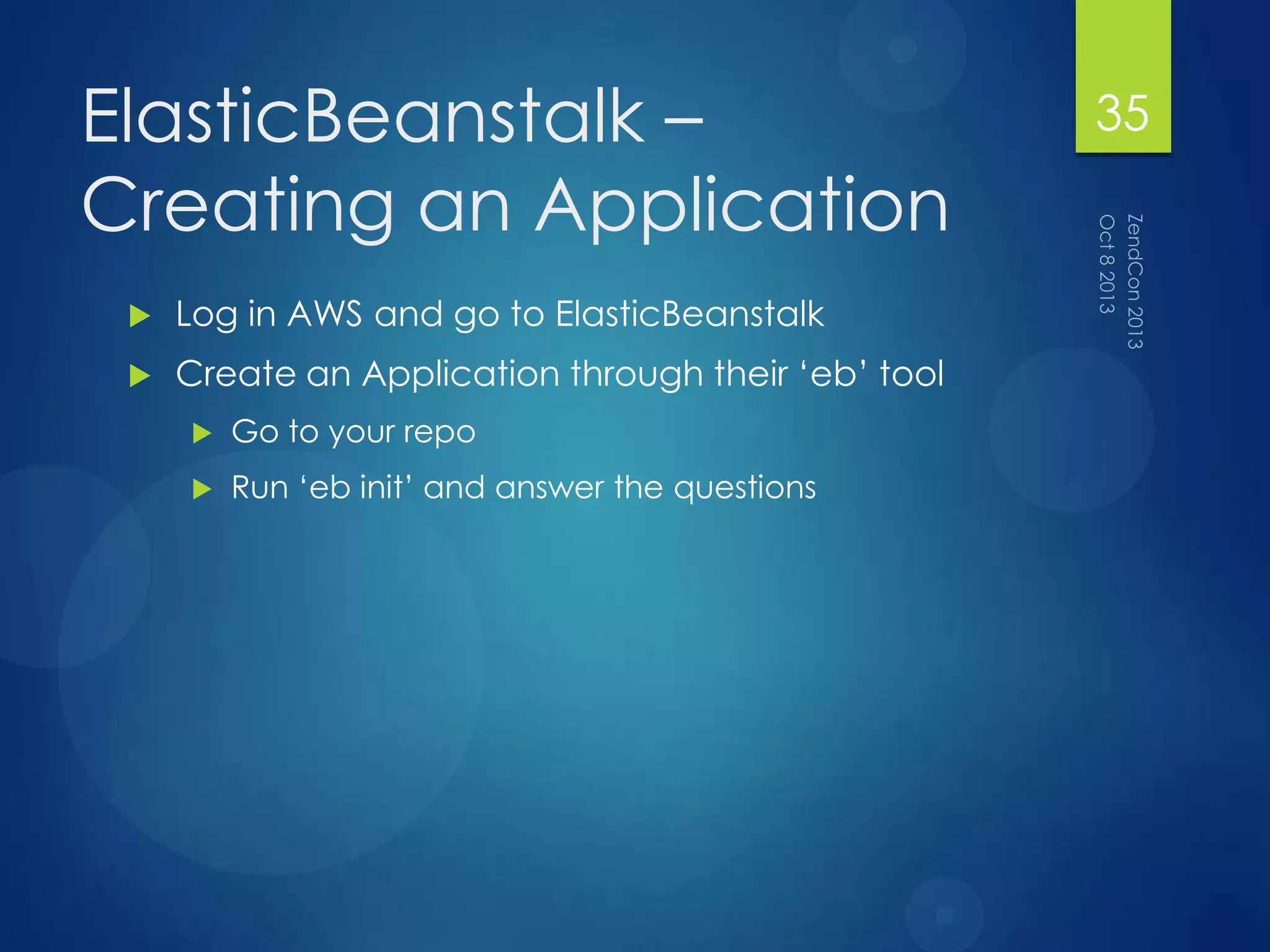
ElasticBeanstalk –
Creating an Application
 Log in AWS and go to ElasticBeanstalk
 Create an Application through their „eb‟ tool
 Go to your repo
 Run „eb init‟ and answer the questions
35
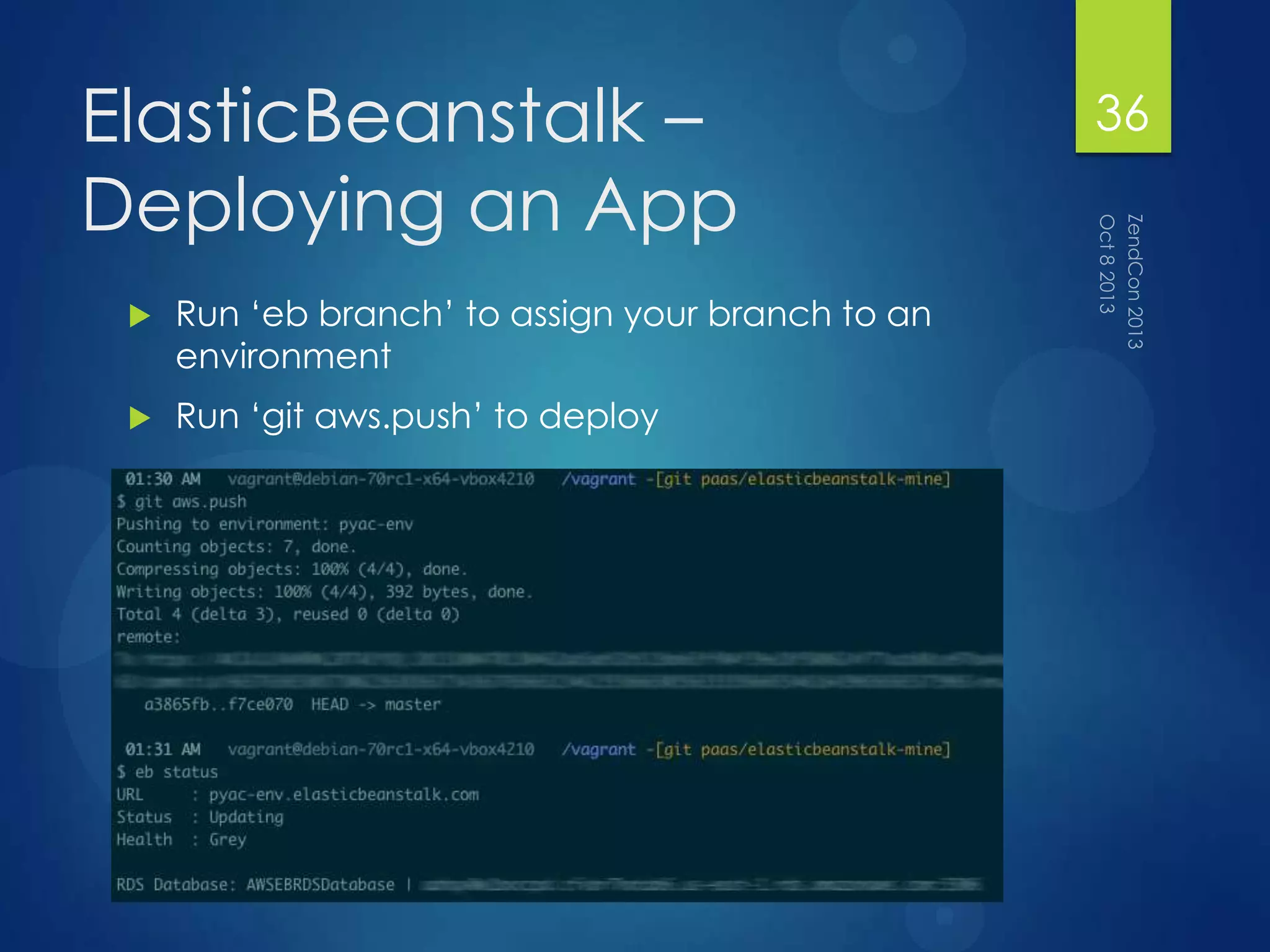
ElasticBeanstalk –
Deploying an App
 Run „eb branch‟ to assign your branch to an
environment
 Run „git aws.push‟ to deploy
36
ElasticBeanstalk – Getting
it to Work
 Had to run „eb init‟ and run through their
setup, even though the environment existed
 Had to run „eb branch‟ to assign the current
branch to an environment so that „git aws.push‟
would work
37
ElasticBeanstalk – General
Notes
 It‟s AWS, so provisioning the servers can take 10-15
minutes
 Supports Composer out of the box, which is nice
 Deploy hooks are done via their
container_commands
38
So What did I Learn?
39
Deploy Scripts Are Your
Friend
 While you‟ve got shell access, you still don‟t want
to do stuff manually
 Knowing Bash scripting was incredibly helpful
40
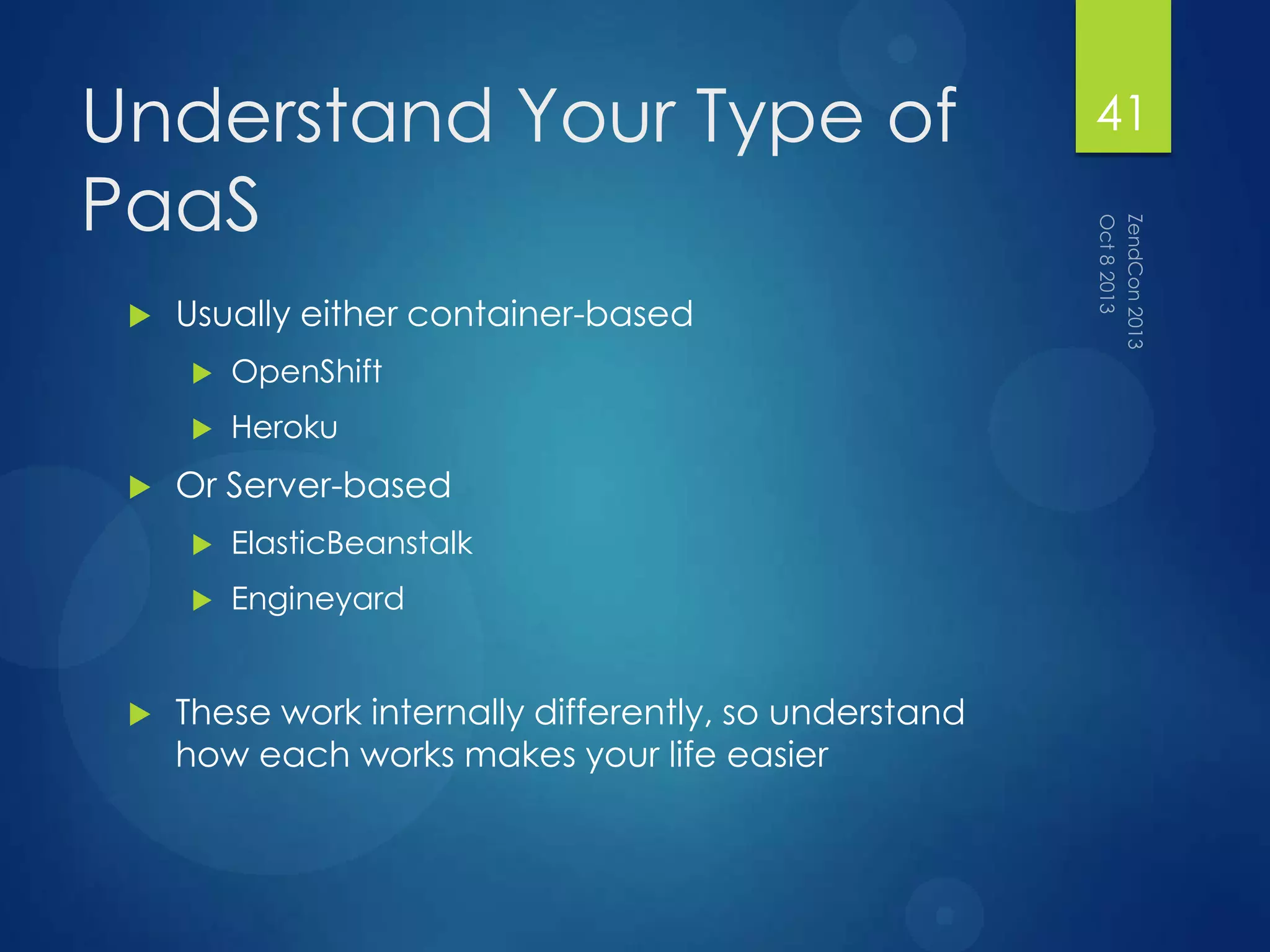
Understand Your Type of
PaaS
 Usually either container-based
 OpenShift
 Heroku
 Or Server-based
 ElasticBeanstalk
 Engineyard
 These work internally differently, so understand
how each works makes your life easier
41
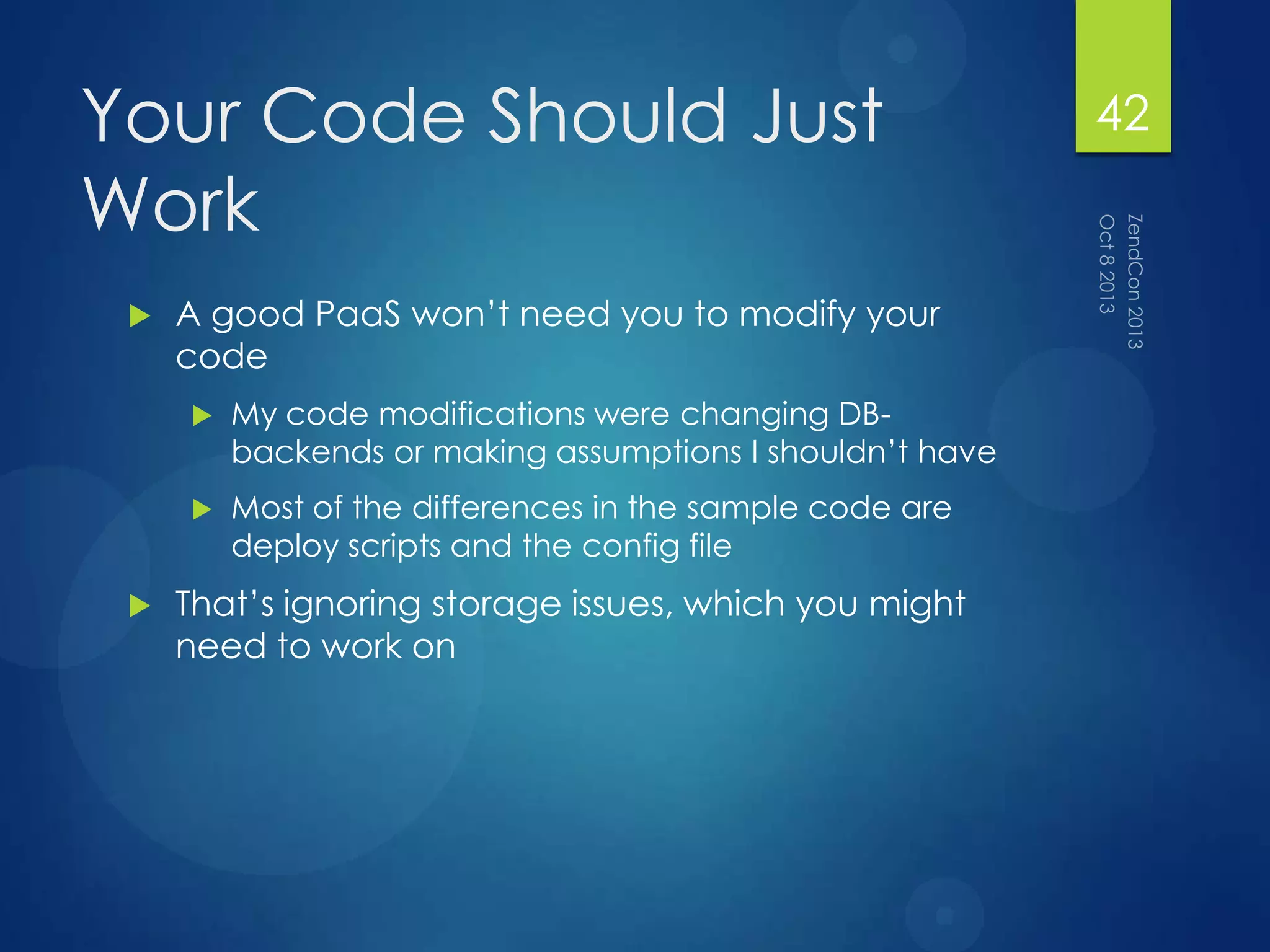
Your Code Should Just
Work
 A good PaaS won‟t need you to modify your
code
 My code modifications were changing DB-
backends or making assumptions I shouldn‟t have
 Most of the differences in the sample code are
deploy scripts and the config file
 That‟s ignoring storage issues, which you might
need to work on
42
Questions? 43
Thank You!
 chris@ctankersley.com
 @dragonmantank
 https://joind.in/9070
44

PaaSing Your Code Around

  • 1.
    PaaSing Your Code Around EMAIL:CHRIS@CTANKERSLEY.COM TWITTER: @DRAGONMANTANK 1
  • 2.
    Who Am I? Chris Tankersley  Been Doing PHP for 9+ Years  Lots of projects no one uses, and a few that some do:  https://github.com/dragonman tank 2
  • 3.
  • 4.
    Software as aService (SaaS) Software Package Platform as a Service Platform as a Service (PaaS) Server Language Deployment Scripts Infrastructure as a Service (IaaS) Server Infrastructure Storage Network 4
  • 5.
    Why use aPaaS?  Offload the work to someone else  Possibly (maybe) more cost effective  Small shops don‟t have to hire as many people  Scalability, both up and down 5
  • 6.
    PaaS Workflow Git repo Feature Branch FeatureBranch Feature Branch Run Paas Deployment Your App Runs! 6
  • 7.
    Basic Knowledge  Justabout all of them use git  Just about all of them work best with a command line  Your OS doesn‟t matter, they all pretty much support everything  A server-side scripting language  Bash, Ruby, Python 7
  • 8.
    Other Considerations  Wherewill uploaded files live?  Does my app scale across multiple servers?  How well does my application perform?  Can I automate everything? 8
  • 9.
  • 10.
    Let‟s set upa site on a PaaS  https://github.com/dragonmantank/paasing- your-code-around 10
  • 11.
    What I built Silex App that displayed user-supplied „texts‟ from drunk elephants  Silex  Symfony Forms  Ruckusing Migrations  Twig 11
  • 12.
    What did Iwant to find out?  How much code I had to change to get it to work  How much of a pain was it to get the deployment process set up  How long the deployments took  How easy the deployments were  How easy things were to manage 12
  • 13.
    What I did Created the basic app in vagrant  Signed up for a PaaS  Heroku  Engineyard  Redhat OpenShift  Amazon ElasticBeanstalk  Made the app work  Each set of code is in paas/[service]  You can fork the repo, checkout the branch, and set up the config 13
  • 14.
  • 15.
    Heroku  Heroku isa container-based PaaS  Each container (dyno) is a little virtualized environment  “Supports” PHP 5.3.27 and Apache 2.2.25 out of the box  Has a command line interface for working with your apps 15
  • 16.
    Heroku – Creatingan Application 16
  • 17.
    Heroku – Deployingan App  Push your branch to Heroku‟s master branch 17
  • 18.
    Heroku – Gettingit to Work  Heroku will only detect a PHP app if there is an index.php file in the root  Docroot is automatically set to the root of your repo  PHP is supported via a partnership with Facebook, not that you‟ll find that on their site  Had to add a custom Procfile, bootstrap files, and Buildpack  Composer is slooooooow. Sites took 2-15 minutes to bootstrap  Deploy hooks are done via the Procfile 18
  • 19.
    Heroku – GeneralNotes  Extension support is hit or miss. You might need to compile your own  Since buildpacks actually set up an entire environment, really study what buildpack you use  Might want to commit vendor/ to your deploy branch to speed things up  While PHP 5.3.27 is the base install, you can actually install any PHP via a buildpack  Heroku uses ephemeral storage, so make sure all your files are saved to something like S3 19
  • 20.
  • 21.
    Engineyard  Engineyard isan AWS-based PaaS  You set up Environments, which are groups of EC2 instances  Supports PHP 5.4.17 and MySQL 5.5 out of the box  Has a command line interface for working with your apps  Works with your VCS host to pull down and deploy code 21
  • 22.
    Engineyard – Creatingan Application  Create a new application  Select the Language  Give it a Repo to pull from  Give it a Name  Tell it the docroot  Add your deploy key to your git server  Set up an Environment  Give it a name  Give it a type (Production, Development, etc)  Select a DB  Set up SSH keys 22
  • 23.
    Engineyard – Deploying anApp  Give it a branch name and click „Deploy‟ 23
  • 24.
    Engineyard – Gettingit to Work  Had to add a deploy/ script to get the database migrations to work 24
  • 25.
    Engineyard – General Notes You need to set up SSH keys to get into the boxes  DB credentials are in /data/[app_name]/shared/config/databases.yml  They are also exposed through the $_SERVER array  When you stop an instance without a public IP, the IPs will change  Since it‟s booting an EC2 instance, it‟s slow. Takes 10-15 minutes to provision the environment (Deploys are much quicker)  Natively supports Composer! 25
  • 26.
  • 27.
    OpenShift  OpenShift isa „cartridge‟ (container) PaaS  Supports PHP 5.3.17 and MySQL 5.1 when using the Zend Server cartridge  Has a command line interface for working with your apps  The largest offering of platforms out of the test PaaS‟s 27
  • 28.
    OpenShift – Creatingan Application 28
  • 29.
    OpenShift – Deployingan App  Push your branch to OpenShift‟s master branch 29
  • 30.
    OpenShift– Getting itto Work  Had to fetch and merge their master branch  Docroot is php/, so our deploy script changes that  php-intl extension had too old of an ICU version, so had to downgrade it through Composer  Could have completely redone PHP, like in Heroku  Composer is not natively supported, so do it via the deploy script  Deploy script is bash, so fairly easy to work with 30
  • 31.
    OpenShift – GeneralNotes  You need to set up SSH keys to get into the boxes  Cartridge system is interesting and works well  Does offer persistent storage, in the $OPENSHIFT_DATA_DIR 31
  • 32.
  • 33.
    ElasticBeanStalk  It‟s aRackspace-based PaaS! 33
  • 34.
    ElasticBeanStalk  It‟s aRackspace-based PaaS!  It‟s an AWS-based PaaS  Supports PHP 5.4 out of the box, and Amazon RDS for DB  Has a nice command line interface 34
  • 35.
    ElasticBeanstalk – Creating anApplication  Log in AWS and go to ElasticBeanstalk  Create an Application through their „eb‟ tool  Go to your repo  Run „eb init‟ and answer the questions 35
  • 36.
    ElasticBeanstalk – Deploying anApp  Run „eb branch‟ to assign your branch to an environment  Run „git aws.push‟ to deploy 36
  • 37.
    ElasticBeanstalk – Getting itto Work  Had to run „eb init‟ and run through their setup, even though the environment existed  Had to run „eb branch‟ to assign the current branch to an environment so that „git aws.push‟ would work 37
  • 38.
    ElasticBeanstalk – General Notes It‟s AWS, so provisioning the servers can take 10-15 minutes  Supports Composer out of the box, which is nice  Deploy hooks are done via their container_commands 38
  • 39.
    So What didI Learn? 39
  • 40.
    Deploy Scripts AreYour Friend  While you‟ve got shell access, you still don‟t want to do stuff manually  Knowing Bash scripting was incredibly helpful 40
  • 41.
    Understand Your Typeof PaaS  Usually either container-based  OpenShift  Heroku  Or Server-based  ElasticBeanstalk  Engineyard  These work internally differently, so understand how each works makes your life easier 41
  • 42.
    Your Code ShouldJust Work  A good PaaS won‟t need you to modify your code  My code modifications were changing DB- backends or making assumptions I shouldn‟t have  Most of the differences in the sample code are deploy scripts and the config file  That‟s ignoring storage issues, which you might need to work on 42
  • 43.
  • 44.
    Thank You!  chris@ctankersley.com @dragonmantank  https://joind.in/9070 44