INTERNET
Internet or internetworking refers to a wide
network through which computers are interconnected
globally with one another, capable of sharing
resources among themselves. This network is called
‘internet’. Internet refers to millions of computers,
connected in a gigantic network, which communicate
via TCP/IP protocols.
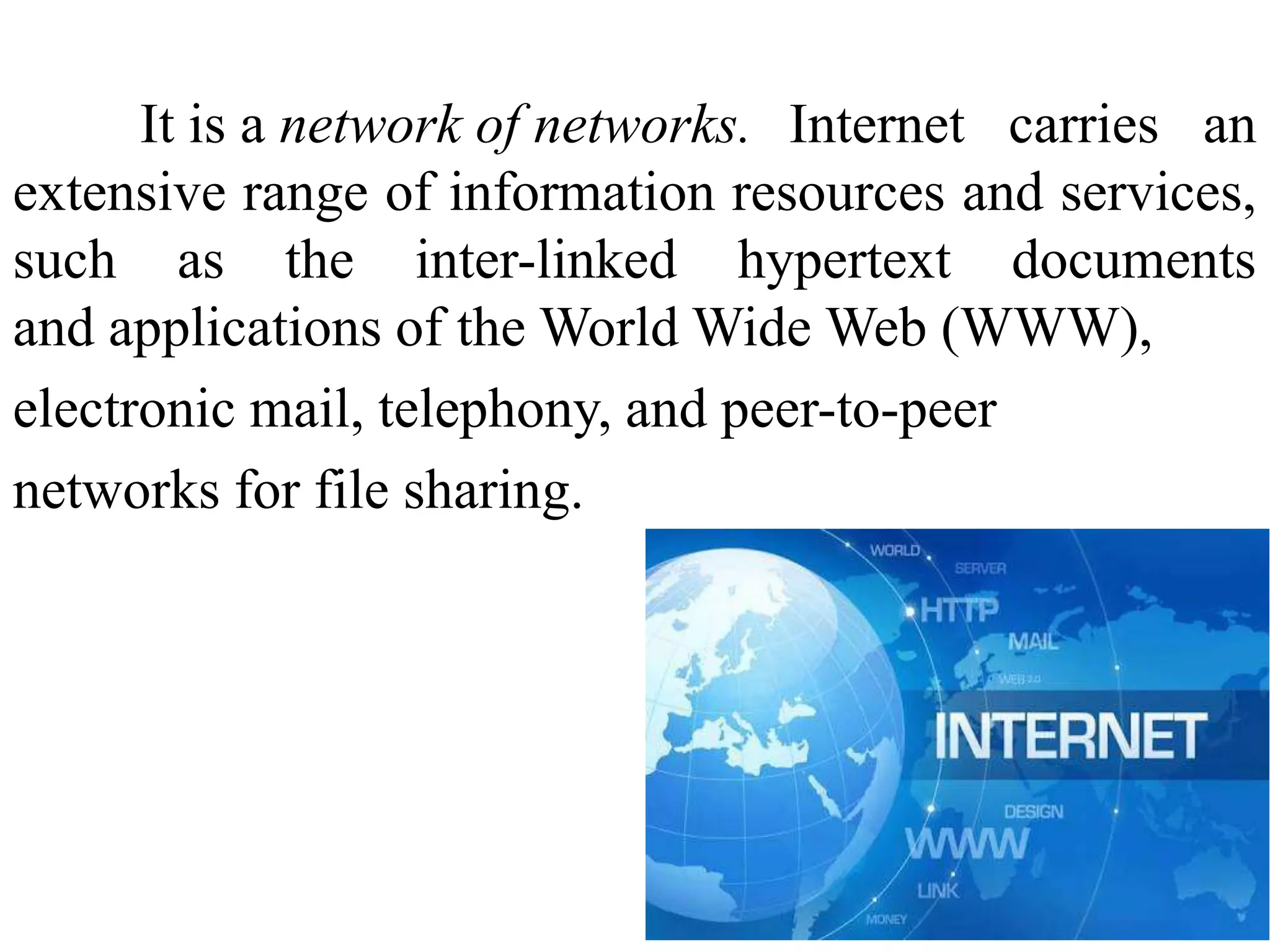
It is a network of networks. Internet carries an
extensive range of information resources and services,
such as the inter-linked hypertext documents
and applications of the World Wide Web (WWW),
electronic mail, telephony, and peer-to-peer
networks for file sharing.
HISTORY OF INTERNET
1950S - electronic computers.
 Packet networking -computer science laboratories
in the United States, United Kingdom, and France.
 1960s -US Department of Defense developed
the ARPANET
1961s - Wesley Clark- Interface Message Processor
computer interface between computer and WAN
 1972 - Bob Kahn – Packet switched network
1973s -TCP/IP
 1980 - Ethernet
1982 - Simple Mail Transfer Protocol
 1983 - Domain Name System
 1985 – First .Com domain name registered
 1988 - OSI Reference Model released
 1990 - Search engine
 1991 - WWW
 1995 – Amazon
 1996 – Hotmail
 1998- Google search
 2001- Wikipedia
 2003- Skype
2004- Facebook
2005- Youtube
2006 - Twitter
2007- Kindle
2009- Bing
2010- Instagram
SERVICES AND ACCESSIBILITY
Electronic mail
Electronic mailing lists
USENET newsgroups
Real-time communication
File transfer protocol
Telnet
Gopher
World Wide Web (WWW)
INTERNET CONNECTIONS
Dial-up connections
High Speed Connections
–Digital Subscriber Lines (DSL)
–Cable
–Satellite
–Integrated Services Digital Network (ISDN)
TYPES OF NETWORK
Example Range Bandwidth
(Mbps)
Latency
(ms)
Wired:
LAN Ethernet 1-2 km 10-1000 1-10
MAN ATM 250 km 1-150 10
WAN IP routing worldwide .01-600 100-500
Internetwork Internet worldwide 0.5-600 100-500
Wireless:
WPAN Bluetooth (802.15.1) 10 - 30m 0.5-2 5-20
WLAN WiFi (IEEE 802.11) 0.15-1.5 km 2-54 5-20
WMAN WiMAX (802.16) 550 km 1.5-20 5-20
WWAN GSM, 3G phone nets worldwide 0.01-2 100-500
USES OF THE INTERNET
 Telecommuting
 News, jobs, software
Online courses, virtual classrooms, coaching
Government services, politics and national
defense
Electronic publishing
Entertainment
Teaching and learning
Scholarly research
BENEFITS OF USING INTERNET
 Global Audience
 Operates 24 hours, 7 days a week
 Relatively Inexpensive
 Product Advertising
 Distribute Product Catalogs
 Online Surveys
 Announcements
 Obtain Customer Feedback
 Immediate Distribution of Information
 Multimedia
DISADVANTAGES OF THE INTERNET
 Spam Mail
 Kids Exposed to Adults-Only Content
 Addiction to Internet
 Leakage of Private Information
 Virus, Trojan and Other Malware
WEB CONCEPT
 WWW – hypertext – millions of documents
 hypertext link
 Web page- HTML
Website- related pages
 Web server
 Web Browser
WORKING Of CLIENT /SERVER MODEL
 Client
 Server
http
 URL – Uniform Resource Locator
Protocol
 Domain Name
Path
http: //www.vvvc.org/students.html
 Host names
.edu .com .org .gov
PROTOCOLS
Set of rules or an agreement
 Ethernet
 Internet Protocol
 Transport Control Protocol
 File transport Protocol
 Hypertext Transport Protocol
 Simple Mail Transfer Protocol
INTERNET PROTOCOL
IP Address
Network Address – 128.213
Host Address – 1.1
Types of Internet Protocol
7 24
Class A: 0 Network ID Host ID
14 16
Class B: 1 0 Network ID Host ID
21 8
Class C: 1 1 0 Network ID Host ID
28
Class D (multicast): 1 1 1 0 Multicast address
27
Class E (reserved): 1 1 1 1 unused0
TRANSMISSION CONTROL PROTOCOL
 OSI reference model
 Reliable transmission, Connection oriented
 Application to IP layer
 Detect lost packets
 Request for retransmission
USER DATAGRAM PROTOCOL
 Connectionless
 no reliability
 Source port, Destination port, Length and
checksum.
OVERVIEW OF OSI REFERENCE MODEL
 Open Systems Interconnection
 Created by International
Standards Organisation
 Seven Layer model
 Relationship and interaction
between network services
 Rules and conventions for
various functions within
each layer
PHYSICAL LAYER
Deals with all aspects of physically moving data
from one computer to the next
Cable standards, wireless standards, and fiber optic
standards
Used to transmit data
Hub
DATA LINK LAYER
Is responsible for moving frames from node to node
or computer to computer across routers
Ethernet Protocol and Point-to-Point Protocol (PPP)
 Switch
Two sub layers: Logical Link Control (LLC) and
the Media Access Control (MAC)
Logical Link Control (LLC)
Data Link layer addressing, flow control, address
notification, error correction
Media Access Control (MAC)
Determines which computer has access to the
network media at any given time
Determines where one frame ends and the next one
starts called frame synchronization
Network Layer
Responsible for moving packets (data) from one
end of the network to the other, called end-to-end
communications
logical addresses such as IP addresses
Router
Routing is the ability of various network devices
and their related software to move data packets
from source to destination
TRANSPORT LAYER
Data transmission
Reassembled in correct order at destination
connection-oriented protocol
connectionless protocol
Reliability of the transport of sent data
SESSION LAYER
Managing the dialog between networked devices
Establishes, manages, and terminates connections
Provides procedures for establishing checkpoints,
adjournment, termination, and restart or recovery
procedures
PRESENTATION LAYER
How data is presented to the network
Handles three primary tasks:
Translation
Changes data so another type of computer can
understand it.
Compression
Makes data smaller to send more data in same
amount of time.
Encryption
Encodes data to protect from interception or
eavesdropping.
APPLICATION LAYER
Contains all services or protocols needed by
application software or operating system to
communicate on the network
Firefox web browser uses HTTP
E-mail program may use POP3 to read e-mails and
SMTP to send e-mails
Thank you

Overview of Internet

  • 2.
    INTERNET Internet or internetworkingrefers to a wide network through which computers are interconnected globally with one another, capable of sharing resources among themselves. This network is called ‘internet’. Internet refers to millions of computers, connected in a gigantic network, which communicate via TCP/IP protocols.
  • 3.
    It is anetwork of networks. Internet carries an extensive range of information resources and services, such as the inter-linked hypertext documents and applications of the World Wide Web (WWW), electronic mail, telephony, and peer-to-peer networks for file sharing.
  • 4.
    HISTORY OF INTERNET 1950S- electronic computers.  Packet networking -computer science laboratories in the United States, United Kingdom, and France.  1960s -US Department of Defense developed the ARPANET 1961s - Wesley Clark- Interface Message Processor computer interface between computer and WAN  1972 - Bob Kahn – Packet switched network 1973s -TCP/IP  1980 - Ethernet
  • 5.
    1982 - SimpleMail Transfer Protocol  1983 - Domain Name System  1985 – First .Com domain name registered  1988 - OSI Reference Model released  1990 - Search engine  1991 - WWW  1995 – Amazon  1996 – Hotmail  1998- Google search  2001- Wikipedia  2003- Skype
  • 6.
    2004- Facebook 2005- Youtube 2006- Twitter 2007- Kindle 2009- Bing 2010- Instagram
  • 7.
    SERVICES AND ACCESSIBILITY Electronicmail Electronic mailing lists USENET newsgroups Real-time communication File transfer protocol Telnet Gopher World Wide Web (WWW)
  • 8.
    INTERNET CONNECTIONS Dial-up connections HighSpeed Connections –Digital Subscriber Lines (DSL) –Cable –Satellite –Integrated Services Digital Network (ISDN)
  • 9.
    TYPES OF NETWORK ExampleRange Bandwidth (Mbps) Latency (ms) Wired: LAN Ethernet 1-2 km 10-1000 1-10 MAN ATM 250 km 1-150 10 WAN IP routing worldwide .01-600 100-500 Internetwork Internet worldwide 0.5-600 100-500 Wireless: WPAN Bluetooth (802.15.1) 10 - 30m 0.5-2 5-20 WLAN WiFi (IEEE 802.11) 0.15-1.5 km 2-54 5-20 WMAN WiMAX (802.16) 550 km 1.5-20 5-20 WWAN GSM, 3G phone nets worldwide 0.01-2 100-500
  • 10.
    USES OF THEINTERNET  Telecommuting  News, jobs, software Online courses, virtual classrooms, coaching Government services, politics and national defense Electronic publishing Entertainment Teaching and learning Scholarly research
  • 11.
    BENEFITS OF USINGINTERNET  Global Audience  Operates 24 hours, 7 days a week  Relatively Inexpensive  Product Advertising  Distribute Product Catalogs  Online Surveys  Announcements  Obtain Customer Feedback  Immediate Distribution of Information  Multimedia
  • 12.
    DISADVANTAGES OF THEINTERNET  Spam Mail  Kids Exposed to Adults-Only Content  Addiction to Internet  Leakage of Private Information  Virus, Trojan and Other Malware
  • 13.
    WEB CONCEPT  WWW– hypertext – millions of documents  hypertext link  Web page- HTML Website- related pages  Web server  Web Browser
  • 14.
    WORKING Of CLIENT/SERVER MODEL  Client  Server http  URL – Uniform Resource Locator Protocol  Domain Name Path http: //www.vvvc.org/students.html  Host names .edu .com .org .gov
  • 15.
    PROTOCOLS Set of rulesor an agreement  Ethernet  Internet Protocol  Transport Control Protocol  File transport Protocol  Hypertext Transport Protocol  Simple Mail Transfer Protocol
  • 16.
    INTERNET PROTOCOL IP Address NetworkAddress – 128.213 Host Address – 1.1 Types of Internet Protocol 7 24 Class A: 0 Network ID Host ID 14 16 Class B: 1 0 Network ID Host ID 21 8 Class C: 1 1 0 Network ID Host ID 28 Class D (multicast): 1 1 1 0 Multicast address 27 Class E (reserved): 1 1 1 1 unused0
  • 17.
    TRANSMISSION CONTROL PROTOCOL OSI reference model  Reliable transmission, Connection oriented  Application to IP layer  Detect lost packets  Request for retransmission USER DATAGRAM PROTOCOL  Connectionless  no reliability  Source port, Destination port, Length and checksum.
  • 18.
    OVERVIEW OF OSIREFERENCE MODEL  Open Systems Interconnection  Created by International Standards Organisation  Seven Layer model  Relationship and interaction between network services  Rules and conventions for various functions within each layer
  • 20.
    PHYSICAL LAYER Deals withall aspects of physically moving data from one computer to the next Cable standards, wireless standards, and fiber optic standards Used to transmit data Hub DATA LINK LAYER Is responsible for moving frames from node to node or computer to computer across routers Ethernet Protocol and Point-to-Point Protocol (PPP)
  • 21.
     Switch Two sublayers: Logical Link Control (LLC) and the Media Access Control (MAC)
  • 22.
    Logical Link Control(LLC) Data Link layer addressing, flow control, address notification, error correction Media Access Control (MAC) Determines which computer has access to the network media at any given time Determines where one frame ends and the next one starts called frame synchronization
  • 23.
    Network Layer Responsible formoving packets (data) from one end of the network to the other, called end-to-end communications logical addresses such as IP addresses Router Routing is the ability of various network devices and their related software to move data packets from source to destination
  • 24.
    TRANSPORT LAYER Data transmission Reassembledin correct order at destination connection-oriented protocol connectionless protocol Reliability of the transport of sent data SESSION LAYER Managing the dialog between networked devices Establishes, manages, and terminates connections Provides procedures for establishing checkpoints, adjournment, termination, and restart or recovery procedures
  • 25.
    PRESENTATION LAYER How datais presented to the network Handles three primary tasks: Translation Changes data so another type of computer can understand it. Compression Makes data smaller to send more data in same amount of time. Encryption Encodes data to protect from interception or eavesdropping.
  • 26.
    APPLICATION LAYER Contains allservices or protocols needed by application software or operating system to communicate on the network Firefox web browser uses HTTP E-mail program may use POP3 to read e-mails and SMTP to send e-mails
  • 28.