Operating Systems
YEAR 8 ICT
Learning outcomes
• To know the tasks that an operating system carries
  out.

• To understand the reasons for needing multi-user
  operating systems

• To explain the Utility programs that come with an
  operating system
The 30 Second Challenge!


Operating System
Starter
In a moment some terms to do with this topic
will appear.


You will have 30 seconds to memorise them.


You will need to write down as many of
the terms as you can remember


And also a definition or explanation of how that term relates to the
topic
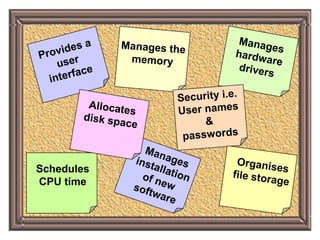
Schedules
CPU time
Write down as many
   terms as you can
remember and write a
 sentence about each
        term
Schedules
CPU time
Operating systems
“Imagine you are a top computer    programmer, but you live
  in a world where operating systems do not exist - what would
  you need to do to make the computer run your application?”

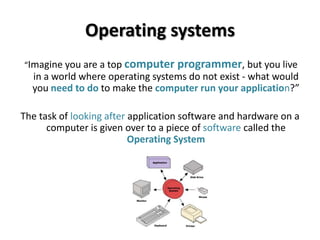
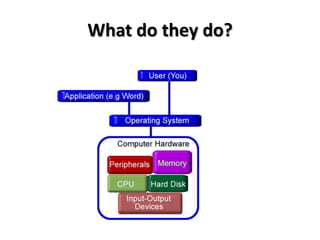
The task of looking after application software and hardware on a
      computer is given over to a piece of software called the
                          Operating System
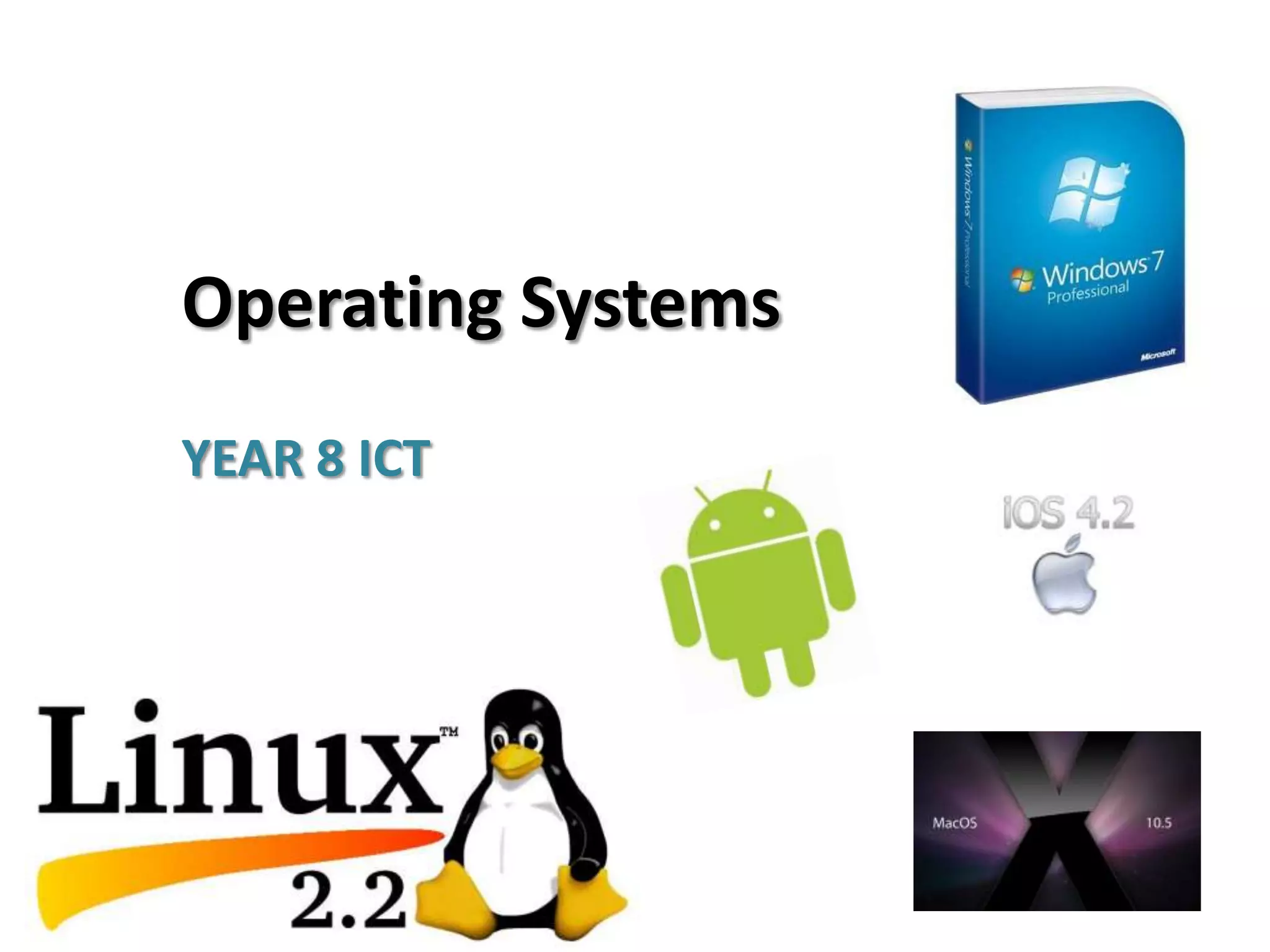
Examples of Operating Systems
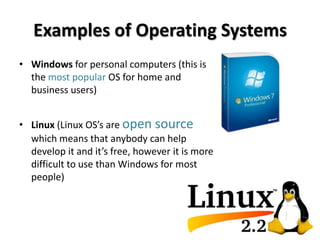
• Windows for personal computers (this is
  the most popular OS for home and
  business users)


• Linux (Linux OS’s are open source
  which means that anybody can help
  develop it and it’s free, however it is more
  difficult to use than Windows for most
  people)
Examples of Operating Systems
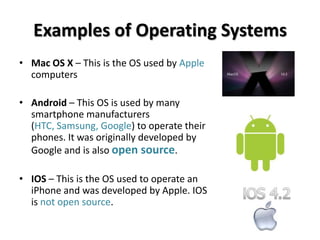
• Mac OS X – This is the OS used by Apple
  computers

• Android – This OS is used by many
  smartphone manufacturers
  (HTC, Samsung, Google) to operate their
  phones. It was originally developed by
  Google and is also open source.

• IOS – This is the OS used to operate an
  iPhone and was developed by Apple. IOS
  is not open source.
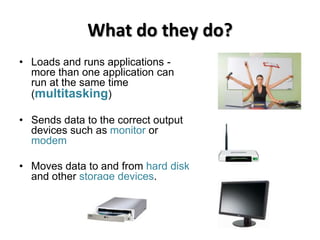
What do they do?
• Loads and runs applications -
  more than one application can
  run at the same time
  (multitasking)

• Sends data to the correct output
  devices such as monitor or
  modem

• Moves data to and from hard disk
  and other storage devices.
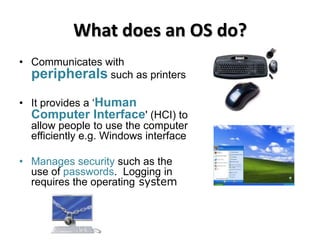
What does an OS do?
• Communicates with
  peripherals such as printers
• It provides a ‘Human
  Computer Interface' (HCI) to
  allow people to use the computer
  efficiently e.g. Windows interface

• Manages security such as the
  use of passwords. Logging in
  requires the operating system
What do they do?
Task
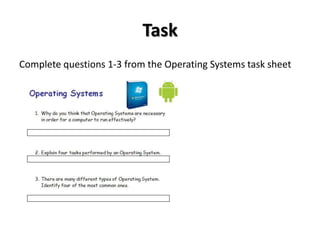
Complete questions 1-3 from the Operating Systems task sheet
Multi-User Operating System
• Most Operating systems are designed for
  single users in mind but allowing for lots
  of applications to be run at once (multi-
  tasking)

• Most PC’s can multi-
  task, however, sometimes people need a
  REALLY powerful computer to do the
  job.

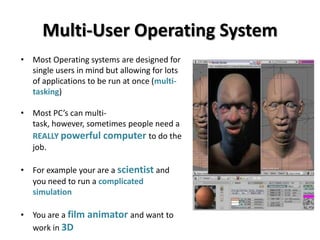
• For example your are a scientist and
  you need to run a complicated
  simulation

• You are a film animator and want to
  work in 3D
Multi – User Operating System
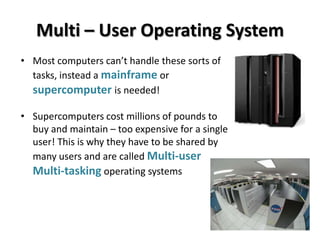
• Most computers can’t handle these sorts of
  tasks, instead a mainframe or
  supercomputer is needed!

• Supercomputers cost millions of pounds to
  buy and maintain – too expensive for a single
  user! This is why they have to be shared by
  many users and are called Multi-user
  Multi-tasking operating systems
Multi – User Operating System
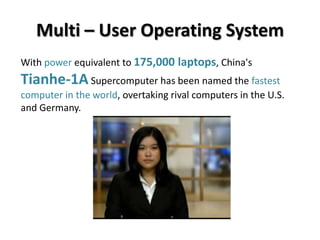
With power equivalent to 175,000 laptops, China's
Tianhe-1A Supercomputer has been named the fastest
computer in the world, overtaking rival computers in the U.S.
and Germany.
Multi – User Operating System
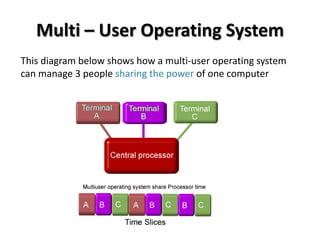
This diagram below shows how a multi-user operating system
can manage 3 people sharing the power of one computer
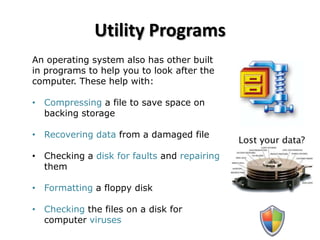
Utility Programs
An operating system also has other built
in programs to help you to look after the
computer. These help with:

• Compressing a file to save space on
  backing storage

• Recovering data from a damaged file

• Checking a disk for faults and repairing
  them

• Formatting a floppy disk

• Checking the files on a disk for
  computer viruses
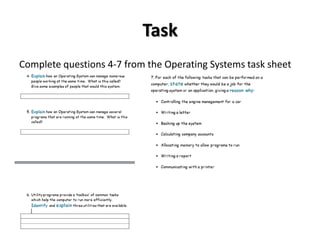
Task
Complete questions 4-7 from the Operating Systems task sheet
Plenary


Take this quiz to test your knowledge on
Operating Systems!
Homework
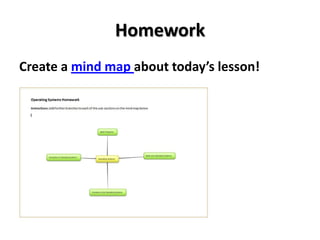
Create a mind map about today’s lesson!

Operating Systems

  • 1.
  • 2.
    Learning outcomes • Toknow the tasks that an operating system carries out. • To understand the reasons for needing multi-user operating systems • To explain the Utility programs that come with an operating system
  • 3.
    The 30 SecondChallenge! Operating System Starter
  • 4.
    In a momentsome terms to do with this topic will appear. You will have 30 seconds to memorise them. You will need to write down as many of the terms as you can remember And also a definition or explanation of how that term relates to the topic
  • 5.
  • 6.
    Write down asmany terms as you can remember and write a sentence about each term
  • 7.
  • 8.
    Operating systems “Imagine youare a top computer programmer, but you live in a world where operating systems do not exist - what would you need to do to make the computer run your application?” The task of looking after application software and hardware on a computer is given over to a piece of software called the Operating System
  • 9.
    Examples of OperatingSystems • Windows for personal computers (this is the most popular OS for home and business users) • Linux (Linux OS’s are open source which means that anybody can help develop it and it’s free, however it is more difficult to use than Windows for most people)
  • 10.
    Examples of OperatingSystems • Mac OS X – This is the OS used by Apple computers • Android – This OS is used by many smartphone manufacturers (HTC, Samsung, Google) to operate their phones. It was originally developed by Google and is also open source. • IOS – This is the OS used to operate an iPhone and was developed by Apple. IOS is not open source.
  • 11.
    What do theydo? • Loads and runs applications - more than one application can run at the same time (multitasking) • Sends data to the correct output devices such as monitor or modem • Moves data to and from hard disk and other storage devices.
  • 12.
    What does anOS do? • Communicates with peripherals such as printers • It provides a ‘Human Computer Interface' (HCI) to allow people to use the computer efficiently e.g. Windows interface • Manages security such as the use of passwords. Logging in requires the operating system
  • 13.
  • 14.
    Task Complete questions 1-3from the Operating Systems task sheet
  • 15.
    Multi-User Operating System •Most Operating systems are designed for single users in mind but allowing for lots of applications to be run at once (multi- tasking) • Most PC’s can multi- task, however, sometimes people need a REALLY powerful computer to do the job. • For example your are a scientist and you need to run a complicated simulation • You are a film animator and want to work in 3D
  • 16.
    Multi – UserOperating System • Most computers can’t handle these sorts of tasks, instead a mainframe or supercomputer is needed! • Supercomputers cost millions of pounds to buy and maintain – too expensive for a single user! This is why they have to be shared by many users and are called Multi-user Multi-tasking operating systems
  • 17.
    Multi – UserOperating System With power equivalent to 175,000 laptops, China's Tianhe-1A Supercomputer has been named the fastest computer in the world, overtaking rival computers in the U.S. and Germany.
  • 18.
    Multi – UserOperating System This diagram below shows how a multi-user operating system can manage 3 people sharing the power of one computer
  • 19.
    Utility Programs An operatingsystem also has other built in programs to help you to look after the computer. These help with: • Compressing a file to save space on backing storage • Recovering data from a damaged file • Checking a disk for faults and repairing them • Formatting a floppy disk • Checking the files on a disk for computer viruses
  • 20.
    Task Complete questions 4-7from the Operating Systems task sheet
  • 21.
    Plenary Take this quizto test your knowledge on Operating Systems!
  • 22.
    Homework Create a mindmap about today’s lesson!