An analysis and comparison from a developer’s perspective
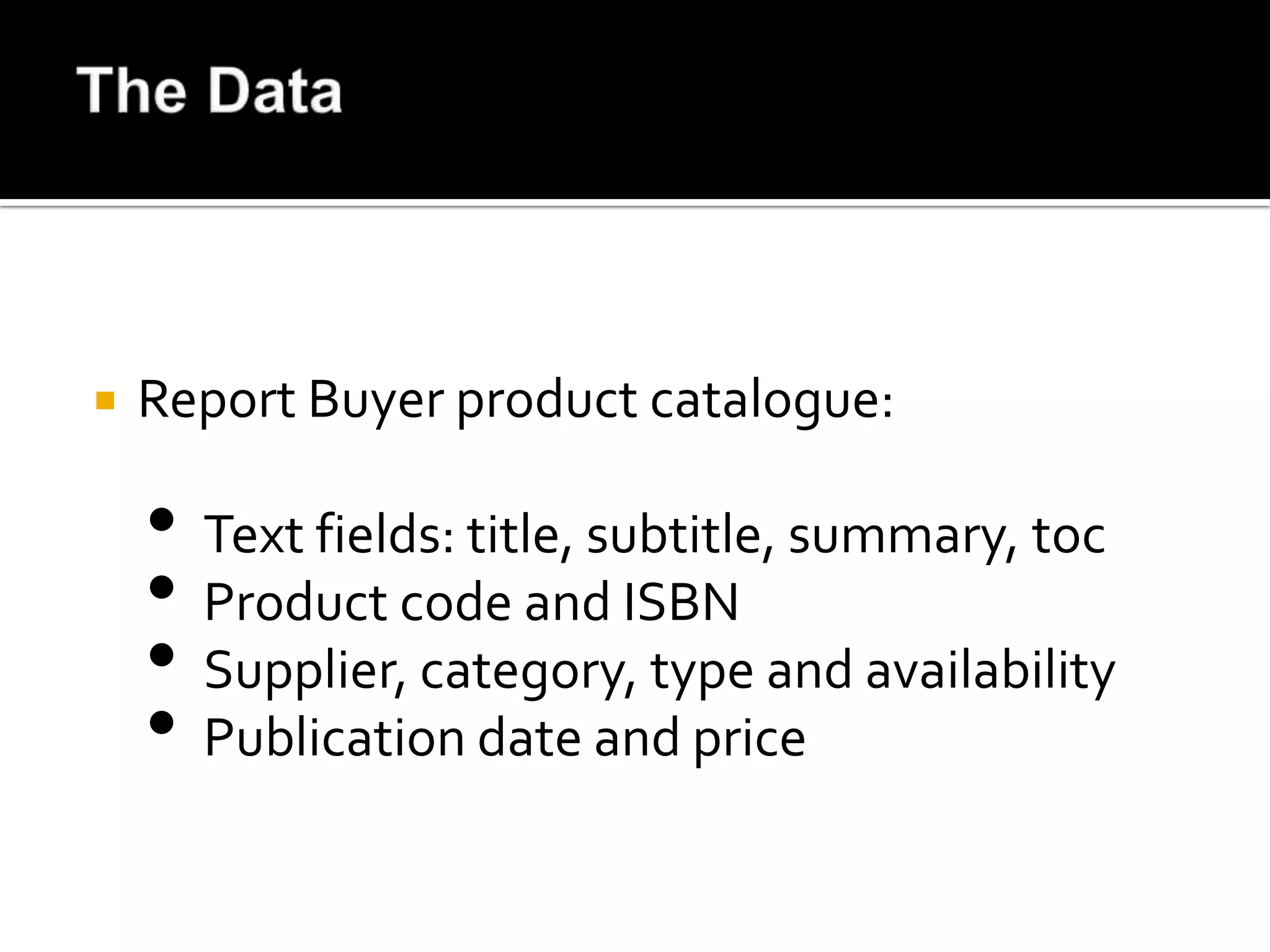
   Report Buyer product catalogue:

    • Text fields: title, subtitle, summary, toc
    • Product code and ISBN
    • Supplier, category, type and availability
    • Publication date and price
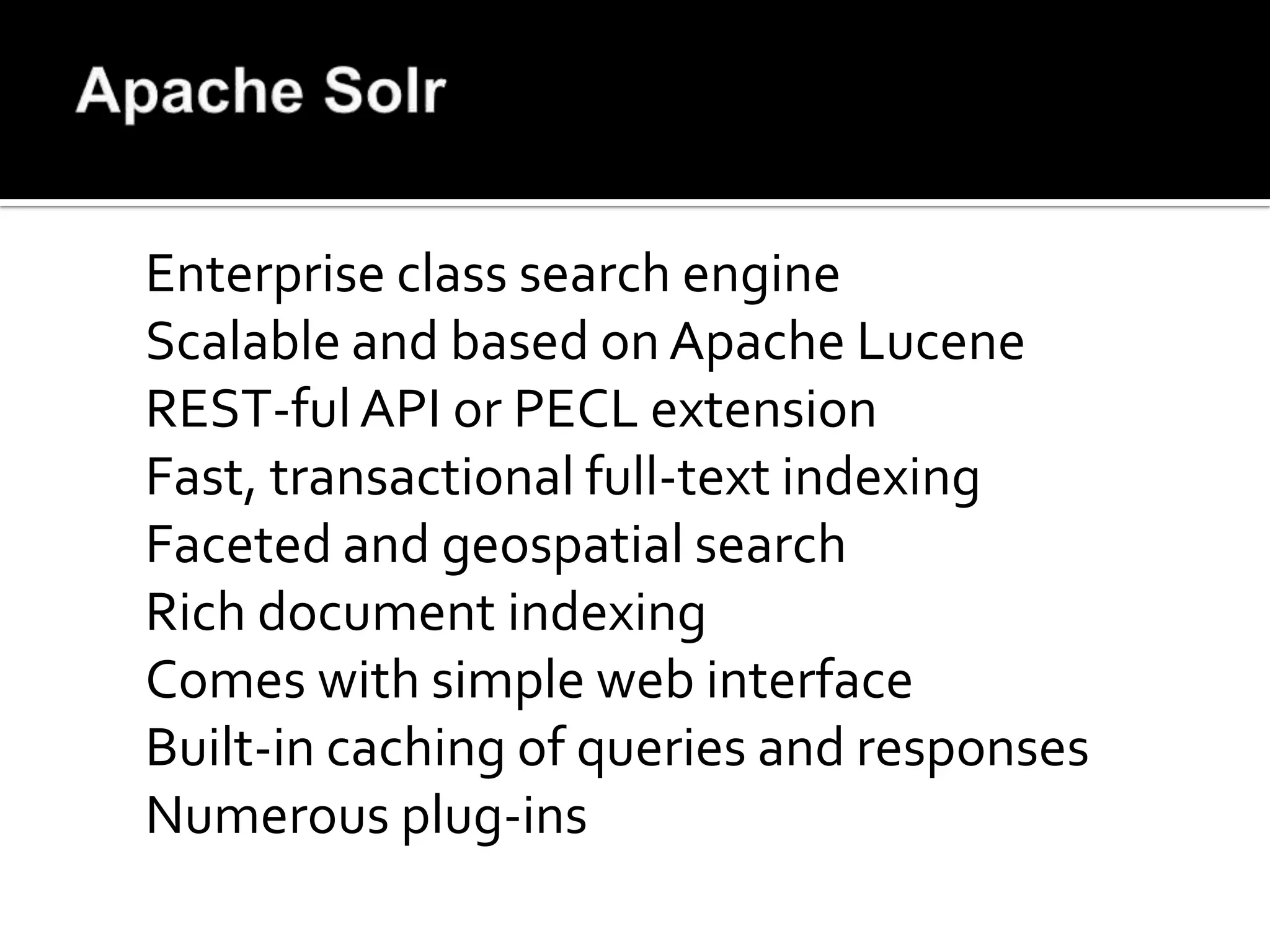
Enterprise class search engine
Scalable and based on Apache Lucene
REST-ful API or PECL extension
Fast, transactional full-text indexing
Faceted and geospatial search
Rich document indexing
Comes with simple web interface
Built-in caching of queries and responses
Numerous plug-ins
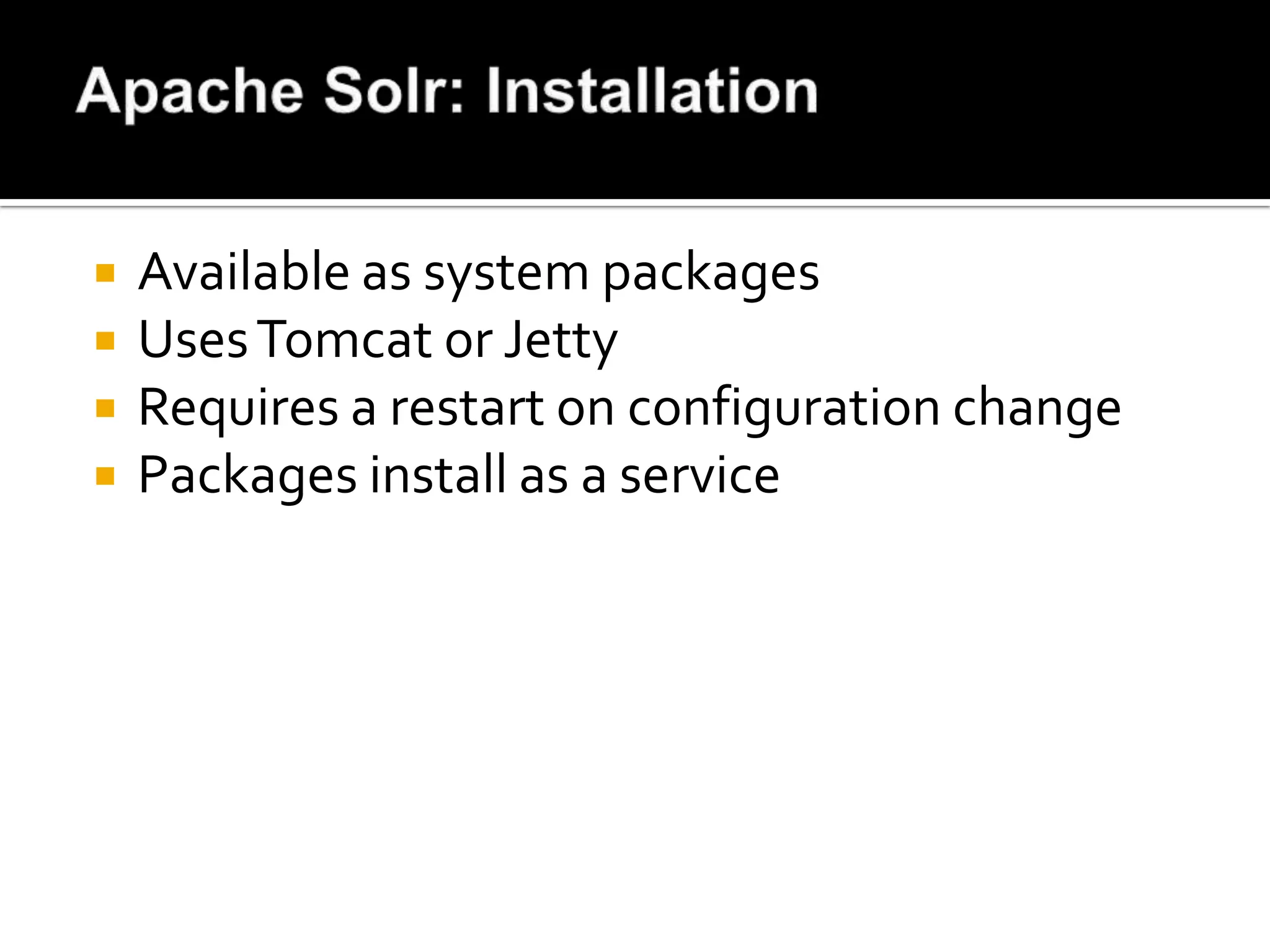
   Available as system packages
   Uses Tomcat or Jetty
   Requires a restart on configuration change
   Packages install as a service
   Specify database location
   Memory settings
   Query caching options
   Request handler setup
   Search components and plug-ins
   Spell checker configuration
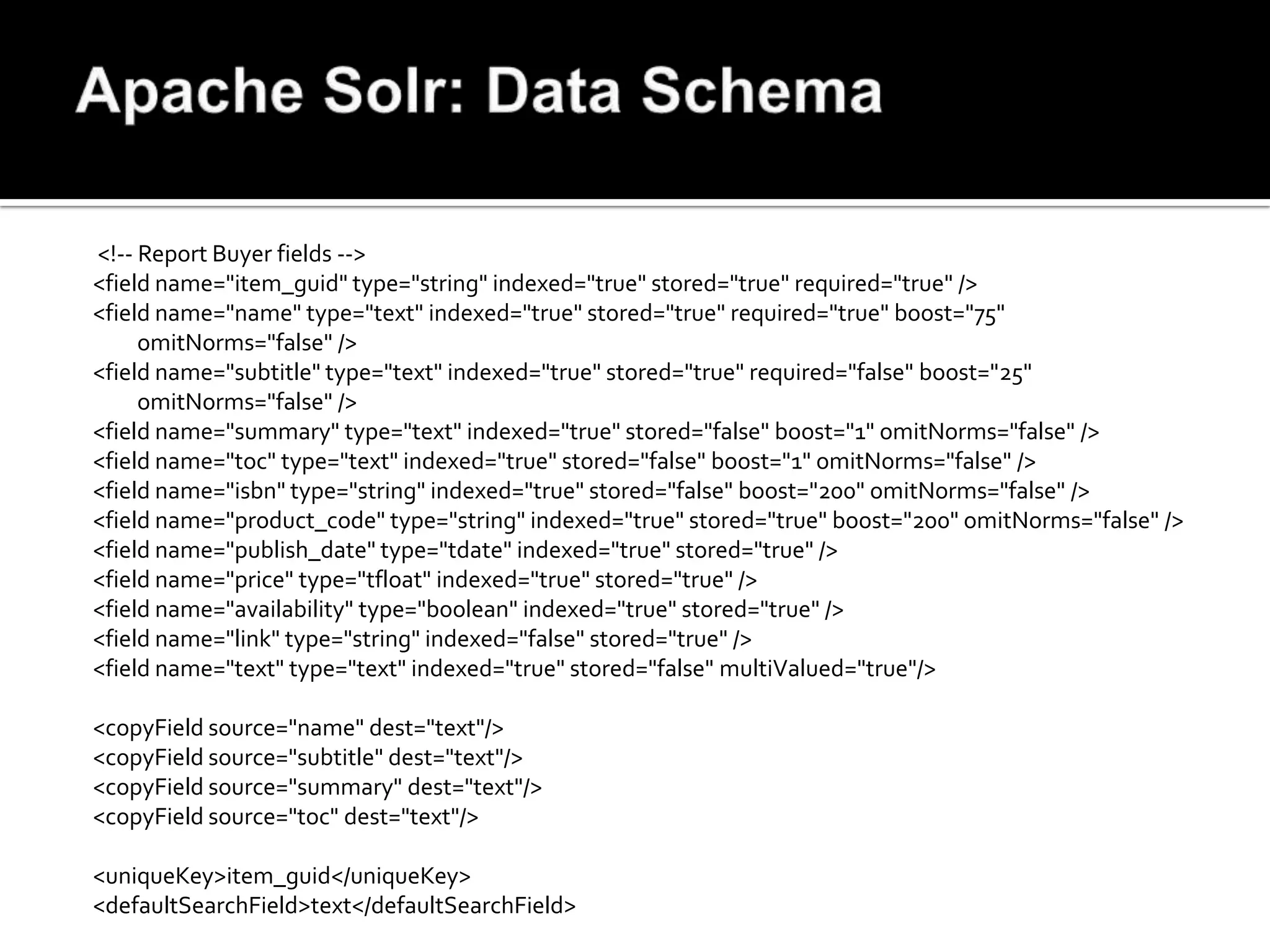
<!-- Report Buyer fields -->
<field name="item_guid" type="string" indexed="true" stored="true" required="true" />
<field name="name" type="text" indexed="true" stored="true" required="true" boost="75"
     omitNorms="false" />
<field name="subtitle" type="text" indexed="true" stored="true" required="false" boost="25"
     omitNorms="false" />
<field name="summary" type="text" indexed="true" stored="false" boost="1" omitNorms="false" />
<field name="toc" type="text" indexed="true" stored="false" boost="1" omitNorms="false" />
<field name="isbn" type="string" indexed="true" stored="false" boost="200" omitNorms="false" />
<field name="product_code" type="string" indexed="true" stored="true" boost="200" omitNorms="false" />
<field name="publish_date" type="tdate" indexed="true" stored="true" />
<field name="price" type="tfloat" indexed="true" stored="true" />
<field name="availability" type="boolean" indexed="true" stored="true" />
<field name="link" type="string" indexed="false" stored="true" />
<field name="text" type="text" indexed="true" stored="false" multiValued="true"/>

<copyField source="name" dest="text"/>
<copyField source="subtitle" dest="text"/>
<copyField source="summary" dest="text"/>
<copyField source="toc" dest="text"/>

<uniqueKey>item_guid</uniqueKey>
<defaultSearchField>text</defaultSearchField>
   Data Import Handler
   REST-ful API
   PHP PECL Extension
   Third-party libraries, like Solarium
<?php
$solr_options = array('secure' => false, 'hostname' => 'localhost', 'port' => 8080);
$solr       = new SolrClient($solr_options);
$doc        = new SolrInputDocument();
while ($row = mysql_fetch_array($result, MYSQL_ASSOC))
{
    $doc = new SolrInputDocument();
    $row['publish_date'] = strftime('%Y-%m-%dT00:00:01Z', strtotime($row['publish_date']));
    foreach ($row as $key => $value) {
            $doc->addField($key, $value);
    }
    $updateResponse = $solr->addDocument($doc);
    $response = $updateResponse->getResponse();
    if ($response->responseHeader->status != 0) {
            print "Error importing into Solr: ";
print_r($response);
    }
}

$solr->commit();
?>
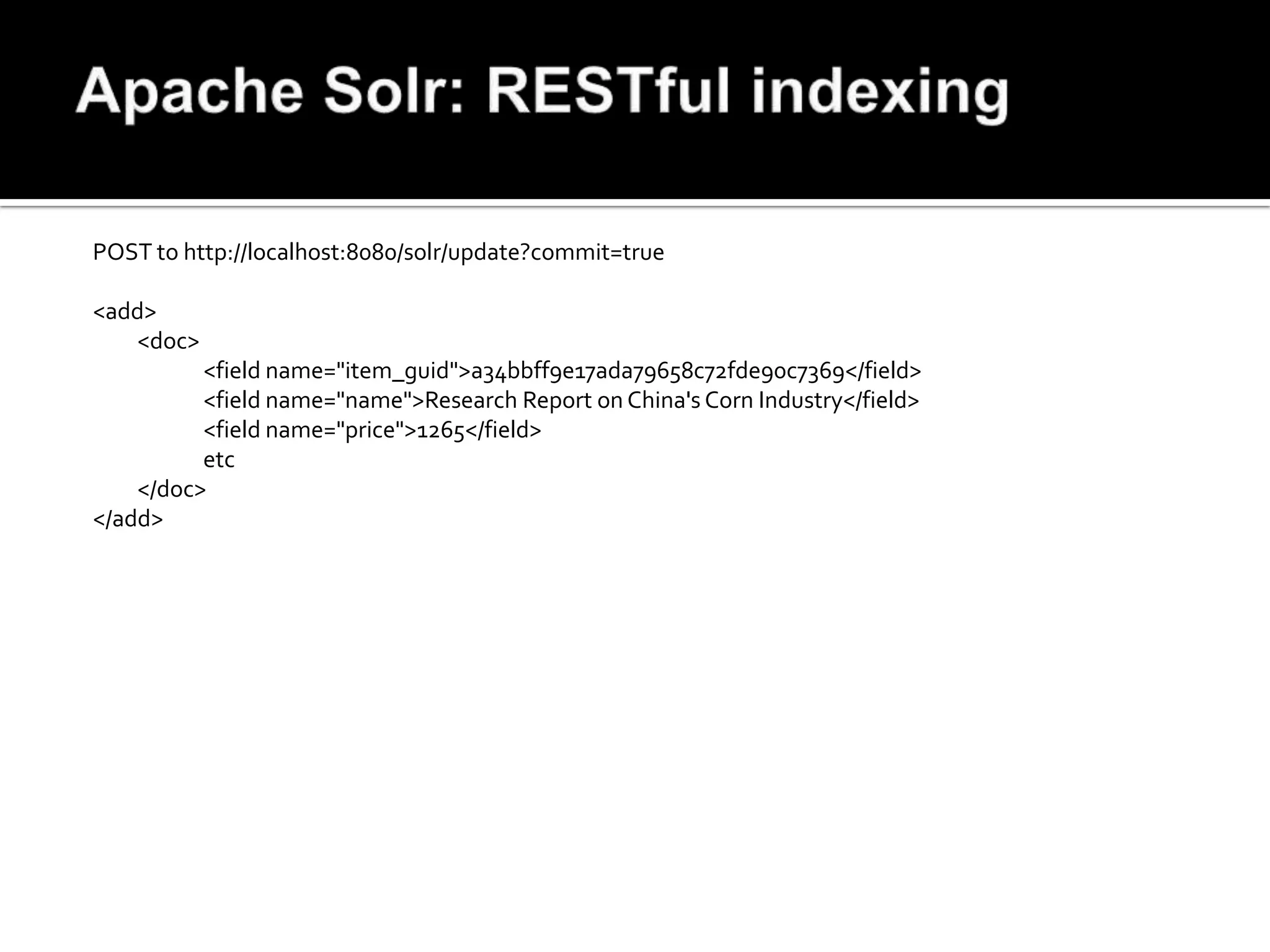
POST to http://localhost:8080/solr/update?commit=true

<add>
   <doc>
          <field name="item_guid">a34bbff9e17ada79658c72fde90c7369</field>
          <field name="name">Research Report on China's Corn Industry</field>
          <field name="price">1265</field>
          etc
    </doc>
</add>
$solr_options = array('secure' => false, 'hostname' => 'localhost', 'port' => 8080);
$solr = new SolrClient($solr_options);
$query = new SolrQuery();
$query->setQuery("research in china");
$query->setFacet(true);
$query->addFacetField('availability');

$query->addField('item_guid')->addField('name')->addField('publish_date')->addField('subtitle')->
   addField('product_code')->addField('availability')->addField('price');

$query->addSortField('publish_date', SolrQuery::ORDER_DESC);

$query_response = $solr->query($query);
$response = $query_response->getResponse();

print "Found ".$response->response->numFound." results, for {$query_string} in ".$response-
     >responseHeader->QTime." ms:nn";
foreach ($response->response->docs as $position=>$doc_data) {
     $download = ($doc_data['availability'] == '1') ? 'Yes' : 'No';
     print "{$position} - Date:{$pub_date} - {$doc_data['product_code']} - D/L:{$download} £".sprintf("%5d",
     $doc_data['price'])." - {$doc_data['name']}n";
}
print "Facets for instant ".$response->facet_counts->facet_fields->availability->false;
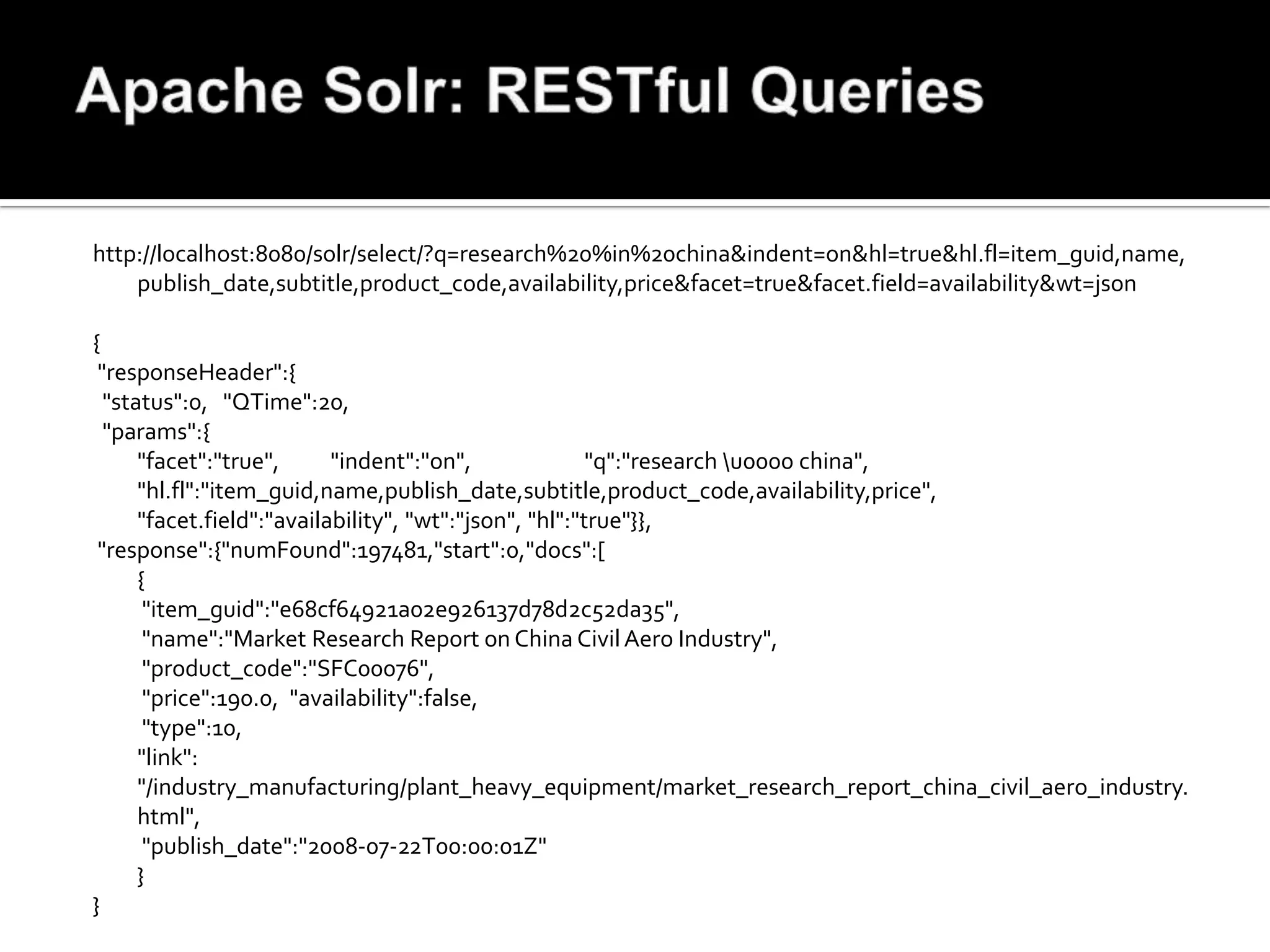
http://localhost:8080/solr/select/?q=research%20%in%20china&indent=on&hl=true&hl.fl=item_guid,name,
    publish_date,subtitle,product_code,availability,price&facet=true&facet.field=availability&wt=json

{
 "responseHeader":{
  "status":0, "QTime":20,
  "params":{
      "facet":"true",      "indent":"on",               "q":"research u0000 china",
      "hl.fl":"item_guid,name,publish_date,subtitle,product_code,availability,price",
      "facet.field":"availability", "wt":"json", "hl":"true"}},
 "response":{"numFound":197481,"start":0,"docs":[
      {
       "item_guid":"e68cf64921a02e926137d78d2c52da35",
       "name":"Market Research Report on China Civil Aero Industry",
       "product_code":"SFC00076",
       "price":190.0, "availability":false,
       "type":10,
      "link":
      "/industry_manufacturing/plant_heavy_equipment/market_research_report_china_civil_aero_industry.
      html",
       "publish_date":"2008-07-22T00:00:01Z"
      }
}
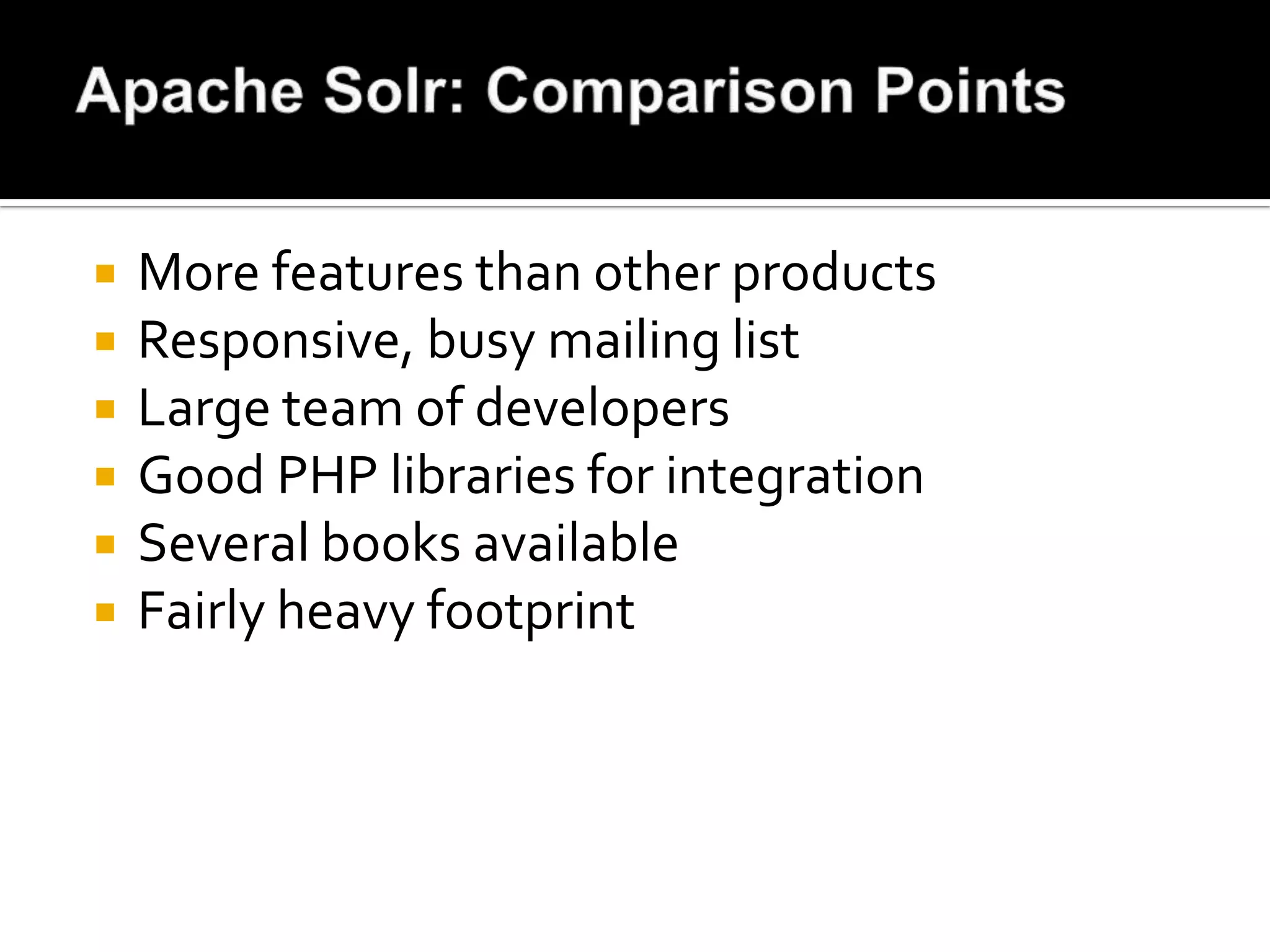
   More features than other products
   Responsive, busy mailing list
   Large team of developers
   Good PHP libraries for integration
   Several books available
   Fairly heavy footprint
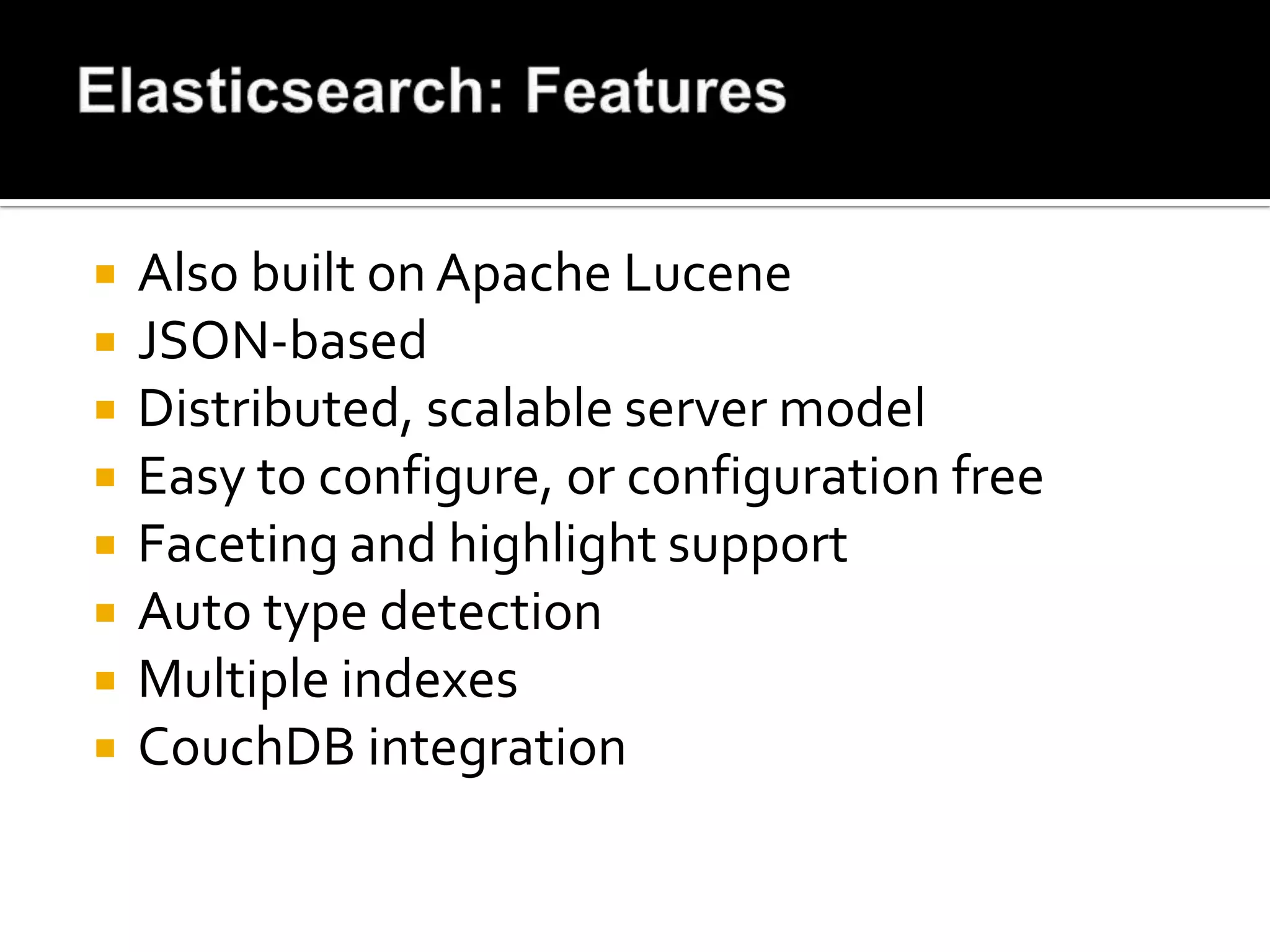
   Also built on Apache Lucene
   JSON-based
   Distributed, scalable server model
   Easy to configure, or configuration free
   Faceting and highlight support
   Auto type detection
   Multiple indexes
   CouchDB integration
   Download and unpack zip file
   Run elasticsearch/bin/elasticsearch
   No schema is required - almost
   No configuration is required - almost
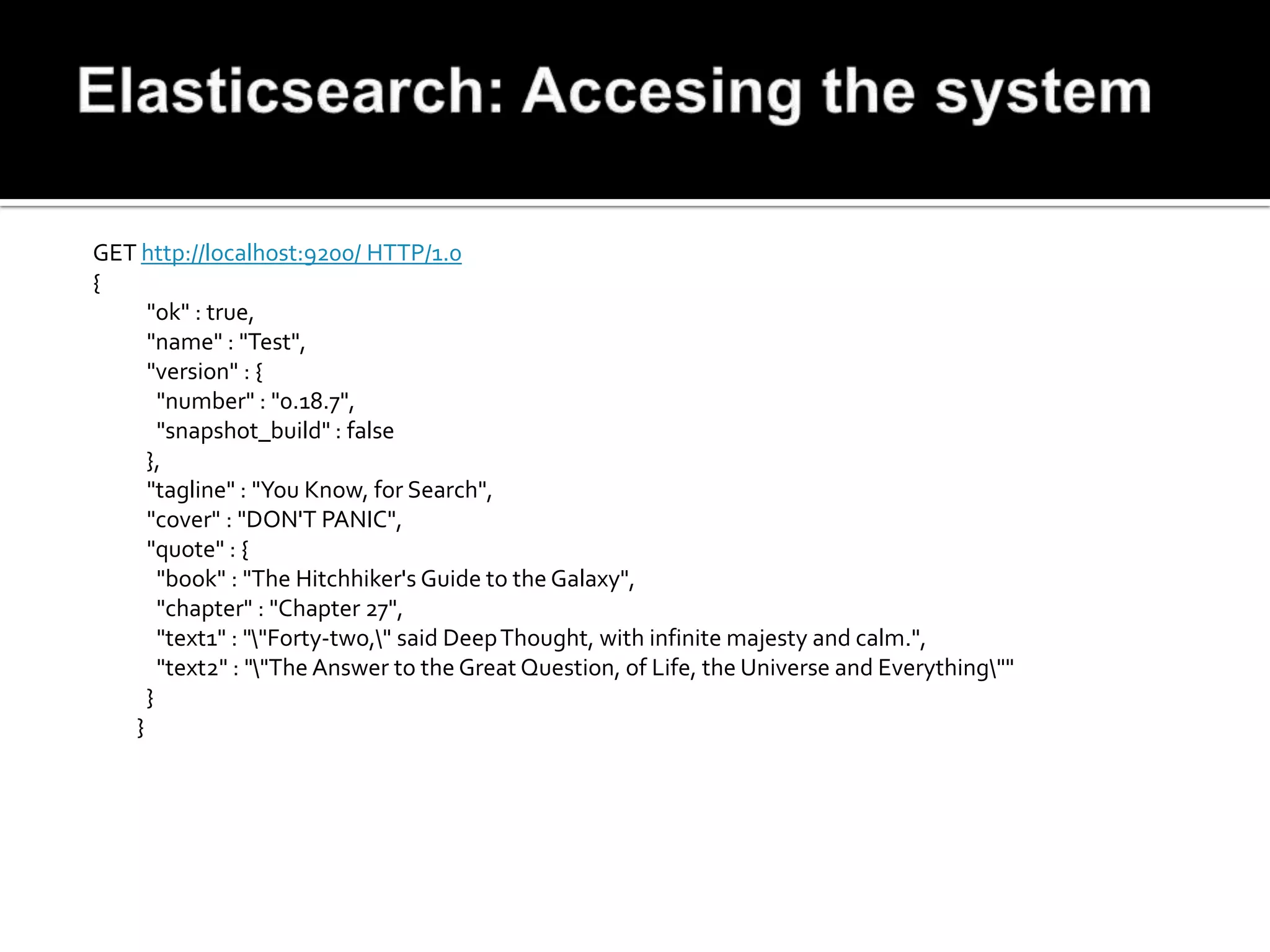
GET http://localhost:9200/ HTTP/1.0
{
     "ok" : true,
     "name" : "Test",
     "version" : {
       "number" : "0.18.7",
       "snapshot_build" : false
     },
     "tagline" : "You Know, for Search",
     "cover" : "DON'T PANIC",
     "quote" : {
       "book" : "The Hitchhiker's Guide to the Galaxy",
       "chapter" : "Chapter 27",
       "text1" : ""Forty-two," said Deep Thought, with infinite majesty and calm.",
       "text2" : ""The Answer to the Great Question, of Life, the Universe and Everything""
     }
   }
curl -XPUT http://localhost:9200/reports/ -d '
{
     "index:" {
           "analysis": {
                         "analyzer": {
                                       "my_analyzer": {
                                                  "tokenizer": "standard",
                                                  "filter": ["standard", "lowercase", "my_stemmer"]
                                       }
                         },
                         "filter": {
                                       "my_stemmer": {
                                                  "type": "stemmer",
                                                  "name": "english"
                                       }
                         }
           }
     }
}'
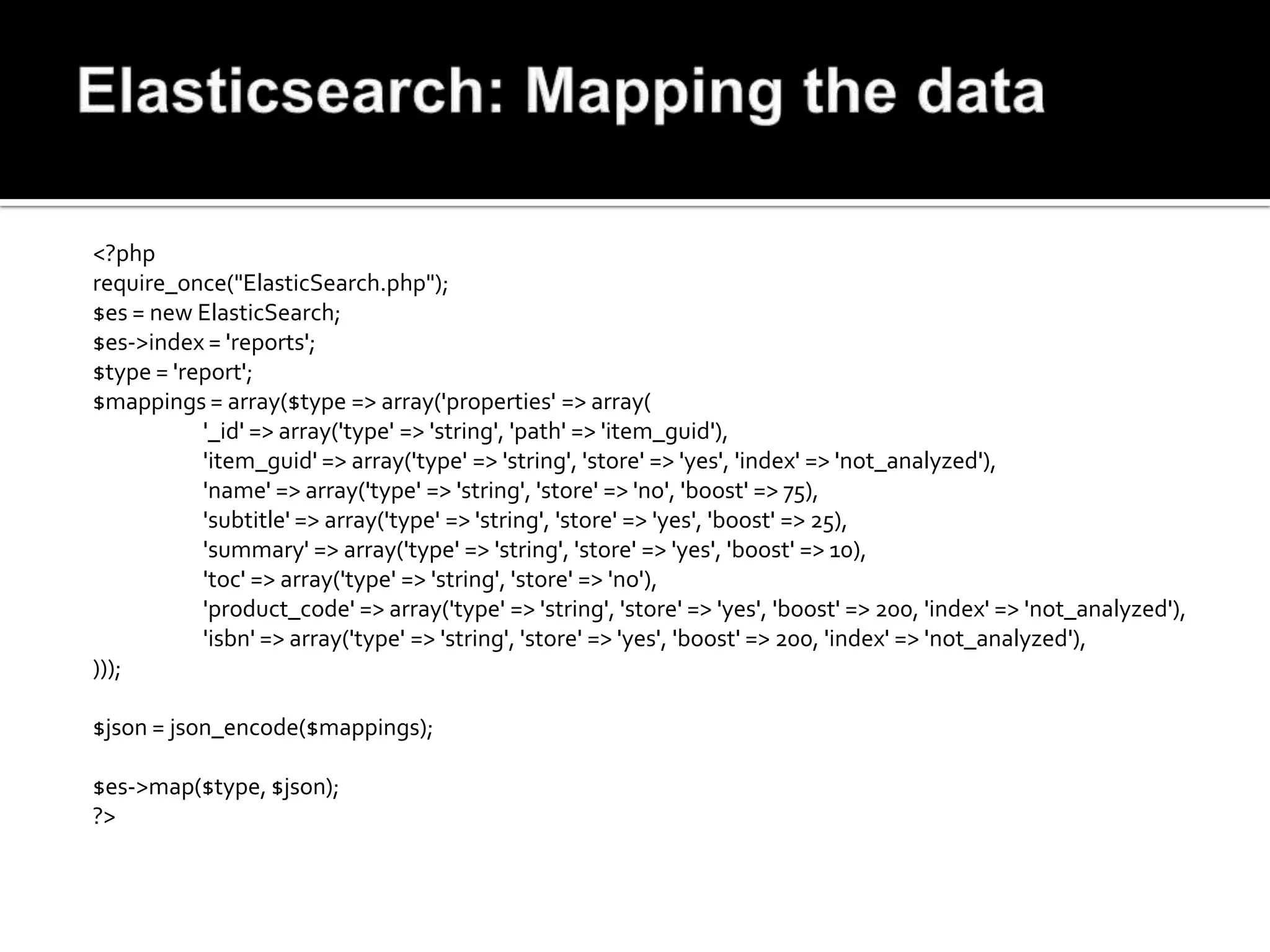
<?php
require_once("ElasticSearch.php");
$es = new ElasticSearch;
$es->index = 'reports';
$type = 'report';
$mappings = array($type => array('properties' => array(
           '_id' => array('type' => 'string', 'path' => 'item_guid'),
           'item_guid' => array('type' => 'string', 'store' => 'yes', 'index' => 'not_analyzed'),
           'name' => array('type' => 'string', 'store' => 'no', 'boost' => 75),
           'subtitle' => array('type' => 'string', 'store' => 'yes', 'boost' => 25),
           'summary' => array('type' => 'string', 'store' => 'yes', 'boost' => 10),
           'toc' => array('type' => 'string', 'store' => 'no'),
           'product_code' => array('type' => 'string', 'store' => 'yes', 'boost' => 200, 'index' => 'not_analyzed'),
           'isbn' => array('type' => 'string', 'store' => 'yes', 'boost' => 200, 'index' => 'not_analyzed'),
)));

$json = json_encode($mappings);

$es->map($type, $json);
?>
<?php
require_once("ElasticSearch.php");
$es = new ElasticSearch;
$es->index = 'reports';
$type = 'report';

$sql = "SELECT `item_guid`, `name`, `subtitle`, `summary`, `toc`, `supplier`,
           `product_code`, `isbn`, `category`, `price`, `availibility` as `availability`,
           `type`, `link`, `publish_date`
           FROM `rb_search`";

$result = read_query($sql);

while ($row = mysql_fetch_array($result, MYSQL_ASSOC))
{
    $es->add($type, $row['item_guid'], json_encode($row));
}
?>
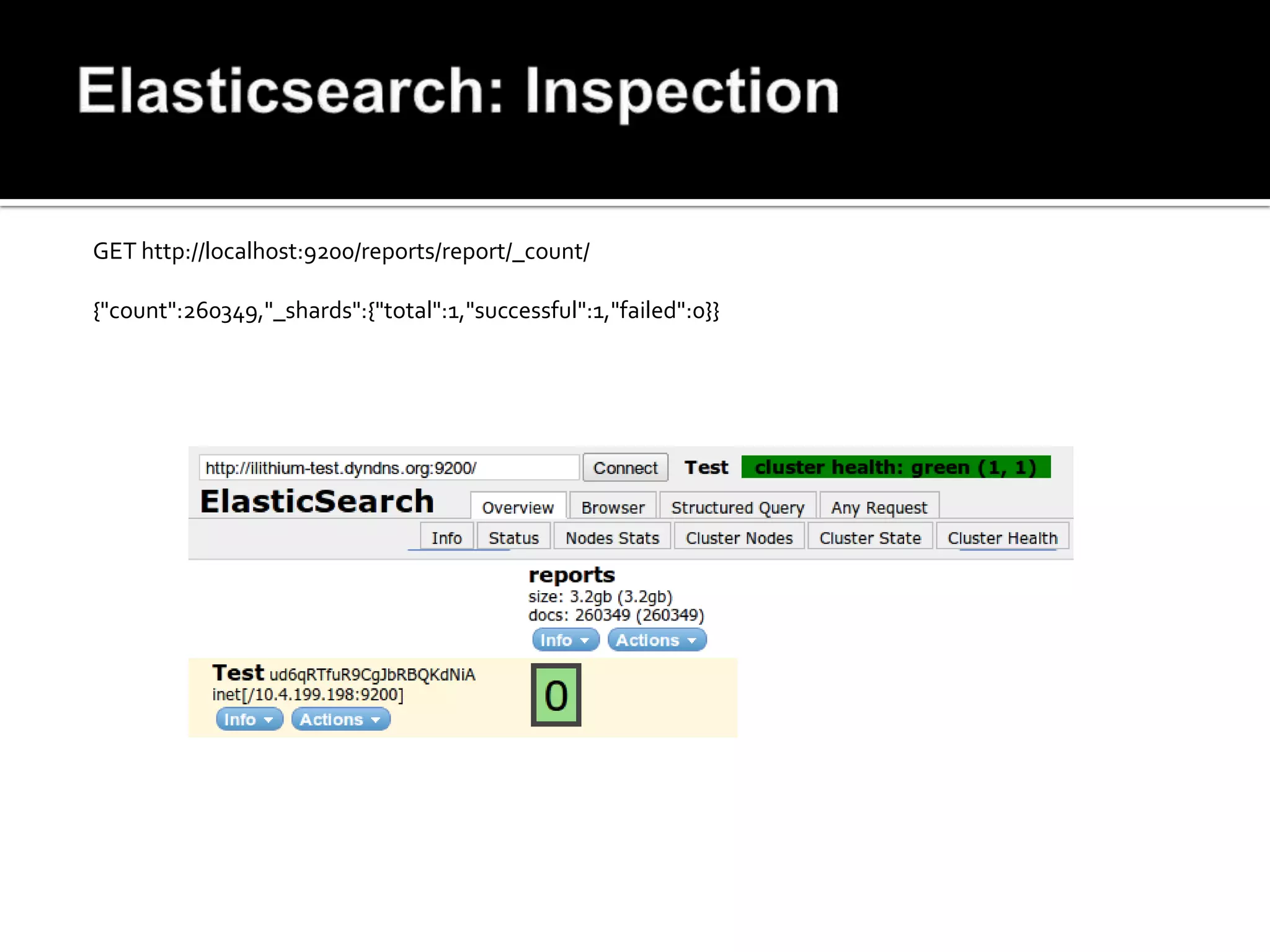
GET http://localhost:9200/reports/report/_count/

{"count":260349,"_shards":{"total":1,"successful":1,"failed":0}}
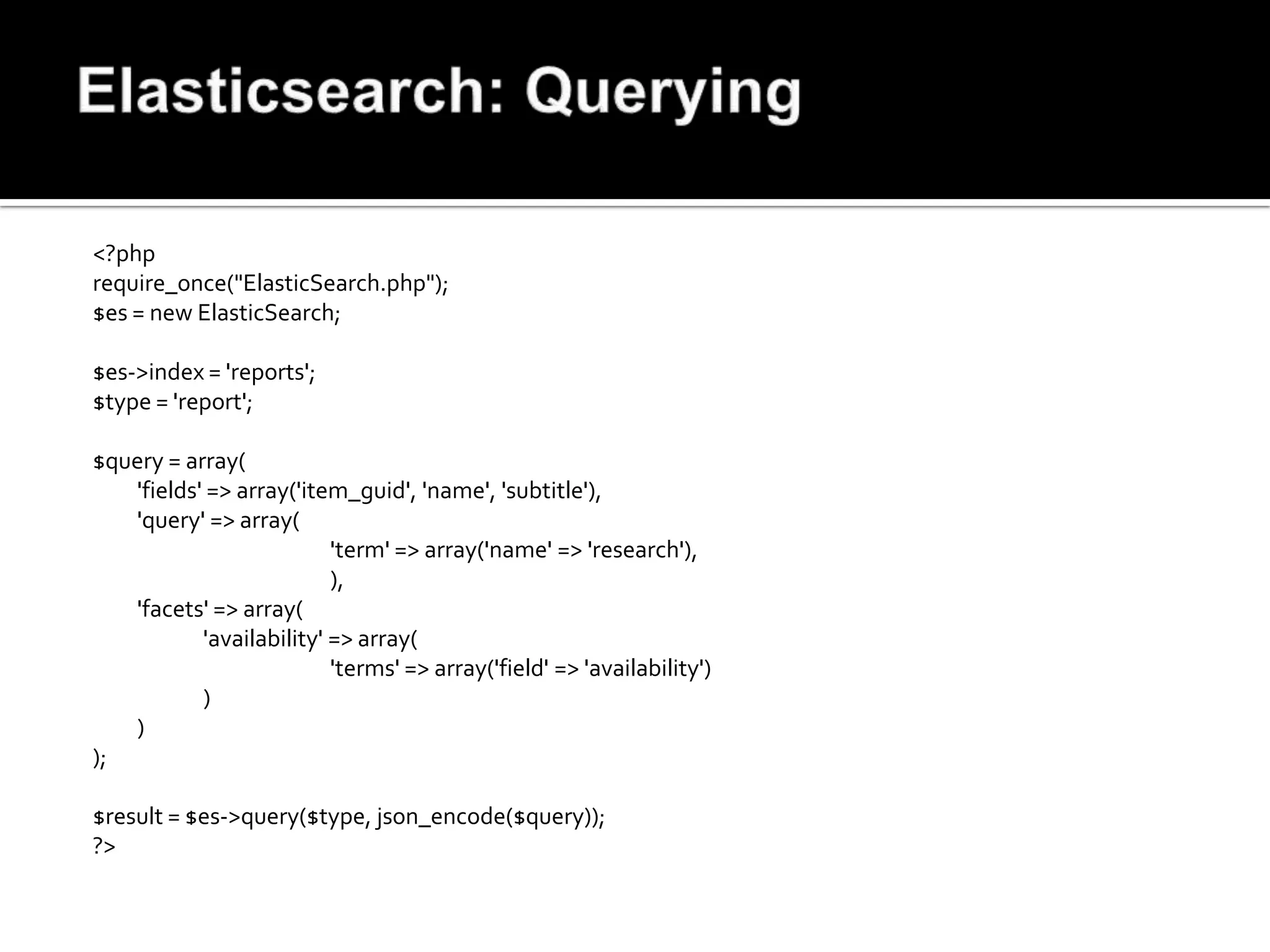
<?php
require_once("ElasticSearch.php");
$es = new ElasticSearch;

$es->index = 'reports';
$type = 'report';

$query = array(
   'fields' => array('item_guid', 'name', 'subtitle'),
   'query' => array(
                          'term' => array('name' => 'research'),
                          ),
   'facets' => array(
           'availability' => array(
                          'terms' => array('field' => 'availability')
           )
   )
);

$result = $es->query($type, json_encode($query));
?>
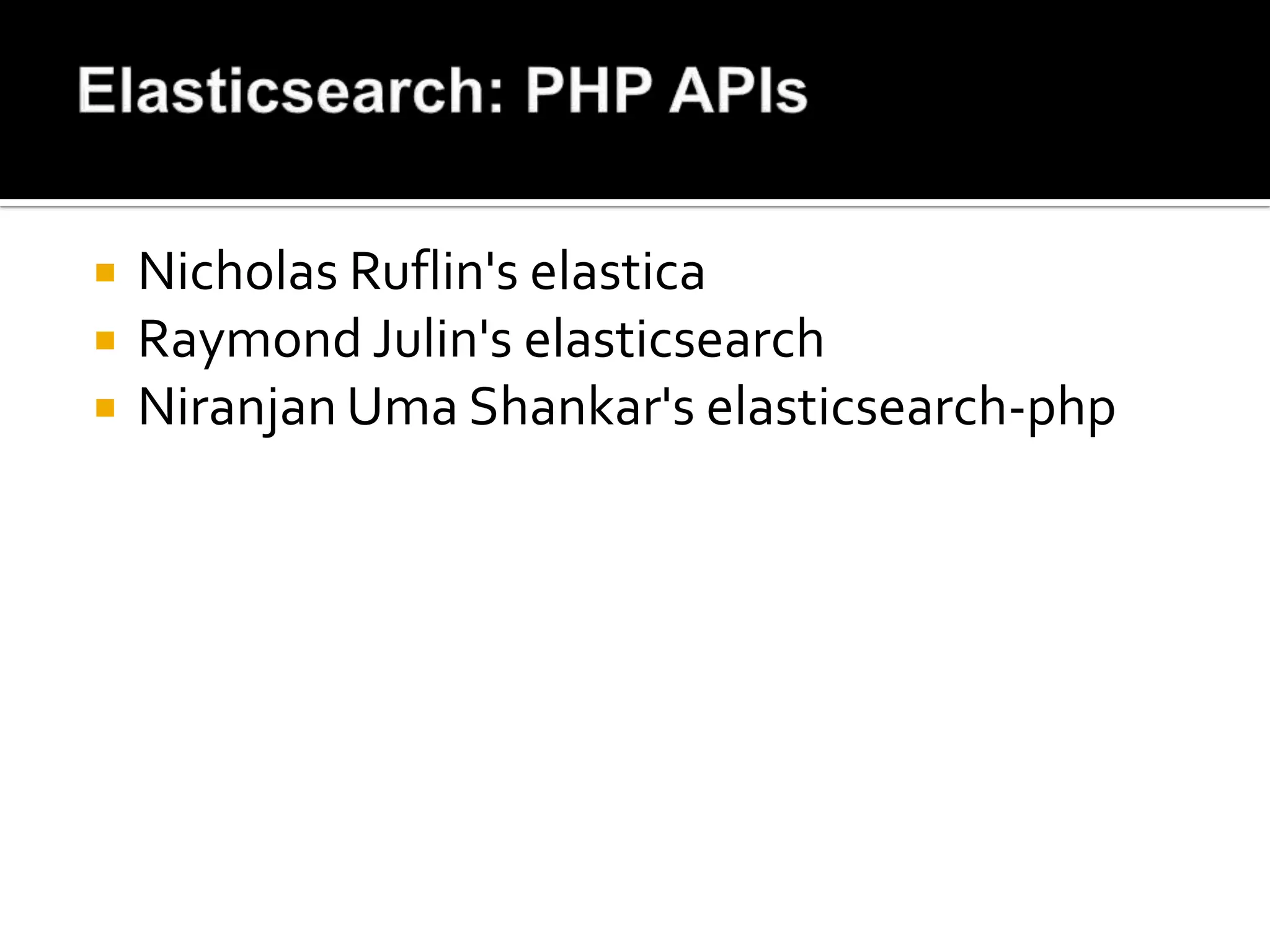
   Nicholas Ruflin's elastica
   Raymond Julin's elasticsearch
   Niranjan Uma Shankar's elasticsearch-php
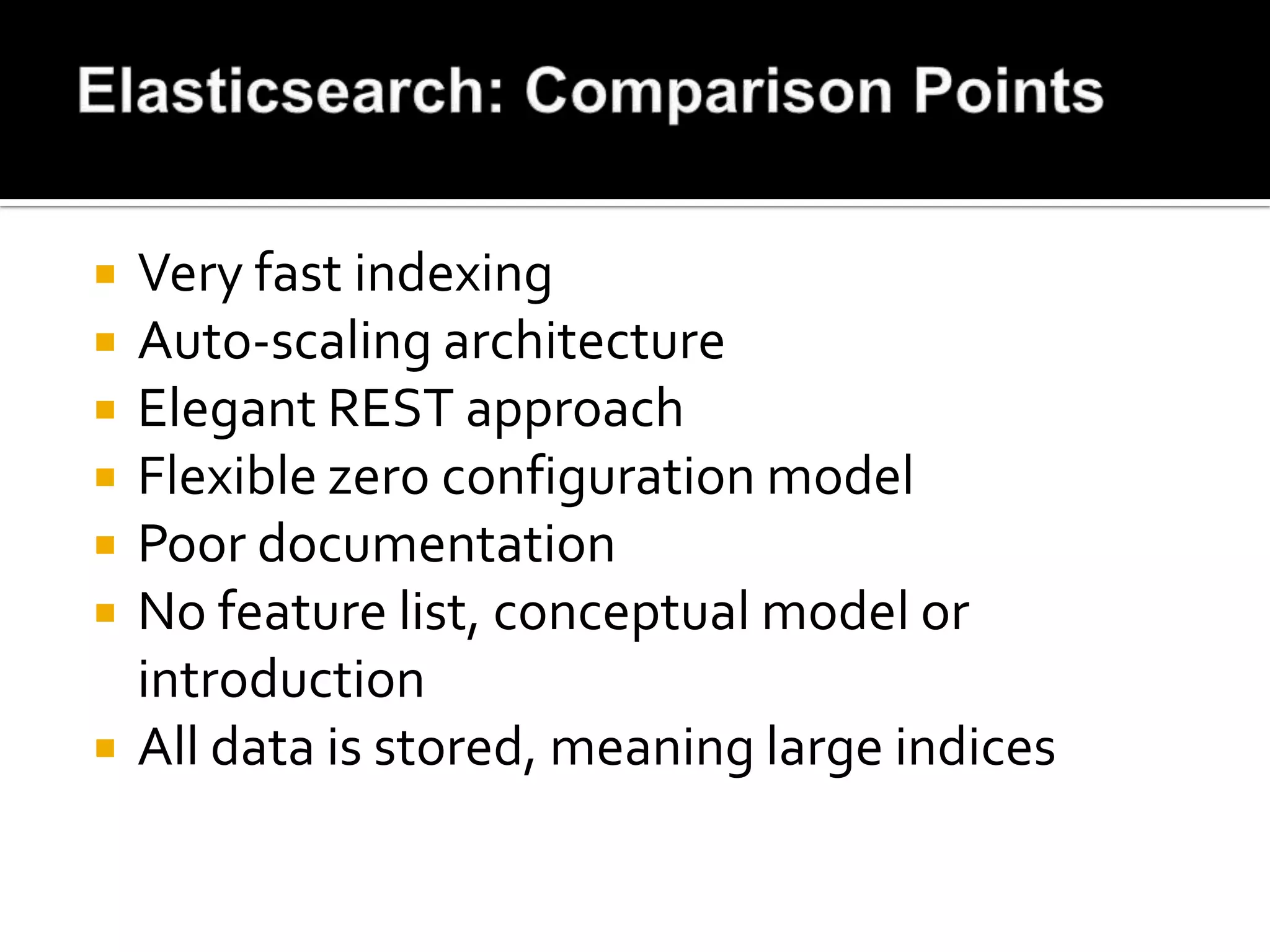
   Very fast indexing
   Auto-scaling architecture
   Elegant REST approach
   Flexible zero configuration model
   Poor documentation
   No feature list, conceptual model or
    introduction
   All data is stored, meaning large indices
   Indexes MySQL, MSSQL, XML or ODBC
   Querying through Sphinx PHP API
   Searching through SQL queries or API
   Scalable to index 6TB of data in 16bn
    documents and 2000 queries/sec
   Used by Craigslist, Boardreader
   Runs as a storage engine in MySQL
   Install from system packages or source
   Source tarball is needed to get PHP
    SphinxAPI
   No other software needed
   Runs as a service in Ubuntu
   Plain index - fast search, slow update
   Real-time index - fast update, less efficient
   Distributed - combination of both methods
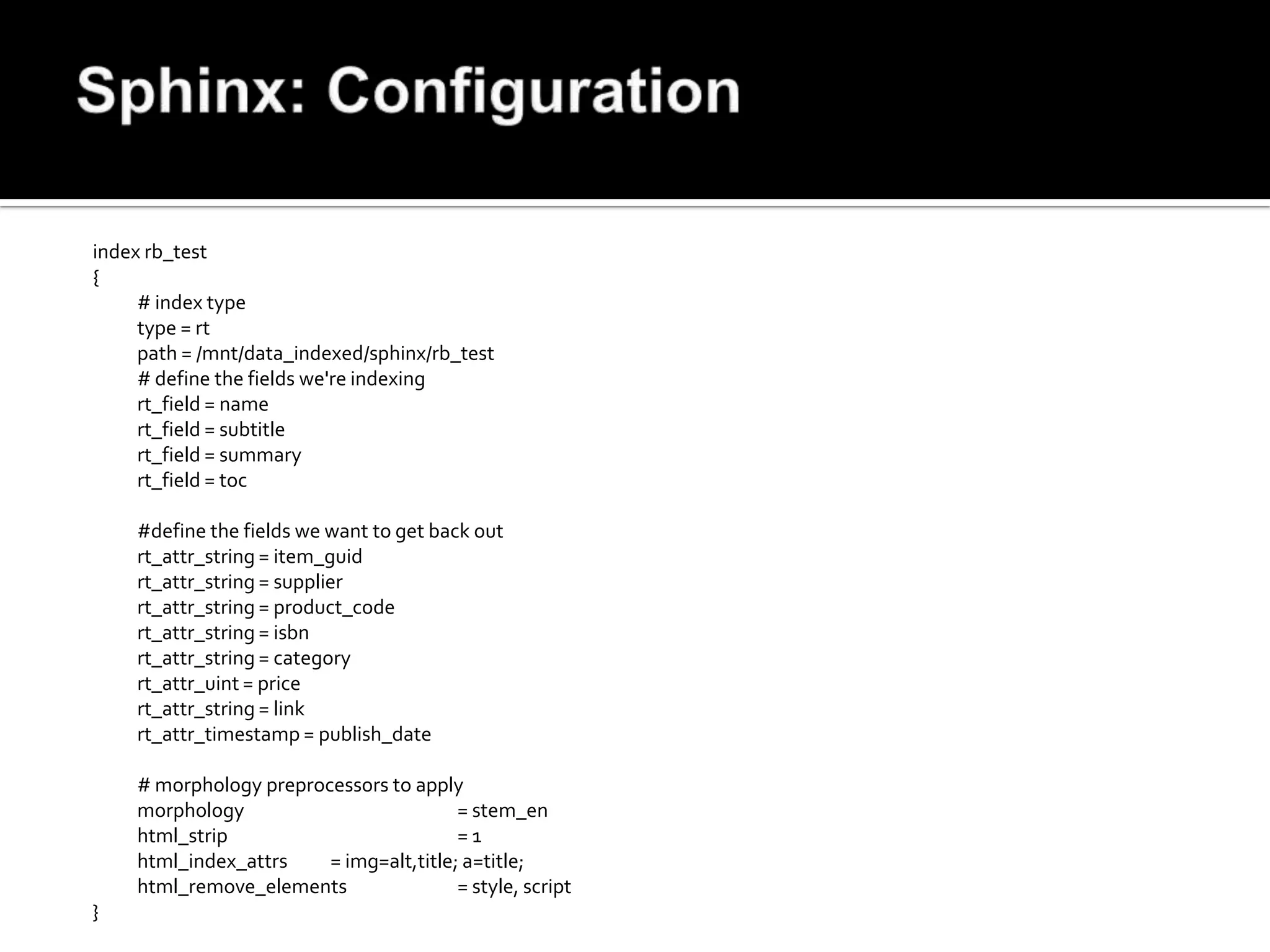
index rb_test
{
     # index type
     type = rt
     path = /mnt/data_indexed/sphinx/rb_test
     # define the fields we're indexing
     rt_field = name
     rt_field = subtitle
     rt_field = summary
     rt_field = toc

    #define the fields we want to get back out
    rt_attr_string = item_guid
    rt_attr_string = supplier
    rt_attr_string = product_code
    rt_attr_string = isbn
    rt_attr_string = category
    rt_attr_uint = price
    rt_attr_string = link
    rt_attr_timestamp = publish_date

    # morphology preprocessors to apply
    morphology                          = stem_en
    html_strip                          =1
    html_index_attrs    = img=alt,title; a=title;
    html_remove_elements                = style, script
}
<?php
require_once("mysql.inc.php");
$sql = "SELECT conv(mid(md5(`item_guid`), 1, 16), 16, 10) AS `id`, `item_guid`, `name`,
            `subtitle`, `summary`, `toc`, `supplier`, `product_code`, `isbn`, `category`,
            `price`, `availibility` as `availability`, `type`, `link`, UNIX_TIMESTAMP(`publish_date`) AS
     `publish_date` FROM `rb_search`";
$result = read_query($sql);
$sphinx = mysql_connect("127.0.0.1:9306", "", "", true);
while ($row = mysql_fetch_array($result, MYSQL_ASSOC)) {
     foreach ($row as $key=>$value) {
            $row[$key] = mysql_escape_string($value);
     }
     $sql = "REPLACE INTO `rb_search` (`id`, `title`, `subtitle`,`availability`, `type`, `price`, `publish_date`,
     `item_guid`, `supplier`, `product_code`, `isbn`, `category`, `link`, `summary`, `toc`)
VALUES
            ('{$row['id']}', '{$row['name']}', '{$row['subtitle']}', '{$row['availability']}',
     '{$row['type']}','{$row['price']}', '{$row['publish_date']}', '{$row['item_guid']}', '{$row['supplier']}',
     '{$row['product_code']}', '{$row['isbn']}', '{$row['category']}', '{$row['link']}','{$row['summary']}',
     '{$row['toc']}')";
     mysql_query($sql, $sphinx);
}
?>
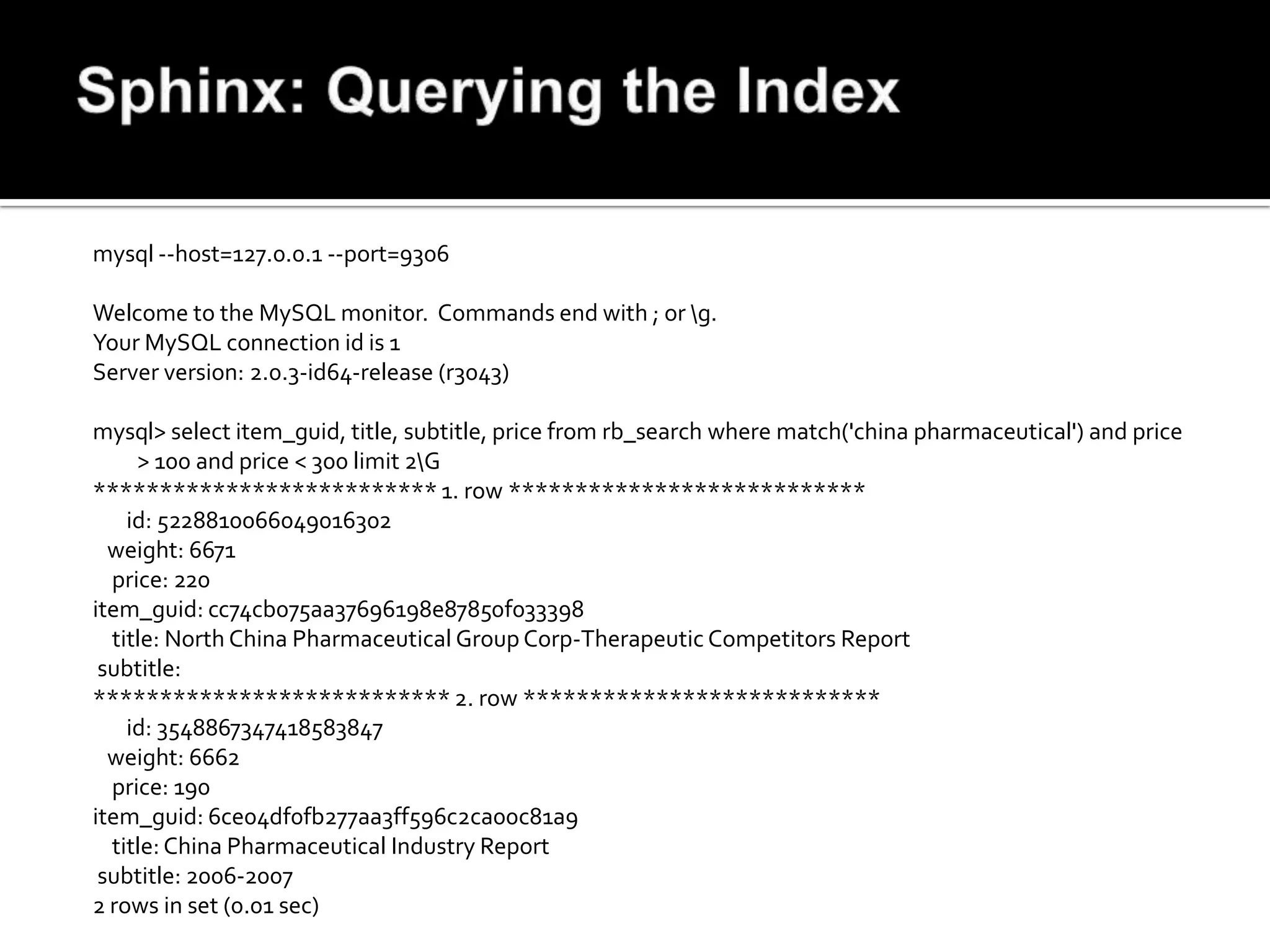
mysql --host=127.0.0.1 --port=9306

Welcome to the MySQL monitor. Commands end with ; or g.
Your MySQL connection id is 1
Server version: 2.0.3-id64-release (r3043)

mysql> select item_guid, title, subtitle, price from rb_search where match('china pharmaceutical') and price
     > 100 and price < 300 limit 2G
************************** 1. row ***************************
    id: 5228810066049016302
  weight: 6671
  price: 220
item_guid: cc74cb075aa37696198e87850f033398
  title: North China Pharmaceutical Group Corp-Therapeutic Competitors Report
 subtitle:
*************************** 2. row ***************************
    id: 3548867347418583847
  weight: 6662
  price: 190
item_guid: 6ce04df0fb277aa3ff596c2ca00c81a9
  title: China Pharmaceutical Industry Report
 subtitle: 2006-2007
2 rows in set (0.01 sec)
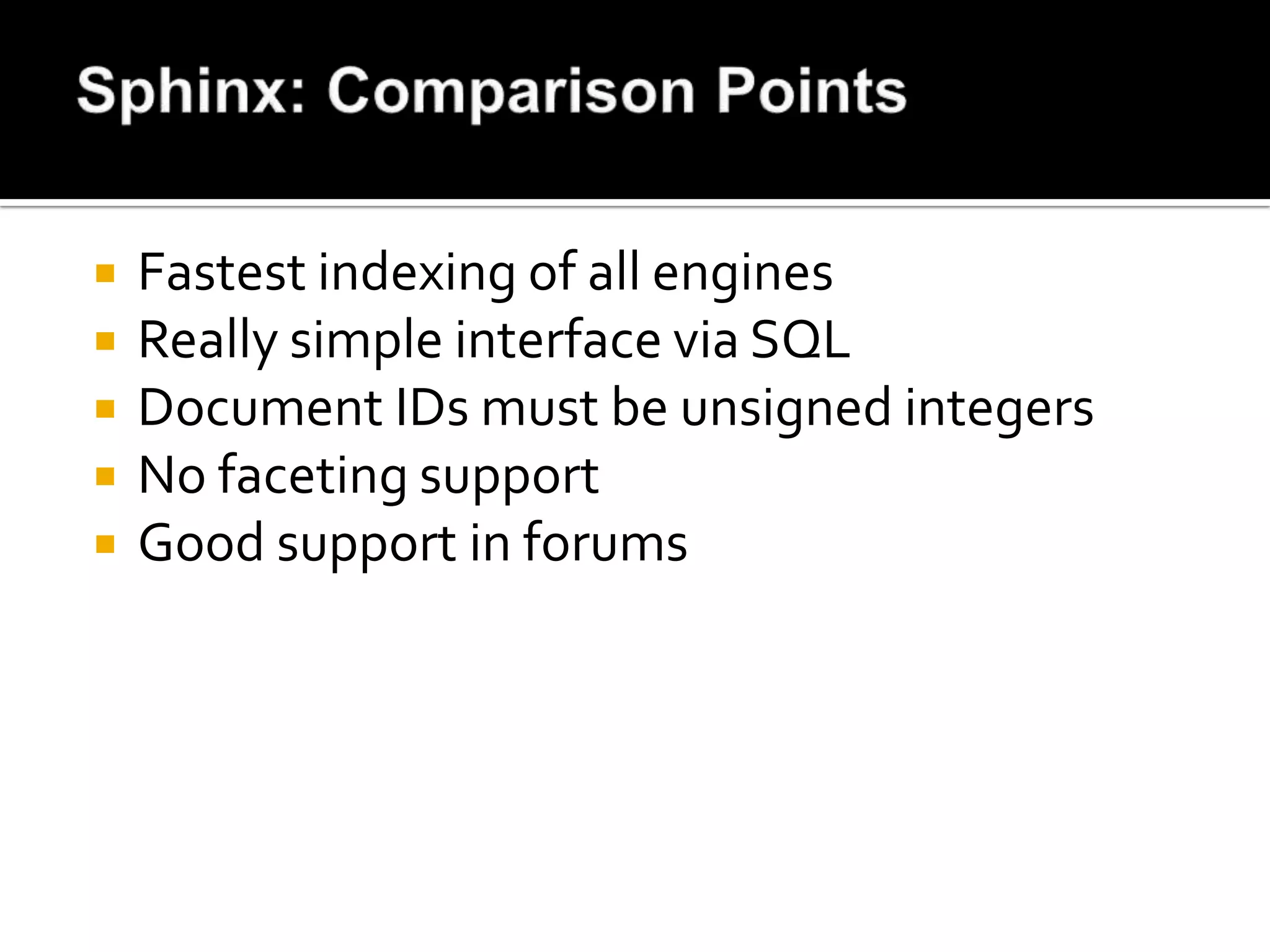
   Fastest indexing of all engines
   Really simple interface via SQL
   Document IDs must be unsigned integers
   No faceting support
   Good support in forums
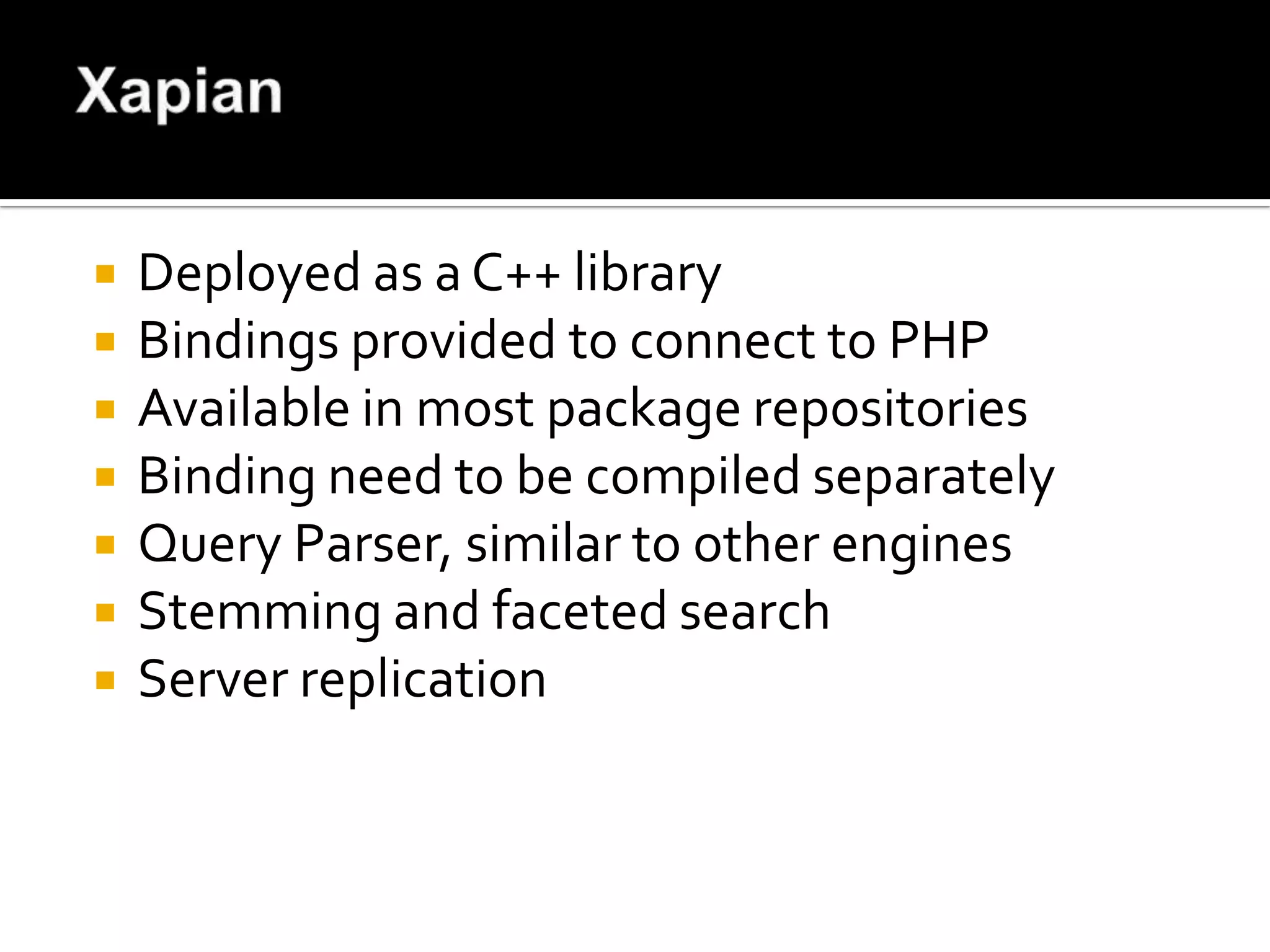
   Deployed as a C++ library
   Bindings provided to connect to PHP
   Available in most package repositories
   Binding need to be compiled separately
   Query Parser, similar to other engines
   Stemming and faceted search
   Server replication
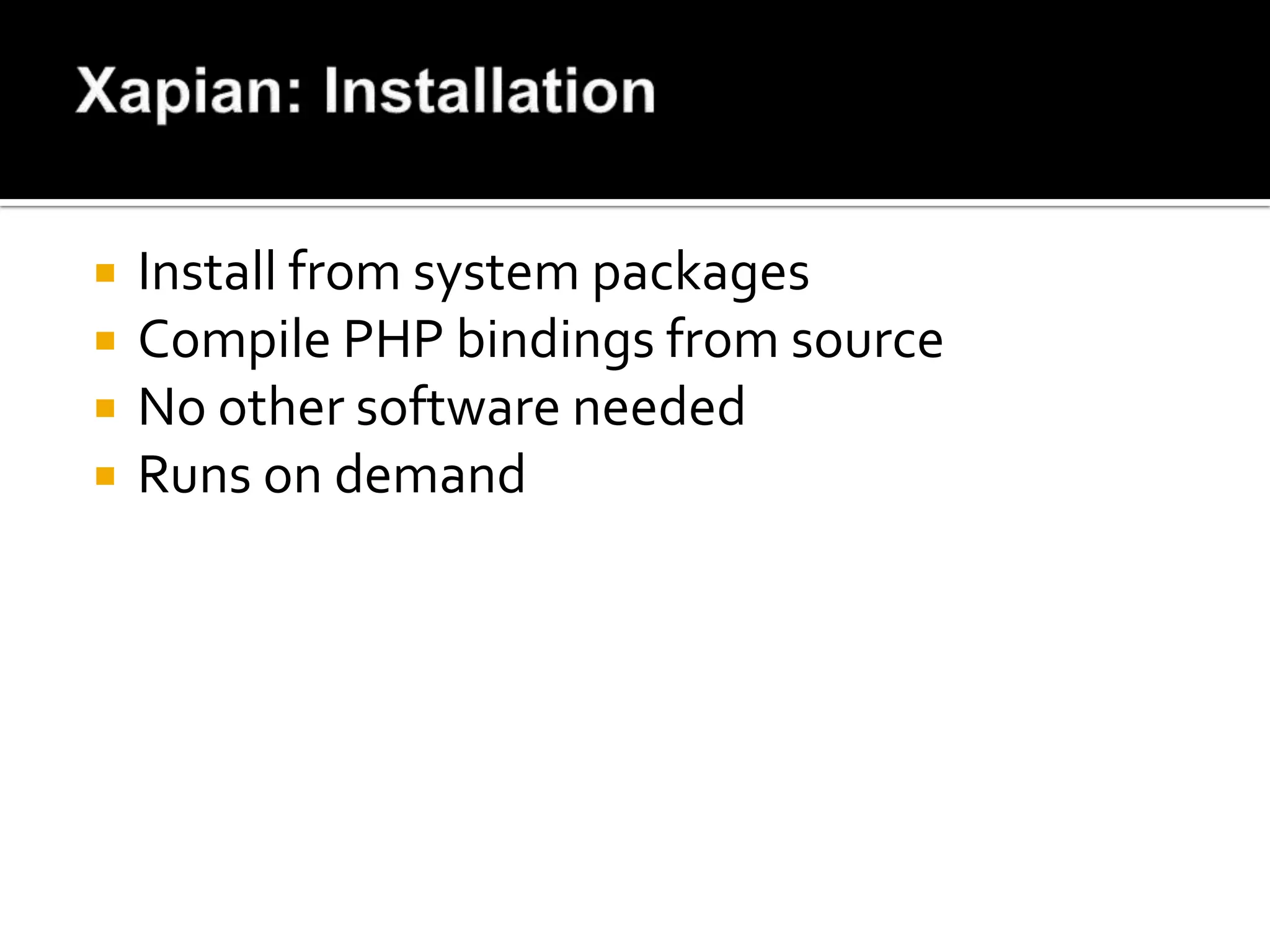
   Install from system packages
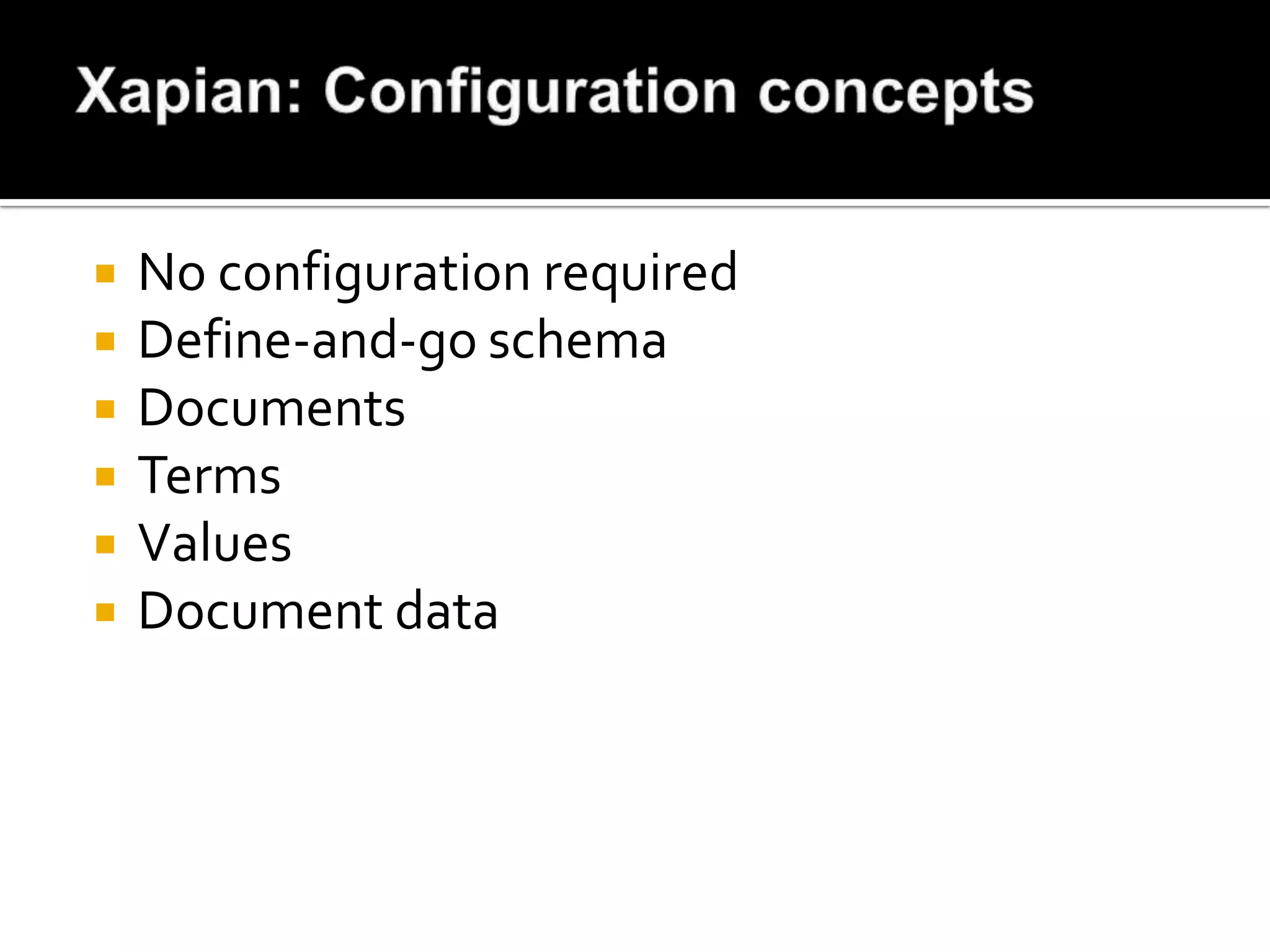
   Compile PHP bindings from source
   No other software needed
   Runs on demand
   No configuration required
   Define-and-go schema
   Documents
   Terms
   Values
   Document data
<?php
$xapian_db = new XapianWritableDatabase($xapian, Xapian::DB_CREATE_OR_OVERWRITE);
$xapian_term_generator = new XapianTermGenerator();
$xapian_term_generator->set_stemmer(new XapianStem("english"));

while ($row = mysql_fetch_array($result, MYSQL_ASSOC)) {
    $doc = new XapianDocument();
           $xapian_term_generator->set_document($doc);
           foreach ($xapian_term_weights as $field => $weight) {
           $xapian_term_generator->index_text($row[$field], $weight);
           }
    $xapian_term_generator->index_text($row['name'], 75, 'S:');
           $doc->add_boolean_term('CODE:' . $row['product_code']);
    $doc->add_value($xapian_value_slots['price'], Xapian::sortable_serialise($row['price']));
    $doc->add_value($xapian_value_slots['publish_date'], strftime("%Y%m%d",
    strtotime($row['publish_date'])));

     // add in additional values that we're going to use for facets
             $doc->add_value($xapian_value_slots['availability'], $row['availability']);
            $doc->set_data(serialize($doc_data));
            $docid = 'Q'.$row['item_guid'];
            $xapian_db->replace_document($docid, $doc);
}
?>
<?php
$xapian_db = new XapianDatabase($xapian);
$query_parser            = new XapianQueryParser();
$query_parser->set_stemmer(new XapianStem("english"));
$query_parser->set_default_op(XapianQuery::OP_AND);

$dvrProcessor = new XapianDateValueRangeProcessor($xapian_value_slots['publish_date'], 'date:');
$query_parser->add_valuerangeprocessor($dvrProcessor);

$query_parser->add_prefix("code", "CODE:");
$query_parser->add_prefix("category", "CATEGORY:");
$query_parser->add_prefix("title", "S:");
$query = $query_parser->parse_query('“Medical devices” NEAR china NOT russian price:10..150 category:medical');

$enquire = new XapianEnquire($xapian_db);
$enquire->set_query($query);
$matches = $enquire->get_mset($offset, $pagesize);
while (!($start->equals($end))) {
     $doc = $start->get_document();
     $price                = Xapian::sortable_unserialise($doc->get_value($xapian_value_slots['price']));
     $start->next();
}?>
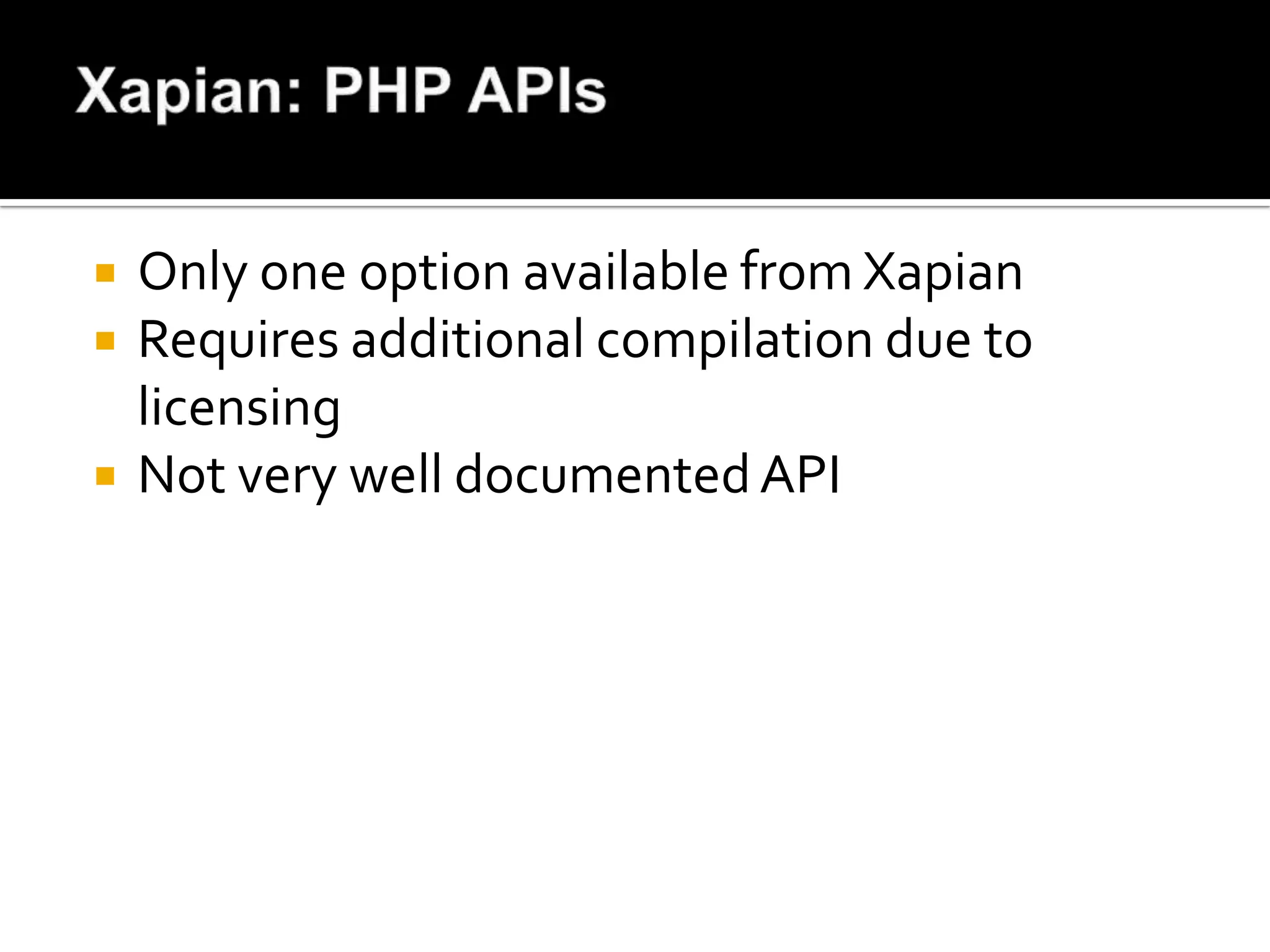
   Only one option available from Xapian
   Requires additional compilation due to
    licensing
   Not very well documented API
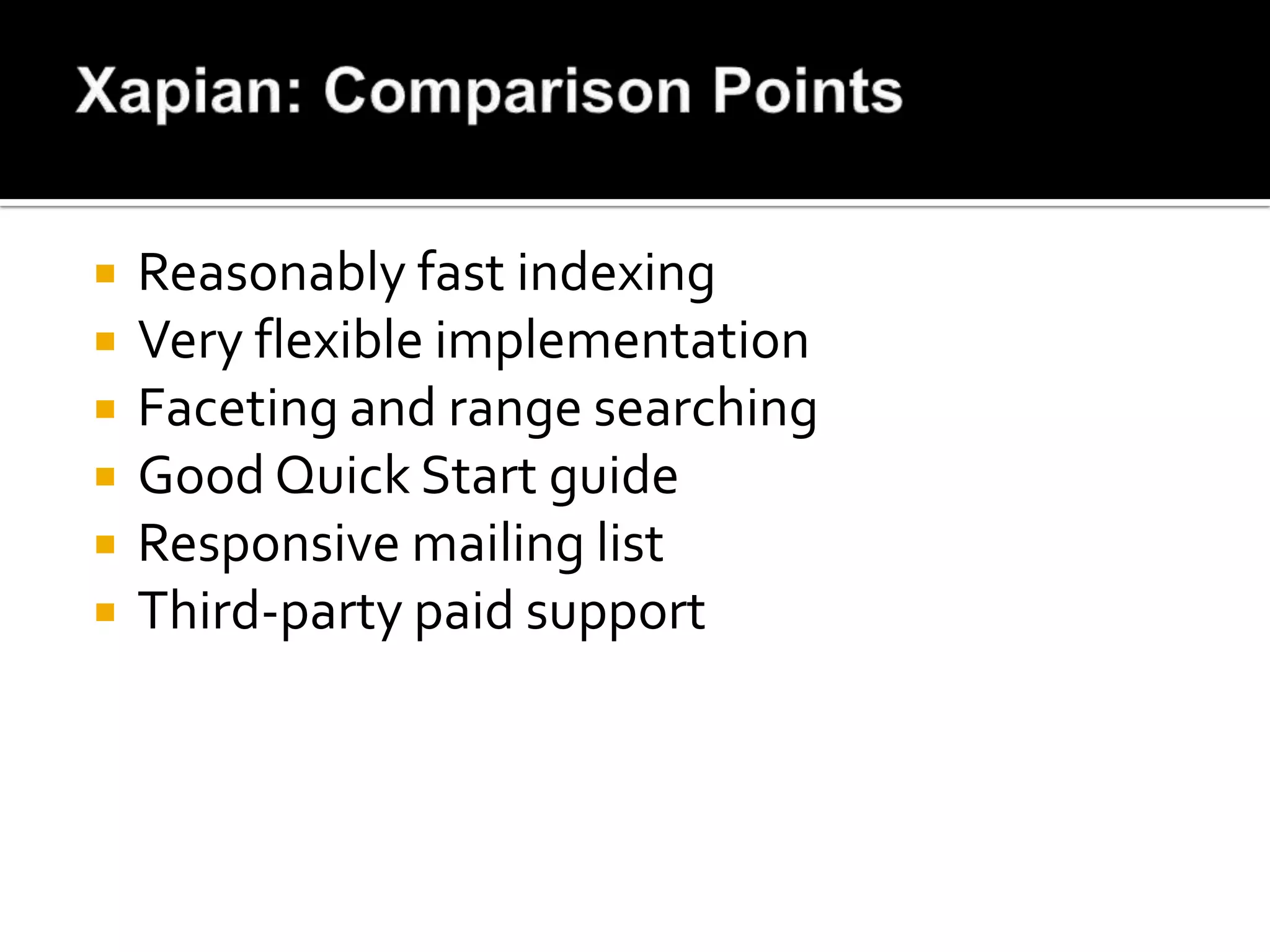
   Reasonably fast indexing
   Very flexible implementation
   Faceting and range searching
   Good Quick Start guide
   Responsive mailing list
   Third-party paid support
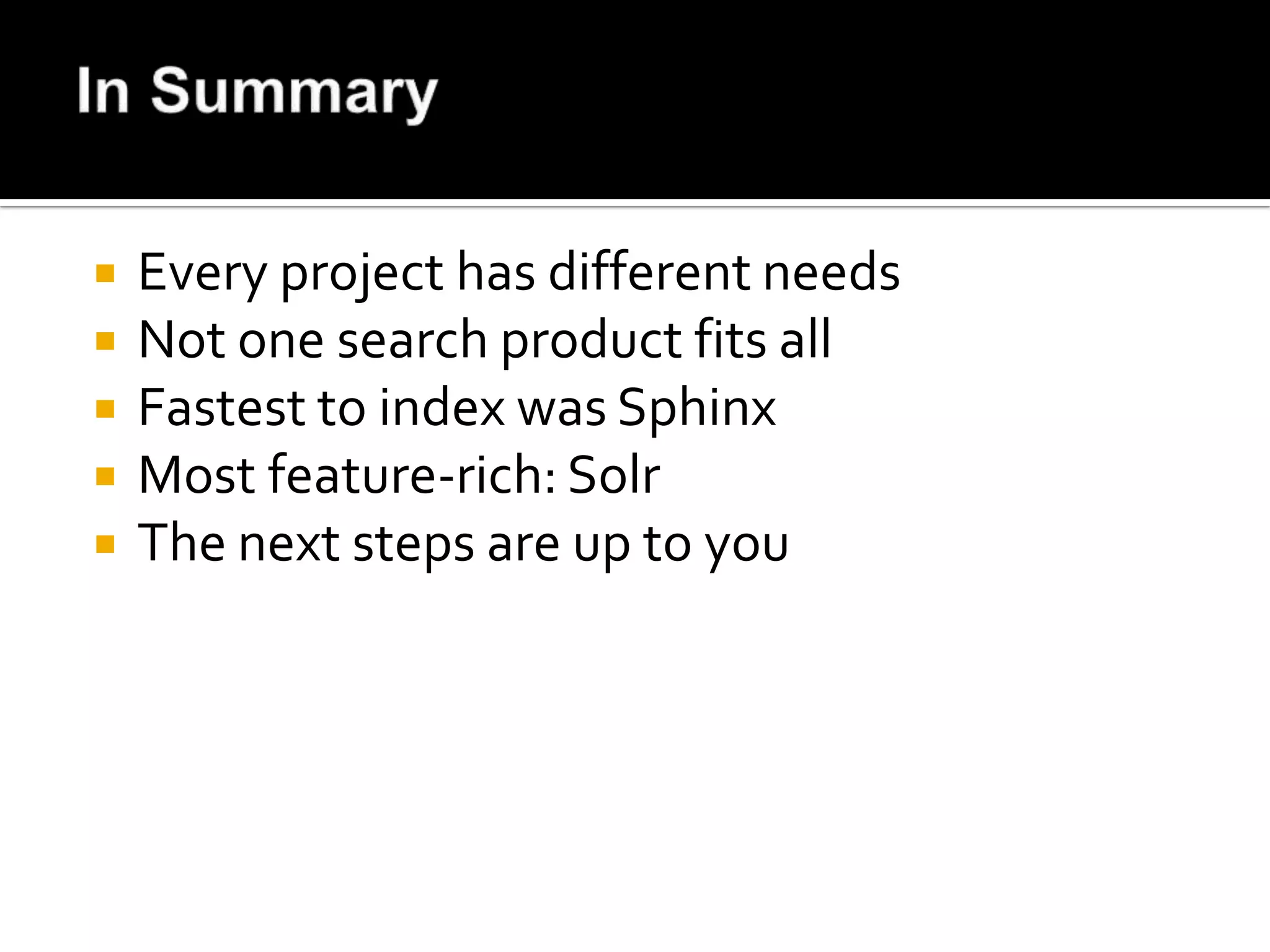
   Every project has different needs
   Not one search product fits all
   Fastest to index was Sphinx
   Most feature-rich: Solr
   The next steps are up to you

Open Source Search: An Analysis

  • 1.
    An analysis andcomparison from a developer’s perspective
  • 3.
    Report Buyer product catalogue: • Text fields: title, subtitle, summary, toc • Product code and ISBN • Supplier, category, type and availability • Publication date and price
  • 4.
    Enterprise class searchengine Scalable and based on Apache Lucene REST-ful API or PECL extension Fast, transactional full-text indexing Faceted and geospatial search Rich document indexing Comes with simple web interface Built-in caching of queries and responses Numerous plug-ins
  • 5.
    Available as system packages  Uses Tomcat or Jetty  Requires a restart on configuration change  Packages install as a service
  • 6.
    Specify database location  Memory settings  Query caching options  Request handler setup  Search components and plug-ins  Spell checker configuration
  • 7.
    <!-- Report Buyerfields --> <field name="item_guid" type="string" indexed="true" stored="true" required="true" /> <field name="name" type="text" indexed="true" stored="true" required="true" boost="75" omitNorms="false" /> <field name="subtitle" type="text" indexed="true" stored="true" required="false" boost="25" omitNorms="false" /> <field name="summary" type="text" indexed="true" stored="false" boost="1" omitNorms="false" /> <field name="toc" type="text" indexed="true" stored="false" boost="1" omitNorms="false" /> <field name="isbn" type="string" indexed="true" stored="false" boost="200" omitNorms="false" /> <field name="product_code" type="string" indexed="true" stored="true" boost="200" omitNorms="false" /> <field name="publish_date" type="tdate" indexed="true" stored="true" /> <field name="price" type="tfloat" indexed="true" stored="true" /> <field name="availability" type="boolean" indexed="true" stored="true" /> <field name="link" type="string" indexed="false" stored="true" /> <field name="text" type="text" indexed="true" stored="false" multiValued="true"/> <copyField source="name" dest="text"/> <copyField source="subtitle" dest="text"/> <copyField source="summary" dest="text"/> <copyField source="toc" dest="text"/> <uniqueKey>item_guid</uniqueKey> <defaultSearchField>text</defaultSearchField>
  • 8.
    Data Import Handler  REST-ful API  PHP PECL Extension  Third-party libraries, like Solarium
  • 9.
    <?php $solr_options = array('secure'=> false, 'hostname' => 'localhost', 'port' => 8080); $solr = new SolrClient($solr_options); $doc = new SolrInputDocument(); while ($row = mysql_fetch_array($result, MYSQL_ASSOC)) { $doc = new SolrInputDocument(); $row['publish_date'] = strftime('%Y-%m-%dT00:00:01Z', strtotime($row['publish_date'])); foreach ($row as $key => $value) { $doc->addField($key, $value); } $updateResponse = $solr->addDocument($doc); $response = $updateResponse->getResponse(); if ($response->responseHeader->status != 0) { print "Error importing into Solr: "; print_r($response); } } $solr->commit(); ?>
  • 10.
    POST to http://localhost:8080/solr/update?commit=true <add> <doc> <field name="item_guid">a34bbff9e17ada79658c72fde90c7369</field> <field name="name">Research Report on China's Corn Industry</field> <field name="price">1265</field> etc </doc> </add>
  • 11.
    $solr_options = array('secure'=> false, 'hostname' => 'localhost', 'port' => 8080); $solr = new SolrClient($solr_options); $query = new SolrQuery(); $query->setQuery("research in china"); $query->setFacet(true); $query->addFacetField('availability'); $query->addField('item_guid')->addField('name')->addField('publish_date')->addField('subtitle')-> addField('product_code')->addField('availability')->addField('price'); $query->addSortField('publish_date', SolrQuery::ORDER_DESC); $query_response = $solr->query($query); $response = $query_response->getResponse(); print "Found ".$response->response->numFound." results, for {$query_string} in ".$response- >responseHeader->QTime." ms:nn"; foreach ($response->response->docs as $position=>$doc_data) { $download = ($doc_data['availability'] == '1') ? 'Yes' : 'No'; print "{$position} - Date:{$pub_date} - {$doc_data['product_code']} - D/L:{$download} £".sprintf("%5d", $doc_data['price'])." - {$doc_data['name']}n"; } print "Facets for instant ".$response->facet_counts->facet_fields->availability->false;
  • 12.
    http://localhost:8080/solr/select/?q=research%20%in%20china&indent=on&hl=true&hl.fl=item_guid,name, publish_date,subtitle,product_code,availability,price&facet=true&facet.field=availability&wt=json { "responseHeader":{ "status":0, "QTime":20, "params":{ "facet":"true", "indent":"on", "q":"research u0000 china", "hl.fl":"item_guid,name,publish_date,subtitle,product_code,availability,price", "facet.field":"availability", "wt":"json", "hl":"true"}}, "response":{"numFound":197481,"start":0,"docs":[ { "item_guid":"e68cf64921a02e926137d78d2c52da35", "name":"Market Research Report on China Civil Aero Industry", "product_code":"SFC00076", "price":190.0, "availability":false, "type":10, "link": "/industry_manufacturing/plant_heavy_equipment/market_research_report_china_civil_aero_industry. html", "publish_date":"2008-07-22T00:00:01Z" } }
  • 13.
    More features than other products  Responsive, busy mailing list  Large team of developers  Good PHP libraries for integration  Several books available  Fairly heavy footprint
  • 14.
    Also built on Apache Lucene  JSON-based  Distributed, scalable server model  Easy to configure, or configuration free  Faceting and highlight support  Auto type detection  Multiple indexes  CouchDB integration
  • 15.
    Download and unpack zip file  Run elasticsearch/bin/elasticsearch
  • 16.
    No schema is required - almost  No configuration is required - almost
  • 17.
    GET http://localhost:9200/ HTTP/1.0 { "ok" : true, "name" : "Test", "version" : { "number" : "0.18.7", "snapshot_build" : false }, "tagline" : "You Know, for Search", "cover" : "DON'T PANIC", "quote" : { "book" : "The Hitchhiker's Guide to the Galaxy", "chapter" : "Chapter 27", "text1" : ""Forty-two," said Deep Thought, with infinite majesty and calm.", "text2" : ""The Answer to the Great Question, of Life, the Universe and Everything"" } }
  • 18.
    curl -XPUT http://localhost:9200/reports/-d ' { "index:" { "analysis": { "analyzer": { "my_analyzer": { "tokenizer": "standard", "filter": ["standard", "lowercase", "my_stemmer"] } }, "filter": { "my_stemmer": { "type": "stemmer", "name": "english" } } } } }'
  • 19.
    <?php require_once("ElasticSearch.php"); $es = newElasticSearch; $es->index = 'reports'; $type = 'report'; $mappings = array($type => array('properties' => array( '_id' => array('type' => 'string', 'path' => 'item_guid'), 'item_guid' => array('type' => 'string', 'store' => 'yes', 'index' => 'not_analyzed'), 'name' => array('type' => 'string', 'store' => 'no', 'boost' => 75), 'subtitle' => array('type' => 'string', 'store' => 'yes', 'boost' => 25), 'summary' => array('type' => 'string', 'store' => 'yes', 'boost' => 10), 'toc' => array('type' => 'string', 'store' => 'no'), 'product_code' => array('type' => 'string', 'store' => 'yes', 'boost' => 200, 'index' => 'not_analyzed'), 'isbn' => array('type' => 'string', 'store' => 'yes', 'boost' => 200, 'index' => 'not_analyzed'), ))); $json = json_encode($mappings); $es->map($type, $json); ?>
  • 20.
    <?php require_once("ElasticSearch.php"); $es = newElasticSearch; $es->index = 'reports'; $type = 'report'; $sql = "SELECT `item_guid`, `name`, `subtitle`, `summary`, `toc`, `supplier`, `product_code`, `isbn`, `category`, `price`, `availibility` as `availability`, `type`, `link`, `publish_date` FROM `rb_search`"; $result = read_query($sql); while ($row = mysql_fetch_array($result, MYSQL_ASSOC)) { $es->add($type, $row['item_guid'], json_encode($row)); } ?>
  • 21.
  • 22.
    <?php require_once("ElasticSearch.php"); $es = newElasticSearch; $es->index = 'reports'; $type = 'report'; $query = array( 'fields' => array('item_guid', 'name', 'subtitle'), 'query' => array( 'term' => array('name' => 'research'), ), 'facets' => array( 'availability' => array( 'terms' => array('field' => 'availability') ) ) ); $result = $es->query($type, json_encode($query)); ?>
  • 23.
    Nicholas Ruflin's elastica  Raymond Julin's elasticsearch  Niranjan Uma Shankar's elasticsearch-php
  • 24.
    Very fast indexing  Auto-scaling architecture  Elegant REST approach  Flexible zero configuration model  Poor documentation  No feature list, conceptual model or introduction  All data is stored, meaning large indices
  • 25.
    Indexes MySQL, MSSQL, XML or ODBC  Querying through Sphinx PHP API  Searching through SQL queries or API  Scalable to index 6TB of data in 16bn documents and 2000 queries/sec  Used by Craigslist, Boardreader  Runs as a storage engine in MySQL
  • 26.
    Install from system packages or source  Source tarball is needed to get PHP SphinxAPI  No other software needed  Runs as a service in Ubuntu
  • 27.
    Plain index - fast search, slow update  Real-time index - fast update, less efficient  Distributed - combination of both methods
  • 28.
    index rb_test { # index type type = rt path = /mnt/data_indexed/sphinx/rb_test # define the fields we're indexing rt_field = name rt_field = subtitle rt_field = summary rt_field = toc #define the fields we want to get back out rt_attr_string = item_guid rt_attr_string = supplier rt_attr_string = product_code rt_attr_string = isbn rt_attr_string = category rt_attr_uint = price rt_attr_string = link rt_attr_timestamp = publish_date # morphology preprocessors to apply morphology = stem_en html_strip =1 html_index_attrs = img=alt,title; a=title; html_remove_elements = style, script }
  • 29.
    <?php require_once("mysql.inc.php"); $sql = "SELECTconv(mid(md5(`item_guid`), 1, 16), 16, 10) AS `id`, `item_guid`, `name`, `subtitle`, `summary`, `toc`, `supplier`, `product_code`, `isbn`, `category`, `price`, `availibility` as `availability`, `type`, `link`, UNIX_TIMESTAMP(`publish_date`) AS `publish_date` FROM `rb_search`"; $result = read_query($sql); $sphinx = mysql_connect("127.0.0.1:9306", "", "", true); while ($row = mysql_fetch_array($result, MYSQL_ASSOC)) { foreach ($row as $key=>$value) { $row[$key] = mysql_escape_string($value); } $sql = "REPLACE INTO `rb_search` (`id`, `title`, `subtitle`,`availability`, `type`, `price`, `publish_date`, `item_guid`, `supplier`, `product_code`, `isbn`, `category`, `link`, `summary`, `toc`) VALUES ('{$row['id']}', '{$row['name']}', '{$row['subtitle']}', '{$row['availability']}', '{$row['type']}','{$row['price']}', '{$row['publish_date']}', '{$row['item_guid']}', '{$row['supplier']}', '{$row['product_code']}', '{$row['isbn']}', '{$row['category']}', '{$row['link']}','{$row['summary']}', '{$row['toc']}')"; mysql_query($sql, $sphinx); } ?>
  • 30.
    mysql --host=127.0.0.1 --port=9306 Welcometo the MySQL monitor. Commands end with ; or g. Your MySQL connection id is 1 Server version: 2.0.3-id64-release (r3043) mysql> select item_guid, title, subtitle, price from rb_search where match('china pharmaceutical') and price > 100 and price < 300 limit 2G ************************** 1. row *************************** id: 5228810066049016302 weight: 6671 price: 220 item_guid: cc74cb075aa37696198e87850f033398 title: North China Pharmaceutical Group Corp-Therapeutic Competitors Report subtitle: *************************** 2. row *************************** id: 3548867347418583847 weight: 6662 price: 190 item_guid: 6ce04df0fb277aa3ff596c2ca00c81a9 title: China Pharmaceutical Industry Report subtitle: 2006-2007 2 rows in set (0.01 sec)
  • 31.
    Fastest indexing of all engines  Really simple interface via SQL  Document IDs must be unsigned integers  No faceting support  Good support in forums
  • 32.
    Deployed as a C++ library  Bindings provided to connect to PHP  Available in most package repositories  Binding need to be compiled separately  Query Parser, similar to other engines  Stemming and faceted search  Server replication
  • 33.
    Install from system packages  Compile PHP bindings from source  No other software needed  Runs on demand
  • 34.
    No configuration required  Define-and-go schema  Documents  Terms  Values  Document data
  • 35.
    <?php $xapian_db = newXapianWritableDatabase($xapian, Xapian::DB_CREATE_OR_OVERWRITE); $xapian_term_generator = new XapianTermGenerator(); $xapian_term_generator->set_stemmer(new XapianStem("english")); while ($row = mysql_fetch_array($result, MYSQL_ASSOC)) { $doc = new XapianDocument(); $xapian_term_generator->set_document($doc); foreach ($xapian_term_weights as $field => $weight) { $xapian_term_generator->index_text($row[$field], $weight); } $xapian_term_generator->index_text($row['name'], 75, 'S:'); $doc->add_boolean_term('CODE:' . $row['product_code']); $doc->add_value($xapian_value_slots['price'], Xapian::sortable_serialise($row['price'])); $doc->add_value($xapian_value_slots['publish_date'], strftime("%Y%m%d", strtotime($row['publish_date']))); // add in additional values that we're going to use for facets $doc->add_value($xapian_value_slots['availability'], $row['availability']); $doc->set_data(serialize($doc_data)); $docid = 'Q'.$row['item_guid']; $xapian_db->replace_document($docid, $doc); } ?>
  • 36.
    <?php $xapian_db = newXapianDatabase($xapian); $query_parser = new XapianQueryParser(); $query_parser->set_stemmer(new XapianStem("english")); $query_parser->set_default_op(XapianQuery::OP_AND); $dvrProcessor = new XapianDateValueRangeProcessor($xapian_value_slots['publish_date'], 'date:'); $query_parser->add_valuerangeprocessor($dvrProcessor); $query_parser->add_prefix("code", "CODE:"); $query_parser->add_prefix("category", "CATEGORY:"); $query_parser->add_prefix("title", "S:"); $query = $query_parser->parse_query('“Medical devices” NEAR china NOT russian price:10..150 category:medical'); $enquire = new XapianEnquire($xapian_db); $enquire->set_query($query); $matches = $enquire->get_mset($offset, $pagesize); while (!($start->equals($end))) { $doc = $start->get_document(); $price = Xapian::sortable_unserialise($doc->get_value($xapian_value_slots['price'])); $start->next(); }?>
  • 37.
    Only one option available from Xapian  Requires additional compilation due to licensing  Not very well documented API
  • 38.
    Reasonably fast indexing  Very flexible implementation  Faceting and range searching  Good Quick Start guide  Responsive mailing list  Third-party paid support
  • 39.
    Every project has different needs  Not one search product fits all  Fastest to index was Sphinx  Most feature-rich: Solr  The next steps are up to you