Observer
A real life time-series application
Kévin Lovato - @alprema
Index
• Observer introduction
• Architecture overview
• CQL schema
• Feedback
– Schema
– Read/Write access
• Numbers
Observer introduction
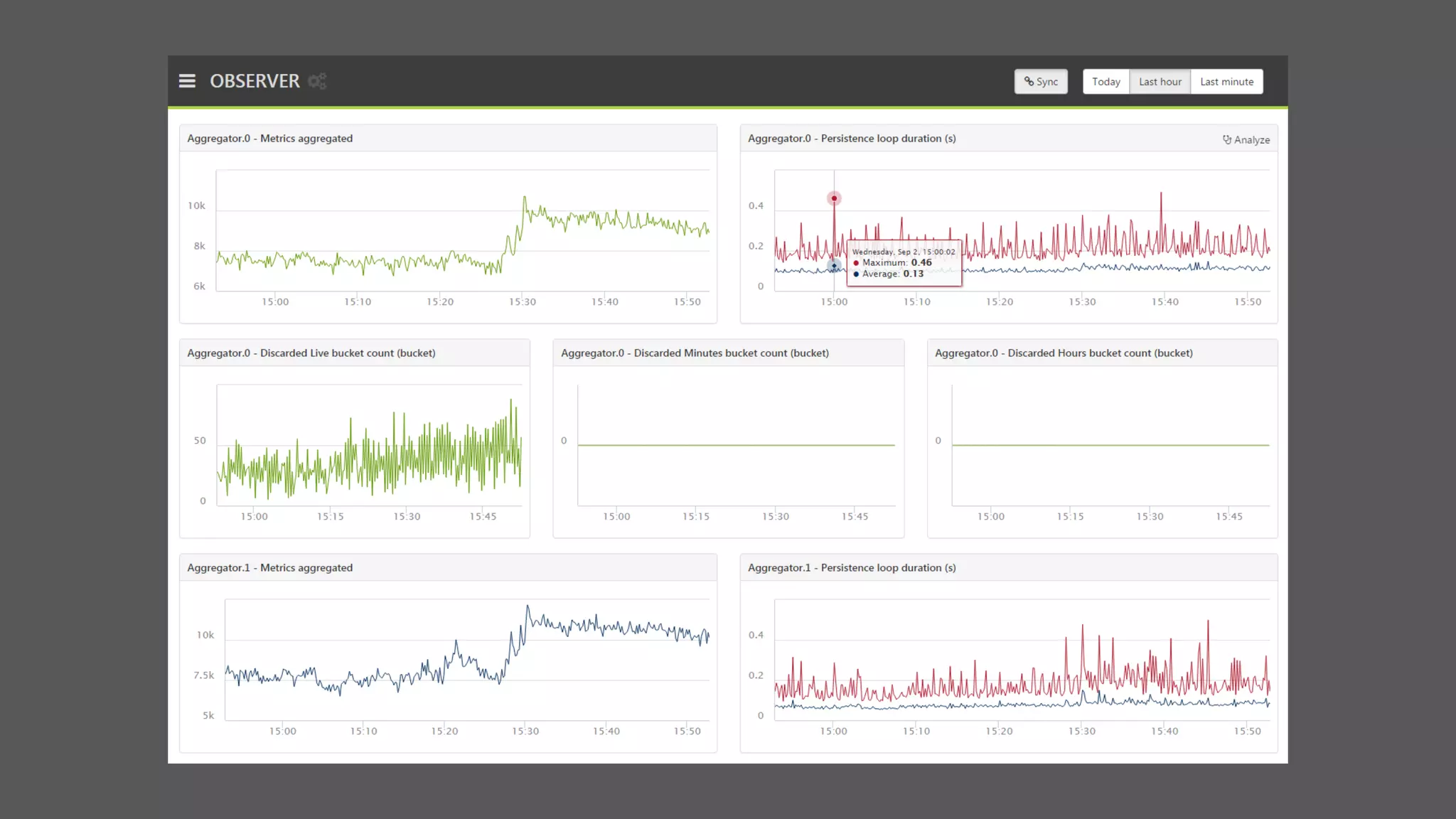
Key features
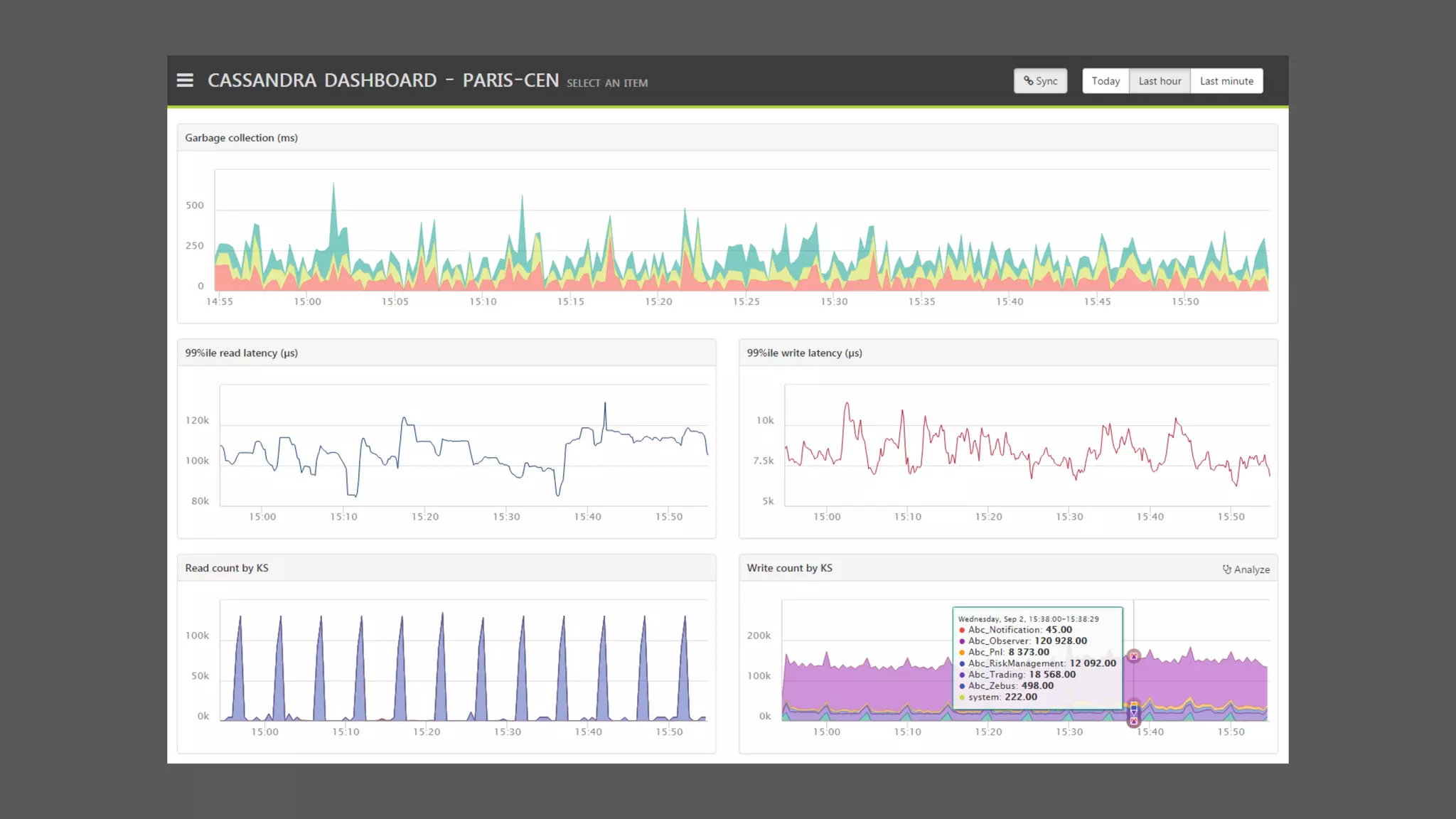
• Publish metrics from anywhere
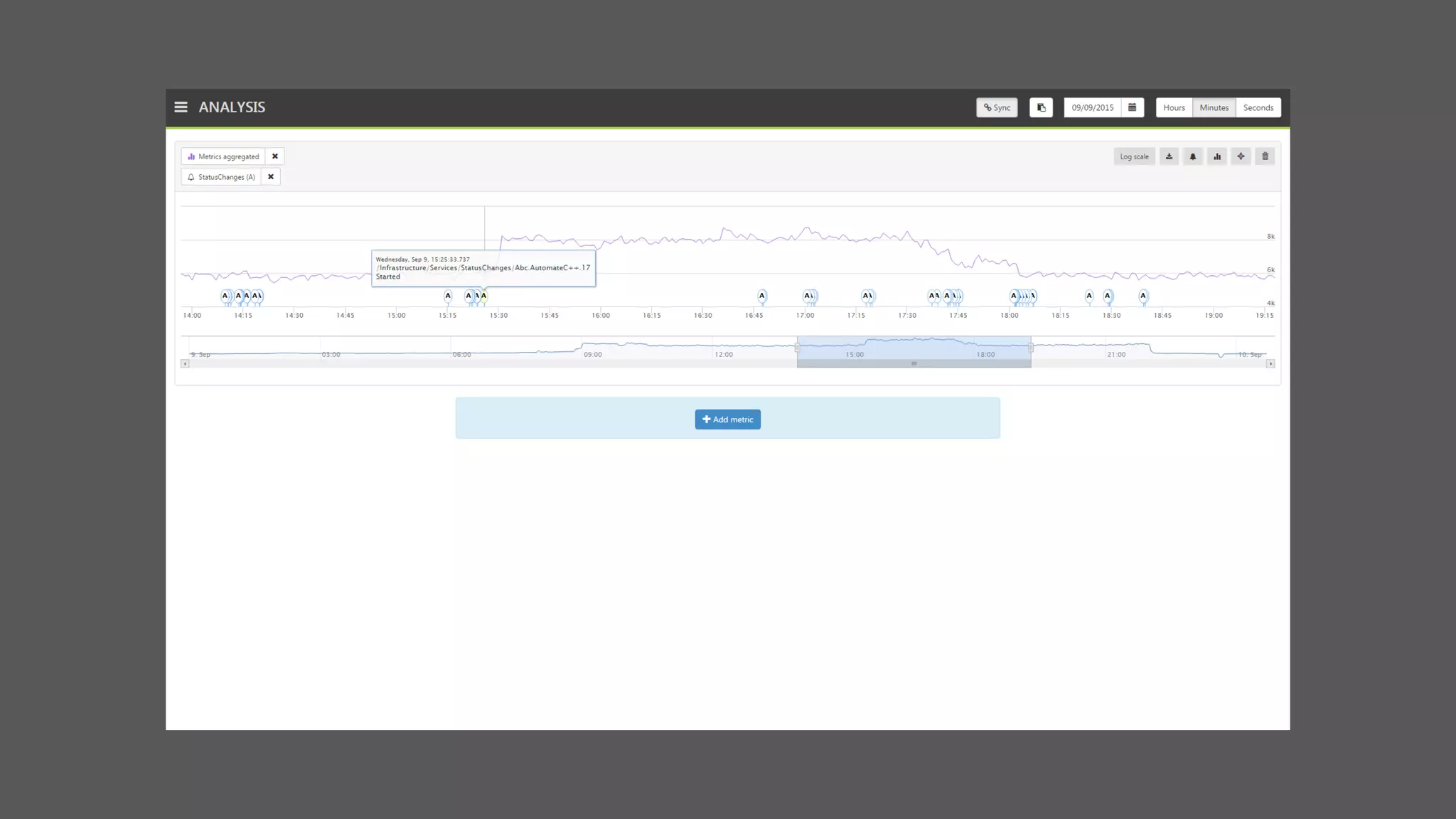
• Track & investigate business issues
• Alert users in case of unusual behavior
• Integrate with the infrastructure features
Architecture overview
C*
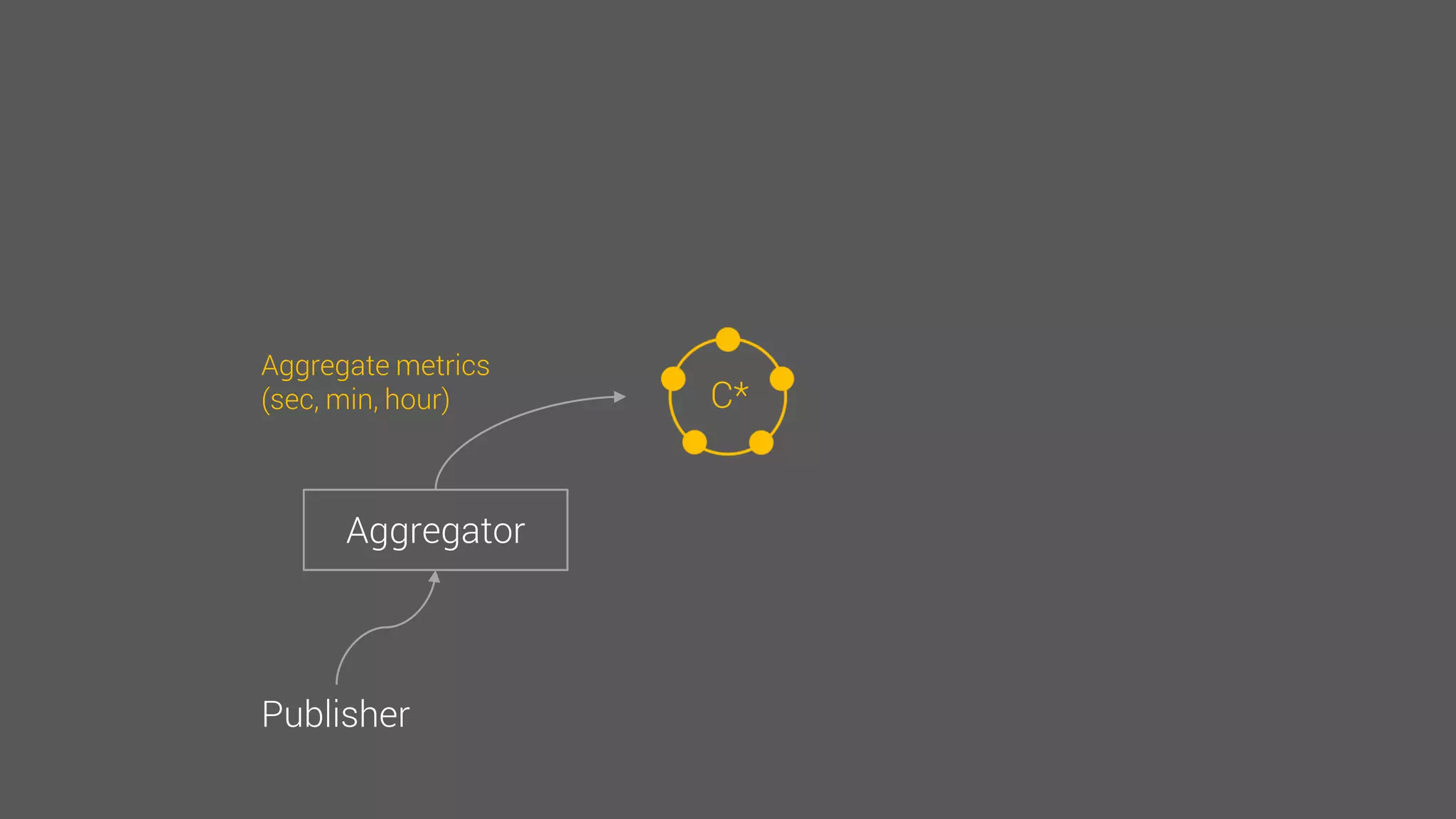
Aggregator
Publisher
Send raw metrics
C*
Aggregator
Publisher
Aggregate metrics
(sec, min, hour)
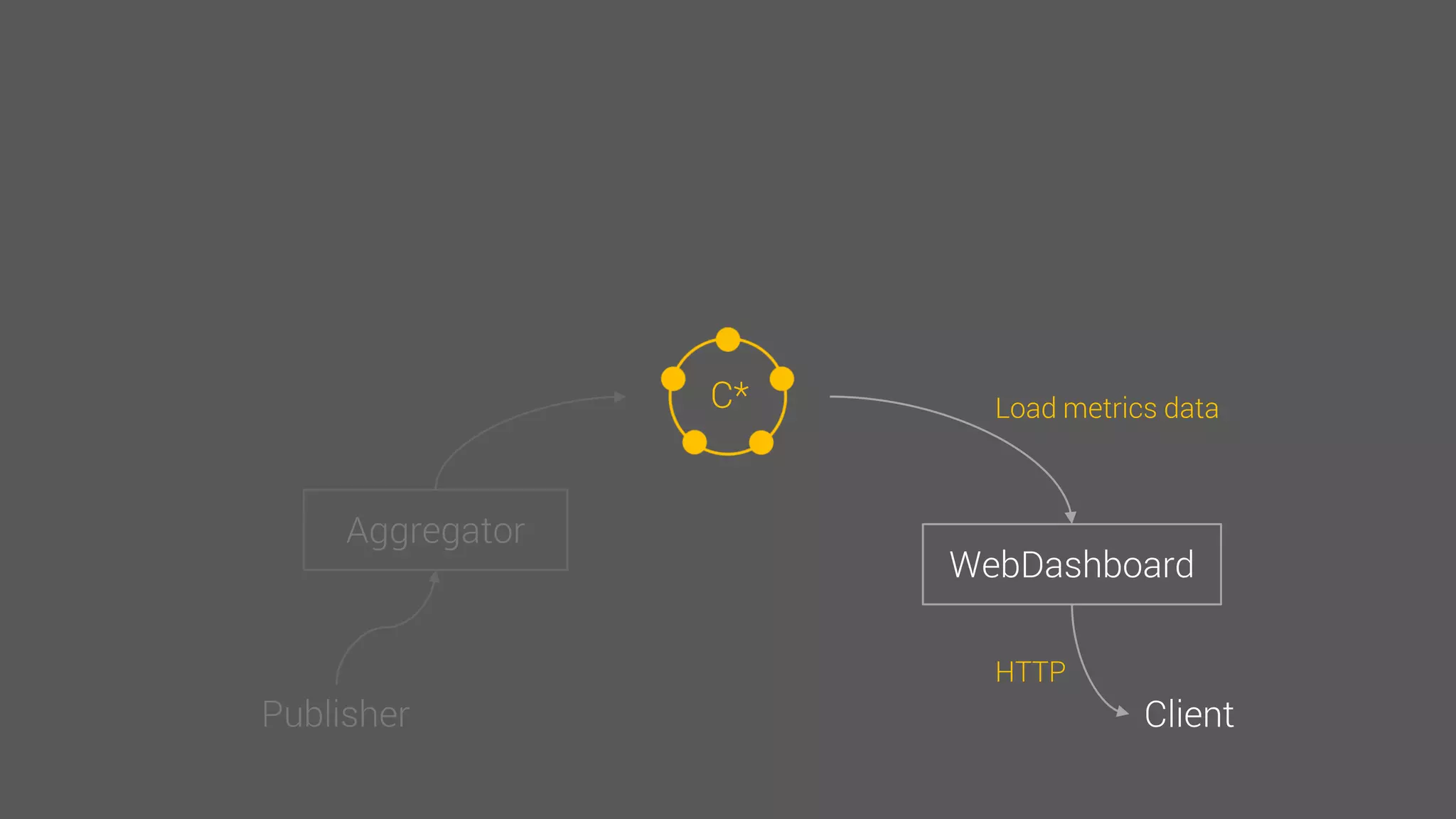
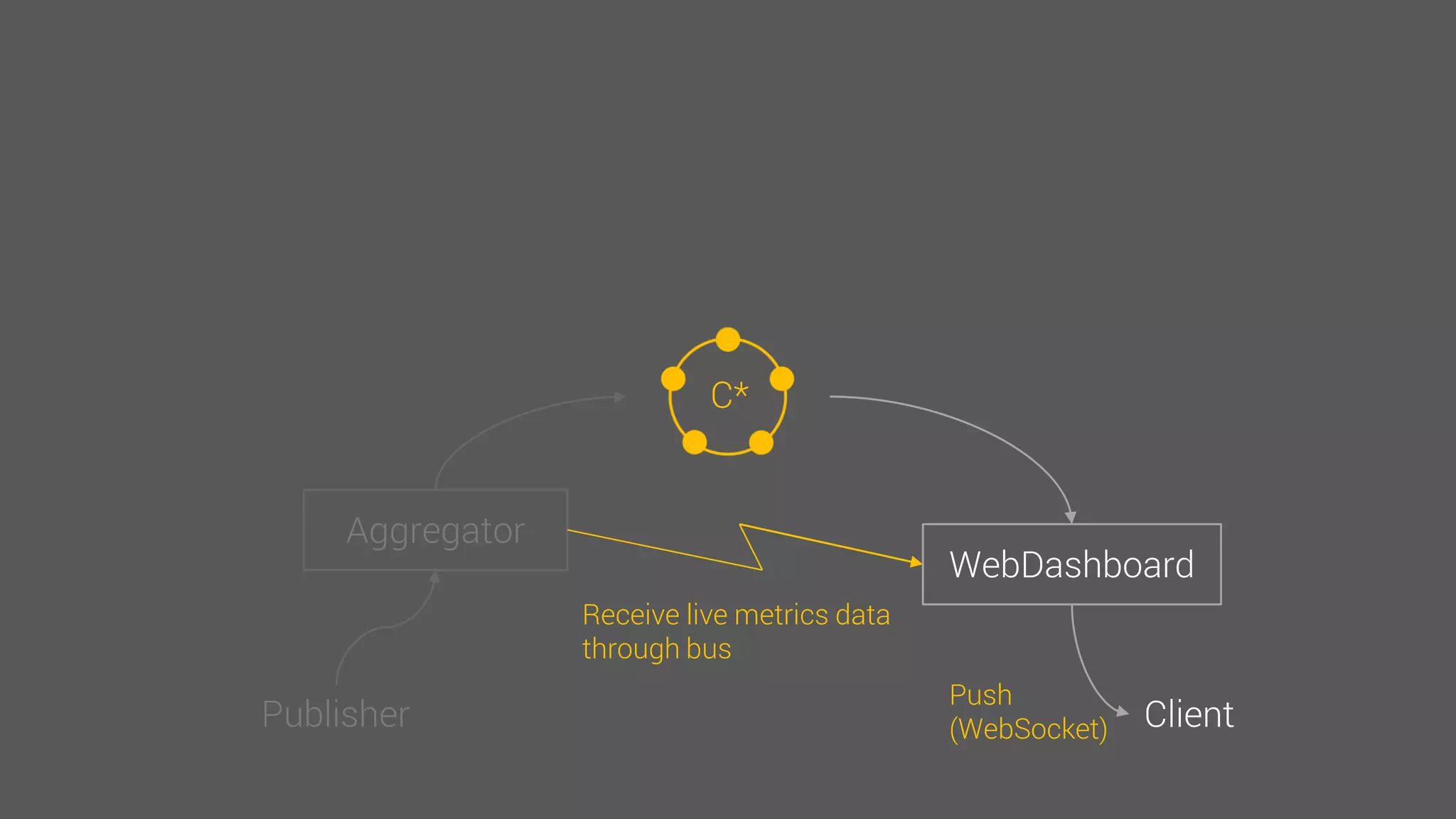
C*
WebDashboard
Client
Load metrics data
HTTP
C*
WebDashboard
Client
Receive live metrics data
through bus
Push
(WebSocket)
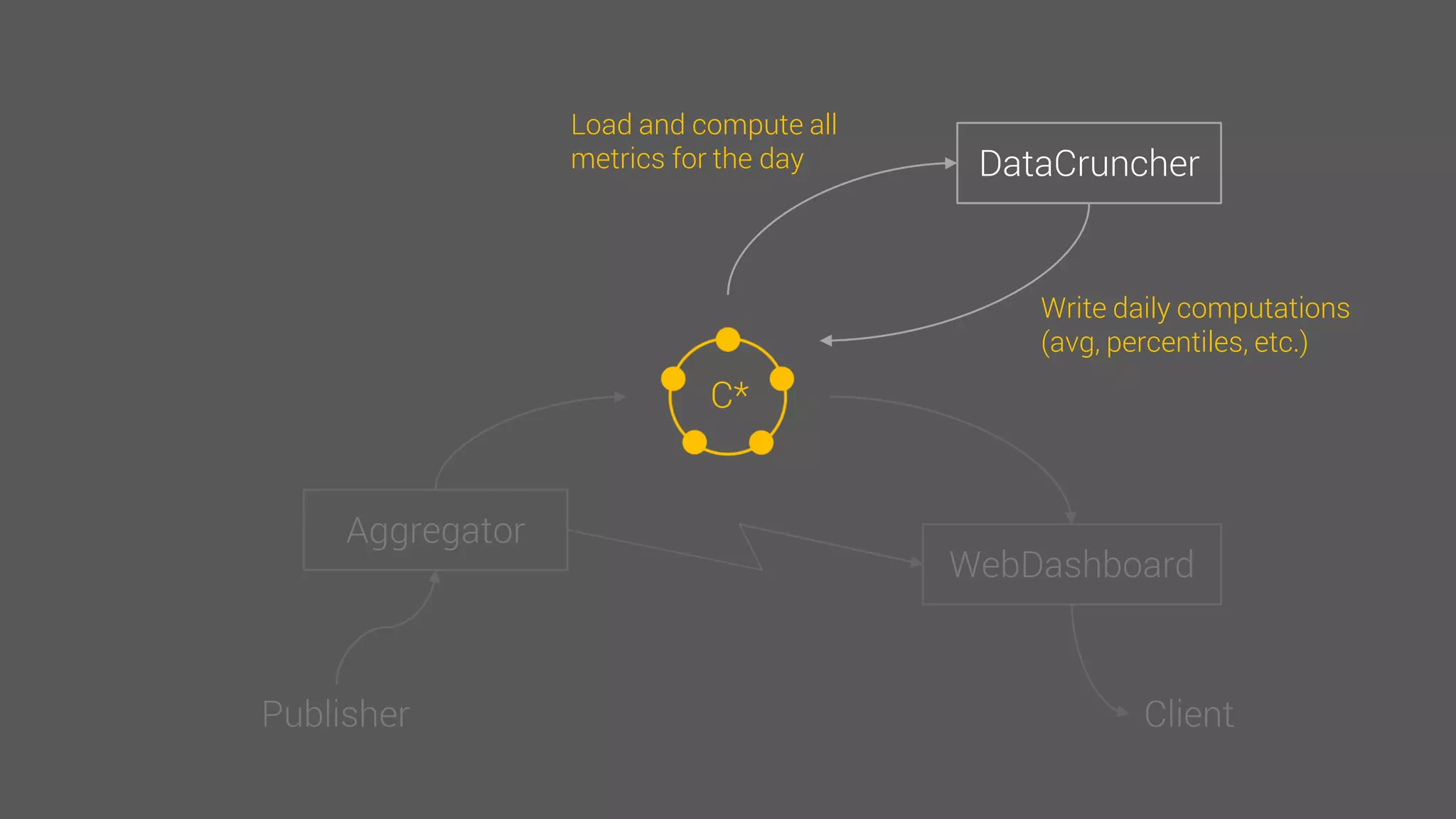
C*
DataCruncher
Load and compute all
metrics for the day
Write daily computations
(avg, percentiles, etc.)
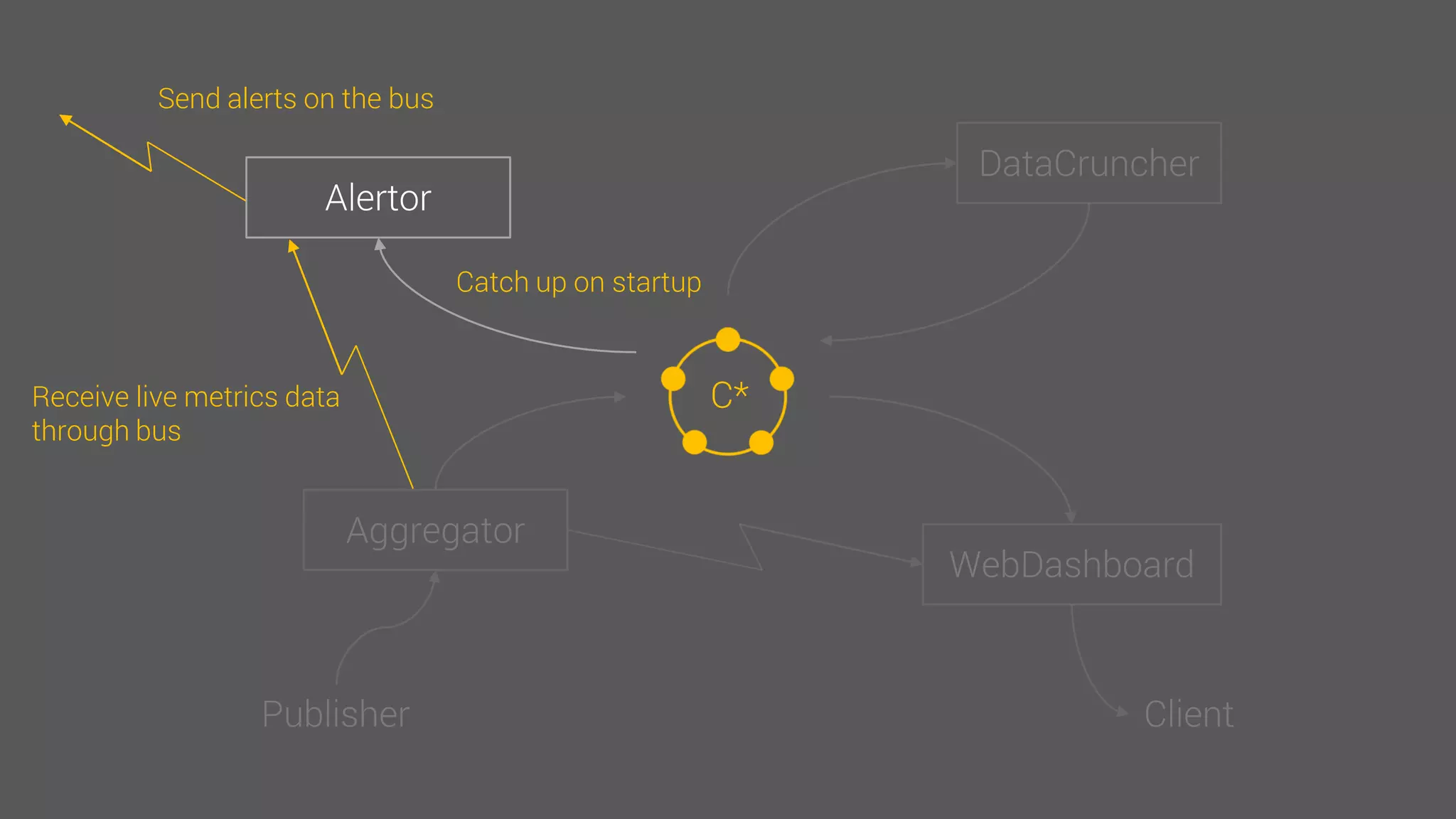
C*
Alertor
Catch up on startup
Receive live metrics data
through bus
Send alerts on the bus
CQL schema
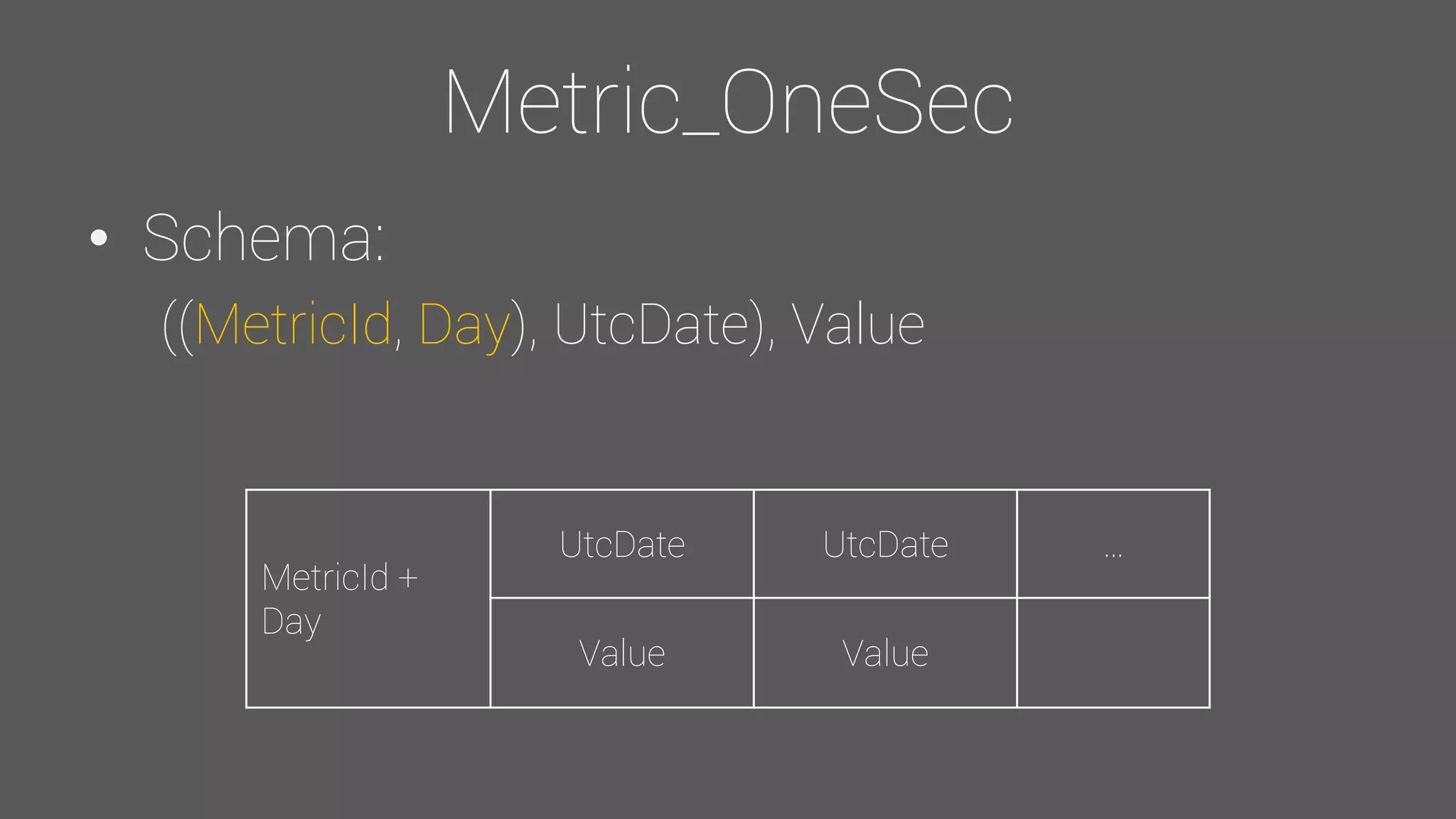
Metric_OneSec
• Schema:
((MetricId, Day), UtcDate), Value
MetricId +
Day
UtcDate UtcDate …
Value Value
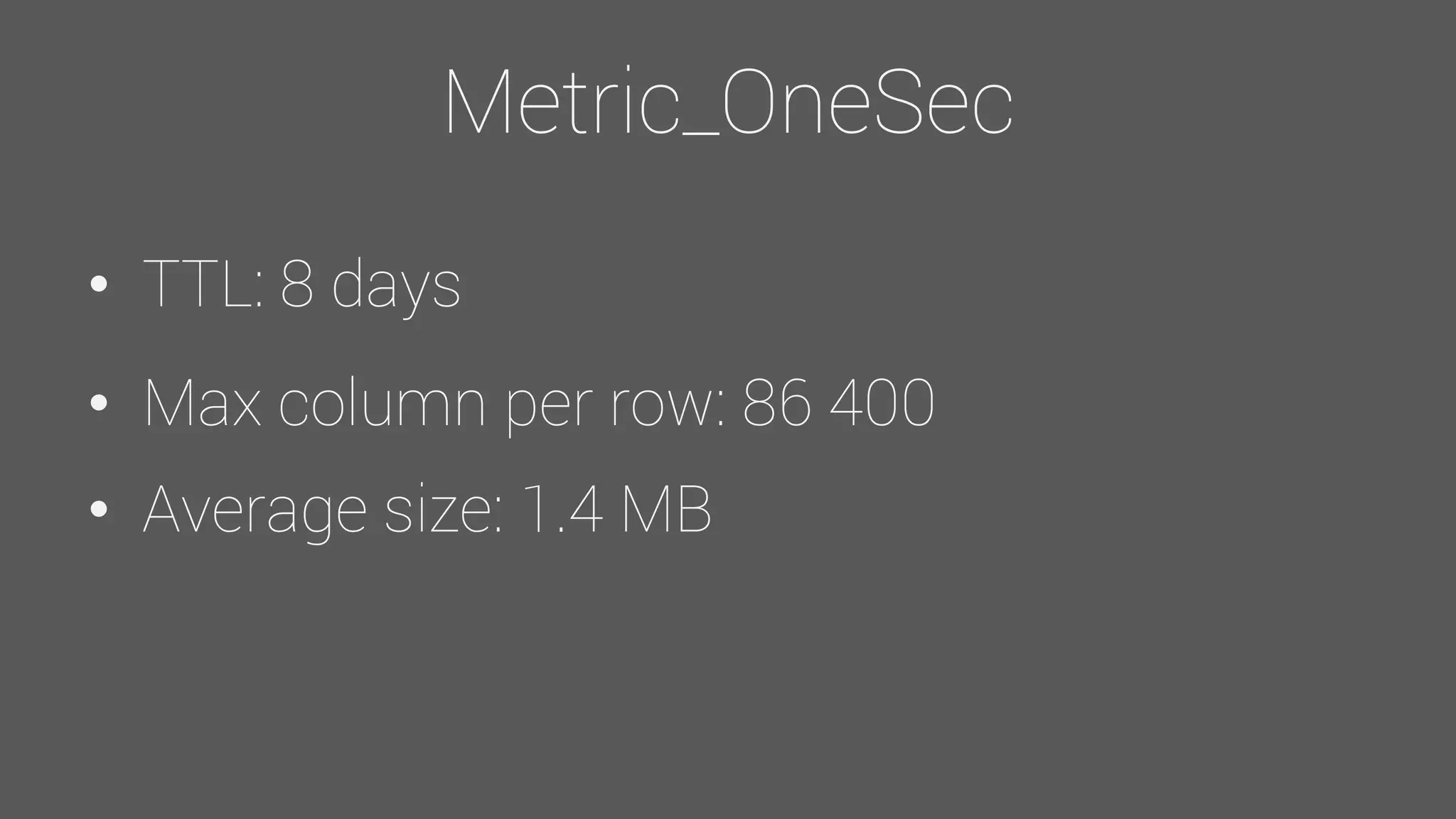
Metric_OneSec
• TTL: 8 days
• Max column per row: 86 400
• Average size: 1.4 MB
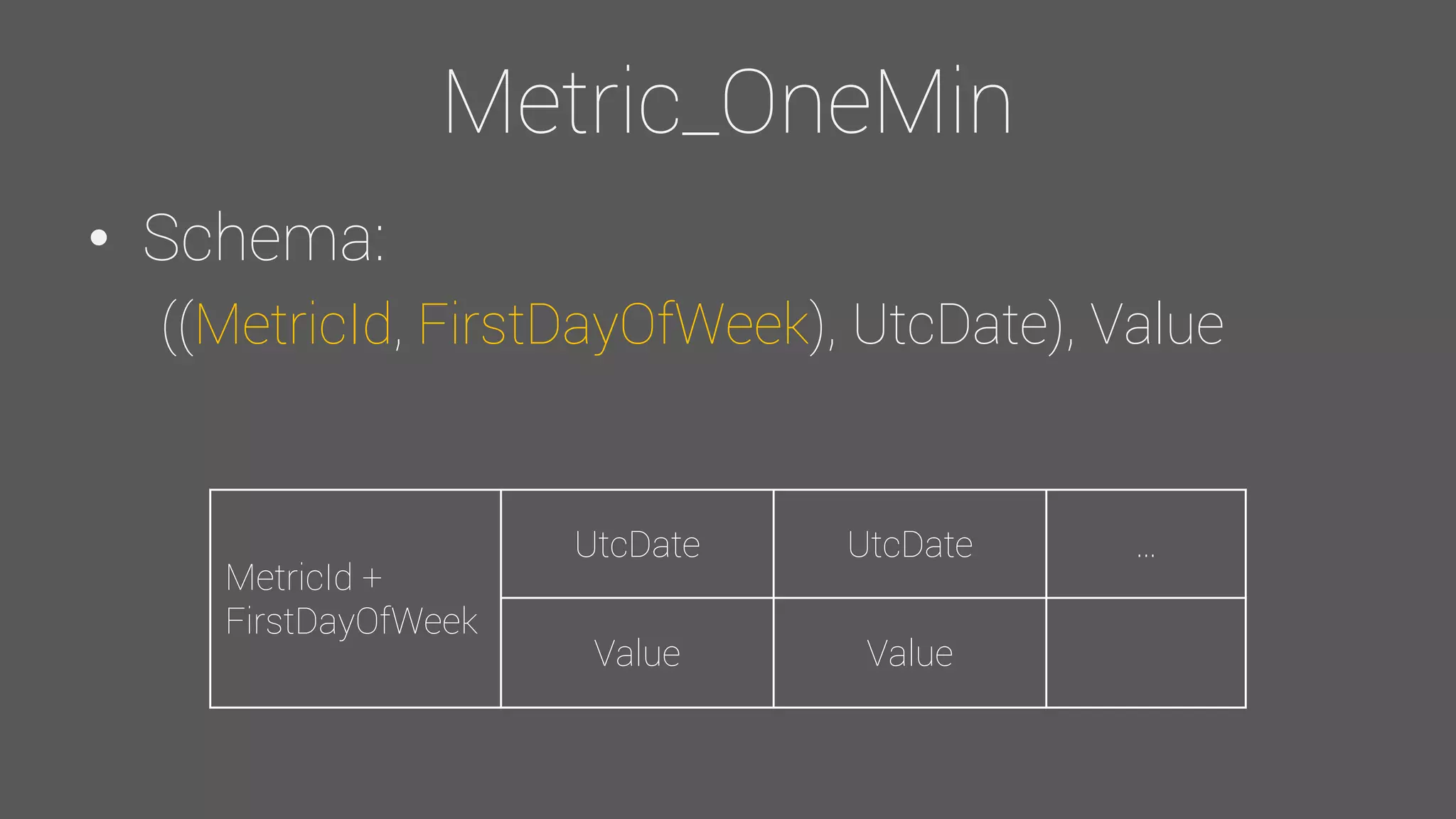
Metric_OneMin
• Schema:
((MetricId, FirstDayOfWeek), UtcDate), Value
MetricId +
FirstDayOfWeek
UtcDate UtcDate …
Value Value
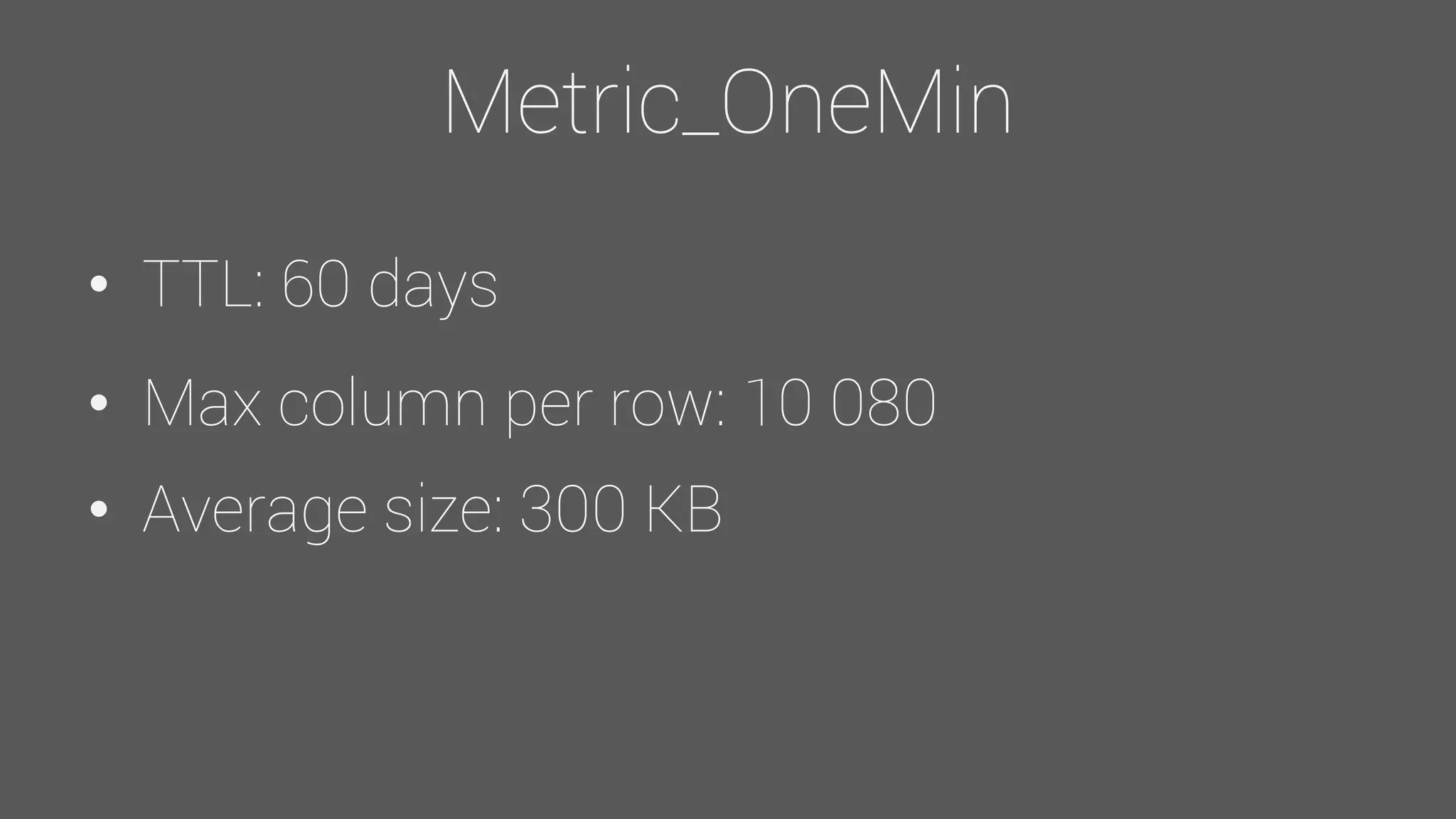
Metric_OneMin
• TTL: 60 days
• Max column per row: 10 080
• Average size: 300 KB
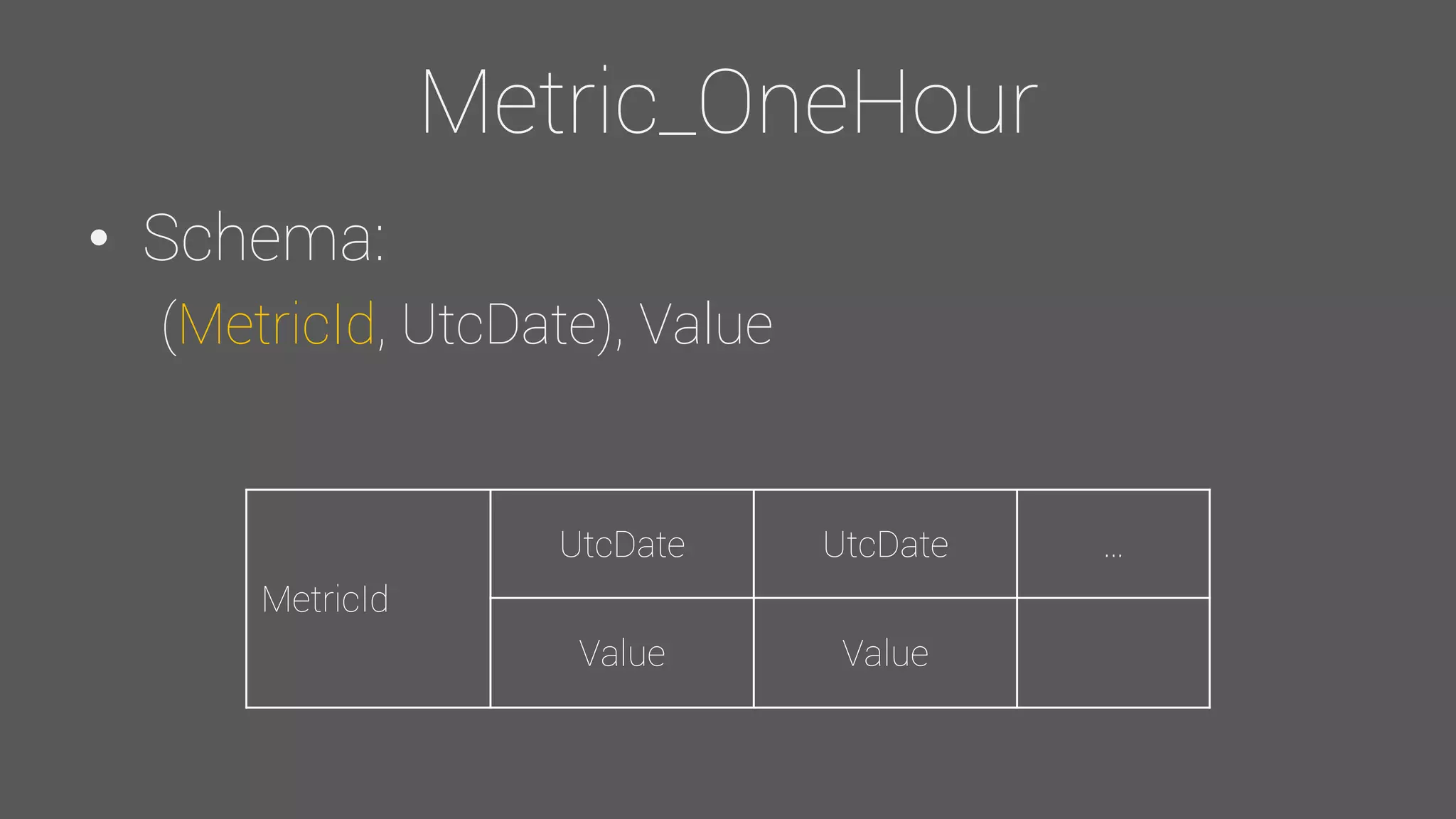
Metric_OneHour
• Schema:
(MetricId, UtcDate), Value
MetricId
UtcDate UtcDate …
Value Value
Metric_OneHour
• TTL: 10 years
• Average size: 45 KB
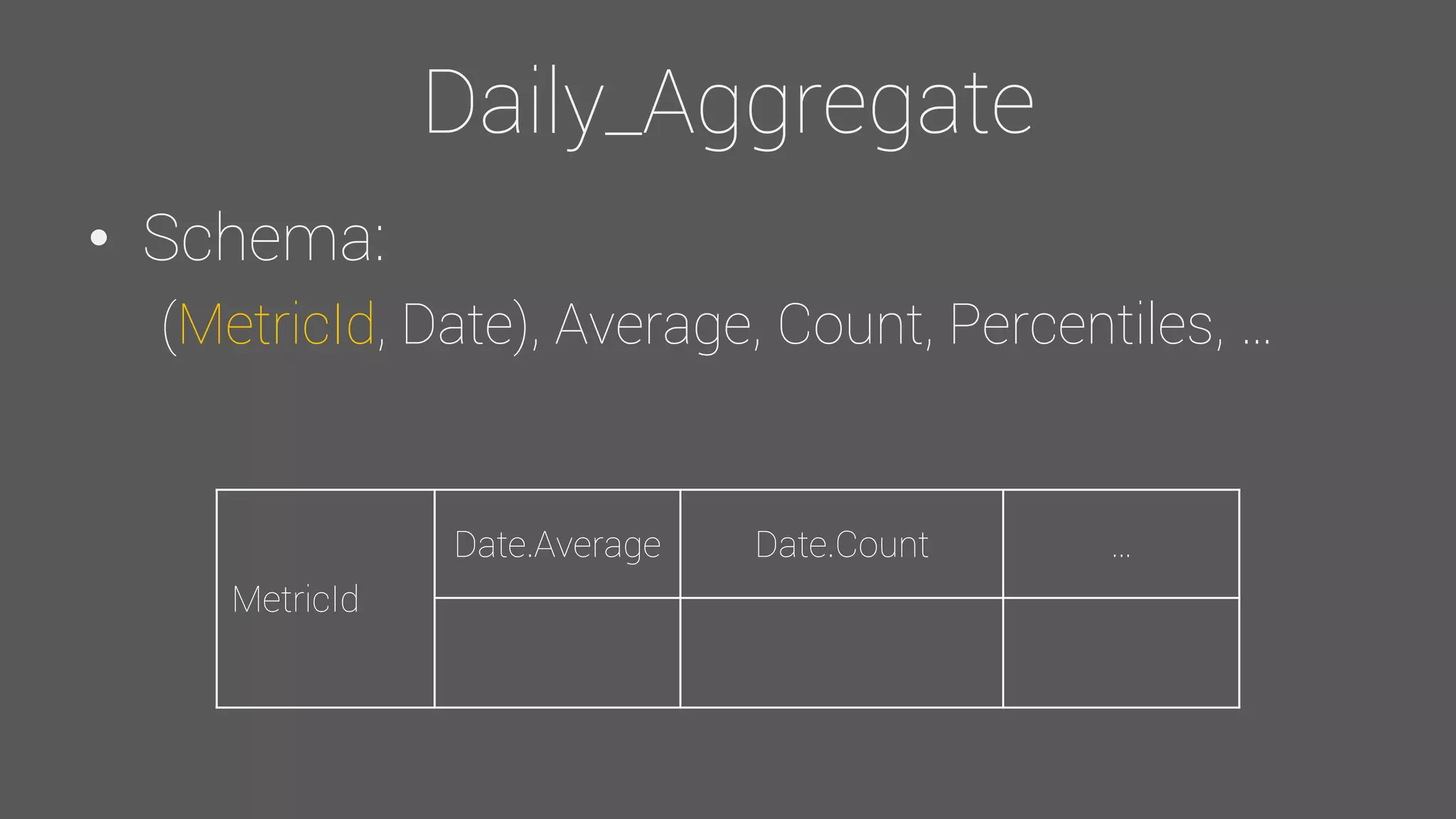
Daily_Aggregate
• Schema:
(MetricId, Date), Average, Count, Percentiles, …
MetricId
Date.Average Date.Count …
Daily_Aggregate
• No TTL
• Average size: 23 KB
Feedback - Schema
Row sizing
• Avoid having rows spanning over long
periods
• Avoid large amounts of data / row (<100
MB is good)
• Make buckets using another component
(ex: Day, FirstDayOfWeek, etc.)
TTLs
• Don’t use them if you don’t really need them
(extra space wasted)
• Make sure to set it right the first time (or you
will need to reinsert your data)
• Consider changing gc_grace_period for your
CF (tombstones useless for TTLed time-
series)
General best practices
• Consider disabling inter-DC read repair on
your CF (read_repair_chance)
• Use collection types (map<>, etc.)
Feedback – Read / Write
Obvious but…
• Avoid Thrift (can take down your cluster on
huge rows reads)
• Do not disable paging (same effect as using
Thrift)
• Use prepared statements
Batches
• Warning: Not intended for performance
• But…
• Can improve insert performance under
adequate conditions
• Use small (< 5 KB) "Unlogged" batches
• Benchmark with your own use case
• Don’t tell @PatrickMcFadin you did it
Asynchronous queries
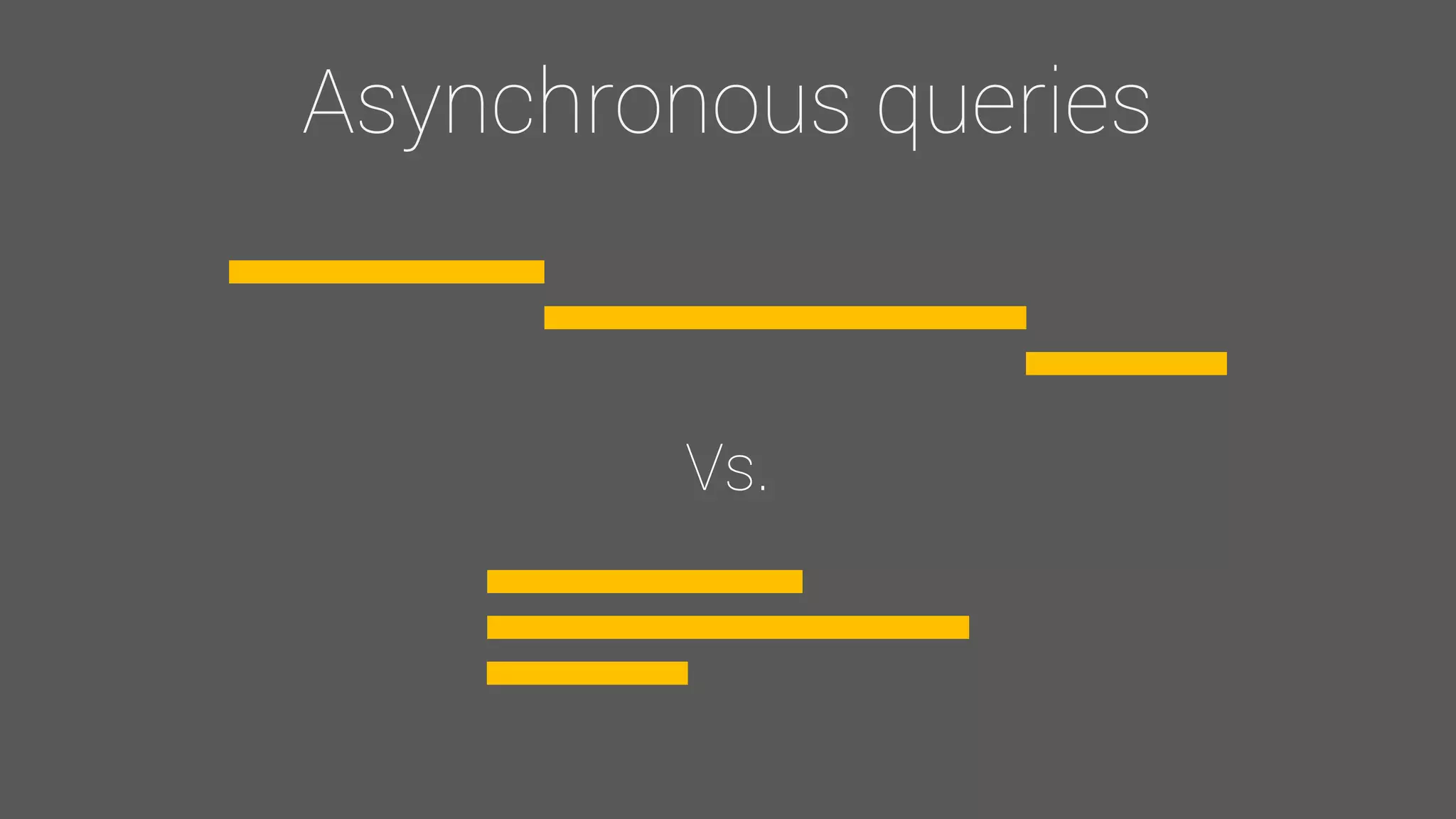
• Mandatory if you want to be fast (from
anything over 1 query)
Asynchronous queries
Vs.
Asynchronous queries
• For massive reads, send your queries by
bunches and wait for them
General best practices
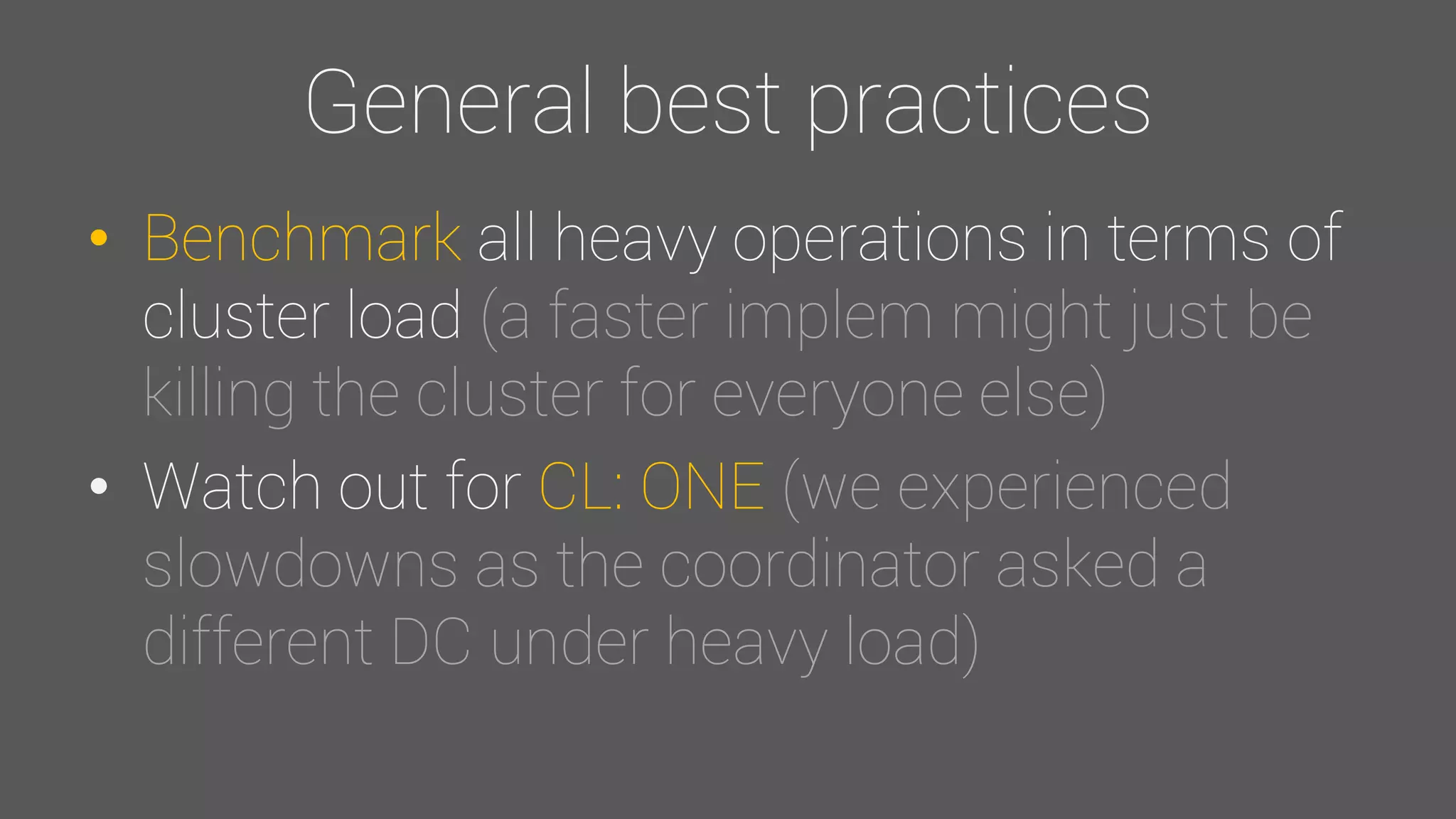
• Benchmark all heavy operations in terms of
cluster load (a faster implem might just be
killing the cluster for everyone else)
• Watch out for CL: ONE (we experienced
slowdowns as the coordinator asked a
different DC under heavy load)
Numbers time
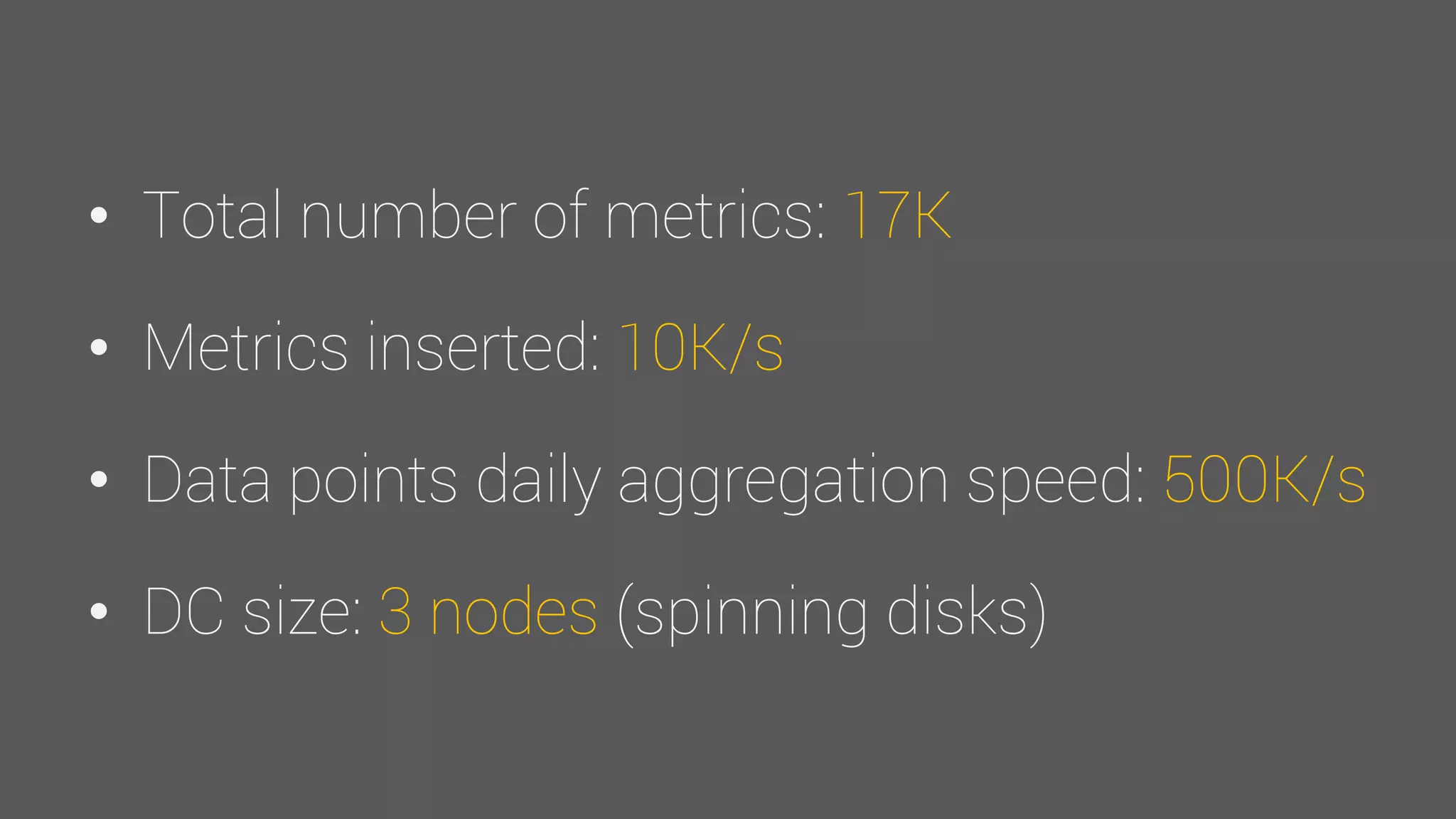
• Total number of metrics: 17K
• Metrics inserted: 10K/s
• Data points daily aggregation speed: 500K/s
• DC size: 3 nodes (spinning disks)
Future
• Use DTCS (MaybeTWCS? CASSANDRA-
9666 / CASSANDRA-10195)
• Move to SSDs everywhere
Interested? We’re hiring
Questions?
Image credits – The Noun Project
• Björn Andersson
• Creative Stall
• Gregor Cresnar
• Justin Blake
• Lemon Liu
• Mark Shorter
• Shawn Schmidt
• Stéphanie Rusch

Observer, a "real life" time series application