1
Slide
1
Azure Information Protection +
Windows Information Protection: Better Together?
Paul Robichaux
2
Slide
2
Azure Information Protection + Windows Information Protection: Better Together?| Paul Robichaux | 22 June 1215-1330
Follow us:
#O365ENGAGE17
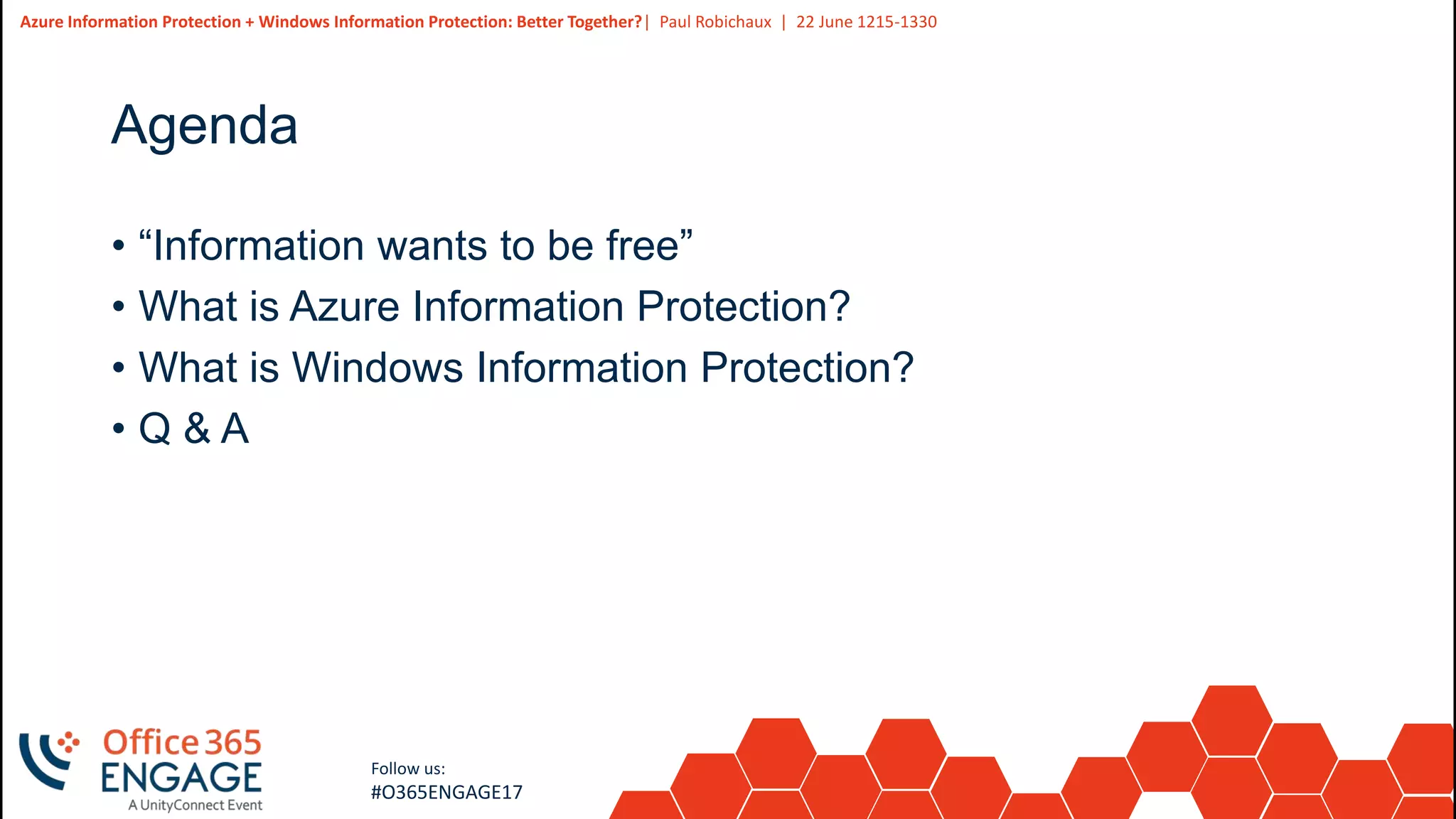
Agenda
• “Information wants to be free”
• What is Azure Information Protection?
• What is Windows Information Protection?
• Q & A
3
Slide
3
Azure Information Protection + Windows Information Protection: Better Together?| Paul Robichaux | 22 June 1215-1330
Follow us:
#O365ENGAGE17
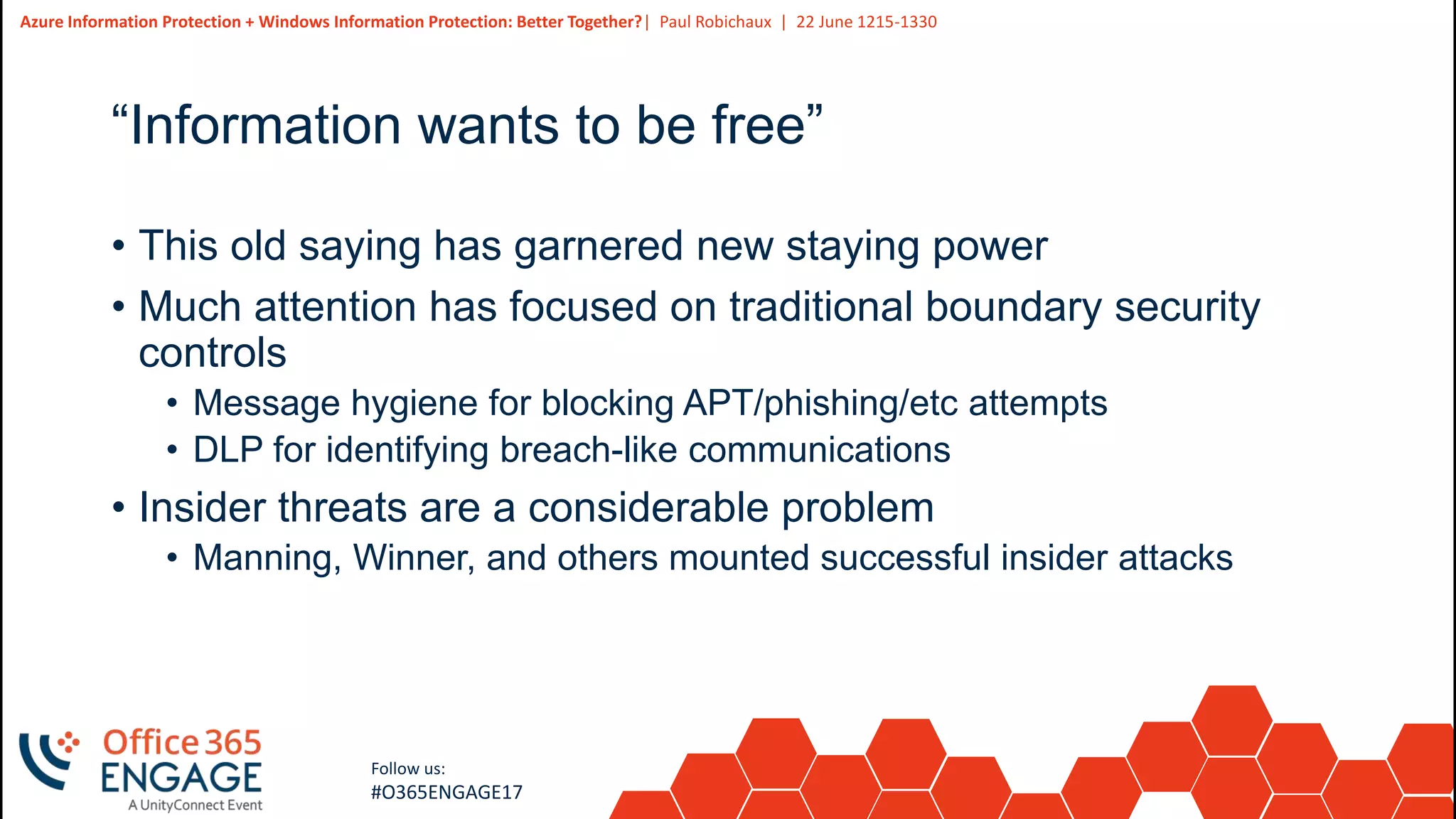
“Information wants to be free”
• This old saying has garnered new staying power
• Much attention has focused on traditional boundary security
controls
• Message hygiene for blocking APT/phishing/etc attempts
• DLP for identifying breach-like communications
• Insider threats are a considerable problem
• Manning, Winner, and others mounted successful insider attacks
4
Slide
4
Azure Information Protection + Windows Information Protection: Better Together?| Paul Robichaux | 22 June 1215-1330
Follow us:
#O365ENGAGE17
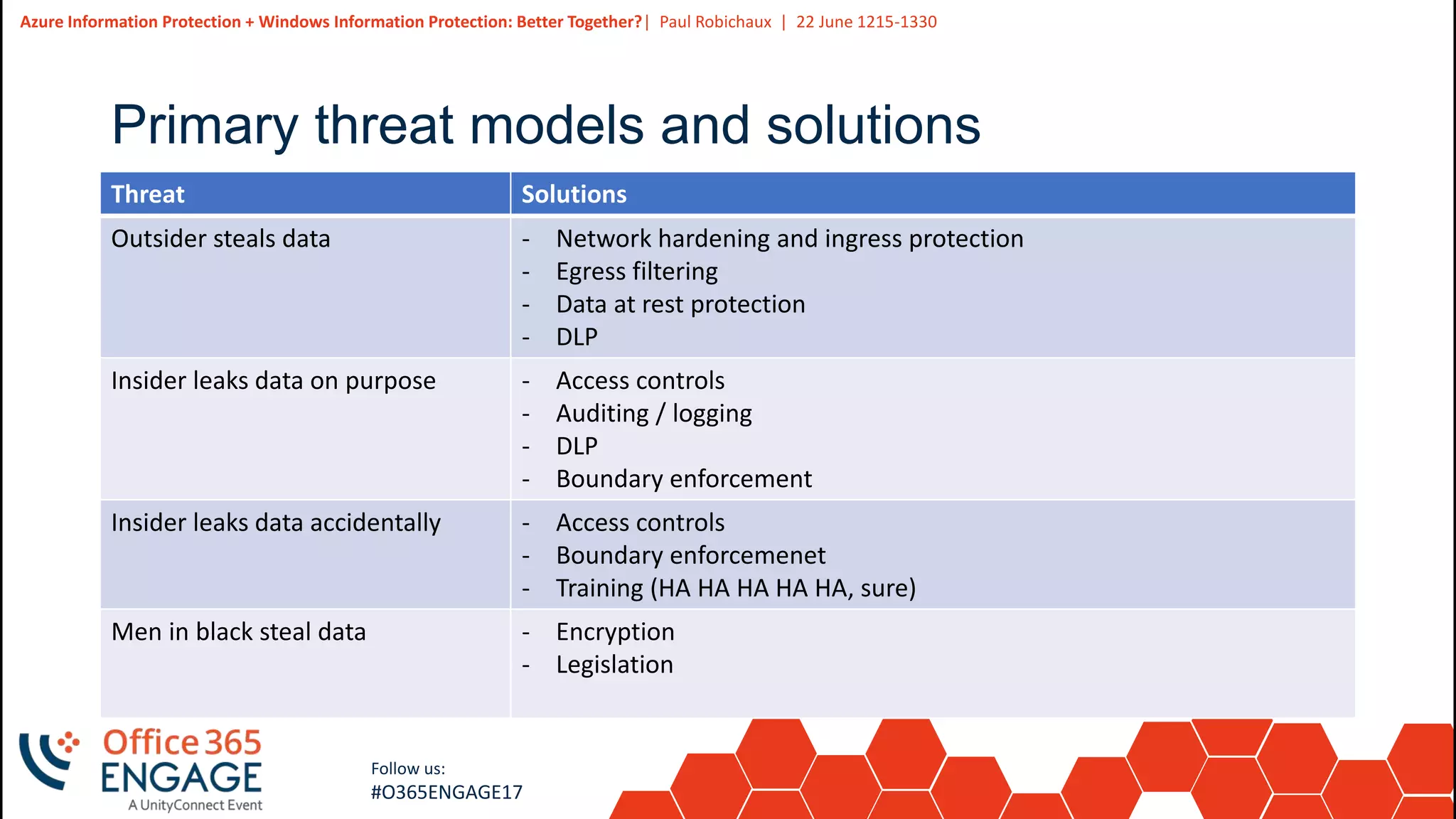
Primary threat models and solutions
Threat Solutions
Outsider steals data - Network hardening and ingress protection
- Egress filtering
- Data at rest protection
- DLP
Insider leaks data on purpose - Access controls
- Auditing / logging
- DLP
- Boundary enforcement
Insider leaks data accidentally - Access controls
- Boundary enforcemenet
- Training (HA HA HA HA HA, sure)
Men in black steal data - Encryption
- Legislation
5
Slide
5
Azure Information Protection + Windows Information Protection: Better Together?| Paul Robichaux | 22 June 1215-1330
Follow us:
#O365ENGAGE17
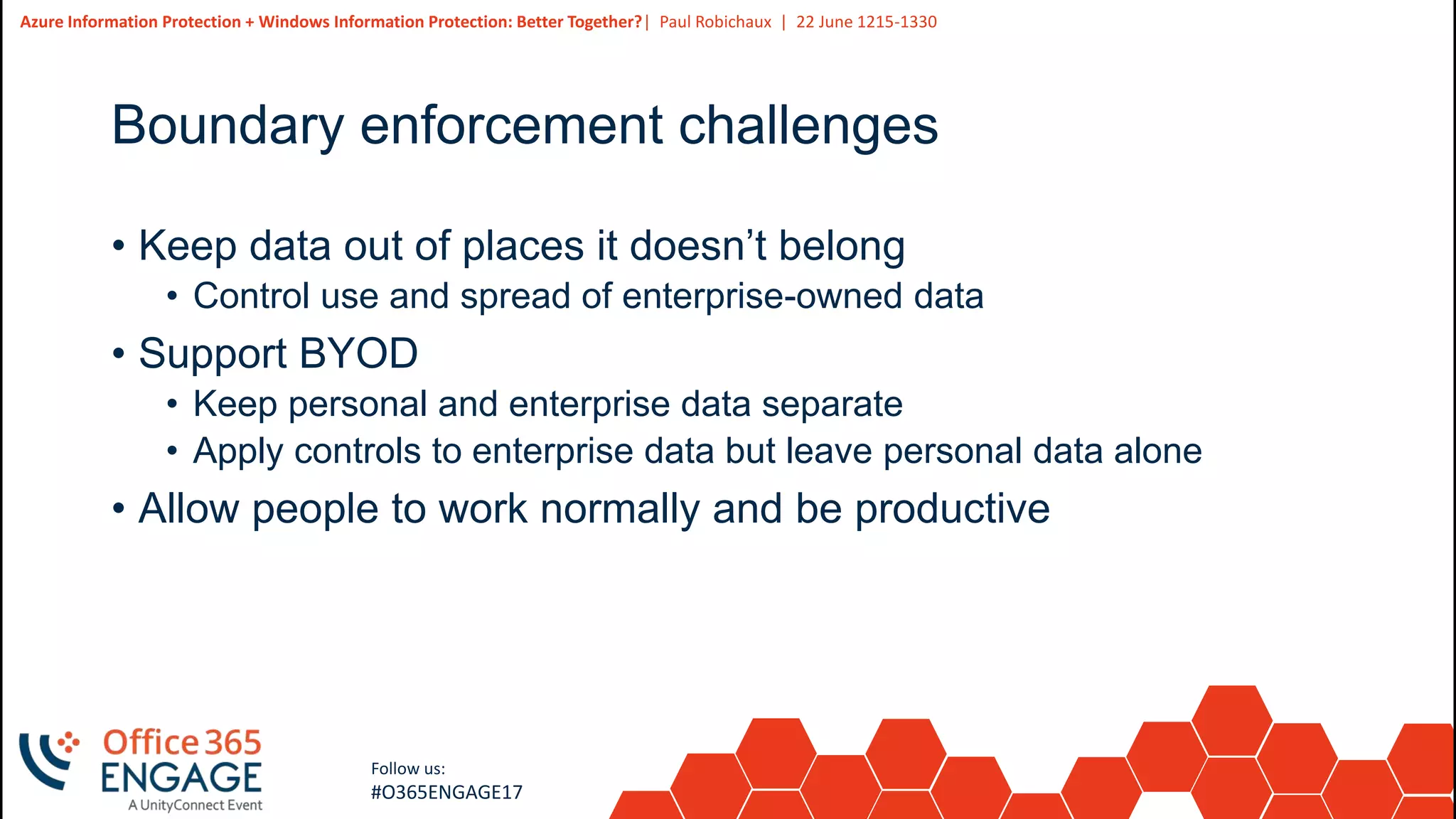
Boundary enforcement challenges
• Keep data out of places it doesn’t belong
• Control use and spread of enterprise-owned data
• Support BYOD
• Keep personal and enterprise data separate
• Apply controls to enterprise data but leave personal data alone
• Allow people to work normally and be productive
6
Slide
6
Azure Information Protection + Windows Information Protection: Better Together?| Paul Robichaux | 22 June 1215-1330
Follow us:
#O365ENGAGE17
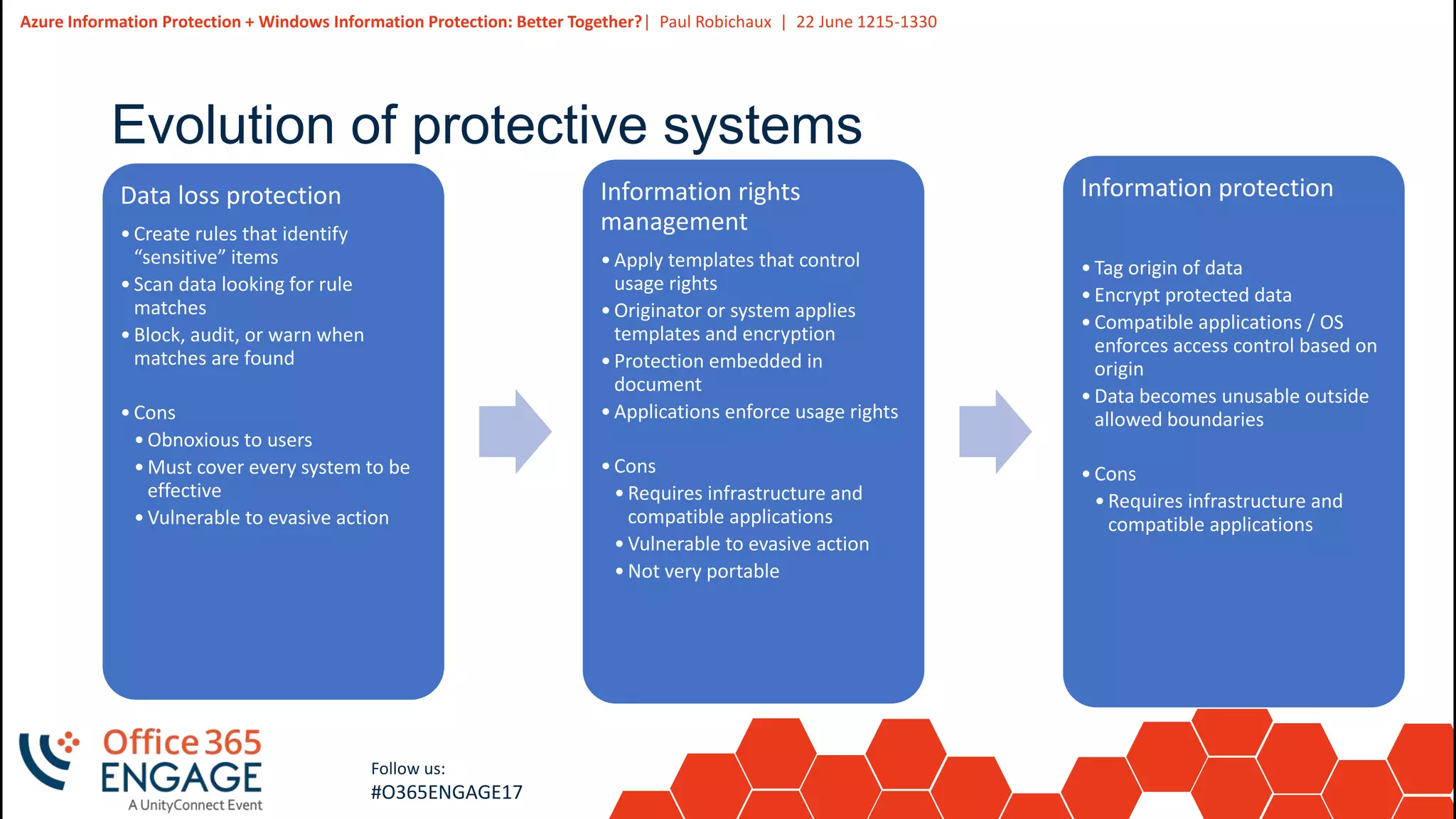
Evolution of protective systems
Data loss protection
•Create rules that identify
“sensitive” items
•Scan data looking for rule
matches
•Block, audit, or warn when
matches are found
•Cons
•Obnoxious to users
•Must cover every system to be
effective
•Vulnerable to evasive action
Information rights
management
•Apply templates that control
usage rights
•Originator or system applies
templates and encryption
•Protection embedded in
document
•Applications enforce usage rights
•Cons
•Requires infrastructure and
compatible applications
•Vulnerable to evasive action
•Not very portable
Information protection
•Tag origin of data
•Encrypt protected data
•Compatible applications / OS
enforces access control based on
origin
•Data becomes unusable outside
allowed boundaries
•Cons
•Requires infrastructure and
compatible applications
7
Slide
7
Azure Information Protection + Windows Information Protection: Better Together?| Paul Robichaux | 22 June 1215-1330
Follow us:
#O365ENGAGE17
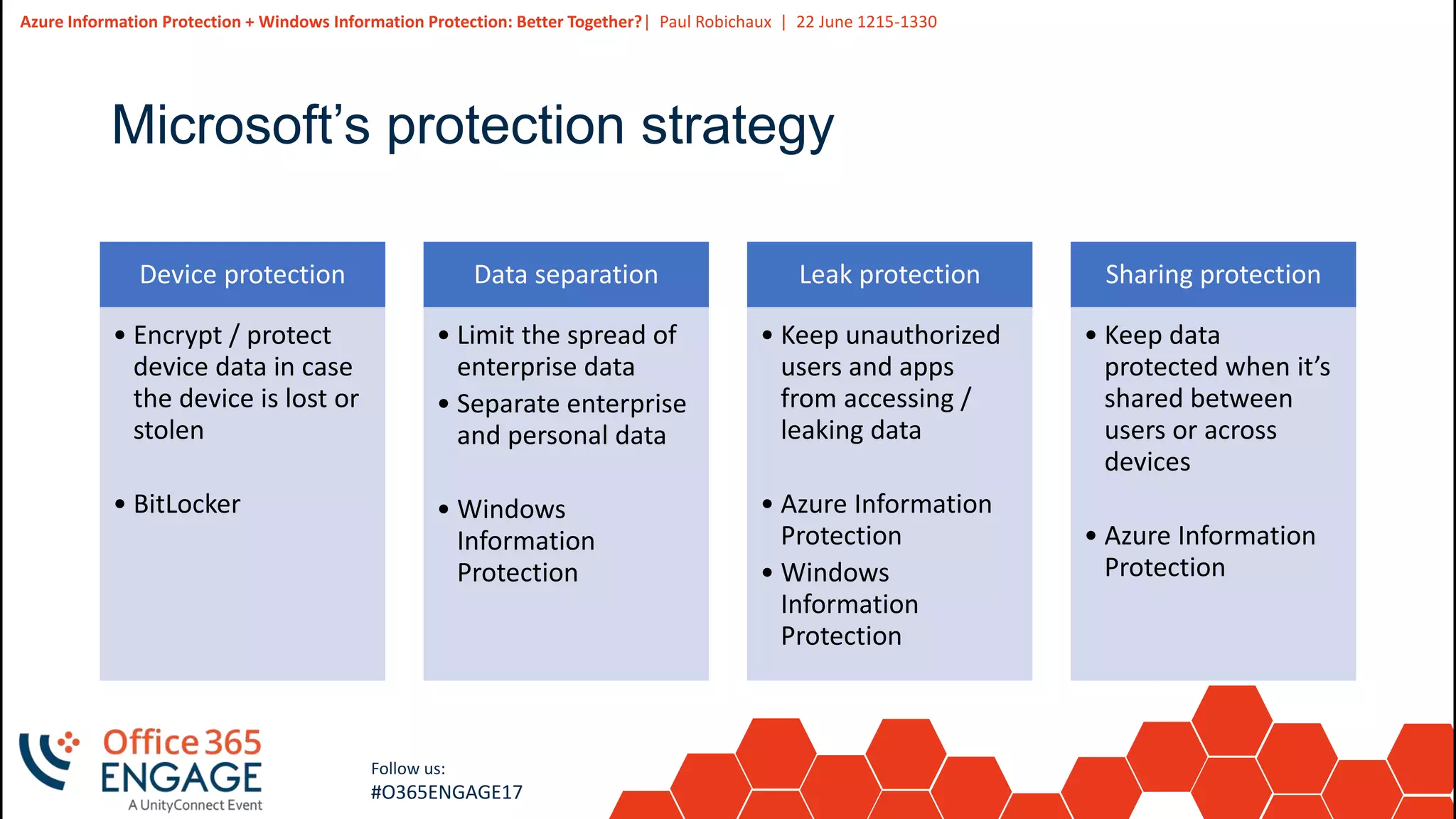
Microsoft’s protection strategy
Device protection
• Encrypt / protect
device data in case
the device is lost or
stolen
• BitLocker
Data separation
• Limit the spread of
enterprise data
• Separate enterprise
and personal data
• Windows
Information
Protection
Leak protection
• Keep unauthorized
users and apps
from accessing /
leaking data
• Azure Information
Protection
• Windows
Information
Protection
Sharing protection
• Keep data
protected when it’s
shared between
users or across
devices
• Azure Information
Protection
8
Slide
8
Follow us:
#O365ENGAGE17
What is Azure Information Protection?
9
Slide
9
Azure Information Protection + Windows Information Protection: Better Together?| Paul Robichaux | 22 June 1215-1330
Follow us:
#O365ENGAGE17
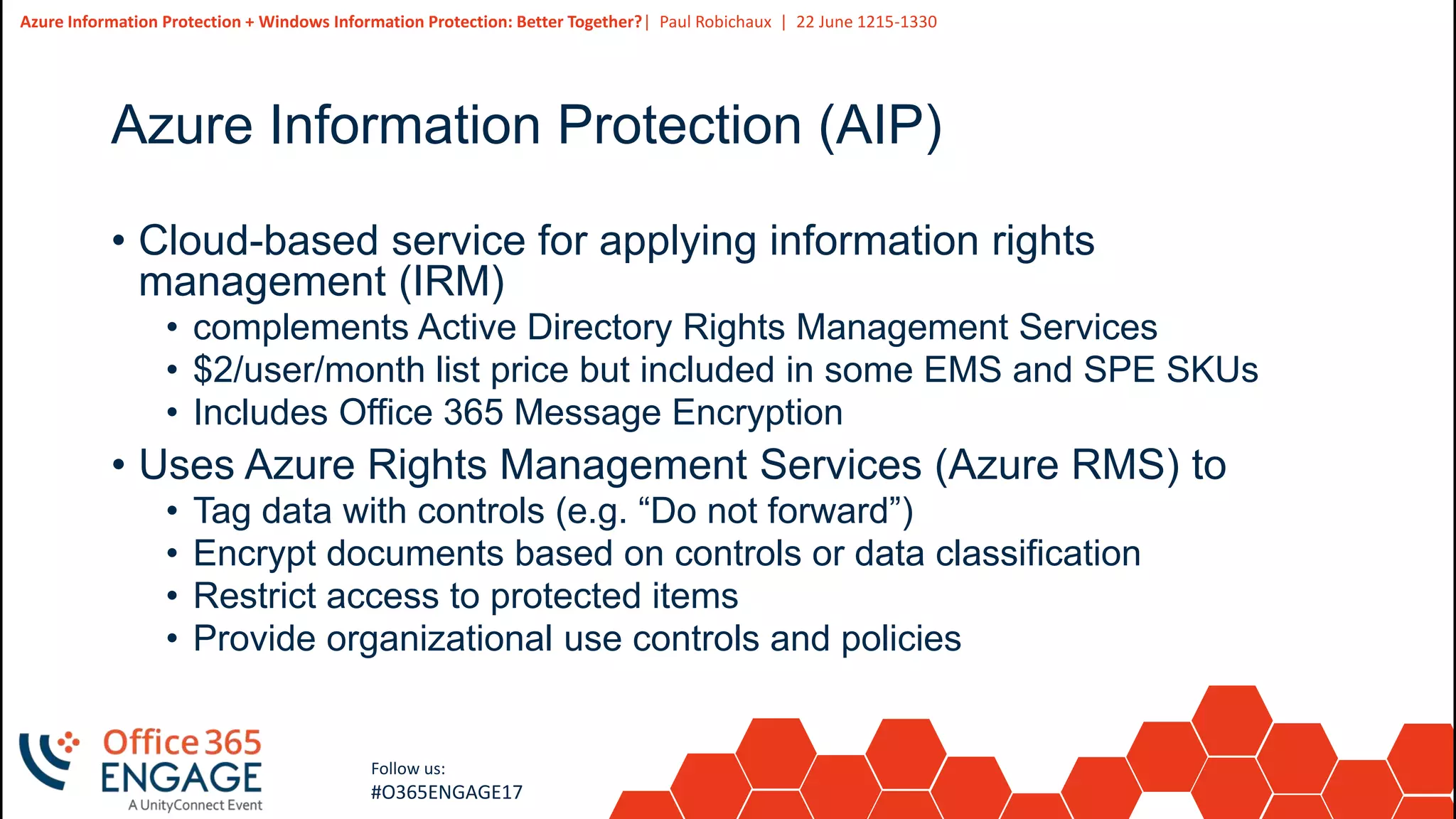
Azure Information Protection (AIP)
• Cloud-based service for applying information rights
management (IRM)
• complements Active Directory Rights Management Services
• $2/user/month list price but included in some EMS and SPE SKUs
• Includes Office 365 Message Encryption
• Uses Azure Rights Management Services (Azure RMS) to
• Tag data with controls (e.g. “Do not forward”)
• Encrypt documents based on controls or data classification
• Restrict access to protected items
• Provide organizational use controls and policies
10
Slide
10
Azure Information Protection + Windows Information Protection: Better Together?| Paul Robichaux | 22 June 1215-1330
Follow us:
#O365ENGAGE17
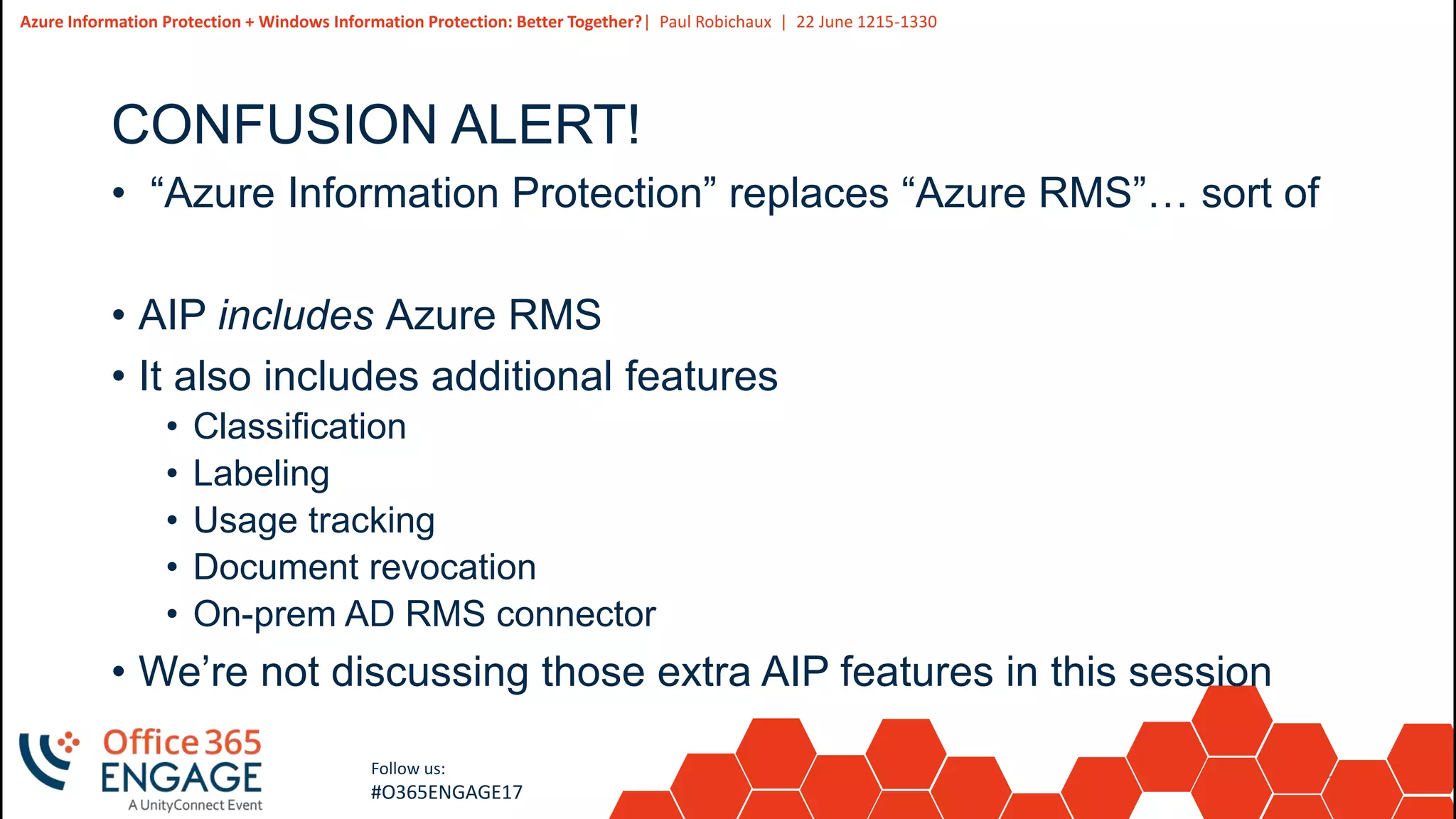
CONFUSION ALERT!
• “Azure Information Protection” replaces “Azure RMS”… sort of
• AIP includes Azure RMS
• It also includes additional features
• Classification
• Labeling
• Usage tracking
• Document revocation
• On-prem AD RMS connector
• We’re not discussing those extra AIP features in this session
11
Slide
11
Azure Information Protection + Windows Information Protection: Better Together?| Paul Robichaux | 22 June 1215-1330
Follow us:
#O365ENGAGE17
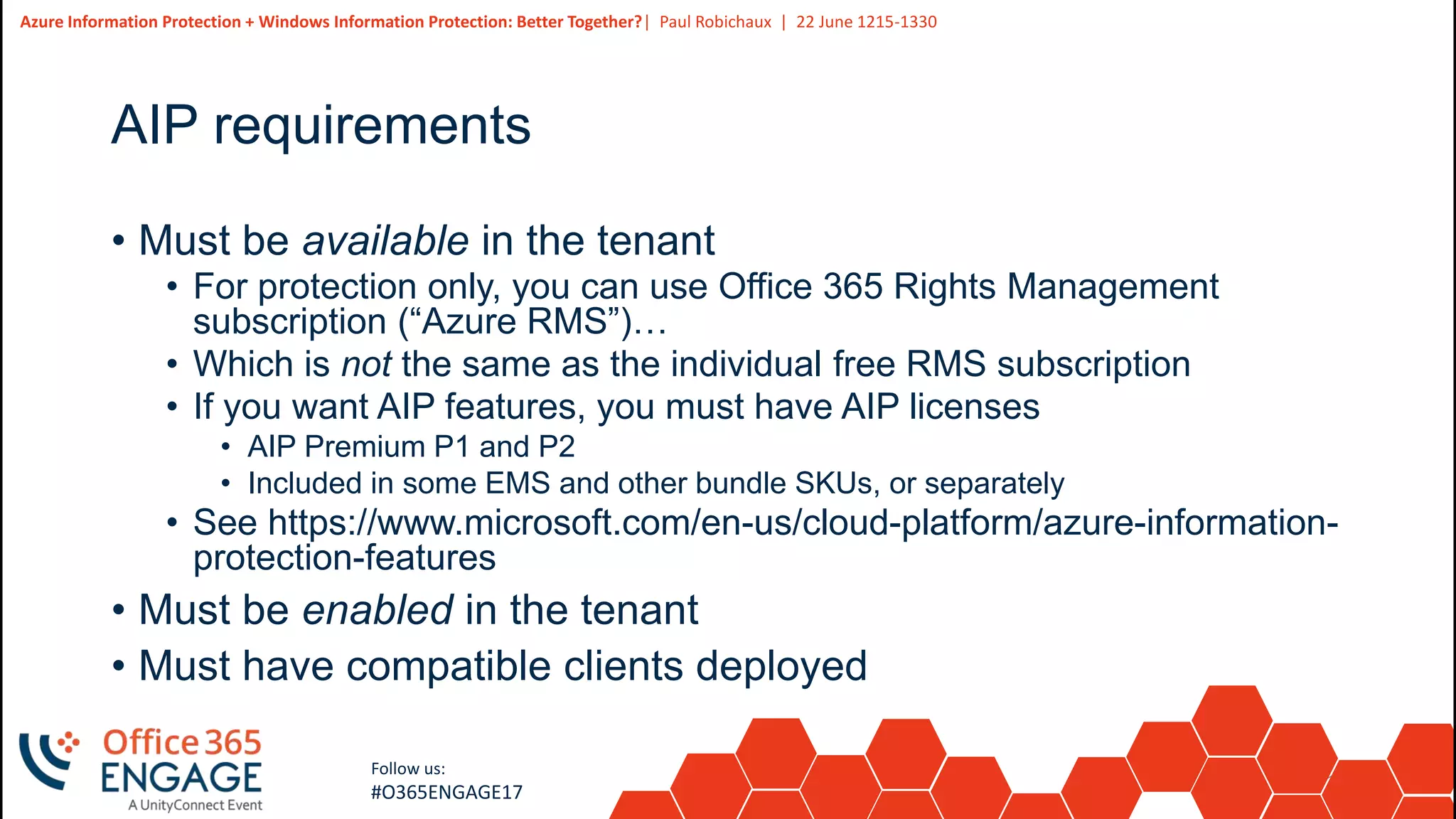
AIP requirements
• Must be available in the tenant
• For protection only, you can use Office 365 Rights Management
subscription (“Azure RMS”)…
• Which is not the same as the individual free RMS subscription
• If you want AIP features, you must have AIP licenses
• AIP Premium P1 and P2
• Included in some EMS and other bundle SKUs, or separately
• See https://www.microsoft.com/en-us/cloud-platform/azure-information-
protection-features
• Must be enabled in the tenant
• Must have compatible clients deployed
12
Slide
12
Azure Information Protection + Windows Information Protection: Better Together?| Paul Robichaux | 22 June 1215-1330
Follow us:
#O365ENGAGE17
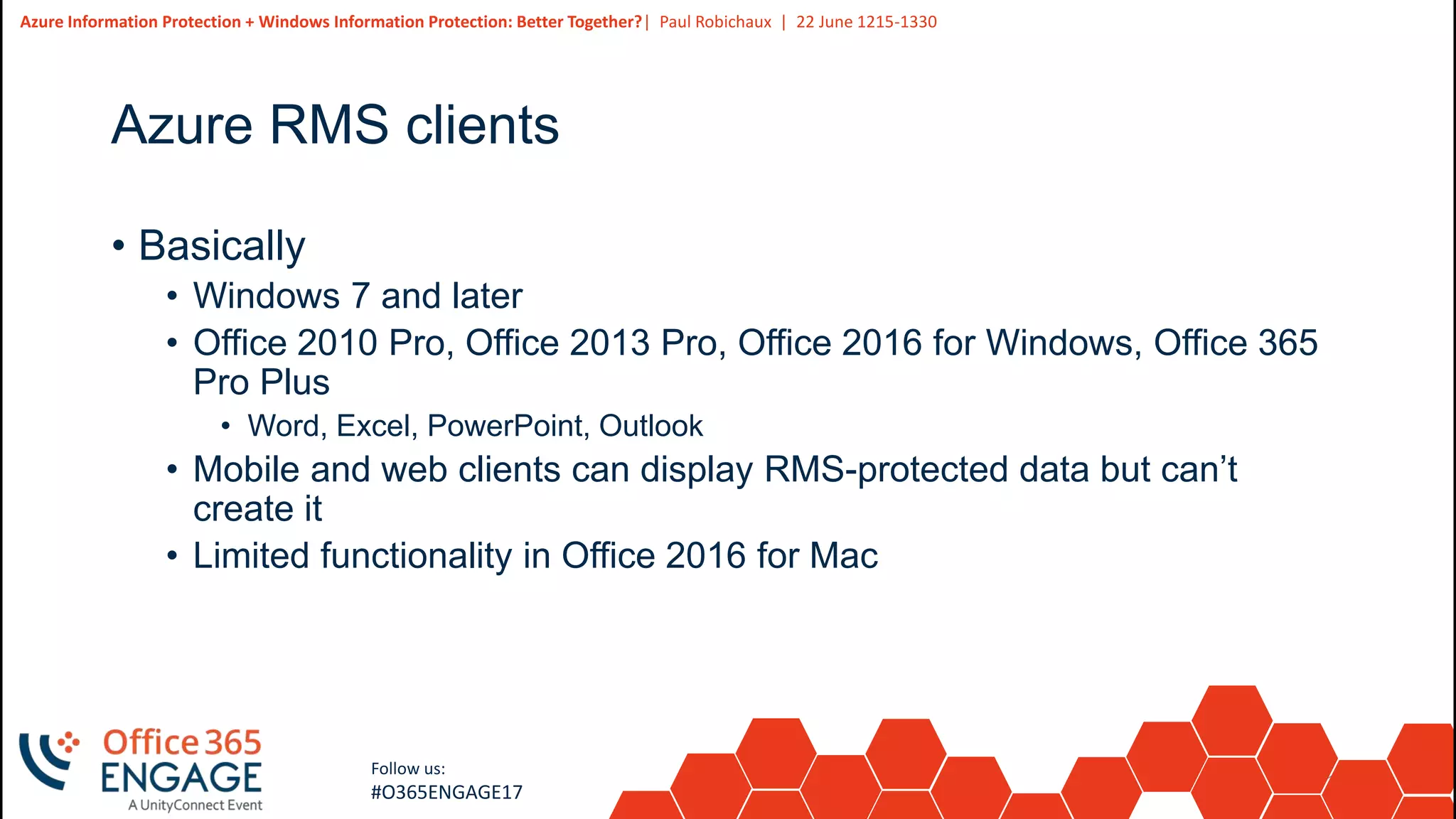
Azure RMS clients
• Basically
• Windows 7 and later
• Office 2010 Pro, Office 2013 Pro, Office 2016 for Windows, Office 365
Pro Plus
• Word, Excel, PowerPoint, Outlook
• Mobile and web clients can display RMS-protected data but can’t
create it
• Limited functionality in Office 2016 for Mac
13
Slide
13
Azure Information Protection + Windows Information Protection: Better Together?| Paul Robichaux | 22 June 1215-1330
Follow us:
#O365ENGAGE17
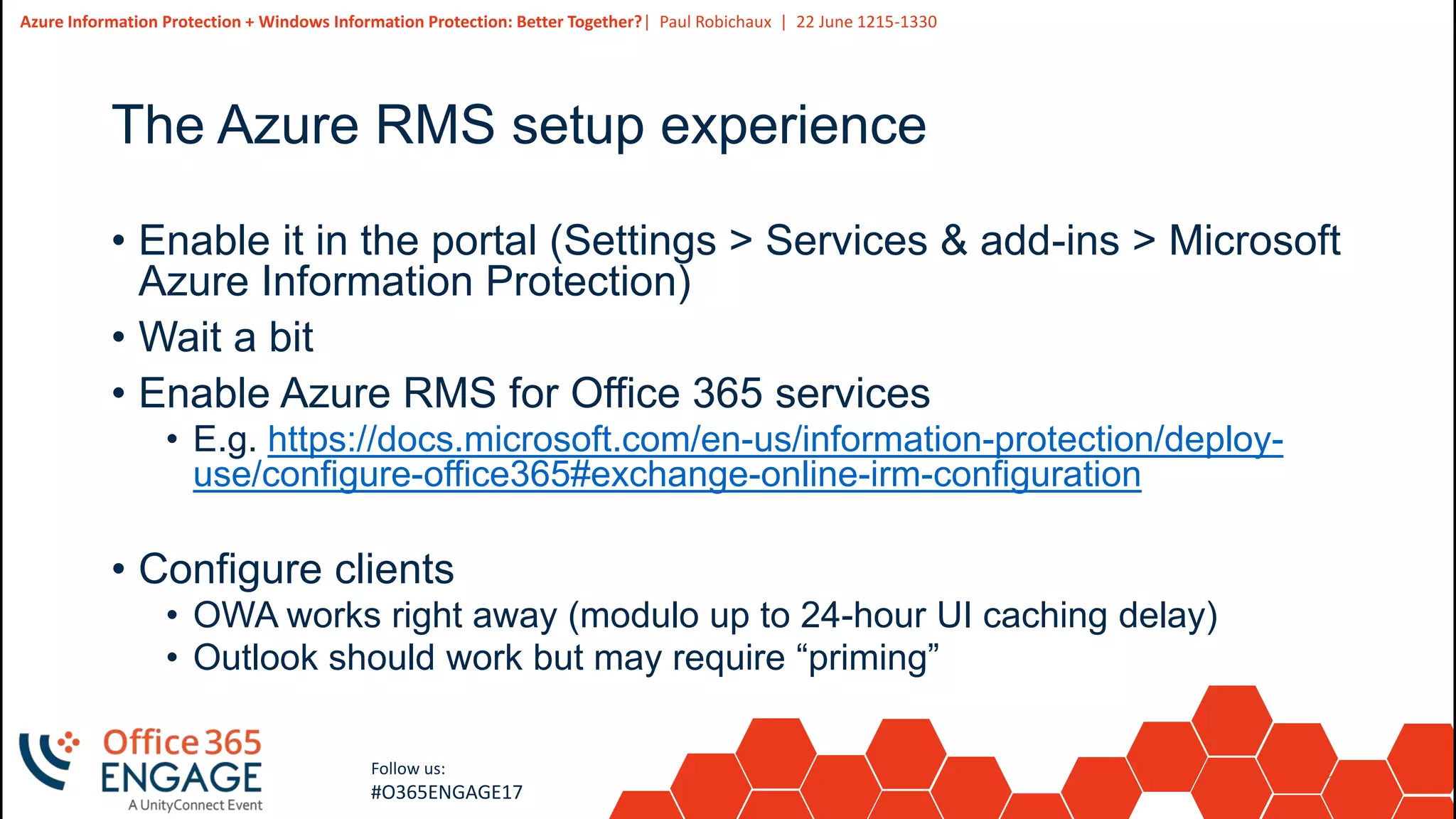
The Azure RMS setup experience
• Enable it in the portal (Settings > Services & add-ins > Microsoft
Azure Information Protection)
• Wait a bit
• Enable Azure RMS for Office 365 services
• E.g. https://docs.microsoft.com/en-us/information-protection/deploy-
use/configure-office365#exchange-online-irm-configuration
• Configure clients
• OWA works right away (modulo up to 24-hour UI caching delay)
• Outlook should work but may require “priming”
14
Slide
14
Follow us:
#O365ENGAGE17
Basic Azure RMS functionality in O365
Demo
15
Slide
15
Azure Information Protection + Windows Information Protection: Better Together?| Paul Robichaux | 22 June 1215-1330
Follow us:
#O365ENGAGE17
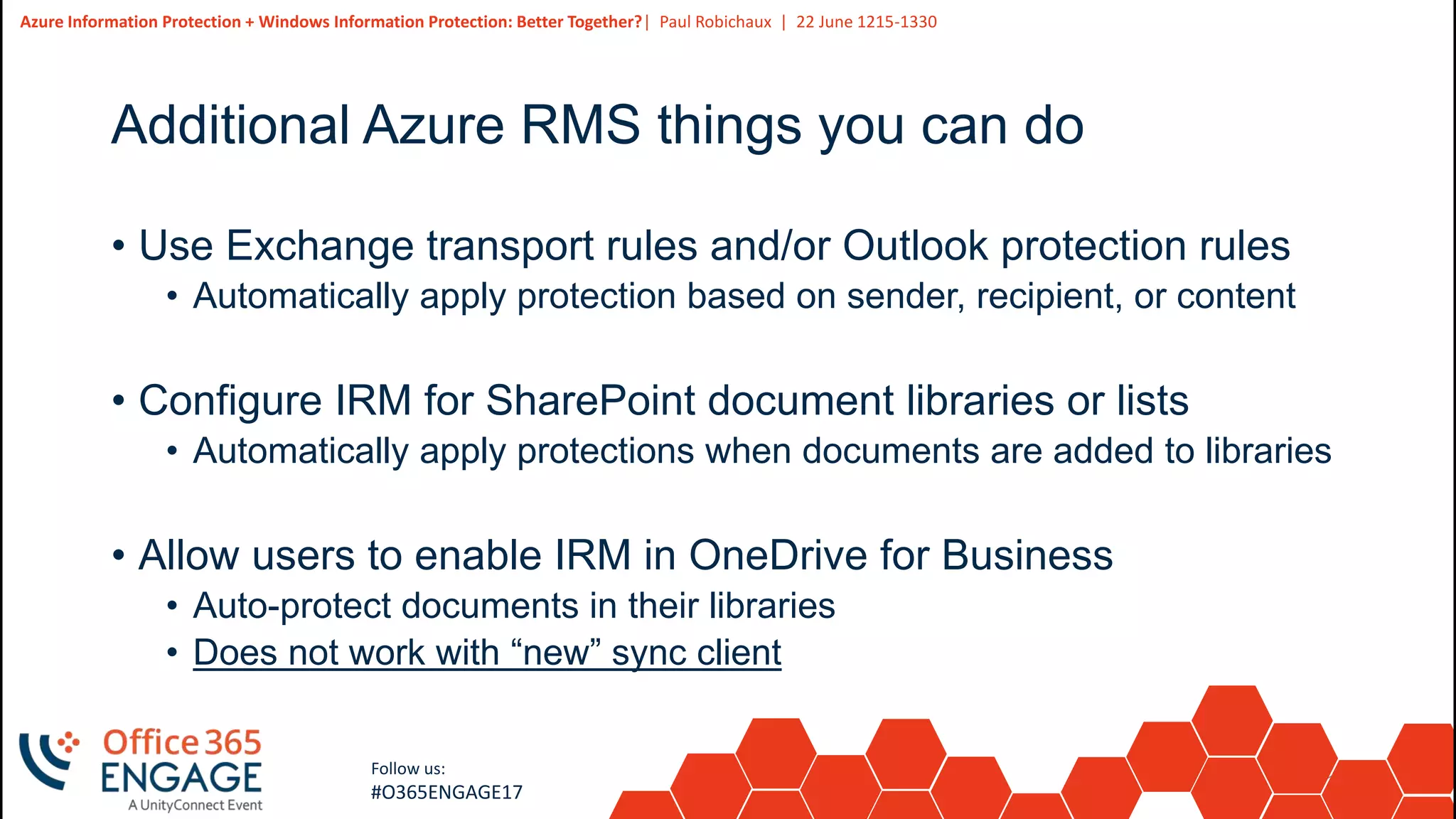
Additional Azure RMS things you can do
• Use Exchange transport rules and/or Outlook protection rules
• Automatically apply protection based on sender, recipient, or content
• Configure IRM for SharePoint document libraries or lists
• Automatically apply protections when documents are added to libraries
• Allow users to enable IRM in OneDrive for Business
• Auto-protect documents in their libraries
• Does not work with “new” sync client
16
Slide
16
Azure Information Protection + Windows Information Protection: Better Together?| Paul Robichaux | 22 June 1215-1330
Follow us:
#O365ENGAGE17
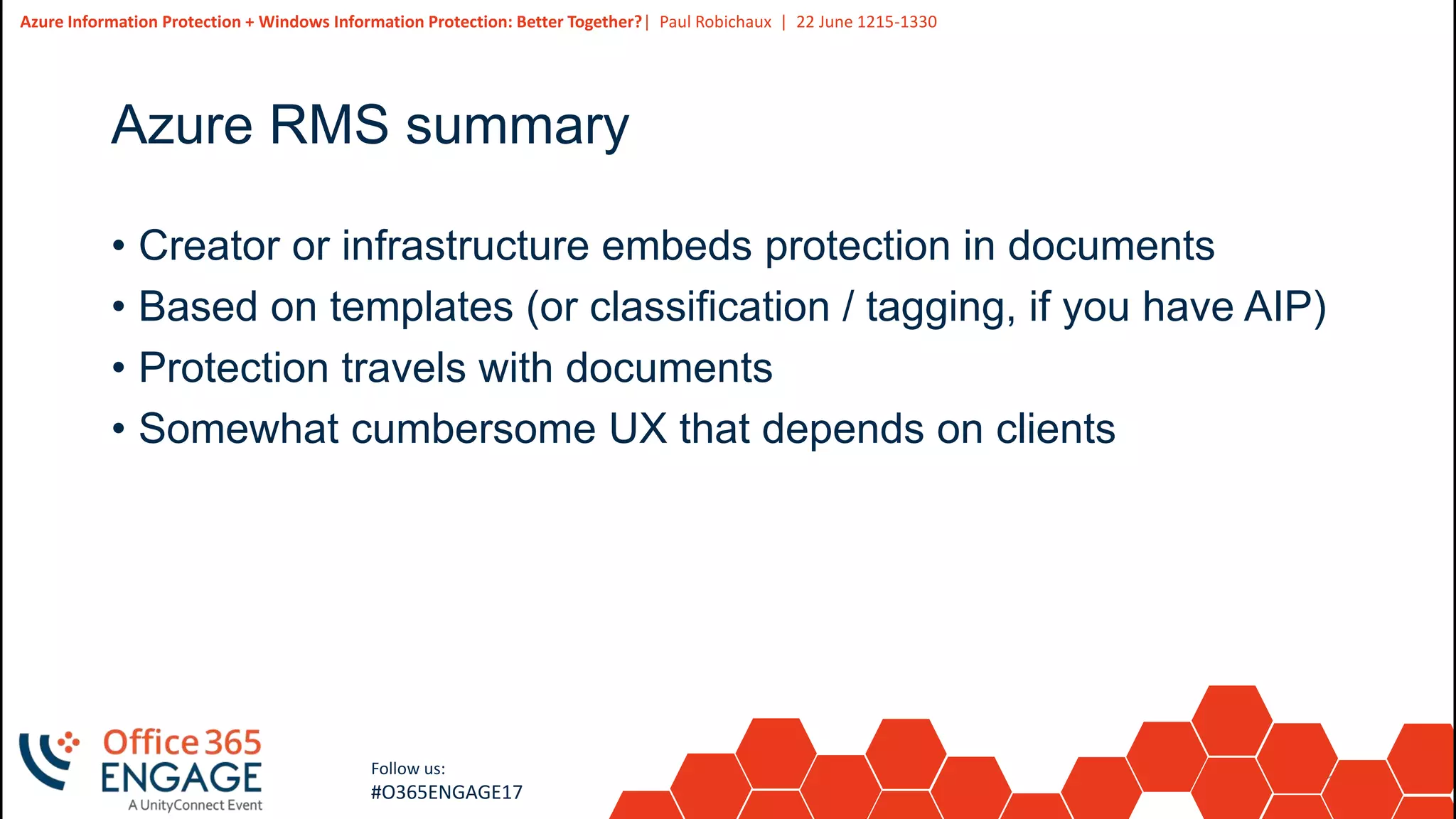
Azure RMS summary
• Creator or infrastructure embeds protection in documents
• Based on templates (or classification / tagging, if you have AIP)
• Protection travels with documents
• Somewhat cumbersome UX that depends on clients
17
Slide
17
Follow us:
#O365ENGAGE17
What is Windows Information Protection?
18
Slide
18
Azure Information Protection + Windows Information Protection: Better Together?| Paul Robichaux | 22 June 1215-1330
Follow us:
#O365ENGAGE17
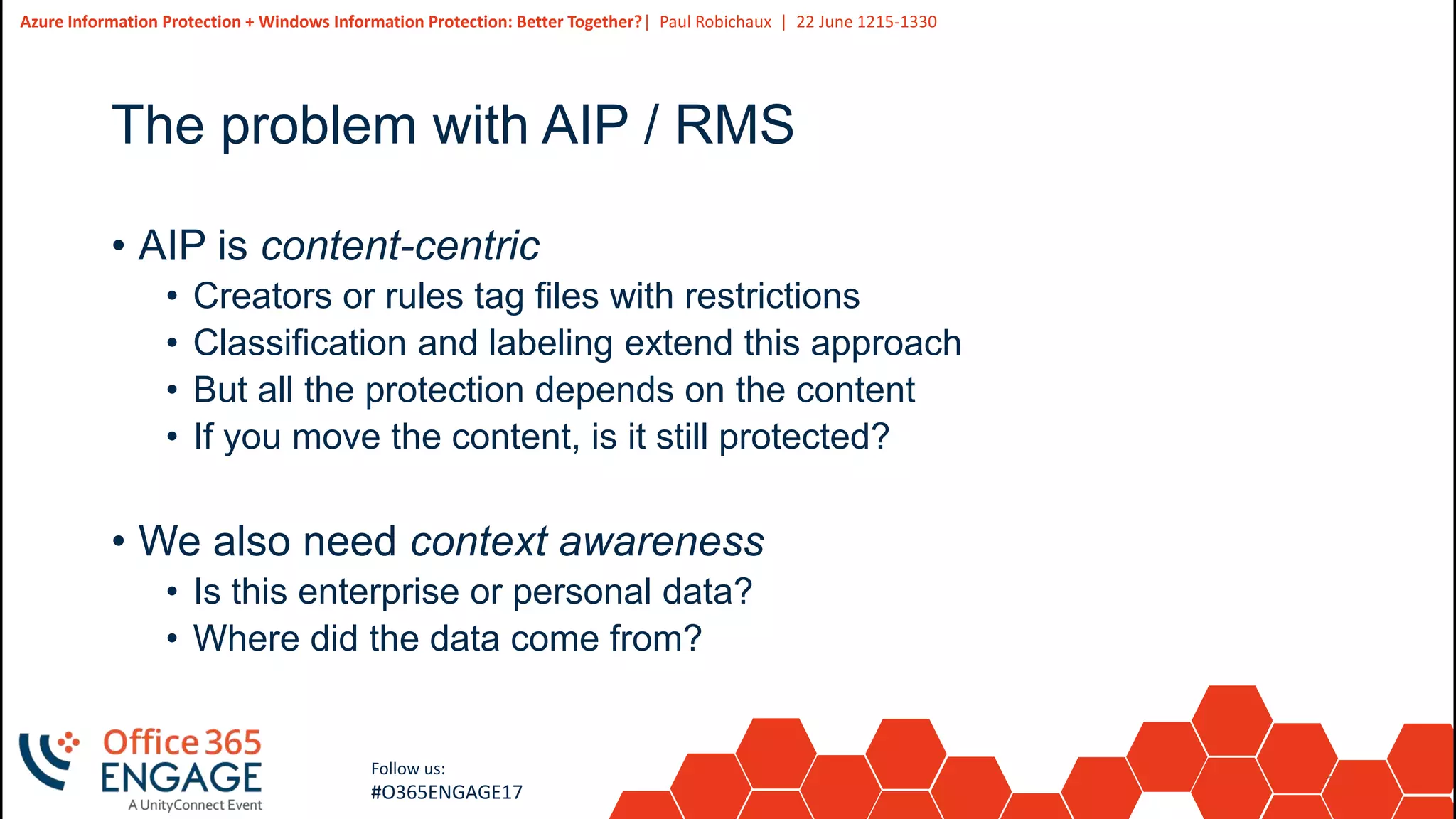
The problem with AIP / RMS
• AIP is content-centric
• Creators or rules tag files with restrictions
• Classification and labeling extend this approach
• But all the protection depends on the content
• If you move the content, is it still protected?
• We also need context awareness
• Is this enterprise or personal data?
• Where did the data come from?
19
Slide
19
Azure Information Protection + Windows Information Protection: Better Together?| Paul Robichaux | 22 June 1215-1330
Follow us:
#O365ENGAGE17
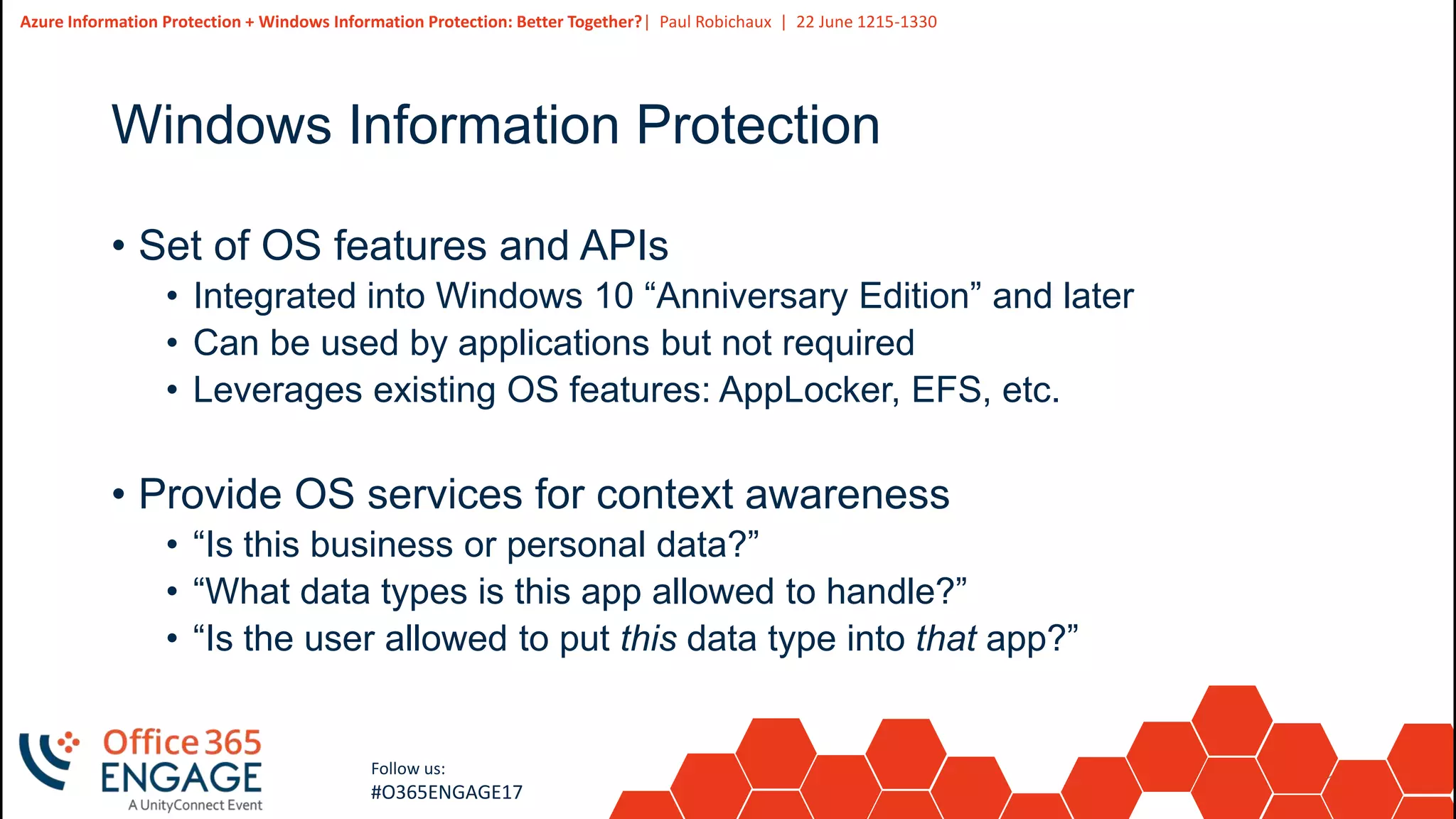
Windows Information Protection
• Set of OS features and APIs
• Integrated into Windows 10 “Anniversary Edition” and later
• Can be used by applications but not required
• Leverages existing OS features: AppLocker, EFS, etc.
• Provide OS services for context awareness
• “Is this business or personal data?”
• “What data types is this app allowed to handle?”
• “Is the user allowed to put this data type into that app?”
20
Slide
20
Azure Information Protection + Windows Information Protection: Better Together?| Paul Robichaux | 22 June 1215-1330
Follow us:
#O365ENGAGE17
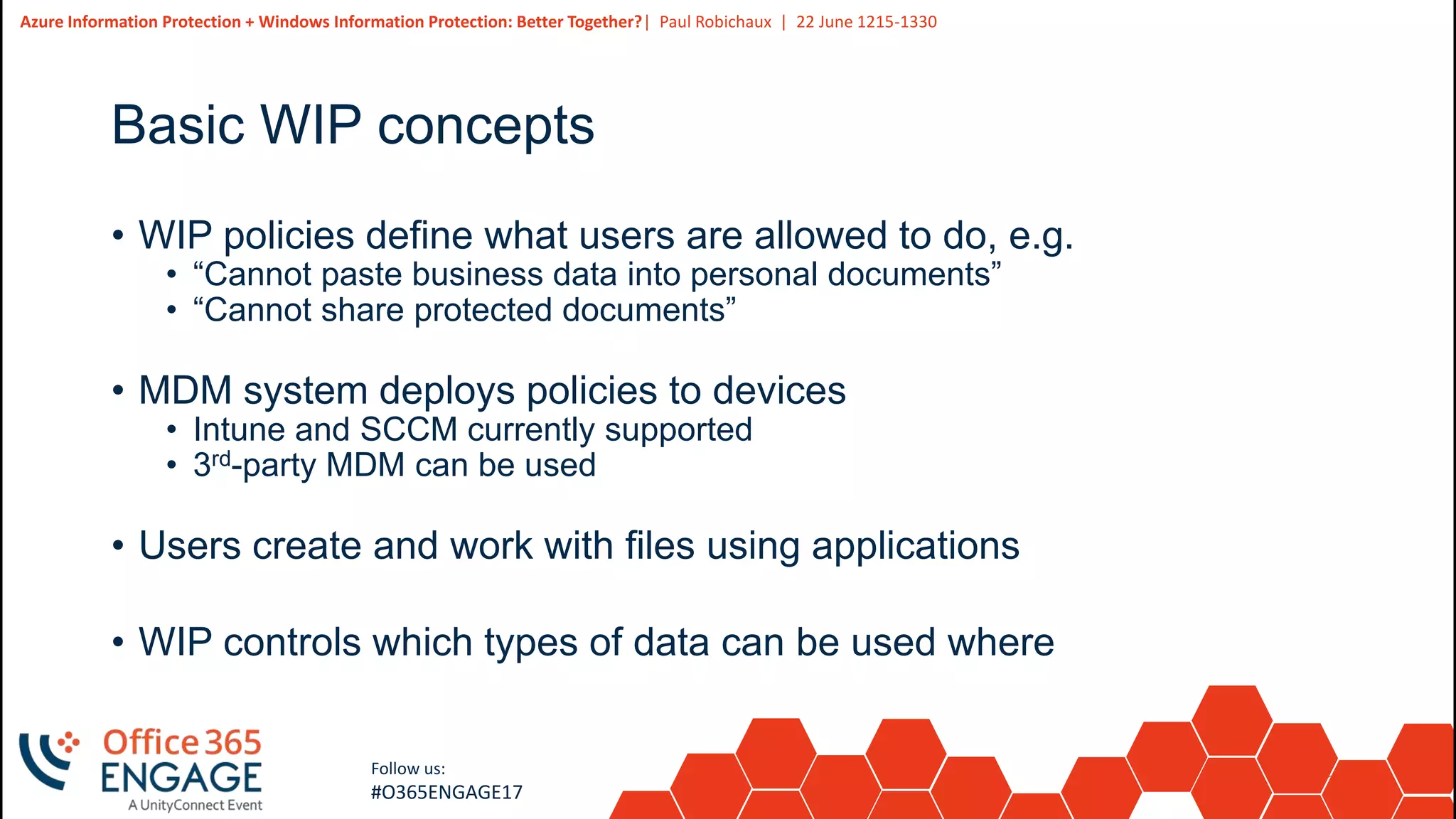
Basic WIP concepts
• WIP policies define what users are allowed to do, e.g.
• “Cannot paste business data into personal documents”
• “Cannot share protected documents”
• MDM system deploys policies to devices
• Intune and SCCM currently supported
• 3rd-party MDM can be used
• Users create and work with files using applications
• WIP controls which types of data can be used where
21
Slide
21
Azure Information Protection + Windows Information Protection: Better Together?| Paul Robichaux | 22 June 1215-1330
Follow us:
#O365ENGAGE17
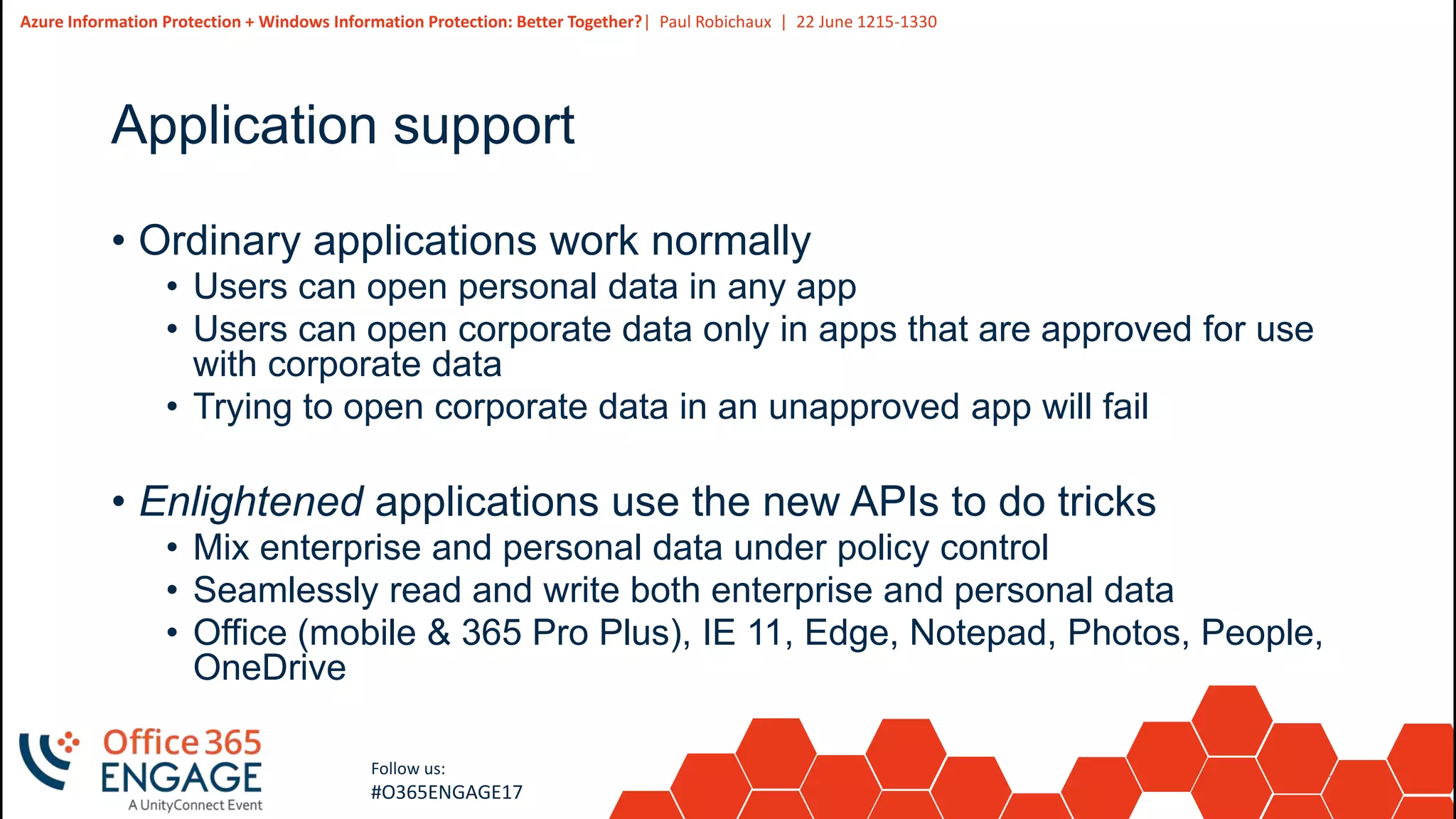
Application support
• Ordinary applications work normally
• Users can open personal data in any app
• Users can open corporate data only in apps that are approved for use
with corporate data
• Trying to open corporate data in an unapproved app will fail
• Enlightened applications use the new APIs to do tricks
• Mix enterprise and personal data under policy control
• Seamlessly read and write both enterprise and personal data
• Office (mobile & 365 Pro Plus), IE 11, Edge, Notepad, Photos, People,
OneDrive
22
Slide
22
Azure Information Protection + Windows Information Protection: Better Together?| Paul Robichaux | 22 June 1215-1330
Follow us:
#O365ENGAGE17
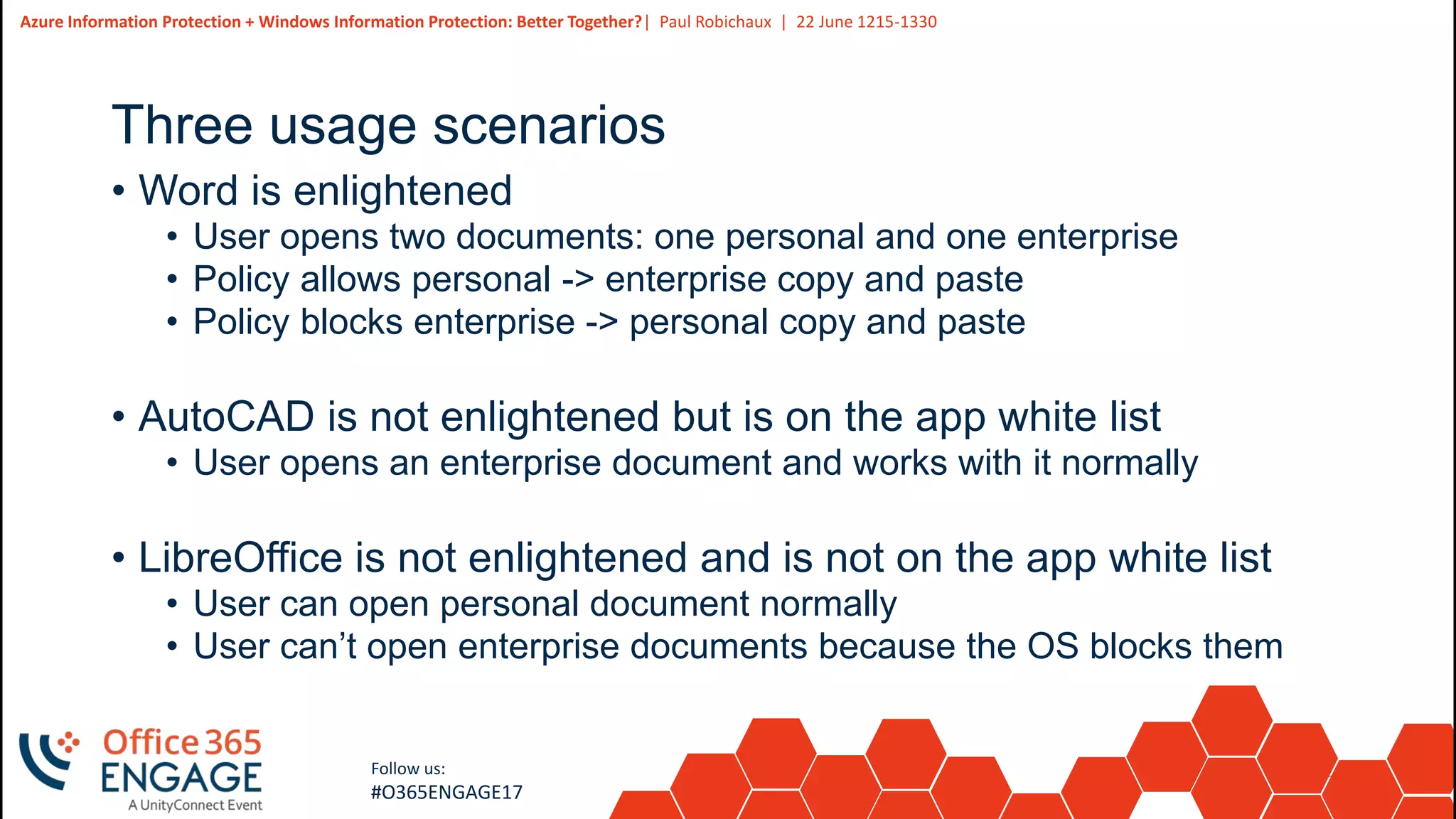
Three usage scenarios
• Word is enlightened
• User opens two documents: one personal and one enterprise
• Policy allows personal -> enterprise copy and paste
• Policy blocks enterprise -> personal copy and paste
• AutoCAD is not enlightened but is on the app white list
• User opens an enterprise document and works with it normally
• LibreOffice is not enlightened and is not on the app white list
• User can open personal document normally
• User can’t open enterprise documents because the OS blocks them
23
Slide
23
Azure Information Protection + Windows Information Protection: Better Together?| Paul Robichaux | 22 June 1215-1330
Follow us:
#O365ENGAGE17
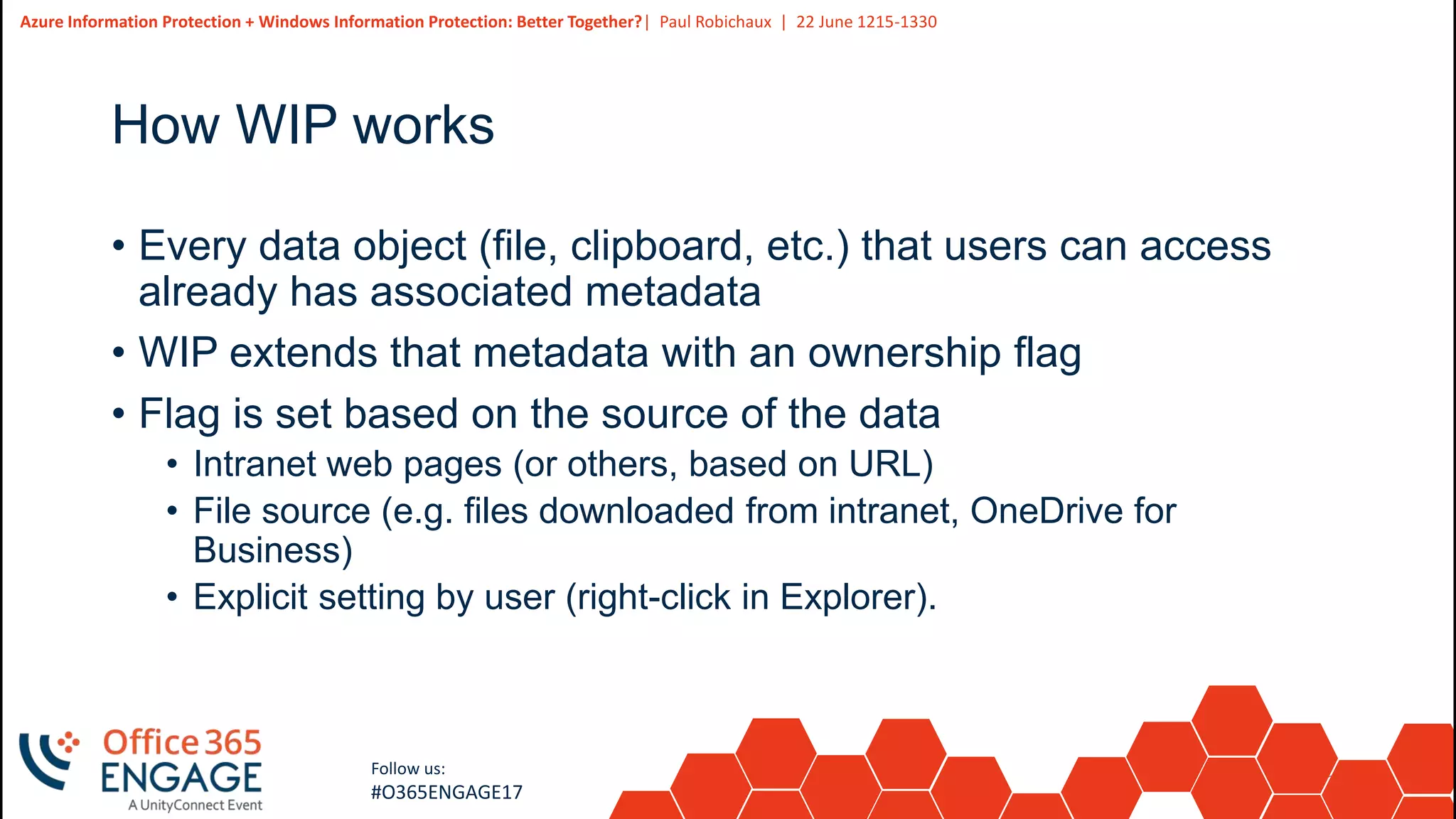
How WIP works
• Every data object (file, clipboard, etc.) that users can access
already has associated metadata
• WIP extends that metadata with an ownership flag
• Flag is set based on the source of the data
• Intranet web pages (or others, based on URL)
• File source (e.g. files downloaded from intranet, OneDrive for
Business)
• Explicit setting by user (right-click in Explorer).
24
Slide
24
Azure Information Protection + Windows Information Protection: Better Together?| Paul Robichaux | 22 June 1215-1330
Follow us:
#O365ENGAGE17
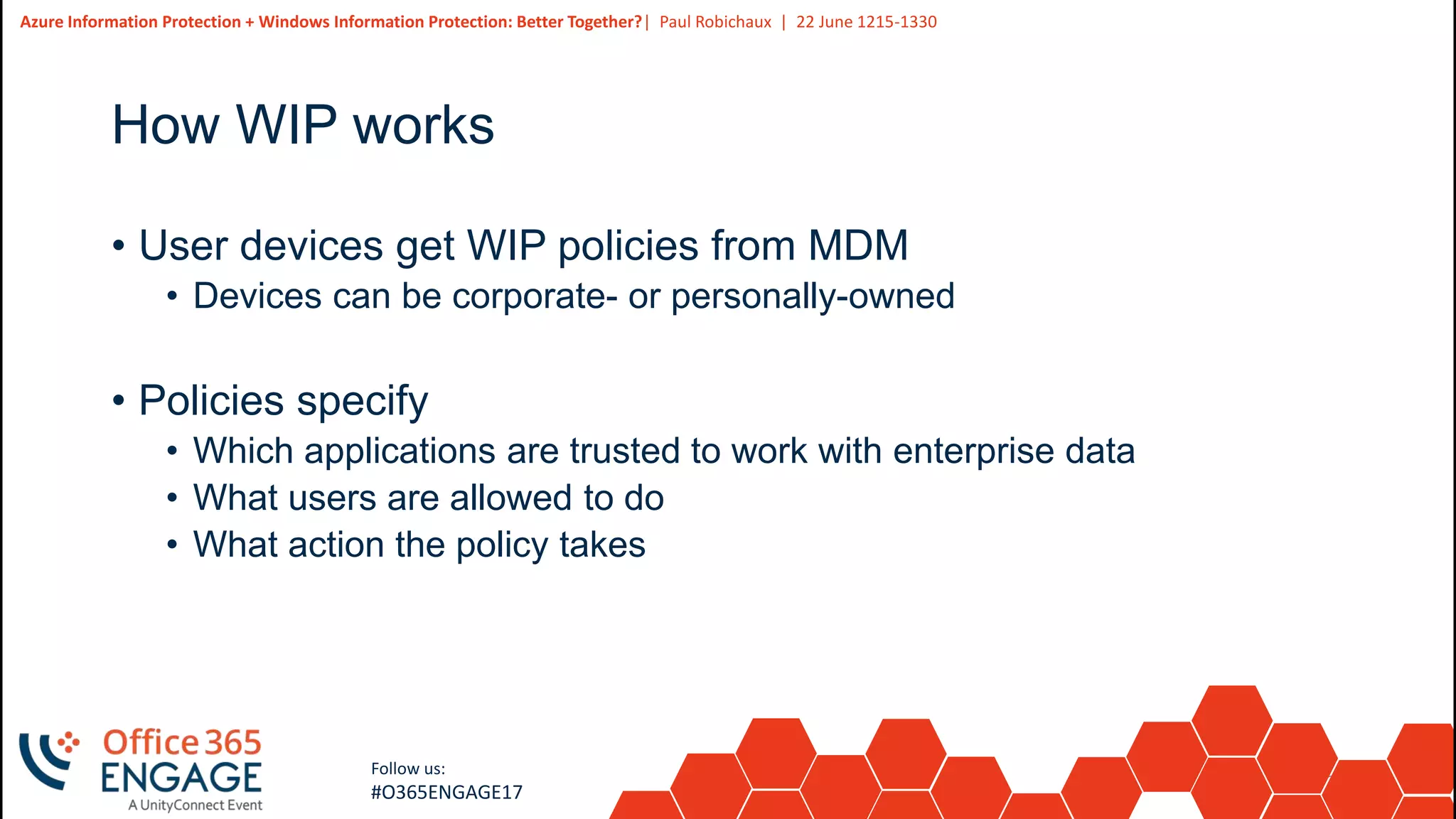
How WIP works
• User devices get WIP policies from MDM
• Devices can be corporate- or personally-owned
• Policies specify
• Which applications are trusted to work with enterprise data
• What users are allowed to do
• What action the policy takes
25
Slide
25
Azure Information Protection + Windows Information Protection: Better Together?| Paul Robichaux | 22 June 1215-1330
Follow us:
#O365ENGAGE17
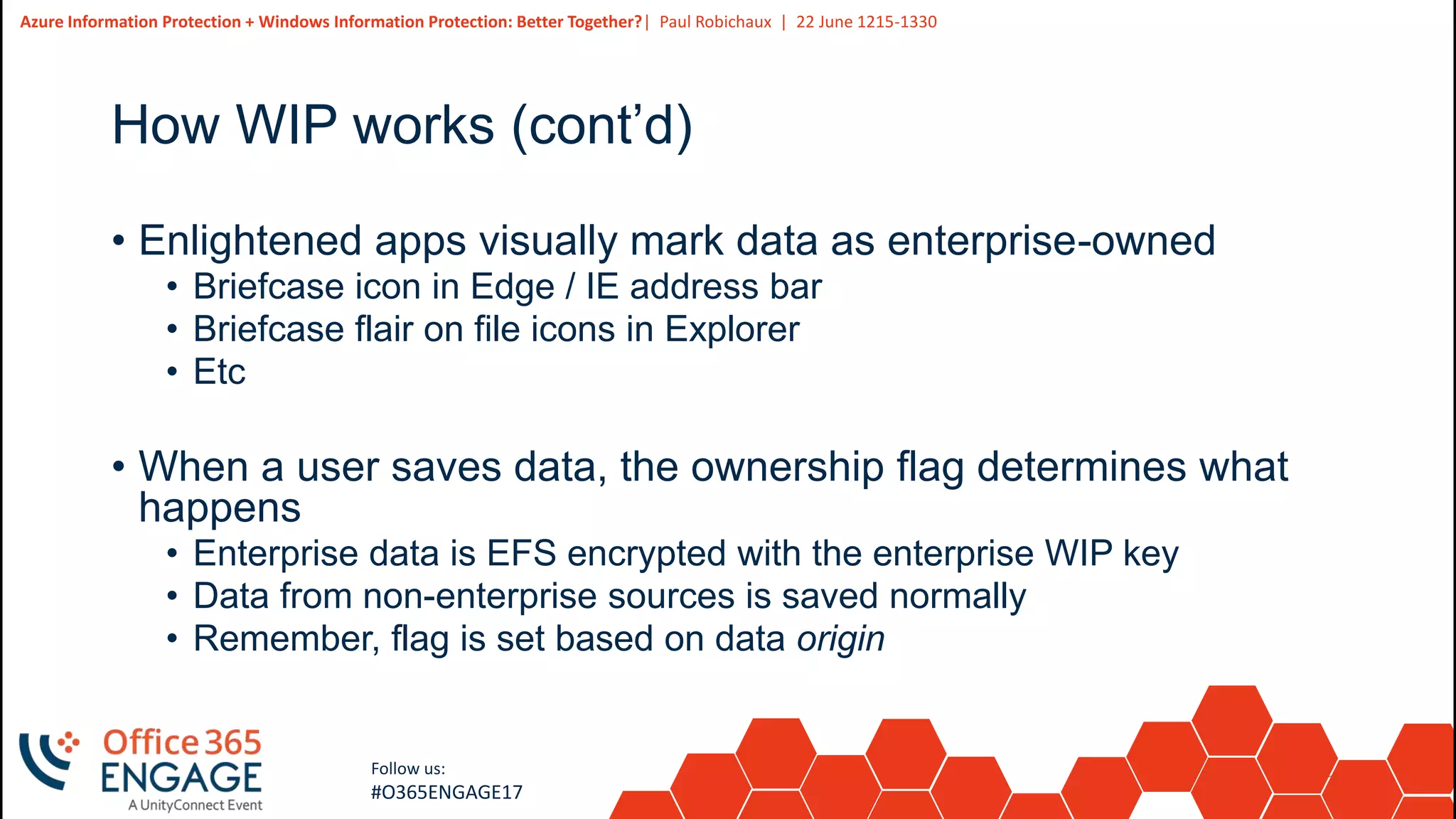
How WIP works (cont’d)
• Enlightened apps visually mark data as enterprise-owned
• Briefcase icon in Edge / IE address bar
• Briefcase flair on file icons in Explorer
• Etc
• When a user saves data, the ownership flag determines what
happens
• Enterprise data is EFS encrypted with the enterprise WIP key
• Data from non-enterprise sources is saved normally
• Remember, flag is set based on data origin
26
Slide
26
Azure Information Protection + Windows Information Protection: Better Together?| Paul Robichaux | 22 June 1215-1330
Follow us:
#O365ENGAGE17
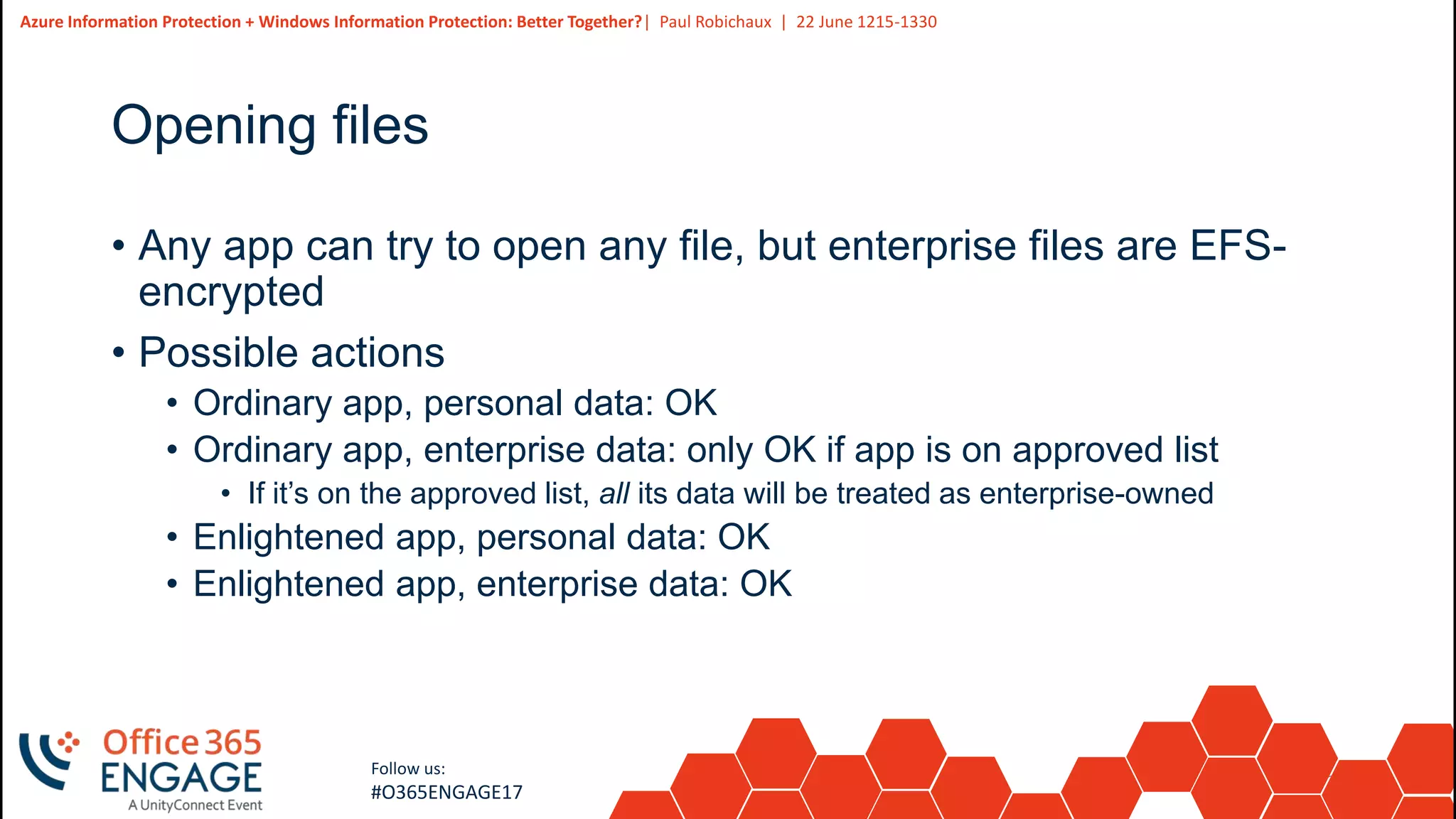
Opening files
• Any app can try to open any file, but enterprise files are EFS-
encrypted
• Possible actions
• Ordinary app, personal data: OK
• Ordinary app, enterprise data: only OK if app is on approved list
• If it’s on the approved list, all its data will be treated as enterprise-owned
• Enlightened app, personal data: OK
• Enlightened app, enterprise data: OK
27
Slide
27
Azure Information Protection + Windows Information Protection: Better Together?| Paul Robichaux | 22 June 1215-1330
Follow us:
#O365ENGAGE17
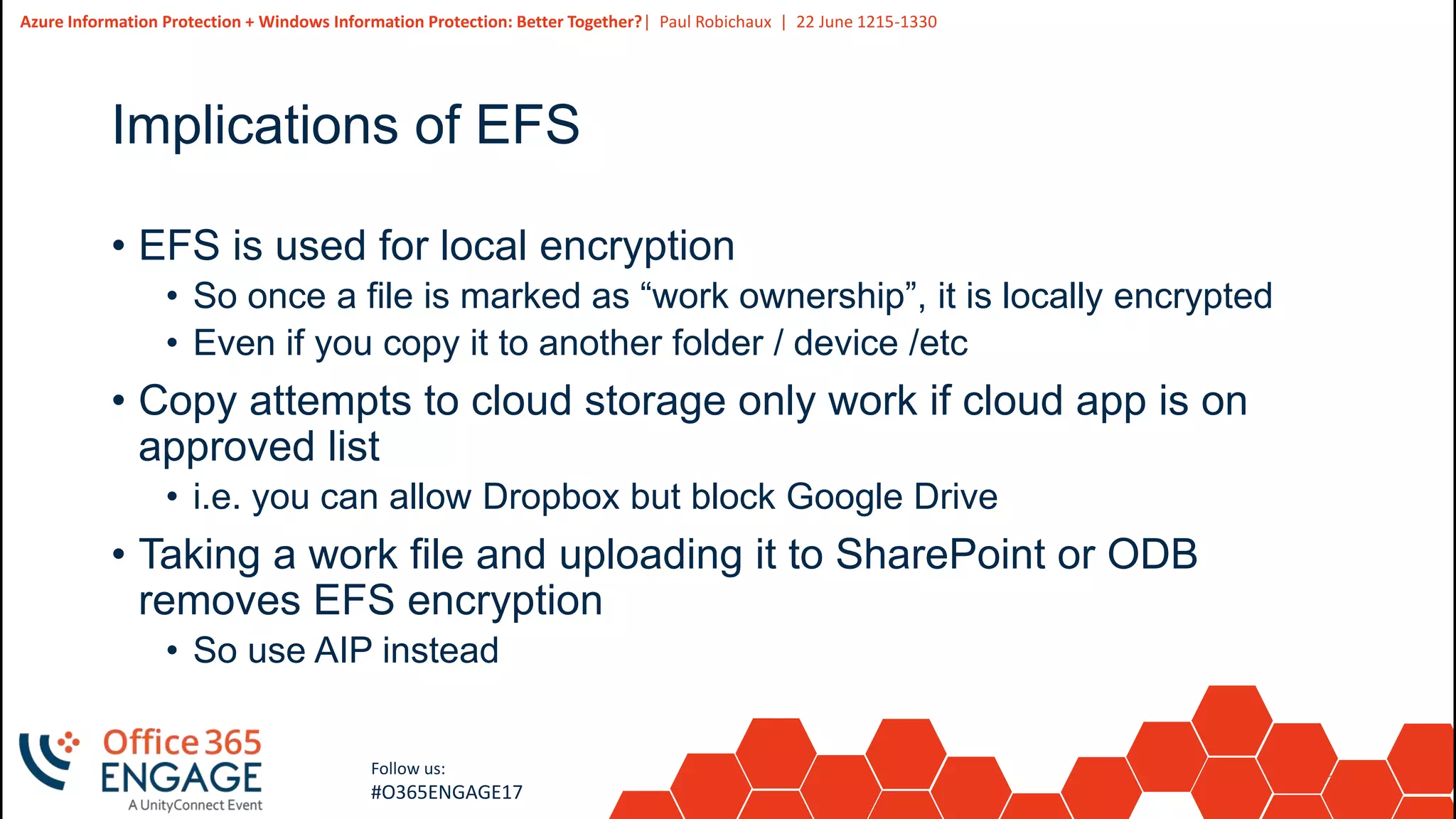
Implications of EFS
• EFS is used for local encryption
• So once a file is marked as “work ownership”, it is locally encrypted
• Even if you copy it to another folder / device /etc
• Copy attempts to cloud storage only work if cloud app is on
approved list
• i.e. you can allow Dropbox but block Google Drive
• Taking a work file and uploading it to SharePoint or ODB
removes EFS encryption
• So use AIP instead
28
Slide
28
Azure Information Protection + Windows Information Protection: Better Together?| Paul Robichaux | 22 June 1215-1330
Follow us:
#O365ENGAGE17
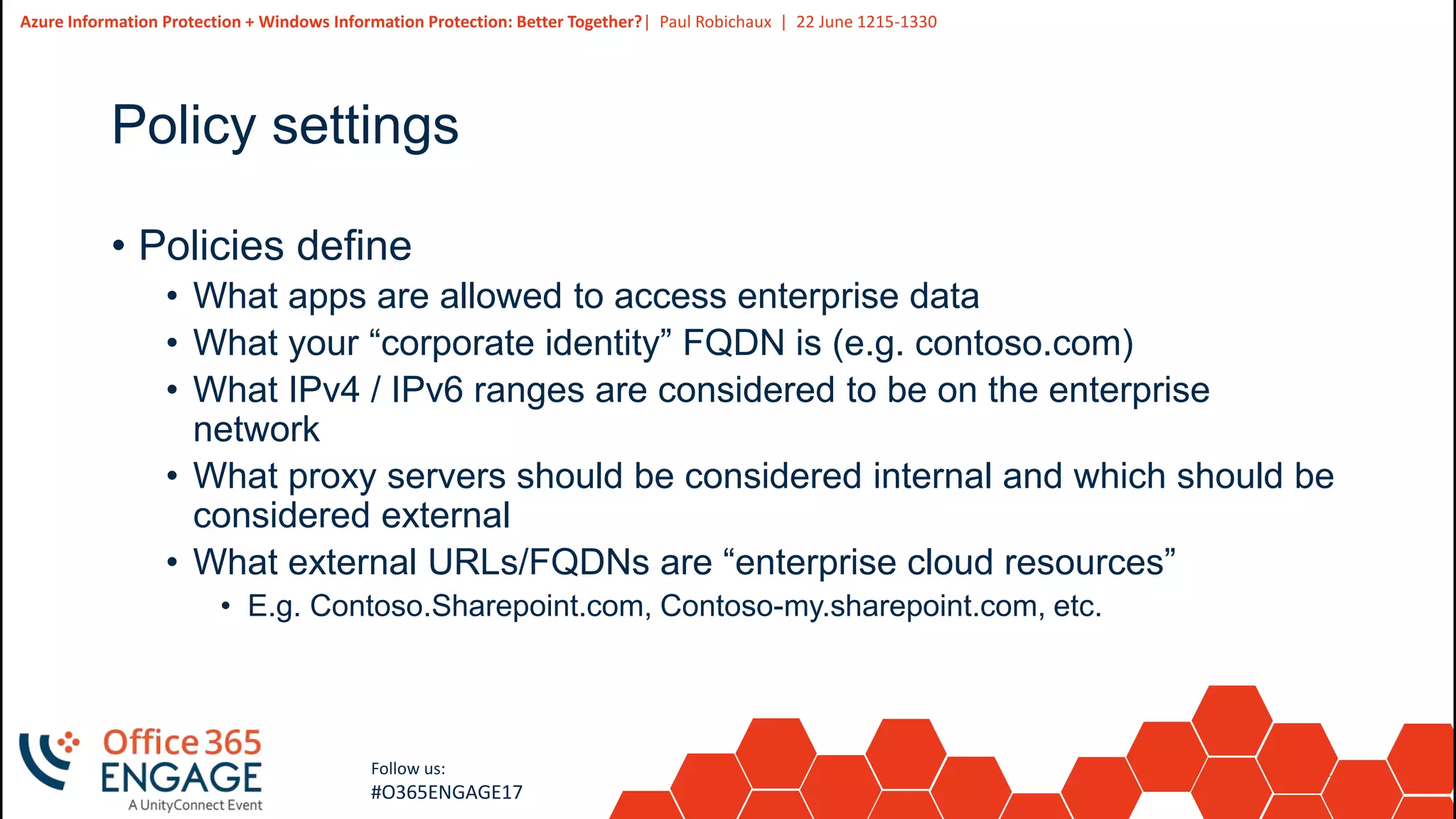
Policy settings
• Policies define
• What apps are allowed to access enterprise data
• What your “corporate identity” FQDN is (e.g. contoso.com)
• What IPv4 / IPv6 ranges are considered to be on the enterprise
network
• What proxy servers should be considered internal and which should be
considered external
• What external URLs/FQDNs are “enterprise cloud resources”
• E.g. Contoso.Sharepoint.com, Contoso-my.sharepoint.com, etc.
29
Slide
29
Azure Information Protection + Windows Information Protection: Better Together?| Paul Robichaux | 22 June 1215-1330
Follow us:
#O365ENGAGE17
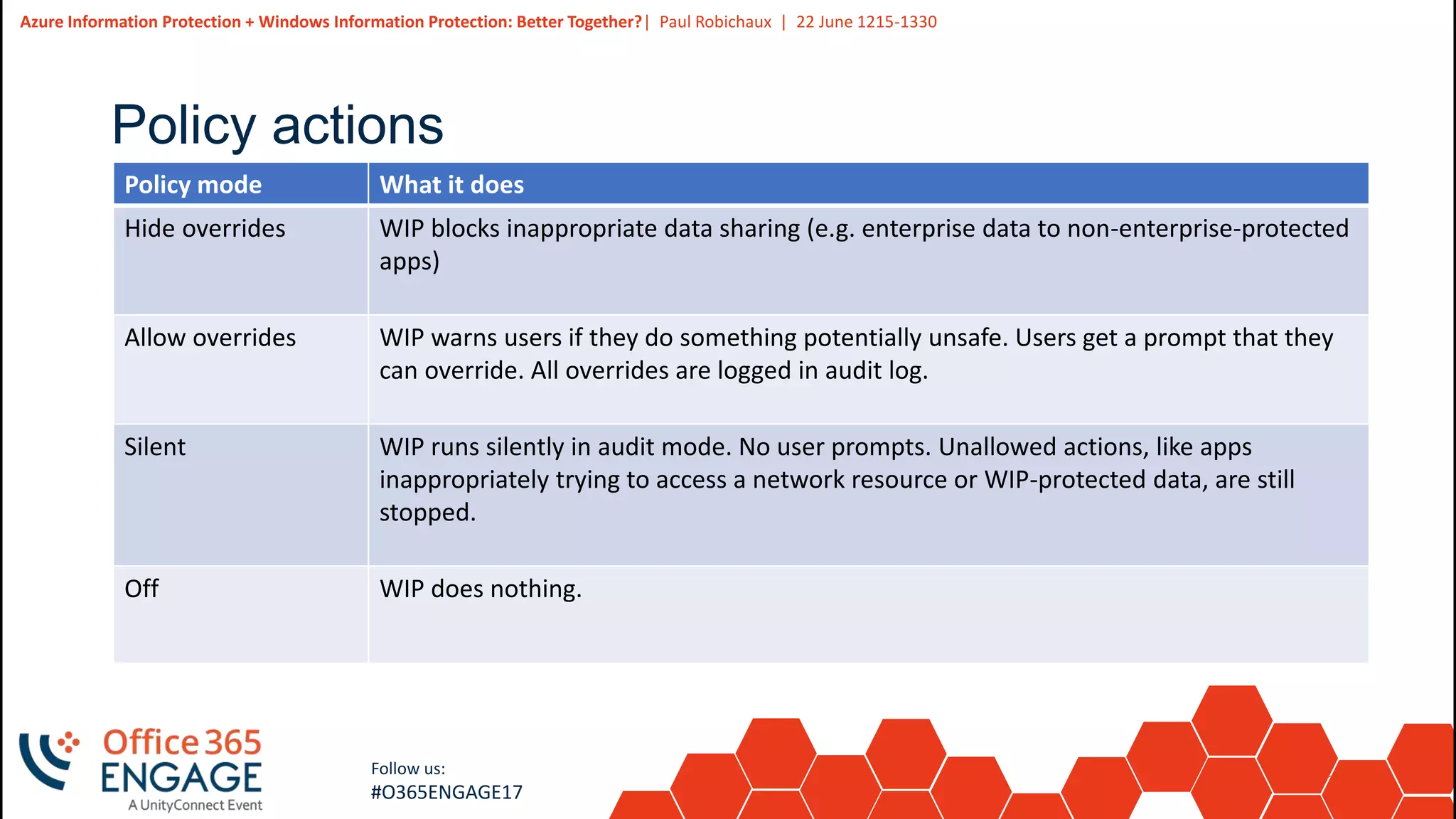
Policy actions
Policy mode What it does
Hide overrides WIP blocks inappropriate data sharing (e.g. enterprise data to non-enterprise-protected
apps)
Allow overrides WIP warns users if they do something potentially unsafe. Users get a prompt that they
can override. All overrides are logged in audit log.
Silent WIP runs silently in audit mode. No user prompts. Unallowed actions, like apps
inappropriately trying to access a network resource or WIP-protected data, are still
stopped.
Off WIP does nothing.
30
Slide
30
Azure Information Protection + Windows Information Protection: Better Together?| Paul Robichaux | 22 June 1215-1330
Follow us:
#O365ENGAGE17
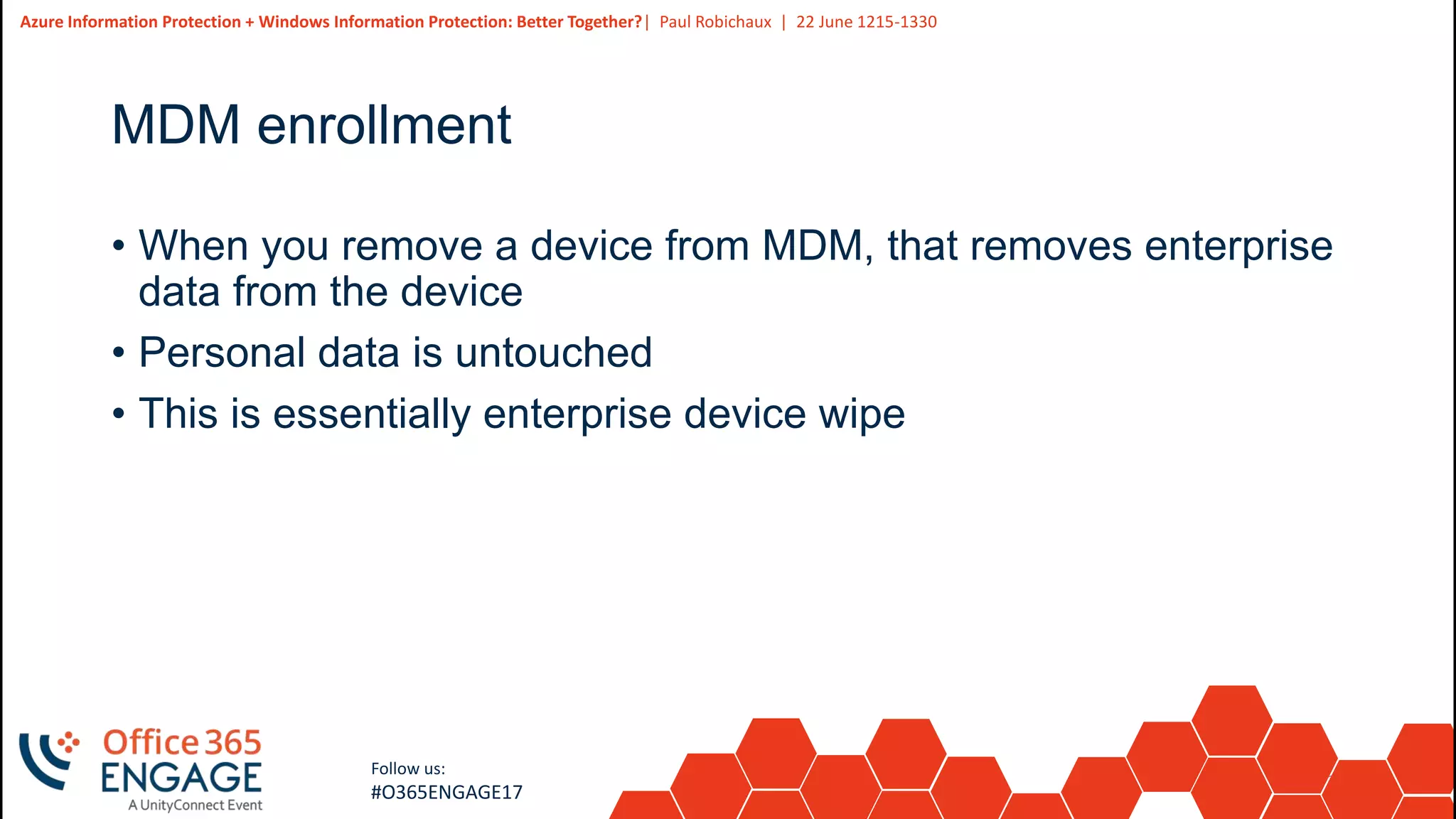
MDM enrollment
• When you remove a device from MDM, that removes enterprise
data from the device
• Personal data is untouched
• This is essentially enterprise device wipe
31
Slide
31
Azure Information Protection + Windows Information Protection: Better Together?| Paul Robichaux | 22 June 1215-1330
Follow us:
#O365ENGAGE17
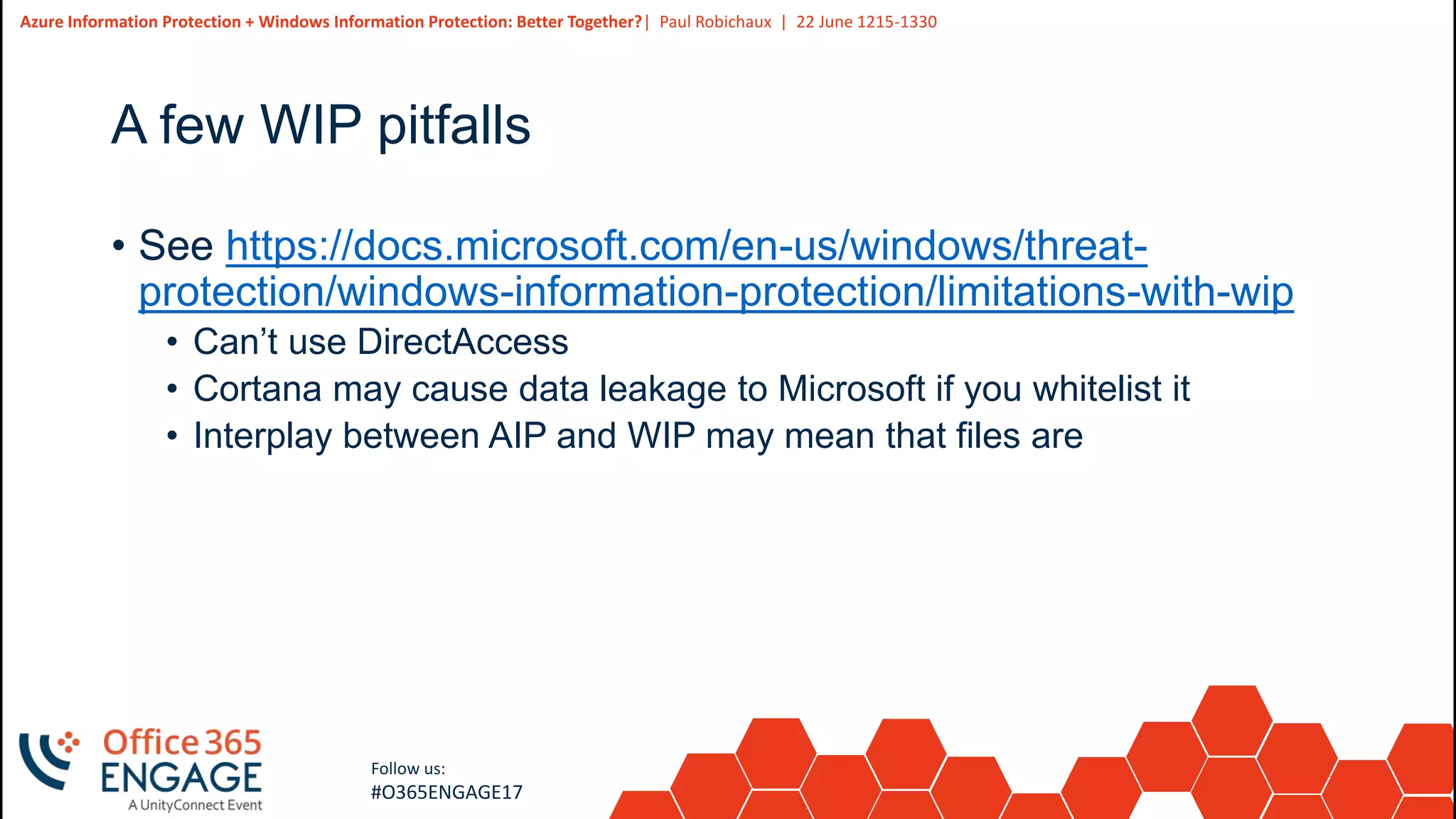
A few WIP pitfalls
• See https://docs.microsoft.com/en-us/windows/threat-
protection/windows-information-protection/limitations-with-wip
• Can’t use DirectAccess
• Cortana may cause data leakage to Microsoft if you whitelist it
• Interplay between AIP and WIP may mean that files are
32
Slide
32
Azure Information Protection + Windows Information Protection: Better Together?| Paul Robichaux | 22 June 1215-1330
Follow us:
#O365ENGAGE17
Questions? | Thank You
Paul Robichaux
paul@robichaux.net
We’d like to know what you think!
Please fill out the evaluation form you
received at the registration desk for this
session
Session recordings and materials:
Materials will be available on
Office365Engage.com soon

O365Engage17 - Windows information Protection and Azure IRM, Better Together

  • 1.
    1 Slide 1 Azure Information Protection+ Windows Information Protection: Better Together? Paul Robichaux
  • 2.
    2 Slide 2 Azure Information Protection+ Windows Information Protection: Better Together?| Paul Robichaux | 22 June 1215-1330 Follow us: #O365ENGAGE17 Agenda • “Information wants to be free” • What is Azure Information Protection? • What is Windows Information Protection? • Q & A
  • 3.
    3 Slide 3 Azure Information Protection+ Windows Information Protection: Better Together?| Paul Robichaux | 22 June 1215-1330 Follow us: #O365ENGAGE17 “Information wants to be free” • This old saying has garnered new staying power • Much attention has focused on traditional boundary security controls • Message hygiene for blocking APT/phishing/etc attempts • DLP for identifying breach-like communications • Insider threats are a considerable problem • Manning, Winner, and others mounted successful insider attacks
  • 4.
    4 Slide 4 Azure Information Protection+ Windows Information Protection: Better Together?| Paul Robichaux | 22 June 1215-1330 Follow us: #O365ENGAGE17 Primary threat models and solutions Threat Solutions Outsider steals data - Network hardening and ingress protection - Egress filtering - Data at rest protection - DLP Insider leaks data on purpose - Access controls - Auditing / logging - DLP - Boundary enforcement Insider leaks data accidentally - Access controls - Boundary enforcemenet - Training (HA HA HA HA HA, sure) Men in black steal data - Encryption - Legislation
  • 5.
    5 Slide 5 Azure Information Protection+ Windows Information Protection: Better Together?| Paul Robichaux | 22 June 1215-1330 Follow us: #O365ENGAGE17 Boundary enforcement challenges • Keep data out of places it doesn’t belong • Control use and spread of enterprise-owned data • Support BYOD • Keep personal and enterprise data separate • Apply controls to enterprise data but leave personal data alone • Allow people to work normally and be productive
  • 6.
    6 Slide 6 Azure Information Protection+ Windows Information Protection: Better Together?| Paul Robichaux | 22 June 1215-1330 Follow us: #O365ENGAGE17 Evolution of protective systems Data loss protection •Create rules that identify “sensitive” items •Scan data looking for rule matches •Block, audit, or warn when matches are found •Cons •Obnoxious to users •Must cover every system to be effective •Vulnerable to evasive action Information rights management •Apply templates that control usage rights •Originator or system applies templates and encryption •Protection embedded in document •Applications enforce usage rights •Cons •Requires infrastructure and compatible applications •Vulnerable to evasive action •Not very portable Information protection •Tag origin of data •Encrypt protected data •Compatible applications / OS enforces access control based on origin •Data becomes unusable outside allowed boundaries •Cons •Requires infrastructure and compatible applications
  • 7.
    7 Slide 7 Azure Information Protection+ Windows Information Protection: Better Together?| Paul Robichaux | 22 June 1215-1330 Follow us: #O365ENGAGE17 Microsoft’s protection strategy Device protection • Encrypt / protect device data in case the device is lost or stolen • BitLocker Data separation • Limit the spread of enterprise data • Separate enterprise and personal data • Windows Information Protection Leak protection • Keep unauthorized users and apps from accessing / leaking data • Azure Information Protection • Windows Information Protection Sharing protection • Keep data protected when it’s shared between users or across devices • Azure Information Protection
  • 8.
    8 Slide 8 Follow us: #O365ENGAGE17 What isAzure Information Protection?
  • 9.
    9 Slide 9 Azure Information Protection+ Windows Information Protection: Better Together?| Paul Robichaux | 22 June 1215-1330 Follow us: #O365ENGAGE17 Azure Information Protection (AIP) • Cloud-based service for applying information rights management (IRM) • complements Active Directory Rights Management Services • $2/user/month list price but included in some EMS and SPE SKUs • Includes Office 365 Message Encryption • Uses Azure Rights Management Services (Azure RMS) to • Tag data with controls (e.g. “Do not forward”) • Encrypt documents based on controls or data classification • Restrict access to protected items • Provide organizational use controls and policies
  • 10.
    10 Slide 10 Azure Information Protection+ Windows Information Protection: Better Together?| Paul Robichaux | 22 June 1215-1330 Follow us: #O365ENGAGE17 CONFUSION ALERT! • “Azure Information Protection” replaces “Azure RMS”… sort of • AIP includes Azure RMS • It also includes additional features • Classification • Labeling • Usage tracking • Document revocation • On-prem AD RMS connector • We’re not discussing those extra AIP features in this session
  • 11.
    11 Slide 11 Azure Information Protection+ Windows Information Protection: Better Together?| Paul Robichaux | 22 June 1215-1330 Follow us: #O365ENGAGE17 AIP requirements • Must be available in the tenant • For protection only, you can use Office 365 Rights Management subscription (“Azure RMS”)… • Which is not the same as the individual free RMS subscription • If you want AIP features, you must have AIP licenses • AIP Premium P1 and P2 • Included in some EMS and other bundle SKUs, or separately • See https://www.microsoft.com/en-us/cloud-platform/azure-information- protection-features • Must be enabled in the tenant • Must have compatible clients deployed
  • 12.
    12 Slide 12 Azure Information Protection+ Windows Information Protection: Better Together?| Paul Robichaux | 22 June 1215-1330 Follow us: #O365ENGAGE17 Azure RMS clients • Basically • Windows 7 and later • Office 2010 Pro, Office 2013 Pro, Office 2016 for Windows, Office 365 Pro Plus • Word, Excel, PowerPoint, Outlook • Mobile and web clients can display RMS-protected data but can’t create it • Limited functionality in Office 2016 for Mac
  • 13.
    13 Slide 13 Azure Information Protection+ Windows Information Protection: Better Together?| Paul Robichaux | 22 June 1215-1330 Follow us: #O365ENGAGE17 The Azure RMS setup experience • Enable it in the portal (Settings > Services & add-ins > Microsoft Azure Information Protection) • Wait a bit • Enable Azure RMS for Office 365 services • E.g. https://docs.microsoft.com/en-us/information-protection/deploy- use/configure-office365#exchange-online-irm-configuration • Configure clients • OWA works right away (modulo up to 24-hour UI caching delay) • Outlook should work but may require “priming”
  • 14.
  • 15.
    15 Slide 15 Azure Information Protection+ Windows Information Protection: Better Together?| Paul Robichaux | 22 June 1215-1330 Follow us: #O365ENGAGE17 Additional Azure RMS things you can do • Use Exchange transport rules and/or Outlook protection rules • Automatically apply protection based on sender, recipient, or content • Configure IRM for SharePoint document libraries or lists • Automatically apply protections when documents are added to libraries • Allow users to enable IRM in OneDrive for Business • Auto-protect documents in their libraries • Does not work with “new” sync client
  • 16.
    16 Slide 16 Azure Information Protection+ Windows Information Protection: Better Together?| Paul Robichaux | 22 June 1215-1330 Follow us: #O365ENGAGE17 Azure RMS summary • Creator or infrastructure embeds protection in documents • Based on templates (or classification / tagging, if you have AIP) • Protection travels with documents • Somewhat cumbersome UX that depends on clients
  • 17.
    17 Slide 17 Follow us: #O365ENGAGE17 What isWindows Information Protection?
  • 18.
    18 Slide 18 Azure Information Protection+ Windows Information Protection: Better Together?| Paul Robichaux | 22 June 1215-1330 Follow us: #O365ENGAGE17 The problem with AIP / RMS • AIP is content-centric • Creators or rules tag files with restrictions • Classification and labeling extend this approach • But all the protection depends on the content • If you move the content, is it still protected? • We also need context awareness • Is this enterprise or personal data? • Where did the data come from?
  • 19.
    19 Slide 19 Azure Information Protection+ Windows Information Protection: Better Together?| Paul Robichaux | 22 June 1215-1330 Follow us: #O365ENGAGE17 Windows Information Protection • Set of OS features and APIs • Integrated into Windows 10 “Anniversary Edition” and later • Can be used by applications but not required • Leverages existing OS features: AppLocker, EFS, etc. • Provide OS services for context awareness • “Is this business or personal data?” • “What data types is this app allowed to handle?” • “Is the user allowed to put this data type into that app?”
  • 20.
    20 Slide 20 Azure Information Protection+ Windows Information Protection: Better Together?| Paul Robichaux | 22 June 1215-1330 Follow us: #O365ENGAGE17 Basic WIP concepts • WIP policies define what users are allowed to do, e.g. • “Cannot paste business data into personal documents” • “Cannot share protected documents” • MDM system deploys policies to devices • Intune and SCCM currently supported • 3rd-party MDM can be used • Users create and work with files using applications • WIP controls which types of data can be used where
  • 21.
    21 Slide 21 Azure Information Protection+ Windows Information Protection: Better Together?| Paul Robichaux | 22 June 1215-1330 Follow us: #O365ENGAGE17 Application support • Ordinary applications work normally • Users can open personal data in any app • Users can open corporate data only in apps that are approved for use with corporate data • Trying to open corporate data in an unapproved app will fail • Enlightened applications use the new APIs to do tricks • Mix enterprise and personal data under policy control • Seamlessly read and write both enterprise and personal data • Office (mobile & 365 Pro Plus), IE 11, Edge, Notepad, Photos, People, OneDrive
  • 22.
    22 Slide 22 Azure Information Protection+ Windows Information Protection: Better Together?| Paul Robichaux | 22 June 1215-1330 Follow us: #O365ENGAGE17 Three usage scenarios • Word is enlightened • User opens two documents: one personal and one enterprise • Policy allows personal -> enterprise copy and paste • Policy blocks enterprise -> personal copy and paste • AutoCAD is not enlightened but is on the app white list • User opens an enterprise document and works with it normally • LibreOffice is not enlightened and is not on the app white list • User can open personal document normally • User can’t open enterprise documents because the OS blocks them
  • 23.
    23 Slide 23 Azure Information Protection+ Windows Information Protection: Better Together?| Paul Robichaux | 22 June 1215-1330 Follow us: #O365ENGAGE17 How WIP works • Every data object (file, clipboard, etc.) that users can access already has associated metadata • WIP extends that metadata with an ownership flag • Flag is set based on the source of the data • Intranet web pages (or others, based on URL) • File source (e.g. files downloaded from intranet, OneDrive for Business) • Explicit setting by user (right-click in Explorer).
  • 24.
    24 Slide 24 Azure Information Protection+ Windows Information Protection: Better Together?| Paul Robichaux | 22 June 1215-1330 Follow us: #O365ENGAGE17 How WIP works • User devices get WIP policies from MDM • Devices can be corporate- or personally-owned • Policies specify • Which applications are trusted to work with enterprise data • What users are allowed to do • What action the policy takes
  • 25.
    25 Slide 25 Azure Information Protection+ Windows Information Protection: Better Together?| Paul Robichaux | 22 June 1215-1330 Follow us: #O365ENGAGE17 How WIP works (cont’d) • Enlightened apps visually mark data as enterprise-owned • Briefcase icon in Edge / IE address bar • Briefcase flair on file icons in Explorer • Etc • When a user saves data, the ownership flag determines what happens • Enterprise data is EFS encrypted with the enterprise WIP key • Data from non-enterprise sources is saved normally • Remember, flag is set based on data origin
  • 26.
    26 Slide 26 Azure Information Protection+ Windows Information Protection: Better Together?| Paul Robichaux | 22 June 1215-1330 Follow us: #O365ENGAGE17 Opening files • Any app can try to open any file, but enterprise files are EFS- encrypted • Possible actions • Ordinary app, personal data: OK • Ordinary app, enterprise data: only OK if app is on approved list • If it’s on the approved list, all its data will be treated as enterprise-owned • Enlightened app, personal data: OK • Enlightened app, enterprise data: OK
  • 27.
    27 Slide 27 Azure Information Protection+ Windows Information Protection: Better Together?| Paul Robichaux | 22 June 1215-1330 Follow us: #O365ENGAGE17 Implications of EFS • EFS is used for local encryption • So once a file is marked as “work ownership”, it is locally encrypted • Even if you copy it to another folder / device /etc • Copy attempts to cloud storage only work if cloud app is on approved list • i.e. you can allow Dropbox but block Google Drive • Taking a work file and uploading it to SharePoint or ODB removes EFS encryption • So use AIP instead
  • 28.
    28 Slide 28 Azure Information Protection+ Windows Information Protection: Better Together?| Paul Robichaux | 22 June 1215-1330 Follow us: #O365ENGAGE17 Policy settings • Policies define • What apps are allowed to access enterprise data • What your “corporate identity” FQDN is (e.g. contoso.com) • What IPv4 / IPv6 ranges are considered to be on the enterprise network • What proxy servers should be considered internal and which should be considered external • What external URLs/FQDNs are “enterprise cloud resources” • E.g. Contoso.Sharepoint.com, Contoso-my.sharepoint.com, etc.
  • 29.
    29 Slide 29 Azure Information Protection+ Windows Information Protection: Better Together?| Paul Robichaux | 22 June 1215-1330 Follow us: #O365ENGAGE17 Policy actions Policy mode What it does Hide overrides WIP blocks inappropriate data sharing (e.g. enterprise data to non-enterprise-protected apps) Allow overrides WIP warns users if they do something potentially unsafe. Users get a prompt that they can override. All overrides are logged in audit log. Silent WIP runs silently in audit mode. No user prompts. Unallowed actions, like apps inappropriately trying to access a network resource or WIP-protected data, are still stopped. Off WIP does nothing.
  • 30.
    30 Slide 30 Azure Information Protection+ Windows Information Protection: Better Together?| Paul Robichaux | 22 June 1215-1330 Follow us: #O365ENGAGE17 MDM enrollment • When you remove a device from MDM, that removes enterprise data from the device • Personal data is untouched • This is essentially enterprise device wipe
  • 31.
    31 Slide 31 Azure Information Protection+ Windows Information Protection: Better Together?| Paul Robichaux | 22 June 1215-1330 Follow us: #O365ENGAGE17 A few WIP pitfalls • See https://docs.microsoft.com/en-us/windows/threat- protection/windows-information-protection/limitations-with-wip • Can’t use DirectAccess • Cortana may cause data leakage to Microsoft if you whitelist it • Interplay between AIP and WIP may mean that files are
  • 32.
    32 Slide 32 Azure Information Protection+ Windows Information Protection: Better Together?| Paul Robichaux | 22 June 1215-1330 Follow us: #O365ENGAGE17 Questions? | Thank You Paul Robichaux paul@robichaux.net We’d like to know what you think! Please fill out the evaluation form you received at the registration desk for this session Session recordings and materials: Materials will be available on Office365Engage.com soon