1
Slide
1
OneDrive For Business
Deploy, Manage, Migrate
Samuel Zuercher [MVP] Experts Inside GmbH
2
Slide
2
OneDrive for Business – Deployment, Management, Migration | Samuel Zuercher | 21.06.2017 16:15 – 17:30 h
Follow us:
#O365ENGAGE17
• Principal Consultant, Architect,
Evangelist
• Co Founder Experts Inside (2011)
• SharePoint since 2005
• Office 365 since 2010
• Founder of the Communities:
SharePointCommunity.ch
Community365.ch
• MVP since 2011
• Twitter: @sharepointszu
• Blog: Sharepointszu.com
Samuel Zuercher [MVP]
3
Slide
3
OneDrive for Business – Deployment, Management, Migration | Samuel Zuercher | 21.06.2017 16:15 – 17:30 h
Follow us:
#O365ENGAGE17
4
Slide
4
OneDrive for Business – Deployment, Management, Migration | Samuel Zuercher | 21.06.2017 16:15 – 17:30 h
Follow us:
#O365ENGAGE17
5
Slide
5
OneDrive for Business – Deployment, Management, Migration | Samuel Zuercher | 21.06.2017 16:15 – 17:30 h
Follow us:
#O365ENGAGE17
Agenda
• Introduction
• Pre-Deployment of OneDrive for Business
• Management Options
• Migration Approaches
6
Slide
6
Follow us:
#O365ENGAGE17
Introduction
The OneDrive for Business basics
7
Slide
7
OneDrive for Business – Deployment, Management, Migration | Samuel Zuercher | 21.06.2017 16:15 – 17:30 h
Follow us:
#O365ENGAGE17
8
Slide
8
OneDrive for Business – Deployment, Management, Migration | Samuel Zuercher | 21.06.2017 16:15 – 17:30 h
Follow us:
#O365ENGAGE17
Primary Difference
CONSUMER BUSINESS
9
Slide
9
OneDrive for Business – Deployment, Management, Migration | Samuel Zuercher | 21.06.2017 16:15 – 17:30 h
Follow us:
#O365ENGAGE17
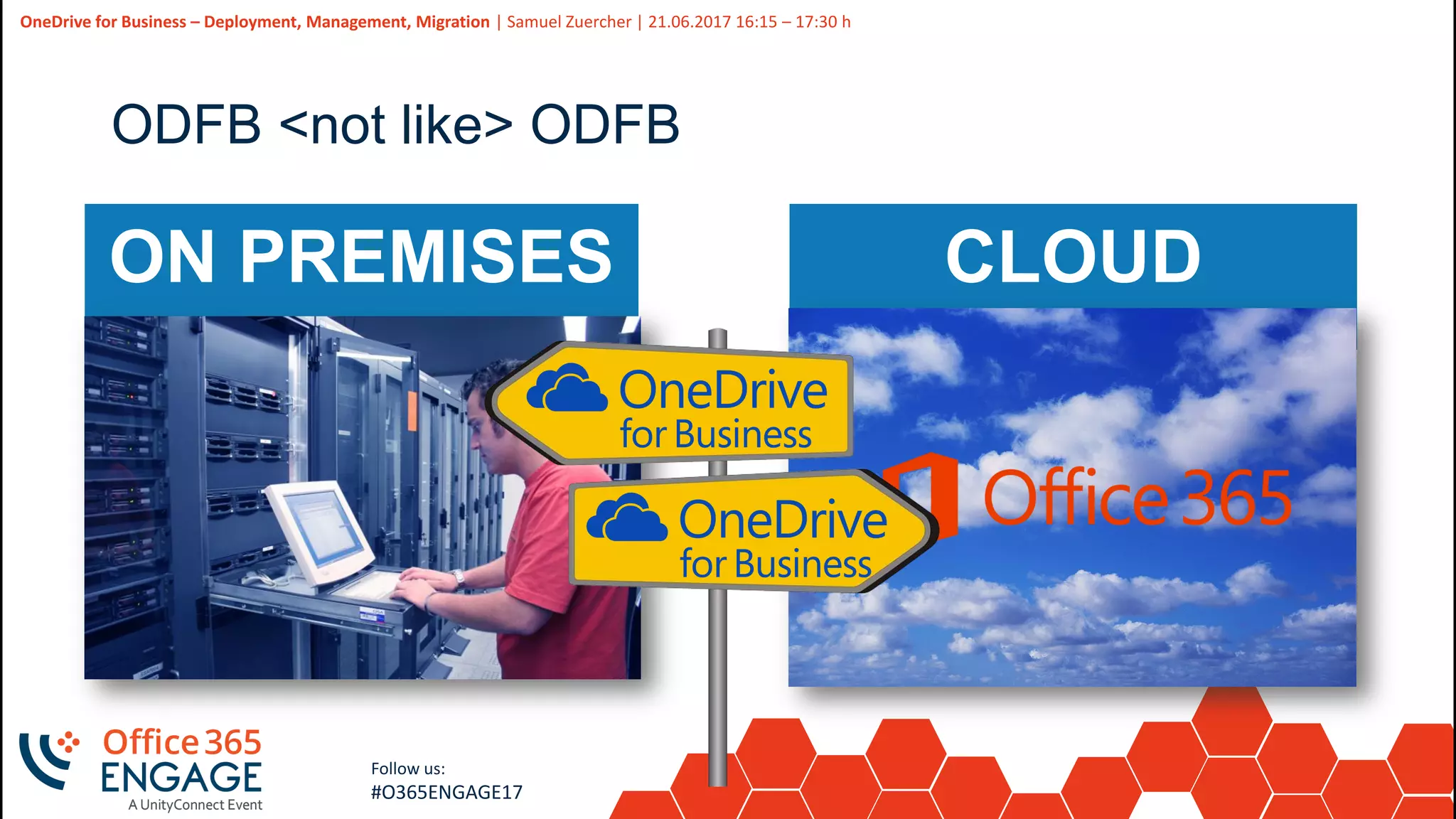
ODFB <not like> ODFB
ON PREMISES CLOUD
10
Slide
10
OneDrive for Business – Deployment, Management, Migration | Samuel Zuercher | 21.06.2017 16:15 – 17:30 h
Follow us:
#O365ENGAGE17
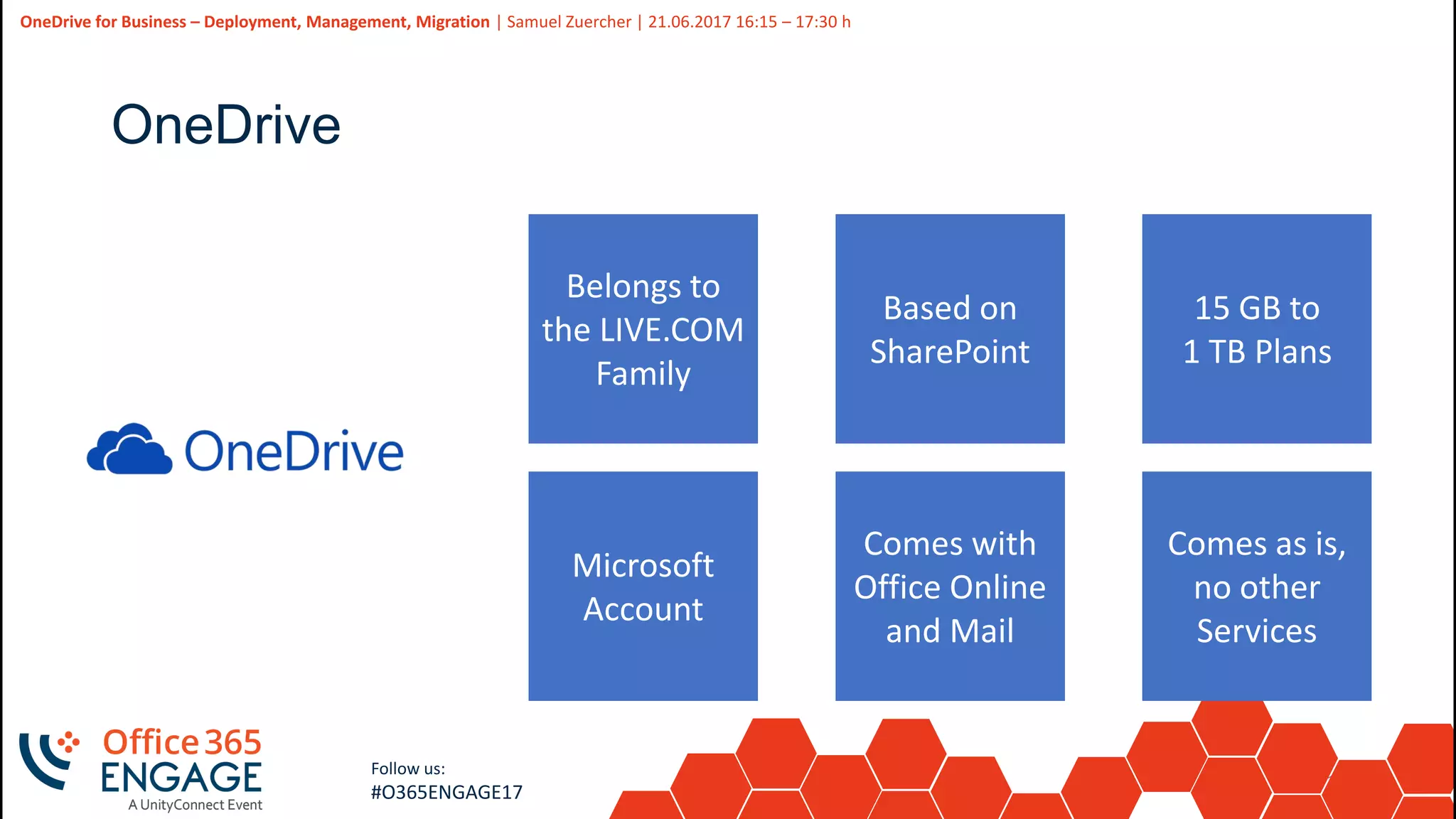
OneDrive
Belongs to
the LIVE.COM
Family
Based on
SharePoint
Microsoft
Account
Comes with
Office Online
and Mail
15 GB to
1 TB Plans
Comes as is,
no other
Services
11
Slide
11
OneDrive for Business – Deployment, Management, Migration | Samuel Zuercher | 21.06.2017 16:15 – 17:30 h
Follow us:
#O365ENGAGE17
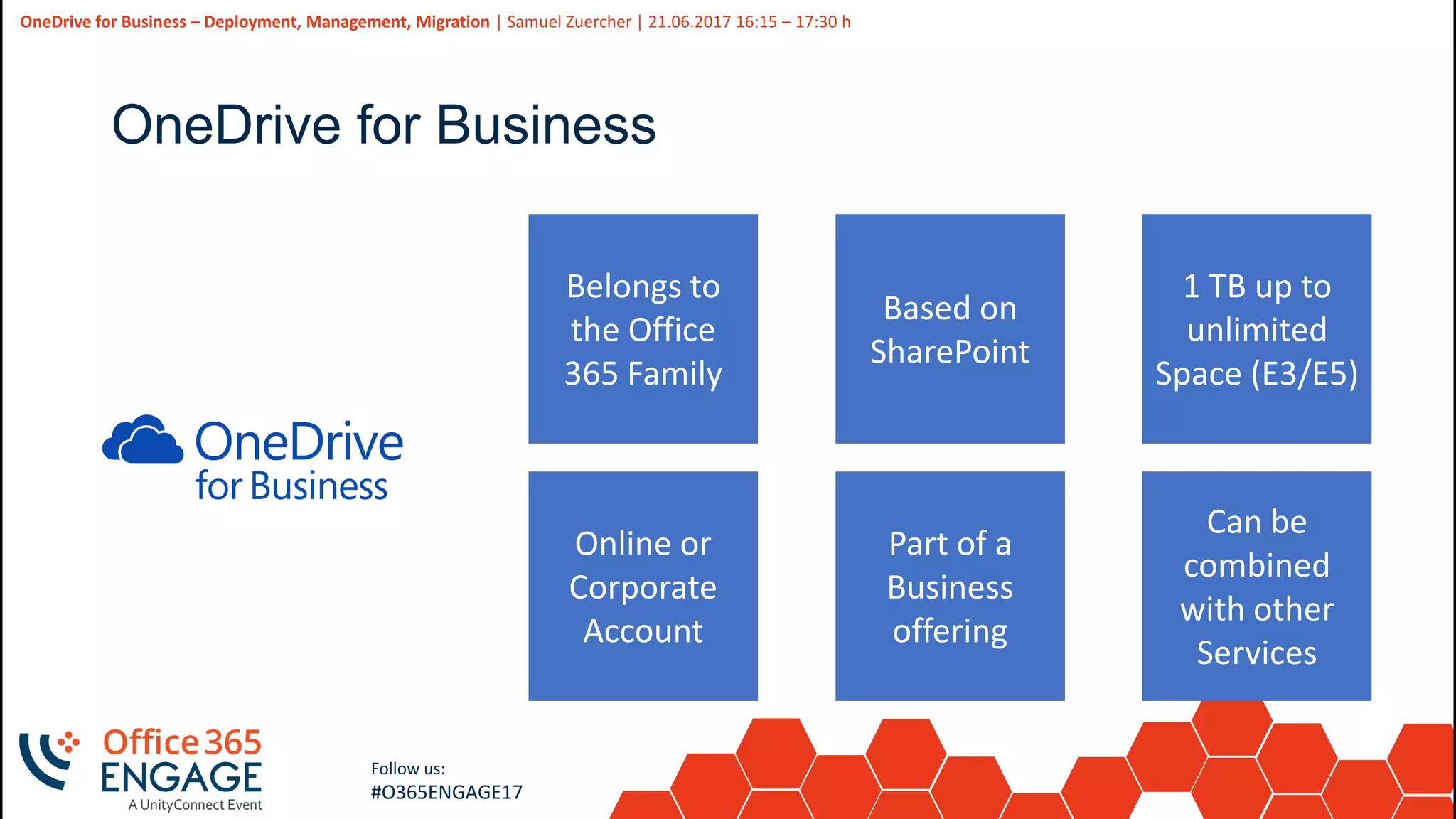
OneDrive for Business
Belongs to
the Office
365 Family
Based on
SharePoint
Online or
Corporate
Account
Part of a
Business
offering
1 TB up to
unlimited
Space (E3/E5)
Can be
combined
with other
Services
12
Slide
12
OneDrive for Business – Deployment, Management, Migration | Samuel Zuercher | 21.06.2017 16:15 – 17:30 h
Follow us:
#O365ENGAGE17
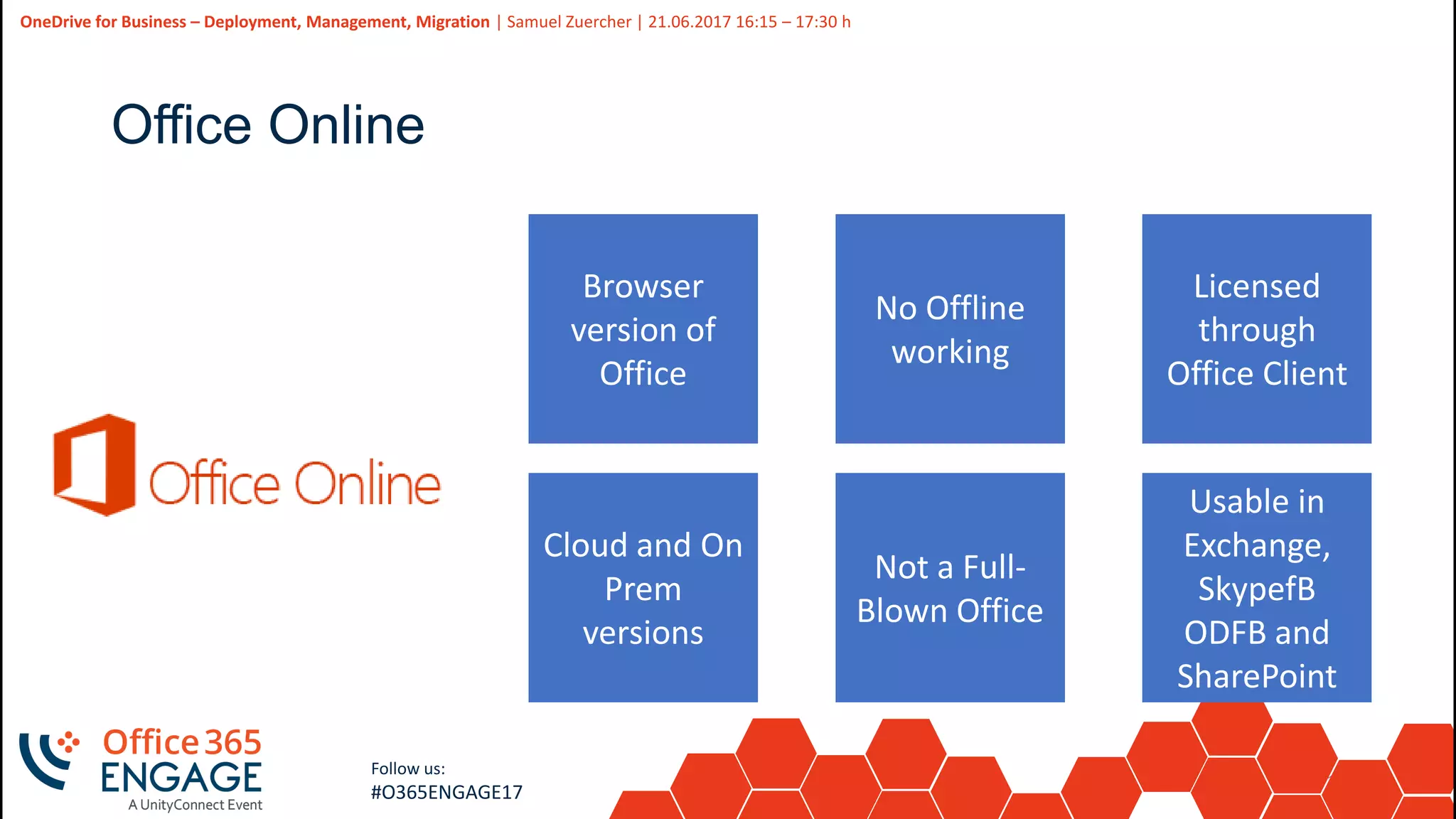
Office Online
Browser
version of
Office
No Offline
working
Cloud and On
Prem
versions
Not a Full-
Blown Office
Licensed
through
Office Client
Usable in
Exchange,
SkypefB
ODFB and
SharePoint
13
Slide
13
OneDrive for Business – Deployment, Management, Migration | Samuel Zuercher | 21.06.2017 16:15 – 17:30 h
Follow us:
#O365ENGAGE17
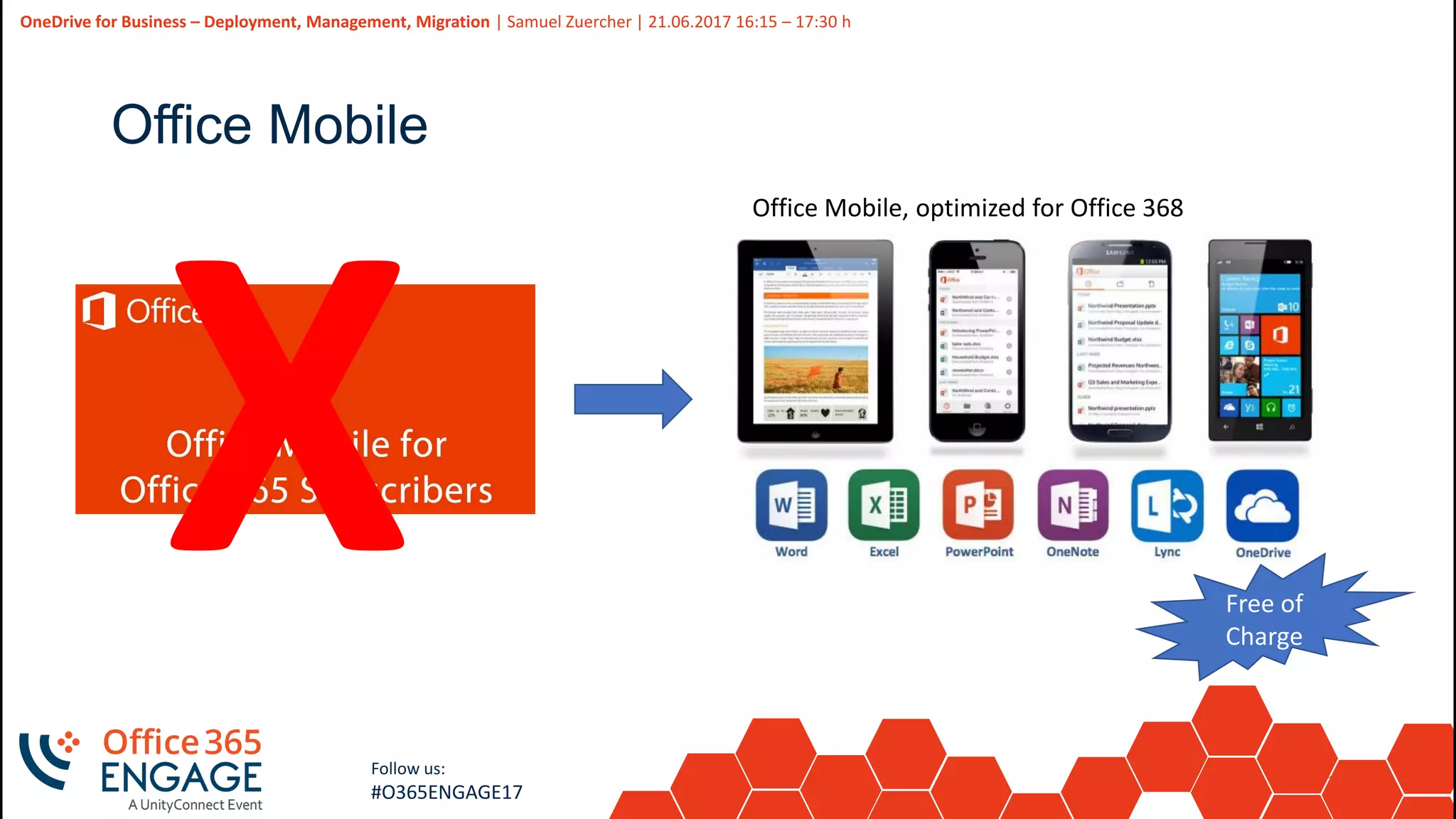
Office Mobile
Office Mobile, optimized for Office 368
Free of
Charge
14
Slide
14
OneDrive for Business – Deployment, Management, Migration | Samuel Zuercher | 21.06.2017 16:15 – 17:30 h
Follow us:
#O365ENGAGE17
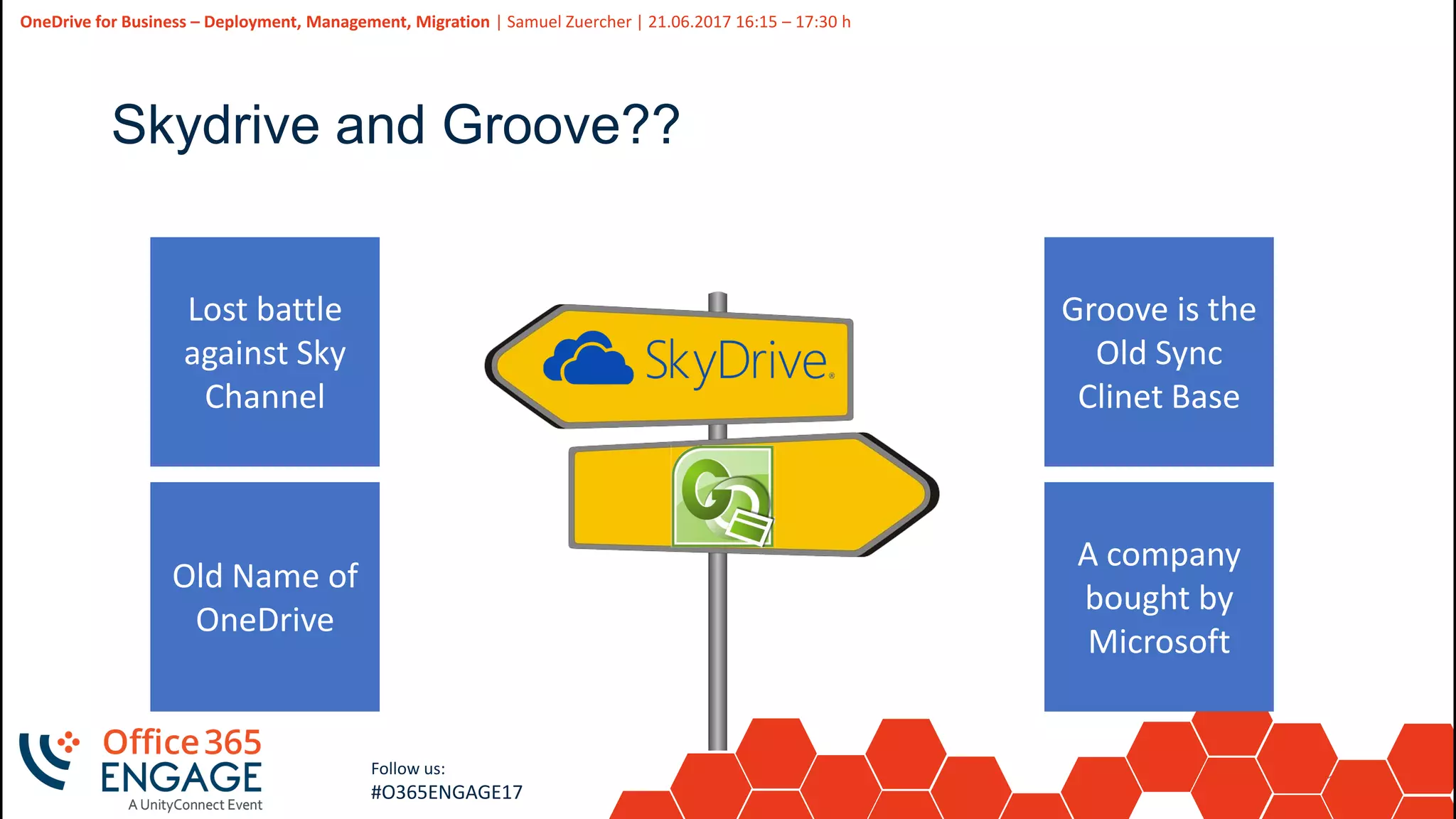
Skydrive and Groove??
Lost battle
against Sky
Channel
Old Name of
OneDrive
Groove is the
Old Sync
Clinet Base
A company
bought by
Microsoft
15
Slide
15
OneDrive for Business – Deployment, Management, Migration | Samuel Zuercher | 21.06.2017 16:15 – 17:30 h
Follow us:
#O365ENGAGE17
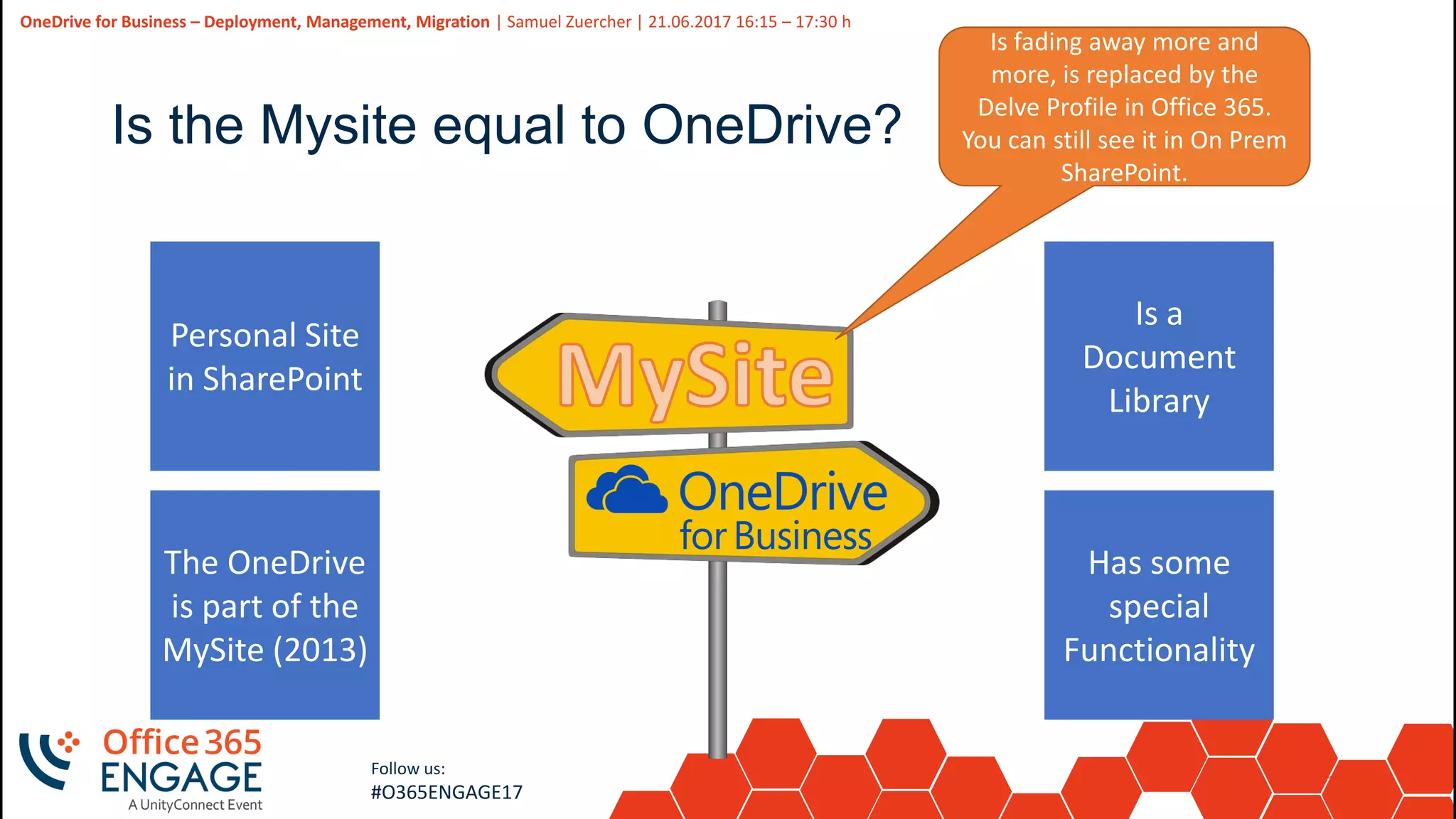
Is the Mysite equal to OneDrive?
Personal Site
in SharePoint
The OneDrive
is part of the
MySite (2013)
Is a
Document
Library
Has some
special
Functionality
Is fading away more and
more, is replaced by the
Delve Profile in Office 365.
You can still see it in On Prem
SharePoint.
16
Slide
16
OneDrive for Business – Deployment, Management, Migration | Samuel Zuercher | 21.06.2017 16:15 – 17:30 h
Follow us:
#O365ENGAGE17
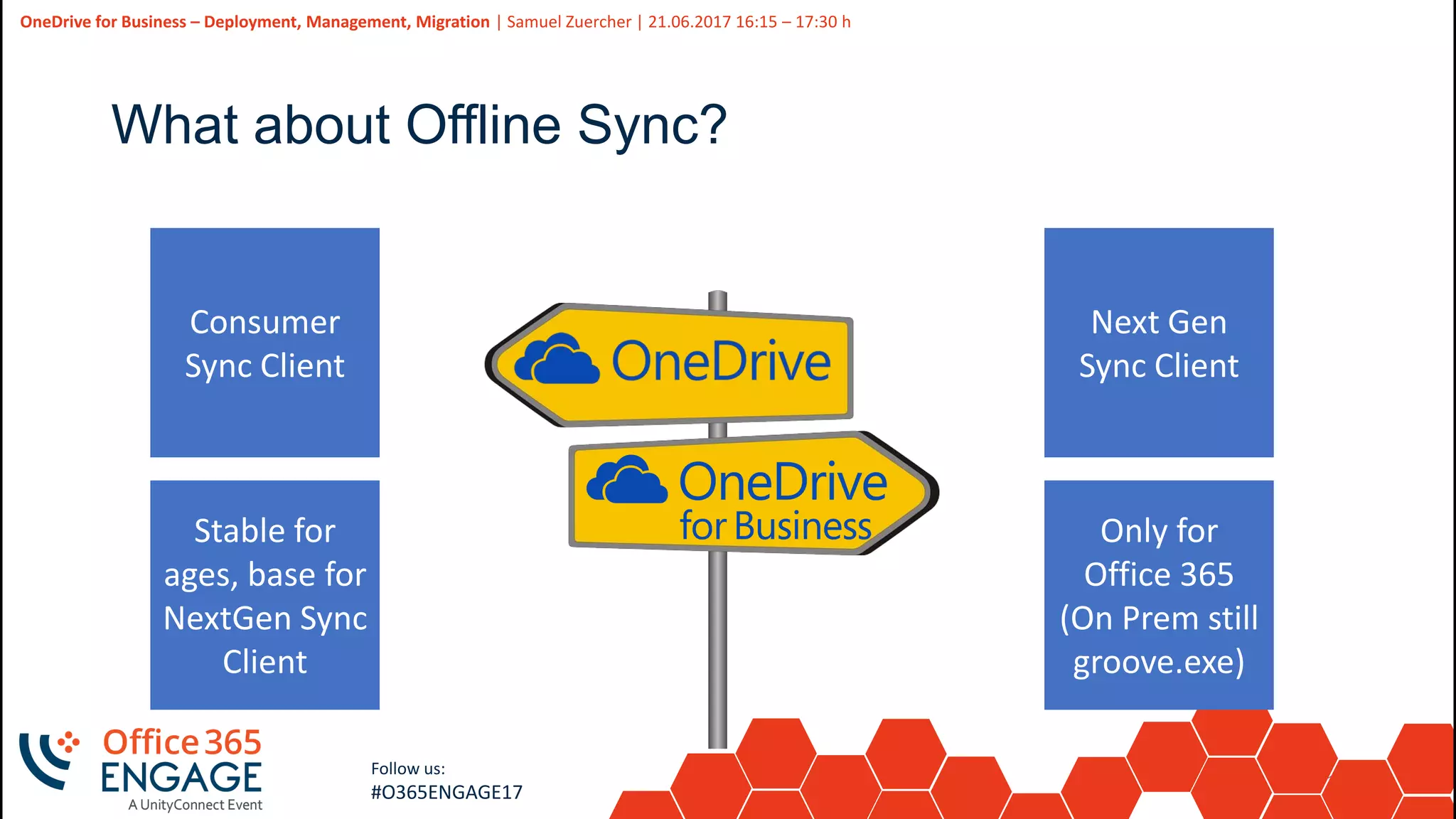
What about Offline Sync?
Consumer
Sync Client
Stable for
ages, base for
NextGen Sync
Client
Next Gen
Sync Client
Only for
Office 365
(On Prem still
groove.exe)
17
Slide
17
Follow us:
#O365ENGAGE17
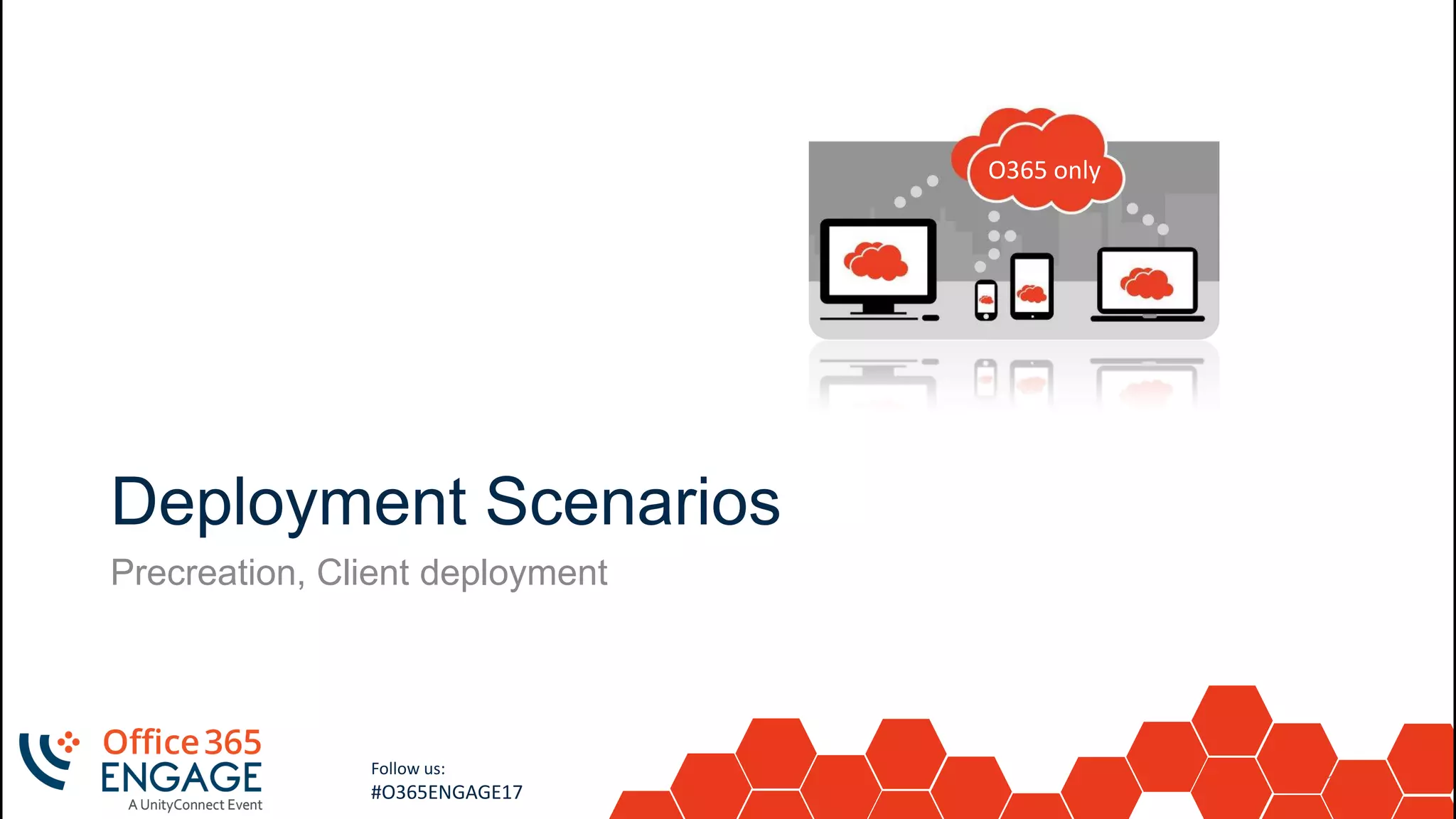
Deployment Scenarios
Precreation, Client deployment
O365 only
18
Slide
18
OneDrive for Business – Deployment, Management, Migration | Samuel Zuercher | 21.06.2017 16:15 – 17:30 h
Follow us:
#O365ENGAGE17
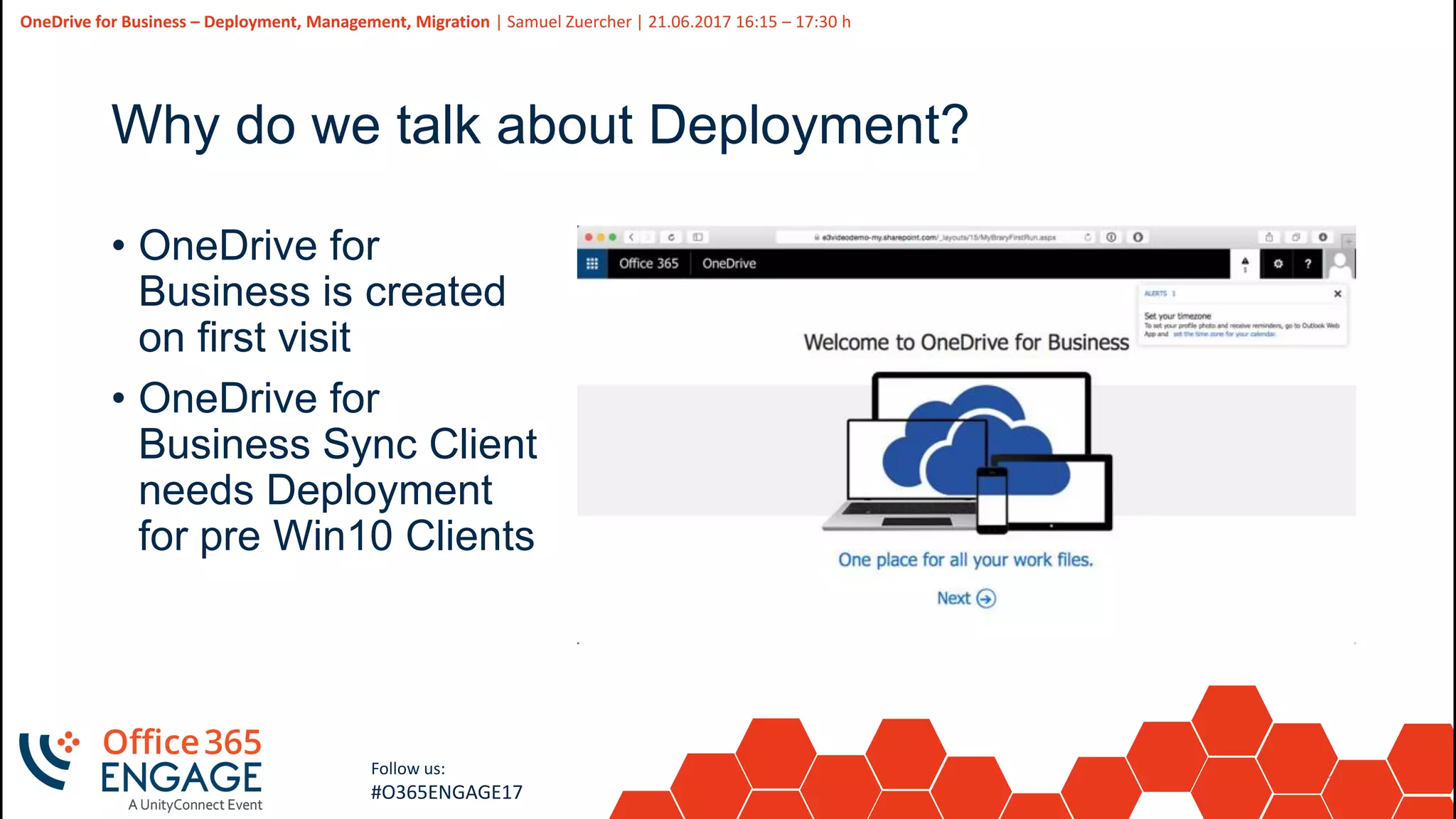
Why do we talk about Deployment?
• OneDrive for
Business is created
on first visit
• OneDrive for
Business Sync Client
needs Deployment
for pre Win10 Clients
19
Slide
19
OneDrive for Business – Deployment, Management, Migration | Samuel Zuercher | 21.06.2017 16:15 – 17:30 h
Follow us:
#O365ENGAGE17
Pre-Create OneDrive for Business with Powershell
• Very easy task for an Administrator
• Request-SPOPersonalSite -UserEmails [string]
• https://technet.microsoft.com/en-us/library/dn792367.aspx
20
Slide
20
OneDrive for Business – Deployment, Management, Migration | Samuel Zuercher | 21.06.2017 16:15 – 17:30 h
Follow us:
#O365ENGAGE17
Where we stumble over
• Use special method for Sign In, else you get Access Denied
$AdmUser = “admuser@[tenant].onmicrosoft.com" # Admin Account for SharePoint
$Pass = “********" # PW for Admin Account
$creds = New-Object System.Management.Automation.PSCredential($AdmUser,(ConvertTo-SecureString
$Pass -AsPlainText -Force)) # Need to Authenticate this way
Connect-SPOService -Url https://[tenant].sharepoint.com -Credential $creds # SharePoint Online
Login
Connect-MsolService -Credential $creds # Connect AAD for any User interaction
• Passing of multiple E-Mail addresses ended up in not creating
the ODFB for the User, so we had to pass every E-Mail (UPN)
one by one, and then it succeeded
• No Documentation, the Command is a blackbox
21
Slide
21
OneDrive for Business – Deployment, Management, Migration | Samuel Zuercher | 21.06.2017 16:15 – 17:30 h
Follow us:
#O365ENGAGE17
The OneDrive for Business NextGen Sync Client
• Step 1: Install OneDrive.exe
• Step 2: Help users sign in
• Step 3: Set your update ring (Optional)
• For more Information visit:
https://support.office.com/en-us/article/Deploy-the-new-
OneDrive-sync-client-in-an-enterprise-environment-3f3a511c-
30c6-404a-98bf-76f95c519668
22
Slide
22
OneDrive for Business – Deployment, Management, Migration | Samuel Zuercher | 21.06.2017 16:15 – 17:30 h
Follow us:
#O365ENGAGE17
Step 1: Install OneDrive.exe
• Decide if you have «Old  New» Sync Client Scenario
• Users were syncing OneDrive for Business O365 with the Groove.exe
Client, this was auto deployed with Office Pro Plus till spring 2017
• Install ADML and ADMX files on your DC and Set GPOs
• Set your Group Policy Settings (details see «Management»)
• Use advanced Deployment Methods
• /takeover | /silent | /configure_business:<tenantId>
• Deploy via SCCM see:
https://blogs.technet.microsoft.com/paulodias/2016/05/24/how-to-
deploy-onedrive-next-generation-sync-client-with-sccm/
23
Slide
23
OneDrive for Business – Deployment, Management, Migration | Samuel Zuercher | 21.06.2017 16:15 – 17:30 h
Follow us:
#O365ENGAGE17
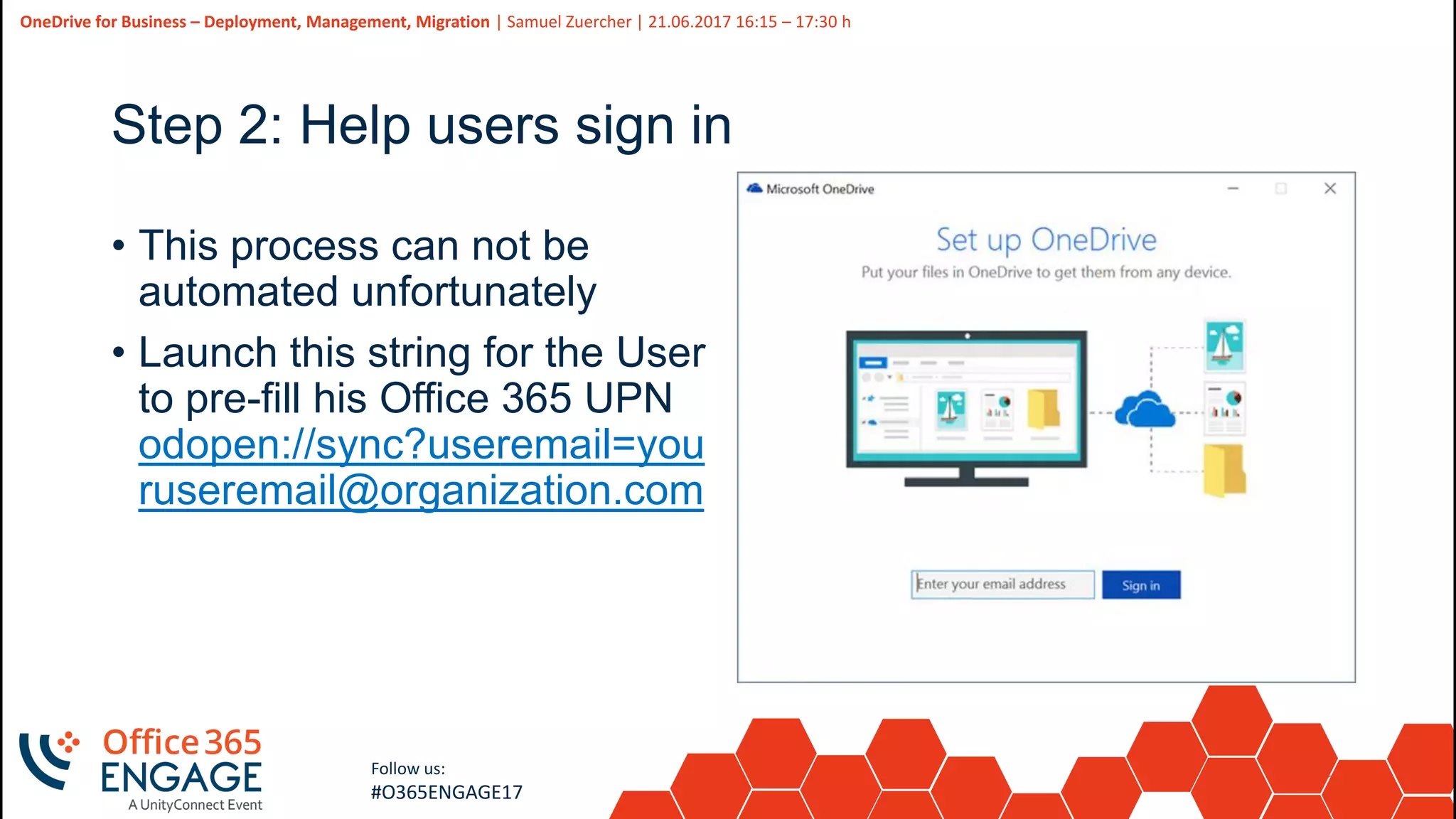
Step 2: Help users sign in
• This process can not be
automated unfortunately
• Launch this string for the User
to pre-fill his Office 365 UPN
odopen://sync?useremail=you
ruseremail@organization.com
24
Slide
24
OneDrive for Business – Deployment, Management, Migration | Samuel Zuercher | 21.06.2017 16:15 – 17:30 h
Follow us:
#O365ENGAGE17
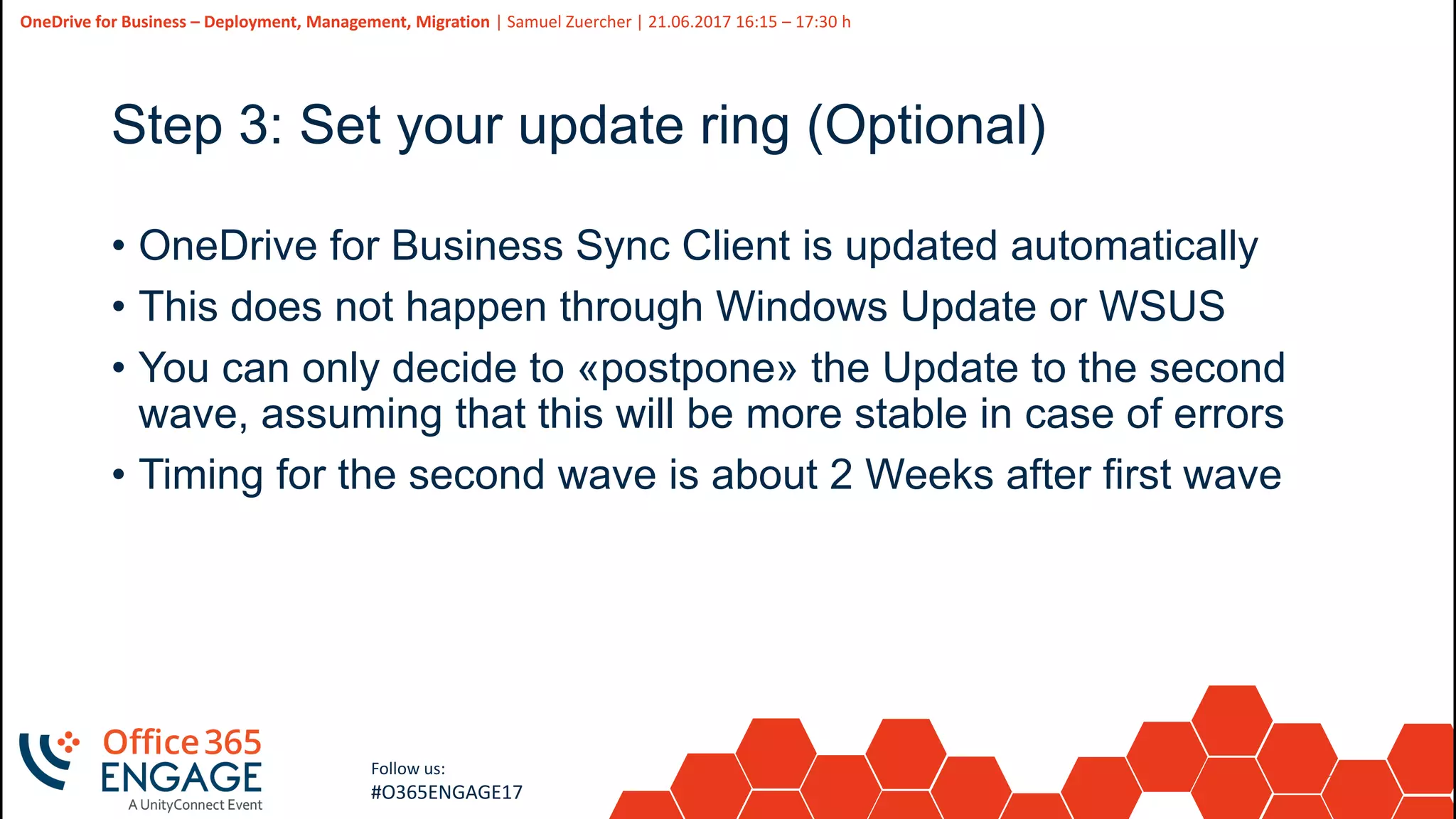
Step 3: Set your update ring (Optional)
• OneDrive for Business Sync Client is updated automatically
• This does not happen through Windows Update or WSUS
• You can only decide to «postpone» the Update to the second
wave, assuming that this will be more stable in case of errors
• Timing for the second wave is about 2 Weeks after first wave
25
Slide
25
OneDrive for Business – Deployment, Management, Migration | Samuel Zuercher | 21.06.2017 16:15 – 17:30 h
Follow us:
#O365ENGAGE17
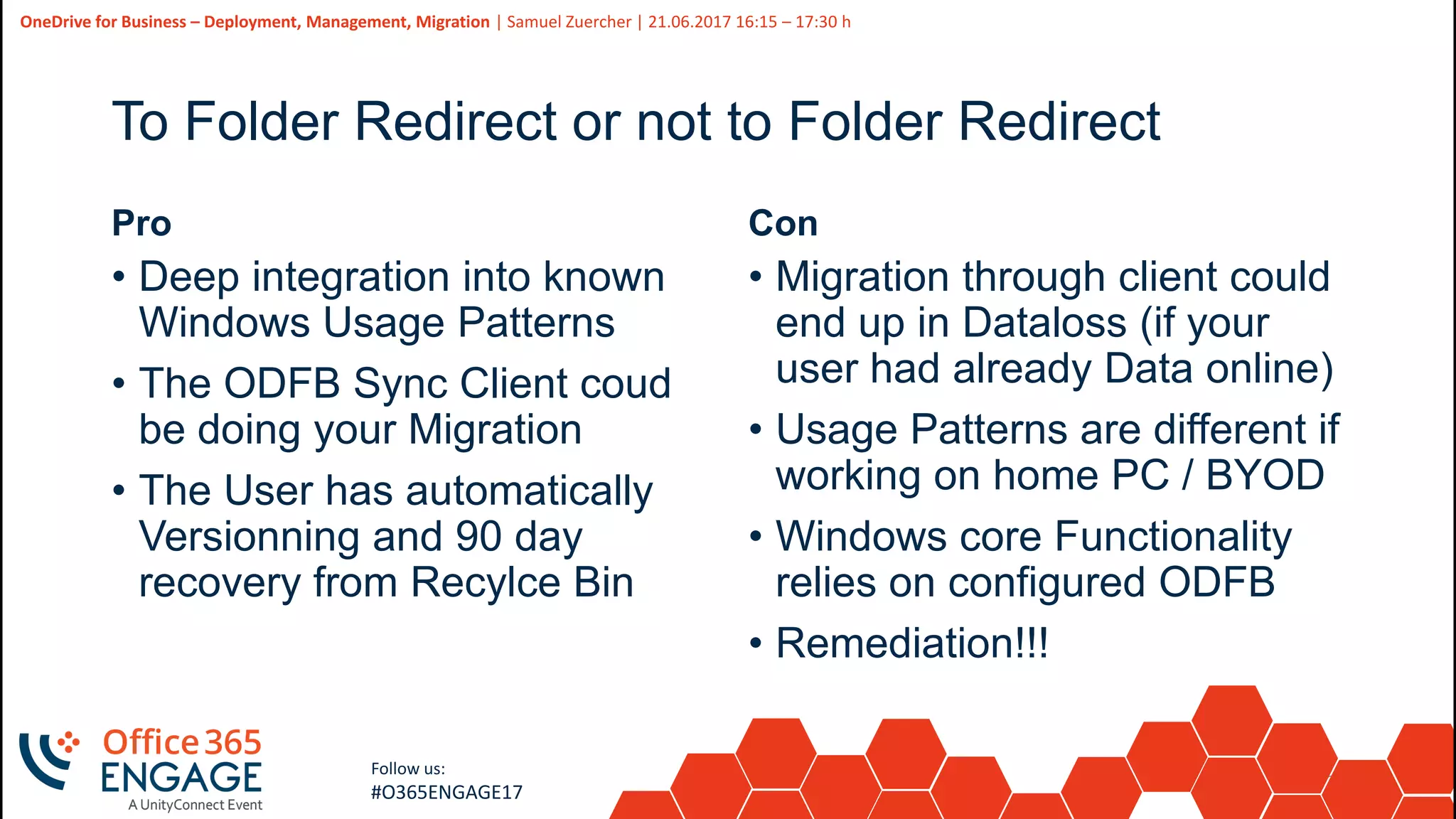
To Folder Redirect or not to Folder Redirect
Pro
• Deep integration into known
Windows Usage Patterns
• The ODFB Sync Client coud
be doing your Migration
• The User has automatically
Versionning and 90 day
recovery from Recylce Bin
Con
• Migration through client could
end up in Dataloss (if your
user had already Data online)
• Usage Patterns are different if
working on home PC / BYOD
• Windows core Functionality
relies on configured ODFB
• Remediation!!!
26
Slide
26
OneDrive for Business – Deployment, Management, Migration | Samuel Zuercher | 21.06.2017 16:15 – 17:30 h
Follow us:
#O365ENGAGE17
27
Slide
27
Follow us:
#O365ENGAGE17
Management Options
Online Management and GPOs
28
Slide
28
OneDrive for Business – Deployment, Management, Migration | Samuel Zuercher | 21.06.2017 16:15 – 17:30 h
Follow us:
#O365ENGAGE17
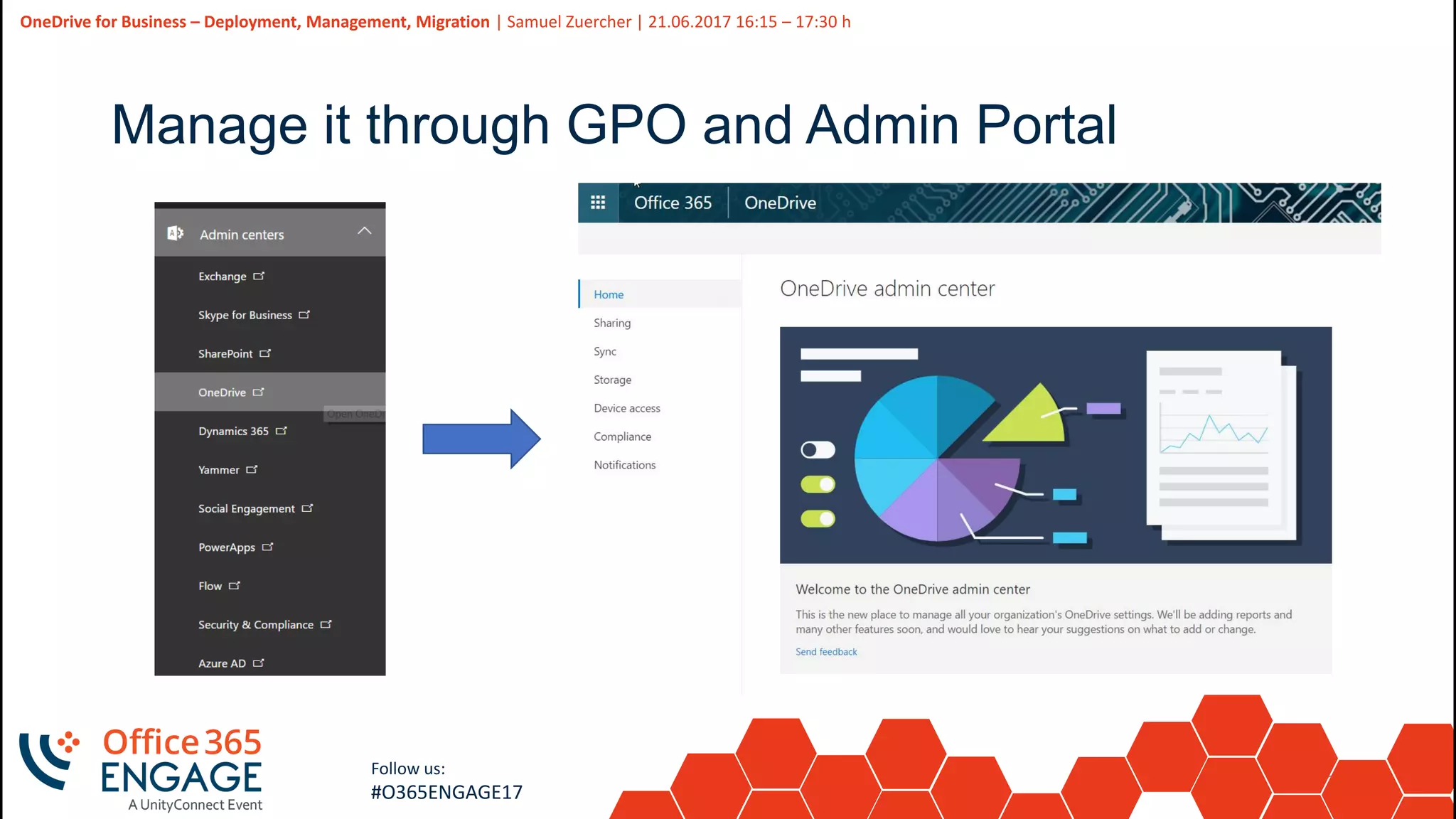
Manage it through GPO and Admin Portal
29
Slide
29
OneDrive for Business – Deployment, Management, Migration | Samuel Zuercher | 21.06.2017 16:15 – 17:30 h
Follow us:
#O365ENGAGE17
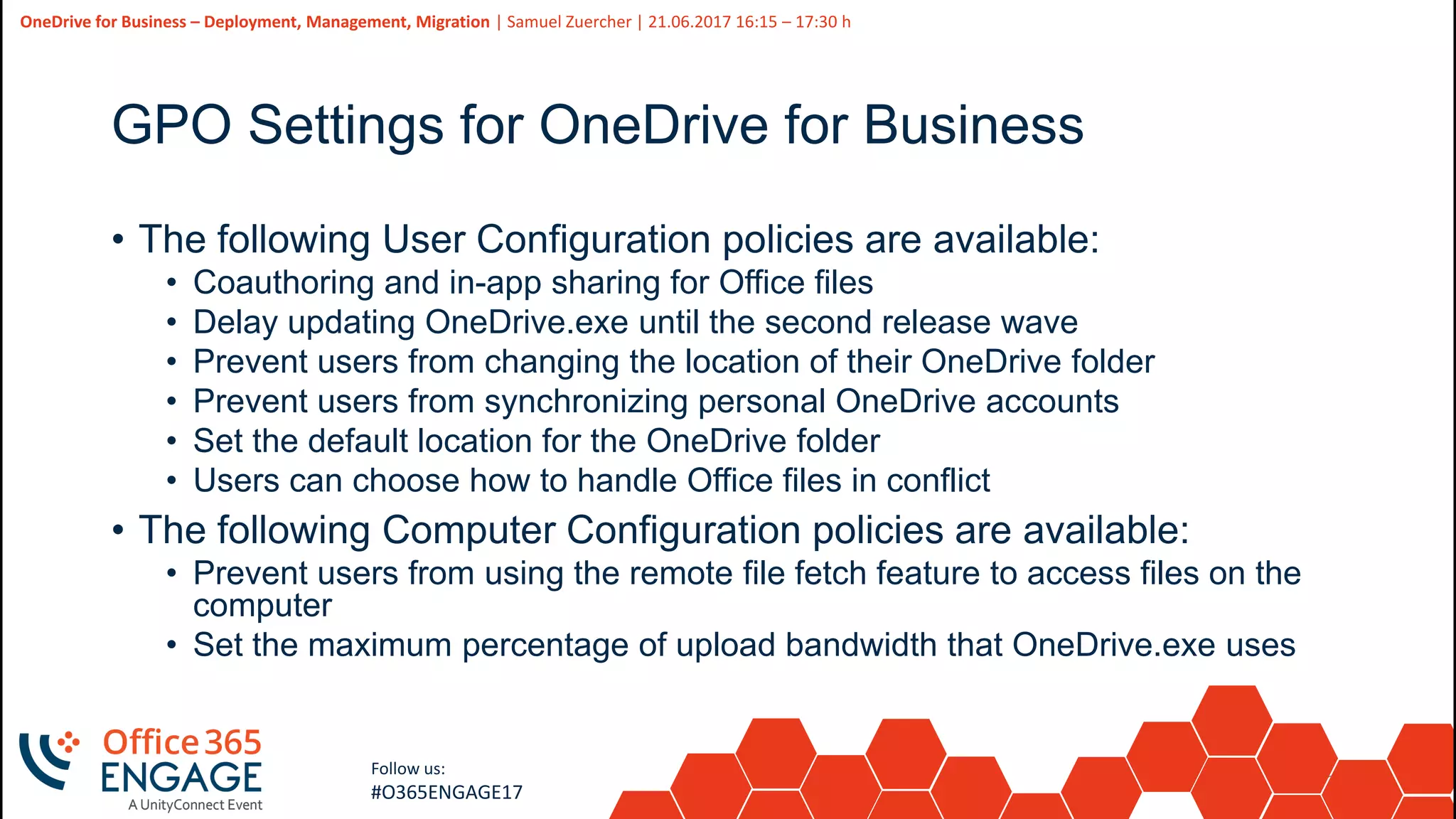
GPO Settings for OneDrive for Business
• The following User Configuration policies are available:
• Coauthoring and in-app sharing for Office files
• Delay updating OneDrive.exe until the second release wave
• Prevent users from changing the location of their OneDrive folder
• Prevent users from synchronizing personal OneDrive accounts
• Set the default location for the OneDrive folder
• Users can choose how to handle Office files in conflict
• The following Computer Configuration policies are available:
• Prevent users from using the remote file fetch feature to access files on the
computer
• Set the maximum percentage of upload bandwidth that OneDrive.exe uses
30
Slide
30
OneDrive for Business – Deployment, Management, Migration | Samuel Zuercher | 21.06.2017 16:15 – 17:30 h
Follow us:
#O365ENGAGE17
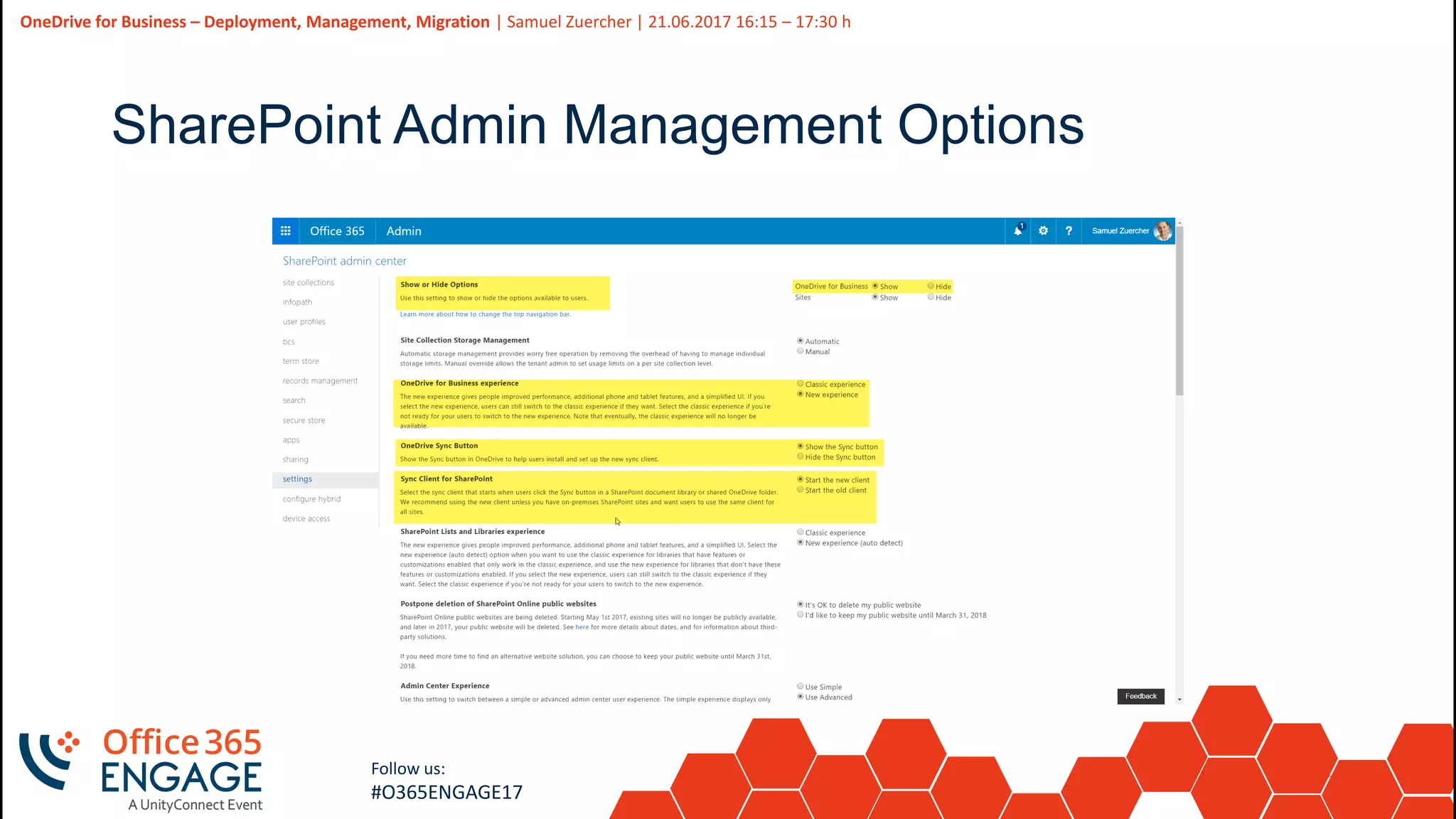
SharePoint Admin Management Options
31
Slide
31
OneDrive for Business – Deployment, Management, Migration | Samuel Zuercher | 21.06.2017 16:15 – 17:30 h
Follow us:
#O365ENGAGE17
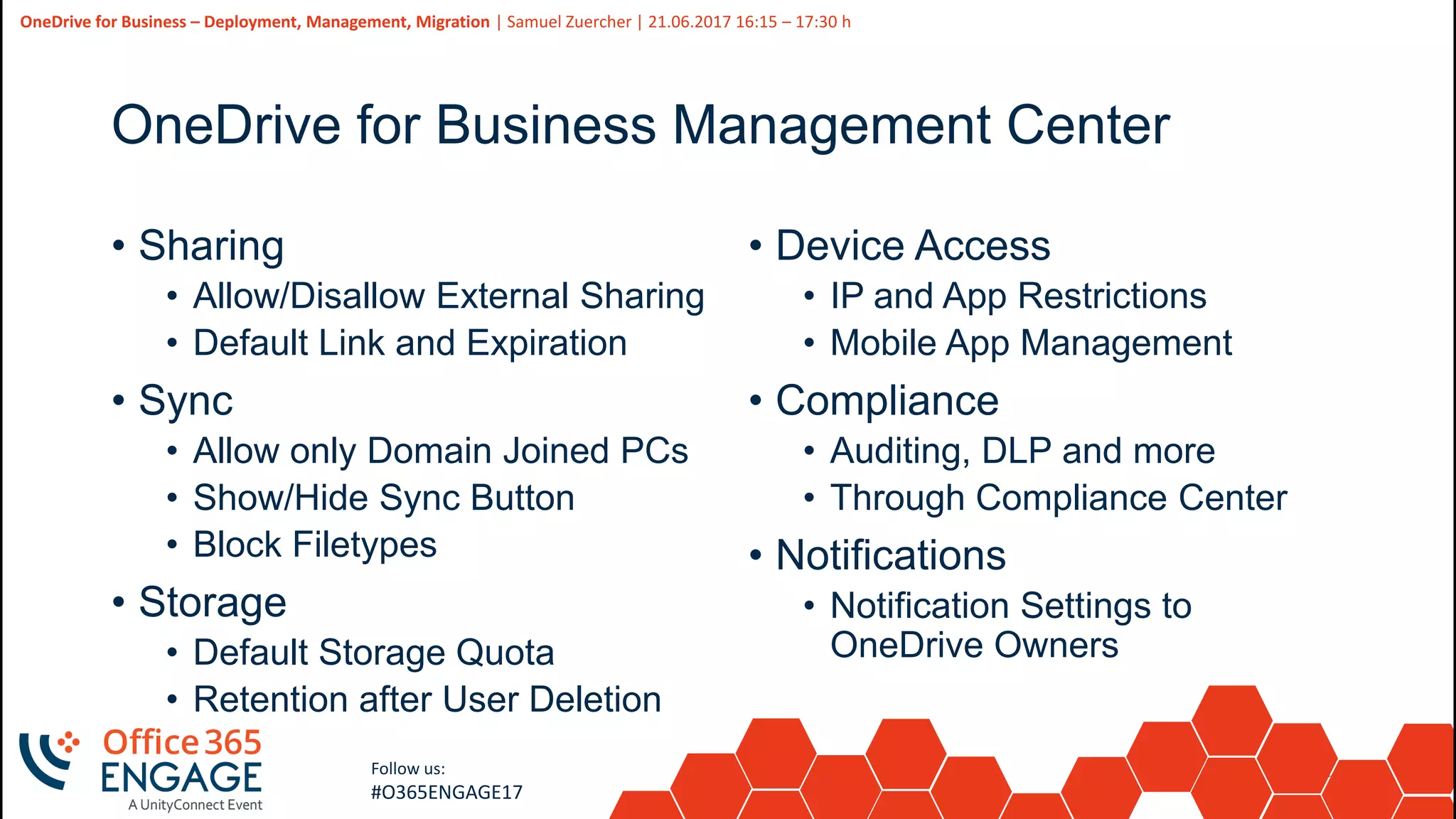
OneDrive for Business Management Center
• Sharing
• Allow/Disallow External Sharing
• Default Link and Expiration
• Sync
• Allow only Domain Joined PCs
• Show/Hide Sync Button
• Block Filetypes
• Storage
• Default Storage Quota
• Retention after User Deletion
• Device Access
• IP and App Restrictions
• Mobile App Management
• Compliance
• Auditing, DLP and more
• Through Compliance Center
• Notifications
• Notification Settings to
OneDrive Owners
32
Slide
32
Follow us:
#O365ENGAGE17
Migration options
Migrate Homedrives, Migrate the Client
33
Slide
33
OneDrive for Business – Deployment, Management, Migration | Samuel Zuercher | 21.06.2017 16:15 – 17:30 h
Follow us:
#O365ENGAGE17
What are you migrating?
• Groove.exe  Onedrive.exe
• Folder Redirection (from Server or local Files) to ODFB
• Tool based Migration Approach
• Migration through Microsoft Fast Track Center
34
Slide
34
OneDrive for Business – Deployment, Management, Migration | Samuel Zuercher | 21.06.2017 16:15 – 17:30 h
Follow us:
#O365ENGAGE17
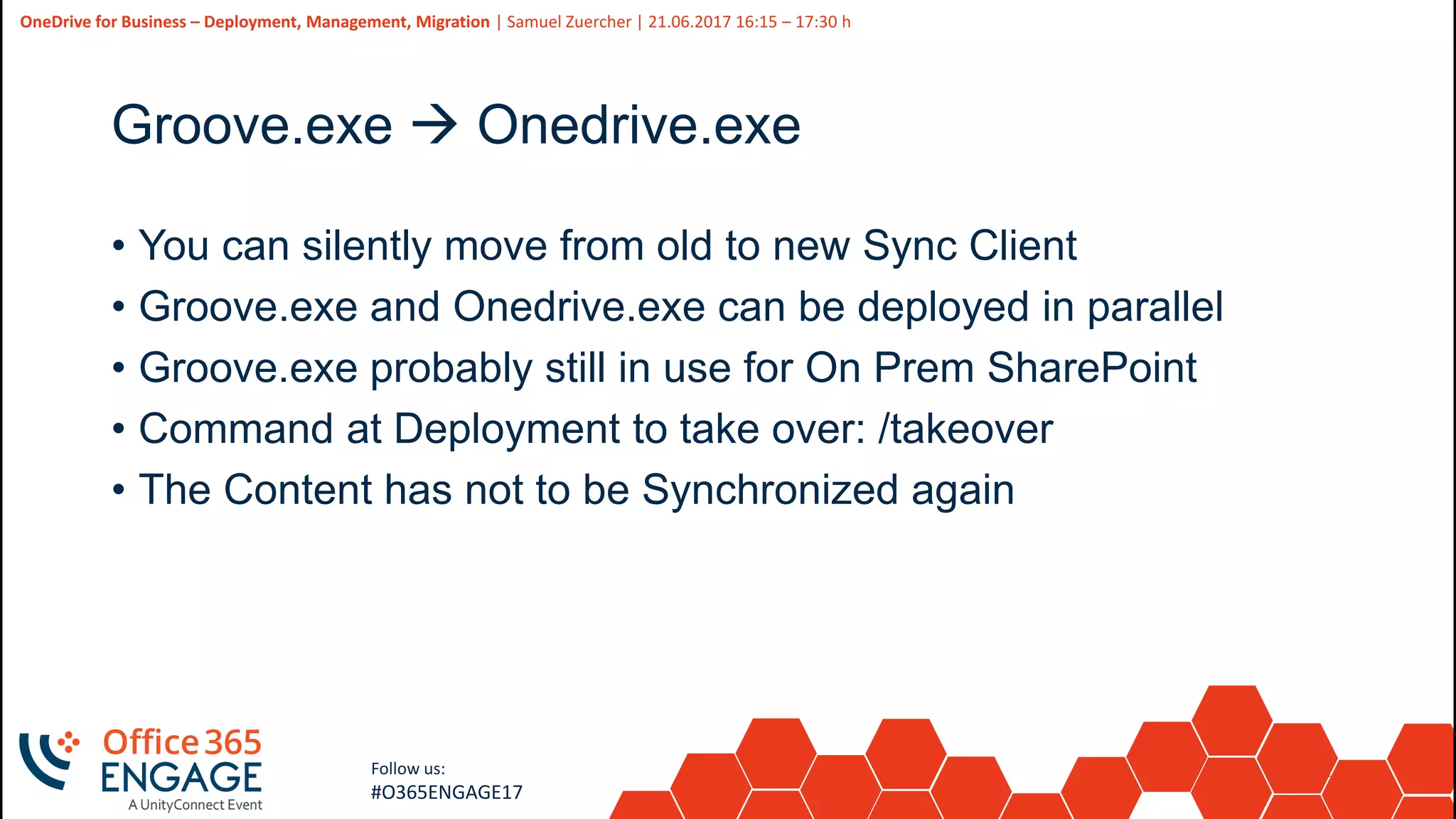
Groove.exe  Onedrive.exe
• You can silently move from old to new Sync Client
• Groove.exe and Onedrive.exe can be deployed in parallel
• Groove.exe probably still in use for On Prem SharePoint
• Command at Deployment to take over: /takeover
• The Content has not to be Synchronized again
35
Slide
35
OneDrive for Business – Deployment, Management, Migration | Samuel Zuercher | 21.06.2017 16:15 – 17:30 h
Follow us:
#O365ENGAGE17
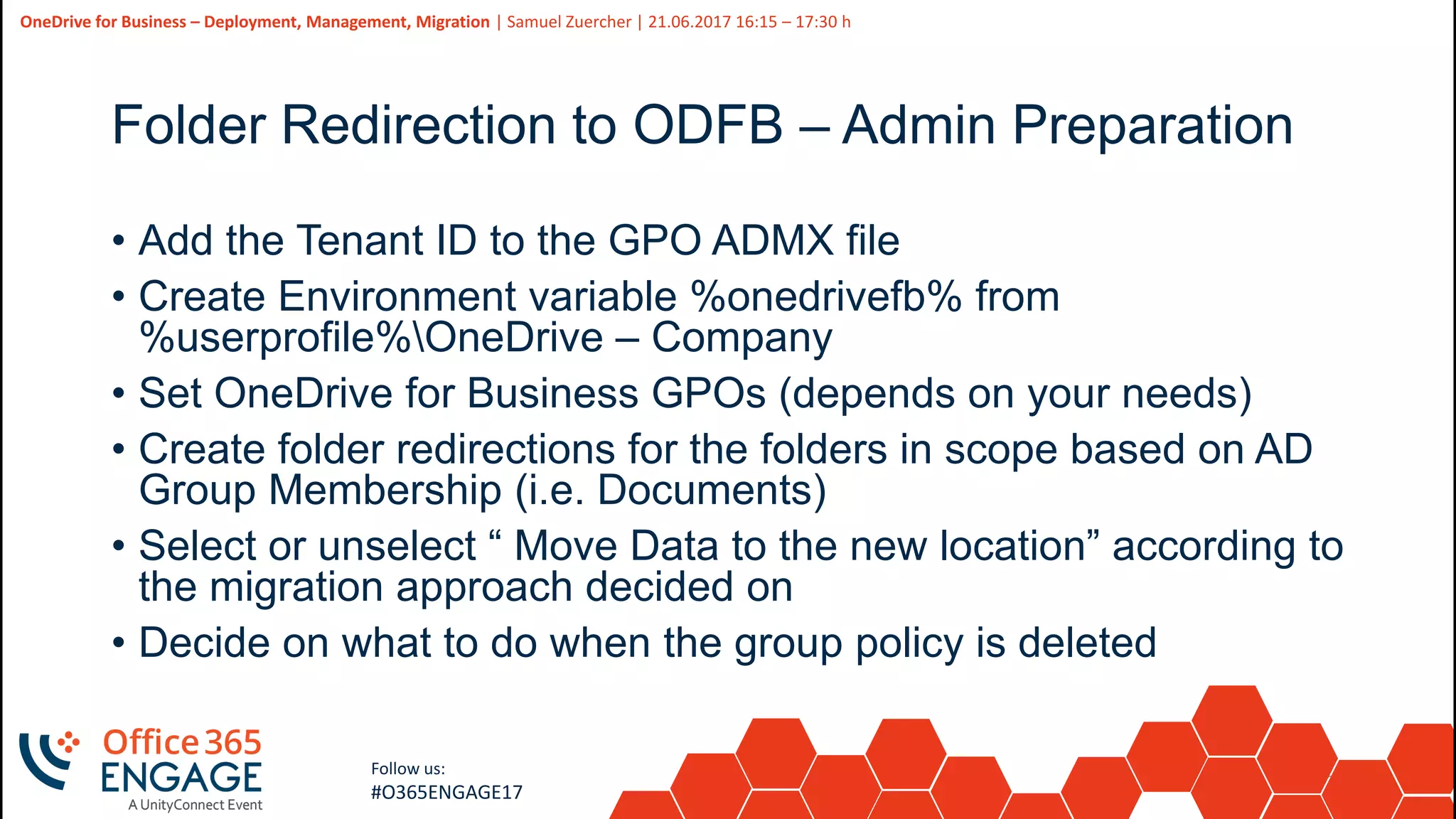
Folder Redirection to ODFB – Admin Preparation
• Add the Tenant ID to the GPO ADMX file
• Create Environment variable %onedrivefb% from
%userprofile%OneDrive – Company
• Set OneDrive for Business GPOs (depends on your needs)
• Create folder redirections for the folders in scope based on AD
Group Membership (i.e. Documents)
• Select or unselect “ Move Data to the new location” according to
the migration approach decided on
• Decide on what to do when the group policy is deleted
36
Slide
36
OneDrive for Business – Deployment, Management, Migration | Samuel Zuercher | 21.06.2017 16:15 – 17:30 h
Follow us:
#O365ENGAGE17
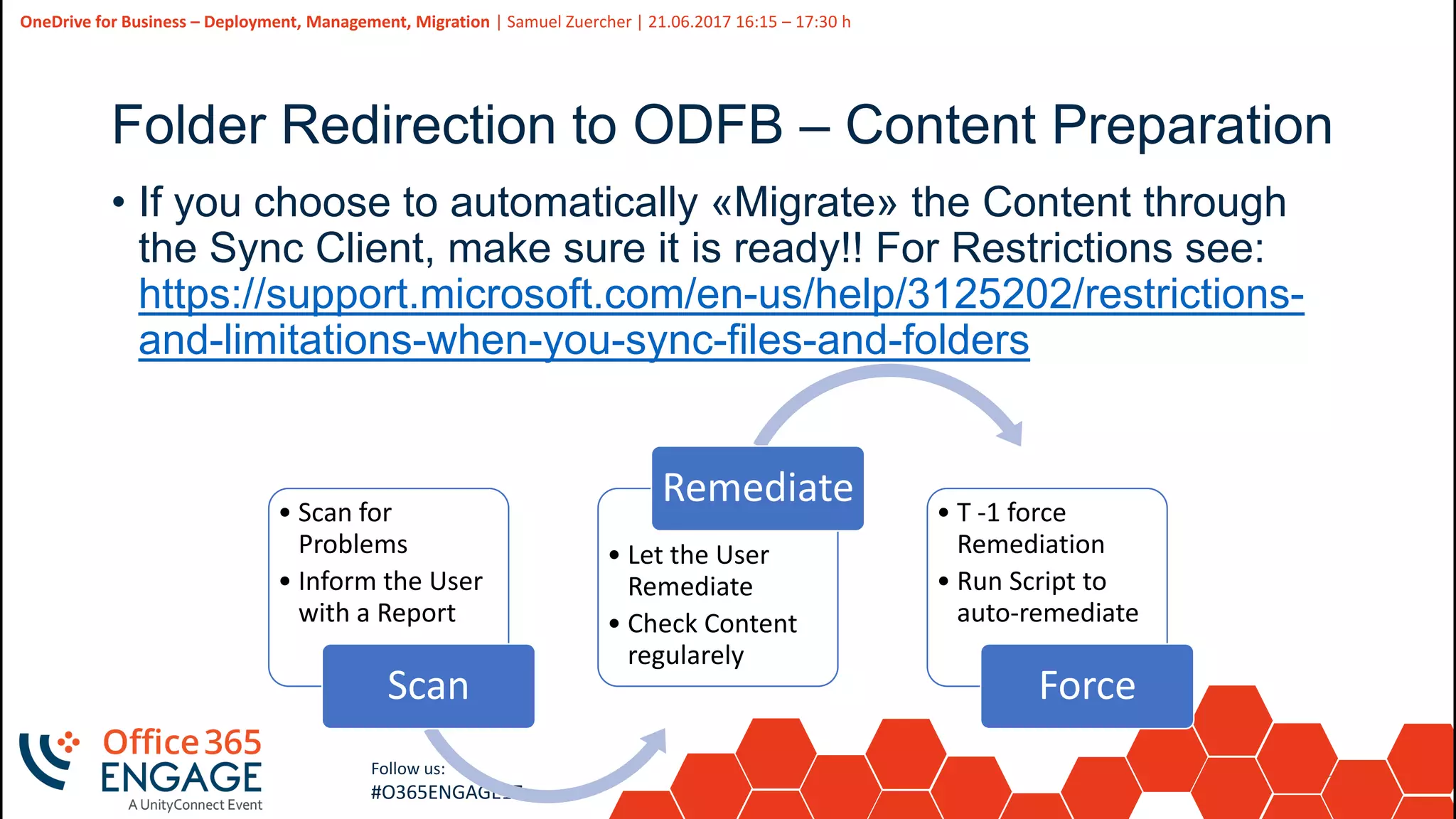
• Scan for
Problems
• Inform the User
with a Report
Scan
• Let the User
Remediate
• Check Content
regularely
Remediate • T -1 force
Remediation
• Run Script to
auto-remediate
Force
Folder Redirection to ODFB – Content Preparation
• If you choose to automatically «Migrate» the Content through
the Sync Client, make sure it is ready!! For Restrictions see:
https://support.microsoft.com/en-us/help/3125202/restrictions-
and-limitations-when-you-sync-files-and-folders
37
Slide
37
OneDrive for Business – Deployment, Management, Migration | Samuel Zuercher | 21.06.2017 16:15 – 17:30 h
Follow us:
#O365ENGAGE17
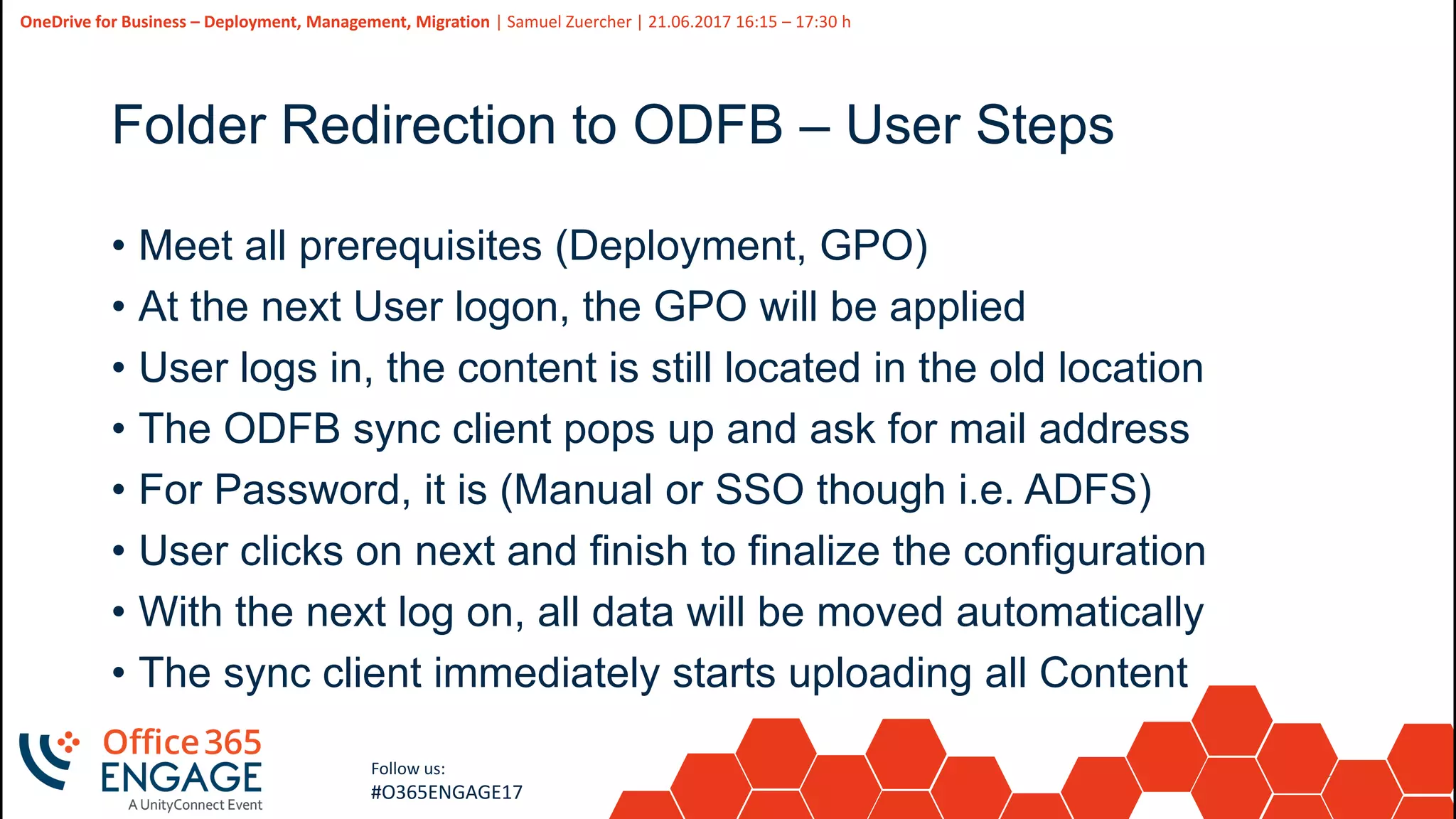
Folder Redirection to ODFB – User Steps
• Meet all prerequisites (Deployment, GPO)
• At the next User logon, the GPO will be applied
• User logs in, the content is still located in the old location
• The ODFB sync client pops up and ask for mail address
• For Password, it is (Manual or SSO though i.e. ADFS)
• User clicks on next and finish to finalize the configuration
• With the next log on, all data will be moved automatically
• The sync client immediately starts uploading all Content
38
Slide
38
OneDrive for Business – Deployment, Management, Migration | Samuel Zuercher | 21.06.2017 16:15 – 17:30 h
Follow us:
#O365ENGAGE17
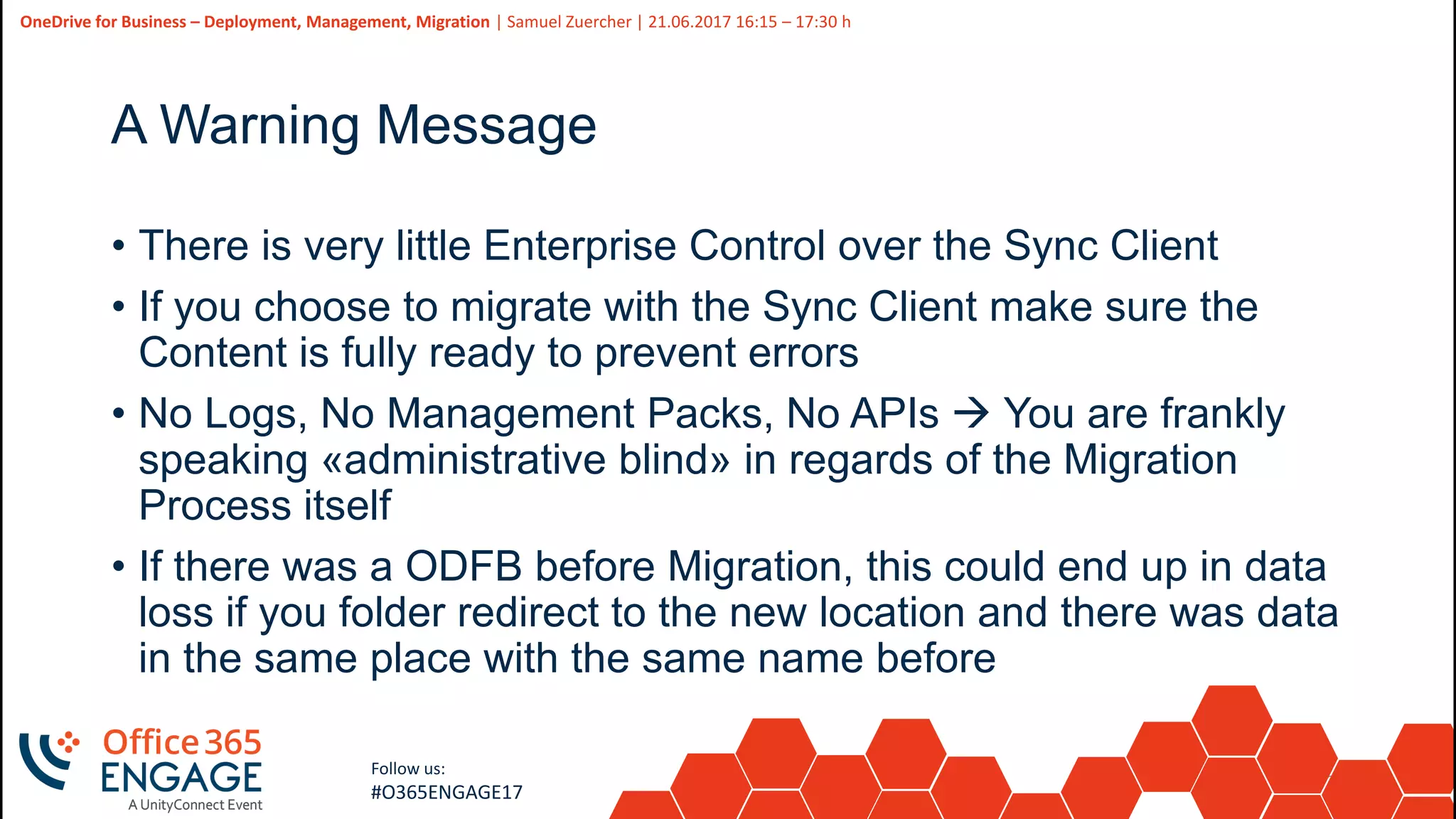
A Warning Message
• There is very little Enterprise Control over the Sync Client
• If you choose to migrate with the Sync Client make sure the
Content is fully ready to prevent errors
• No Logs, No Management Packs, No APIs  You are frankly
speaking «administrative blind» in regards of the Migration
Process itself
• If there was a ODFB before Migration, this could end up in data
loss if you folder redirect to the new location and there was data
in the same place with the same name before
39
Slide
39
OneDrive for Business – Deployment, Management, Migration | Samuel Zuercher | 21.06.2017 16:15 – 17:30 h
Follow us:
#O365ENGAGE17
40
Slide
40
OneDrive for Business – Deployment, Management, Migration | Samuel Zuercher | 21.06.2017 16:15 – 17:30 h
Follow us:
#O365ENGAGE17
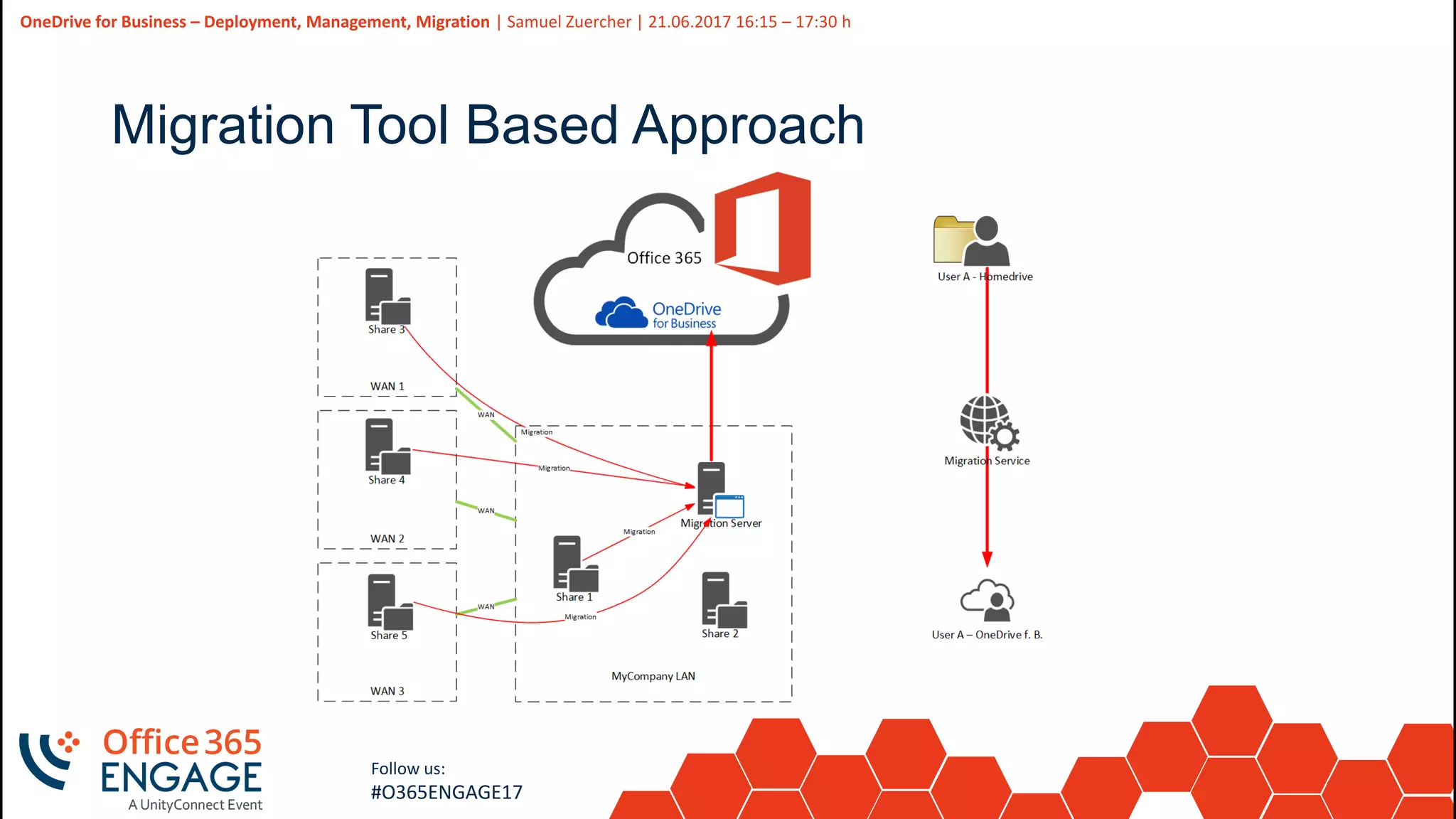
Migration Tool Based Approach
41
Slide
41
OneDrive for Business – Deployment, Management, Migration | Samuel Zuercher | 21.06.2017 16:15 – 17:30 h
Follow us:
#O365ENGAGE17
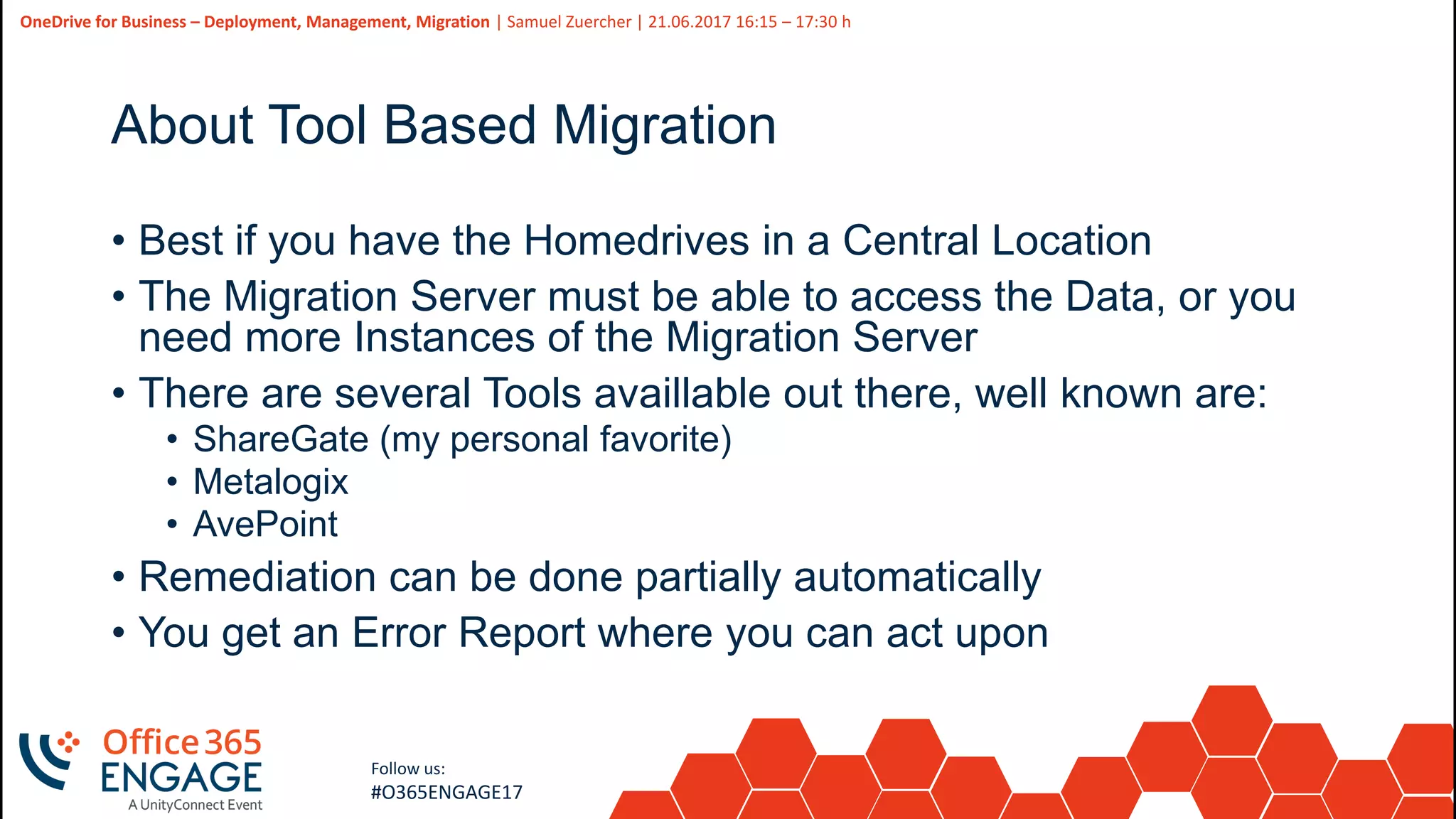
About Tool Based Migration
• Best if you have the Homedrives in a Central Location
• The Migration Server must be able to access the Data, or you
need more Instances of the Migration Server
• There are several Tools availlable out there, well known are:
• ShareGate (my personal favorite)
• Metalogix
• AvePoint
• Remediation can be done partially automatically
• You get an Error Report where you can act upon
42
Slide
42
OneDrive for Business – Deployment, Management, Migration | Samuel Zuercher | 21.06.2017 16:15 – 17:30 h
Follow us:
#O365ENGAGE17
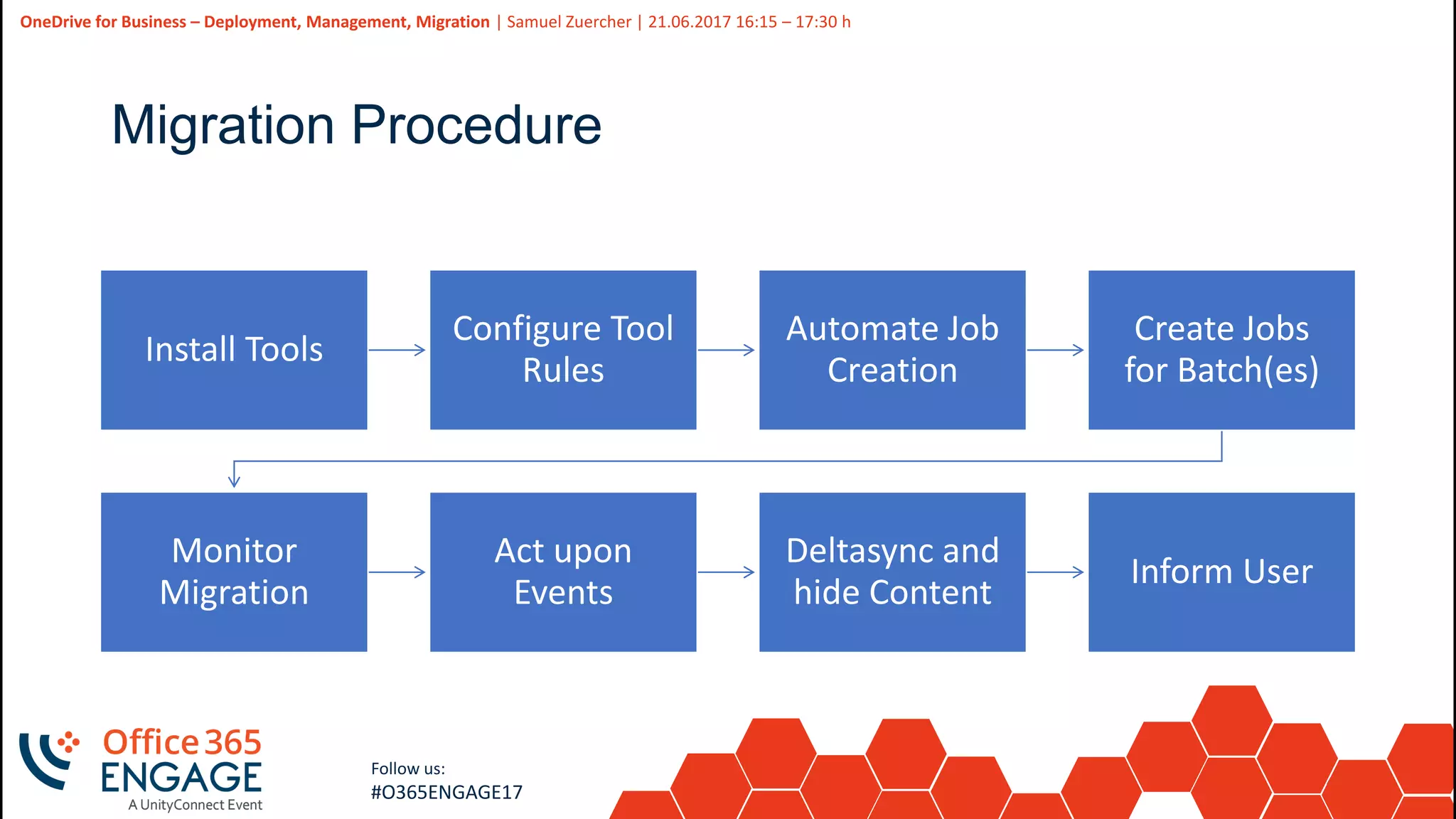
Migration Procedure
Install Tools
Configure Tool
Rules
Automate Job
Creation
Create Jobs
for Batch(es)
Monitor
Migration
Act upon
Events
Deltasync and
hide Content
Inform User
43
Slide
43
OneDrive for Business – Deployment, Management, Migration | Samuel Zuercher | 21.06.2017 16:15 – 17:30 h
Follow us:
#O365ENGAGE17
44
Slide
44
OneDrive for Business – Deployment, Management, Migration | Samuel Zuercher | 21.06.2017 16:15 – 17:30 h
Follow us:
#O365ENGAGE17
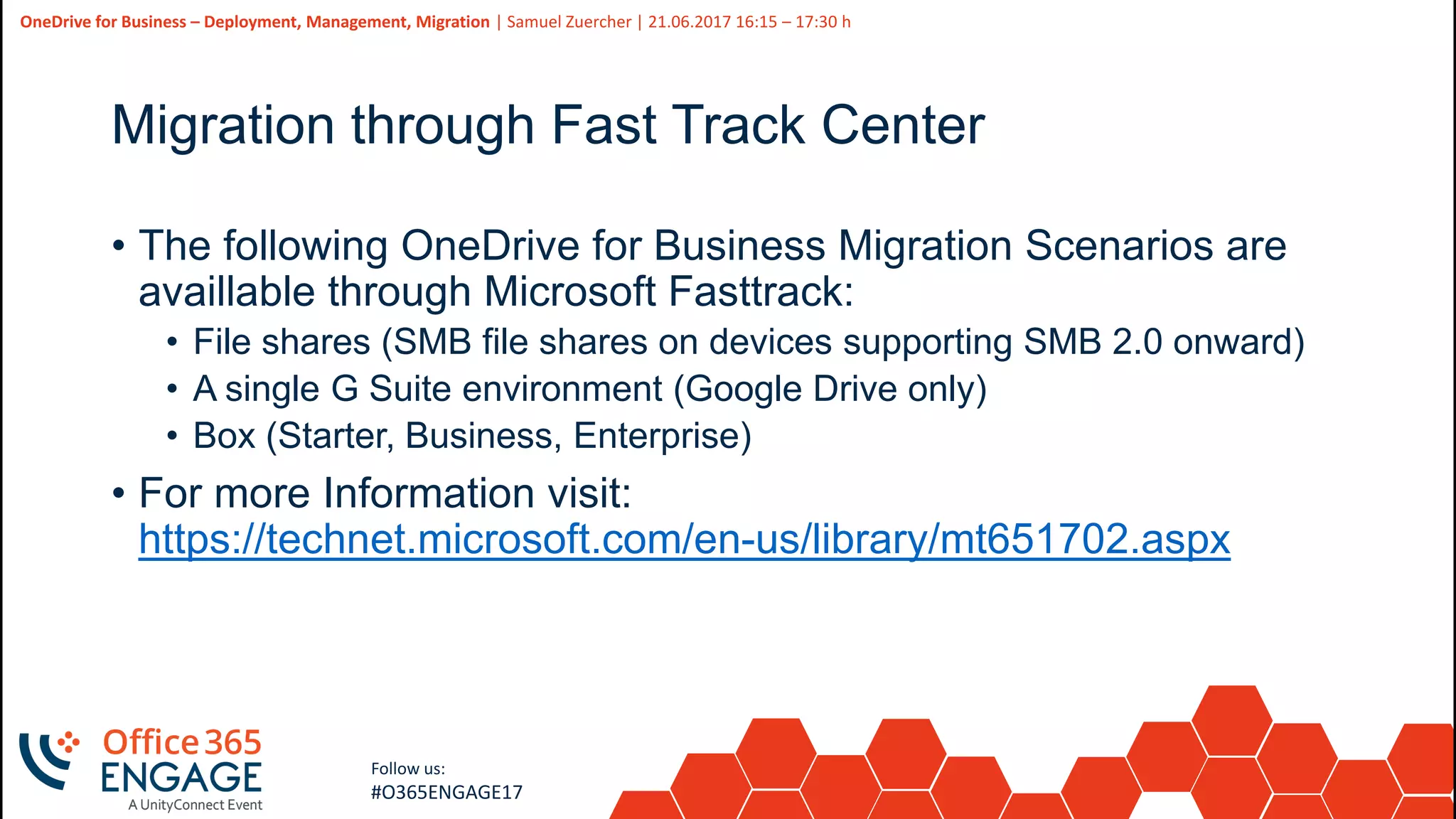
Migration through Fast Track Center
• The following OneDrive for Business Migration Scenarios are
availlable through Microsoft Fasttrack:
• File shares (SMB file shares on devices supporting SMB 2.0 onward)
• A single G Suite environment (Google Drive only)
• Box (Starter, Business, Enterprise)
• For more Information visit:
https://technet.microsoft.com/en-us/library/mt651702.aspx
45
Slide
45
OneDrive for Business – Deployment, Management, Migration | Samuel Zuercher | 21.06.2017 16:15 – 17:30 h
Follow us:
#O365ENGAGE17
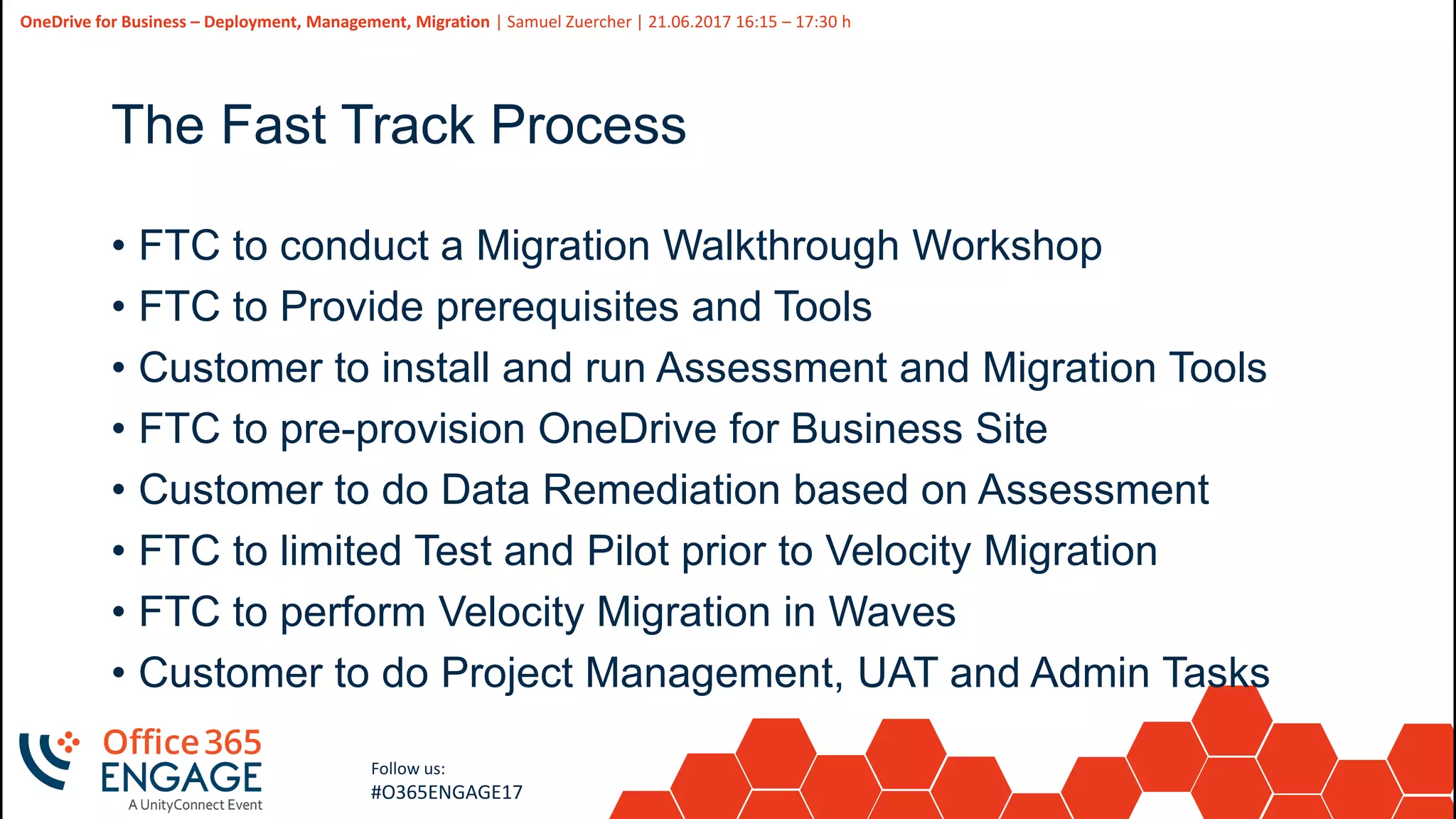
The Fast Track Process
• FTC to conduct a Migration Walkthrough Workshop
• FTC to Provide prerequisites and Tools
• Customer to install and run Assessment and Migration Tools
• FTC to pre-provision OneDrive for Business Site
• Customer to do Data Remediation based on Assessment
• FTC to limited Test and Pilot prior to Velocity Migration
• FTC to perform Velocity Migration in Waves
• Customer to do Project Management, UAT and Admin Tasks
46
Slide
46
OneDrive for Business – Deployment, Management, Migration | Samuel Zuercher | 21.06.2017 16:15 – 17:30 h
Follow us:
#O365ENGAGE17
Questions? | Thank You
Samuel Zuercher [MVP]
szu@expertsinside.com
We’d like to know what you think!
Please fill out the evaluation form you
received at the registration desk for this
session
Session recordings and materials:
Materials will be available on
Office365Engage.com soon

O365Engage17 - One drive for business deploy, manage, migrate

  • 1.
    1 Slide 1 OneDrive For Business Deploy,Manage, Migrate Samuel Zuercher [MVP] Experts Inside GmbH
  • 2.
    2 Slide 2 OneDrive for Business– Deployment, Management, Migration | Samuel Zuercher | 21.06.2017 16:15 – 17:30 h Follow us: #O365ENGAGE17 • Principal Consultant, Architect, Evangelist • Co Founder Experts Inside (2011) • SharePoint since 2005 • Office 365 since 2010 • Founder of the Communities: SharePointCommunity.ch Community365.ch • MVP since 2011 • Twitter: @sharepointszu • Blog: Sharepointszu.com Samuel Zuercher [MVP]
  • 3.
    3 Slide 3 OneDrive for Business– Deployment, Management, Migration | Samuel Zuercher | 21.06.2017 16:15 – 17:30 h Follow us: #O365ENGAGE17
  • 4.
    4 Slide 4 OneDrive for Business– Deployment, Management, Migration | Samuel Zuercher | 21.06.2017 16:15 – 17:30 h Follow us: #O365ENGAGE17
  • 5.
    5 Slide 5 OneDrive for Business– Deployment, Management, Migration | Samuel Zuercher | 21.06.2017 16:15 – 17:30 h Follow us: #O365ENGAGE17 Agenda • Introduction • Pre-Deployment of OneDrive for Business • Management Options • Migration Approaches
  • 6.
  • 7.
    7 Slide 7 OneDrive for Business– Deployment, Management, Migration | Samuel Zuercher | 21.06.2017 16:15 – 17:30 h Follow us: #O365ENGAGE17
  • 8.
    8 Slide 8 OneDrive for Business– Deployment, Management, Migration | Samuel Zuercher | 21.06.2017 16:15 – 17:30 h Follow us: #O365ENGAGE17 Primary Difference CONSUMER BUSINESS
  • 9.
    9 Slide 9 OneDrive for Business– Deployment, Management, Migration | Samuel Zuercher | 21.06.2017 16:15 – 17:30 h Follow us: #O365ENGAGE17 ODFB <not like> ODFB ON PREMISES CLOUD
  • 10.
    10 Slide 10 OneDrive for Business– Deployment, Management, Migration | Samuel Zuercher | 21.06.2017 16:15 – 17:30 h Follow us: #O365ENGAGE17 OneDrive Belongs to the LIVE.COM Family Based on SharePoint Microsoft Account Comes with Office Online and Mail 15 GB to 1 TB Plans Comes as is, no other Services
  • 11.
    11 Slide 11 OneDrive for Business– Deployment, Management, Migration | Samuel Zuercher | 21.06.2017 16:15 – 17:30 h Follow us: #O365ENGAGE17 OneDrive for Business Belongs to the Office 365 Family Based on SharePoint Online or Corporate Account Part of a Business offering 1 TB up to unlimited Space (E3/E5) Can be combined with other Services
  • 12.
    12 Slide 12 OneDrive for Business– Deployment, Management, Migration | Samuel Zuercher | 21.06.2017 16:15 – 17:30 h Follow us: #O365ENGAGE17 Office Online Browser version of Office No Offline working Cloud and On Prem versions Not a Full- Blown Office Licensed through Office Client Usable in Exchange, SkypefB ODFB and SharePoint
  • 13.
    13 Slide 13 OneDrive for Business– Deployment, Management, Migration | Samuel Zuercher | 21.06.2017 16:15 – 17:30 h Follow us: #O365ENGAGE17 Office Mobile Office Mobile, optimized for Office 368 Free of Charge
  • 14.
    14 Slide 14 OneDrive for Business– Deployment, Management, Migration | Samuel Zuercher | 21.06.2017 16:15 – 17:30 h Follow us: #O365ENGAGE17 Skydrive and Groove?? Lost battle against Sky Channel Old Name of OneDrive Groove is the Old Sync Clinet Base A company bought by Microsoft
  • 15.
    15 Slide 15 OneDrive for Business– Deployment, Management, Migration | Samuel Zuercher | 21.06.2017 16:15 – 17:30 h Follow us: #O365ENGAGE17 Is the Mysite equal to OneDrive? Personal Site in SharePoint The OneDrive is part of the MySite (2013) Is a Document Library Has some special Functionality Is fading away more and more, is replaced by the Delve Profile in Office 365. You can still see it in On Prem SharePoint.
  • 16.
    16 Slide 16 OneDrive for Business– Deployment, Management, Migration | Samuel Zuercher | 21.06.2017 16:15 – 17:30 h Follow us: #O365ENGAGE17 What about Offline Sync? Consumer Sync Client Stable for ages, base for NextGen Sync Client Next Gen Sync Client Only for Office 365 (On Prem still groove.exe)
  • 17.
  • 18.
    18 Slide 18 OneDrive for Business– Deployment, Management, Migration | Samuel Zuercher | 21.06.2017 16:15 – 17:30 h Follow us: #O365ENGAGE17 Why do we talk about Deployment? • OneDrive for Business is created on first visit • OneDrive for Business Sync Client needs Deployment for pre Win10 Clients
  • 19.
    19 Slide 19 OneDrive for Business– Deployment, Management, Migration | Samuel Zuercher | 21.06.2017 16:15 – 17:30 h Follow us: #O365ENGAGE17 Pre-Create OneDrive for Business with Powershell • Very easy task for an Administrator • Request-SPOPersonalSite -UserEmails [string] • https://technet.microsoft.com/en-us/library/dn792367.aspx
  • 20.
    20 Slide 20 OneDrive for Business– Deployment, Management, Migration | Samuel Zuercher | 21.06.2017 16:15 – 17:30 h Follow us: #O365ENGAGE17 Where we stumble over • Use special method for Sign In, else you get Access Denied $AdmUser = “admuser@[tenant].onmicrosoft.com" # Admin Account for SharePoint $Pass = “********" # PW for Admin Account $creds = New-Object System.Management.Automation.PSCredential($AdmUser,(ConvertTo-SecureString $Pass -AsPlainText -Force)) # Need to Authenticate this way Connect-SPOService -Url https://[tenant].sharepoint.com -Credential $creds # SharePoint Online Login Connect-MsolService -Credential $creds # Connect AAD for any User interaction • Passing of multiple E-Mail addresses ended up in not creating the ODFB for the User, so we had to pass every E-Mail (UPN) one by one, and then it succeeded • No Documentation, the Command is a blackbox
  • 21.
    21 Slide 21 OneDrive for Business– Deployment, Management, Migration | Samuel Zuercher | 21.06.2017 16:15 – 17:30 h Follow us: #O365ENGAGE17 The OneDrive for Business NextGen Sync Client • Step 1: Install OneDrive.exe • Step 2: Help users sign in • Step 3: Set your update ring (Optional) • For more Information visit: https://support.office.com/en-us/article/Deploy-the-new- OneDrive-sync-client-in-an-enterprise-environment-3f3a511c- 30c6-404a-98bf-76f95c519668
  • 22.
    22 Slide 22 OneDrive for Business– Deployment, Management, Migration | Samuel Zuercher | 21.06.2017 16:15 – 17:30 h Follow us: #O365ENGAGE17 Step 1: Install OneDrive.exe • Decide if you have «Old  New» Sync Client Scenario • Users were syncing OneDrive for Business O365 with the Groove.exe Client, this was auto deployed with Office Pro Plus till spring 2017 • Install ADML and ADMX files on your DC and Set GPOs • Set your Group Policy Settings (details see «Management») • Use advanced Deployment Methods • /takeover | /silent | /configure_business:<tenantId> • Deploy via SCCM see: https://blogs.technet.microsoft.com/paulodias/2016/05/24/how-to- deploy-onedrive-next-generation-sync-client-with-sccm/
  • 23.
    23 Slide 23 OneDrive for Business– Deployment, Management, Migration | Samuel Zuercher | 21.06.2017 16:15 – 17:30 h Follow us: #O365ENGAGE17 Step 2: Help users sign in • This process can not be automated unfortunately • Launch this string for the User to pre-fill his Office 365 UPN odopen://sync?useremail=you ruseremail@organization.com
  • 24.
    24 Slide 24 OneDrive for Business– Deployment, Management, Migration | Samuel Zuercher | 21.06.2017 16:15 – 17:30 h Follow us: #O365ENGAGE17 Step 3: Set your update ring (Optional) • OneDrive for Business Sync Client is updated automatically • This does not happen through Windows Update or WSUS • You can only decide to «postpone» the Update to the second wave, assuming that this will be more stable in case of errors • Timing for the second wave is about 2 Weeks after first wave
  • 25.
    25 Slide 25 OneDrive for Business– Deployment, Management, Migration | Samuel Zuercher | 21.06.2017 16:15 – 17:30 h Follow us: #O365ENGAGE17 To Folder Redirect or not to Folder Redirect Pro • Deep integration into known Windows Usage Patterns • The ODFB Sync Client coud be doing your Migration • The User has automatically Versionning and 90 day recovery from Recylce Bin Con • Migration through client could end up in Dataloss (if your user had already Data online) • Usage Patterns are different if working on home PC / BYOD • Windows core Functionality relies on configured ODFB • Remediation!!!
  • 26.
    26 Slide 26 OneDrive for Business– Deployment, Management, Migration | Samuel Zuercher | 21.06.2017 16:15 – 17:30 h Follow us: #O365ENGAGE17
  • 27.
  • 28.
    28 Slide 28 OneDrive for Business– Deployment, Management, Migration | Samuel Zuercher | 21.06.2017 16:15 – 17:30 h Follow us: #O365ENGAGE17 Manage it through GPO and Admin Portal
  • 29.
    29 Slide 29 OneDrive for Business– Deployment, Management, Migration | Samuel Zuercher | 21.06.2017 16:15 – 17:30 h Follow us: #O365ENGAGE17 GPO Settings for OneDrive for Business • The following User Configuration policies are available: • Coauthoring and in-app sharing for Office files • Delay updating OneDrive.exe until the second release wave • Prevent users from changing the location of their OneDrive folder • Prevent users from synchronizing personal OneDrive accounts • Set the default location for the OneDrive folder • Users can choose how to handle Office files in conflict • The following Computer Configuration policies are available: • Prevent users from using the remote file fetch feature to access files on the computer • Set the maximum percentage of upload bandwidth that OneDrive.exe uses
  • 30.
    30 Slide 30 OneDrive for Business– Deployment, Management, Migration | Samuel Zuercher | 21.06.2017 16:15 – 17:30 h Follow us: #O365ENGAGE17 SharePoint Admin Management Options
  • 31.
    31 Slide 31 OneDrive for Business– Deployment, Management, Migration | Samuel Zuercher | 21.06.2017 16:15 – 17:30 h Follow us: #O365ENGAGE17 OneDrive for Business Management Center • Sharing • Allow/Disallow External Sharing • Default Link and Expiration • Sync • Allow only Domain Joined PCs • Show/Hide Sync Button • Block Filetypes • Storage • Default Storage Quota • Retention after User Deletion • Device Access • IP and App Restrictions • Mobile App Management • Compliance • Auditing, DLP and more • Through Compliance Center • Notifications • Notification Settings to OneDrive Owners
  • 32.
  • 33.
    33 Slide 33 OneDrive for Business– Deployment, Management, Migration | Samuel Zuercher | 21.06.2017 16:15 – 17:30 h Follow us: #O365ENGAGE17 What are you migrating? • Groove.exe  Onedrive.exe • Folder Redirection (from Server or local Files) to ODFB • Tool based Migration Approach • Migration through Microsoft Fast Track Center
  • 34.
    34 Slide 34 OneDrive for Business– Deployment, Management, Migration | Samuel Zuercher | 21.06.2017 16:15 – 17:30 h Follow us: #O365ENGAGE17 Groove.exe  Onedrive.exe • You can silently move from old to new Sync Client • Groove.exe and Onedrive.exe can be deployed in parallel • Groove.exe probably still in use for On Prem SharePoint • Command at Deployment to take over: /takeover • The Content has not to be Synchronized again
  • 35.
    35 Slide 35 OneDrive for Business– Deployment, Management, Migration | Samuel Zuercher | 21.06.2017 16:15 – 17:30 h Follow us: #O365ENGAGE17 Folder Redirection to ODFB – Admin Preparation • Add the Tenant ID to the GPO ADMX file • Create Environment variable %onedrivefb% from %userprofile%OneDrive – Company • Set OneDrive for Business GPOs (depends on your needs) • Create folder redirections for the folders in scope based on AD Group Membership (i.e. Documents) • Select or unselect “ Move Data to the new location” according to the migration approach decided on • Decide on what to do when the group policy is deleted
  • 36.
    36 Slide 36 OneDrive for Business– Deployment, Management, Migration | Samuel Zuercher | 21.06.2017 16:15 – 17:30 h Follow us: #O365ENGAGE17 • Scan for Problems • Inform the User with a Report Scan • Let the User Remediate • Check Content regularely Remediate • T -1 force Remediation • Run Script to auto-remediate Force Folder Redirection to ODFB – Content Preparation • If you choose to automatically «Migrate» the Content through the Sync Client, make sure it is ready!! For Restrictions see: https://support.microsoft.com/en-us/help/3125202/restrictions- and-limitations-when-you-sync-files-and-folders
  • 37.
    37 Slide 37 OneDrive for Business– Deployment, Management, Migration | Samuel Zuercher | 21.06.2017 16:15 – 17:30 h Follow us: #O365ENGAGE17 Folder Redirection to ODFB – User Steps • Meet all prerequisites (Deployment, GPO) • At the next User logon, the GPO will be applied • User logs in, the content is still located in the old location • The ODFB sync client pops up and ask for mail address • For Password, it is (Manual or SSO though i.e. ADFS) • User clicks on next and finish to finalize the configuration • With the next log on, all data will be moved automatically • The sync client immediately starts uploading all Content
  • 38.
    38 Slide 38 OneDrive for Business– Deployment, Management, Migration | Samuel Zuercher | 21.06.2017 16:15 – 17:30 h Follow us: #O365ENGAGE17 A Warning Message • There is very little Enterprise Control over the Sync Client • If you choose to migrate with the Sync Client make sure the Content is fully ready to prevent errors • No Logs, No Management Packs, No APIs  You are frankly speaking «administrative blind» in regards of the Migration Process itself • If there was a ODFB before Migration, this could end up in data loss if you folder redirect to the new location and there was data in the same place with the same name before
  • 39.
    39 Slide 39 OneDrive for Business– Deployment, Management, Migration | Samuel Zuercher | 21.06.2017 16:15 – 17:30 h Follow us: #O365ENGAGE17
  • 40.
    40 Slide 40 OneDrive for Business– Deployment, Management, Migration | Samuel Zuercher | 21.06.2017 16:15 – 17:30 h Follow us: #O365ENGAGE17 Migration Tool Based Approach
  • 41.
    41 Slide 41 OneDrive for Business– Deployment, Management, Migration | Samuel Zuercher | 21.06.2017 16:15 – 17:30 h Follow us: #O365ENGAGE17 About Tool Based Migration • Best if you have the Homedrives in a Central Location • The Migration Server must be able to access the Data, or you need more Instances of the Migration Server • There are several Tools availlable out there, well known are: • ShareGate (my personal favorite) • Metalogix • AvePoint • Remediation can be done partially automatically • You get an Error Report where you can act upon
  • 42.
    42 Slide 42 OneDrive for Business– Deployment, Management, Migration | Samuel Zuercher | 21.06.2017 16:15 – 17:30 h Follow us: #O365ENGAGE17 Migration Procedure Install Tools Configure Tool Rules Automate Job Creation Create Jobs for Batch(es) Monitor Migration Act upon Events Deltasync and hide Content Inform User
  • 43.
    43 Slide 43 OneDrive for Business– Deployment, Management, Migration | Samuel Zuercher | 21.06.2017 16:15 – 17:30 h Follow us: #O365ENGAGE17
  • 44.
    44 Slide 44 OneDrive for Business– Deployment, Management, Migration | Samuel Zuercher | 21.06.2017 16:15 – 17:30 h Follow us: #O365ENGAGE17 Migration through Fast Track Center • The following OneDrive for Business Migration Scenarios are availlable through Microsoft Fasttrack: • File shares (SMB file shares on devices supporting SMB 2.0 onward) • A single G Suite environment (Google Drive only) • Box (Starter, Business, Enterprise) • For more Information visit: https://technet.microsoft.com/en-us/library/mt651702.aspx
  • 45.
    45 Slide 45 OneDrive for Business– Deployment, Management, Migration | Samuel Zuercher | 21.06.2017 16:15 – 17:30 h Follow us: #O365ENGAGE17 The Fast Track Process • FTC to conduct a Migration Walkthrough Workshop • FTC to Provide prerequisites and Tools • Customer to install and run Assessment and Migration Tools • FTC to pre-provision OneDrive for Business Site • Customer to do Data Remediation based on Assessment • FTC to limited Test and Pilot prior to Velocity Migration • FTC to perform Velocity Migration in Waves • Customer to do Project Management, UAT and Admin Tasks
  • 46.
    46 Slide 46 OneDrive for Business– Deployment, Management, Migration | Samuel Zuercher | 21.06.2017 16:15 – 17:30 h Follow us: #O365ENGAGE17 Questions? | Thank You Samuel Zuercher [MVP] szu@expertsinside.com We’d like to know what you think! Please fill out the evaluation form you received at the registration desk for this session Session recordings and materials: Materials will be available on Office365Engage.com soon