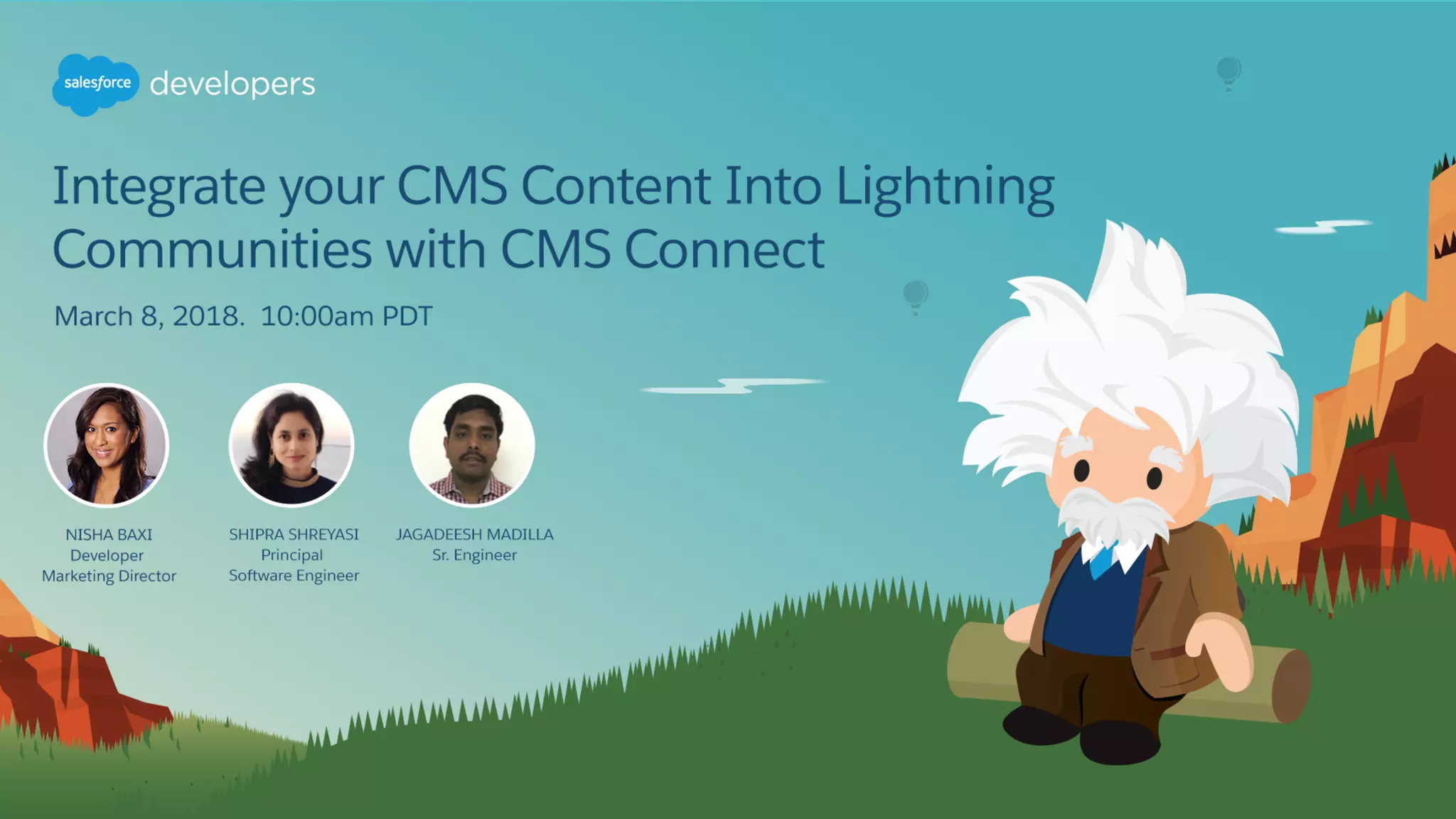
Integrate CMS Content into
Lightning Communities with CMS
Connect
8 March, 2018
Forward-Looking Statement
Statement under the Private Securities Litigation Reform Act of 1995:
This presentation may contain forward-looking statements that involve risks, uncertainties, and assumptions. If any such uncertainties
materialize or if any of the assumptions proves incorrect, the results of salesforce.com, inc. could differ materially from the results expressed
or implied by the forward-looking statements we make. All statements other than statements of historical fact could be deemed forward-
looking, including any projections of product or service availability, subscriber growth, earnings, revenues, or other financial items and any
statements regarding strategies or plans of management for future operations, statements of belief, any statements concerning new,
planned, or upgraded services or technology developments and customer contracts or use of our services.
The risks and uncertainties referred to above include – but are not limited to – risks associated with developing and delivering new
functionality for our service, new products and services, our new business model, our past operating losses, possible fluctuations in our
operating results and rate of growth, interruptions or delays in our Web hosting, breach of our security measures, the outcome of any
litigation, risks associated with completed and any possible mergers and acquisitions, the immature market in which we operate, our relatively
limited operating history, our ability to expand, retain, and motivate our employees and manage our growth, new releases of our service and
successful customer deployment, our limited history reselling non-salesforce.com products, and utilization and selling to larger enterprise
customers. Further information on potential factors that could affect the financial results of salesforce.com, inc. is included in our annual
report on Form 10-K for the most recent fiscal year and in our quarterly report on Form 10-Q for the most recent fiscal quarter. These
documents and others containing important disclosures are available on the SEC Filings section of the Investor Information section of our
Web site.
Any unreleased services or features referenced in this or other presentations, press releases or public statements are not currently available
and may not be delivered on time or at all. Customers who purchase our services should make the purchase decisions based upon features
that are currently available. Salesforce.com, inc. assumes no obligation and does not intend to update these forward-looking statements.
Go Social!
Salesforce Developers
The video will be posted to YouTube & the
webinar recap page (same URL as registration).This webinar is being recorded!
@salesforcedevs
Have Questions?
• Don’t wait until the end to ask your question!
- Technical support will answer questions starting now.
• Respect Q&A etiquette
- Please don’t repeat questions. The support team is working their way down the
queue.
• Stick around for live Q&A at the end
- Speakers will tackle more questions at the end, time-allowing
• Head to Developer Forums
- More questions? Visit developer.salesforce.com/forums
Agenda
• CMS Connect HTML
• CMS Connect JSON
• Authentication Support
• CMS Connect Content Discoverability
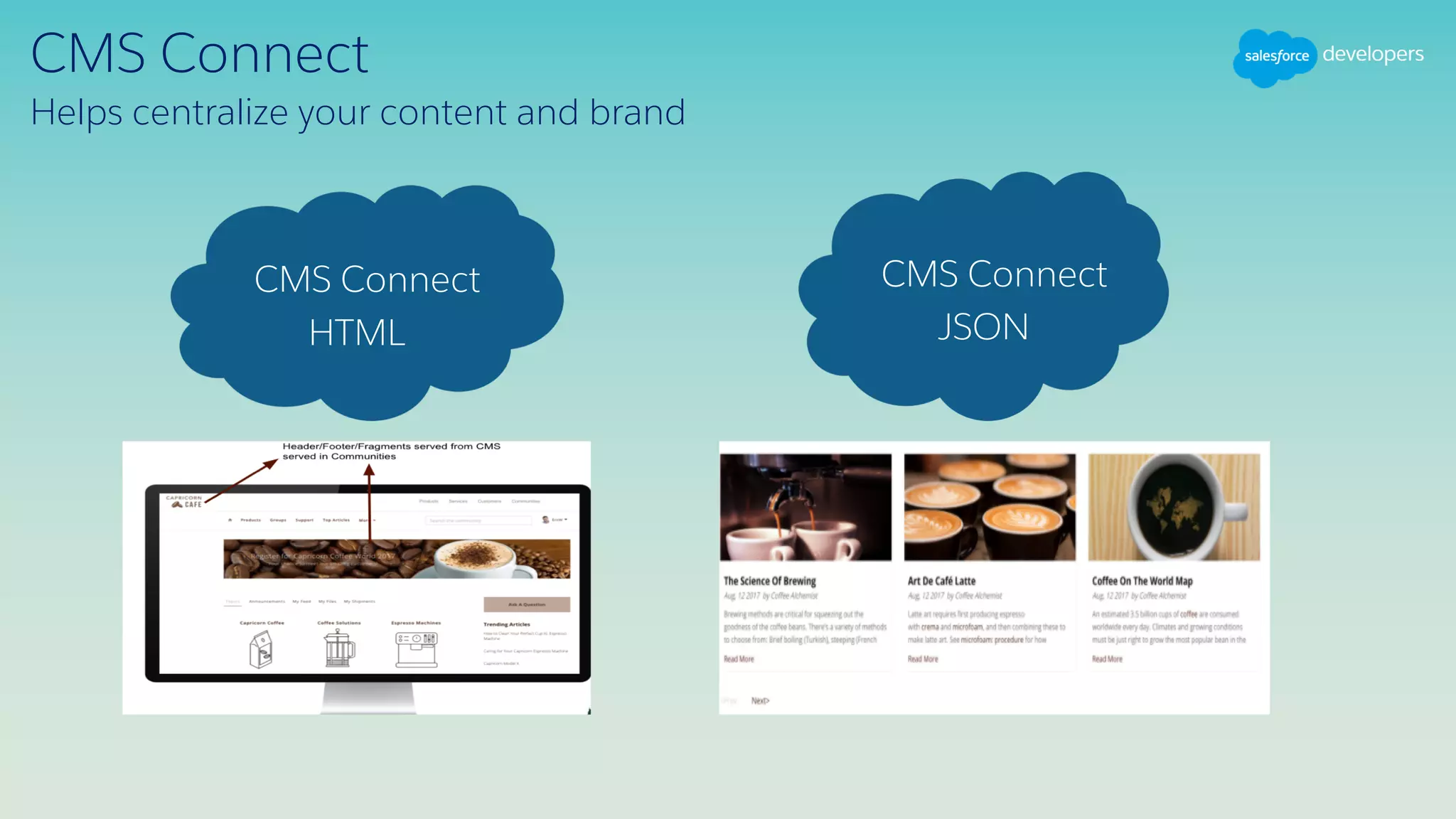
CMS Connect
Helps centralize your content and brand
JSON
CMS Connect
HTML
CMS Connect
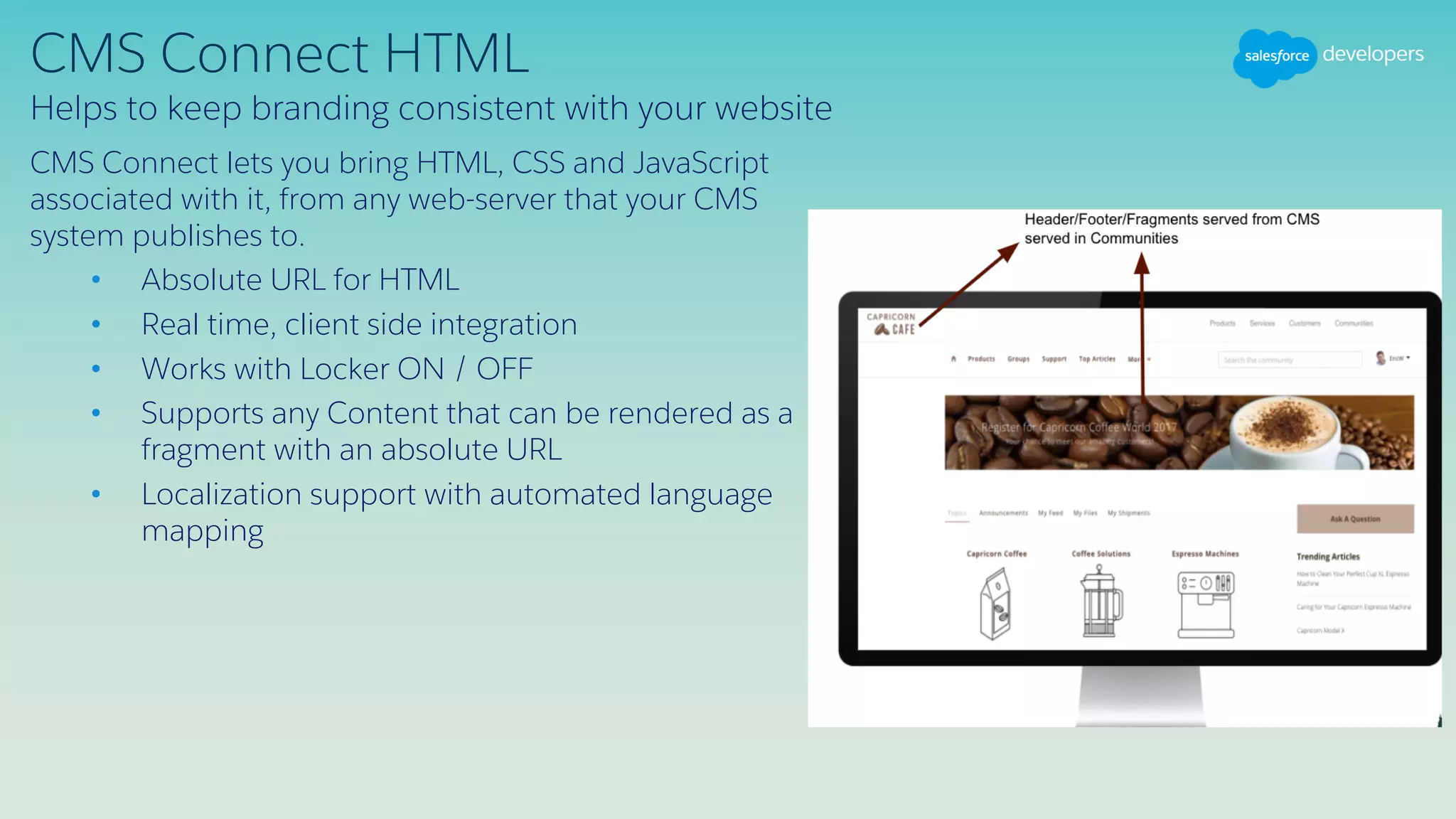
CMS Connect HTML
CMS Connect lets you bring HTML, CSS and JavaScript
associated with it, from any web-server that your CMS
system publishes to.
• Absolute URL for HTML
• Real time, client side integration
• Works with Locker ON / OFF
• Supports any Content that can be rendered as a
fragment with an absolute URL
• Localization support with automated language
mapping
Helps to keep branding consistent with your website
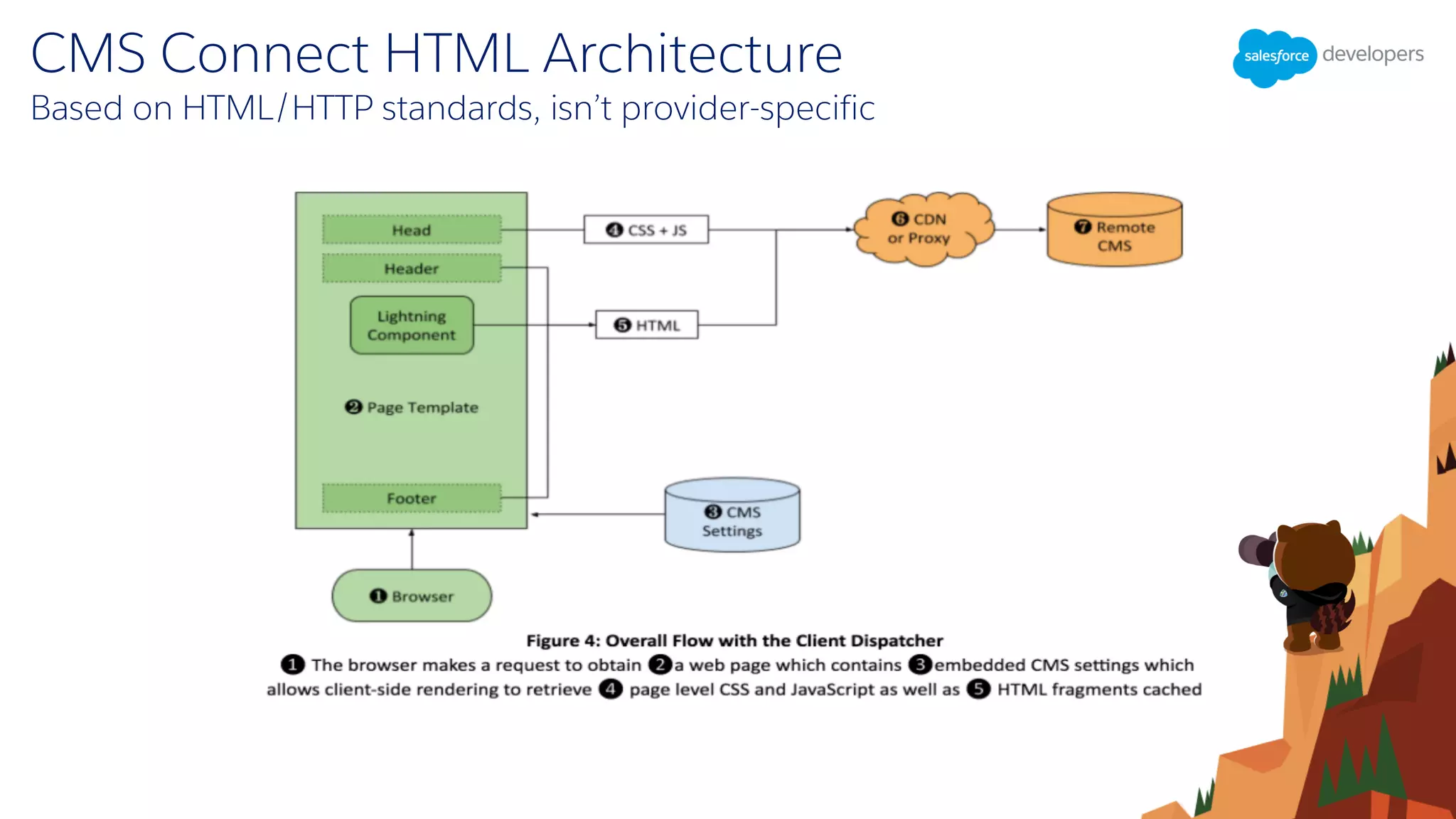
Based on HTML/HTTP standards, isn’t provider-specific
CMS Connect HTML Architecture
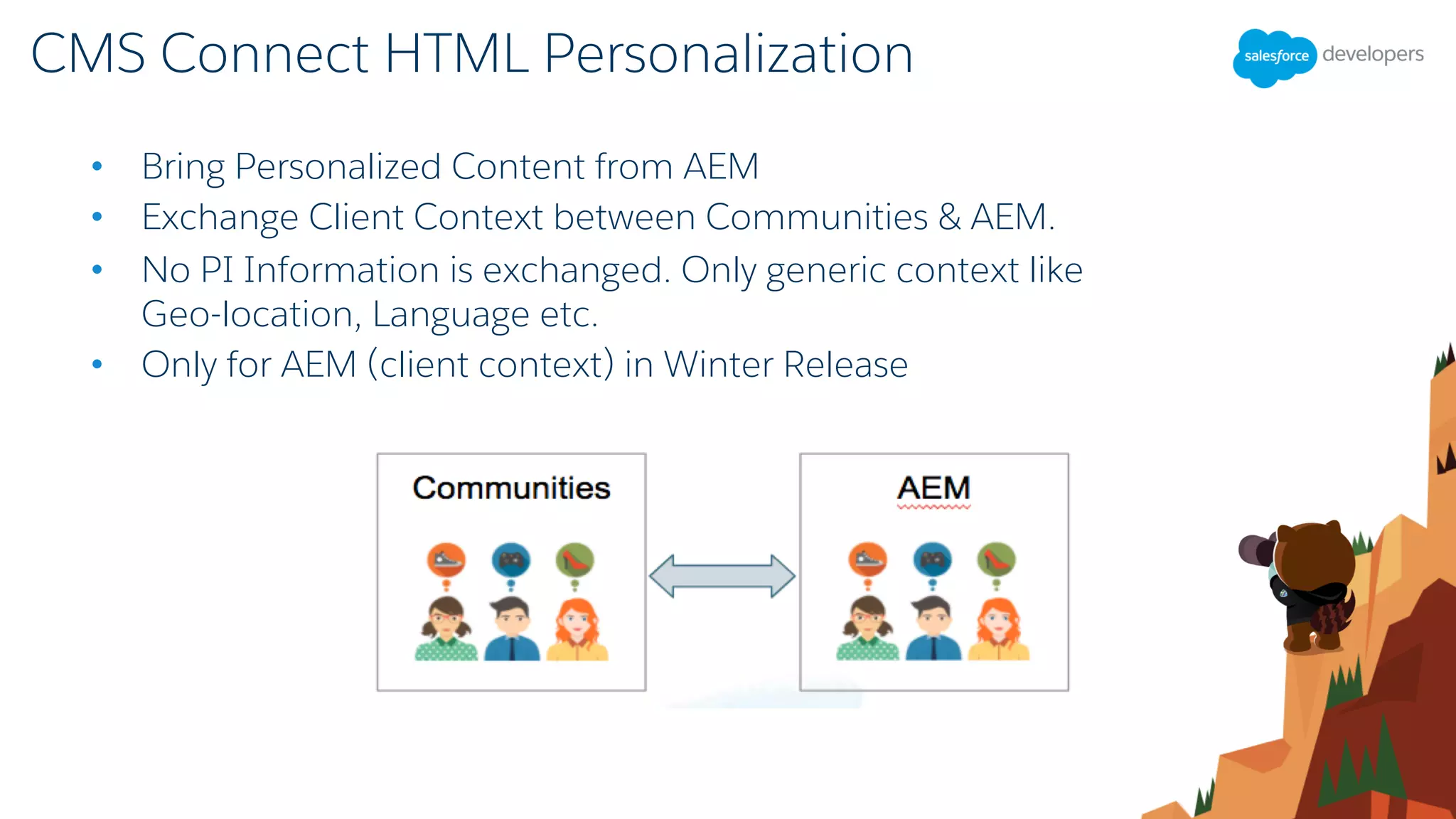
• Bring Personalized Content from AEM
• Exchange Client Context between Communities & AEM.
• No PI Information is exchanged. Only generic context like
Geo-location, Language etc.
• Only for AEM (client context) in Winter Release
CMS Connect HTML Personalization
CMS Connect JSON
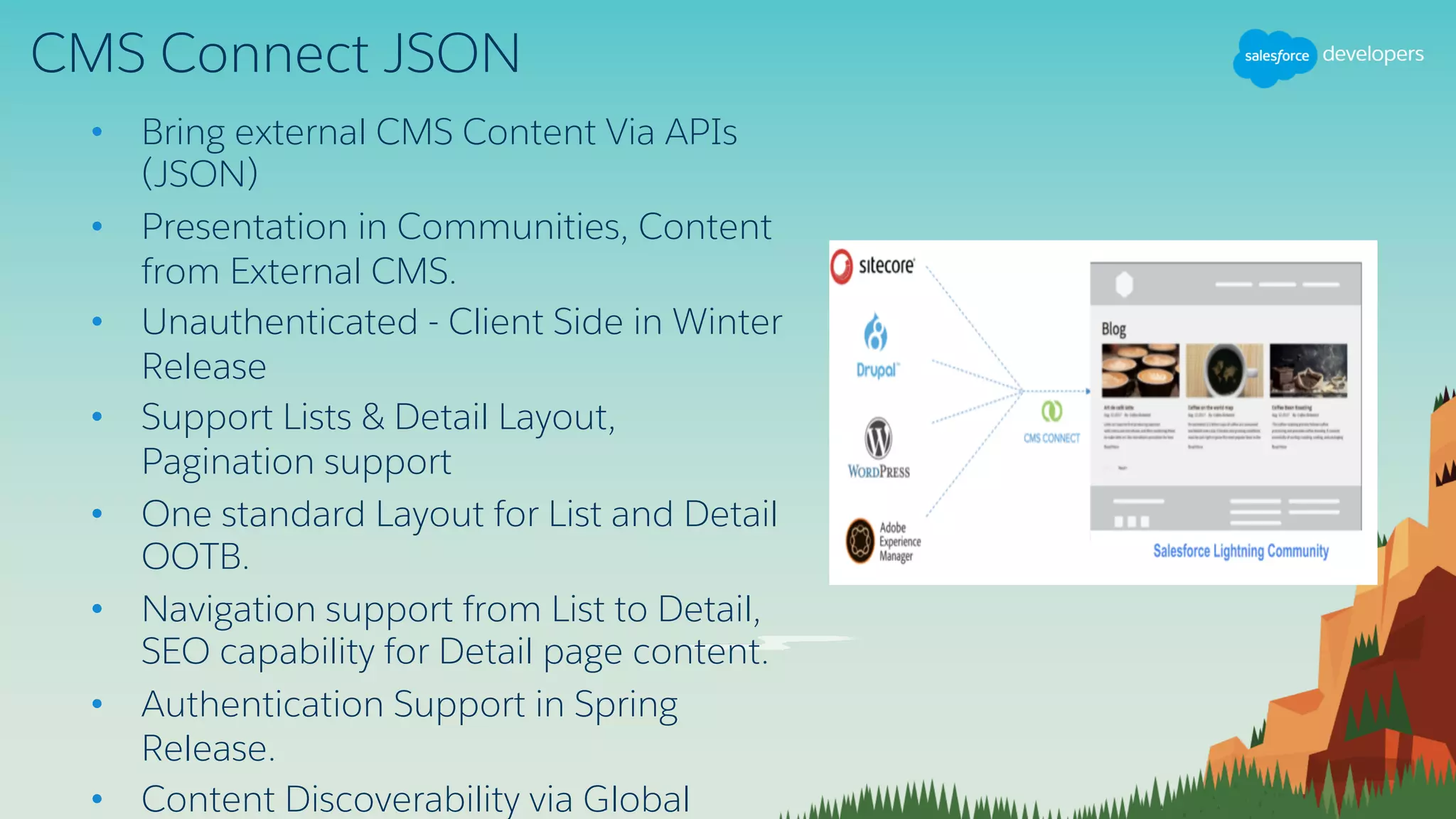
• Bring external CMS Content Via APIs
(JSON)
• Presentation in Communities, Content
from External CMS.
• Unauthenticated - Client Side in Winter
Release
• Support Lists & Detail Layout,
Pagination support
• One standard Layout for List and Detail
OOTB.
• Navigation support from List to Detail,
SEO capability for Detail page content.
• Authentication Support in Spring
Release.
• Content Discoverability via Global
DEMO
Join the Salesforce DX Open Beta
Two easy ways to get started
Get a Trial Org
with Dev Hub Enabled
30 day Free Trial
Sign Up at:
sfdc.co/DX-Trial-Org
Enable Dev Hub
in a Production or Business
Org
From Setup, search on “Dev
Hub” and then click
Enabled.
Survey
Your feedback is crucial to the success of our
webinar programs. Please fill out the survey at
the end of the webinar. Thank you!
Q & A
Try Trailhead: trailhead.salesforce.com
Join the conversation: @salesforcedevs
Integrate CMS Content Into Lightning Communities with CMS Connect

Integrate CMS Content Into Lightning Communities with CMS Connect

  • 1.
    Integrate CMS Contentinto Lightning Communities with CMS Connect 8 March, 2018
  • 2.
    Forward-Looking Statement Statement underthe Private Securities Litigation Reform Act of 1995: This presentation may contain forward-looking statements that involve risks, uncertainties, and assumptions. If any such uncertainties materialize or if any of the assumptions proves incorrect, the results of salesforce.com, inc. could differ materially from the results expressed or implied by the forward-looking statements we make. All statements other than statements of historical fact could be deemed forward- looking, including any projections of product or service availability, subscriber growth, earnings, revenues, or other financial items and any statements regarding strategies or plans of management for future operations, statements of belief, any statements concerning new, planned, or upgraded services or technology developments and customer contracts or use of our services. The risks and uncertainties referred to above include – but are not limited to – risks associated with developing and delivering new functionality for our service, new products and services, our new business model, our past operating losses, possible fluctuations in our operating results and rate of growth, interruptions or delays in our Web hosting, breach of our security measures, the outcome of any litigation, risks associated with completed and any possible mergers and acquisitions, the immature market in which we operate, our relatively limited operating history, our ability to expand, retain, and motivate our employees and manage our growth, new releases of our service and successful customer deployment, our limited history reselling non-salesforce.com products, and utilization and selling to larger enterprise customers. Further information on potential factors that could affect the financial results of salesforce.com, inc. is included in our annual report on Form 10-K for the most recent fiscal year and in our quarterly report on Form 10-Q for the most recent fiscal quarter. These documents and others containing important disclosures are available on the SEC Filings section of the Investor Information section of our Web site. Any unreleased services or features referenced in this or other presentations, press releases or public statements are not currently available and may not be delivered on time or at all. Customers who purchase our services should make the purchase decisions based upon features that are currently available. Salesforce.com, inc. assumes no obligation and does not intend to update these forward-looking statements.
  • 3.
    Go Social! Salesforce Developers SalesforceDevelopers Salesforce Developers The video will be posted to YouTube & the webinar recap page (same URL as registration).This webinar is being recorded! @salesforcedevs
  • 4.
    Have Questions? • Don’twait until the end to ask your question! - Technical support will answer questions starting now. • Respect Q&A etiquette - Please don’t repeat questions. The support team is working their way down the queue. • Stick around for live Q&A at the end - Speakers will tackle more questions at the end, time-allowing • Head to Developer Forums - More questions? Visit developer.salesforce.com/forums
  • 5.
    Agenda • CMS ConnectHTML • CMS Connect JSON • Authentication Support • CMS Connect Content Discoverability
  • 6.
    CMS Connect Helps centralizeyour content and brand JSON CMS Connect HTML CMS Connect
  • 7.
    CMS Connect HTML CMSConnect lets you bring HTML, CSS and JavaScript associated with it, from any web-server that your CMS system publishes to. • Absolute URL for HTML • Real time, client side integration • Works with Locker ON / OFF • Supports any Content that can be rendered as a fragment with an absolute URL • Localization support with automated language mapping Helps to keep branding consistent with your website
  • 8.
    Based on HTML/HTTPstandards, isn’t provider-specific CMS Connect HTML Architecture
  • 9.
    • Bring PersonalizedContent from AEM • Exchange Client Context between Communities & AEM. • No PI Information is exchanged. Only generic context like Geo-location, Language etc. • Only for AEM (client context) in Winter Release CMS Connect HTML Personalization
  • 10.
    CMS Connect JSON •Bring external CMS Content Via APIs (JSON) • Presentation in Communities, Content from External CMS. • Unauthenticated - Client Side in Winter Release • Support Lists & Detail Layout, Pagination support • One standard Layout for List and Detail OOTB. • Navigation support from List to Detail, SEO capability for Detail page content. • Authentication Support in Spring Release. • Content Discoverability via Global
  • 11.
  • 12.
    Join the SalesforceDX Open Beta Two easy ways to get started Get a Trial Org with Dev Hub Enabled 30 day Free Trial Sign Up at: sfdc.co/DX-Trial-Org Enable Dev Hub in a Production or Business Org From Setup, search on “Dev Hub” and then click Enabled.
  • 13.
    Survey Your feedback iscrucial to the success of our webinar programs. Please fill out the survey at the end of the webinar. Thank you!
  • 14.
    Q & A TryTrailhead: trailhead.salesforce.com Join the conversation: @salesforcedevs