1
Webinars 101(beta)
2
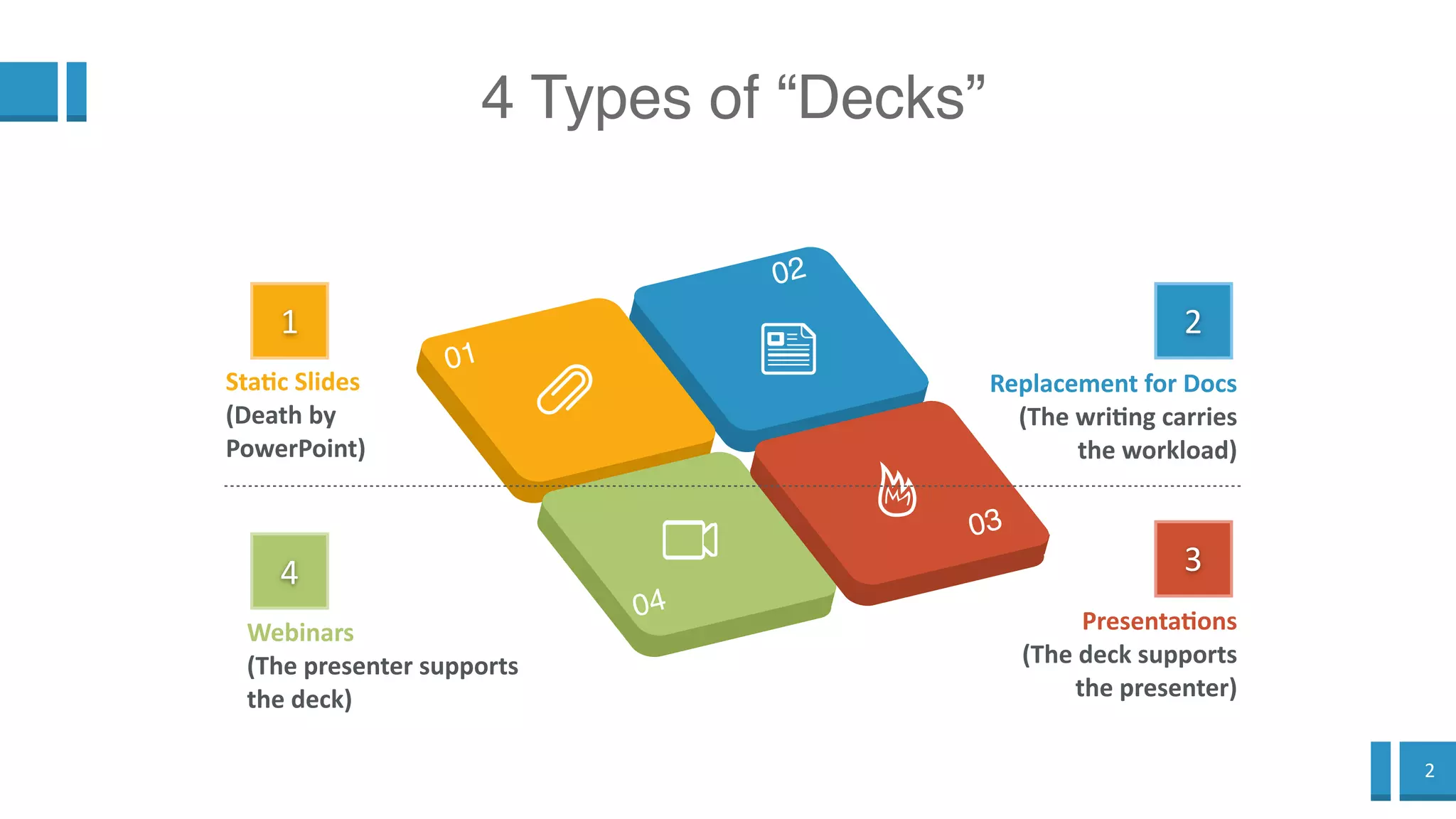
4 Types of “Decks”
1
Static Slides
(Death by
PowerPoint)
4
Webinars
(The presenter supports
the deck)
2
Replacement for Docs
(The writing carries
the workload)
3
Presentations
(The deck supports
the presenter)
3
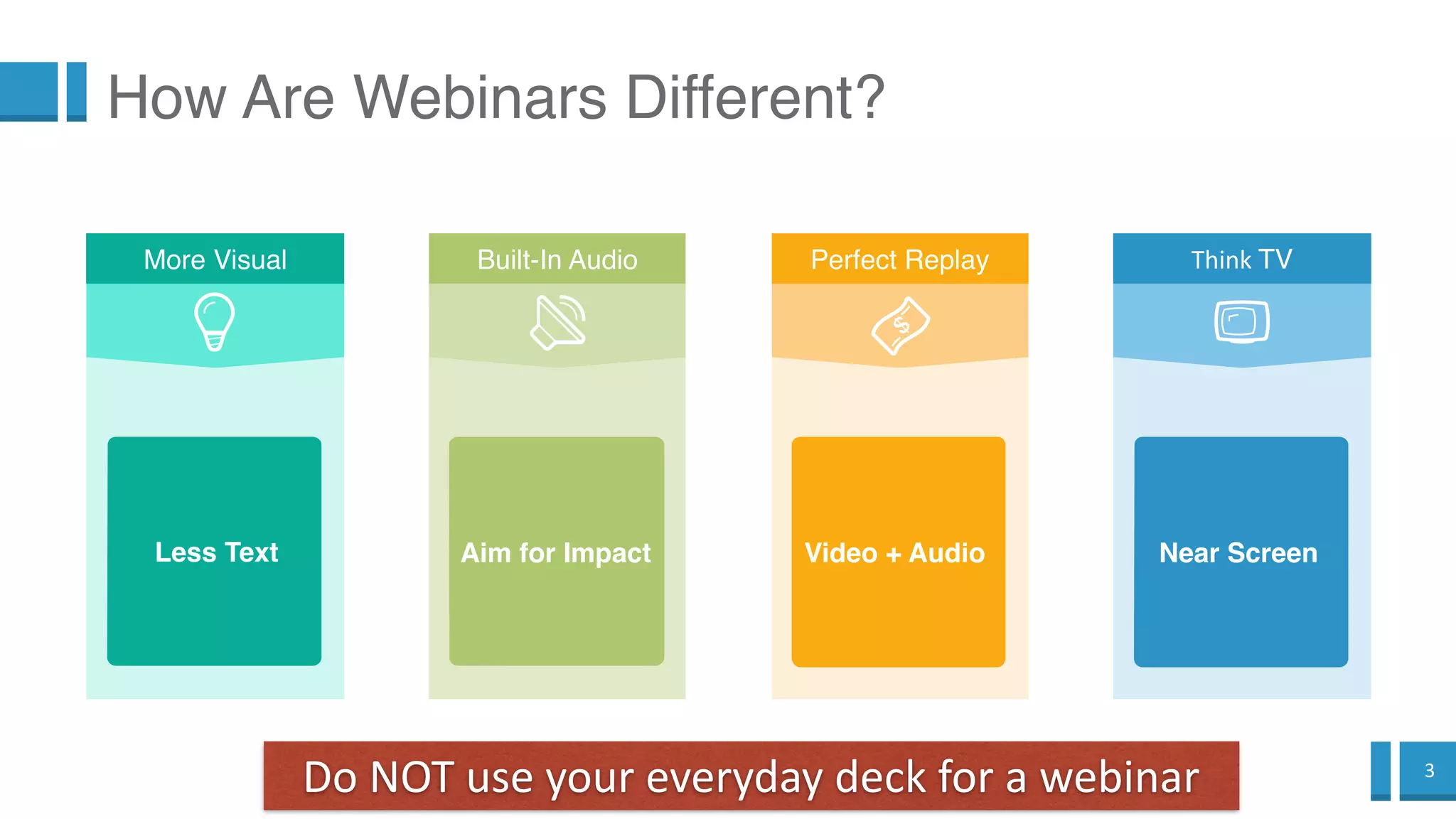
How Are Webinars Different?
Perfect Replay
Video + Audio
Do NOT use your everyday deck for a webinar
Built-In Audio
Aim for Impact
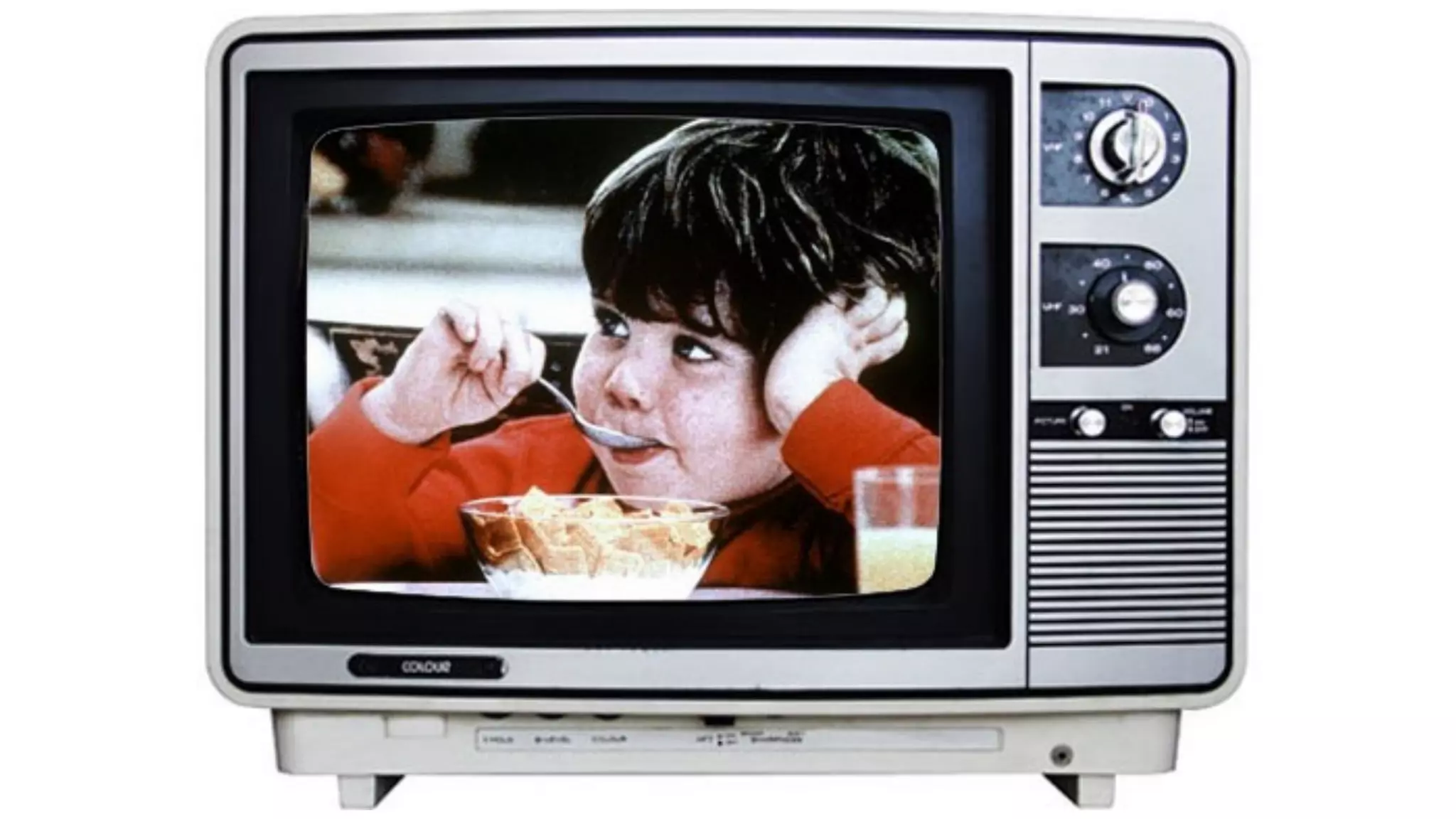
Think TV
Near Screen
More Visual
Less Text
4
2
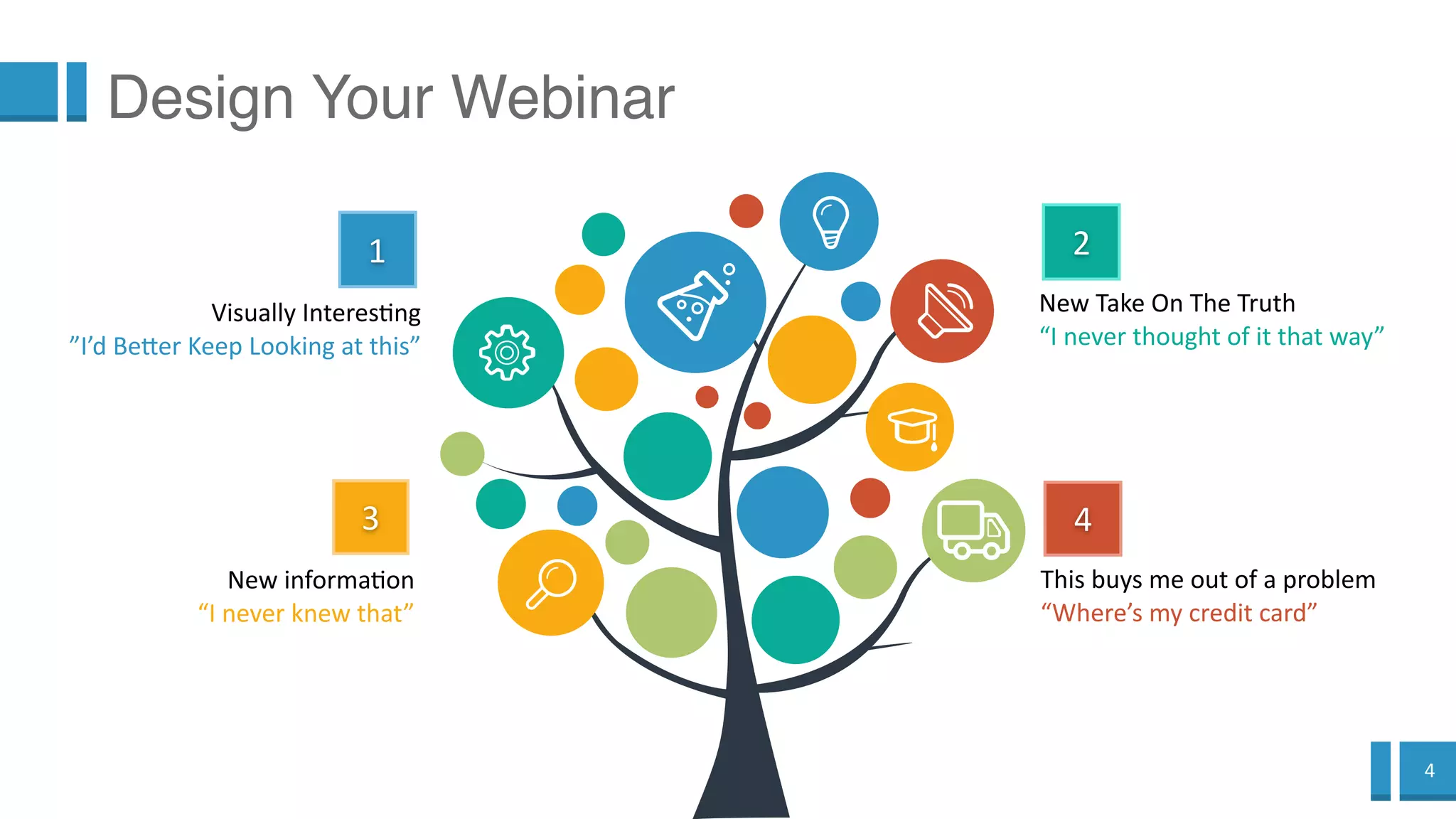
New Take On The Truth
“I never thought of it that way”
4
This buys me out of a problem
“Where’s my credit card”
1
Visually Interesting
”I’d Better Keep Looking at this”
3
New information
“I never knew that”
Design Your Webinar
5
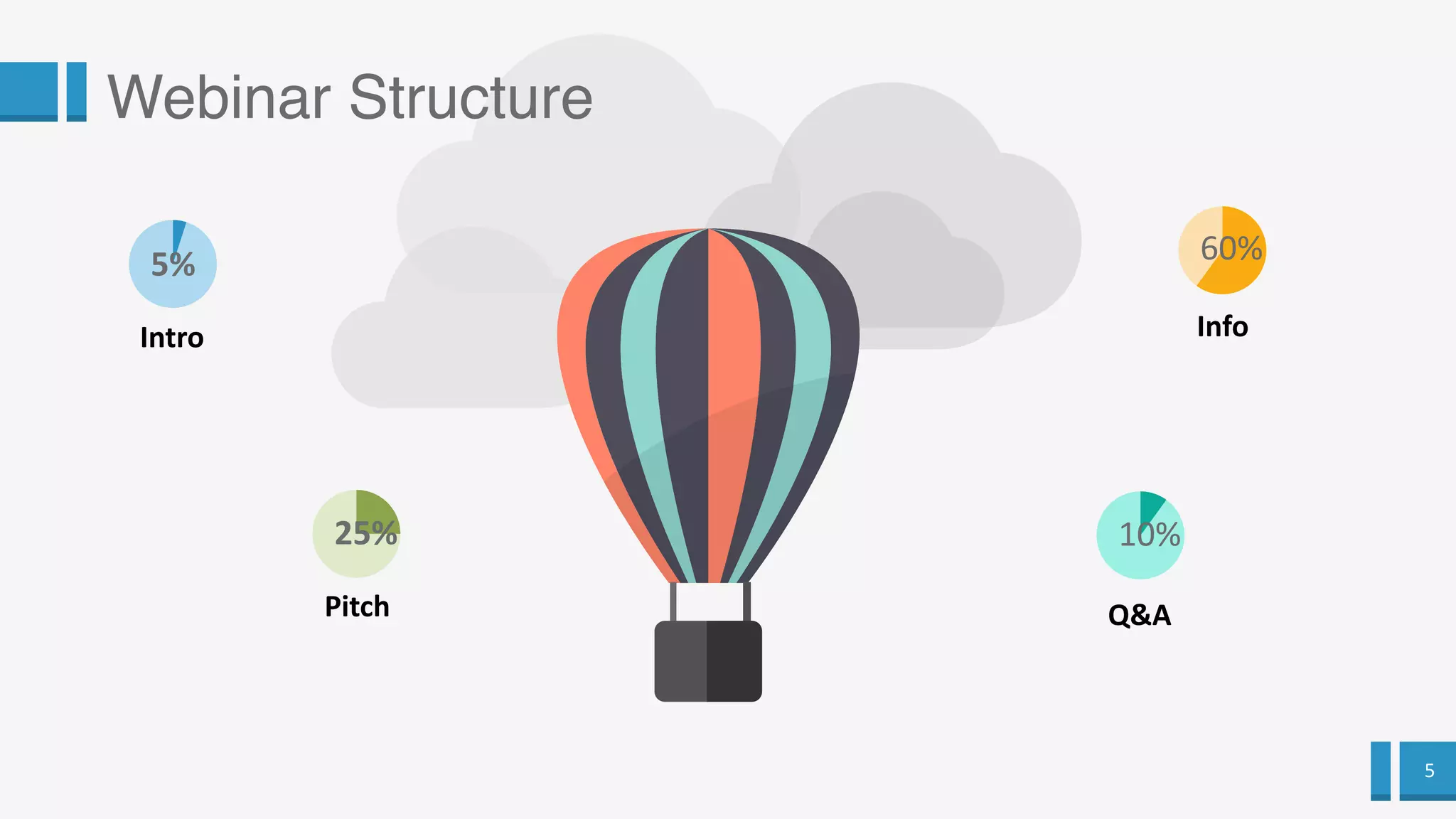
Webinar Structure
5%
10%
Q&A
60%
Info
25%
Pitch
Intro
6
You have great content
7
Now we adapt it to the webinar format
8
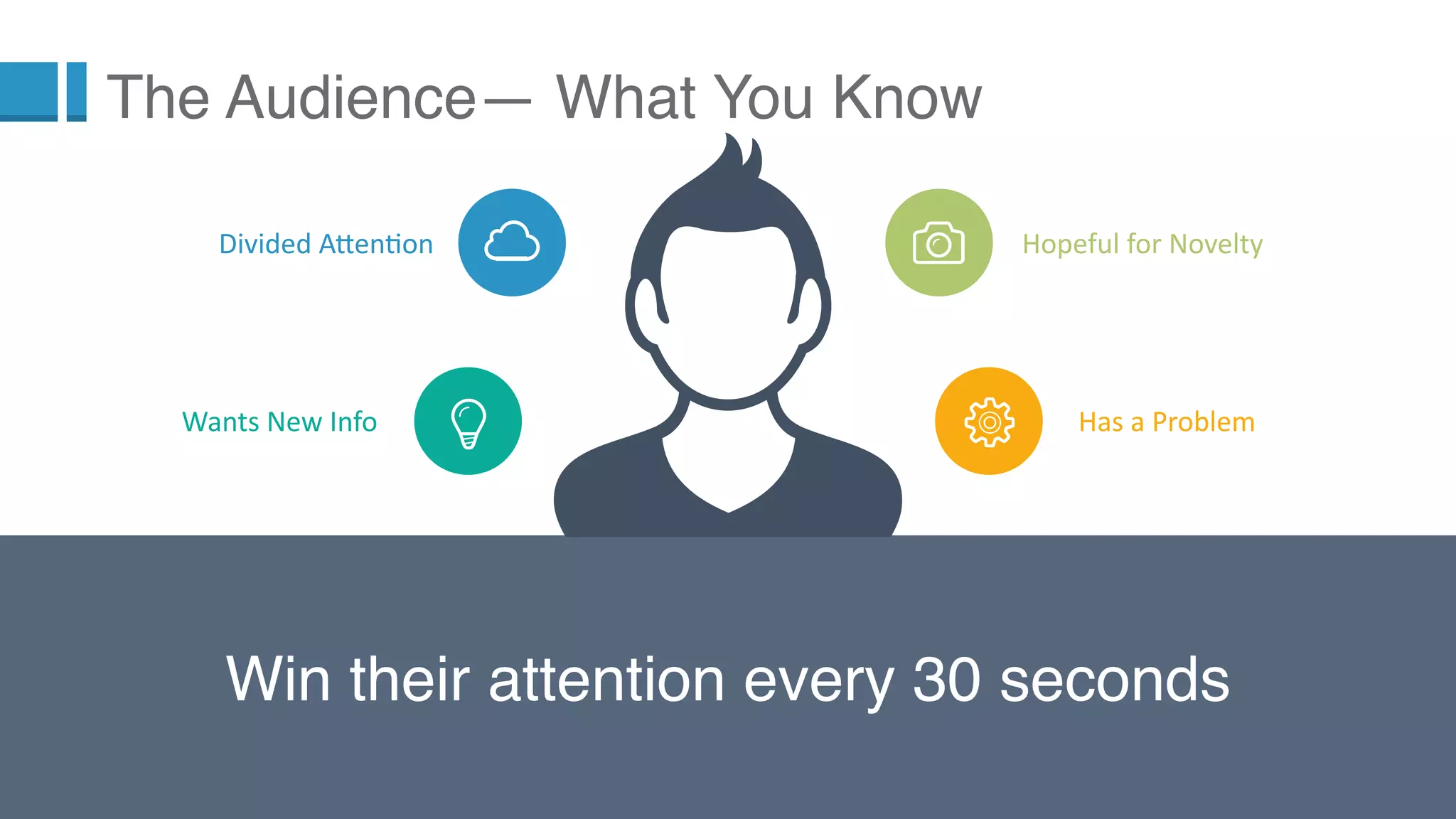
Win their attention every 30 seconds
The Audience— What You Know
Hopeful for Novelty
Has a Problem
Divided Attention
Wants New Info
9
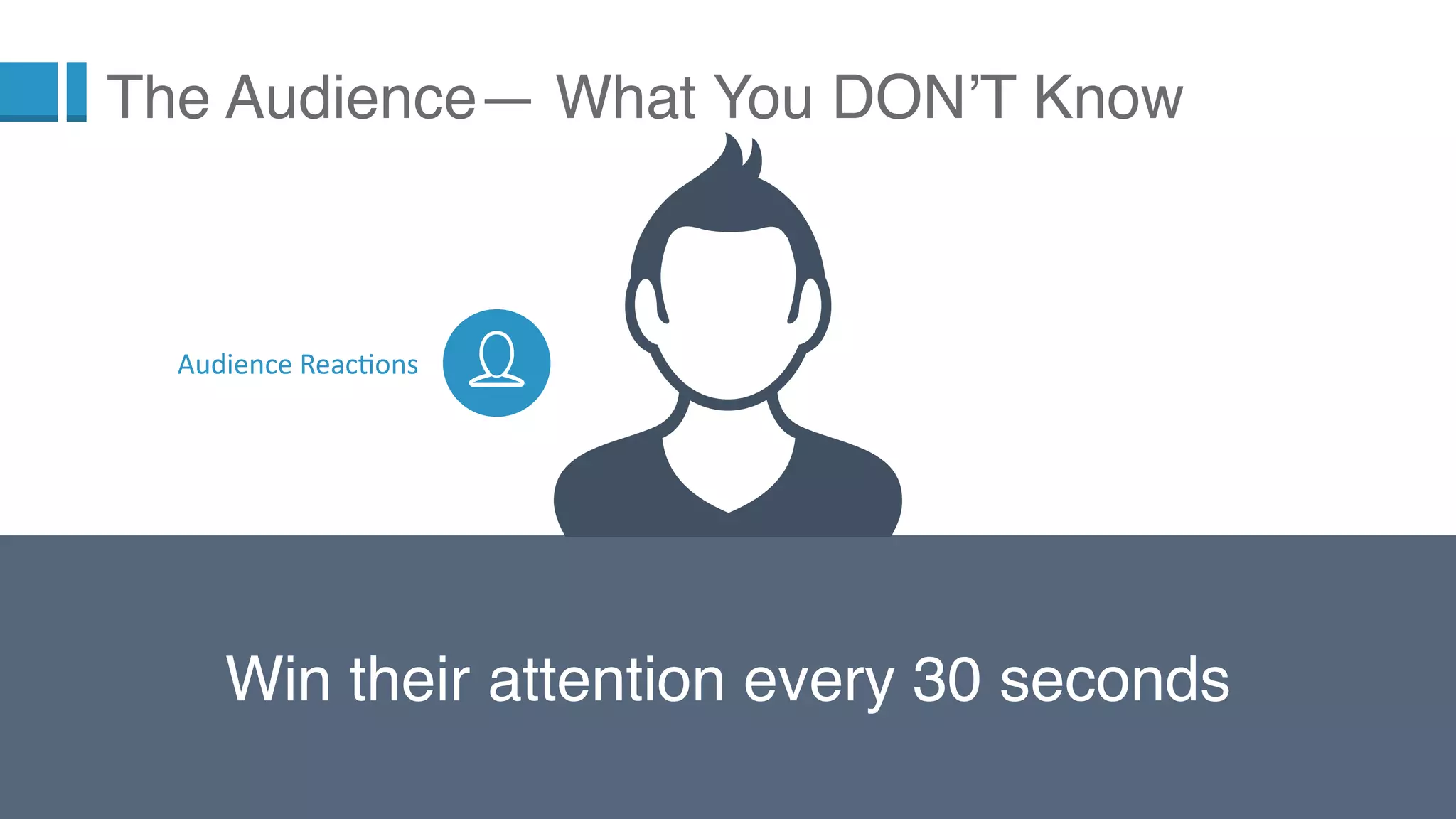
Win their attention every 30 seconds
The Audience— What You DON’T Know
Audience Reactions
10
Forget this. The attention
spans aren’t available for
long static sessions.
11
Instead,
think of
this. Keep
offering
new info,
a change
on the
slide,
vocal
variety
every 30
seconds.
12
What Screen Are They Using?
The Audience— What You DON’T Know
13
Seriously..
Which Screen?
14
Tiny Screens = Visual, not Textual
15
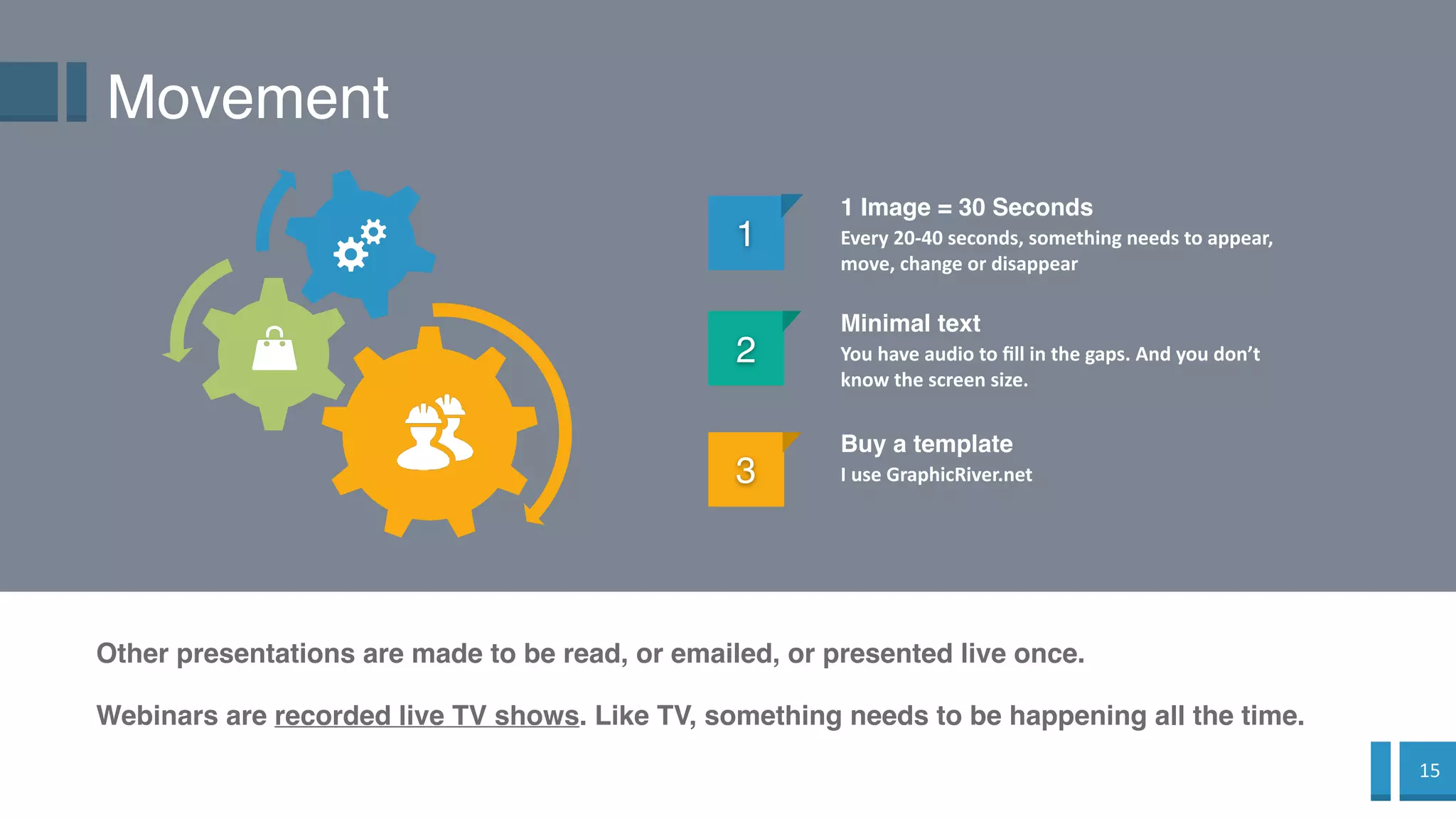
Movement
1
1 Image = 30 Seconds
Every 20-40 seconds, something needs to appear,
move, change or disappear
2
Minimal text
You have audio to fill in the gaps. And you don’t
know the screen size.
Other presentations are made to be read, or emailed, or presented live once.
3
Buy a template
I use GraphicRiver.net
Webinars are recorded live TV shows. Like TV, something needs to be happening all the time.
16
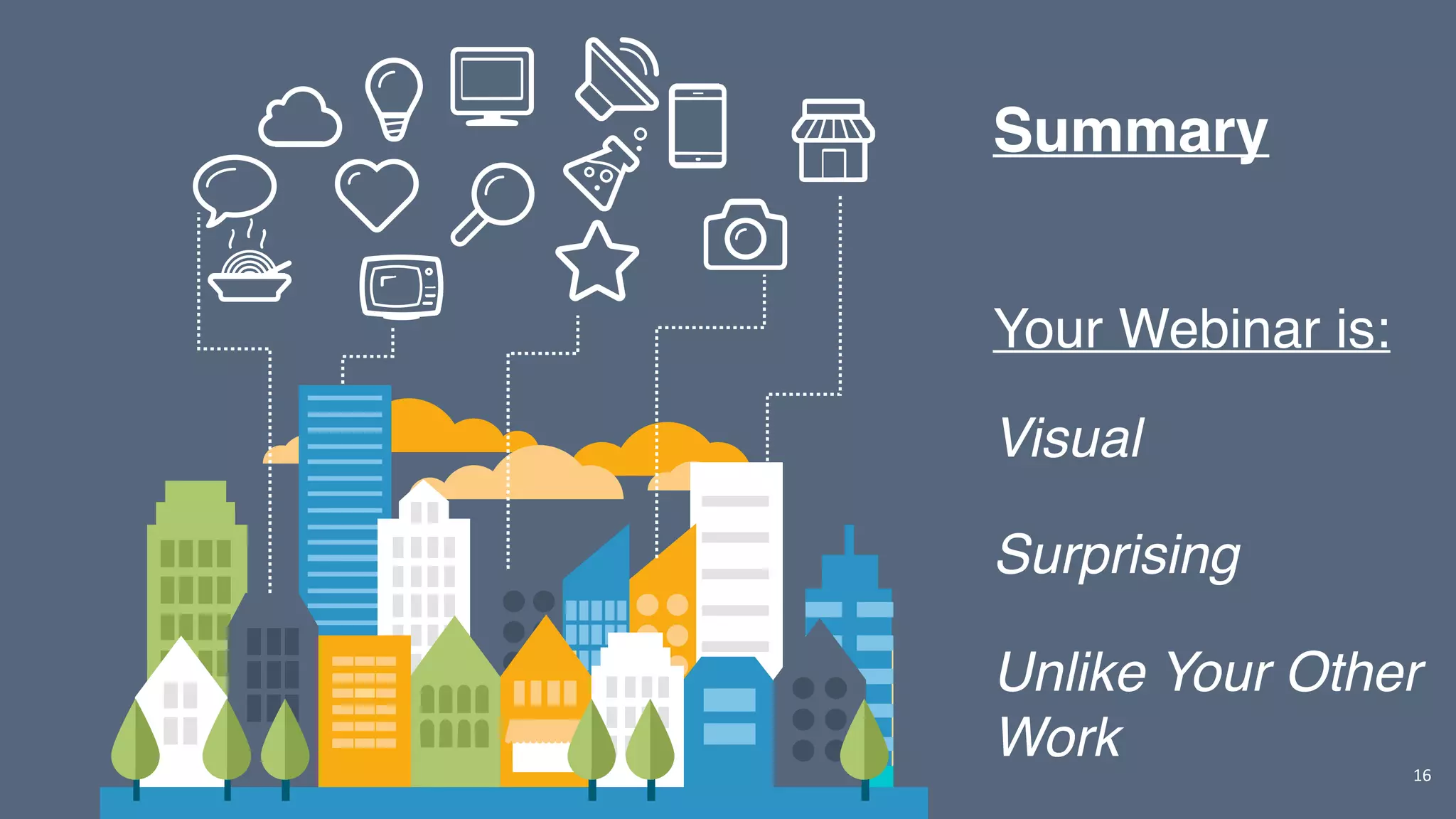
Your Webinar is:
Visual
Surprising
Unlike Your Other
Work
Summary
17
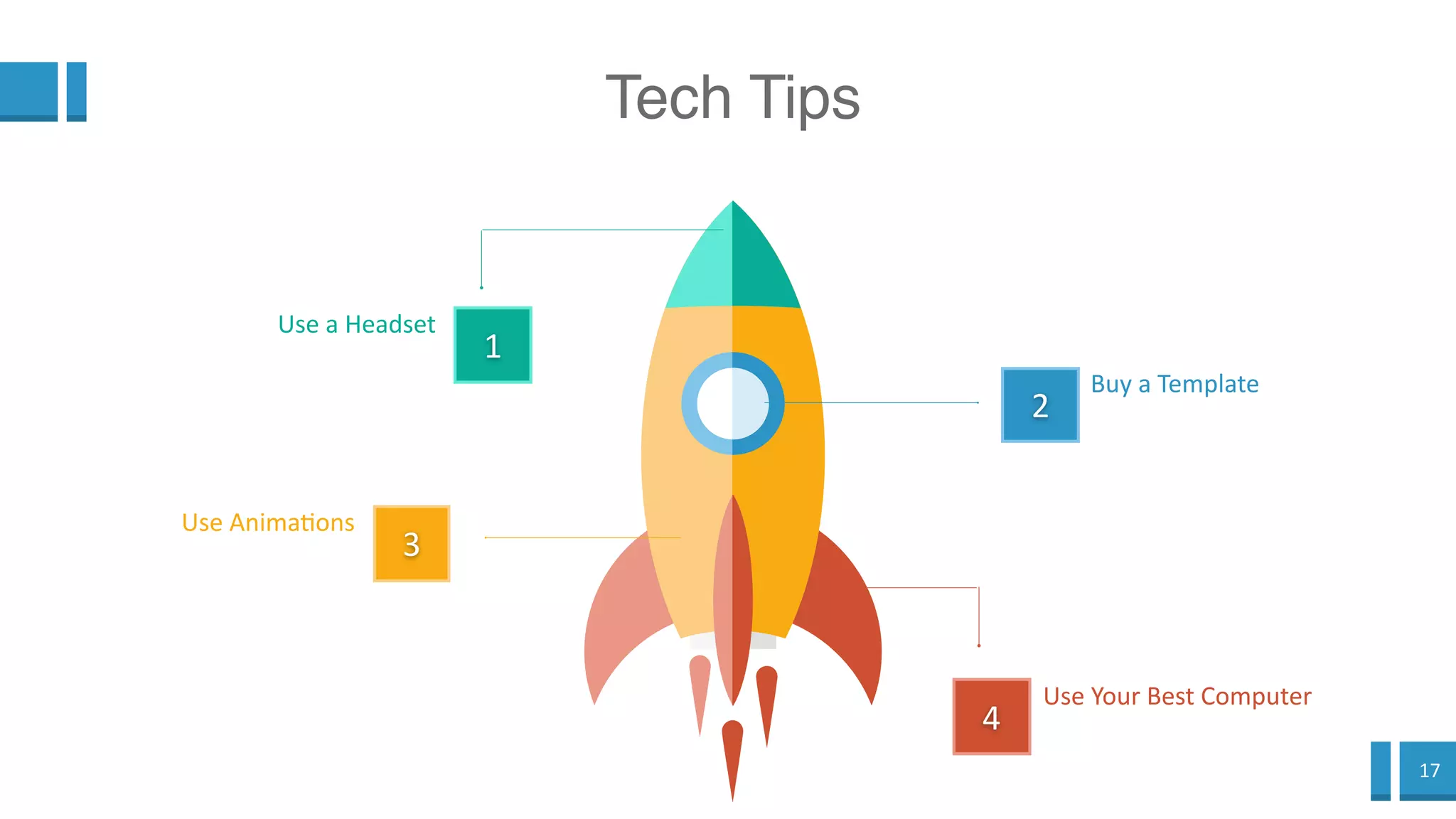
Tech Tips
2
Buy a Template
4
Use Your Best
Computer
1
Use a Headset
3
Use Animations
18
Speaker Tips
Tempo
Timing
Vocal
Variety
Hotness
Coldness
19
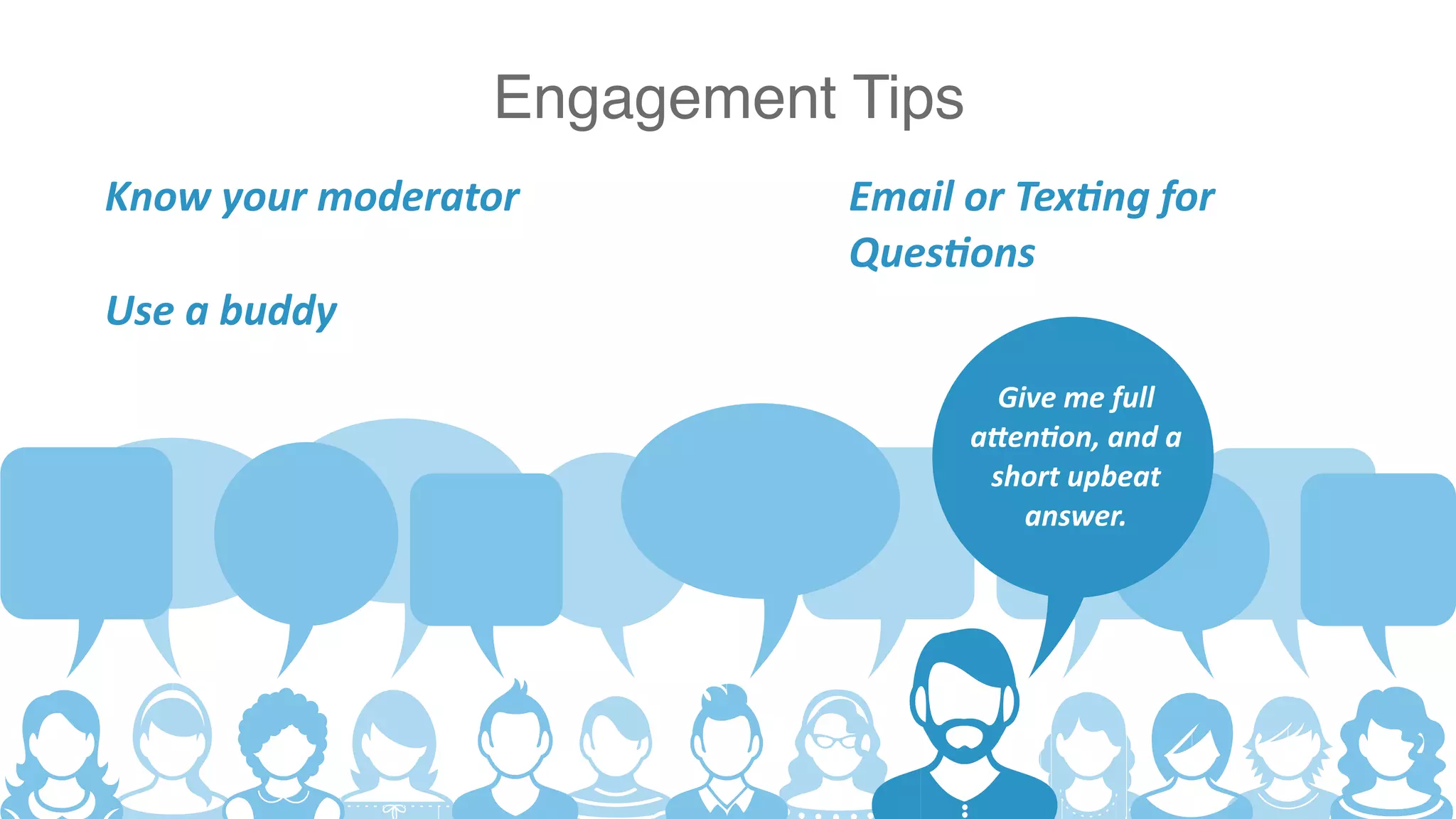
Engagement Tips
Give me full
attention, and a
short upbeat
answer.
Know your moderator Email or Texting for
Questions
Use a buddy
20
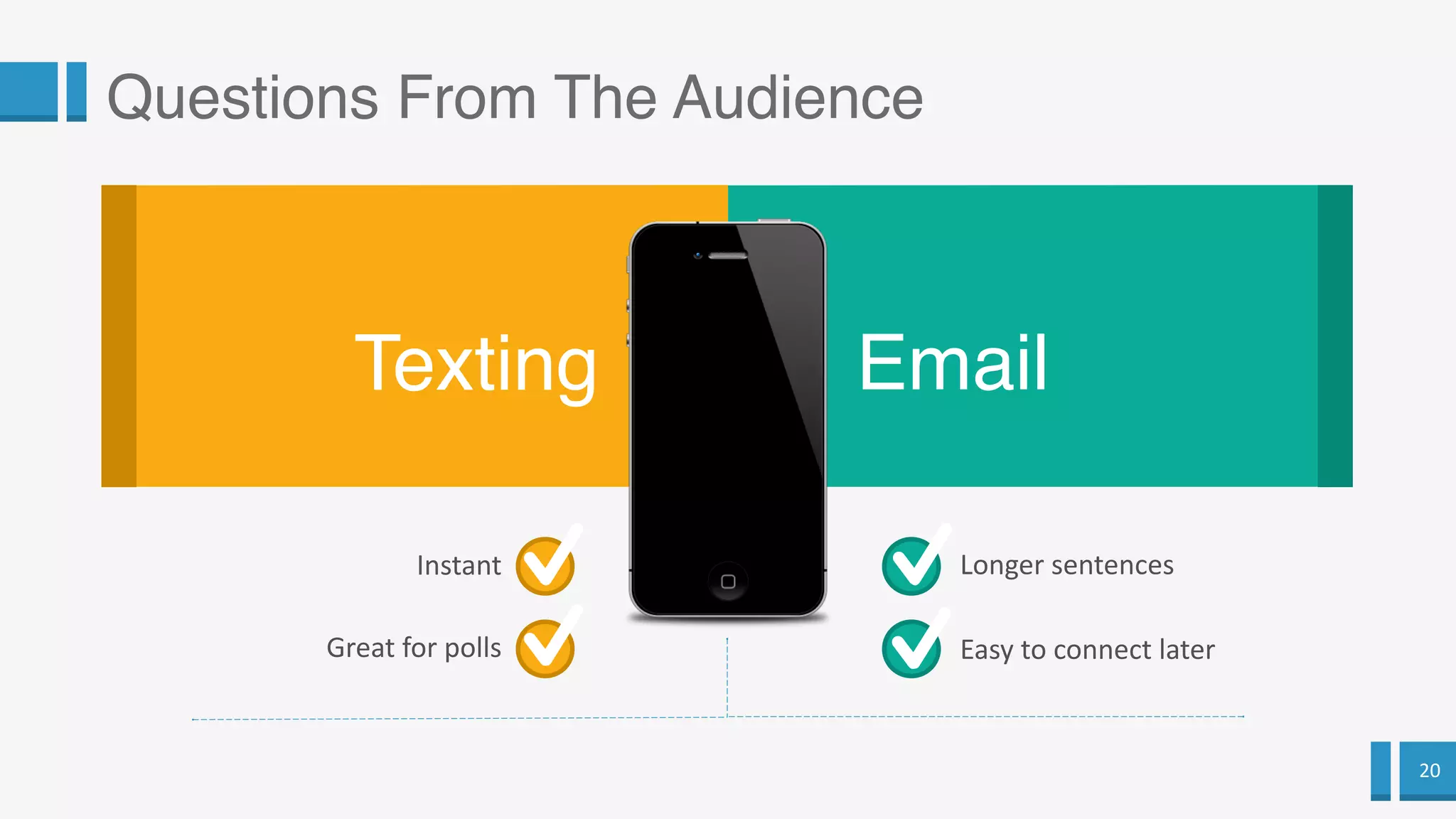
Questions From The Audience
Texting Email
Instant
Great for polls
Longer sentences
Easy to connect later
21
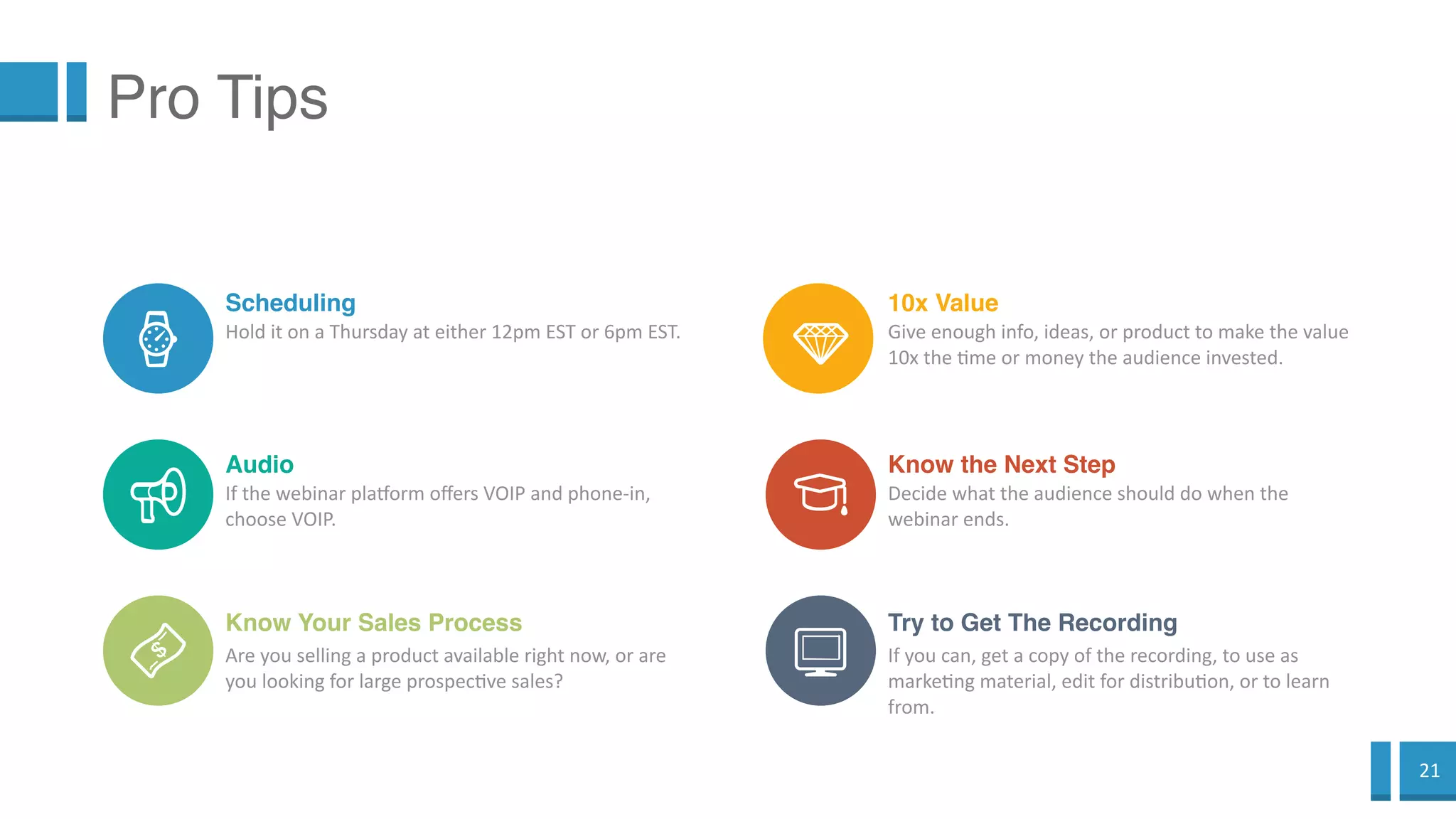
Pro Tips
Scheduling
Hold it on a Thursday at either 12pm EST or 6pm EST.
Audio
If the webinar platform offers VOIP and phone-in,
choose VOIP.
Know Your Sales Process
Are you selling a product available right now, or
are you looking for large prospective sales?
10x Value
Give enough info, ideas, or product to make the value
10x the time or money the audience invested.
Know the Next Step
Decide what the audience should do when the
webinar ends.
Try to Get The Recording
If you can, get a copy of the recording, to use as
marketing material, edit for distribution, or to learn
from.
22
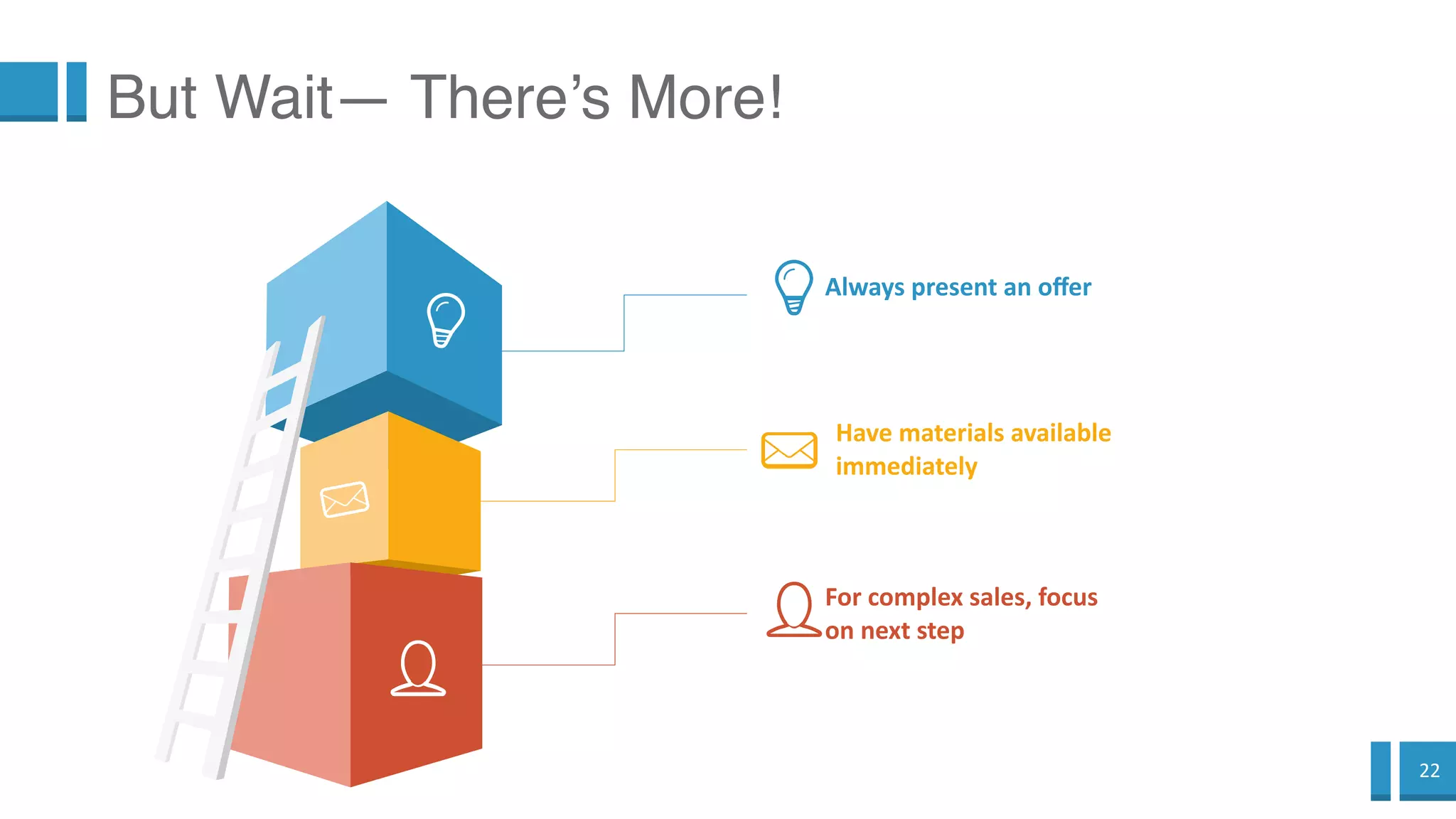
But Wait— There’s More!
Always present an offer
Have materials available
immediately
For complex sales, focus
on next step
23
Thanks!

Notes about making a great webinar

  • 1.
  • 2.
    2 4 Types of“Decks” 1 Static Slides (Death by PowerPoint) 4 Webinars (The presenter supports the deck) 2 Replacement for Docs (The writing carries the workload) 3 Presentations (The deck supports the presenter)
  • 3.
    3 How Are WebinarsDifferent? Perfect Replay Video + Audio Do NOT use your everyday deck for a webinar Built-In Audio Aim for Impact Think TV Near Screen More Visual Less Text
  • 4.
    4 2 New Take OnThe Truth “I never thought of it that way” 4 This buys me out of a problem “Where’s my credit card” 1 Visually Interesting ”I’d Better Keep Looking at this” 3 New information “I never knew that” Design Your Webinar
  • 5.
  • 6.
  • 7.
    7 Now we adaptit to the webinar format
  • 8.
    8 Win their attentionevery 30 seconds The Audience— What You Know Hopeful for Novelty Has a Problem Divided Attention Wants New Info
  • 9.
    9 Win their attentionevery 30 seconds The Audience— What You DON’T Know Audience Reactions
  • 10.
    10 Forget this. Theattention spans aren’t available for long static sessions.
  • 11.
    11 Instead, think of this. Keep offering newinfo, a change on the slide, vocal variety every 30 seconds.
  • 12.
    12 What Screen AreThey Using? The Audience— What You DON’T Know
  • 13.
  • 14.
    14 Tiny Screens =Visual, not Textual
  • 15.
    15 Movement 1 1 Image =30 Seconds Every 20-40 seconds, something needs to appear, move, change or disappear 2 Minimal text You have audio to fill in the gaps. And you don’t know the screen size. Other presentations are made to be read, or emailed, or presented live once. 3 Buy a template I use GraphicRiver.net Webinars are recorded live TV shows. Like TV, something needs to be happening all the time.
  • 16.
  • 17.
    17 Tech Tips 2 Buy aTemplate 4 Use Your Best Computer 1 Use a Headset 3 Use Animations
  • 18.
  • 19.
    19 Engagement Tips Give mefull attention, and a short upbeat answer. Know your moderator Email or Texting for Questions Use a buddy
  • 20.
    20 Questions From TheAudience Texting Email Instant Great for polls Longer sentences Easy to connect later
  • 21.
    21 Pro Tips Scheduling Hold iton a Thursday at either 12pm EST or 6pm EST. Audio If the webinar platform offers VOIP and phone-in, choose VOIP. Know Your Sales Process Are you selling a product available right now, or are you looking for large prospective sales? 10x Value Give enough info, ideas, or product to make the value 10x the time or money the audience invested. Know the Next Step Decide what the audience should do when the webinar ends. Try to Get The Recording If you can, get a copy of the recording, to use as marketing material, edit for distribution, or to learn from.
  • 22.
    22 But Wait— There’sMore! Always present an offer Have materials available immediately For complex sales, focus on next step
  • 23.

Editor's Notes

  • #3 1— Death by PowerPoint 2— people don’t read anymore 3— speeches and presentations 4— webinars—— you don’t have your physical presence to keep the audience’s attention, so your deck needs to grab attention.
  • #4 Do NOT use your everyday deck for a webinar: — it’s probably too much like the top of the line decks already — you only have your voice and the screen to keep people’s attention. no body language.
  • #6 info— the difference between soft teaching and hard teaching. pitch— Even with webinars where you are paid to attend, instead of selling something, you still need a pitch. Pitch free stuff, if you like. Pitch websites and Facebook groups that aren’t yours, whatever. But giving away their attention, when you worked so hard to keep it, without getting some sort of next-step established, is a waste.
  • #7 This is called an “arresting slide”. It stops the flow with 1 simple graphic (the solid grey background) and a short sentence.
  • #10 Unlike an in-person presentation, you won’t know when you’ve lost their attention
  • #15 Another arresting slide.
  • #16 This slide has as much text as any webinar slide should have. And it has a lot of visuals elements to compensate for that.
  • #21 texting— Who is alive out there?
  • #22 10x— you owe them 10x, but not more.