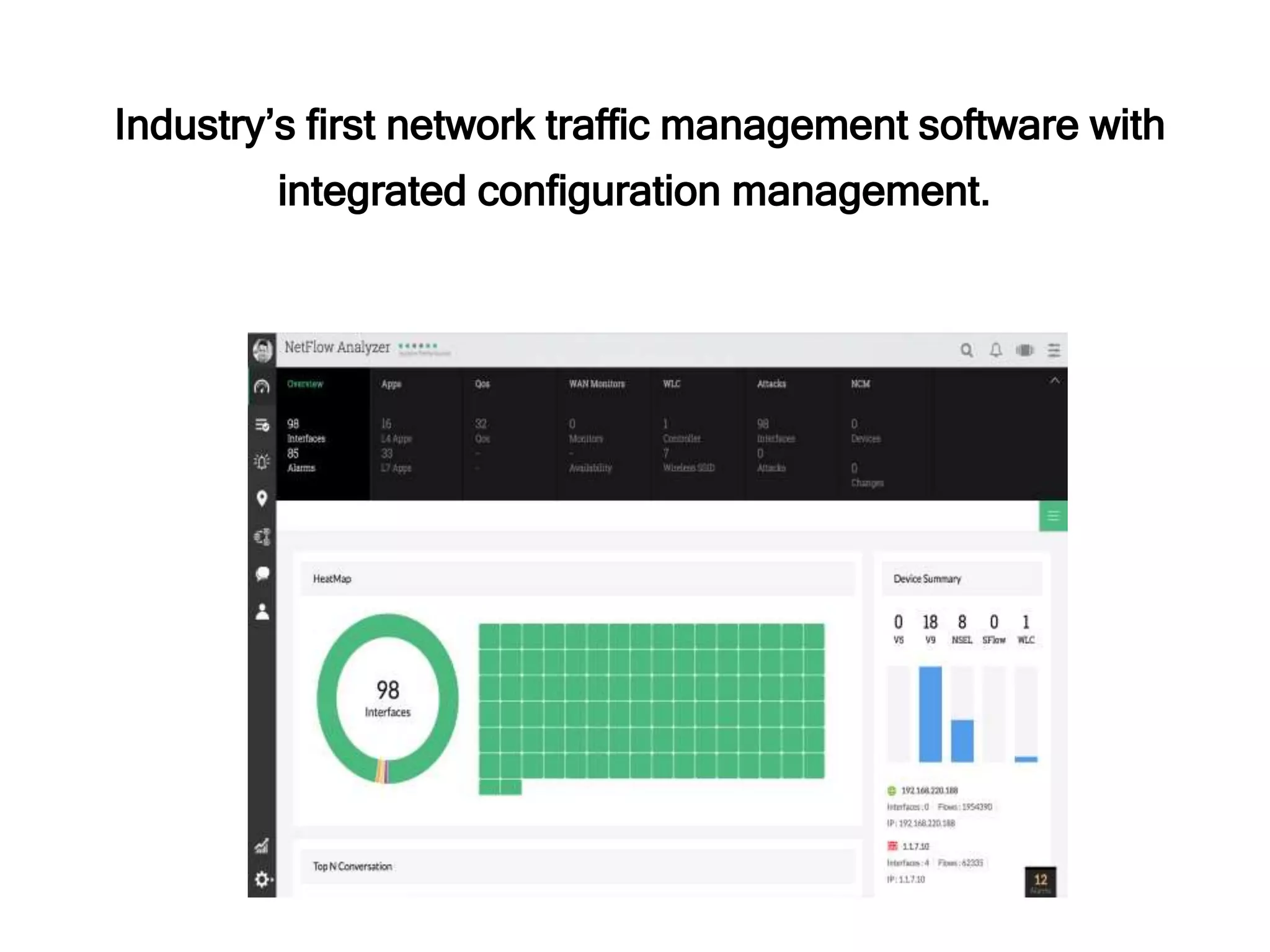
Industry’s first network traffic management software with
integrated configuration management.
Analyze. Identify. Resolve.
New features in NetFlow Analyzer v12.2
• Enhanced UI
• Network configuration manager add-on
• One click flow export
• Wireless LAN Controller monitoring
• Tight integration with network management solution
• Auto-refresh for zoomed traffic graphs
• And more…
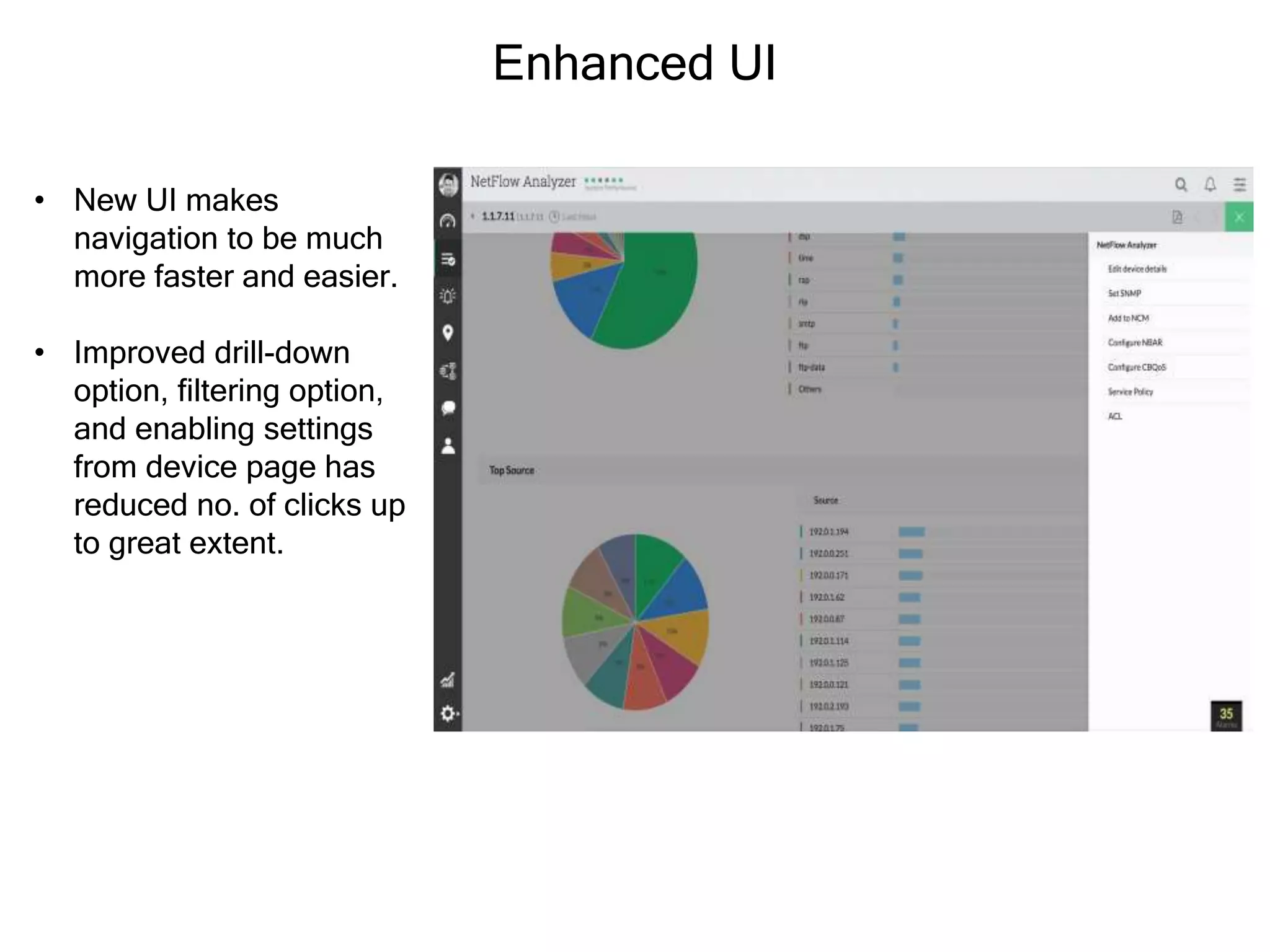
Enhanced UI
• New UI makes
navigation to be much
more faster and easier.
• Improved drill-down
option, filtering option,
and enabling settings
from device page has
reduced no. of clicks up
to great extent.
One click flow export
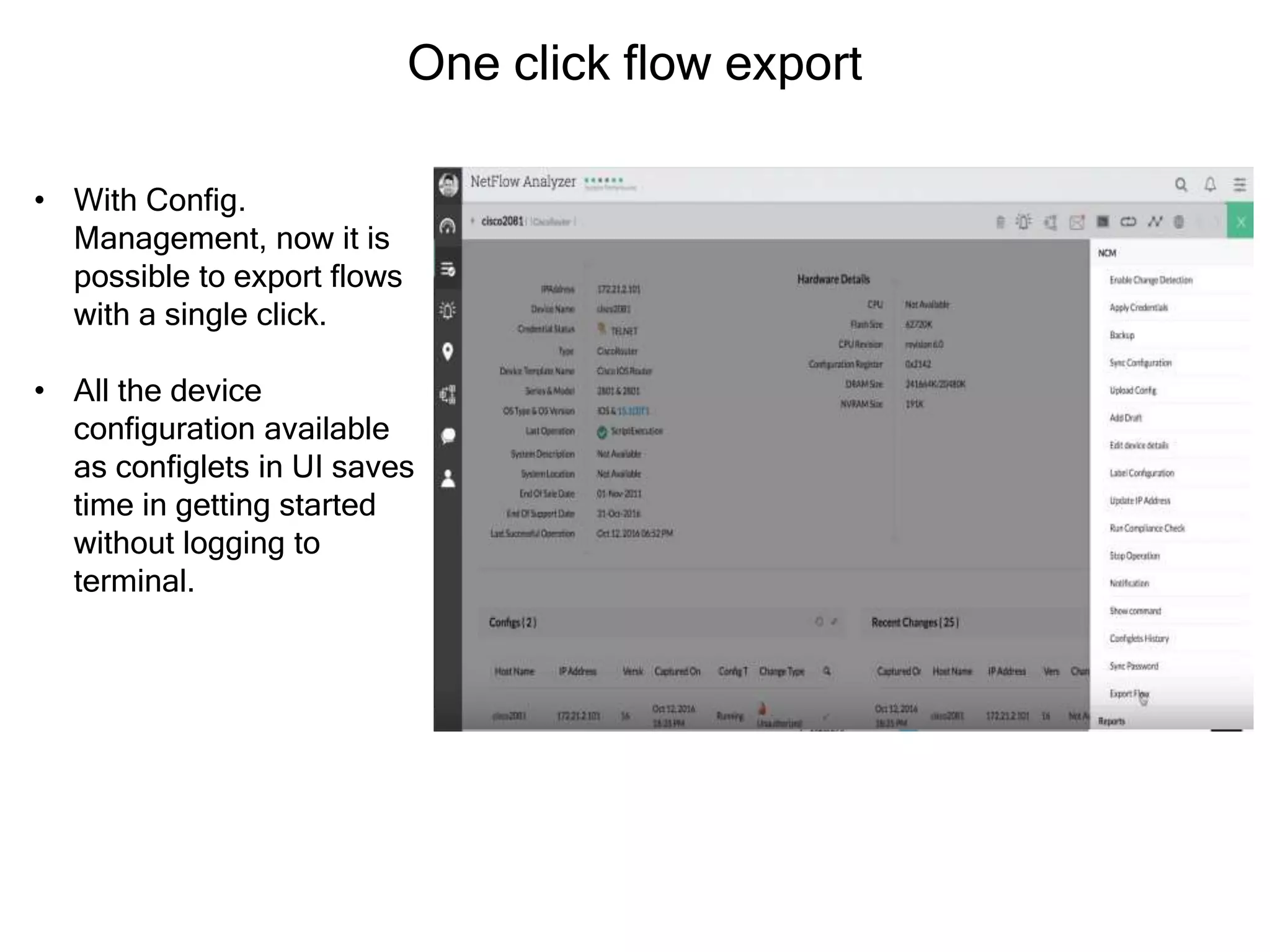
• With Config.
Management, now it is
possible to export flows
with a single click.
• All the device
configuration available
as configlets in UI saves
time in getting started
without logging to
terminal.
Wireless LAN Controller monitoring
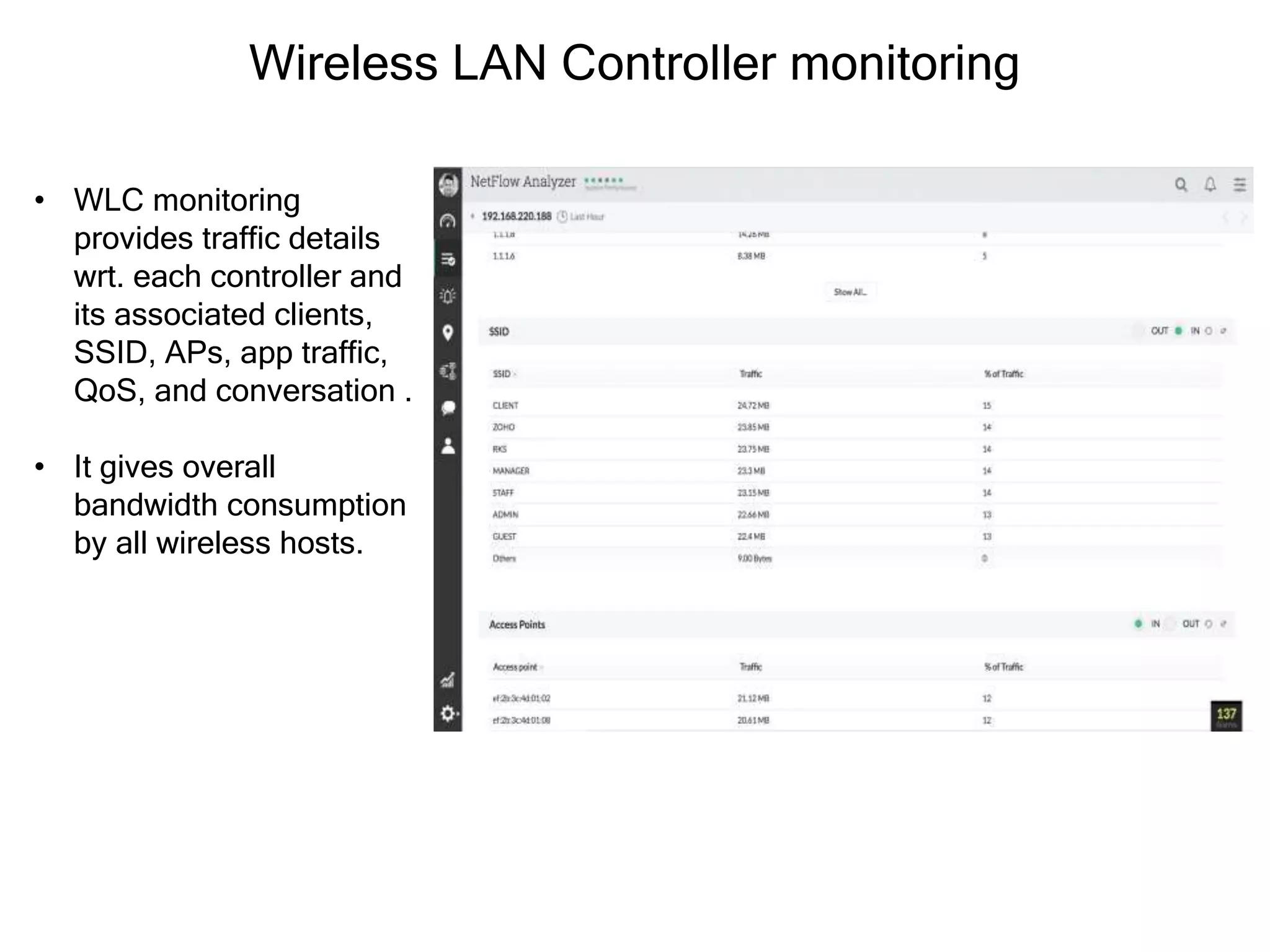
• WLC monitoring
provides traffic details
wrt. each controller and
its associated clients,
SSID, APs, app traffic,
QoS, and conversation .
• It gives overall
bandwidth consumption
by all wireless hosts.
Tight integration with network management solution
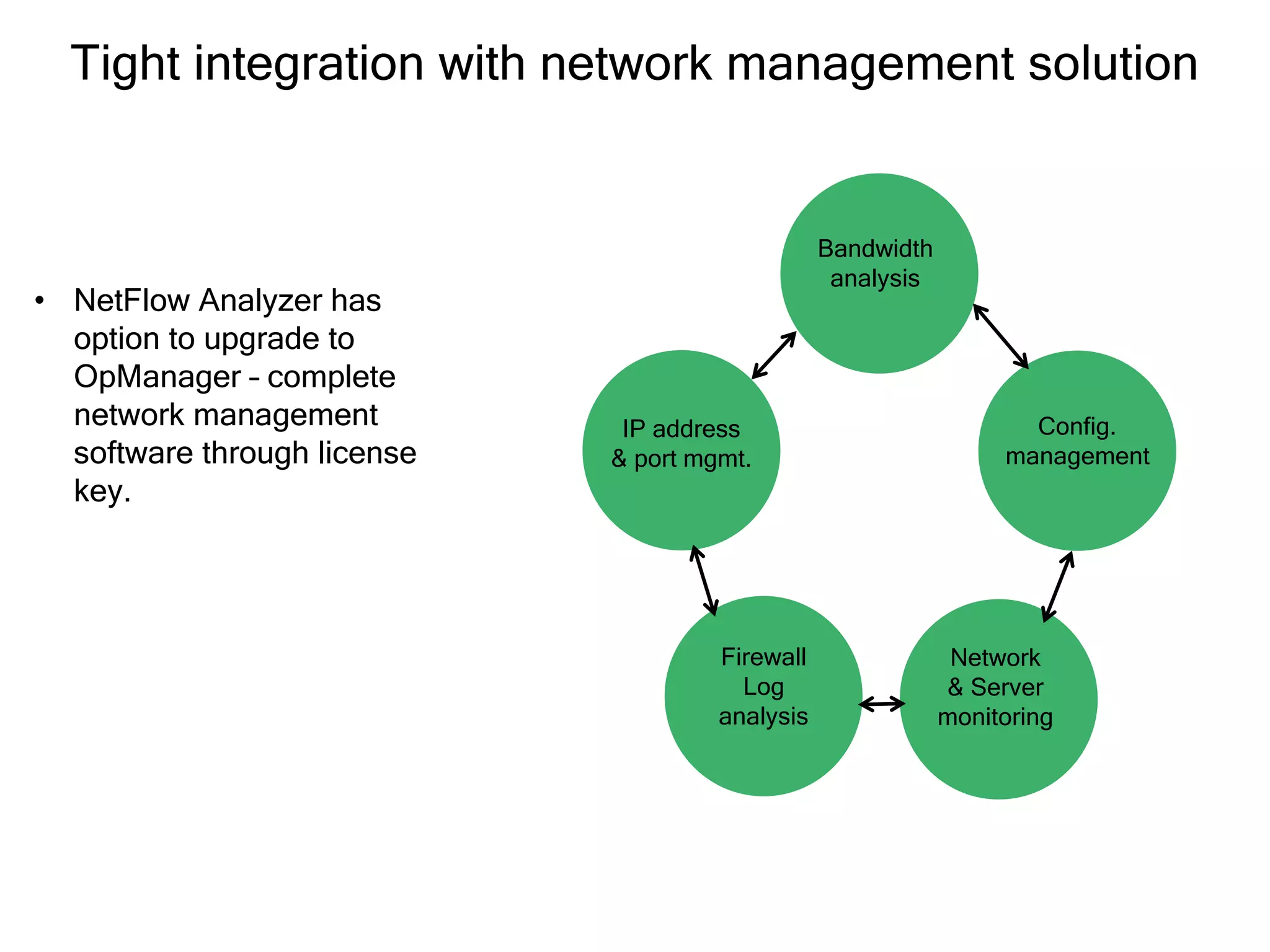
• NetFlow Analyzer has
option to upgrade to
OpManager – complete
network management
software through license
key.
Network
& Server
monitoring
Bandwidth
analysis
Config.
management
Firewall
Log
analysis
IP address
& port mgmt.
Network Configuration Manager add-on
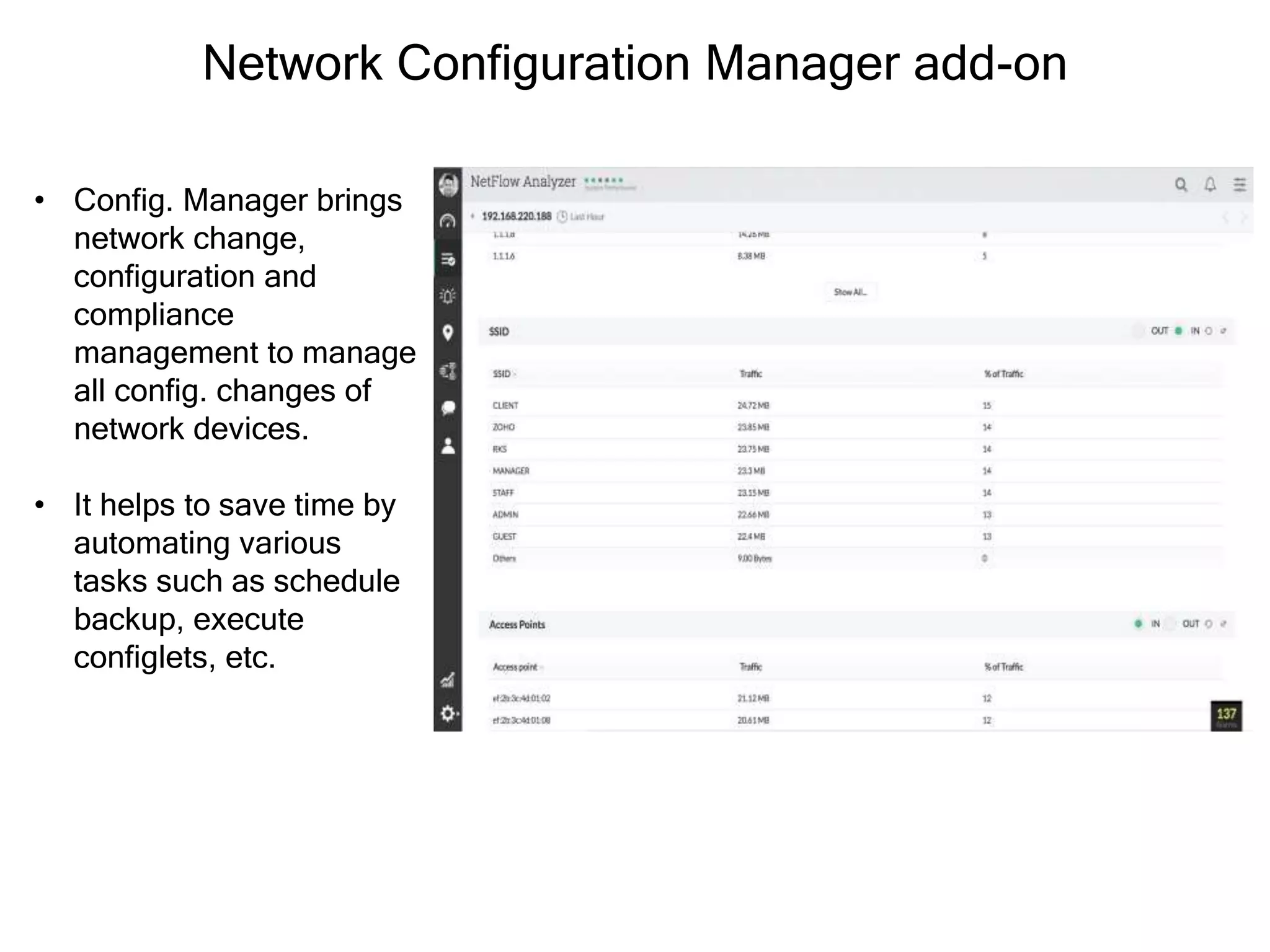
• Config. Manager brings
network change,
configuration and
compliance
management to manage
all config. changes of
network devices.
• It helps to save time by
automating various
tasks such as schedule
backup, execute
configlets, etc.
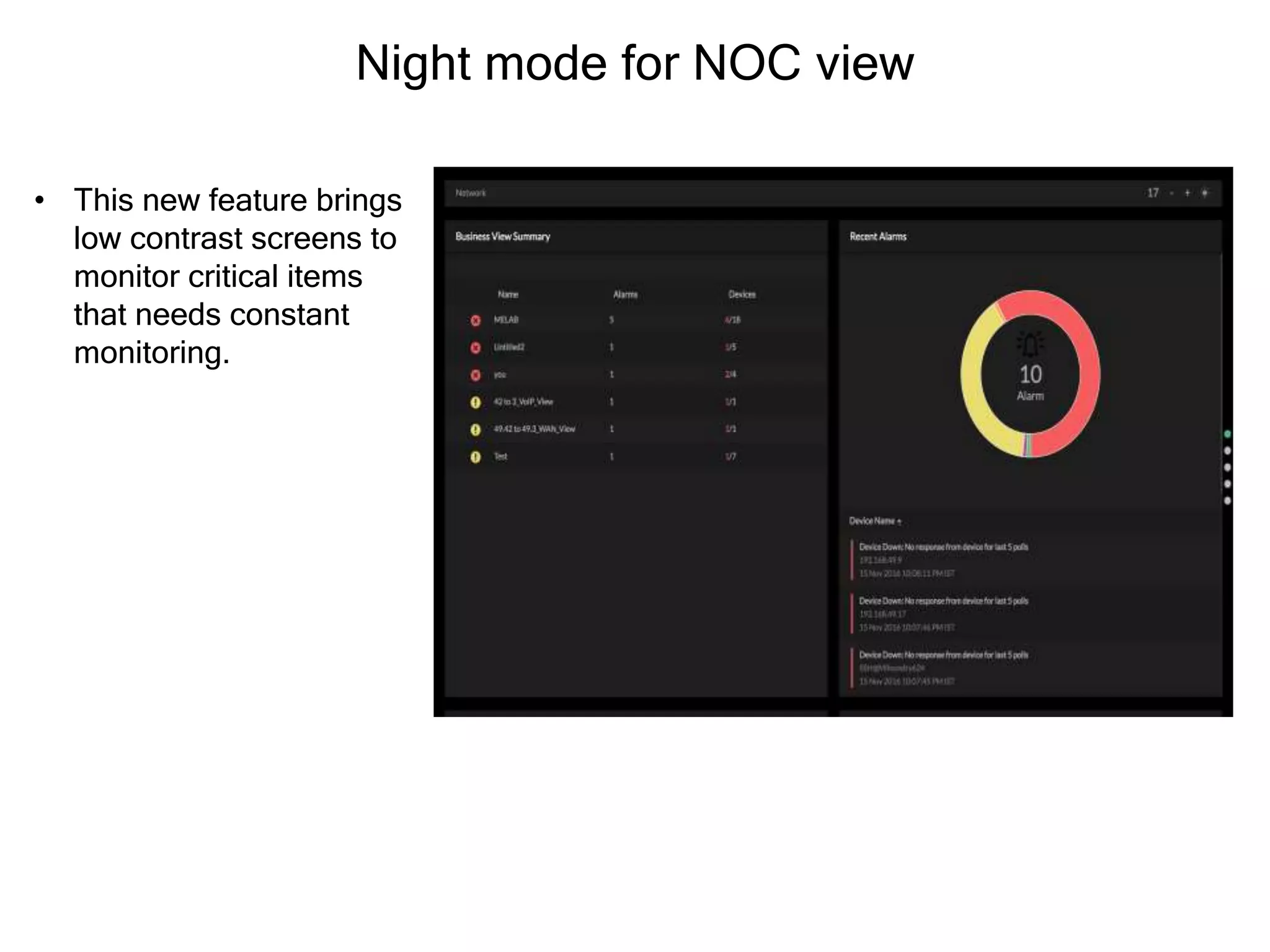
Night mode for NOC view
• This new feature brings
low contrast screens to
monitor critical items
that needs constant
monitoring.
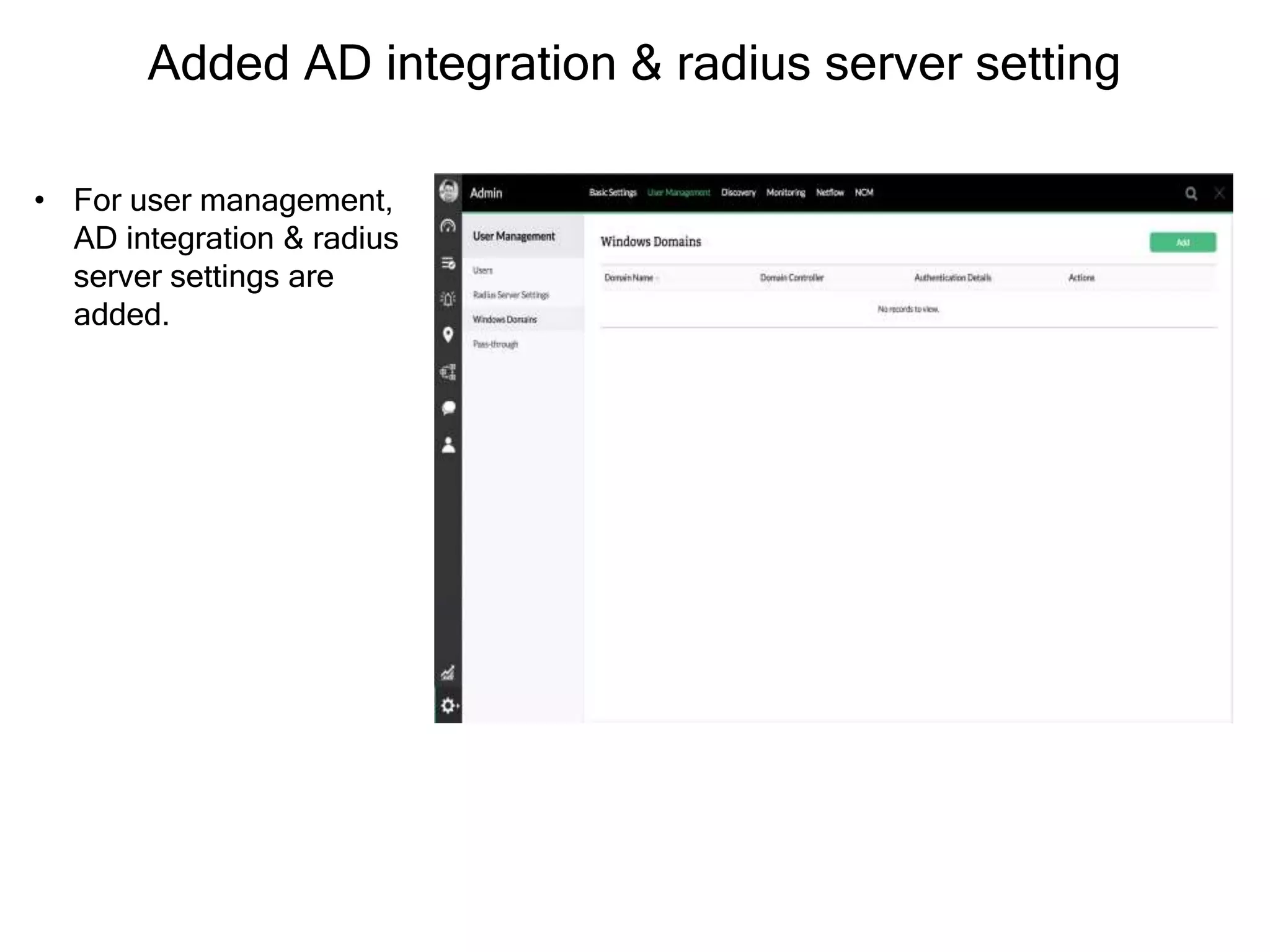
Added AD integration & radius server setting
• For user management,
AD integration & radius
server settings are
added.
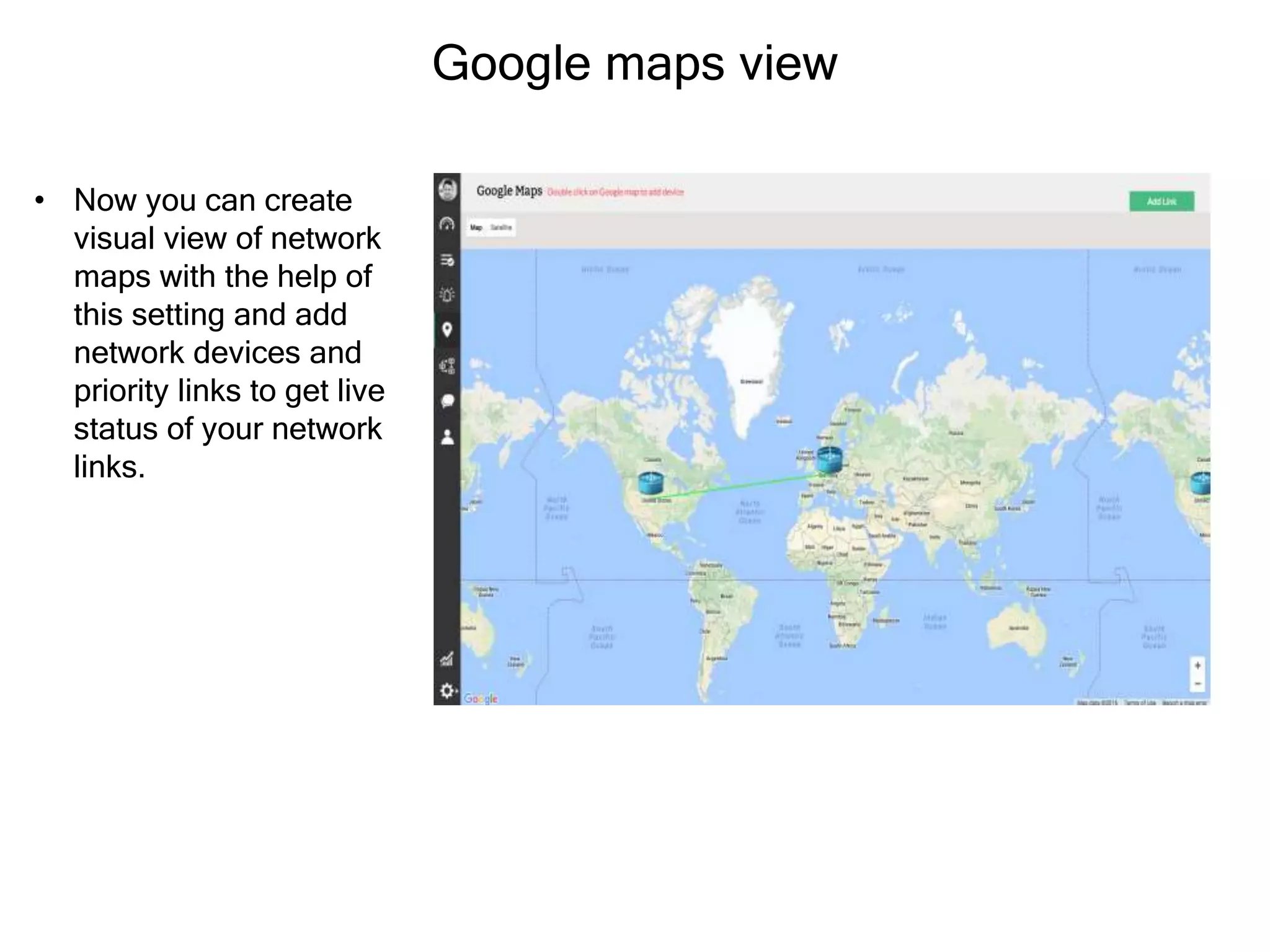
Google maps view
• Now you can create
visual view of network
maps with the help of
this setting and add
network devices and
priority links to get live
status of your network
links.
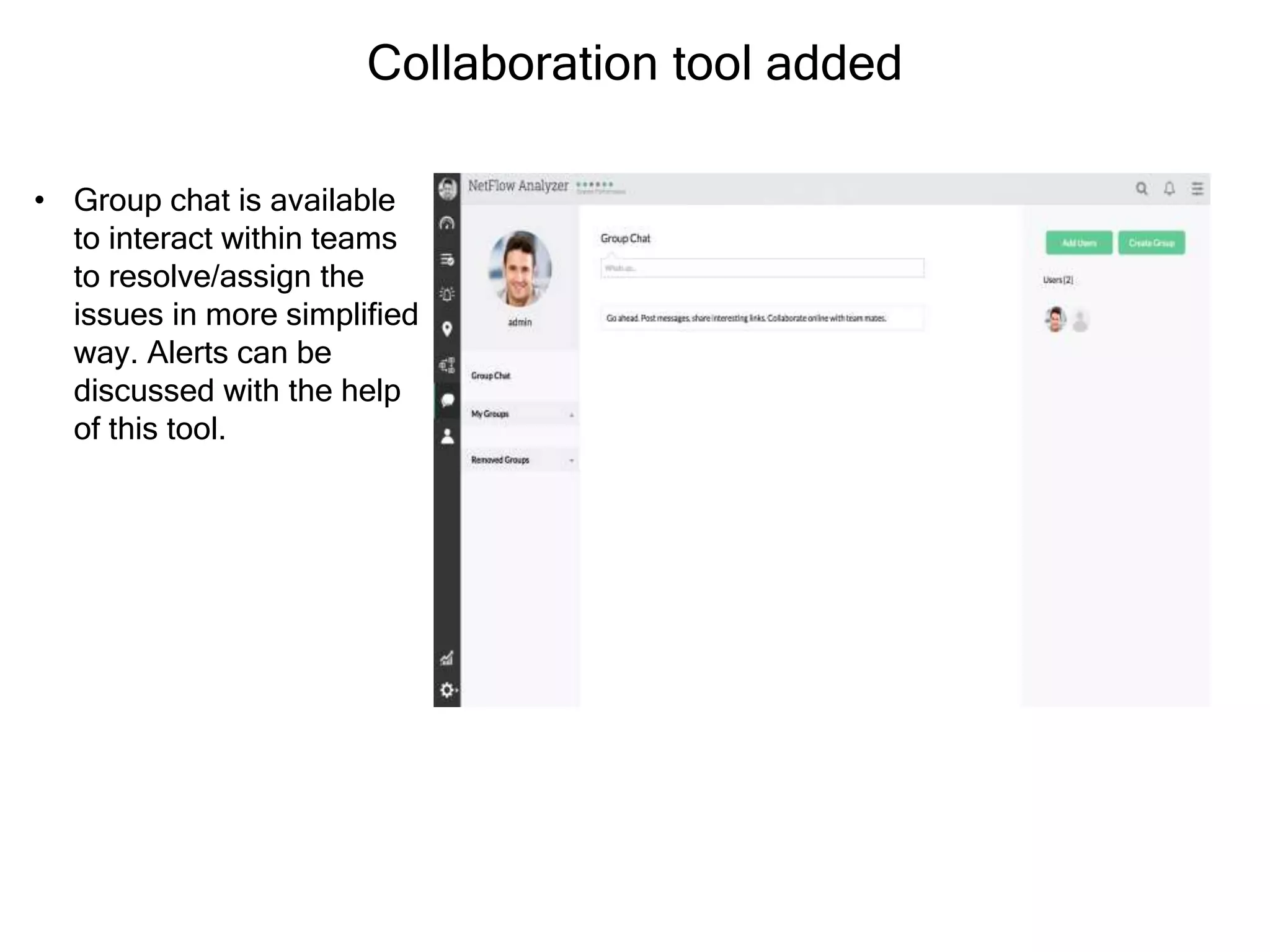
Collaboration tool added
• Group chat is available
to interact within teams
to resolve/assign the
issues in more simplified
way. Alerts can be
discussed with the help
of this tool.
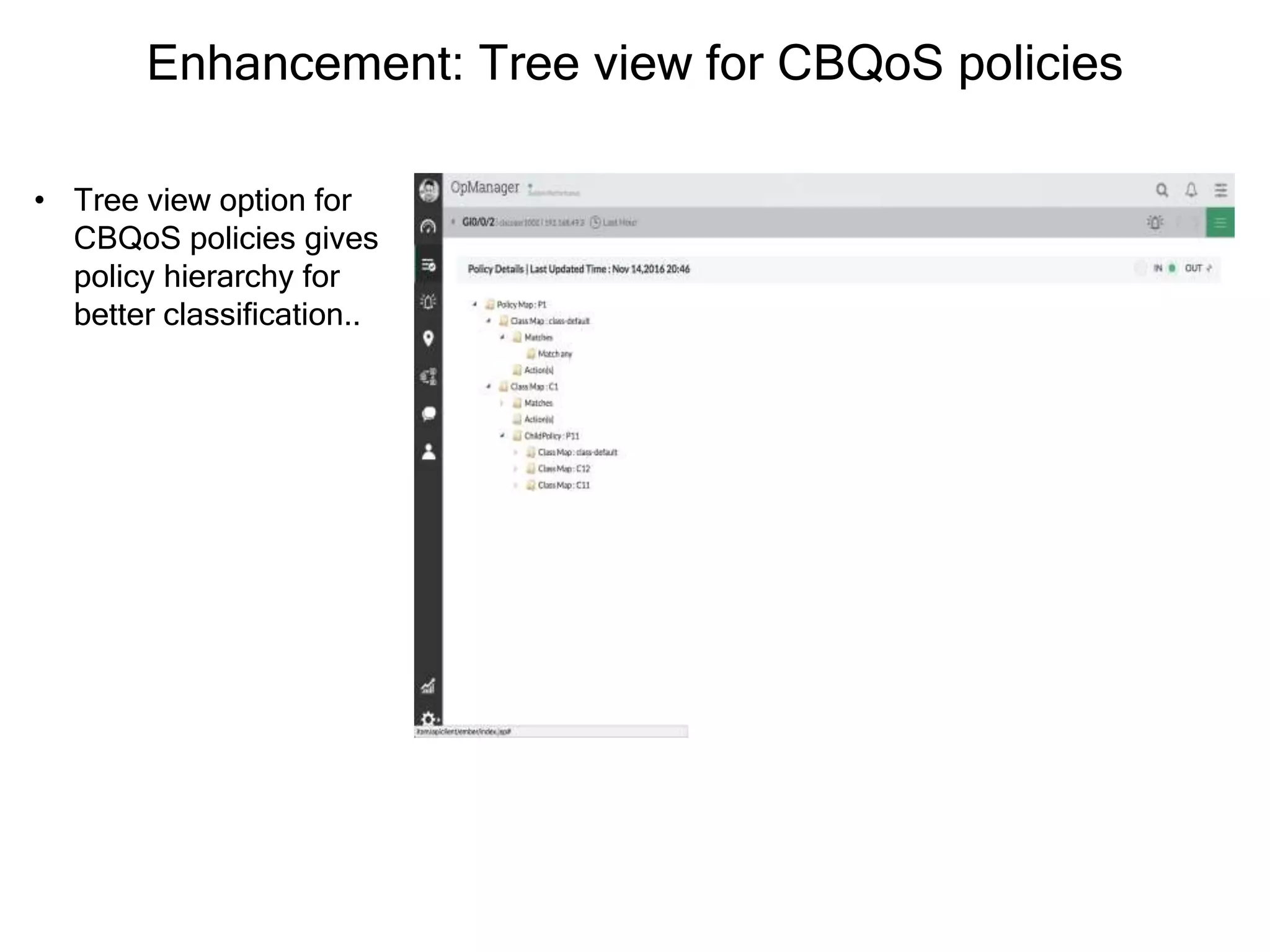
Enhancement: Tree view for CBQoS policies
• Tree view option for
CBQoS policies gives
policy hierarchy for
better classification..
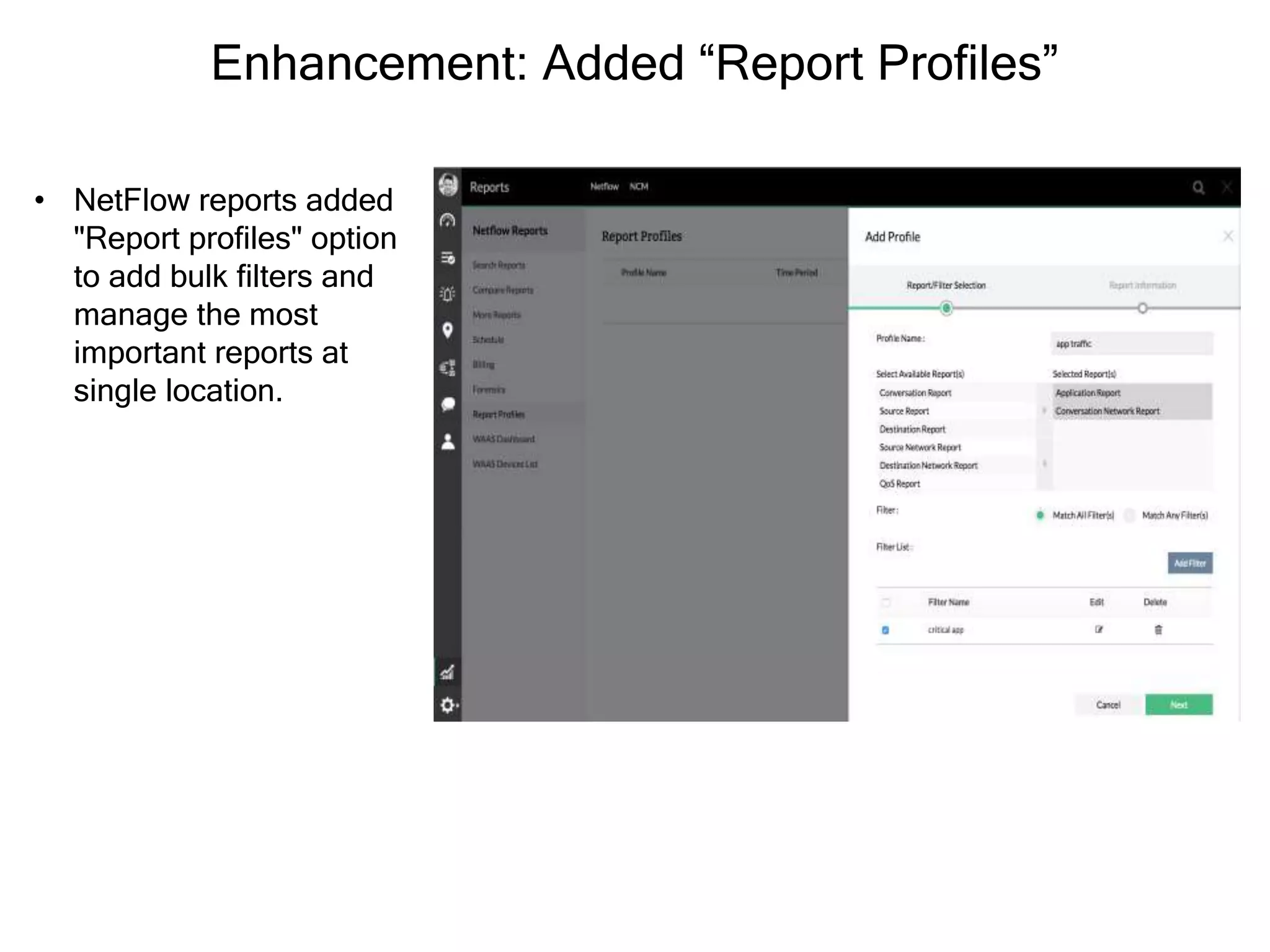
Enhancement: Added “Report Profiles”
• NetFlow reports added
"Report profiles" option
to add bulk filters and
manage the most
important reports at
single location.
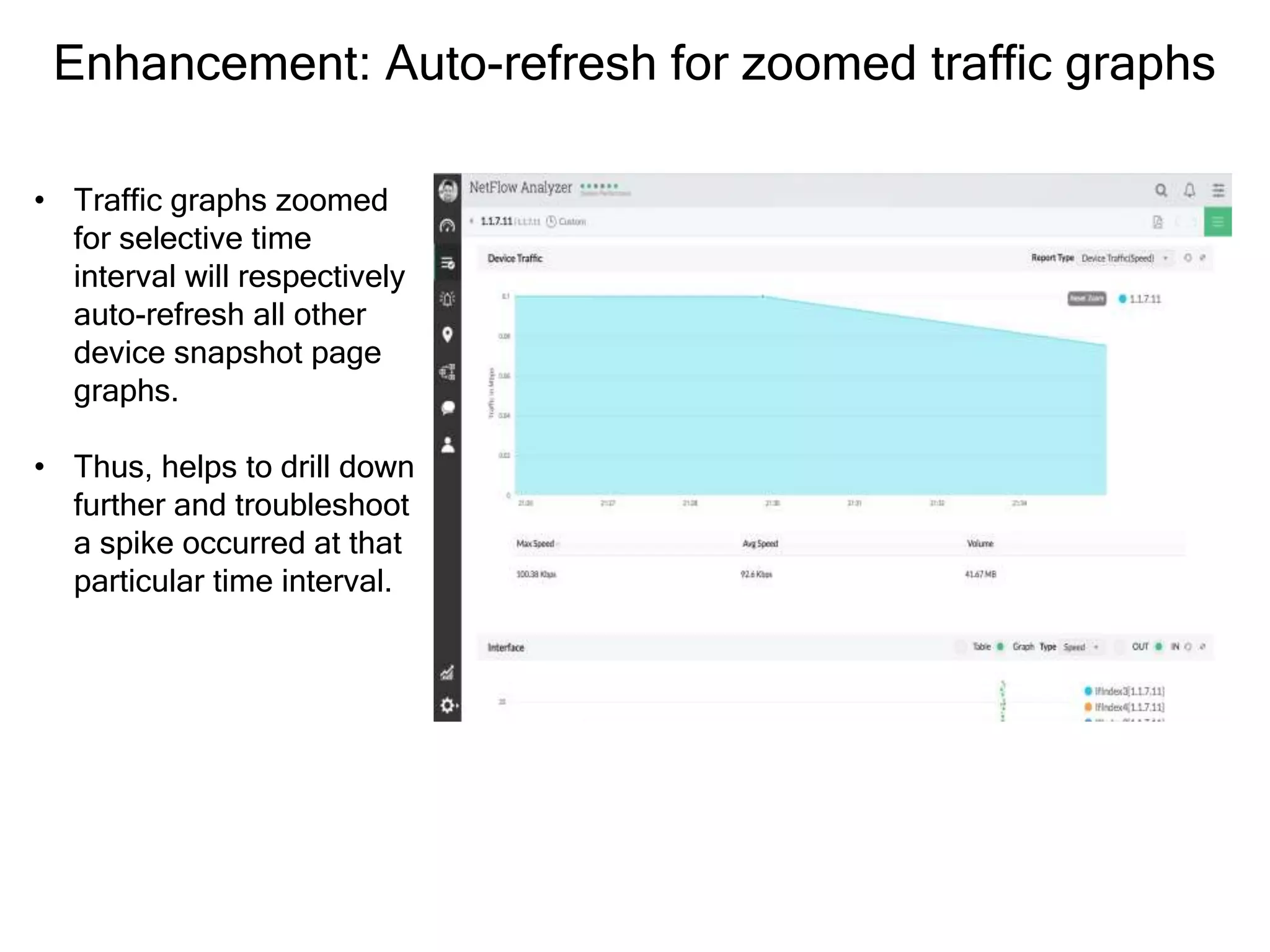
Enhancement: Auto-refresh for zoomed traffic graphs
• Traffic graphs zoomed
for selective time
interval will respectively
auto-refresh all other
device snapshot page
graphs.
• Thus, helps to drill down
further and troubleshoot
a spike occurred at that
particular time interval.
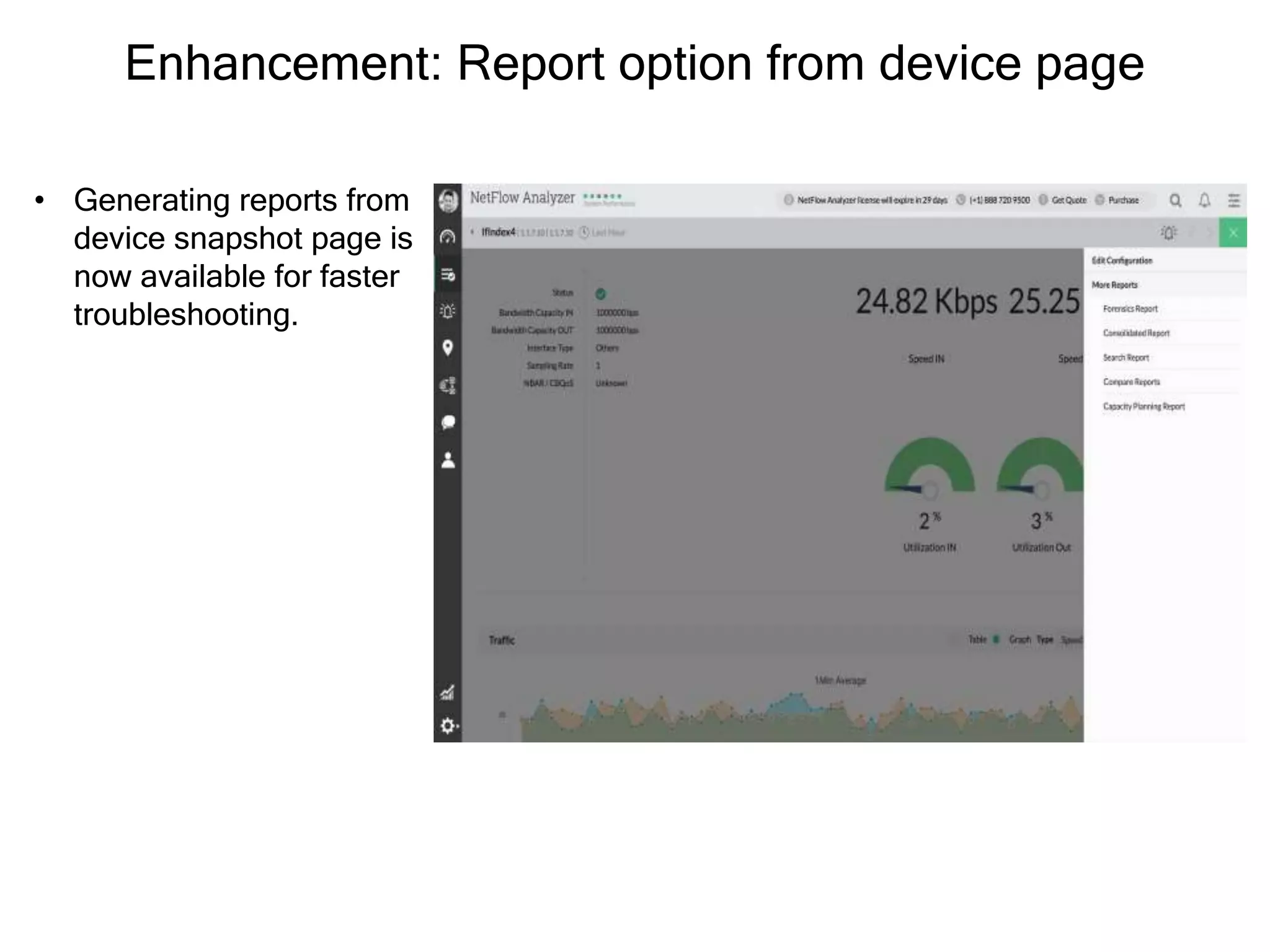
Enhancement: Report option from device page
• Generating reports from
device snapshot page is
now available for faster
troubleshooting.
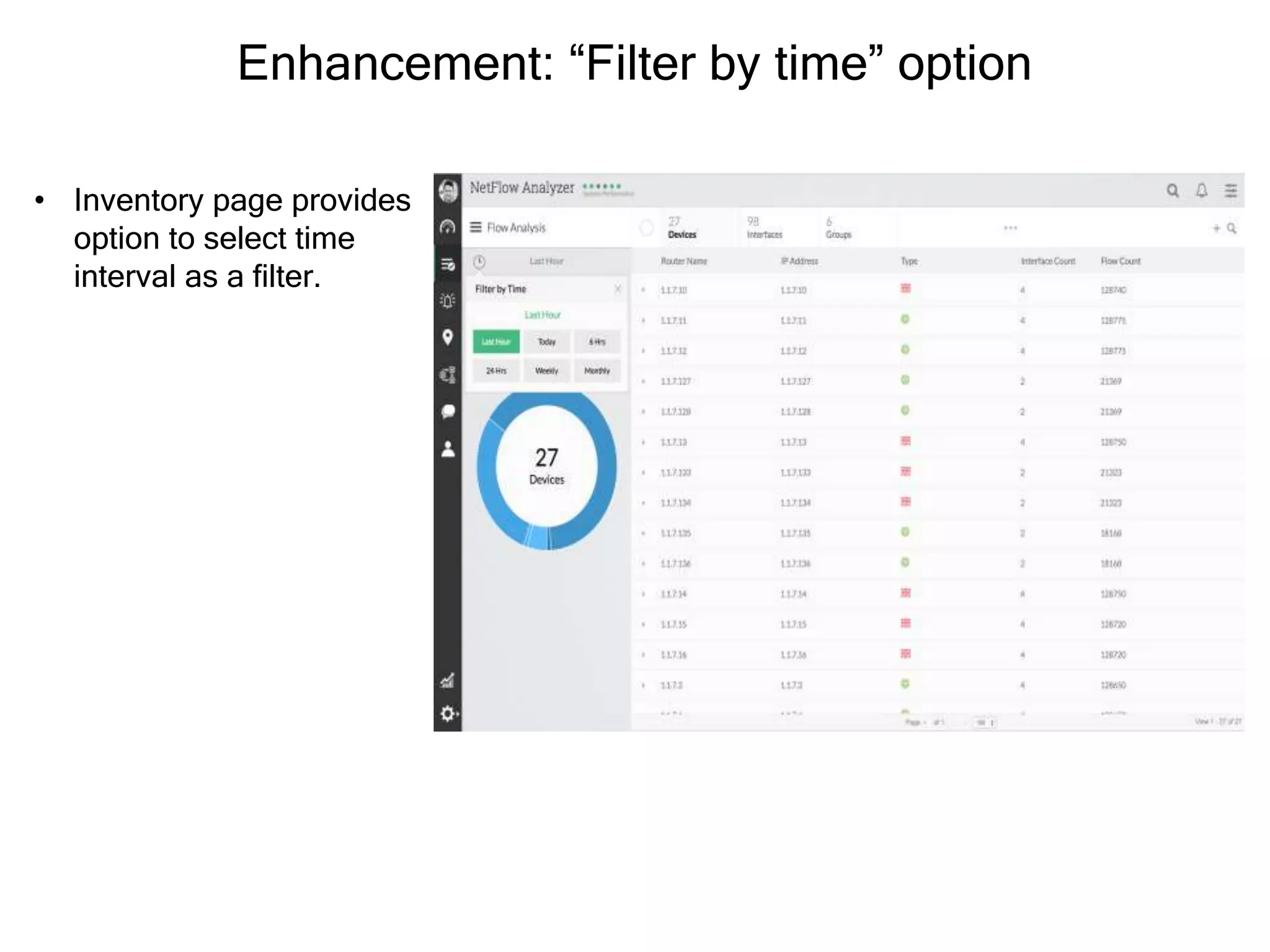
Enhancement: “Filter by time” option
• Inventory page provides
option to select time
interval as a filter.
• NetFlow Analyzer 12 Overview
• Tech videos
• Release notes
• Existing customer Service Pack upgrade
Resources

What's new in NetFlow Analyzer 12.2

  • 1.
    Industry’s first networktraffic management software with integrated configuration management.
  • 2.
  • 3.
    New features inNetFlow Analyzer v12.2 • Enhanced UI • Network configuration manager add-on • One click flow export • Wireless LAN Controller monitoring • Tight integration with network management solution • Auto-refresh for zoomed traffic graphs • And more…
  • 4.
    Enhanced UI • NewUI makes navigation to be much more faster and easier. • Improved drill-down option, filtering option, and enabling settings from device page has reduced no. of clicks up to great extent.
  • 5.
    One click flowexport • With Config. Management, now it is possible to export flows with a single click. • All the device configuration available as configlets in UI saves time in getting started without logging to terminal.
  • 6.
    Wireless LAN Controllermonitoring • WLC monitoring provides traffic details wrt. each controller and its associated clients, SSID, APs, app traffic, QoS, and conversation . • It gives overall bandwidth consumption by all wireless hosts.
  • 7.
    Tight integration withnetwork management solution • NetFlow Analyzer has option to upgrade to OpManager – complete network management software through license key. Network & Server monitoring Bandwidth analysis Config. management Firewall Log analysis IP address & port mgmt.
  • 8.
    Network Configuration Manageradd-on • Config. Manager brings network change, configuration and compliance management to manage all config. changes of network devices. • It helps to save time by automating various tasks such as schedule backup, execute configlets, etc.
  • 9.
    Night mode forNOC view • This new feature brings low contrast screens to monitor critical items that needs constant monitoring.
  • 10.
    Added AD integration& radius server setting • For user management, AD integration & radius server settings are added.
  • 11.
    Google maps view •Now you can create visual view of network maps with the help of this setting and add network devices and priority links to get live status of your network links.
  • 12.
    Collaboration tool added •Group chat is available to interact within teams to resolve/assign the issues in more simplified way. Alerts can be discussed with the help of this tool.
  • 13.
    Enhancement: Tree viewfor CBQoS policies • Tree view option for CBQoS policies gives policy hierarchy for better classification..
  • 14.
    Enhancement: Added “ReportProfiles” • NetFlow reports added "Report profiles" option to add bulk filters and manage the most important reports at single location.
  • 15.
    Enhancement: Auto-refresh forzoomed traffic graphs • Traffic graphs zoomed for selective time interval will respectively auto-refresh all other device snapshot page graphs. • Thus, helps to drill down further and troubleshoot a spike occurred at that particular time interval.
  • 16.
    Enhancement: Report optionfrom device page • Generating reports from device snapshot page is now available for faster troubleshooting.
  • 17.
    Enhancement: “Filter bytime” option • Inventory page provides option to select time interval as a filter.
  • 18.
    • NetFlow Analyzer12 Overview • Tech videos • Release notes • Existing customer Service Pack upgrade Resources