New Developments in Cybersecurity
and Technology for RDOs
Joey Howland
Chief Information Security Officer
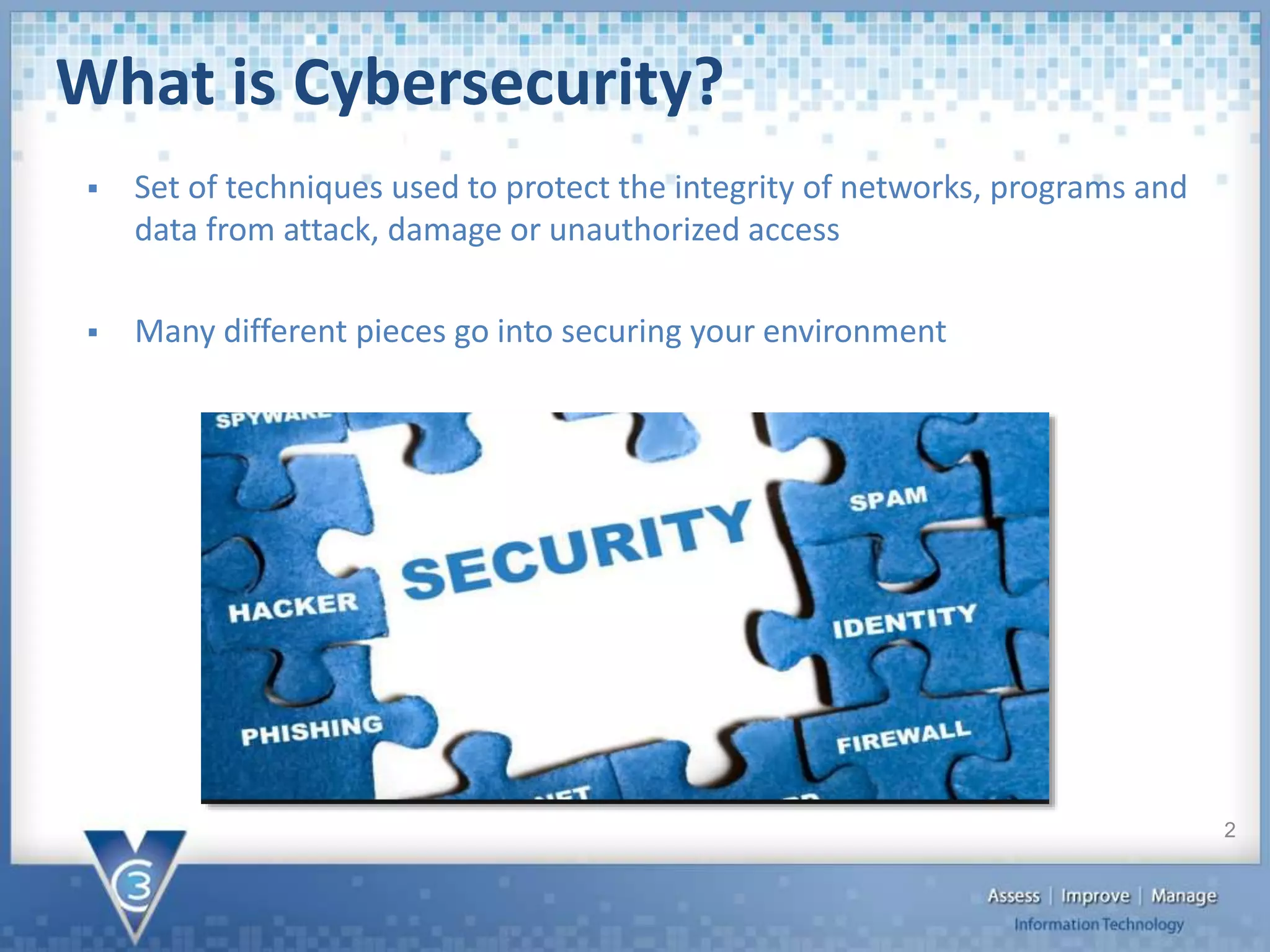
What is Cybersecurity?
 Set of techniques used to protect the integrity of networks, programs and
data from attack, damage or unauthorized access
 Many different pieces go into securing your environment
2
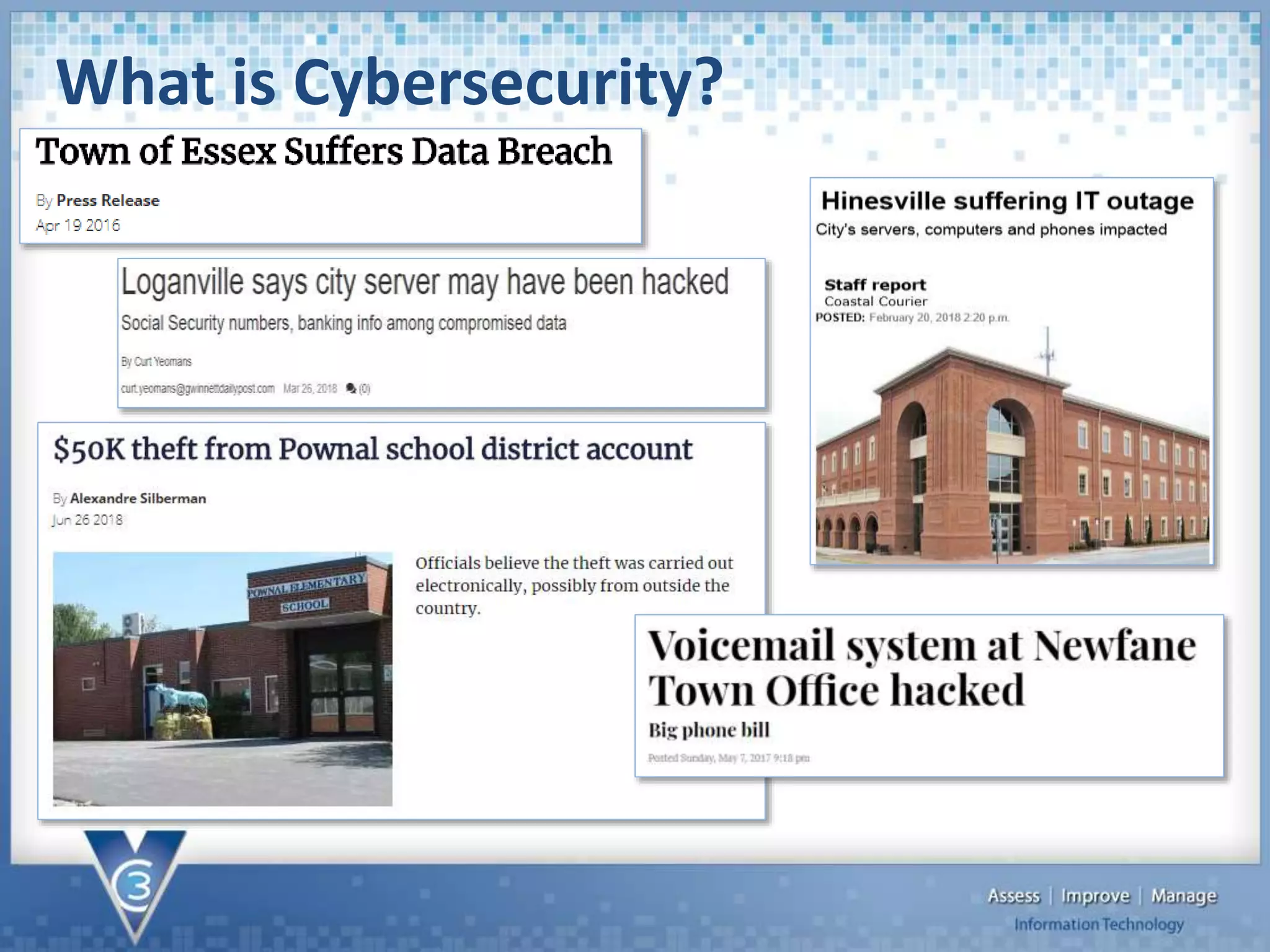
What is Cybersecurity?
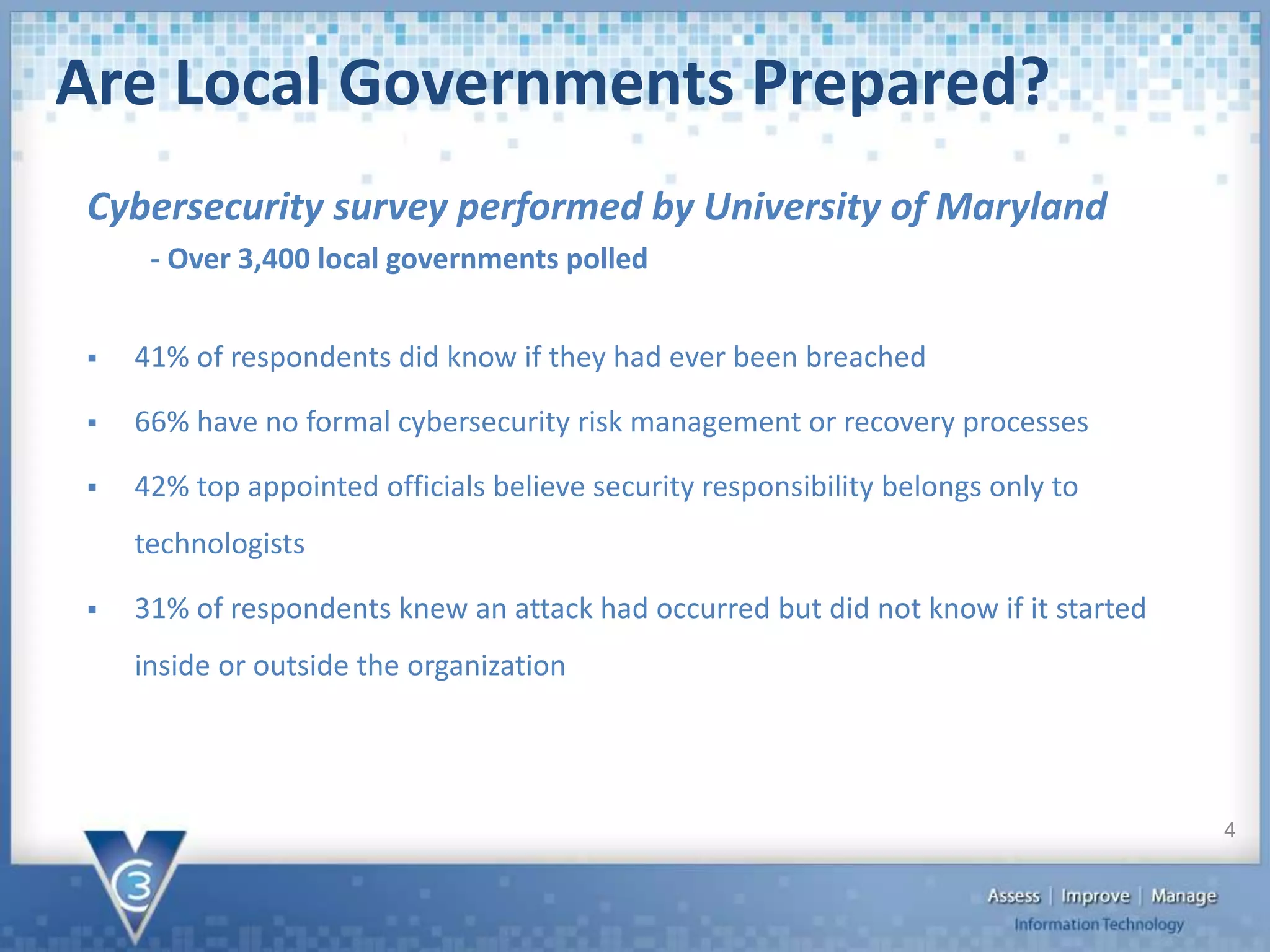
Are Local Governments Prepared?
 41% of respondents did know if they had ever been breached
 66% have no formal cybersecurity risk management or recovery processes
 42% top appointed officials believe security responsibility belongs only to
technologists
 31% of respondents knew an attack had occurred but did not know if it started
inside or outside the organization
Cybersecurity survey performed by University of Maryland
- Over 3,400 local governments polled
4
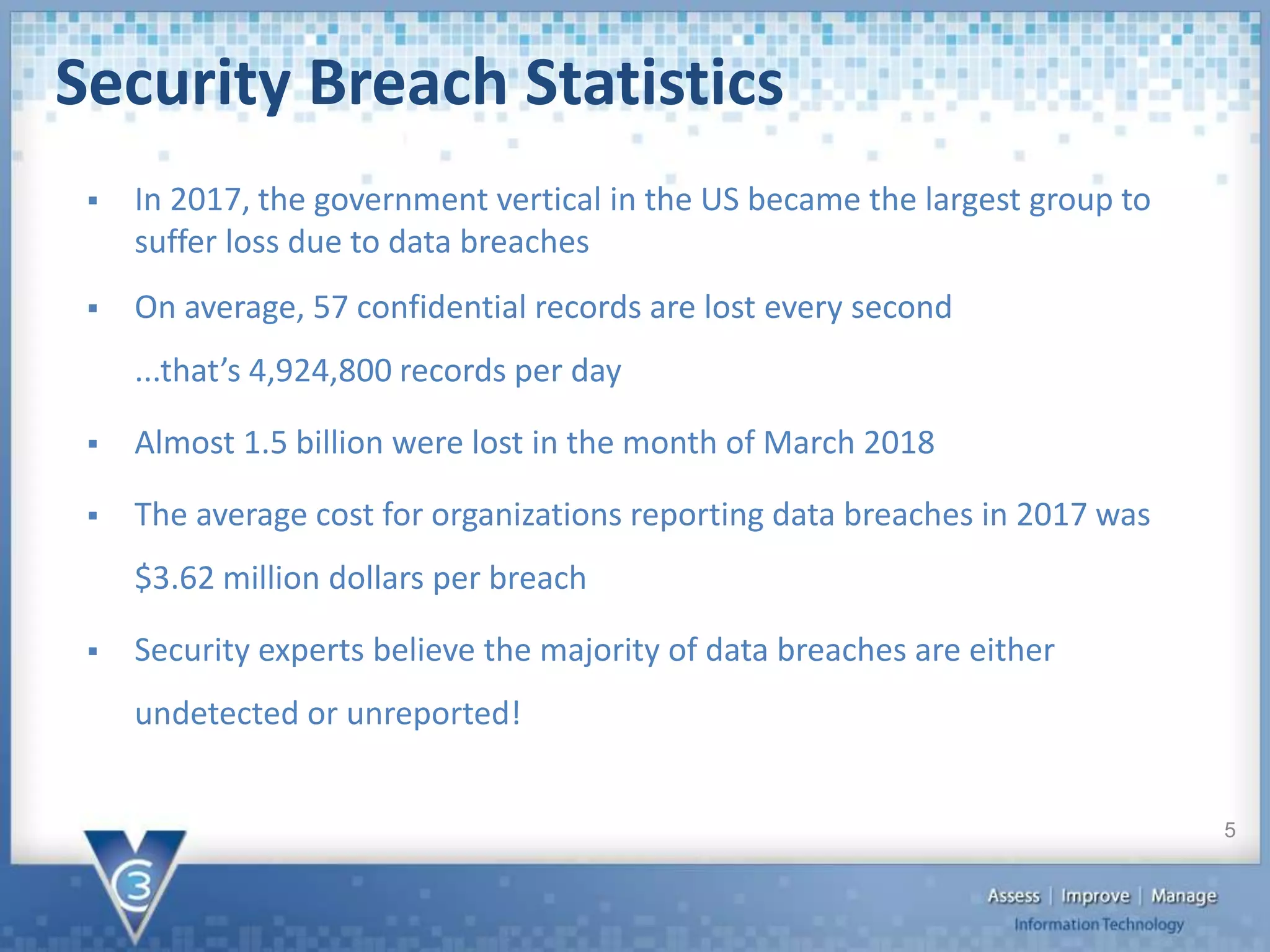
Security Breach Statistics
 In 2017, the government vertical in the US became the largest group to
suffer loss due to data breaches
 On average, 57 confidential records are lost every second
...that’s 4,924,800 records per day
 Almost 1.5 billion were lost in the month of March 2018
 The average cost for organizations reporting data breaches in 2017 was
$3.62 million dollars per breach
 Security experts believe the majority of data breaches are either
undetected or unreported!
5
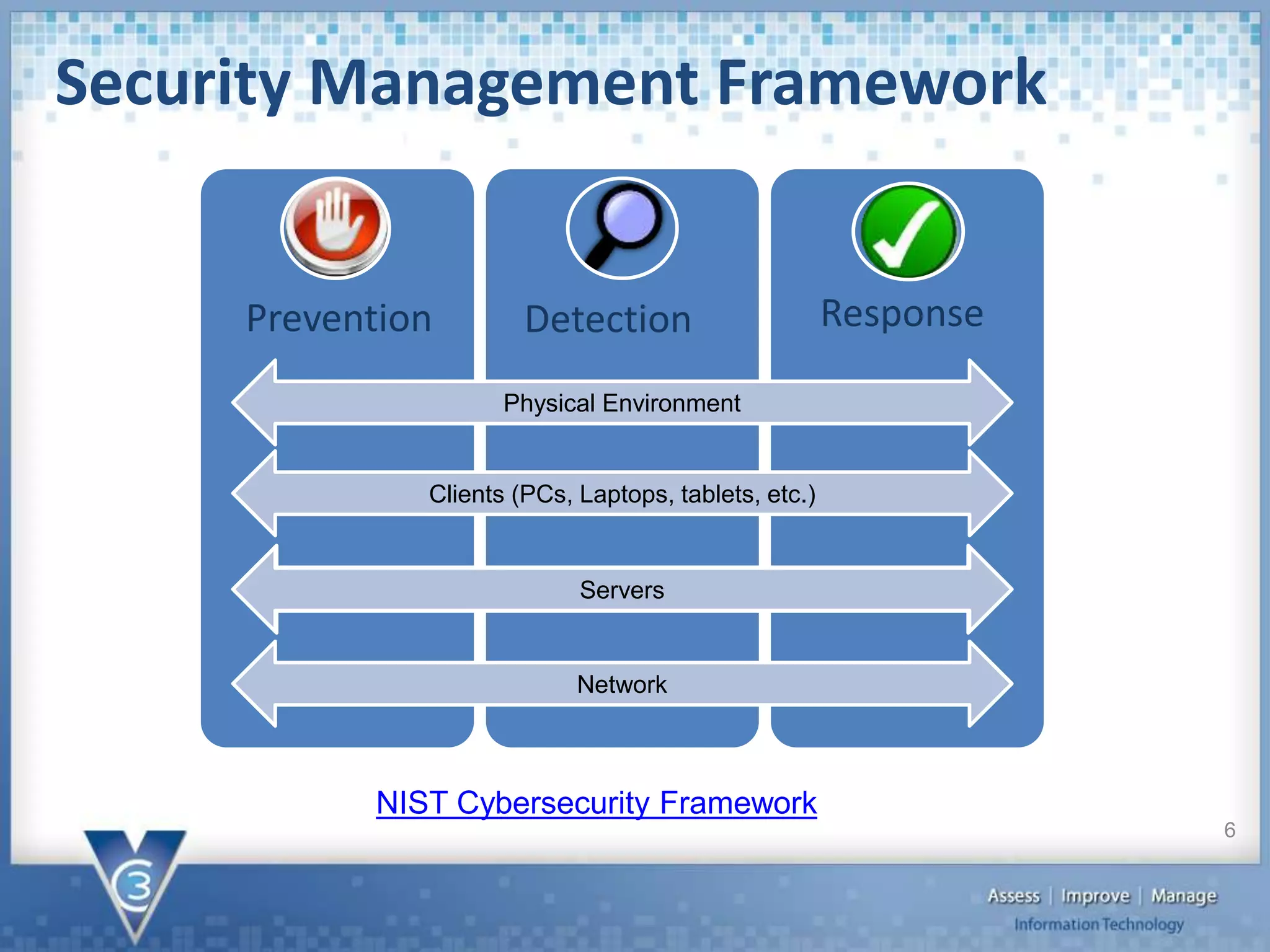
Security Management Framework
6
Network
Physical Environment
Clients (PCs, Laptops, tablets, etc.)
Servers
Prevention Detection Response
NIST Cybersecurity Framework
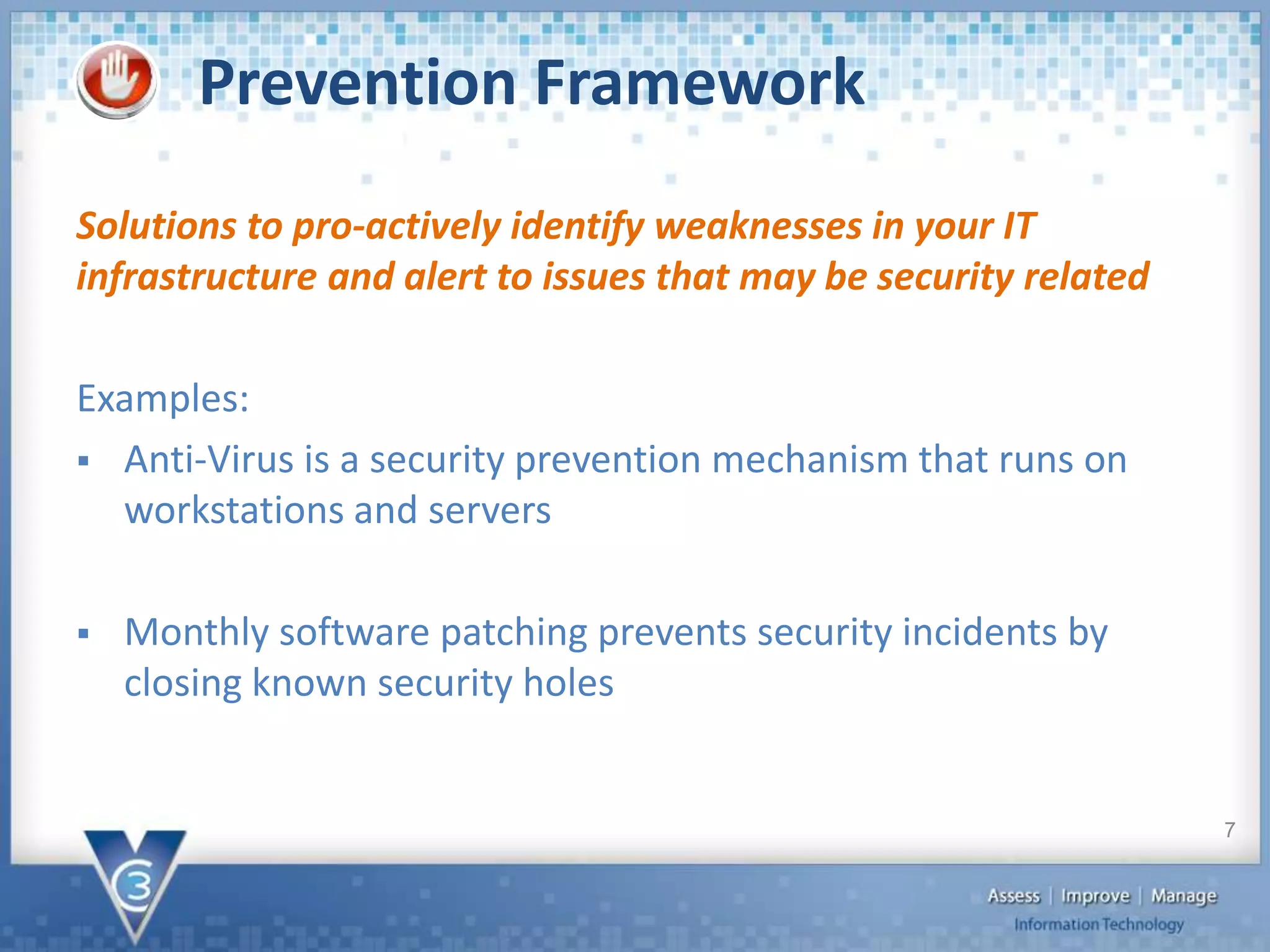
Prevention Framework
Solutions to pro-actively identify weaknesses in your IT
infrastructure and alert to issues that may be security related
Examples:
 Anti-Virus is a security prevention mechanism that runs on
workstations and servers
 Monthly software patching prevents security incidents by
closing known security holes
7
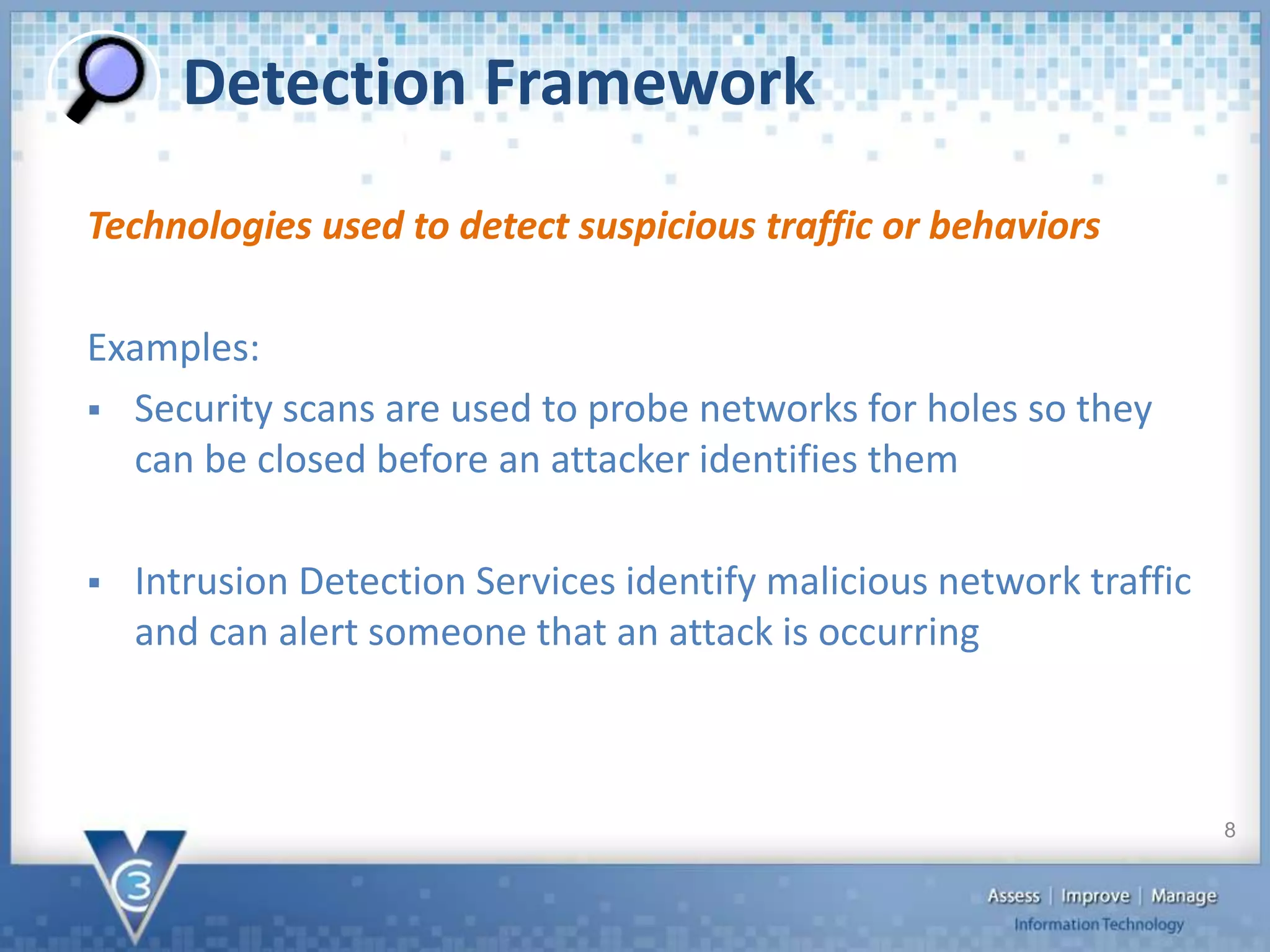
Detection Framework
Technologies used to detect suspicious traffic or behaviors
Examples:
 Security scans are used to probe networks for holes so they
can be closed before an attacker identifies them
 Intrusion Detection Services identify malicious network traffic
and can alert someone that an attack is occurring
8
Response Framework
Solutions and processes that help mitigate the impact of a
security incident
Examples:
 An Incident Response Plan defines how an organization will
respond to various categories of security incidents
 Cyber liability insurance helps cover the cost of mitigation
should a breach occur
9
Assets to Protect
 Physical
 Local Client
 Server
 Network
10
 Limited access to critical areas
 Secure keys/badges
 Do not write passwords down somewhere
potentially accessible
 Secure devices that have access to data
 Do not connect unknown devices to the orgnizations
network
Physical Security
11
 Antivirus installed on the local PCs
 Protects the local client from malware and viruses
 User data saved to servers or cloud
 Ensures data is backed up to prevent loss
 Do not give users administrative access to PCs
 Helps prevent malicious code from executing
 Two factor authentication
 Prevents even a compromised ID and password from being used by an
attacker
 Apply security patches monthly
 Closes known security holes
Local Clients
12
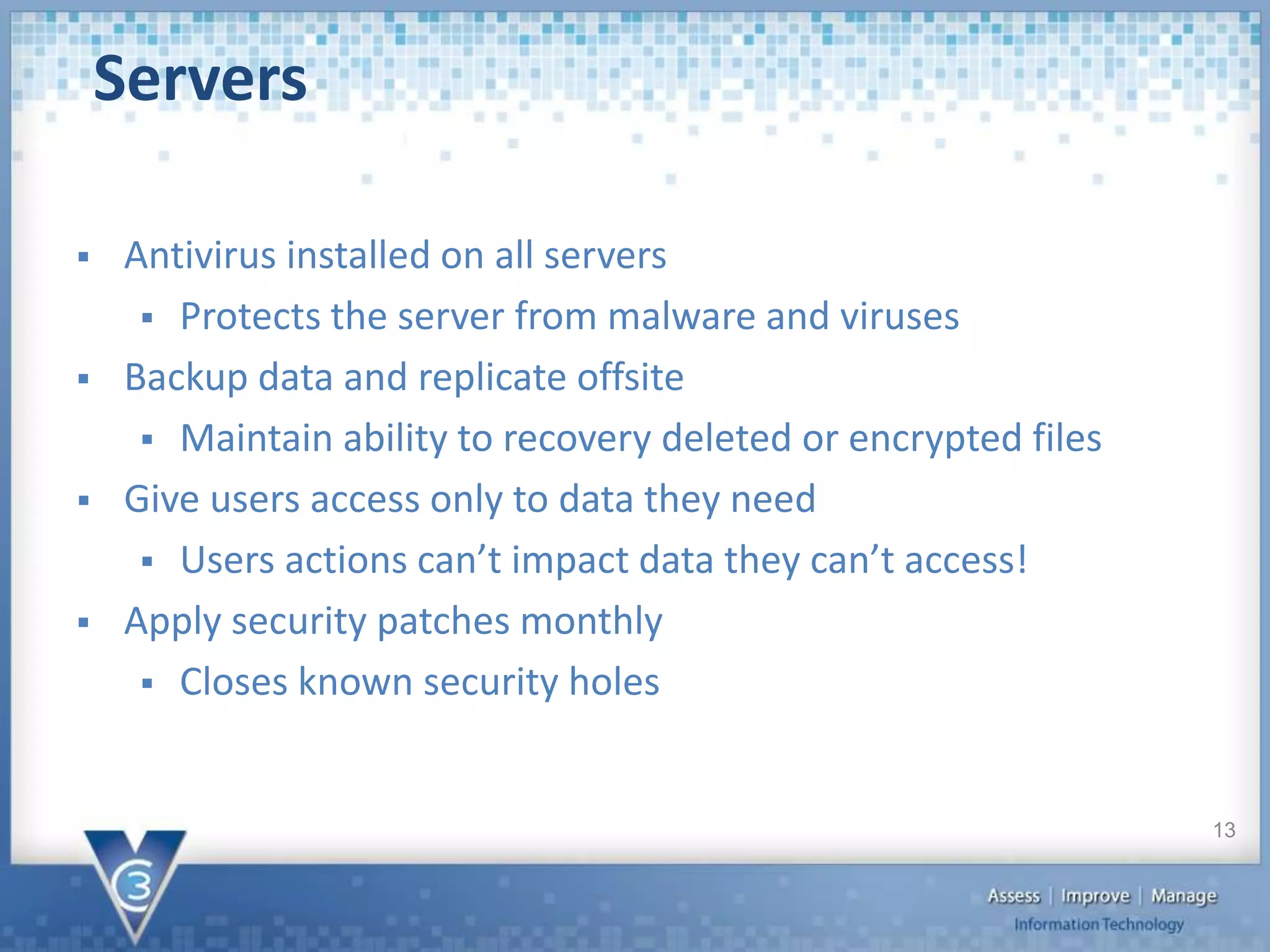
 Antivirus installed on all servers
 Protects the server from malware and viruses
 Backup data and replicate offsite
 Maintain ability to recovery deleted or encrypted files
 Give users access only to data they need
 Users actions can’t impact data they can’t access!
 Apply security patches monthly
 Closes known security holes
Servers
13
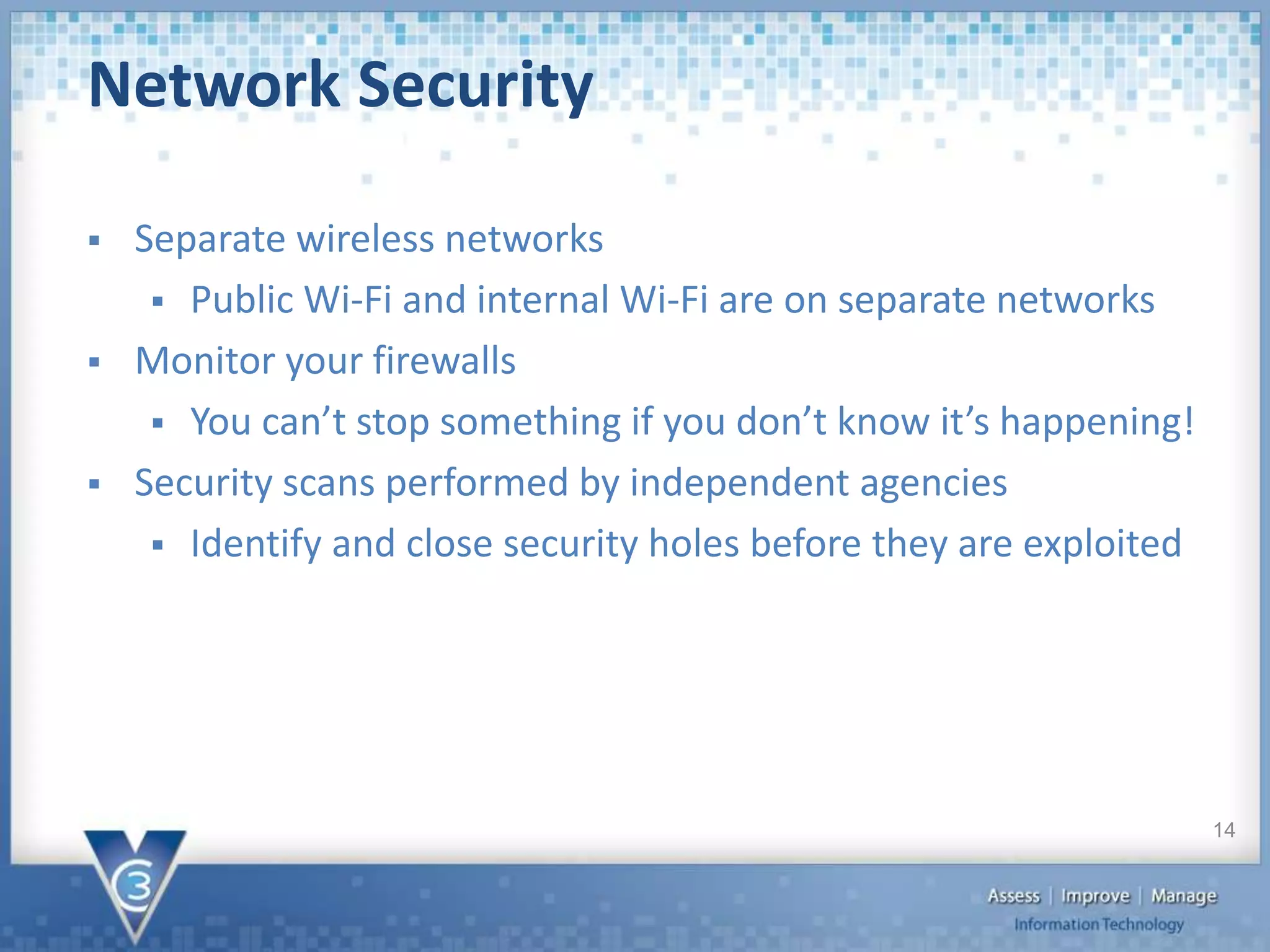
 Separate wireless networks
 Public Wi-Fi and internal Wi-Fi are on separate networks
 Monitor your firewalls
 You can’t stop something if you don’t know it’s happening!
 Security scans performed by independent agencies
 Identify and close security holes before they are exploited
Network Security
14
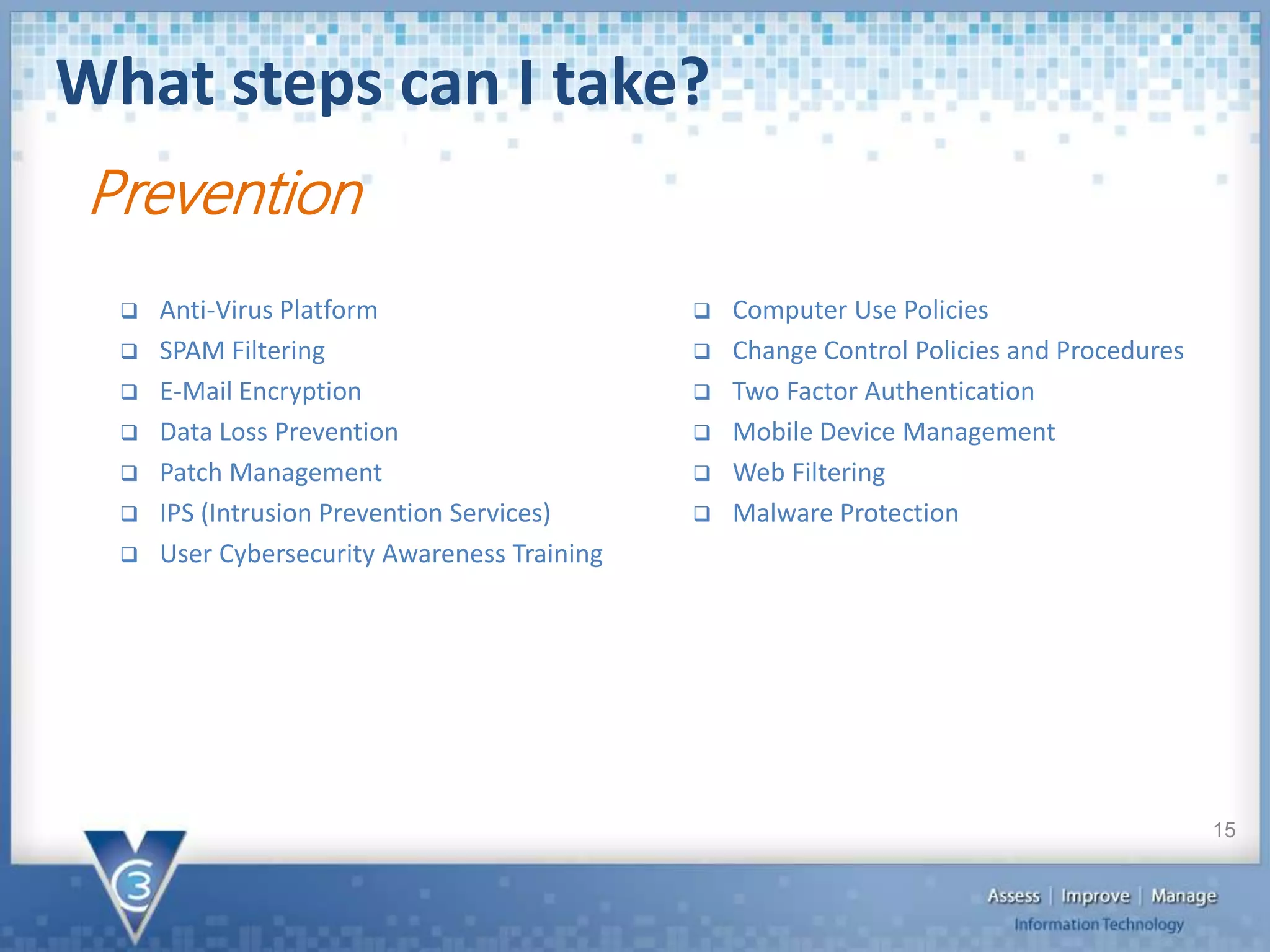
What steps can I take?
15
Prevention
 Anti-Virus Platform
 SPAM Filtering
 E-Mail Encryption
 Data Loss Prevention
 Patch Management
 IPS (Intrusion Prevention Services)
 User Cybersecurity Awareness Training
 Computer Use Policies
 Change Control Policies and Procedures
 Two Factor Authentication
 Mobile Device Management
 Web Filtering
 Malware Protection
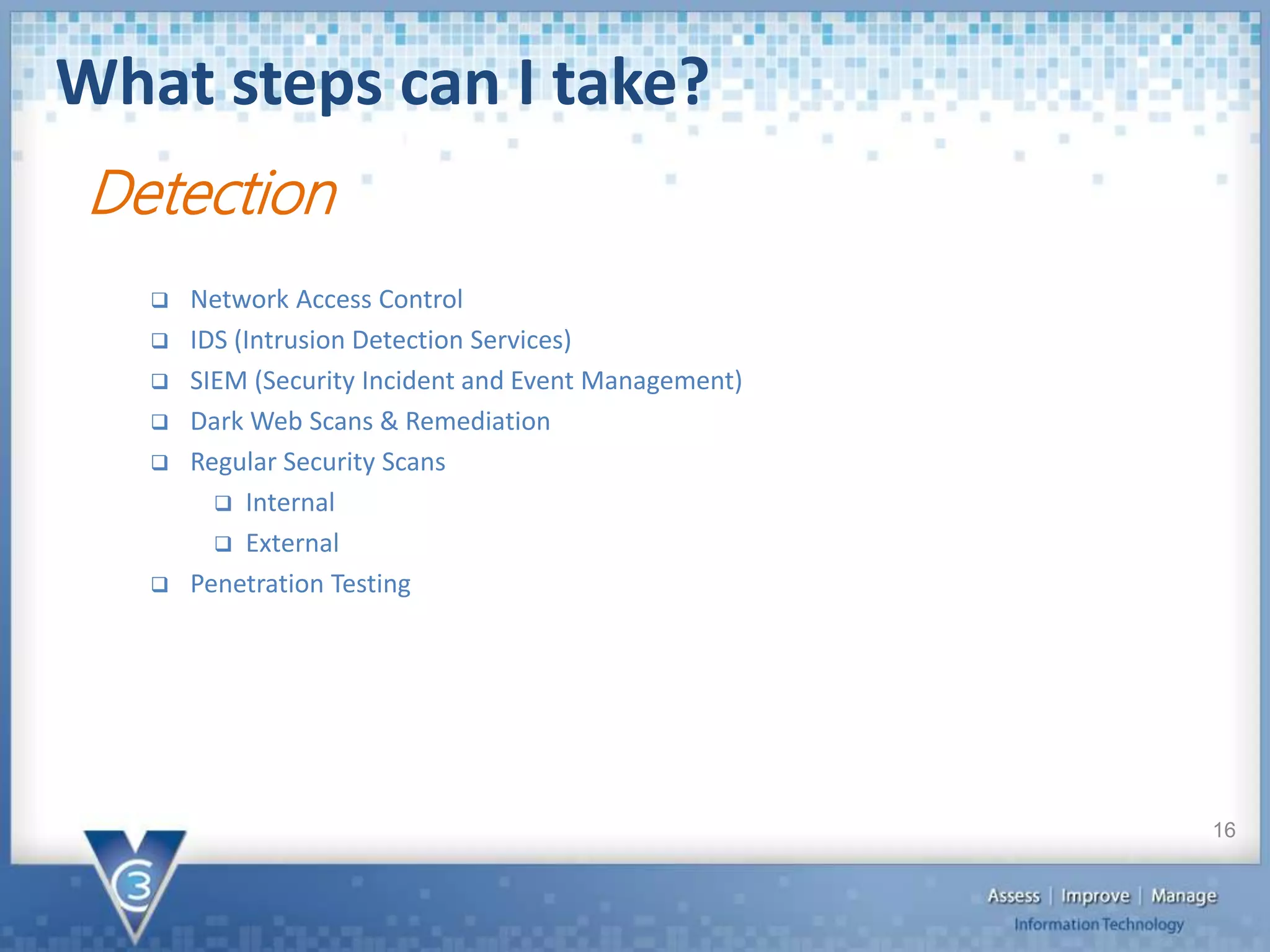
What steps can I take?
16
Detection
 Network Access Control
 IDS (Intrusion Detection Services)
 SIEM (Security Incident and Event Management)
 Dark Web Scans & Remediation
 Regular Security Scans
 Internal
 External
 Penetration Testing
What steps can I take?
17
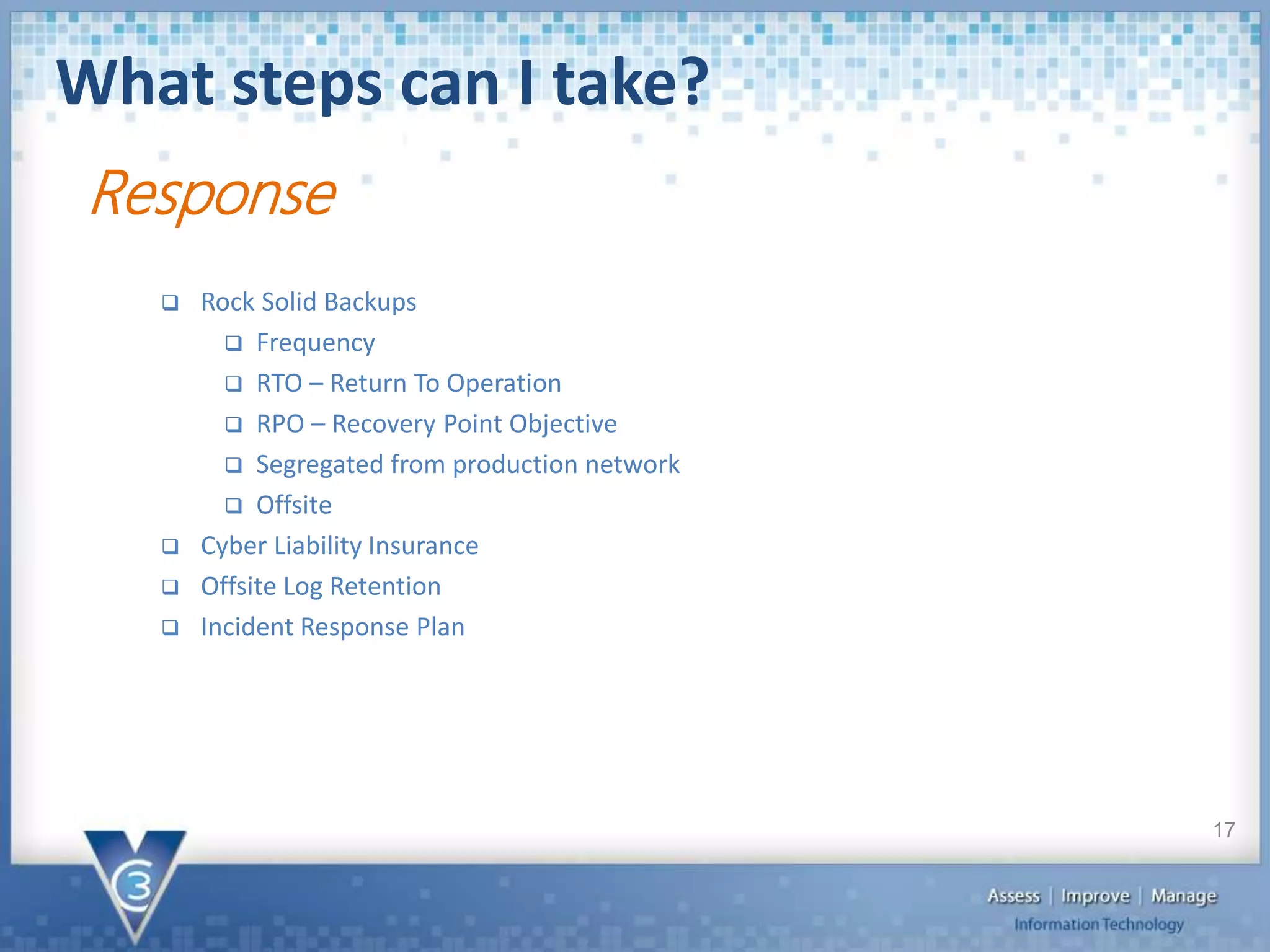
 Rock Solid Backups
 Frequency
 RTO – Return To Operation
 RPO – Recovery Point Objective
 Segregated from production network
 Offsite
 Cyber Liability Insurance
 Offsite Log Retention
 Incident Response Plan
Response
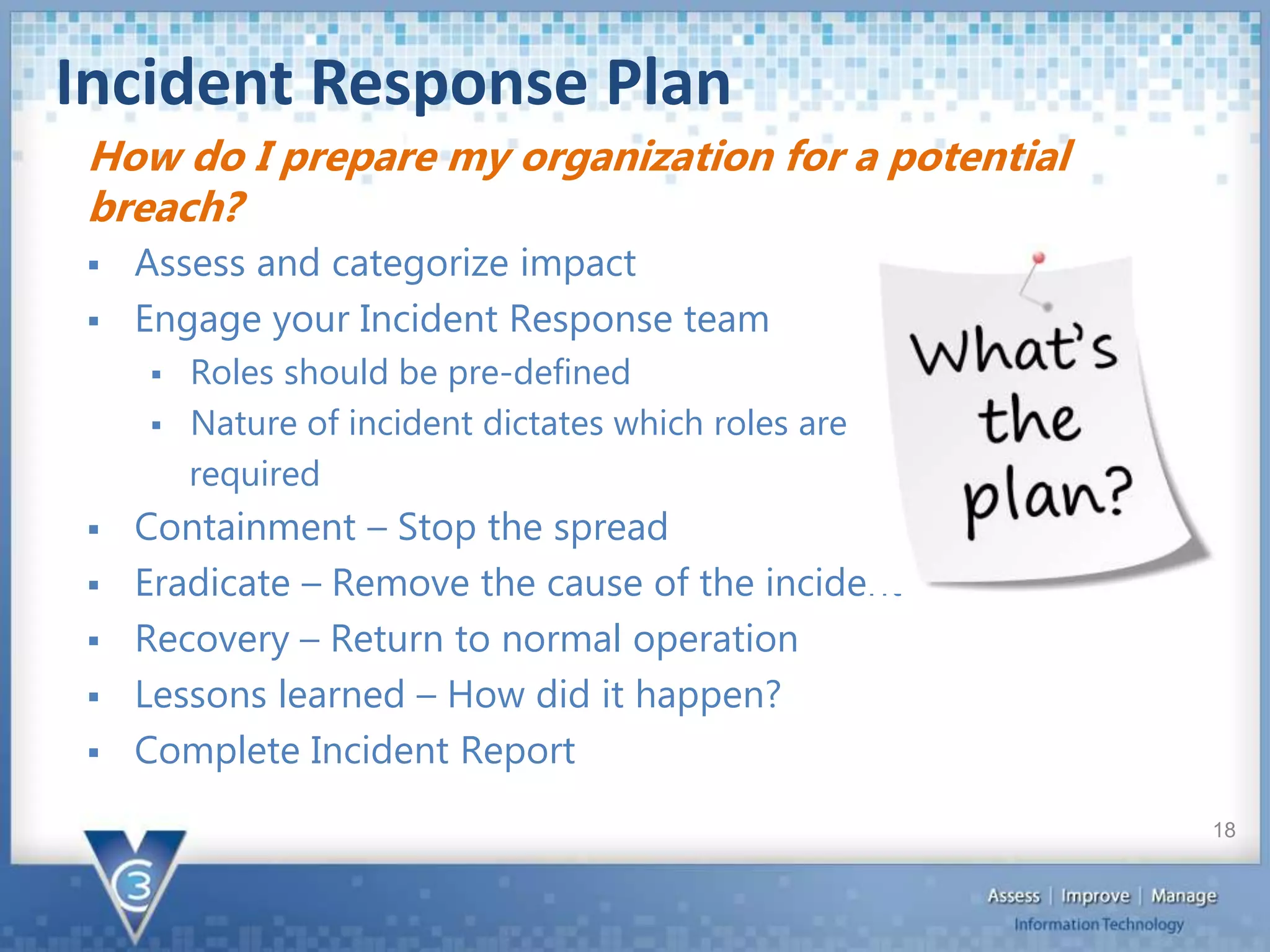
Incident Response Plan
 Assess and categorize impact
 Engage your Incident Response team
 Roles should be pre-defined
 Nature of incident dictates which roles are
required
 Containment – Stop the spread
 Eradicate – Remove the cause of the incident
 Recovery – Return to normal operation
 Lessons learned – How did it happen?
 Complete Incident Report
How do I prepare my organization for a potential
breach?
18
Contact Info:
dale.graver@vc3.com
919-246-9185

New Developments in Cybersecurity and Technology for RDOs: Howland

  • 1.
    New Developments inCybersecurity and Technology for RDOs Joey Howland Chief Information Security Officer
  • 2.
    What is Cybersecurity? Set of techniques used to protect the integrity of networks, programs and data from attack, damage or unauthorized access  Many different pieces go into securing your environment 2
  • 3.
  • 4.
    Are Local GovernmentsPrepared?  41% of respondents did know if they had ever been breached  66% have no formal cybersecurity risk management or recovery processes  42% top appointed officials believe security responsibility belongs only to technologists  31% of respondents knew an attack had occurred but did not know if it started inside or outside the organization Cybersecurity survey performed by University of Maryland - Over 3,400 local governments polled 4
  • 5.
    Security Breach Statistics In 2017, the government vertical in the US became the largest group to suffer loss due to data breaches  On average, 57 confidential records are lost every second ...that’s 4,924,800 records per day  Almost 1.5 billion were lost in the month of March 2018  The average cost for organizations reporting data breaches in 2017 was $3.62 million dollars per breach  Security experts believe the majority of data breaches are either undetected or unreported! 5
  • 6.
    Security Management Framework 6 Network PhysicalEnvironment Clients (PCs, Laptops, tablets, etc.) Servers Prevention Detection Response NIST Cybersecurity Framework
  • 7.
    Prevention Framework Solutions topro-actively identify weaknesses in your IT infrastructure and alert to issues that may be security related Examples:  Anti-Virus is a security prevention mechanism that runs on workstations and servers  Monthly software patching prevents security incidents by closing known security holes 7
  • 8.
    Detection Framework Technologies usedto detect suspicious traffic or behaviors Examples:  Security scans are used to probe networks for holes so they can be closed before an attacker identifies them  Intrusion Detection Services identify malicious network traffic and can alert someone that an attack is occurring 8
  • 9.
    Response Framework Solutions andprocesses that help mitigate the impact of a security incident Examples:  An Incident Response Plan defines how an organization will respond to various categories of security incidents  Cyber liability insurance helps cover the cost of mitigation should a breach occur 9
  • 10.
    Assets to Protect Physical  Local Client  Server  Network 10
  • 11.
     Limited accessto critical areas  Secure keys/badges  Do not write passwords down somewhere potentially accessible  Secure devices that have access to data  Do not connect unknown devices to the orgnizations network Physical Security 11
  • 12.
     Antivirus installedon the local PCs  Protects the local client from malware and viruses  User data saved to servers or cloud  Ensures data is backed up to prevent loss  Do not give users administrative access to PCs  Helps prevent malicious code from executing  Two factor authentication  Prevents even a compromised ID and password from being used by an attacker  Apply security patches monthly  Closes known security holes Local Clients 12
  • 13.
     Antivirus installedon all servers  Protects the server from malware and viruses  Backup data and replicate offsite  Maintain ability to recovery deleted or encrypted files  Give users access only to data they need  Users actions can’t impact data they can’t access!  Apply security patches monthly  Closes known security holes Servers 13
  • 14.
     Separate wirelessnetworks  Public Wi-Fi and internal Wi-Fi are on separate networks  Monitor your firewalls  You can’t stop something if you don’t know it’s happening!  Security scans performed by independent agencies  Identify and close security holes before they are exploited Network Security 14
  • 15.
    What steps canI take? 15 Prevention  Anti-Virus Platform  SPAM Filtering  E-Mail Encryption  Data Loss Prevention  Patch Management  IPS (Intrusion Prevention Services)  User Cybersecurity Awareness Training  Computer Use Policies  Change Control Policies and Procedures  Two Factor Authentication  Mobile Device Management  Web Filtering  Malware Protection
  • 16.
    What steps canI take? 16 Detection  Network Access Control  IDS (Intrusion Detection Services)  SIEM (Security Incident and Event Management)  Dark Web Scans & Remediation  Regular Security Scans  Internal  External  Penetration Testing
  • 17.
    What steps canI take? 17  Rock Solid Backups  Frequency  RTO – Return To Operation  RPO – Recovery Point Objective  Segregated from production network  Offsite  Cyber Liability Insurance  Offsite Log Retention  Incident Response Plan Response
  • 18.
    Incident Response Plan Assess and categorize impact  Engage your Incident Response team  Roles should be pre-defined  Nature of incident dictates which roles are required  Containment – Stop the spread  Eradicate – Remove the cause of the incident  Recovery – Return to normal operation  Lessons learned – How did it happen?  Complete Incident Report How do I prepare my organization for a potential breach? 18
  • 19.