NETWORK tOPOLOGY
Presentation
Peoples University of Medical & Health Sciences for Womens
Nawabshah SBA
Assigned By: Sir Shuhaib Uddin Memon
Presented by: Hizba Batool
Contents
 Topology Introduction
 Types of Topology
 Bus Topology & Others
 Advantages & Disadvantages
 Conclusion
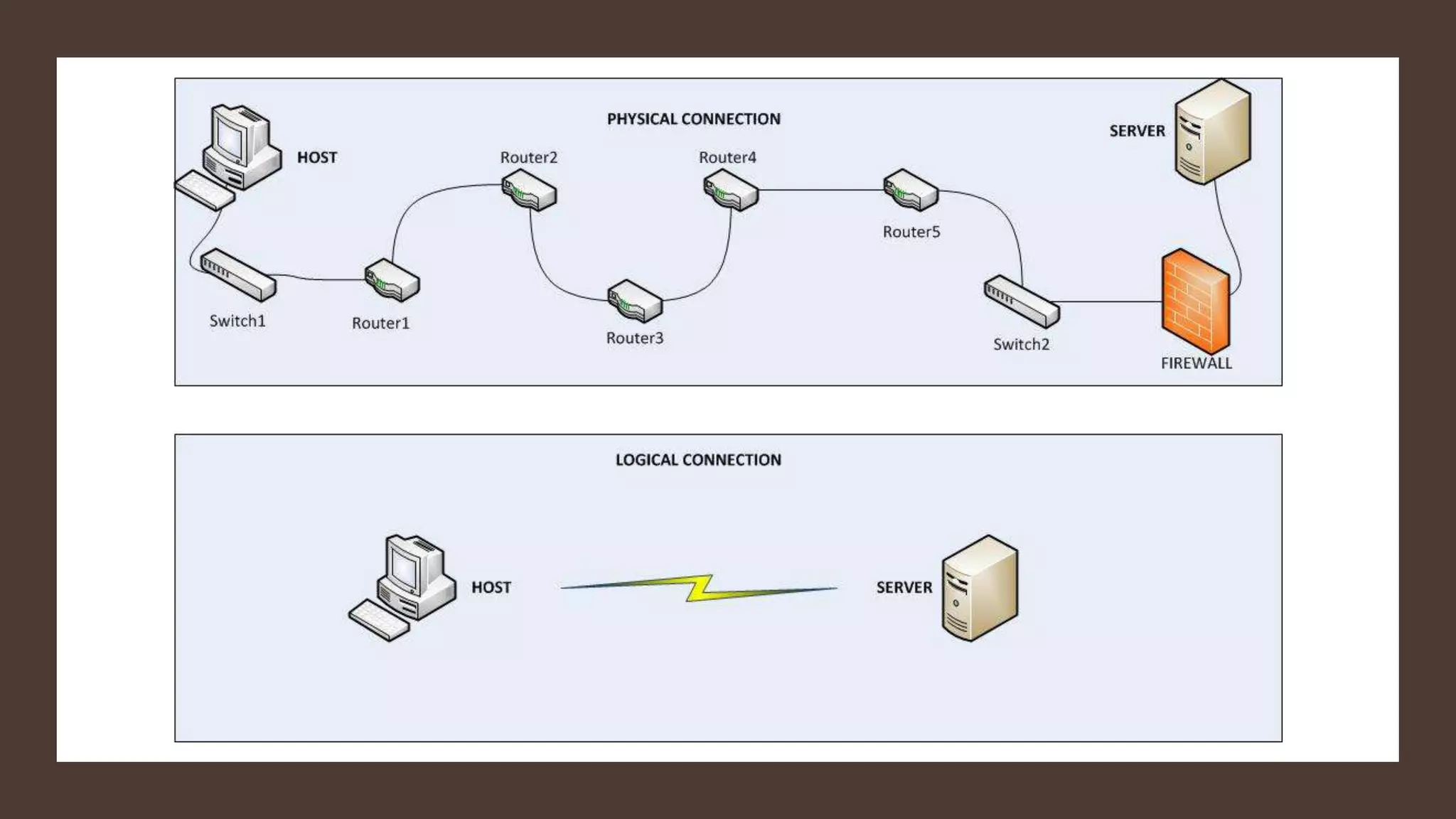
Topology
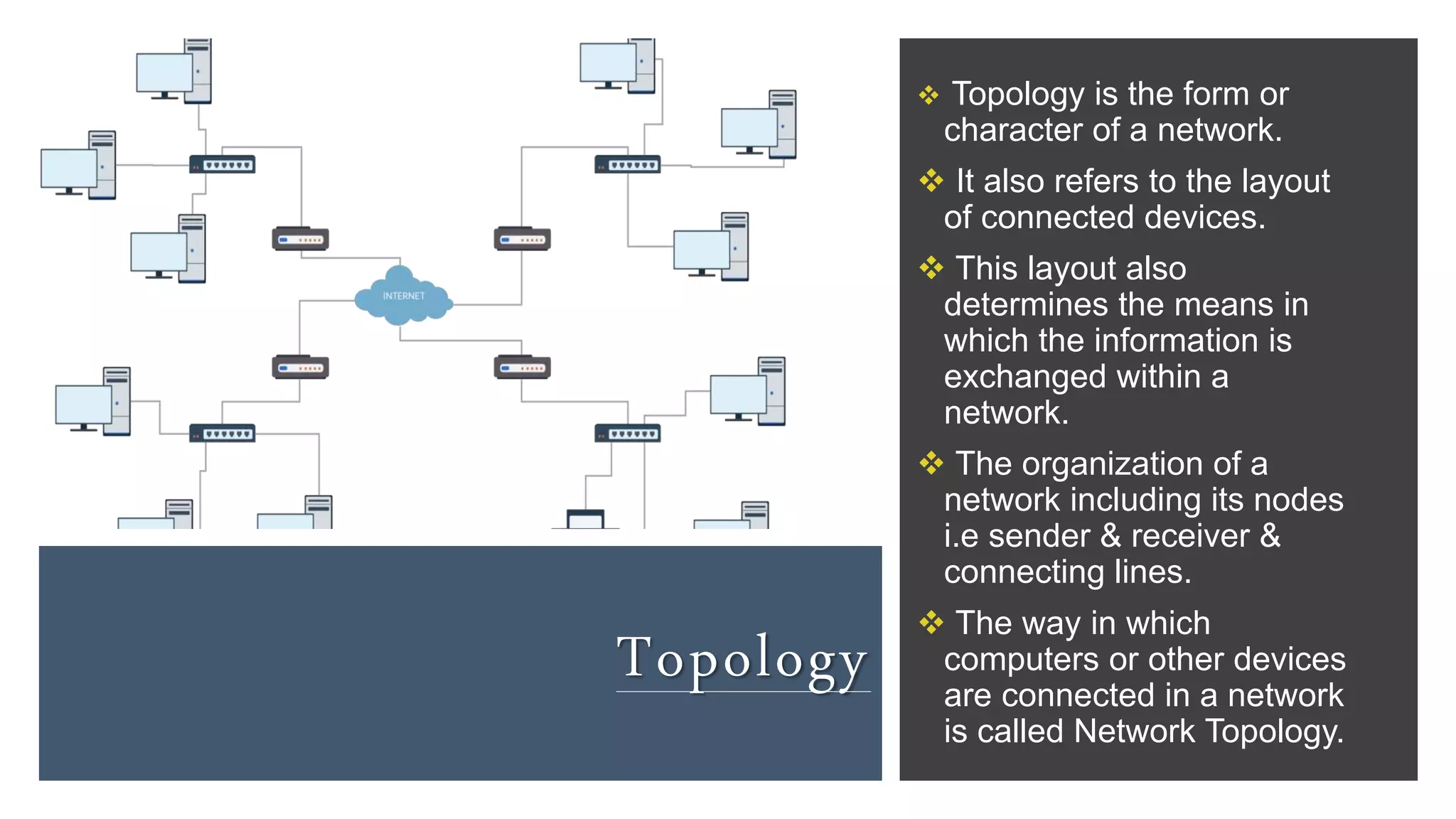
 Topology is the form or
character of a network.
 It also refers to the layout
of connected devices.
 This layout also
determines the means in
which the information is
exchanged within a
network.
 The organization of a
network including its nodes
i.e sender & receiver &
connecting lines.
 The way in which
computers or other devices
are connected in a network
is called Network Topology.
Topology
P
L
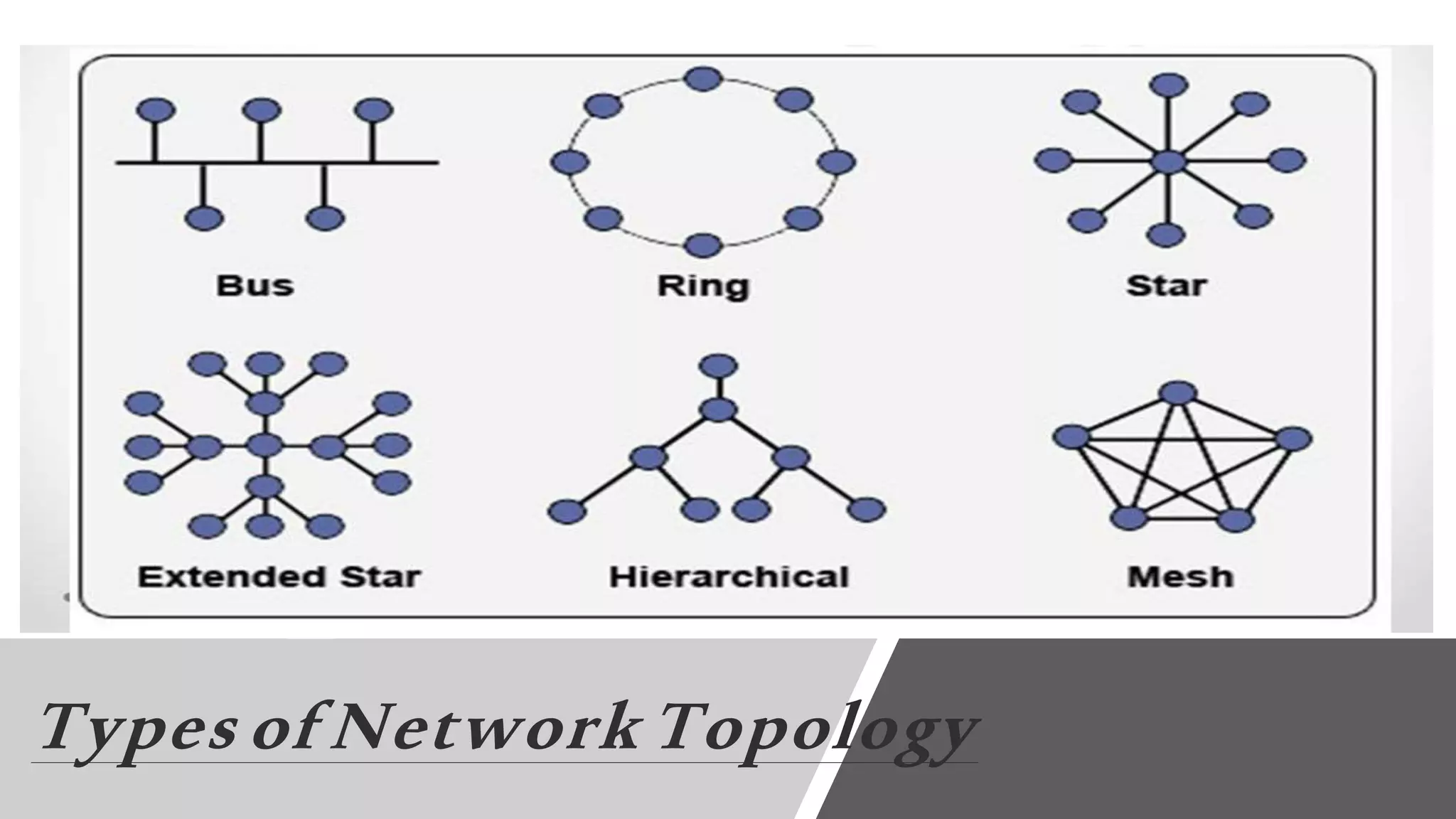
Types of Network Topology
Topology
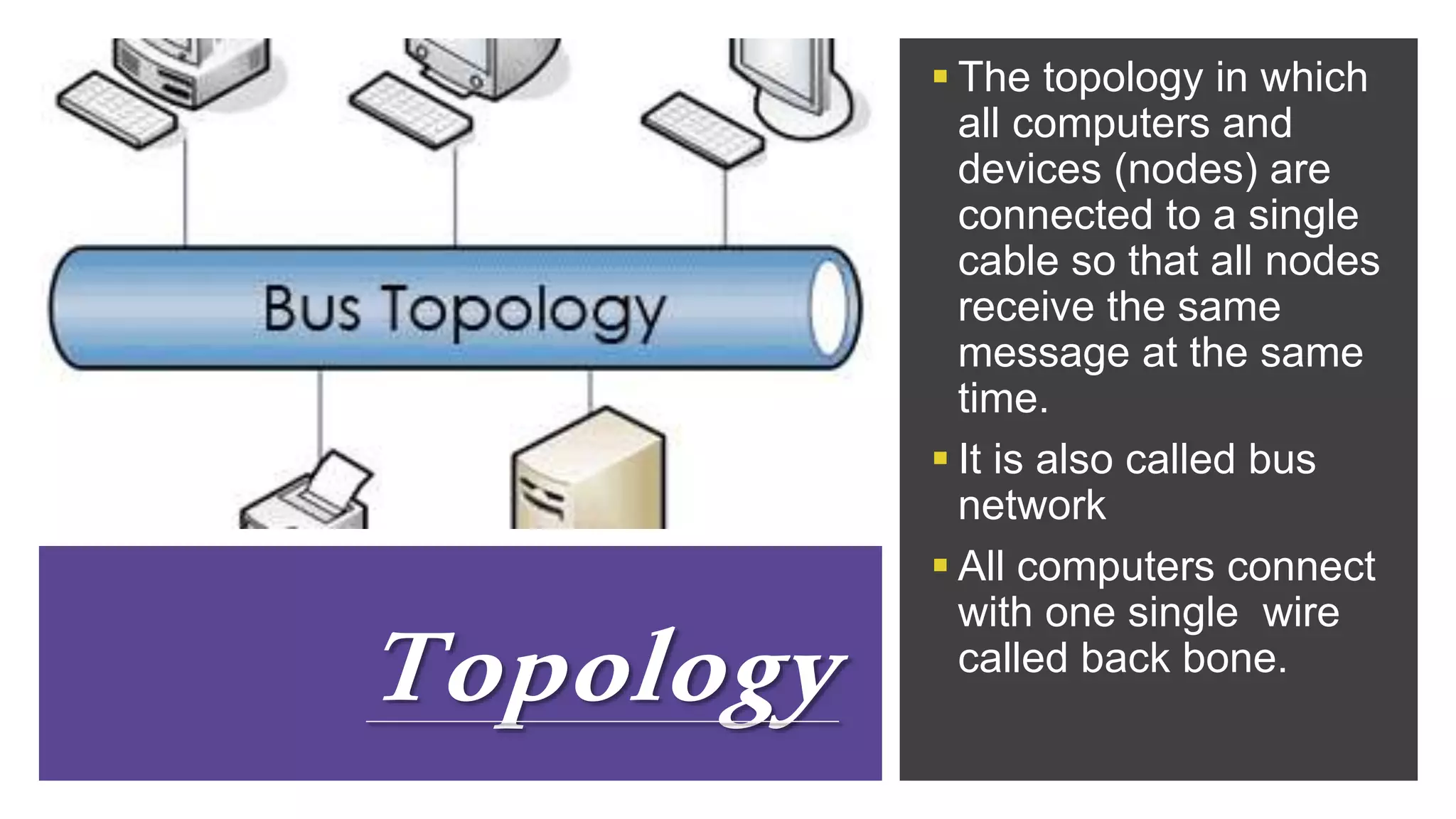
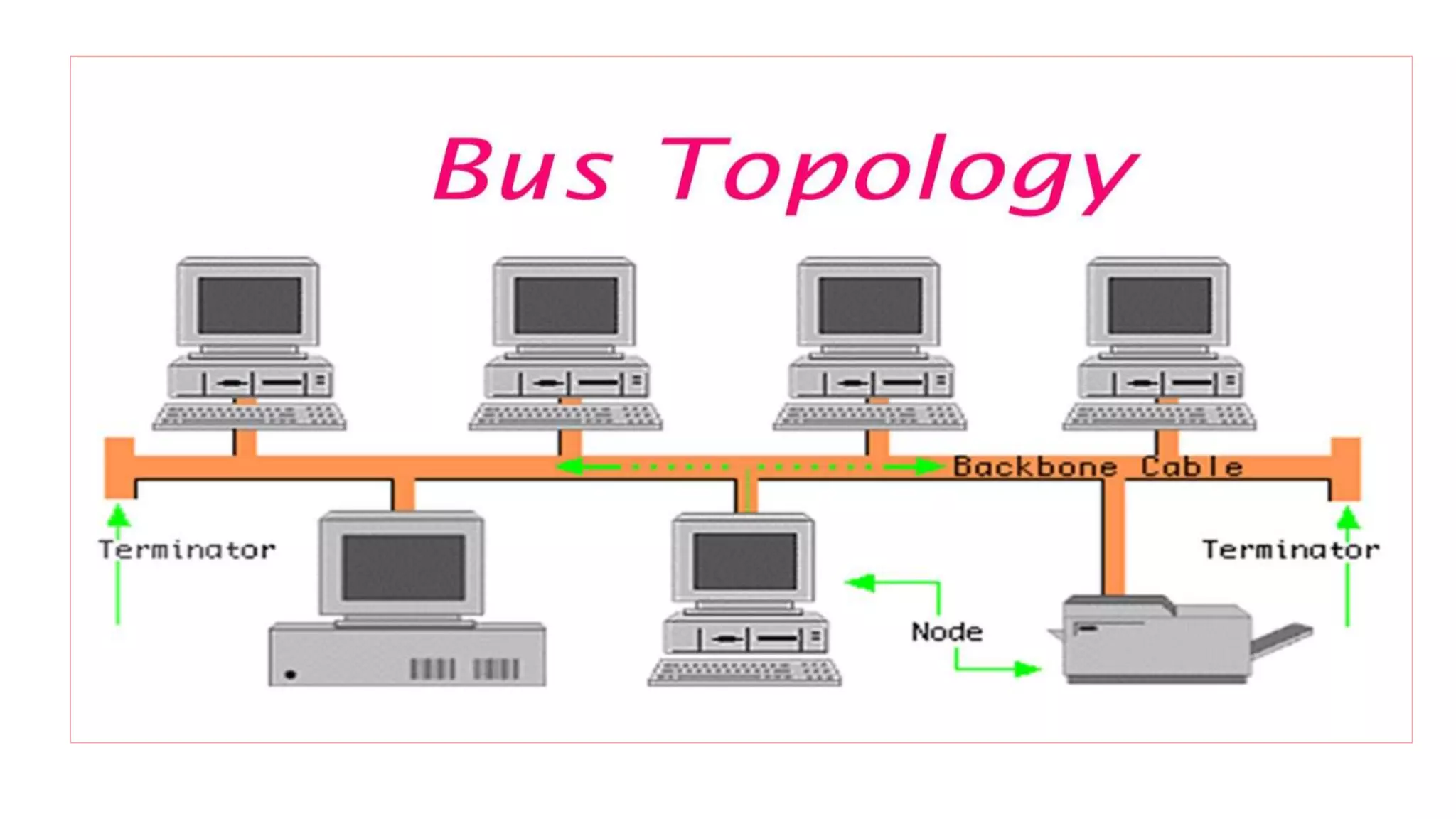
 The topology in which
all computers and
devices (nodes) are
connected to a single
cable so that all nodes
receive the same
message at the same
time.
 It is also called bus
network
 All computers connect
with one single wire
called back bone.
Bus Topology
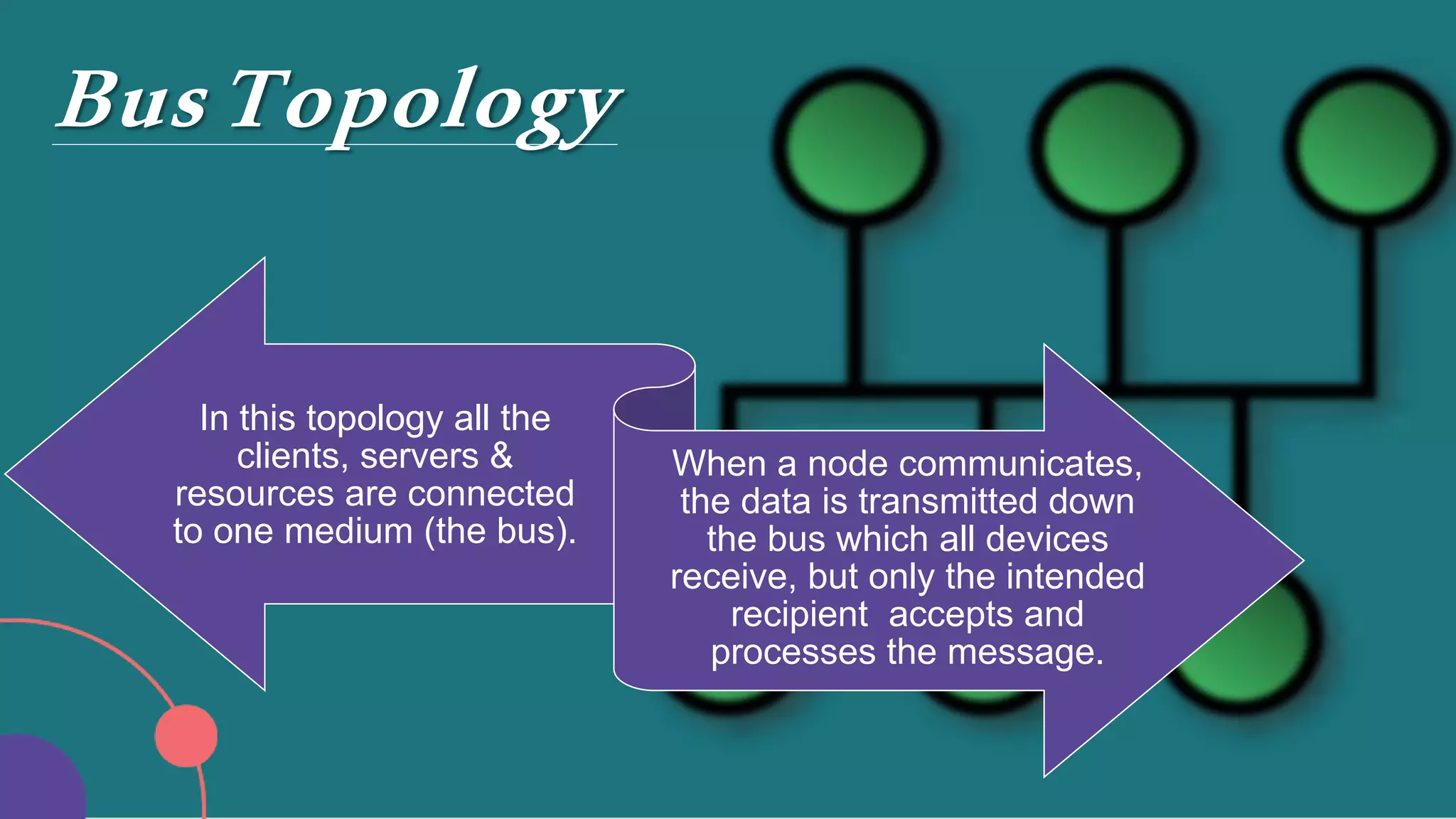
In this topology all the
clients, servers &
resources are connected
to one medium (the bus).
When a node communicates,
the data is transmitted down
the bus which all devices
receive, but only the intended
recipient accepts and
processes the message.
Bus Topology
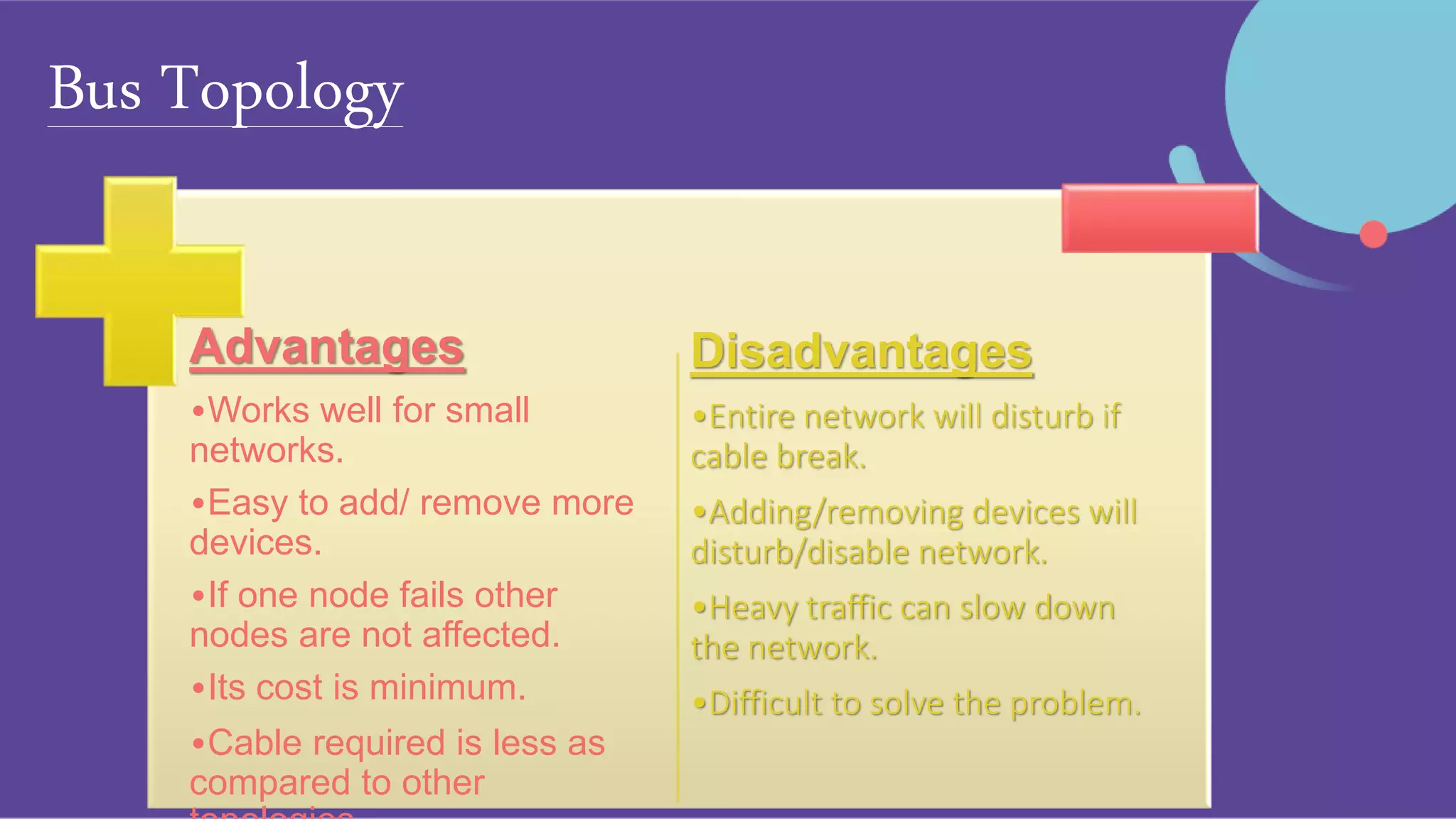
Advantages
•Works well for small
networks.
•Easy to add/ remove more
devices.
•If one node fails other
nodes are not affected.
•Its cost is minimum.
•Cable required is less as
compared to other
Disadvantages
•Entire network will disturb if
cable break.
•Adding/removing devices will
disturb/disable network.
•Heavy traffic can slow down
the network.
•Difficult to solve the problem.
Ring Topology
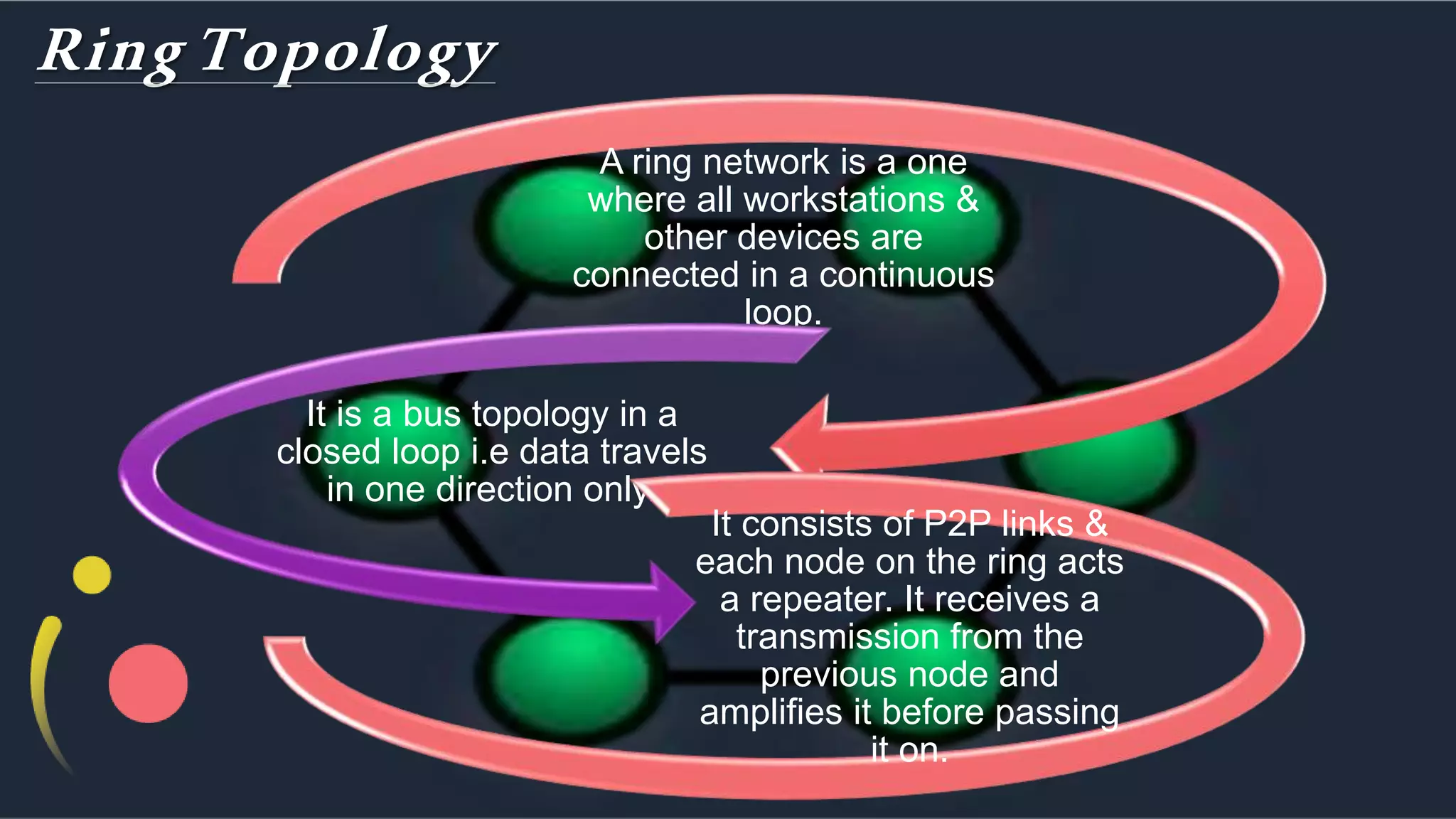
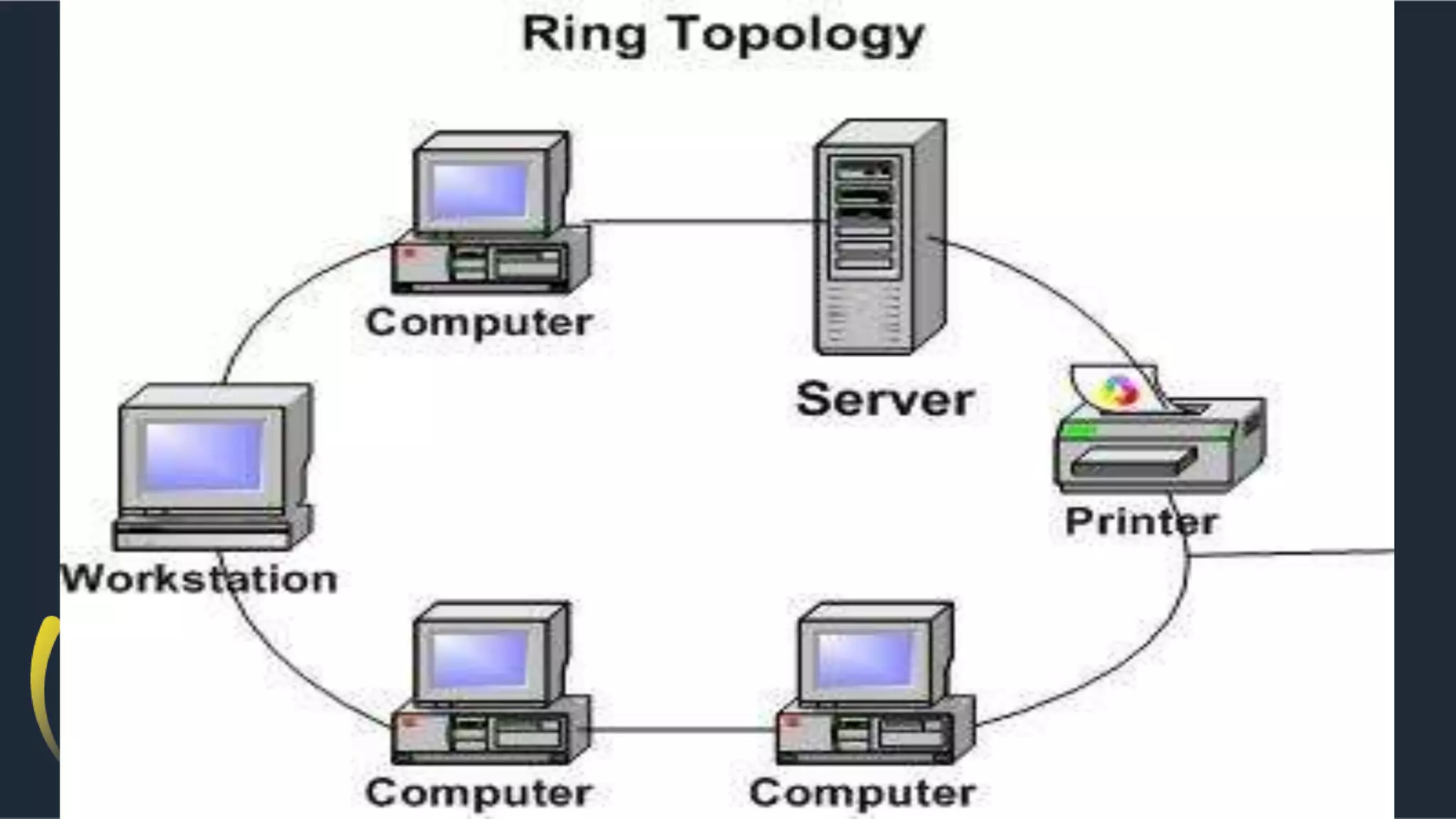
A ring network is a one
where all workstations &
other devices are
connected in a continuous
loop.
It is a bus topology in a
closed loop i.e data travels
in one direction only.
It consists of P2P links &
each node on the ring acts
a repeater. It receives a
transmission from the
previous node and
amplifies it before passing
it on.
Ring Topology
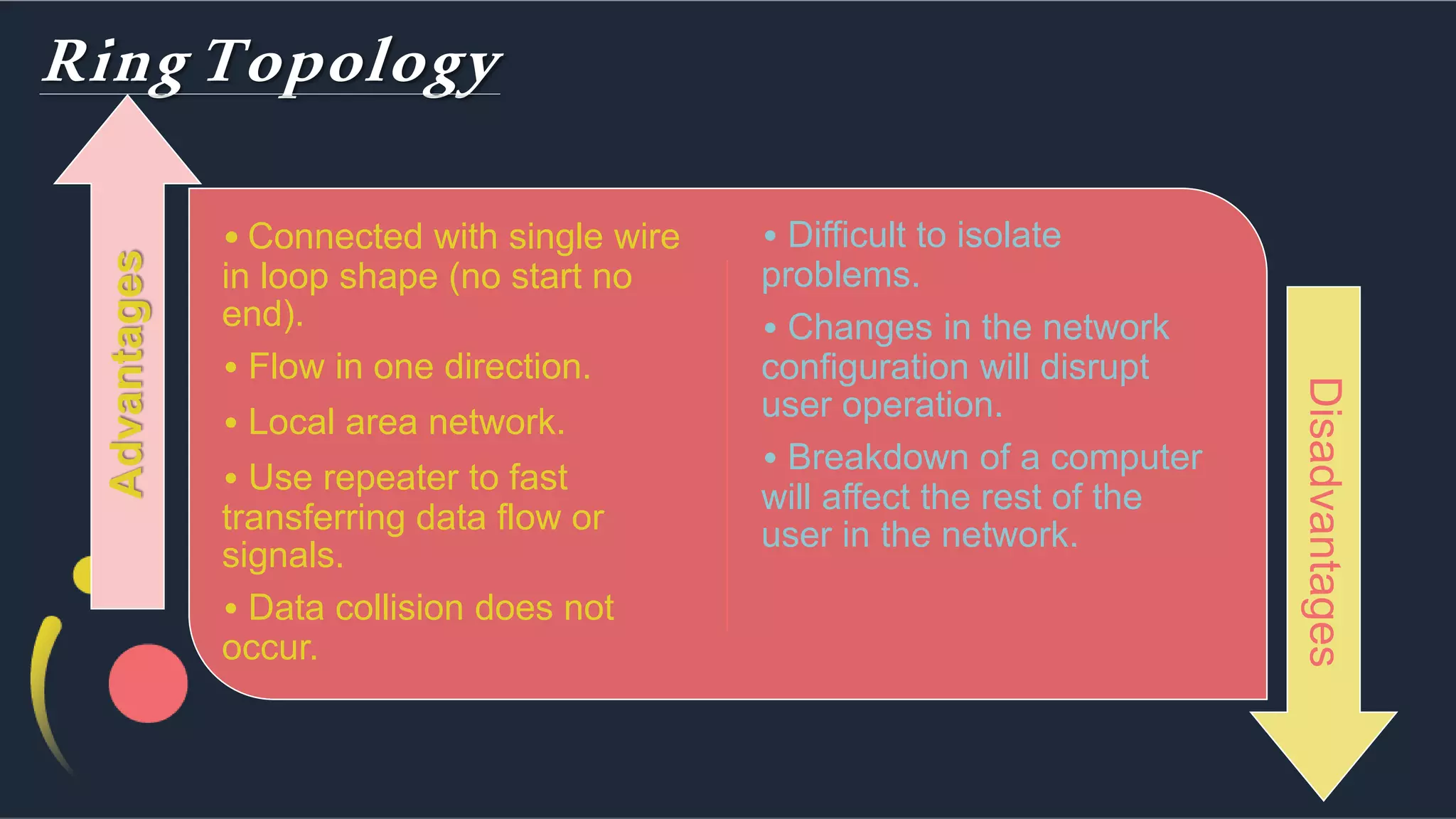
• Connected with single wire
in loop shape (no start no
end).
• Flow in one direction.
• Local area network.
• Use repeater to fast
transferring data flow or
signals.
• Data collision does not
occur.
• Difficult to isolate
problems.
• Changes in the network
configuration will disrupt
user operation.
• Breakdown of a computer
will affect the rest of the
user in the network.
Advantages
Disadvantages
Star Topology
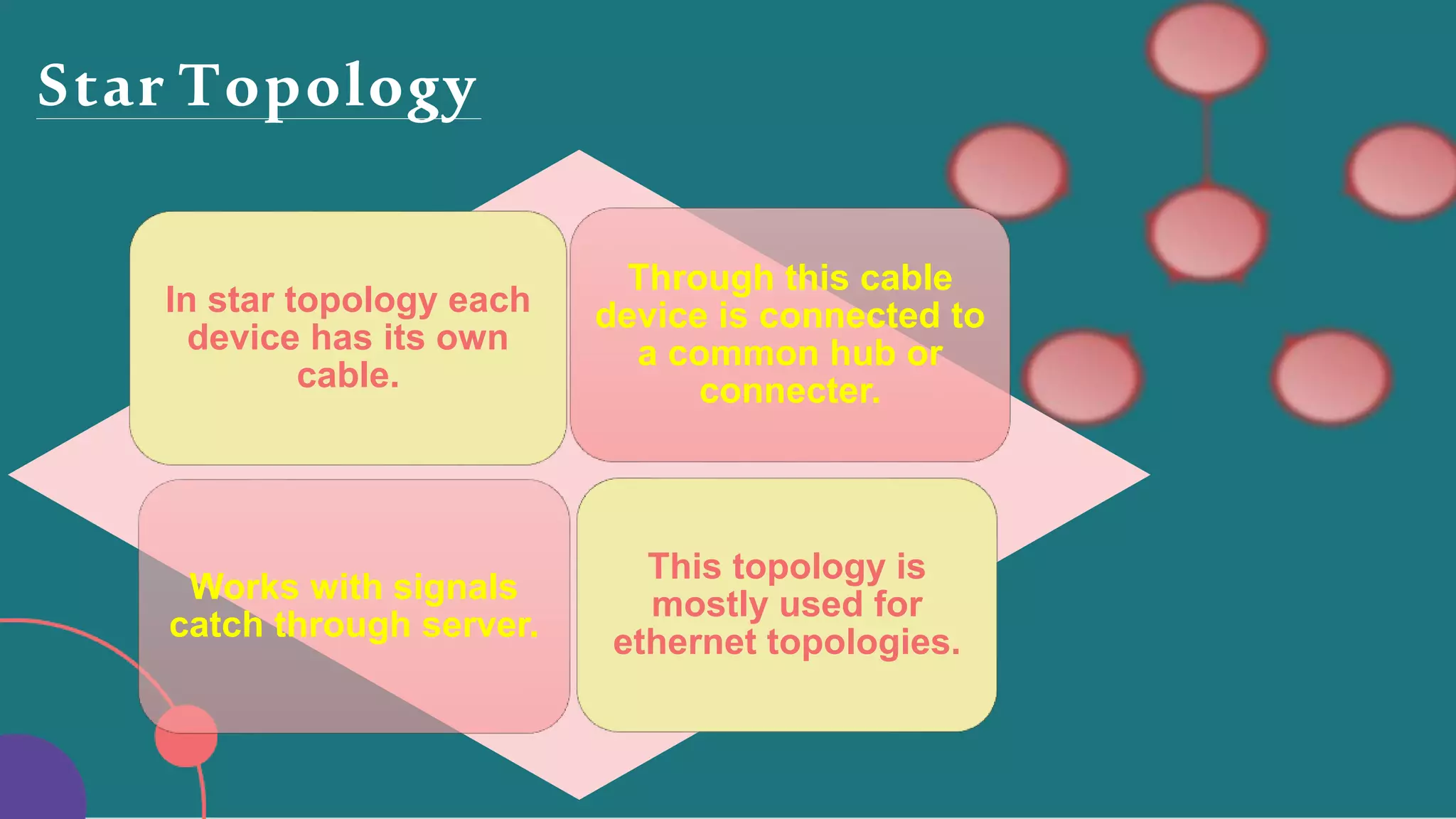
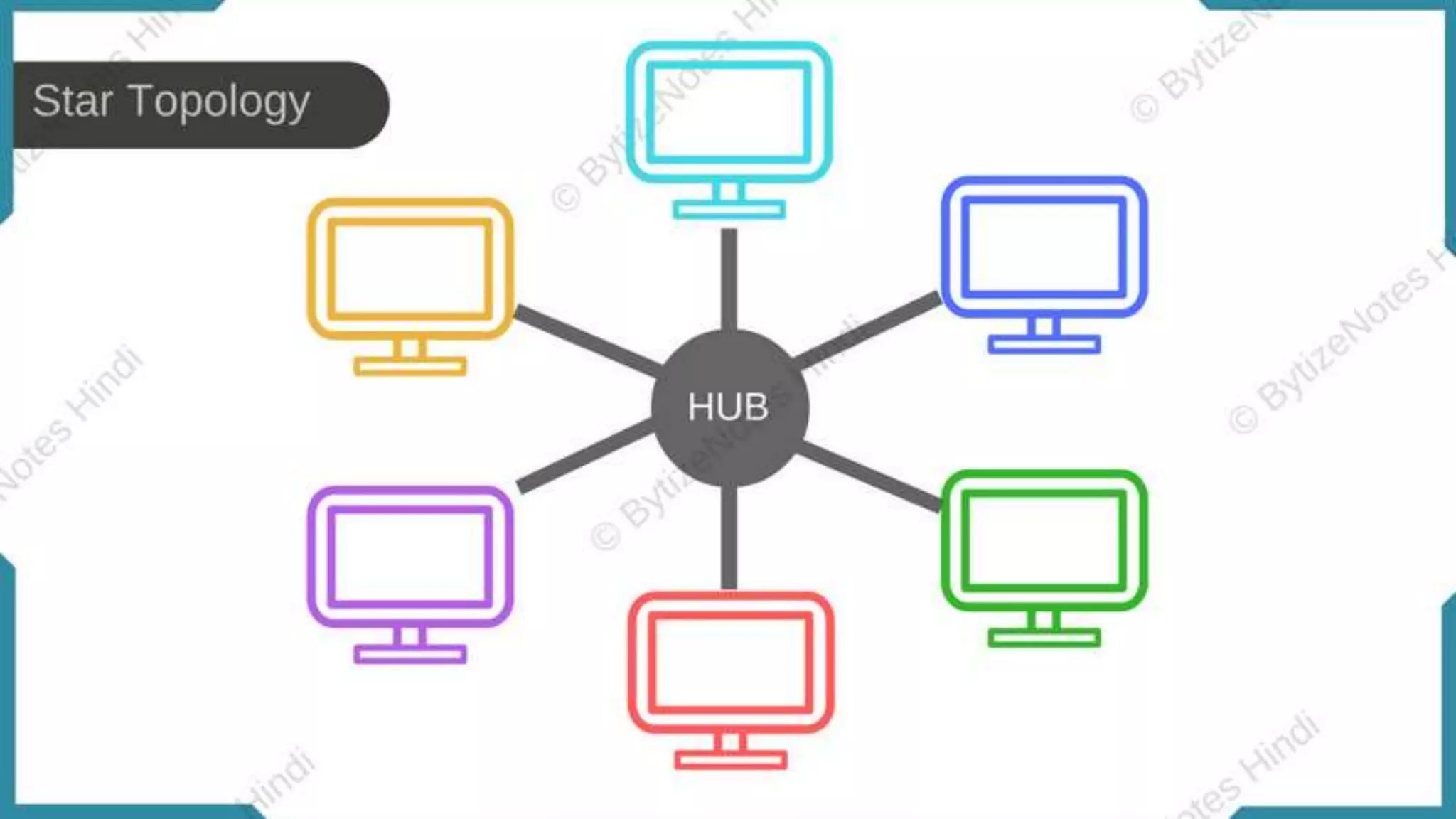
In star topology each
device has its own
cable.
Through this cable
device is connected to
a common hub or
connecter.
Works with signals
catch through server.
This topology is
mostly used for
ethernet topologies.
Star Topology
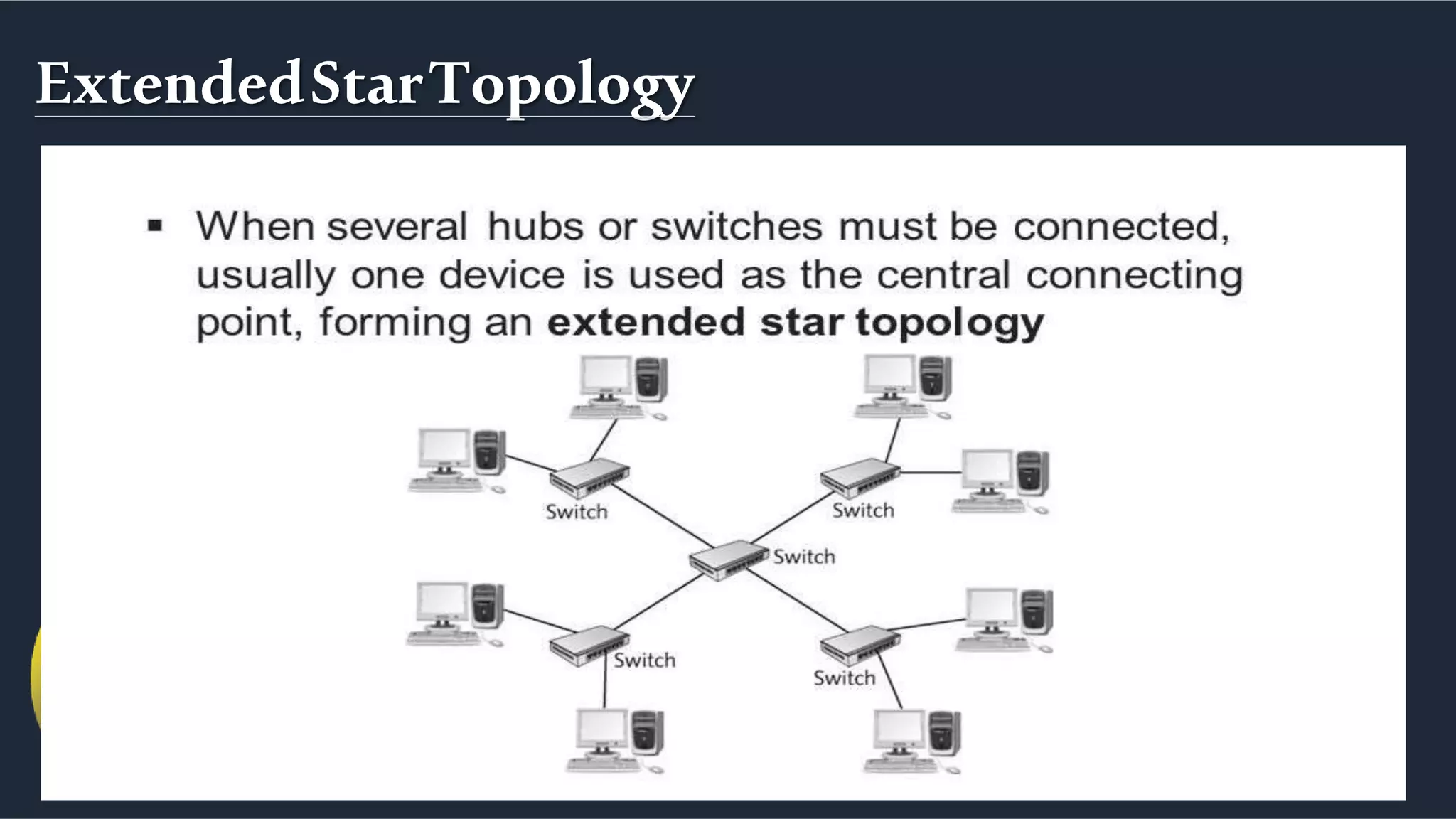
ExtendedStarTopology
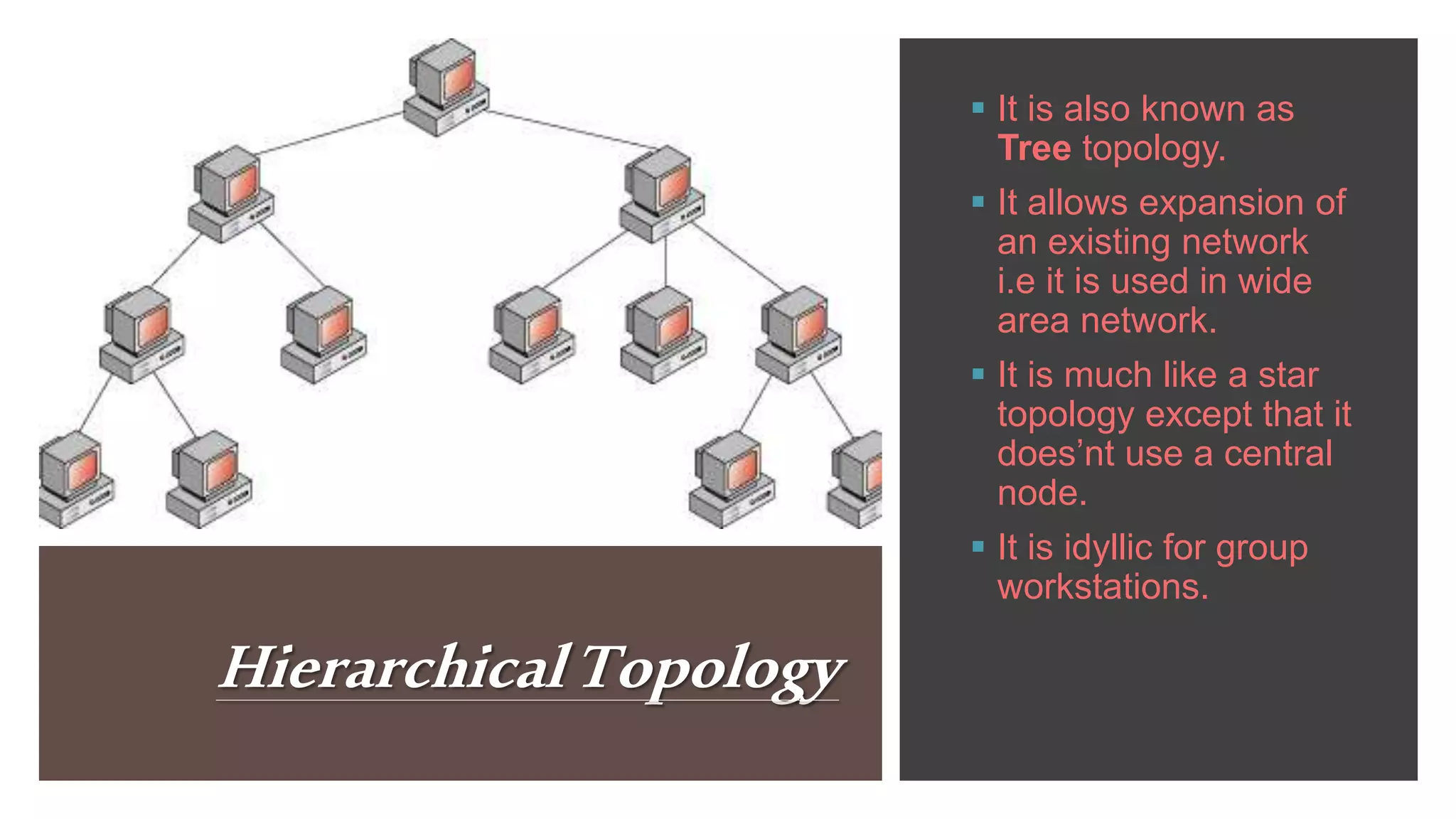
HierarchicalTopology
 It is also known as
Tree topology.
 It allows expansion of
an existing network
i.e it is used in wide
area network.
 It is much like a star
topology except that it
does’nt use a central
node.
 It is idyllic for group
workstations.
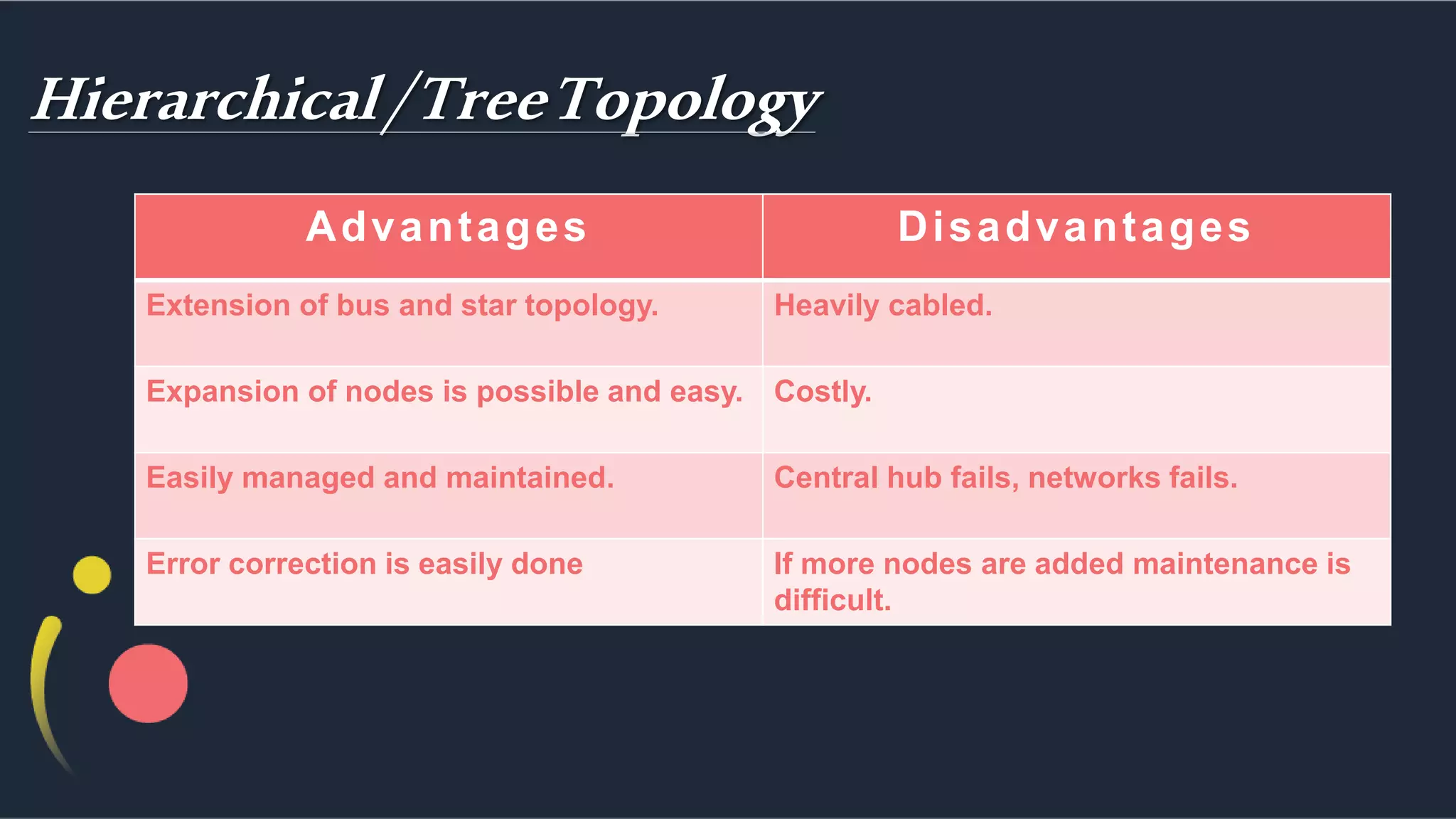
Hierarchical/TreeTopology
Advantages Disadvantages
Extension of bus and star topology. Heavily cabled.
Expansion of nodes is possible and easy. Costly.
Easily managed and maintained. Central hub fails, networks fails.
Error correction is easily done If more nodes are added maintenance is
difficult.
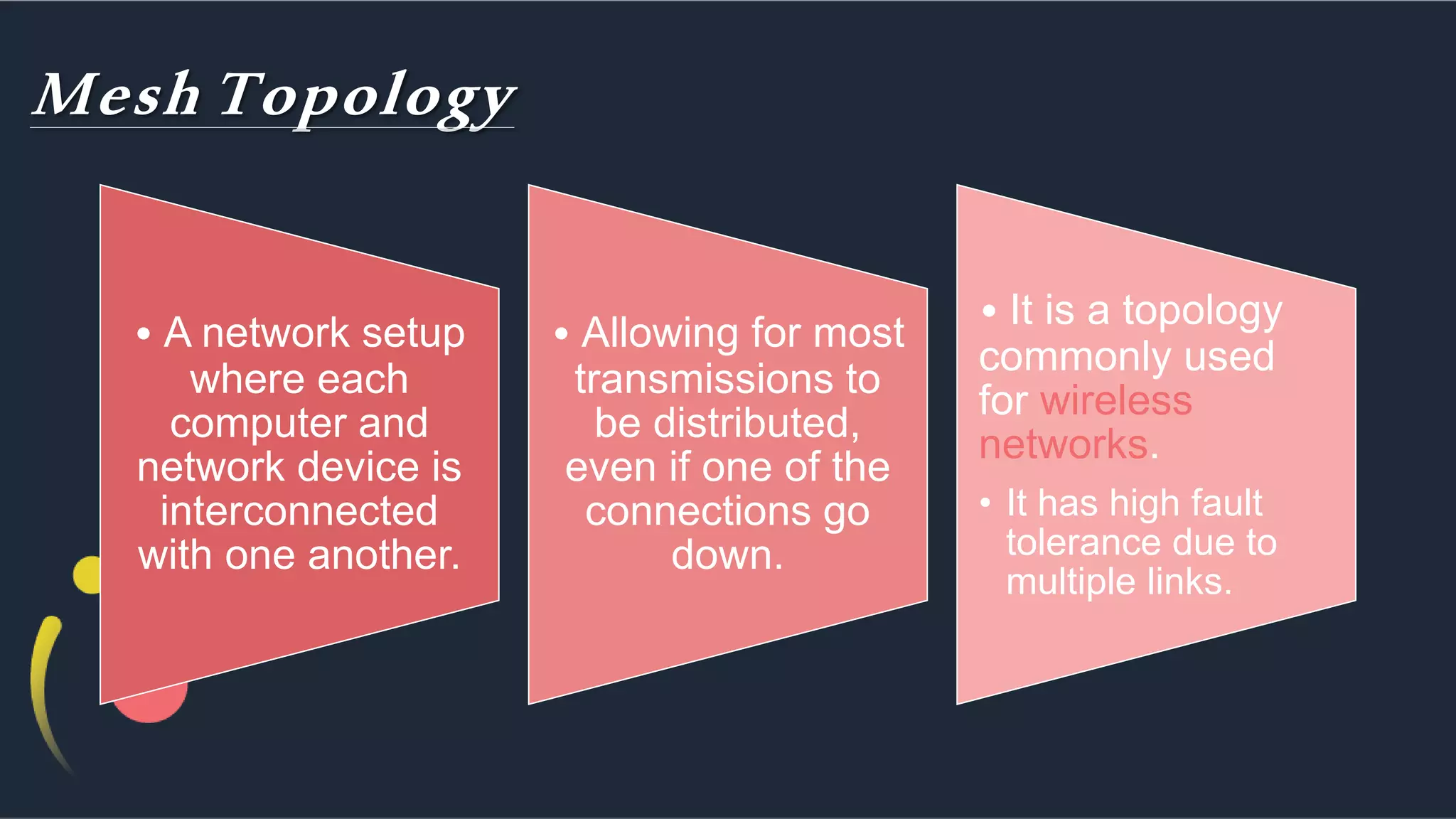
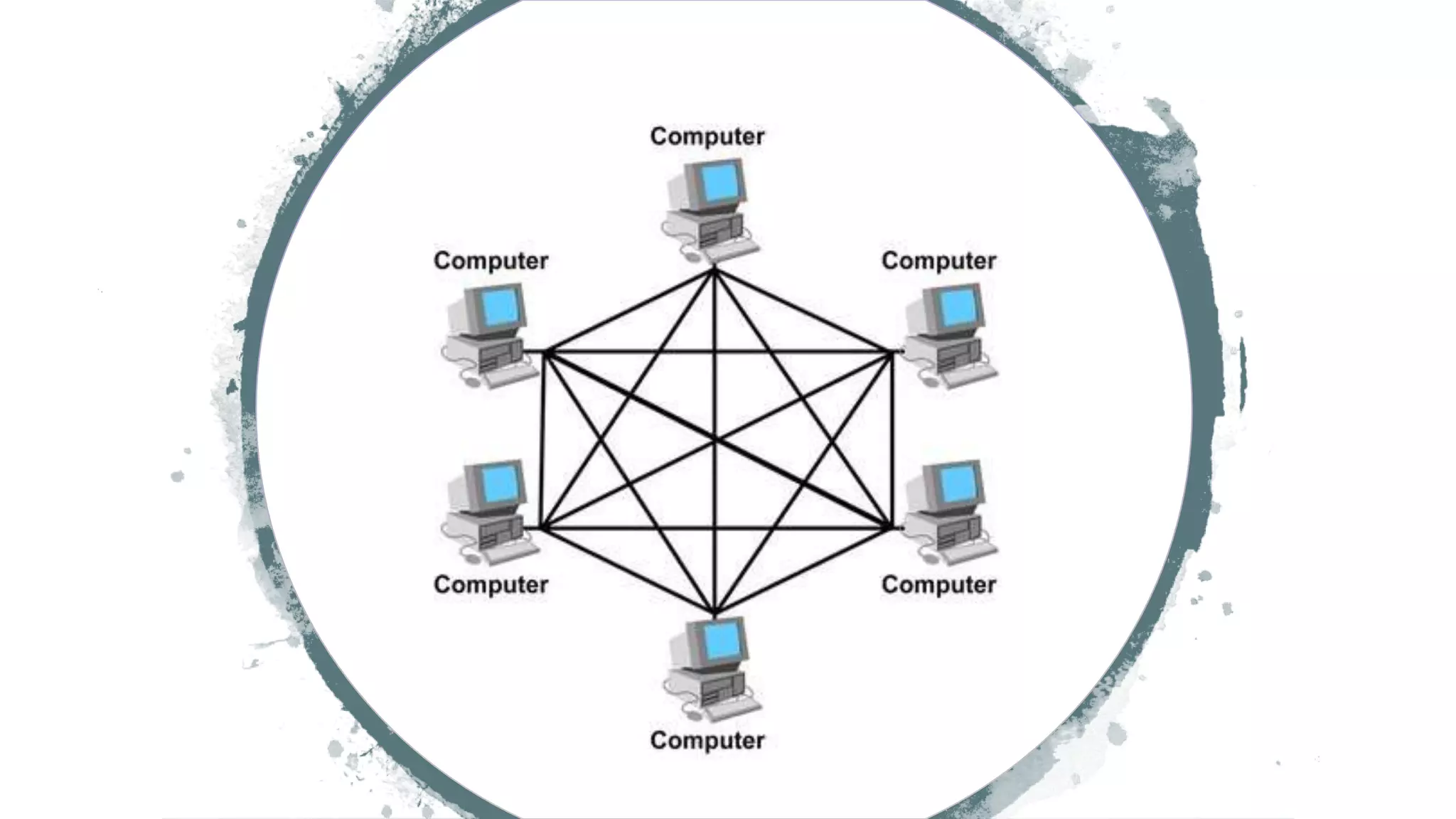
Mesh Topology
• A network setup
where each
computer and
network device is
interconnected
with one another.
• Allowing for most
transmissions to
be distributed,
even if one of the
connections go
down.
• It is a topology
commonly used
for wireless
networks.
• It has high fault
tolerance due to
multiple links.
Mesh Topology
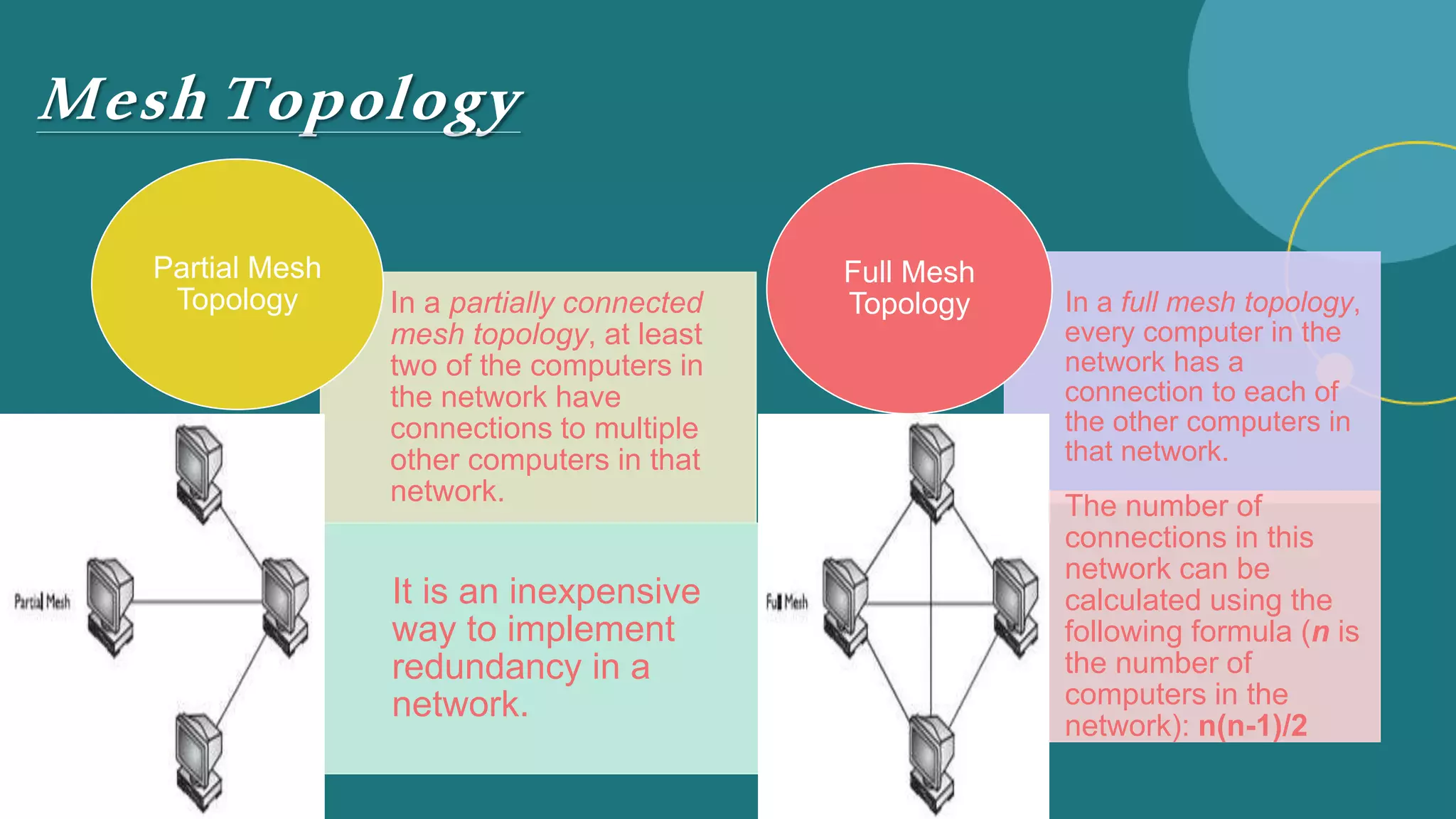
In a partially connected
mesh topology, at least
two of the computers in
the network have
connections to multiple
other computers in that
network.
It is an inexpensive
way to implement
redundancy in a
network.
Partial Mesh
Topology In a full mesh topology,
every computer in the
network has a
connection to each of
the other computers in
that network.
The number of
connections in this
network can be
calculated using the
following formula (n is
the number of
computers in the
network): n(n-1)/2
Full Mesh
Topology
Mesh Topology• Can handle high amounts of traffic, b/c
multiple devices can transmit data
simultaneously.
• Adding additional devices does not
disrupt data transmission between other
devices.
• A failure of one device does not cause a
break in the network or transmission of
data.
• High cost wire.
• Installation & configuration is
difficult.
Advantage
s
Disadvantage
s
NETWORK tOPOLOGY.pptx

NETWORK tOPOLOGY.pptx

  • 1.
    NETWORK tOPOLOGY Presentation Peoples Universityof Medical & Health Sciences for Womens Nawabshah SBA Assigned By: Sir Shuhaib Uddin Memon Presented by: Hizba Batool
  • 2.
    Contents  Topology Introduction Types of Topology  Bus Topology & Others  Advantages & Disadvantages  Conclusion
  • 3.
    Topology  Topology isthe form or character of a network.  It also refers to the layout of connected devices.  This layout also determines the means in which the information is exchanged within a network.  The organization of a network including its nodes i.e sender & receiver & connecting lines.  The way in which computers or other devices are connected in a network is called Network Topology.
  • 4.
  • 6.
  • 7.
    Topology  The topologyin which all computers and devices (nodes) are connected to a single cable so that all nodes receive the same message at the same time.  It is also called bus network  All computers connect with one single wire called back bone.
  • 8.
    Bus Topology In thistopology all the clients, servers & resources are connected to one medium (the bus). When a node communicates, the data is transmitted down the bus which all devices receive, but only the intended recipient accepts and processes the message.
  • 10.
    Bus Topology Advantages •Works wellfor small networks. •Easy to add/ remove more devices. •If one node fails other nodes are not affected. •Its cost is minimum. •Cable required is less as compared to other Disadvantages •Entire network will disturb if cable break. •Adding/removing devices will disturb/disable network. •Heavy traffic can slow down the network. •Difficult to solve the problem.
  • 11.
    Ring Topology A ringnetwork is a one where all workstations & other devices are connected in a continuous loop. It is a bus topology in a closed loop i.e data travels in one direction only. It consists of P2P links & each node on the ring acts a repeater. It receives a transmission from the previous node and amplifies it before passing it on.
  • 13.
    Ring Topology • Connectedwith single wire in loop shape (no start no end). • Flow in one direction. • Local area network. • Use repeater to fast transferring data flow or signals. • Data collision does not occur. • Difficult to isolate problems. • Changes in the network configuration will disrupt user operation. • Breakdown of a computer will affect the rest of the user in the network. Advantages Disadvantages
  • 14.
    Star Topology In startopology each device has its own cable. Through this cable device is connected to a common hub or connecter. Works with signals catch through server. This topology is mostly used for ethernet topologies.
  • 16.
  • 17.
  • 18.
    HierarchicalTopology  It isalso known as Tree topology.  It allows expansion of an existing network i.e it is used in wide area network.  It is much like a star topology except that it does’nt use a central node.  It is idyllic for group workstations.
  • 19.
    Hierarchical/TreeTopology Advantages Disadvantages Extension ofbus and star topology. Heavily cabled. Expansion of nodes is possible and easy. Costly. Easily managed and maintained. Central hub fails, networks fails. Error correction is easily done If more nodes are added maintenance is difficult.
  • 20.
    Mesh Topology • Anetwork setup where each computer and network device is interconnected with one another. • Allowing for most transmissions to be distributed, even if one of the connections go down. • It is a topology commonly used for wireless networks. • It has high fault tolerance due to multiple links.
  • 22.
    Mesh Topology In apartially connected mesh topology, at least two of the computers in the network have connections to multiple other computers in that network. It is an inexpensive way to implement redundancy in a network. Partial Mesh Topology In a full mesh topology, every computer in the network has a connection to each of the other computers in that network. The number of connections in this network can be calculated using the following formula (n is the number of computers in the network): n(n-1)/2 Full Mesh Topology
  • 23.
    Mesh Topology• Canhandle high amounts of traffic, b/c multiple devices can transmit data simultaneously. • Adding additional devices does not disrupt data transmission between other devices. • A failure of one device does not cause a break in the network or transmission of data. • High cost wire. • Installation & configuration is difficult. Advantage s Disadvantage s