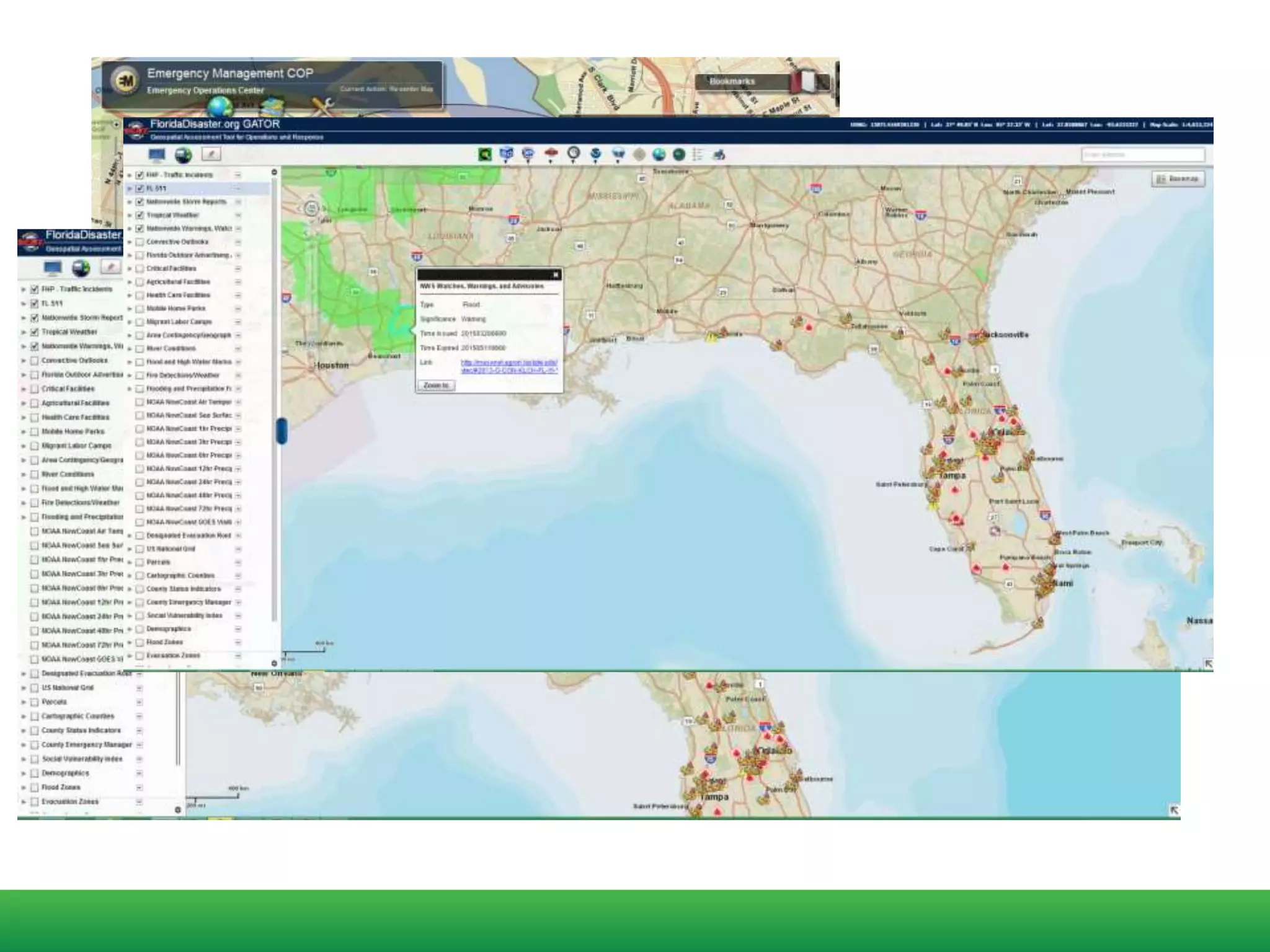
Data Management in Emergency Prevention and
Response
NEARC Spring Conference - 2015
Michael Funaro, Latitude Geographics
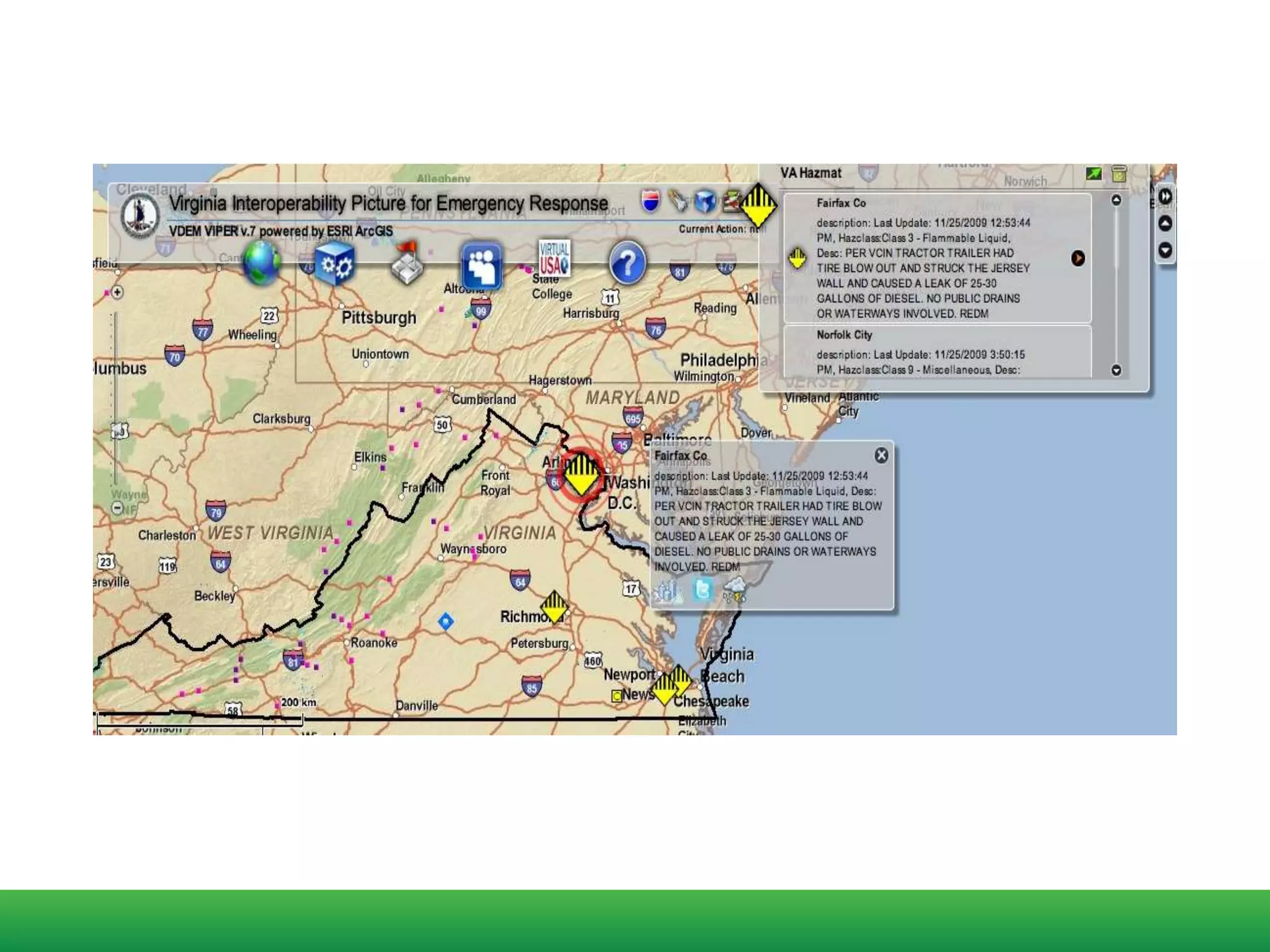
GIS is frequently used to assemble the "big picture" in a
disaster. Among other things, it is essential for a GIS system to
help decision makers understand where first responder
resources are located and where help is needed.
GEOG 588
Planning GIS for Emergency Management
PENN State
Dept of Geography
https://www.e-education.psu.edu/geog588/l6_p5.html
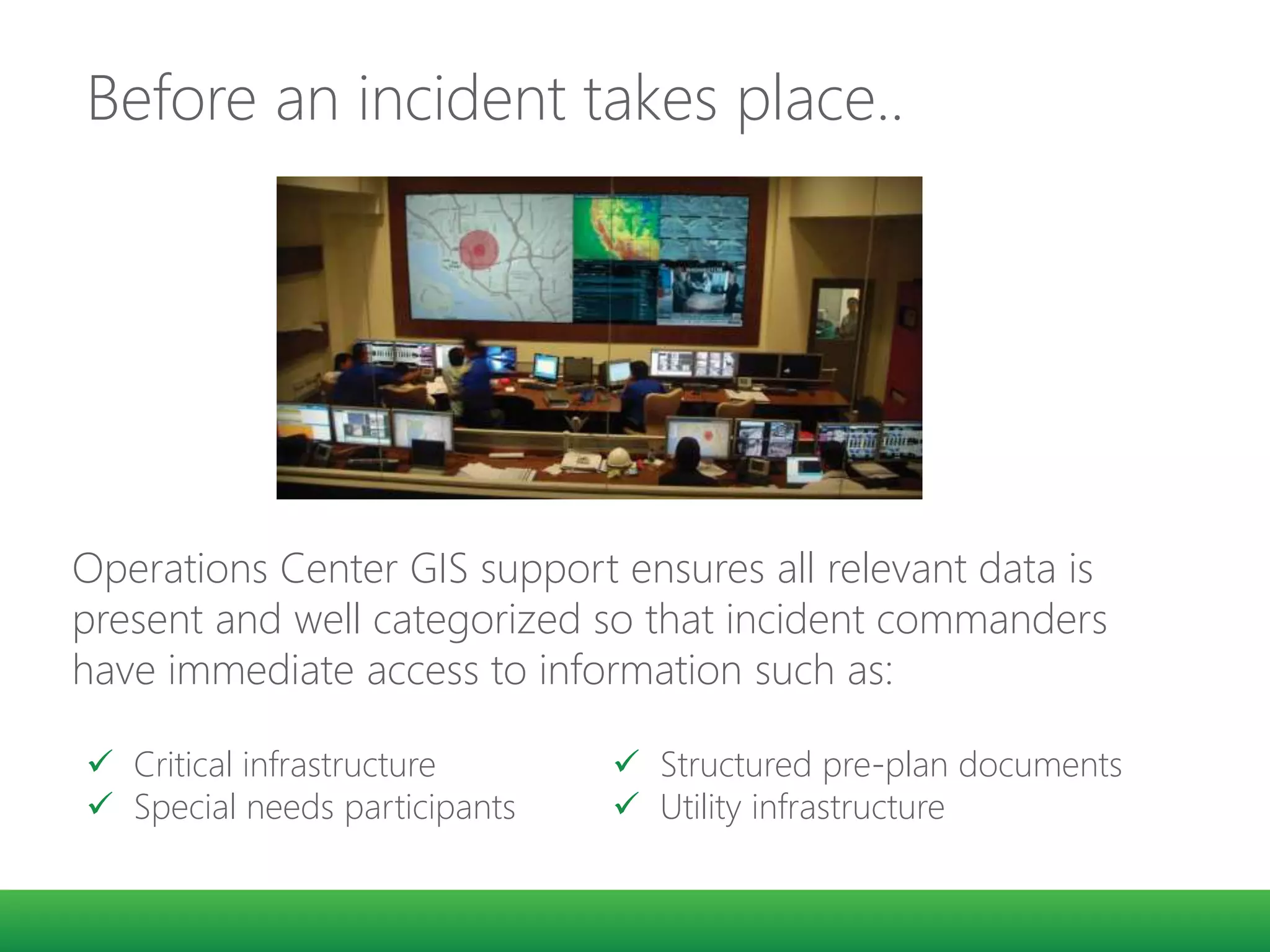
Before an incident takes place..
48° 25’ 32 N
123° 22’ 11” W
Operations Center GIS support ensures all relevant data is
present and well categorized so that incident commanders
have immediate access to information such as:
 Critical infrastructure
 Special needs participants
 Structured pre-plan documents
 Utility infrastructure
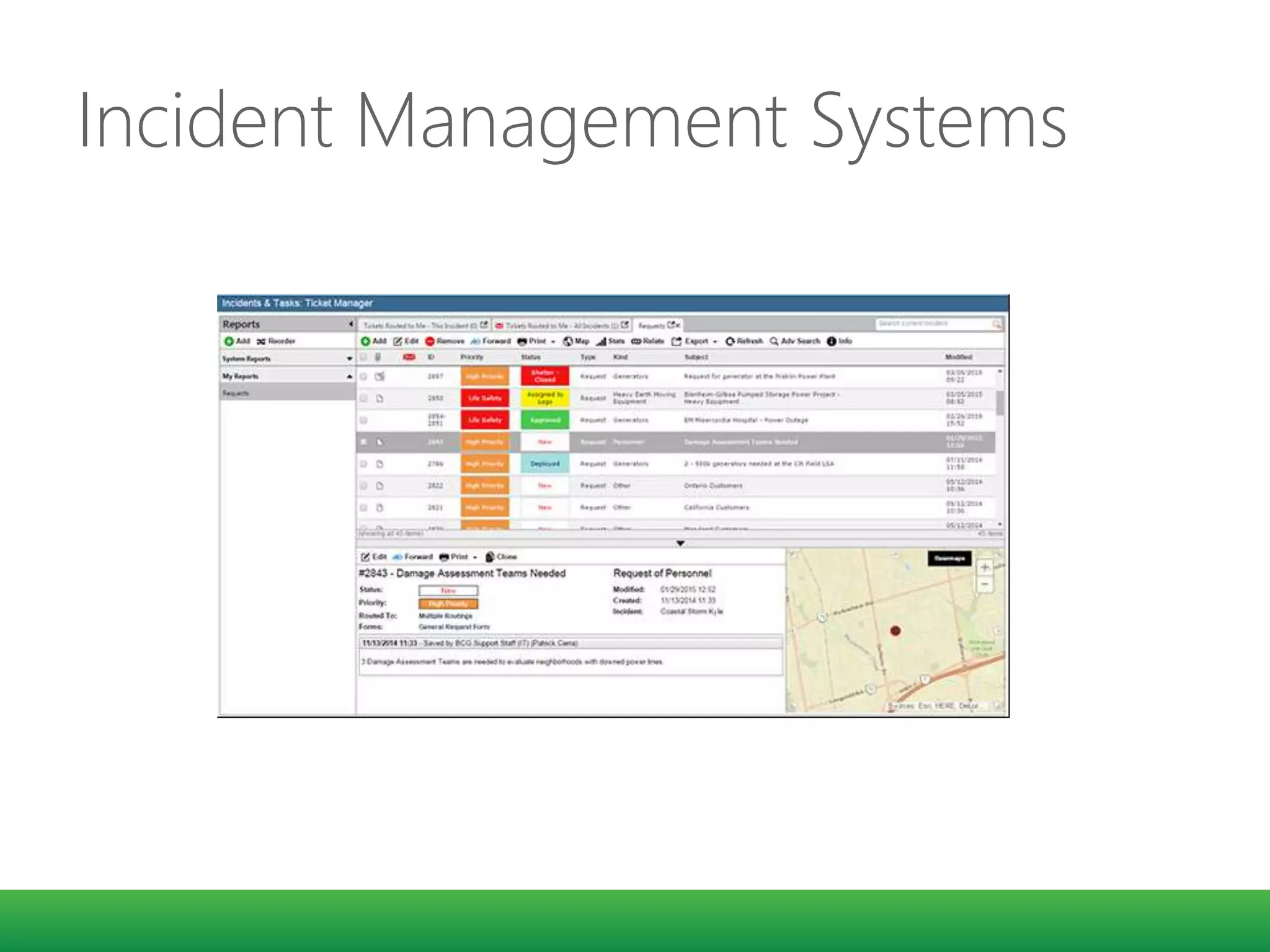
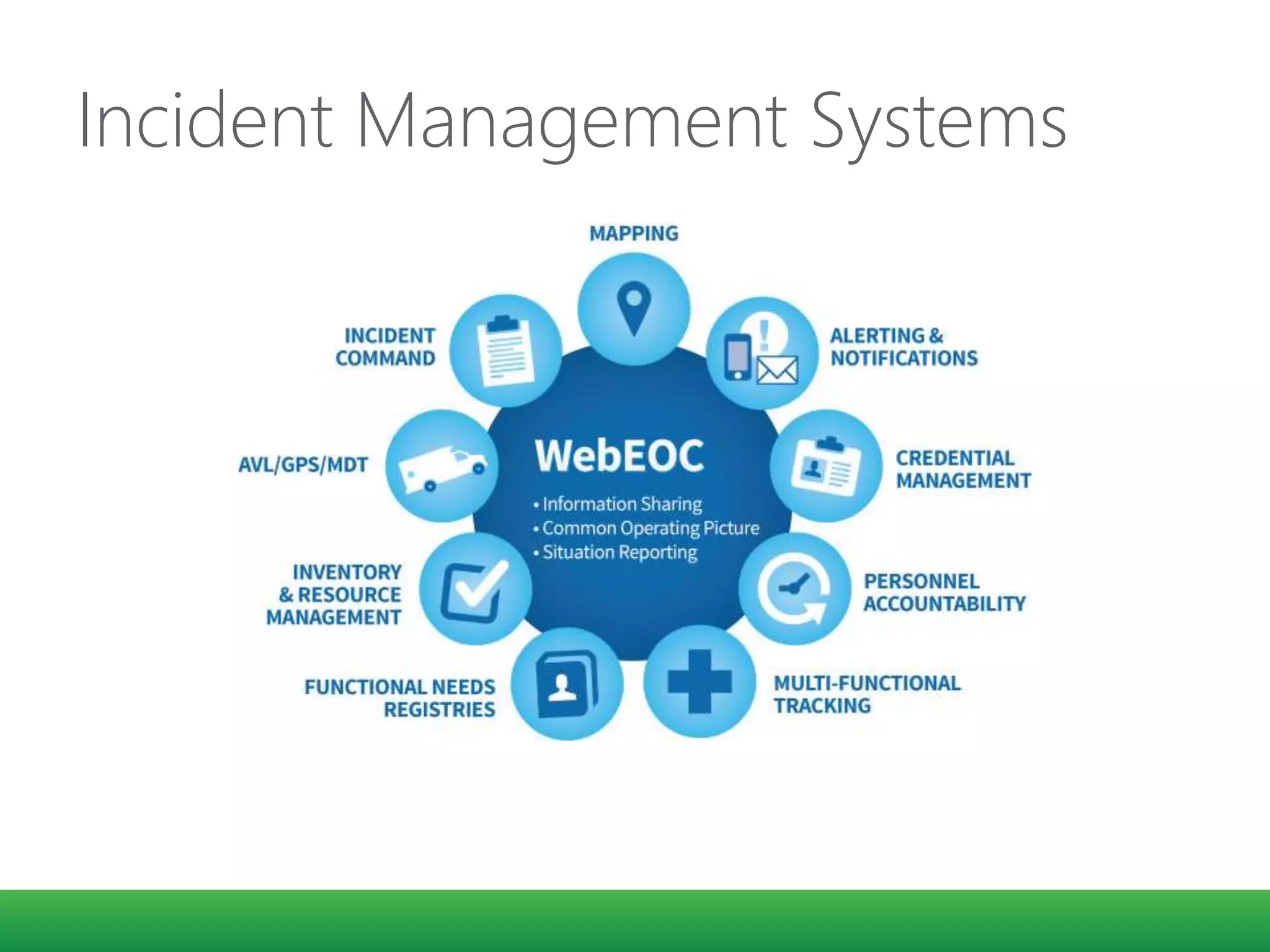
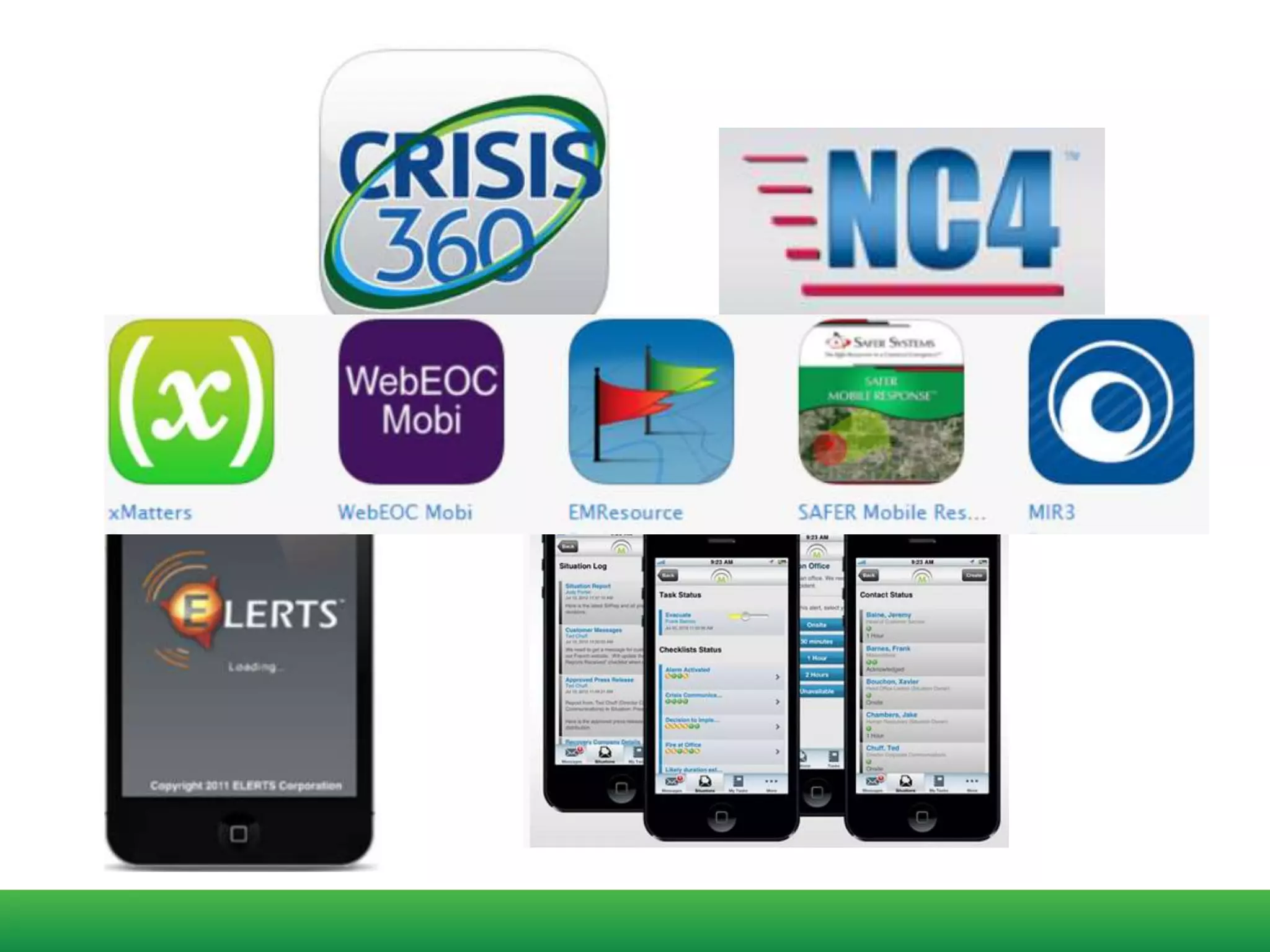
Incident Management Systems
GEOG 588
Effective response to a disaster depends on quickly
synthesizing actionable information and disseminating that
information to responders in the field.
https://www.e-education.psu.edu/geog588/l6_p5.html
Today…
1. Trends for web technologies
2. Strategies for building web applications
GEOG 588
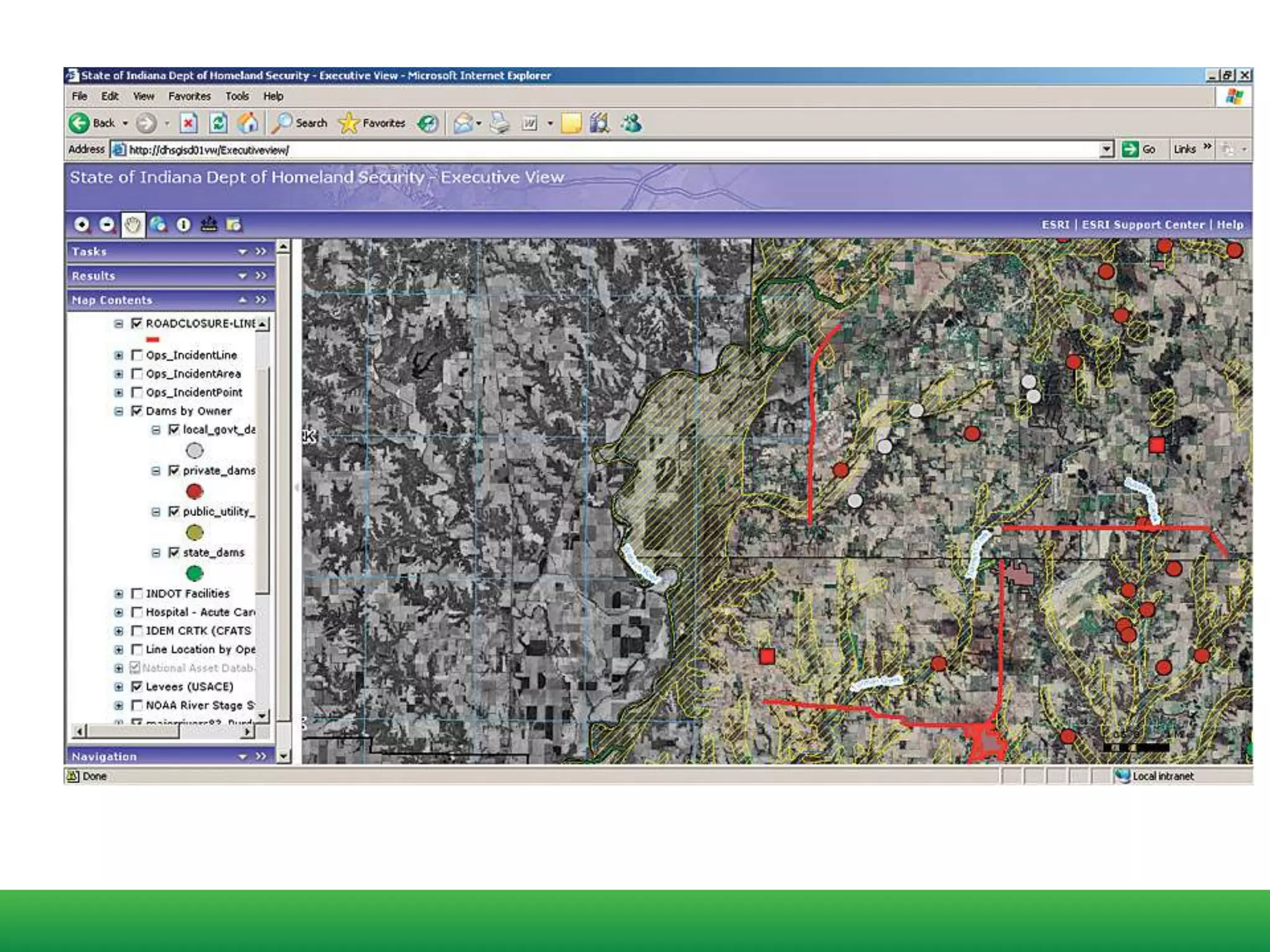
A persistent issue with the application of GIS to emergency management is that
there is often a significant knowledge gap between the GIS experts who know and
understand the tools and intricacies of geographic data and the decision makers
who have to act on information derived from GIS systems.
Training decision makers on the use of GIS is not practical in most circumstances
(and during a crisis situation, it's already too late)
GEOG 588
Some design criteria for GIS-enabled dashboards could include:
 The system must allow non-programmer analysts to quickly customize
the map/app
 Tools and graphics must be readily understandable by decision makers
who have no GIS training.
 Tools and graphics should focus on strategic objectives and the "big
picture.
Future COP designs must solve a different problem: how to
dynamically collect and situationally organize information in a
way that is relevant to the commander’s decision process
Hence, future COP designs will be “concept-driven” as much as
they are “data-driven”
Dennis K. Leedom, Ph.D.
Evidence Based Research, Inc
Reimagining Focus
Persona: a fictional representative
of the user you are building the
application for.
The protector and defender of
your interface.
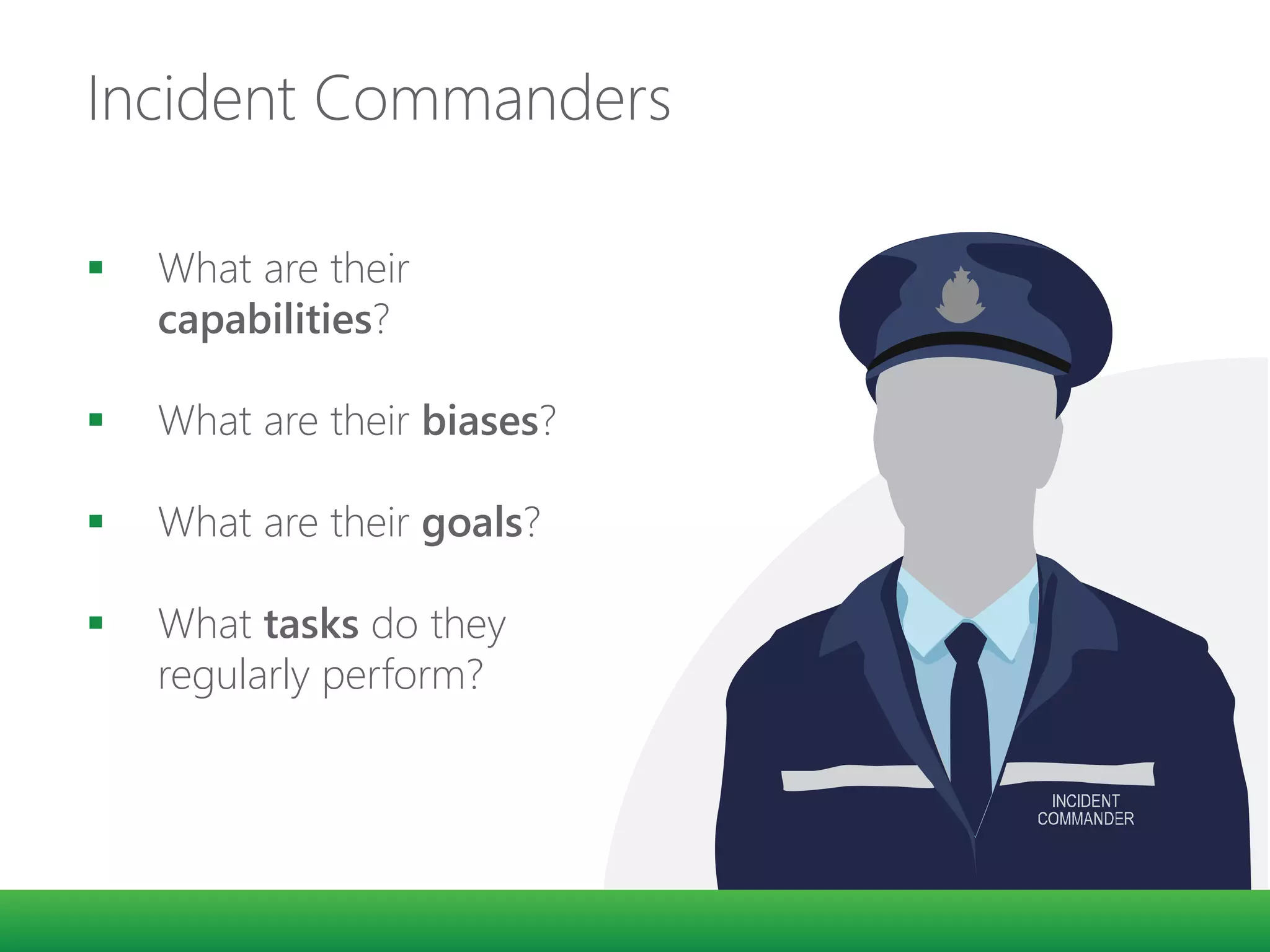
Incident Commanders
 What are their
capabilities?
 What are their biases?
 What are their goals?
 What tasks do they
regularly perform?
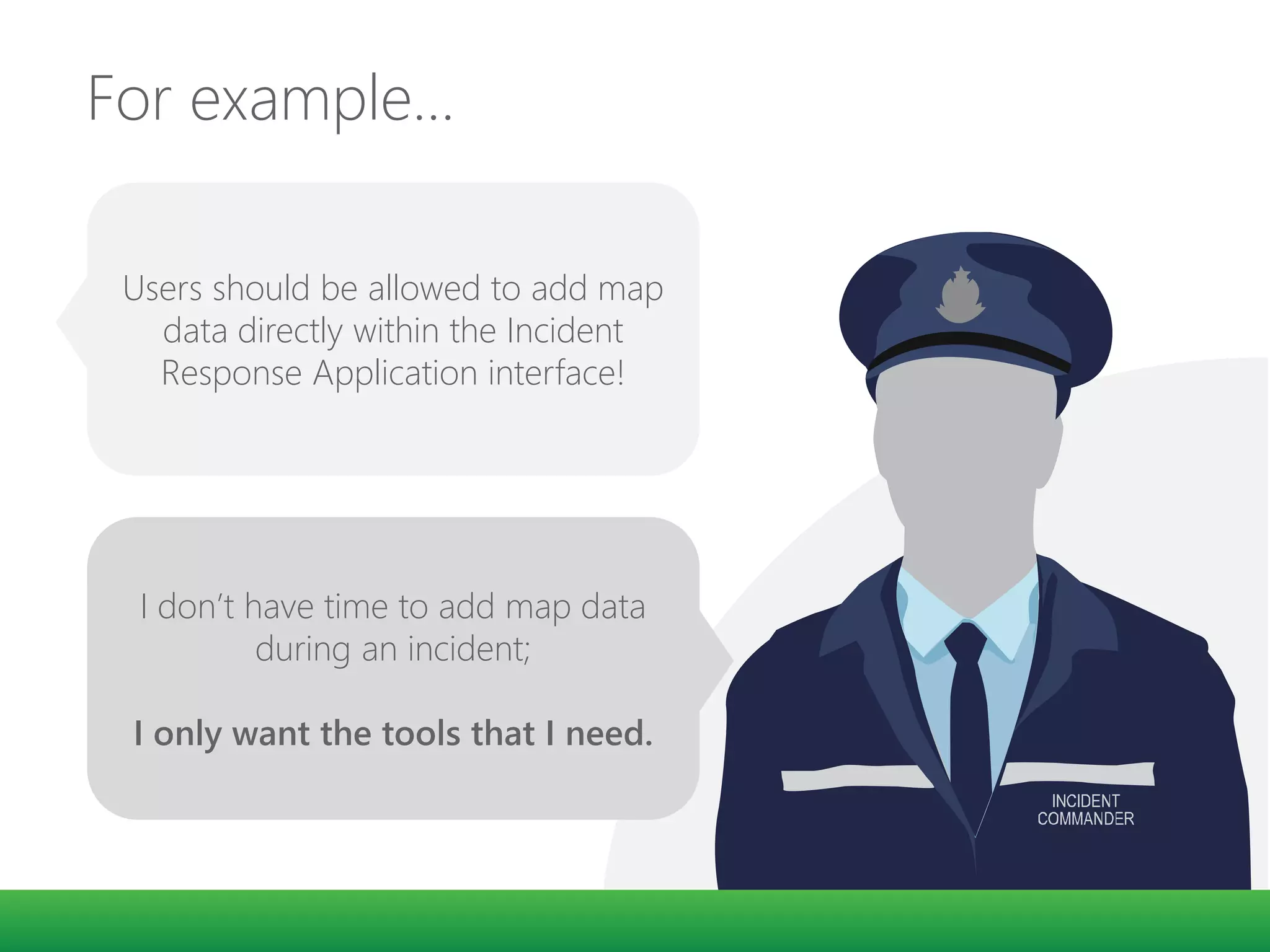
For example…
Users should be allowed to add map
data directly within the Incident
Response Application interface!
I don’t have time to add map data
during an incident;
I only want the tools that I need.
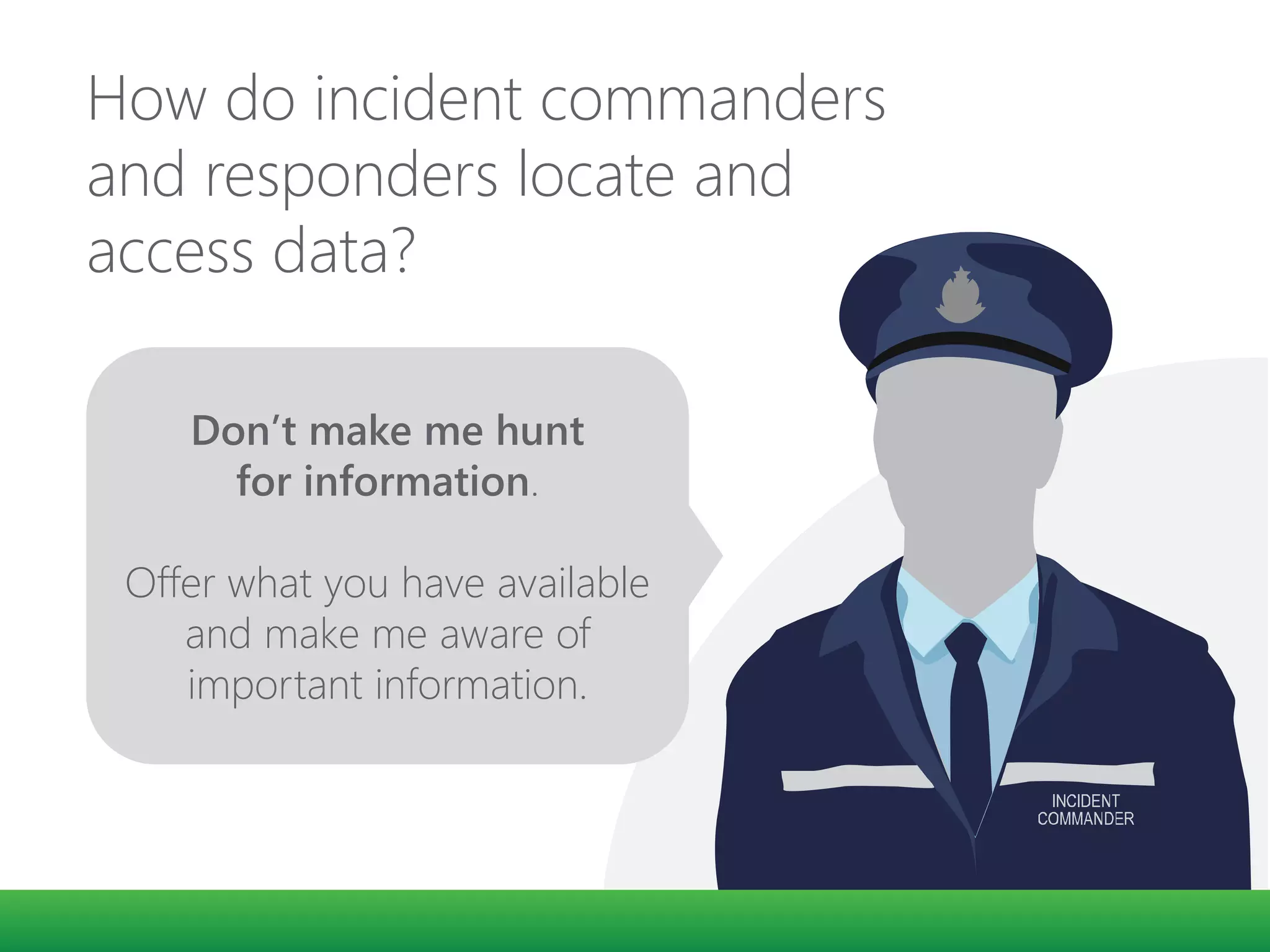
How do incident commanders
and responders locate and
access data?
Don’t make me hunt
for information.
Offer what you have available
and make me aware of
important information.
Newer Web Technologies
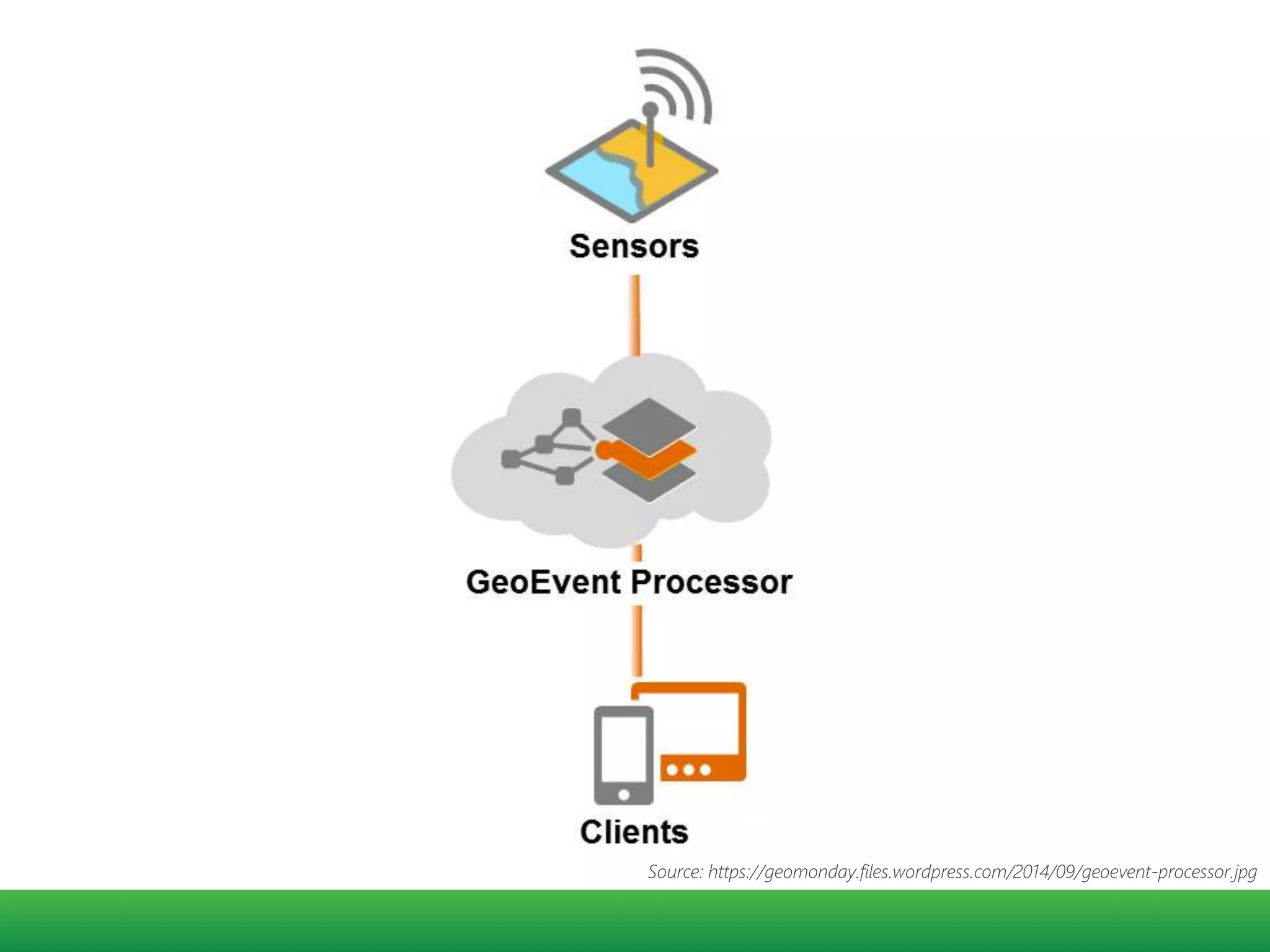
GeoEvent Extension
Source: https://geomonday.files.wordpress.com/2014/09/geoevent-processor.jpg
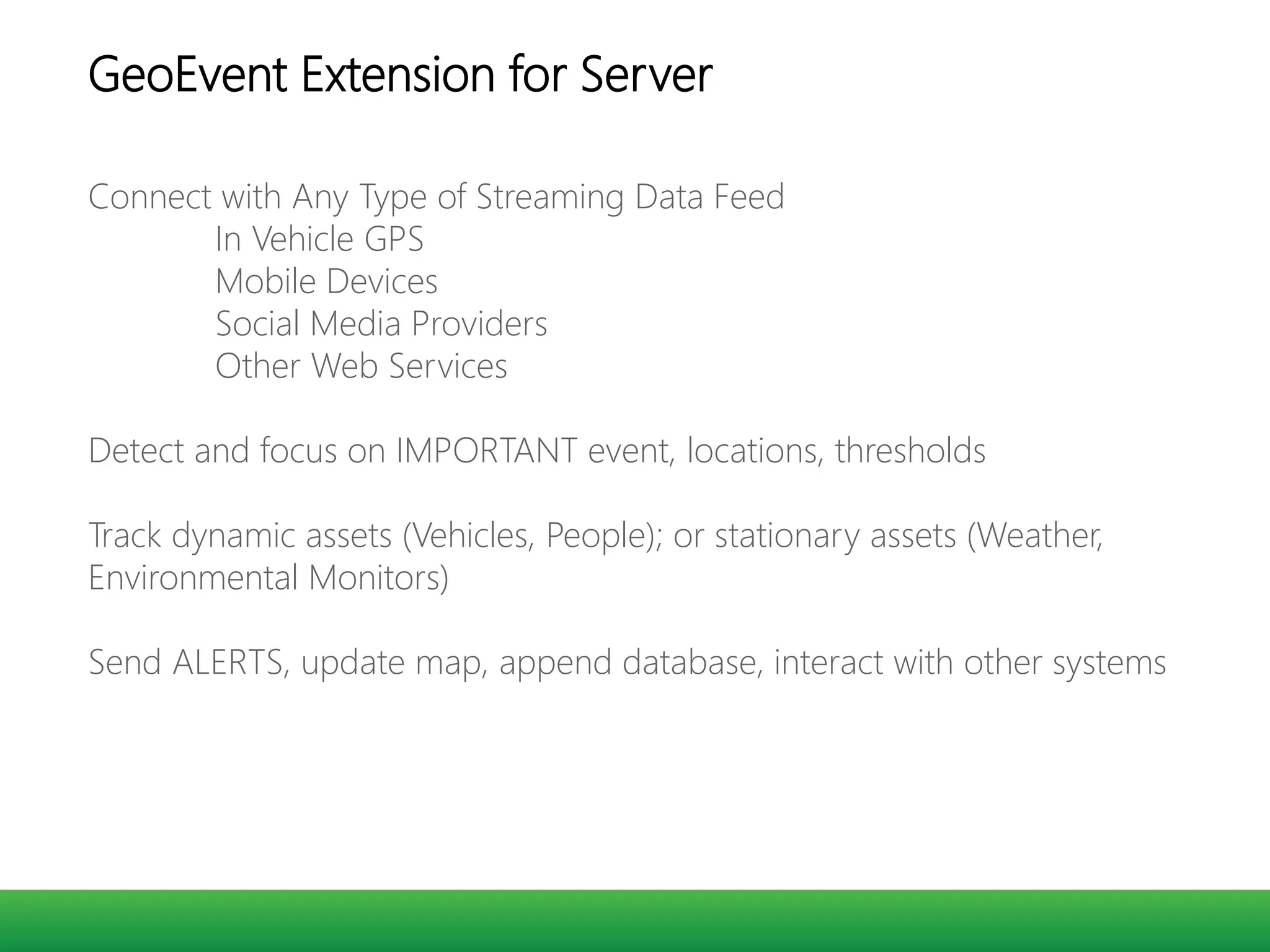
Connect with Any Type of Streaming Data Feed
In Vehicle GPS
Mobile Devices
Social Media Providers
Other Web Services
Detect and focus on IMPORTANT event, locations, thresholds
Track dynamic assets (Vehicles, People); or stationary assets (Weather,
Environmental Monitors)
Send ALERTS, update map, append database, interact with other systems
GeoEvent Extension for Server
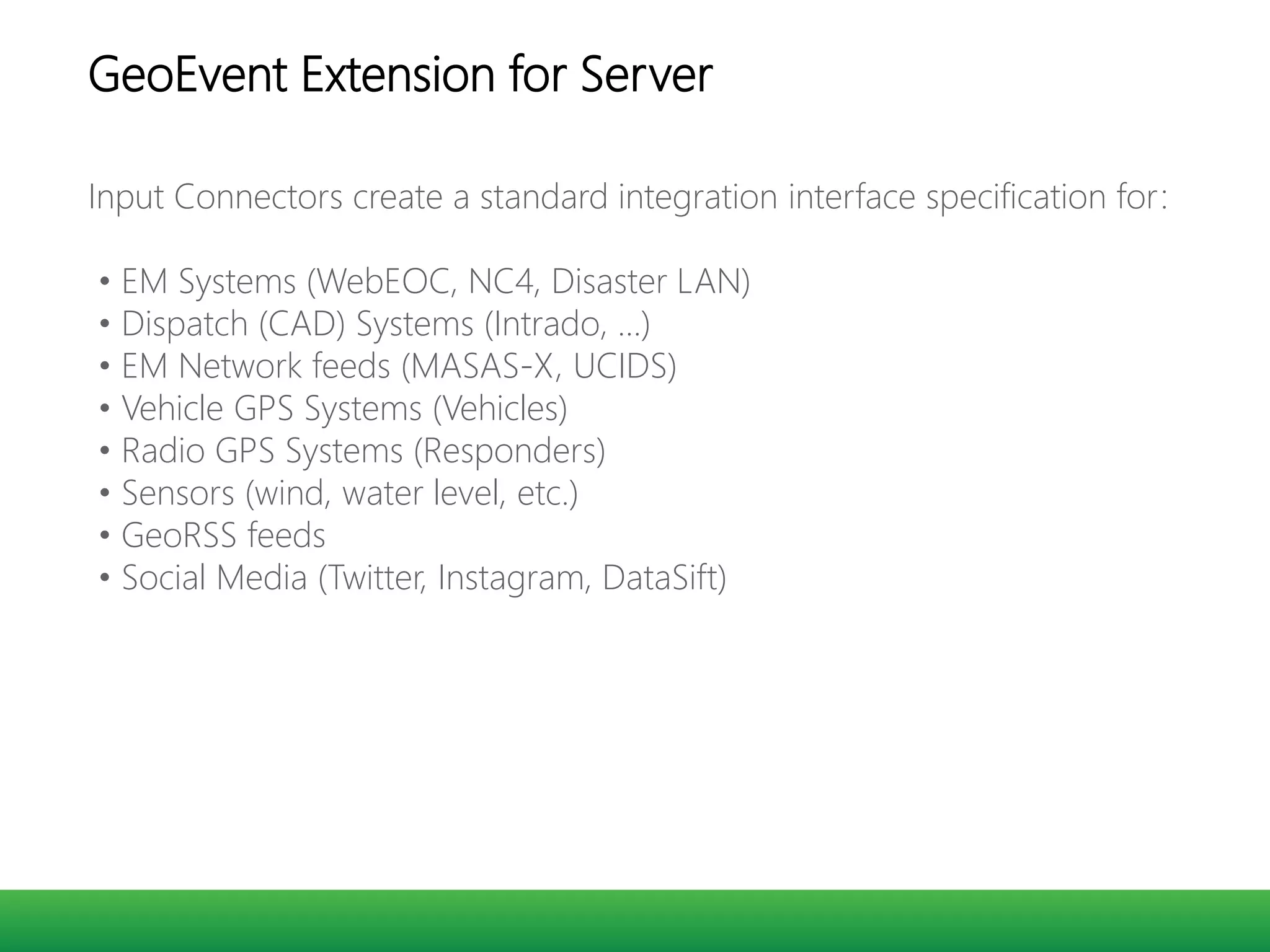
Input Connectors create a standard integration interface specification for:
• EM Systems (WebEOC, NC4, Disaster LAN)
• Dispatch (CAD) Systems (Intrado, …)
• EM Network feeds (MASAS-X, UCIDS)
• Vehicle GPS Systems (Vehicles)
• Radio GPS Systems (Responders)
• Sensors (wind, water level, etc.)
• GeoRSS feeds
• Social Media (Twitter, Instagram, DataSift)
GeoEvent Extension for Server
Real time data and interactions
• Stream Services
• WebSockets
I can see what you are doing
-Michael
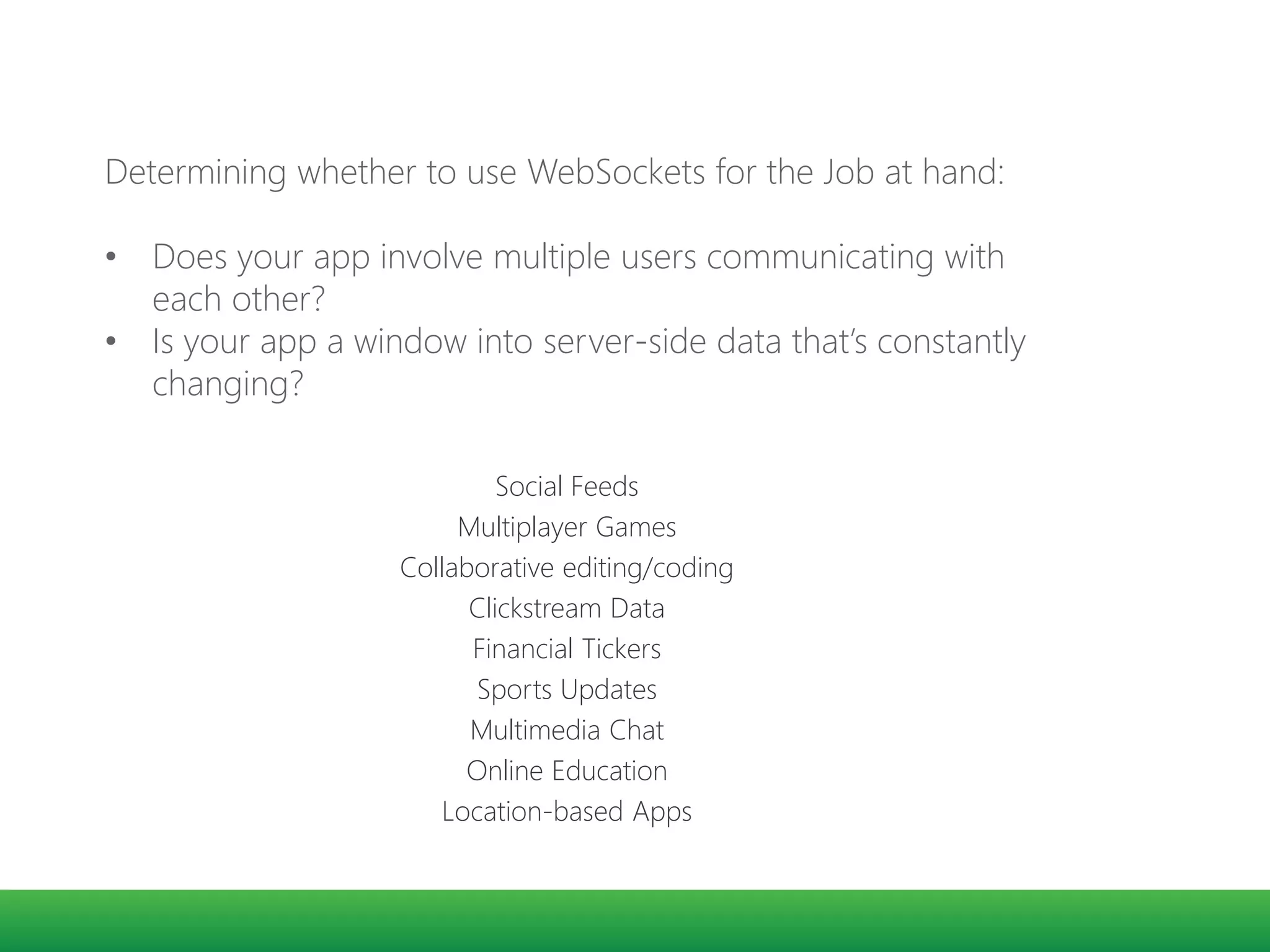
Social Feeds
Multiplayer Games
Collaborative editing/coding
Clickstream Data
Financial Tickers
Sports Updates
Multimedia Chat
Online Education

Location-based Apps
Determining whether to use WebSockets for the Job at hand:
• Does your app involve multiple users communicating with
each other?
• Is your app a window into server-side data that’s constantly
changing?
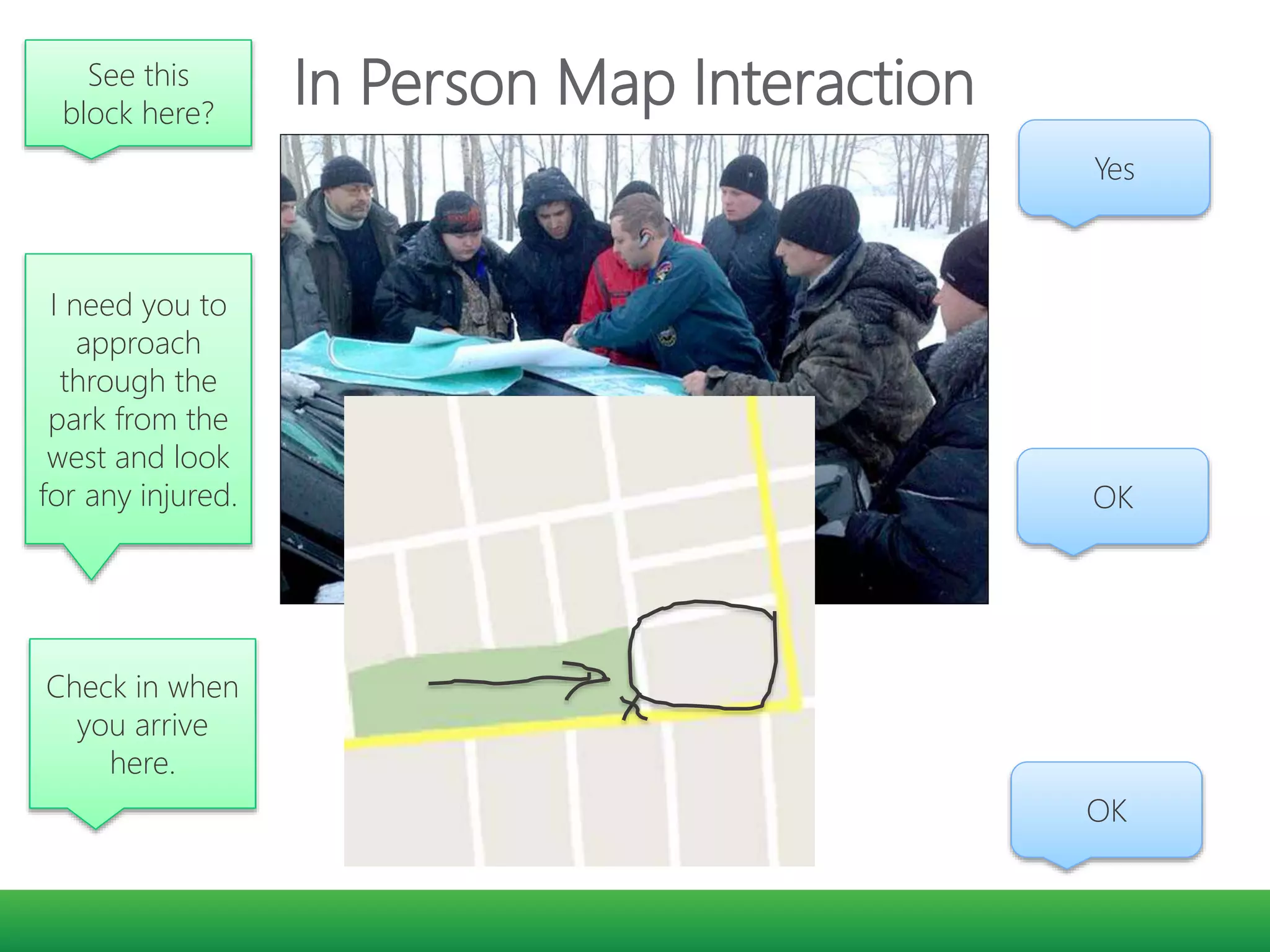
In Person Map InteractionSee this
block here?
Yes
I need you to
approach
through the
park from the
west and look
for any injured. OK
Check in when
you arrive
here.
OK
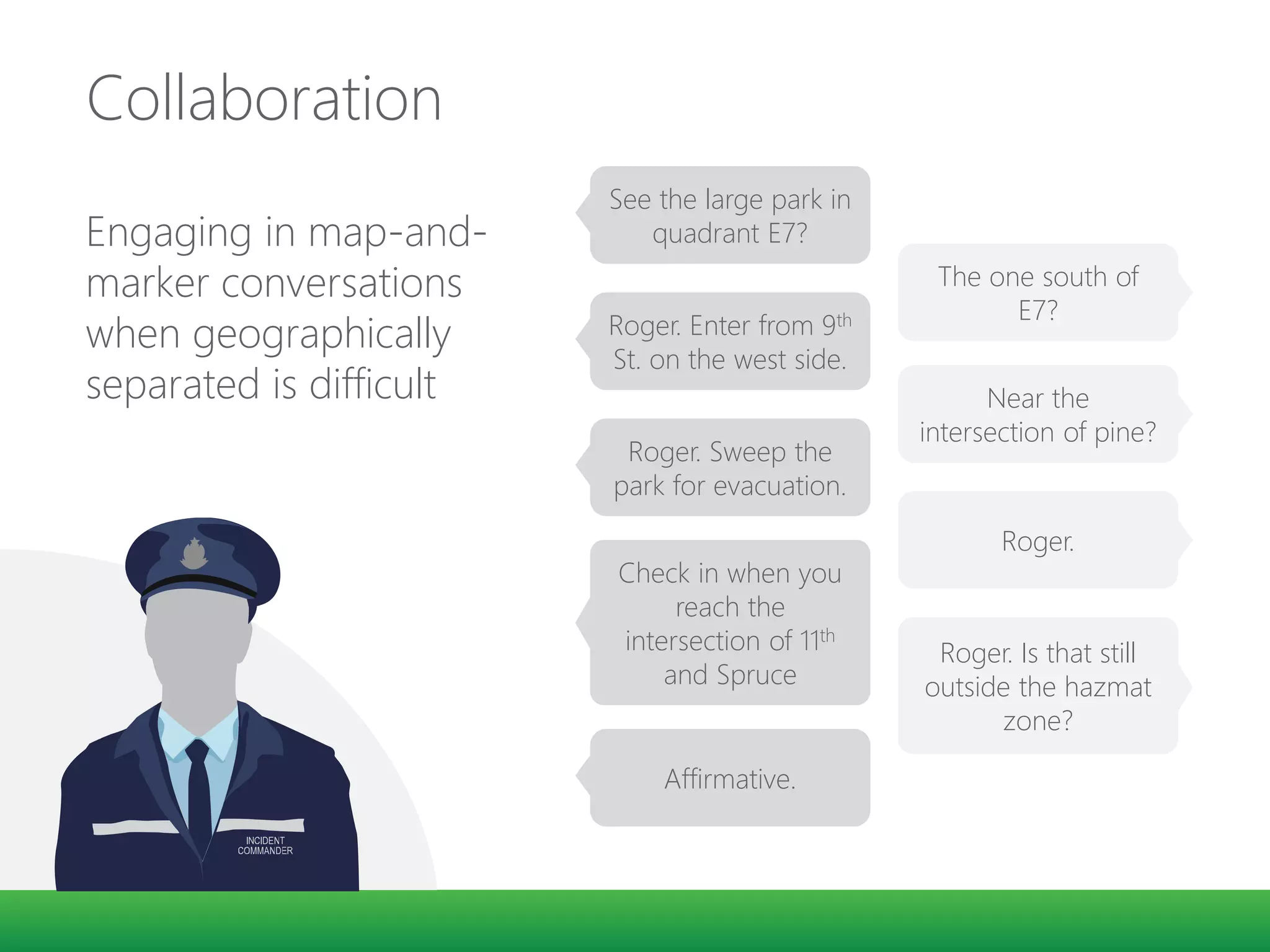
Collaboration
Engaging in map-and-
marker conversations
when geographically
separated is difficult
See the large park in
quadrant E7?
The one south of
E7?
Roger. Enter from 9th
St. on the west side.
Near the
intersection of pine?
Roger. Sweep the
park for evacuation.
Roger.
Check in when you
reach the
intersection of 11th
and Spruce
Roger. Is that still
outside the hazmat
zone?
Affirmative.
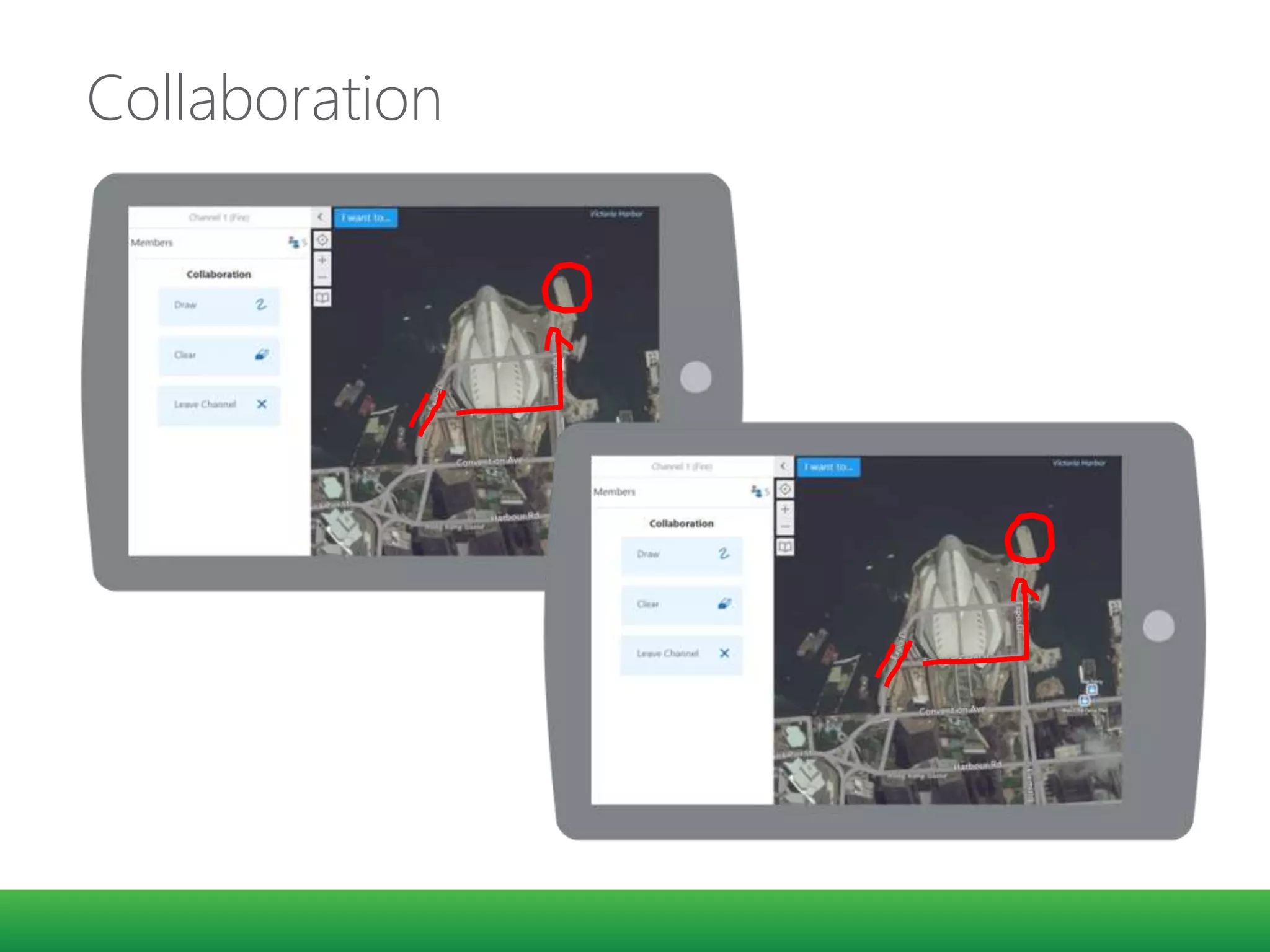
Collaboration
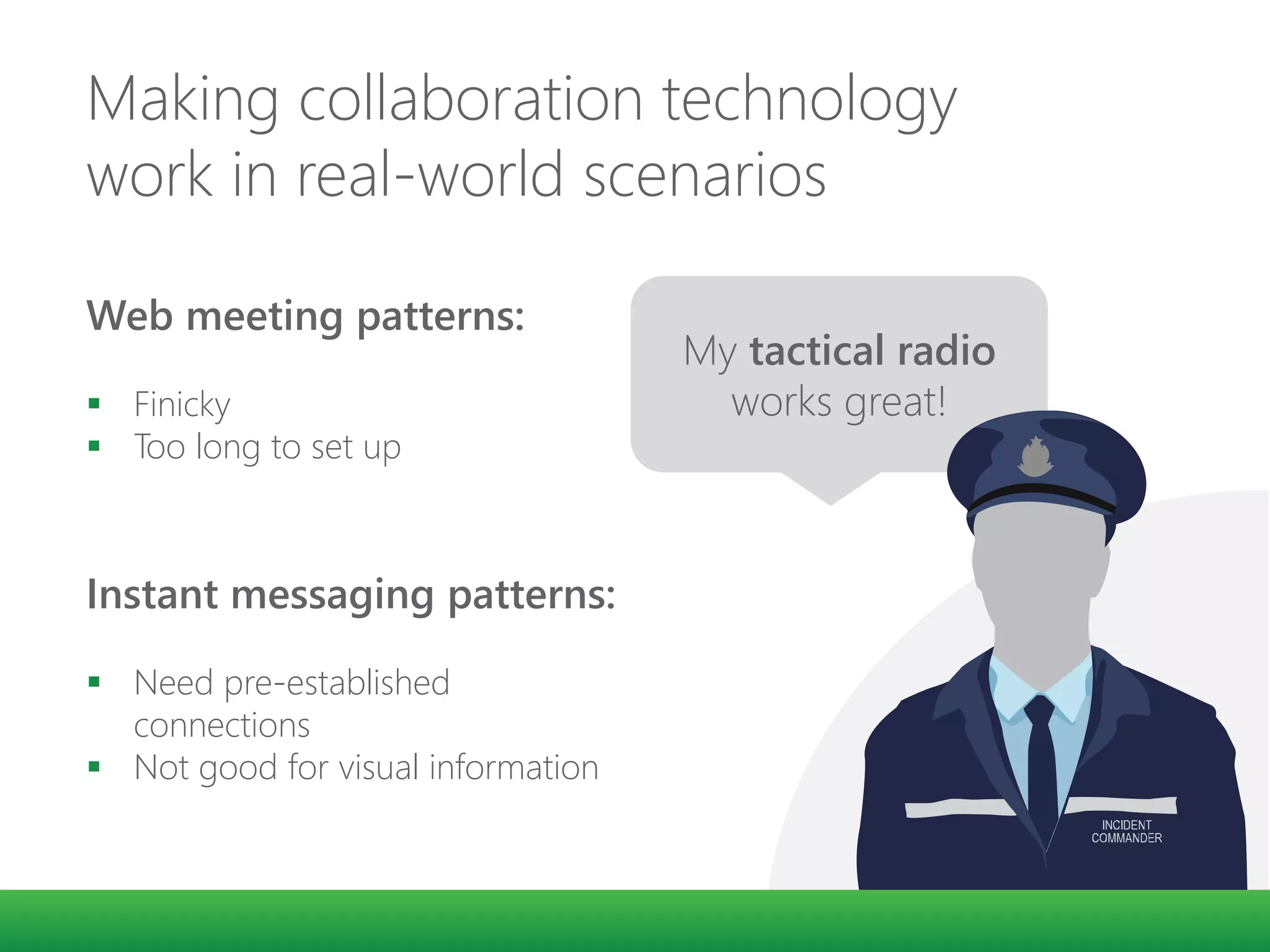
Making collaboration technology
work in real-world scenarios
Web meeting patterns:
 Finicky
 Too long to set up
Instant messaging patterns:
 Need pre-established
connections
 Not good for visual information
My tactical radio
works great!
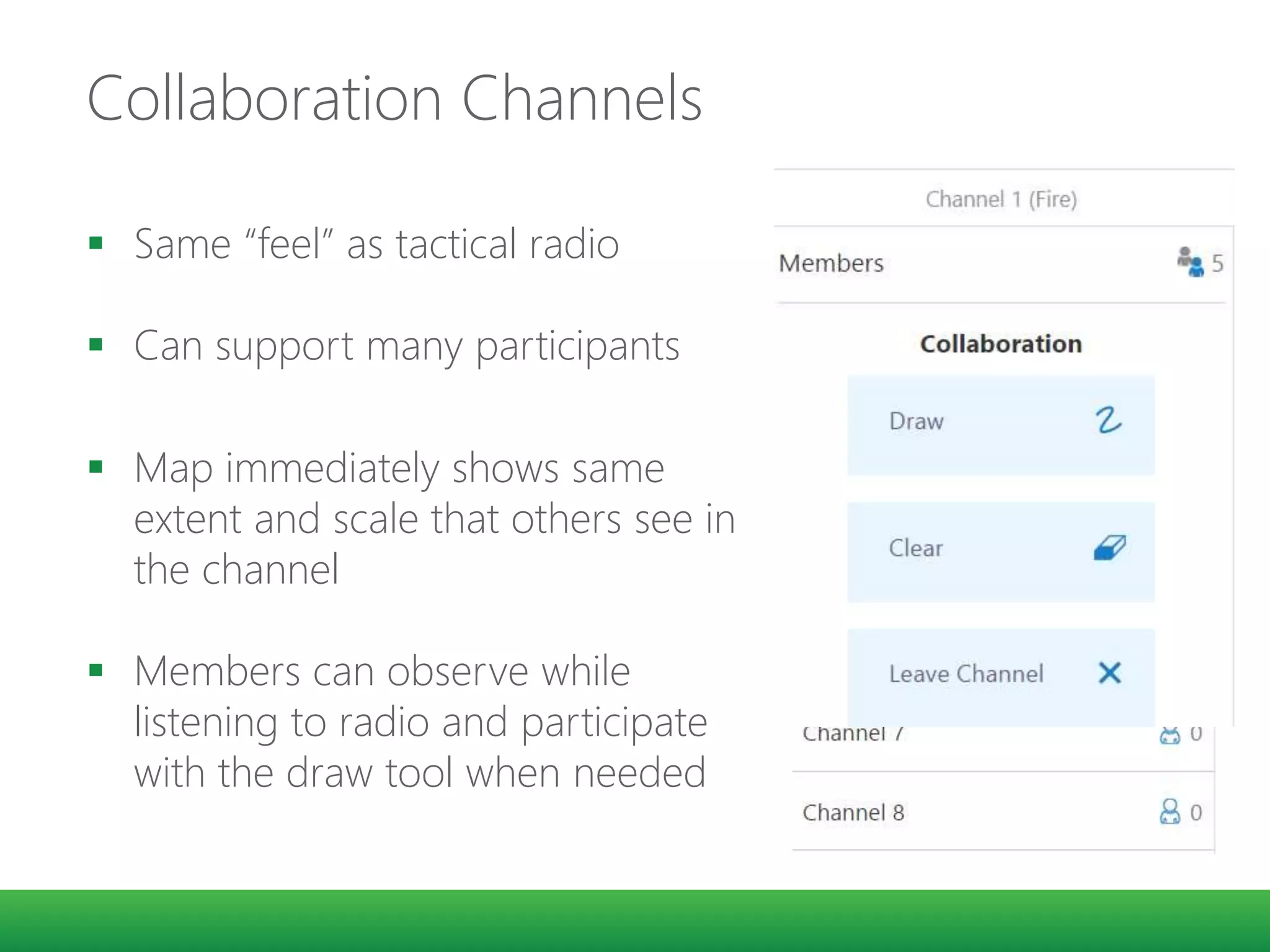
Collaboration Channels
 Same “feel” as tactical radio
 Can support many participants
 Map immediately shows same
extent and scale that others see in
the channel
 Members can observe while
listening to radio and participate
with the draw tool when needed
Demo
AOP – Active Operating Picture
Strategies
Advantages of Configurable
Software
Faster development/deployment
Less $$
(both immediate and long-term)
Esri Configurable Resources
 Esri - Emergency Management Response
 ArcGIS for Emergency Mangement
 App Gallery
Geocortex
A Configurable Platform
Do more than just map data
Real-time data
Data Feeds
Visualize, Report, Charts
Thank You
mfunaro@latitudegeo.com
Michael Funaro

Data Management in Emergency Prevention and Response

  • 1.
    Data Management inEmergency Prevention and Response NEARC Spring Conference - 2015 Michael Funaro, Latitude Geographics
  • 2.
    GIS is frequentlyused to assemble the "big picture" in a disaster. Among other things, it is essential for a GIS system to help decision makers understand where first responder resources are located and where help is needed. GEOG 588 Planning GIS for Emergency Management PENN State Dept of Geography https://www.e-education.psu.edu/geog588/l6_p5.html
  • 4.
    Before an incidenttakes place.. 48° 25’ 32 N 123° 22’ 11” W Operations Center GIS support ensures all relevant data is present and well categorized so that incident commanders have immediate access to information such as:  Critical infrastructure  Special needs participants  Structured pre-plan documents  Utility infrastructure
  • 5.
  • 6.
  • 8.
    GEOG 588 Effective responseto a disaster depends on quickly synthesizing actionable information and disseminating that information to responders in the field. https://www.e-education.psu.edu/geog588/l6_p5.html
  • 9.
    Today… 1. Trends forweb technologies 2. Strategies for building web applications
  • 10.
    GEOG 588 A persistentissue with the application of GIS to emergency management is that there is often a significant knowledge gap between the GIS experts who know and understand the tools and intricacies of geographic data and the decision makers who have to act on information derived from GIS systems. Training decision makers on the use of GIS is not practical in most circumstances (and during a crisis situation, it's already too late)
  • 14.
    GEOG 588 Some designcriteria for GIS-enabled dashboards could include:  The system must allow non-programmer analysts to quickly customize the map/app  Tools and graphics must be readily understandable by decision makers who have no GIS training.  Tools and graphics should focus on strategic objectives and the "big picture.
  • 15.
    Future COP designsmust solve a different problem: how to dynamically collect and situationally organize information in a way that is relevant to the commander’s decision process Hence, future COP designs will be “concept-driven” as much as they are “data-driven” Dennis K. Leedom, Ph.D. Evidence Based Research, Inc
  • 16.
    Reimagining Focus Persona: afictional representative of the user you are building the application for. The protector and defender of your interface.
  • 17.
    Incident Commanders  Whatare their capabilities?  What are their biases?  What are their goals?  What tasks do they regularly perform?
  • 18.
    For example… Users shouldbe allowed to add map data directly within the Incident Response Application interface! I don’t have time to add map data during an incident; I only want the tools that I need.
  • 19.
    How do incidentcommanders and responders locate and access data? Don’t make me hunt for information. Offer what you have available and make me aware of important information.
  • 20.
  • 21.
  • 22.
  • 23.
    Connect with AnyType of Streaming Data Feed In Vehicle GPS Mobile Devices Social Media Providers Other Web Services Detect and focus on IMPORTANT event, locations, thresholds Track dynamic assets (Vehicles, People); or stationary assets (Weather, Environmental Monitors) Send ALERTS, update map, append database, interact with other systems GeoEvent Extension for Server
  • 24.
    Input Connectors createa standard integration interface specification for: • EM Systems (WebEOC, NC4, Disaster LAN) • Dispatch (CAD) Systems (Intrado, …) • EM Network feeds (MASAS-X, UCIDS) • Vehicle GPS Systems (Vehicles) • Radio GPS Systems (Responders) • Sensors (wind, water level, etc.) • GeoRSS feeds • Social Media (Twitter, Instagram, DataSift) GeoEvent Extension for Server
  • 25.
    Real time dataand interactions • Stream Services • WebSockets
  • 26.
    I can seewhat you are doing -Michael
  • 27.
    Social Feeds Multiplayer Games Collaborativeediting/coding Clickstream Data Financial Tickers Sports Updates Multimedia Chat Online Education Location-based Apps Determining whether to use WebSockets for the Job at hand: • Does your app involve multiple users communicating with each other? • Is your app a window into server-side data that’s constantly changing?
  • 30.
    In Person MapInteractionSee this block here? Yes I need you to approach through the park from the west and look for any injured. OK Check in when you arrive here. OK
  • 31.
    Collaboration Engaging in map-and- markerconversations when geographically separated is difficult See the large park in quadrant E7? The one south of E7? Roger. Enter from 9th St. on the west side. Near the intersection of pine? Roger. Sweep the park for evacuation. Roger. Check in when you reach the intersection of 11th and Spruce Roger. Is that still outside the hazmat zone? Affirmative.
  • 32.
  • 33.
    Making collaboration technology workin real-world scenarios Web meeting patterns:  Finicky  Too long to set up Instant messaging patterns:  Need pre-established connections  Not good for visual information My tactical radio works great!
  • 34.
    Collaboration Channels  Same“feel” as tactical radio  Can support many participants  Map immediately shows same extent and scale that others see in the channel  Members can observe while listening to radio and participate with the draw tool when needed
  • 35.
    Demo AOP – ActiveOperating Picture
  • 36.
  • 37.
    Advantages of Configurable Software Fasterdevelopment/deployment Less $$ (both immediate and long-term)
  • 38.
    Esri Configurable Resources Esri - Emergency Management Response  ArcGIS for Emergency Mangement  App Gallery Geocortex A Configurable Platform
  • 39.
    Do more thanjust map data Real-time data Data Feeds Visualize, Report, Charts
  • 40.

Editor's Notes

  • #5 Long before an incident takes place, the planning can be done by the publics safety team and Operations Centre GIS support, to ensures that relevant local data is present and well categorized so our incident commander receives all available information in a compact, filterable, miniature briefing book. This often includes information such as: * Critical Infrastructure * Special Needs Registry Participants * Structure Pre-Plan Documents (access, egress, hazardous materials storage, emergency action plans) This is where your previous investment in GIS data shines, as you can tie your relevant existing data to this communication system and disseminate it as reuqired The Operations Center , or Incident Command Center, becomes a node for this information being quickly shared in the field. Interoperability and collaboration can be realized during the emergency situation If providing easy, relevant access to traditional map data can be re-imagined in this way … anything is possible!
  • #20 One of the first areas that needed re-imagining was the way in which incident commanders and incident responders locate and access data. Our market research and our persona Larry were clearly telling us: “Don’t make me hunt for information; offer what you have available and make me aware of important information”
  • #31 Communication is eased when everyone is gathered together
  • #32 Anyone who has been involved in field incident response is familiar with the sight of a group of people gathered around a paper map, pointing, marking, discussing, and planning. Even with identical maps and a good grid coordinate reference system, engaging in a map-and-marker conversations is really difficult, and even more difficult when geographically separated .
  • #33 Once again using modern HTML5 web socket technologies we were able to enable virtual map-and-marker collaboration between a group of geographically separated responders. One shared map extent that tracks adjustments, and a finger-friendly red pen to sketch on the map. We got the technology working for nearly instantaneous virtual map-and-marker collaboration among field responders and incident commanders … but we still had a problem
  • #34 Have you joined a web meeting lately with several participant where everyone arrived without challenge, could be heard clearly, and could make all the technology work? Neither have we. Yet we needed to ensure this interaction was quick and reliable for our incident commander and field responders to use. We looked at web meeting patterns … but they can be finicky, involve several steps to setup, and require you to identify, select, and add each individual … something that clearly wasn’t going to work in a time-critical incident situation. We looked at instant messaging patterns … but they required pre-established connections between individuals and weren’t particularly good at sharing visual information. Then we went back to Larry, our persona, and we took another long hard look at the world from his perspective and we realized there is a communications device that Larry knows well and uses daily … His tactical radio
  • #35 Leaving the voice communication to pre-established mechanisms we created map-collaboration channels based upon the same ‘feel’ as a tactical radio. Collaboration channels can be pre-assigned or open for general use, and can support many, many participants. When the incident commander radios a field team and tell them he wants them to join map collaboration channel 1 to do some planning each field responder accesses the list of map collaboration channels, and taps the desired channel to enter. Enter the wrong channel? No problem just tap “leave channel” to return to the list of channels and re-enter the correct channel. Their map immediately shows the same extent and scale as the others in the collaboration channel and they can observe the planning activity while listening to their radio and participate with their red pen if needed.
  • #44 Can describe the deployment of an app for the Washington slide, within a few days of the event
  • #46 Less to purchase – not requiring custom development cost up front When investing in a COTS – ongoing cost is small, and new features continue to evolve over time,