






 Animation is the rapid display of a
sequence of static images and/or
objects to create an illusion of
movement. The most common method
of presenting animation is as a motion
picture or video program, although
there are other methods.
 This type of
presentation is
usually
accomplished with a
camera and a
projector or a
computer viewing
screen which can
rapidly cycle
through images in a
sequence.
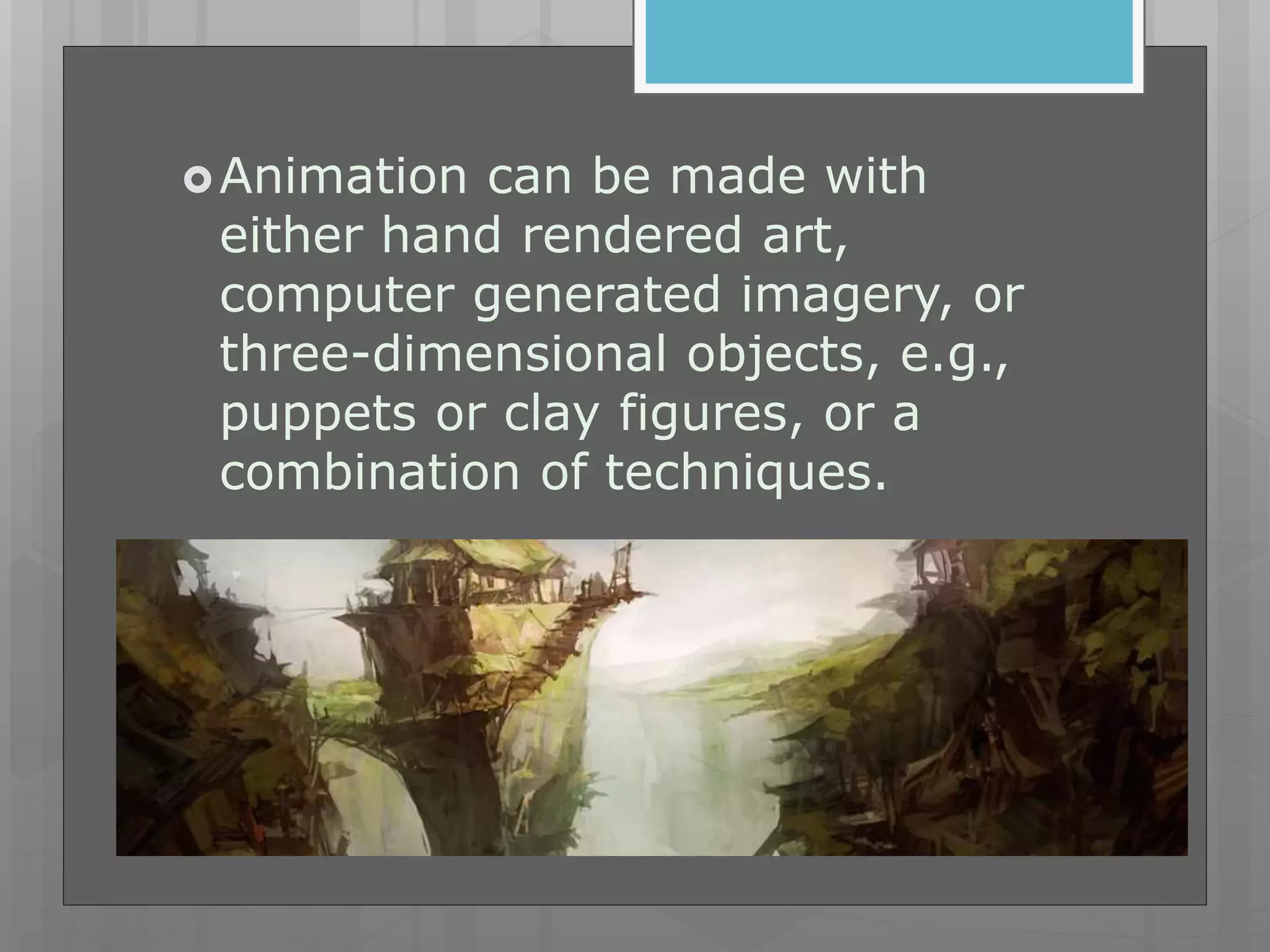
Animation can be made with
either hand rendered art,
computer generated imagery, or
three-dimensional objects, e.g.,
puppets or clay figures, or a
combination of techniques.
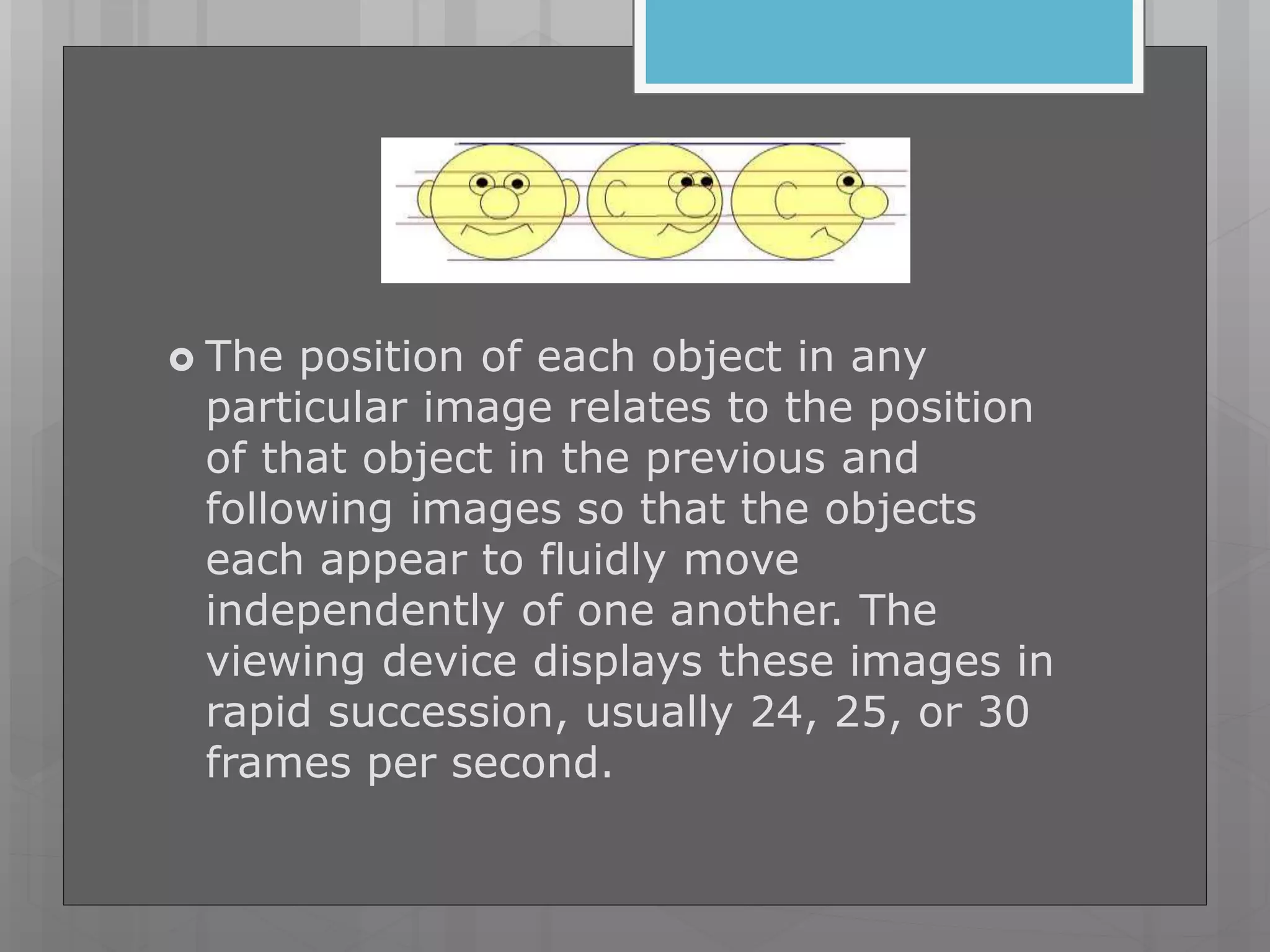
 The position of each object in any
particular image relates to the position
of that object in the previous and
following images so that the objects
each appear to fluidly move
independently of one another. The
viewing device displays these images in
rapid succession, usually 24, 25, or 30
frames per second.
Computer animation
 Computer animation encompasses a
variety of techniques, the unifying
factor being that the animation is
created digitally on a computer.
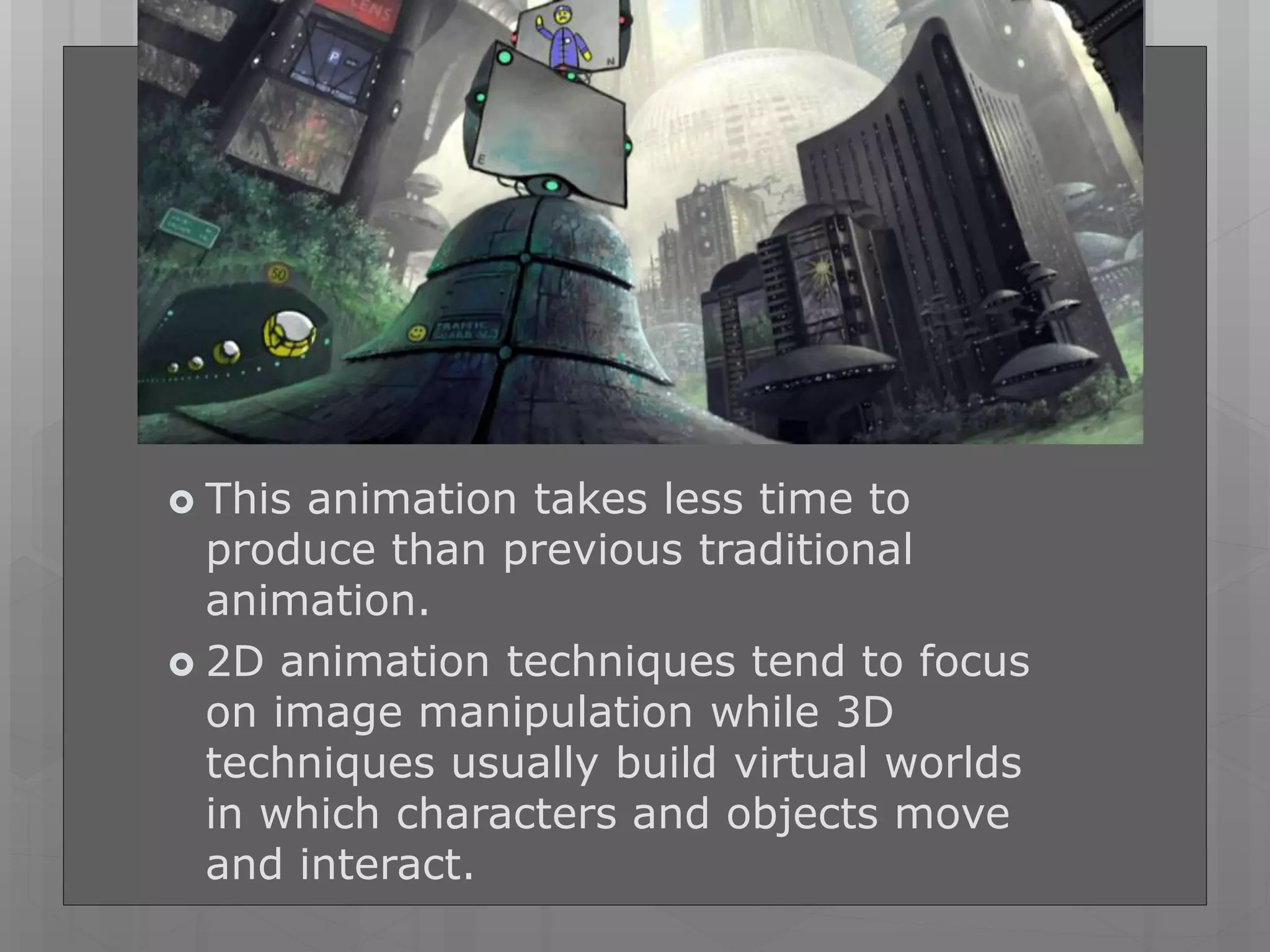
 This animation takes less time to
produce than previous traditional
animation.
 2D animation techniques tend to focus
on image manipulation while 3D
techniques usually build virtual worlds
in which characters and objects move
and interact.
2D animation
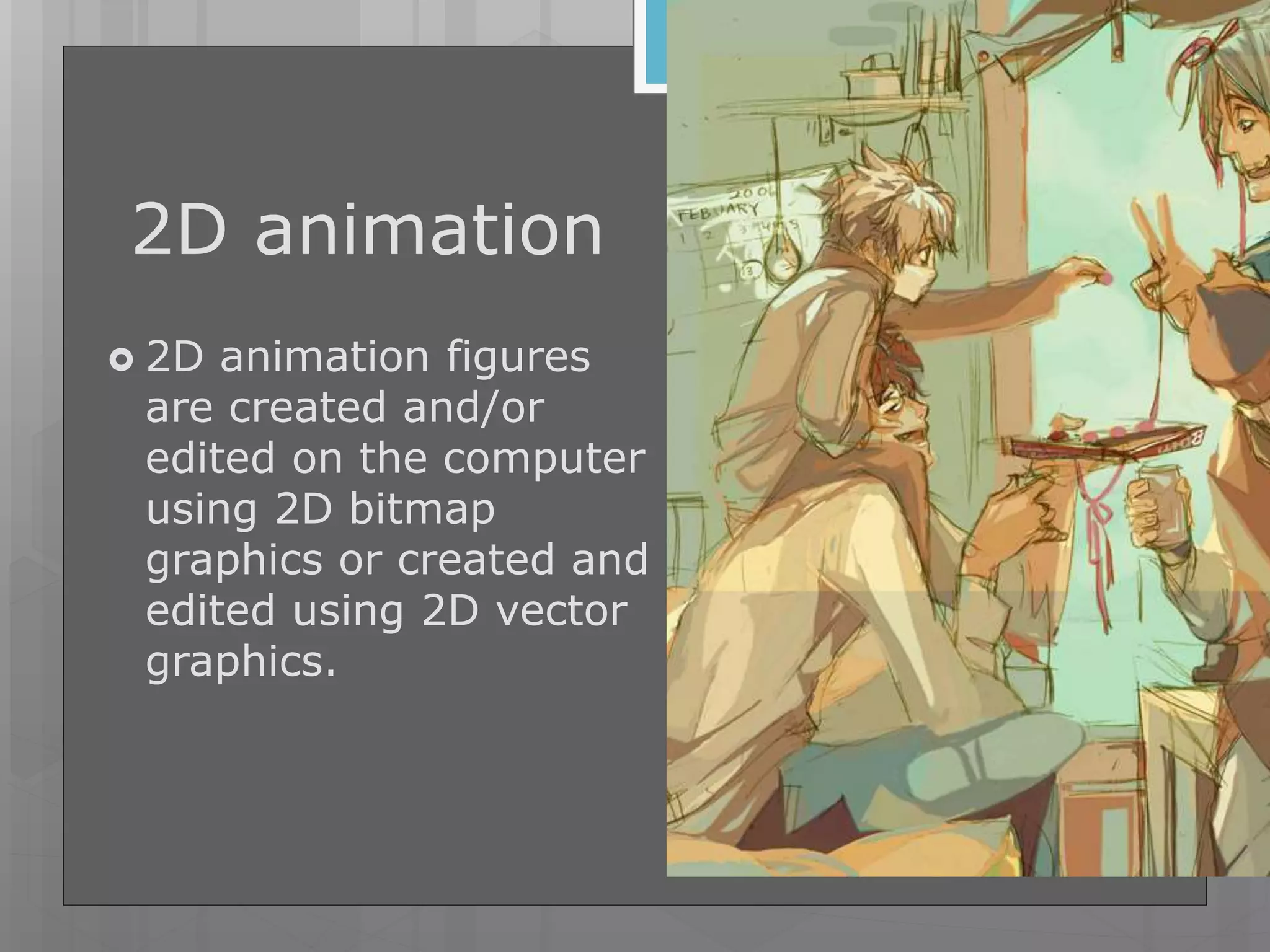
 2D animation figures
are created and/or
edited on the computer
using 2D bitmap
graphics or created and
edited using 2D vector
graphics.
3D
animation
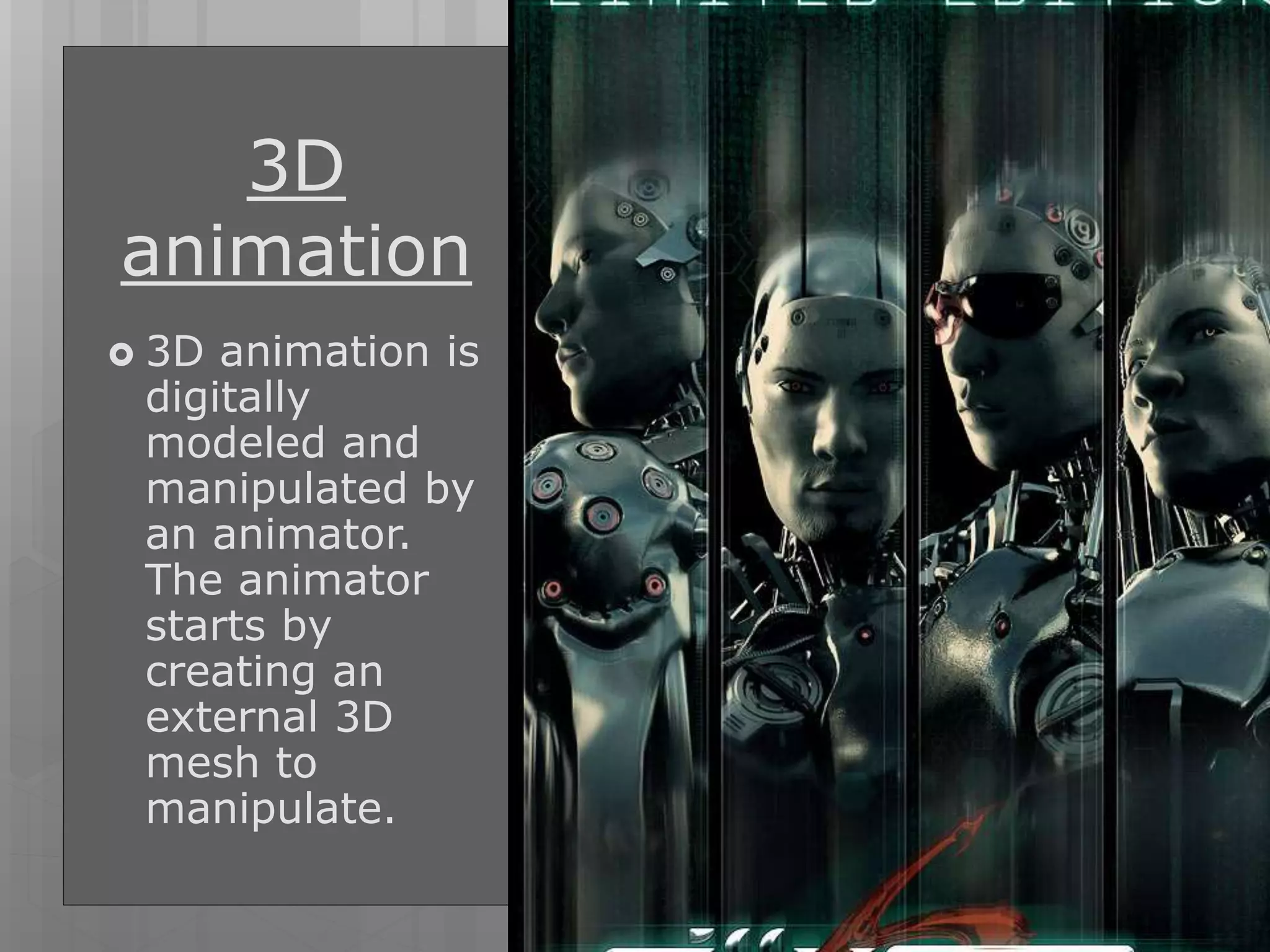
 3D animation is
digitally
modeled and
manipulated by
an animator.
The animator
starts by
creating an
external 3D
mesh to
manipulate.
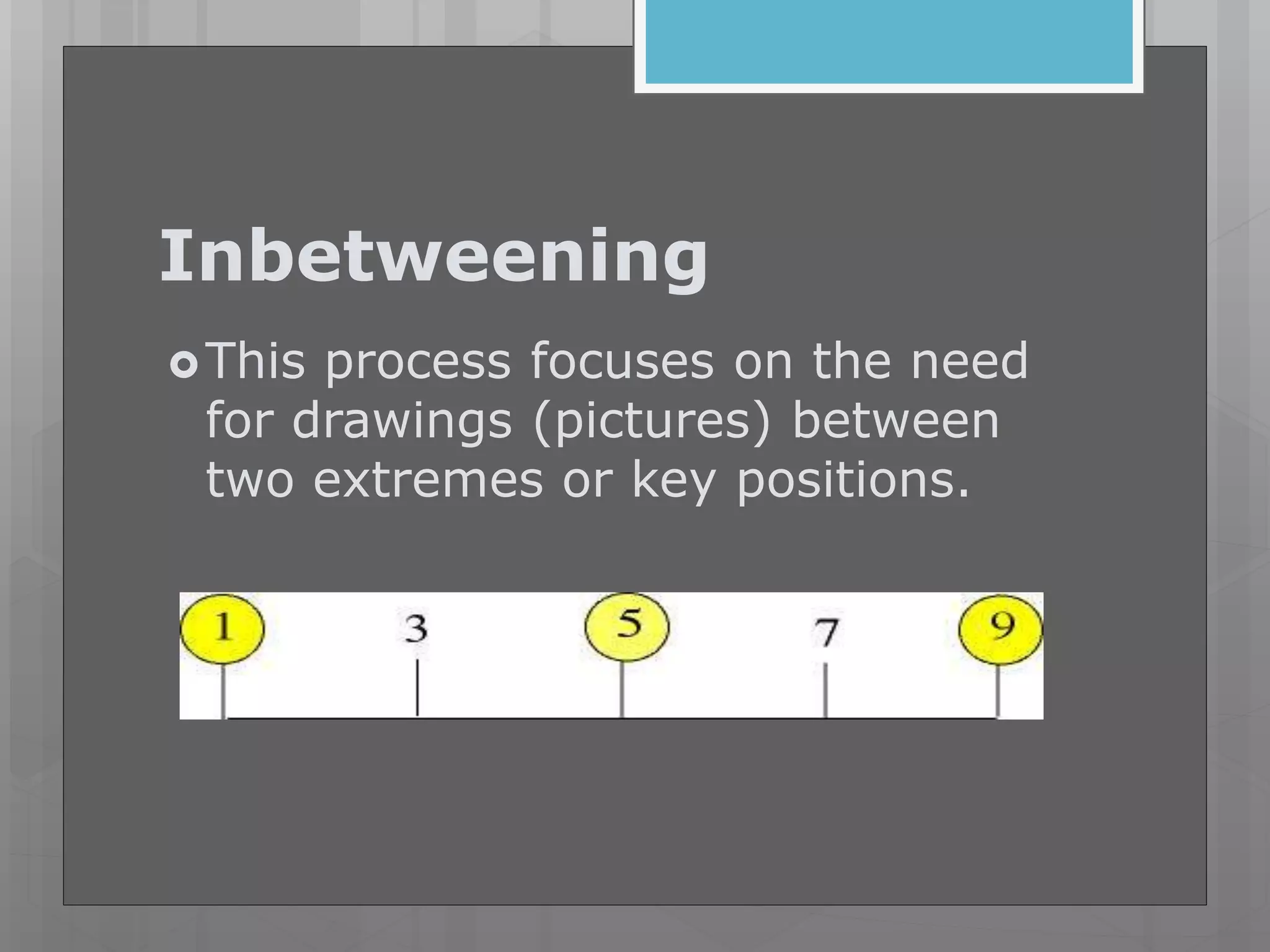
Inbetweening
This process focuses on the need
for drawings (pictures) between
two extremes or key positions.
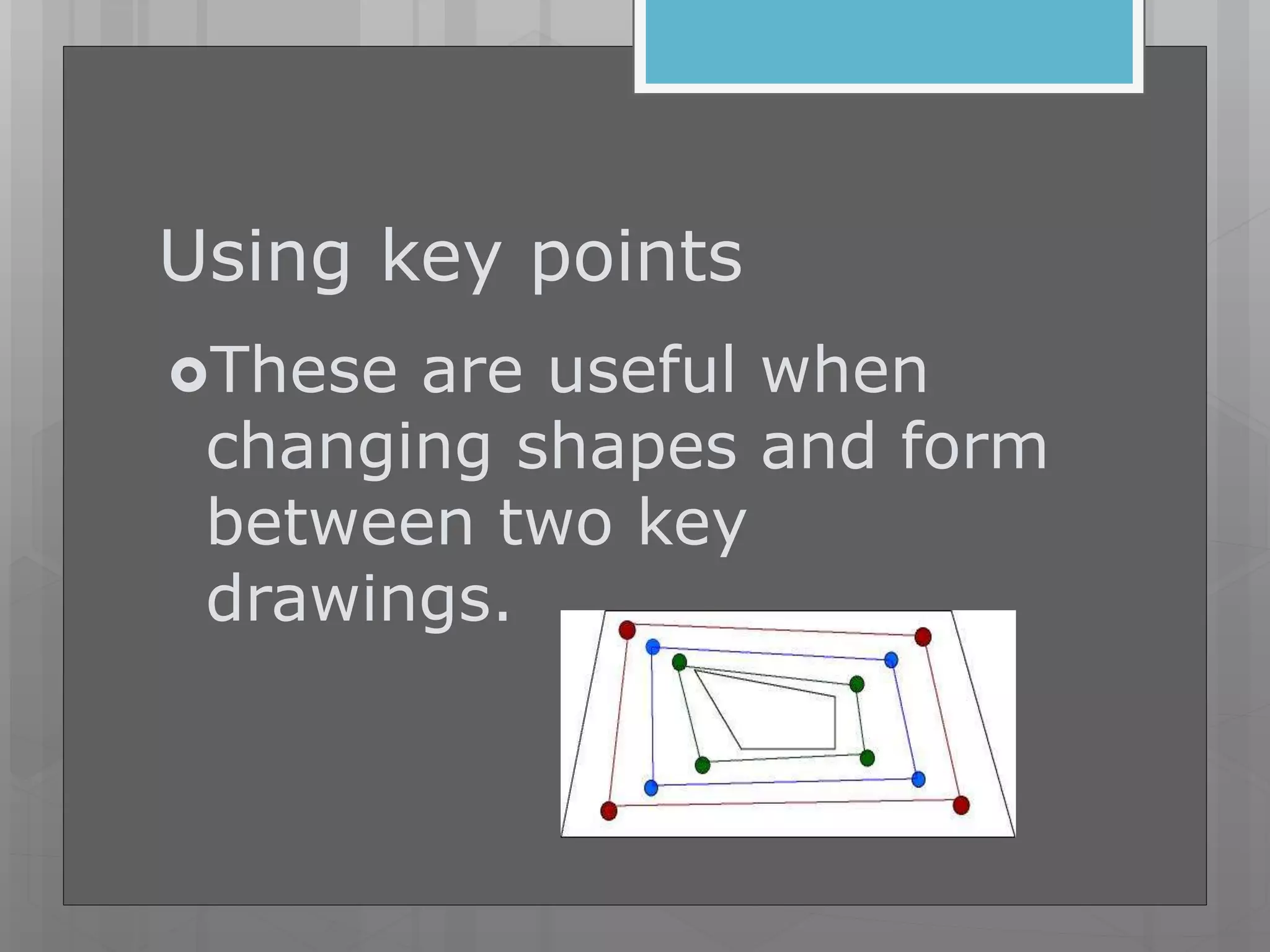
Using key points
These are useful when
changing shapes and form
between two key
drawings.
12 basic principles of
Animation
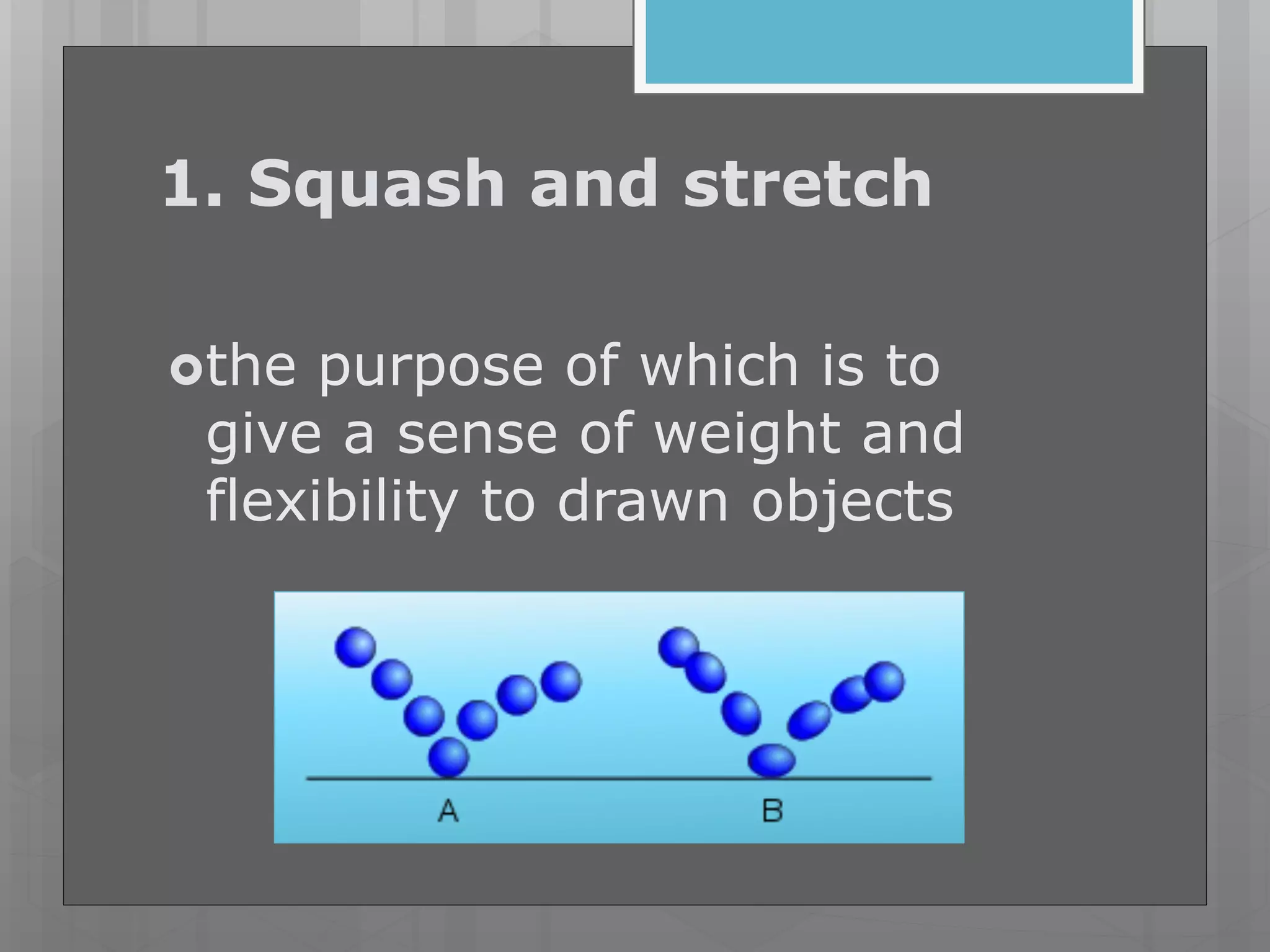
1. Squash and stretch
the purpose of which is to
give a sense of weight and
flexibility to drawn objects
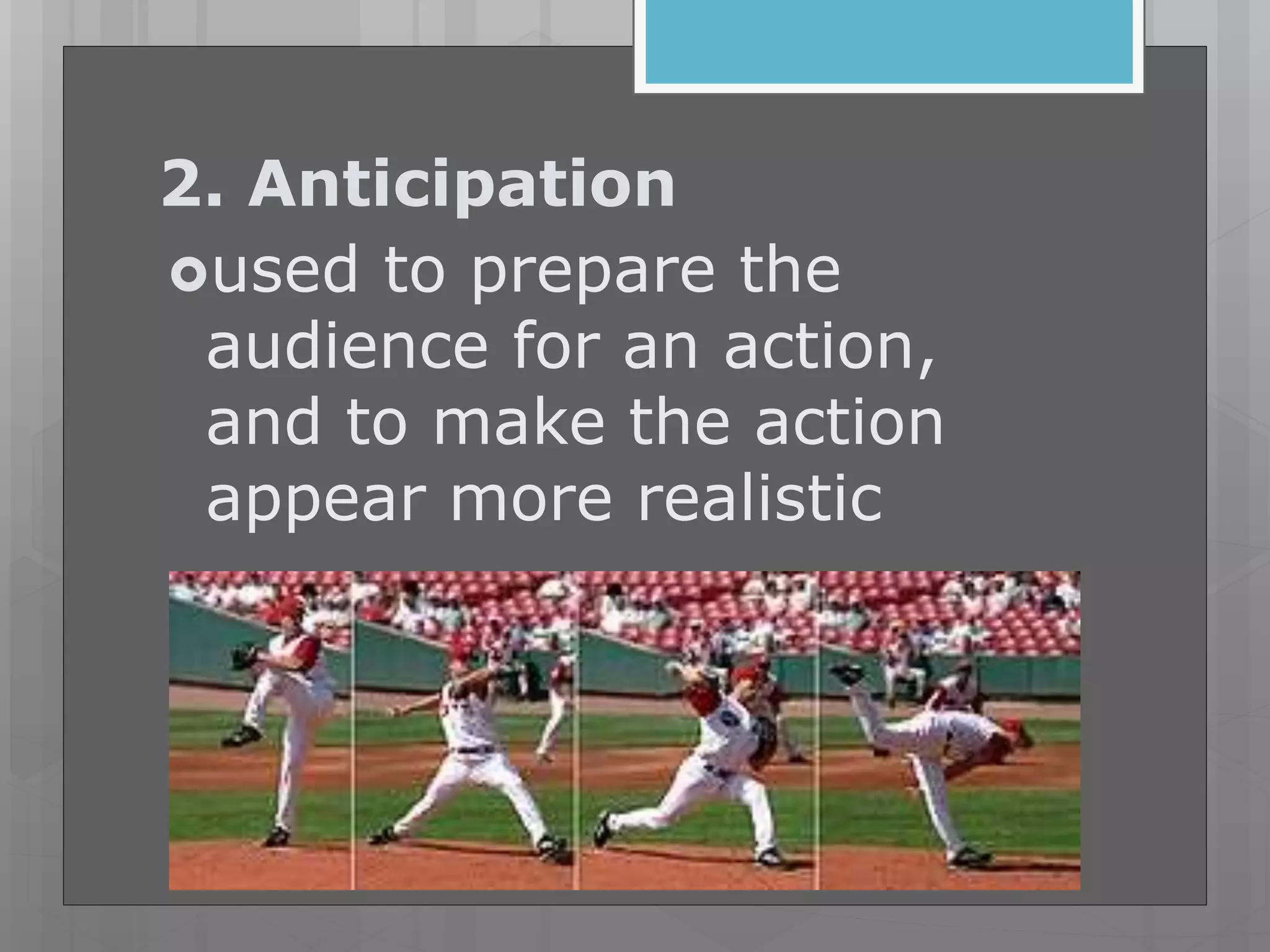
2. Anticipation
used to prepare the
audience for an action,
and to make the action
appear more realistic
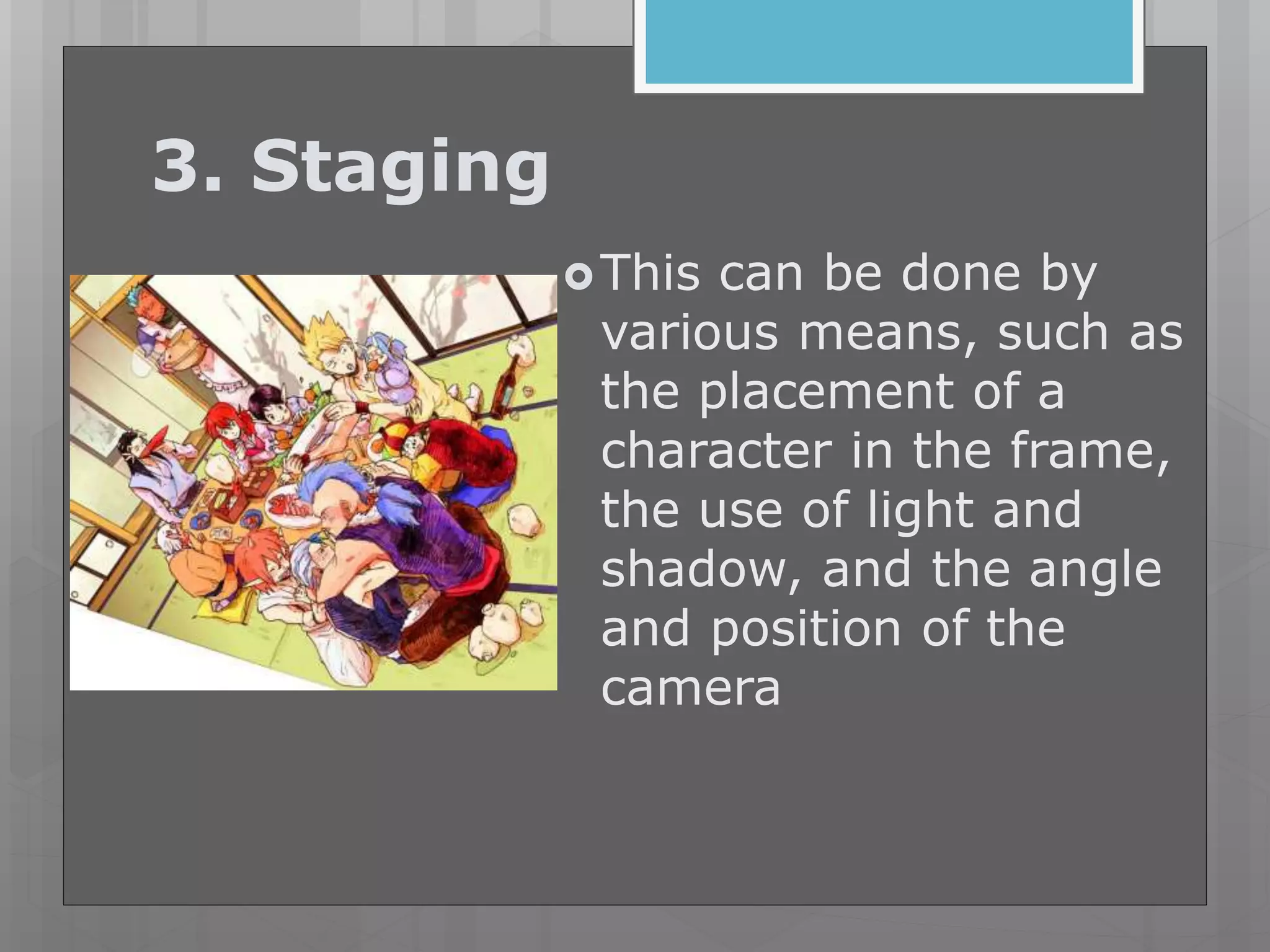
3. Staging
This can be done by
various means, such as
the placement of a
character in the frame,
the use of light and
shadow, and the angle
and position of the
camera
4. Straight ahead action
and pose to pose
Straight ahead action" means
drawing out a scene frame by
frame from beginning to end
"pose to pose" involves starting
with drawing a few key frames,
and then filling in the intervals
later.
5.Follow through and
overlapping action
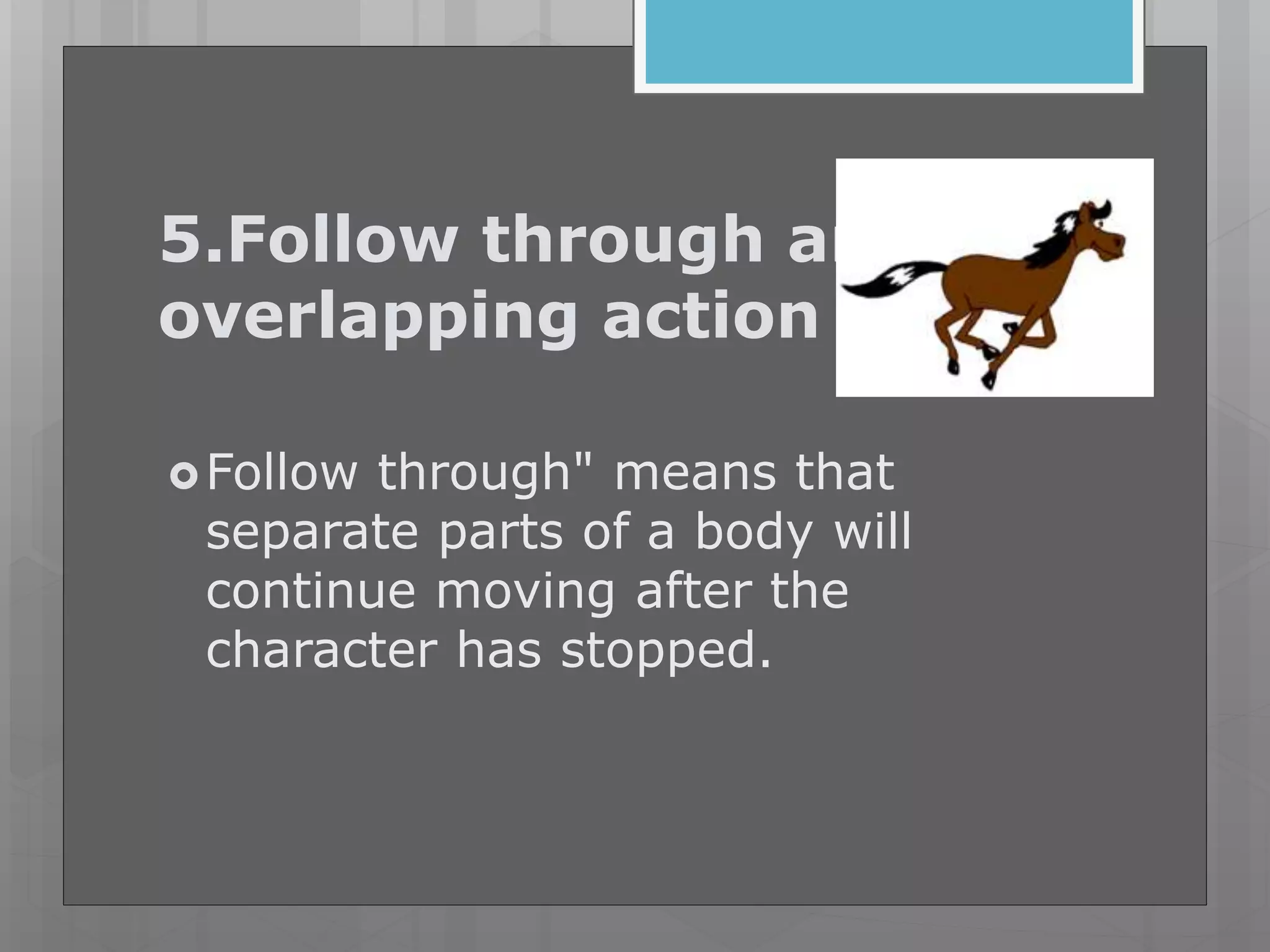
Follow through" means that
separate parts of a body will
continue moving after the
character has stopped.
Overlapping action" is the
tendency for parts of the body to
move at different rates (an arm
will move on different timing of
the head and so on).
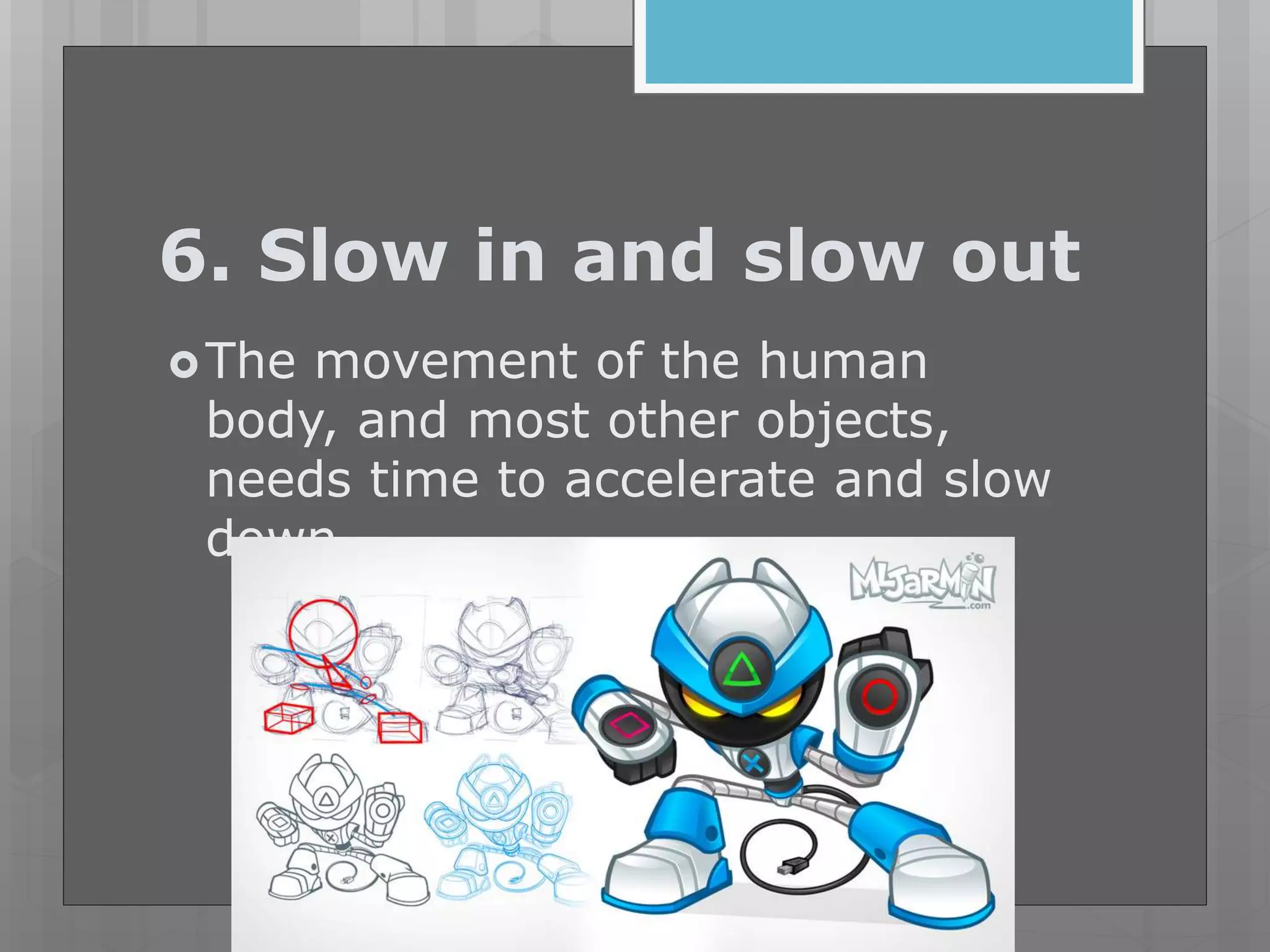
6. Slow in and slow out
The movement of the human
body, and most other objects,
needs time to accelerate and slow
down.
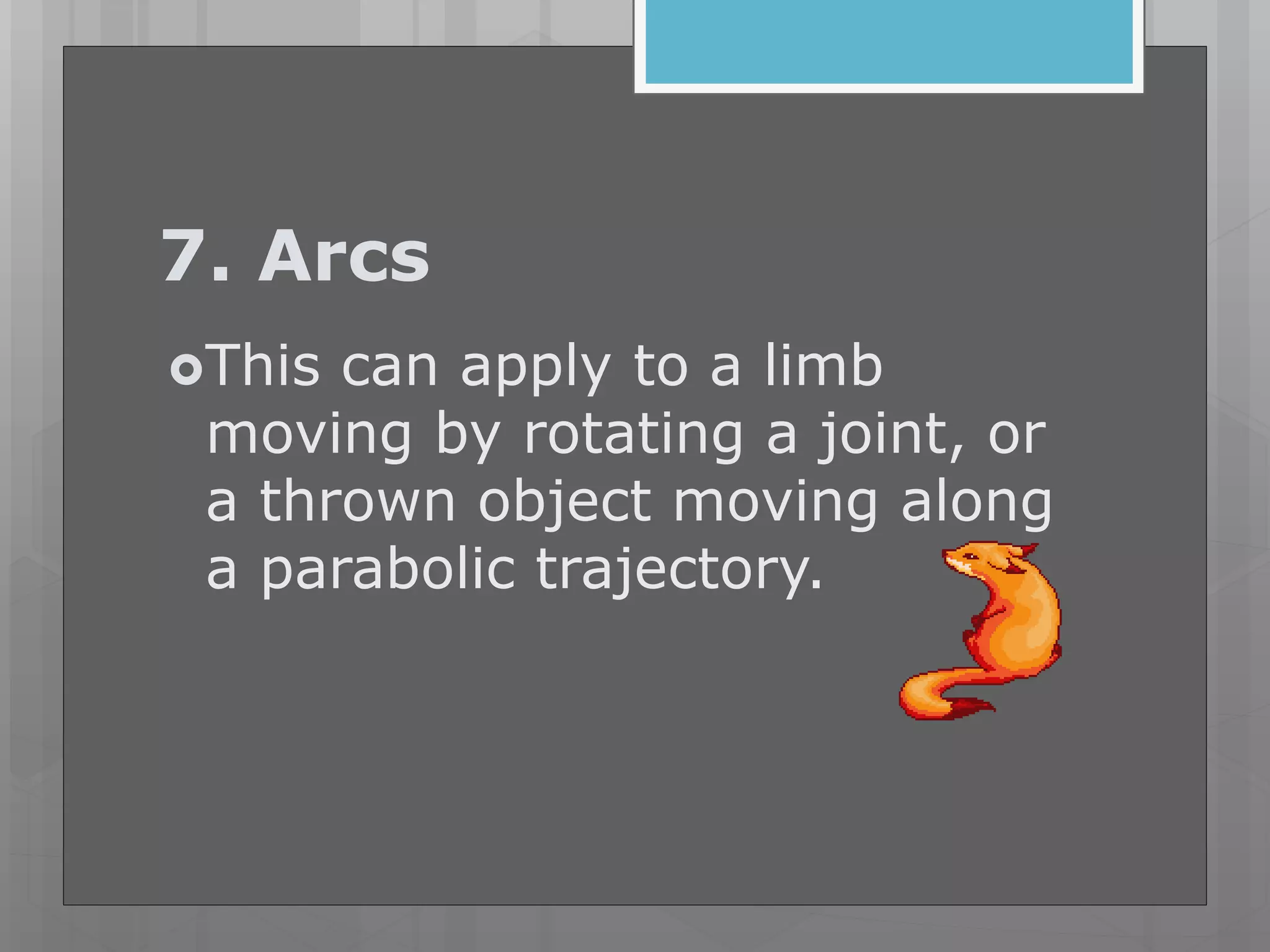
7. Arcs
This can apply to a limb
moving by rotating a joint, or
a thrown object moving along
a parabolic trajectory.
7. Secondary action
gives a scene more life, and
can help to support the main
action.
9.Timing
refers to the number of
drawings or frames for a
given action, which translates
to the speed of the action on
film.
10. Exaggeration
an effect especially useful for
animation, as perfect imitation of
reality can look static and dull in
cartoons
11. Solid drawing
taking into account forms in
three-dimensional space,
giving them volume and
weight
12. Appeal
character who is appealing is
not necessarily sympathetic –
villains or monsters can also
be appealing – the important
thing is that the viewer feels
the character is real and
interesting.[
Sit work 1/2CW
1-3 Name 3 examples or
situations of anticipation
animation principle
4-5 Name 2 examples or
situations of arcs animation
principle
6-10 Differentiate 2D
animation and 3D Animation
Multimedia   animation basic concepts

Multimedia animation basic concepts

  • 2.
     Animation isthe rapid display of a sequence of static images and/or objects to create an illusion of movement. The most common method of presenting animation is as a motion picture or video program, although there are other methods.
  • 3.
     This typeof presentation is usually accomplished with a camera and a projector or a computer viewing screen which can rapidly cycle through images in a sequence.
  • 4.
    Animation can bemade with either hand rendered art, computer generated imagery, or three-dimensional objects, e.g., puppets or clay figures, or a combination of techniques.
  • 5.
     The positionof each object in any particular image relates to the position of that object in the previous and following images so that the objects each appear to fluidly move independently of one another. The viewing device displays these images in rapid succession, usually 24, 25, or 30 frames per second.
  • 6.
    Computer animation  Computeranimation encompasses a variety of techniques, the unifying factor being that the animation is created digitally on a computer.
  • 7.
     This animationtakes less time to produce than previous traditional animation.  2D animation techniques tend to focus on image manipulation while 3D techniques usually build virtual worlds in which characters and objects move and interact.
  • 8.
    2D animation  2Danimation figures are created and/or edited on the computer using 2D bitmap graphics or created and edited using 2D vector graphics.
  • 9.
    3D animation  3D animationis digitally modeled and manipulated by an animator. The animator starts by creating an external 3D mesh to manipulate.
  • 11.
    Inbetweening This process focuseson the need for drawings (pictures) between two extremes or key positions.
  • 12.
    Using key points Theseare useful when changing shapes and form between two key drawings.
  • 13.
    12 basic principlesof Animation
  • 14.
    1. Squash andstretch the purpose of which is to give a sense of weight and flexibility to drawn objects
  • 15.
    2. Anticipation used toprepare the audience for an action, and to make the action appear more realistic
  • 16.
    3. Staging This canbe done by various means, such as the placement of a character in the frame, the use of light and shadow, and the angle and position of the camera
  • 17.
    4. Straight aheadaction and pose to pose Straight ahead action" means drawing out a scene frame by frame from beginning to end
  • 18.
    "pose to pose"involves starting with drawing a few key frames, and then filling in the intervals later.
  • 19.
    5.Follow through and overlappingaction Follow through" means that separate parts of a body will continue moving after the character has stopped.
  • 20.
    Overlapping action" isthe tendency for parts of the body to move at different rates (an arm will move on different timing of the head and so on).
  • 21.
    6. Slow inand slow out The movement of the human body, and most other objects, needs time to accelerate and slow down.
  • 22.
    7. Arcs This canapply to a limb moving by rotating a joint, or a thrown object moving along a parabolic trajectory.
  • 23.
    7. Secondary action givesa scene more life, and can help to support the main action.
  • 24.
    9.Timing refers to thenumber of drawings or frames for a given action, which translates to the speed of the action on film.
  • 25.
    10. Exaggeration an effectespecially useful for animation, as perfect imitation of reality can look static and dull in cartoons
  • 26.
    11. Solid drawing takinginto account forms in three-dimensional space, giving them volume and weight
  • 27.
    12. Appeal character whois appealing is not necessarily sympathetic – villains or monsters can also be appealing – the important thing is that the viewer feels the character is real and interesting.[
  • 28.
    Sit work 1/2CW 1-3Name 3 examples or situations of anticipation animation principle 4-5 Name 2 examples or situations of arcs animation principle 6-10 Differentiate 2D animation and 3D Animation