GRADLE IN A POLYGLOT WORLD
Schalk Cronjé
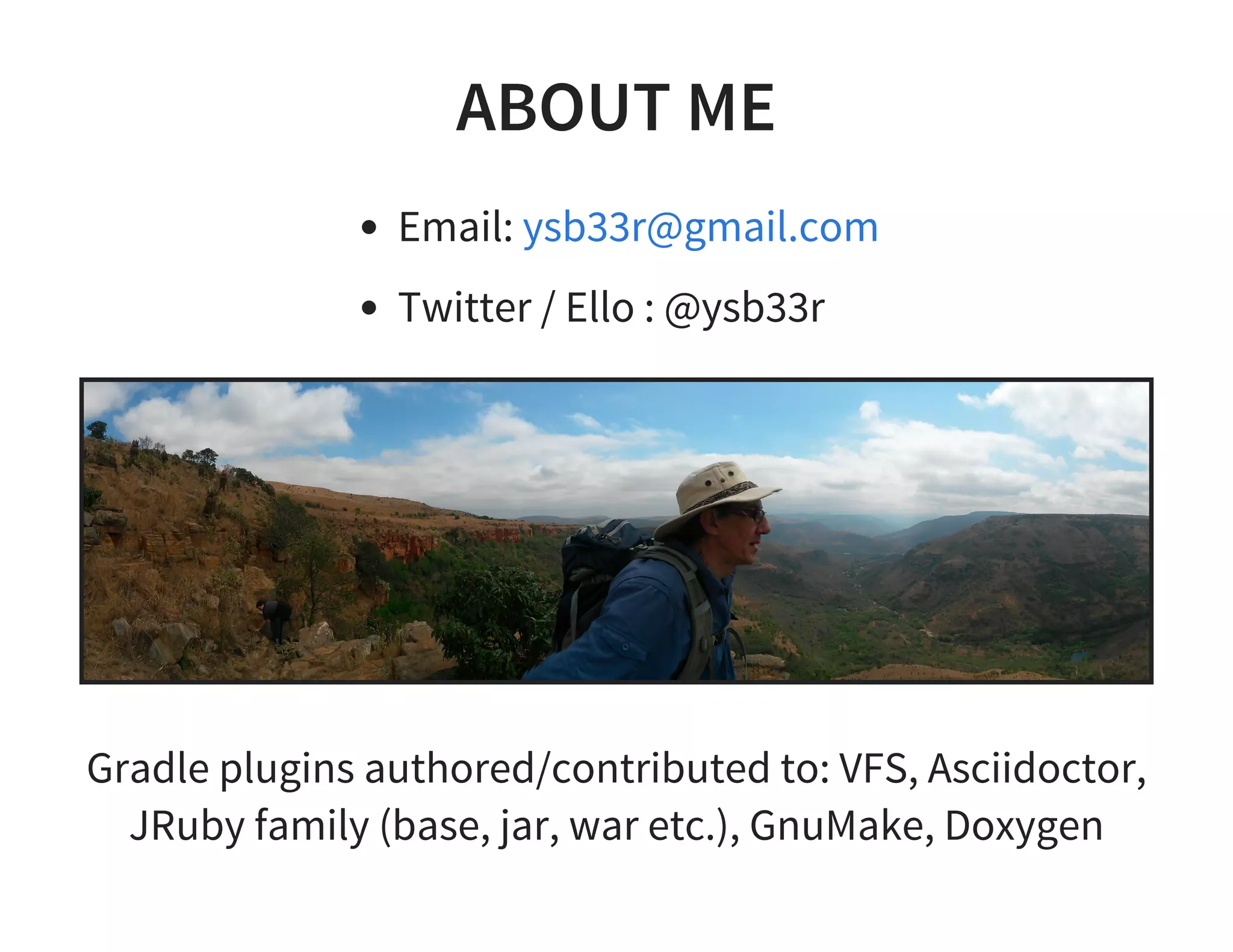
ABOUT ME
Email:
Twitter / Ello : @ysb33r
ysb33r@gmail.com
Gradle plugins authored/contributed to: VFS, Asciidoctor,
JRuby family (base, jar, war etc.), GnuMake, Doxygen
GRADLE
Not just for building JVM projects
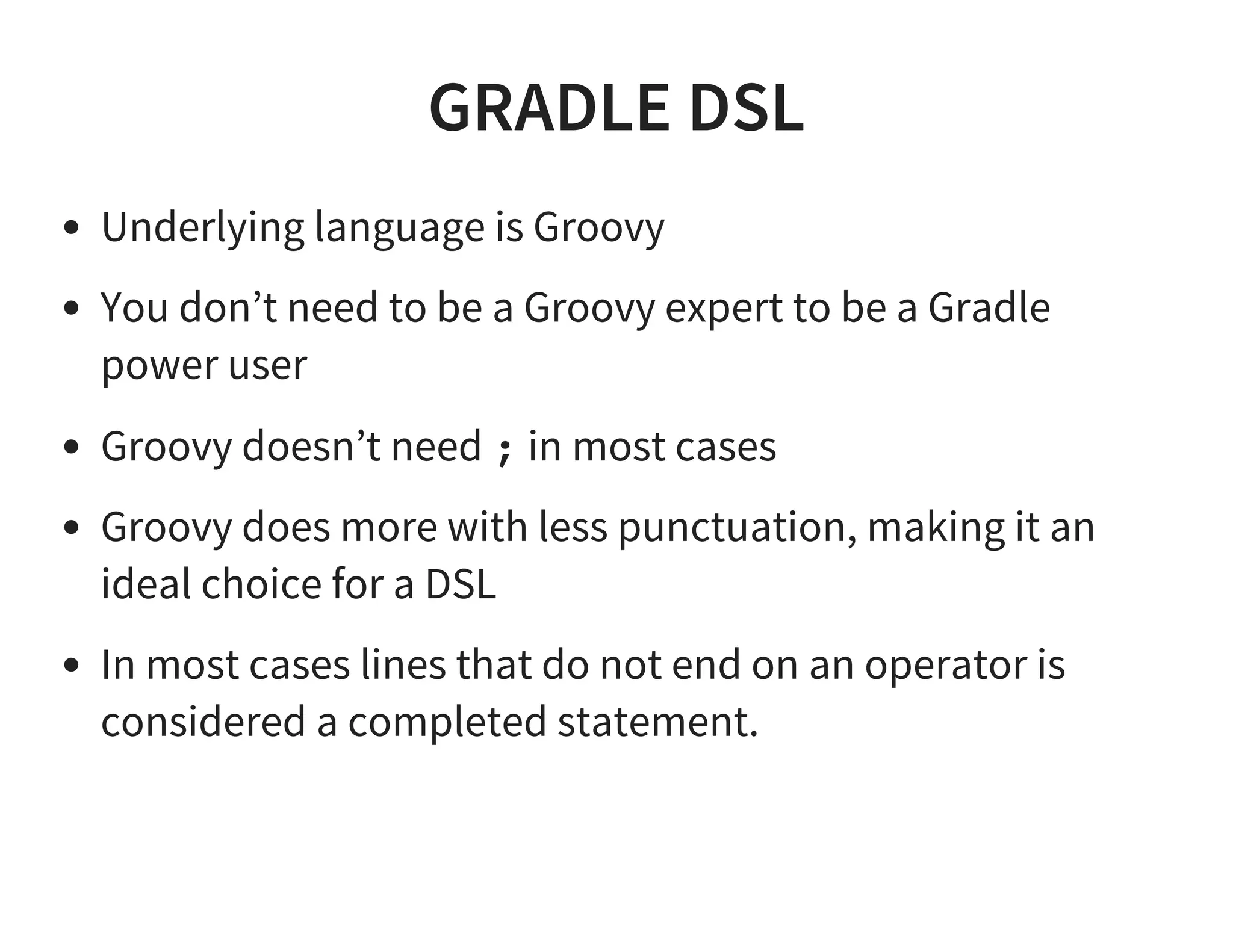
GRADLE DSL
Underlying language is Groovy
You don’t need to be a Groovy expert to be a Gradle
power user
Groovy doesn’t need ; in most cases
Groovy does more with less punctuation, making it an
ideal choice for a DSL
In most cases lines that do not end on an operator is
considered a completed statement.
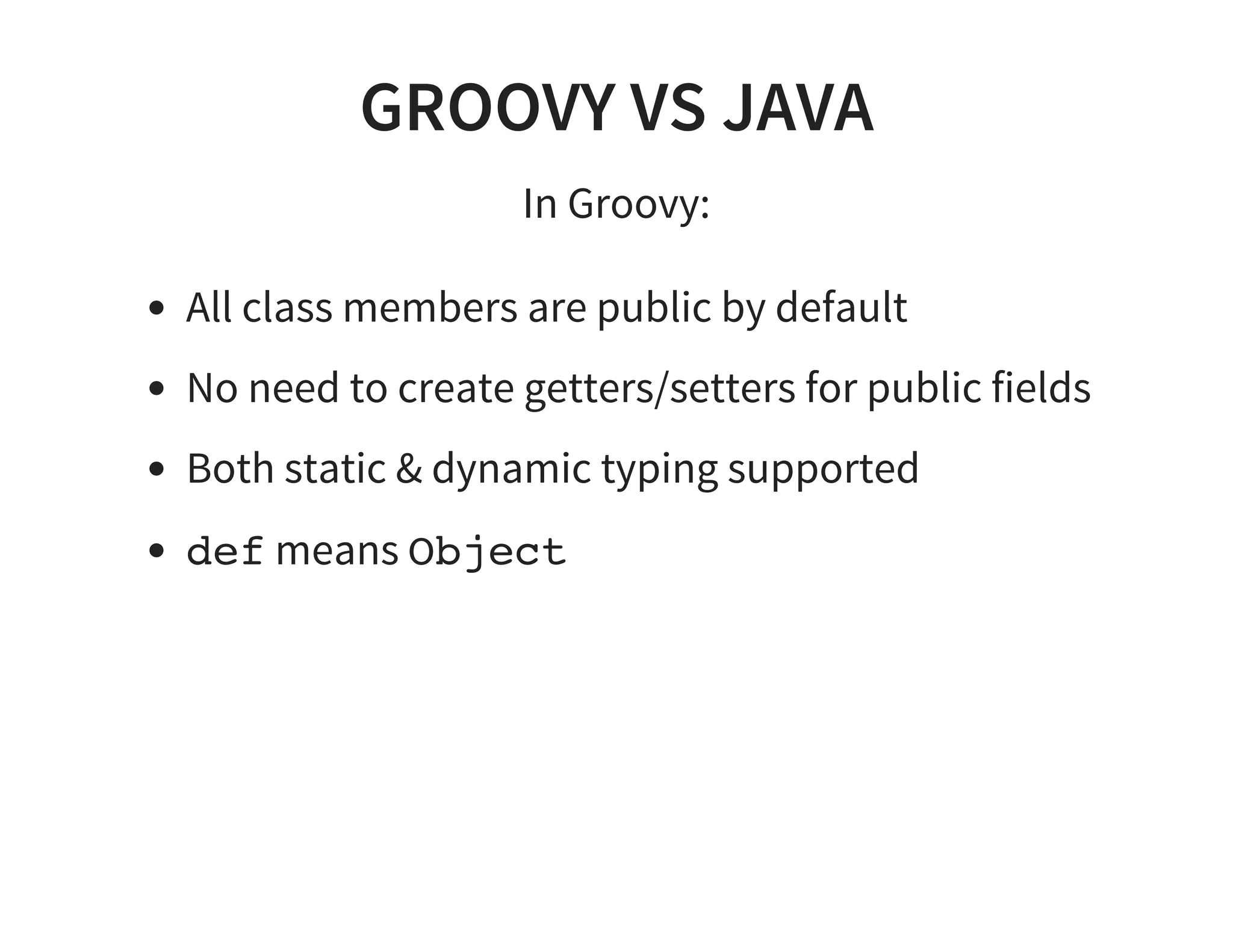
GROOVY VS JAVA
In Groovy:
All class members are public by default
No need to create getters/setters for public fields
Both static & dynamic typing supported
def means Object
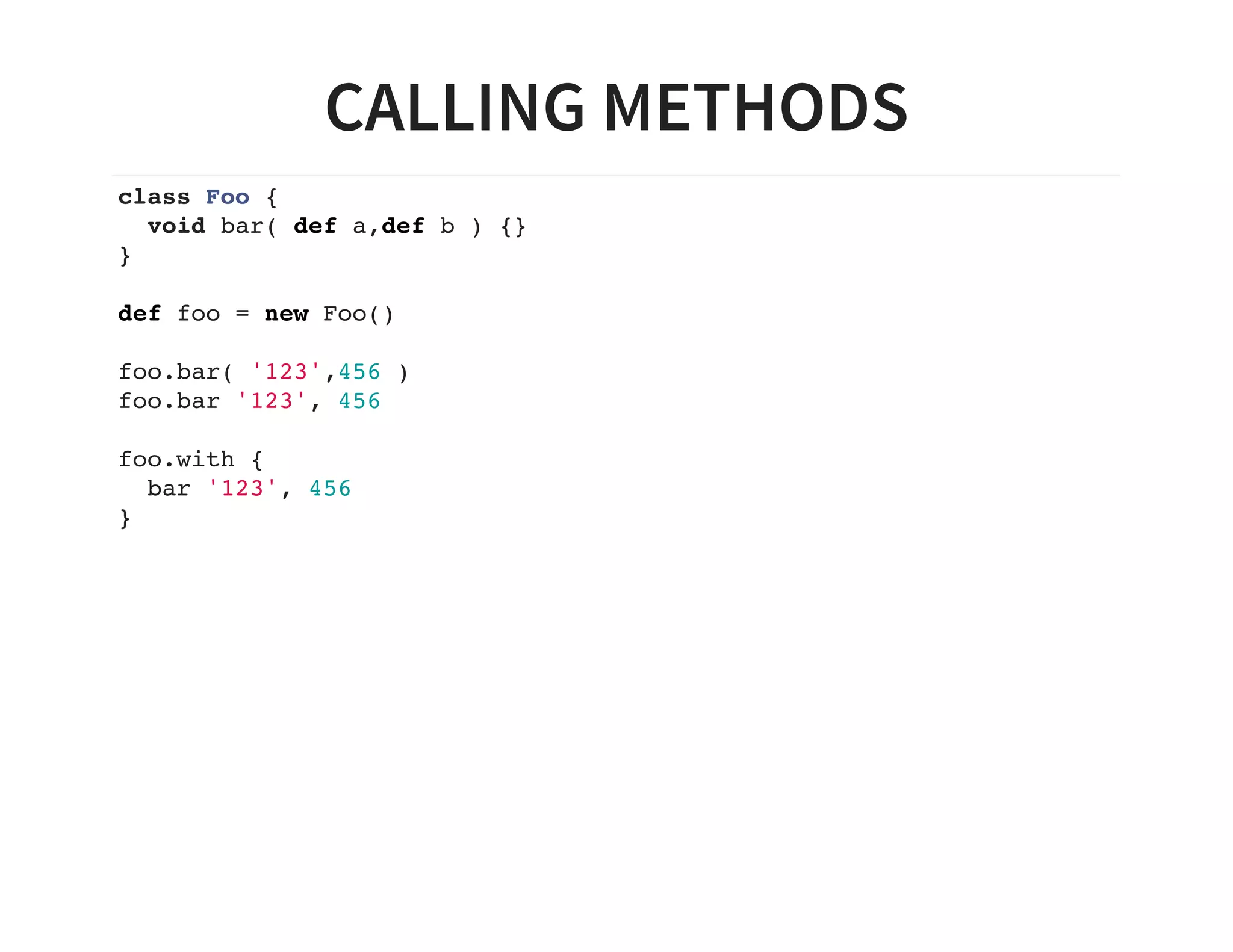
CALLING METHODS
class Foo {
void bar( def a,def b ) {}
}
def foo = new Foo()
foo.bar( '123',456 )
foo.bar '123', 456
foo.with {
bar '123', 456
}
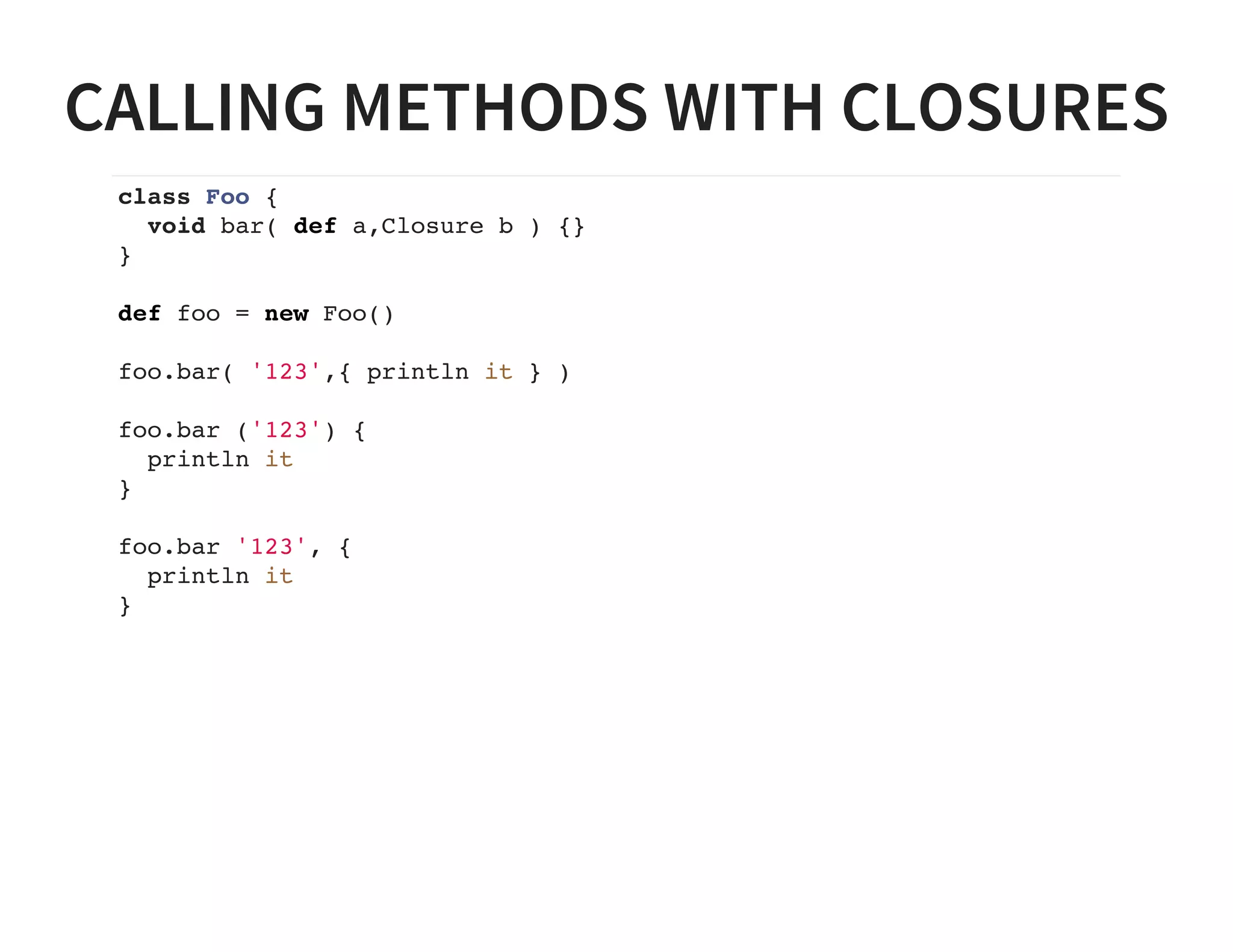
CALLING METHODS WITH CLOSURES
class Foo {
void bar( def a,Closure b ) {}
}
def foo = new Foo()
foo.bar( '123',{ println it } )
foo.bar ('123') {
println it
}
foo.bar '123', {
println it
}
MAPS IN GROOVY
Hashmaps in Groovy are simple to use
def myMap = [ plugin : 'java' ]
Maps are easy to pass inline to functions
project.apply( plugin : 'java' )
Which in Gradle can become
apply plugin : 'java'
LISTS IN GROOVY
Lists in Groovy are simple too
def myList = [ 'clone', ''http://github.com/ysb33r/GradleLectures' ]
This makes it possible for Gradle to do
args 'clone', 'http://github.com/ysb33r/GradleLectures'
CLOSURE DELEGATION IN GROOVY
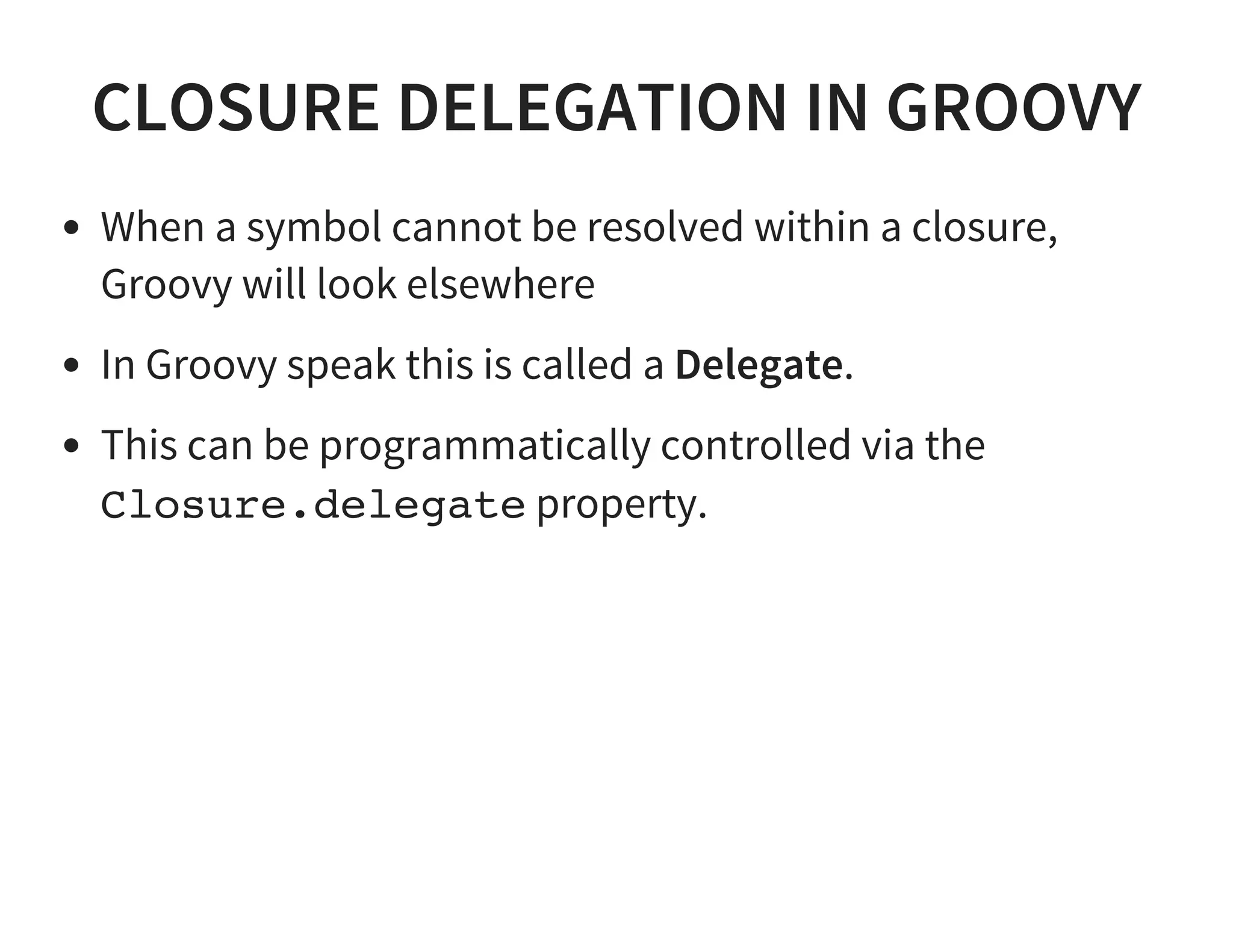
When a symbol cannot be resolved within a closure,
Groovy will look elsewhere
In Groovy speak this is called a Delegate.
This can be programmatically controlled via the
Closure.delegate property.
CLOSURE DELEGATION IN GROOVY
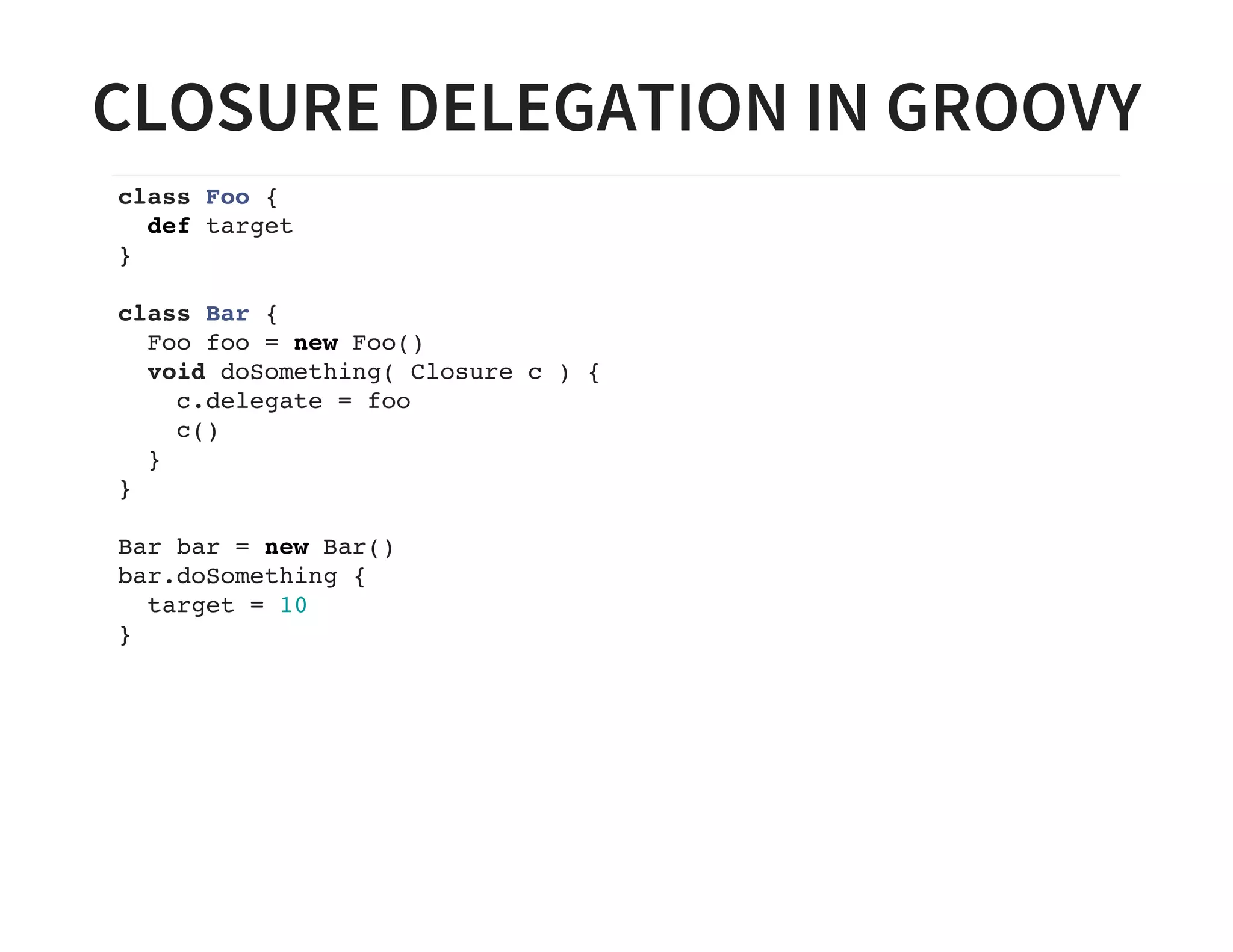
class Foo {
def target
}
class Bar {
Foo foo = new Foo()
void doSomething( Closure c ) {
c.delegate = foo
c()
}
}
Bar bar = new Bar()
bar.doSomething {
target = 10
}
MORE CLOSURE MAGIC
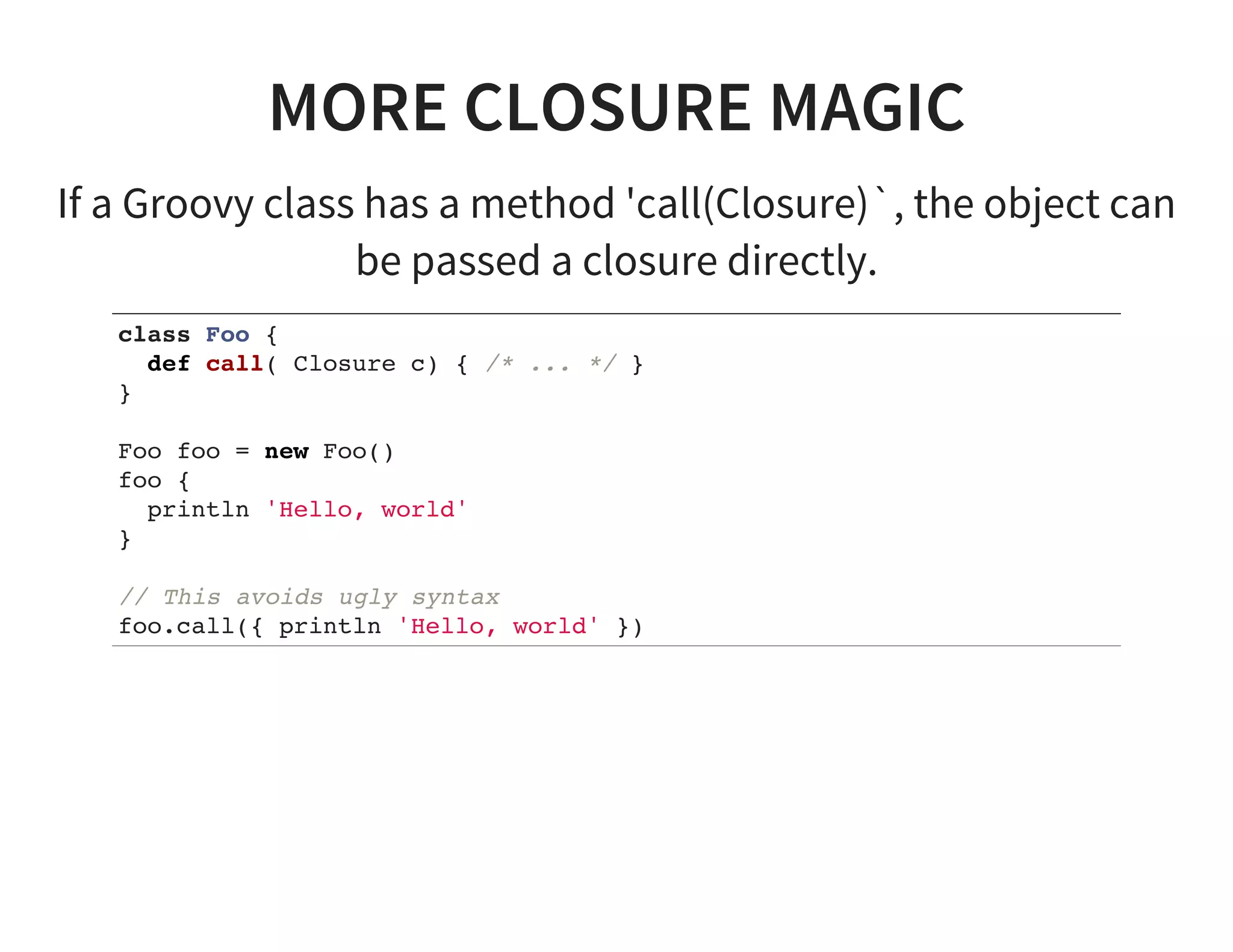
If a Groovy class has a method 'call(Closure)`, the object can
be passed a closure directly.
class Foo {
def call( Closure c) { /* ... */ }
}
Foo foo = new Foo()
foo {
println 'Hello, world'
}
// This avoids ugly syntax
foo.call({ println 'Hello, world' })
CLOSURE DELEGATION IN GRADLE
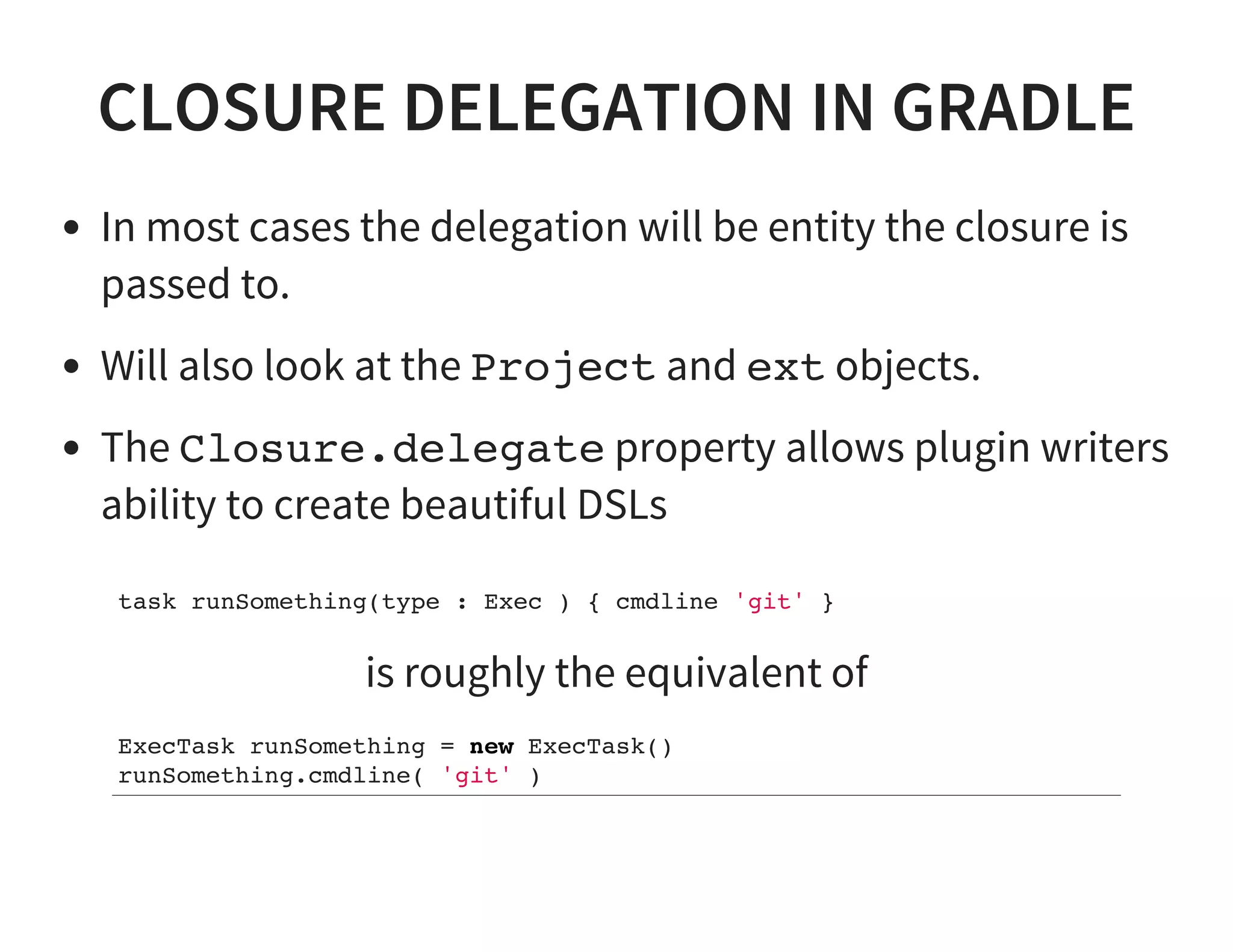
In most cases the delegation will be entity the closure is
passed to.
Will also look at the Project and ext objects.
The Closure.delegate property allows plugin writers
ability to create beautiful DSLs
task runSomething(type : Exec ) { cmdline 'git' }
is roughly the equivalent of
ExecTask runSomething = new ExecTask()
runSomething.cmdline( 'git' )
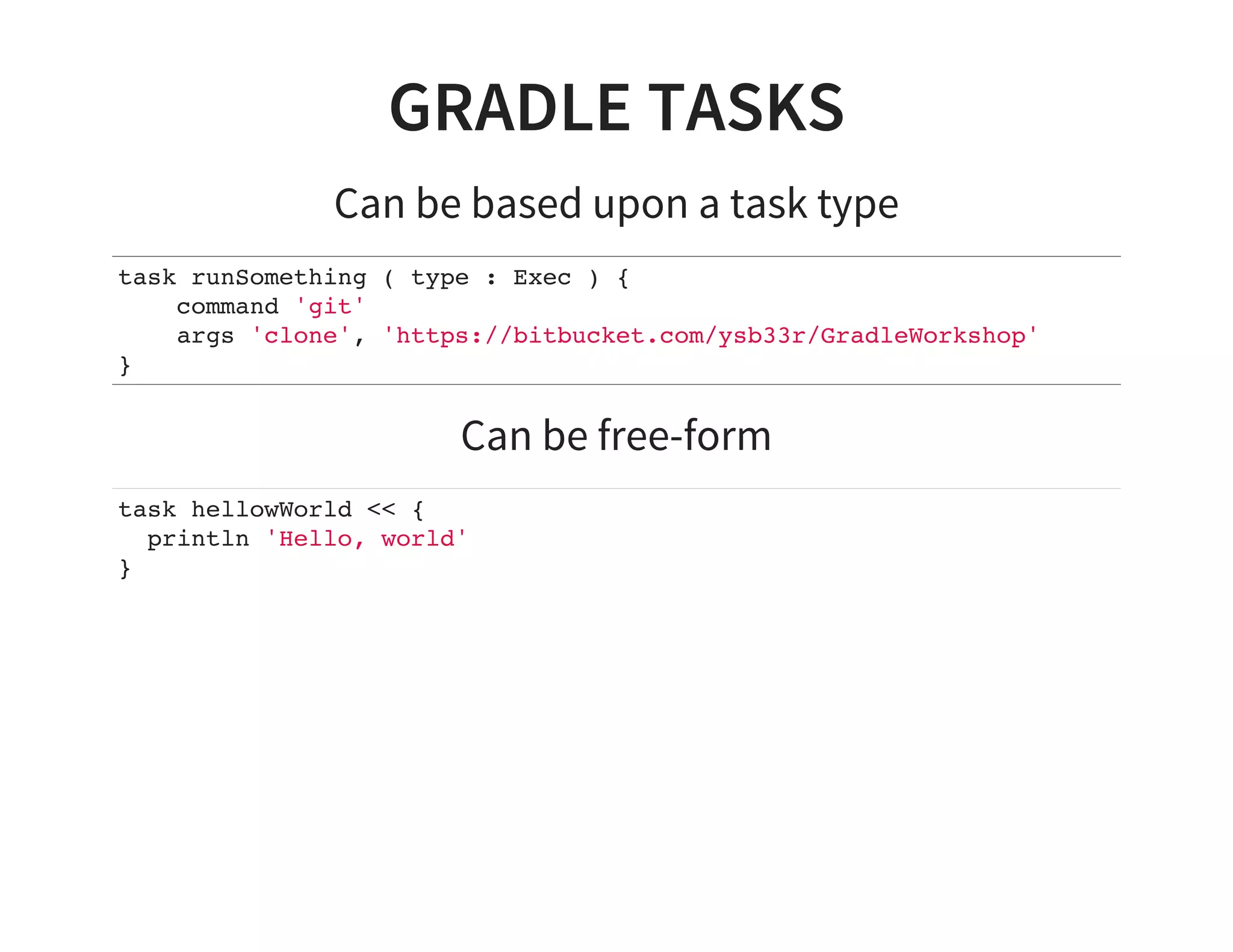
GRADLE TASKS
Can be based upon a task type
task runSomething ( type : Exec ) {
command 'git'
args 'clone', 'https://bitbucket.com/ysb33r/GradleWorkshop'
}
Can be free-form
task hellowWorld << {
println 'Hello, world'
}
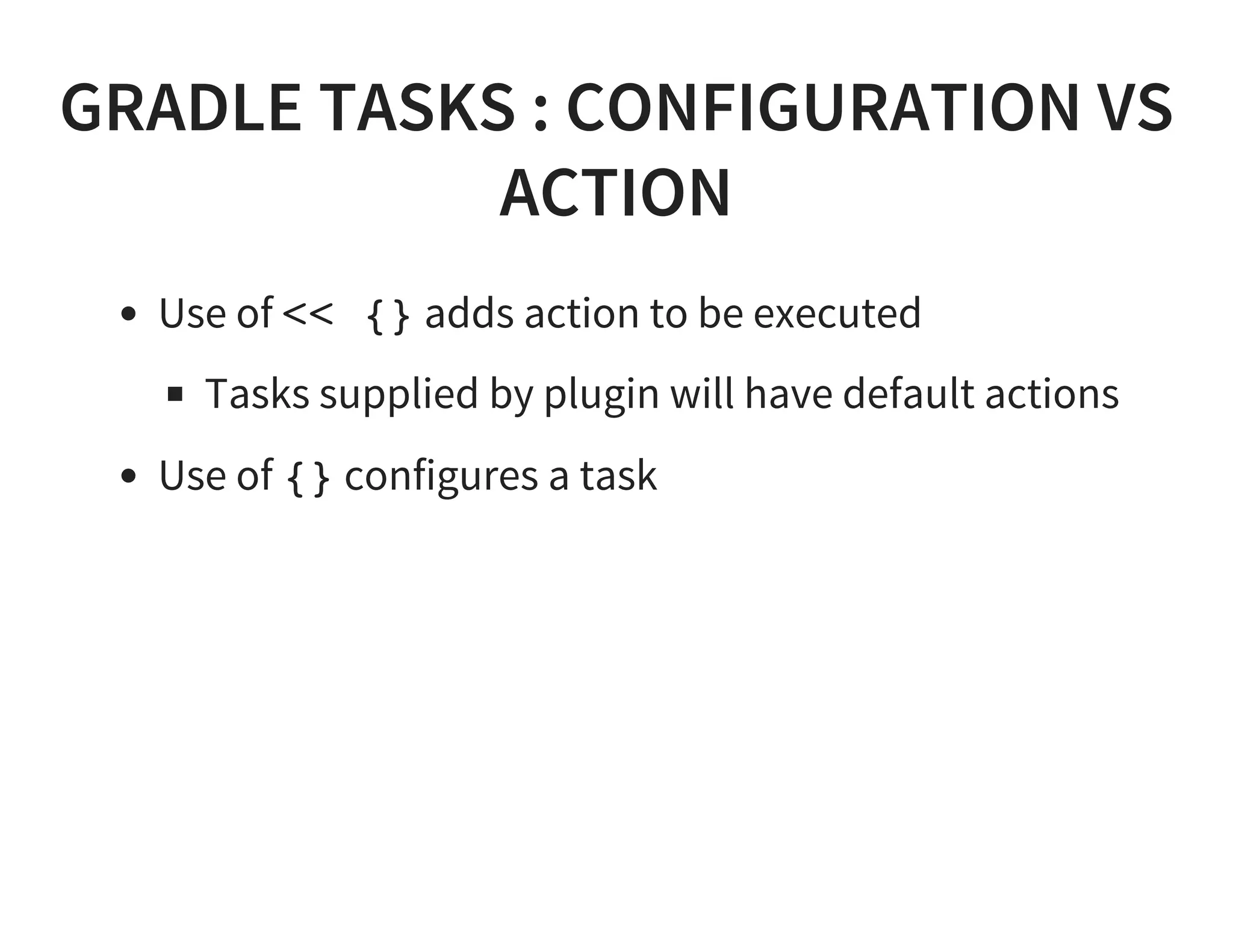
GRADLE TASKS : CONFIGURATION VS
ACTION
Use of << {} adds action to be executed
Tasks supplied by plugin will have default actions
Use of {} configures a task
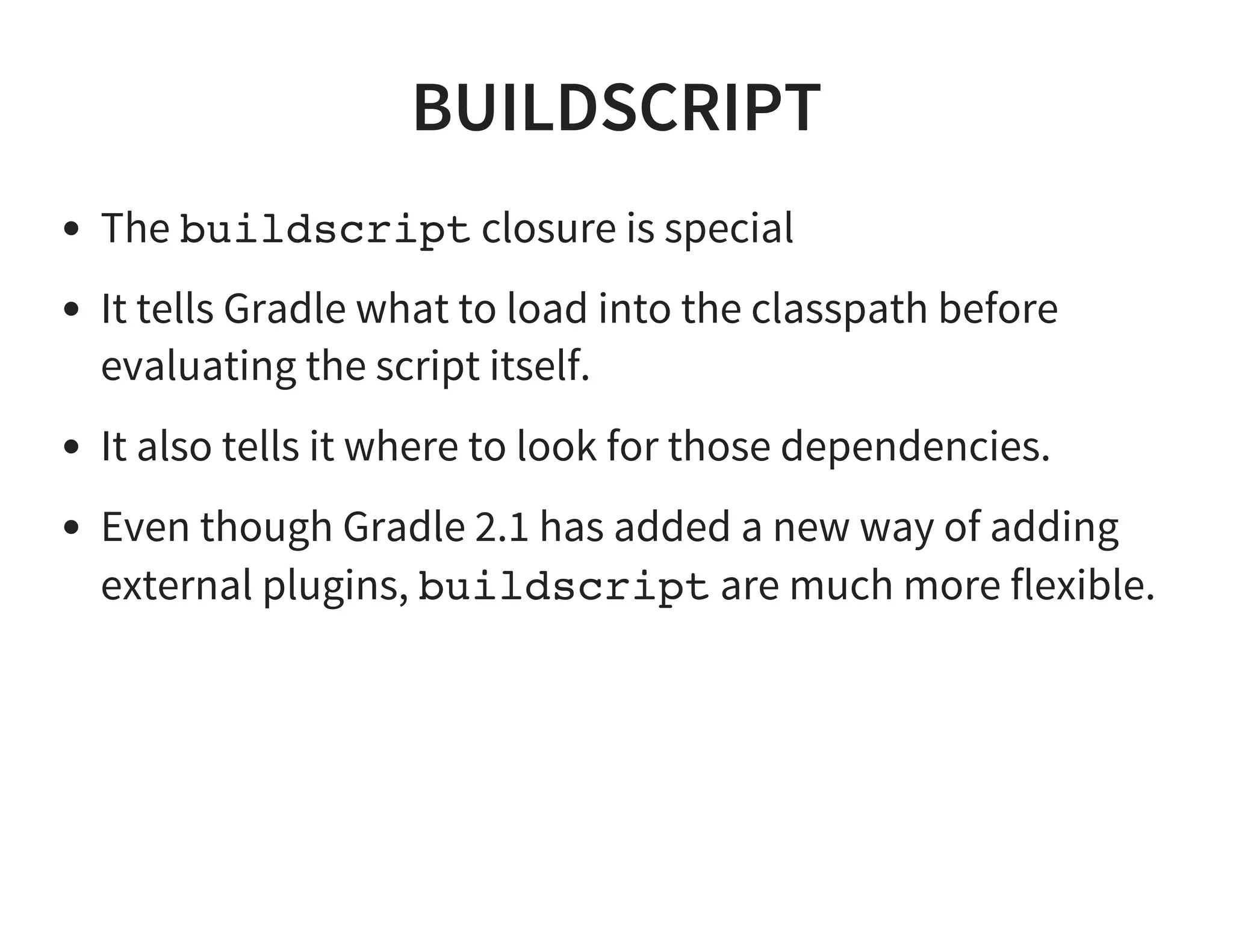
BUILDSCRIPT
The buildscript closure is special
It tells Gradle what to load into the classpath before
evaluating the script itself.
It also tells it where to look for those dependencies.
Even though Gradle 2.1 has added a new way of adding
external plugins, buildscript are much more flexible.
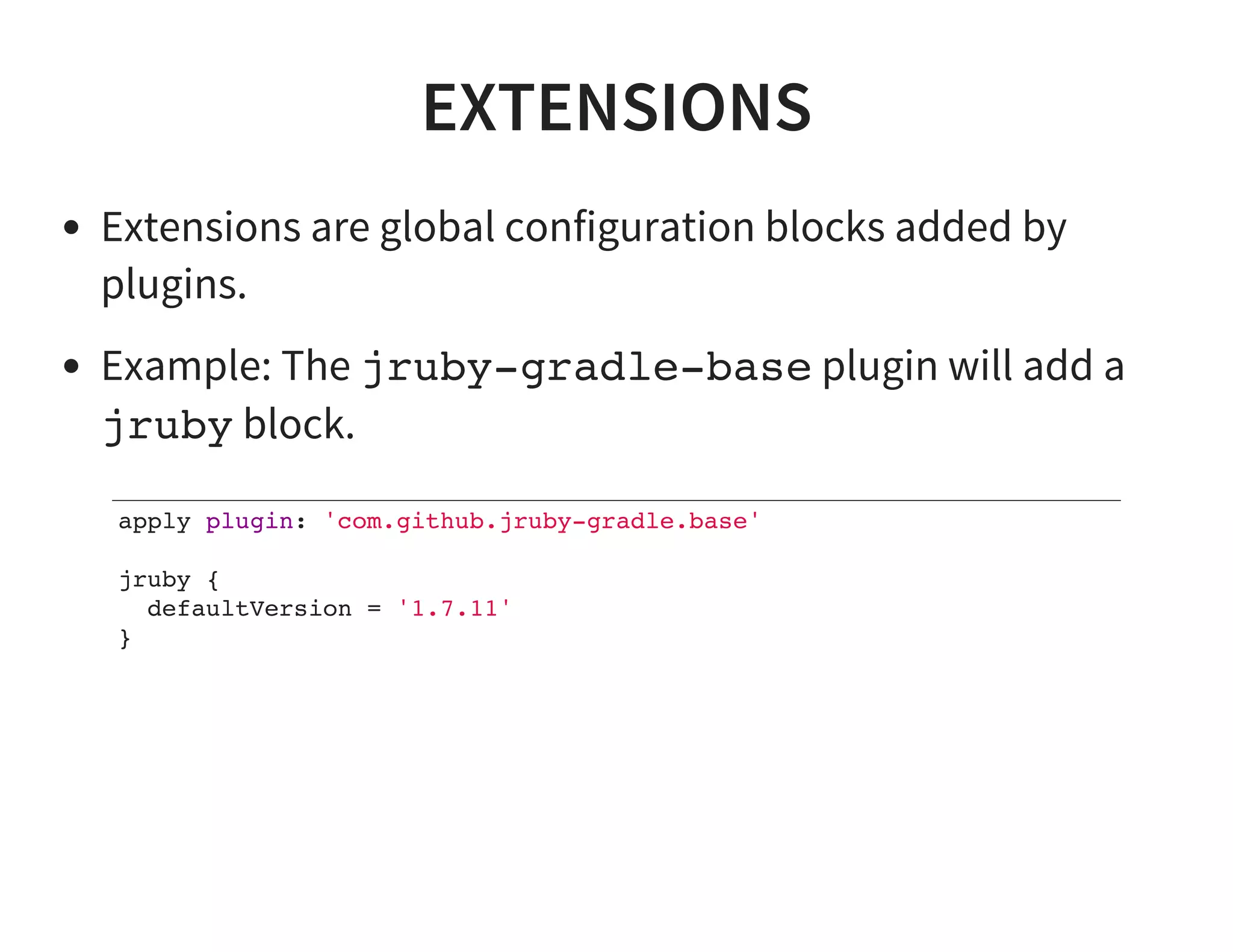
EXTENSIONS
Extensions are global configuration blocks added by
plugins.
Example: The jruby-gradle-base plugin will add a
jruby block.
apply plugin: 'com.github.jruby-gradle.base'
jruby {
defaultVersion = '1.7.11'
}
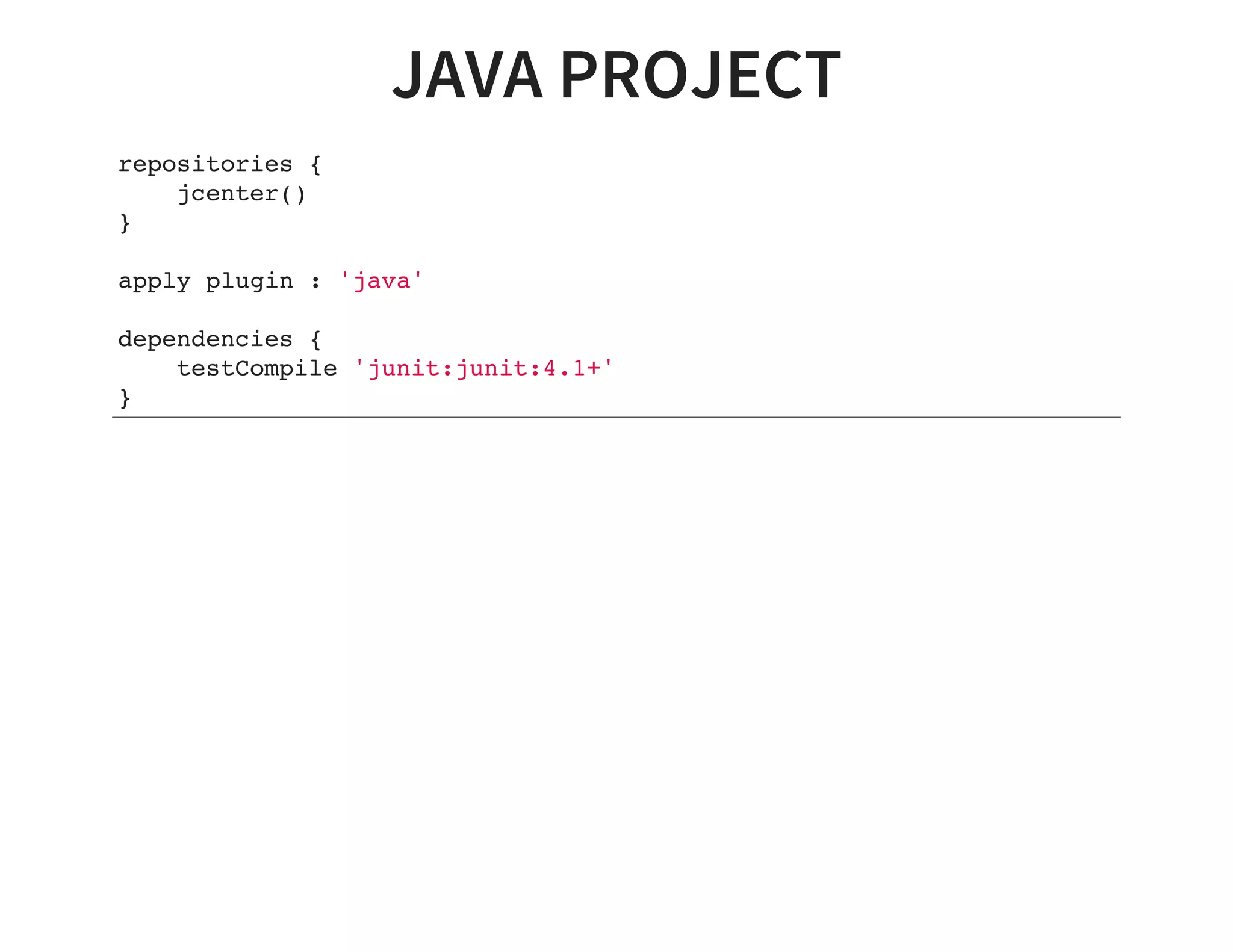
JAVA PROJECT
repositories {
jcenter()
}
apply plugin : 'java'
dependencies {
testCompile 'junit:junit:4.1+'
}
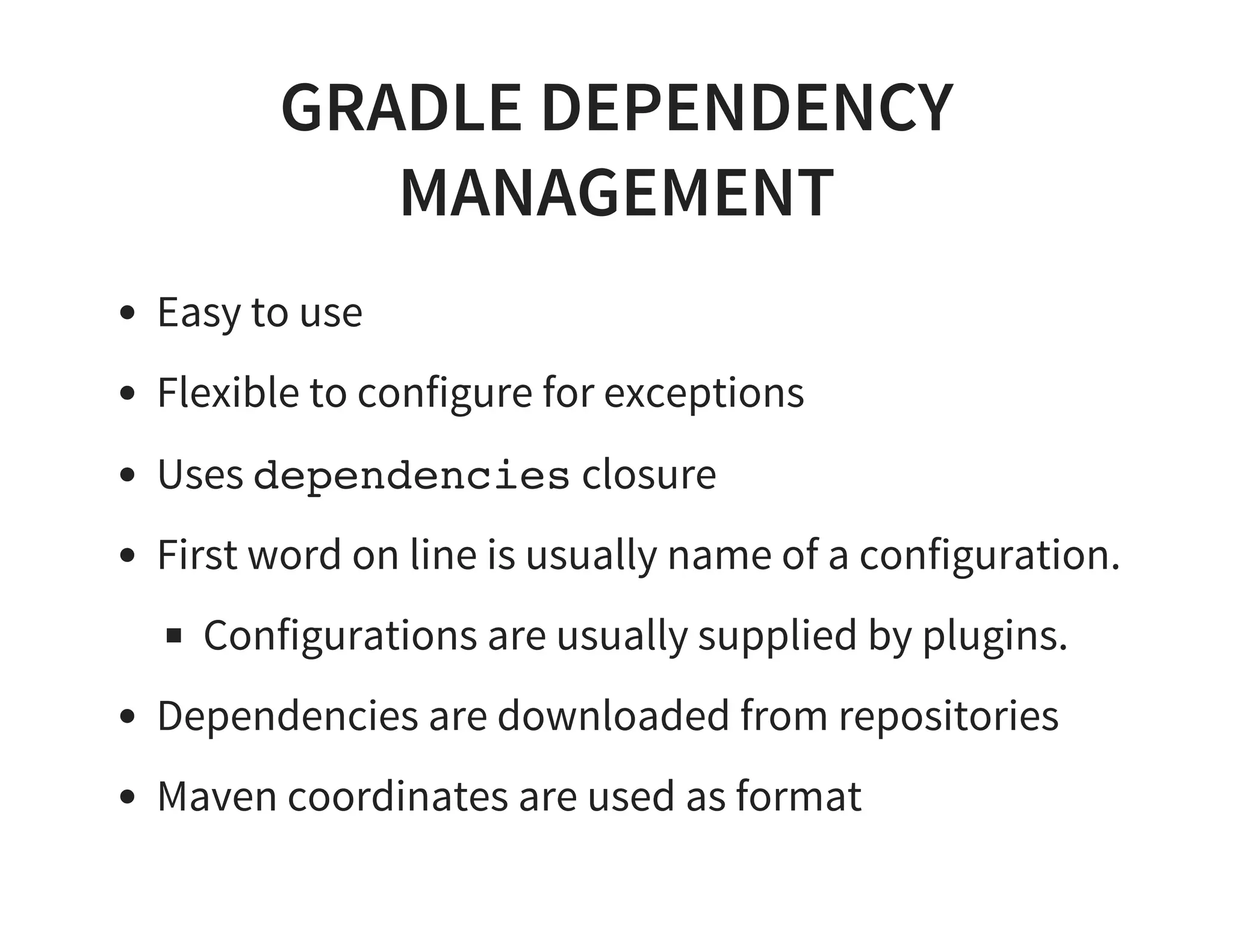
GRADLE DEPENDENCY
MANAGEMENT
Easy to use
Flexible to configure for exceptions
Uses dependencies closure
First word on line is usually name of a configuration.
Configurations are usually supplied by plugins.
Dependencies are downloaded from repositories
Maven coordinates are used as format
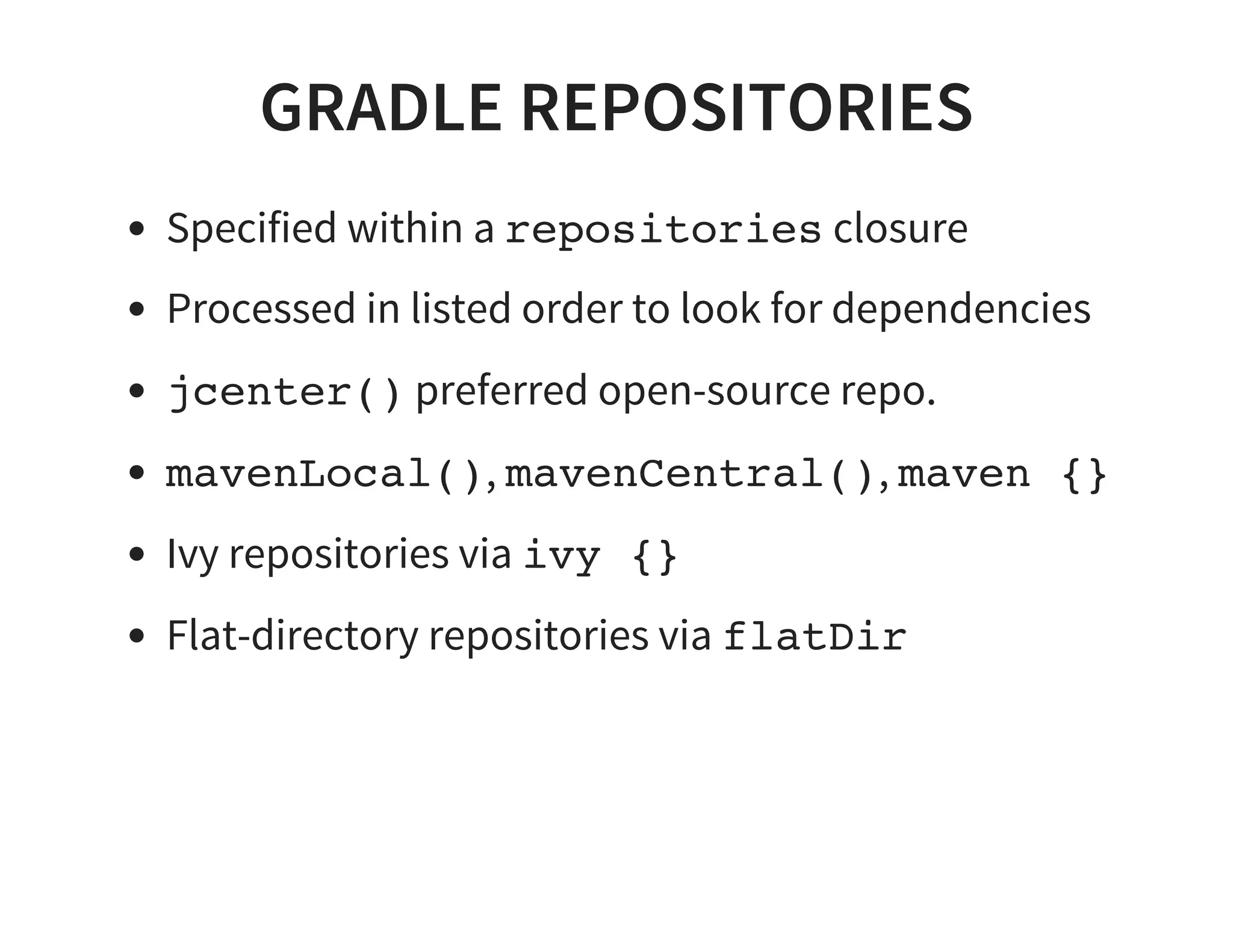
GRADLE REPOSITORIES
Specified within a repositories closure
Processed in listed order to look for dependencies
jcenter() preferred open-source repo.
mavenLocal(), mavenCentral(), maven {}
Ivy repositories via ivy {}
Flat-directory repositories via flatDir
BUILDING C++
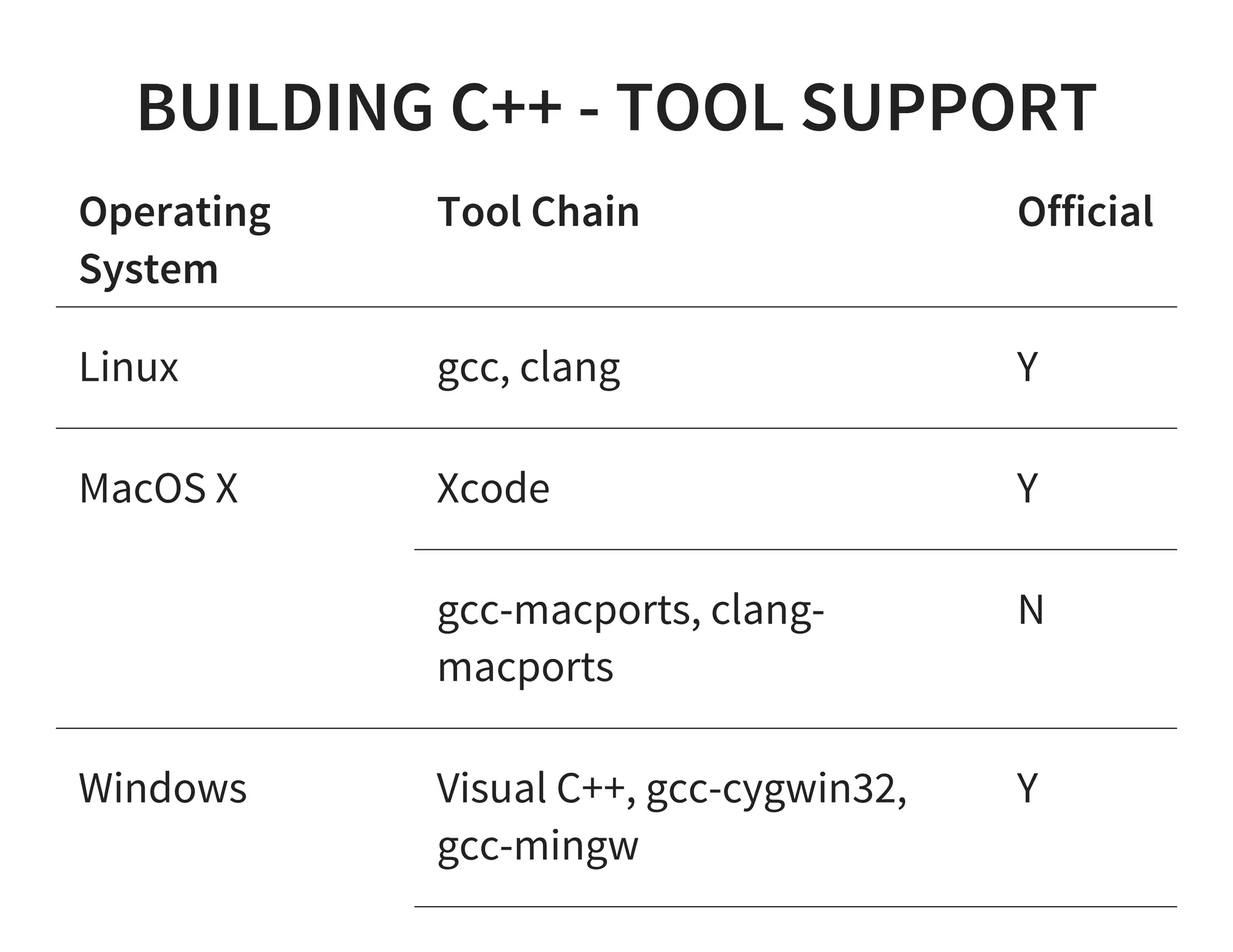
BUILDING C++ - TOOL SUPPORT
Operating
System
Tool Chain Official
Linux gcc, clang Y
MacOS X Xcode Y
gcc-macports, clang-
macports
N
Windows Visual C++, gcc-cygwin32,
gcc-mingw
Y
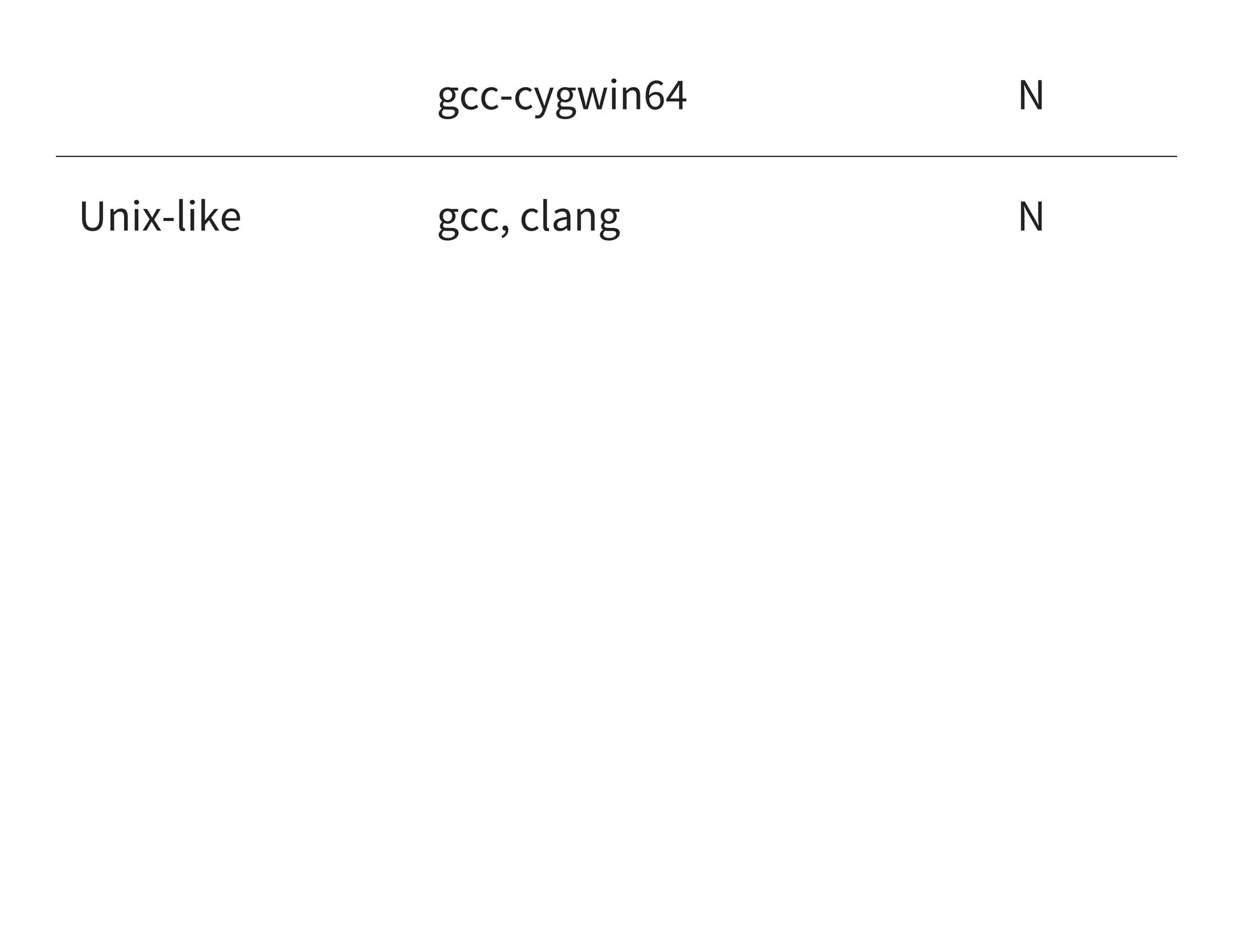
gcc-cygwin64 N
Unix-like gcc, clang N
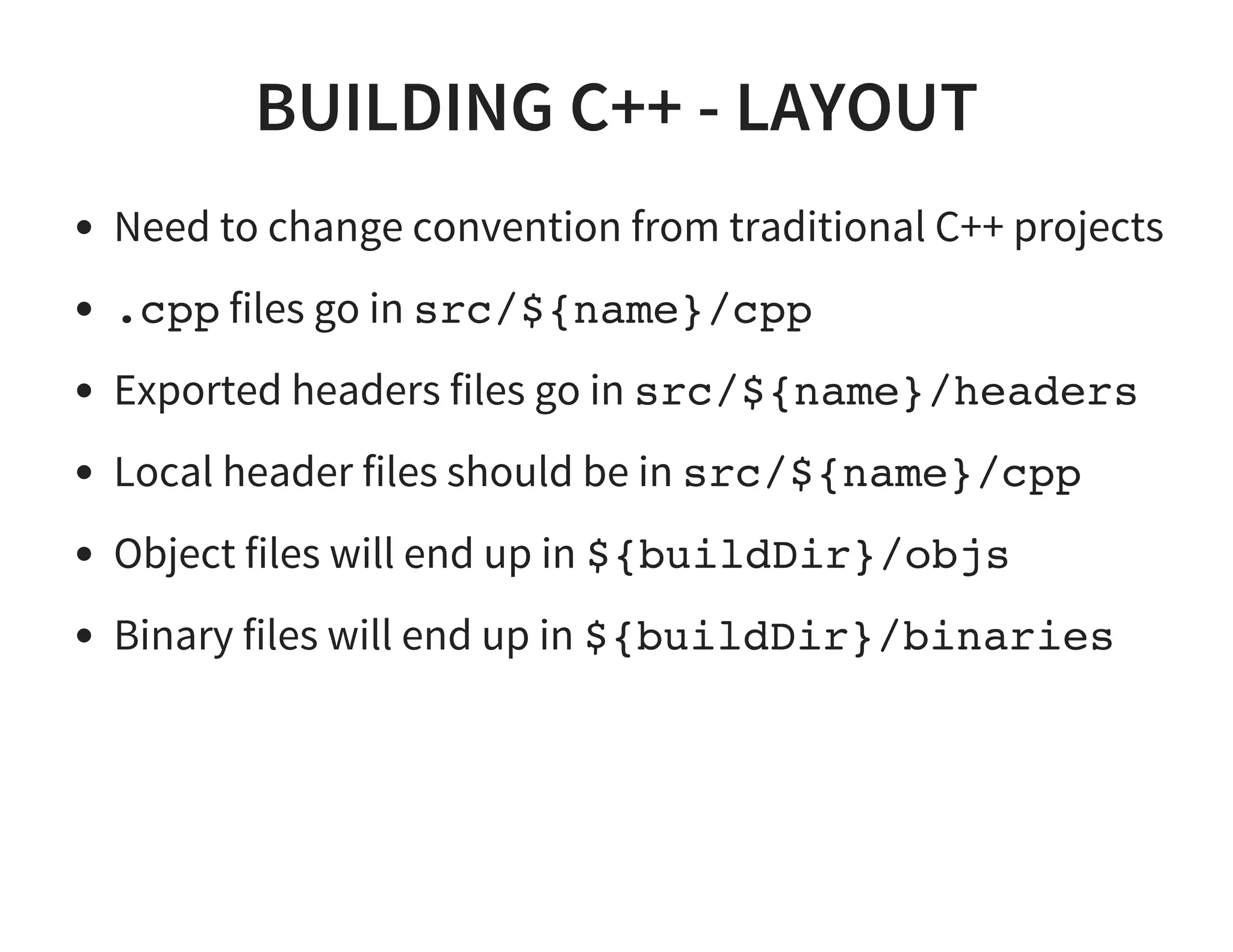
BUILDING C++ - LAYOUT
Need to change convention from traditional C++ projects
.cpp files go in src/${name}/cpp
Exported headers files go in src/${name}/headers
Local header files should be in src/${name}/cpp
Object files will end up in ${buildDir}/objs
Binary files will end up in ${buildDir}/binaries
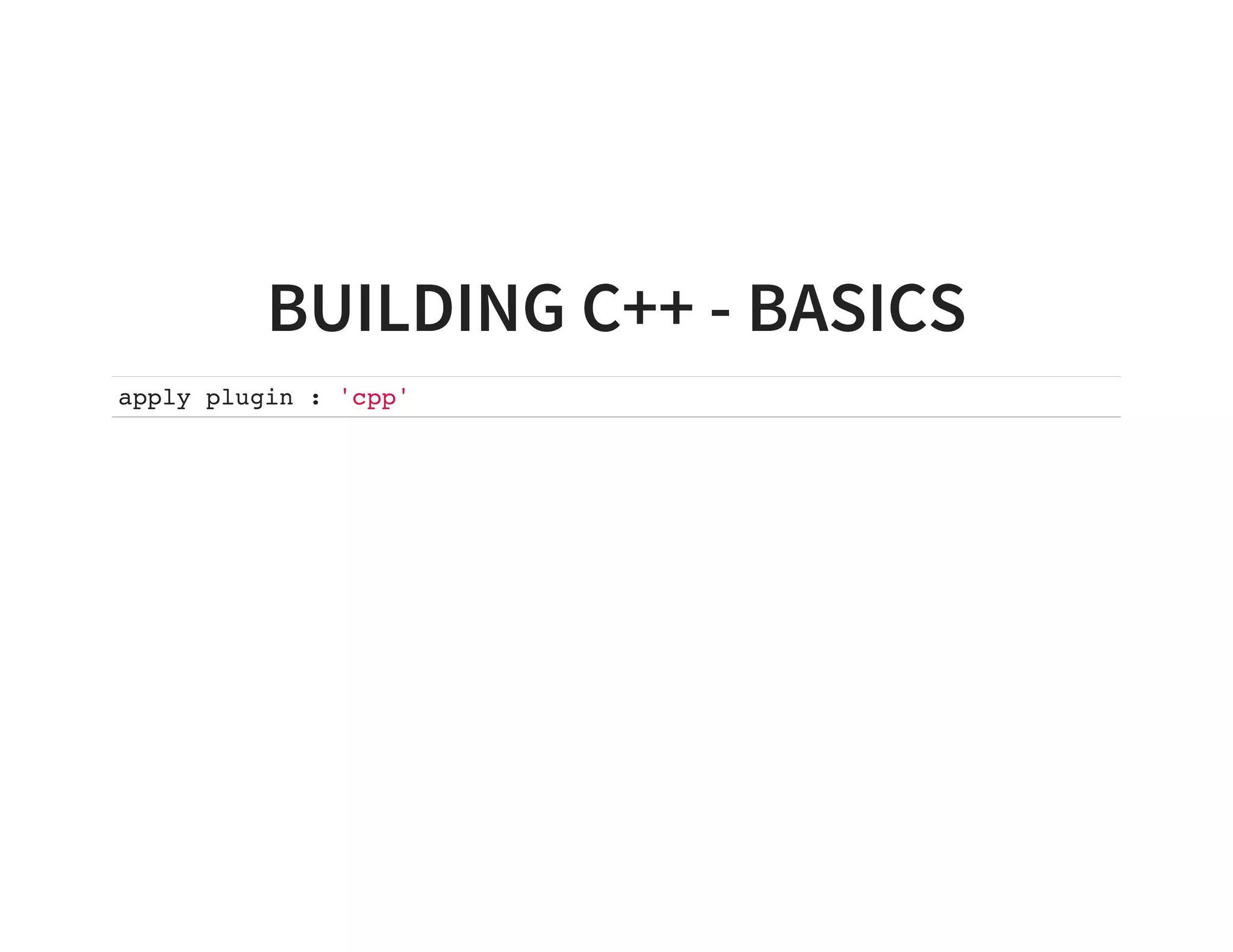
BUILDING C++ - BASICS
apply plugin : 'cpp'
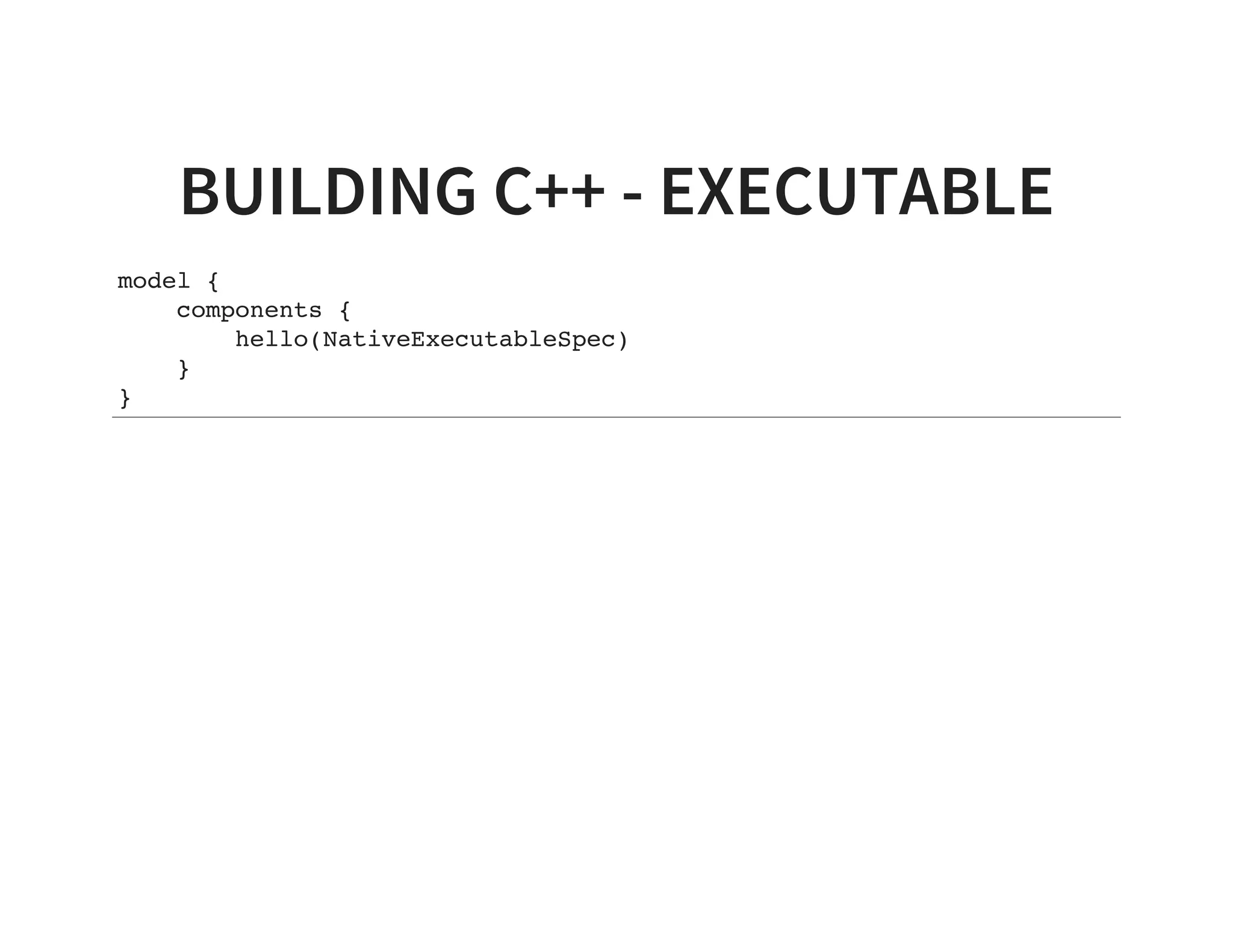
BUILDING C++ - EXECUTABLE
model {
components {
hello(NativeExecutableSpec)
}
}
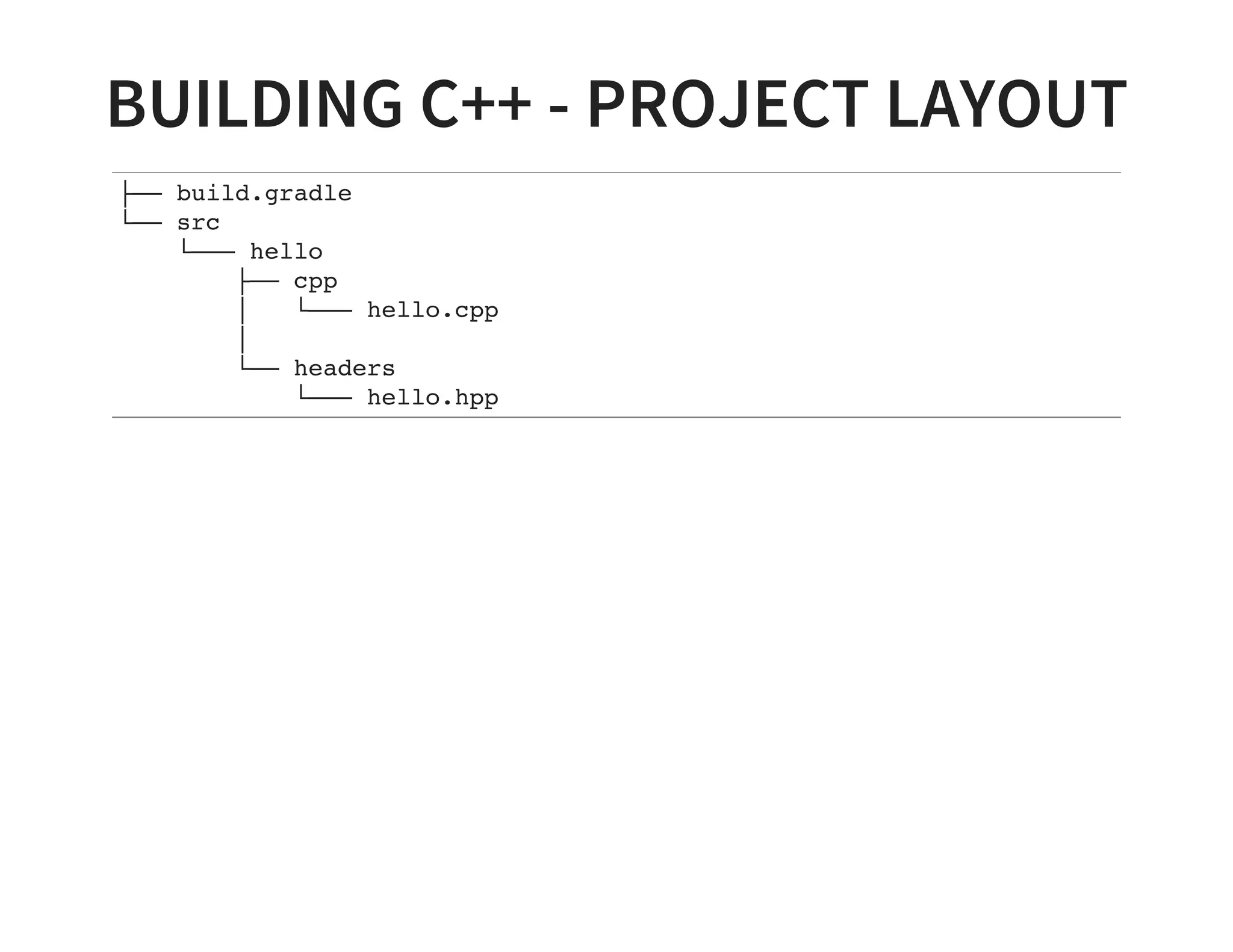
BUILDING C++ - PROJECT LAYOUT
├── build.gradle
└── src
└─── hello
   ├── cpp
│ └─── hello.cpp
│
   └── headers
└─── hello.hpp
BUILDING C++ - EXISTING PROJECTS
Source directories can be adjusted
Alternative compiler locations
BUILDING C++ - ALTERNATIVE
SOURCE
sources {
cpp {
source {
srcDir "myDir"
include "**/*.cpp"
}
}
}
BUILDING C++ - OTHER FEATURES
Cross compilation
Multi-architecture targets
Set compiler & linker flags
Multi-variant builds
BUILDING C++ - WEAKNESS
Currently only have built-in support for CUnit
Only platform configuration tool support is CMake
No Autotools equivalent
DSL can be slicker
BUILDING RUBY
BUILDING JRUBY
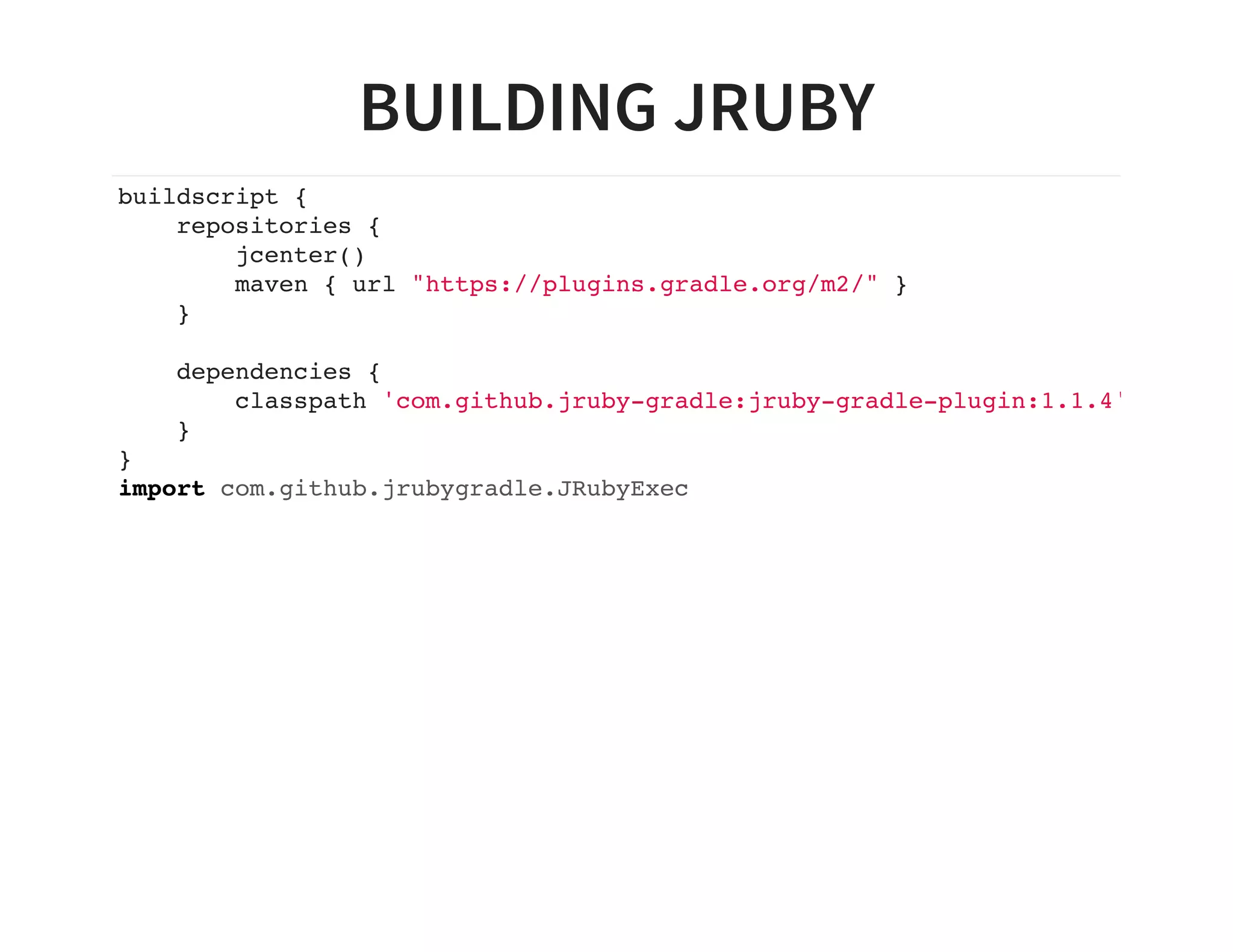
buildscript {
repositories {
jcenter()
maven { url "https://plugins.gradle.org/m2/" }
}
dependencies {
classpath 'com.github.jruby-gradle:jruby-gradle-plugin:1.1.4'
}
}
import com.github.jrubygradle.JRubyExec
BUILDING JRUBY
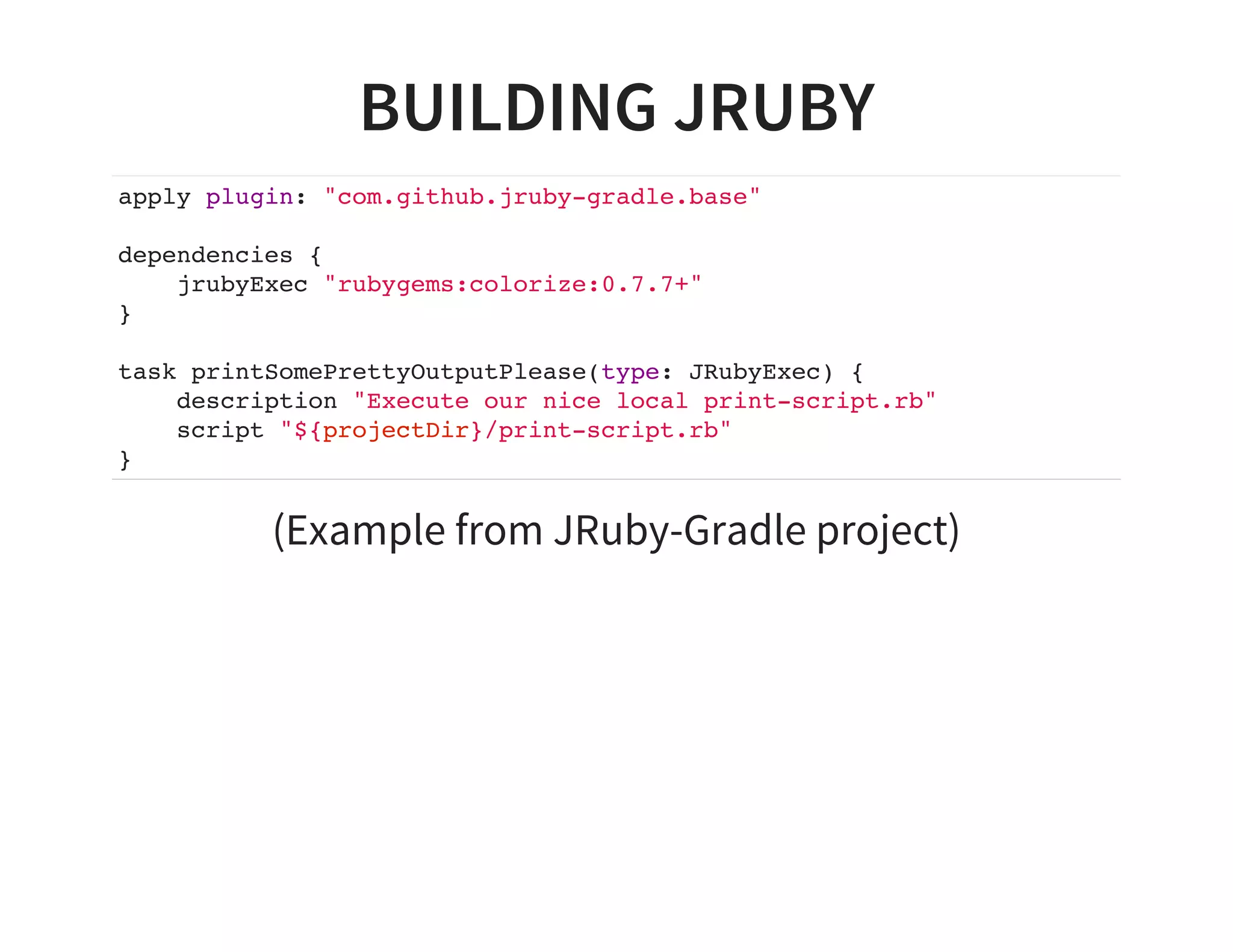
apply plugin: "com.github.jruby-gradle.base"
dependencies {
jrubyExec "rubygems:colorize:0.7.7+"
}
task printSomePrettyOutputPlease(type: JRubyExec) {
description "Execute our nice local print-script.rb"
script "${projectDir}/print-script.rb"
}
(Example from JRuby-Gradle project)
OTHER LANGUAGES
C / ASM / Resources (built-in)
Clojure (plugin)
Frege (plugin)
Golang (plugin)
Scala (built-in)
Gosu (plugin)
SUPPORT FOR OTHER
BUILDSYSTEMS
ANT (built-in)
GNU Make
MSBuild / xBuild
Grunt
Anything else craftable via Exec or JavaExec task
DOCUMENTATION
BUILDING DOCUMENTATION
Doxygen
Markdown
Asciidoctor
ASCIIDOCTOR
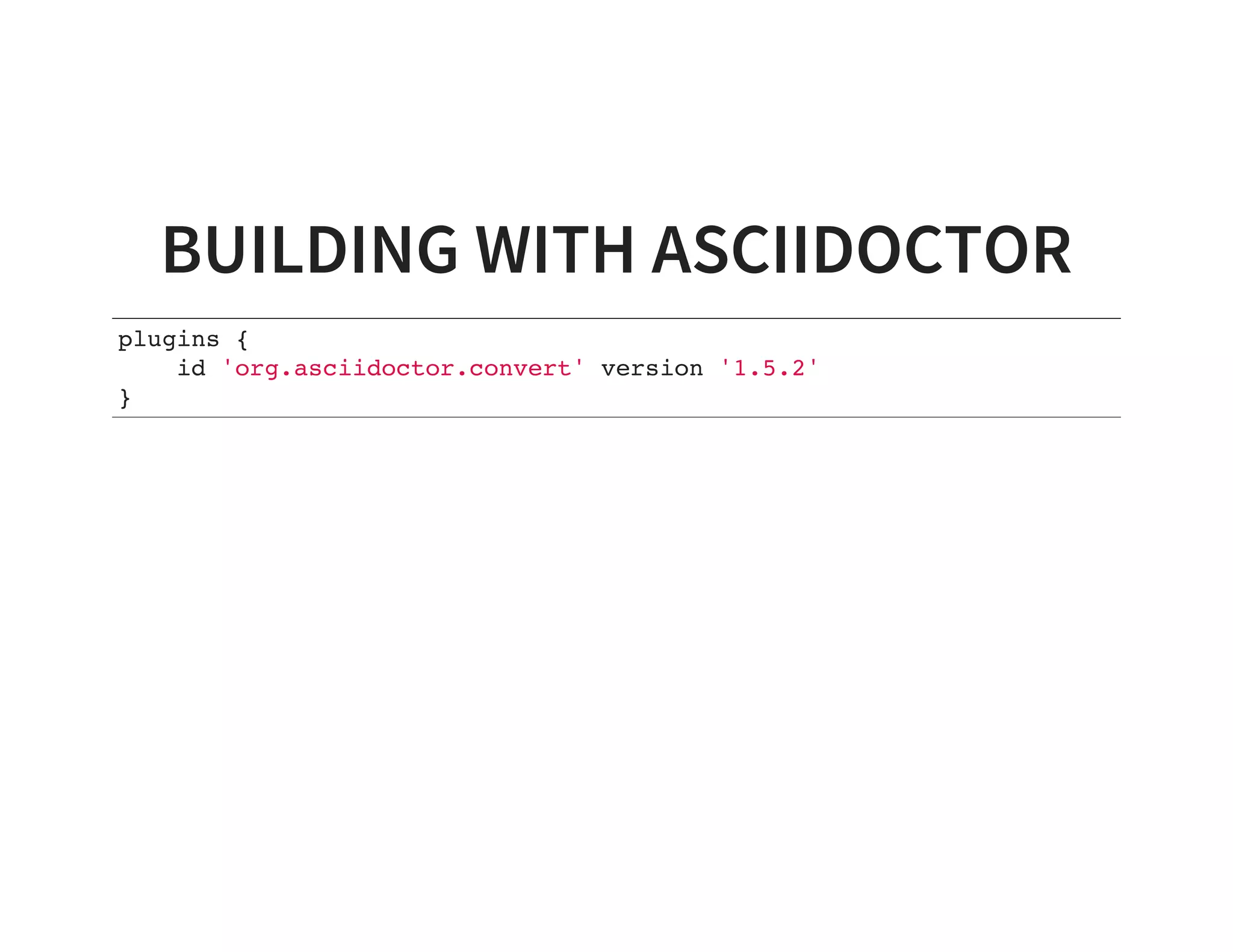
BUILDING WITH ASCIIDOCTOR
plugins {
id 'org.asciidoctor.convert' version '1.5.2'
}
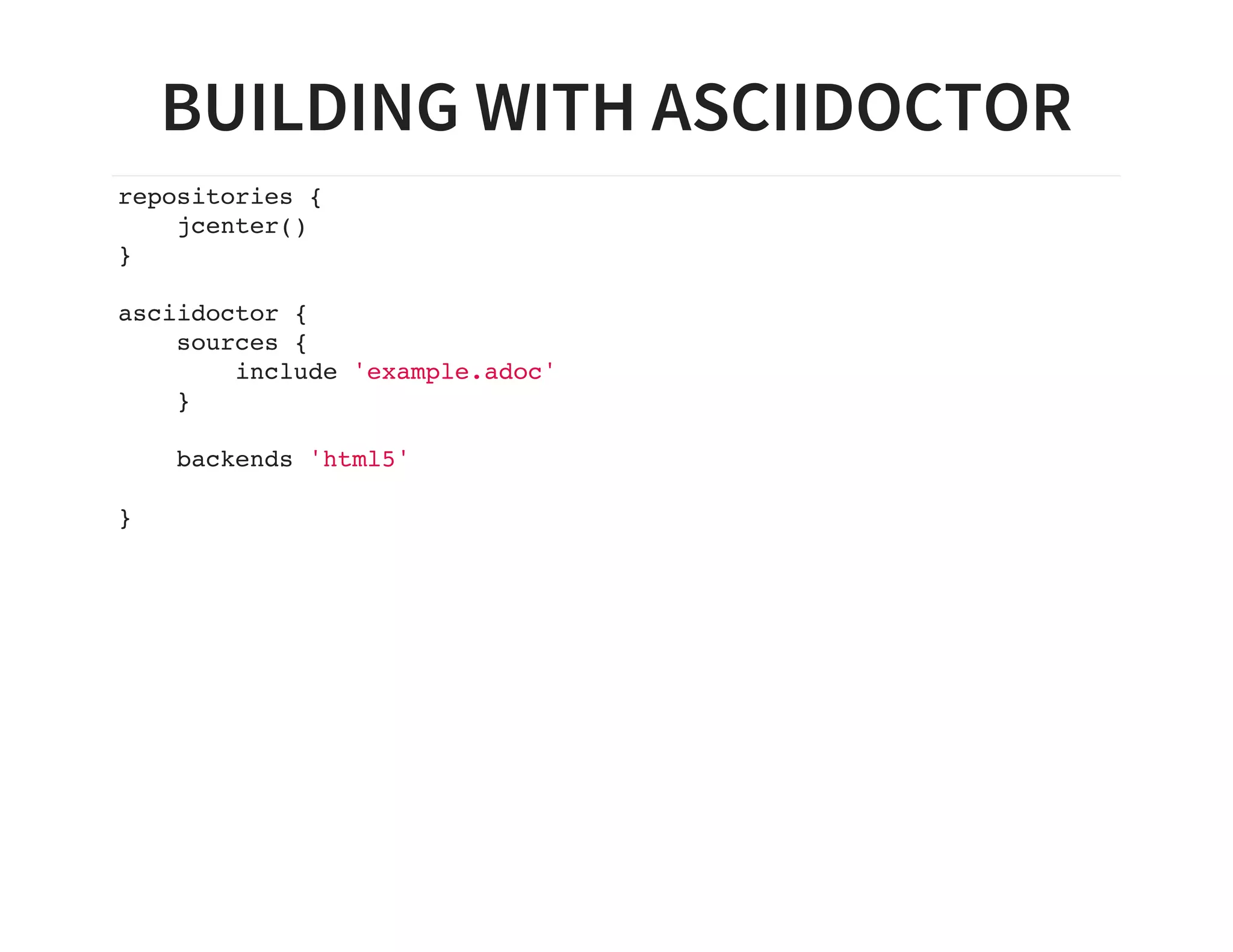
BUILDING WITH ASCIIDOCTOR
repositories {
jcenter()
}
asciidoctor {
sources {
include 'example.adoc'
}
backends 'html5'
}
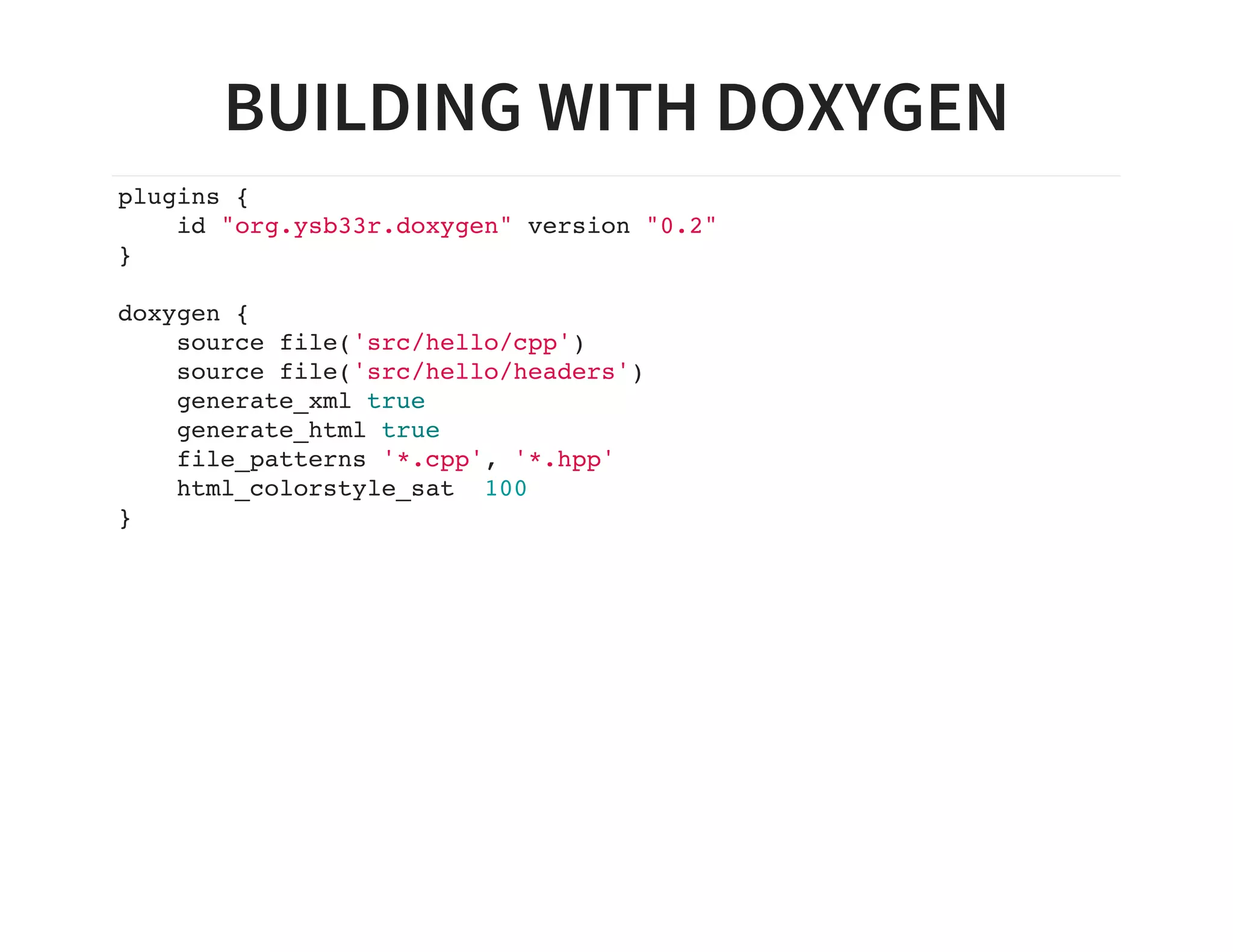
BUILDING WITH DOXYGEN
plugins {
id "org.ysb33r.doxygen" version "0.2"
}
doxygen {
source file('src/hello/cpp')
source file('src/hello/headers')
generate_xml true
generate_html true
file_patterns '*.cpp', '*.hpp'
html_colorstyle_sat 100
}
PUBLISHING
Built-in to Maven, Ivy
Metadata publishing for native projects still lacking
Various plugins for AWS and other cloud storage
Plain old copies to FTP, SFTP etc.
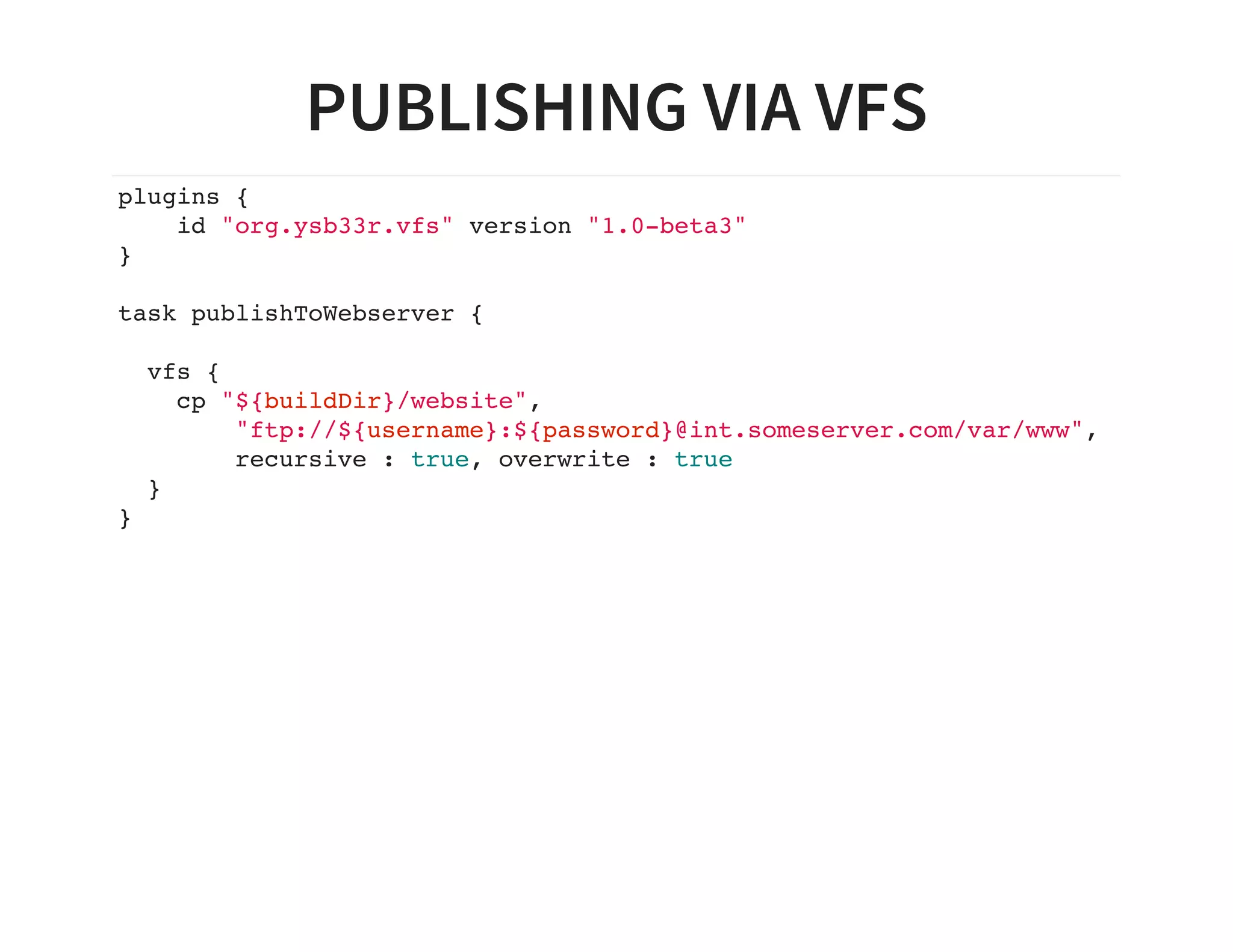
PUBLISHING VIA VFS
plugins {
id "org.ysb33r.vfs" version "1.0-beta3"
}
task publishToWebserver {
vfs {
cp "${buildDir}/website",
"ftp://${username}:${password}@int.someserver.com/var/www",
recursive : true, overwrite : true
}
}
MORE SUPPORT…​
Official buildsystem for Android
Docker
Hadoop
ENDGAME
Gradle is breaking new ground
Ever improving native support
Continuous performance improvements
Go find some more plugins at https://plugins.gradle.org
ABOUT THIS PRESENTATION
Written in Asciidoctor
Styled by asciidoctor-revealjs extension
Built using:
Gradle
gradle-asciidoctor-plugin
gradle-vfs-plugin
Code snippets tested as part of build
Source code:
https://github.com/ysb33r/GradleLectures/tree/AccuLondon
THANK YOU
Email:
Twitter / Ello : @ysb33r
ysb33r@gmail.com
Keep an eye out for https://leanpub.com/idiomaticgradle
MIGRATIONS
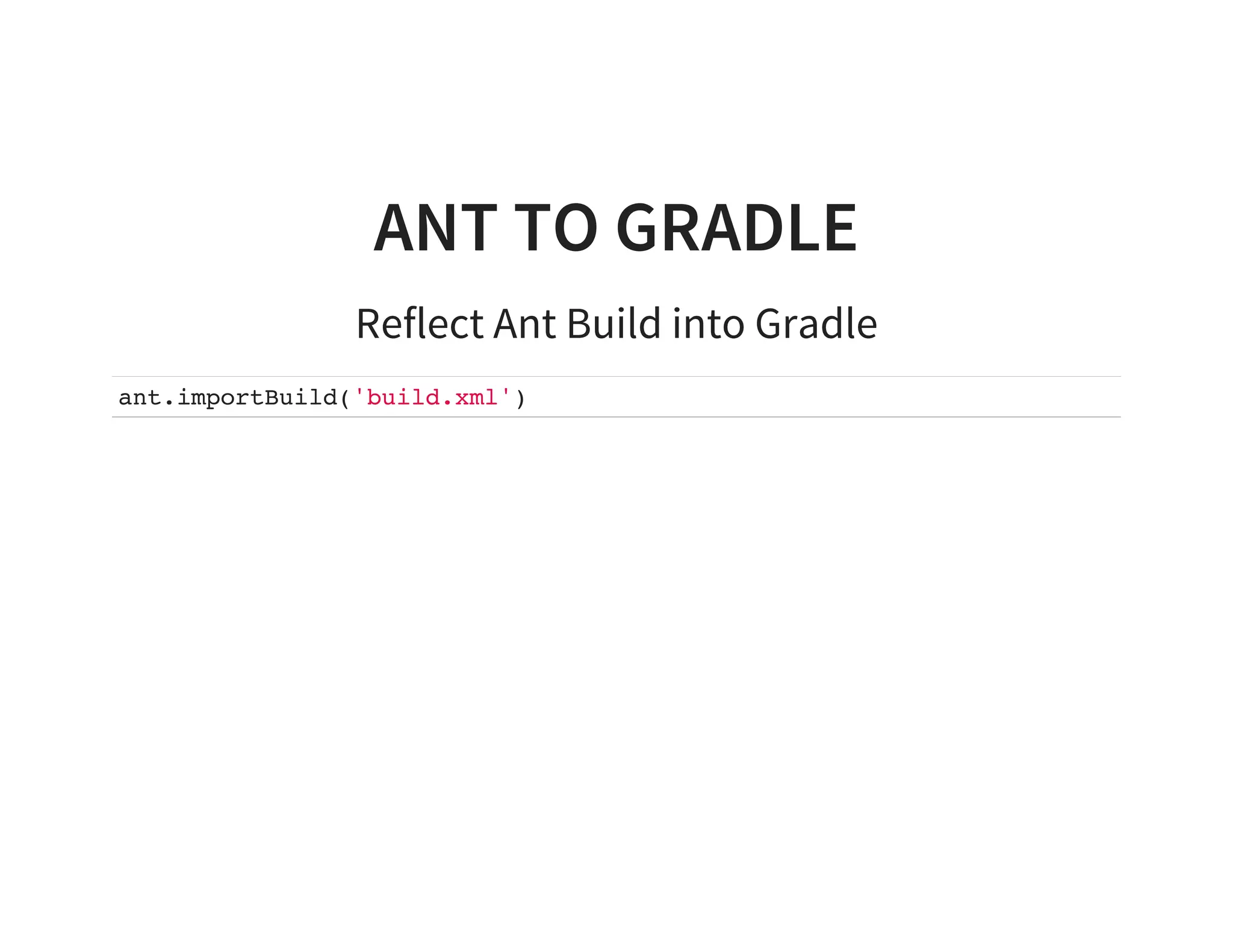
ANT TO GRADLE
Reflect Ant Build into Gradle
ant.importBuild('build.xml')
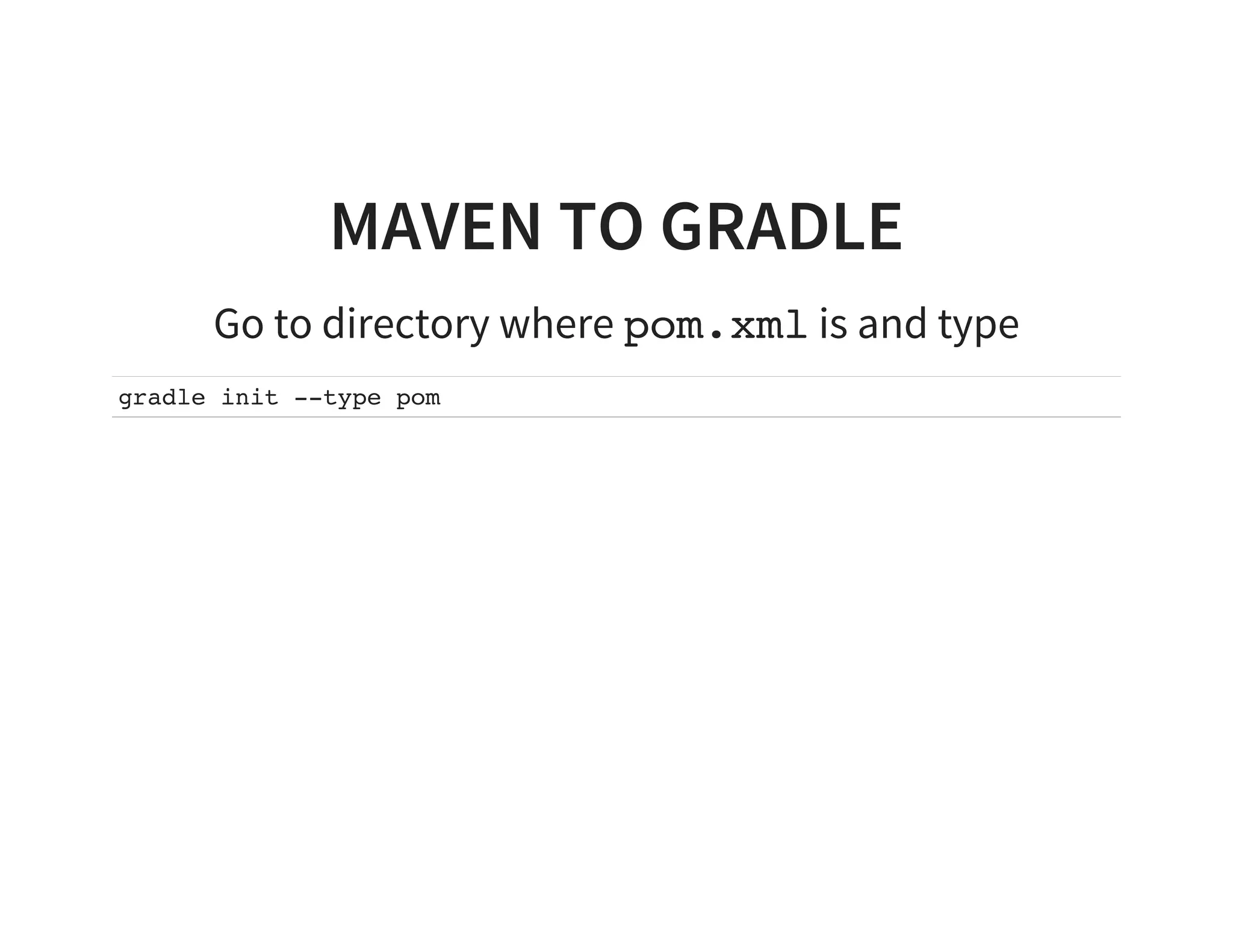
MAVEN TO GRADLE
Go to directory where pom.xml is and type
gradle init --type pom
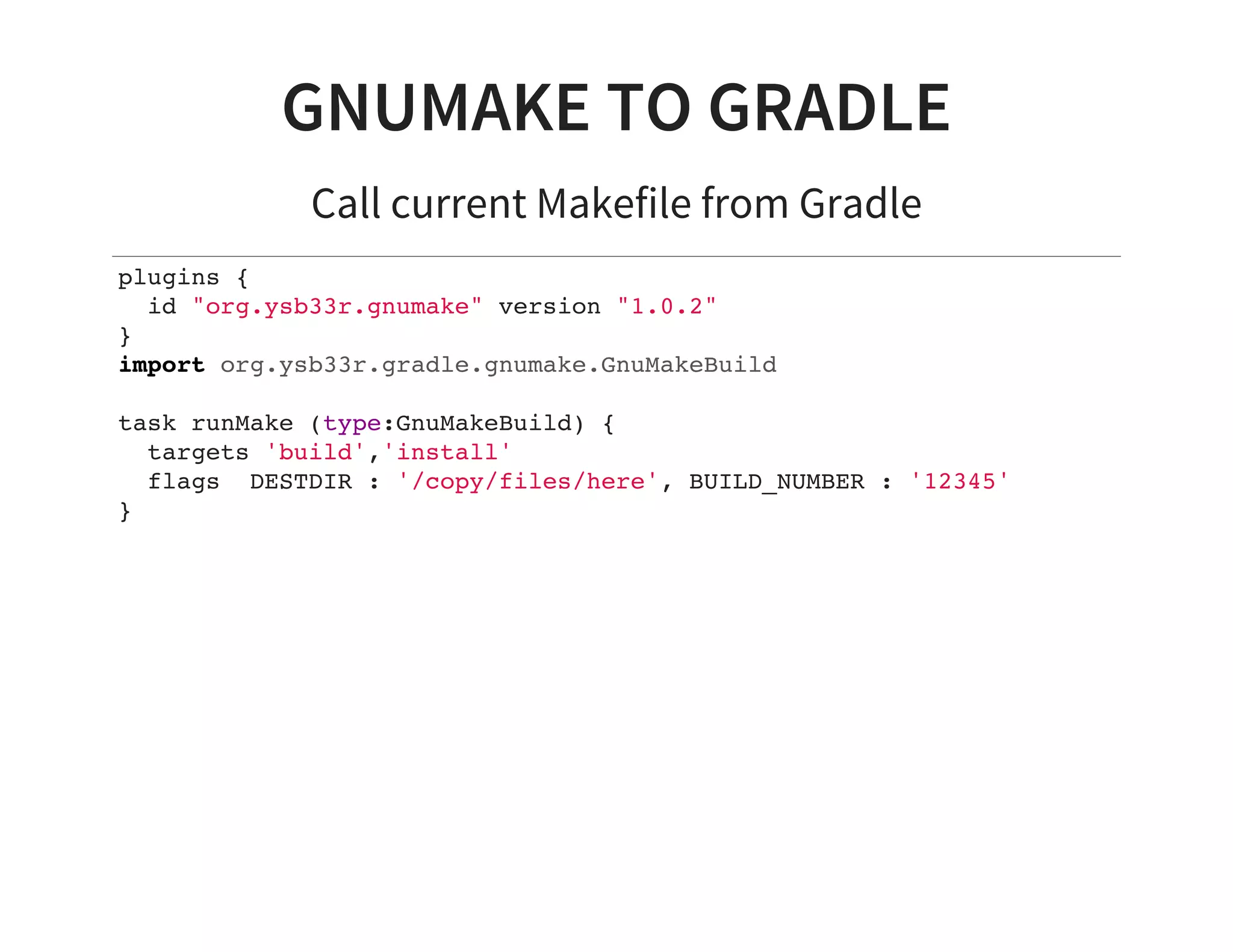
GNUMAKE TO GRADLE
Call current Makefile from Gradle
plugins {
id "org.ysb33r.gnumake" version "1.0.2"
}
import org.ysb33r.gradle.gnumake.GnuMakeBuild
task runMake (type:GnuMakeBuild) {
targets 'build','install'
flags DESTDIR : '/copy/files/here', BUILD_NUMBER : '12345'
}

Gradle in a Polyglot World

  • 1.
    GRADLE IN APOLYGLOT WORLD Schalk Cronjé
  • 2.
    ABOUT ME Email: Twitter /Ello : @ysb33r ysb33r@gmail.com Gradle plugins authored/contributed to: VFS, Asciidoctor, JRuby family (base, jar, war etc.), GnuMake, Doxygen
  • 3.
    GRADLE Not just forbuilding JVM projects
  • 4.
    GRADLE DSL Underlying languageis Groovy You don’t need to be a Groovy expert to be a Gradle power user Groovy doesn’t need ; in most cases Groovy does more with less punctuation, making it an ideal choice for a DSL In most cases lines that do not end on an operator is considered a completed statement.
  • 5.
    GROOVY VS JAVA InGroovy: All class members are public by default No need to create getters/setters for public fields Both static & dynamic typing supported def means Object
  • 6.
    CALLING METHODS class Foo{ void bar( def a,def b ) {} } def foo = new Foo() foo.bar( '123',456 ) foo.bar '123', 456 foo.with { bar '123', 456 }
  • 7.
    CALLING METHODS WITHCLOSURES class Foo { void bar( def a,Closure b ) {} } def foo = new Foo() foo.bar( '123',{ println it } ) foo.bar ('123') { println it } foo.bar '123', { println it }
  • 8.
    MAPS IN GROOVY Hashmapsin Groovy are simple to use def myMap = [ plugin : 'java' ] Maps are easy to pass inline to functions project.apply( plugin : 'java' ) Which in Gradle can become apply plugin : 'java'
  • 9.
    LISTS IN GROOVY Listsin Groovy are simple too def myList = [ 'clone', ''http://github.com/ysb33r/GradleLectures' ] This makes it possible for Gradle to do args 'clone', 'http://github.com/ysb33r/GradleLectures'
  • 10.
    CLOSURE DELEGATION INGROOVY When a symbol cannot be resolved within a closure, Groovy will look elsewhere In Groovy speak this is called a Delegate. This can be programmatically controlled via the Closure.delegate property.
  • 11.
    CLOSURE DELEGATION INGROOVY class Foo { def target } class Bar { Foo foo = new Foo() void doSomething( Closure c ) { c.delegate = foo c() } } Bar bar = new Bar() bar.doSomething { target = 10 }
  • 12.
    MORE CLOSURE MAGIC Ifa Groovy class has a method 'call(Closure)`, the object can be passed a closure directly. class Foo { def call( Closure c) { /* ... */ } } Foo foo = new Foo() foo { println 'Hello, world' } // This avoids ugly syntax foo.call({ println 'Hello, world' })
  • 13.
    CLOSURE DELEGATION INGRADLE In most cases the delegation will be entity the closure is passed to. Will also look at the Project and ext objects. The Closure.delegate property allows plugin writers ability to create beautiful DSLs task runSomething(type : Exec ) { cmdline 'git' } is roughly the equivalent of ExecTask runSomething = new ExecTask() runSomething.cmdline( 'git' )
  • 14.
    GRADLE TASKS Can bebased upon a task type task runSomething ( type : Exec ) { command 'git' args 'clone', 'https://bitbucket.com/ysb33r/GradleWorkshop' } Can be free-form task hellowWorld << { println 'Hello, world' }
  • 15.
    GRADLE TASKS :CONFIGURATION VS ACTION Use of << {} adds action to be executed Tasks supplied by plugin will have default actions Use of {} configures a task
  • 16.
    BUILDSCRIPT The buildscript closureis special It tells Gradle what to load into the classpath before evaluating the script itself. It also tells it where to look for those dependencies. Even though Gradle 2.1 has added a new way of adding external plugins, buildscript are much more flexible.
  • 17.
    EXTENSIONS Extensions are globalconfiguration blocks added by plugins. Example: The jruby-gradle-base plugin will add a jruby block. apply plugin: 'com.github.jruby-gradle.base' jruby { defaultVersion = '1.7.11' }
  • 18.
    JAVA PROJECT repositories { jcenter() } applyplugin : 'java' dependencies { testCompile 'junit:junit:4.1+' }
  • 19.
    GRADLE DEPENDENCY MANAGEMENT Easy touse Flexible to configure for exceptions Uses dependencies closure First word on line is usually name of a configuration. Configurations are usually supplied by plugins. Dependencies are downloaded from repositories Maven coordinates are used as format
  • 20.
    GRADLE REPOSITORIES Specified withina repositories closure Processed in listed order to look for dependencies jcenter() preferred open-source repo. mavenLocal(), mavenCentral(), maven {} Ivy repositories via ivy {} Flat-directory repositories via flatDir
  • 21.
  • 22.
    BUILDING C++ -TOOL SUPPORT Operating System Tool Chain Official Linux gcc, clang Y MacOS X Xcode Y gcc-macports, clang- macports N Windows Visual C++, gcc-cygwin32, gcc-mingw Y
  • 23.
  • 24.
    BUILDING C++ -LAYOUT Need to change convention from traditional C++ projects .cpp files go in src/${name}/cpp Exported headers files go in src/${name}/headers Local header files should be in src/${name}/cpp Object files will end up in ${buildDir}/objs Binary files will end up in ${buildDir}/binaries
  • 25.
    BUILDING C++ -BASICS apply plugin : 'cpp'
  • 26.
    BUILDING C++ -EXECUTABLE model { components { hello(NativeExecutableSpec) } }
  • 27.
    BUILDING C++ -PROJECT LAYOUT ├── build.gradle └── src └─── hello    ├── cpp │ └─── hello.cpp │    └── headers └─── hello.hpp
  • 28.
    BUILDING C++ -EXISTING PROJECTS Source directories can be adjusted Alternative compiler locations
  • 29.
    BUILDING C++ -ALTERNATIVE SOURCE sources { cpp { source { srcDir "myDir" include "**/*.cpp" } } }
  • 30.
    BUILDING C++ -OTHER FEATURES Cross compilation Multi-architecture targets Set compiler & linker flags Multi-variant builds
  • 31.
    BUILDING C++ -WEAKNESS Currently only have built-in support for CUnit Only platform configuration tool support is CMake No Autotools equivalent DSL can be slicker
  • 32.
  • 33.
    BUILDING JRUBY buildscript { repositories{ jcenter() maven { url "https://plugins.gradle.org/m2/" } } dependencies { classpath 'com.github.jruby-gradle:jruby-gradle-plugin:1.1.4' } } import com.github.jrubygradle.JRubyExec
  • 34.
    BUILDING JRUBY apply plugin:"com.github.jruby-gradle.base" dependencies { jrubyExec "rubygems:colorize:0.7.7+" } task printSomePrettyOutputPlease(type: JRubyExec) { description "Execute our nice local print-script.rb" script "${projectDir}/print-script.rb" } (Example from JRuby-Gradle project)
  • 35.
    OTHER LANGUAGES C /ASM / Resources (built-in) Clojure (plugin) Frege (plugin) Golang (plugin) Scala (built-in) Gosu (plugin)
  • 36.
    SUPPORT FOR OTHER BUILDSYSTEMS ANT(built-in) GNU Make MSBuild / xBuild Grunt Anything else craftable via Exec or JavaExec task
  • 37.
  • 38.
  • 39.
  • 40.
    BUILDING WITH ASCIIDOCTOR plugins{ id 'org.asciidoctor.convert' version '1.5.2' }
  • 41.
    BUILDING WITH ASCIIDOCTOR repositories{ jcenter() } asciidoctor { sources { include 'example.adoc' } backends 'html5' }
  • 42.
    BUILDING WITH DOXYGEN plugins{ id "org.ysb33r.doxygen" version "0.2" } doxygen { source file('src/hello/cpp') source file('src/hello/headers') generate_xml true generate_html true file_patterns '*.cpp', '*.hpp' html_colorstyle_sat 100 }
  • 43.
    PUBLISHING Built-in to Maven,Ivy Metadata publishing for native projects still lacking Various plugins for AWS and other cloud storage Plain old copies to FTP, SFTP etc.
  • 44.
    PUBLISHING VIA VFS plugins{ id "org.ysb33r.vfs" version "1.0-beta3" } task publishToWebserver { vfs { cp "${buildDir}/website", "ftp://${username}:${password}@int.someserver.com/var/www", recursive : true, overwrite : true } }
  • 45.
    MORE SUPPORT…​ Official buildsystemfor Android Docker Hadoop
  • 46.
    ENDGAME Gradle is breakingnew ground Ever improving native support Continuous performance improvements Go find some more plugins at https://plugins.gradle.org
  • 47.
    ABOUT THIS PRESENTATION Writtenin Asciidoctor Styled by asciidoctor-revealjs extension Built using: Gradle gradle-asciidoctor-plugin gradle-vfs-plugin Code snippets tested as part of build Source code: https://github.com/ysb33r/GradleLectures/tree/AccuLondon
  • 48.
    THANK YOU Email: Twitter /Ello : @ysb33r ysb33r@gmail.com Keep an eye out for https://leanpub.com/idiomaticgradle
  • 49.
  • 50.
    ANT TO GRADLE ReflectAnt Build into Gradle ant.importBuild('build.xml')
  • 51.
    MAVEN TO GRADLE Goto directory where pom.xml is and type gradle init --type pom
  • 52.
    GNUMAKE TO GRADLE Callcurrent Makefile from Gradle plugins { id "org.ysb33r.gnumake" version "1.0.2" } import org.ysb33r.gradle.gnumake.GnuMakeBuild task runMake (type:GnuMakeBuild) { targets 'build','install' flags DESTDIR : '/copy/files/here', BUILD_NUMBER : '12345' }