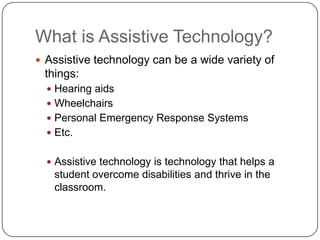
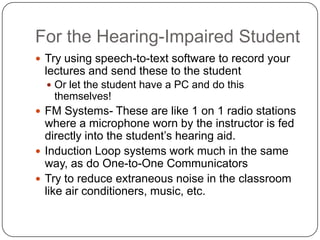
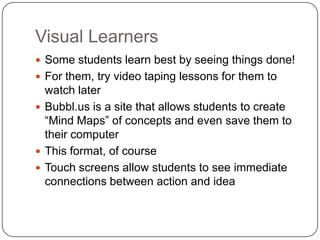
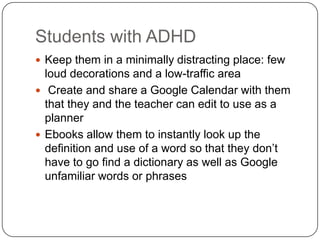
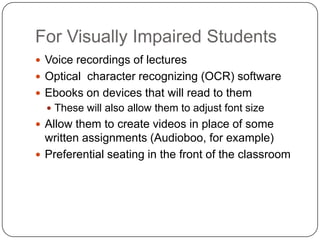
The document discusses how assistive technology can help students with disabilities thrive in the classroom. It defines assistive technology as any technology that helps overcome disabilities, and provides examples such as hearing aids and wheelchairs. The document then lists different assistive technologies and accommodations that teachers can use to help students with specific disabilities or needs, such as hearing impairments, visual learning styles, ADHD, visual impairments, and absenteeism. It encourages teachers to utilize technologies like speech-to-text, FM systems, ebooks, videos, and Google platforms to aid different types of students.


![Assistive technology (1) [autosaved]](https://cdn.slidesharecdn.com/ss_thumbnails/assistivetechnology1autosaved-150125003824-conversion-gate01-thumbnail.jpg?width=640&height=640&fit=bounds)


