MongoDB
{Paulo Fagundes}
Introduction
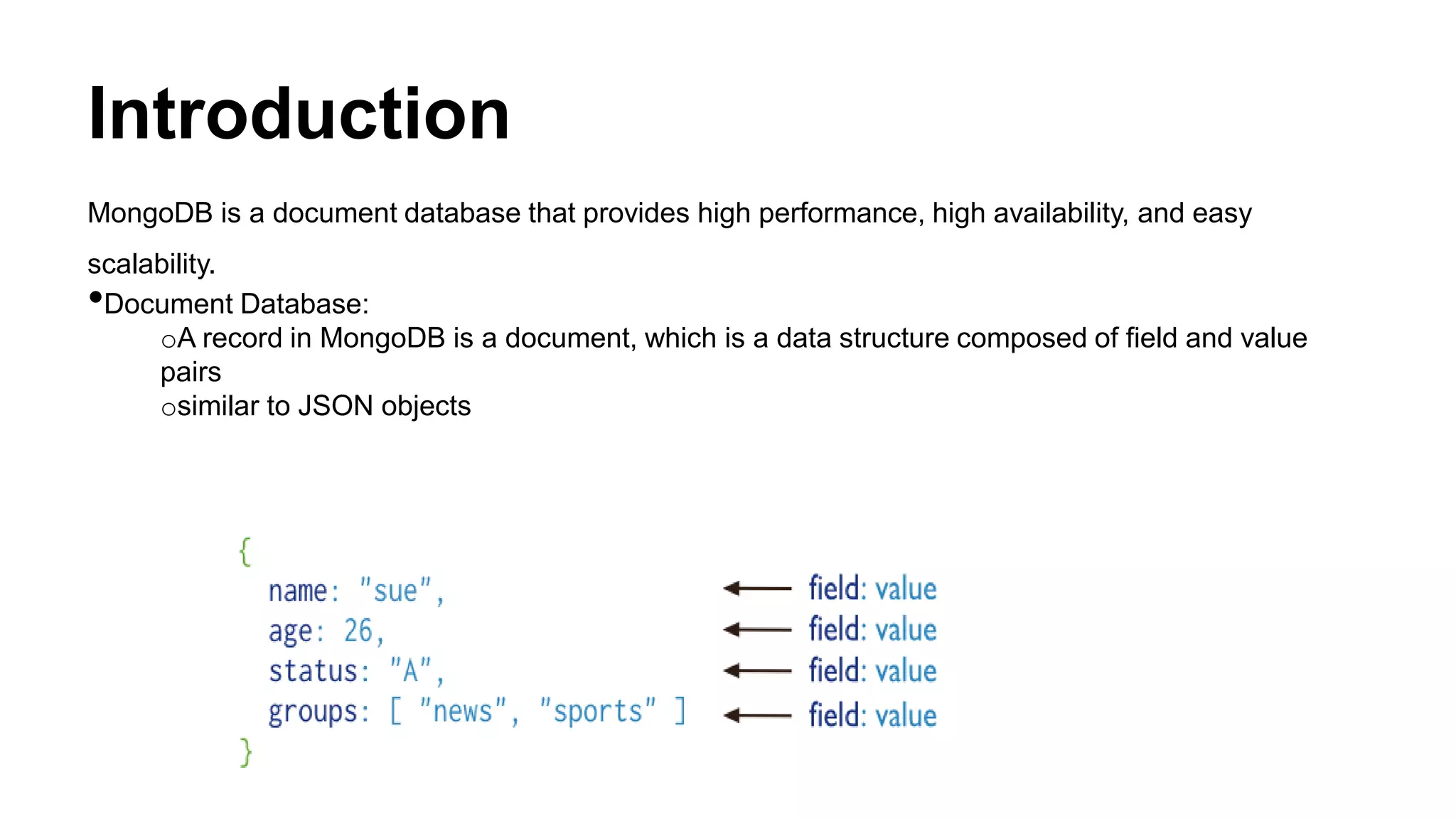
MongoDB is a document database that provides high performance, high availability, and easy
scalability.
•Document Database:
oA record in MongoDB is a document, which is a data structure composed of field and value
pairs
osimilar to JSON objects
Introduction
•High Performance
oEmbedding makes reads and writes fast.
oIndexes can include keys from embedded documents and arrays.
oOptional streaming writes (no acknowledgments).
•High Availability
oReplicated servers with automatic master failover.
•Easy Scalability
oAutomatic sharding distributes collection data across machines.
oEventually-consistent reads can be distributed over replicated servers.
Terminology
•Database:
oA physical container for collection.
oEach database gets its own set of files on the file system.
oA single MongoDB server typically has multiple databases.
•Collection:
oA grouping of MongoDB documents.
oA collection is the equivalent of an RDBMS table.
oA collection exists within a single database.
oCollections do not enforce a schema.
oDocuments within a collection can have different fields.
•Document:
oA record in a MongoDB collection and the basic unit of data in MongoDB.
oDocument is the equivalent of an RDBMS row.
oDocuments are analogous to JSON objects but exist in the database in a more type-rich format
known as BSON.
Terminology
•Field:
oA name-value pair in a document.
oA document has zero or more fields.
oFields are analogous to columns in relational databases.
•Embedded documents and linking:
oTable Join
•Primary Key:
oA record’s unique immutable identifier.
oIn an RDBMS, the primary key is typically an integer stored in each row’s id field.
oIn MongoDB, the _id field holds a document’s primary key which is usually a BSON ObjectId.
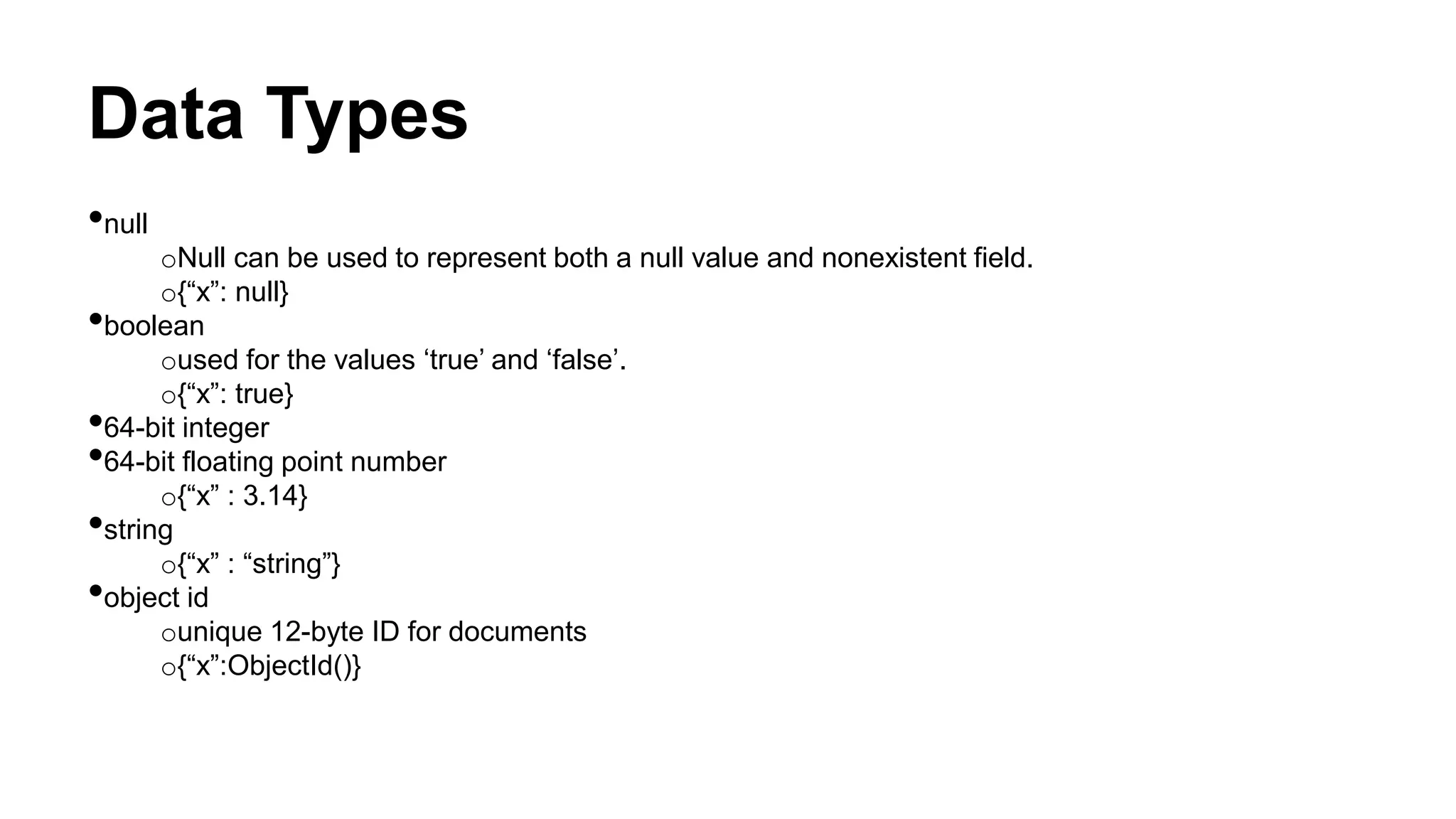
Data Types
•null
oNull can be used to represent both a null value and nonexistent field.
o{“x”: null}
•boolean
oused for the values ‘true’ and ‘false’.
o{“x”: true}
•64-bit integer
•64-bit floating point number
o{“x” : 3.14}
•string
o{“x” : “string”}
•object id
ounique 12-byte ID for documents
o{“x”:ObjectId()}
Data Types
•date
oDate are stored in milliseconds since the epoch. The time zone is not stored.
o{“x”:new Date()}
•code
oDocument can also contain JavaScript code
o{“x”: function() {/*.......*/}}
•binary data
•undefined
o{“x”: undefined}
•array
o{“x”: [“a”, “b”, “c”]}
•embedded document
oDocument can contain entire documents, embedded as values in the parent document.
o{“x”: {“name” : “Your Name”}}
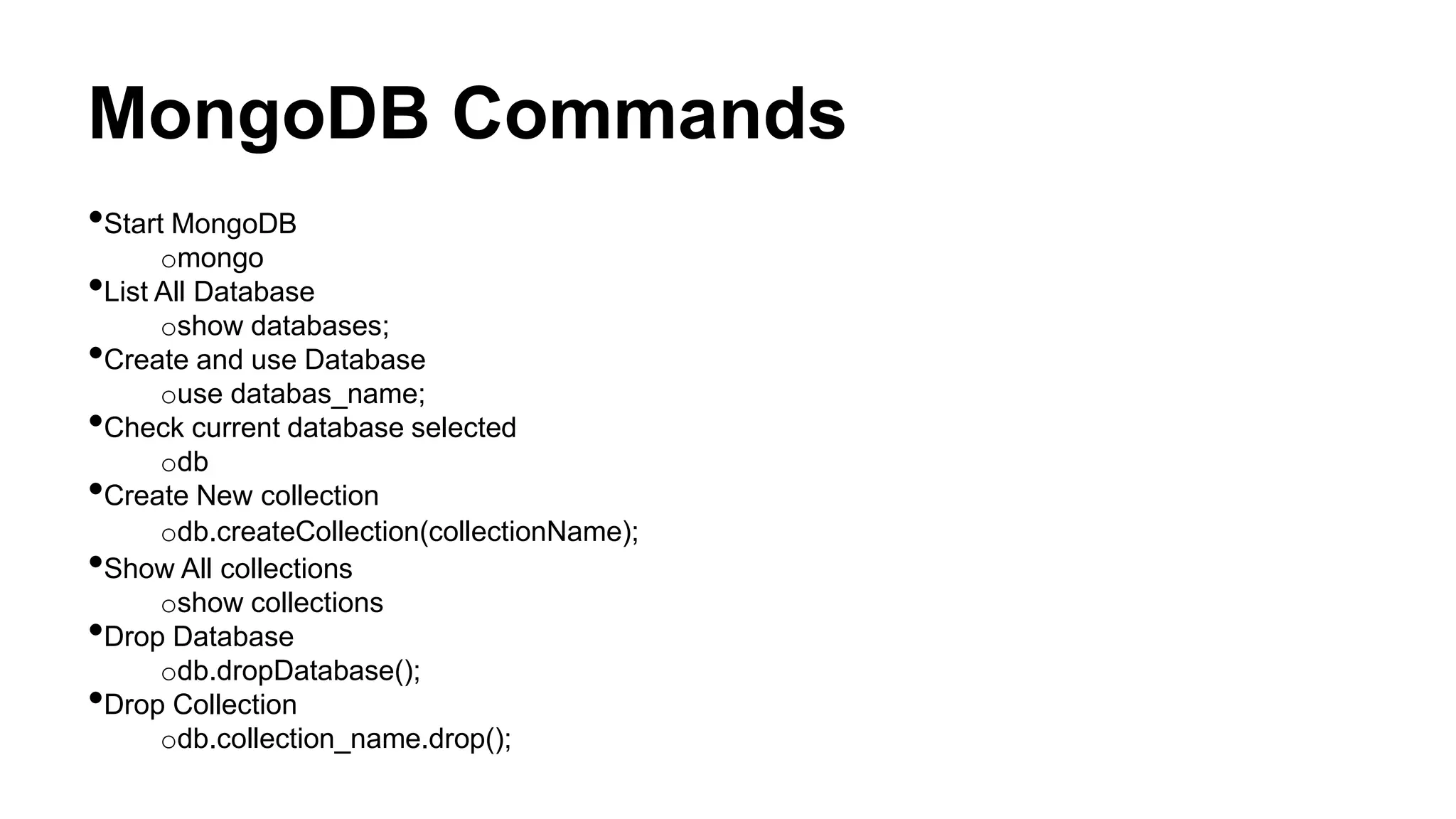
MongoDB Commands
•Start MongoDB
omongo
•List All Database
oshow databases;
•Create and use Database
ouse databas_name;
•Check current database selected
odb
•Create New collection
odb.createCollection(collectionName);
•Show All collections
oshow collections
•Drop Database
odb.dropDatabase();
•Drop Collection
odb.collection_name.drop();
MongoDB Query
•Insert Document
>db.collection_name.insert(document)
•Example;
>db.mycol.insert({
_id: ObjectId(7df78ad8902c),
title: 'MongoDB Overview',
description: 'MongoDB is no sql database',
by: ganesh kunwar,
url: 'http://www.ganeshkunwar.com.np',
tags: ['mongodb', 'database', 'NoSQL'],
likes: 100
})
MongoDB Query
•Find()
oquery data from collection
o> db.COLLECTION_NAME.find()
{ "_id" : ObjectId("53371ed996322bd29e878e2b"), "title" : "MongoDB Overview",
"description" : "MongoDB is no sql database", "by" : "ganesh kunwar", "url" :
"http://www.ganeshkunwar.com.np", "tags" : [ "mongodb", "database", "NoSQL" ], "likes" : 100 }
•Pretty()
odisplay the result in formatted way
o> db.COLLECTION_NAME.find().pretty()
{
_id: ObjectId(7df78ad8902c),
title: 'MongoDB Overview',
description: 'MongoDB is no sql database',
by: ganesh kunwar,
url: 'http://www.ganeshkunwar.com.np',
tags: ['mongodb', 'database', 'NoSQL'],
likes: 100
}
MongoDB Query
•findOne()
oreturns only one document.
•And in MongoDB
o> db.mycol.find(key1: value1, key2: value2)
•OR in MongoDB
o> db.mycol.find($or: [{key1: value1}, {key2, value2}] )
•And and OR together
o> db.myclo.find(key1: val1, $or: [{key2: value2}, {key3, value3}] )
RDBMS Where Clause Equivalents in MongoDB
Operati
on
Syntax Example RDBMS Equivalent
Equalit
y
{<key>:
<value>
}
db.mycol.find({"by
":"ganesh
kunwar"}).pretty()
where by = 'ganesh kunwart'
Less
Than
{<key>:{
$lt:<valu
e>}}
db.mycol.find({"lik
es":{$lt:50}}).pretty
()
where likes < 50
Less
Than
Equals
{<key>:{
$lte:<val
ue>}}
db.mycol.find({"lik
es":{$lte:50}}).pret
ty()
where likes <= 50
Greate
r Than
{<key>:{
$gt:<val
ue>}}
db.mycol.find({"lik
es":{$gt:50}}).prett
y()
where likes > 50
Greate
r Than
Equals
{<key>:{
$gte:<v
alue>}}
db.mycol.find({"lik
es":{$gte:50}}).pre
tty()
where likes >= 50
Not
Equals
{<key>:{
$ne:<va
lue>}}
db.mycol.find({"lik
es":{$ne:50}}).pret
ty()
where likes != 50
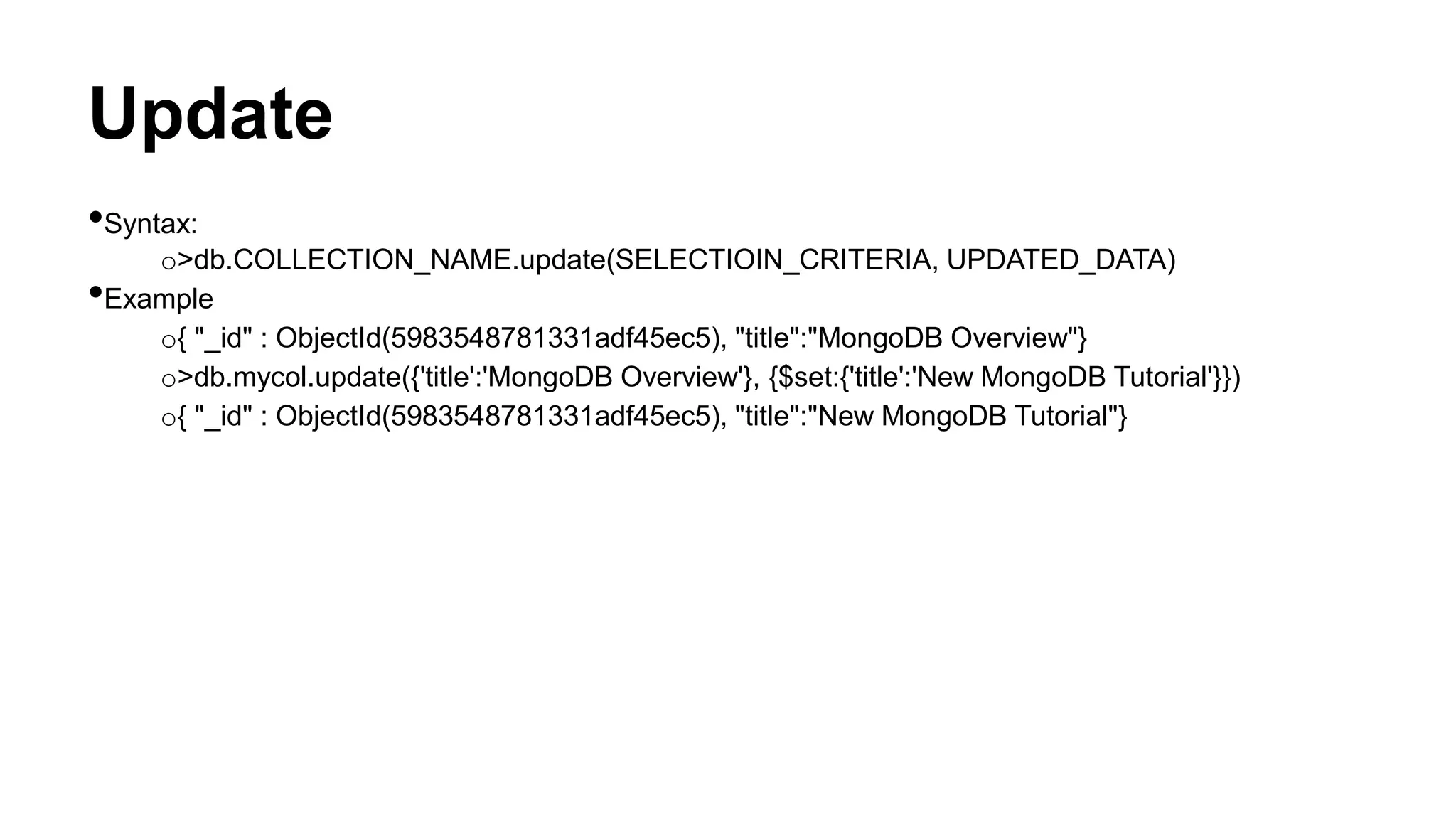
Update
•Syntax:
o>db.COLLECTION_NAME.update(SELECTIOIN_CRITERIA, UPDATED_DATA)
•Example
o{ "_id" : ObjectId(5983548781331adf45ec5), "title":"MongoDB Overview"}
o>db.mycol.update({'title':'MongoDB Overview'}, {$set:{'title':'New MongoDB Tutorial'}})
o{ "_id" : ObjectId(5983548781331adf45ec5), "title":"New MongoDB Tutorial"}
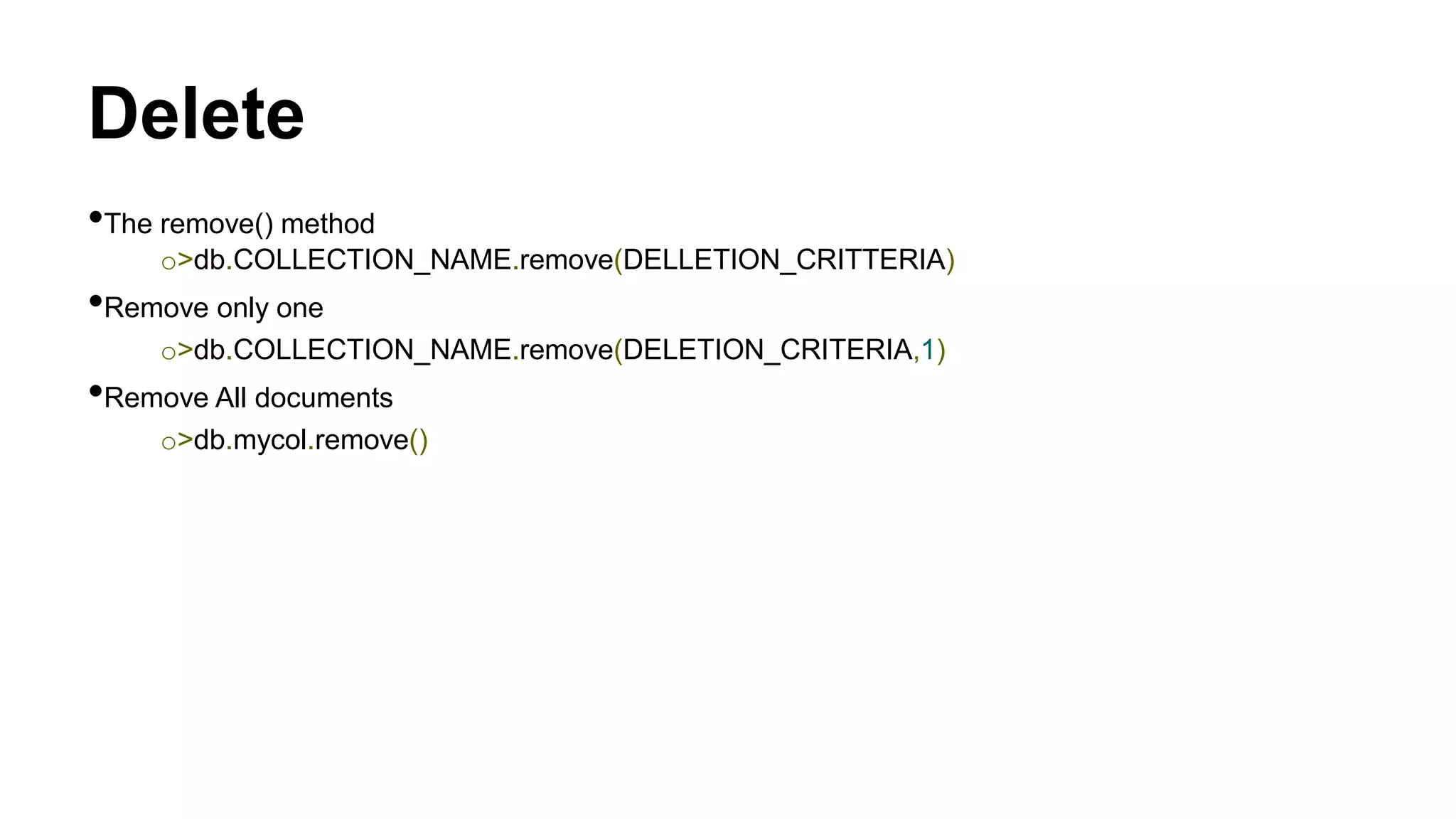
Delete
•The remove() method
o>db.COLLECTION_NAME.remove(DELLETION_CRITTERIA)
•Remove only one
o>db.COLLECTION_NAME.remove(DELETION_CRITERIA,1)
•Remove All documents
o>db.mycol.remove()
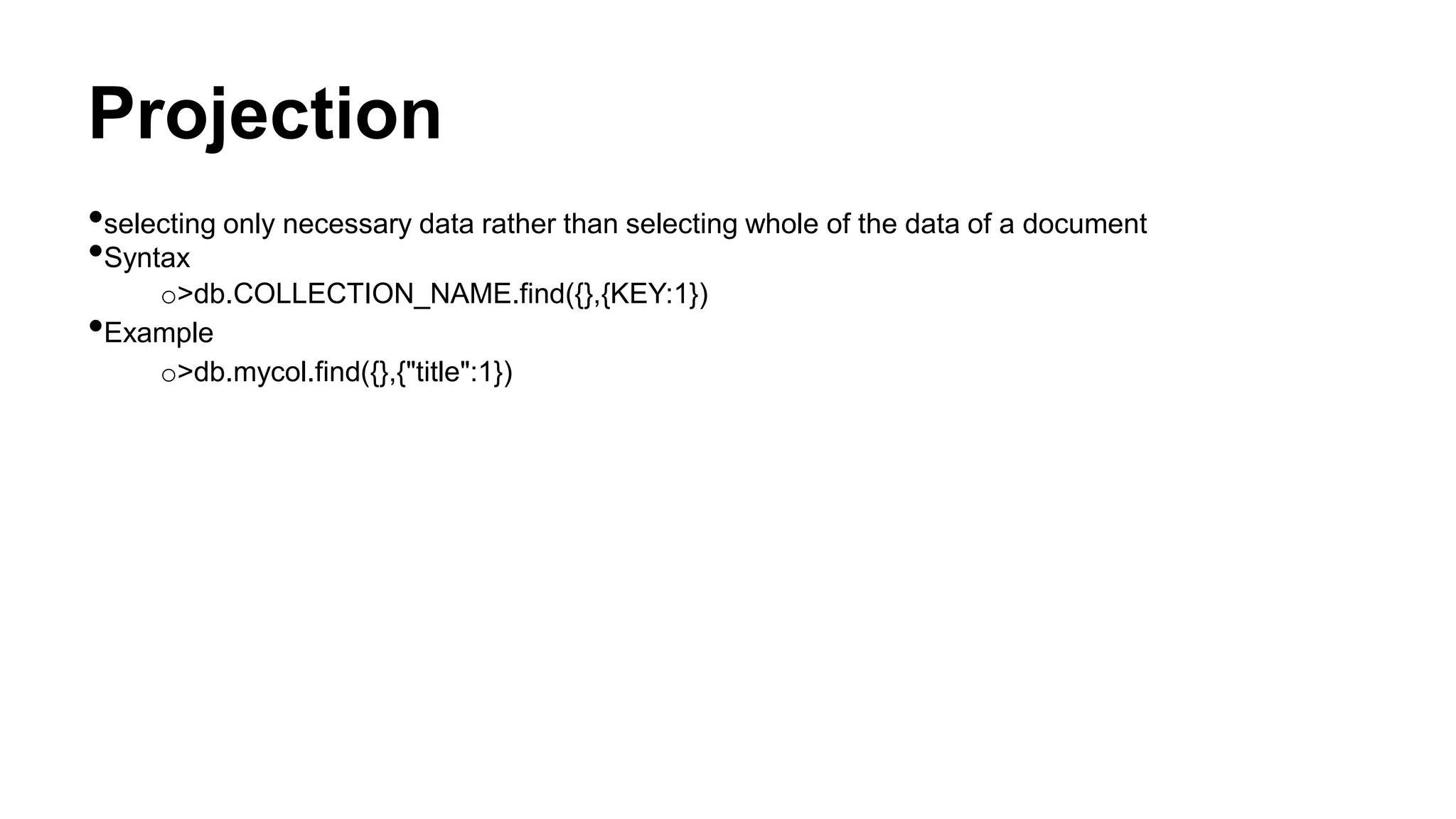
Projection
•selecting only necessary data rather than selecting whole of the data of a document
•Syntax
o>db.COLLECTION_NAME.find({},{KEY:1})
•Example
o>db.mycol.find({},{"title":1})
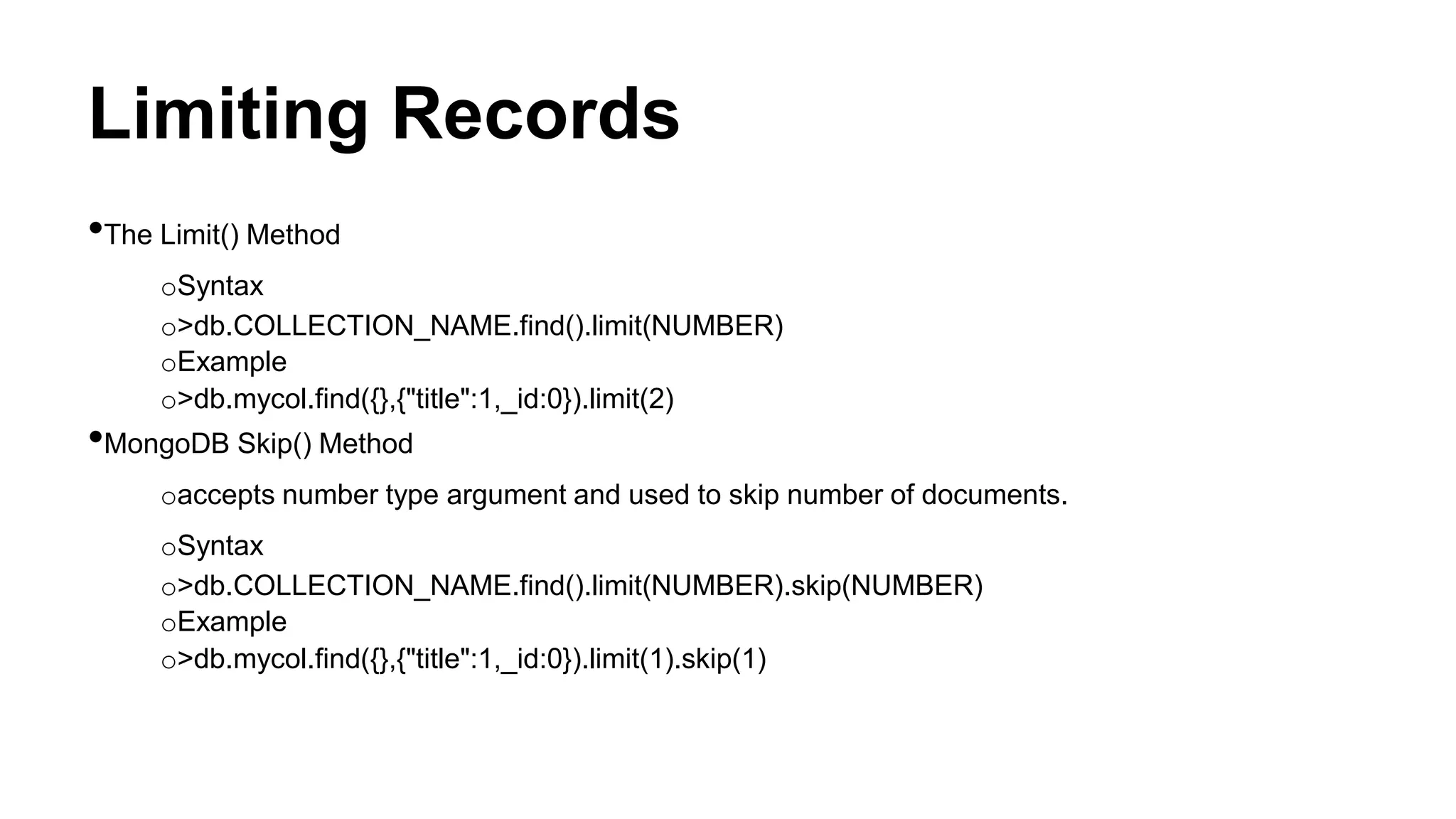
Limiting Records
•The Limit() Method
oSyntax
o>db.COLLECTION_NAME.find().limit(NUMBER)
oExample
o>db.mycol.find({},{"title":1,_id:0}).limit(2)
•MongoDB Skip() Method
oaccepts number type argument and used to skip number of documents.
oSyntax
o>db.COLLECTION_NAME.find().limit(NUMBER).skip(NUMBER)
oExample
o>db.mycol.find({},{"title":1,_id:0}).limit(1).skip(1)
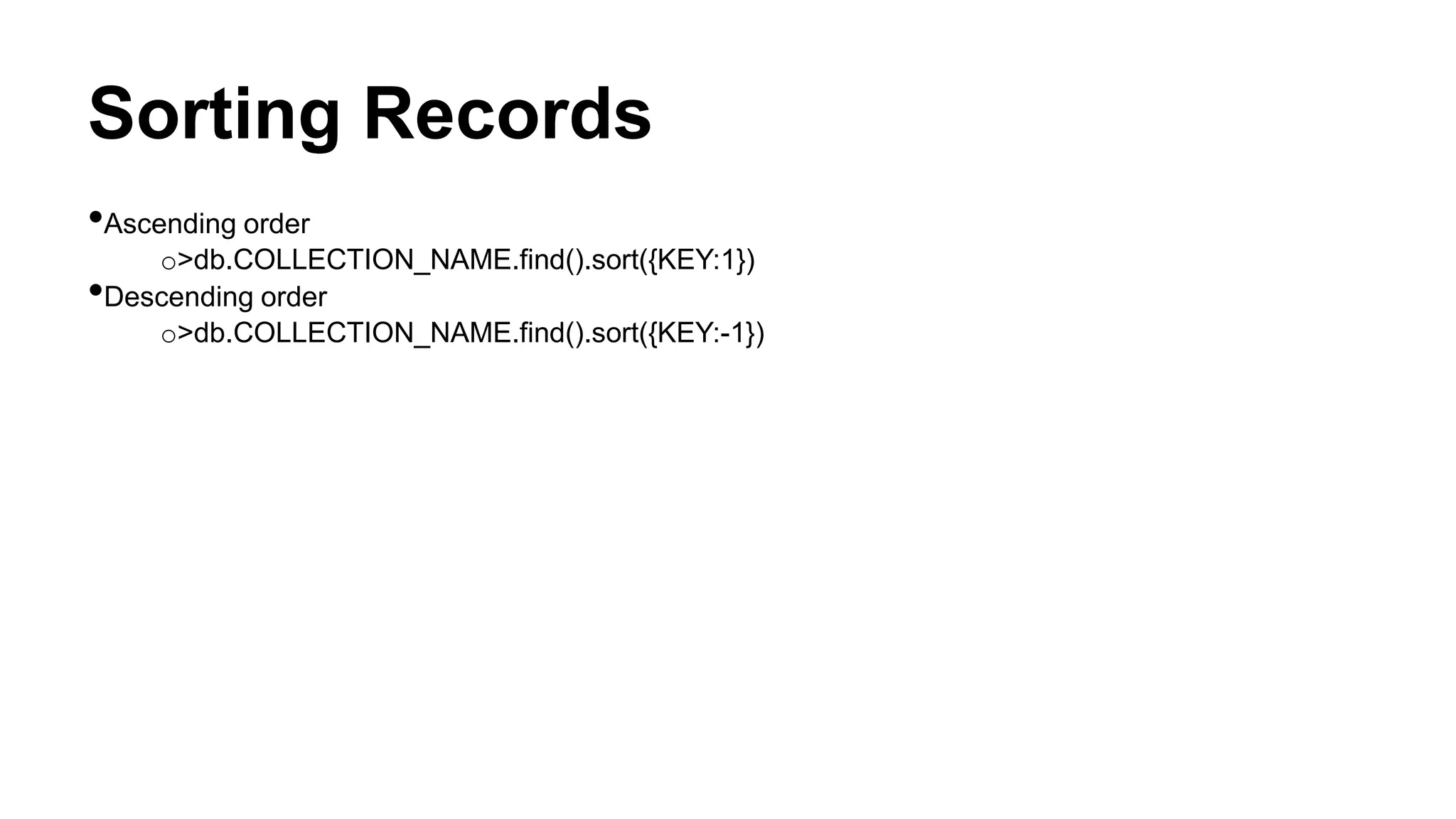
Sorting Records
•Ascending order
o>db.COLLECTION_NAME.find().sort({KEY:1})
•Descending order
o>db.COLLECTION_NAME.find().sort({KEY:-1})
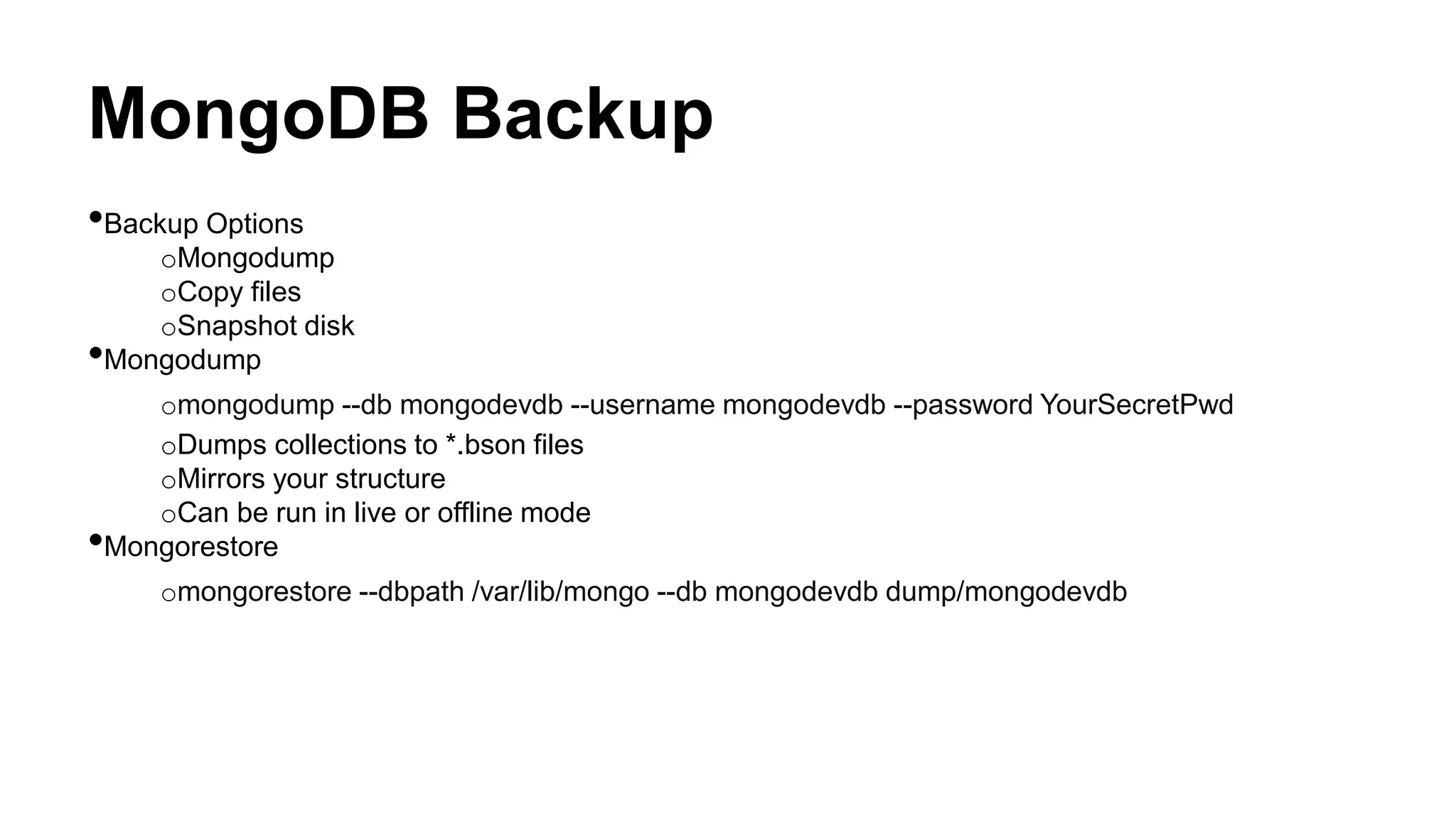
MongoDB Backup
•Backup Options
oMongodump
oCopy files
oSnapshot disk
•Mongodump
omongodump --db mongodevdb --username mongodevdb --password YourSecretPwd
oDumps collections to *.bson files
oMirrors your structure
oCan be run in live or offline mode
•Mongorestore
omongorestore --dbpath /var/lib/mongo --db mongodevdb dump/mongodevdb
Questions
?
Thank You

Mondodb

  • 1.
  • 2.
    Introduction MongoDB is adocument database that provides high performance, high availability, and easy scalability. •Document Database: oA record in MongoDB is a document, which is a data structure composed of field and value pairs osimilar to JSON objects
  • 3.
    Introduction •High Performance oEmbedding makesreads and writes fast. oIndexes can include keys from embedded documents and arrays. oOptional streaming writes (no acknowledgments). •High Availability oReplicated servers with automatic master failover. •Easy Scalability oAutomatic sharding distributes collection data across machines. oEventually-consistent reads can be distributed over replicated servers.
  • 4.
    Terminology •Database: oA physical containerfor collection. oEach database gets its own set of files on the file system. oA single MongoDB server typically has multiple databases. •Collection: oA grouping of MongoDB documents. oA collection is the equivalent of an RDBMS table. oA collection exists within a single database. oCollections do not enforce a schema. oDocuments within a collection can have different fields. •Document: oA record in a MongoDB collection and the basic unit of data in MongoDB. oDocument is the equivalent of an RDBMS row. oDocuments are analogous to JSON objects but exist in the database in a more type-rich format known as BSON.
  • 5.
    Terminology •Field: oA name-value pairin a document. oA document has zero or more fields. oFields are analogous to columns in relational databases. •Embedded documents and linking: oTable Join •Primary Key: oA record’s unique immutable identifier. oIn an RDBMS, the primary key is typically an integer stored in each row’s id field. oIn MongoDB, the _id field holds a document’s primary key which is usually a BSON ObjectId.
  • 6.
    Data Types •null oNull canbe used to represent both a null value and nonexistent field. o{“x”: null} •boolean oused for the values ‘true’ and ‘false’. o{“x”: true} •64-bit integer •64-bit floating point number o{“x” : 3.14} •string o{“x” : “string”} •object id ounique 12-byte ID for documents o{“x”:ObjectId()}
  • 7.
    Data Types •date oDate arestored in milliseconds since the epoch. The time zone is not stored. o{“x”:new Date()} •code oDocument can also contain JavaScript code o{“x”: function() {/*.......*/}} •binary data •undefined o{“x”: undefined} •array o{“x”: [“a”, “b”, “c”]} •embedded document oDocument can contain entire documents, embedded as values in the parent document. o{“x”: {“name” : “Your Name”}}
  • 8.
    MongoDB Commands •Start MongoDB omongo •ListAll Database oshow databases; •Create and use Database ouse databas_name; •Check current database selected odb •Create New collection odb.createCollection(collectionName); •Show All collections oshow collections •Drop Database odb.dropDatabase(); •Drop Collection odb.collection_name.drop();
  • 9.
    MongoDB Query •Insert Document >db.collection_name.insert(document) •Example; >db.mycol.insert({ _id:ObjectId(7df78ad8902c), title: 'MongoDB Overview', description: 'MongoDB is no sql database', by: ganesh kunwar, url: 'http://www.ganeshkunwar.com.np', tags: ['mongodb', 'database', 'NoSQL'], likes: 100 })
  • 10.
    MongoDB Query •Find() oquery datafrom collection o> db.COLLECTION_NAME.find() { "_id" : ObjectId("53371ed996322bd29e878e2b"), "title" : "MongoDB Overview", "description" : "MongoDB is no sql database", "by" : "ganesh kunwar", "url" : "http://www.ganeshkunwar.com.np", "tags" : [ "mongodb", "database", "NoSQL" ], "likes" : 100 } •Pretty() odisplay the result in formatted way o> db.COLLECTION_NAME.find().pretty() { _id: ObjectId(7df78ad8902c), title: 'MongoDB Overview', description: 'MongoDB is no sql database', by: ganesh kunwar, url: 'http://www.ganeshkunwar.com.np', tags: ['mongodb', 'database', 'NoSQL'], likes: 100 }
  • 11.
    MongoDB Query •findOne() oreturns onlyone document. •And in MongoDB o> db.mycol.find(key1: value1, key2: value2) •OR in MongoDB o> db.mycol.find($or: [{key1: value1}, {key2, value2}] ) •And and OR together o> db.myclo.find(key1: val1, $or: [{key2: value2}, {key3, value3}] )
  • 12.
    RDBMS Where ClauseEquivalents in MongoDB Operati on Syntax Example RDBMS Equivalent Equalit y {<key>: <value> } db.mycol.find({"by ":"ganesh kunwar"}).pretty() where by = 'ganesh kunwart' Less Than {<key>:{ $lt:<valu e>}} db.mycol.find({"lik es":{$lt:50}}).pretty () where likes < 50 Less Than Equals {<key>:{ $lte:<val ue>}} db.mycol.find({"lik es":{$lte:50}}).pret ty() where likes <= 50 Greate r Than {<key>:{ $gt:<val ue>}} db.mycol.find({"lik es":{$gt:50}}).prett y() where likes > 50 Greate r Than Equals {<key>:{ $gte:<v alue>}} db.mycol.find({"lik es":{$gte:50}}).pre tty() where likes >= 50 Not Equals {<key>:{ $ne:<va lue>}} db.mycol.find({"lik es":{$ne:50}}).pret ty() where likes != 50
  • 13.
    Update •Syntax: o>db.COLLECTION_NAME.update(SELECTIOIN_CRITERIA, UPDATED_DATA) •Example o{ "_id": ObjectId(5983548781331adf45ec5), "title":"MongoDB Overview"} o>db.mycol.update({'title':'MongoDB Overview'}, {$set:{'title':'New MongoDB Tutorial'}}) o{ "_id" : ObjectId(5983548781331adf45ec5), "title":"New MongoDB Tutorial"}
  • 14.
    Delete •The remove() method o>db.COLLECTION_NAME.remove(DELLETION_CRITTERIA) •Removeonly one o>db.COLLECTION_NAME.remove(DELETION_CRITERIA,1) •Remove All documents o>db.mycol.remove()
  • 15.
    Projection •selecting only necessarydata rather than selecting whole of the data of a document •Syntax o>db.COLLECTION_NAME.find({},{KEY:1}) •Example o>db.mycol.find({},{"title":1})
  • 16.
    Limiting Records •The Limit()Method oSyntax o>db.COLLECTION_NAME.find().limit(NUMBER) oExample o>db.mycol.find({},{"title":1,_id:0}).limit(2) •MongoDB Skip() Method oaccepts number type argument and used to skip number of documents. oSyntax o>db.COLLECTION_NAME.find().limit(NUMBER).skip(NUMBER) oExample o>db.mycol.find({},{"title":1,_id:0}).limit(1).skip(1)
  • 17.
  • 18.
    MongoDB Backup •Backup Options oMongodump oCopyfiles oSnapshot disk •Mongodump omongodump --db mongodevdb --username mongodevdb --password YourSecretPwd oDumps collections to *.bson files oMirrors your structure oCan be run in live or offline mode •Mongorestore omongorestore --dbpath /var/lib/mongo --db mongodevdb dump/mongodevdb
  • 19.
  • 20.