
by: Johan Mynhardt | Durban JUG Meeting | 12 May 2011| Maven From Scratch to Production
Ripe ground for flame-war
Argumenting that: X is better than Y.
Y is better than X.
I can do this with X by making use of Z. A session to convince you What this is *not*
Set up a Maven project
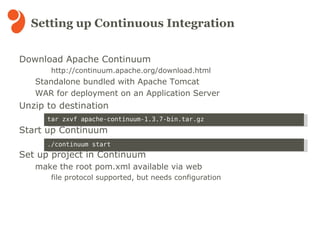
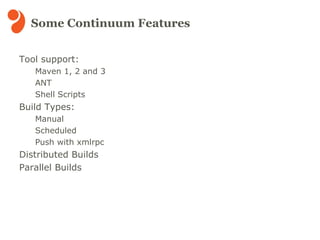
Set up the CI environment with Apache Continuum
See everything in action! Objectives
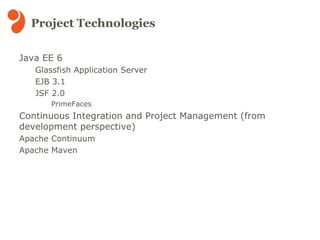
Java EE 6  Glassfish Application Server EJB 3.1
JSF 2.0 PrimeFaces Continuous Integration and Project Management (from development perspective) Apache Continuum
Apache Maven Project Technologies
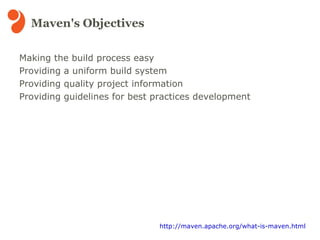
Making the build process easy
Providing a uniform build system

Maven from Scratch to Production (.odp)

Editor's Notes

  • #2 Welcome note Introduce yourself Why maven as a topic?
  • #3 Avoid conflict and flame-wars :P
  • #4 Quick overview of the entire presentation's objective
  • #5 Quick word on technologies used in the skeleton project which took some time to set up
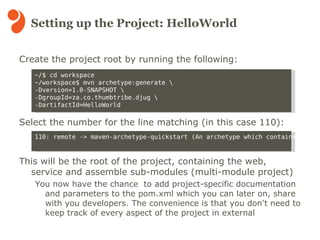
  • #7 The first steps in creating a maven project. Creating the child Modules are excluded. Child modules can be created using different project templates, war, ejb, ear, portlet etc. Steps excluded from setup: version control (subversion) ssh keys web config for project documentation
  • #8 Just covering the most parts needed for enabling the project to a production environment
  • #9 The standalone option is the easiest Setup in Glassfish requires JNDI resources being set up mail database logging config (working though) Depending on the project the default build flow is sufficient (for using the root POM and produce artifacts)
  • #10 SCM support : CVS, Subversion, Clearcase, Perforce, Starteam, Visual Source Safe, CM Synergy, Bazaar, Mercurial
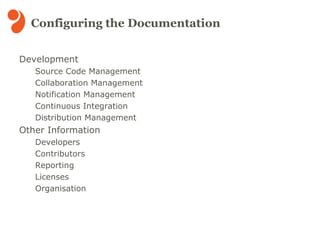
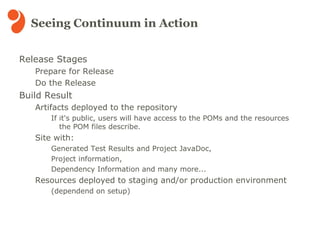
  • #11 Release preparation sees to it that most of the build issues are sorted out before a release. (issues not discovered in a normal build) Once preparation succeeds the build is ready for release. After the release build all the documentation and relevant information will be available in a web format which can be published, using the site plugin. The site plugin enhances the developer experience in that for example, a new developer joins the team, he/she can be pointed to the project site which has all the required documentation.