Octopus Deploy
Presented by @CasseyLottman
Software Developer at Crisis Text Line
Build servers build.
Octopus deploys.
https://octopus.com/why
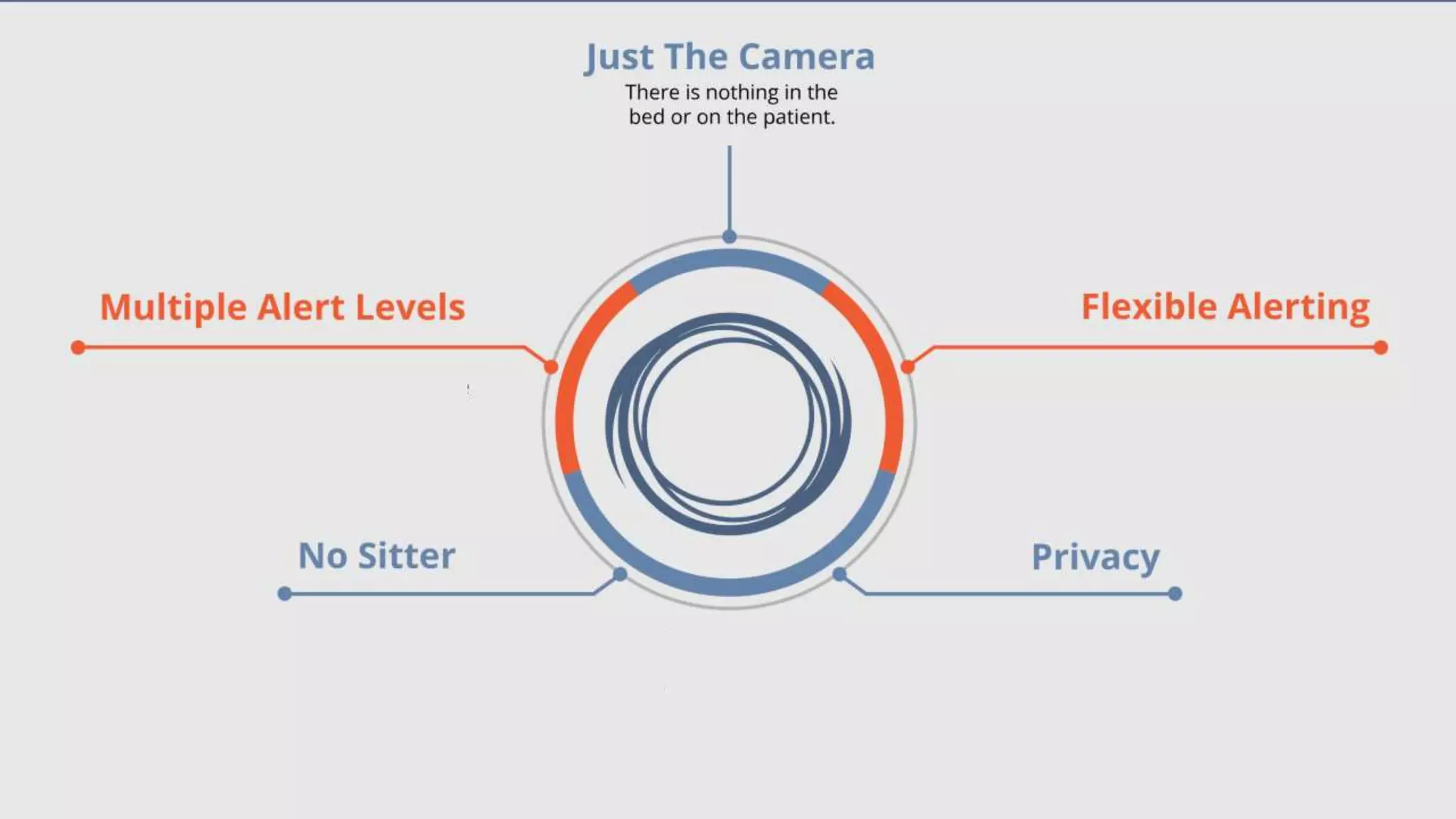
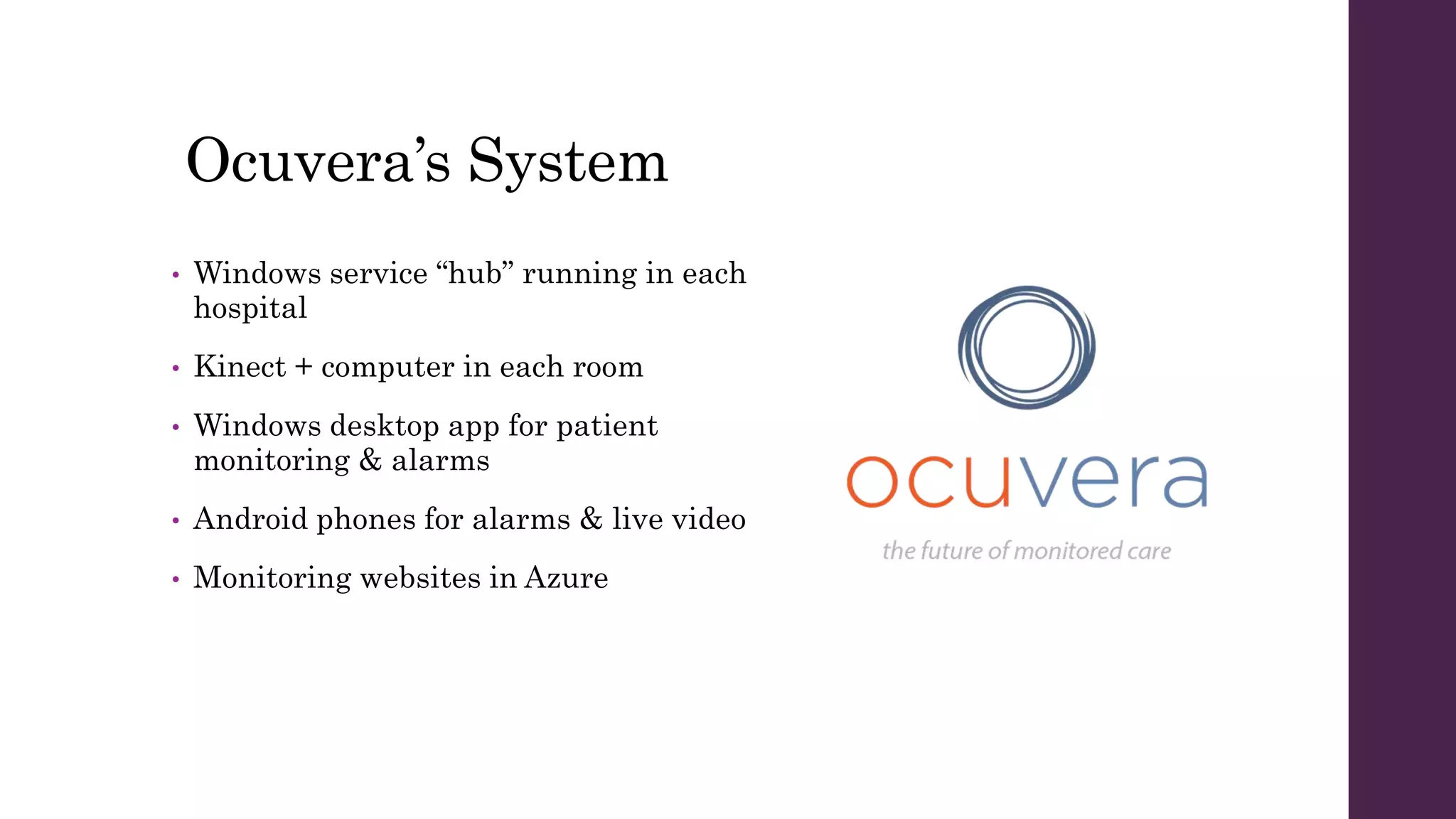
Ocuvera’s System
• Windows service “hub” running in each
hospital
• Kinect + computer in each room
• Windows desktop app for patient
monitoring & alarms
• Android phones for alarms & live video
• Monitoring websites in Azure
In six months, we went
from 1 deployment to 15.
Getting Started
Step 1 – Install
Octopus on the server
You’ll need your own SQL Server instance.
To the Web Portal!
Check out https://demo.octopusdeploy.com/ to play around with a
real Octopus server.
Environment
noun: a group of deployment targets
examples: Dev, Testing, Stage, Prod
Tentacle
noun: software that runs on a deployment target and talks to the
Octopus server
Options for your Tentacle
• Polling Tentacle or Listening Tentacle?
• What port to use?
• Need to use a proxy?
• What environment to add this machine to?
• Should it be part of a tenant?
Listening Tentacle
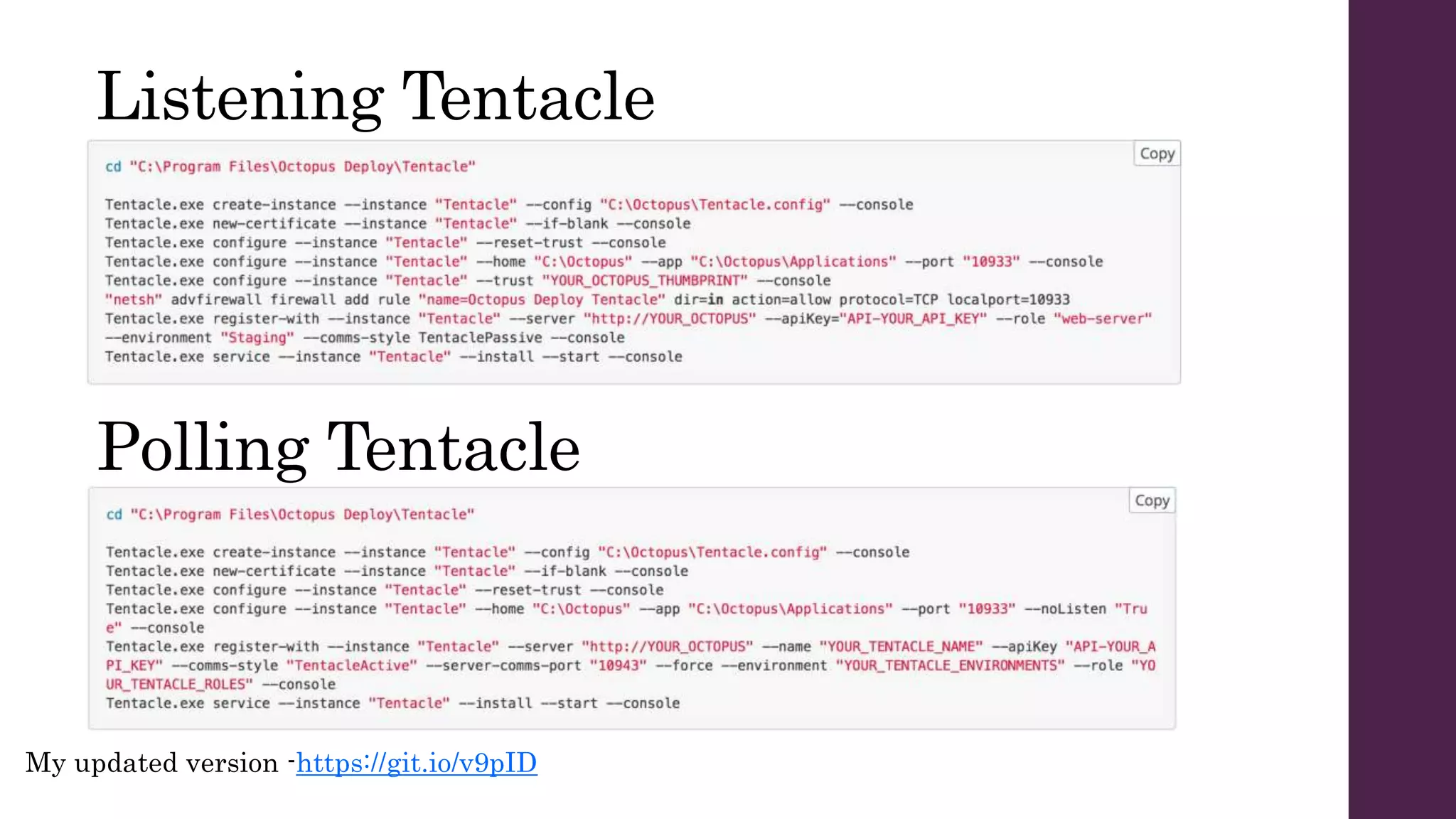
My updated version -https://git.io/v9pID
Polling Tentacle
Package
noun: a chunk of stuff to deploy
includes: NuGet, zip, tar, tar gzip, tar bzip2, jar, war, ear, rar
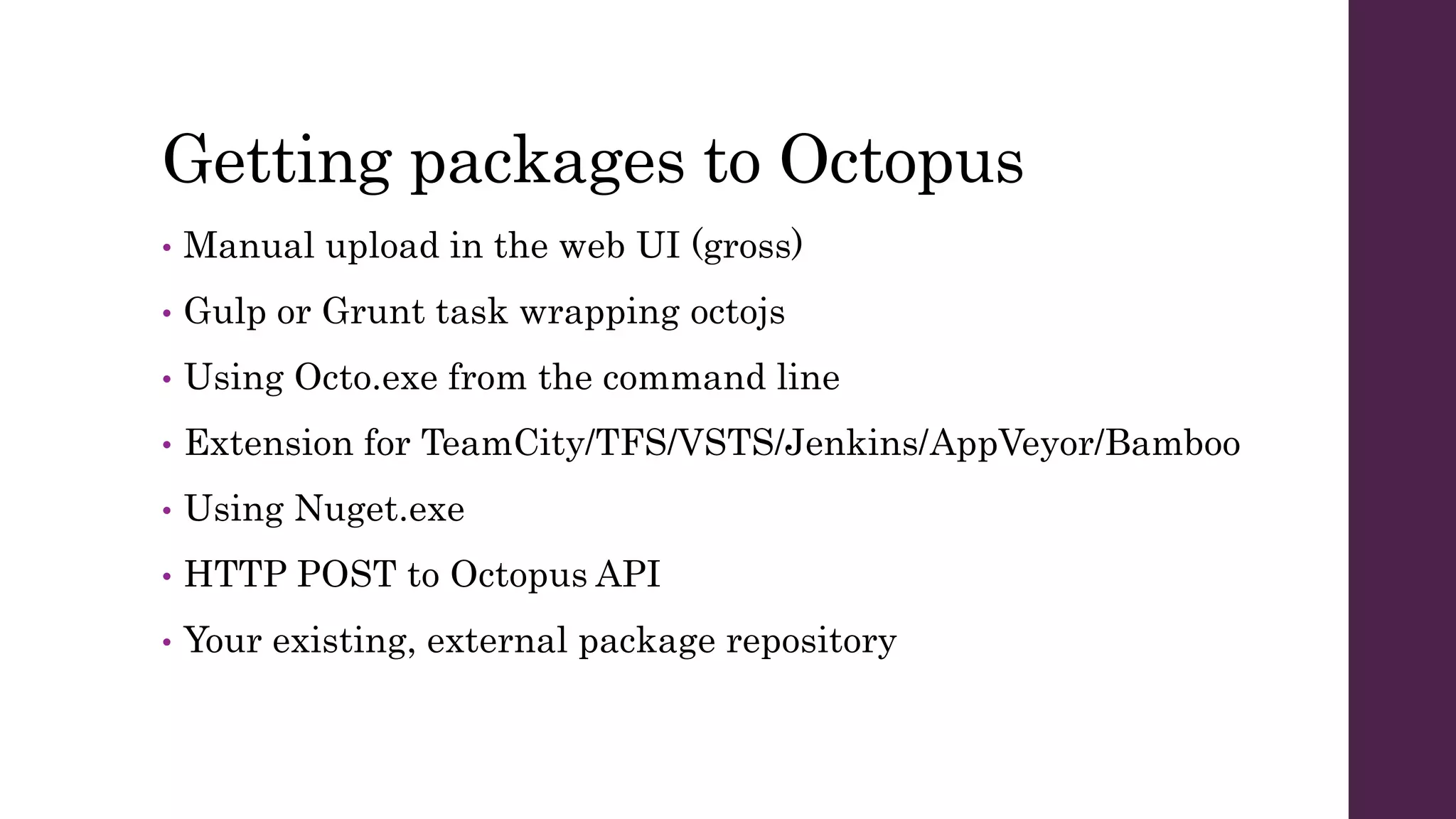
Getting packages to Octopus
• Manual upload in the web UI (gross)
• Gulp or Grunt task wrapping octojs
• Using Octo.exe from the command line
• Extension for TeamCity/TFS/VSTS/Jenkins/AppVeyor/Bamboo
• Using Nuget.exe
• HTTP POST to Octopus API
• Your existing, external package repository
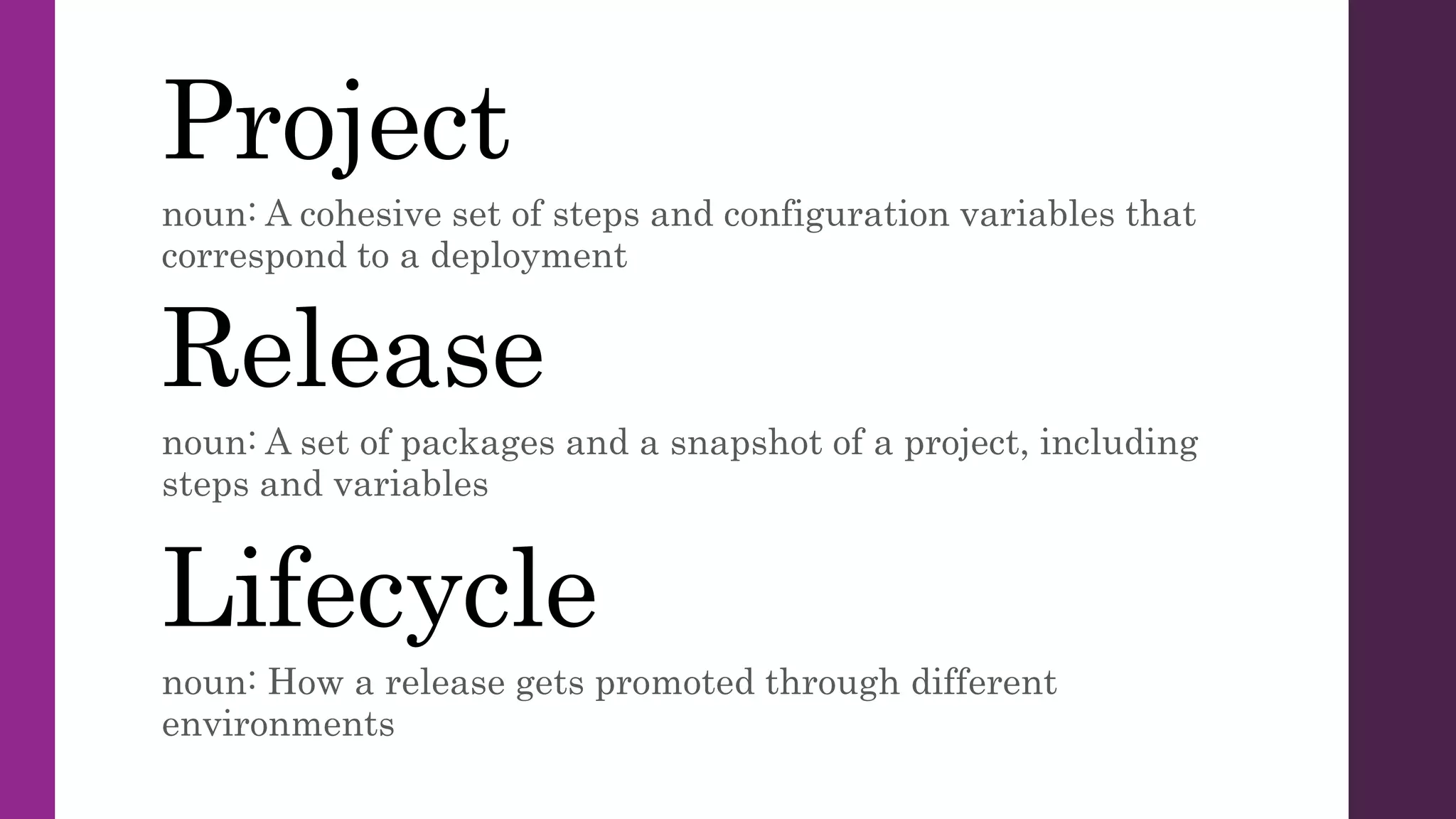
Project
noun: A cohesive set of steps and configuration variables that
correspond to a deployment
Release
noun: A set of packages and a snapshot of a project, including
steps and variables
Lifecycle
noun: How a release gets promoted through different
environments
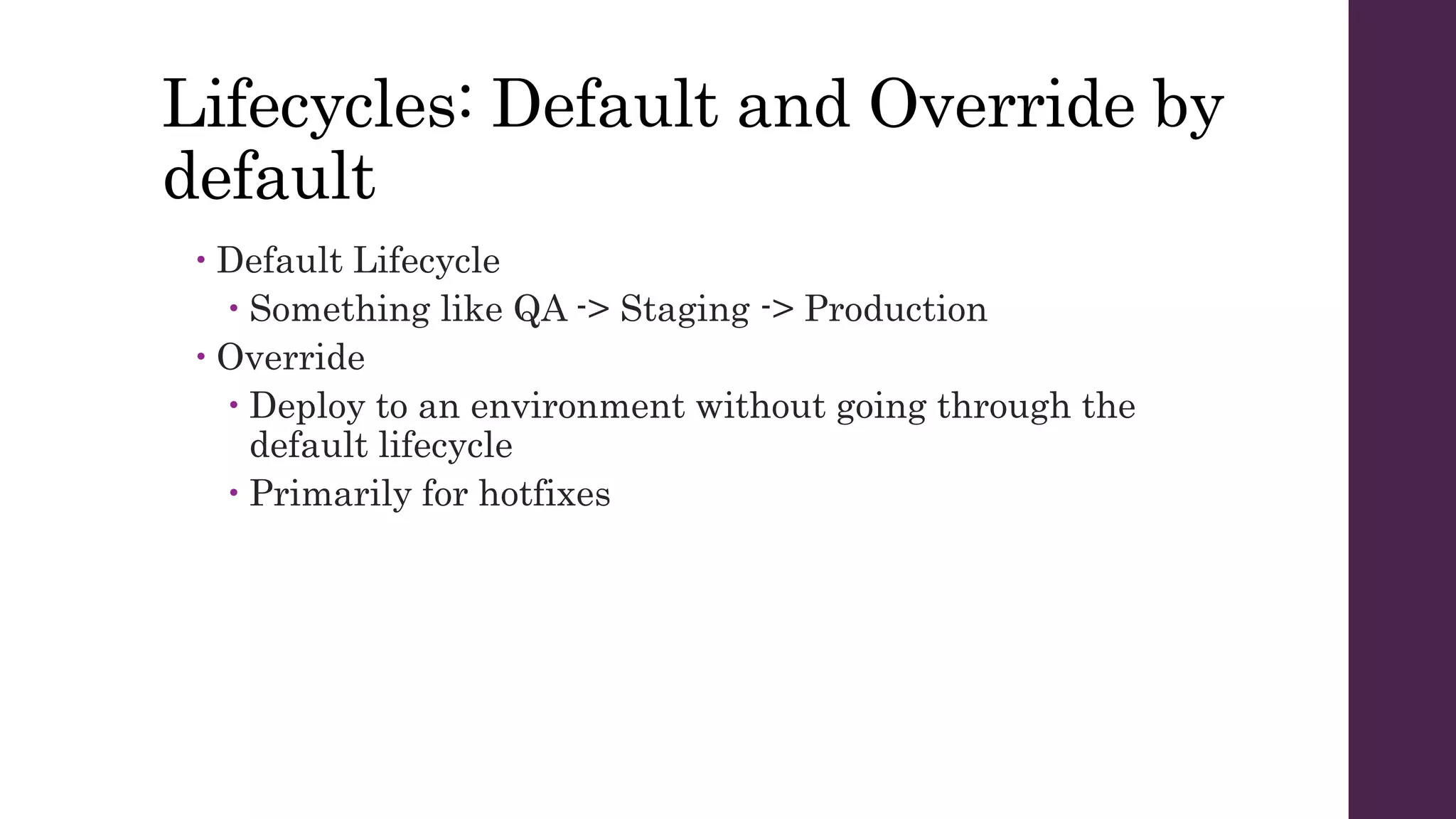
Lifecycles: Default and Override by
default
 Default Lifecycle
 Something like QA -> Staging -> Production
 Override
 Deploy to an environment without going through the
default lifecycle
 Primarily for hotfixes
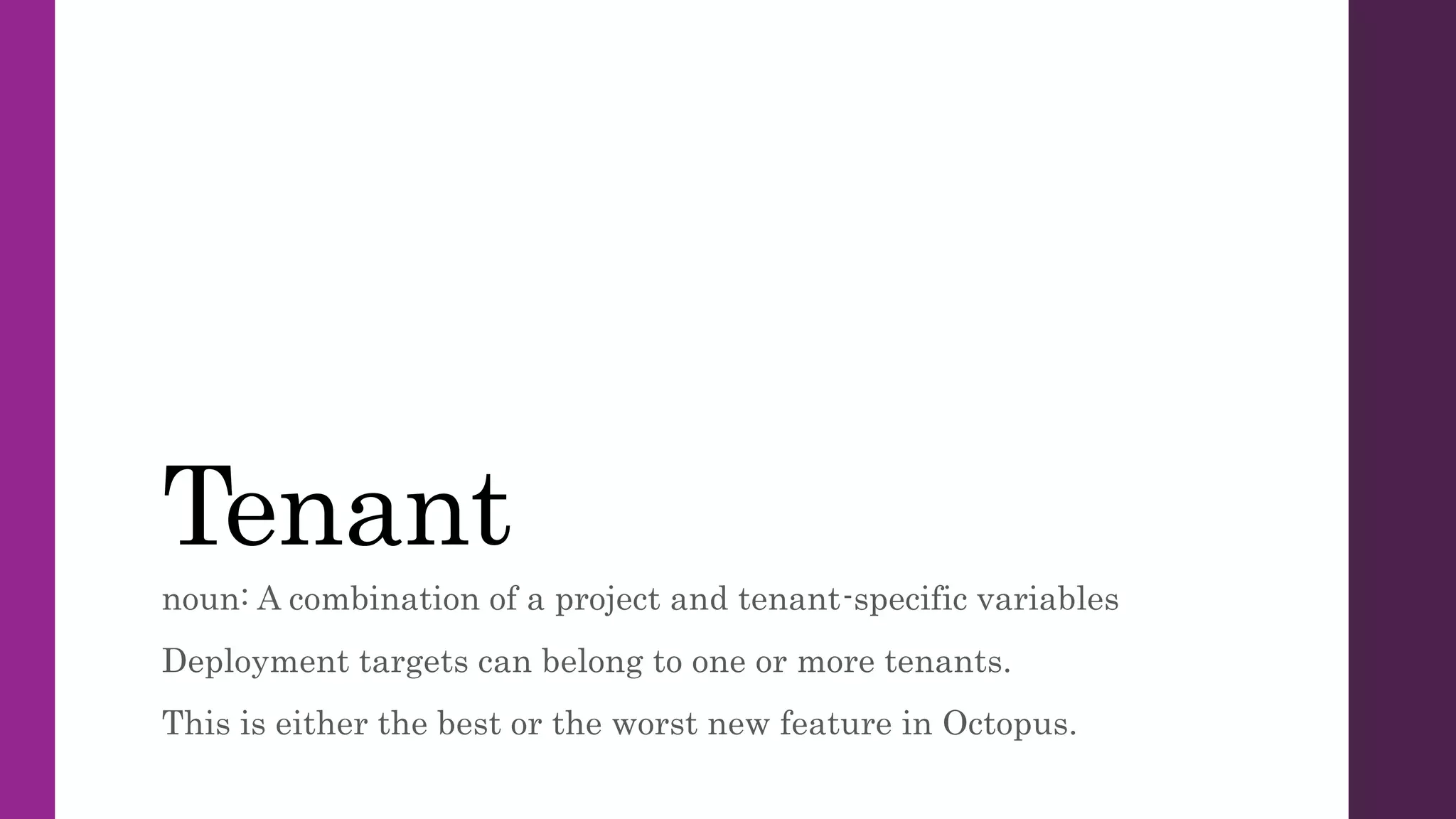
Tenant
noun: A combination of a project and tenant-specific variables
Deployment targets can belong to one or more tenants.
This is either the best or the worst new feature in Octopus.
Deployment Steps
Now we’re getting to the good stuff.
Variables
Powerful, Flexible, Possibly Confusing.
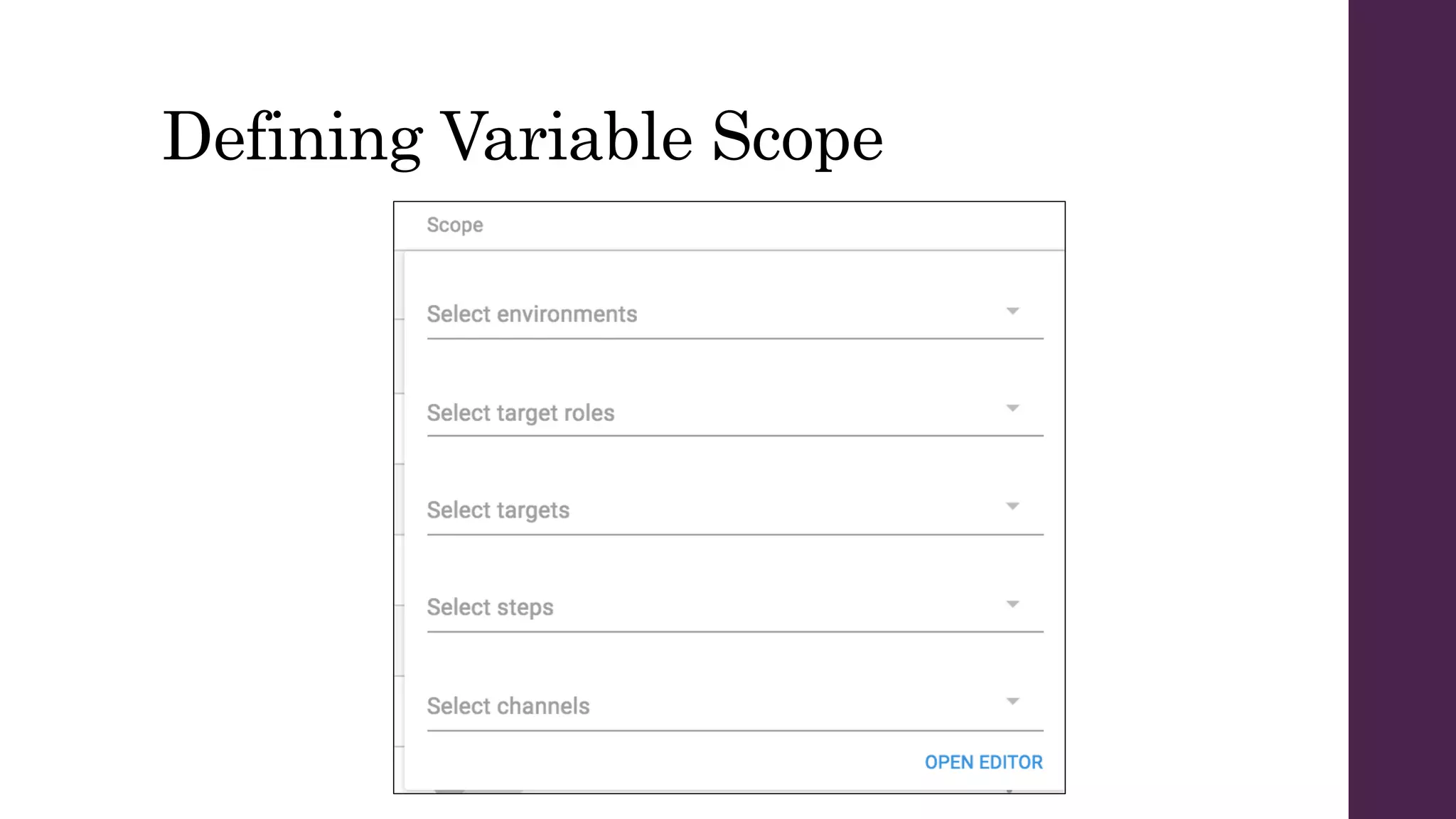
Defining Variable Scope
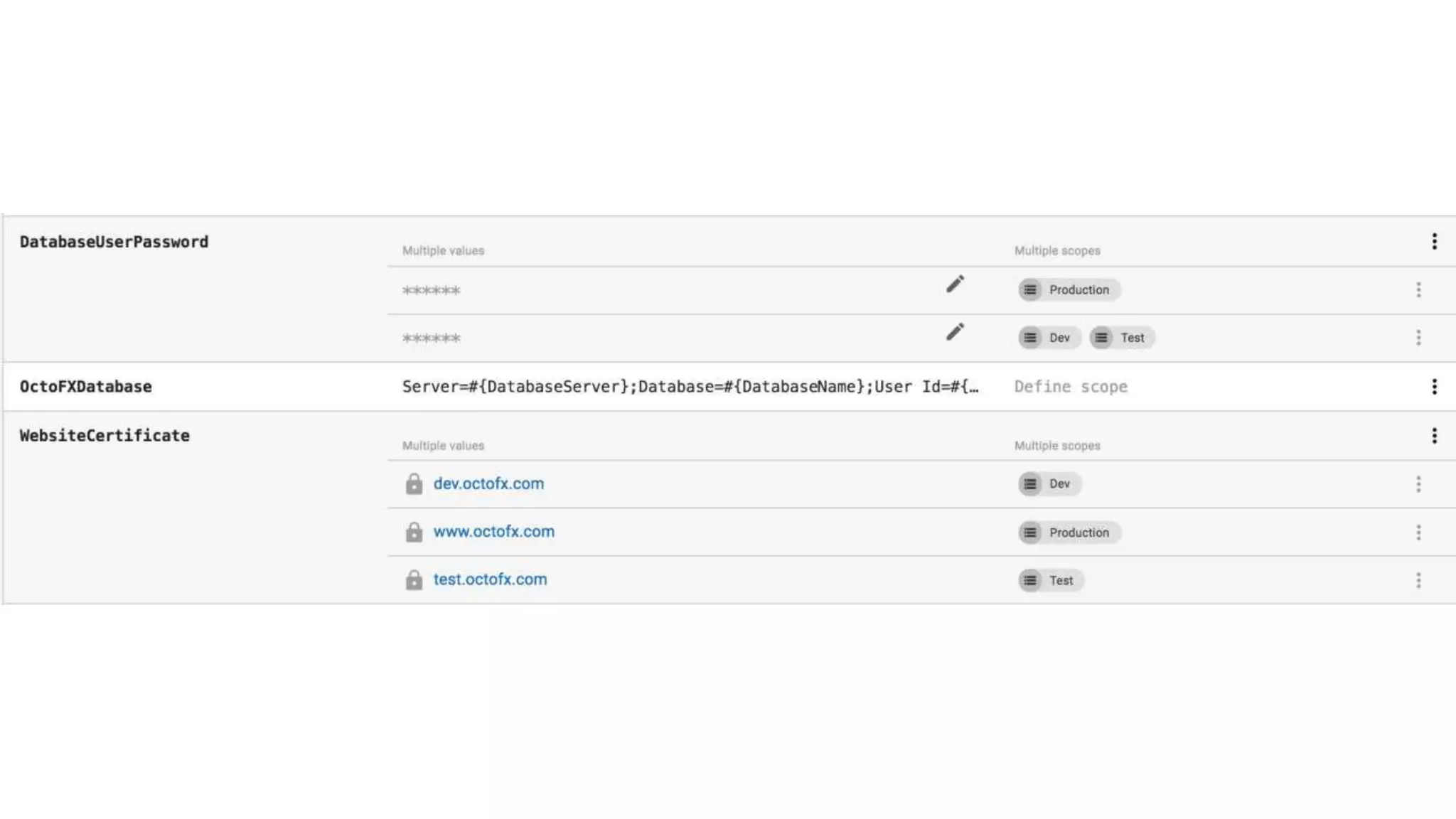
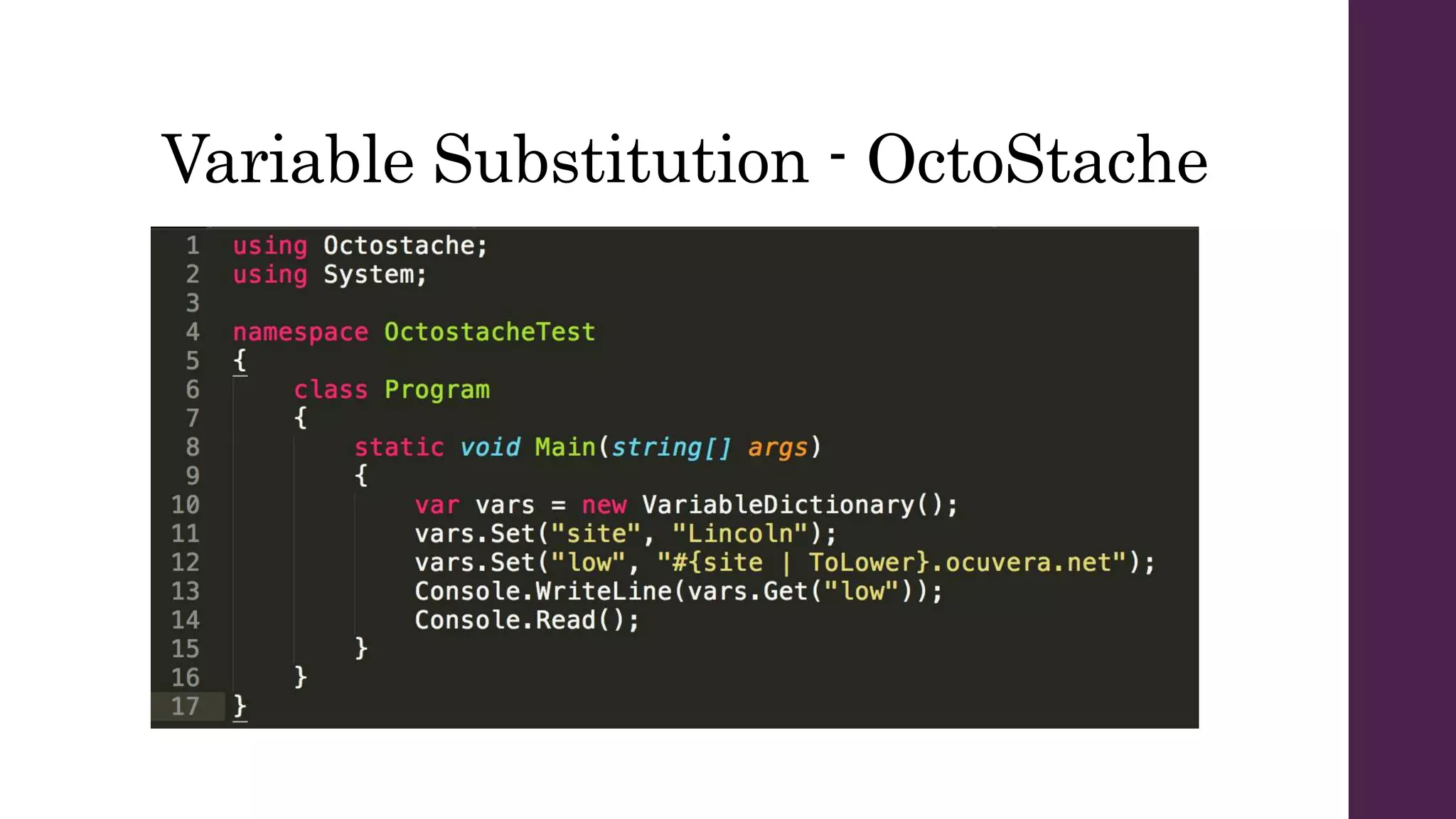
Variable Substitution - OctoStache
Importing Variables
You can’t.
Deploy a Release
Version Control
Doable, but still a work in progress
I recommend Octopus
Deploy for .NET apps.
Deploy .NET apps with Octopus because…
• Script as much as you want of your deployment configuration
• Don’t script anything if you’d rather not
• Ample built-in & community step templates
• New tenants feature is a powerful tool for organizing machines
& configurations
• Easy to start using; powerful enough for complicated setups
• Very responsive customer support

Octopus Deploy @Erie Day of Code

  • 1.
    Octopus Deploy Presented by@CasseyLottman Software Developer at Crisis Text Line
  • 5.
    Build servers build. Octopusdeploys. https://octopus.com/why
  • 7.
    Ocuvera’s System • Windowsservice “hub” running in each hospital • Kinect + computer in each room • Windows desktop app for patient monitoring & alarms • Android phones for alarms & live video • Monitoring websites in Azure
  • 8.
    In six months,we went from 1 deployment to 15.
  • 9.
  • 10.
    Step 1 –Install Octopus on the server You’ll need your own SQL Server instance.
  • 12.
    To the WebPortal! Check out https://demo.octopusdeploy.com/ to play around with a real Octopus server.
  • 13.
    Environment noun: a groupof deployment targets examples: Dev, Testing, Stage, Prod
  • 15.
    Tentacle noun: software thatruns on a deployment target and talks to the Octopus server
  • 16.
    Options for yourTentacle • Polling Tentacle or Listening Tentacle? • What port to use? • Need to use a proxy? • What environment to add this machine to? • Should it be part of a tenant?
  • 18.
    Listening Tentacle My updatedversion -https://git.io/v9pID Polling Tentacle
  • 24.
    Package noun: a chunkof stuff to deploy includes: NuGet, zip, tar, tar gzip, tar bzip2, jar, war, ear, rar
  • 25.
    Getting packages toOctopus • Manual upload in the web UI (gross) • Gulp or Grunt task wrapping octojs • Using Octo.exe from the command line • Extension for TeamCity/TFS/VSTS/Jenkins/AppVeyor/Bamboo • Using Nuget.exe • HTTP POST to Octopus API • Your existing, external package repository
  • 26.
    Project noun: A cohesiveset of steps and configuration variables that correspond to a deployment Release noun: A set of packages and a snapshot of a project, including steps and variables Lifecycle noun: How a release gets promoted through different environments
  • 27.
    Lifecycles: Default andOverride by default  Default Lifecycle  Something like QA -> Staging -> Production  Override  Deploy to an environment without going through the default lifecycle  Primarily for hotfixes
  • 28.
    Tenant noun: A combinationof a project and tenant-specific variables Deployment targets can belong to one or more tenants. This is either the best or the worst new feature in Octopus.
  • 29.
    Deployment Steps Now we’regetting to the good stuff.
  • 33.
  • 34.
  • 36.
  • 37.
  • 38.
  • 40.
    Version Control Doable, butstill a work in progress
  • 41.
  • 42.
    Deploy .NET appswith Octopus because… • Script as much as you want of your deployment configuration • Don’t script anything if you’d rather not • Ample built-in & community step templates • New tenants feature is a powerful tool for organizing machines & configurations • Easy to start using; powerful enough for complicated setups • Very responsive customer support

Editor's Notes

  • #11 Need to have SQL Server installed on the machine!
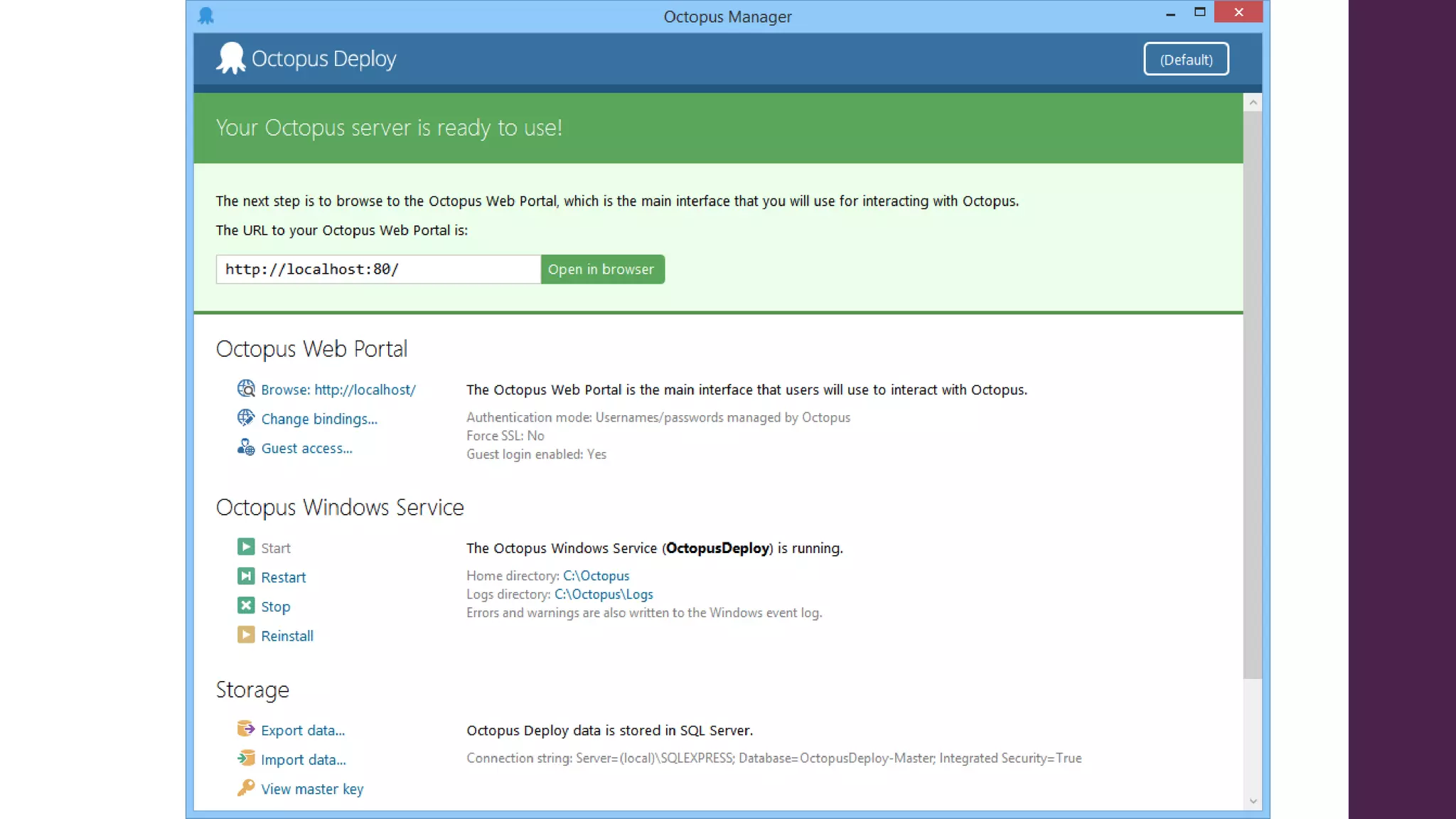
  • #13 Once you’ve installed Octopus Server on your machine, the rest of your work with it will be done through the web interface. Of course, you can script yourself out of even having to access that GUI, but the UI is a good place to start familiarizing yourself with Octopus concepts and setting up your build process.
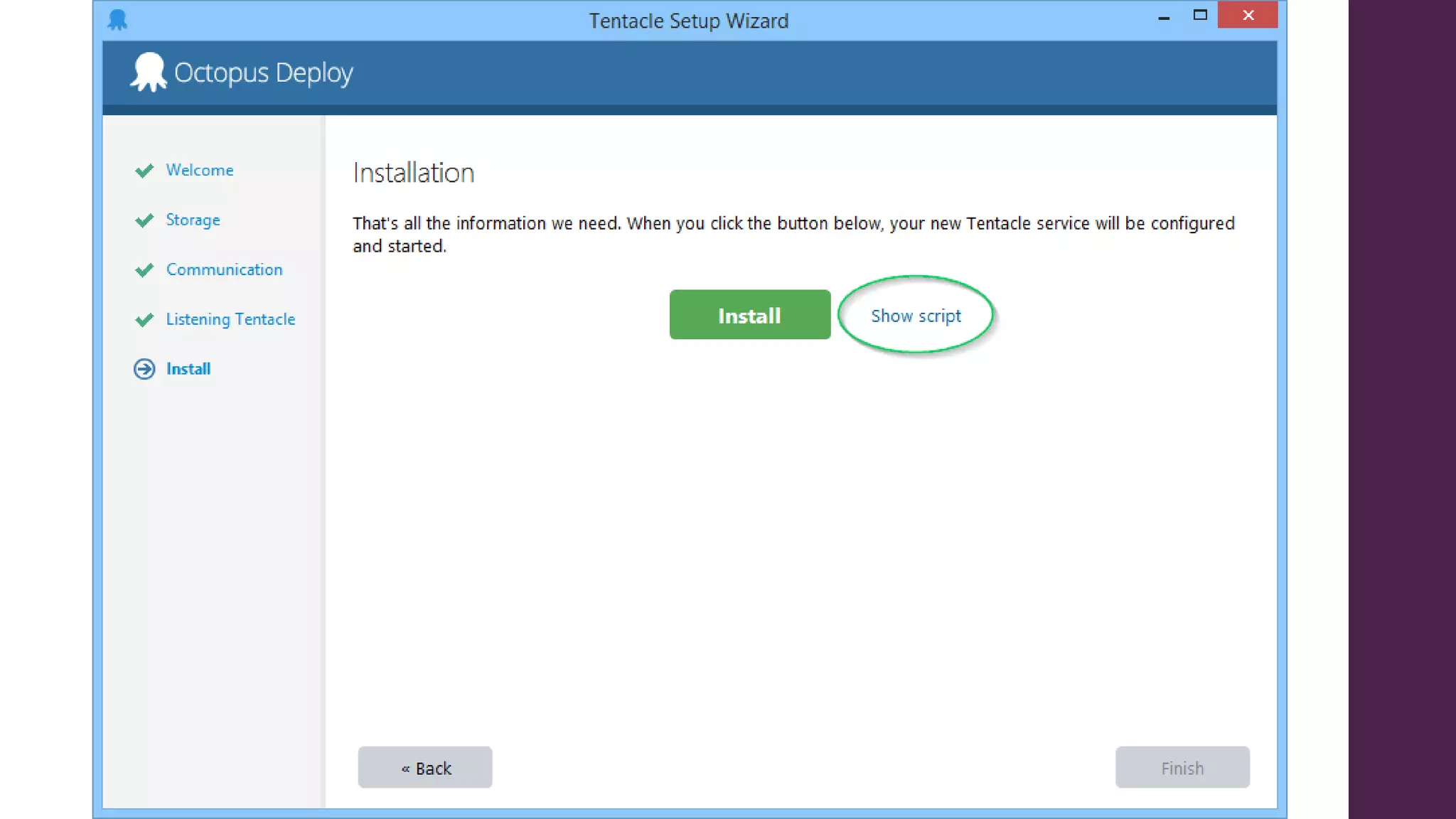
  • #16 Deploying using Octopus requires installing software on the target machines. That software is called the Tentacle agent. Wordplay abounds! In our system, the tentacle software is installed on the image that we use for a new hub installation. Updates happen automatically whenever there is a newer version of Tentacle available when you attempt to run a deploy, so it doesn’t matter if your Tentacle installer is out of date. Installing the Tentacle software is the boring part – configuration happens later.
  • #18 Like everything in Octopus, tentacle configuration can be scripted. This is actually the easiest place to start using scripts to automate your use of Octopus. Some of the options you’ll configure in setting up a tentacle include
  • #19 Shown here – scripts generated from the Octopus Tentacle Manager GUI. We generated the scripts, then at first, were manually updating them to set the target name (--name) and environment. Eventually, we switched to using the computer name as the machine name, so it wouldn’t need to be updated every time. And, the environment name can be provided as a command line argument, so you don’t have to fiddle with the script on the remote machine at all. A scrubbed version of our script, with the additions I just mentioned, can be found on the Github link at the bottom of the page. If you don’t like the prospect of opening cmd, you can also do all of this in Powershell, or even .NET if you really want to. Though, Octopus won’t do as much of the work for you if you go that route. Also note – it’s best to run these in an administrator prompt so that you get all the output in one window. Otherwise, it will try opening up one for each of the Tentacle.exe commands.
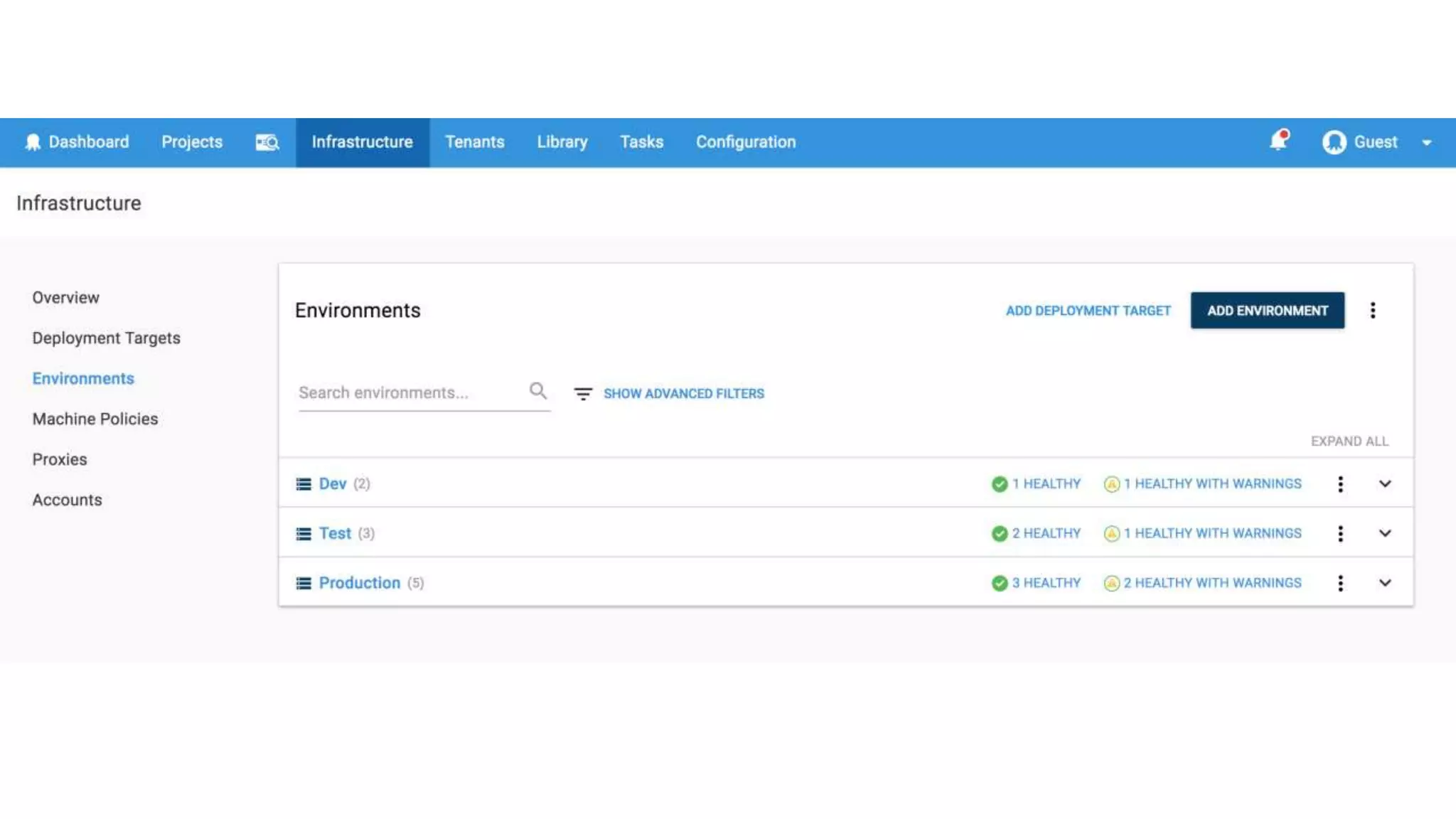
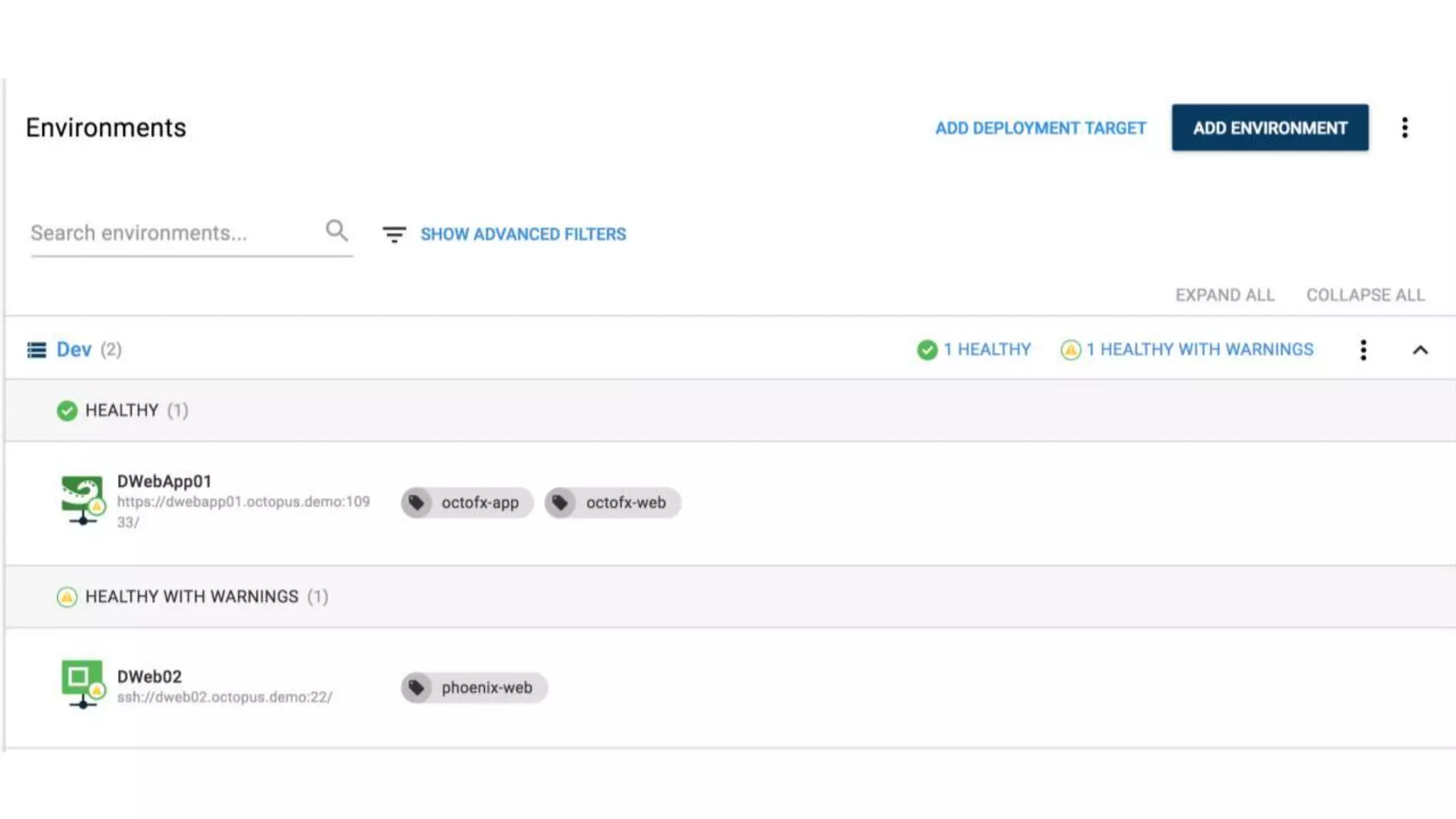
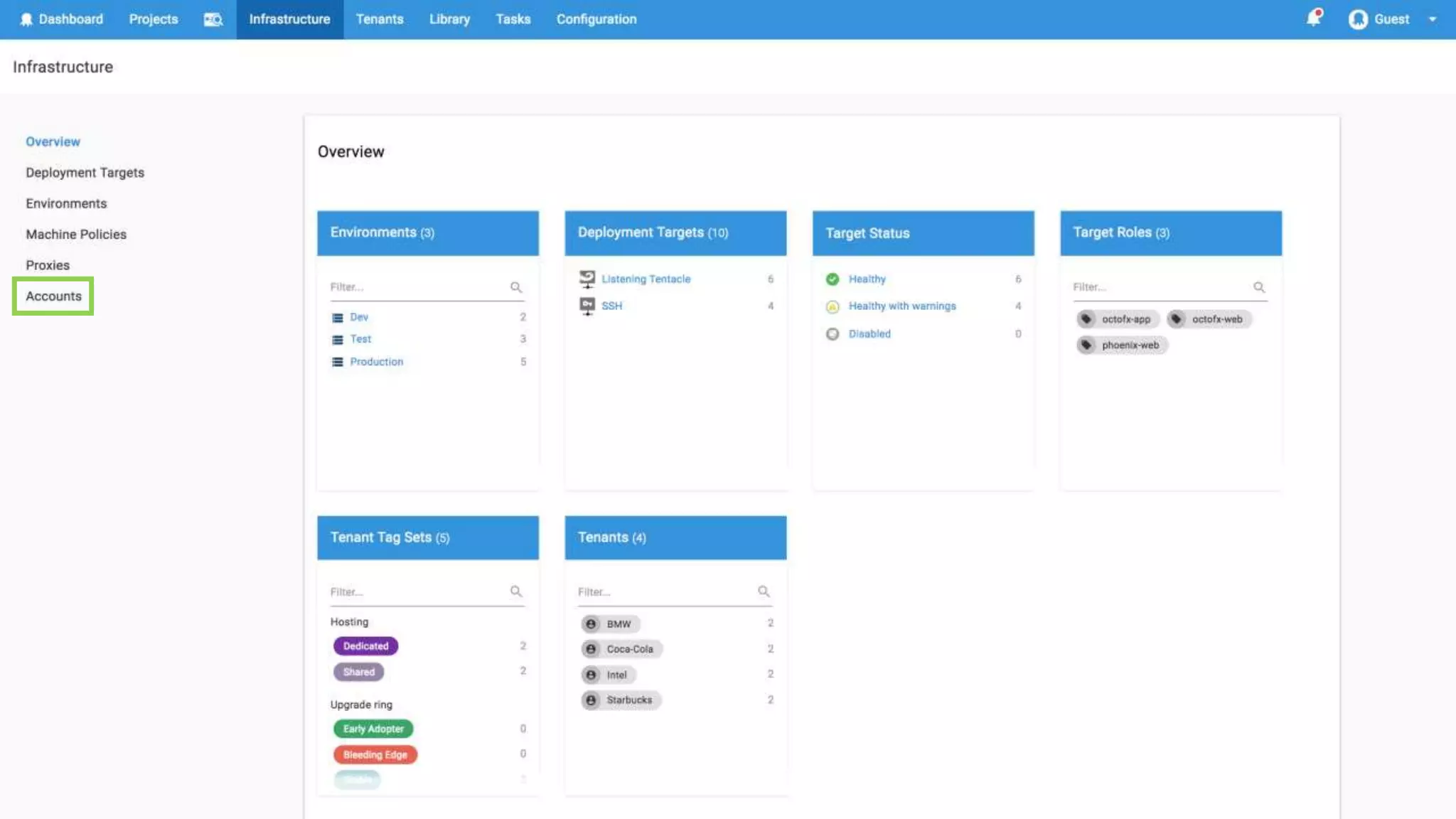
  • #20 Here’s what you’ll see after you’ve created several different Tentacles in each of the environments.
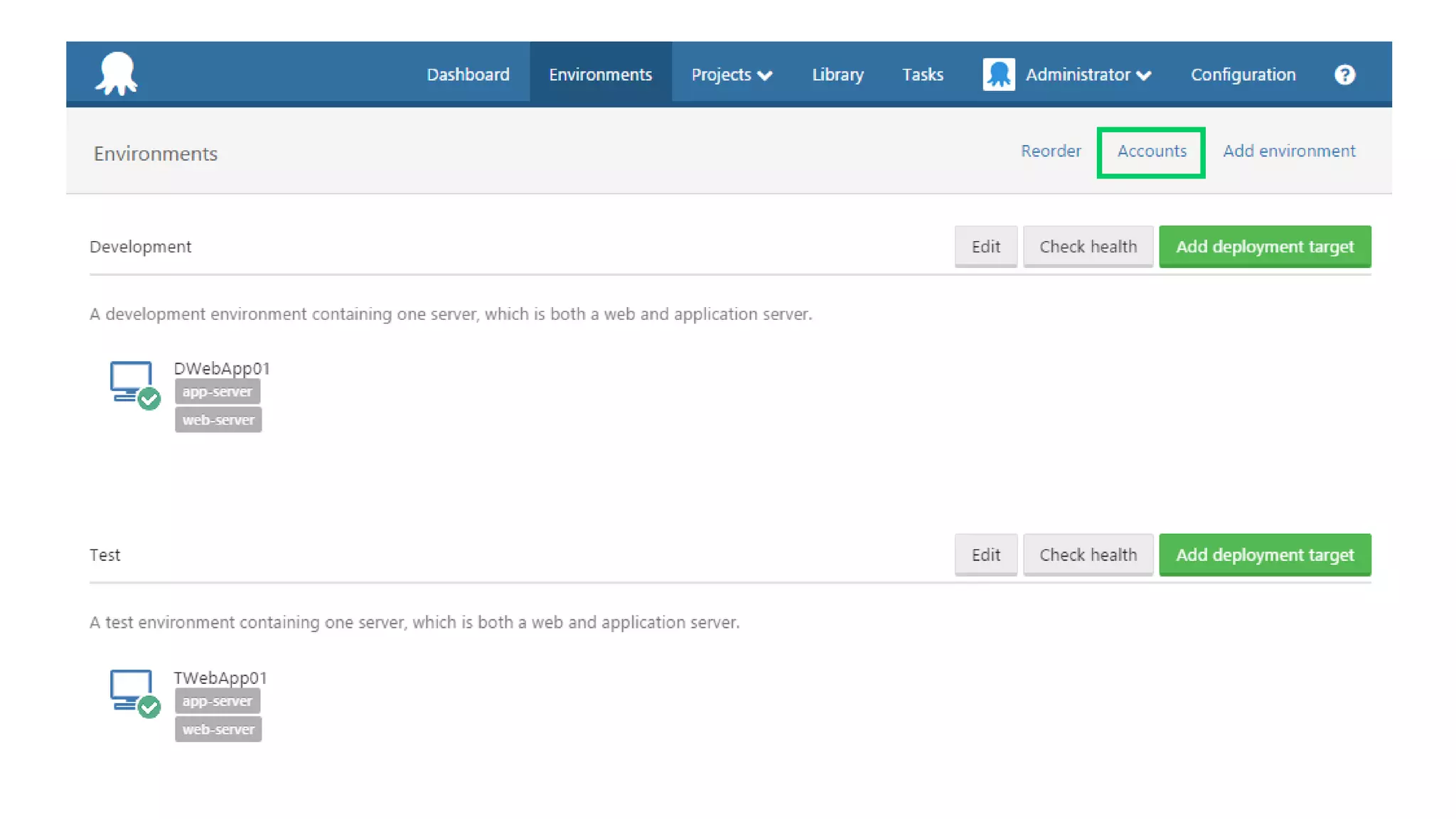
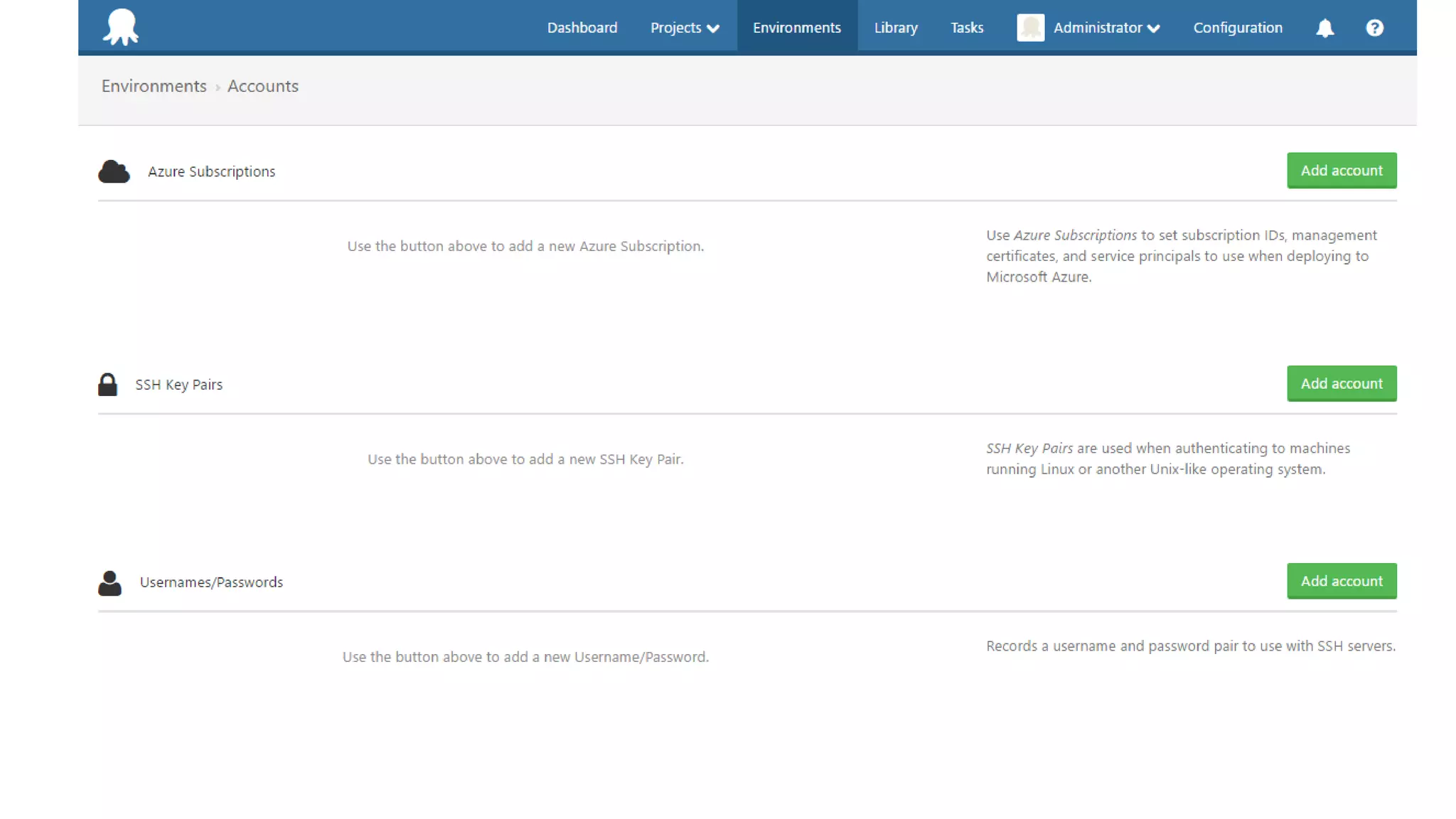
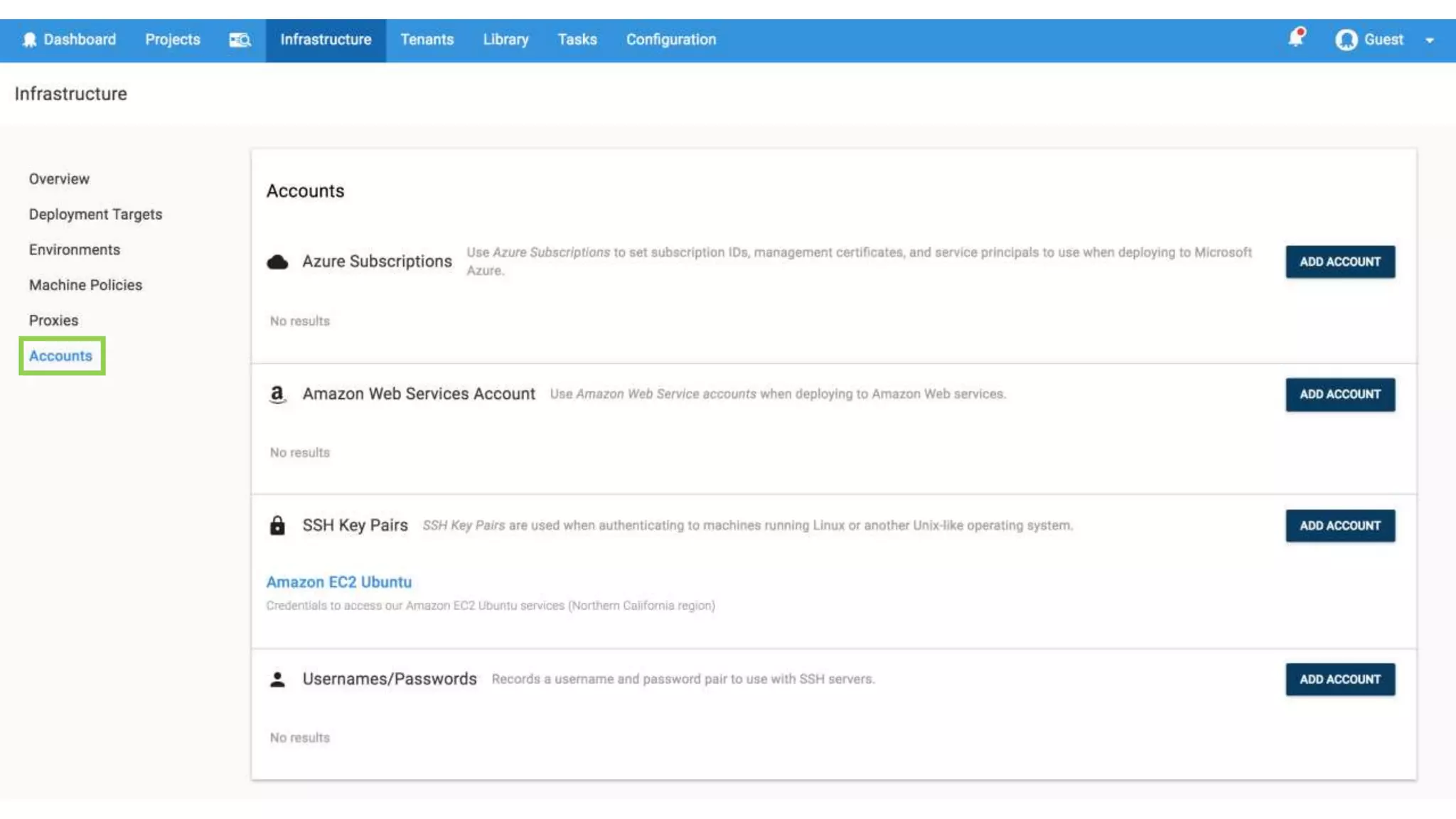
  • #21 You can manage Azure accounts, passwords, and SSH keys through Octopus. Click the green Accounts button to get there. Here’s an example of how Octopus’s web UI leaves a bit to be desired in some cases- it can be hard to remember “Accounts – of course I should go look at the top of the Environments page to get there!”
  • #23 One of the features of Octopus is that you can configure which deployment targets go with which Azure subscription, based on machine, environment, tags you apply to a target, or what tenant it belongs to, and at deployment time everything just works. Getting it to that point can be difficult, though, and making seemingly minor changes to your Azure subscription scope can cause big headaches when it causes deployments to fail because a tentacle can’t find its Azure subscription. When it doesn’t work, it can be really difficult to figure out why, and your search often leads you to the support forums where you find that there is some sort of open issue around matching subscriptions to the machines that they can be applied to.
  • #26 If you already have an external package library, great! There’s a good chance whatever you’re using can be consumed by Octopus. Otherwise, go with what’s easiest. If you’re publishing a Node app, it makes sense to use the gulp or grunt tasks. If there’s an existing extension for your build server, use that.
  • #28 At first, we were using our Override lifecycle to do the initial deployment that helps set up a new hub machine. When we refactored our environments, we realized it made more sense to deploy to a new target by simply promoting the most recent release that was in the environment we’re adding to. It made it a lot easier, so we didn’t have to roll back changes (if we deployed the QA build to a new production environment before it was ready for example.)
  • #30 Deployment steps have to belong to a project. If you’re deploying multiple apps, which have a different cohesive set of steps, it might make sense to have multiple projects. At Ocuvera, we only have one project. Though sometimes we want to push a hotfix that only applies to our phones, for example, on a typical deployment we want to update the entire system at once. Octopus seems to really focus on providing a good experience for the big guys who might need to have multiple types of deployments, but it works fine for us little guys, too.
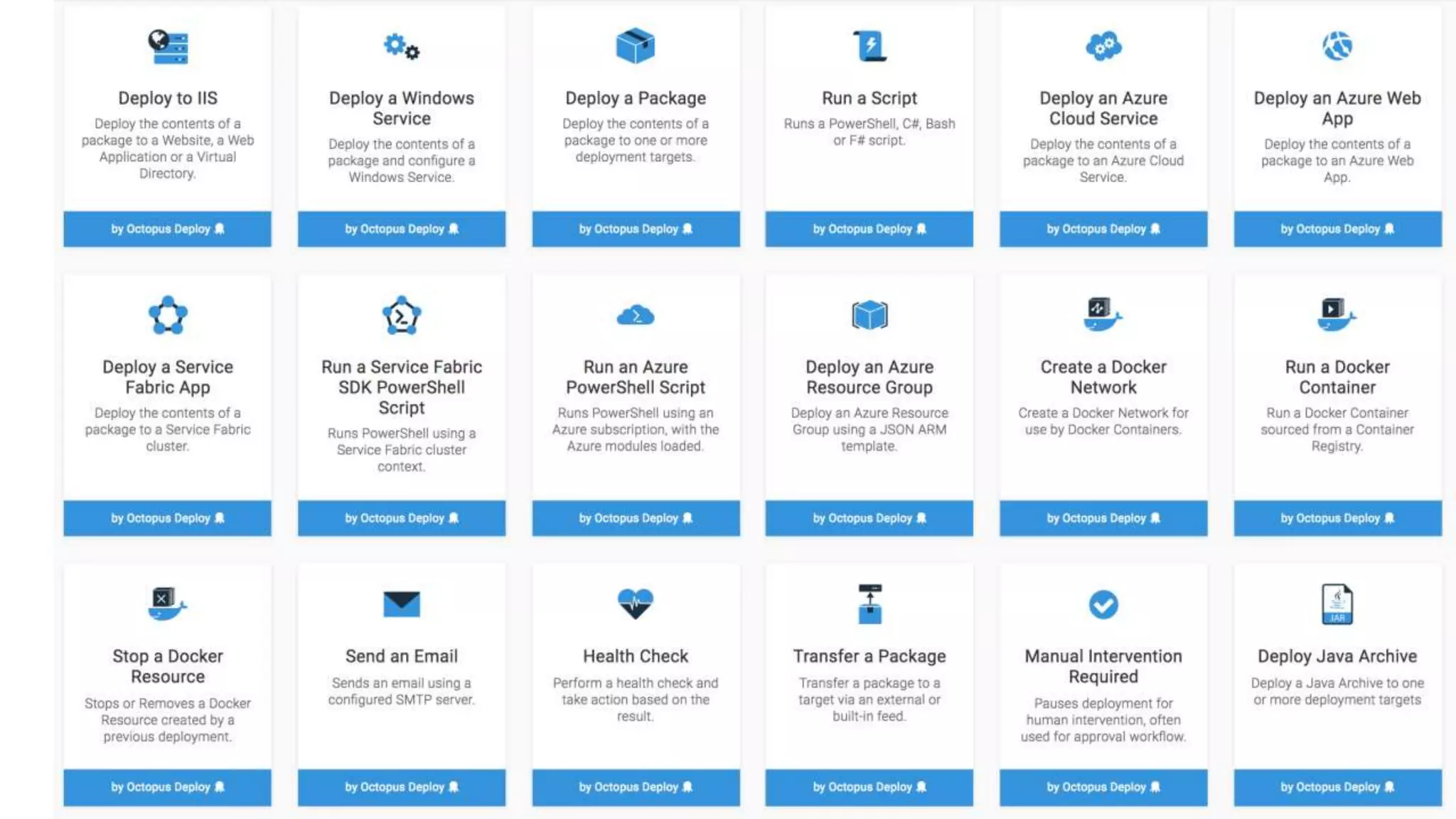
  • #31 Step templates are building blocks of a deployment process. There are a ton of existing step templates you can use provided by default, and you can create your own as well as access new ones from the community step templates.
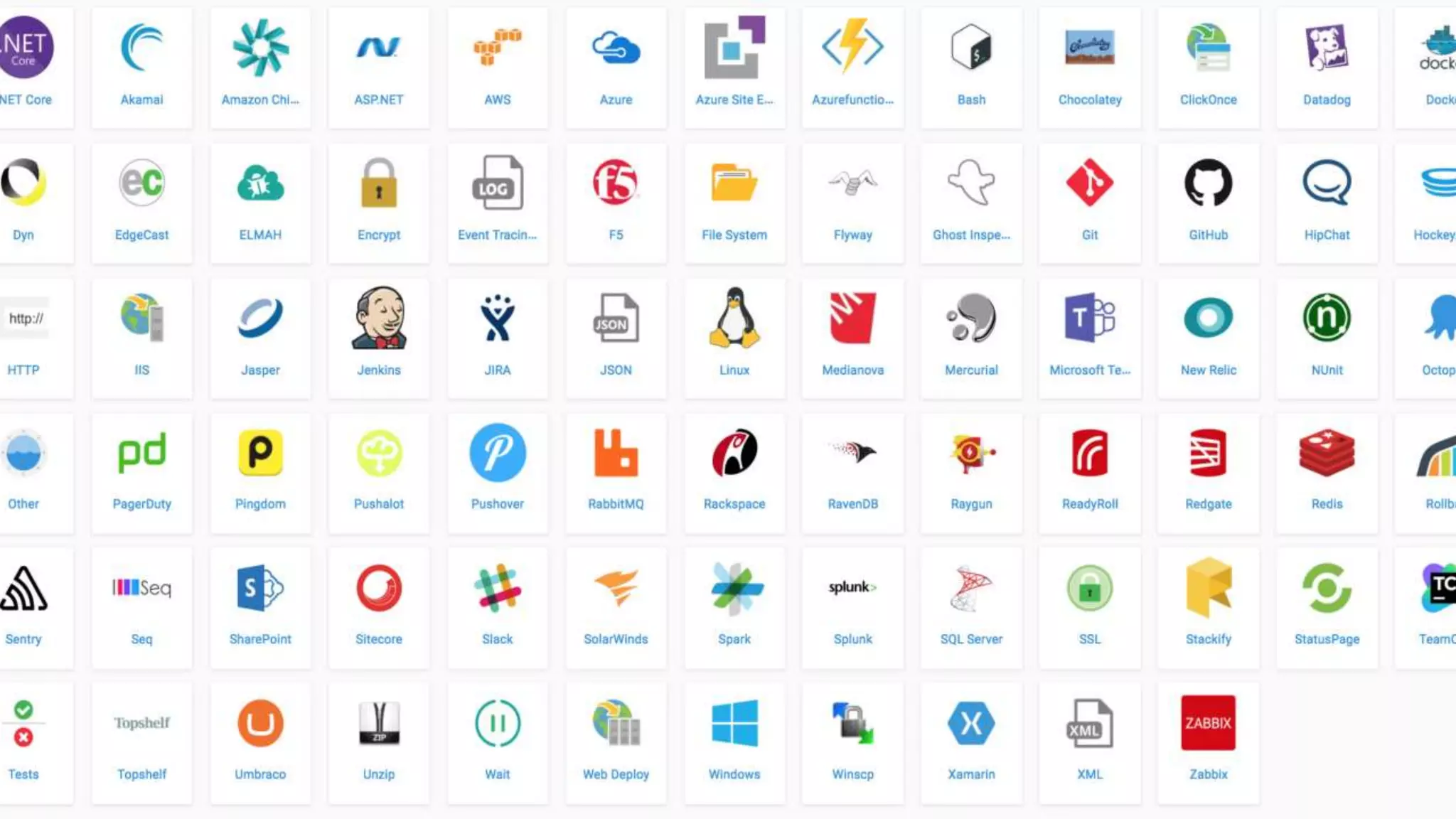
  • #32 Community step templates can be submitted by anyone, but so far I’ve found them to be pretty high quality scripts in general. Each of the icons you see here expands to individual step templates that you can add using that technology or platform. (See next slide)
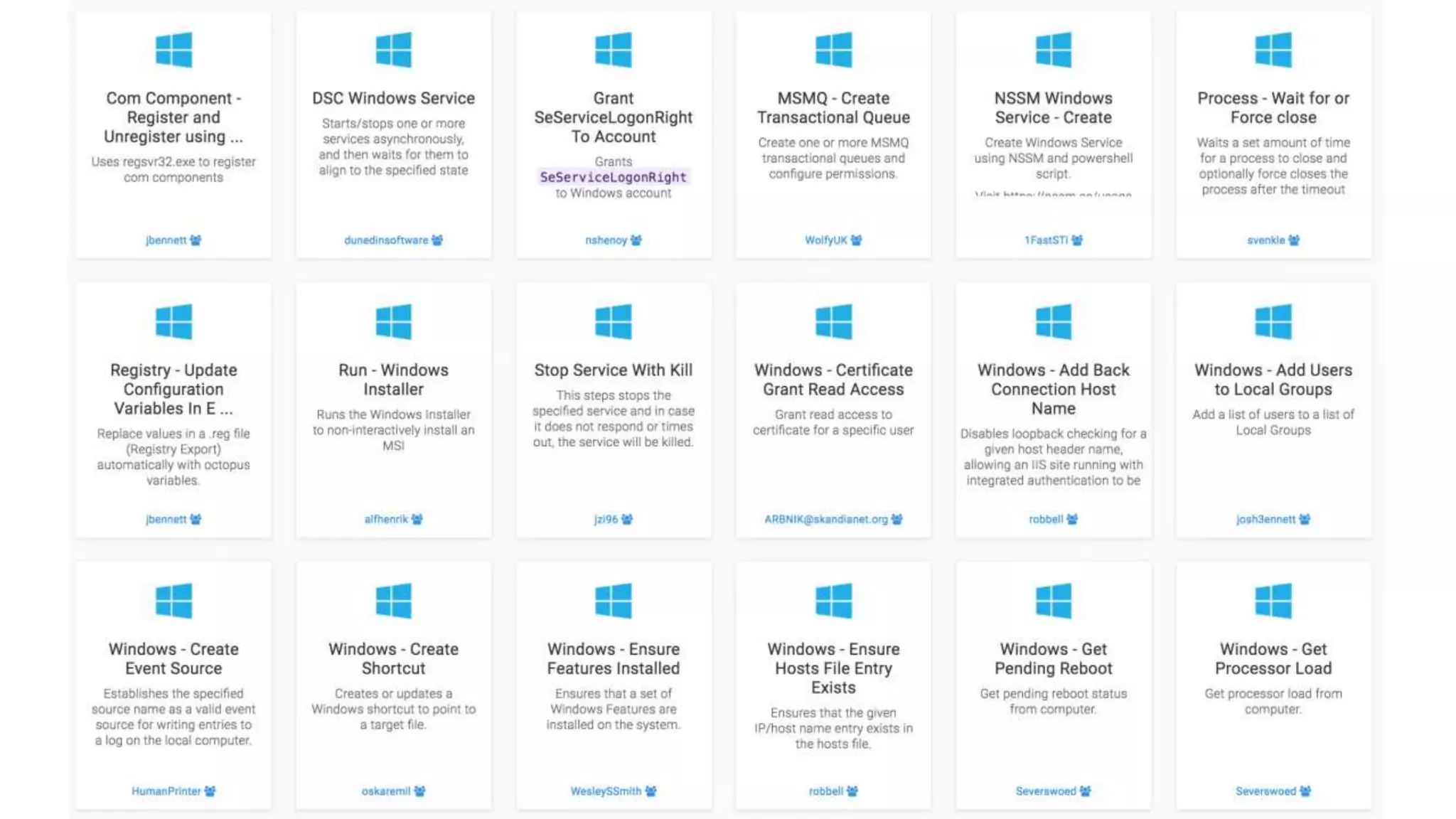
  • #33 There are so many step templates out there now that if you need to add a new step to your deployment process, I recommend looking to see if there’s an existing template before you write your own scripts. I’ve had a couple experiences where I wrote something like a Powershell script to grant file permissions, then after I had it working, found that there was an existing step template that would have worked out of the box. Step templates save time and often, have logging and error handling. All of the source code for each of the steps is available to look at, so you can see exactly what you will be running and modify it if you need to.
  • #36 Apparently Mac OS Sierra + Powerpoint + video = crash.
  • #37 Variable substitution in Octopus is powered by the open source library OctoStache, which you can consume as a Nuget package to create little test programs.
  • #38 This is supposed to be on the Octopus roadmap, but doesn’t seem to be coming any time soon. “Improve variables UI” is the top suggestion on the Octopus Deploy UserVoice site, with 943 votes as of yesterday. That request was posted two years ago. If you already have a large number of configuration variables, you will experience the pain of typing them all into Octopus individually, and losing your tab position after adding a new variable if you are trying to use keyboard navigation.
  • #41 - You can completely restore an Octopus server from a SQL Server backup. You can store your step templates in Git You can read variables from the API and write them to a file, and back that up in source control Overall, version control in Octopus is not a solved problem. They are working on this - https://octopus.com/blog/rfc-version-control Unless you’re diligent about logging, it can be difficult to figure out what a variable resolved to when it was used in a step that ran as part of deploying a release, even immediately after a deploy but especially a week or two down the road if people have been making changes.