Material Design
Introduction
MaterialDesign is avisual language thatis createdtosynthesizetheprinciplesof gooddesign along
withthe development andpossibilityoftechnologyandscience.
The design iscreatedin simple, clear andforpeopleto
understand.
Thetechnologyisnowapprovedby Google.
Material is the metaphor
Material is a metaphor of a rationalized space and a system of
motion grounded by reality.
Layers are the main division for UI development by materialize
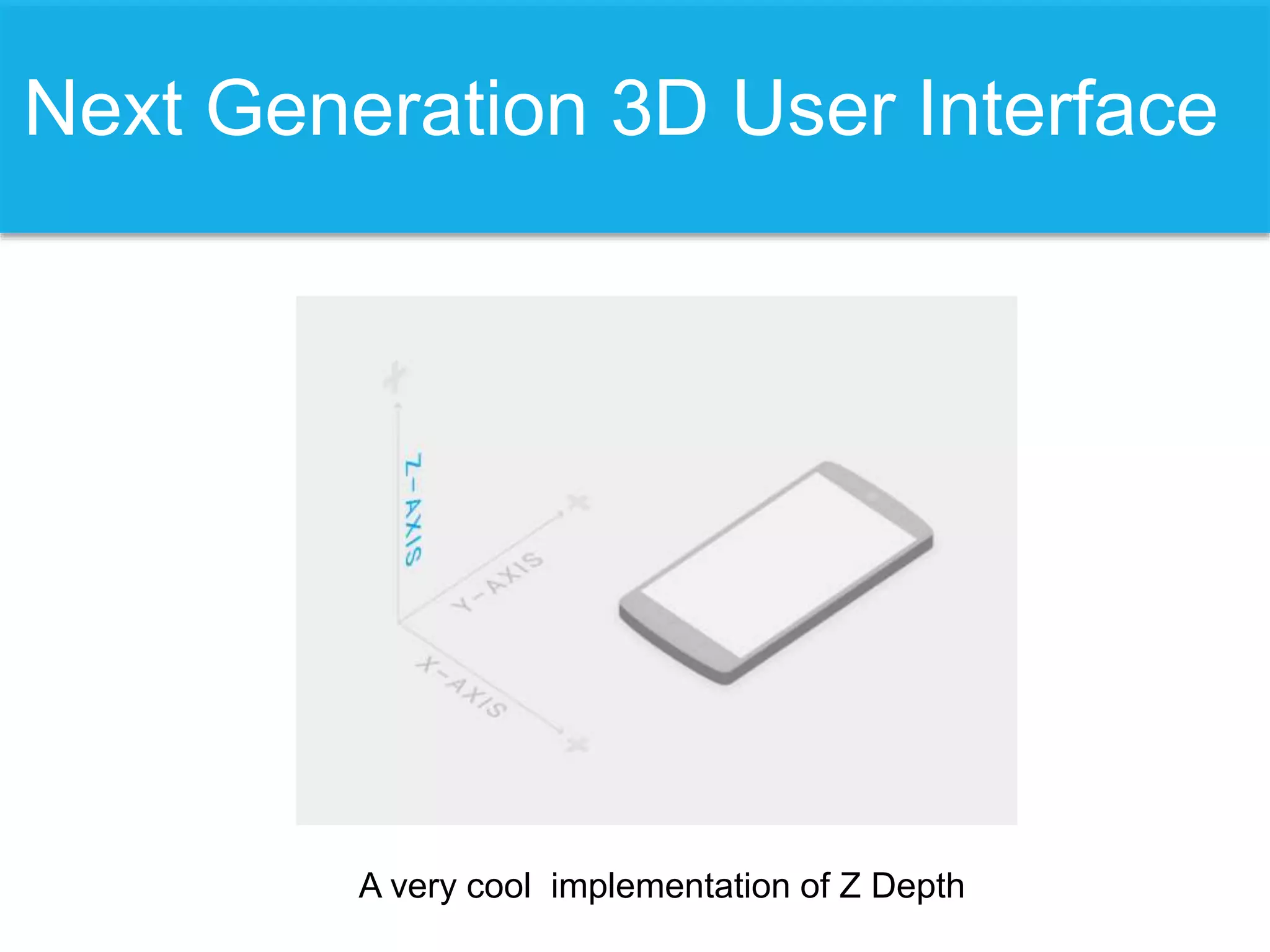
Next Generation 3D User Interface
A very cool implementation of Z Depth
• light, surface and
movement convey objects
in moving, interact and
exist in space in relation to
each other
• The z-depth controls how
paper can behave and not
flip over.
Importance of Layers
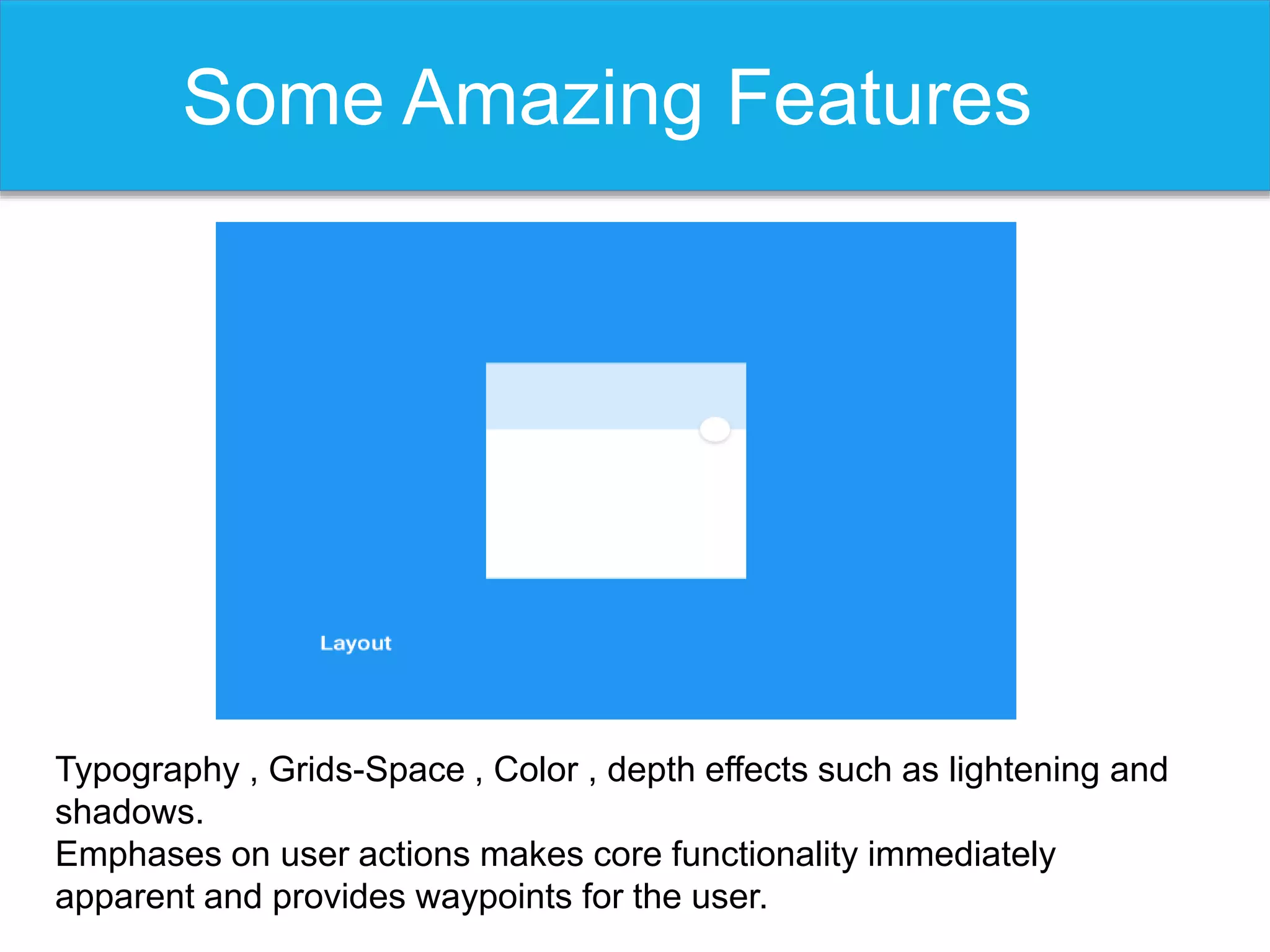
Some Amazing Features
Typography , Grids-Space , Color , depth effects such as lightening and
shadows.
Emphases on user actions makes core functionality immediately
apparent and provides waypoints for the user.
Motion Is What All Needed
Material Design implements all what you dream of…
Not A ‘Big Deal’
Mind me… With Material Design such implementation
are easier than ever.
Touch Is The Best Sense
The new design has a responsive interaction that encourages user to have
deeper exploration of an application.
Delightful Details
Hierarchical timing and Responsive interaction
Available Resources
Imagery, cards, responsive grids ,featuring icons
color pallet and many more.
Objective Of Workshop
Covering basics of material design
application of the Materialize-CSS.

Material design

  • 1.
  • 2.
    Introduction MaterialDesign is avisuallanguage thatis createdtosynthesizetheprinciplesof gooddesign along withthe development andpossibilityoftechnologyandscience. The design iscreatedin simple, clear andforpeopleto understand. Thetechnologyisnowapprovedby Google.
  • 3.
    Material is themetaphor Material is a metaphor of a rationalized space and a system of motion grounded by reality. Layers are the main division for UI development by materialize
  • 4.
    Next Generation 3DUser Interface A very cool implementation of Z Depth
  • 5.
    • light, surfaceand movement convey objects in moving, interact and exist in space in relation to each other • The z-depth controls how paper can behave and not flip over. Importance of Layers
  • 6.
    Some Amazing Features Typography, Grids-Space , Color , depth effects such as lightening and shadows. Emphases on user actions makes core functionality immediately apparent and provides waypoints for the user.
  • 7.
    Motion Is WhatAll Needed Material Design implements all what you dream of…
  • 8.
    Not A ‘BigDeal’ Mind me… With Material Design such implementation are easier than ever.
  • 9.
    Touch Is TheBest Sense The new design has a responsive interaction that encourages user to have deeper exploration of an application.
  • 10.
    Delightful Details Hierarchical timingand Responsive interaction
  • 11.
    Available Resources Imagery, cards,responsive grids ,featuring icons color pallet and many more.
  • 12.
    Objective Of Workshop Coveringbasics of material design application of the Materialize-CSS.

Editor's Notes

  • #3 Goals Create a visual language that synthesizes classic principles of good design with the innovation and possibility of technology and science. unified experience across platforms and device sizes. Mobile precepts are fundamental, but touch, voice, mouse, and keyboard are all first-class input methods.
  • #4 Inspired by ink and paper the material design takes these classic principles of print design bringing it to life; the materials take energy from the user, from their finger, mouse click and touch and uses it to transform and animate
  • #6 Dimensionality affords interaction; Every device has a physical z-depth; the distance b/w the front and the back of the device that rests on the palm of your hand. The z-depth controls how paper can behave and not flip over. Generally the paper is presented square moving to the user’s eye; firstly the paper casts a shadow based on its position within its z and when two pieces of paper slightly overlap i.e. one in front that has lighting source and the one behind getting a shadow making sure the shadow isn’t something that’s drawn from ink that comes out; this is the result of the physical relationship of the lightning model that the system gives you.
  • #8 Click on these animated pictures repeatedly while slide show.
  • #9 Pause and then speak
  • #11 Double click on these pics to replay the animation.