Olathe Schools
  June 2012


                       Tools for
                 Managing Professional
                 Information Overload
                          Heather Braum
                        Technology Librarian
                   Northeast Kansas Library System
                         hbraum@nekls.org
Olathe Schools
  June 2012


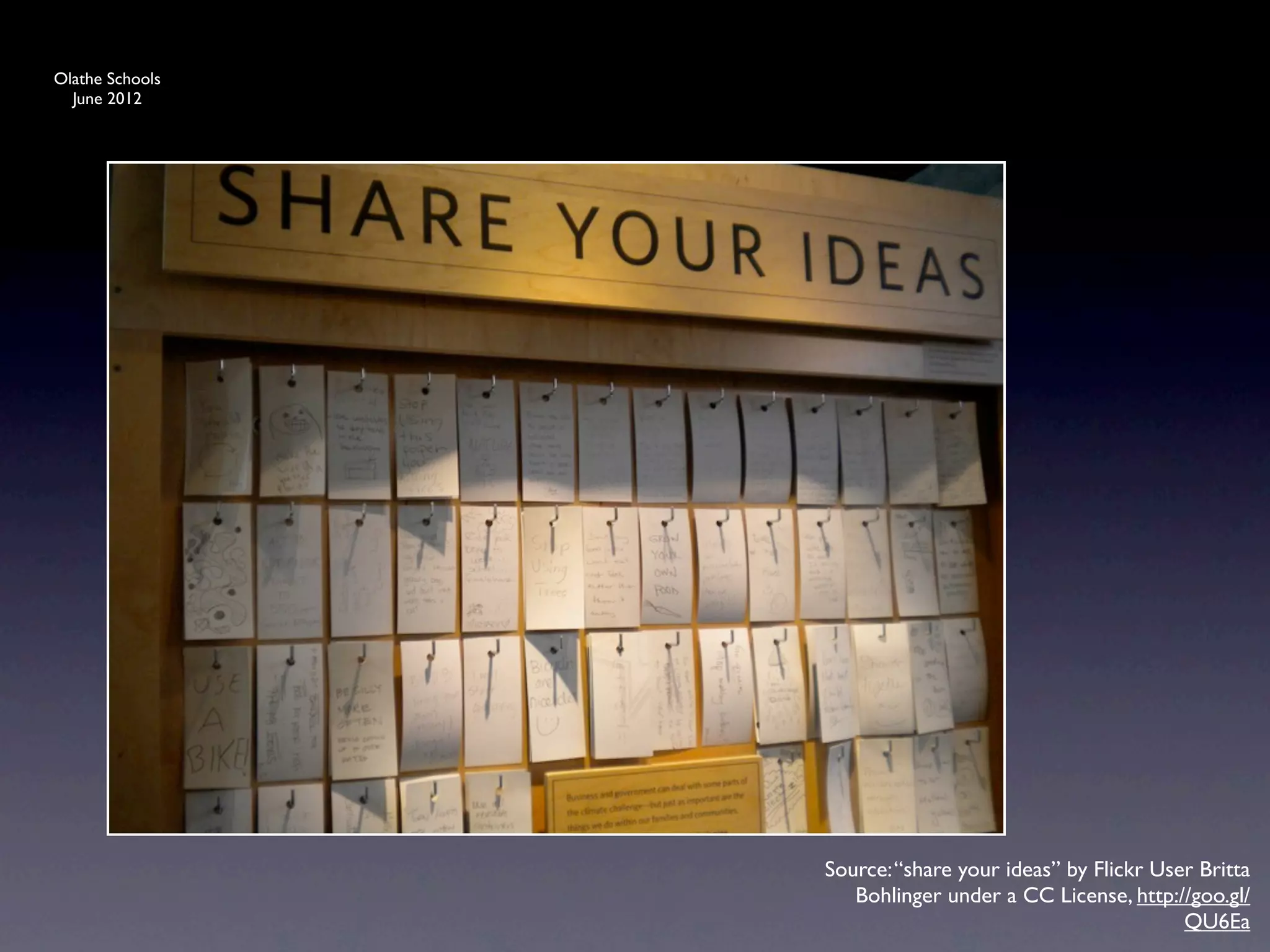
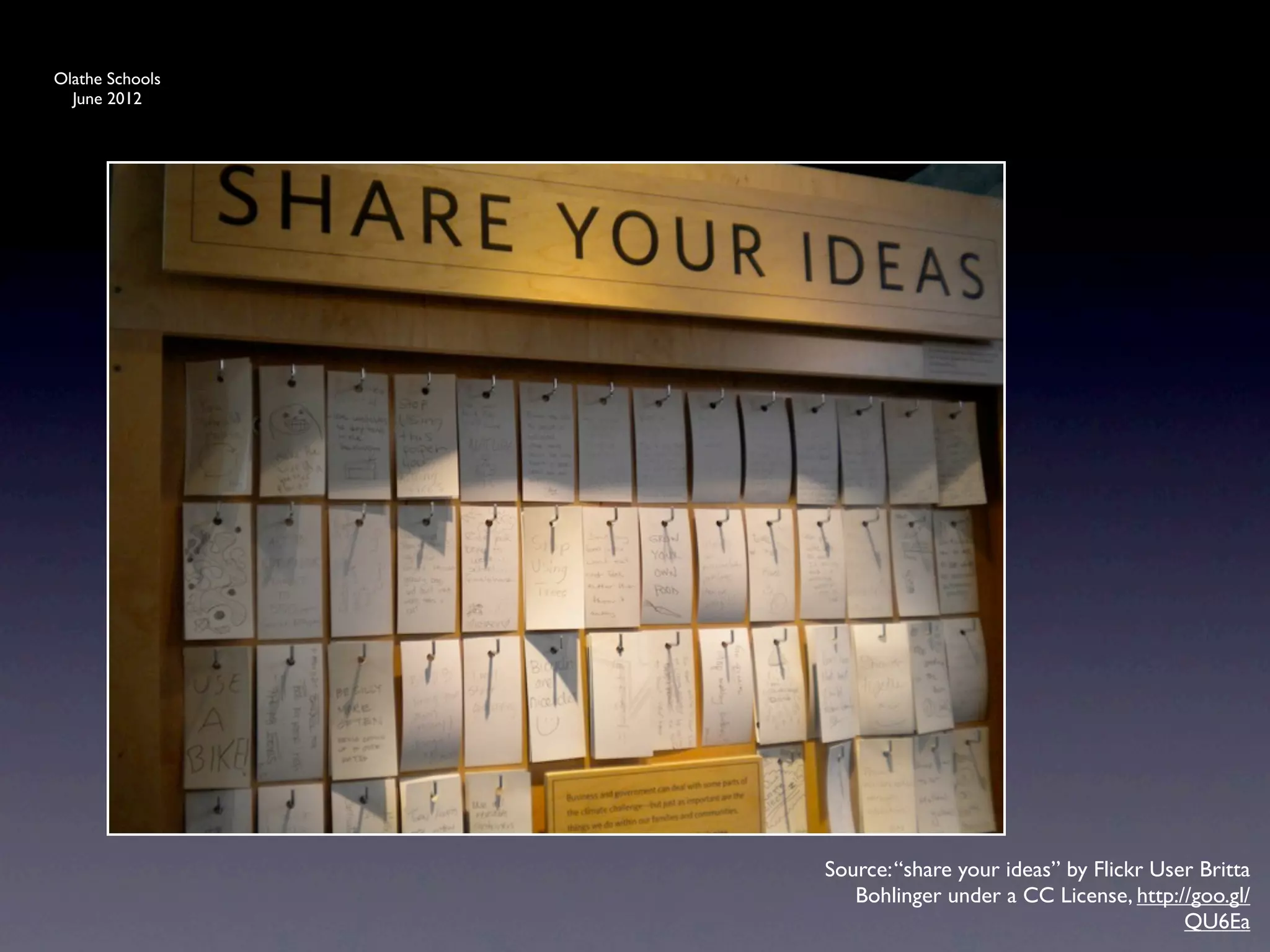
                 Source: “share your ideas” by Flickr User Britta
                    Bohlinger under a CC License, http://goo.gl/
                                                         QU6Ea
Olathe Schools
  June 2012


                       Video online at:
                 http://www.youtube.com/
                  watch?v=CXFEBbPIEOI


                                   Source: http://www.youtube.com/watch?
                                                         v=CXFEBbPIEOI
Olathe Schools
  June 2012


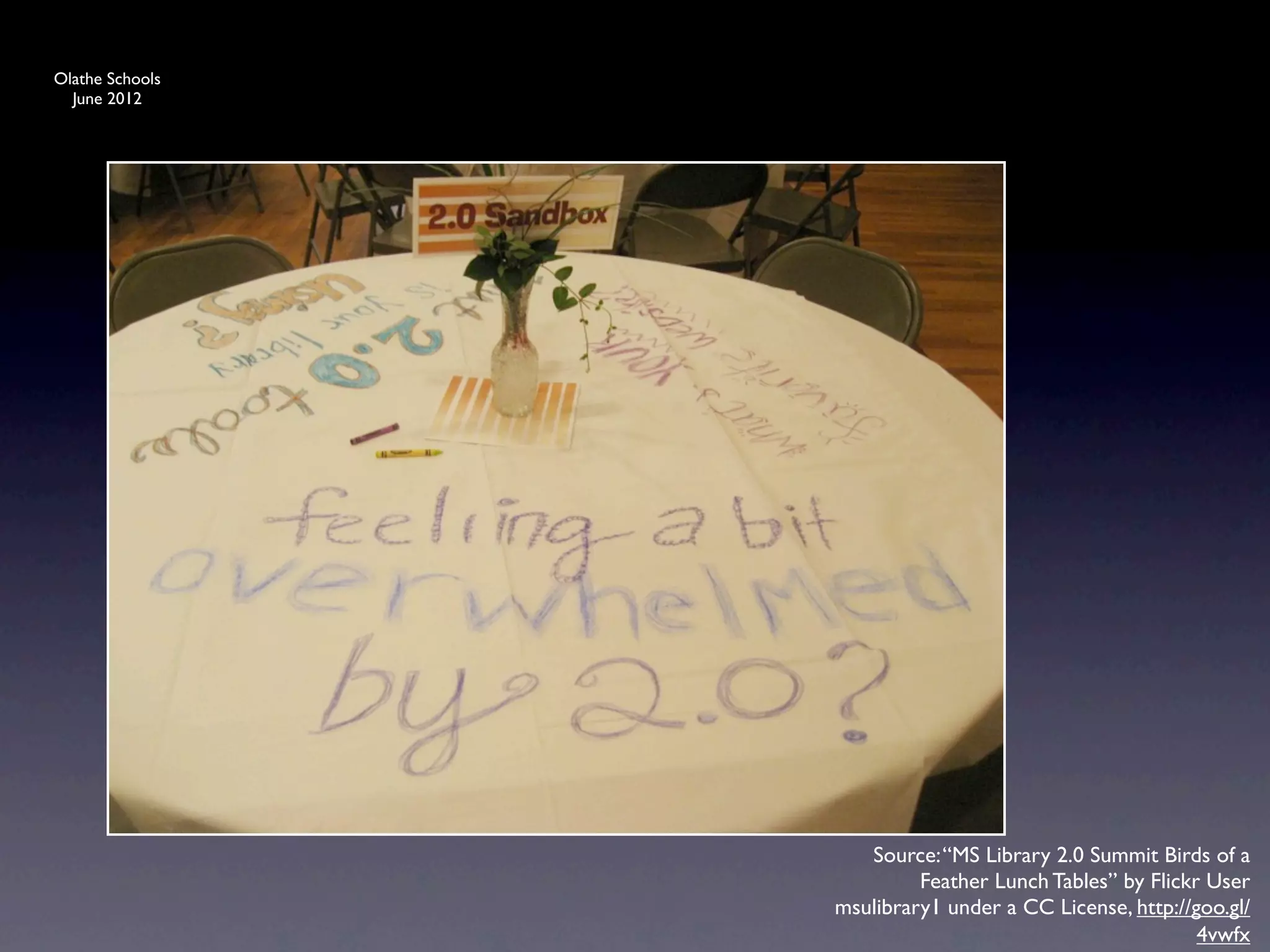
                    Source: “MS Library 2.0 Summit Birds of a
                          Feather Lunch Tables” by Flickr User
                 msulibrary1 under a CC License, http://goo.gl/
                                                         4vwfx
Olathe Schools
  June 2012


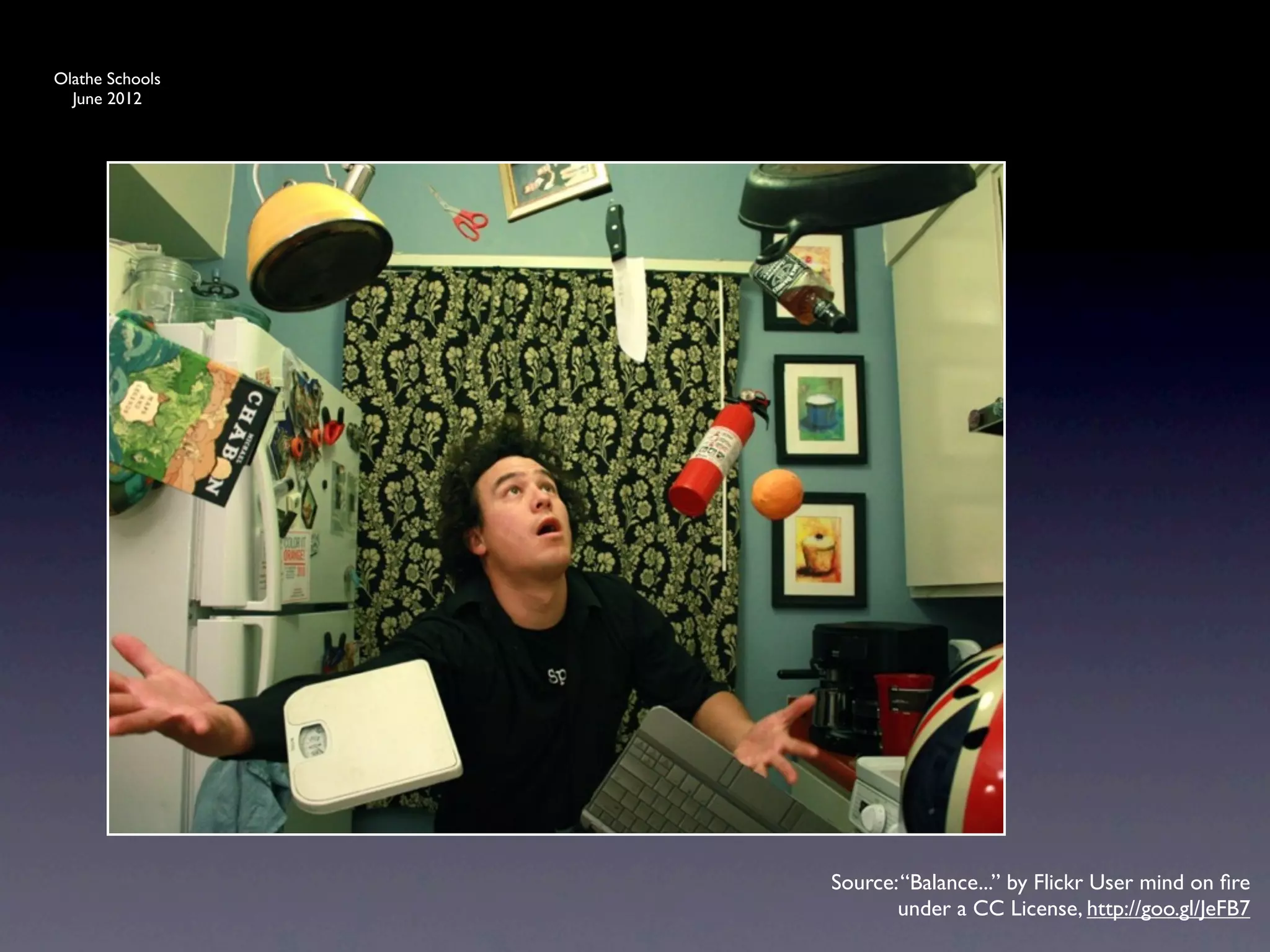
                 Source: “Balance...” by Flickr User mind on fire
                        under a CC License, http://goo.gl/JeFB7
Olathe Schools
  June 2012


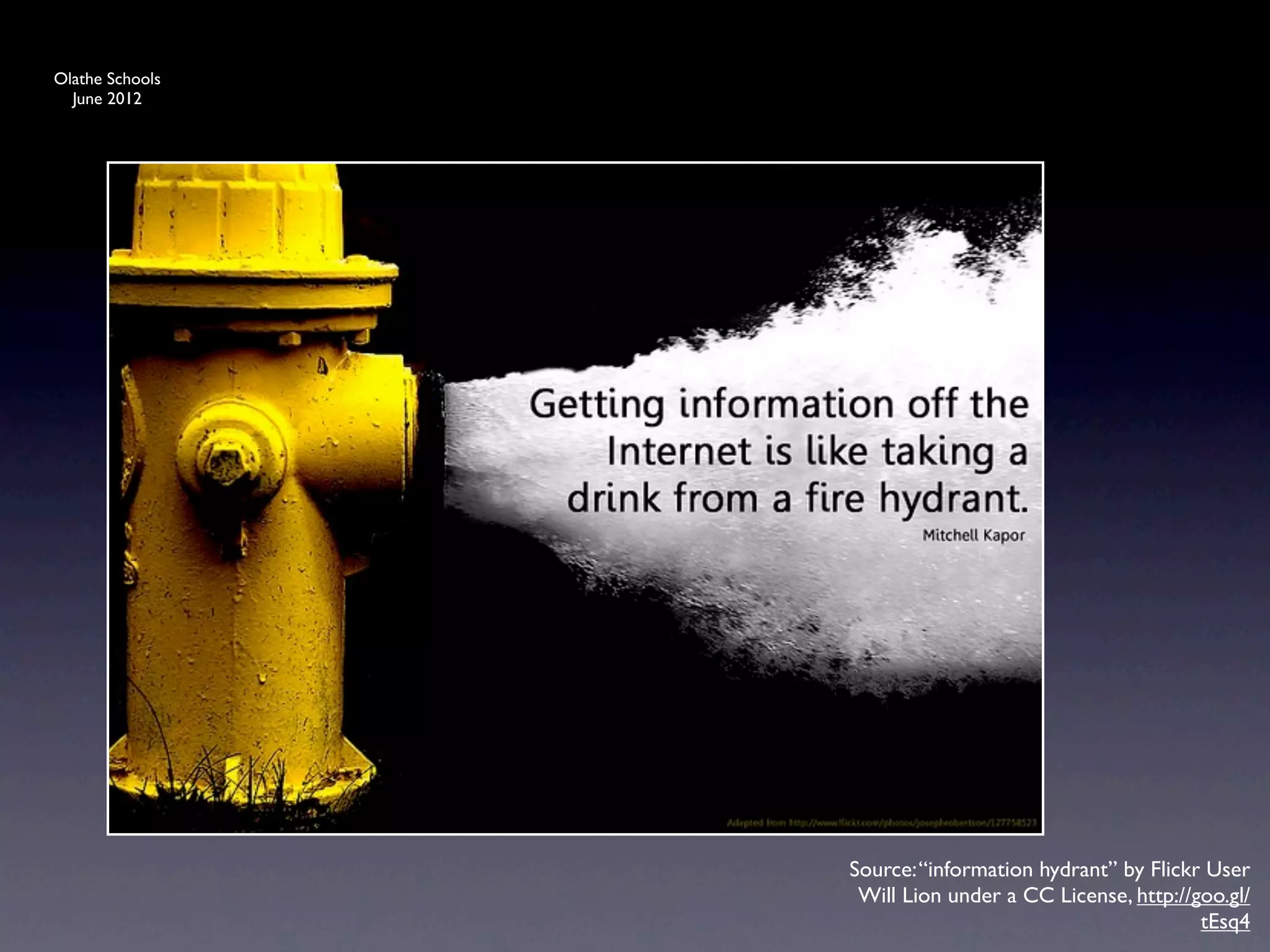
                 Source: “information hydrant” by Flickr User
                  Will Lion under a CC License, http://goo.gl/
                                                        tEsq4
Olathe Schools
  June 2012


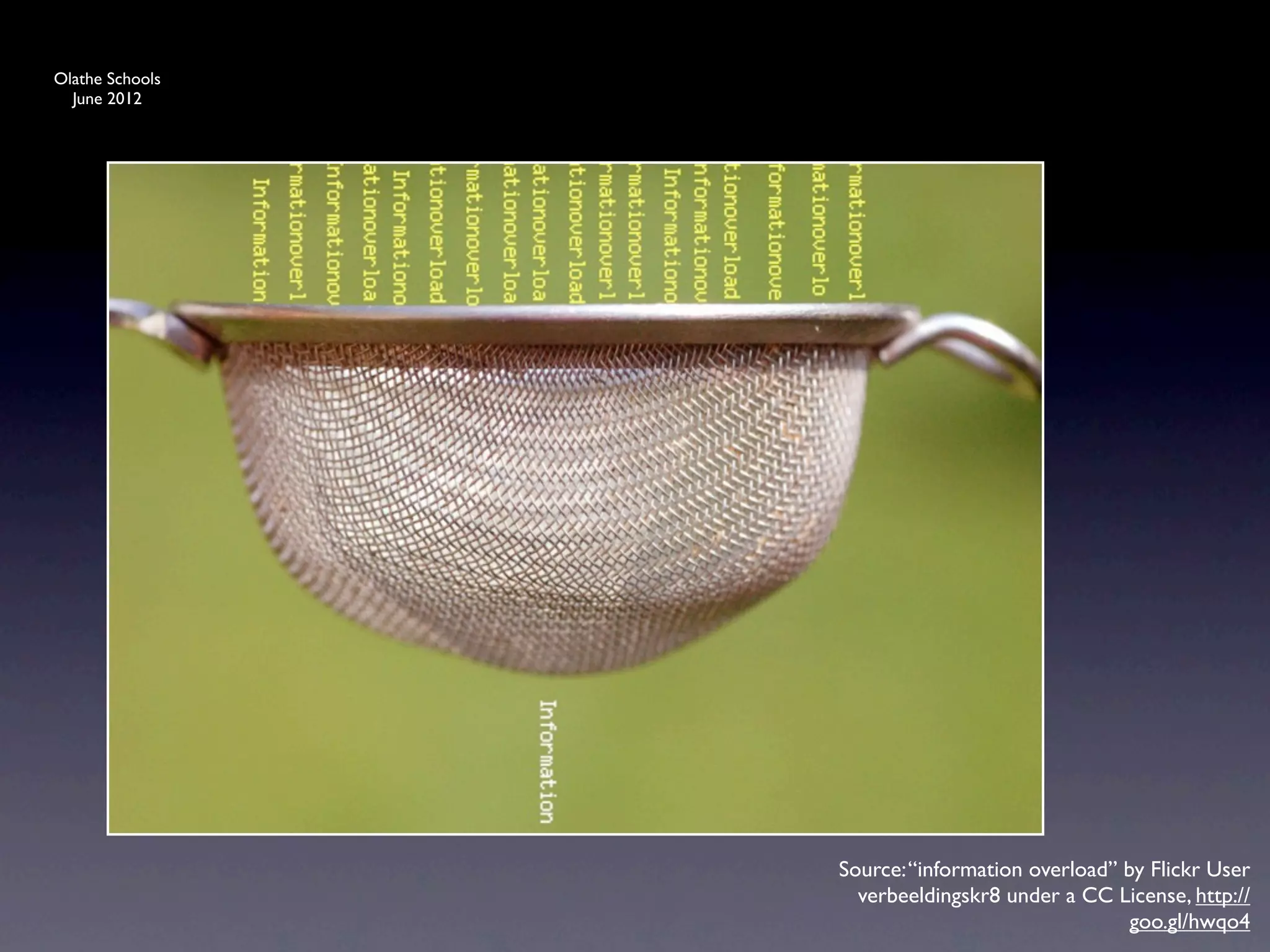
                 Source: “information overload” by Flickr User
                   verbeeldingskr8 under a CC License, http://
                                                 goo.gl/hwqo4
Olathe Schools
  June 2012


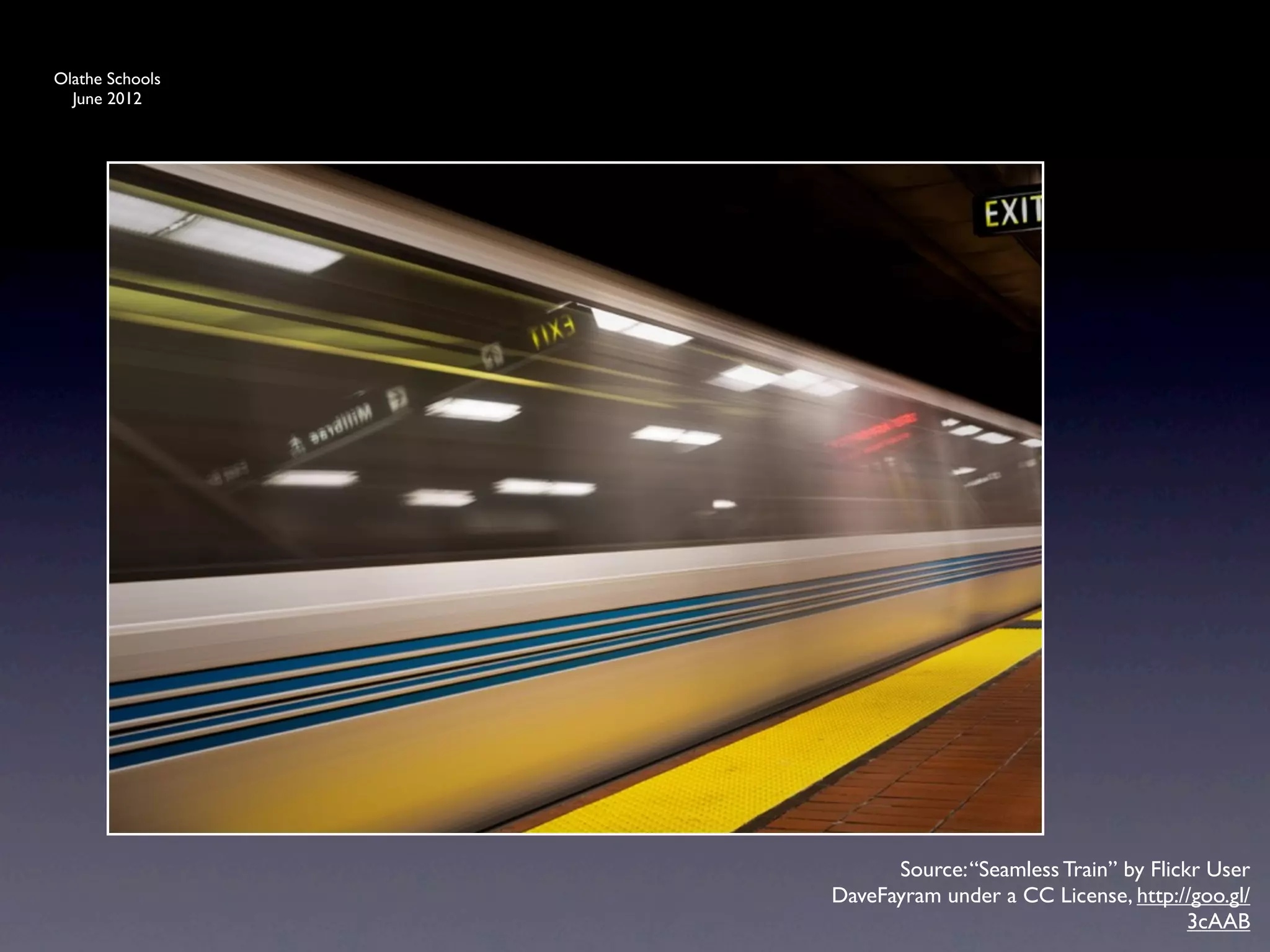
                       Source: “Seamless Train” by Flickr User
                 DaveFayram under a CC License, http://goo.gl/
                                                        3cAAB
Olathe Schools
  June 2012


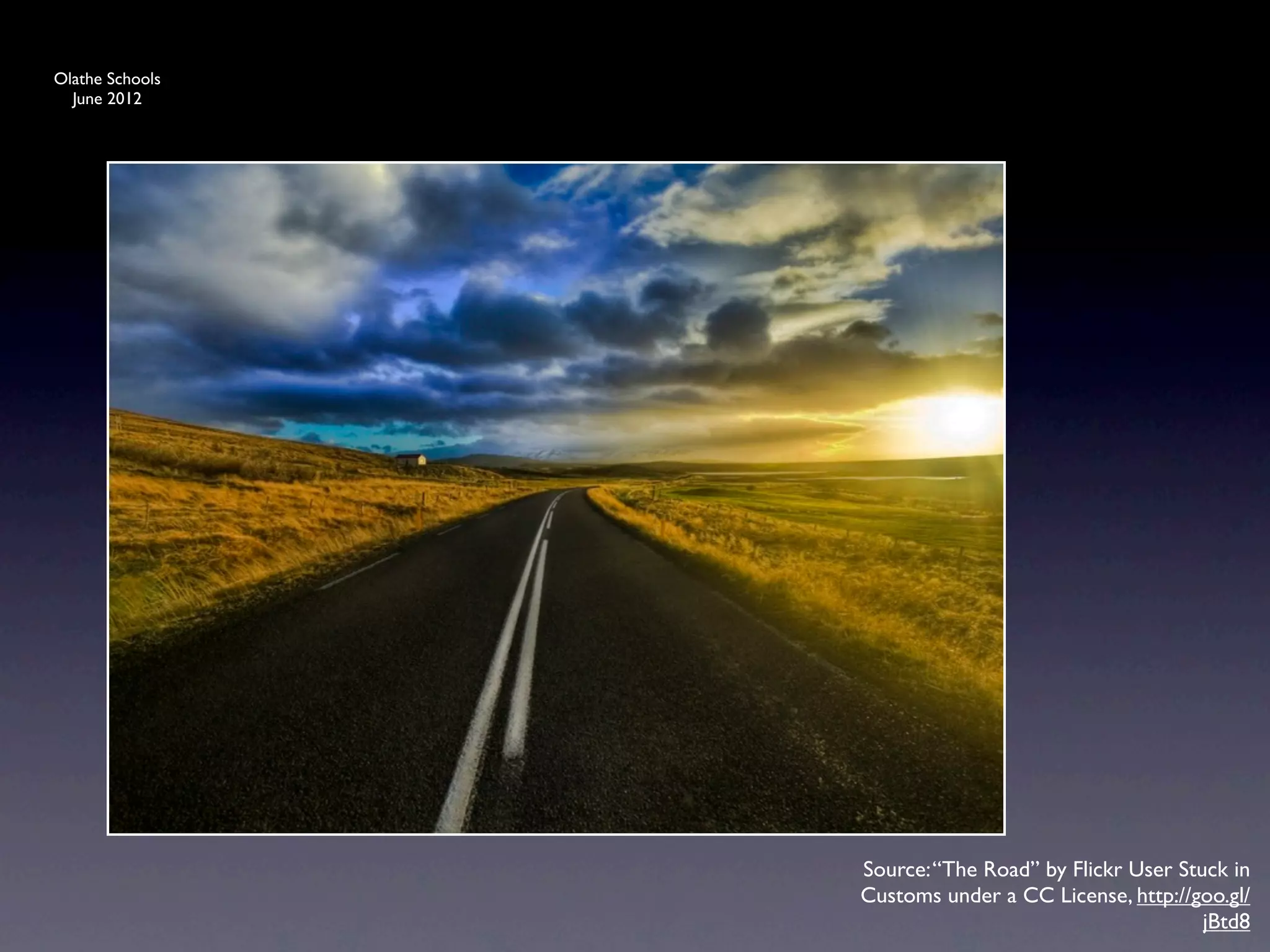
                 Source: “The Road” by Flickr User Stuck in
                 Customs under a CC License, http://goo.gl/
                                                      jBtd8
Olathe Schools
  June 2012


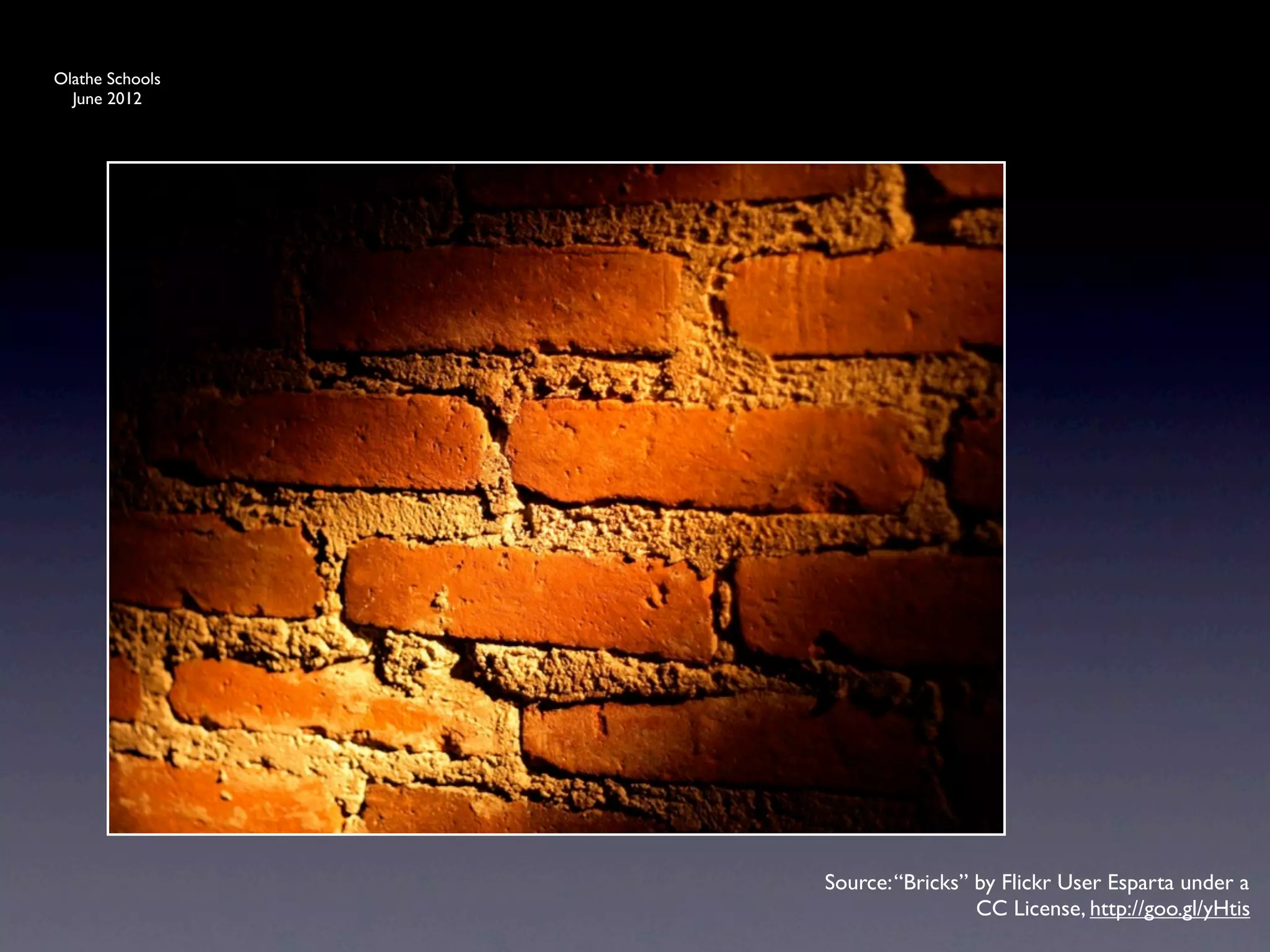
                 Source: “Bricks” by Flickr User Esparta under a
                                  CC License, http://goo.gl/yHtis
Olathe Schools
  June 2012


                 Source: “Outtake - Nooo! [Overwhelmed]” by
                  Flickr User andreas.thor under a CC License,
                                           http://j.mp/fWk7Gx
Olathe Schools
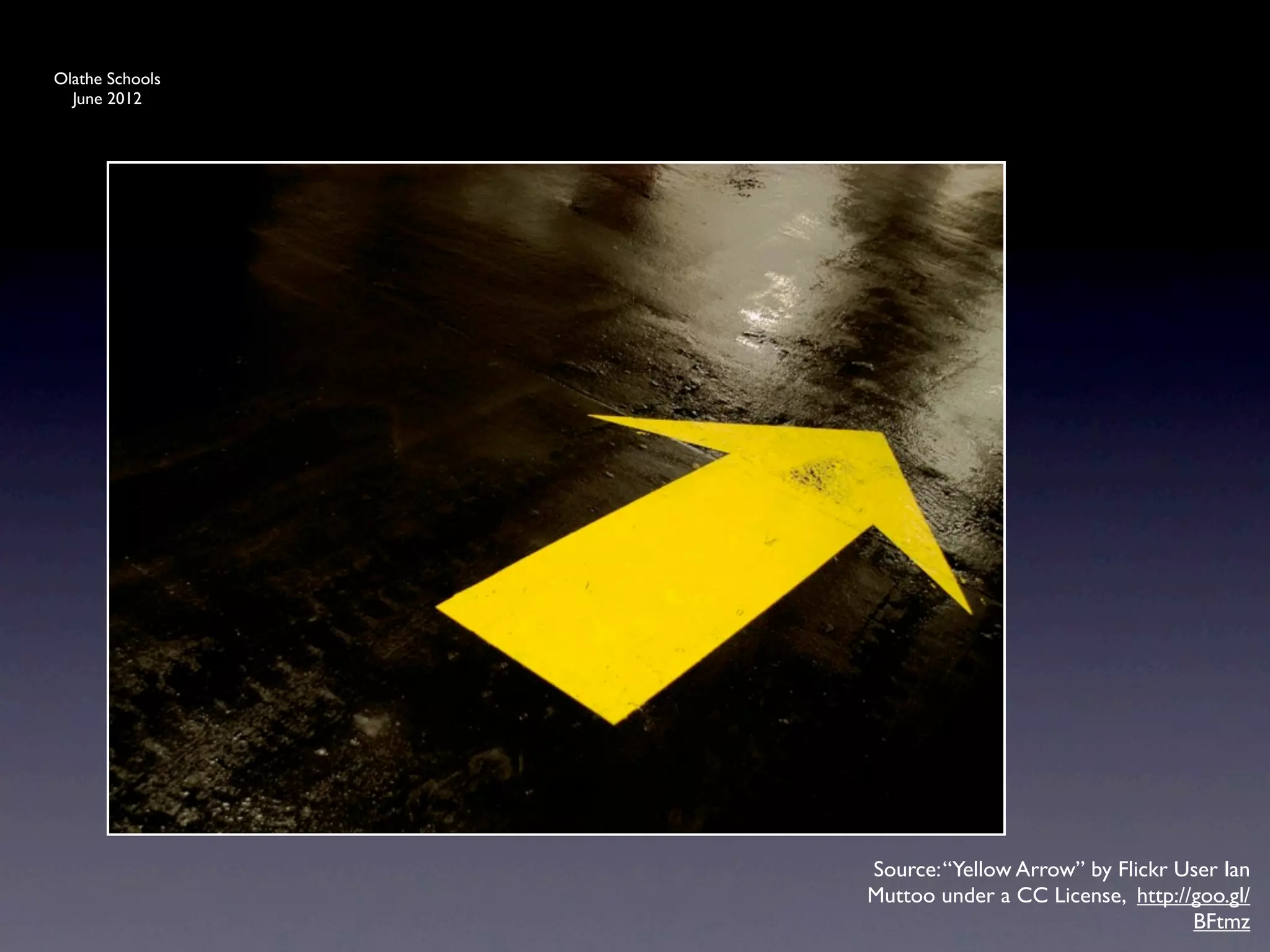
  June 2012


                 Source: “Yellow Arrow” by Flickr User Ian
                 Muttoo under a CC License, http://goo.gl/
                                                   BFtmz
Olathe Schools
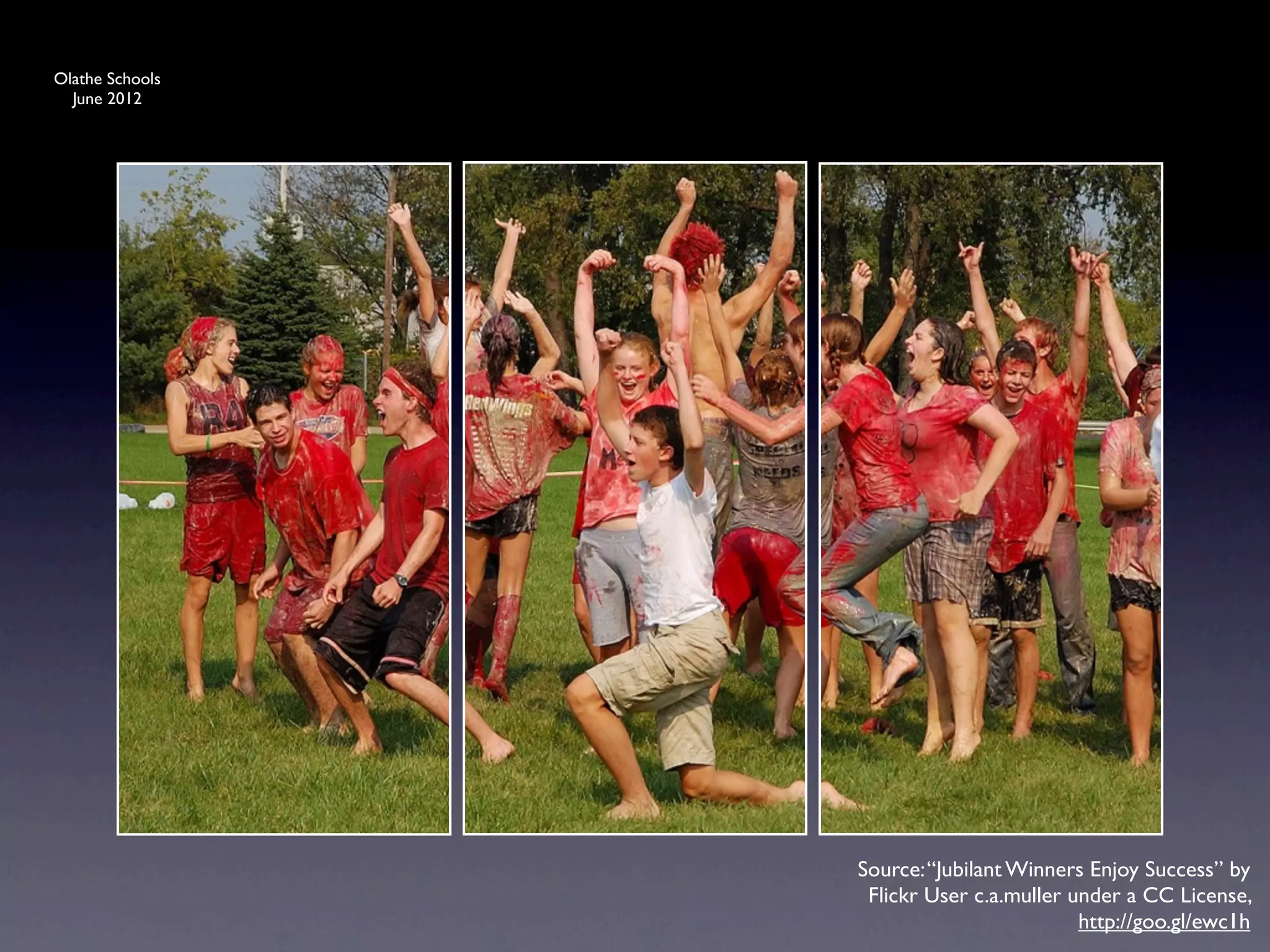
  June 2012


                 Source: “Jubilant Winners Enjoy Success” by
                  Flickr User c.a.muller under a CC License,
                                          http://goo.gl/ewc1h
Olathe Schools
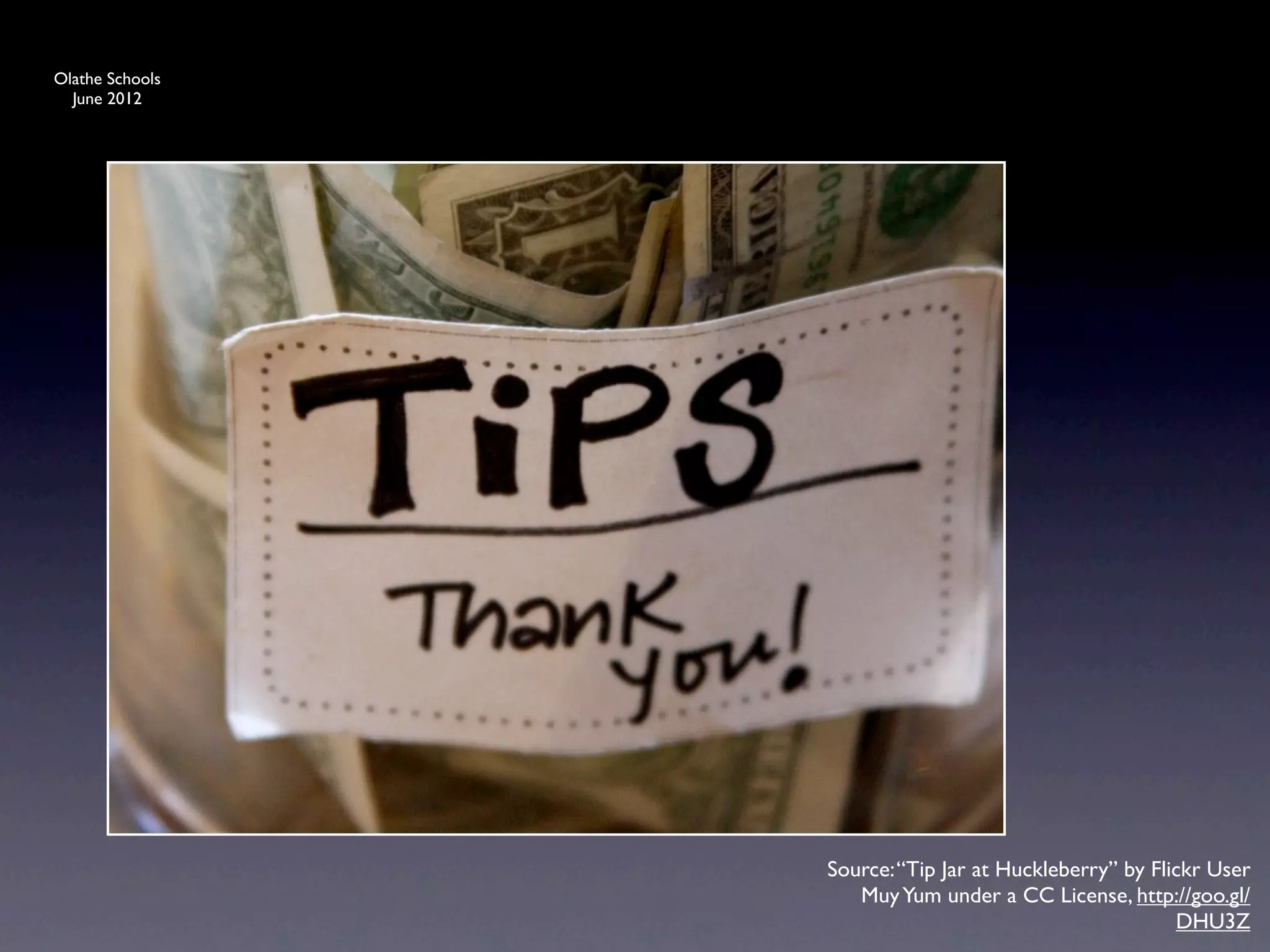
  June 2012


                 Source: “Tip Jar at Huckleberry” by Flickr User
                    Muy Yum under a CC License, http://goo.gl/
                                                        DHU3Z
Olathe Schools
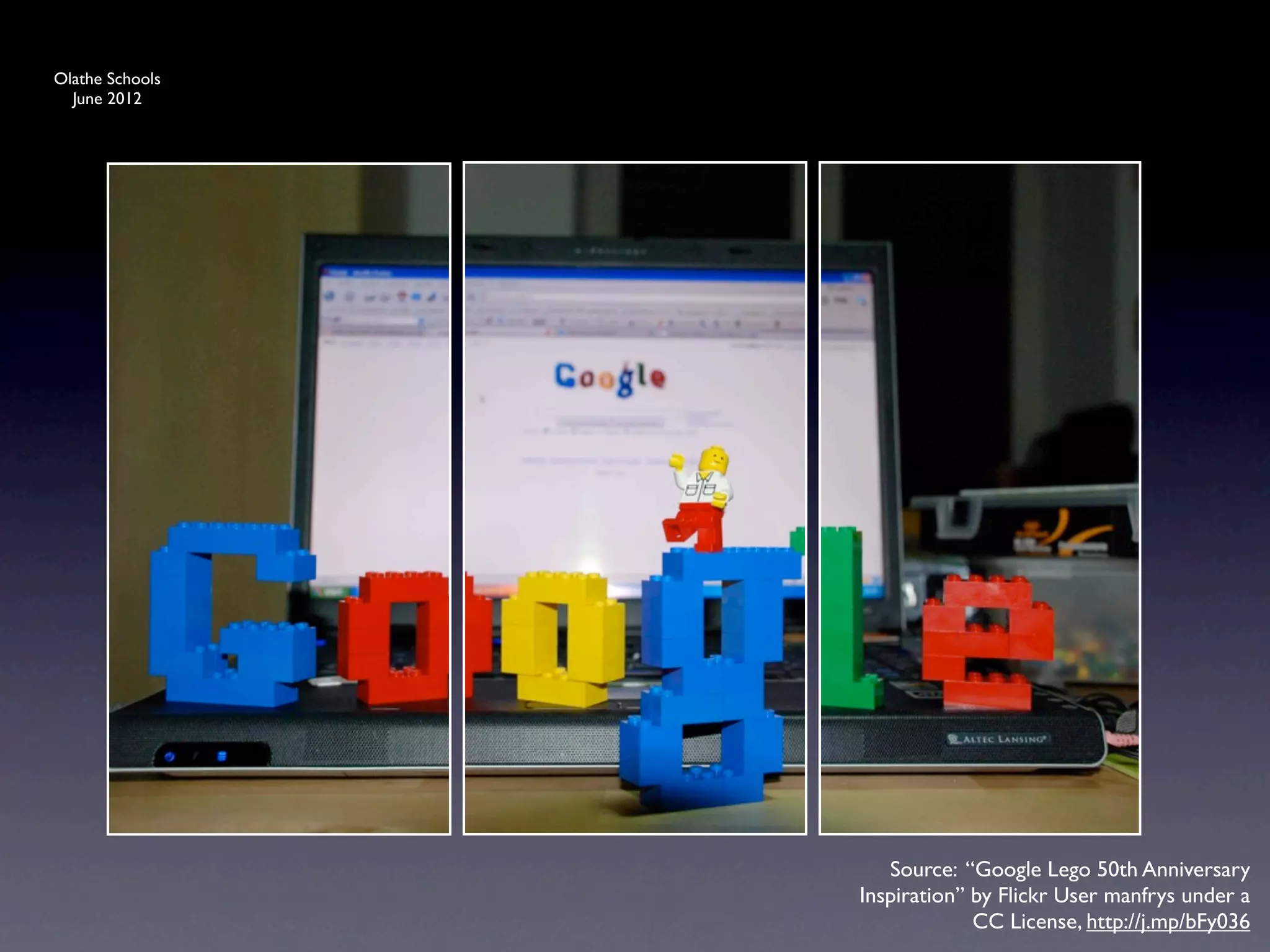
  June 2012


                    Source: “Google Lego 50th Anniversary
                 Inspiration” by Flickr User manfrys under a
                              CC License, http://j.mp/bFy036
Olathe Schools
  June 2012


                    Source: “Google Lego 50th Anniversary
                 Inspiration” by Flickr User manfrys under a
                             CC License, http://goo.gl/P3FoU
Olathe Schools
  June 2012


                   Source: “Hands Across the World” by Flickr
                 User Building Unity 1000 Families under a CC
                                   License, http://goo.gl/TUfAJ
Olathe Schools
  June 2012


                 Source: “Go” by Flickr User Peet Reed under a
                               CC License, http://goo.gl/oXux5
Olathe Schools
  June 2012


                 5 Tips
Olathe Schools
  June 2012


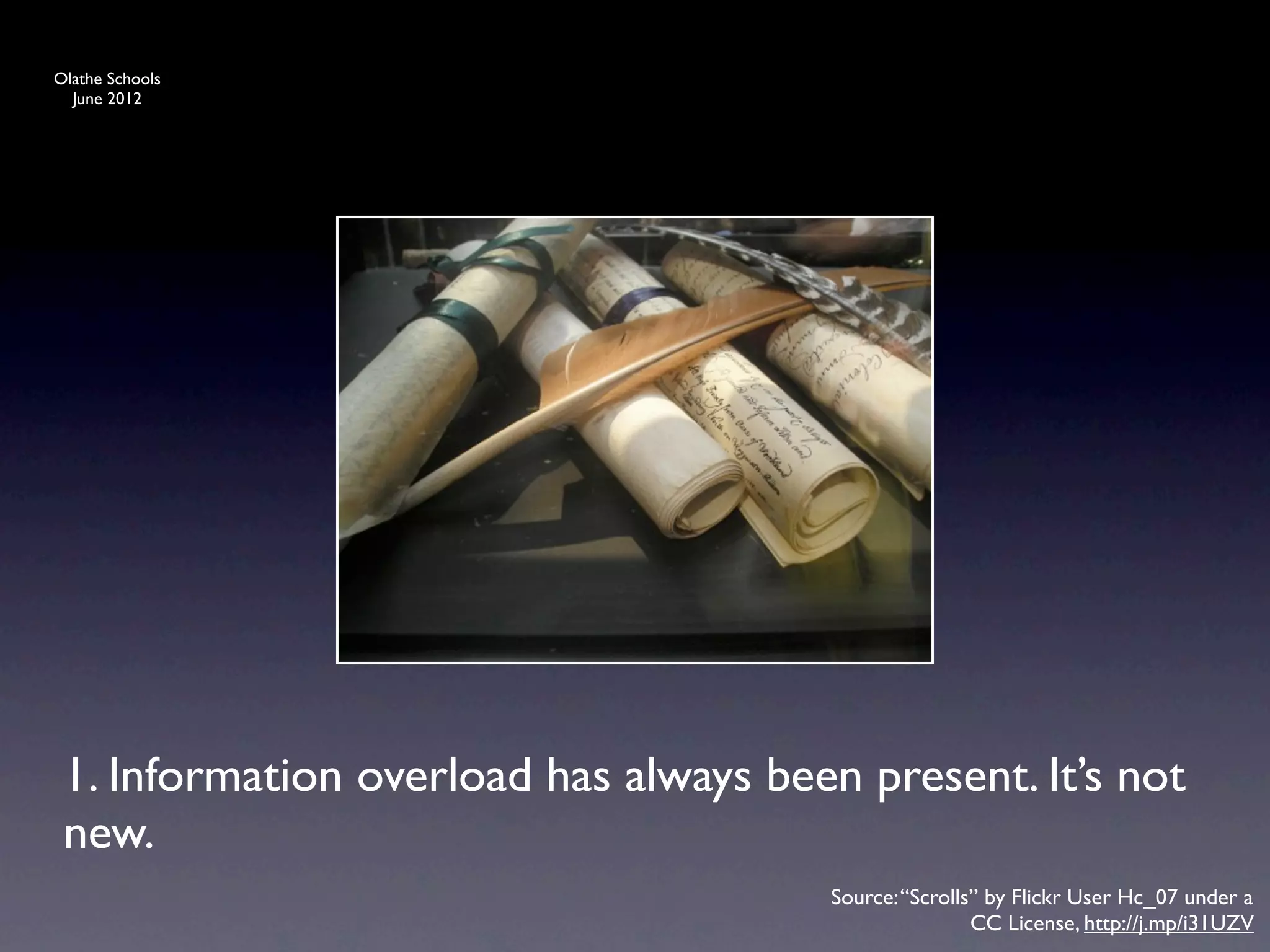
 1. Information overload has always been present. It’s not
 new.
                                       Source: “Scrolls” by Flickr User Hc_07 under a
                                                       CC License, http://j.mp/i31UZV
Olathe Schools
  June 2012


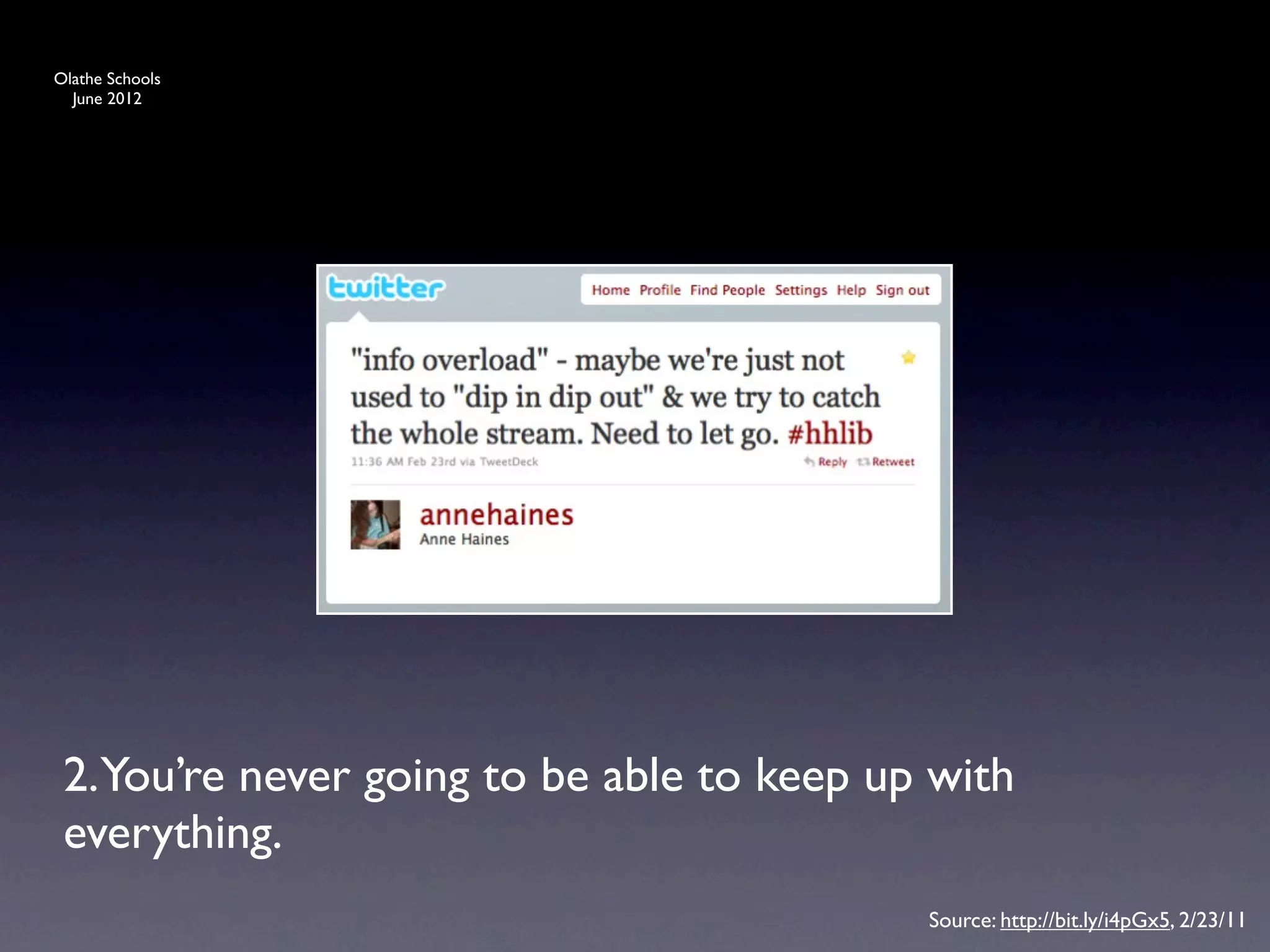
 2.You’re never going to be able to keep up with
 everything.
                                           Source: http://bit.ly/i4pGx5, 2/23/11
Olathe Schools
  June 2012


 3. “These things are TOOLS to serve you & help you.
 Don’t let them manage you. Manage them. Remember
 you are a human being not a human doing.” --Bobbi
 Newman, www.librarianbyday.net        Source: “080116Meineke_021” by Flickr User
                                       Miz Ginger Snaps under a CC License, http://
                                                                           j.mp/gB1VMJ
Olathe Schools
  June 2012


 4. Learn the art of skimming links and articles to
 “maybe” save for later. “trash and treasure”
                                         Source: “Accessory 1” by Flickr User Urban
                                        Woodswalker under a CC License, http://j.mp/
                                                                            eXD4p9
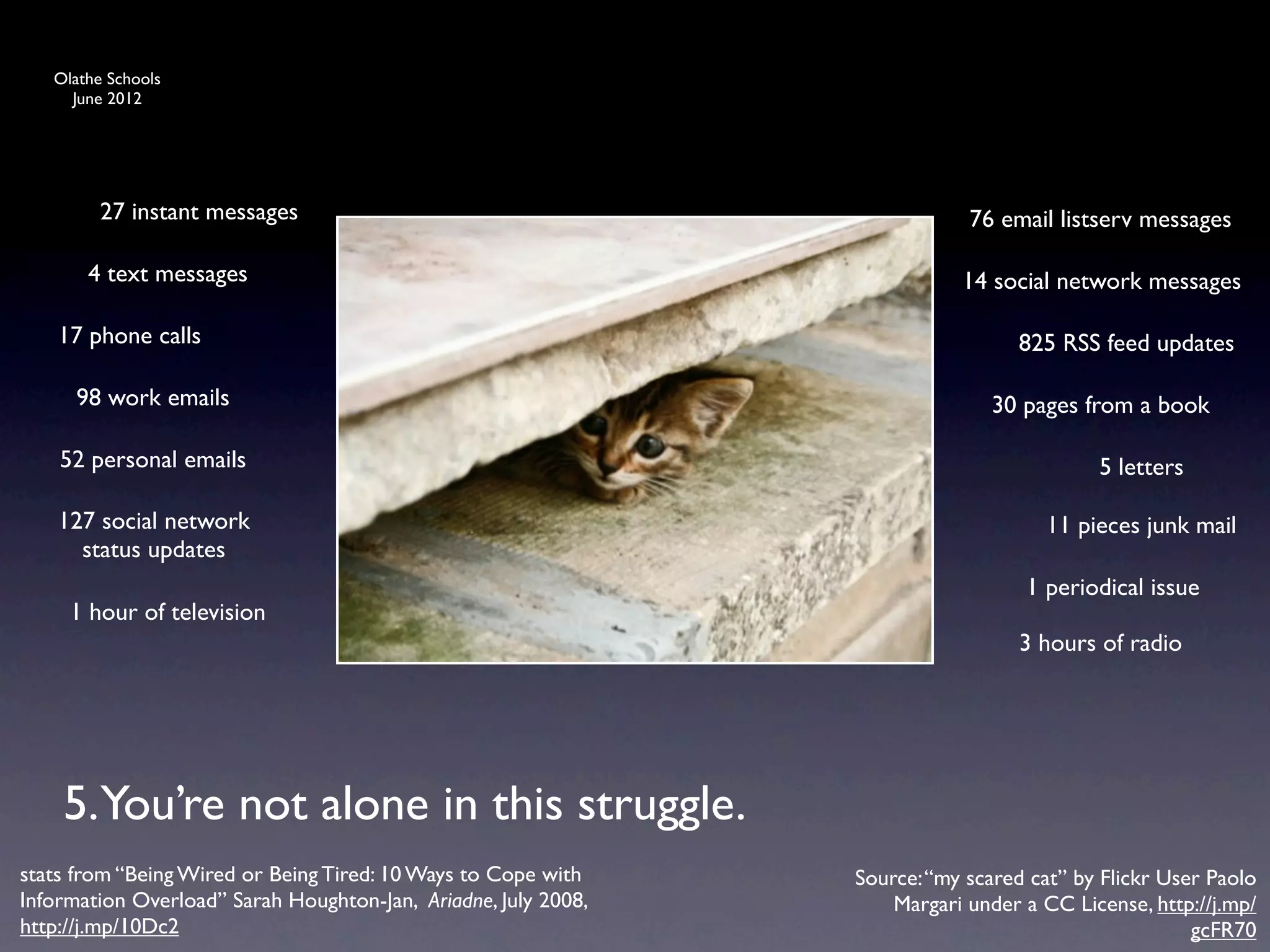
Olathe Schools
     June 2012


         27 instant messages                                                76 email listserv messages

       4 text messages                                                     14 social network messages

    17 phone calls                                                               825 RSS feed updates

      98 work emails                                                          30 pages from a book

    52 personal emails                                                                    5 letters

    127 social network                                                              11 pieces junk mail
      status updates
                                                                                  1 periodical issue
     1 hour of television
                                                                                 3 hours of radio


    5.You’re not alone in this struggle.
stats from “Being Wired or Being Tired: 10 Ways to Cope with    Source: “my scared cat” by Flickr User Paolo
Information Overload” Sarah Houghton-Jan, Ariadne, July 2008,       Margari under a CC License, http://j.mp/
http://j.mp/10Dc2                                                                                    gcFR70
Olathe Schools
  June 2012


                 6 Resources
Olathe Schools
  June 2012


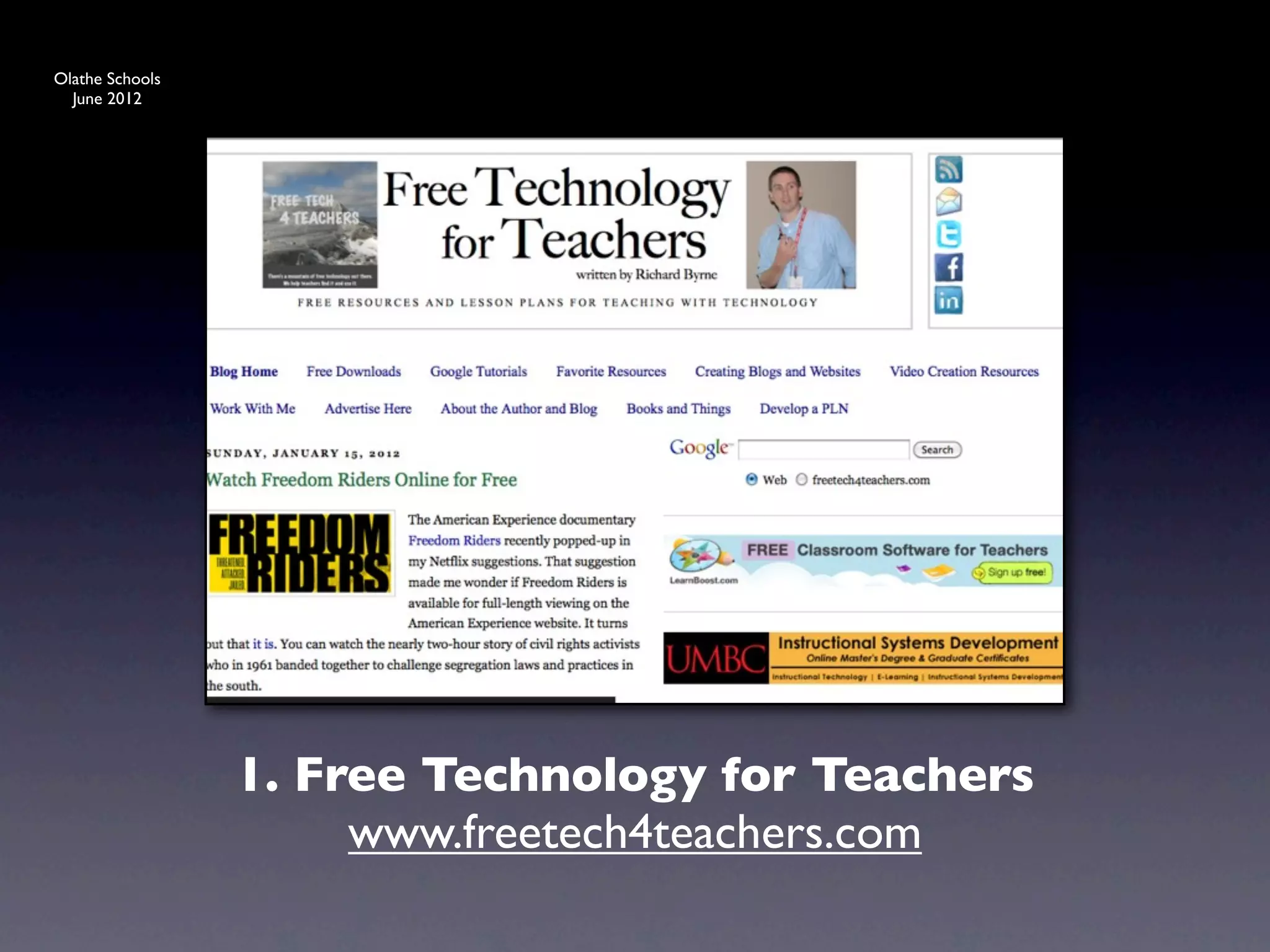
                 1. Free Technology for Teachers
                      www.freetech4teachers.com
Olathe Schools
  June 2012


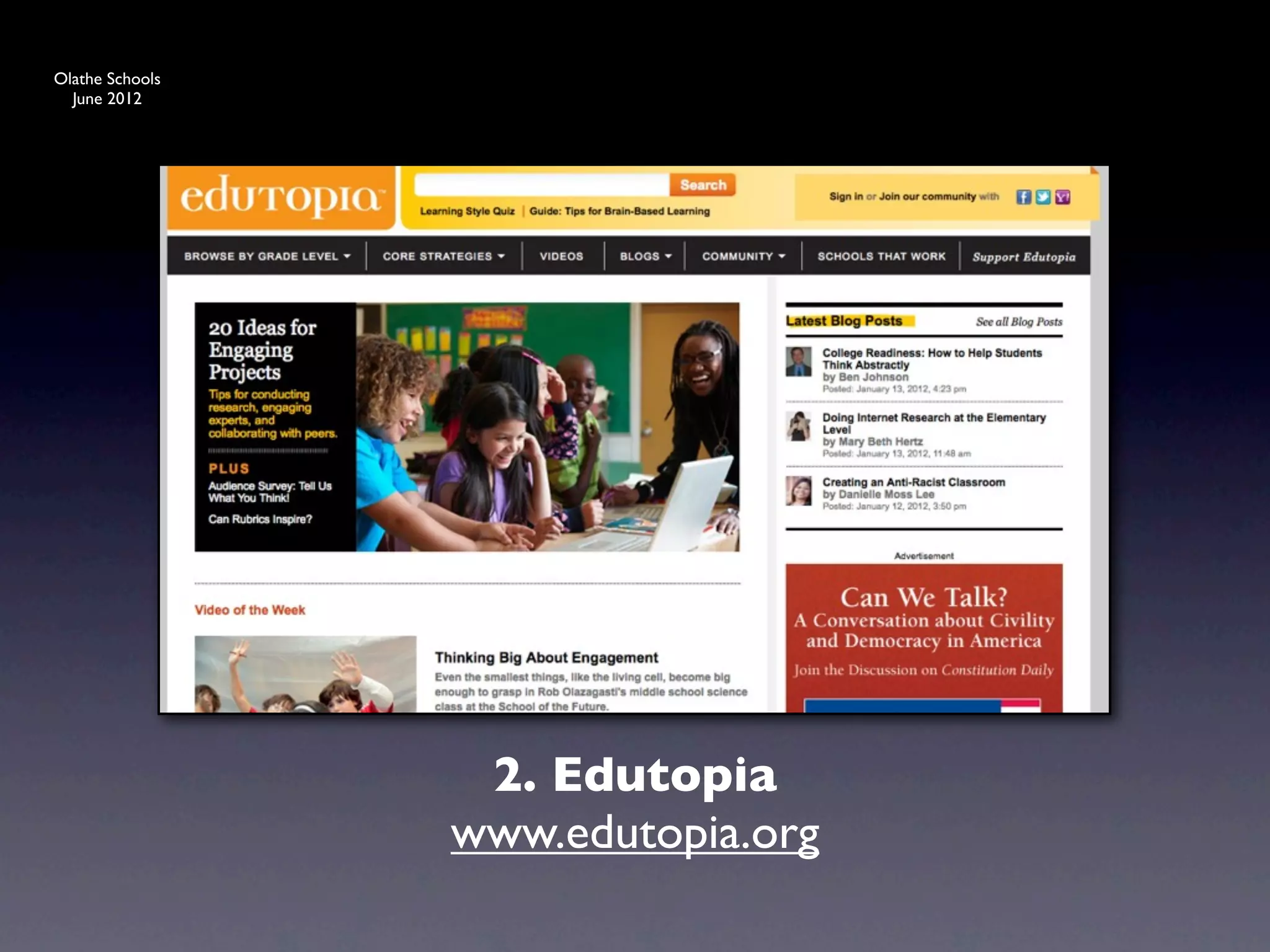
                  2. Edutopia
                 www.edutopia.org
Olathe Schools
  June 2012


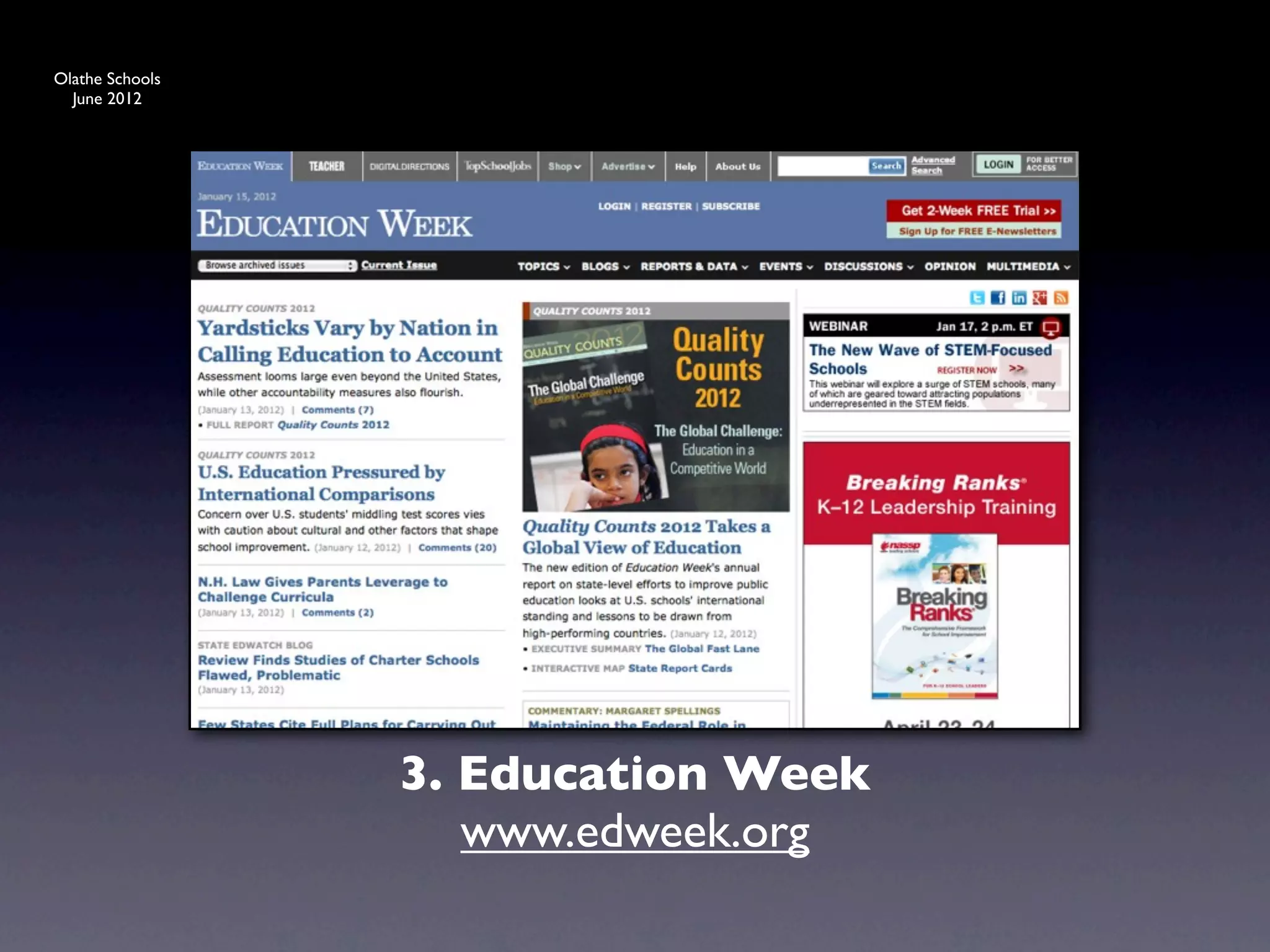
                 3. Education Week
                    www.edweek.org
Olathe Schools
  June 2012


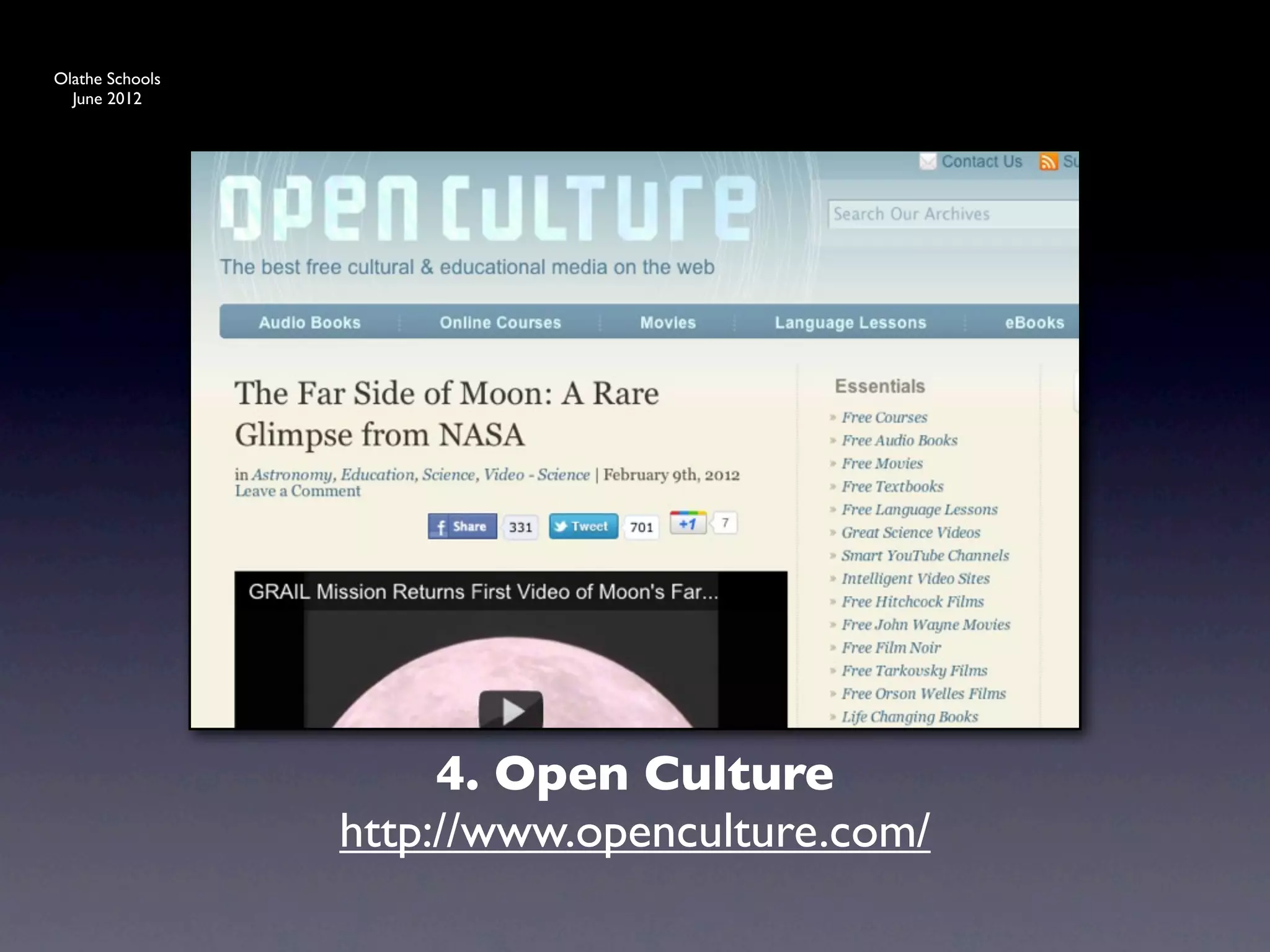
                      4. Open Culture
                 http://www.openculture.com/
Olathe Schools
  June 2012


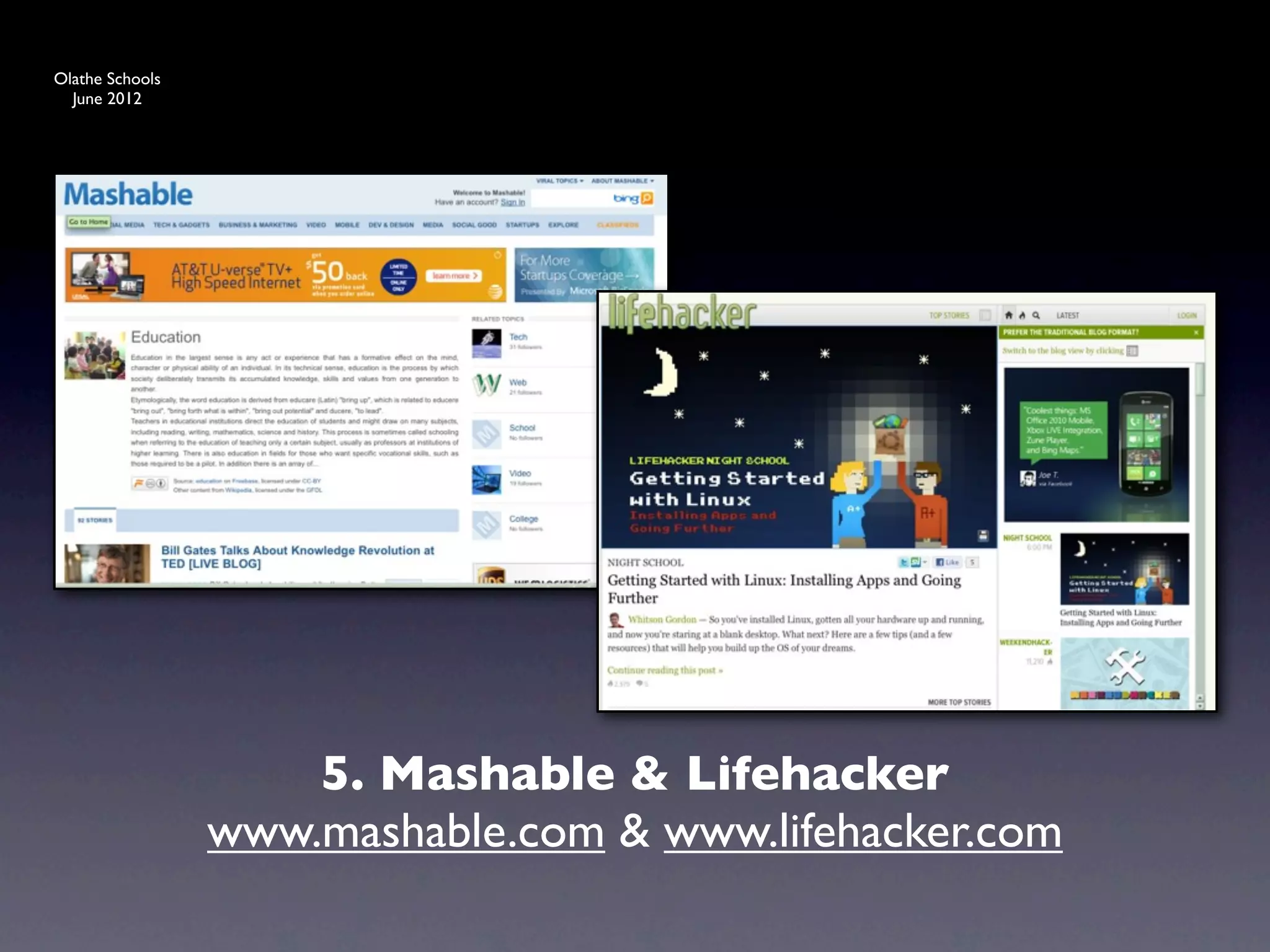
                     5. Mashable & Lifehacker
                 www.mashable.com & www.lifehacker.com
Olathe Schools
  June 2012


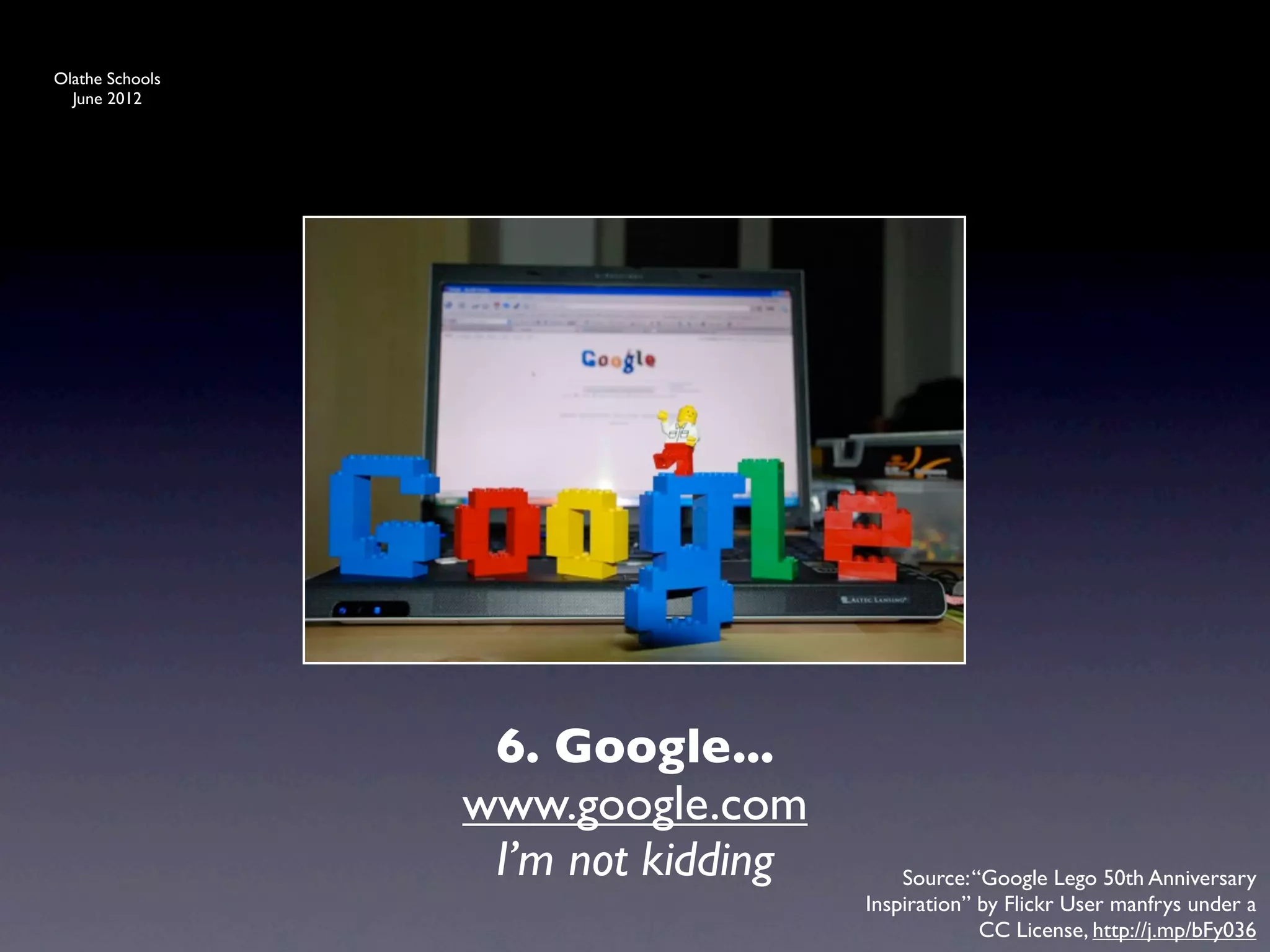
                  6. Google...
                 www.google.com
                  I’m not kidding       Source: “Google Lego 50th Anniversary
                                    Inspiration” by Flickr User manfrys under a
                                                 CC License, http://j.mp/bFy036
Olathe Schools
  June 2012


                 6 Sets of Tools
Olathe Schools
  June 2012


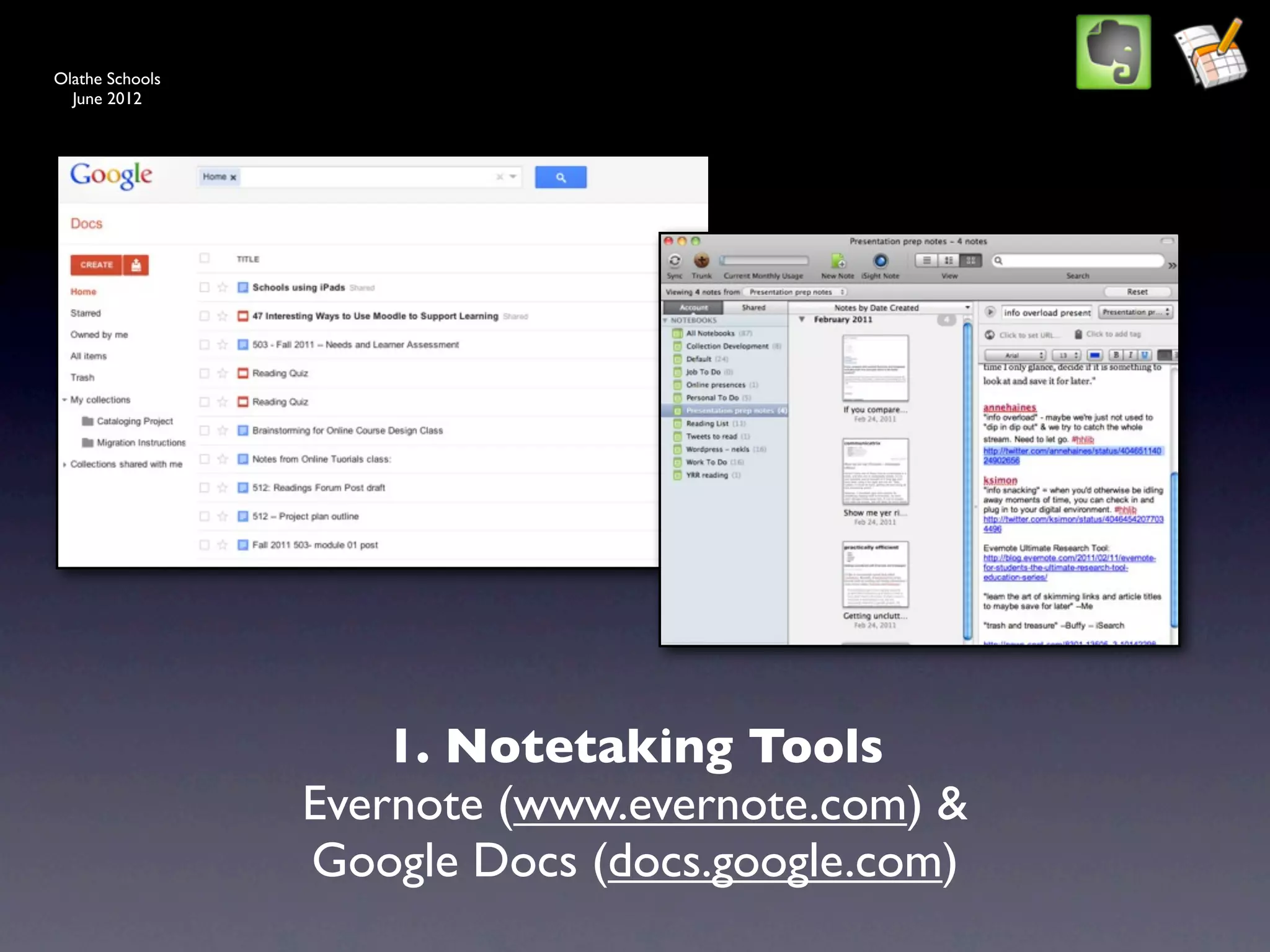
                     1. Notetaking Tools
                 Evernote (www.evernote.com) &
                 Google Docs (docs.google.com)
Olathe Schools
  June 2012


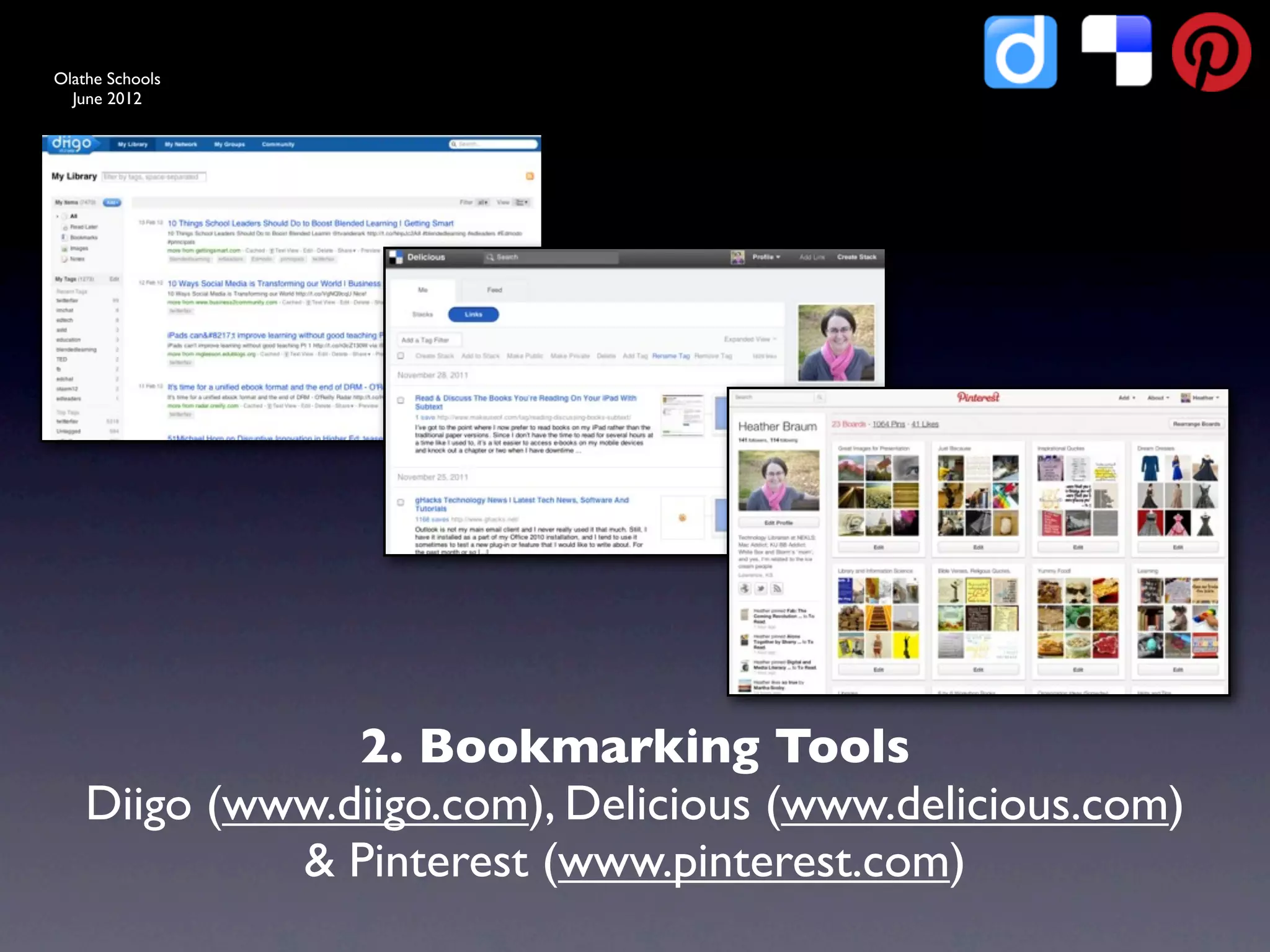
                2. Bookmarking Tools
    Diigo (www.diigo.com), Delicious (www.delicious.com)
             & Pinterest (www.pinterest.com)
Olathe Schools
  June 2012


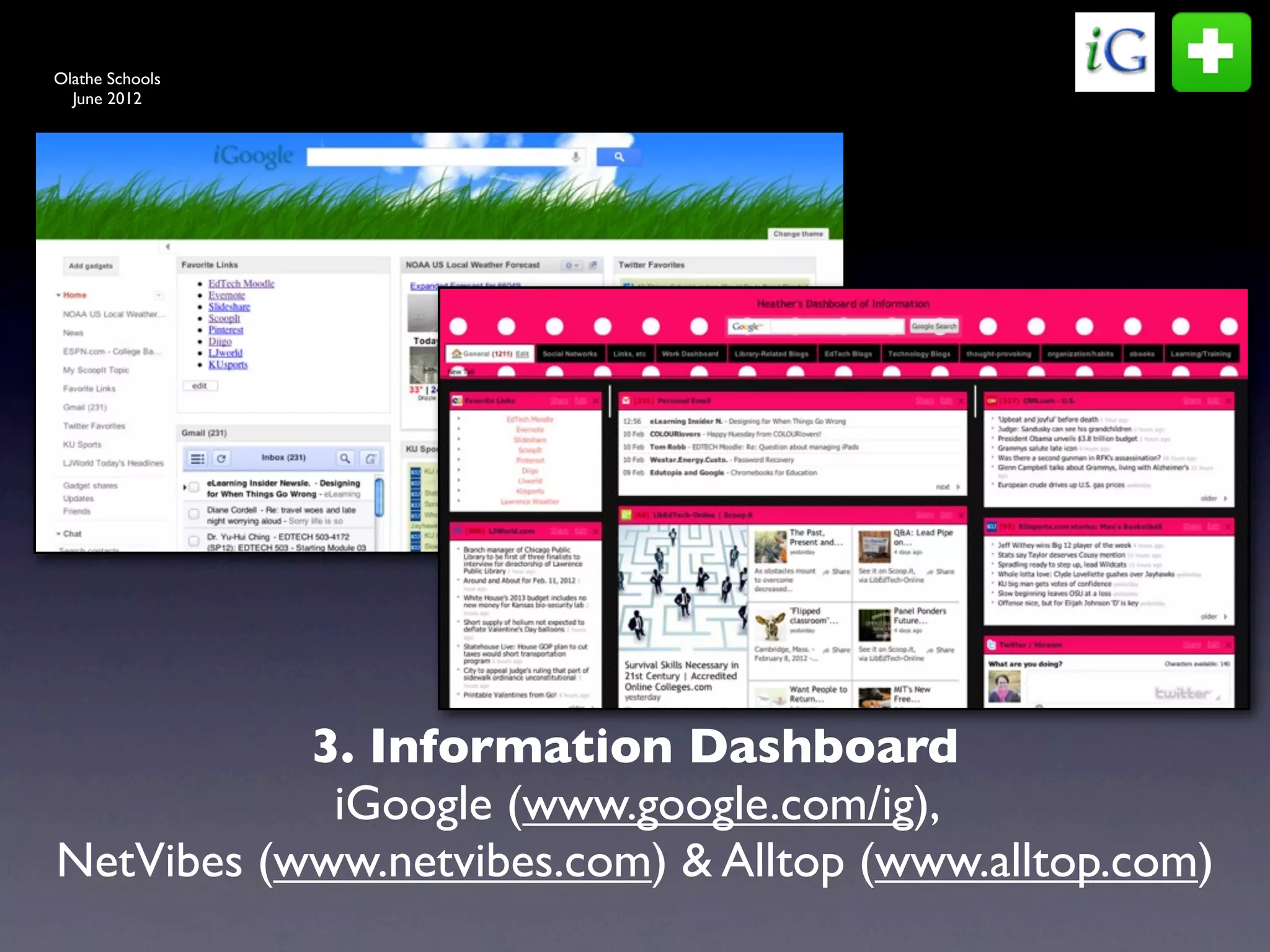
           3. Information Dashboard
            iGoogle (www.google.com/ig),
NetVibes (www.netvibes.com) & Alltop (www.alltop.com)
Olathe Schools
  June 2012


                                Text


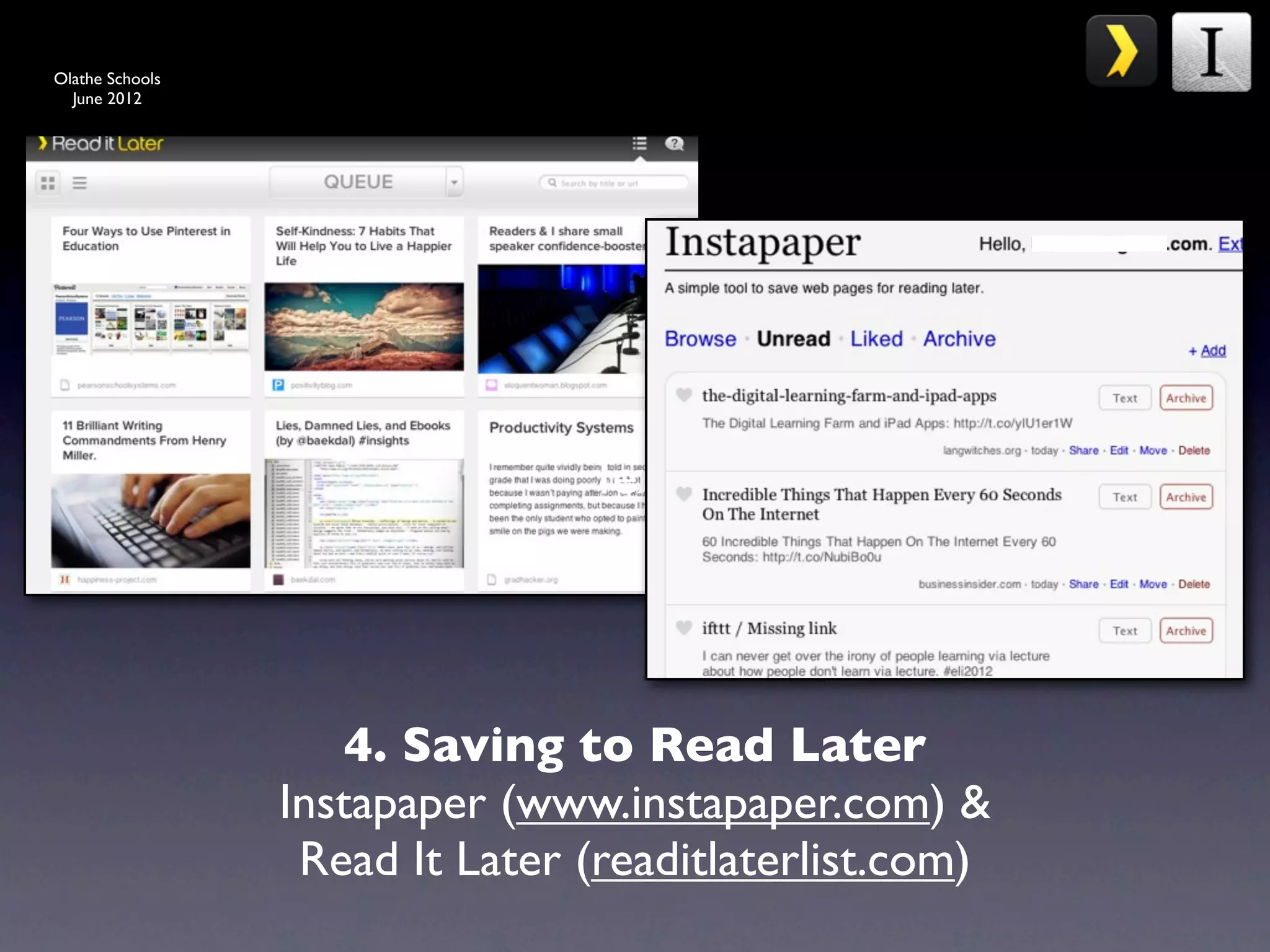
                     4. Saving to Read Later
                 Instapaper (www.instapaper.com) &
                  Read It Later (readitlaterlist.com)
Olathe Schools
  June 2012


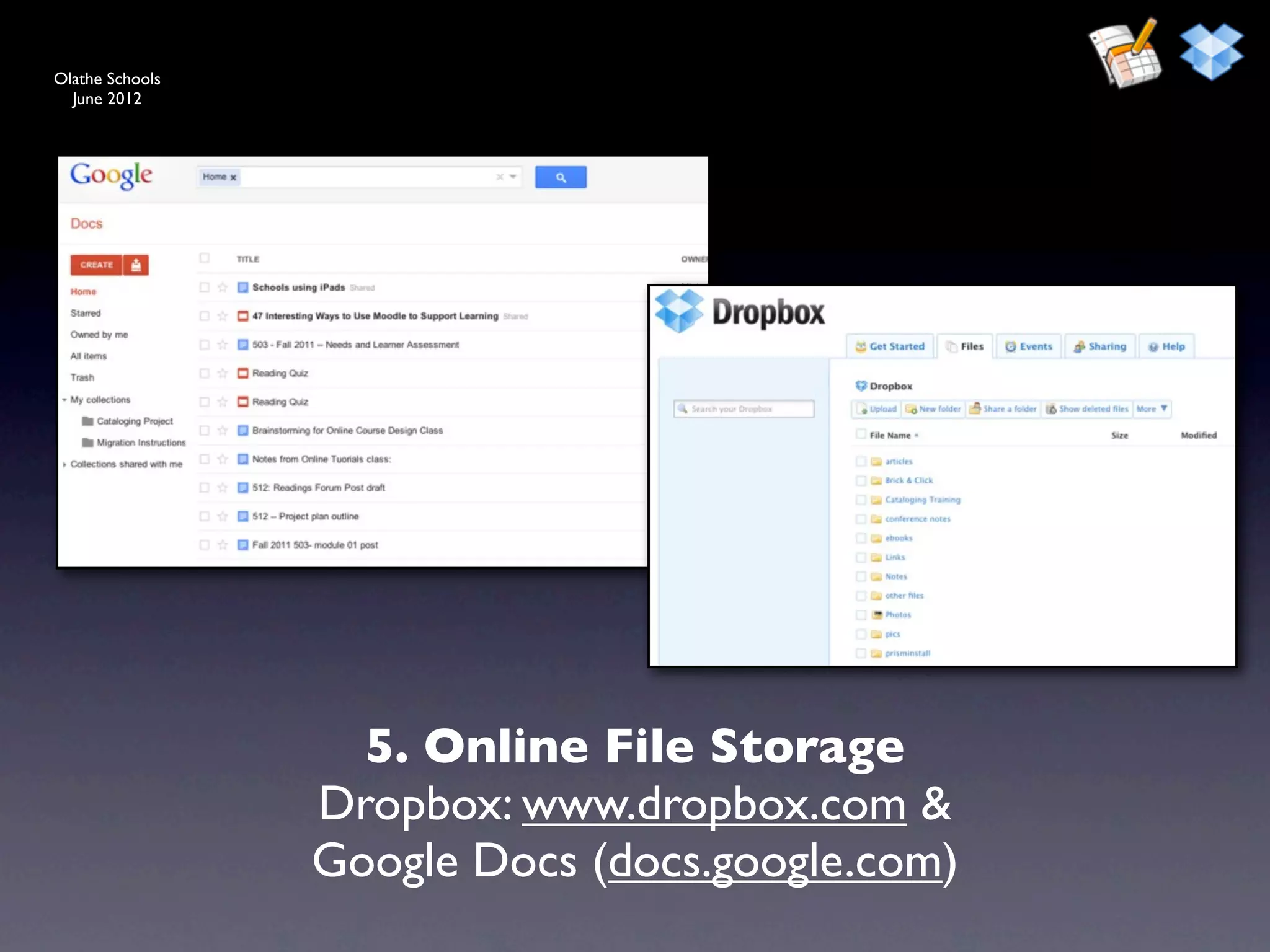
                   5. Online File Storage
                 Dropbox: www.dropbox.com &
                 Google Docs (docs.google.com)
Olathe Schools
  June 2012


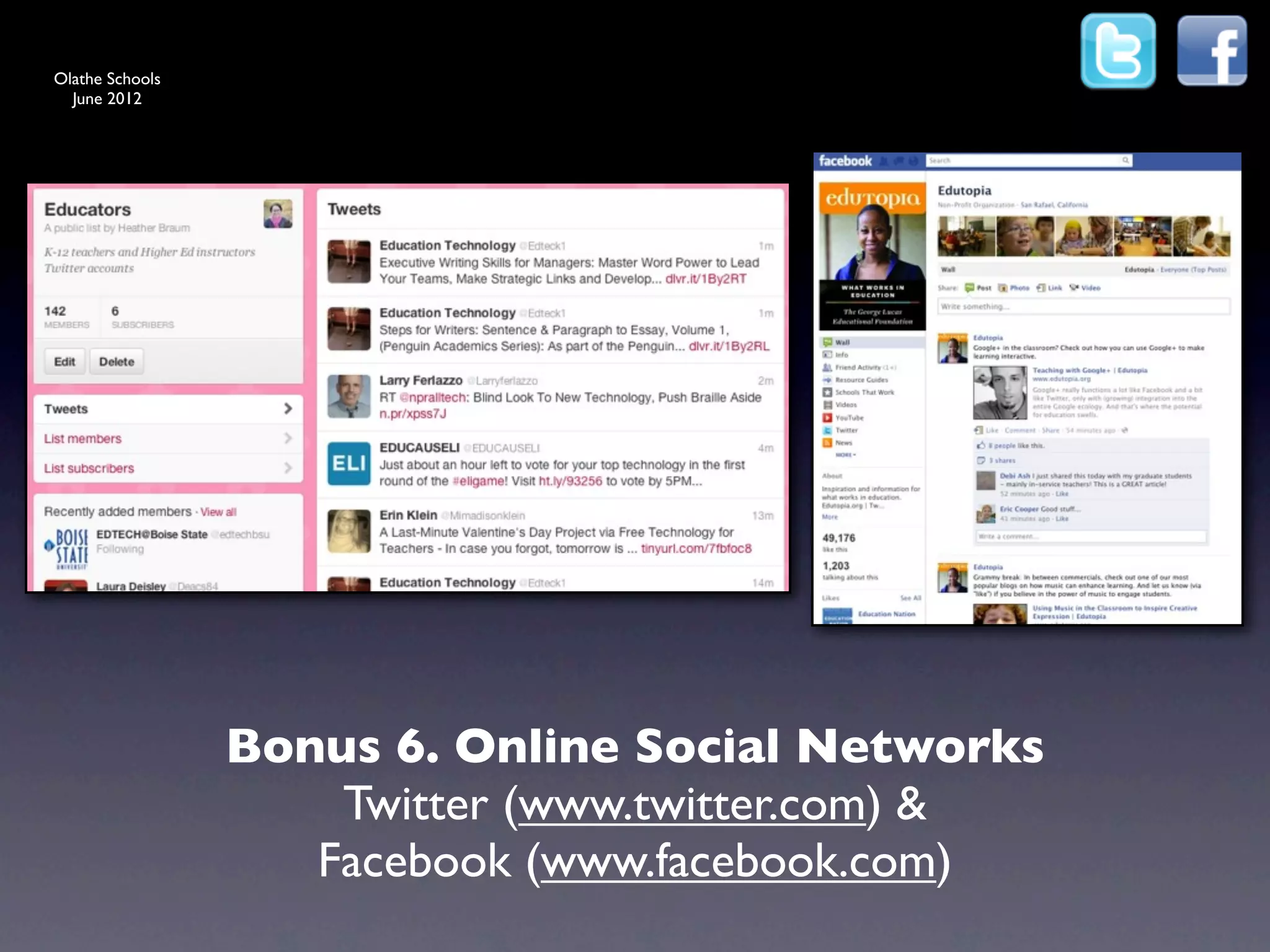
                 Bonus 6. Online Social Networks
                     Twitter (www.twitter.com) &
                    Facebook (www.facebook.com)
Olathe Schools


                  Additional Tools
  June 2012


             • Google Reader (reader.google.com)
             • Livebinders (www.livebinders.com)
             • Feed My Inbox (www.feedmyinbox.com)
             • ifttt (www.ifttt.com)
             • Scoop.it (http://scoop.it/)
             • Alltop (www.alltop.com)
Olathe Schools


                   Additional Tools
  June 2012


             • PBWorks (www.pbworks.com)
             • Larry Ferlazzo’s Websites of the day
              • (larryferlazzo.edublogs.org)
             • Web English Teacher (webenglishteacher.com)
             • Professional Listservs
             • Email Filters
             • Browser Add-ons
Olathe Schools
  June 2012


                 Source: “share your ideas” by Flickr User Britta
                    Bohlinger under a CC License, http://goo.gl/
                                                         QU6Ea
Olathe Schools
  June 2012


                        Video online at:
                 http://vimeo.com/35873217


                                     Source: http://vimeo.com/35873217
Olathe Schools


                   Further Resources
  June 2012


             •   “Being Wired or Being Tired: 10 Ways to Cope with Information Overload”
                 Sarah Houghton-Jan, Ariadne, July 2008, http://j.mp/10Dc2

             •   “Getting uncluttered with Evernote and Instapaper” from practically efficient
                 blog, June 22, 2010, http://j.mp/c9SVt5

             •   [Video] Web 2.0 Expo NY: Clay Shirky (shirky.com) It’s Not Information
                 Overload. It’s Filter Failure. September 2008, http://j.mp/5OCWlH

             •   “Inbox Zero”, Merlin Mann. Articles: http://j.mp/ifI6Wd and Video: http://
                 j.mp/Ok4MC

             •   “Building and maintaining an online professional learning community”, Jayme
                 Linton, Learn NC, http://j.mp/g0LnZz

             •   “Twitter: Keeping Up With It All”, Richard Byrne, Free Technology for Teachers,
                 February 24, 2011, http://j.mp/hSf37L
Olathe Schools


                   Further Resources
  June 2012


             •   “Coping with Information Overload” Infopeople webinar by Sarah Houghton-
                 Jan, May 2011, http://goo.gl/Ed2YS

             •   “How to Keep Up with (Almost) Everything” Libguides, by Buffy Hamilton,
                 http://goo.gl/amdqT

             •   “What I’m Reading Online This Spring: Fountains of Information, Insight, and
                 Inspiration”, by Buffy Hamilton http://goo.gl/dgvoK

             •   “Happiness Through Personal Learning” by Marianne Lenox, from the 2011
                 WJ Trends in Training and Learning conference, http://goo.gl/343D0
Olathe Schools


                   Further Resources
  June 2012


             •   “Information Overload? There Has Always Been Too Much to
                 Know,” (BigThink) http://goo.gl/irYaX

             •   “The Joy of Quiet,” (NY Times) http://goo.gl/3SYcm

             •   “The Solution to Information Overload,” (Steve Hargadon) http://goo.gl/
                 wSlLL

             •   “Are we on information overload,” (Education Views) http://goo.gl/ZoQXK

             •   “Coming of age with information overload” (Huffington Post) http://goo.gl/
                 5un0R

             •   “This is what a healthy information diet looks like,” (Lifehacker) http://goo.gl/
                 FPFMw

             •   Evernote for Schools, http://goo.gl/95Qh6
Olathe Schools


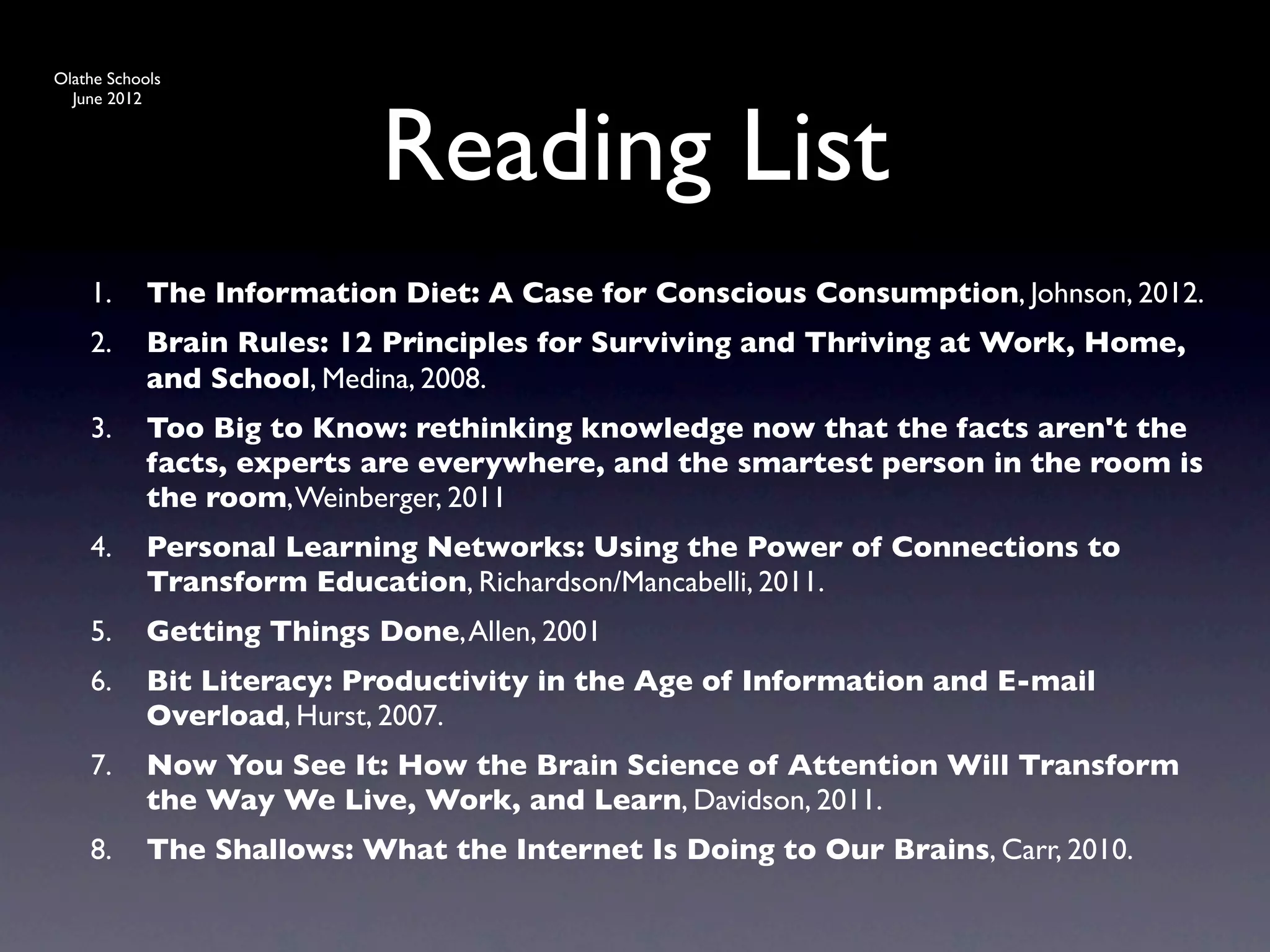
                            Reading List
  June 2012


    1.      The Information Diet: A Case for Conscious Consumption, Johnson, 2012.
    2.      Brain Rules: 12 Principles for Surviving and Thriving at Work, Home,
            and School, Medina, 2008.
    3.      Too Big to Know: rethinking knowledge now that the facts aren't the
            facts, experts are everywhere, and the smartest person in the room is
            the room, Weinberger, 2011
    4.      Personal Learning Networks: Using the Power of Connections to
            Transform Education, Richardson/Mancabelli, 2011.
    5.      Getting Things Done, Allen, 2001
    6.      Bit Literacy: Productivity in the Age of Information and E-mail
            Overload, Hurst, 2007.
    7.      Now You See It: How the Brain Science of Attention Will Transform
            the Way We Live, Work, and Learn, Davidson, 2011.
    8.      The Shallows: What the Internet Is Doing to Our Brains, Carr, 2010.
Olathe Schools
  June 2012


                 Source: “Question” by Flickr User Stefan Baudy
                       under a CC License, http://j.mp/XRqF2
Olathe Schools


                           Contact me
  June 2012


             Presentation Information: http://goo.gl/ppZ2e

             •   Links: http://j.mp/fXUlAm

             •   Contact information:

                 •   Email: hbraum@nekls.org

                 •   Twitter: @hbraum

                 •   http://about.me/hbraum

Managing Professional Information Overload (Olathe Schools version)

  • 1.
    Olathe Schools June 2012 Tools for Managing Professional Information Overload Heather Braum Technology Librarian Northeast Kansas Library System hbraum@nekls.org
  • 2.
    Olathe Schools June 2012 Source: “share your ideas” by Flickr User Britta Bohlinger under a CC License, http://goo.gl/ QU6Ea
  • 3.
    Olathe Schools June 2012 Video online at: http://www.youtube.com/ watch?v=CXFEBbPIEOI Source: http://www.youtube.com/watch? v=CXFEBbPIEOI
  • 4.
    Olathe Schools June 2012 Source: “MS Library 2.0 Summit Birds of a Feather Lunch Tables” by Flickr User msulibrary1 under a CC License, http://goo.gl/ 4vwfx
  • 5.
    Olathe Schools June 2012 Source: “Balance...” by Flickr User mind on fire under a CC License, http://goo.gl/JeFB7
  • 6.
    Olathe Schools June 2012 Source: “information hydrant” by Flickr User Will Lion under a CC License, http://goo.gl/ tEsq4
  • 7.
    Olathe Schools June 2012 Source: “information overload” by Flickr User verbeeldingskr8 under a CC License, http:// goo.gl/hwqo4
  • 8.
    Olathe Schools June 2012 Source: “Seamless Train” by Flickr User DaveFayram under a CC License, http://goo.gl/ 3cAAB
  • 9.
    Olathe Schools June 2012 Source: “The Road” by Flickr User Stuck in Customs under a CC License, http://goo.gl/ jBtd8
  • 10.
    Olathe Schools June 2012 Source: “Bricks” by Flickr User Esparta under a CC License, http://goo.gl/yHtis
  • 11.
    Olathe Schools June 2012 Source: “Outtake - Nooo! [Overwhelmed]” by Flickr User andreas.thor under a CC License, http://j.mp/fWk7Gx
  • 12.
    Olathe Schools June 2012 Source: “Yellow Arrow” by Flickr User Ian Muttoo under a CC License, http://goo.gl/ BFtmz
  • 13.
    Olathe Schools June 2012 Source: “Jubilant Winners Enjoy Success” by Flickr User c.a.muller under a CC License, http://goo.gl/ewc1h
  • 14.
    Olathe Schools June 2012 Source: “Tip Jar at Huckleberry” by Flickr User Muy Yum under a CC License, http://goo.gl/ DHU3Z
  • 15.
    Olathe Schools June 2012 Source: “Google Lego 50th Anniversary Inspiration” by Flickr User manfrys under a CC License, http://j.mp/bFy036
  • 16.
    Olathe Schools June 2012 Source: “Google Lego 50th Anniversary Inspiration” by Flickr User manfrys under a CC License, http://goo.gl/P3FoU
  • 17.
    Olathe Schools June 2012 Source: “Hands Across the World” by Flickr User Building Unity 1000 Families under a CC License, http://goo.gl/TUfAJ
  • 18.
    Olathe Schools June 2012 Source: “Go” by Flickr User Peet Reed under a CC License, http://goo.gl/oXux5
  • 19.
    Olathe Schools June 2012 5 Tips
  • 20.
    Olathe Schools June 2012 1. Information overload has always been present. It’s not new. Source: “Scrolls” by Flickr User Hc_07 under a CC License, http://j.mp/i31UZV
  • 21.
    Olathe Schools June 2012 2.You’re never going to be able to keep up with everything. Source: http://bit.ly/i4pGx5, 2/23/11
  • 22.
    Olathe Schools June 2012 3. “These things are TOOLS to serve you & help you. Don’t let them manage you. Manage them. Remember you are a human being not a human doing.” --Bobbi Newman, www.librarianbyday.net Source: “080116Meineke_021” by Flickr User Miz Ginger Snaps under a CC License, http:// j.mp/gB1VMJ
  • 23.
    Olathe Schools June 2012 4. Learn the art of skimming links and articles to “maybe” save for later. “trash and treasure” Source: “Accessory 1” by Flickr User Urban Woodswalker under a CC License, http://j.mp/ eXD4p9
  • 24.
    Olathe Schools June 2012 27 instant messages 76 email listserv messages 4 text messages 14 social network messages 17 phone calls 825 RSS feed updates 98 work emails 30 pages from a book 52 personal emails 5 letters 127 social network 11 pieces junk mail status updates 1 periodical issue 1 hour of television 3 hours of radio 5.You’re not alone in this struggle. stats from “Being Wired or Being Tired: 10 Ways to Cope with Source: “my scared cat” by Flickr User Paolo Information Overload” Sarah Houghton-Jan, Ariadne, July 2008, Margari under a CC License, http://j.mp/ http://j.mp/10Dc2 gcFR70
  • 25.
    Olathe Schools June 2012 6 Resources
  • 26.
    Olathe Schools June 2012 1. Free Technology for Teachers www.freetech4teachers.com
  • 27.
    Olathe Schools June 2012 2. Edutopia www.edutopia.org
  • 28.
    Olathe Schools June 2012 3. Education Week www.edweek.org
  • 29.
    Olathe Schools June 2012 4. Open Culture http://www.openculture.com/
  • 30.
    Olathe Schools June 2012 5. Mashable & Lifehacker www.mashable.com & www.lifehacker.com
  • 31.
    Olathe Schools June 2012 6. Google... www.google.com I’m not kidding Source: “Google Lego 50th Anniversary Inspiration” by Flickr User manfrys under a CC License, http://j.mp/bFy036
  • 32.
    Olathe Schools June 2012 6 Sets of Tools
  • 33.
    Olathe Schools June 2012 1. Notetaking Tools Evernote (www.evernote.com) & Google Docs (docs.google.com)
  • 34.
    Olathe Schools June 2012 2. Bookmarking Tools Diigo (www.diigo.com), Delicious (www.delicious.com) & Pinterest (www.pinterest.com)
  • 35.
    Olathe Schools June 2012 3. Information Dashboard iGoogle (www.google.com/ig), NetVibes (www.netvibes.com) & Alltop (www.alltop.com)
  • 36.
    Olathe Schools June 2012 Text 4. Saving to Read Later Instapaper (www.instapaper.com) & Read It Later (readitlaterlist.com)
  • 37.
    Olathe Schools June 2012 5. Online File Storage Dropbox: www.dropbox.com & Google Docs (docs.google.com)
  • 38.
    Olathe Schools June 2012 Bonus 6. Online Social Networks Twitter (www.twitter.com) & Facebook (www.facebook.com)
  • 39.
    Olathe Schools Additional Tools June 2012 • Google Reader (reader.google.com) • Livebinders (www.livebinders.com) • Feed My Inbox (www.feedmyinbox.com) • ifttt (www.ifttt.com) • Scoop.it (http://scoop.it/) • Alltop (www.alltop.com)
  • 40.
    Olathe Schools Additional Tools June 2012 • PBWorks (www.pbworks.com) • Larry Ferlazzo’s Websites of the day • (larryferlazzo.edublogs.org) • Web English Teacher (webenglishteacher.com) • Professional Listservs • Email Filters • Browser Add-ons
  • 41.
    Olathe Schools June 2012 Source: “share your ideas” by Flickr User Britta Bohlinger under a CC License, http://goo.gl/ QU6Ea
  • 42.
    Olathe Schools June 2012 Video online at: http://vimeo.com/35873217 Source: http://vimeo.com/35873217
  • 43.
    Olathe Schools Further Resources June 2012 • “Being Wired or Being Tired: 10 Ways to Cope with Information Overload” Sarah Houghton-Jan, Ariadne, July 2008, http://j.mp/10Dc2 • “Getting uncluttered with Evernote and Instapaper” from practically efficient blog, June 22, 2010, http://j.mp/c9SVt5 • [Video] Web 2.0 Expo NY: Clay Shirky (shirky.com) It’s Not Information Overload. It’s Filter Failure. September 2008, http://j.mp/5OCWlH • “Inbox Zero”, Merlin Mann. Articles: http://j.mp/ifI6Wd and Video: http:// j.mp/Ok4MC • “Building and maintaining an online professional learning community”, Jayme Linton, Learn NC, http://j.mp/g0LnZz • “Twitter: Keeping Up With It All”, Richard Byrne, Free Technology for Teachers, February 24, 2011, http://j.mp/hSf37L
  • 44.
    Olathe Schools Further Resources June 2012 • “Coping with Information Overload” Infopeople webinar by Sarah Houghton- Jan, May 2011, http://goo.gl/Ed2YS • “How to Keep Up with (Almost) Everything” Libguides, by Buffy Hamilton, http://goo.gl/amdqT • “What I’m Reading Online This Spring: Fountains of Information, Insight, and Inspiration”, by Buffy Hamilton http://goo.gl/dgvoK • “Happiness Through Personal Learning” by Marianne Lenox, from the 2011 WJ Trends in Training and Learning conference, http://goo.gl/343D0
  • 45.
    Olathe Schools Further Resources June 2012 • “Information Overload? There Has Always Been Too Much to Know,” (BigThink) http://goo.gl/irYaX • “The Joy of Quiet,” (NY Times) http://goo.gl/3SYcm • “The Solution to Information Overload,” (Steve Hargadon) http://goo.gl/ wSlLL • “Are we on information overload,” (Education Views) http://goo.gl/ZoQXK • “Coming of age with information overload” (Huffington Post) http://goo.gl/ 5un0R • “This is what a healthy information diet looks like,” (Lifehacker) http://goo.gl/ FPFMw • Evernote for Schools, http://goo.gl/95Qh6
  • 46.
    Olathe Schools Reading List June 2012 1. The Information Diet: A Case for Conscious Consumption, Johnson, 2012. 2. Brain Rules: 12 Principles for Surviving and Thriving at Work, Home, and School, Medina, 2008. 3. Too Big to Know: rethinking knowledge now that the facts aren't the facts, experts are everywhere, and the smartest person in the room is the room, Weinberger, 2011 4. Personal Learning Networks: Using the Power of Connections to Transform Education, Richardson/Mancabelli, 2011. 5. Getting Things Done, Allen, 2001 6. Bit Literacy: Productivity in the Age of Information and E-mail Overload, Hurst, 2007. 7. Now You See It: How the Brain Science of Attention Will Transform the Way We Live, Work, and Learn, Davidson, 2011. 8. The Shallows: What the Internet Is Doing to Our Brains, Carr, 2010.
  • 47.
    Olathe Schools June 2012 Source: “Question” by Flickr User Stefan Baudy under a CC License, http://j.mp/XRqF2
  • 48.
    Olathe Schools Contact me June 2012 Presentation Information: http://goo.gl/ppZ2e • Links: http://j.mp/fXUlAm • Contact information: • Email: hbraum@nekls.org • Twitter: @hbraum • http://about.me/hbraum

Editor's Notes

  • #2 No need to write down all the sites mentioned or links. I've given you a bookmark that highlights the major points we'll be covering, and it includes a resource link to the presentation resources page. \n
  • #3 Individuals think about info overload -- how do you currently deal with it? Write down three ways on the provided sticky notes. If you don't deal with it at all right now, you're never overwhelmed, share that. Talk to neighbors if you're stumped. You have two minutes. \n\n
  • #4 Video from Xerox about Information Overload Syndrome (IOS -- the other one)\n\n
  • #5 Feeling overwhelmed by 2.0? By Technology? By Information? \n
  • #6 Does this look like your life as you try to keep up with your day-to-day tasks, family, eat, work at the library, keep up with current issues, read your email, read books, stay on top of listservs, listen to a webinar, pay bills, and sleep? \n
  • #7 On the web, getting information is like taking a drink from a fire hydrant. Its too much at once! \n
  • #8 You want to be able to sift through and filter all the extra out and only get what you need. \n
  • #9 But everything flies by as a blur, too fast, too much, and it all bleeds together. \n
  • #10 And it never ever ends or stops. \n
  • #11 You hit a brick wall when you try to keep up. \n
  • #12 And lose your mind (and hair) instead. \n
  • #13 Is it even possible to find direction? \n
  • #14 And succeed at managing information overload? \n
  • #15 It is possible if you keep 5 tips in mind\n
  • #16 access 6 resources.\n
  • #17 and use 6 tools. \n
  • #18 Are you ready? \n
  • #19 Let’s go! \n
  • #20 5 Tips for keeping in mind as you deal with the overload. \n
  • #21 "Worries about information overload are as old as information itself, with each generation reimagining the dangerous impacts of technology on mind and brain. From a historical perspective, what strikes home is not the evolution of these social concerns, but their similarity from one century to the next, to the point where they arrive anew with little having changed except the label." --http://www.slate.com/id/2244198/pagenum/all/ Writing. Printing press. Newspapers. Studying. Radio. Gramophone. TV. Computers. Social Media. \n
  • #22 Let go. Do it. I dare you. From NPR this summer, "The Sad, Beautiful Fact That We're All Going To Miss Almost Everything", by Linda Holmes"If "well-read" means "making a genuine effort to explore thoughtfully," then yes, we can all be well-read. But what we've seen is always going to be a very small cup dipped out of a very big ocean, and turning your back on the ocean to stare into the cup can't change that."\nhttp://www.npr.org/blogs/monkeysee/2011/04/21/135508305/the-sad-beautiful-fact-that-were-all-going-to-miss-almost-everything?sc=fb&cc=fp:\n
  • #23 Wise wisdom from Bobbi. Choose. Be selective. Do what works for you and toss out the rest. \n
  • #24 Learn ways to find the gems. And trash the rest. Learn to quickly scan through information and links. "The key is I don't do it the moment it comes up. If I see an interesting tweet with a link and I have time, I will dig deeper but most of the time I only glance, decide if it is something to look at and save it for later." Richard Byrne on Twitter. \n
  • #25 Everyone is overwhelmed. Even those who seem to be techie, plugged in. We're actually worse at times. Bonus: your peers are your biggest help. Listservs and ask questions. Ask for help. \n
  • #26 6 go-to education-technology-related resources to help manage information overload -- these are some of the treasures that can be quickly glanced at. \n
  • #27 Fantastic resource for educators to quickly come up with ways to use technology in your classroom. This is the best go-to-site on the web for quick ways to learn about a tech tool, site, or resource and how to incorporate it into your classroom.\n
  • #28 Edutopia is a site that tracks what works in education. Founded and supported by the George Lucas Foundation, it places emphasis on education innovations and has great resources for all grade levels, discussions around current issues in education, and more. It gives a lot of focus to project-based learning if you are interested in learning more about that. \n
  • #29 EducationWeek can be overwhelming, but if you need a good dip-in/dip-out/skim resource, Education Week is your go-to place. \n
  • #30 Great resource for getting media ideas and course materials online. Note: the blog may not always be age-appropriate for kids.\n
  • #31 Quick glances at these sites or following their Facebook fan pages -- they're treasures -- and trash. But the gems here are worth it. We learned about Jing and Dropbox through these sites. Great easy-to-understand tech explanations, as well, and other techie/get things done/stay-organized tips, especially on Lifehcaker. \n
  • #32 Need to know something, ask Google. It's my not so secret resource. “Let’s go consult the manual,” so says Liz Rea. \n
  • #33 The following are 6 sets tools that can help manage information and articles to save for "later", archive, and aggregate. \n
  • #34 Oh evernote. Where have you been all my life? I built a good bit of the original version of this presentation and saved its resources using Evernote. Evernote can be used through the web, through your computer, through tablets, and through phones. It's has a free level, and free app. Everything is stored online. \n\nEvernote has endless uses. Save text notes, pictures (through mobile app), web clips, links, make to-do-lists. Share notebooks. Catch all for information. Voice notes. Desktop. Mobile. Web. Email stuff to it. Check it out. Buffy Hamilton (The Unquiet Librarian) and her students swear by this tool. When I discovered the desktop client could do to-do lists, I finally found a solution to my mess of sticky-notes on my desk! \n
  • #35 Diigo is an alternative to Delicious. There was a time earlier this year where Delicious's future was uncertain. I looked for an online bookmarking option, and fell in love with Diigo. \n\nDiigo has seriously impressed me. Lots of options and ways to save resources, create lists, share, bring in favorites from twitter, organize. Share full webpages, read it later option. I have barely scratched the surface with my use of this tool. Delicious never blew me over with its features. Diigo has. \n\nPinterest.com. Requires an invite still, but you can save and catalog photos of anything on the web. I've started cataloging photos that can be used on websites and in presentations, that are licensed Creative Commons. :) Craft ideas. Lesson plans. Display boards. Books to read. Recipes for in class. Project ideas. \n
  • #36 \n
  • #37 Read Later. (alternative readitlaterlist.com). Save articles/links for reading later in an ad-free screen. Has apps available. I'm terrible about remembering to go back and read what I've saved, but I've found stuff I vaguely remember saving here many times. It's been my favorite iPad and iPhone app since day one of usage. Browser bookmarklet available to easily save links. \n
  • #38 This next tool has more to do with file management, but even with that we can get quickly overwhelmed. Constantly losing files you need to transfer between home and school because you lost your flash drive, lose track of the correct version, etc? Try Dropbox. You can upload, sync files here. Access from mobile devices. Set up syncing folders on multiple computers. Share folders. It's awesome. \n
  • #39 Build your network of people to help you. Like pages on Facebook of sites you want to quickly see from time to time (maybe even some of the resources I mentioned today). Twitter -- check out my lists and see who's there and what's being shared. Make your networks work for you. Some call this a personal learning community or environment. In the resources, I've listed a webinar recently done on personal learning communities. #edchat is a big live Twitter chat that takes place on Tuesdays during the day and in the evening. A lot of educators use Twitter & Facebook to connect and share ideas. \n
  • #40 These are some others ideas from other colleagues. I have a love-hate relationship and mark all as read relationship with Google Reader. Livebinders I keep seeing people RAVE about, but haven't checked it out yet, iGoogle and NetVibes are good portal sites. IFTTT will make the web work for you. ScoopIt -- digital curation magazine. Alltop is a portal of topics. You can access what the website has curated or curate your own. \n
  • #41 PBworks is a wiki tool. All top is a portal of blogs on many different topics or you can build your own. Larry Ferlazzo’s site covers many many topics and helpful website lists. There are many professional listservs out there you can belong to. If they are overwhelming, find and use the digest option. Your email system probably has powerful filters that you can make work for you. And the 4 major web browsers (Chrome and Firefox particularly) have powerful add-ons that can put the web to work for you, connecting to many of the tools already mentioned. \n
  • #42 Before getting to questions, lets stop for two minutes, and i want you to rebrainstorm 3 ways you’re going to deal with information overload now. If you need to, you can cheat off the bookmark :)\n
  • #43 Quick video about what a day can be like on information overload. \n
  • #44 Here's some useful articles. They're all linked off the presentation resource page. I've also built a Diigo list for this presentation. On the resource page listed on your bookmarks, there is a link to a printable copy of the resources slides. \n
  • #45 Here's some useful articles. They're all linked off the presentation resource page. I've also built a Diigo list for this presentation. On the resource page listed on your bookmarks, there is a link to a printable copy of the resources slides. \n
  • #46 Here's some useful articles. They're all linked off the presentation resource page. I've also built a Diigo list for this presentation. On the resource page listed on your bookmarks, there is a link to a printable copy of the resources slides. \n
  • #47 Here's some useful articles. They're all linked off the presentation resource page. I've also built a Diigo list for this presentation. On the resource page listed on your bookmarks, there is a link to a printable copy of the resources slides. \n
  • #48 Questions? \n
  • #49 Let me know if you have any questions! \n