macOs/iOs
macOs/iOs
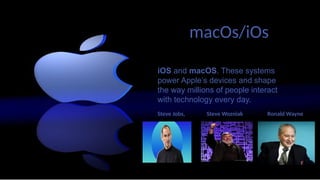
iOS and macOS. These systems
power Apple’s devices and shape
the way millions of people interact
with technology every day.
Steve Jobs, Steve Wozniak Ronald Wayne
macOs/iOs
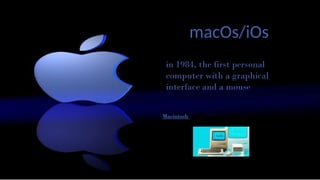
in 1984, the first personal
computer with a graphical
interface and a mouse
Macintosh
macOs/iOs
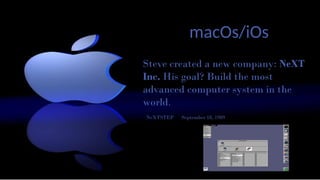
Steve created a new company: NeXT
Inc. His goal? Build the most
advanced computer system in the
world.
NeXTSTEP September 18, 1989.
macOs/iOs
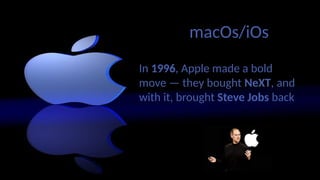
In 1996, Apple made a bold
move — they bought NeXT, and
with it, brought Steve Jobs back.
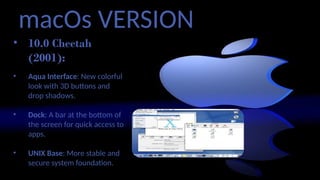
macOs VERSION
• 10.0 Cheetah
(2001):
• Aqua Interface: New colorful
look with 3D buttons and
drop shadows.
• Dock: A bar at the bottom of
the screen for quick access to
apps.
• UNIX Base: More stable and
secure system foundation.
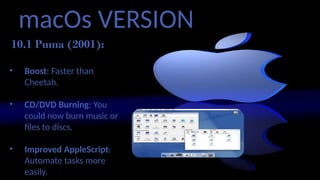
macOs VERSION
10.1 Puma (2001):
• Performance
• Boost: Faster than
Cheetah.
• CD/DVD Burning: You
could now burn music or
files to discs.
• Improved AppleScript:
Automate tasks more
easily.
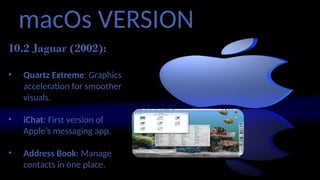
macOs VERSION
10.2 Jaguar (2002):
• Quartz Extreme: Graphics
acceleration for smoother
visuals.
• iChat: First version of
Apple’s messaging app.
• Address Book: Manage
contacts in one place.
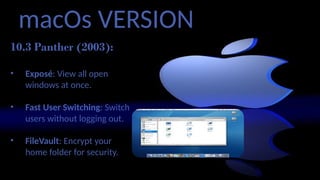
macOs VERSION
10.3 Panther (2003):
• Exposé: View all open
windows at once.
• Fast User Switching: Switch
users without logging out.
• FileVault: Encrypt your
home folder for security.
macOs VERSION
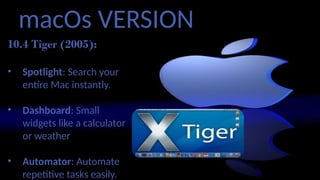
10.4 Tiger (2005):
• Spotlight: Search your
entire Mac instantly.
• Dashboard: Small
widgets like a calculator
or weather
• Automator: Automate
repetitive tasks easily.
macOs VERSION
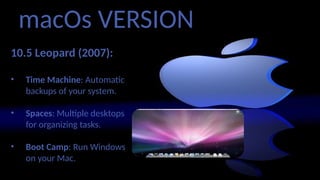
10.5 Leopard (2007):
• Time Machine: Automatic
backups of your system.
• Spaces: Multiple desktops
for organizing tasks.
• Boot Camp: Run Windows
on your Mac.
macOs VERSION
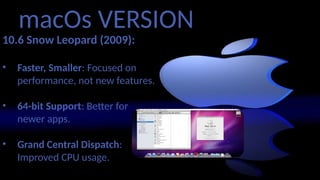
10.6 Snow Leopard (2009):
• Faster, Smaller: Focused on
performance, not new features.
• 64-bit Support: Better for
newer apps.
• Grand Central Dispatch:
Improved CPU usage.
macOs VERSION
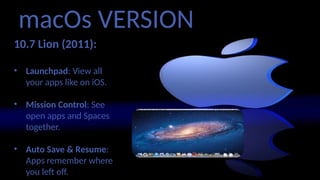
10.7 Lion (2011):
• Launchpad: View all
your apps like on iOS.
• Mission Control: See
open apps and Spaces
together.
• Auto Save & Resume:
Apps remember where
you left off.
macOs VERSION
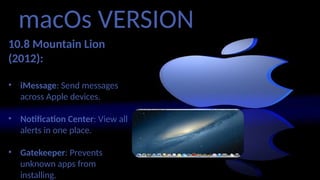
10.8 Mountain Lion
(2012):
• iMessage: Send messages
across Apple devices.
• Notification Center: View all
alerts in one place.
• Gatekeeper: Prevents
unknown apps from
installing.
macOs VERSION
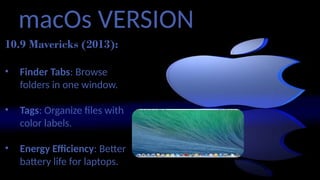
10.9 Mavericks (2013):
• Finder Tabs: Browse
folders in one window.
• Tags: Organize files with
color labels.
• Energy Efficiency: Better
battery life for laptops.
macOs VERSION
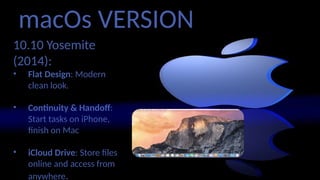
10.10 Yosemite
(2014):
• Flat Design: Modern,
clean look.
• Continuity & Handoff:
Start tasks on iPhone,
finish on Mac
• iCloud Drive: Store files
online and access from
anywhere.
macOs VERSION
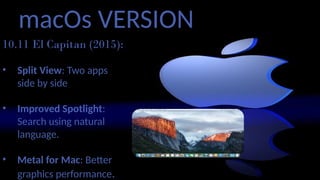
10.11 El Capitan (2015):
• Split View: Two apps
side by side
• Improved Spotlight:
Search using natural
language.
• Metal for Mac: Better
graphics performance.
macOs VERSION
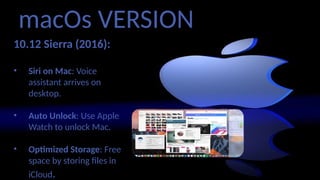
10.12 Sierra (2016):
• Siri on Mac: Voice
assistant arrives on
desktop.
• Auto Unlock: Use Apple
Watch to unlock Mac.
• Optimized Storage: Free
space by storing files in
iCloud.
macOs VERSION
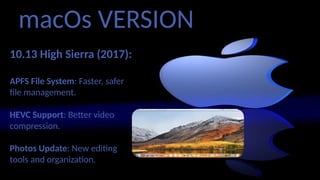
10.13 High Sierra (2017):
APFS File System: Faster, safer
file management.
HEVC Support: Better video
compression.
Photos Update: New editing
tools and organization.
macOs VERSION
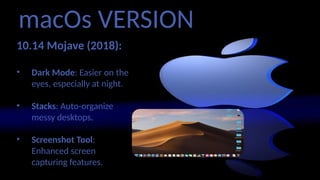
10.14 Mojave (2018):
• Dark Mode: Easier on the
eyes, especially at night.
• Stacks: Auto-organize
messy desktops.
• Screenshot Tool:
Enhanced screen
capturing features.
macOs VERSION
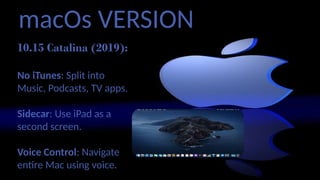
10.15 Catalina (2019):
No iTunes: Split into
Music, Podcasts, TV apps.
Sidecar: Use iPad as a
second screen.
Voice Control: Navigate
entire Mac using voice.
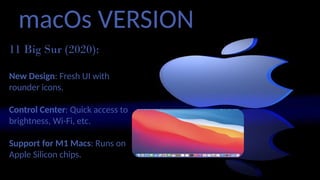
macOs VERSION
11 Big Sur (2020):
New Design: Fresh UI with
rounder icons.
Control Center: Quick access to
brightness, Wi-Fi, etc.
Support for M1 Macs: Runs on
Apple Silicon chips.
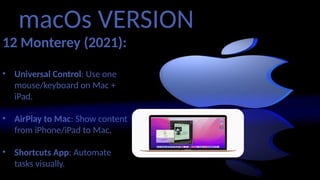
macOs VERSION
12 Monterey (2021):
• Universal Control: Use one
mouse/keyboard on Mac +
iPad.
• AirPlay to Mac: Show content
from iPhone/iPad to Mac.
• Shortcuts App: Automate
tasks visually.
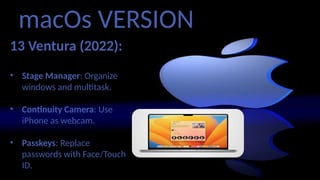
macOs VERSION
13 Ventura (2022):
• Stage Manager: Organize
windows and multitask.
• Continuity Camera: Use
iPhone as webcam.
• Passkeys: Replace
passwords with Face/Touch
ID.
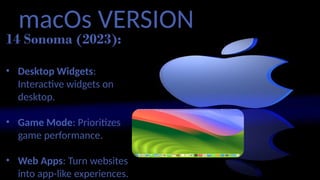
macOs VERSION
14 Sonoma (2023):
• Desktop Widgets:
Interactive widgets on
desktop.
• Game Mode: Prioritizes
game performance.
• Web Apps: Turn websites
into app-like experiences.
macOs VERSION
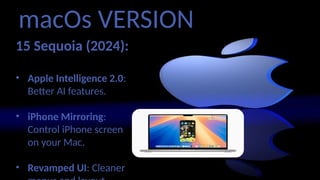
15 Sequoia (2024):
• Apple Intelligence 2.0:
Better AI features.
• iPhone Mirroring:
Control iPhone screen
on your Mac.
• Revamped UI: Cleaner
iOs VERSION
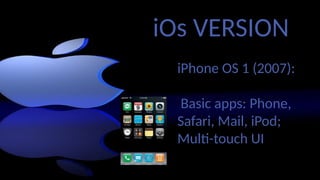
iPhone OS 1 (2007):
Basic apps: Phone,
Safari, Mail, iPod;
Multi-touch UI
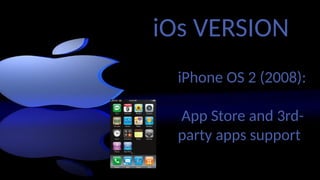
iPhone OS 2 (2008):
App Store and 3rd-
party apps support
iOs VERSION
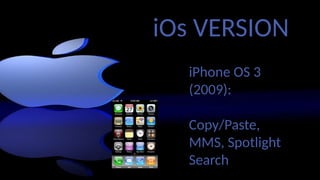
iPhone OS 3
(2009):
Copy/Paste,
MMS, Spotlight
Search
iOs VERSION
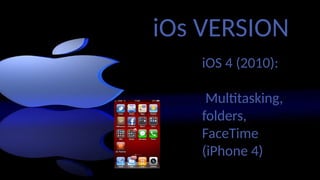
iOS 4 (2010):
Multitasking,
folders,
FaceTime
(iPhone 4)
iOs VERSION
iOs VERSION
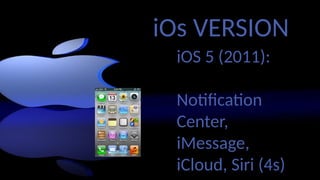
iOS 5 (2011):
Notification
Center,
iMessage,
iCloud, Siri (4s)
iOs VERSION
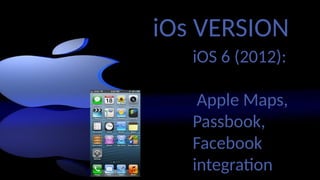
iOS 6 (2012):
Apple Maps,
Passbook,
Facebook
integration
iOs VERSION
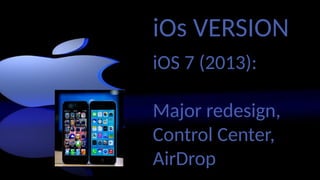
iOS 7 (2013):
Major redesign,
Control Center,
AirDrop
iOs VERSION
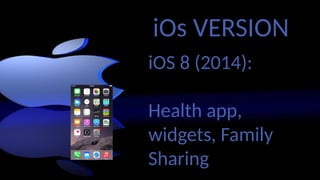
iOS 8 (2014):
Health app,
widgets, Family
Sharing
iOs VERSION
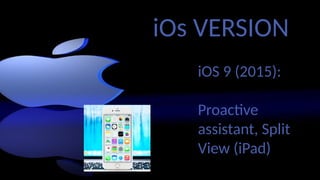
iOS 9 (2015):
Proactive
assistant, Split
View (iPad)
iOs VERSION
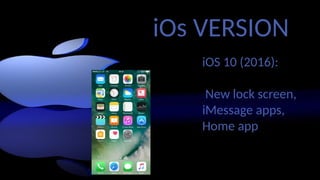
iOS 10 (2016):
New lock screen,
iMessage apps,
Home app
iOs VERSION
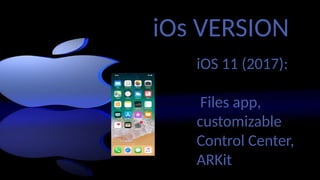
iOS 11 (2017):
Files app,
customizable
Control Center,
ARKit
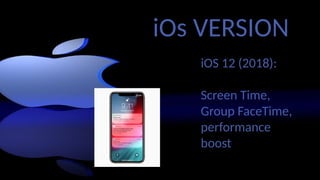
iOs VERSION
iOS 12 (2018):
Screen Time,
Group FaceTime,
performance
boost
iOs VERSION
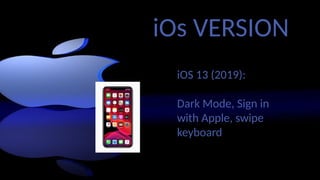
iOS 13 (2019):
Dark Mode, Sign in
with Apple, swipe
keyboard
iOs VERSION
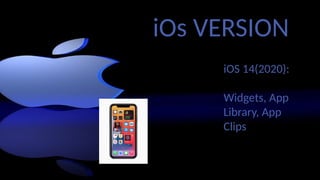
iOS 14(2020):
Widgets, App
Library, App
Clips
iOs VERSION
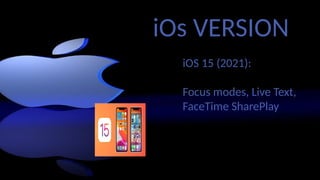
iOS 15 (2021):
Focus modes, Live Text,
FaceTime SharePlay
iOs VERSION
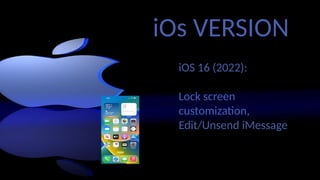
iOS 16 (2022):
Lock screen
customization,
Edit/Unsend iMessage
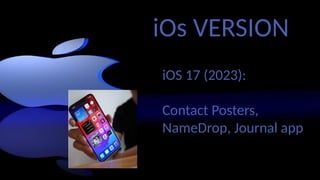
iOs VERSION
iOS 17 (2023):
Contact Posters,
NameDrop, Journal app
iOs VERSION
iOS 18 (2024):
Apple Intelligence (AI),
RCS messaging

macos-and-ios-report.pptx group 10 in programming

  • 1.
  • 2.
    macOs/iOs iOS and macOS.These systems power Apple’s devices and shape the way millions of people interact with technology every day. Steve Jobs, Steve Wozniak Ronald Wayne
  • 3.
    macOs/iOs in 1984, thefirst personal computer with a graphical interface and a mouse Macintosh
  • 4.
    macOs/iOs Steve created anew company: NeXT Inc. His goal? Build the most advanced computer system in the world. NeXTSTEP September 18, 1989.
  • 5.
    macOs/iOs In 1996, Applemade a bold move — they bought NeXT, and with it, brought Steve Jobs back.
  • 6.
    macOs VERSION • 10.0Cheetah (2001): • Aqua Interface: New colorful look with 3D buttons and drop shadows. • Dock: A bar at the bottom of the screen for quick access to apps. • UNIX Base: More stable and secure system foundation.
  • 7.
    macOs VERSION 10.1 Puma(2001): • Performance • Boost: Faster than Cheetah. • CD/DVD Burning: You could now burn music or files to discs. • Improved AppleScript: Automate tasks more easily.
  • 8.
    macOs VERSION 10.2 Jaguar(2002): • Quartz Extreme: Graphics acceleration for smoother visuals. • iChat: First version of Apple’s messaging app. • Address Book: Manage contacts in one place.
  • 9.
    macOs VERSION 10.3 Panther(2003): • Exposé: View all open windows at once. • Fast User Switching: Switch users without logging out. • FileVault: Encrypt your home folder for security.
  • 10.
    macOs VERSION 10.4 Tiger(2005): • Spotlight: Search your entire Mac instantly. • Dashboard: Small widgets like a calculator or weather • Automator: Automate repetitive tasks easily.
  • 11.
    macOs VERSION 10.5 Leopard(2007): • Time Machine: Automatic backups of your system. • Spaces: Multiple desktops for organizing tasks. • Boot Camp: Run Windows on your Mac.
  • 12.
    macOs VERSION 10.6 SnowLeopard (2009): • Faster, Smaller: Focused on performance, not new features. • 64-bit Support: Better for newer apps. • Grand Central Dispatch: Improved CPU usage.
  • 13.
    macOs VERSION 10.7 Lion(2011): • Launchpad: View all your apps like on iOS. • Mission Control: See open apps and Spaces together. • Auto Save & Resume: Apps remember where you left off.
  • 14.
    macOs VERSION 10.8 MountainLion (2012): • iMessage: Send messages across Apple devices. • Notification Center: View all alerts in one place. • Gatekeeper: Prevents unknown apps from installing.
  • 15.
    macOs VERSION 10.9 Mavericks(2013): • Finder Tabs: Browse folders in one window. • Tags: Organize files with color labels. • Energy Efficiency: Better battery life for laptops.
  • 16.
    macOs VERSION 10.10 Yosemite (2014): •Flat Design: Modern, clean look. • Continuity & Handoff: Start tasks on iPhone, finish on Mac • iCloud Drive: Store files online and access from anywhere.
  • 17.
    macOs VERSION 10.11 ElCapitan (2015): • Split View: Two apps side by side • Improved Spotlight: Search using natural language. • Metal for Mac: Better graphics performance.
  • 18.
    macOs VERSION 10.12 Sierra(2016): • Siri on Mac: Voice assistant arrives on desktop. • Auto Unlock: Use Apple Watch to unlock Mac. • Optimized Storage: Free space by storing files in iCloud.
  • 19.
    macOs VERSION 10.13 HighSierra (2017): APFS File System: Faster, safer file management. HEVC Support: Better video compression. Photos Update: New editing tools and organization.
  • 20.
    macOs VERSION 10.14 Mojave(2018): • Dark Mode: Easier on the eyes, especially at night. • Stacks: Auto-organize messy desktops. • Screenshot Tool: Enhanced screen capturing features.
  • 21.
    macOs VERSION 10.15 Catalina(2019): No iTunes: Split into Music, Podcasts, TV apps. Sidecar: Use iPad as a second screen. Voice Control: Navigate entire Mac using voice.
  • 22.
    macOs VERSION 11 BigSur (2020): New Design: Fresh UI with rounder icons. Control Center: Quick access to brightness, Wi-Fi, etc. Support for M1 Macs: Runs on Apple Silicon chips.
  • 23.
    macOs VERSION 12 Monterey(2021): • Universal Control: Use one mouse/keyboard on Mac + iPad. • AirPlay to Mac: Show content from iPhone/iPad to Mac. • Shortcuts App: Automate tasks visually.
  • 24.
    macOs VERSION 13 Ventura(2022): • Stage Manager: Organize windows and multitask. • Continuity Camera: Use iPhone as webcam. • Passkeys: Replace passwords with Face/Touch ID.
  • 25.
    macOs VERSION 14 Sonoma(2023): • Desktop Widgets: Interactive widgets on desktop. • Game Mode: Prioritizes game performance. • Web Apps: Turn websites into app-like experiences.
  • 26.
    macOs VERSION 15 Sequoia(2024): • Apple Intelligence 2.0: Better AI features. • iPhone Mirroring: Control iPhone screen on your Mac. • Revamped UI: Cleaner
  • 27.
    iOs VERSION iPhone OS1 (2007): Basic apps: Phone, Safari, Mail, iPod; Multi-touch UI
  • 28.
    iPhone OS 2(2008): App Store and 3rd- party apps support iOs VERSION
  • 29.
    iPhone OS 3 (2009): Copy/Paste, MMS,Spotlight Search iOs VERSION
  • 30.
  • 31.
    iOs VERSION iOS 5(2011): Notification Center, iMessage, iCloud, Siri (4s)
  • 32.
    iOs VERSION iOS 6(2012): Apple Maps, Passbook, Facebook integration
  • 33.
    iOs VERSION iOS 7(2013): Major redesign, Control Center, AirDrop
  • 34.
    iOs VERSION iOS 8(2014): Health app, widgets, Family Sharing
  • 35.
    iOs VERSION iOS 9(2015): Proactive assistant, Split View (iPad)
  • 36.
    iOs VERSION iOS 10(2016): New lock screen, iMessage apps, Home app
  • 37.
    iOs VERSION iOS 11(2017): Files app, customizable Control Center, ARKit
  • 38.
    iOs VERSION iOS 12(2018): Screen Time, Group FaceTime, performance boost
  • 39.
    iOs VERSION iOS 13(2019): Dark Mode, Sign in with Apple, swipe keyboard
  • 40.
    iOs VERSION iOS 14(2020): Widgets,App Library, App Clips
  • 41.
    iOs VERSION iOS 15(2021): Focus modes, Live Text, FaceTime SharePlay
  • 42.
    iOs VERSION iOS 16(2022): Lock screen customization, Edit/Unsend iMessage
  • 43.
    iOs VERSION iOS 17(2023): Contact Posters, NameDrop, Journal app
  • 44.
    iOs VERSION iOS 18(2024): Apple Intelligence (AI), RCS messaging