Evolution of Operating Systems Over the Last Decade
What Of Operating System
 An operating system (OS) is the software that makes your computer
work.
 Controls Hardware: Manages computer parts like the CPU and
memory.
 Provides Interface: Lets you interact with your computer through a
screen.
 Manages Resources: Shares resources between programs, like
memory and storage.
 Ensures Security: Keeps your computer safe from viruses and
unauthorized access.
Evolution of macOS
 OS X Yosemite (Version 10.10)
 Release Date: October 2014
 Continuity: Seamlessly work across Apple devices.
 Spotlight enhancements: Improved search functionality.
 Dark Mode: Reduces eye strain in low-light environments.
 OS X El Capitan (Version 10.11)
 Release Date: September 2015
 Split View: Multitask with two apps side by side.
 Metal graphics technology: Improves graphics performance.
 Performance improvements: Enhances overall system responsiveness.
Evolution of macOS
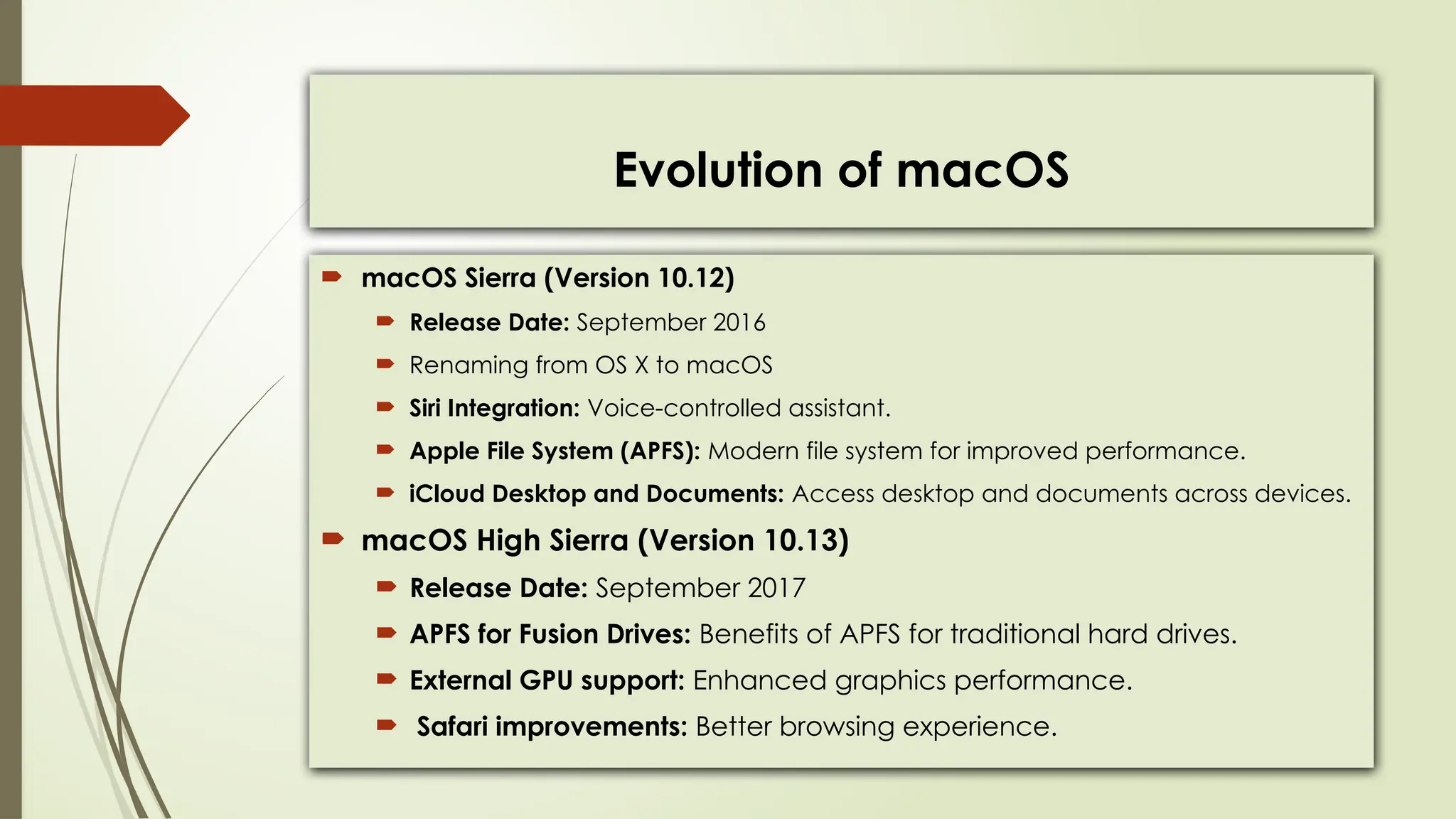
 macOS Sierra (Version 10.12)
 Release Date: September 2016
 Renaming from OS X to macOS
 Siri Integration: Voice-controlled assistant.
 Apple File System (APFS): Modern file system for improved performance.
 iCloud Desktop and Documents: Access desktop and documents across devices.
 macOS High Sierra (Version 10.13)
 Release Date: September 2017
 APFS for Fusion Drives: Benefits of APFS for traditional hard drives.
 External GPU support: Enhanced graphics performance.
 Safari improvements: Better browsing experience.
Evolution of macOS
 macOS Mojave (Version 10.14)
 Release Date: September 2018
 Dark Mode: System-wide dark appearance.
 Stacks: Organizes desktop clutter.
 Dynamic Desktop: Wallpaper changes based on time of day.
 Privacy enhancements: Improved security and data protection.
 macOS Catalina (Version 10.15)
 Release Date: October 2019
 Sidecar: Use iPad as a second display.
 Catalyst: Port iPad apps to Mac.
 Project Catalyst: Develop universal apps.
 Security enhancements: Strengthened system
Evolution of macOS
 macOS Big Sur (Version 11.0)
 Release Date: November 2020
 Redesigned UI: Modernized user interface.
 Control Center: Quick access to system controls.
 Widgets: Customizable widgets.
 Performance improvements: Enhanced speed and efficiency.
 macOS Monterey (Version 12.0)
 Release Date: October 2021
 Universal Control: Use one keyboard and mouse across devices.
 AirPlay to Mac: Stream content from iOS to Mac.
 Focus mode: Minimize distractions.
 Safari updates: Improved browsing experience
Evolution of macOS
 macOS Ventura (Version 13.0)
 Release Date: October 2022
 Stage Manager: Optional window manager.
 Redesigned Settings App.
 Continuity Camera: Use iPhone as a camera.
 No macOS Server support.
 macOS Sonoma (Version 14.0)
 Release Date: September 2023
 Revamp of Widgets.
 Redesigned User Lock Screen.
 Video Wallpaper/Screensaver feature using Apple TV's screen saver videos.
Evolution of iOS
 iOS 9
 Release Date: September 2015
 Proactive Assistant: Predictive recommendations.
 Split-Screen Multitasking: Use two apps simultaneously.
 Apple Maps improvements: Enhanced navigation features.
 iOS 10
 Release Date: September 2016
 SiriKit: Integrate Siri into third-party apps.
 App Extensions: Extend app functionality.
 iMessage enhancements: More interactive messaging.
Evolution of iOS
 iOS 11
 Release Date: September 2017
 ARKit: Augmented reality experiences.
 Files app: Manage files more effectively.
 Do Not Disturb While Driving: Promotes safer driving habits.
 iOS 12
 Release Date: September 2018
 Screen Time: Manage device usage.
 Grouped Notifications: Organize notifications.
 Memoji: Customizable Animoji.
Evolution of iOS
 iOS 13
 Release Date: September 2019
 Dark Mode: System-wide dark appearance.
 Sign in with Apple: Privacy-focused login.
 Photos and Camera improvements: Enhanced editing tools and features.
 iOS 14
 Release Date: September 2020
 App Library: Organize and discover apps.
 Widgets: Customizable home screen widgets.
 App Clips: Discover and use apps without full installation.
 Privacy enhancements: More control over data sharing.
Evolution of iOS
 iOS 15
 Release Date: September 2021
 Focus mode: Minimize distractions.
 FaceTime improvements: SharePlay, Spatial Audio.
 Live Text: Recognize and interact with text in photos.
 iOS 16
 Release Date: September 2022
 Redesigned Lock Screen: Customize with widgets for quick access.
 Messages Enhancement: Edit or delete sent messages easily.
 Visual Look Up: Copy subjects from images for easy sharing.
Evolution of iOS
 iOS 17
 Release Date: September 2023
 StandBy: Glance at important info while charging.
 Interactive Widgets for quick tasks on Home, Lock, and
StandBy screens.
 Contact Posters: Personalize call screens for a unique touch.
 Live Voicemail: View voicemail transcripts in real-time.
 FaceTime: Leave messages, use hand gestures, and hand
off calls.
 AirDrop: Share contact info and initiate transfers easily.
 AirPlay in Hotels: Stream content to hotel TVs effortlessly.
Evolution of Android OS
 Android 6.0 Marshmallow
 Release Date: November 2014
 Doze Mode: Extends battery life.
 App Permissions: Control app permissions.
 Google Now on Tap: Contextual information.
 Android 7.0 Nougat
 Release Date: August 2016
 Multi-Window support: Run two apps side by side.
 Daydream VR: Virtual reality platform.
 Vulkan API: High-performance 3D graphics.
Evolution of Android OS
 Android 8.0 Oreo
 Release Date: August 2017
 Picture-in-Picture mode: View video while using other apps.
 Notification Dots: Indicate pending notifications.
 Autofill API: Fill forms automatically.
 Android 9.0 Pie
 Release Date: August 2018
 Digital Wellbeing: Monitor and manage device usage.
 Adaptive Battery: Optimize battery usage.
 Gesture Navigation: Navigate with gestures.
Evolution of Android OS
 Android 10 Q
 Release Date: September 2019
 Picture-in-Picture mode: View video while using other apps.
 Notification Dots: Indicate pending notifications.
 Autofill API: Fill forms automatically.
 Android 11 R
 Release Date: September 2020
 Chat Bubbles: Easy access to conversations.
 Screen Recording: Capture screen activity
 Device Controls: Control connected devices
Evolution of Android OS
 Android 12 S
 Release Date: October 2021
 Material You design: Personalized UI.
 Privacy Dashboard: Monitor app permissions.
 Performance improvements: Enhanced speed and efficiency.
 Android 13 T
 Release Date: August 2022
 Bluetooth LE Audio: Improved wireless audio.
 Theme Icons: Customize lock screen easily.
 Intuitive Gestures: Smooth navigation.
 Refined Photo Picker: Easy image selection.
 Smart-Home Controls: Accessible from lock screen.
 Spatial Audio: Immersive listening experience.
Evolution of Android OS
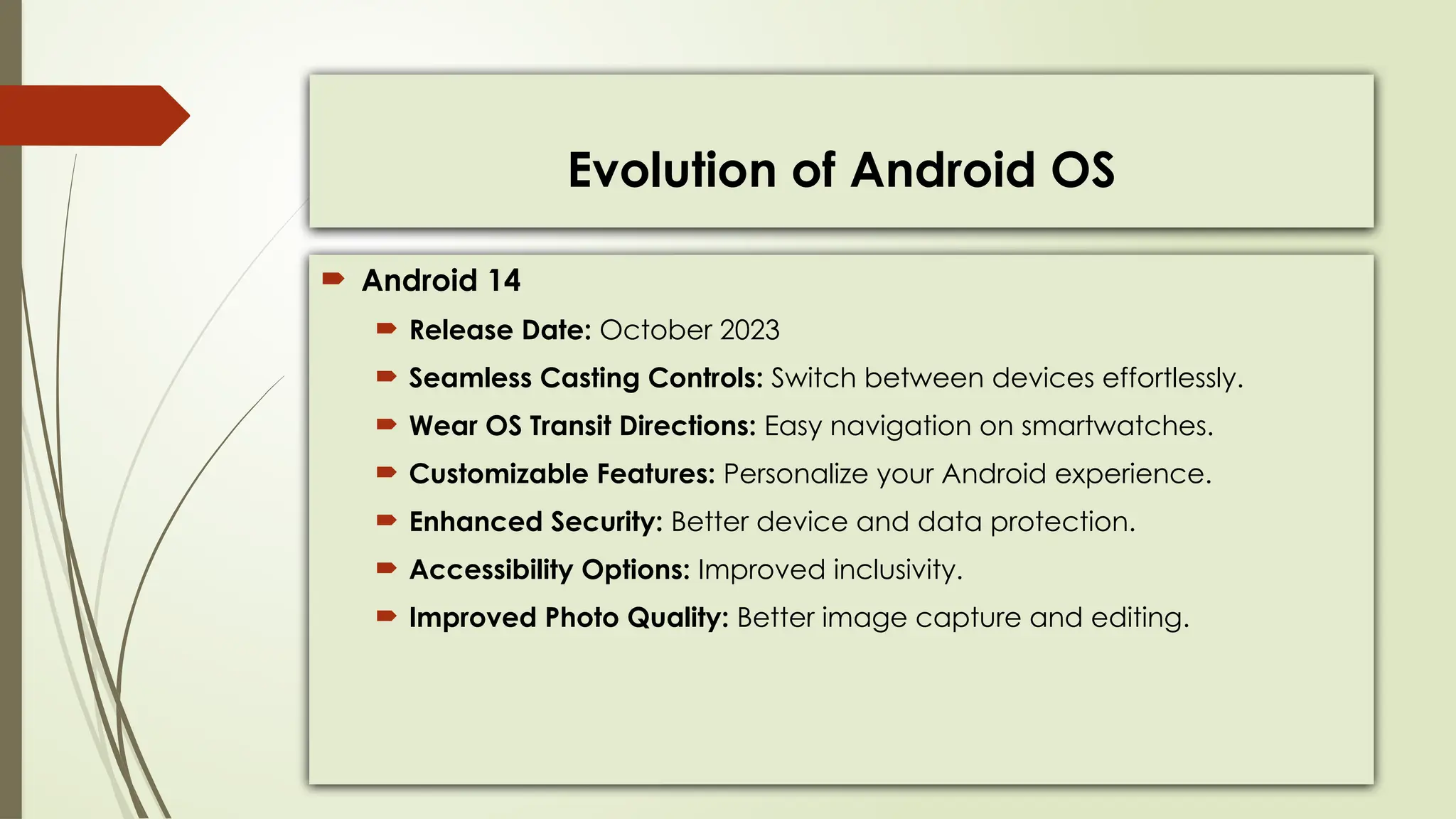
 Android 14
 Release Date: October 2023
 Seamless Casting Controls: Switch between devices effortlessly.
 Wear OS Transit Directions: Easy navigation on smartwatches.
 Customizable Features: Personalize your Android experience.
 Enhanced Security: Better device and data protection.
 Accessibility Options: Improved inclusivity.
 Improved Photo Quality: Better image capture and editing.
Evolution of Windows OS
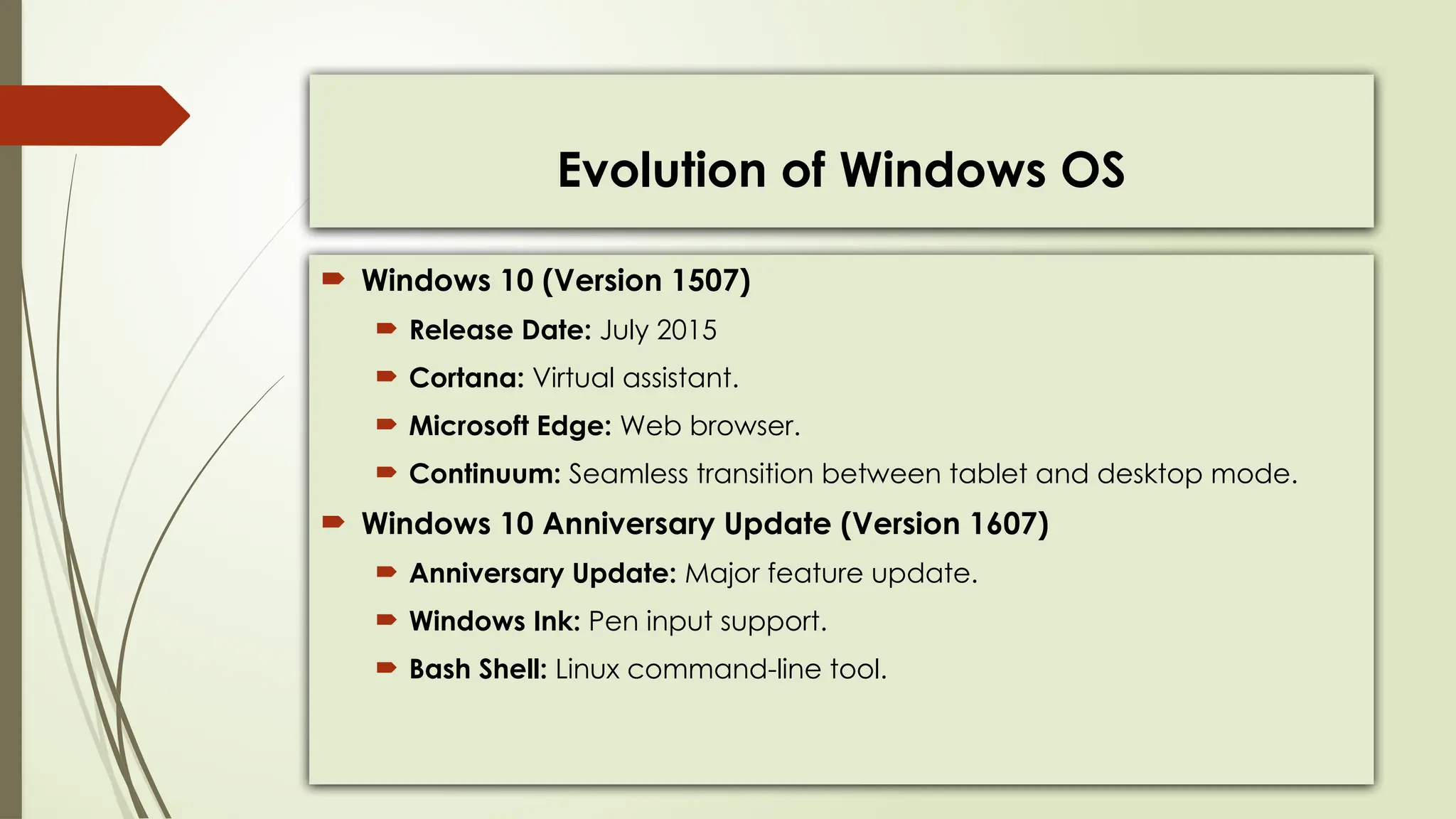
 Windows 10 (Version 1507)
 Release Date: July 2015
 Cortana: Virtual assistant.
 Microsoft Edge: Web browser.
 Continuum: Seamless transition between tablet and desktop mode.
 Windows 10 Anniversary Update (Version 1607)
 Anniversary Update: Major feature update.
 Windows Ink: Pen input support.
 Bash Shell: Linux command-line tool.
Evolution of Windows OS
 Windows 10 Creators Update (Version 1709)
 Release Date: October 2017
 Fall Creators Update: Feature-rich update.
 Fluent Design System: Modern design language.
 Mixed Reality: Virtual and augmented reality experiences.
 Windows 10 October 2018 Update (Version 1809)
 Release Date: October 2018
 Dark Mode for File Explorer
 Cloud Clipboard
Evolution of Windows OS
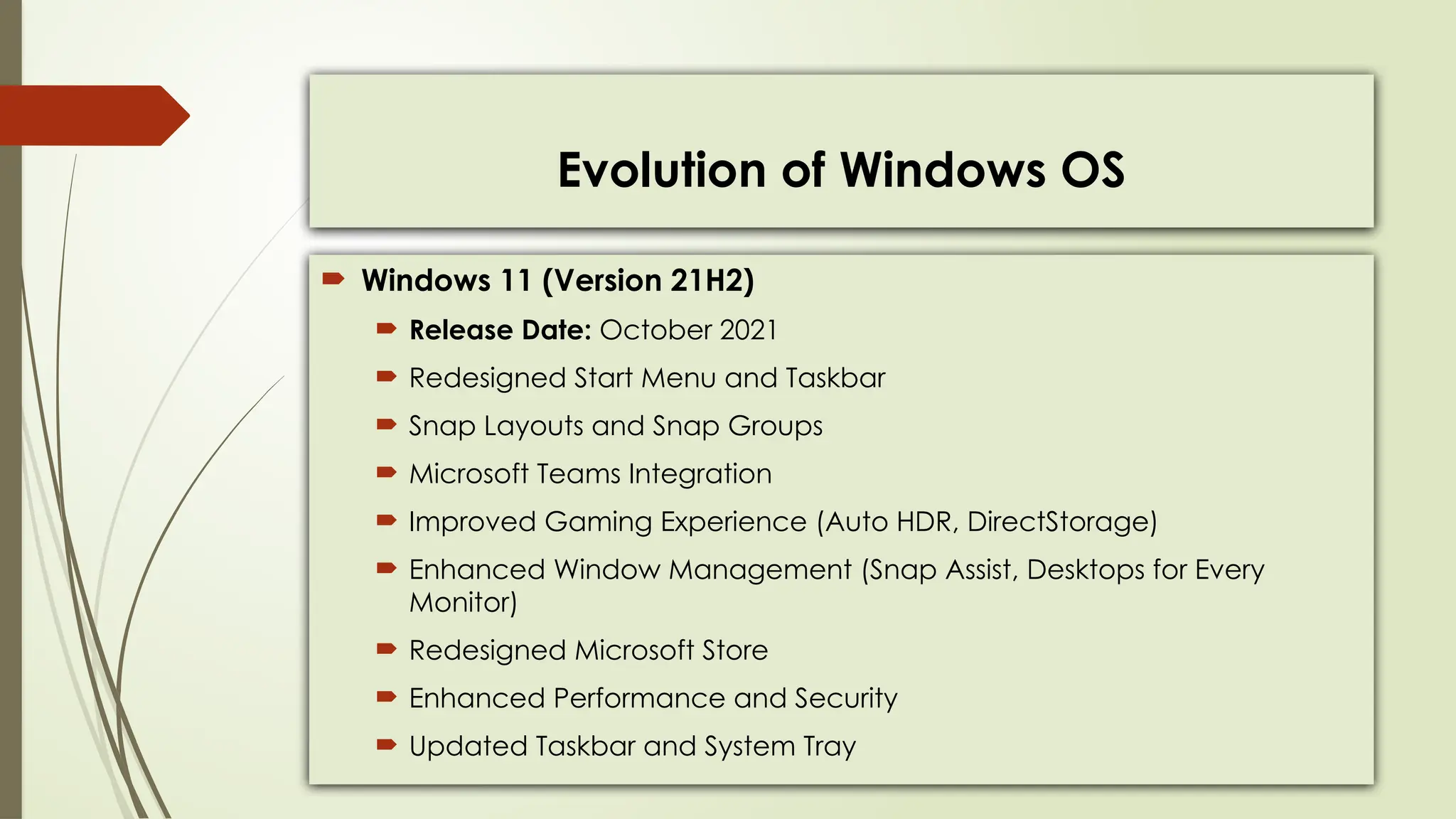
 Windows 11 (Version 21H2)
 Release Date: October 2021
 Redesigned Start Menu and Taskbar
 Snap Layouts and Snap Groups
 Microsoft Teams Integration
 Improved Gaming Experience (Auto HDR, DirectStorage)
 Enhanced Window Management (Snap Assist, Desktops for Every
Monitor)
 Redesigned Microsoft Store
 Enhanced Performance and Security
 Updated Taskbar and System Tray

Operating systems Evolution overviews.pptx

  • 1.
    Evolution of OperatingSystems Over the Last Decade
  • 2.
    What Of OperatingSystem  An operating system (OS) is the software that makes your computer work.  Controls Hardware: Manages computer parts like the CPU and memory.  Provides Interface: Lets you interact with your computer through a screen.  Manages Resources: Shares resources between programs, like memory and storage.  Ensures Security: Keeps your computer safe from viruses and unauthorized access.
  • 3.
    Evolution of macOS OS X Yosemite (Version 10.10)  Release Date: October 2014  Continuity: Seamlessly work across Apple devices.  Spotlight enhancements: Improved search functionality.  Dark Mode: Reduces eye strain in low-light environments.  OS X El Capitan (Version 10.11)  Release Date: September 2015  Split View: Multitask with two apps side by side.  Metal graphics technology: Improves graphics performance.  Performance improvements: Enhances overall system responsiveness.
  • 4.
    Evolution of macOS macOS Sierra (Version 10.12)  Release Date: September 2016  Renaming from OS X to macOS  Siri Integration: Voice-controlled assistant.  Apple File System (APFS): Modern file system for improved performance.  iCloud Desktop and Documents: Access desktop and documents across devices.  macOS High Sierra (Version 10.13)  Release Date: September 2017  APFS for Fusion Drives: Benefits of APFS for traditional hard drives.  External GPU support: Enhanced graphics performance.  Safari improvements: Better browsing experience.
  • 5.
    Evolution of macOS macOS Mojave (Version 10.14)  Release Date: September 2018  Dark Mode: System-wide dark appearance.  Stacks: Organizes desktop clutter.  Dynamic Desktop: Wallpaper changes based on time of day.  Privacy enhancements: Improved security and data protection.  macOS Catalina (Version 10.15)  Release Date: October 2019  Sidecar: Use iPad as a second display.  Catalyst: Port iPad apps to Mac.  Project Catalyst: Develop universal apps.  Security enhancements: Strengthened system
  • 6.
    Evolution of macOS macOS Big Sur (Version 11.0)  Release Date: November 2020  Redesigned UI: Modernized user interface.  Control Center: Quick access to system controls.  Widgets: Customizable widgets.  Performance improvements: Enhanced speed and efficiency.  macOS Monterey (Version 12.0)  Release Date: October 2021  Universal Control: Use one keyboard and mouse across devices.  AirPlay to Mac: Stream content from iOS to Mac.  Focus mode: Minimize distractions.  Safari updates: Improved browsing experience
  • 7.
    Evolution of macOS macOS Ventura (Version 13.0)  Release Date: October 2022  Stage Manager: Optional window manager.  Redesigned Settings App.  Continuity Camera: Use iPhone as a camera.  No macOS Server support.  macOS Sonoma (Version 14.0)  Release Date: September 2023  Revamp of Widgets.  Redesigned User Lock Screen.  Video Wallpaper/Screensaver feature using Apple TV's screen saver videos.
  • 8.
    Evolution of iOS iOS 9  Release Date: September 2015  Proactive Assistant: Predictive recommendations.  Split-Screen Multitasking: Use two apps simultaneously.  Apple Maps improvements: Enhanced navigation features.  iOS 10  Release Date: September 2016  SiriKit: Integrate Siri into third-party apps.  App Extensions: Extend app functionality.  iMessage enhancements: More interactive messaging.
  • 9.
    Evolution of iOS iOS 11  Release Date: September 2017  ARKit: Augmented reality experiences.  Files app: Manage files more effectively.  Do Not Disturb While Driving: Promotes safer driving habits.  iOS 12  Release Date: September 2018  Screen Time: Manage device usage.  Grouped Notifications: Organize notifications.  Memoji: Customizable Animoji.
  • 10.
    Evolution of iOS iOS 13  Release Date: September 2019  Dark Mode: System-wide dark appearance.  Sign in with Apple: Privacy-focused login.  Photos and Camera improvements: Enhanced editing tools and features.  iOS 14  Release Date: September 2020  App Library: Organize and discover apps.  Widgets: Customizable home screen widgets.  App Clips: Discover and use apps without full installation.  Privacy enhancements: More control over data sharing.
  • 11.
    Evolution of iOS iOS 15  Release Date: September 2021  Focus mode: Minimize distractions.  FaceTime improvements: SharePlay, Spatial Audio.  Live Text: Recognize and interact with text in photos.  iOS 16  Release Date: September 2022  Redesigned Lock Screen: Customize with widgets for quick access.  Messages Enhancement: Edit or delete sent messages easily.  Visual Look Up: Copy subjects from images for easy sharing.
  • 12.
    Evolution of iOS iOS 17  Release Date: September 2023  StandBy: Glance at important info while charging.  Interactive Widgets for quick tasks on Home, Lock, and StandBy screens.  Contact Posters: Personalize call screens for a unique touch.  Live Voicemail: View voicemail transcripts in real-time.  FaceTime: Leave messages, use hand gestures, and hand off calls.  AirDrop: Share contact info and initiate transfers easily.  AirPlay in Hotels: Stream content to hotel TVs effortlessly.
  • 13.
    Evolution of AndroidOS  Android 6.0 Marshmallow  Release Date: November 2014  Doze Mode: Extends battery life.  App Permissions: Control app permissions.  Google Now on Tap: Contextual information.  Android 7.0 Nougat  Release Date: August 2016  Multi-Window support: Run two apps side by side.  Daydream VR: Virtual reality platform.  Vulkan API: High-performance 3D graphics.
  • 14.
    Evolution of AndroidOS  Android 8.0 Oreo  Release Date: August 2017  Picture-in-Picture mode: View video while using other apps.  Notification Dots: Indicate pending notifications.  Autofill API: Fill forms automatically.  Android 9.0 Pie  Release Date: August 2018  Digital Wellbeing: Monitor and manage device usage.  Adaptive Battery: Optimize battery usage.  Gesture Navigation: Navigate with gestures.
  • 15.
    Evolution of AndroidOS  Android 10 Q  Release Date: September 2019  Picture-in-Picture mode: View video while using other apps.  Notification Dots: Indicate pending notifications.  Autofill API: Fill forms automatically.  Android 11 R  Release Date: September 2020  Chat Bubbles: Easy access to conversations.  Screen Recording: Capture screen activity  Device Controls: Control connected devices
  • 16.
    Evolution of AndroidOS  Android 12 S  Release Date: October 2021  Material You design: Personalized UI.  Privacy Dashboard: Monitor app permissions.  Performance improvements: Enhanced speed and efficiency.  Android 13 T  Release Date: August 2022  Bluetooth LE Audio: Improved wireless audio.  Theme Icons: Customize lock screen easily.  Intuitive Gestures: Smooth navigation.  Refined Photo Picker: Easy image selection.  Smart-Home Controls: Accessible from lock screen.  Spatial Audio: Immersive listening experience.
  • 17.
    Evolution of AndroidOS  Android 14  Release Date: October 2023  Seamless Casting Controls: Switch between devices effortlessly.  Wear OS Transit Directions: Easy navigation on smartwatches.  Customizable Features: Personalize your Android experience.  Enhanced Security: Better device and data protection.  Accessibility Options: Improved inclusivity.  Improved Photo Quality: Better image capture and editing.
  • 18.
    Evolution of WindowsOS  Windows 10 (Version 1507)  Release Date: July 2015  Cortana: Virtual assistant.  Microsoft Edge: Web browser.  Continuum: Seamless transition between tablet and desktop mode.  Windows 10 Anniversary Update (Version 1607)  Anniversary Update: Major feature update.  Windows Ink: Pen input support.  Bash Shell: Linux command-line tool.
  • 19.
    Evolution of WindowsOS  Windows 10 Creators Update (Version 1709)  Release Date: October 2017  Fall Creators Update: Feature-rich update.  Fluent Design System: Modern design language.  Mixed Reality: Virtual and augmented reality experiences.  Windows 10 October 2018 Update (Version 1809)  Release Date: October 2018  Dark Mode for File Explorer  Cloud Clipboard
  • 20.
    Evolution of WindowsOS  Windows 11 (Version 21H2)  Release Date: October 2021  Redesigned Start Menu and Taskbar  Snap Layouts and Snap Groups  Microsoft Teams Integration  Improved Gaming Experience (Auto HDR, DirectStorage)  Enhanced Window Management (Snap Assist, Desktops for Every Monitor)  Redesigned Microsoft Store  Enhanced Performance and Security  Updated Taskbar and System Tray