Downloaded 396 times





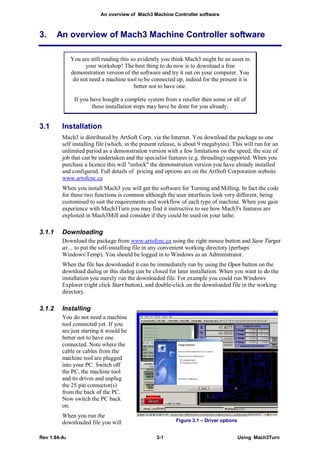


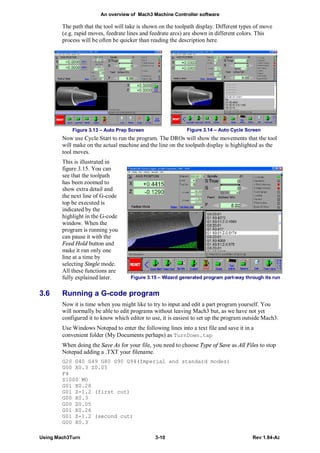


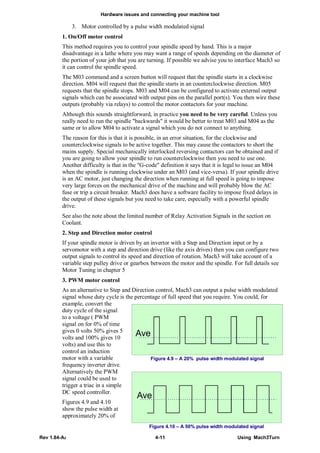

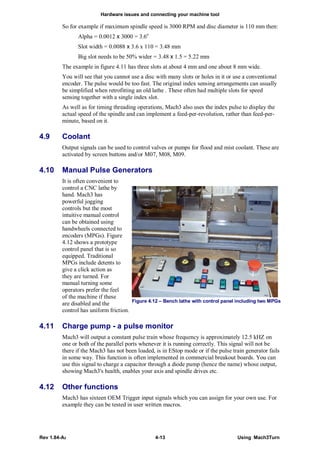


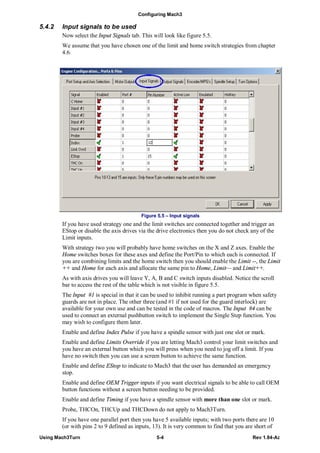


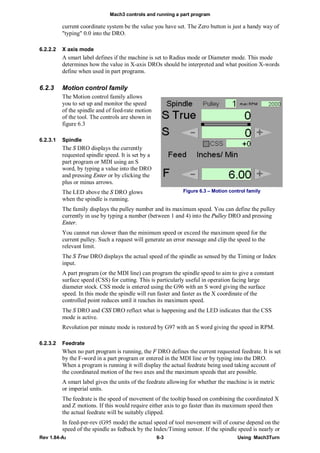


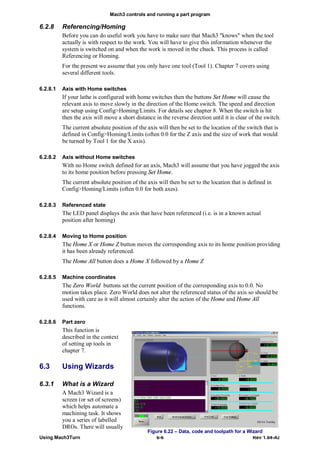


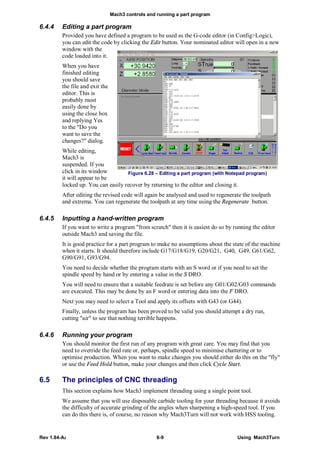


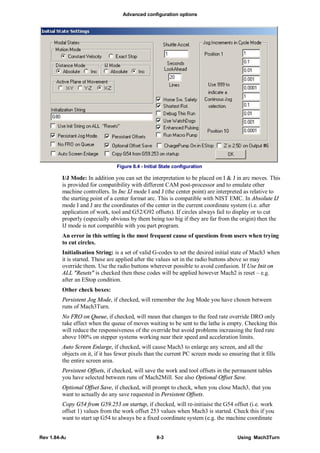


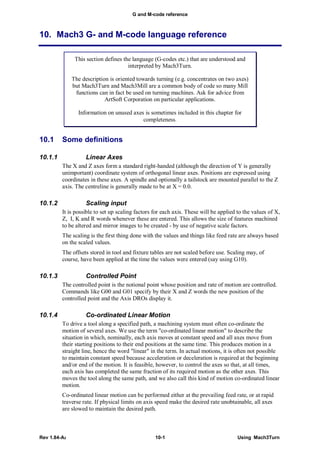






This document provides an overview and user guide for installing and using Mach3Turn software to control a CNC lathe or boring machine. It covers downloading and installing Mach3Turn, configuring the software for the machine hardware including axis drives, limit and home switches, spindle control, and more. It also explains how to use the Mach3Turn interface screens and controls to jog axes, run G-code programs, set up tools and jobs, and complete basic and advanced CNC turning operations like threading. Configuring tools, work offsets, and the relationship between program coordinates and machine coordinates is described. Advanced configuration options are also outlined. The document is intended to help new users understand and get started with the Mach3Turn machine control


![Caterpillar Diesel Engine Control Systems [PDF, ENG, 588 KB].pdf](https://cdn.slidesharecdn.com/ss_thumbnails/caterpillardieselenginecontrolsystemspdfeng588kb-220908204320-d8164ccc-thumbnail.jpg?width=640&height=640&fit=bounds)


