

Incident Handling, Hacker Techniques
and Countermeasures
José L. Quiñones, BSEET
MCSA, RHCSA, C|EH, C|ECI, C)PEH, C)M2I, GCIH, GPEN, HIT
Disclaimer
• I am not a lawyer, I don’t play one on TV and I don’t
pretend to be an expert in legal matter.
• If you require a legal opinion seek the services a of
lawyer proficient in Information Security laws and
regulations.
• All information contained here is the product of
personal research and experience in the fields of IT, HIT,
and Information Security.
• All copyrights of images and or references go to their
respective owners
Incident Handling
• It’s a plan to deal with the misuse of computer systems and
networks.
• Written procedures and policy to know what to do and how
to do it when it happens.
• An incident is an adverse “event” in the information systems
and/or network.
The Incident handling process
Preparation
Identification
Containment
Eradication
Recovery
Lessons Learn
Preparation
• Policies and Procedures
• Operational Controls
• Supplies (Software, Hardware, Notebook, ect)
• People (Team)
• Space (War Room)
• Secure Communications & Channels
• Drills, Practices, Training
Identification
• Be alert! maintain situational awareness and Communicate (Meet
often)
• Correlate
• Assign the primary and a sidekick
• Enforce “need to know” lockdown
• Sources
• Network, System & Application
• Look for suspicious events
• Establish chain of custody
Containment
• Collect Forensic Data
• Take control
• Stop the bleeding
• Stop attacker from getting deeper
• Characterize the incident
• Inform Management
• Track and Analyze
• Create ACLs, Patch, or Disconnect …
Eradication
• Determine cause of symptoms
• Implement appropriate remedies
• Remove malware or any other hacking tool
• Improve your defenses
• Restore from clean backups
• Do a Vulnerability Assessment
Recovery
• Get validation from business units
• Test operations
• Restore Operations
• Monitor
• Look for “stuff” to come back
Lessons Learned
• Review the data
• How everyone performed?
• What was the impact on the company?
• Did the controls worked?
• Where the policies and procedures enough?
• Follow up report and meet with the team
• Make any modifications to existing controls and/or implement new
ones.
What are you defending from?
… from Hacking, Penetration, Breach!
• Reconnaissance/OSINT
• Scanning / Enumeration
• Gaining Access / Exploitation
• Post-exploitation/Loot/Escalate
• Covering Tracks / Cleanup
------
• Reporting (only on sanctioned attacks or exercises)
Reconnaissance/OSINT
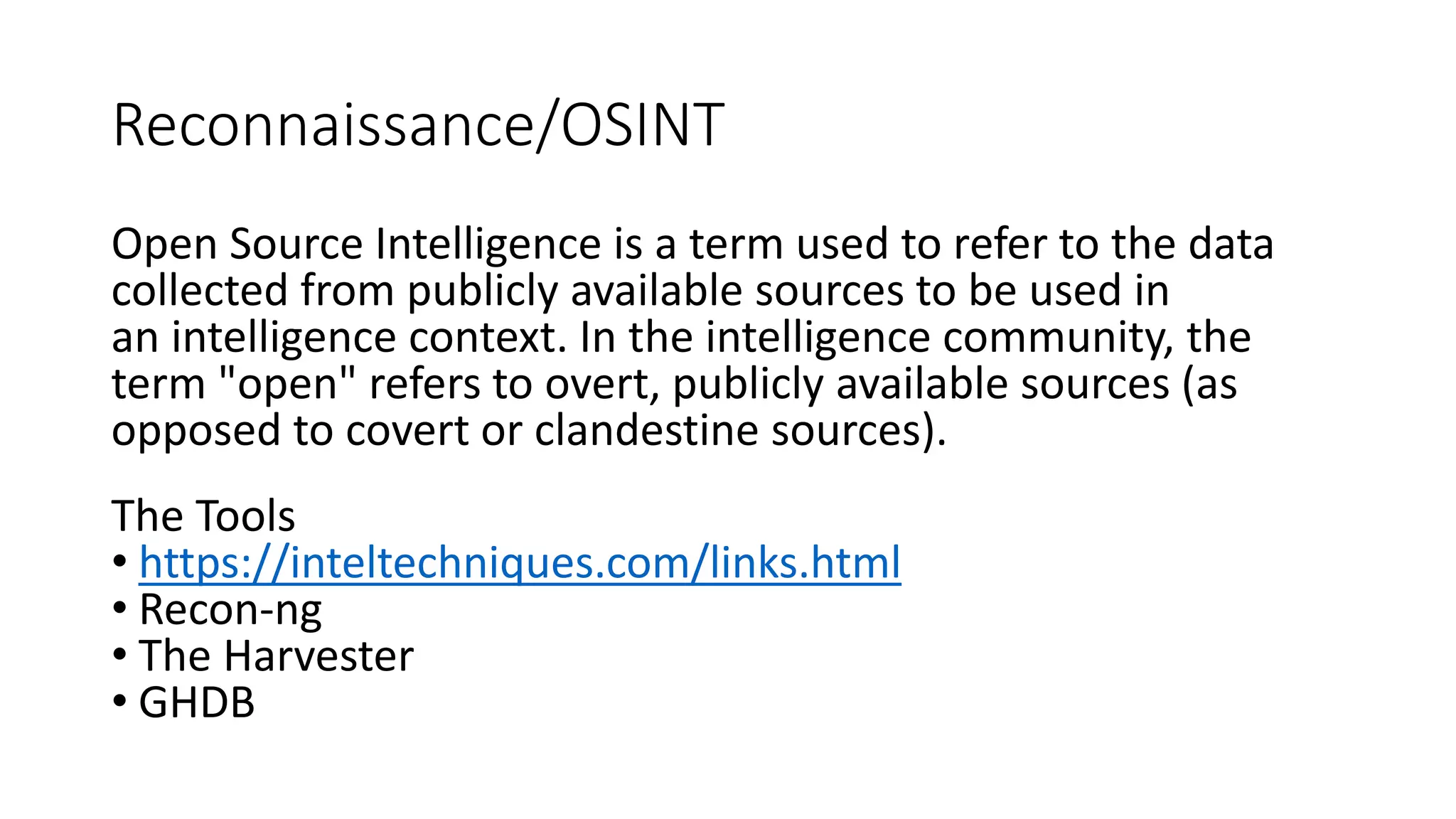
Open Source Intelligence is a term used to refer to the data
collected from publicly available sources to be used in
an intelligence context. In the intelligence community, the
term "open" refers to overt, publicly available sources (as
opposed to covert or clandestine sources).
The Tools
• https://inteltechniques.com/links.html
• Recon-ng
• The Harvester
• GHDB
Scanning / Enumeration
• Active Directory
• powershell (Get-ADComputer)
• wmi
• DNS
• dnsrecon/denenum
• Network
• nmap
• ping/traceroure/arp
• Frameworks (scripts)
• Redhawk/Sn1per
Vulnerability Scanning
Automated
• Nessus
• Nexposed
• OpenVAS
• Nmap scripts
• Qualys
• Wpscan
• Nikto
Manual
• Acunetix
• National Vulnerability DB
• CVE = mitre.org
• Fuzzing
Exploitation
• Metasploit Framework
• Powershell Empire
• Offensive Security Exploit DB/searchploit
• Packetstorm Security
Post-exploitation
• Loot
• Take files and any information
• Dump credentials
• hashes/tokens/password
• Crack passwords
• hashcat/oclhashcat
• john the Ripper
• Ophcrack/rainbowcrack
• Pivot
• Lateral movement
APT Style
• RATs are common and NOT
very sophisticated
• DNS exfiltration
• Encryption is the standard,
SSL/TLS tunneling
• They use system tools to
maintain under the radar
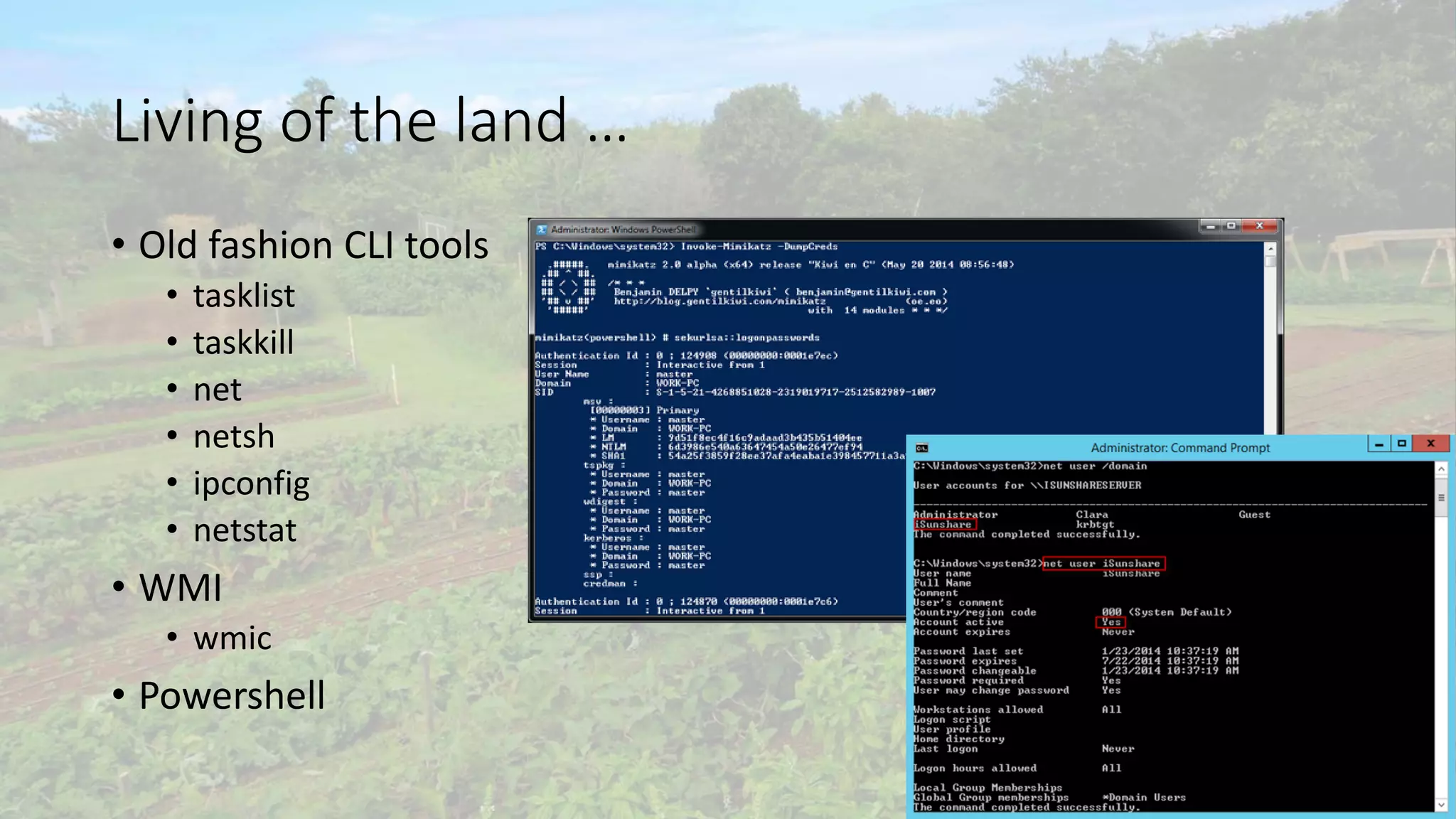
Living of the land …
• Old fashion CLI tools
• tasklist
• taskkill
• net
• netsh
• ipconfig
• netstat
• WMI
• wmic
• Powershell
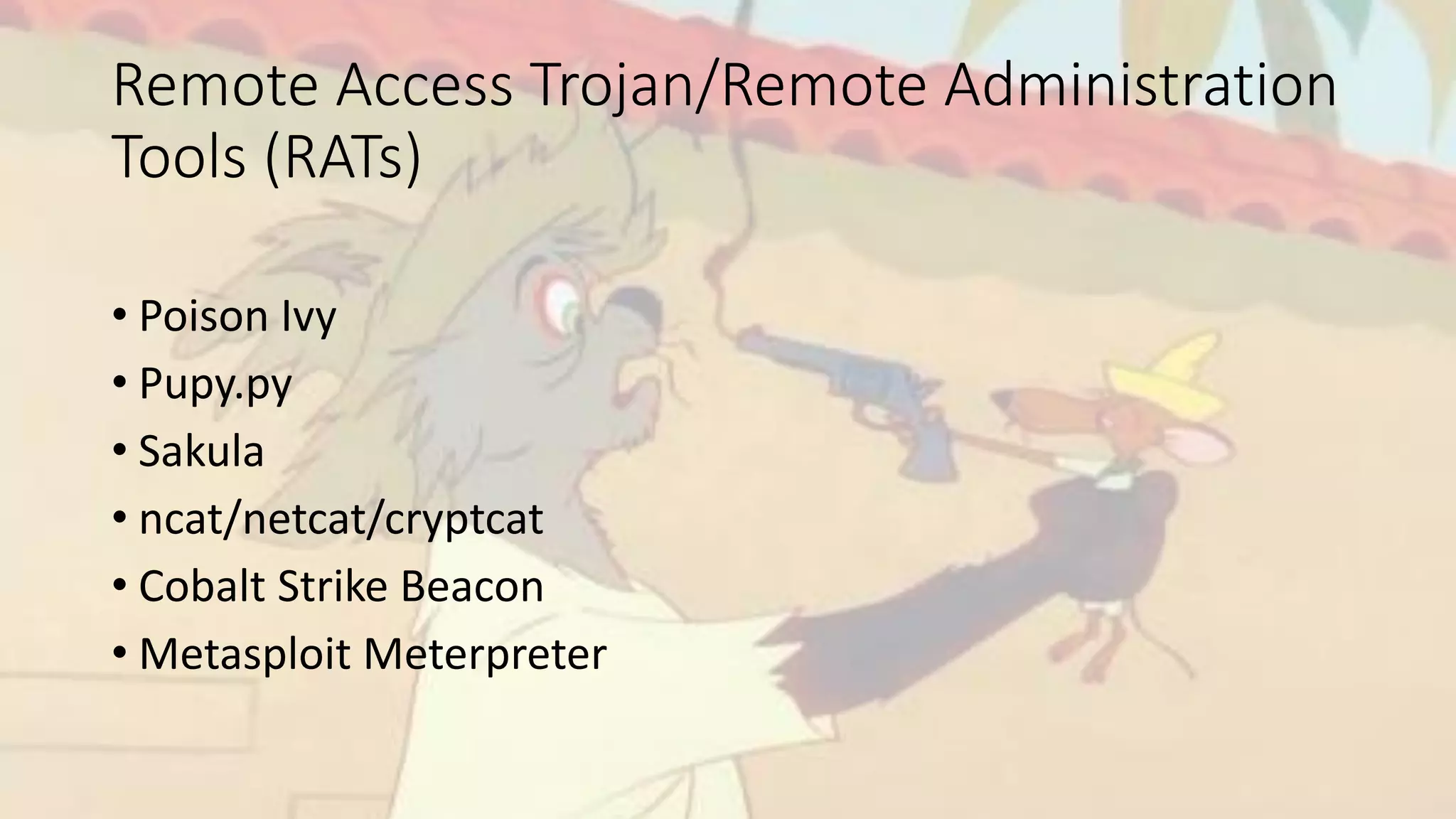
Remote Access Trojan/Remote Administration
Tools (RATs)
• Poison Ivy
• Pupy.py
• Sakula
• ncat/netcat/cryptcat
• Cobalt Strike Beacon
• Metasploit Meterpreter
This is the reality …
• Breaches are going to happen, Zer0-days exist
• Detect and respond as fast as possible
• Detection only works in a low noise environment
• Visibility and skill are key in managing an event
What do I do?
De.fend /dəˈfend/
resist an attack made on (someone or something); protect from harm or danger.
Defending
• Network Segmentation
• Subnetting
• ACLs
• Security Zones
• Management Network
• Server Farms
• Perimeter/Core Firewall
• Use IPS, IDS, AV and other features of your hardware
• Create chokepoints and monitor them
Use a Tier system (ie.Microsoft PAWS)
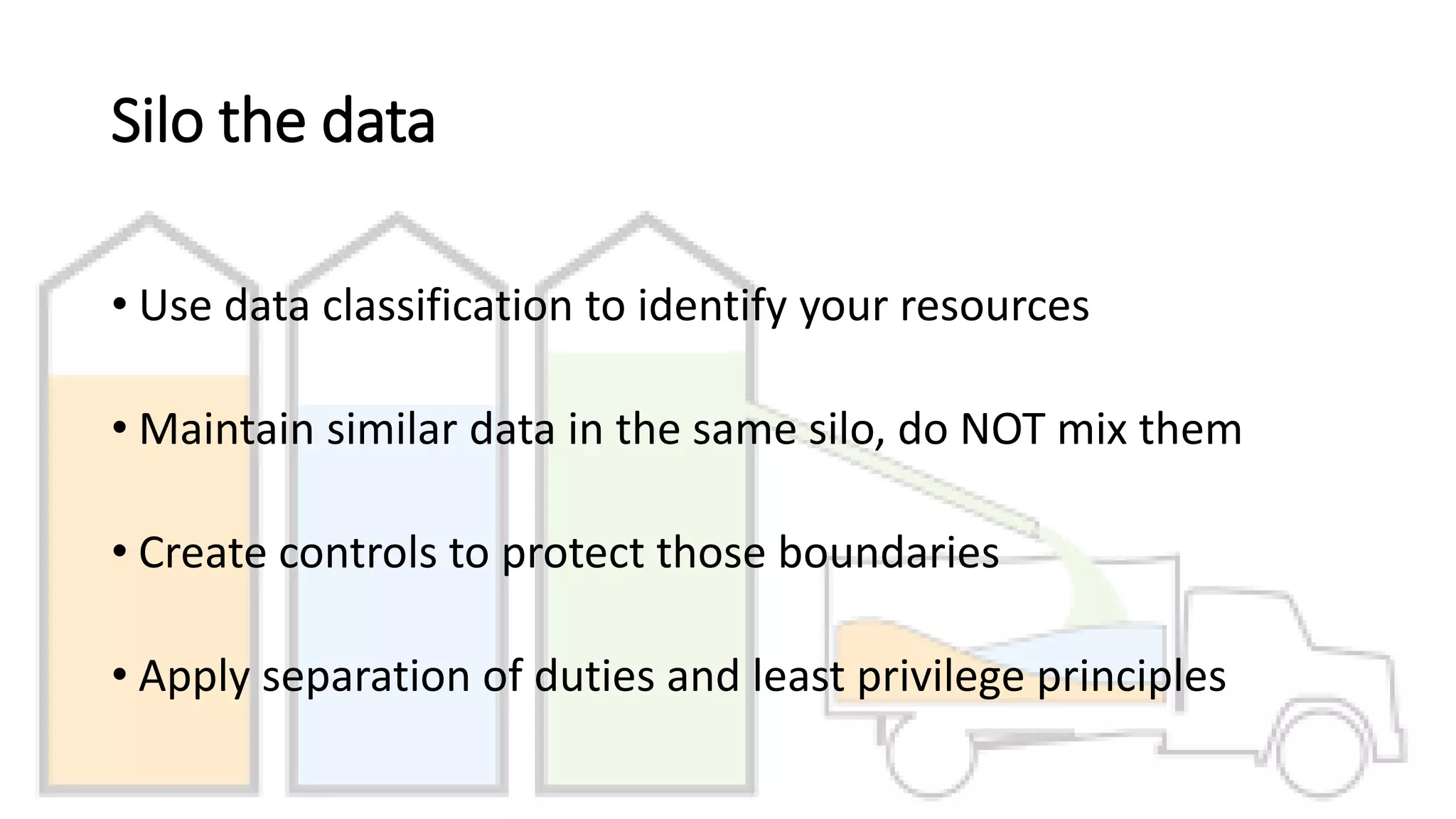
Silo the data
• Use data classification to identify your resources
• Maintain similar data in the same silo, do NOT mix them
• Create controls to protect those boundaries
• Apply separation of duties and least privilege principles
De.tect /dəˈtekt/
• discover or identify the presence or existence of.
• discover or investigate (a crime or its perpetrators).
• discern (something intangible or barely perceptible).
Detect!
• DNS
• Passive DNS Data
• Windows Events
• Windows Event Collector
• Group Policy Object (Audits)
• Sysinternals Sysmon
• Syslog
• Switches, Routers, Firewalls
• Network
• Net Flows
• Packet Capture
• Snort/Bro IDS
… and what do I do with all that
data?
Elastic Search
Log Stash
Kibana
Re·spond /rəˈspänd/
reply to, make a response to,react.
STOP!
Document everything …
Conclusion …
Questions?
Thanks!
• josequinones@codefidelio.org
• @josequinones
• http://codefidelio.org
• jquinones@obsidisconsortia.org
• @obsidis_NGO
• http://obsidisconsortia.org

Incident response, Hacker Techniques and Countermeasures

  • 1.
    Incident Handling, HackerTechniques and Countermeasures José L. Quiñones, BSEET MCSA, RHCSA, C|EH, C|ECI, C)PEH, C)M2I, GCIH, GPEN, HIT
  • 2.
    Disclaimer • I amnot a lawyer, I don’t play one on TV and I don’t pretend to be an expert in legal matter. • If you require a legal opinion seek the services a of lawyer proficient in Information Security laws and regulations. • All information contained here is the product of personal research and experience in the fields of IT, HIT, and Information Security. • All copyrights of images and or references go to their respective owners
  • 3.
    Incident Handling • It’sa plan to deal with the misuse of computer systems and networks. • Written procedures and policy to know what to do and how to do it when it happens. • An incident is an adverse “event” in the information systems and/or network.
  • 4.
    The Incident handlingprocess Preparation Identification Containment Eradication Recovery Lessons Learn
  • 5.
    Preparation • Policies andProcedures • Operational Controls • Supplies (Software, Hardware, Notebook, ect) • People (Team) • Space (War Room) • Secure Communications & Channels • Drills, Practices, Training
  • 6.
    Identification • Be alert!maintain situational awareness and Communicate (Meet often) • Correlate • Assign the primary and a sidekick • Enforce “need to know” lockdown • Sources • Network, System & Application • Look for suspicious events • Establish chain of custody
  • 7.
    Containment • Collect ForensicData • Take control • Stop the bleeding • Stop attacker from getting deeper • Characterize the incident • Inform Management • Track and Analyze • Create ACLs, Patch, or Disconnect …
  • 8.
    Eradication • Determine causeof symptoms • Implement appropriate remedies • Remove malware or any other hacking tool • Improve your defenses • Restore from clean backups • Do a Vulnerability Assessment
  • 9.
    Recovery • Get validationfrom business units • Test operations • Restore Operations • Monitor • Look for “stuff” to come back
  • 10.
    Lessons Learned • Reviewthe data • How everyone performed? • What was the impact on the company? • Did the controls worked? • Where the policies and procedures enough? • Follow up report and meet with the team • Make any modifications to existing controls and/or implement new ones.
  • 11.
    What are youdefending from?
  • 12.
    … from Hacking,Penetration, Breach! • Reconnaissance/OSINT • Scanning / Enumeration • Gaining Access / Exploitation • Post-exploitation/Loot/Escalate • Covering Tracks / Cleanup ------ • Reporting (only on sanctioned attacks or exercises)
  • 13.
    Reconnaissance/OSINT Open Source Intelligenceis a term used to refer to the data collected from publicly available sources to be used in an intelligence context. In the intelligence community, the term "open" refers to overt, publicly available sources (as opposed to covert or clandestine sources). The Tools • https://inteltechniques.com/links.html • Recon-ng • The Harvester • GHDB
  • 14.
    Scanning / Enumeration •Active Directory • powershell (Get-ADComputer) • wmi • DNS • dnsrecon/denenum • Network • nmap • ping/traceroure/arp • Frameworks (scripts) • Redhawk/Sn1per
  • 15.
    Vulnerability Scanning Automated • Nessus •Nexposed • OpenVAS • Nmap scripts • Qualys • Wpscan • Nikto Manual • Acunetix • National Vulnerability DB • CVE = mitre.org • Fuzzing
  • 16.
    Exploitation • Metasploit Framework •Powershell Empire • Offensive Security Exploit DB/searchploit • Packetstorm Security
  • 17.
    Post-exploitation • Loot • Takefiles and any information • Dump credentials • hashes/tokens/password • Crack passwords • hashcat/oclhashcat • john the Ripper • Ophcrack/rainbowcrack • Pivot • Lateral movement
  • 18.
    APT Style • RATsare common and NOT very sophisticated • DNS exfiltration • Encryption is the standard, SSL/TLS tunneling • They use system tools to maintain under the radar
  • 19.
    Living of theland … • Old fashion CLI tools • tasklist • taskkill • net • netsh • ipconfig • netstat • WMI • wmic • Powershell
  • 20.
    Remote Access Trojan/RemoteAdministration Tools (RATs) • Poison Ivy • Pupy.py • Sakula • ncat/netcat/cryptcat • Cobalt Strike Beacon • Metasploit Meterpreter
  • 21.
    This is thereality … • Breaches are going to happen, Zer0-days exist • Detect and respond as fast as possible • Detection only works in a low noise environment • Visibility and skill are key in managing an event
  • 22.
  • 23.
    De.fend /dəˈfend/ resist anattack made on (someone or something); protect from harm or danger.
  • 24.
    Defending • Network Segmentation •Subnetting • ACLs • Security Zones • Management Network • Server Farms • Perimeter/Core Firewall • Use IPS, IDS, AV and other features of your hardware • Create chokepoints and monitor them
  • 25.
    Use a Tiersystem (ie.Microsoft PAWS)
  • 26.
    Silo the data •Use data classification to identify your resources • Maintain similar data in the same silo, do NOT mix them • Create controls to protect those boundaries • Apply separation of duties and least privilege principles
  • 27.
    De.tect /dəˈtekt/ • discoveror identify the presence or existence of. • discover or investigate (a crime or its perpetrators). • discern (something intangible or barely perceptible).
  • 28.
    Detect! • DNS • PassiveDNS Data • Windows Events • Windows Event Collector • Group Policy Object (Audits) • Sysinternals Sysmon • Syslog • Switches, Routers, Firewalls • Network • Net Flows • Packet Capture • Snort/Bro IDS
  • 29.
    … and whatdo I do with all that data?
  • 30.
  • 32.
    Re·spond /rəˈspänd/ reply to,make a response to,react.
  • 33.
  • 35.
  • 37.
  • 38.
  • 39.
    Thanks! • josequinones@codefidelio.org • @josequinones •http://codefidelio.org • jquinones@obsidisconsortia.org • @obsidis_NGO • http://obsidisconsortia.org