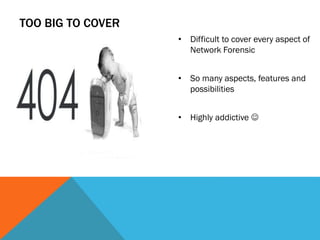


TOO BIG TO COVER
• Difficult to cover every aspect of
Network Forensic
• So many aspects, features and
possibilities
• Highly addictive 
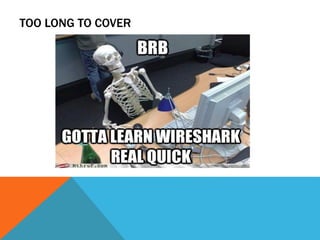
TOO LONG TO COVER
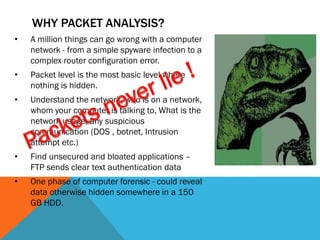
• A million things can go wrong with a computer
network - from a simple spyware infection to a
complex router configuration error.
• Packet level is the most basic level where
nothing is hidden.
• Understand the network, who is on a network,
whom your computer is talking to, What is the
network usage, any suspicious
communication (DOS , botnet, Intrusion
attempt etc.)
• Find unsecured and bloated applications –
FTP sends clear text authentication data
• One phase of computer forensic - could reveal
data otherwise hidden somewhere in a 150
GB HDD.
WHY PACKET ANALYSIS?
IN DEPTH ANALYSIS
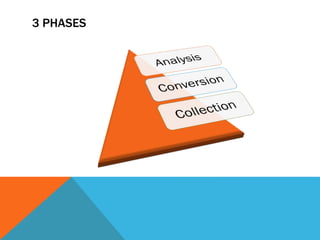
3 PHASES
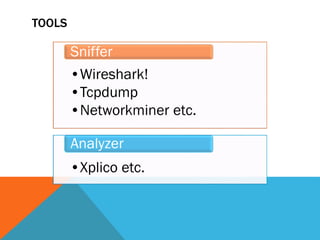
TOOLS
•Wireshark!
•Tcpdump
•Networkminer etc.
Sniffer
•Xplico etc.
Analyzer
PRE-REQUISITE
• Patience…
PRE-REQUISITE
• An inquisitive mind and
sometimes weirder is
better
THERE ALWAYS BE A PROBLEM TO SOLVE
• Being a bit
organized helps in
long run
NOW WHAT?
Think it like you are solving a mystery
• Where do we start?
• What questions to ask?
• What tools do we need?
• Once you have the traces - what then?
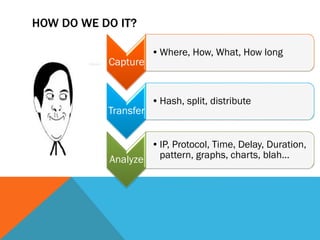
Capture
•Where, How, What, How long
Transfer
•Hash, split, distribute
Analyze
•IP, Protocol, Time, Delay, Duration,
pattern, graphs, charts, blah…
HOW DO WE DO IT?
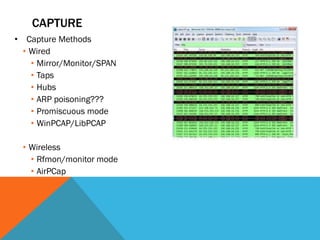
CAPTURE
• Capture Methods
• Wired
• Mirror/Monitor/SPAN
• Taps
• Hubs
• ARP poisoning???
• Promiscuous mode
• WinPCAP/LibPCAP
• Wireless
• Rfmon/monitor mode
• AirPCap
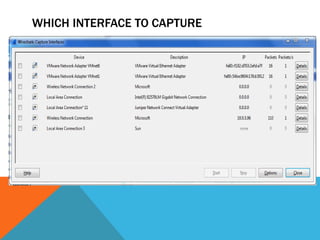
WHICH INTERFACE TO CAPTURE
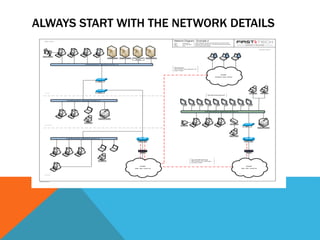
ALWAYS START WITH THE NETWORK DETAILS
MORE QUESTIONS BETTER ANALYSIS
• Are the servers in the same locations or different
• Same subnet, different subnet
• Any suspicion - IP Address, Application
• When did it start
• How and when did it get identified
• Why you were there – lack of resource, time, expertise
WHAT NOT TO DO
• Do not scroll up and down and try manually reading packets
one by one.
• Do not capture any and every traffic just for the sake of
capturing.
• Do not ASSUME. You can have thoughts, suspicions.
THEN WHAT DO WE DO?
STILL NEED REASONS!
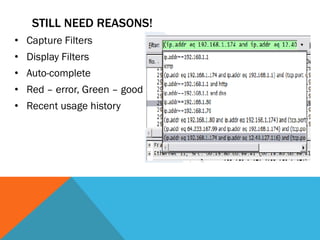
• Capture Filters
• Display Filters
• Auto-complete
• Red – error, Green – good
• Recent usage history
FILTERS
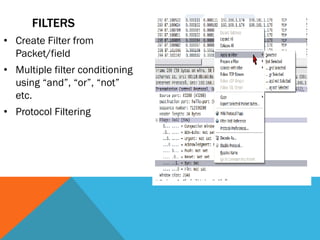
• Create Filter from
Packet/field
• Multiple filter conditioning
using “and”, “or”, “not”
etc.
• Protocol Filtering
FOLLOW THE STREAMS
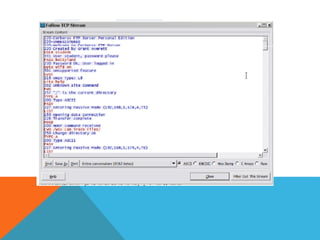
• TCP
• UDP
• APP layer
• FTP
• HTTP
• TELNET
RECONSTRUCT THE CRIME SCENE
• Understand the flow
• Reconstruct the files
• Identify the attacker
and victim
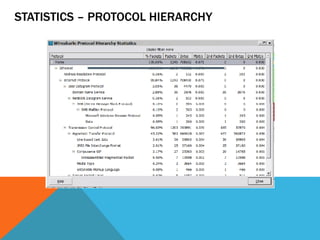
STATISTICS – PROTOCOL HIERARCHY
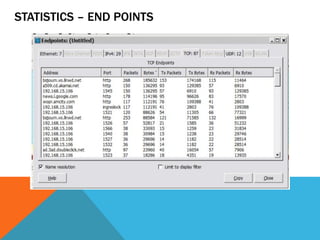
STATISTICS – END POINTS
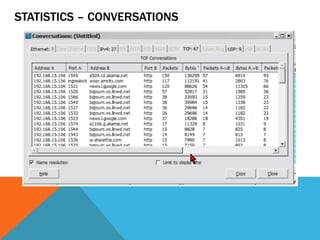
STATISTICS – CONVERSATIONS
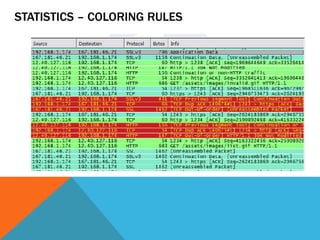
STATISTICS – COLORING RULES
REFERENCE
• Wireshark University by Laura Chappell and Gerald Combs
• Sharkfest talks - Betty DuBois on Network Mysteries
• Securitytube.net by Vivek Ramchandran
• Picture courtesy Google. Not my property.
32
THANK YOU

Network Forensics and Practical Packet Analysis