#Scugbe
#LLUniteBE
#BEEMUG
The Worst 20 ConfigMgr Mistakes
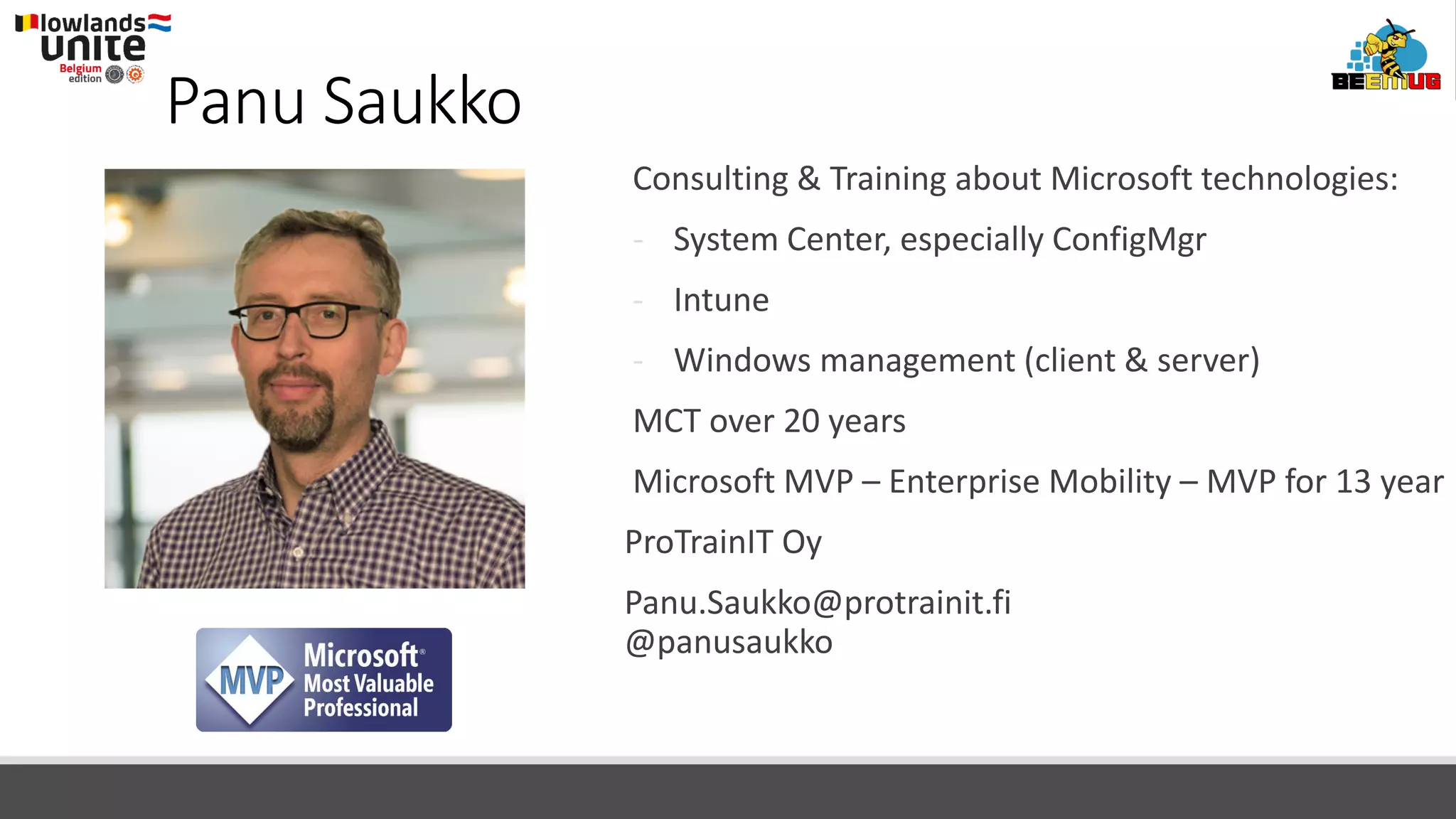
Panu Saukko
Kim Oppalfens
Panu Saukko
Consulting & Training about Microsoft technologies:
- System Center, especially ConfigMgr
- Intune
- Windows management (client & server)
MCT over 20 years
Microsoft MVP – Enterprise Mobility – MVP for 13 year
ProTrainIT Oy
Panu.Saukko@protrainit.fi
@panusaukko
The Worst 20 ConfigMgr Mistakes
Mistakes
are great
way to
learn things
I have
learned a
lot!
20. Default installation directory
Never install ConfigMgr site server to the default directory
◦ %ProgramFiles%Microsoft Configuration Manager
Why:
◦ If you run out of OS volume disk space, nobody is happy!
◦ ConfigMgr might use more disk space than expected in some rare cases (more info later)
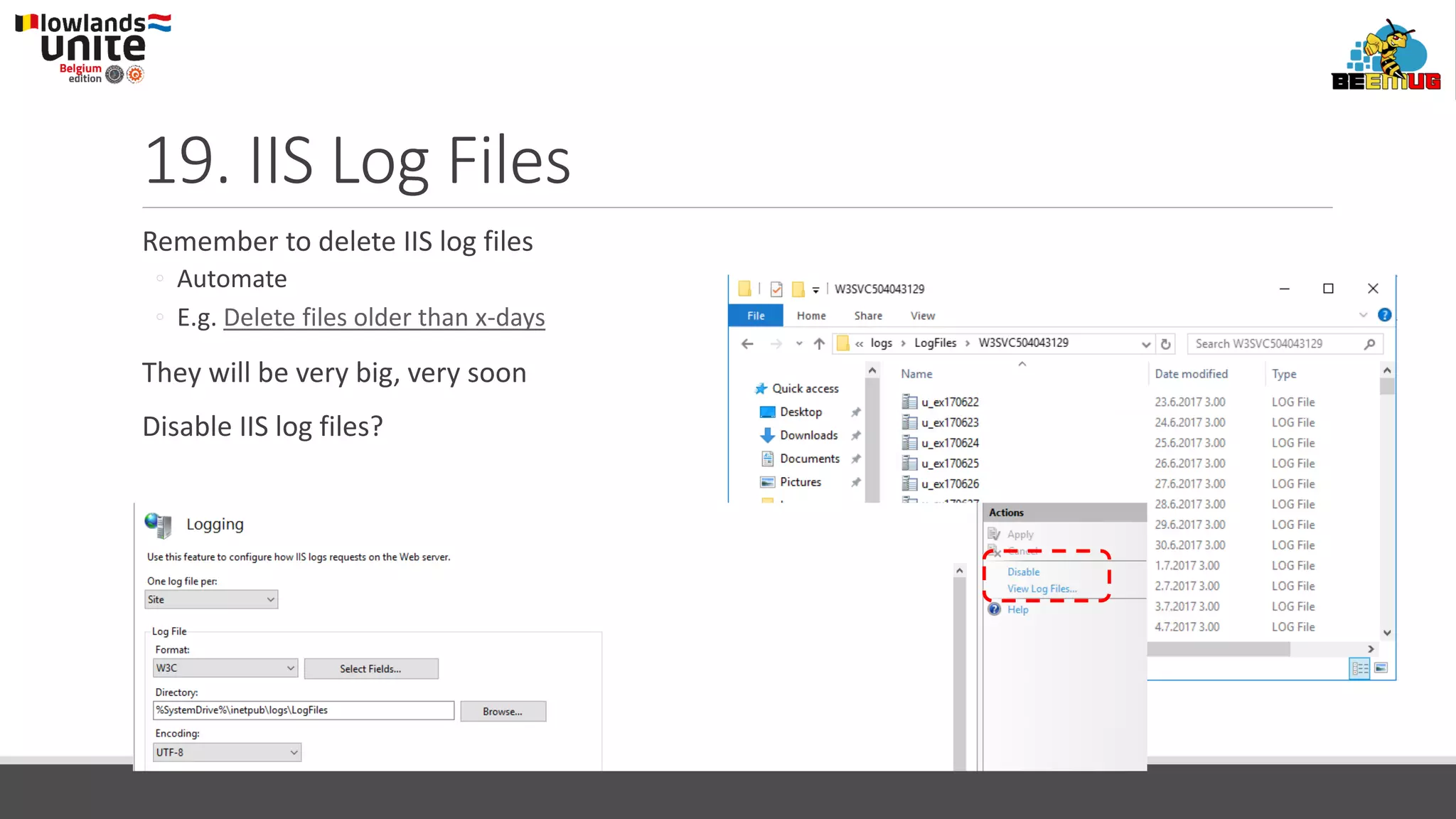
19. IIS Log Files
Remember to delete IIS log files
◦ Automate
◦ E.g. Delete files older than x-days
They will be very big, very soon
Disable IIS log files?
18. Disk I/O
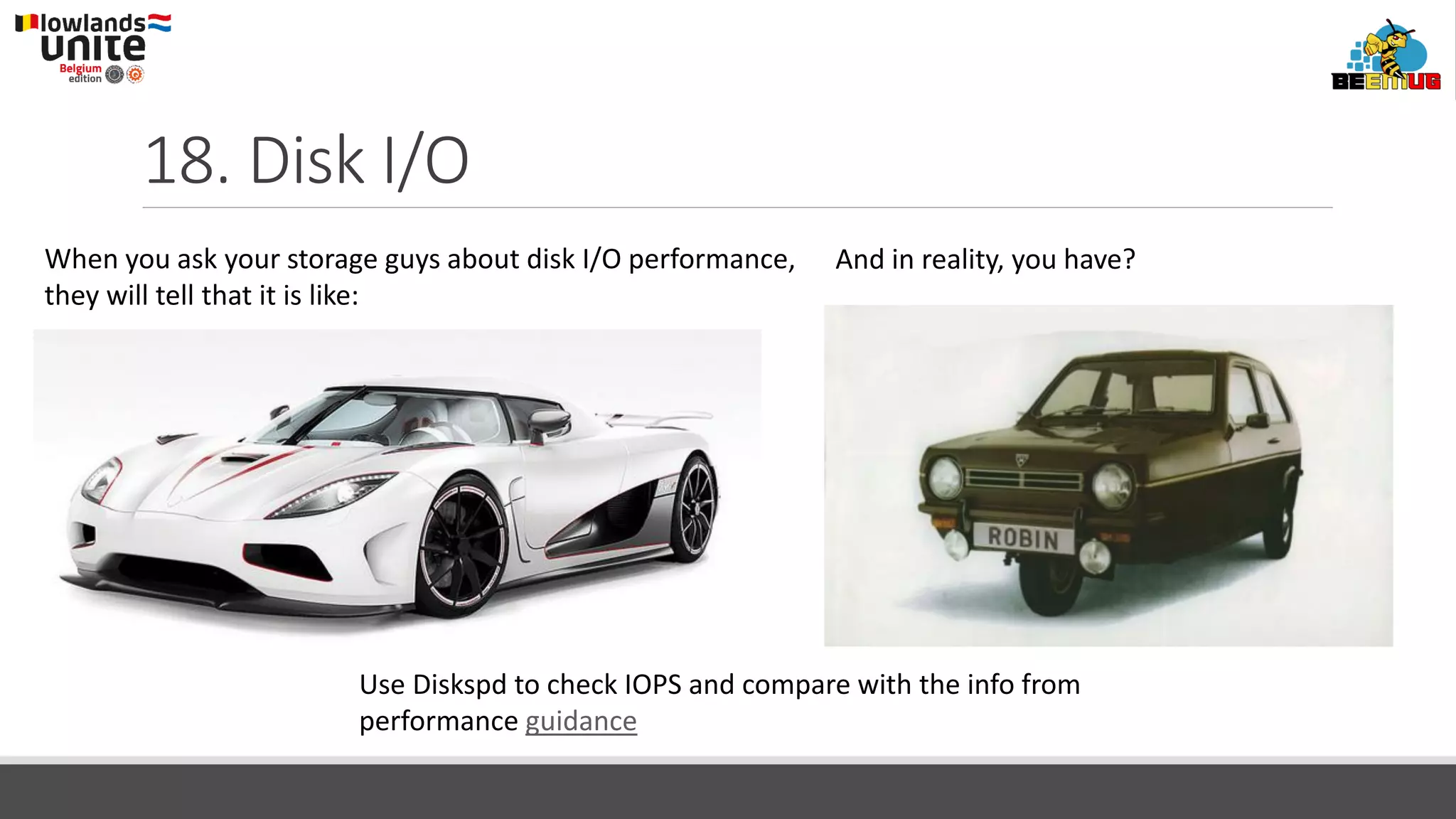
When you ask your storage guys about disk I/O performance,
they will tell that it is like:
And in reality, you have?
Use Diskspd to check IOPS and compare with the info from
performance guidance
17. Maintain SQL Server
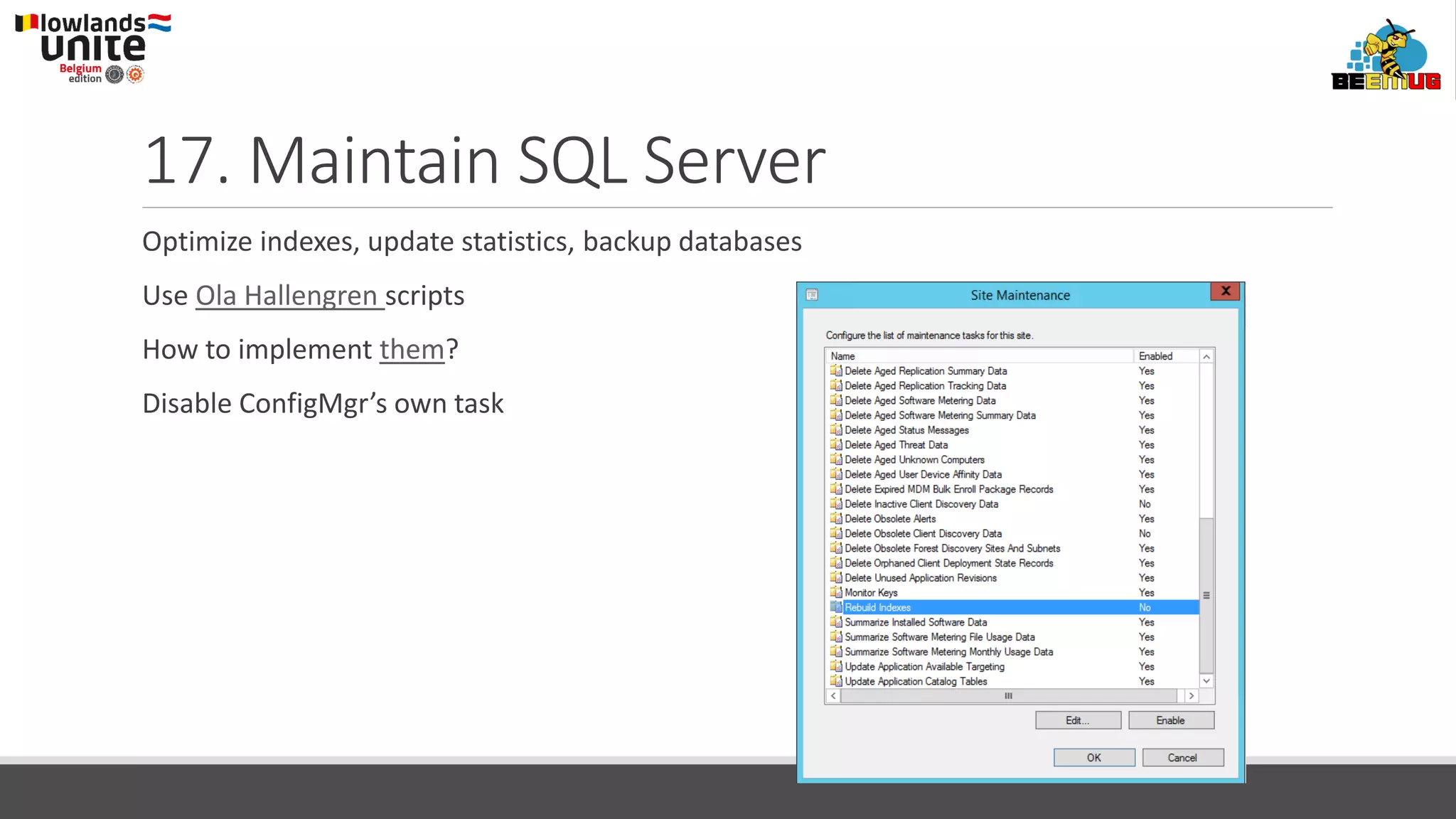
Optimize indexes, update statistics, backup databases
Use Ola Hallengren scripts
How to implement them?
Disable ConfigMgr’s own task
16. SUP with other site roles
WSUS has had a lot of issues lately
◦ CPU 100%
SUP should be dedicated!
◦ No other roles
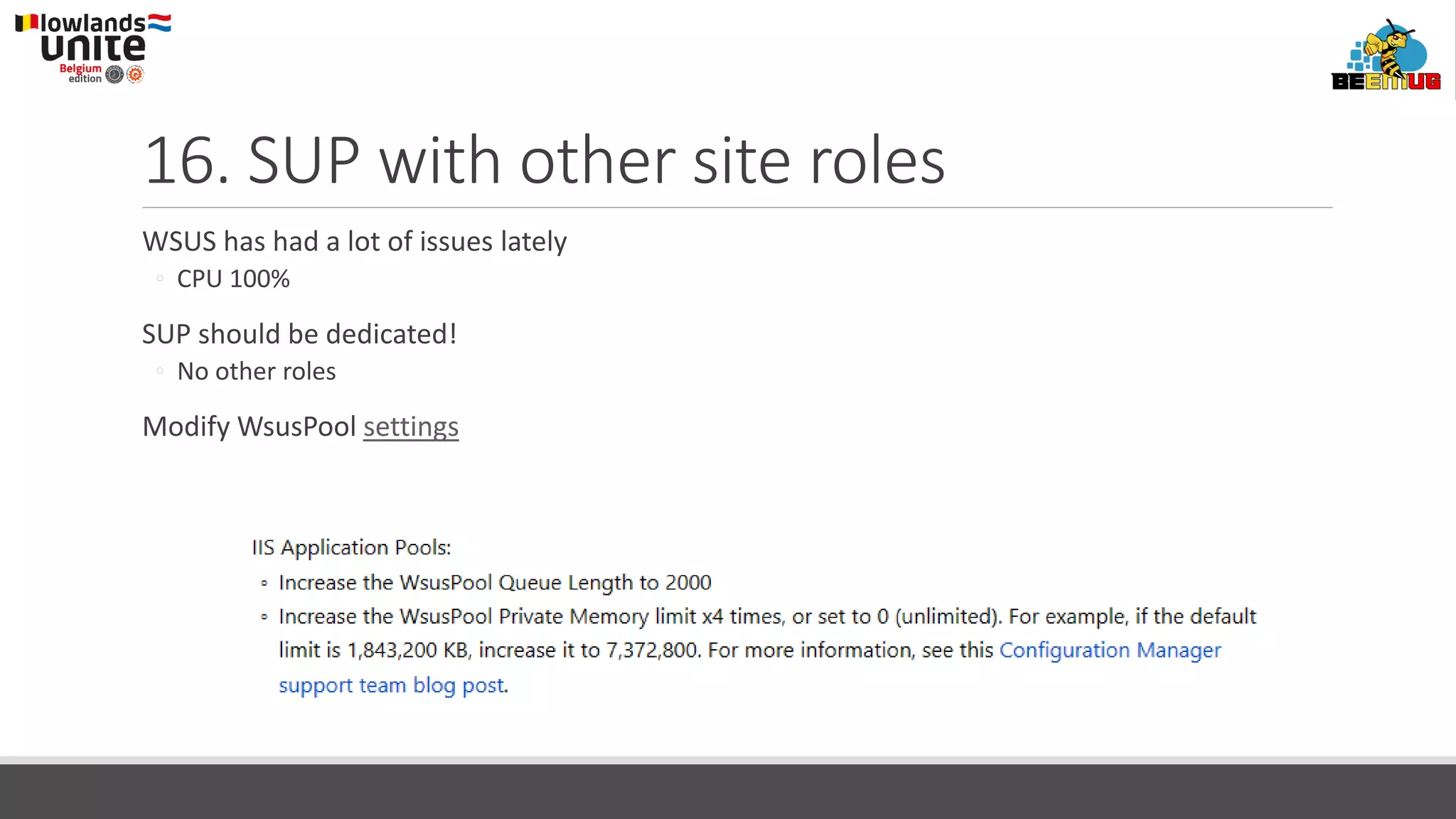
Modify WsusPool settings
15. WSUS DB is not maintained
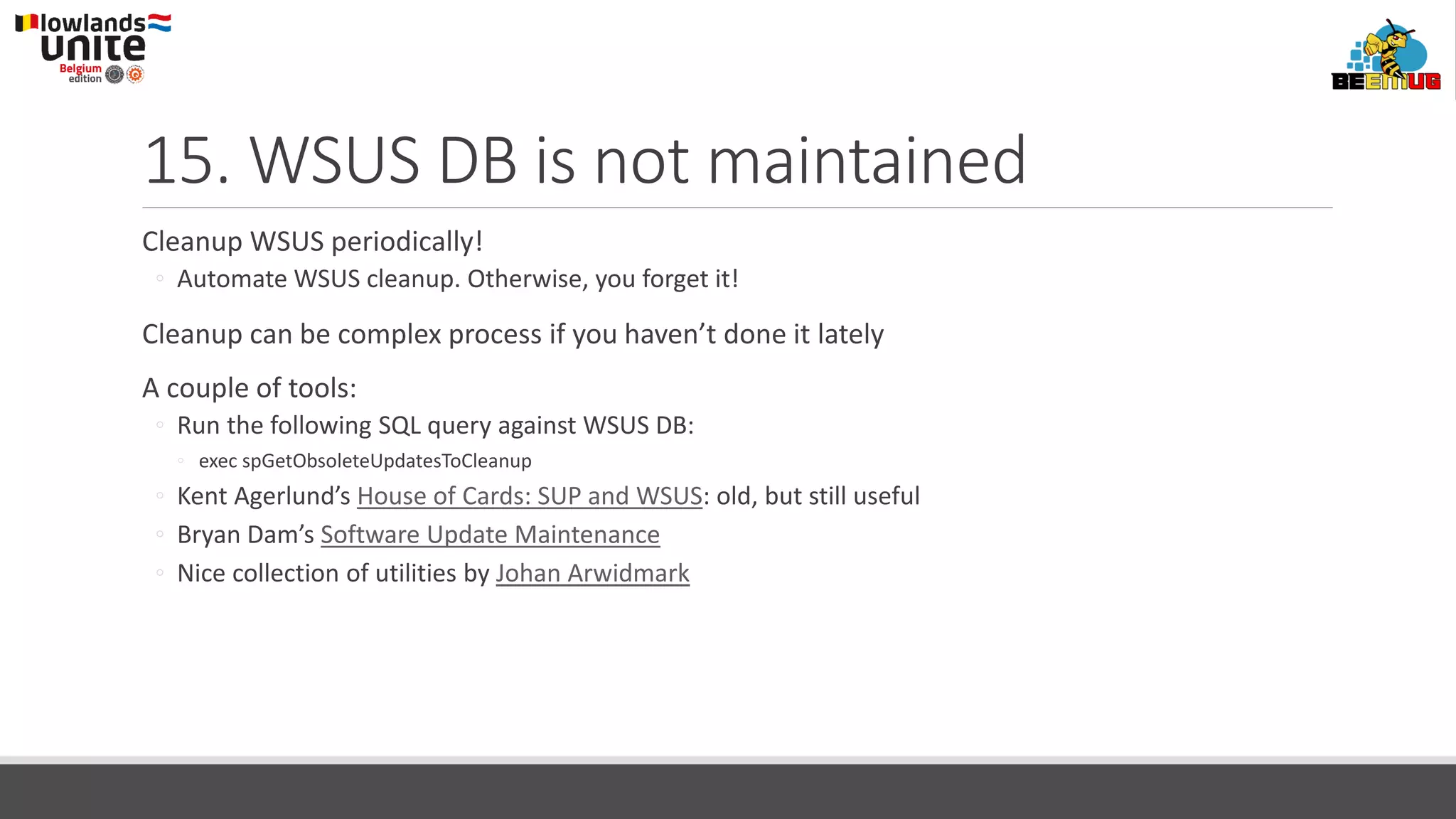
Cleanup WSUS periodically!
◦ Automate WSUS cleanup. Otherwise, you forget it!
Cleanup can be complex process if you haven’t done it lately
A couple of tools:
◦ Run the following SQL query against WSUS DB:
◦ exec spGetObsoleteUpdatesToCleanup
◦ Kent Agerlund’s House of Cards: SUP and WSUS: old, but still useful
◦ Bryan Dam’s Software Update Maintenance
◦ Nice collection of utilities by Johan Arwidmark
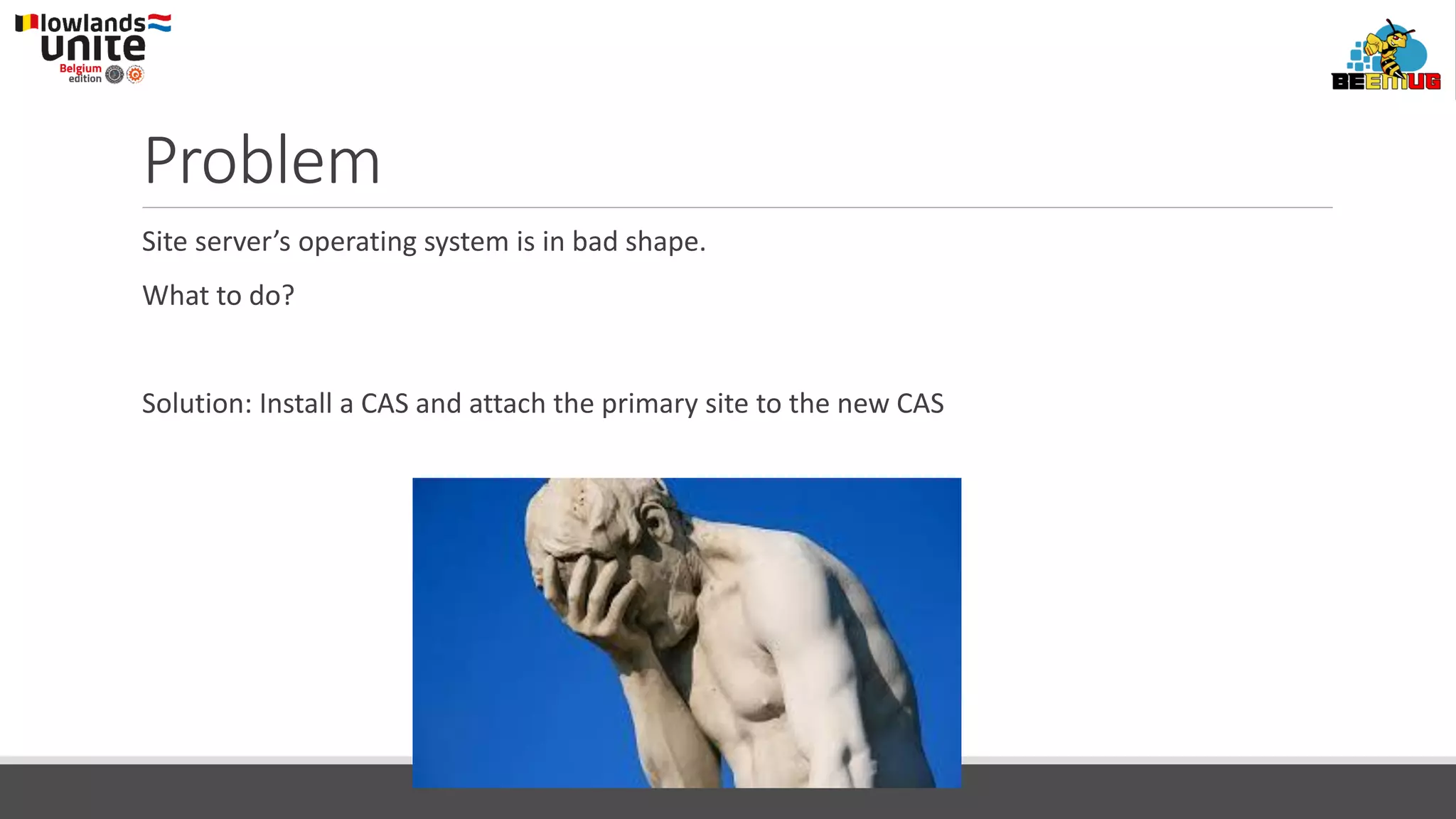
Problem
Site server’s operating system is in bad shape.
What to do?
Solution: Install a CAS and attach the primary site to the new CAS
14. Extra Central Administration Site
The only reason to EVER install CAS is:
◦ You have over 150 000 clients!
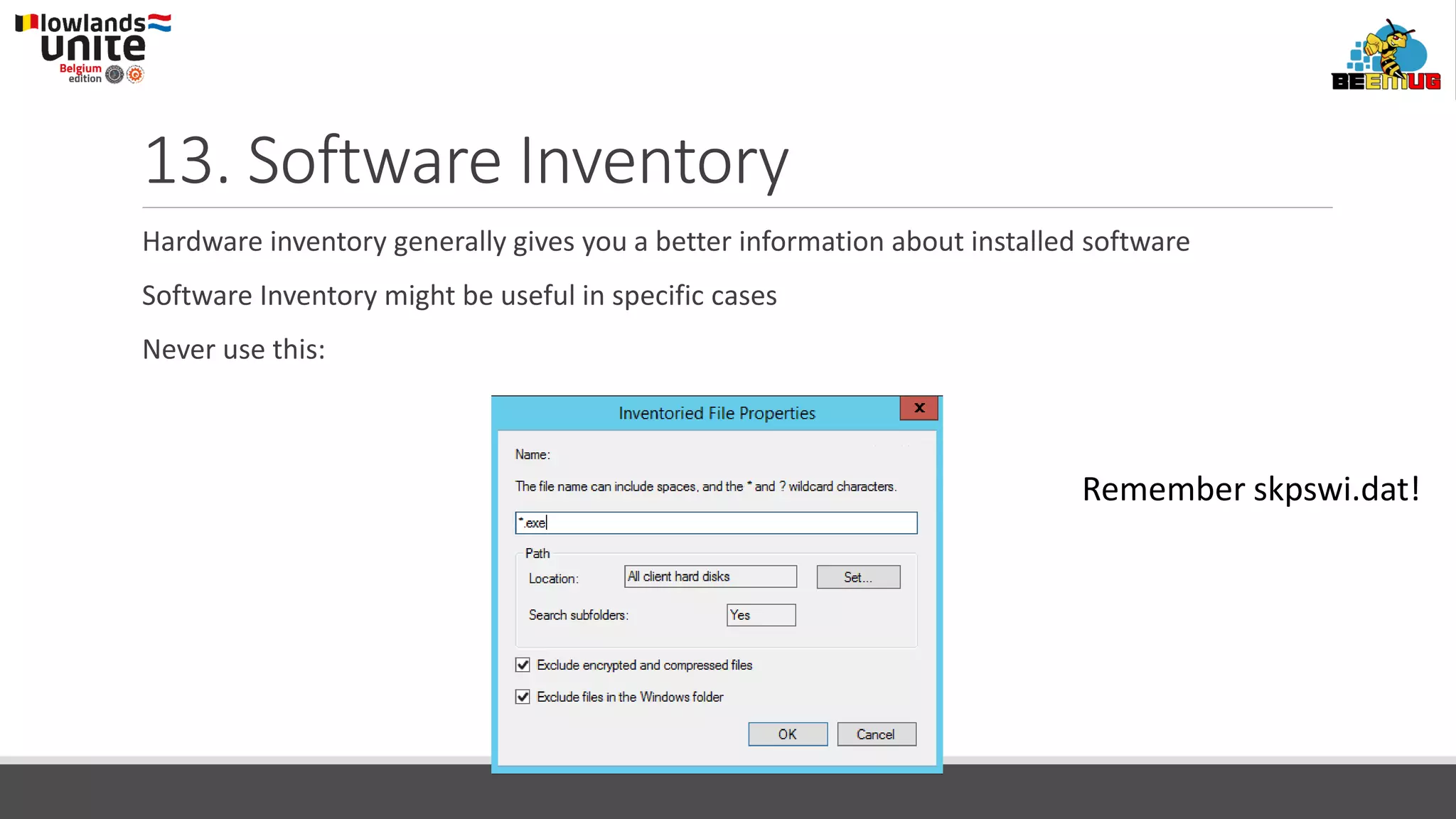
13. Software Inventory
Hardware inventory generally gives you a better information about installed software
Software Inventory might be useful in specific cases
Never use this:
Remember skpswi.dat!
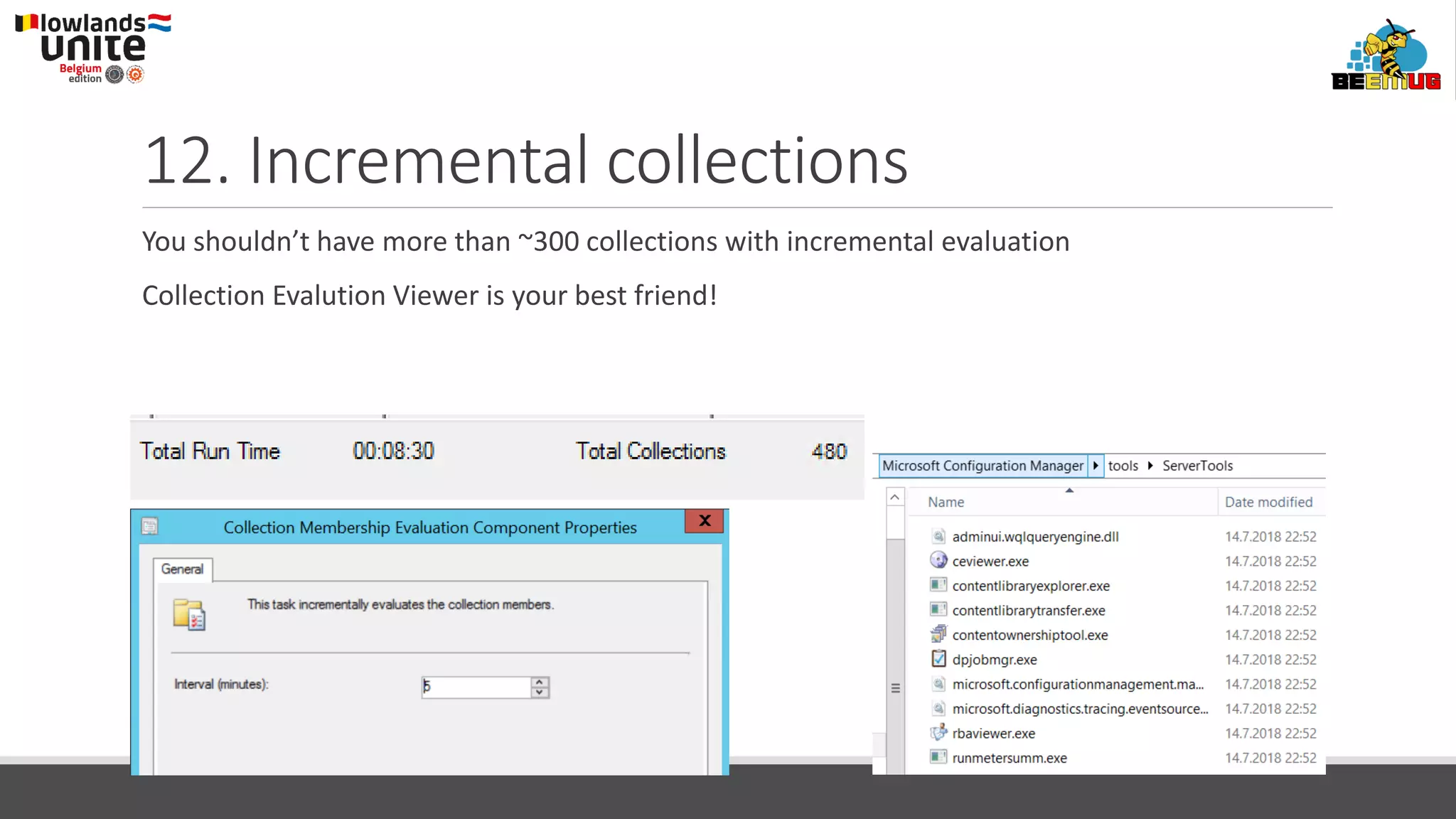
12. Incremental collections
You shouldn’t have more than ~300 collections with incremental evaluation
Collection Evalution Viewer is your best friend!
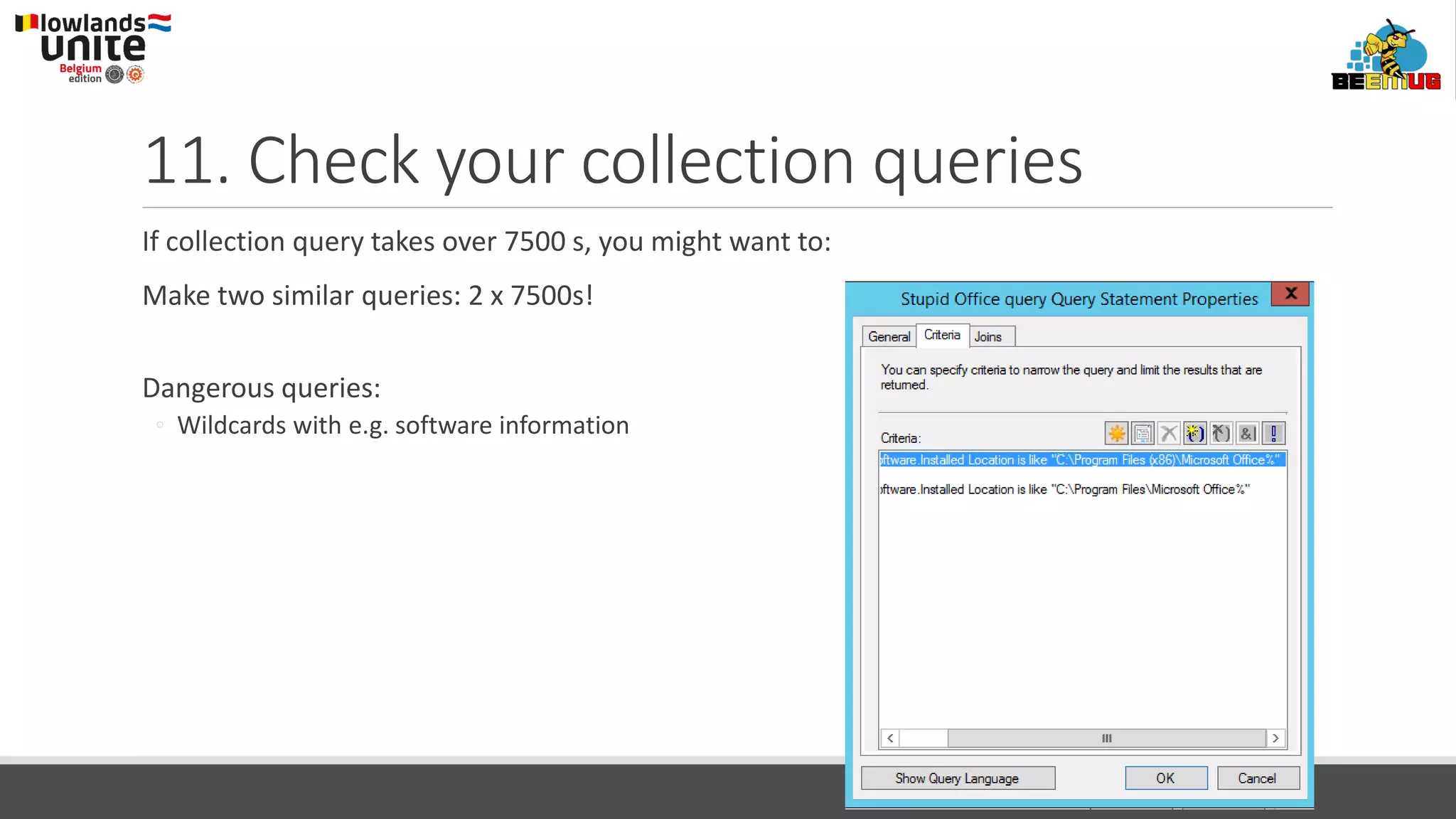
11. Check your collection queries
If collection query takes over 7500 s, you might want to:
Make two similar queries: 2 x 7500s!
Dangerous queries:
◦ Wildcards with e.g. software information
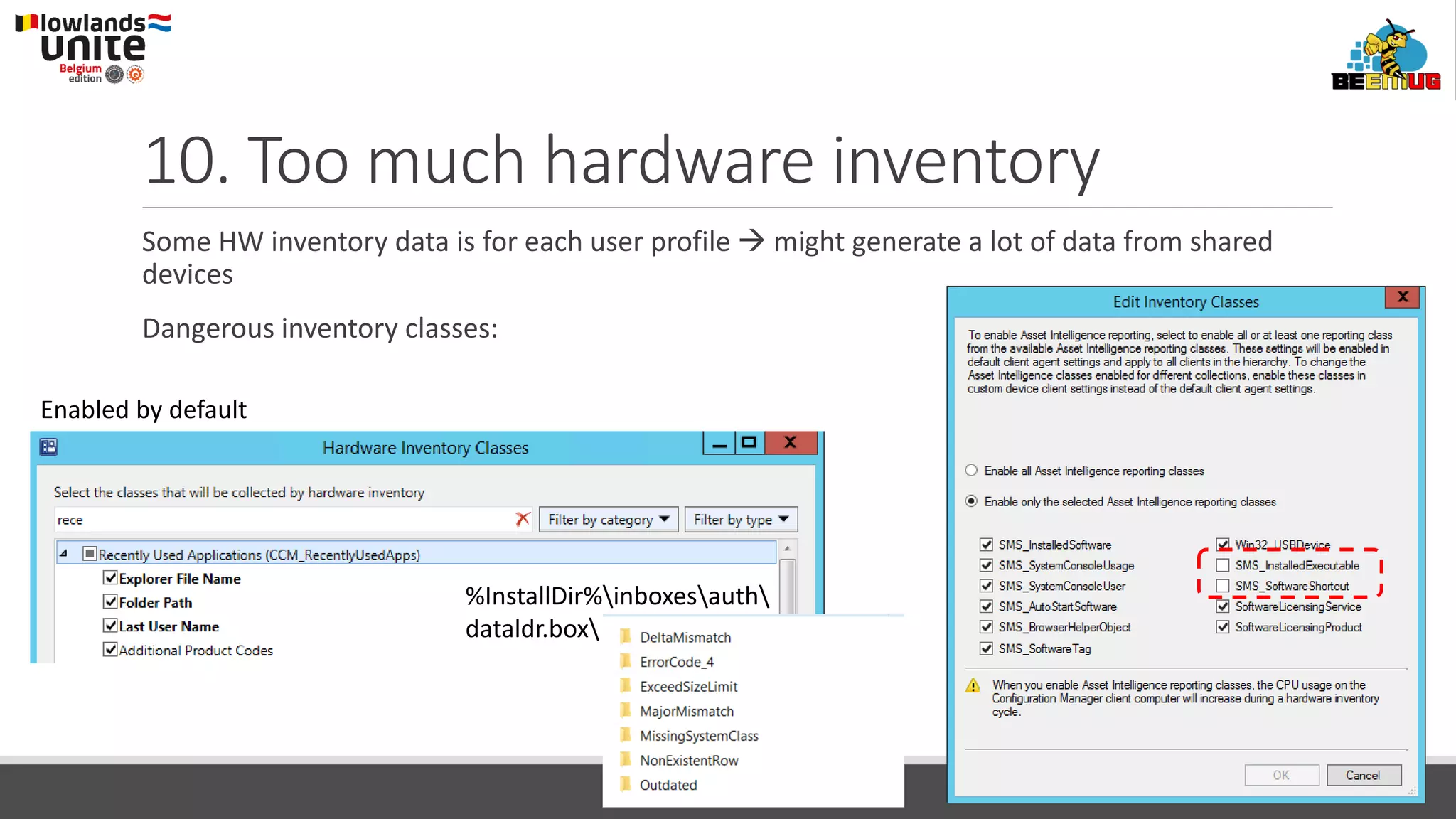
10. Too much hardware inventory
Some HW inventory data is for each user profile → might generate a lot of data from shared
devices
Dangerous inventory classes:
Enabled by default
%InstallDir%inboxesauth
dataldr.box
The Worst 20 ConfigMgr Mistakes
A catastrophe requires more than 1 mistake
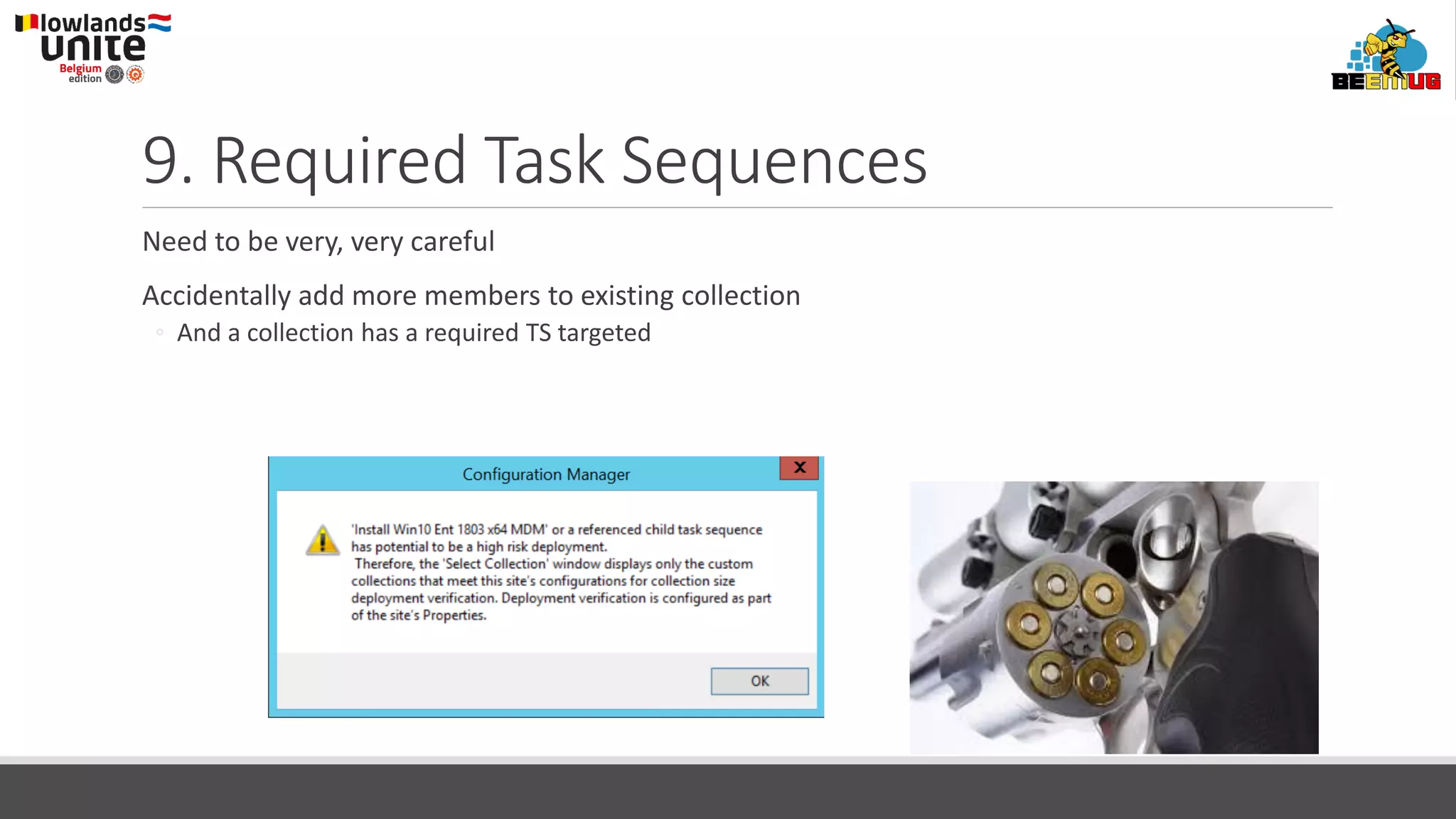
9. Required Task Sequences
Need to be very, very careful
Accidentally add more members to existing collection
◦ And a collection has a required TS targeted
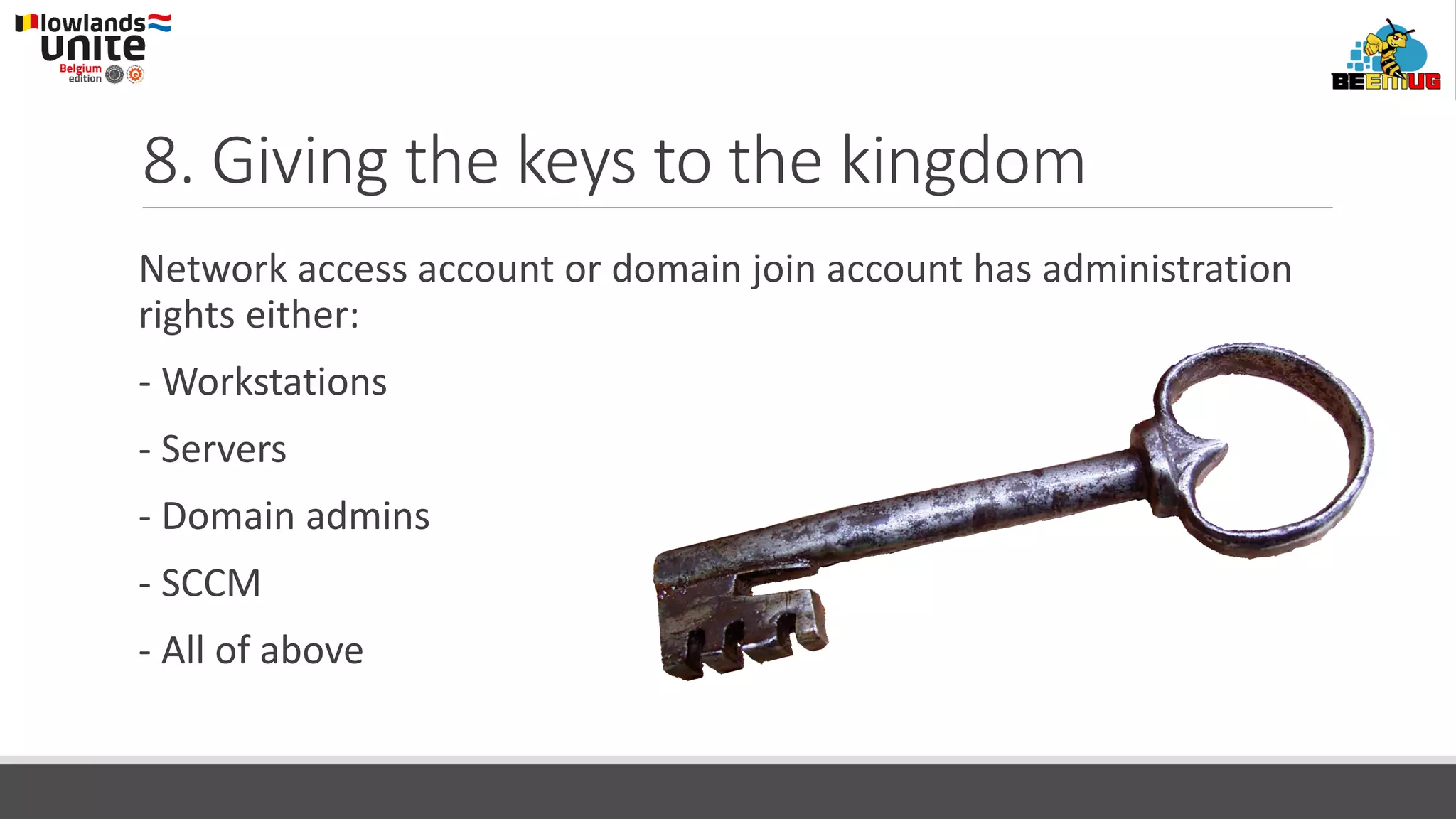
8. Giving the keys to the kingdom
Network access account or domain join account has administration
rights either:
- Workstations
- Servers
- Domain admins
- SCCM
- All of above
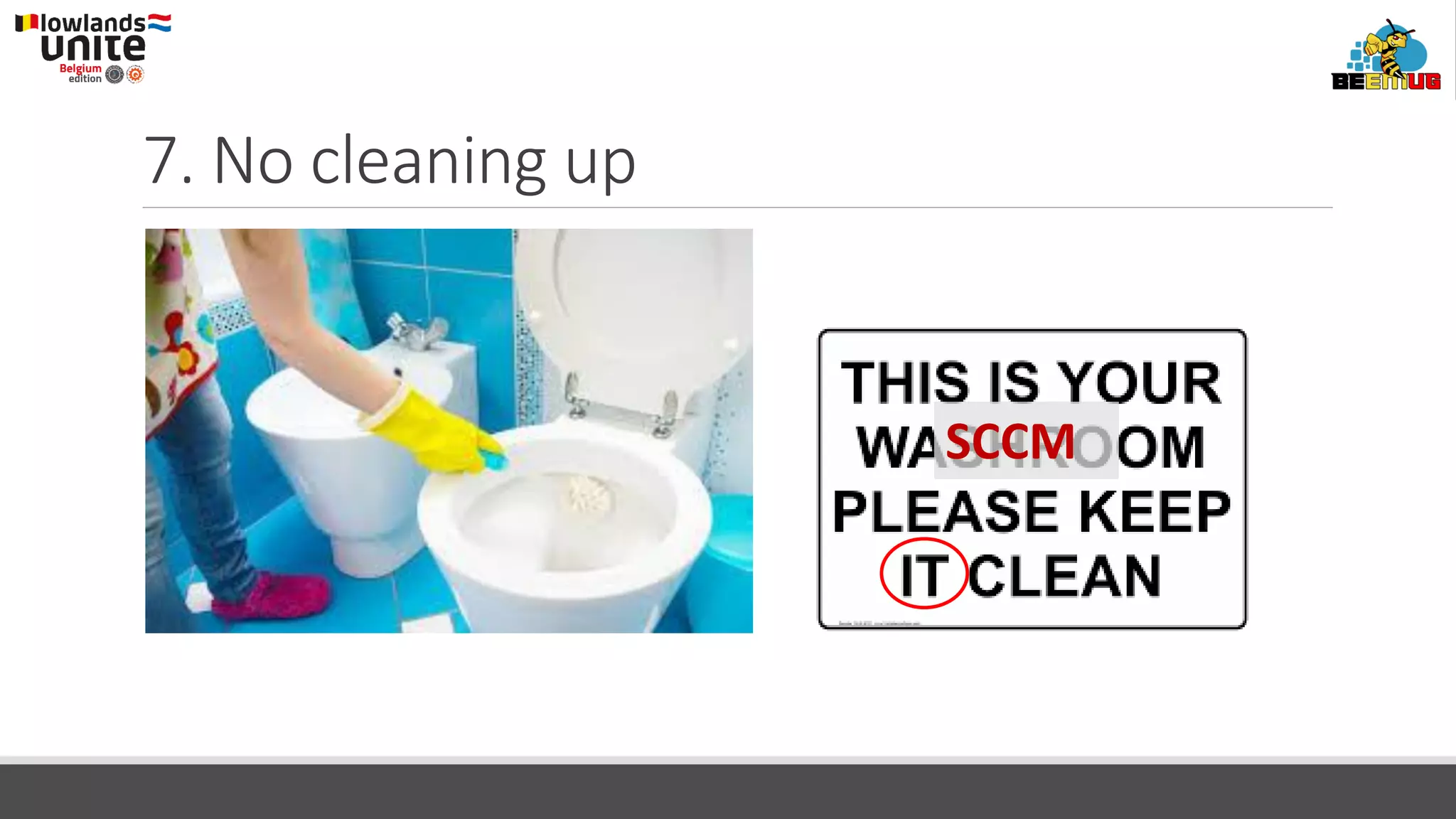
7. No cleaning up
SCCM
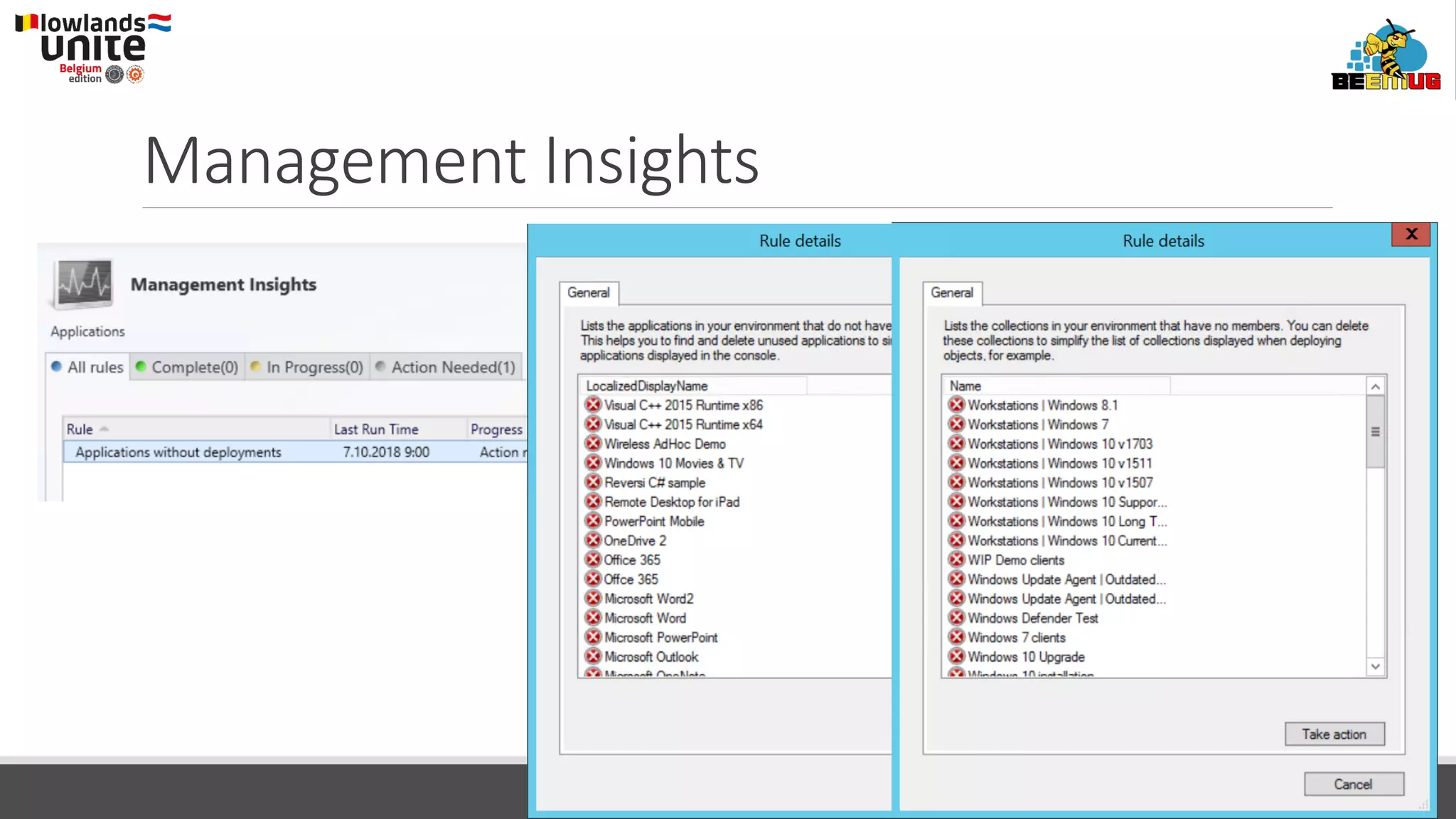
Management Insights
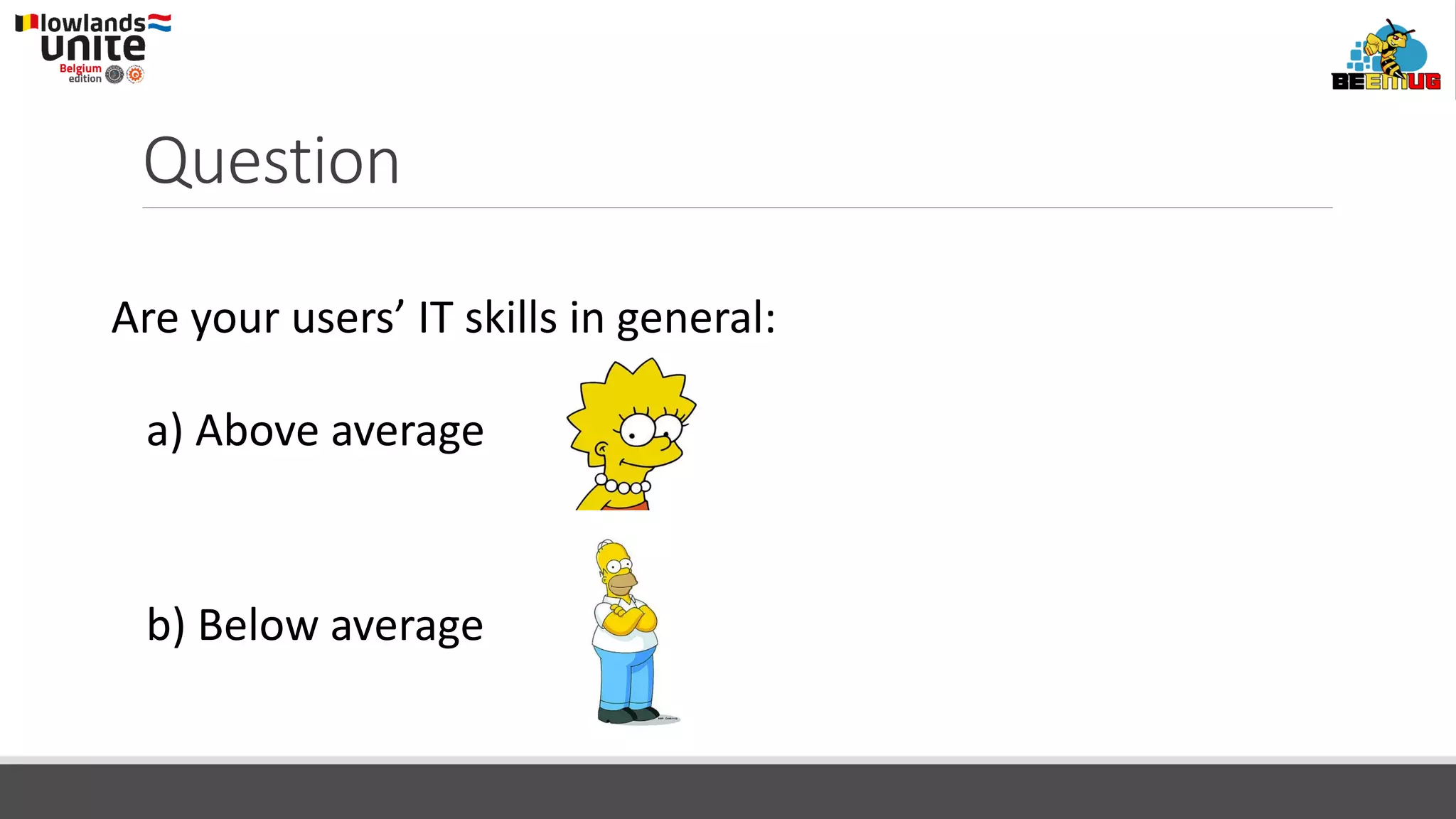
Question
Are your users’ IT skills in general:
a) Above average
b) Below average
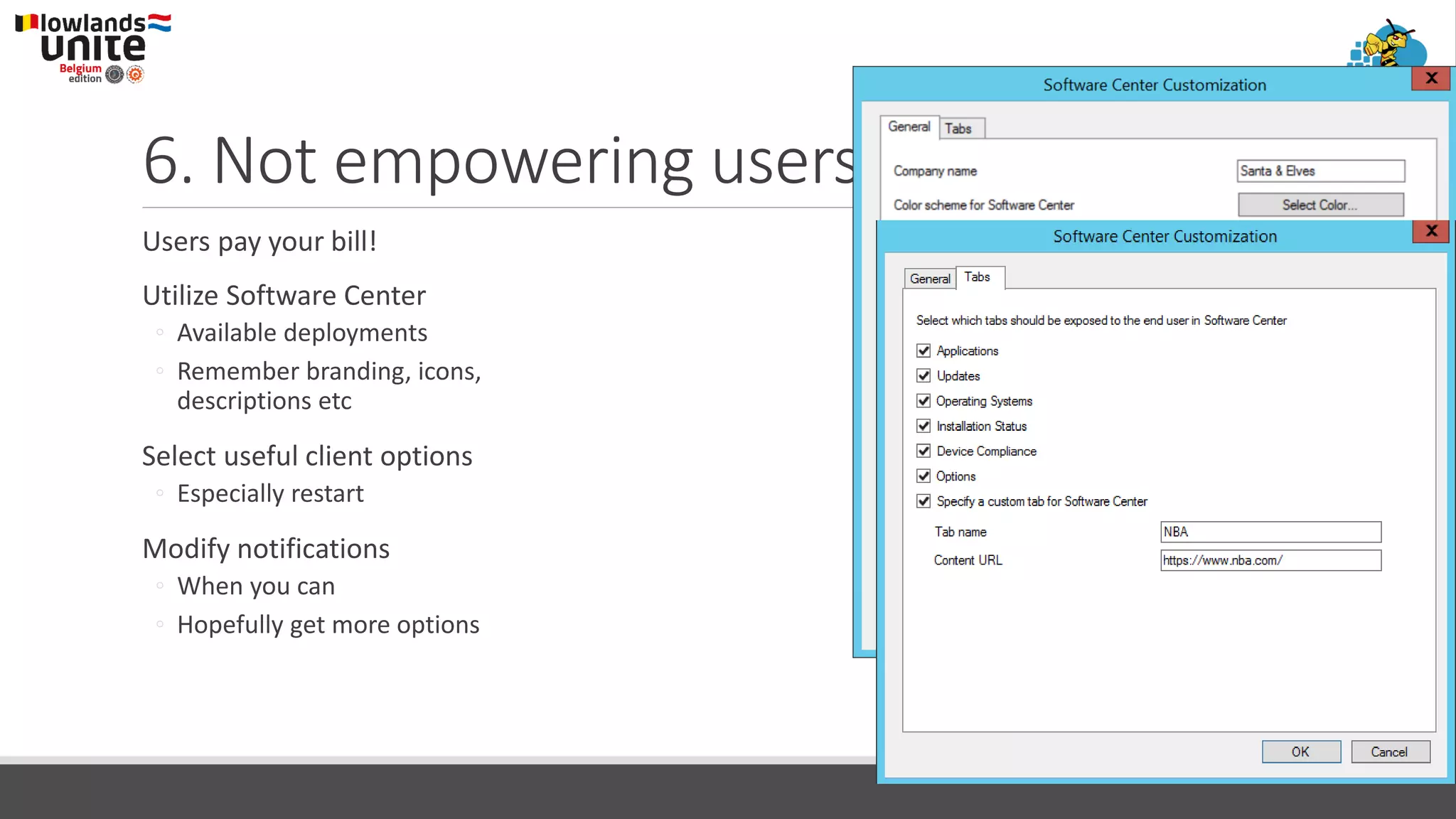
6. Not empowering users
Users pay your bill!
Utilize Software Center
◦ Available deployments
◦ Remember branding, icons,
descriptions etc
Select useful client options
◦ Especially restart
Modify notifications
◦ When you can
◦ Hopefully get more options
5. No documentation
Installation documents
Change documentation
Utilize description fields → easier to clean up
Management Insights
4. No test environments
Testing in production is not a good idea
Separate test environment is needed
Doesn’t require much virtual HW
Think about using Technical Preview!
◦ Not real test environment
3. Not utilizing community utilities
ConfigMgr has wide variety of community utilities
Many great tools for different tasks
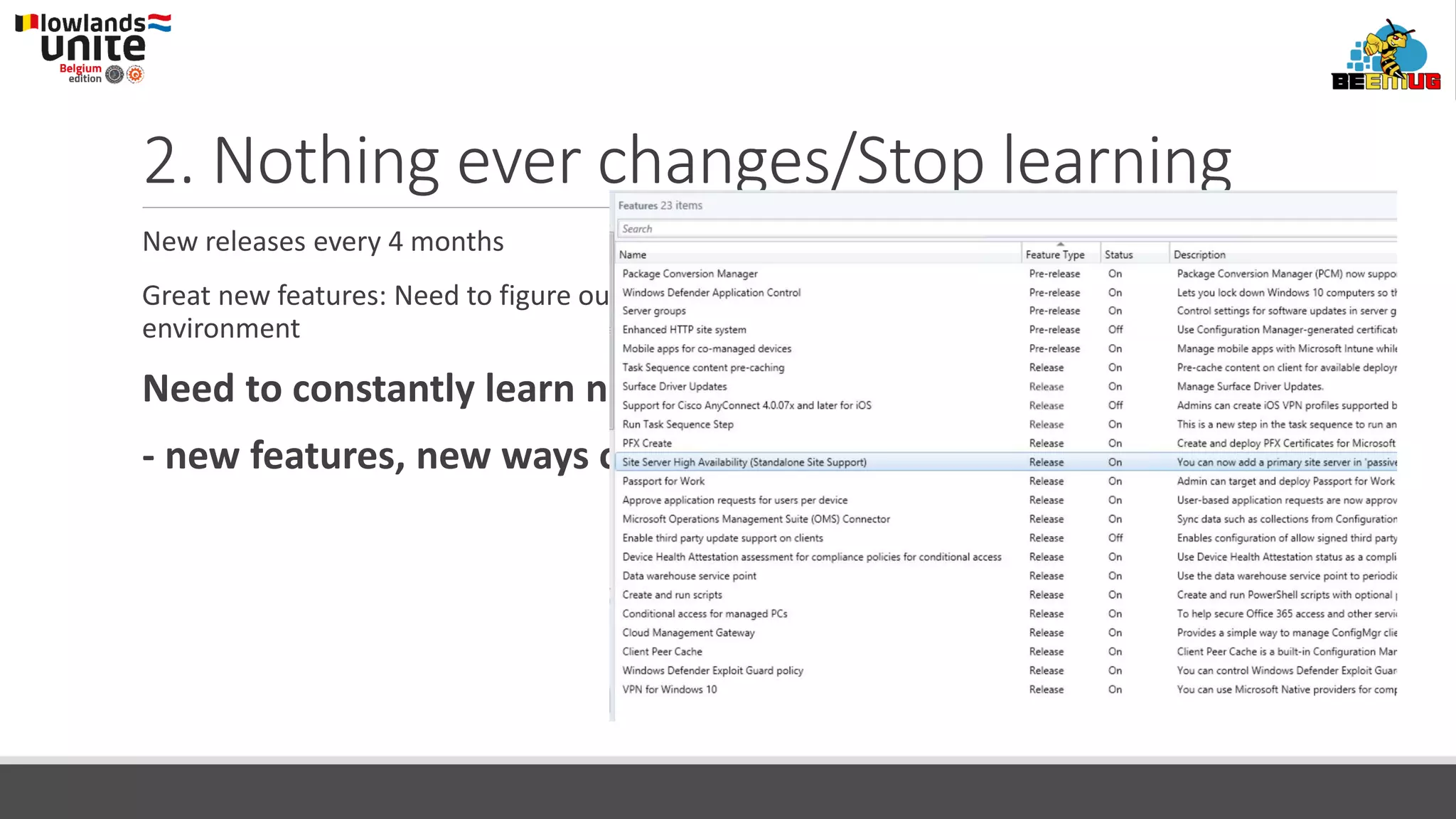
2. Nothing ever changes/Stop learning
New releases every 4 months
Great new features: Need to figure out which features should be implemented in your
environment
Need to constantly learn new stuff
- new features, new ways of doing things
1. Not following @djammmer on Twitter
Twitter is very useful
And follow also:
@panusaukko
@TheWMIGuy
https://twitter.com/CxPCathy/lists/intune-configmgr-mvps
@TweetKerwin (Target: 1st one with no tweets and
1000 followers!)
Thanks to our event sponsors
Silver
Platinum
#Scugbe #LLUniteBE #BEEMUG

Llunitebe2018 worst config mgr cb mistakes

  • 1.
    #Scugbe #LLUniteBE #BEEMUG The Worst 20ConfigMgr Mistakes Panu Saukko Kim Oppalfens
  • 2.
    Panu Saukko Consulting &Training about Microsoft technologies: - System Center, especially ConfigMgr - Intune - Windows management (client & server) MCT over 20 years Microsoft MVP – Enterprise Mobility – MVP for 13 year ProTrainIT Oy Panu.Saukko@protrainit.fi @panusaukko
  • 3.
    The Worst 20ConfigMgr Mistakes Mistakes are great way to learn things I have learned a lot!
  • 4.
    20. Default installationdirectory Never install ConfigMgr site server to the default directory ◦ %ProgramFiles%Microsoft Configuration Manager Why: ◦ If you run out of OS volume disk space, nobody is happy! ◦ ConfigMgr might use more disk space than expected in some rare cases (more info later)
  • 5.
    19. IIS LogFiles Remember to delete IIS log files ◦ Automate ◦ E.g. Delete files older than x-days They will be very big, very soon Disable IIS log files?
  • 6.
    18. Disk I/O Whenyou ask your storage guys about disk I/O performance, they will tell that it is like: And in reality, you have? Use Diskspd to check IOPS and compare with the info from performance guidance
  • 7.
    17. Maintain SQLServer Optimize indexes, update statistics, backup databases Use Ola Hallengren scripts How to implement them? Disable ConfigMgr’s own task
  • 8.
    16. SUP withother site roles WSUS has had a lot of issues lately ◦ CPU 100% SUP should be dedicated! ◦ No other roles Modify WsusPool settings
  • 9.
    15. WSUS DBis not maintained Cleanup WSUS periodically! ◦ Automate WSUS cleanup. Otherwise, you forget it! Cleanup can be complex process if you haven’t done it lately A couple of tools: ◦ Run the following SQL query against WSUS DB: ◦ exec spGetObsoleteUpdatesToCleanup ◦ Kent Agerlund’s House of Cards: SUP and WSUS: old, but still useful ◦ Bryan Dam’s Software Update Maintenance ◦ Nice collection of utilities by Johan Arwidmark
  • 10.
    Problem Site server’s operatingsystem is in bad shape. What to do? Solution: Install a CAS and attach the primary site to the new CAS
  • 11.
    14. Extra CentralAdministration Site The only reason to EVER install CAS is: ◦ You have over 150 000 clients!
  • 12.
    13. Software Inventory Hardwareinventory generally gives you a better information about installed software Software Inventory might be useful in specific cases Never use this: Remember skpswi.dat!
  • 13.
    12. Incremental collections Youshouldn’t have more than ~300 collections with incremental evaluation Collection Evalution Viewer is your best friend!
  • 14.
    11. Check yourcollection queries If collection query takes over 7500 s, you might want to: Make two similar queries: 2 x 7500s! Dangerous queries: ◦ Wildcards with e.g. software information
  • 15.
    10. Too muchhardware inventory Some HW inventory data is for each user profile → might generate a lot of data from shared devices Dangerous inventory classes: Enabled by default %InstallDir%inboxesauth dataldr.box
  • 16.
    The Worst 20ConfigMgr Mistakes A catastrophe requires more than 1 mistake
  • 17.
    9. Required TaskSequences Need to be very, very careful Accidentally add more members to existing collection ◦ And a collection has a required TS targeted
  • 18.
    8. Giving thekeys to the kingdom Network access account or domain join account has administration rights either: - Workstations - Servers - Domain admins - SCCM - All of above
  • 19.
  • 20.
  • 21.
    Question Are your users’IT skills in general: a) Above average b) Below average
  • 22.
    6. Not empoweringusers Users pay your bill! Utilize Software Center ◦ Available deployments ◦ Remember branding, icons, descriptions etc Select useful client options ◦ Especially restart Modify notifications ◦ When you can ◦ Hopefully get more options
  • 23.
    5. No documentation Installationdocuments Change documentation Utilize description fields → easier to clean up Management Insights
  • 24.
    4. No testenvironments Testing in production is not a good idea Separate test environment is needed Doesn’t require much virtual HW Think about using Technical Preview! ◦ Not real test environment
  • 25.
    3. Not utilizingcommunity utilities ConfigMgr has wide variety of community utilities Many great tools for different tasks
  • 26.
    2. Nothing everchanges/Stop learning New releases every 4 months Great new features: Need to figure out which features should be implemented in your environment Need to constantly learn new stuff - new features, new ways of doing things
  • 27.
    1. Not following@djammmer on Twitter Twitter is very useful And follow also: @panusaukko @TheWMIGuy https://twitter.com/CxPCathy/lists/intune-configmgr-mvps @TweetKerwin (Target: 1st one with no tweets and 1000 followers!)
  • 28.
    Thanks to ourevent sponsors Silver Platinum #Scugbe #LLUniteBE #BEEMUG