Boost your
Computer
Performance
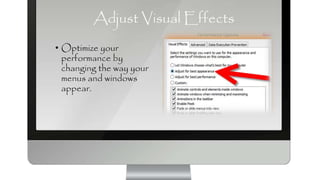
Adjust Visual Effects
• Optimize your
performance by
changing the way your
menus and windows
appear.
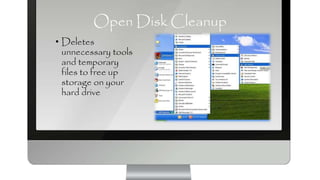
Open Disk Cleanup
• Deletes
unnecessary tools
and temporary
files to free up
storage on your
hard drive
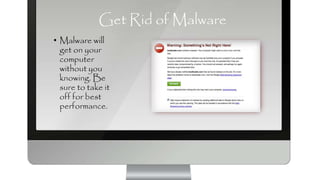
Get Rid of Malware
• Malware will
get on your
computer
without you
knowing. Be
sure to take it
off for best
performance.
Get a Faster Drive
• The drive could
be the problem.
Look at things
such as RPMs,
Cache Size,
Seek Speed,
and Transfer
rate.
Consider Switching
From Internet Explorer
to Chrome
• Chrome is faster
and has fewer
bugs than
Internet
Explorer.
Add More RAM Memory
• You can and
should add more
RAM memory
until the computer
is at capacity.
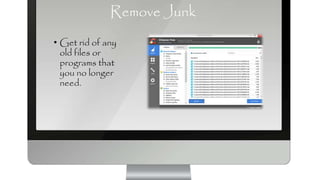
Remove Junk
• Get rid of any
old files or
programs that
you no longer
need.
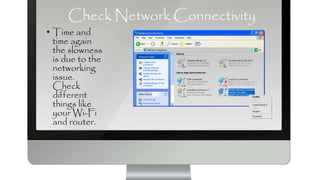
Check Network Connectivity
• Time and
time again
the slowness
is due to the
networking
issue.
Check
different
things like
your Wi-Fi
and router.
Upgrade To A Better Video Card
• Bridging two
video cards
together will
help with the
speed of your
computer.
Defrag Your Drive
• You should
defrag your
computer or
schedule it
to be
defragged.
This should
be done
monthly.

Boost your computer performance

  • 1.
  • 2.
    Adjust Visual Effects •Optimize your performance by changing the way your menus and windows appear.
  • 3.
    Open Disk Cleanup •Deletes unnecessary tools and temporary files to free up storage on your hard drive
  • 4.
    Get Rid ofMalware • Malware will get on your computer without you knowing. Be sure to take it off for best performance.
  • 5.
    Get a FasterDrive • The drive could be the problem. Look at things such as RPMs, Cache Size, Seek Speed, and Transfer rate.
  • 6.
    Consider Switching From InternetExplorer to Chrome • Chrome is faster and has fewer bugs than Internet Explorer.
  • 7.
    Add More RAMMemory • You can and should add more RAM memory until the computer is at capacity.
  • 8.
    Remove Junk • Getrid of any old files or programs that you no longer need.
  • 9.
    Check Network Connectivity •Time and time again the slowness is due to the networking issue. Check different things like your Wi-Fi and router.
  • 10.
    Upgrade To ABetter Video Card • Bridging two video cards together will help with the speed of your computer.
  • 11.
    Defrag Your Drive •You should defrag your computer or schedule it to be defragged. This should be done monthly.