Download as ODP, PPTX
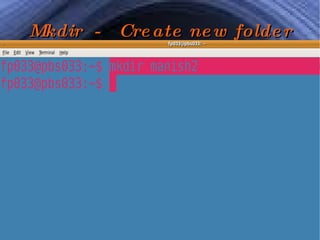
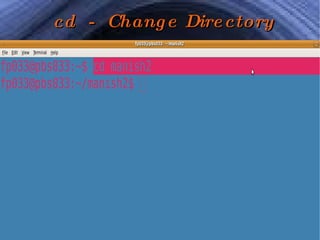
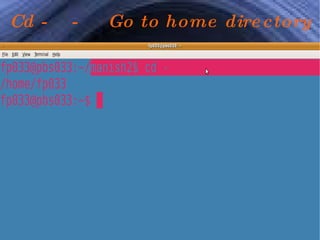
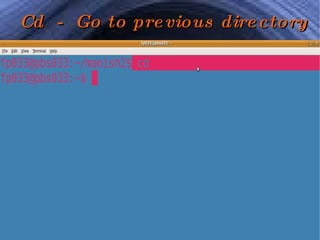
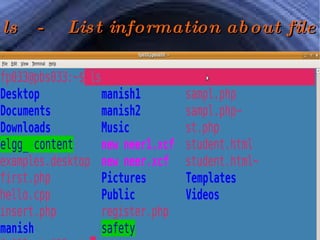
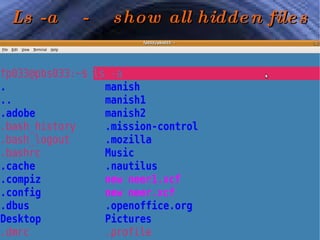
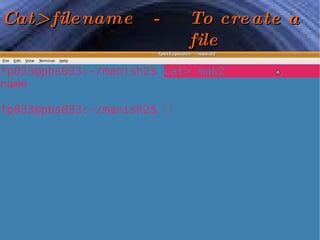
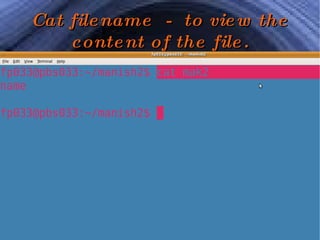
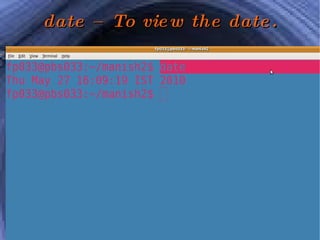
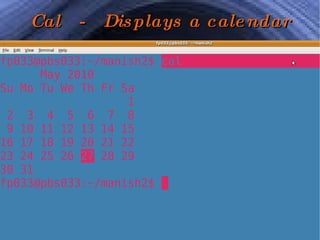
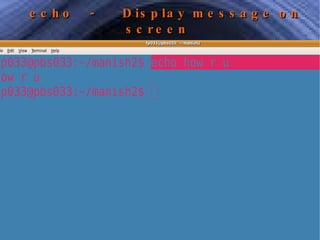
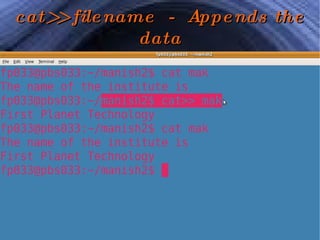

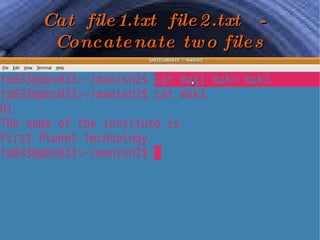
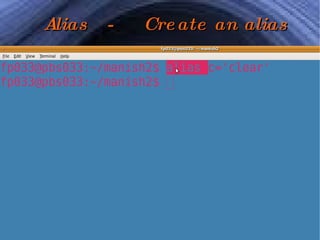
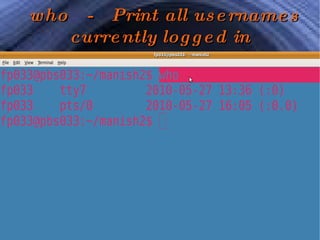
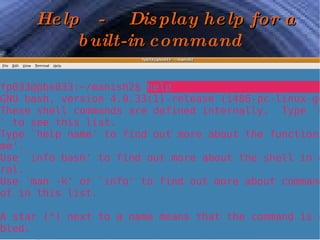
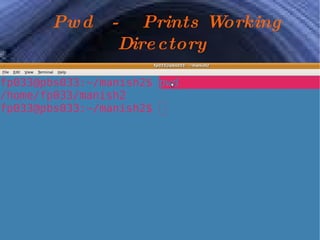
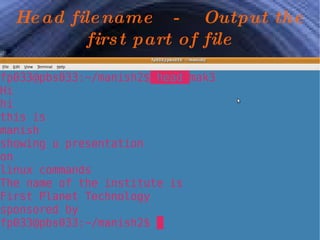
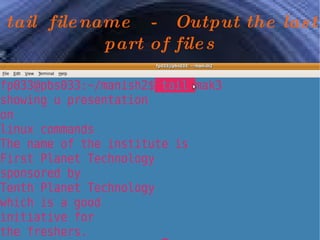
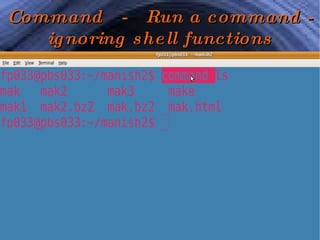
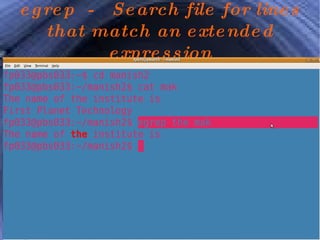
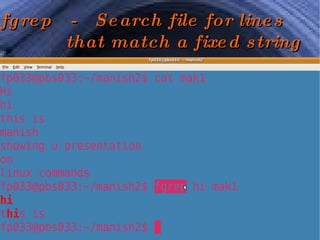
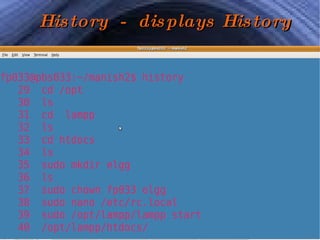
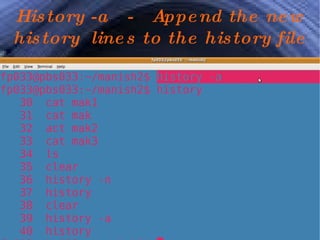
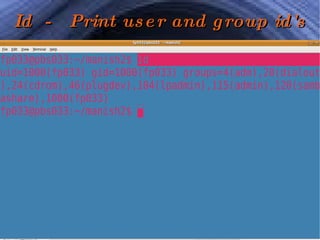


The document lists various Linux commands and provides a brief description of each command. Some common commands listed include mkdir to create folders, cd to change directories, ls to list files, cat to view file contents, date to view the date, cal to display a calendar, echo to display messages, and pwd to print the working directory. Other commands mentioned are tail and head to view parts of files, history to see previously run commands, and id to print user and group IDs.


