
NEW AGE LINK BUILDING WITH
  PRESENTATIONS & IMAGES


  By-
  Kshitija Chavan
  Asst. Project Manager
  Search Engine Optimization
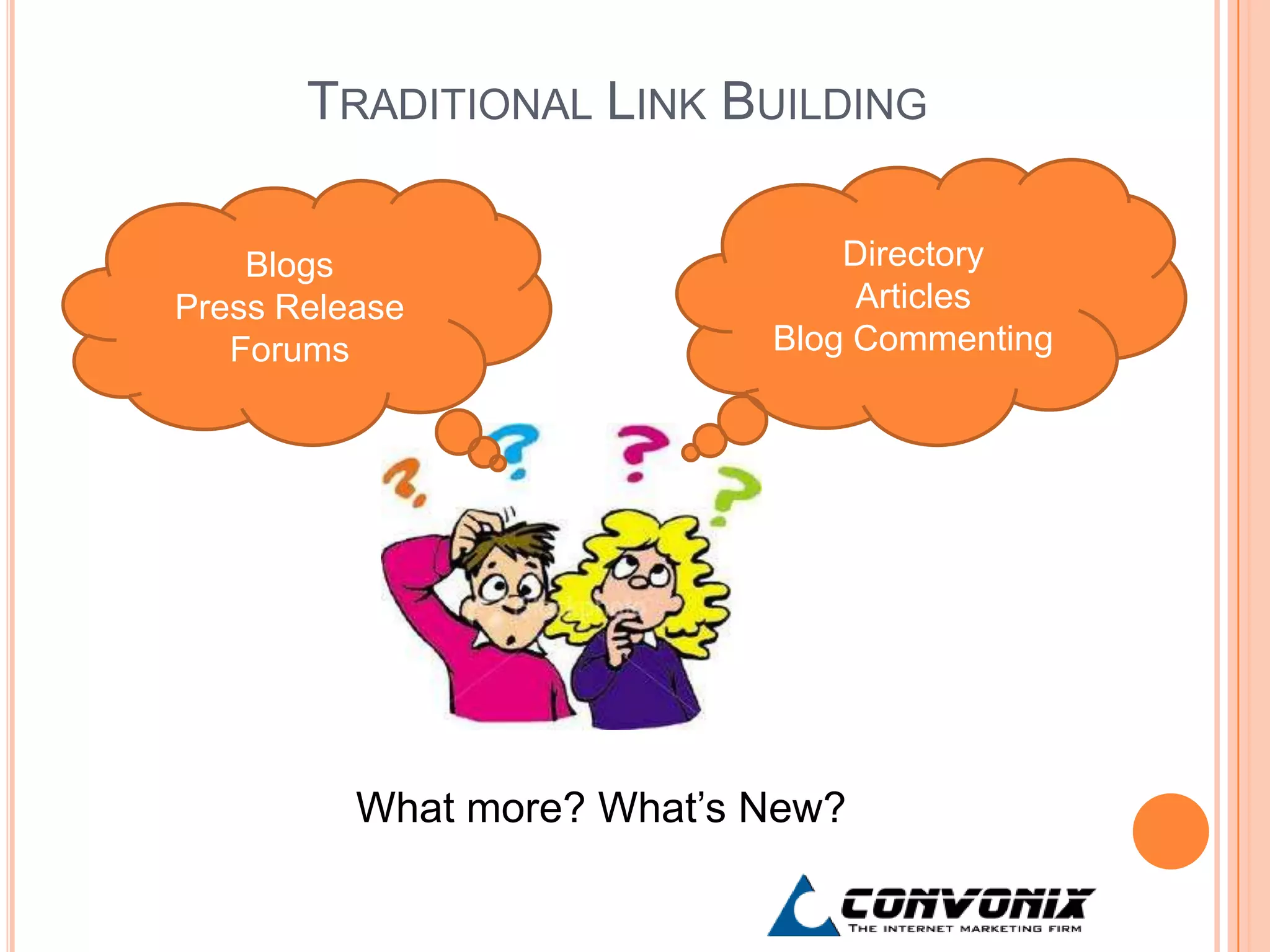
TRADITIONAL LINK BUILDING

    Blogs                       Directory
Press Release                    Articles
   Forums                   Blog Commenting


          What more? What’s New?
POWER POINT PRESENTATIONS


 Effective and concise content
 Hold users attention

 No lengthy and boring text

 Provision to add images and graphical
  data
PRESENTATION PLATFORMS
1. Slide Share
 World’s largest community for sharing ppts with 60
  million monthly visitors
 Great source of inspiration to create ppts for your
  own business
 Grow your professional network (get in contact with
  similar people)
 Get a chance for content to go viral (get shared on
  blogs, twitter, FB)
TIPS FOR OPTIMIZING WITH SLIDE SHARE
(BASIC)
 Provides link back from the account page
 Add location, business type

 Keyword in title

 Summary 3000 characters allowed

 Keywords in Tags

 Speaker notes

 Helps you create a professional profile

 Also allows link to social media platforms
ADVANCED
 Insert youtube videos within ppts
 SS also supports documents, PDFs and videos

 Embed slideshare widgets on your site
ADVANTAGES


   In 2011 SlideShare had a major makeover wherein
    they ditched Adobe Flash Player and rebuilt the
    entire site on HTML 5

   Spiders can read all text within slides

   SlideShare is viewable on every kind of mobile
    device, from iPads to iPhones to Android devices
    and beyond

   Website is now loads 30% faster
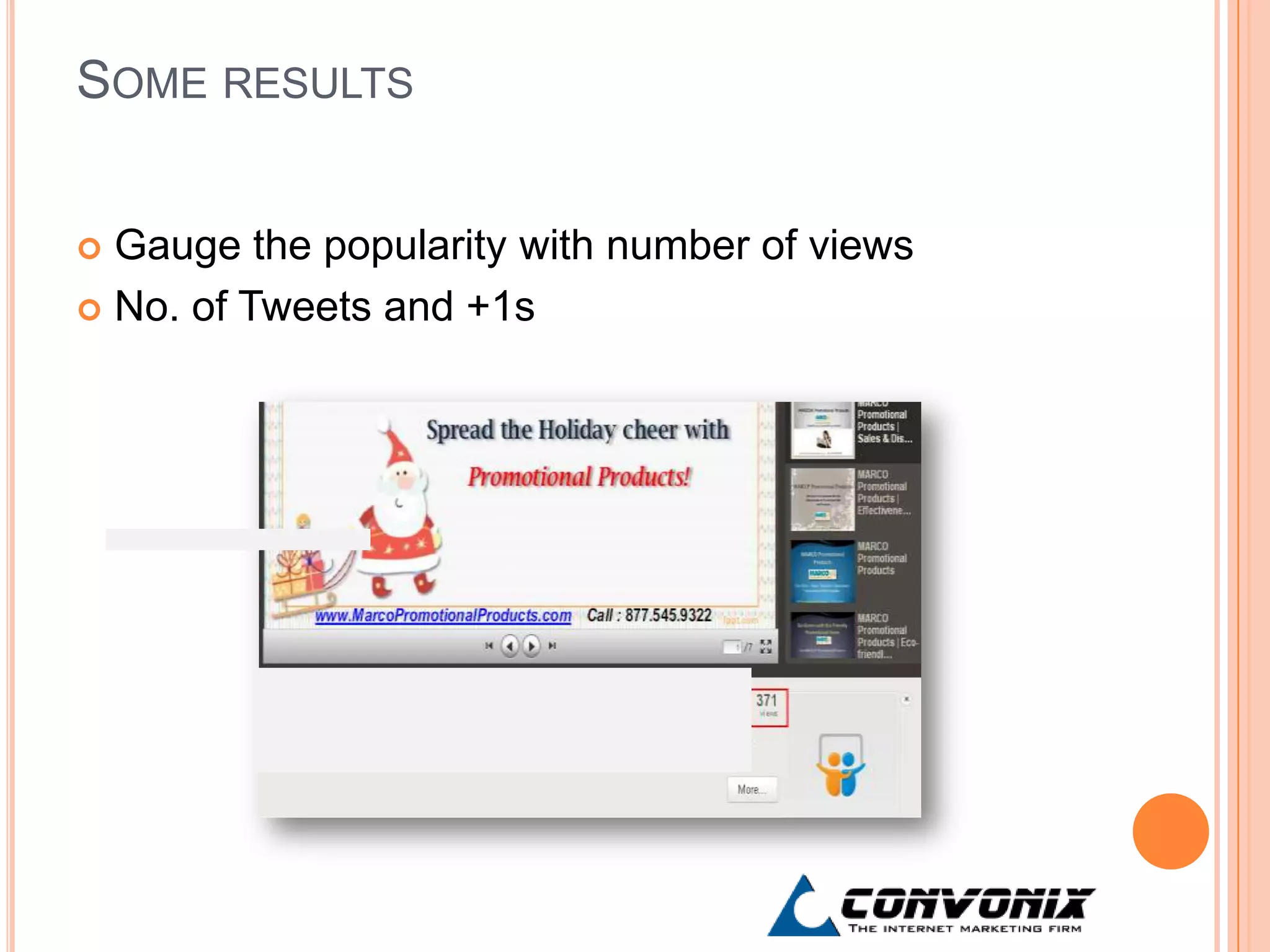
SOME RESULTS


 Gauge the popularity with number of views
 No. of Tweets and +1s
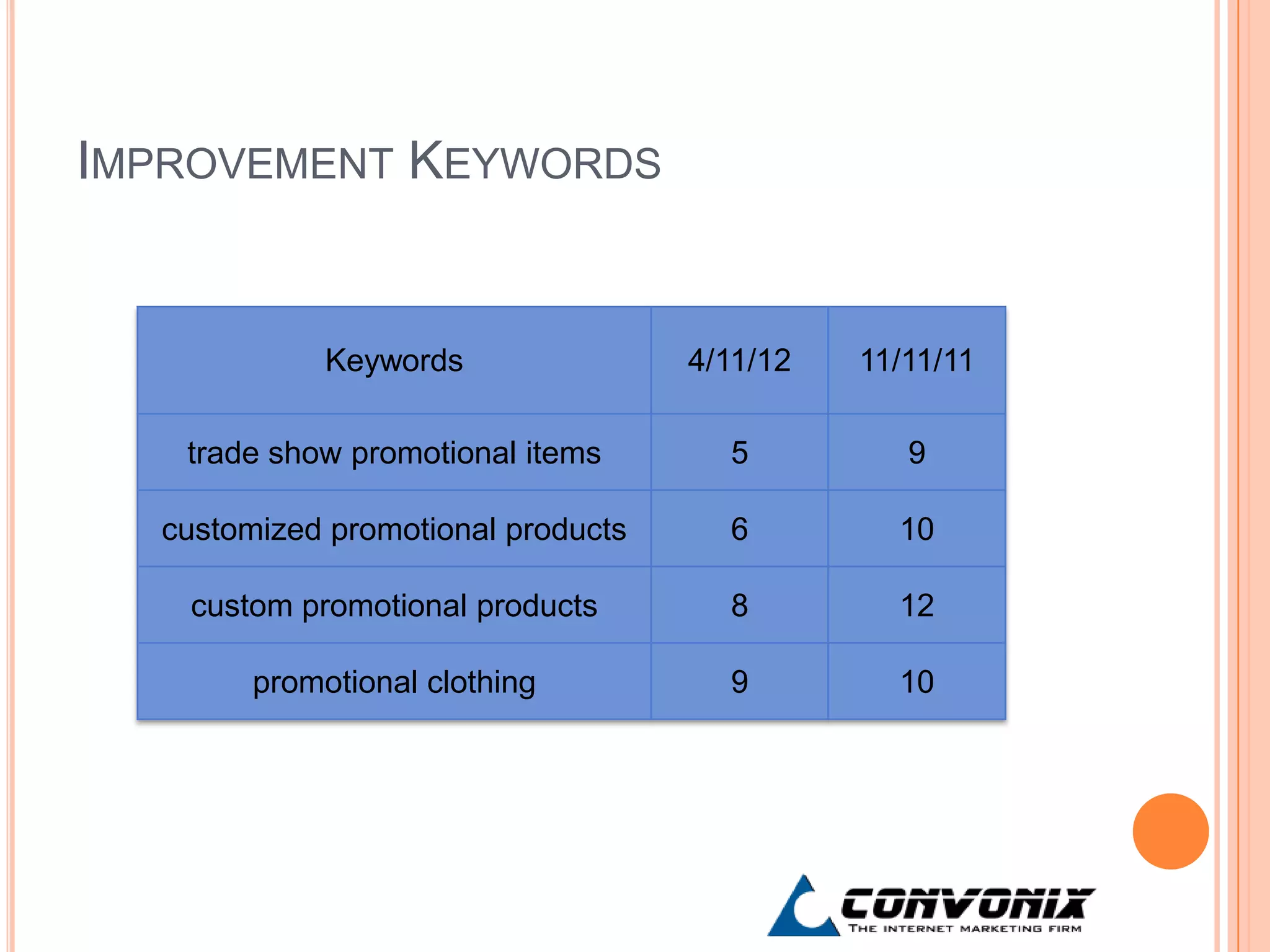
IMPROVEMENT KEYWORDS


             Keywords               4/11/12   11/11/11

   trade show promotional items       5          9

  customized promotional products     6         10

   custom promotional products        8         12

        promotional clothing          9         10
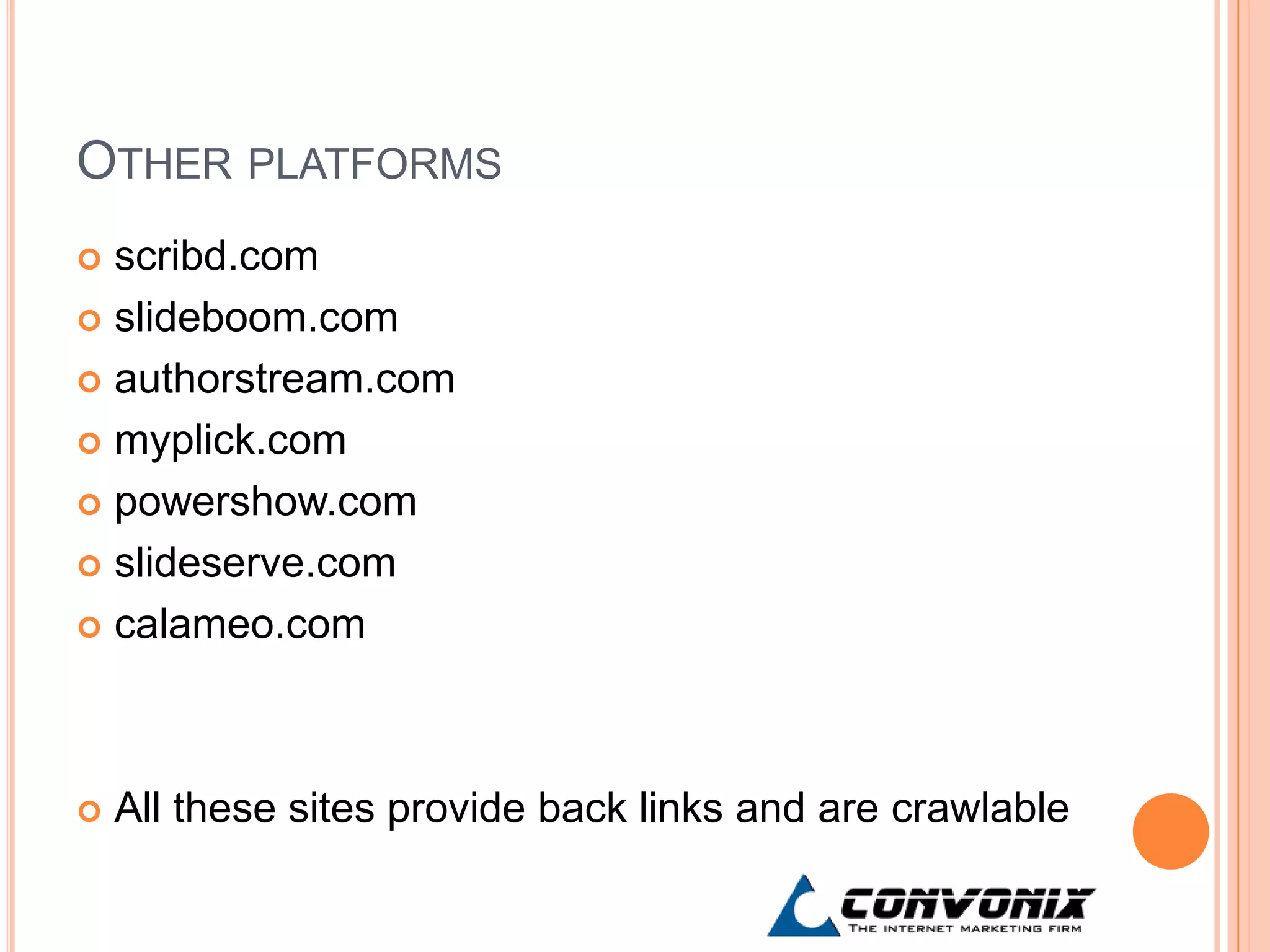
OTHER PLATFORMS
 scribd.com
 slideboom.com

 authorstream.com

 myplick.com

 powershow.com

 slideserve.com

 calameo.com


   All these sites provide back links and are crawlable
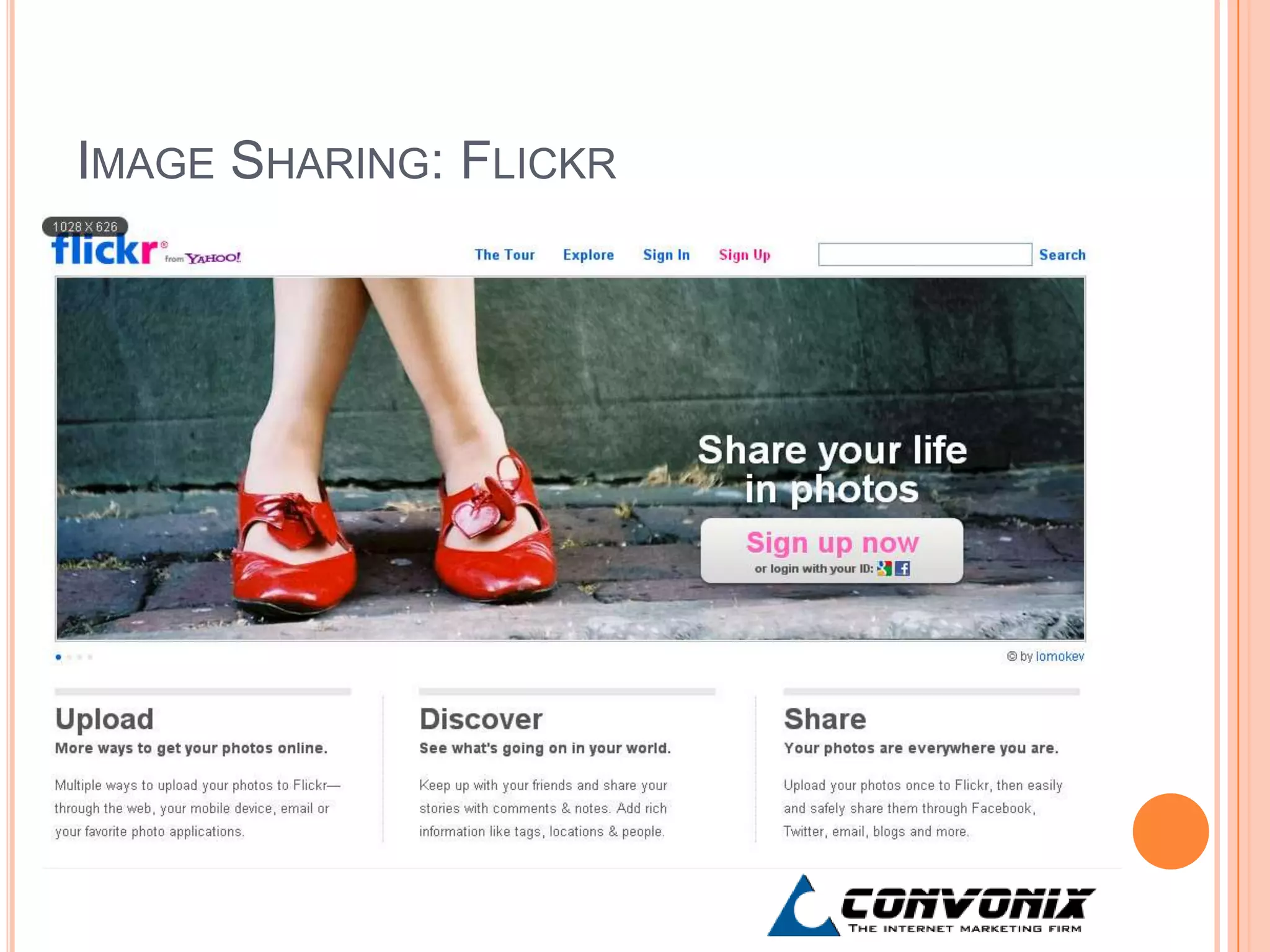
IMAGE SHARING: FLICKR
   Online photo sharing and management application
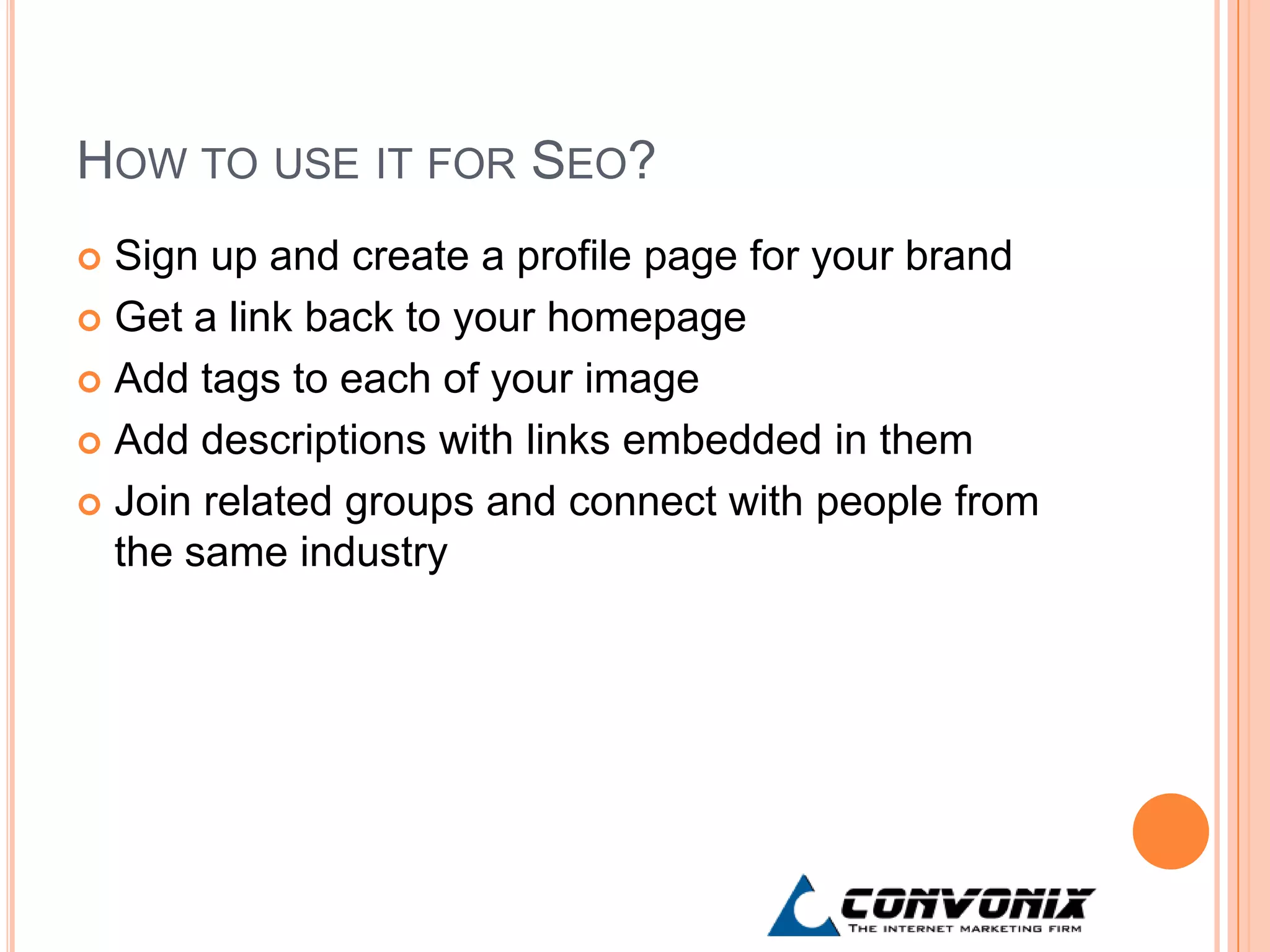
HOW TO USE IT FOR SEO?
 Sign up and create a profile page for your brand
 Get a link back to your homepage

 Add tags to each of your image

 Add descriptions with links embedded in them

 Join related groups and connect with people from
  the same industry
THANK YOU

New Age Link Building

  • 1.
    NEW AGE LINKBUILDING WITH PRESENTATIONS & IMAGES By- Kshitija Chavan Asst. Project Manager Search Engine Optimization
  • 2.
    TRADITIONAL LINK BUILDING Blogs Directory Press Release Articles Forums Blog Commenting What more? What’s New?
  • 3.
    POWER POINT PRESENTATIONS Effective and concise content  Hold users attention  No lengthy and boring text  Provision to add images and graphical data
  • 4.
    PRESENTATION PLATFORMS 1. SlideShare  World’s largest community for sharing ppts with 60 million monthly visitors  Great source of inspiration to create ppts for your own business  Grow your professional network (get in contact with similar people)  Get a chance for content to go viral (get shared on blogs, twitter, FB)
  • 5.
    TIPS FOR OPTIMIZINGWITH SLIDE SHARE (BASIC)  Provides link back from the account page  Add location, business type  Keyword in title  Summary 3000 characters allowed  Keywords in Tags  Speaker notes  Helps you create a professional profile  Also allows link to social media platforms
  • 6.
    ADVANCED  Insert youtubevideos within ppts  SS also supports documents, PDFs and videos  Embed slideshare widgets on your site
  • 7.
    ADVANTAGES  In 2011 SlideShare had a major makeover wherein they ditched Adobe Flash Player and rebuilt the entire site on HTML 5  Spiders can read all text within slides  SlideShare is viewable on every kind of mobile device, from iPads to iPhones to Android devices and beyond  Website is now loads 30% faster
  • 8.
    SOME RESULTS  Gaugethe popularity with number of views  No. of Tweets and +1s
  • 9.
    IMPROVEMENT KEYWORDS Keywords 4/11/12 11/11/11 trade show promotional items 5 9 customized promotional products 6 10 custom promotional products 8 12 promotional clothing 9 10
  • 10.
    OTHER PLATFORMS  scribd.com slideboom.com  authorstream.com  myplick.com  powershow.com  slideserve.com  calameo.com  All these sites provide back links and are crawlable
  • 11.
    IMAGE SHARING: FLICKR  Online photo sharing and management application
  • 12.
    HOW TO USEIT FOR SEO?  Sign up and create a profile page for your brand  Get a link back to your homepage  Add tags to each of your image  Add descriptions with links embedded in them  Join related groups and connect with people from the same industry
  • 13.

Editor's Notes

  • #2 This presentation talks about using link building from presentation & image sharing sites, during the course of a SEO campaign. As we did our usual <a href="http://www.convonix.com/seo-services-and-analysis/" title="SEO Strategy, Analysis & Audit">SEO analysis</a>for a site, we have come across numerous instances where archaic links like blogs, directories have not worked. So here we have explored new avenues where rich media like presentations & images can be used to create links.
  • #3 Have you ever wondered what can you do beyond the traditional link building? The search world is growing day by day and we need innovative ideas to keep leading in the race of “Ranking on Google”. We need to come out of the shell of conventional links and think different from just directories, blogs, articles etc.
  • #4 How about achieving links to your website via power point presentations? That’s something new, isn’t it? The basic advantage of power point presentations is that you can present all of your data in a concise manner and insert statistical or graphical information. In short, you can convert lengthy text into short slides which will hold users attention better. In fact, we were exploring <a href="http://www.convonix.com/video-seo/" title="SEO For Videos">SEO for videos </a>too, but it is very effort intensive & may not be a reasonable solution in the long term.
  • #5 : One of the very famous presentation uploading sites - Slide Share. It has a huge user base and is a great source of inspiration for creating ppts of your own. Just imagine the number of people that will see your brand  via these ppts.
  • #6 From an SEO standpoint, there are many features you can optimize on Slide Share even with a basic account.
  • #7 Sign up for the ‘PRO’ account on Slide Share and you can gain access to advanced features like inserting YouTube videos, PDFs and optimize transcripts.
  • #8 The main advantage of uploading PPTs on Slide Share is that the entire site has been built with HTML 5 and is hence spider friendly. Plus, Slide Share is viewable on all latest mobile devices from iPads to iPhones to android devices.
  • #9 Gauging the results from Slide Share is very subjective. The number of views or downloads, comments and social sharing are key indicators of your presentation’s performance which in turn will help your brand.
  • #10 Here are some of the ranking improvements seen for a few of my site keywords that were targeted on Slide Share. One of our numerous successful <a href="http://www.convonix.com/servicetype/seo-case-studies/" title="SEO Case Studies @ Convonix">SEO client case studies</a>.
  • #11 : There are many such sites that allow you to upload presentations and provide back links to your own site. http://www.moreofit.com/similar-to/www.slideshare.net/Top_10_Sites_Like_Slideshare/
  • #12 Another modern link building platform that has always been there, but has been overlooked for some reason. Image sharing sites like Flickr.com.
  • #13 There are many ways to use Flickr for SEO. Follow these steps and get your brand images on Flickr.