@ Your Library
The Dixie Grammar School
Michael Parker Library & Junior School Library


Think…Ask…Read…Imagine…Create...
Library transformation

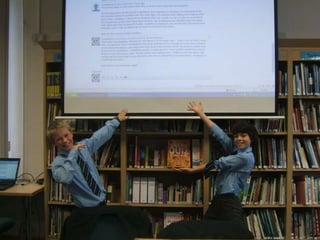
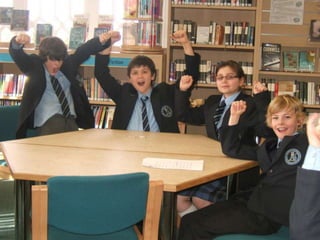
     From July to October 2009 we
transformed our Senior School Library
    into the Michael Parker Library.
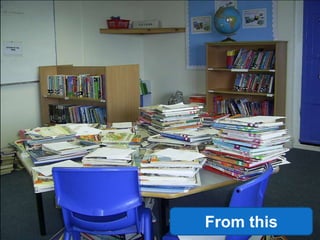
Library transformation

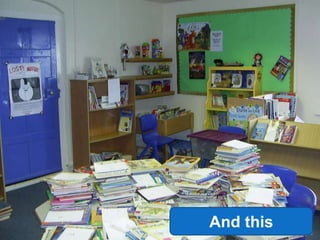
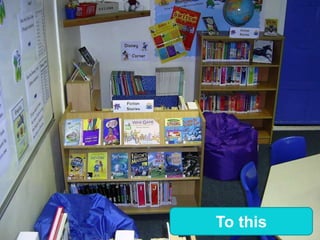
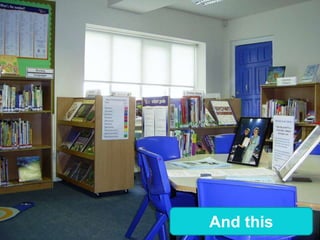
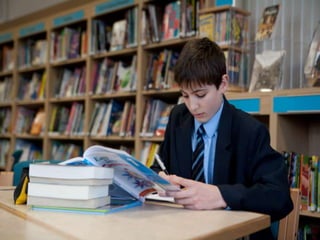
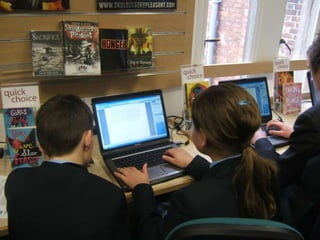
From July to December 2011 we
  upgraded and improved our
    Junior School Library
From this
And this
To this
And this
Creating a professional
Library Service for the
     whole school
How do we use our
    libraries?
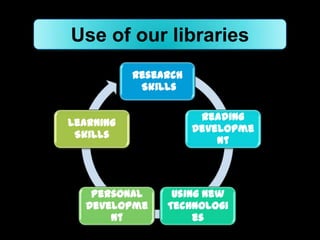
Use of our libraries
           Research
            Skills

                       Reading
Learning
                      Developme
 Skills
                          nt


   Personal      Using New
  Developme     Technologi
      nt             es
My Offer to You
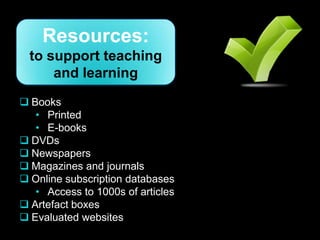
Resources:
  to support teaching
      and learning
 Books
   • Printed
   • E-books
 DVDs
 Newspapers
 Magazines and journals
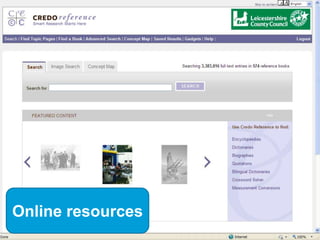
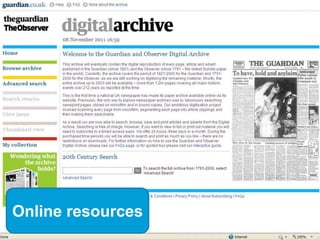
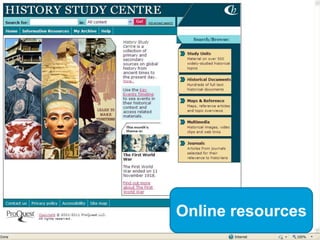
 Online subscription databases
   • Access to 1000s of articles
 Artefact boxes
 Evaluated websites
Resources:
 to support teaching
     and learning


Purchased from the
Library Budget…


                             …or borrowed from our
                       Schools Library Service - LSE
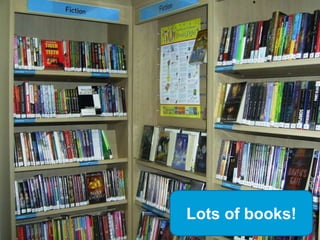
Books


        Lots of books!
Books, magazines, n
ewspapers, DVDs…
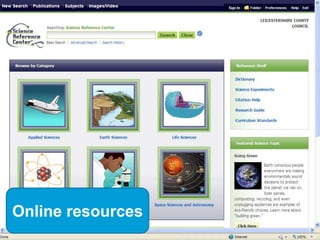
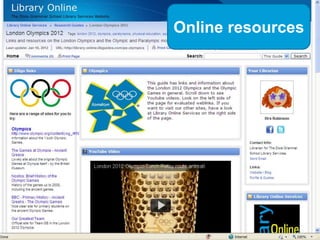
Online resources
Online resources
Online resources
Online resources
Online resources


               20
Facilities:
  to support teaching
      and learning
 Comfortable seating for a range of tasks
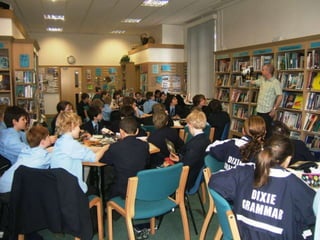
 Class or group bookings
 Flexible study space
 Laptops
 Headphones
 Floor sockets
 Colour laser printer
 Screen & projector
Services:
 to support teaching
     and learning

Reading Development

Examples:
 Reading Programme: Years 6-8 working with English
  Department
 Individual guidance
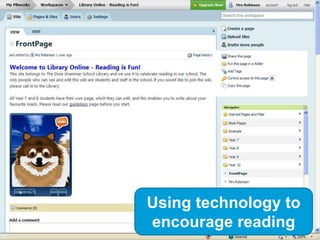
 Using technology – Reading is Fun wiki
 Extra-curricular activities
"Reading is to the mind what exercise
      is to the body." Richard Steele
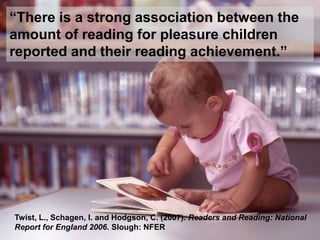
“There is a strong association between the
amount of reading for pleasure children
reported and their reading achievement.”


Twist, L., Schagen, I. and Hodgson, C. (2007). Readers and Reading: National
Report for England 2006. Slough: NFER
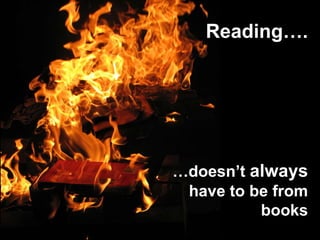
Reading….


…doesn’t always
 have to be from
          books
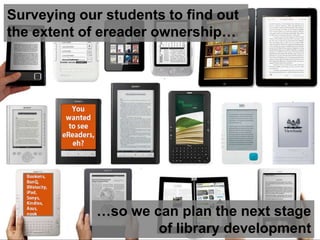
Surveying our students to find out
the extent of ereader ownership…


             …so we can plan the next stage
                     of library development
Using technology to
encourage reading
Services:
 to support teaching
     and learning

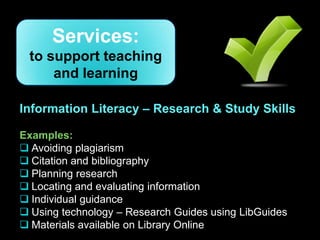
Information Literacy – Research & Study Skills

Examples:
 Avoiding plagiarism
 Citation and bibliography
 Planning research
 Locating and evaluating information
 Individual guidance
 Using technology – Research Guides using LibGuides
 Materials available on Library Online
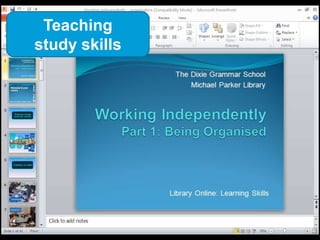
Teaching
study skills
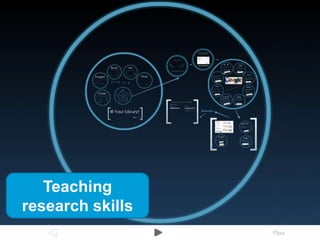
Teaching
research skills
Using ICT:
to support teaching
    and learning
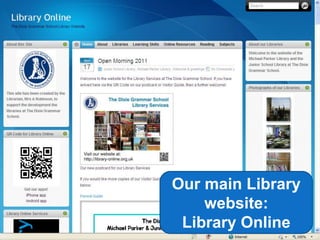
The site is at http://library-online.org.uk


               Our main Library
                   website:
                Library Online
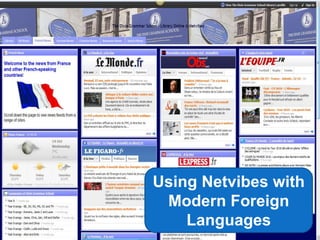
Using Netvibes with
 Modern Foreign
    Languages
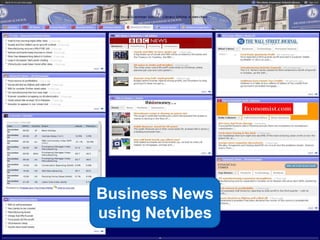
Business News
using Netvibes
                 40
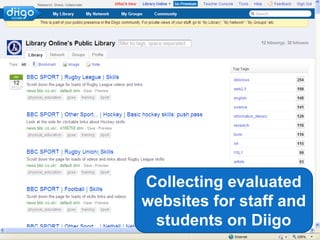
Collecting evaluated
websites for staff and
 students on Diigo
                    41
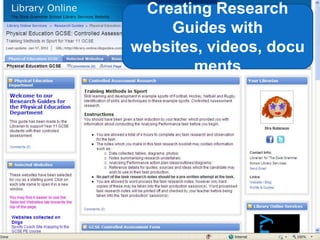
Creating Research
    Guides with
websites, videos, docu
        ments


                     42
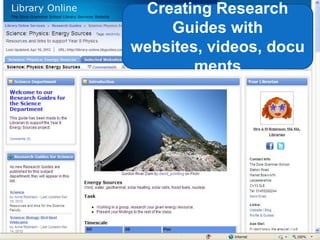
Creating Research
    Guides with
websites, videos, docu
        ments


                     43
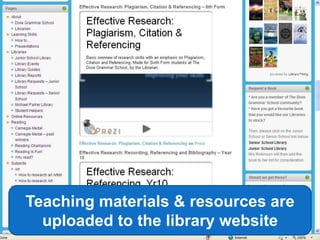
Teaching materials & resources are
  uploaded to the library website
                                     44
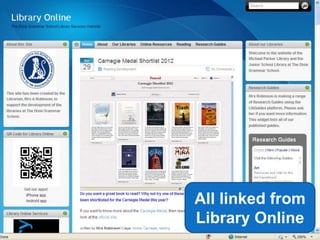
All linked from
Library Online
             45
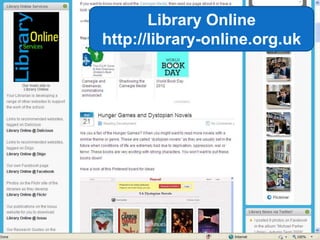
Library Online
http://library-online.org.uk


                           46
Some ideas

Make sure the             Ask students to
Library has               make resource lists
reference copies of       (bibliographies) for
your textbooks            all homework/
                          coursework – and
                          mark them!
Ask me to build a
Research Guide for
you to use in the         Borrow a book or
Library, classroom        artefact collection
or ICT room!              from LSE
Acknowledgements
Images
All images © The Dixie Grammar School except:
Slide 13: Offering http://www.flickr.com/photos/travelingtribe/5777561148/
Slide 18: Credo Reference
Slide 19: Guardian and Observer Digital Archive
Slide 20: History Study Center
Slide 21: Science Reference Center
Slide 22: SpringShare
Slide 30: Run by Sunrise http://www.flickr.com/photos/leefotos/968365032/
Slide 31 At the Library http://www.flickr.com/photos/amuderick/1105102241/
Slide 32: Book Burning http://www.flickr.com/photos/ender/517900257/
Slide 33: ebook Readers Galore http://www.flickr.com/photos/libraryman/5052936803/
Slide 34: PBWorks
Slide 38: Delicious logo http://ow.ly/8uGiT
            Diigo logo http://derekbruff.com/site/blog/2011/01/07/social-bookmarking-with-diigo/
            Facebook logo http://www.browzz.com/search/facebook-logo/
            Flickr logo http://www.yourlogoresources.com/flickr-logo/

                                               Anti-plagiarism:
            Google apps logo http://www.ip6net.net/index.php/news/125-a-tribute-to-steve-jobs
            Netvibes logo http://pulse2.com/category/netvibes/
            SlideShare logo http://www.slideshare.net/about/logos
            Twitter logo http://ow.ly/8uGHu
            Youtube logo http://ow.ly/8uGKY
                                             model good practice!

Library Services presentation

  • 1.
    @ Your Library TheDixie Grammar School Michael Parker Library & Junior School Library Think…Ask…Read…Imagine…Create...
  • 2.
    Library transformation From July to October 2009 we transformed our Senior School Library into the Michael Parker Library.
  • 3.
    Library transformation From Julyto December 2011 we upgraded and improved our Junior School Library
  • 4.
  • 5.
  • 6.
  • 7.
  • 8.
    Creating a professional LibraryService for the whole school
  • 9.
    How do weuse our libraries?
  • 10.
    Use of ourlibraries Research Skills Reading Learning Developme Skills nt Personal Using New Developme Technologi nt es
  • 11.
  • 12.
    Resources: tosupport teaching and learning  Books • Printed • E-books  DVDs  Newspapers  Magazines and journals  Online subscription databases • Access to 1000s of articles  Artefact boxes  Evaluated websites
  • 13.
    Resources: to supportteaching and learning Purchased from the Library Budget… …or borrowed from our Schools Library Service - LSE
  • 14.
    Books Lots of books!
  • 15.
  • 16.
  • 17.
  • 18.
  • 19.
  • 20.
  • 21.
    Facilities: tosupport teaching and learning  Comfortable seating for a range of tasks  Class or group bookings  Flexible study space  Laptops  Headphones  Floor sockets  Colour laser printer  Screen & projector
  • 27.
    Services: to supportteaching and learning Reading Development Examples:  Reading Programme: Years 6-8 working with English Department  Individual guidance  Using technology – Reading is Fun wiki  Extra-curricular activities
  • 28.
    "Reading is tothe mind what exercise is to the body." Richard Steele
  • 29.
    “There is astrong association between the amount of reading for pleasure children reported and their reading achievement.” Twist, L., Schagen, I. and Hodgson, C. (2007). Readers and Reading: National Report for England 2006. Slough: NFER
  • 30.
  • 31.
    Surveying our studentsto find out the extent of ereader ownership… …so we can plan the next stage of library development
  • 32.
  • 33.
    Services: to supportteaching and learning Information Literacy – Research & Study Skills Examples:  Avoiding plagiarism  Citation and bibliography  Planning research  Locating and evaluating information  Individual guidance  Using technology – Research Guides using LibGuides  Materials available on Library Online
  • 34.
  • 35.
  • 36.
    Using ICT: to supportteaching and learning
  • 38.
    The site isat http://library-online.org.uk Our main Library website: Library Online
  • 39.
    Using Netvibes with Modern Foreign Languages
  • 40.
  • 41.
    Collecting evaluated websites forstaff and students on Diigo 41
  • 42.
    Creating Research Guides with websites, videos, docu ments 42
  • 43.
    Creating Research Guides with websites, videos, docu ments 43
  • 44.
    Teaching materials &resources are uploaded to the library website 44
  • 45.
  • 46.
  • 47.
    Some ideas Make surethe Ask students to Library has make resource lists reference copies of (bibliographies) for your textbooks all homework/ coursework – and mark them! Ask me to build a Research Guide for you to use in the Borrow a book or Library, classroom artefact collection or ICT room! from LSE
  • 48.
    Acknowledgements Images All images ©The Dixie Grammar School except: Slide 13: Offering http://www.flickr.com/photos/travelingtribe/5777561148/ Slide 18: Credo Reference Slide 19: Guardian and Observer Digital Archive Slide 20: History Study Center Slide 21: Science Reference Center Slide 22: SpringShare Slide 30: Run by Sunrise http://www.flickr.com/photos/leefotos/968365032/ Slide 31 At the Library http://www.flickr.com/photos/amuderick/1105102241/ Slide 32: Book Burning http://www.flickr.com/photos/ender/517900257/ Slide 33: ebook Readers Galore http://www.flickr.com/photos/libraryman/5052936803/ Slide 34: PBWorks Slide 38: Delicious logo http://ow.ly/8uGiT Diigo logo http://derekbruff.com/site/blog/2011/01/07/social-bookmarking-with-diigo/ Facebook logo http://www.browzz.com/search/facebook-logo/ Flickr logo http://www.yourlogoresources.com/flickr-logo/ Anti-plagiarism: Google apps logo http://www.ip6net.net/index.php/news/125-a-tribute-to-steve-jobs Netvibes logo http://pulse2.com/category/netvibes/ SlideShare logo http://www.slideshare.net/about/logos Twitter logo http://ow.ly/8uGHu Youtube logo http://ow.ly/8uGKY model good practice!

Editor's Notes

  • #39 So here we are in October 2009, with a lovely refurbished library space. The stock is steadily improving and we have the facilities in terms of work-space and ICT that the staff and students deserve. So is my work now finished? Of course not – you all know that this is just the beginning! I now have to get the library used and continue the conversations that I started last year with the whole school community so that this library and librarian can have an impact on the school. We are a force for change and improvement – so watch this space!
  • #40 I tried the usual formal things of asking Heads of Department to give me their Schemes of Work and lesson plans, or at the very least outlines and homework areas. So that I could begin to plan for re-stocking the library. As you would expect, this was as difficult as it seems to be in most schools and is still definitely a work in progress.Some departments responded very well. Modern Languages was a case in point. They were also interested in developing technologies – the HOD has his own blog. I was able to respond quickly to an expressed need for access to news headlines in different languages and so created the Netvibes page that you see here. This definitely made them begin to see me in a different light as they started to understand what a school librarian can actually do beyond their traditional idea!Other departments, such as History and English, gave me lists of requests during the year and I did my best to fulfil these where appropriate so that they could begin to see a real difference to the resources available to them through having a professional librarian.