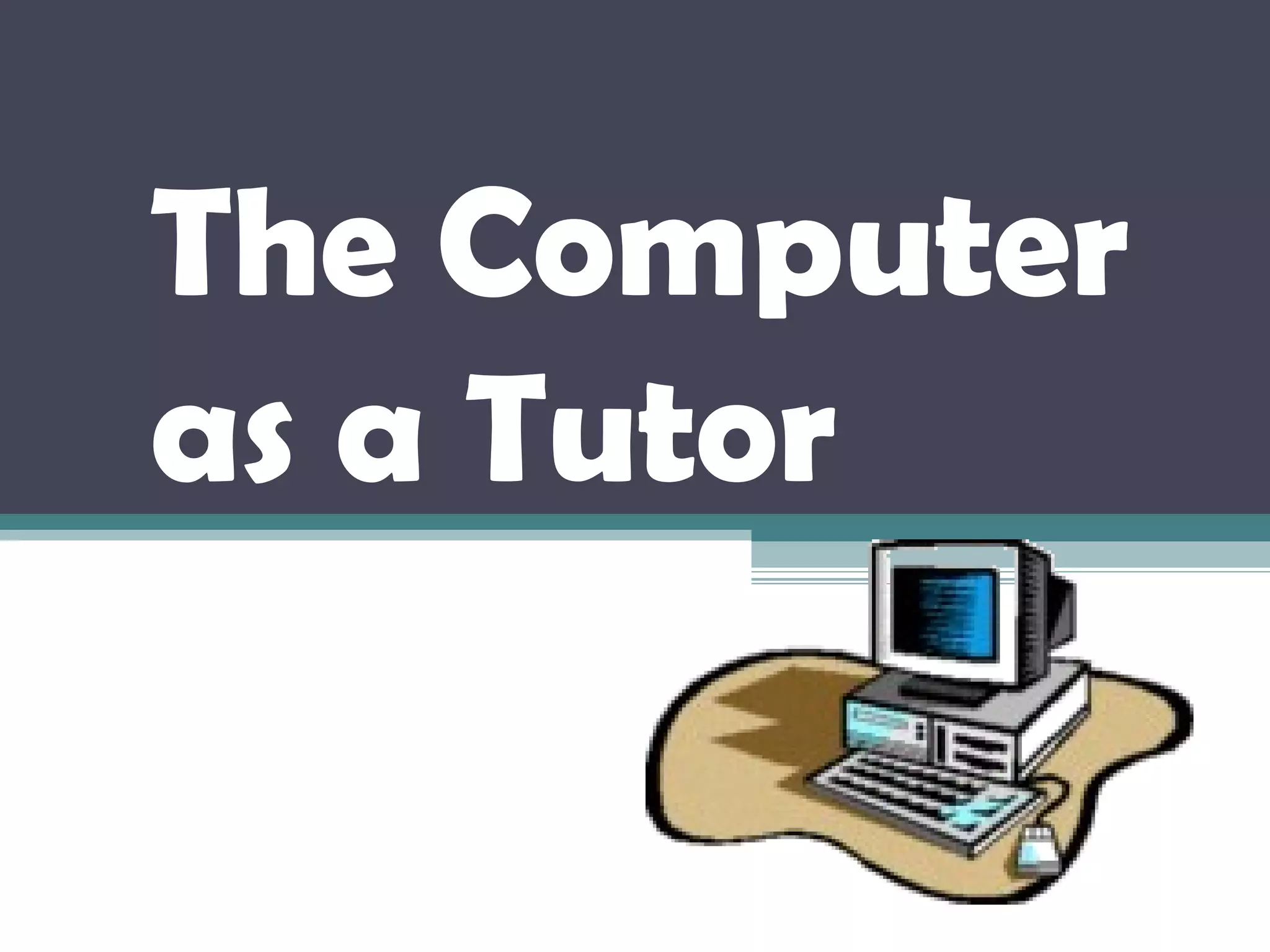
The Computer
as a Tutor
The computer is
one of the wonders
of human ingenuity.
With the invention of the
microcomputer (now also
commonly referred to as PCs or
personal computers), the PC has
become the tool for programmed
instruction.
Computer-assisted Instruction (CAI)
• The computer can be a tutor, in effect,
relieving the teacher of many activities
in his personal role as classroom
teacher.
• The computer cannot totally replace
the teacher since the teacher shall
continue to play the major roles of
information deliverer and learning
environment controller.
The teacher must:
Ensure that students have
the needed knowledge and
skills for any computer
activity.
The teacher must:
Decide the
appropriate learning
objectives
Plan the sequential and
structured activities to
achieve the objectives
Evaluate the students’
achievement by ways that
tests specific expected
outcomes
Students in CAI play their own
roles as learners, as they:
Receive information
Understand
information for the
computer activity
Retain/keep in mind the
information and rules for the
computer activity
Apply the knowledge and
rules during the process of
computer learning
The computer plays its roles as
it:
Acts as a sort of tutor (the
role traditionally played by
the teachers)
Provides a learning
environment
The computer plays its roles as
it:
Delivers learning
instruction
The computer plays its roles
as it:
Reinforces learning
through drill and
practice
The computer plays its roles as
it:
Provides
feedback
The computer plays its roles as
it:
CAI integrated with Lessons
•CAI computer learning should
not stop with the drill and
practice activities of students
•CAI works best in reinforcing
learning through repetitive
exercises such that students can
practice basic skills or knowledge
in various subject areas
CAI integrated with Lessons
•In these programs, the computer
presents a question/problem first and
the student is asked to answer the
question/problem. Immediate feedback
is given to the student’s answer
CAI integrated with Lessons
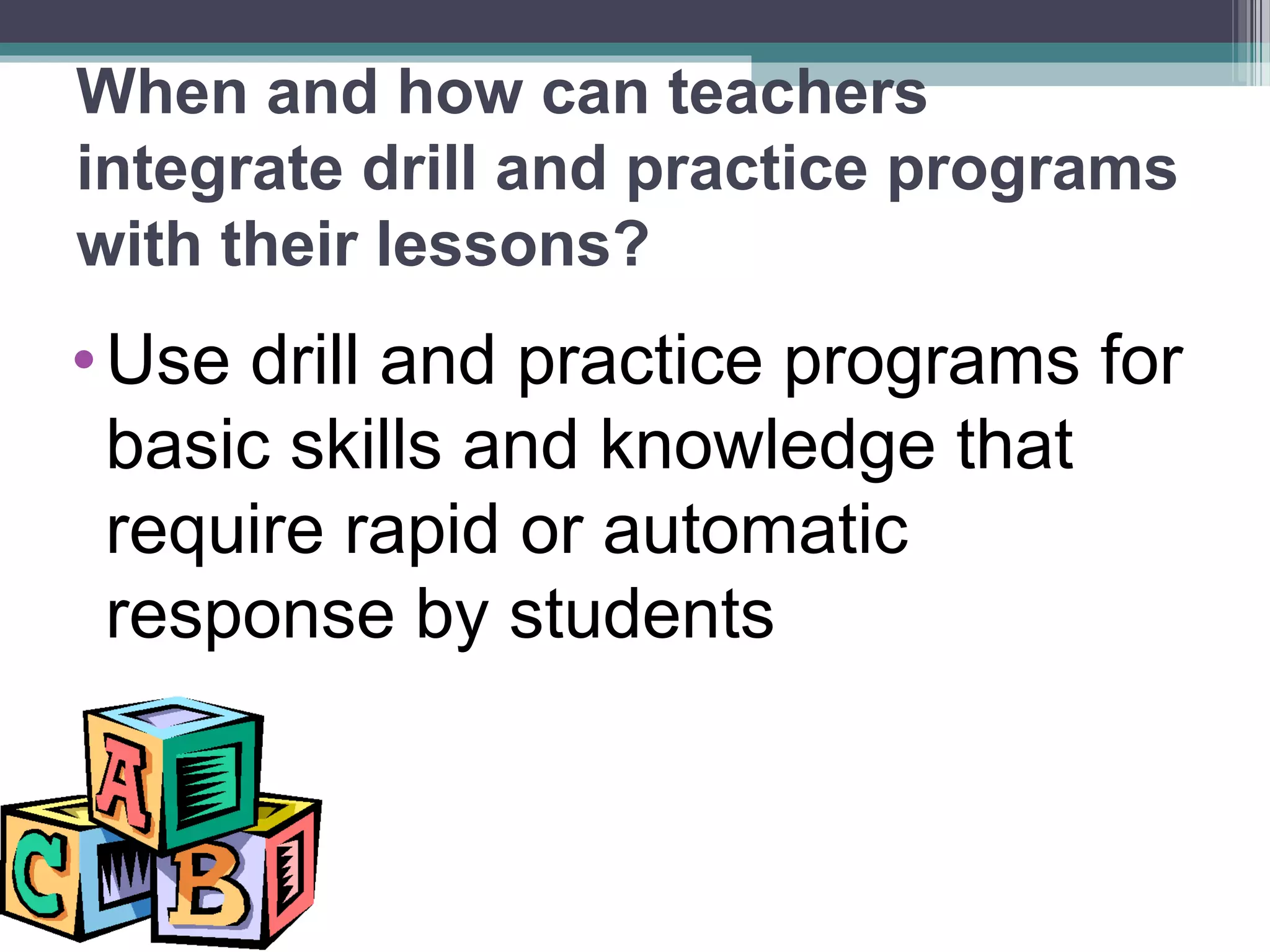
When and how can teachers
integrate drill and practice programs
with their lessons?
•Use drill and practice programs for
basic skills and knowledge that
require rapid or automatic
response by students
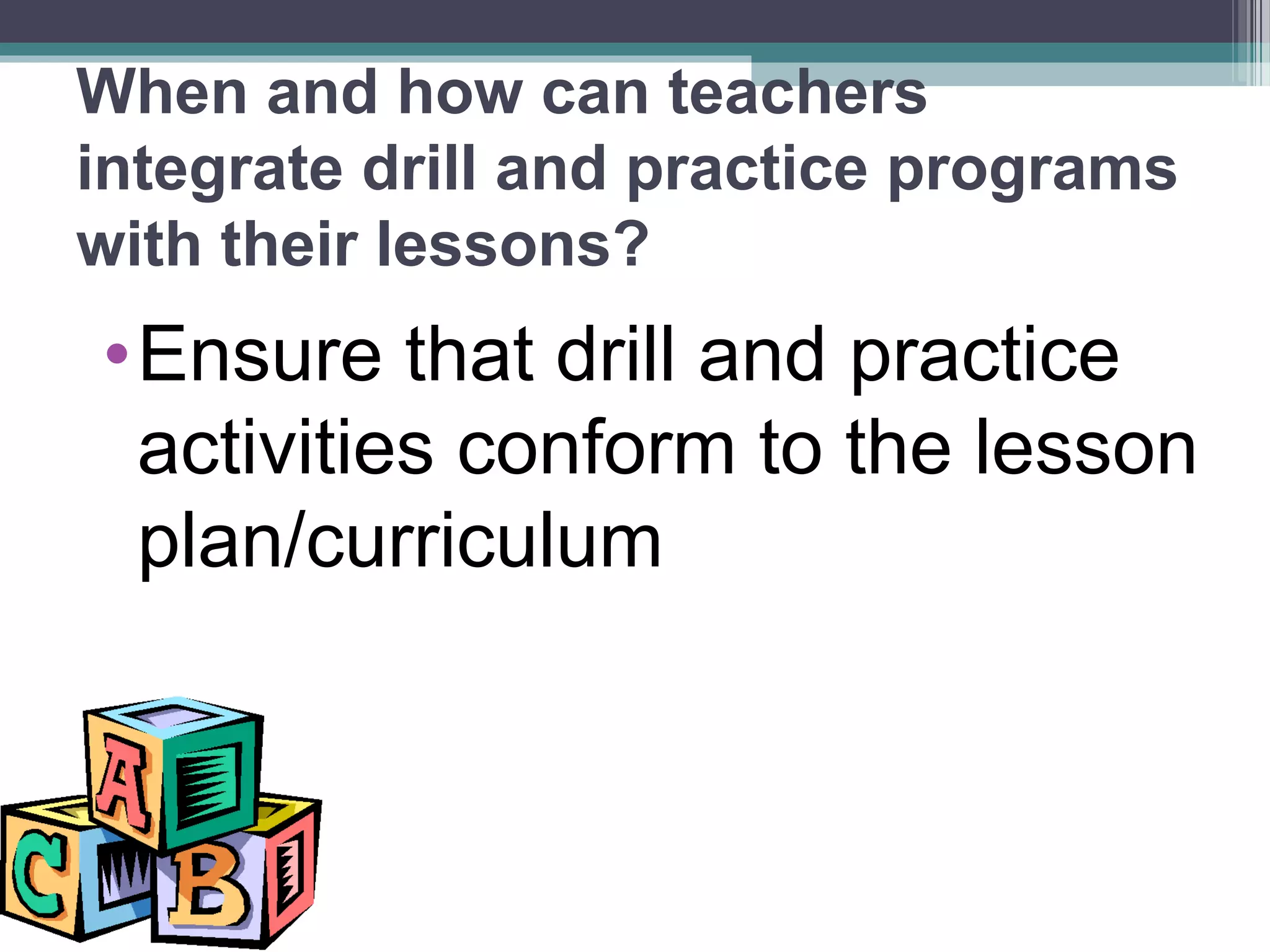
When and how can teachers
integrate drill and practice programs
with their lessons?
•Ensure that drill and practice
activities conform to the lesson
plan/curriculum
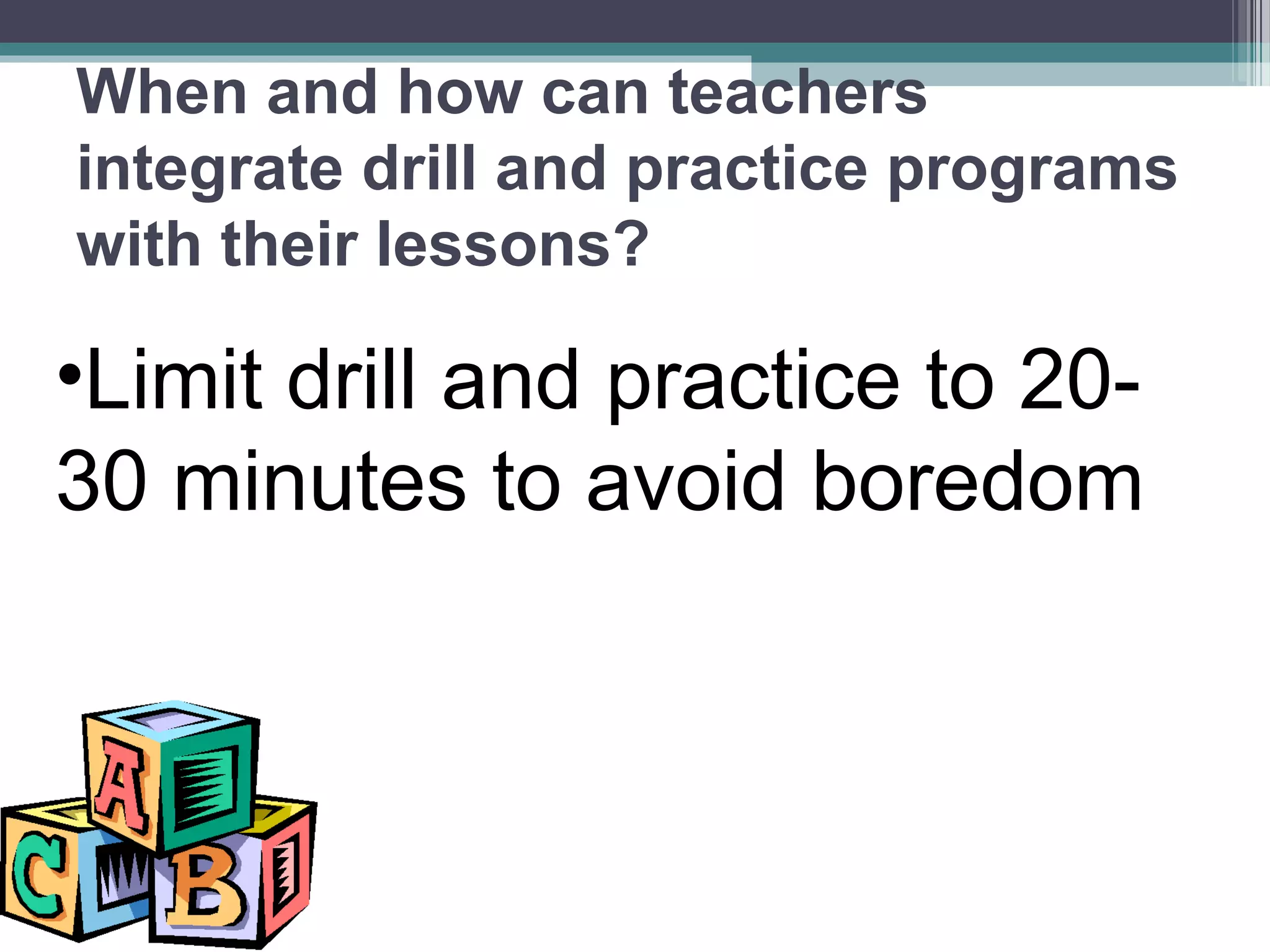
•Limit drill and practice to 20-
30 minutes to avoid boredom
When and how can teachers
integrate drill and practice programs
with their lessons?
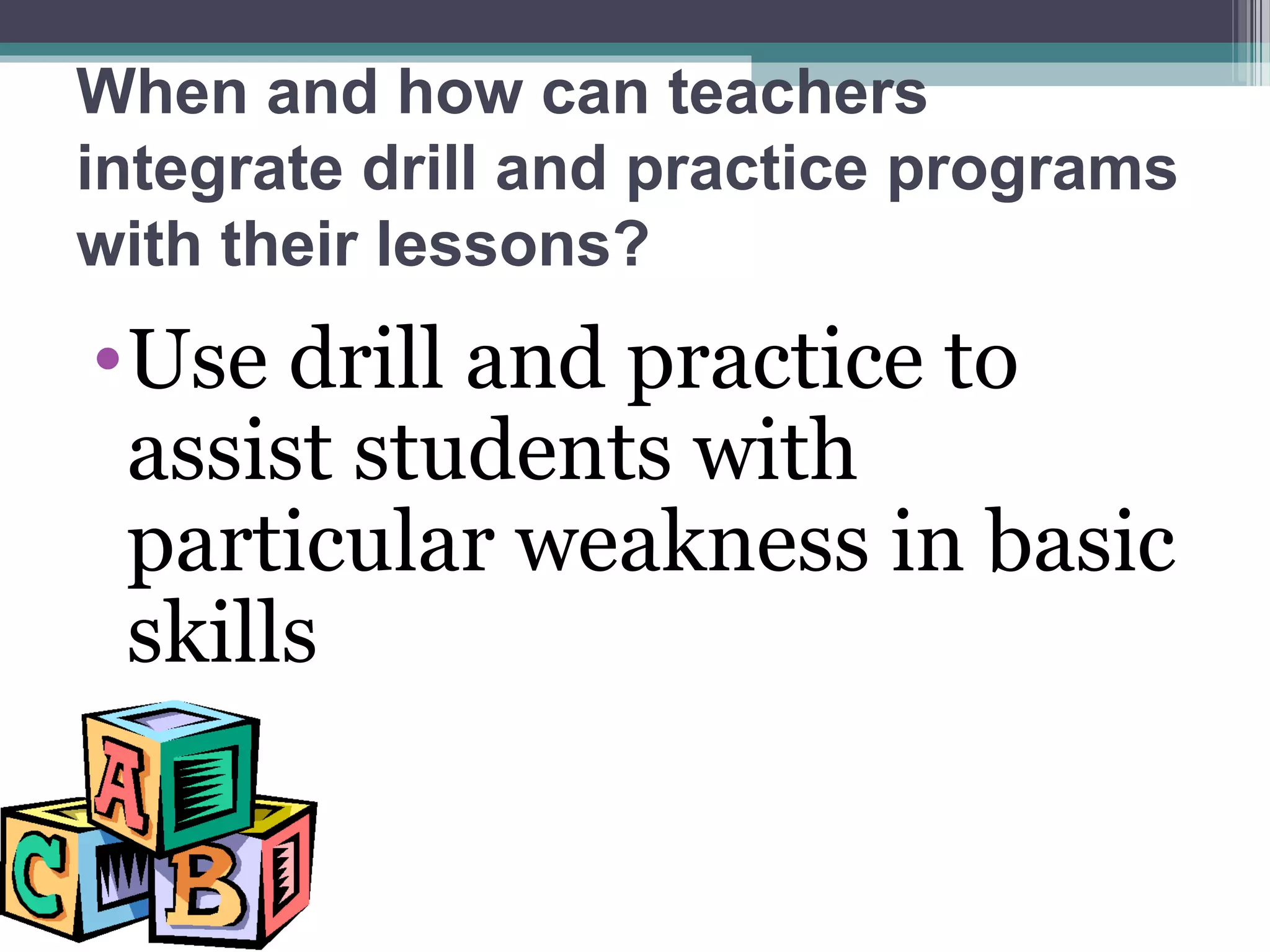
When and how can teachers
integrate drill and practice programs
with their lessons?
•Use drill and practice to
assist students with
particular weakness in basic
skills
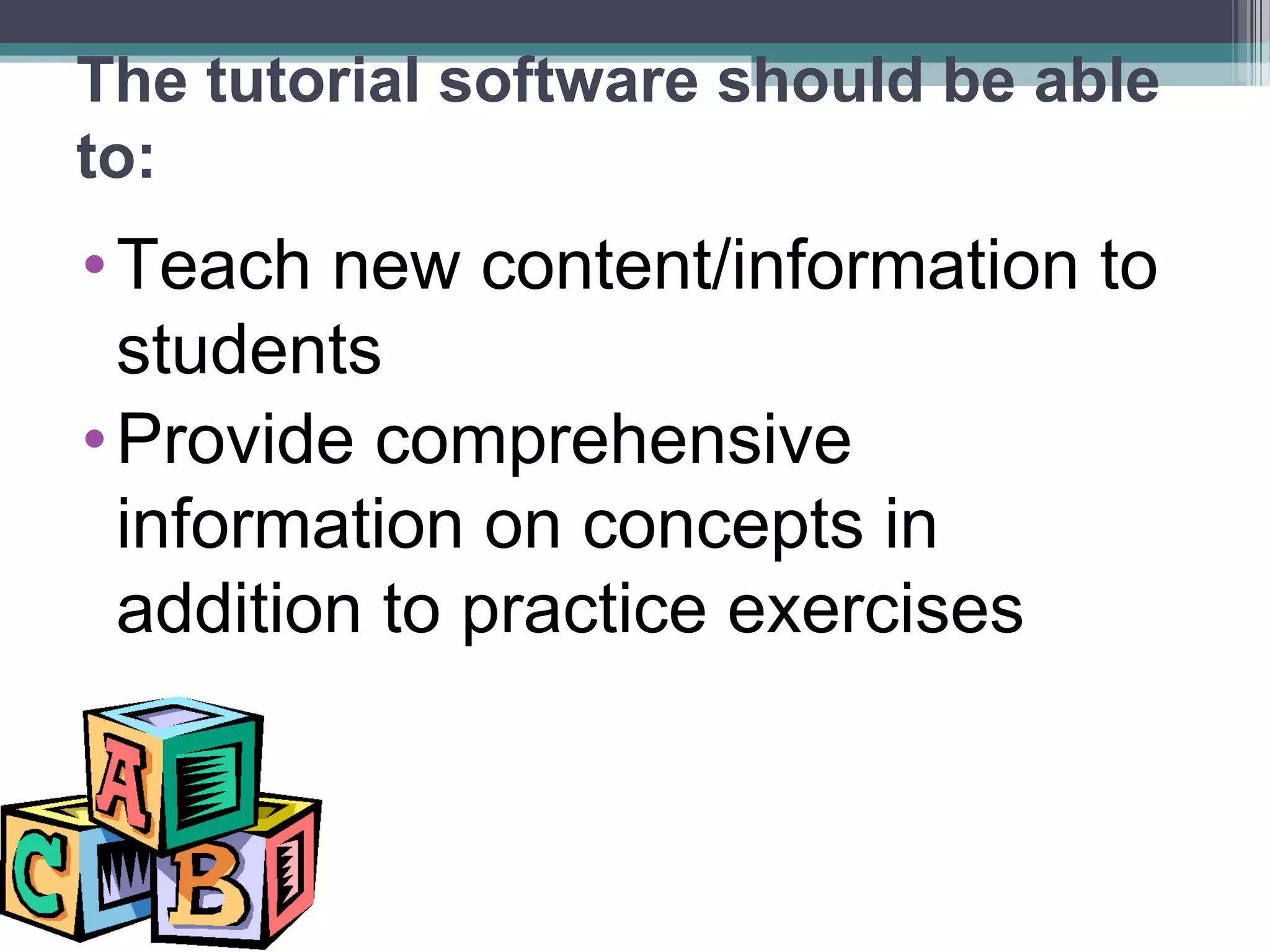
The tutorial software should be able
to:
•Teach new content/information to
students
•Provide comprehensive
information on concepts in
addition to practice exercises
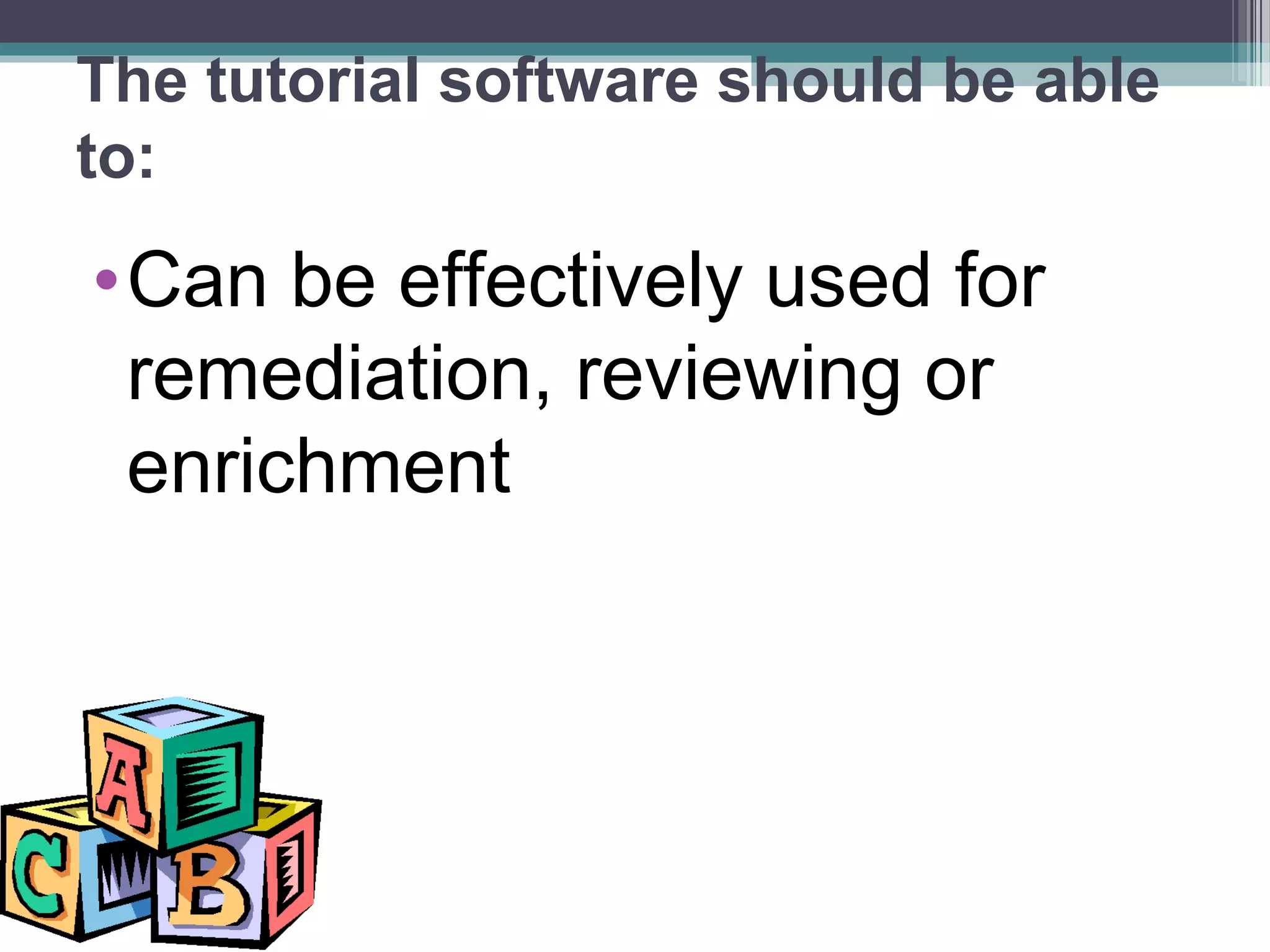
The tutorial software should be able
to:
•Can be effectively used for
remediation, reviewing or
enrichment
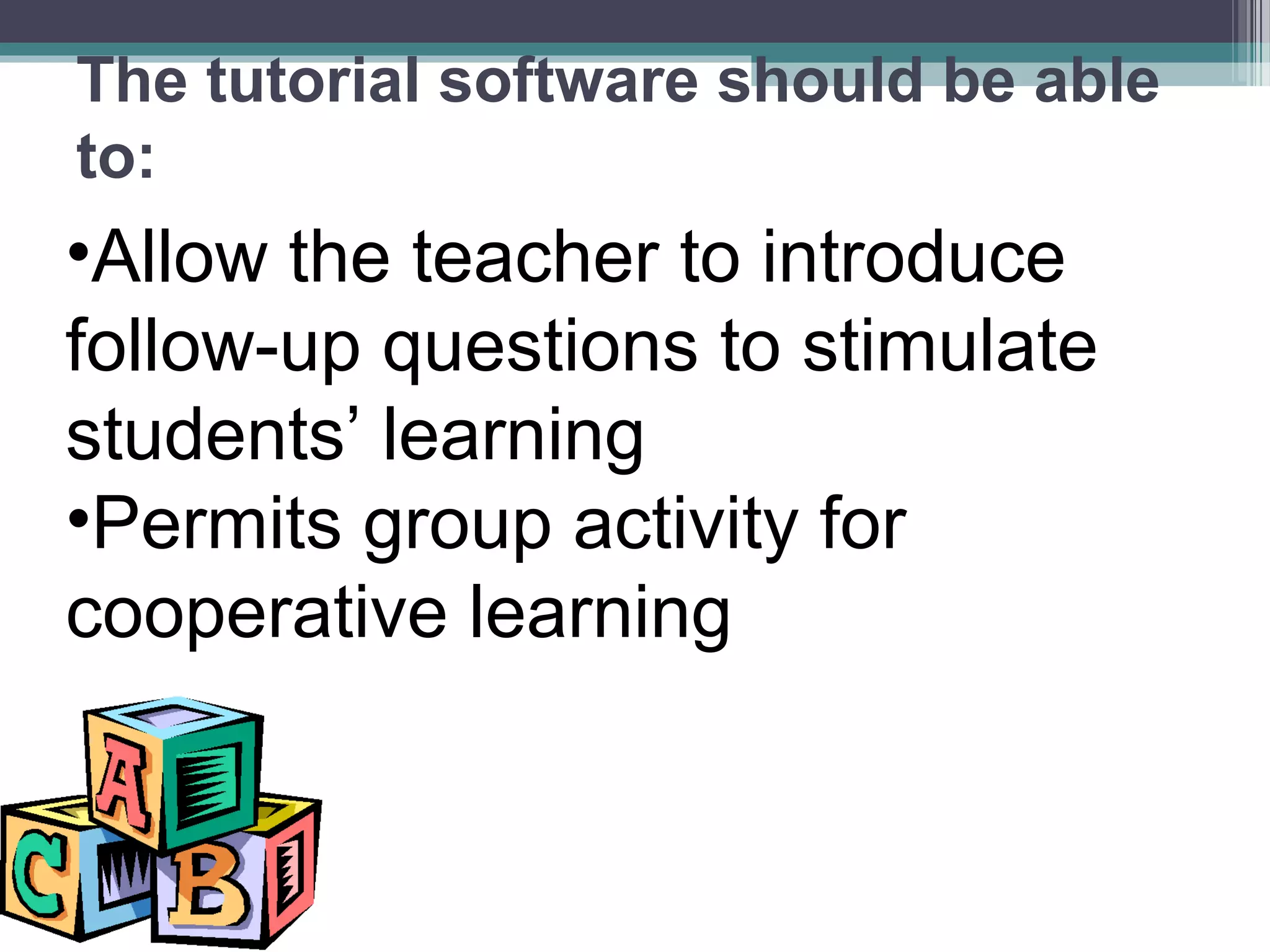
•Allow the teacher to introduce
follow-up questions to stimulate
students’ learning
•Permits group activity for
cooperative learning
The tutorial software should be able
to:
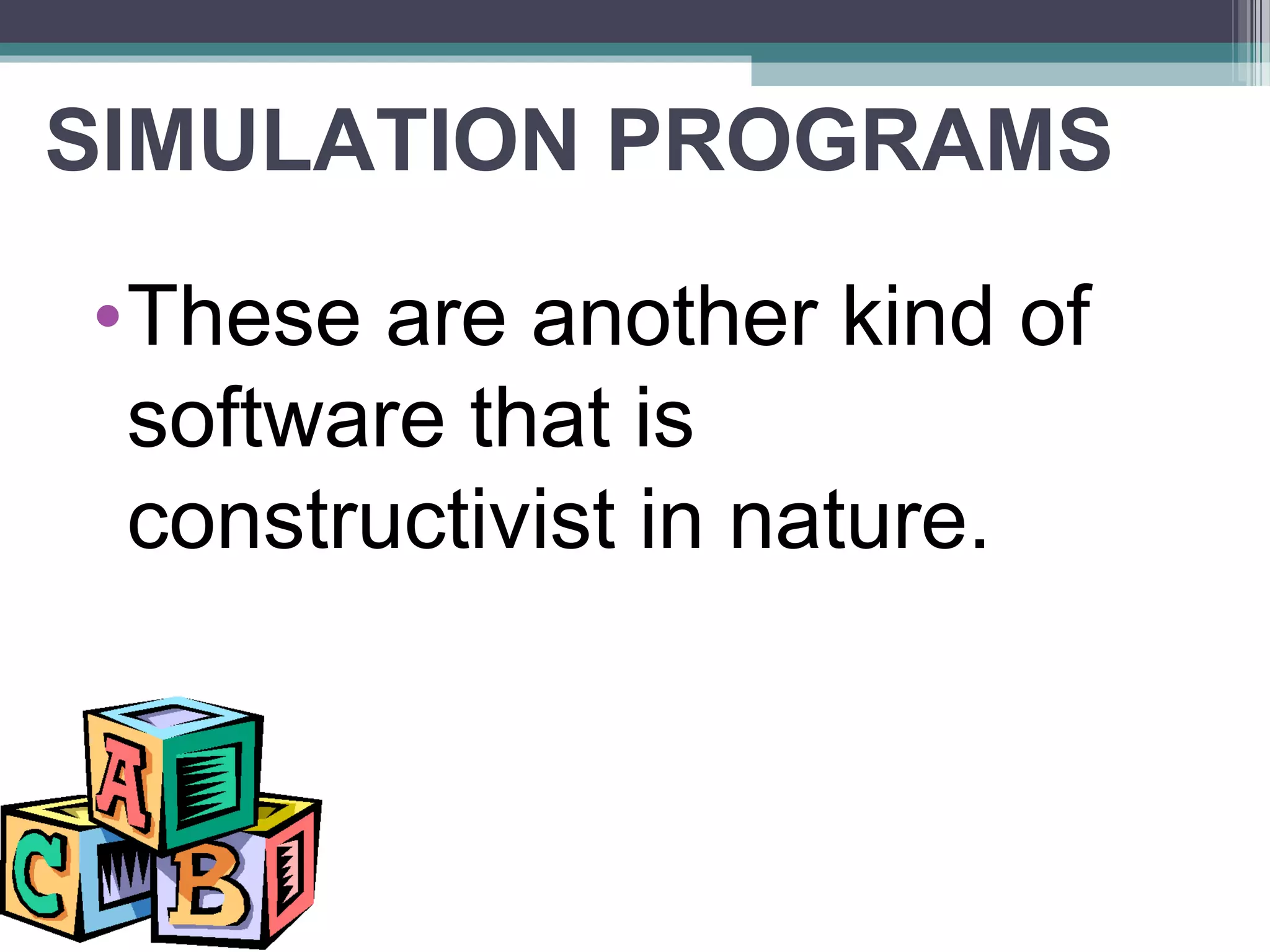
SIMULATION PROGRAMS
•These are another kind of
software that is
constructivist in nature.
These simulation software:•Teaches strategies and rules
applied to real-life
problems/situations
•Asks students to make decision
on models or scenarios
These simulation software:•Allows students to manipulate
elements of a model and get
the experience of the effects of
their decisions
INSTRUCTIONAL GAMES•While relating to low-level learning
objectives, instructional computer
games add the elements of
competition and challenge.
PROBLEM-SOLVING SOFTWARE• These are more sophisticated than
the drill and practice exercises and
allow students to learn and improve on
their problem-solving ability. Since
problems cannot be solved simply by
memorizing facts, the students have to
employ higher thinking skills such as
logic, recognition, reflection, and
strategy-making.
MULTIMEDIA ENCYCLOPEDIA and
ELECTRONIC BOOKS
• MULTIMEDIA ENCYCLOPEDIA can
store a huge database with texts,
images, animation, audio and video.
Students can access any desired
information, search its vast contents
and even download/print relevant
portions of the data for their
composition or presentation.
MULTIMEDIA ENCYCLOPEDIA and
ELECTRONIC BOOKS• ELECTRONIC BOOKS provide
textual information for reading,
supplemented by other types of
multimedia information (sounds,
spoken words, pictures, animation).
These are useful for learning reading,
spelling and word skills
CONCLUSIONThe computer is a tutor in this
new age of learning. It does not
replace the teacher , although it
assumes certain roles previously
assigned to teachers who now has
to take the new role of facilitator
and guide.
CONCLUSION
Integrating computer exercises
is the new task of the teacher who
can find in the computer and
computer software an alternative
medium to the traditional classroom
practice of delivering information
and supporting learning activities.
CONCLUSIONIn the years ahead, we shall the
computers in schools as a common
tool for the enhancement of the
student’s thinking, communication and
collaboration skills. Computer will
become an integral component of the
future classroom and not a mere
machine that can deliver routine drills

and exercises.
END
Thank you for listening!
Reported by:
Alyssa Denise A. Valino

BSED 3

Lesson10

  • 1.
  • 2.
    The computer is oneof the wonders of human ingenuity.
  • 3.
    With the inventionof the microcomputer (now also commonly referred to as PCs or personal computers), the PC has become the tool for programmed instruction.
  • 4.
    Computer-assisted Instruction (CAI) •The computer can be a tutor, in effect, relieving the teacher of many activities in his personal role as classroom teacher. • The computer cannot totally replace the teacher since the teacher shall continue to play the major roles of information deliverer and learning environment controller.
  • 5.
    The teacher must: Ensurethat students have the needed knowledge and skills for any computer activity.
  • 6.
    The teacher must: Decidethe appropriate learning objectives
  • 7.
    Plan the sequentialand structured activities to achieve the objectives
  • 8.
    Evaluate the students’ achievementby ways that tests specific expected outcomes
  • 9.
    Students in CAIplay their own roles as learners, as they: Receive information
  • 10.
  • 11.
    Retain/keep in mindthe information and rules for the computer activity
  • 12.
    Apply the knowledgeand rules during the process of computer learning
  • 13.
    The computer playsits roles as it: Acts as a sort of tutor (the role traditionally played by the teachers)
  • 14.
    Provides a learning environment Thecomputer plays its roles as it:
  • 15.
  • 16.
    Reinforces learning through drilland practice The computer plays its roles as it:
  • 17.
  • 18.
    CAI integrated withLessons •CAI computer learning should not stop with the drill and practice activities of students
  • 19.
    •CAI works bestin reinforcing learning through repetitive exercises such that students can practice basic skills or knowledge in various subject areas CAI integrated with Lessons
  • 20.
    •In these programs,the computer presents a question/problem first and the student is asked to answer the question/problem. Immediate feedback is given to the student’s answer CAI integrated with Lessons
  • 21.
    When and howcan teachers integrate drill and practice programs with their lessons? •Use drill and practice programs for basic skills and knowledge that require rapid or automatic response by students
  • 22.
    When and howcan teachers integrate drill and practice programs with their lessons? •Ensure that drill and practice activities conform to the lesson plan/curriculum
  • 23.
    •Limit drill andpractice to 20- 30 minutes to avoid boredom When and how can teachers integrate drill and practice programs with their lessons?
  • 24.
    When and howcan teachers integrate drill and practice programs with their lessons? •Use drill and practice to assist students with particular weakness in basic skills
  • 25.
    The tutorial softwareshould be able to: •Teach new content/information to students •Provide comprehensive information on concepts in addition to practice exercises
  • 26.
    The tutorial softwareshould be able to: •Can be effectively used for remediation, reviewing or enrichment
  • 27.
    •Allow the teacherto introduce follow-up questions to stimulate students’ learning •Permits group activity for cooperative learning The tutorial software should be able to:
  • 28.
    SIMULATION PROGRAMS •These areanother kind of software that is constructivist in nature.
  • 29.
    These simulation software:•Teachesstrategies and rules applied to real-life problems/situations •Asks students to make decision on models or scenarios
  • 30.
    These simulation software:•Allowsstudents to manipulate elements of a model and get the experience of the effects of their decisions
  • 31.
    INSTRUCTIONAL GAMES•While relatingto low-level learning objectives, instructional computer games add the elements of competition and challenge.
  • 32.
    PROBLEM-SOLVING SOFTWARE• Theseare more sophisticated than the drill and practice exercises and allow students to learn and improve on their problem-solving ability. Since problems cannot be solved simply by memorizing facts, the students have to employ higher thinking skills such as logic, recognition, reflection, and strategy-making.
  • 33.
    MULTIMEDIA ENCYCLOPEDIA and ELECTRONICBOOKS • MULTIMEDIA ENCYCLOPEDIA can store a huge database with texts, images, animation, audio and video. Students can access any desired information, search its vast contents and even download/print relevant portions of the data for their composition or presentation.
  • 34.
    MULTIMEDIA ENCYCLOPEDIA and ELECTRONICBOOKS• ELECTRONIC BOOKS provide textual information for reading, supplemented by other types of multimedia information (sounds, spoken words, pictures, animation). These are useful for learning reading, spelling and word skills
  • 35.
    CONCLUSIONThe computer isa tutor in this new age of learning. It does not replace the teacher , although it assumes certain roles previously assigned to teachers who now has to take the new role of facilitator and guide.
  • 36.
    CONCLUSION Integrating computer exercises isthe new task of the teacher who can find in the computer and computer software an alternative medium to the traditional classroom practice of delivering information and supporting learning activities.
  • 37.
    CONCLUSIONIn the yearsahead, we shall the computers in schools as a common tool for the enhancement of the student’s thinking, communication and collaboration skills. Computer will become an integral component of the future classroom and not a mere machine that can deliver routine drills and exercises.
  • 38.
  • 39.
    Thank you forlistening! Reported by: Alyssa Denise A. Valino BSED 3