THE
COMPUTER
AS A TUTOR
The
Computer as
a Tutor
• The computer is one of the
wonders of human ingenuity,
even in its original design in the
1950s to carry out complicated
mathematical and logical
operations. With the invention
of the microcomputer (PCs), the
PC has become the tool for
programmed instruction.
Personal
Computers
• It is affordable to small business,
industries and homes.
• It has a potential for
individualization in learning.
• Can be a tutor in effect relieving the teacher of many
activities in his/her personal role as classroom tutor
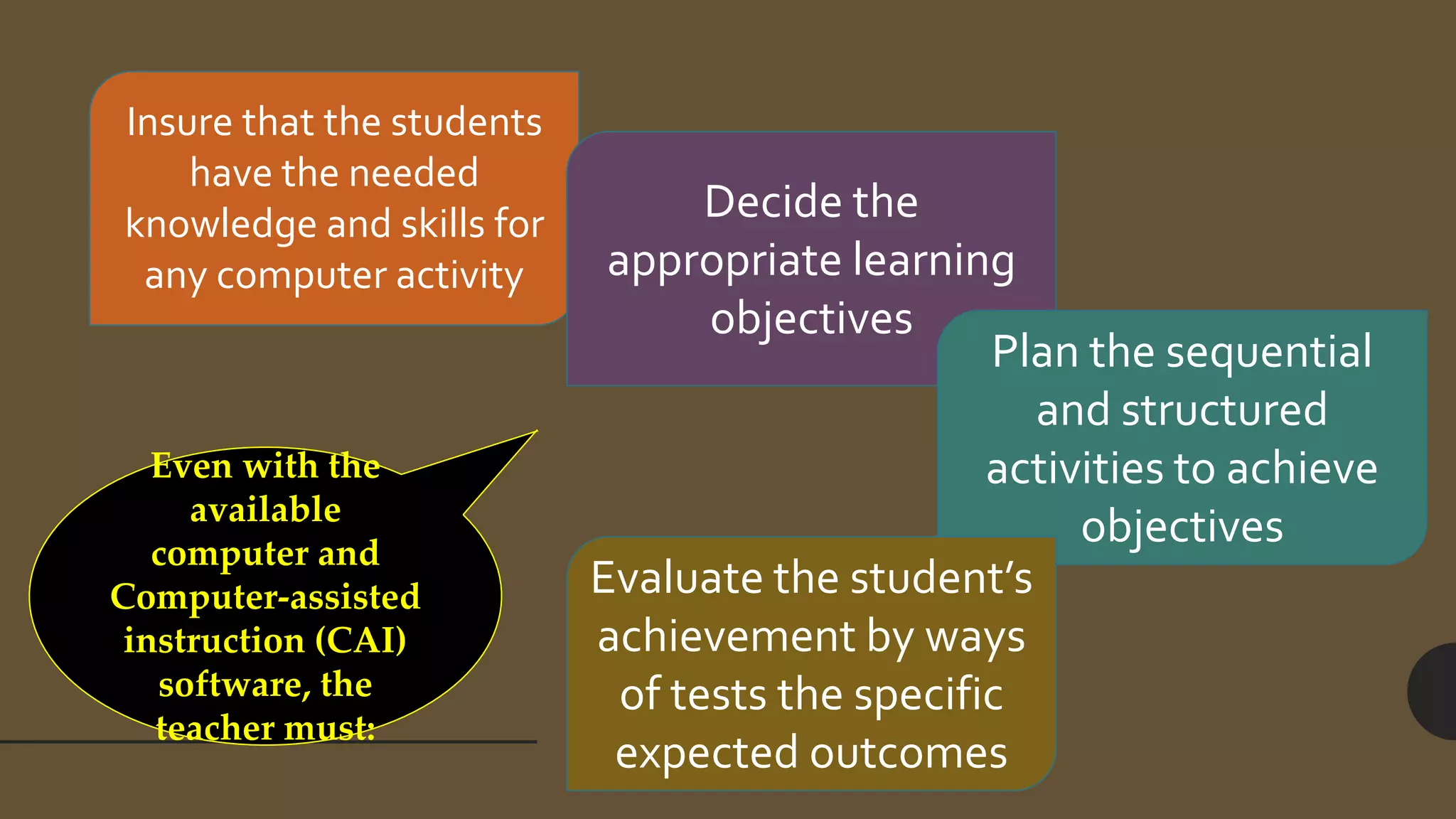
Even with the
available
computer and
Computer-assisted
instruction (CAI)
software, the
teacher must:
Insure that the students
have the needed
knowledge and skills for
any computer activity
Decide the
appropriate learning
objectives
Plan the sequential
and structured
activities to achieve
objectives
Evaluate the student’s
achievement by ways
of tests the specific
expected outcomes
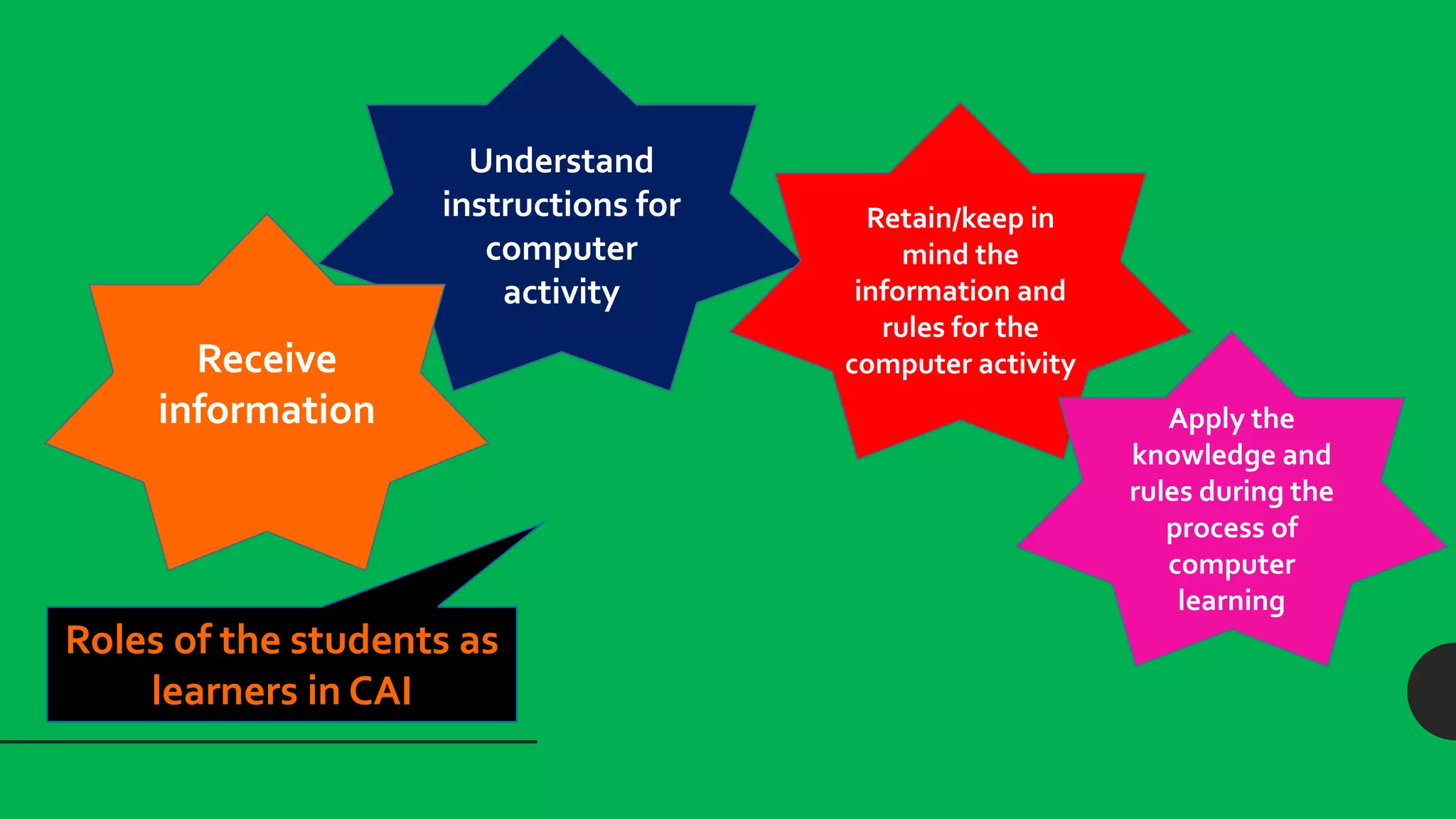
Roles of the students as
learners in CAI
Understand
instructions for
computer
activity
Receive
information
Retain/keep in
mind the
information and
rules for the
computer activity
Apply the
knowledge and
rules during the
process of
computer
learning
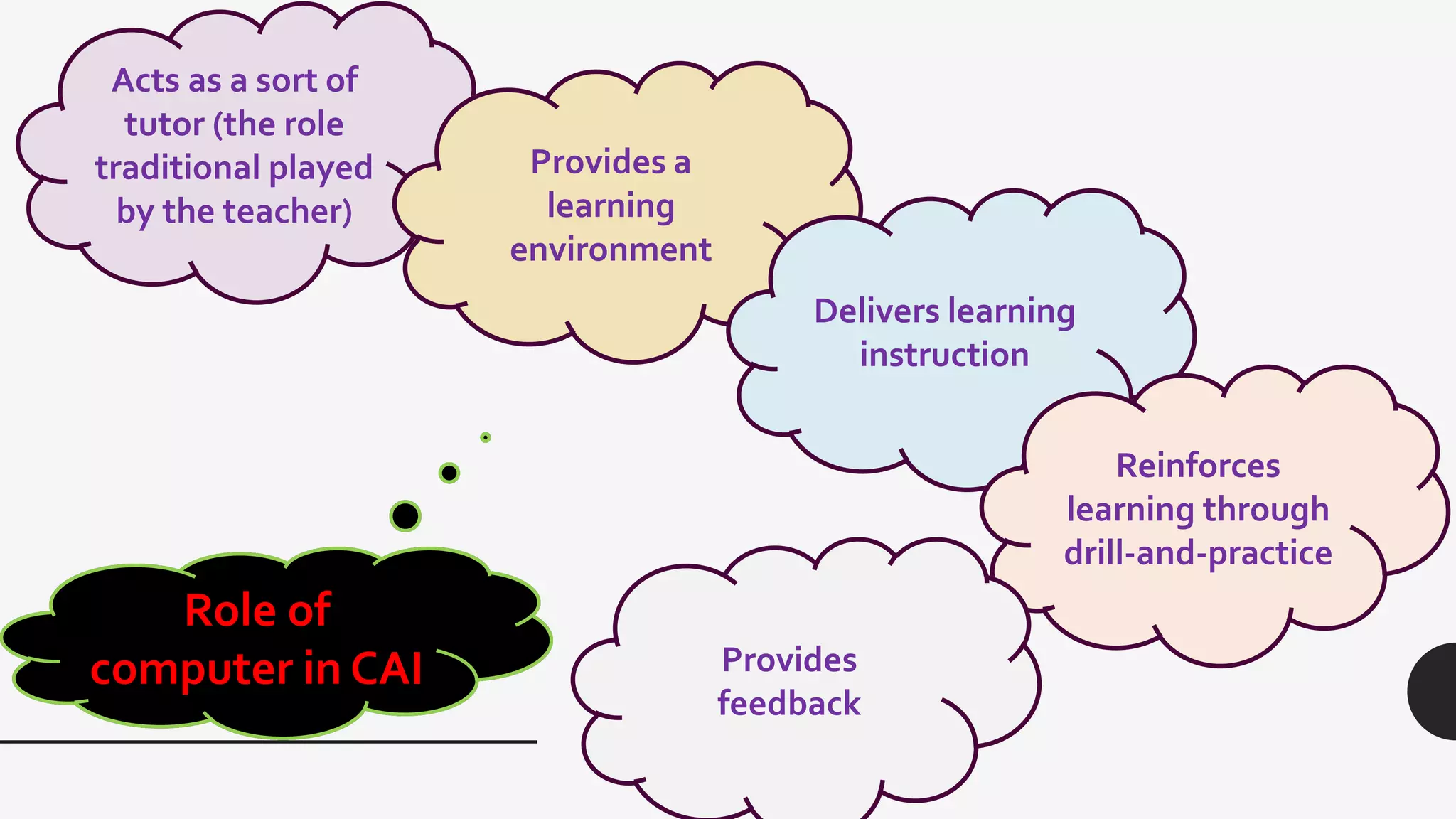
Role of
computer in CAI
Acts as a sort of
tutor (the role
traditional played
by the teacher)
Provides a
learning
environment
Delivers learning
instruction
Reinforces
learning through
drill-and-practice
Provides
feedback
It should be made clear, however, that the
computer cannot totally replace the teacher
since the teacher shall continue to play the
major roles of information deliverer and
learning environment controller.
The computer is a tutor in this new age of learning.
It does not replace the teacher, although it assumes
certain roles previously assigned to teachers who
now has to take the new role of facilitator and
guide.
In the years ahead, we shall see the computer in
schools as a common tool for enhancement of the
student’s thinking, communication and
collaboration skills.
Computers will become an integral component of
the future classroom and not a mere machine that
can deliver routine drills and exercises.
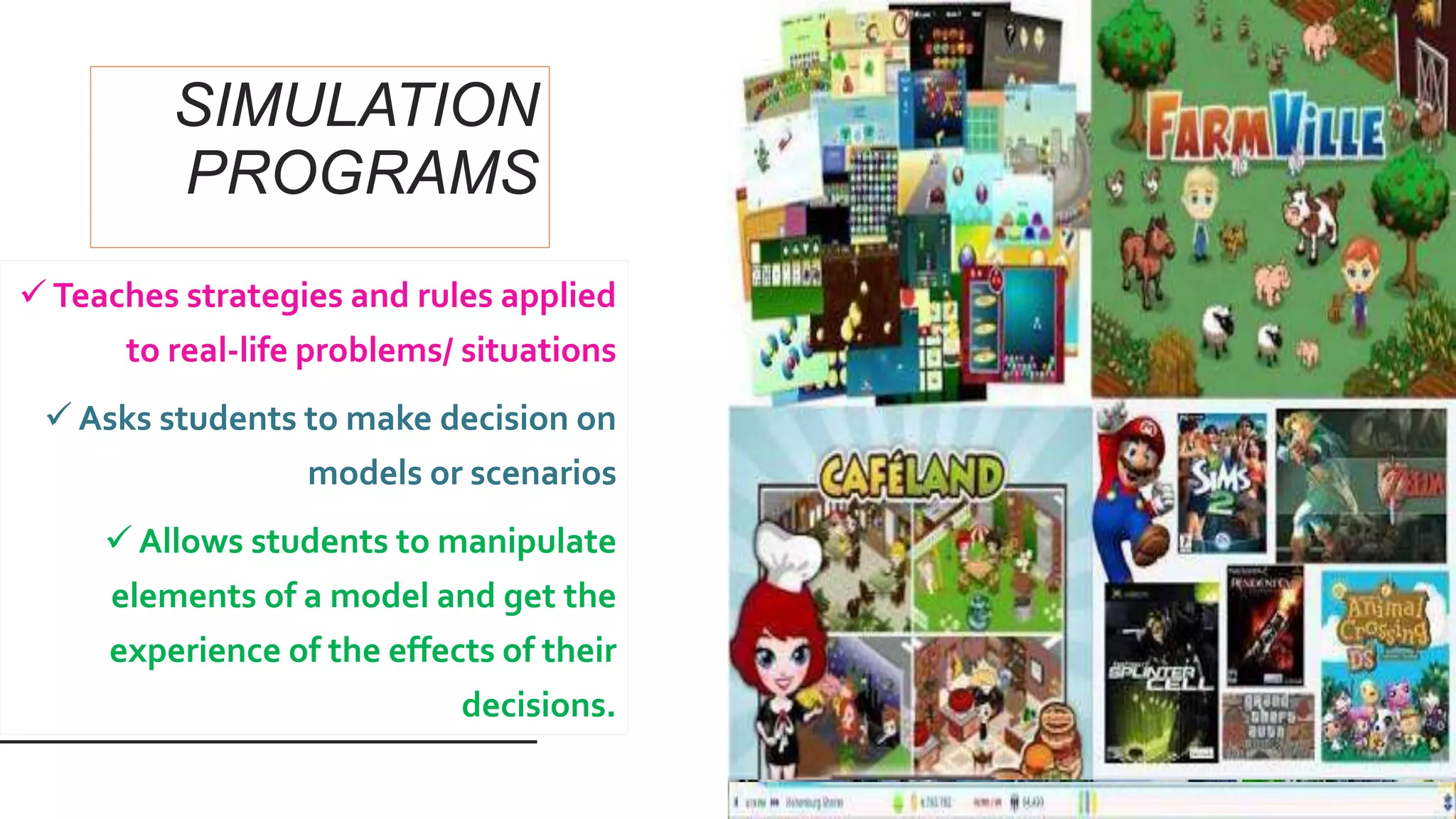
SIMULATION
PROGRAMS
 Teaches strategies and rules applied
to real-life problems/ situations
 Asks students to make decision on
models or scenarios
 Allows students to manipulate
elements of a model and get the
experience of the effects of their
decisions.
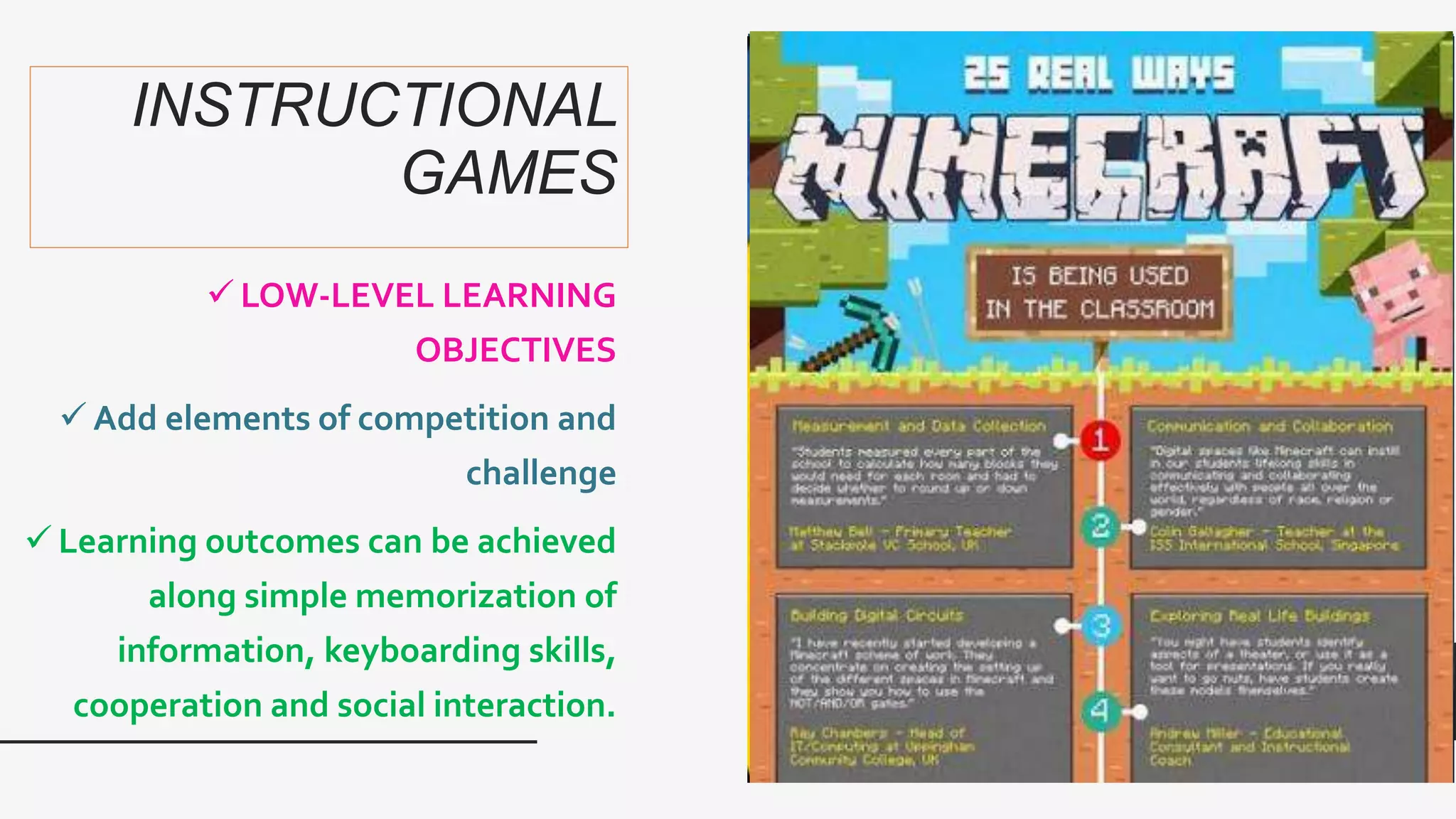
INSTRUCTIONAL
GAMES
 LOW-LEVEL LEARNING
OBJECTIVES
 Add elements of competition and
challenge
 Learning outcomes can be achieved
along simple memorization of
information, keyboarding skills,
cooperation and social interaction.
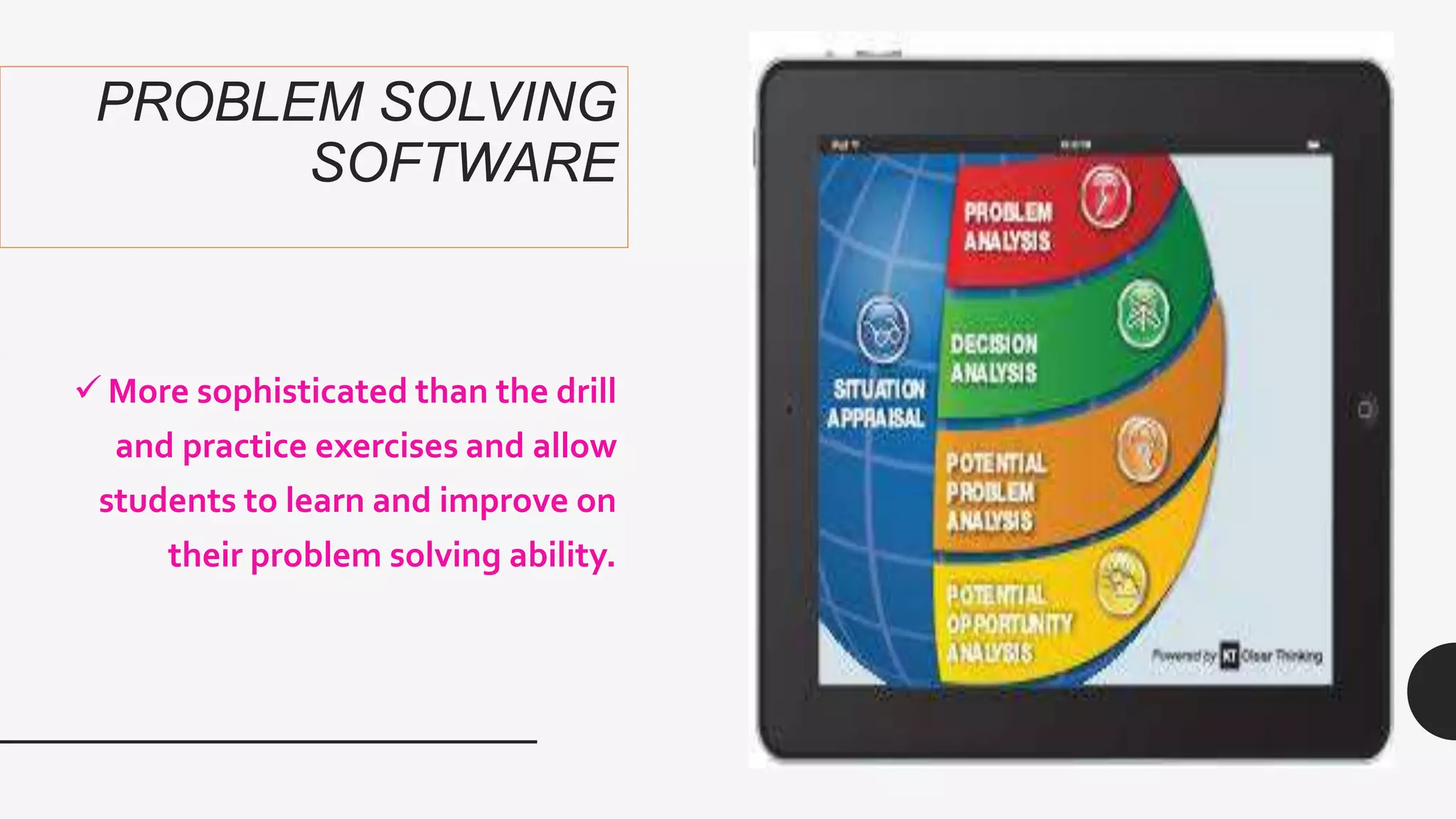
PROBLEM SOLVING
SOFTWARE
 More sophisticated than the drill
and practice exercises and allow
students to learn and improve on
their problem solving ability.
MULTIMEDIA
ENCYCLOPEDIA AND
ELECTRONIC BOOKS
 Can store huge database with texts,
images, animation, audio, video.
 Students can access any desired
information, search its vast
contents, and even download/print
relevant portions of the data for
their composition or presentation.

The computer as a tutor

  • 1.
  • 2.
    The Computer as a Tutor •The computer is one of the wonders of human ingenuity, even in its original design in the 1950s to carry out complicated mathematical and logical operations. With the invention of the microcomputer (PCs), the PC has become the tool for programmed instruction.
  • 3.
    Personal Computers • It isaffordable to small business, industries and homes. • It has a potential for individualization in learning. • Can be a tutor in effect relieving the teacher of many activities in his/her personal role as classroom tutor
  • 4.
    Even with the available computerand Computer-assisted instruction (CAI) software, the teacher must: Insure that the students have the needed knowledge and skills for any computer activity Decide the appropriate learning objectives Plan the sequential and structured activities to achieve objectives Evaluate the student’s achievement by ways of tests the specific expected outcomes
  • 5.
    Roles of thestudents as learners in CAI Understand instructions for computer activity Receive information Retain/keep in mind the information and rules for the computer activity Apply the knowledge and rules during the process of computer learning
  • 6.
    Role of computer inCAI Acts as a sort of tutor (the role traditional played by the teacher) Provides a learning environment Delivers learning instruction Reinforces learning through drill-and-practice Provides feedback
  • 8.
    It should bemade clear, however, that the computer cannot totally replace the teacher since the teacher shall continue to play the major roles of information deliverer and learning environment controller.
  • 9.
    The computer isa tutor in this new age of learning. It does not replace the teacher, although it assumes certain roles previously assigned to teachers who now has to take the new role of facilitator and guide.
  • 10.
    In the yearsahead, we shall see the computer in schools as a common tool for enhancement of the student’s thinking, communication and collaboration skills.
  • 11.
    Computers will becomean integral component of the future classroom and not a mere machine that can deliver routine drills and exercises.
  • 15.
    SIMULATION PROGRAMS  Teaches strategiesand rules applied to real-life problems/ situations  Asks students to make decision on models or scenarios  Allows students to manipulate elements of a model and get the experience of the effects of their decisions.
  • 16.
    INSTRUCTIONAL GAMES  LOW-LEVEL LEARNING OBJECTIVES Add elements of competition and challenge  Learning outcomes can be achieved along simple memorization of information, keyboarding skills, cooperation and social interaction.
  • 17.
    PROBLEM SOLVING SOFTWARE  Moresophisticated than the drill and practice exercises and allow students to learn and improve on their problem solving ability.
  • 18.
    MULTIMEDIA ENCYCLOPEDIA AND ELECTRONIC BOOKS Can store huge database with texts, images, animation, audio, video.  Students can access any desired information, search its vast contents, and even download/print relevant portions of the data for their composition or presentation.