1-1


    Lecture Objectives
Computer Hardware Details
  Four Types of Computers
  Computer Networks
  Network Classifications
1-2


   Computer Hardware Details

Computer Classification Basis
   Processing Speed – instructions/ second or
   MHz, GHz

   Data Storage Capacity – Total bytes
   available

    Cost

    Size
1-3


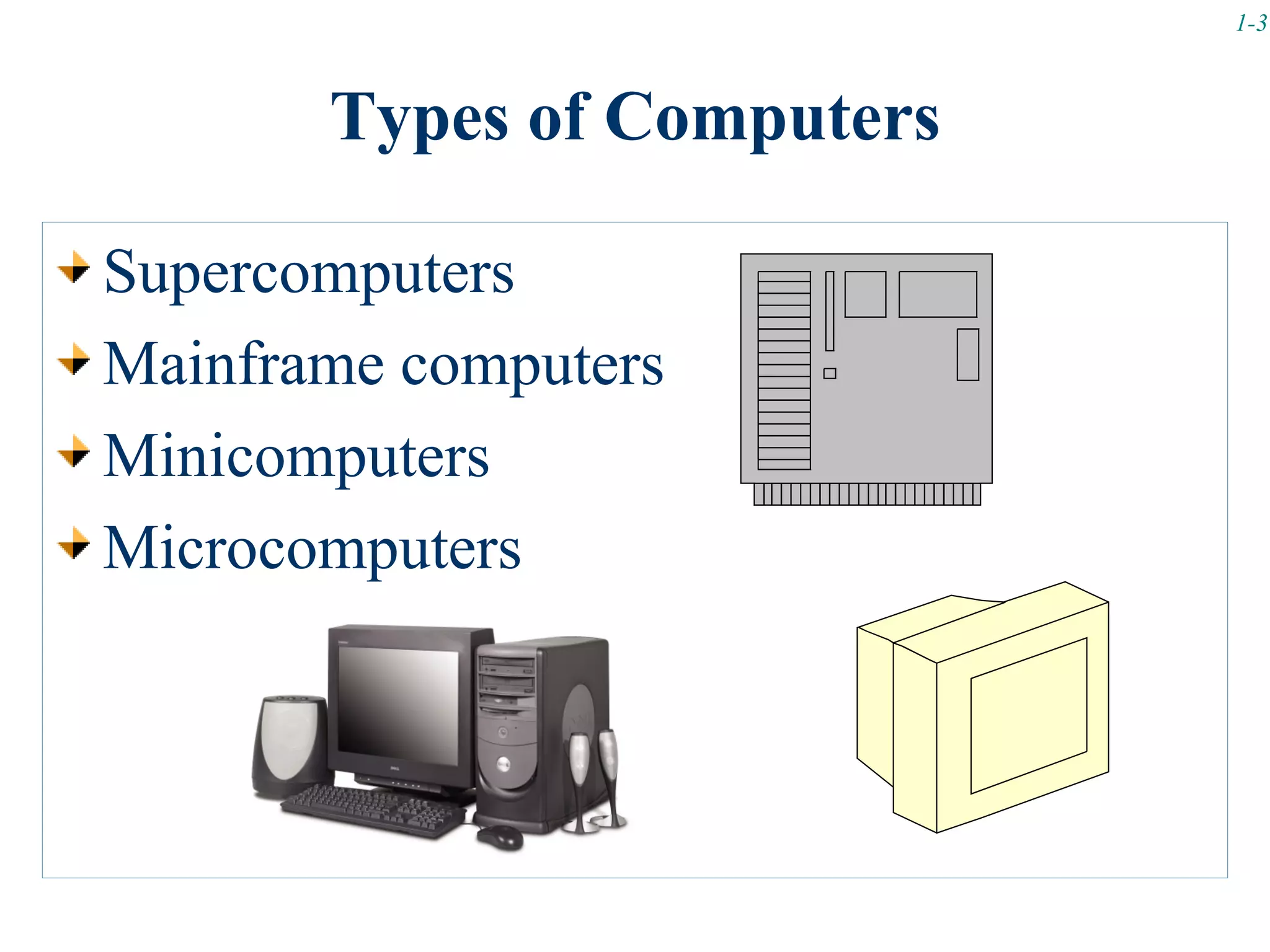
       Types of Computers

Supercomputers
Mainframe computers
Minicomputers
Microcomputers
1-4


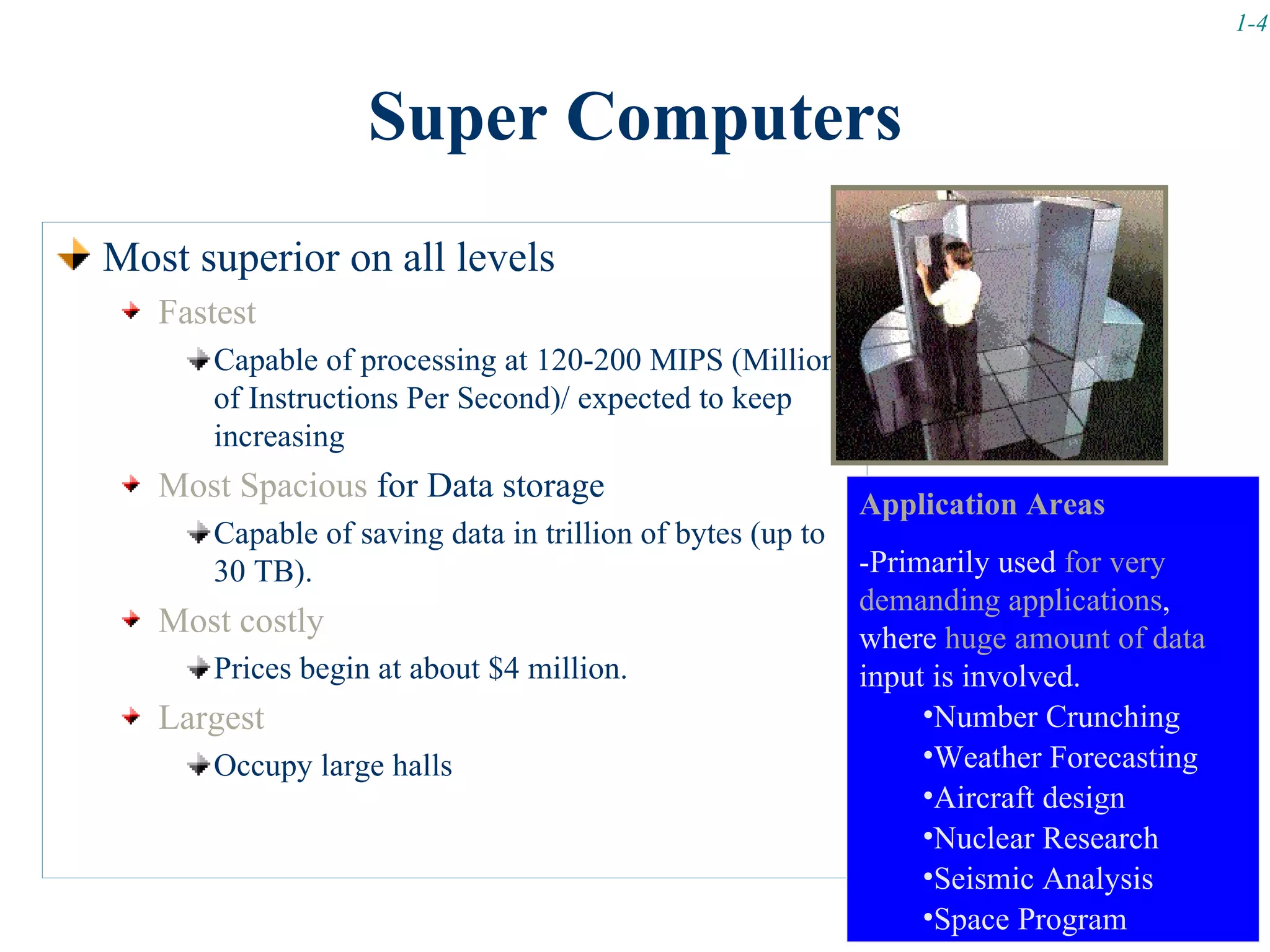
                  Super Computers
Most superior on all levels
   Fastest
      Capable of processing at 120-200 MIPS (Millions
      of Instructions Per Second)/ expected to keep
      increasing
   Most Spacious for Data storage                          Application Areas
      Capable of saving data in trillion of bytes (up to
      30 TB).                                              -Primarily used for very
                                                           demanding applications,
   Most costly                                             where huge amount of data
      Prices begin at about $4 million.                    input is involved.
   Largest                                                      •Number Crunching
      Occupy large halls                                        •Weather Forecasting
                                                                •Aircraft design
                                                                •Nuclear Research
                                                                •Seismic Analysis
                                                                •Space Program
1-5


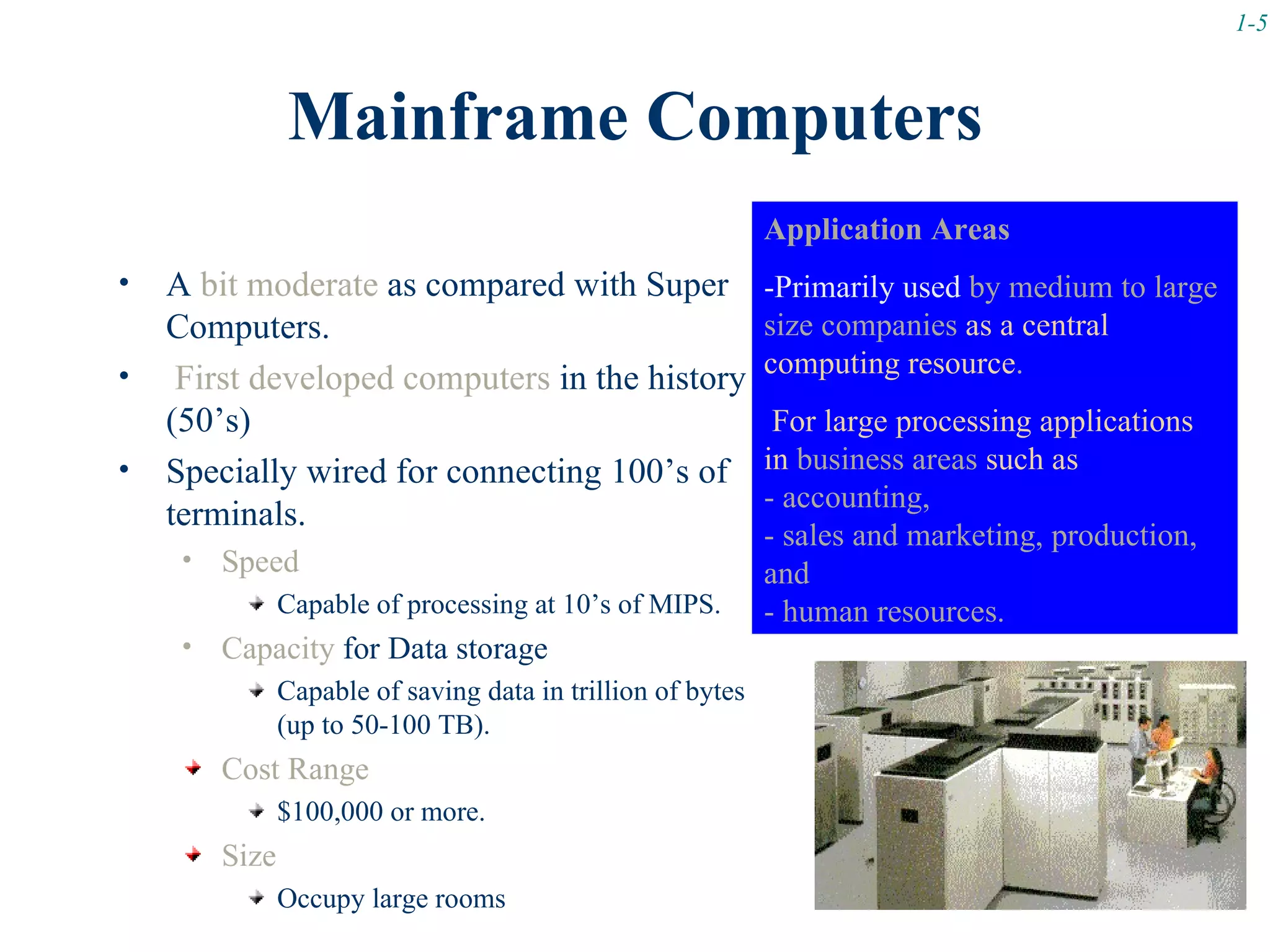
                Mainframe Computers
                                                              Application Areas
•   A bit moderate as compared with Super                     -Primarily used by medium to large
    Computers.                                                size companies as a central
•                                                             computing resource.
     First developed computers in the history
    (50’s)                                                     For large processing applications
•   Specially wired for connecting 100’s of                   in business areas such as
                                                              - accounting,
    terminals.
                                                              - sales and marketing, production,
     •   Speed                                                and
                Capable of processing at 10’s of MIPS.        - human resources.
     •   Capacity for Data storage
                Capable of saving data in trillion of bytes
                (up to 50-100 TB).
         Cost Range
                $100,000 or more.
         Size
                Occupy large rooms
1-6


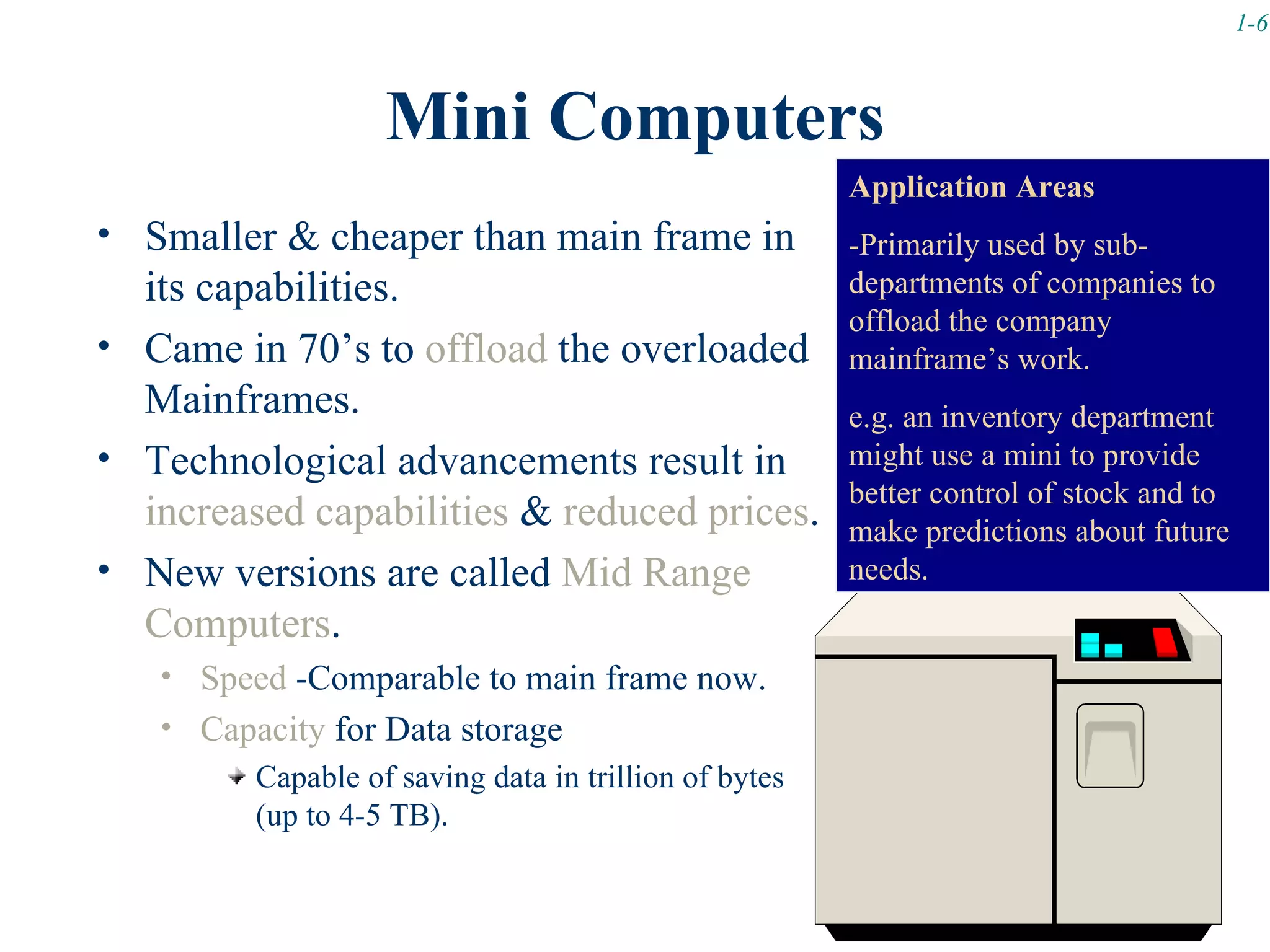
                    Mini Computers
                                                      Application Areas
• Smaller & cheaper than main frame in                -Primarily used by sub-
  its capabilities.                                   departments of companies to
                                                      offload the company
• Came in 70’s to offload the overloaded              mainframe’s work.
  Mainframes.                                         e.g. an inventory department
• Technological advancements result in                might use a mini to provide
                                                      better control of stock and to
  increased capabilities & reduced prices.            make predictions about future
• New versions are called Mid Range                   needs.
  Computers.
   • Speed -Comparable to main frame now.
   • Capacity for Data storage
        Capable of saving data in trillion of bytes
        (up to 4-5 TB).
1-7


             Micro Computers
Introduced in early 80’s.
Can be sub-classed on speed and portability.
  SUPERMICROS
     High powered (near to minis)
     Used a different processing approach then standard Micros
     (RISC)
     Example: Workstation Micros (Network server, high quality
     graphics etc.)
     -Leading Manufactures for workstations are SUN Microsystems
     (SPARC)                        Application Areas
                                  -Popularly used as a server machine in
                                  a networked environment.
                                  -Widely use for business applications.
1-8


             Micro Computers
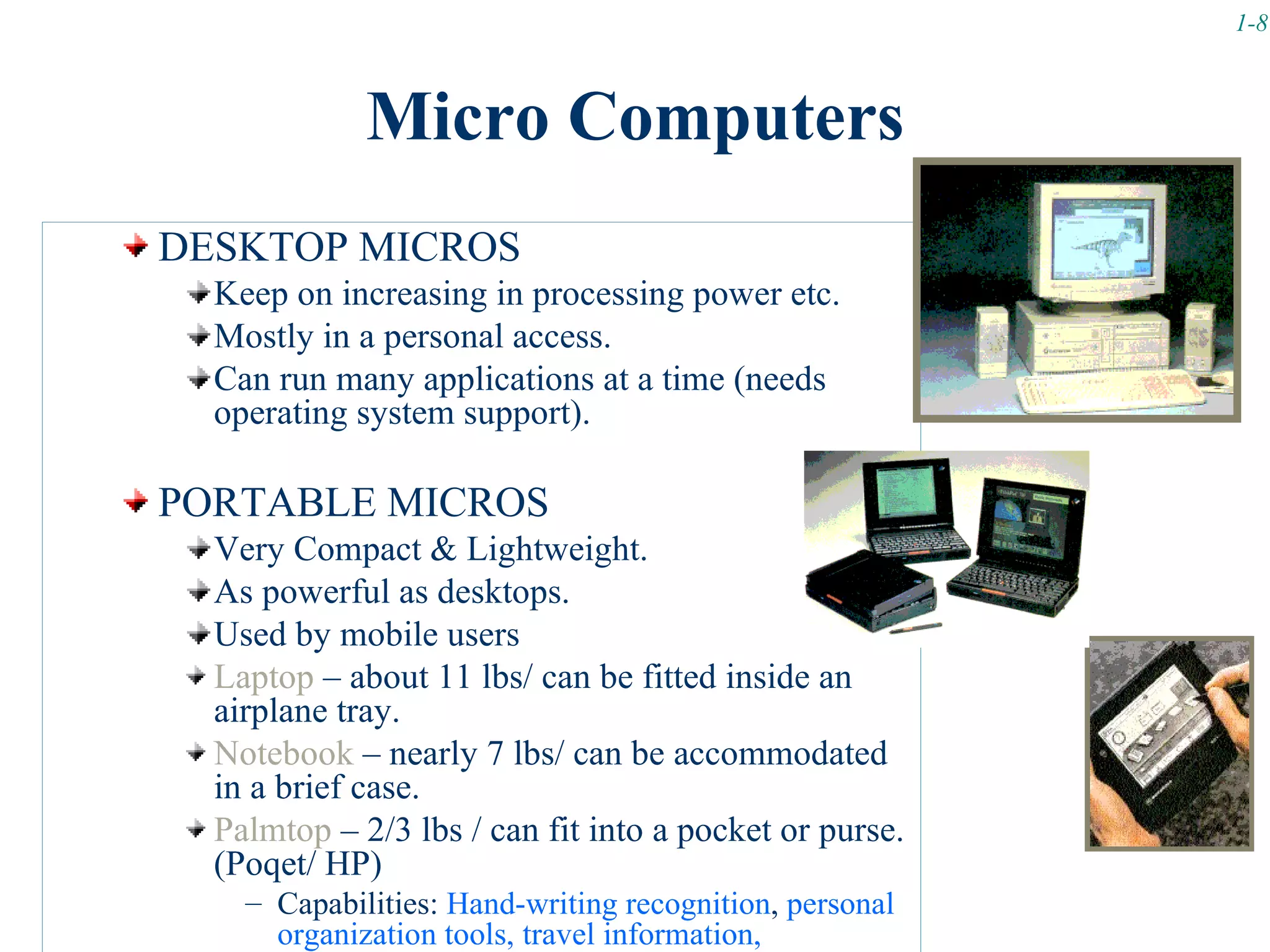
DESKTOP MICROS
  Keep on increasing in processing power etc.
  Mostly in a personal access.
  Can run many applications at a time (needs
  operating system support).

PORTABLE MICROS
  Very Compact & Lightweight.
  As powerful as desktops.
  Used by mobile users
  Laptop – about 11 lbs/ can be fitted inside an
  airplane tray.
  Notebook – nearly 7 lbs/ can be accommodated
  in a brief case.
  Palmtop – 2/3 lbs / can fit into a pocket or purse.
  (Poqet/ HP)
    – Capabilities: Hand-writing recognition, personal
      organization tools, travel information,
1-9


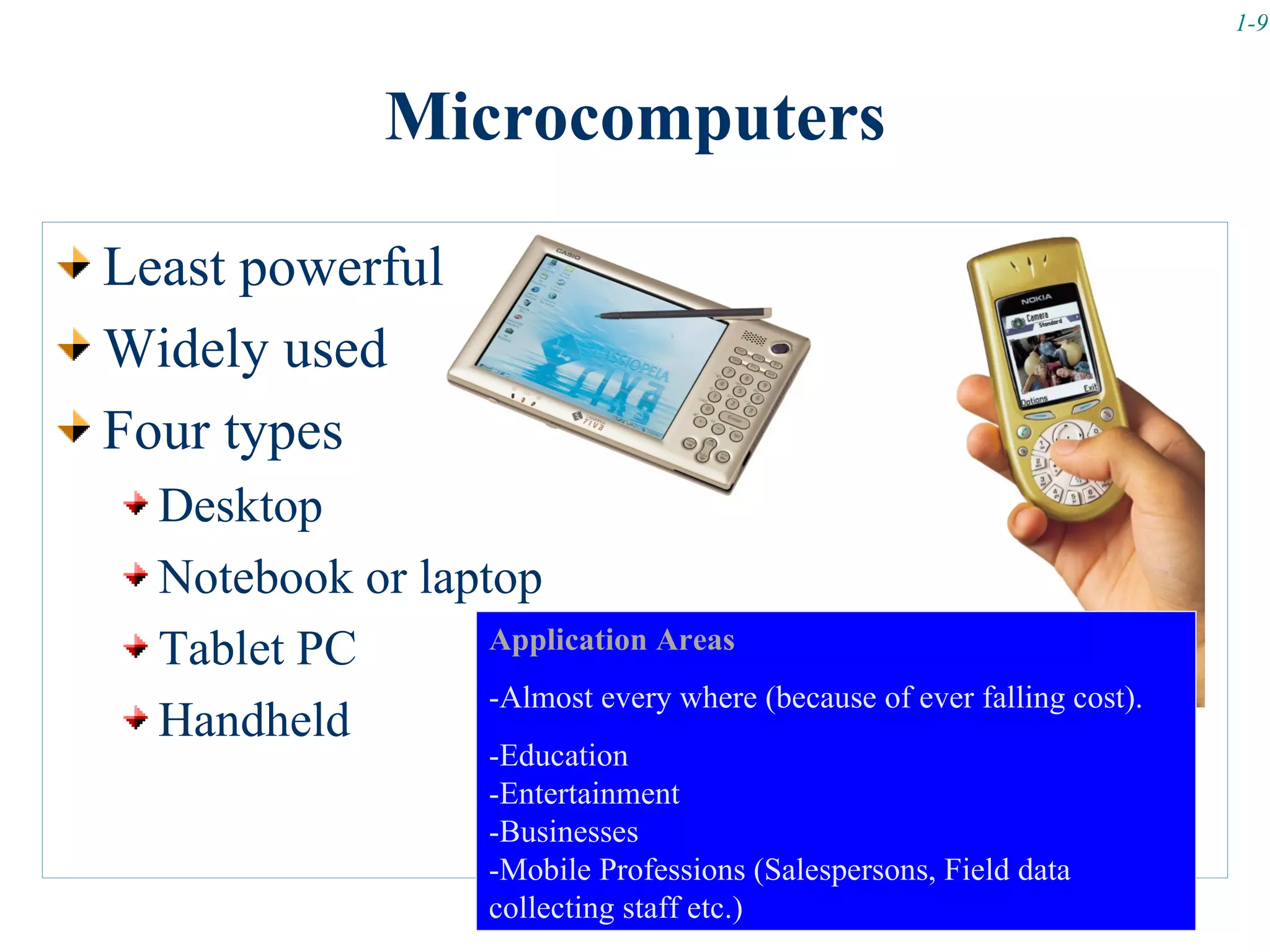
                 Microcomputers

Least powerful
Widely used
Four types
  Desktop
  Notebook or laptop
  Tablet PC       Application Areas
                  -Almost every where (because of ever falling cost).
  Handheld
                        -Education
                        -Entertainment
                        -Businesses
                        -Mobile Professions (Salespersons, Field data
                        collecting staff etc.)
1-10


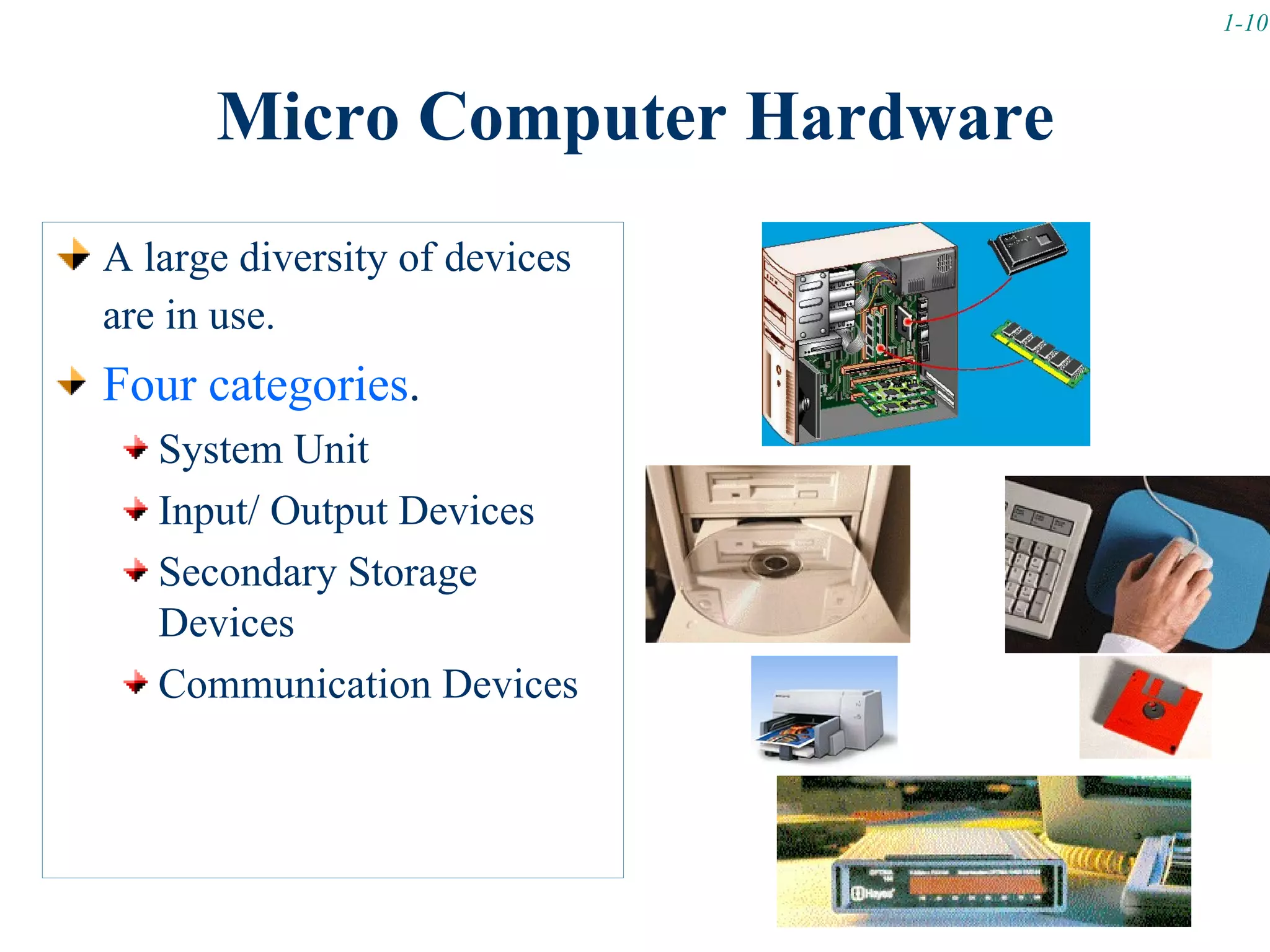
      Micro Computer Hardware
A large diversity of devices
are in use.
Four categories.
   System Unit
   Input/ Output Devices
   Secondary Storage
   Devices
   Communication Devices
1-11


    …Micro Computer Hardware
        Video Clip: How to build a PC? Part I & II
                 (Available on WebCT)
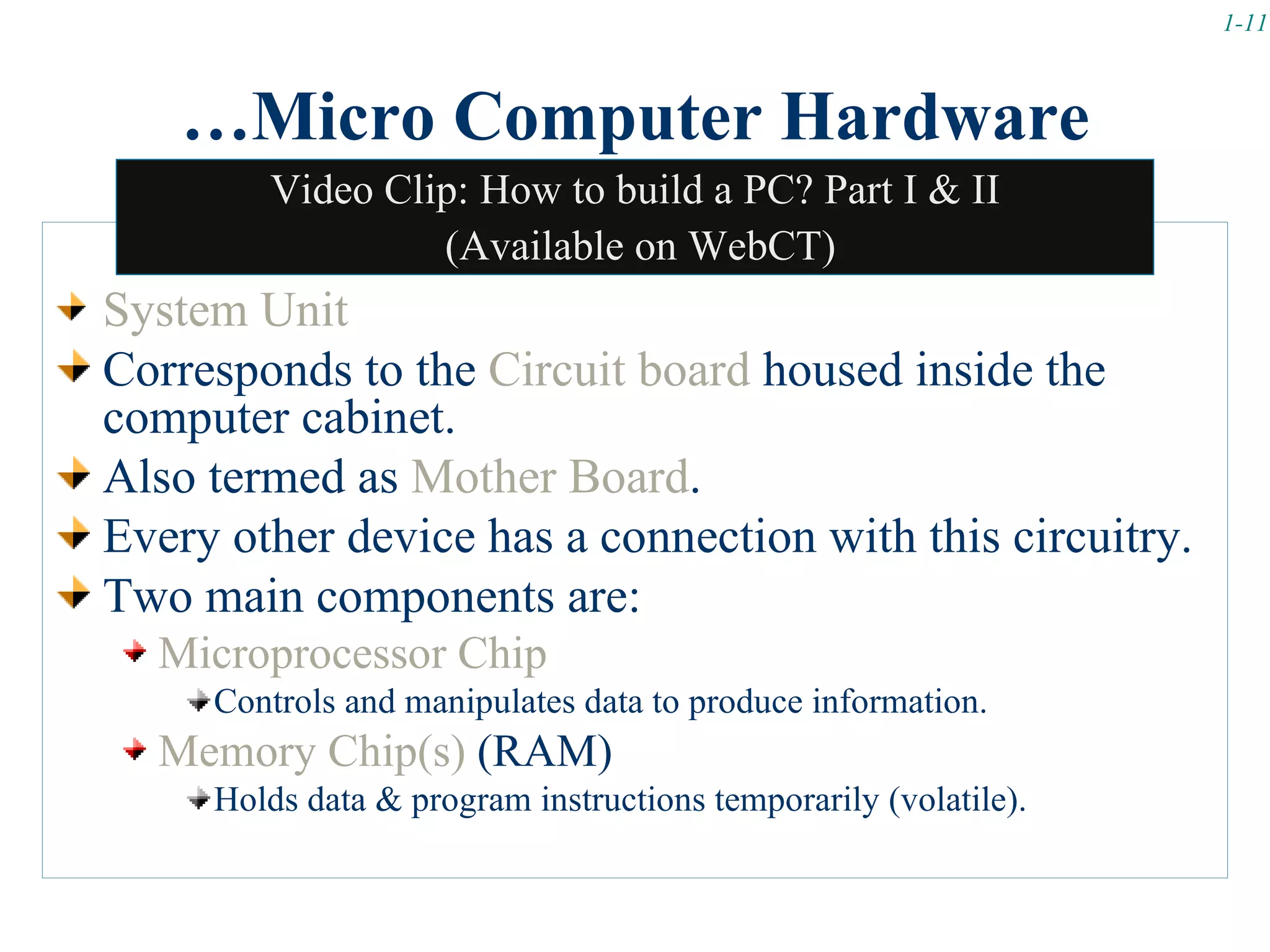
System Unit
Corresponds to the Circuit board housed inside the
computer cabinet.
Also termed as Mother Board.
Every other device has a connection with this circuitry.
Two main components are:
  Microprocessor Chip
     Controls and manipulates data to produce information.
  Memory Chip(s) (RAM)
     Holds data & program instructions temporarily (volatile).
1-12


   …Micro Computer Hardware
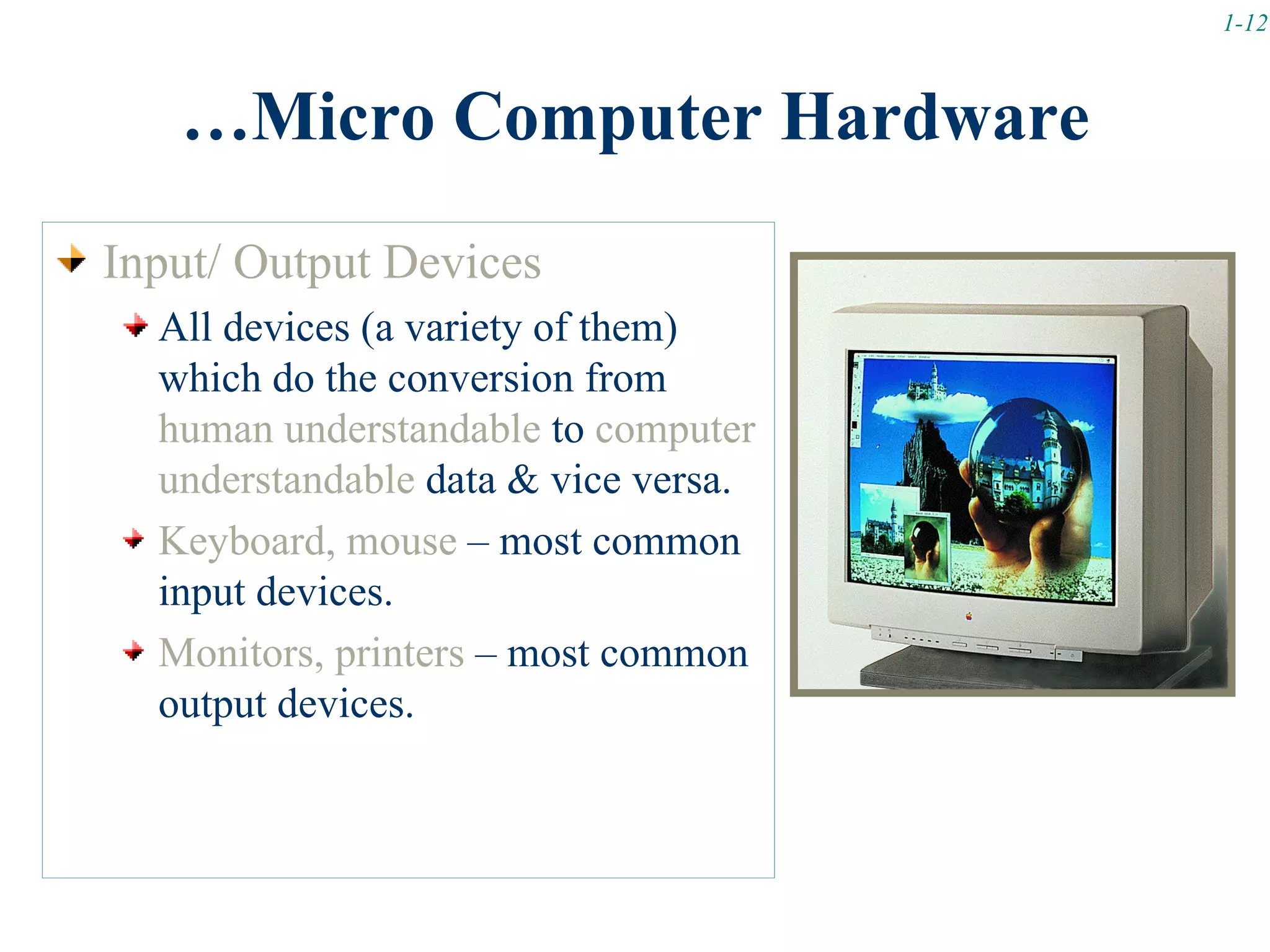
Input/ Output Devices
  All devices (a variety of them)
  which do the conversion from
  human understandable to computer
  understandable data & vice versa.
  Keyboard, mouse – most common
  input devices.
  Monitors, printers – most common
  output devices.
1-13


   …Micro Computer Hardware
Secondary Storage Devices
  Holds data & program (like RAM)
  Permanently store (non-volatile) the contents (unlike RAM).
  Floppy
     Magnetic media (small capacity/ slower in access)
   Hard disk
     Metallic media (large capacity/ more fast accessible)
   Optical disks
     Laser technology (largest capacity/ fast access).
     CD-ROMS (only readable)/ CD-RW (read/write)/ DVD (Digital
     Versatile Discs)
1-14


…Micro Computer Hardware

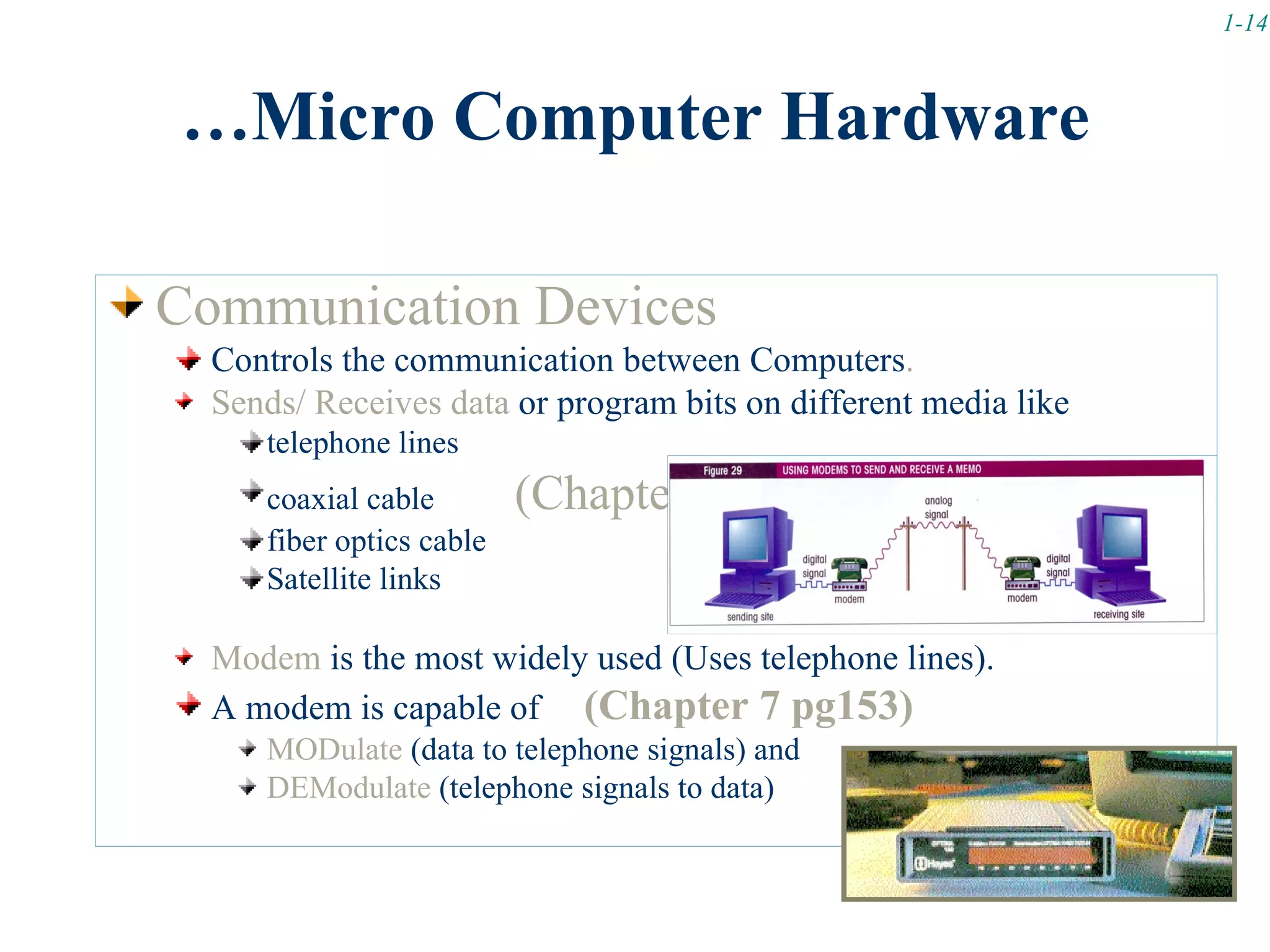
Communication Devices
  Controls the communication between Computers.
  Sends/ Receives data or program bits on different media like
     telephone lines
     coaxial cable        (Chapter 7 pg155)
     fiber optics cable
     Satellite links

  Modem is the most widely used (Uses telephone lines).
  A modem is capable of (Chapter 7 pg153)
     MODulate (data to telephone signals) and
     DEModulate (telephone signals to data)
1-15


        Connectivity & Internet
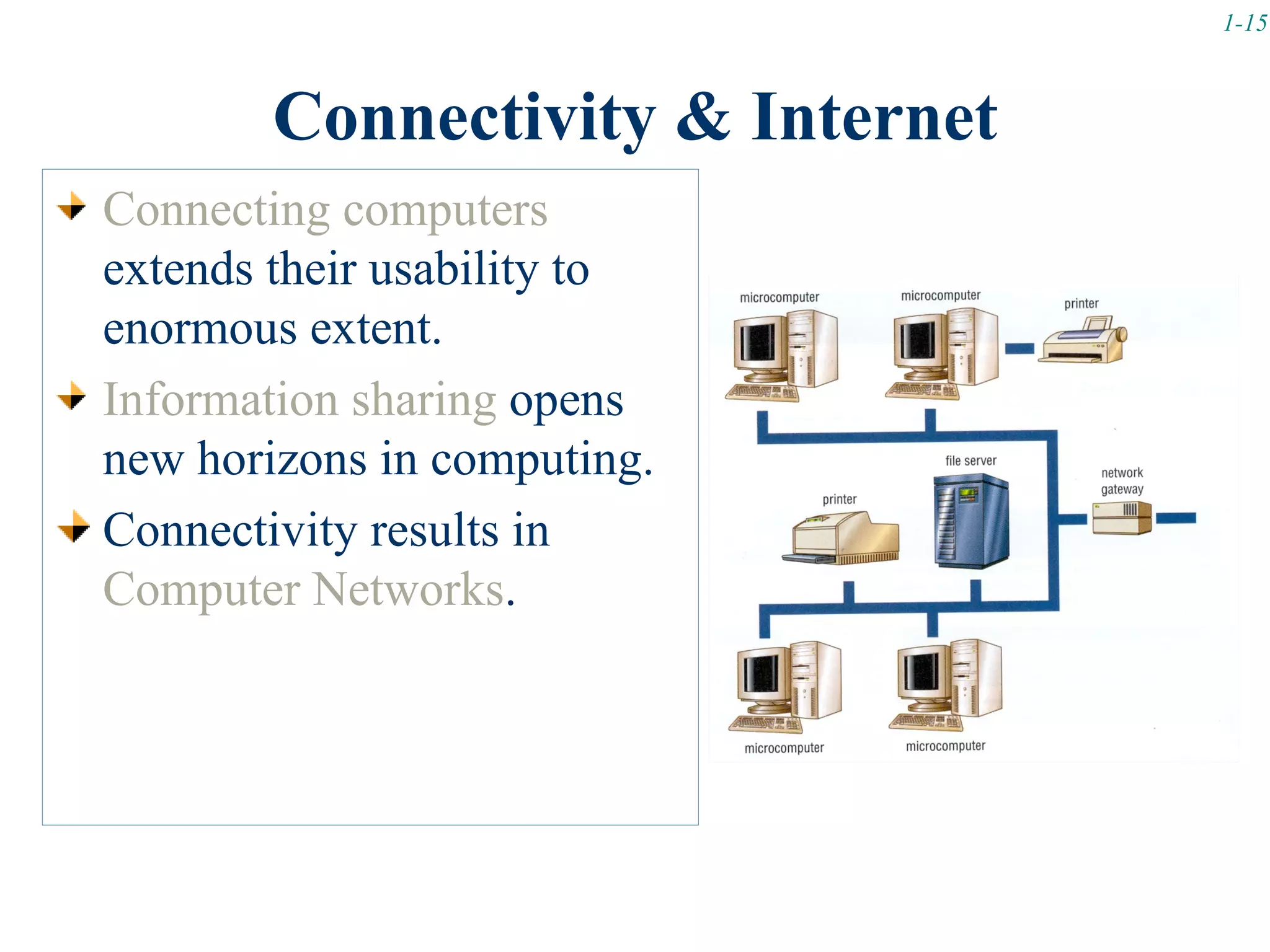
Connecting computers
extends their usability to
enormous extent.
Information sharing opens
new horizons in computing.
Connectivity results in
Computer Networks.
1-16


     Computer Network Classification

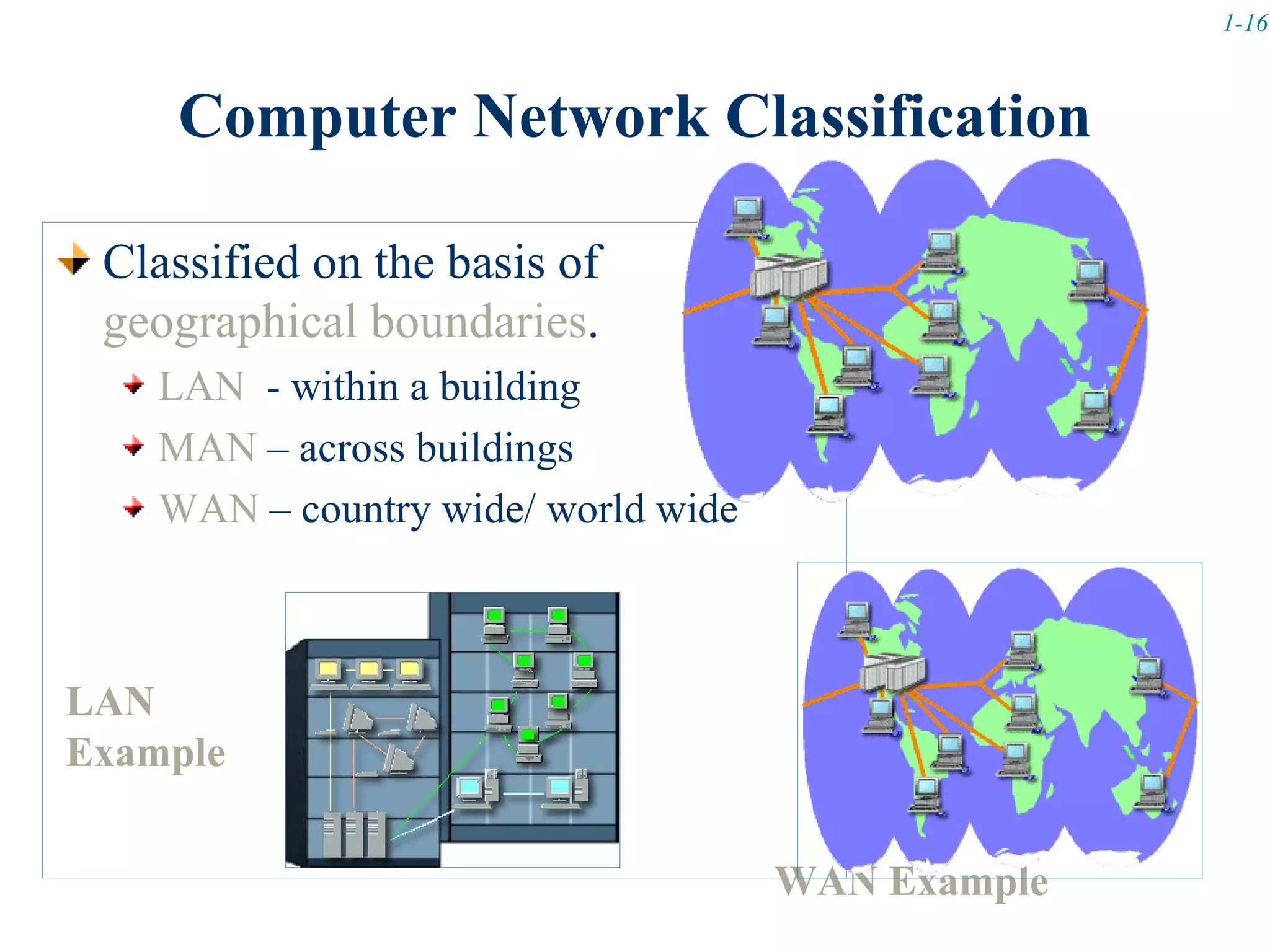
 Classified on the basis of
 geographical boundaries.
    LAN - within a building
    MAN – across buildings       (Chapter 7 pg165)
    WAN – country wide/ world wide


LAN
Example


                                    WAN Example

Lecture 01 b

  • 1.
    1-1 Lecture Objectives Computer Hardware Details Four Types of Computers Computer Networks Network Classifications
  • 2.
    1-2 Computer Hardware Details Computer Classification Basis Processing Speed – instructions/ second or MHz, GHz Data Storage Capacity – Total bytes available Cost Size
  • 3.
    1-3 Types of Computers Supercomputers Mainframe computers Minicomputers Microcomputers
  • 4.
    1-4 Super Computers Most superior on all levels Fastest Capable of processing at 120-200 MIPS (Millions of Instructions Per Second)/ expected to keep increasing Most Spacious for Data storage Application Areas Capable of saving data in trillion of bytes (up to 30 TB). -Primarily used for very demanding applications, Most costly where huge amount of data Prices begin at about $4 million. input is involved. Largest •Number Crunching Occupy large halls •Weather Forecasting •Aircraft design •Nuclear Research •Seismic Analysis •Space Program
  • 5.
    1-5 Mainframe Computers Application Areas • A bit moderate as compared with Super -Primarily used by medium to large Computers. size companies as a central • computing resource. First developed computers in the history (50’s) For large processing applications • Specially wired for connecting 100’s of in business areas such as - accounting, terminals. - sales and marketing, production, • Speed and Capable of processing at 10’s of MIPS. - human resources. • Capacity for Data storage Capable of saving data in trillion of bytes (up to 50-100 TB). Cost Range $100,000 or more. Size Occupy large rooms
  • 6.
    1-6 Mini Computers Application Areas • Smaller & cheaper than main frame in -Primarily used by sub- its capabilities. departments of companies to offload the company • Came in 70’s to offload the overloaded mainframe’s work. Mainframes. e.g. an inventory department • Technological advancements result in might use a mini to provide better control of stock and to increased capabilities & reduced prices. make predictions about future • New versions are called Mid Range needs. Computers. • Speed -Comparable to main frame now. • Capacity for Data storage Capable of saving data in trillion of bytes (up to 4-5 TB).
  • 7.
    1-7 Micro Computers Introduced in early 80’s. Can be sub-classed on speed and portability. SUPERMICROS High powered (near to minis) Used a different processing approach then standard Micros (RISC) Example: Workstation Micros (Network server, high quality graphics etc.) -Leading Manufactures for workstations are SUN Microsystems (SPARC) Application Areas -Popularly used as a server machine in a networked environment. -Widely use for business applications.
  • 8.
    1-8 Micro Computers DESKTOP MICROS Keep on increasing in processing power etc. Mostly in a personal access. Can run many applications at a time (needs operating system support). PORTABLE MICROS Very Compact & Lightweight. As powerful as desktops. Used by mobile users Laptop – about 11 lbs/ can be fitted inside an airplane tray. Notebook – nearly 7 lbs/ can be accommodated in a brief case. Palmtop – 2/3 lbs / can fit into a pocket or purse. (Poqet/ HP) – Capabilities: Hand-writing recognition, personal organization tools, travel information,
  • 9.
    1-9 Microcomputers Least powerful Widely used Four types Desktop Notebook or laptop Tablet PC Application Areas -Almost every where (because of ever falling cost). Handheld -Education -Entertainment -Businesses -Mobile Professions (Salespersons, Field data collecting staff etc.)
  • 10.
    1-10 Micro Computer Hardware A large diversity of devices are in use. Four categories. System Unit Input/ Output Devices Secondary Storage Devices Communication Devices
  • 11.
    1-11 …Micro Computer Hardware Video Clip: How to build a PC? Part I & II (Available on WebCT) System Unit Corresponds to the Circuit board housed inside the computer cabinet. Also termed as Mother Board. Every other device has a connection with this circuitry. Two main components are: Microprocessor Chip Controls and manipulates data to produce information. Memory Chip(s) (RAM) Holds data & program instructions temporarily (volatile).
  • 12.
    1-12 …Micro Computer Hardware Input/ Output Devices All devices (a variety of them) which do the conversion from human understandable to computer understandable data & vice versa. Keyboard, mouse – most common input devices. Monitors, printers – most common output devices.
  • 13.
    1-13 …Micro Computer Hardware Secondary Storage Devices Holds data & program (like RAM) Permanently store (non-volatile) the contents (unlike RAM). Floppy Magnetic media (small capacity/ slower in access) Hard disk Metallic media (large capacity/ more fast accessible) Optical disks Laser technology (largest capacity/ fast access). CD-ROMS (only readable)/ CD-RW (read/write)/ DVD (Digital Versatile Discs)
  • 14.
    1-14 …Micro Computer Hardware CommunicationDevices Controls the communication between Computers. Sends/ Receives data or program bits on different media like telephone lines coaxial cable (Chapter 7 pg155) fiber optics cable Satellite links Modem is the most widely used (Uses telephone lines). A modem is capable of (Chapter 7 pg153) MODulate (data to telephone signals) and DEModulate (telephone signals to data)
  • 15.
    1-15 Connectivity & Internet Connecting computers extends their usability to enormous extent. Information sharing opens new horizons in computing. Connectivity results in Computer Networks.
  • 16.
    1-16 Computer Network Classification Classified on the basis of geographical boundaries. LAN - within a building MAN – across buildings (Chapter 7 pg165) WAN – country wide/ world wide LAN Example WAN Example

Editor's Notes

  • #2 Objectives 1.Understand the basic working of a computer. 2. Know about the main components of a computer. 3. Understand the concept of computer connectivity and its advantages. 4. Explain the parts of an information system 5. Distinguish four kinds of computers 6. Understand the significance of the Internet and the World Wide Web.
  • #4 There are four types of computers Supercomputers Mainframe computers Minicomputers Microcomputers desktop laptop or notebook tablet PC Handheld computers Palm computers Persona digital assistants
  • #10 Lease powerful computers, but most widely used Fastest growing computer Have students begin discussing the microcomputer and wireless connectivity