Lesson 1
Lesson 1: Types of Computers
E X P E C T A T I O N
• At the end of this module, student will be
able to:
• 1. identify the types of computers;
• 2. classify the computers according to its
function and uses;
• 3. appreciate the benefits of computers in
their daily lives.
L E S S O N
• TYPES OF COMPUTERS
• I. Super Computer
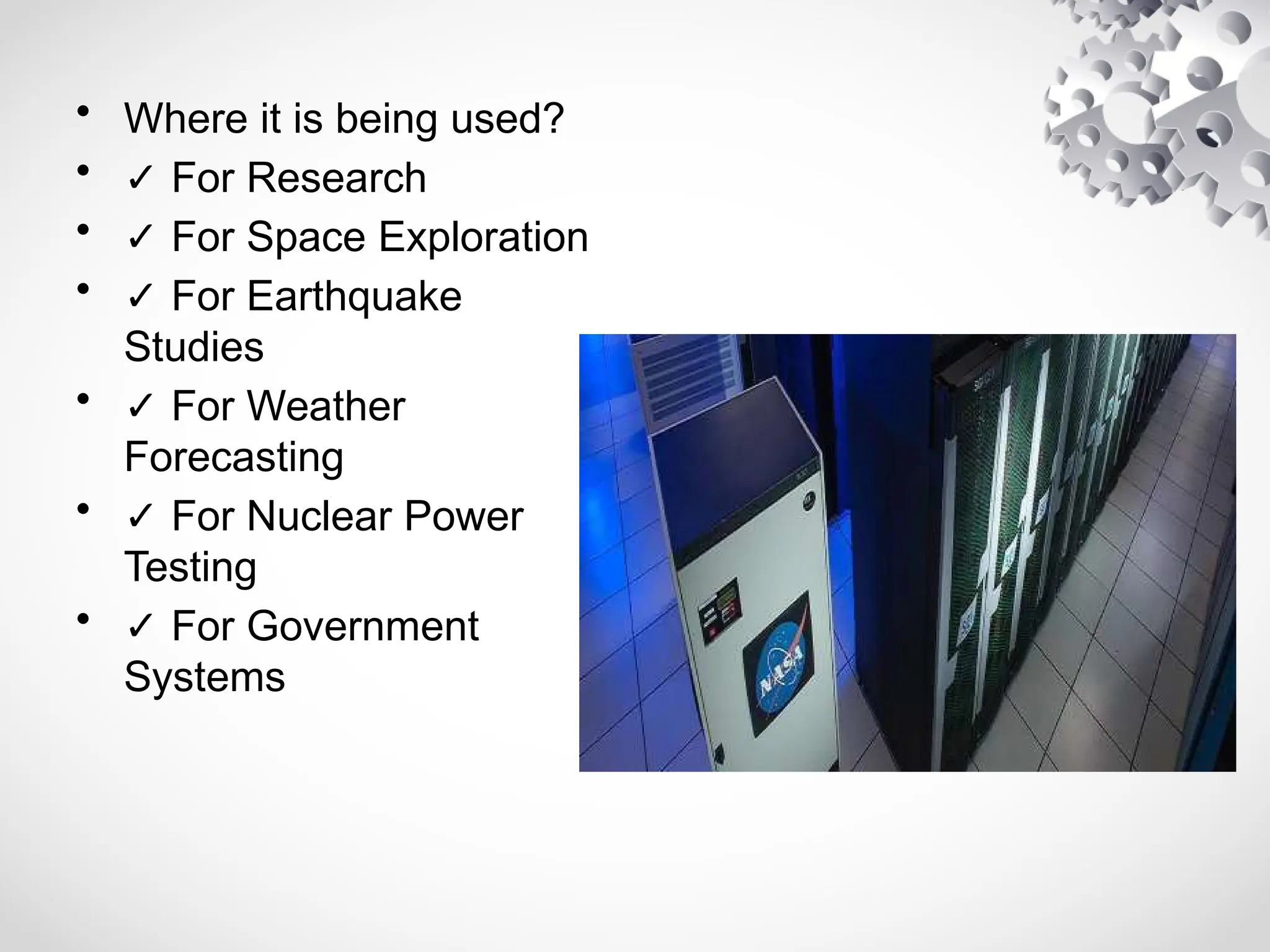
– The Supercomputers are the most powerful
computers regarding performance and data
processing. There are specialized computers used by
large corporations, and task specific computers.
– They can do millions of math operations in one
second. They 're also called the "math crunchers".
Supercomputer has thousands of processors,
hundreds of gigabytes of RAM, and hard drives that
allow hundreds of gigabytes of storage space, and
sometimes thousands.
• Where it is being used?
• ✓ For Research
• ✓ For Space Exploration
• ✓ For Earthquake
Studies
• ✓ For Weather
Forecasting
• ✓ For Nuclear Power
Testing
• ✓ For Government
Systems
• II. Mainframe Computers
– Mainframes are not as powerful as
supercomputers, they are certainly very
expensive nevertheless, and many large
companies and governmental organizations
are using mainframes to operate their
company. Because of its scale, the Mainframe
computers can be lodged in large, air-
conditione spaces. Nowadays a Mainframe is
a very large and expensive computer capable
of supporting hundreds, or even thousands, of
users simultaneously.
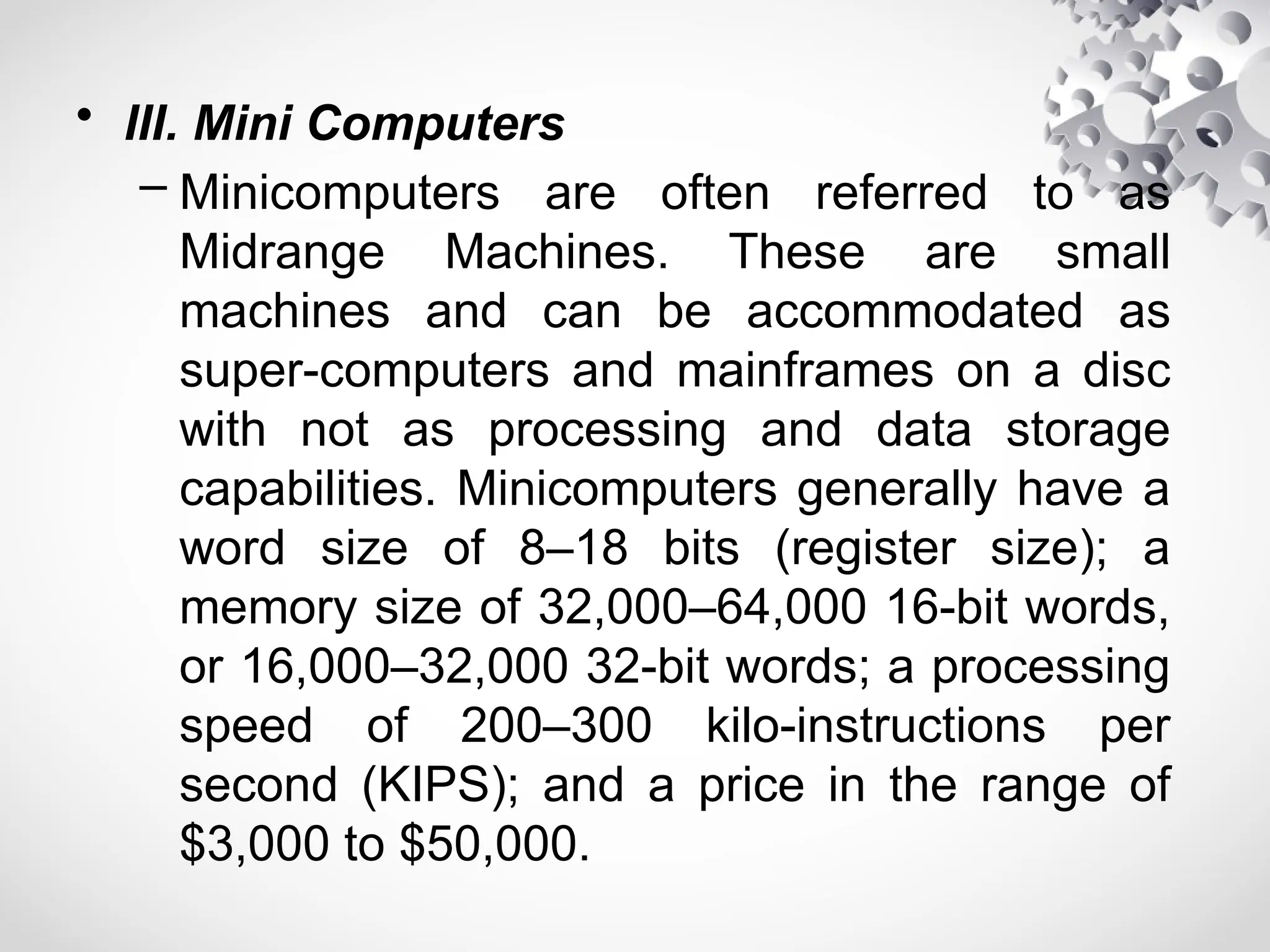
Where it is being used?
• ✓ For Telephone Companies for
connecting telephone calls
• ✓ For TV Network to send shows
to million of homes
• ✓ For Transportation Department
used for traffic signals, railroad and
subway
• ✓ For Bank that keeps track of
money flow on computer
• ✓ For Supermarkets to keep track
of their products and prices
• ✓ For huge companies or
employers that organize their
worker’s record
• ✓ For Electric company that keep
track on their customers electric
consumption, bills and payment.
• III. Mini Computers
– Minicomputers are often referred to as
Midrange Machines. These are small
machines and can be accommodated as
super-computers and mainframes on a disc
with not as processing and data storage
capabilities. Minicomputers generally have a
word size of 8–18 bits (register size); a
memory size of 32,000–64,000 16-bit words,
or 16,000–32,000 32-bit words; a processing
speed of 200–300 kilo-instructions per
second (KIPS); and a price in the range of
$3,000 to $50,000.
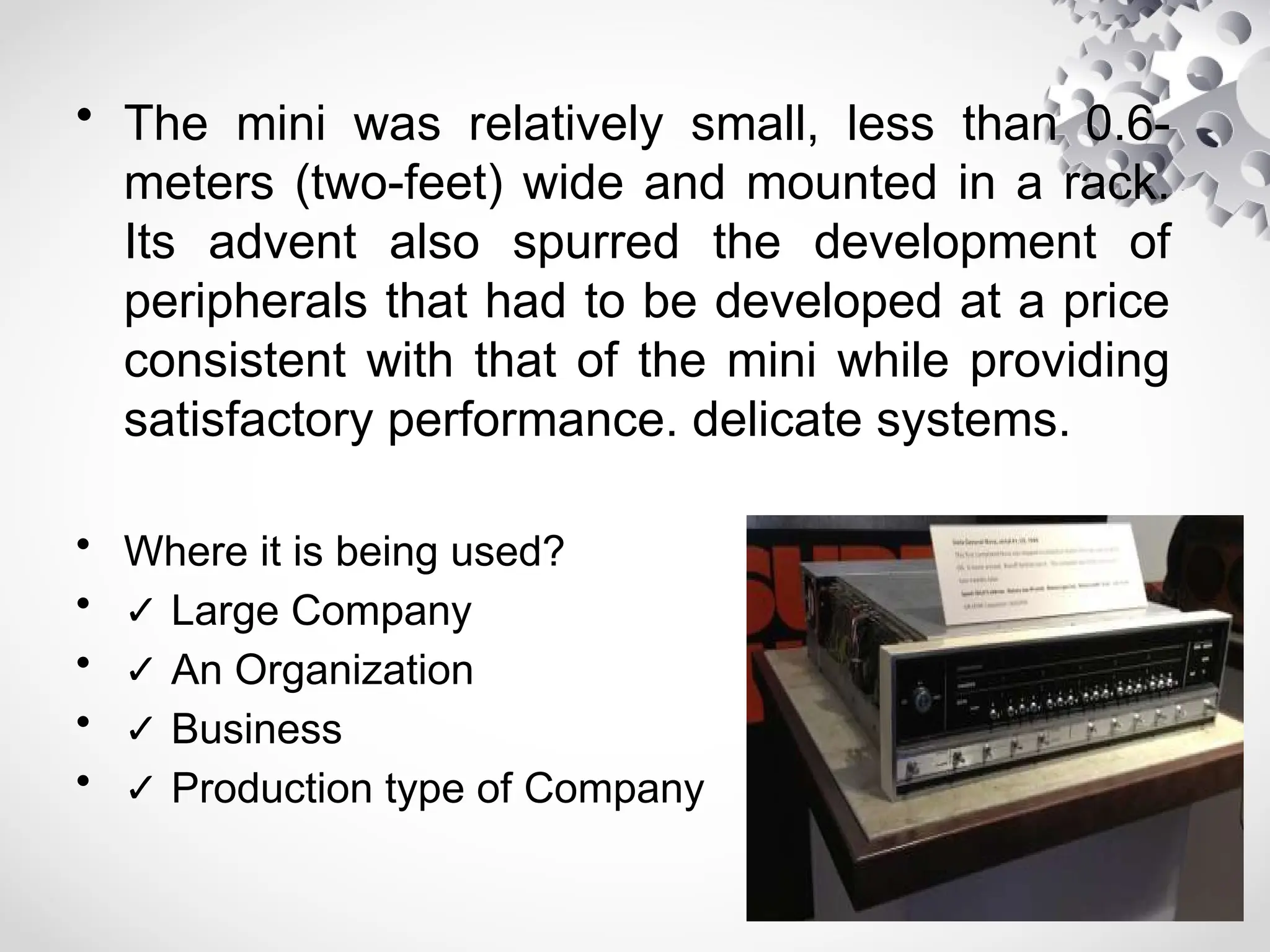
• The mini was relatively small, less than 0.6-
meters (two-feet) wide and mounted in a rack.
Its advent also spurred the development of
peripherals that had to be developed at a price
consistent with that of the mini while providing
satisfactory performance. delicate systems.
• Where it is being used?
• ✓ Large Company
• ✓ An Organization
• ✓ Business
• ✓ Production type of Company
• II. Micro Computer
– A computer system that utilizes a microprocessor as its
central control and arithmetic element. The personal
computer is one form. The power and price of a
microcomputer is determined partly by the speed and
power of the processor and partly by the characteristics of
other components of the system, i.e. the memory, the
disk units, the display, the keyboard, the flexibility of the
hardware, and the operating system and other software.
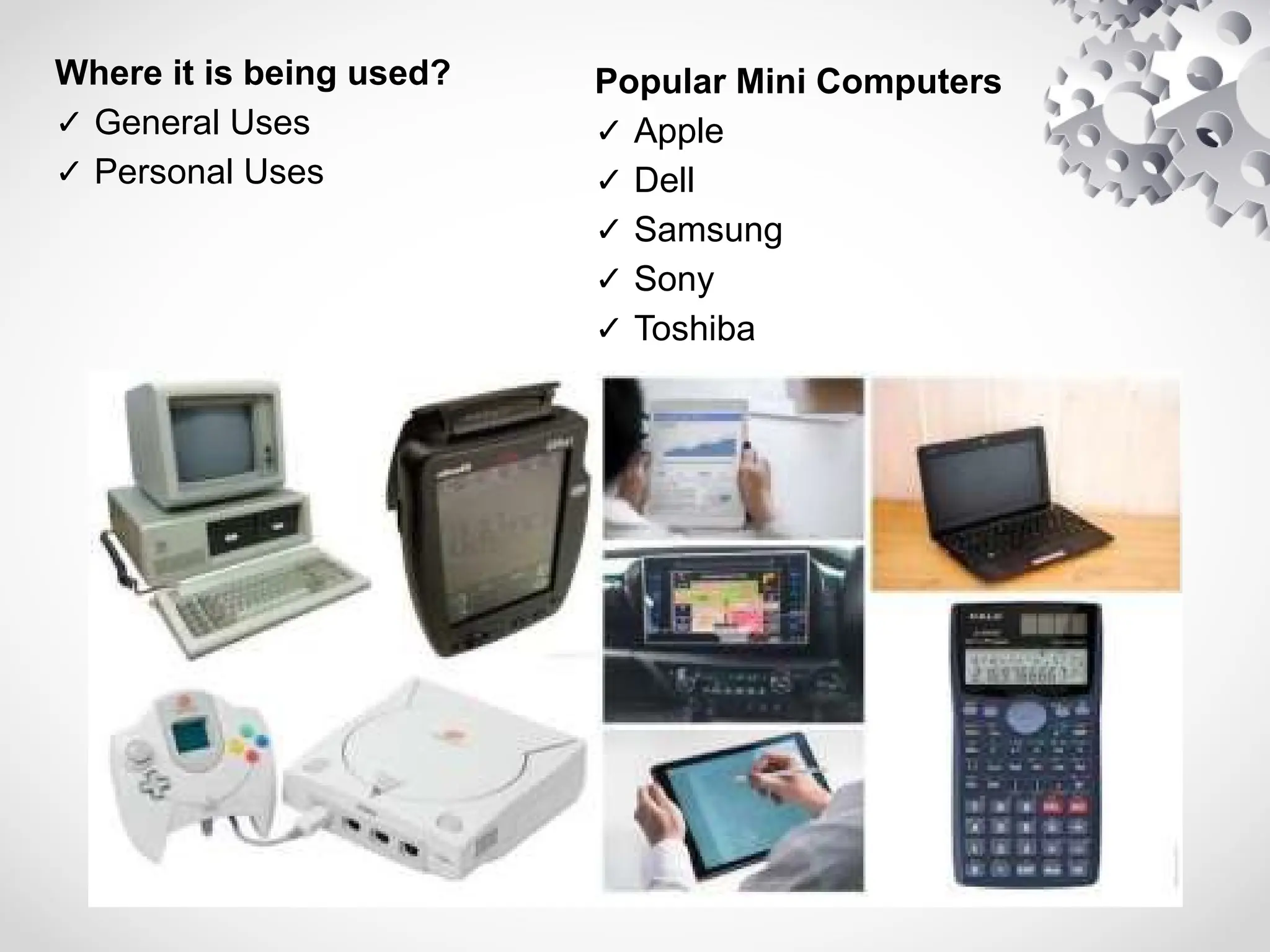
The Micro-Computers are specially designed for
general usage like entertainment, education, and work
purposes. Desktop Computers or Personal Computer,
Gaming consoles, Sounds and Navigation system of a
car, Netbook, Notebooks, PDA, Tablet PC’s,
Smartphones, Calculators are all type of Micro-computers.
Where it is being used?
✓ General Uses
✓ Personal Uses
Popular Mini Computers
✓ Apple
✓ Dell
✓ Samsung
✓ Sony
✓ Toshiba
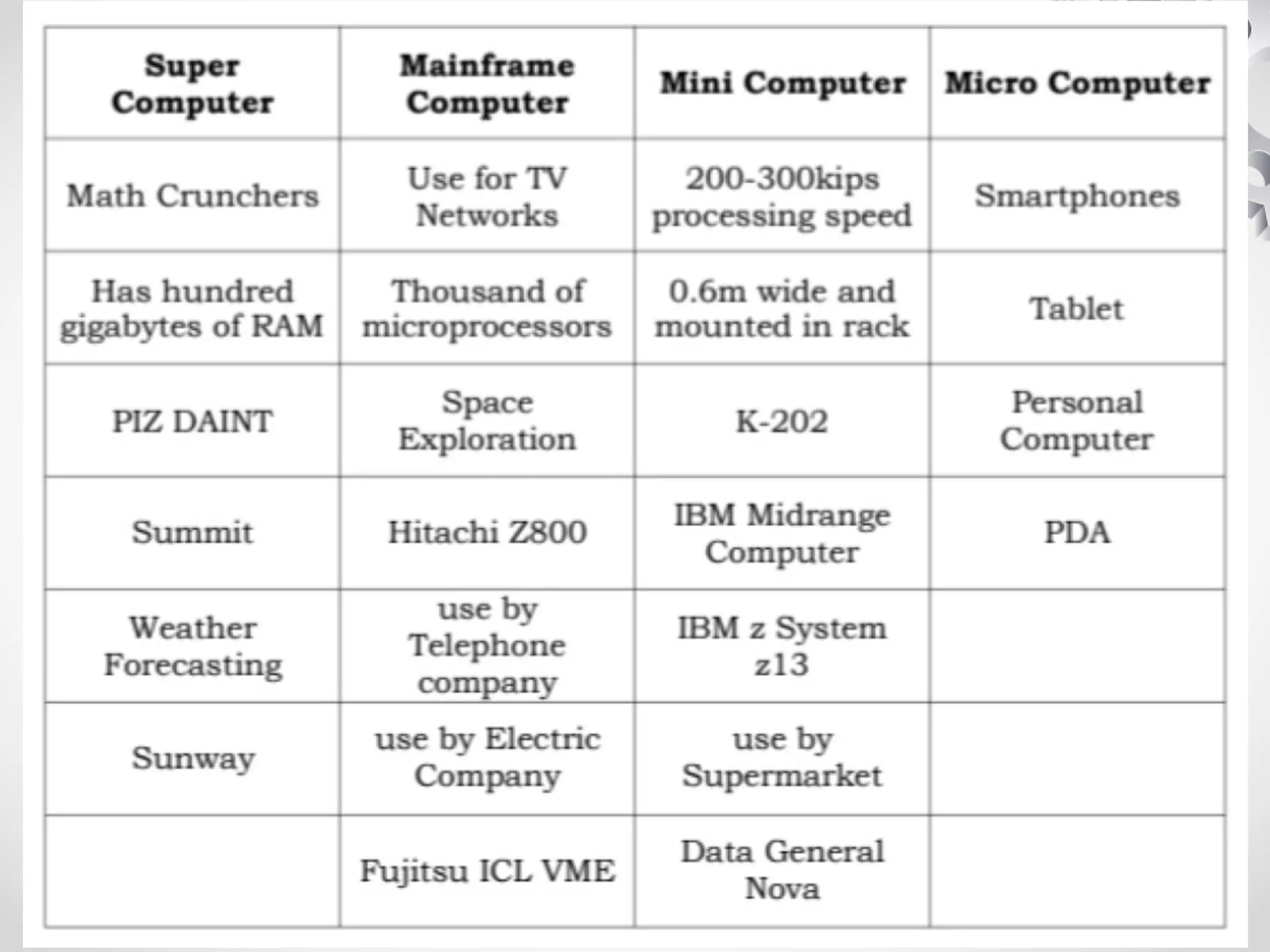
ACTIVITY#1: PUT ME IN!
• Direction: Group each word/phrase by writing them
with their corresponding category.
Super
Computer
Mainframe
Computer
MiniComputer Micro
Computer
• Smartphones Math Crunchers 200-300kips processing
speed
• Tablet Space Exploration Has hundred gigabytes of RAM
• PIZ DAINT Personal Computer 0.6m wide and mounted in
rack
• Summit Use for TV Networks Thousands of microprocessors
• PDA IBM z System z13 IBM Midrange Computer
• Hitachi Z800 Fujitsu ICL VME use by Telephone company
• Sunway Weather Forecasting use by Electric Company
• use by Supermarket Data General Nova
CSS_Lesson 1.pptx configure configure system

CSS_Lesson 1.pptx configure configure system

  • 1.
    Lesson 1 Lesson 1:Types of Computers
  • 2.
    E X PE C T A T I O N • At the end of this module, student will be able to: • 1. identify the types of computers; • 2. classify the computers according to its function and uses; • 3. appreciate the benefits of computers in their daily lives.
  • 3.
    L E SS O N • TYPES OF COMPUTERS • I. Super Computer – The Supercomputers are the most powerful computers regarding performance and data processing. There are specialized computers used by large corporations, and task specific computers. – They can do millions of math operations in one second. They 're also called the "math crunchers". Supercomputer has thousands of processors, hundreds of gigabytes of RAM, and hard drives that allow hundreds of gigabytes of storage space, and sometimes thousands.
  • 4.
    • Where itis being used? • ✓ For Research • ✓ For Space Exploration • ✓ For Earthquake Studies • ✓ For Weather Forecasting • ✓ For Nuclear Power Testing • ✓ For Government Systems
  • 5.
    • II. MainframeComputers – Mainframes are not as powerful as supercomputers, they are certainly very expensive nevertheless, and many large companies and governmental organizations are using mainframes to operate their company. Because of its scale, the Mainframe computers can be lodged in large, air- conditione spaces. Nowadays a Mainframe is a very large and expensive computer capable of supporting hundreds, or even thousands, of users simultaneously.
  • 6.
    Where it isbeing used? • ✓ For Telephone Companies for connecting telephone calls • ✓ For TV Network to send shows to million of homes • ✓ For Transportation Department used for traffic signals, railroad and subway • ✓ For Bank that keeps track of money flow on computer • ✓ For Supermarkets to keep track of their products and prices • ✓ For huge companies or employers that organize their worker’s record • ✓ For Electric company that keep track on their customers electric consumption, bills and payment.
  • 7.
    • III. MiniComputers – Minicomputers are often referred to as Midrange Machines. These are small machines and can be accommodated as super-computers and mainframes on a disc with not as processing and data storage capabilities. Minicomputers generally have a word size of 8–18 bits (register size); a memory size of 32,000–64,000 16-bit words, or 16,000–32,000 32-bit words; a processing speed of 200–300 kilo-instructions per second (KIPS); and a price in the range of $3,000 to $50,000.
  • 8.
    • The miniwas relatively small, less than 0.6- meters (two-feet) wide and mounted in a rack. Its advent also spurred the development of peripherals that had to be developed at a price consistent with that of the mini while providing satisfactory performance. delicate systems. • Where it is being used? • ✓ Large Company • ✓ An Organization • ✓ Business • ✓ Production type of Company
  • 9.
    • II. MicroComputer – A computer system that utilizes a microprocessor as its central control and arithmetic element. The personal computer is one form. The power and price of a microcomputer is determined partly by the speed and power of the processor and partly by the characteristics of other components of the system, i.e. the memory, the disk units, the display, the keyboard, the flexibility of the hardware, and the operating system and other software. The Micro-Computers are specially designed for general usage like entertainment, education, and work purposes. Desktop Computers or Personal Computer, Gaming consoles, Sounds and Navigation system of a car, Netbook, Notebooks, PDA, Tablet PC’s, Smartphones, Calculators are all type of Micro-computers.
  • 10.
    Where it isbeing used? ✓ General Uses ✓ Personal Uses Popular Mini Computers ✓ Apple ✓ Dell ✓ Samsung ✓ Sony ✓ Toshiba
  • 11.
    ACTIVITY#1: PUT MEIN! • Direction: Group each word/phrase by writing them with their corresponding category. Super Computer Mainframe Computer MiniComputer Micro Computer
  • 12.
    • Smartphones MathCrunchers 200-300kips processing speed • Tablet Space Exploration Has hundred gigabytes of RAM • PIZ DAINT Personal Computer 0.6m wide and mounted in rack • Summit Use for TV Networks Thousands of microprocessors • PDA IBM z System z13 IBM Midrange Computer • Hitachi Z800 Fujitsu ICL VME use by Telephone company • Sunway Weather Forecasting use by Electric Company • use by Supermarket Data General Nova