Introduction to Java
Lecture 5
Naveen Kumar
 Development tools-part of java development kit (JDK)
 Classes and methods-part of Java Standard Library (JSL),
also known as Application Programming Interface (API)
1. JDK:
 Appletviewer ( for viewing applets)
 Javac (Compiler)
 Java (Interpreter)
 Javah (for C header files)
 Javadoc ( for creating HTML description)
Java Environment
2. Application Package Interface (API)
Contains hundreds of classes and methods grouped into several
functional packages:
 Language Support Package (String, Integer, Double, etc)
 Utility Packages (rand. num. gen., sys. date)
 Input/Output Packages
 Networking Packages (implementing networking appl. )
 AWT Package (classes for painting graphics and images)
 Applet Package (web page using java)
Java Environment
1. Java 1.0 (96)
2. Java 1.1 (97)(Add new library, redefine applet handling and
reconfigured many features.)
3. Java 2 (98)(Second generation). Version no:1.2 (Internal
version number of java library). Also known as J2SE [ Java
2 Platform Standard Edition].
- Add swing, the collection framework, enhanced JVM etc.
4. J2SE 1.3 (2000)
5. J2SE 1.4 (2002)
6. J2SE 1.5 (2004)
7. J2SE 1.6 (2006) [1.7-(2013), in queue 1.8 (exp in 2014) ]
The Evolution of Java
Comments
In Java, comments are preceded by two slashes (//) in a
line, or
enclosed between /* and */ in one or multiple lines
When the compiler sees //, it ignores all text after // in the
same line
When it sees /*, it scans for the next */ and ignores any text
between /* and */
Example
/* Traditional "Hello World!" program. */
// package pack1;
// import java.lang.System;
class A
{
public static void main (String args[])
{
System.out.println("Hello World!");
}
}
Save program as A.java
Java Program Structure
Package Statement
 Javac command compiles the source code A.java then,
generates A.class and store it under a directory which is
called as name of the package
 package statement if used must be the first statement in
a compilation unit. Its syntax is:
package packageName;
 For example:
package pack1;
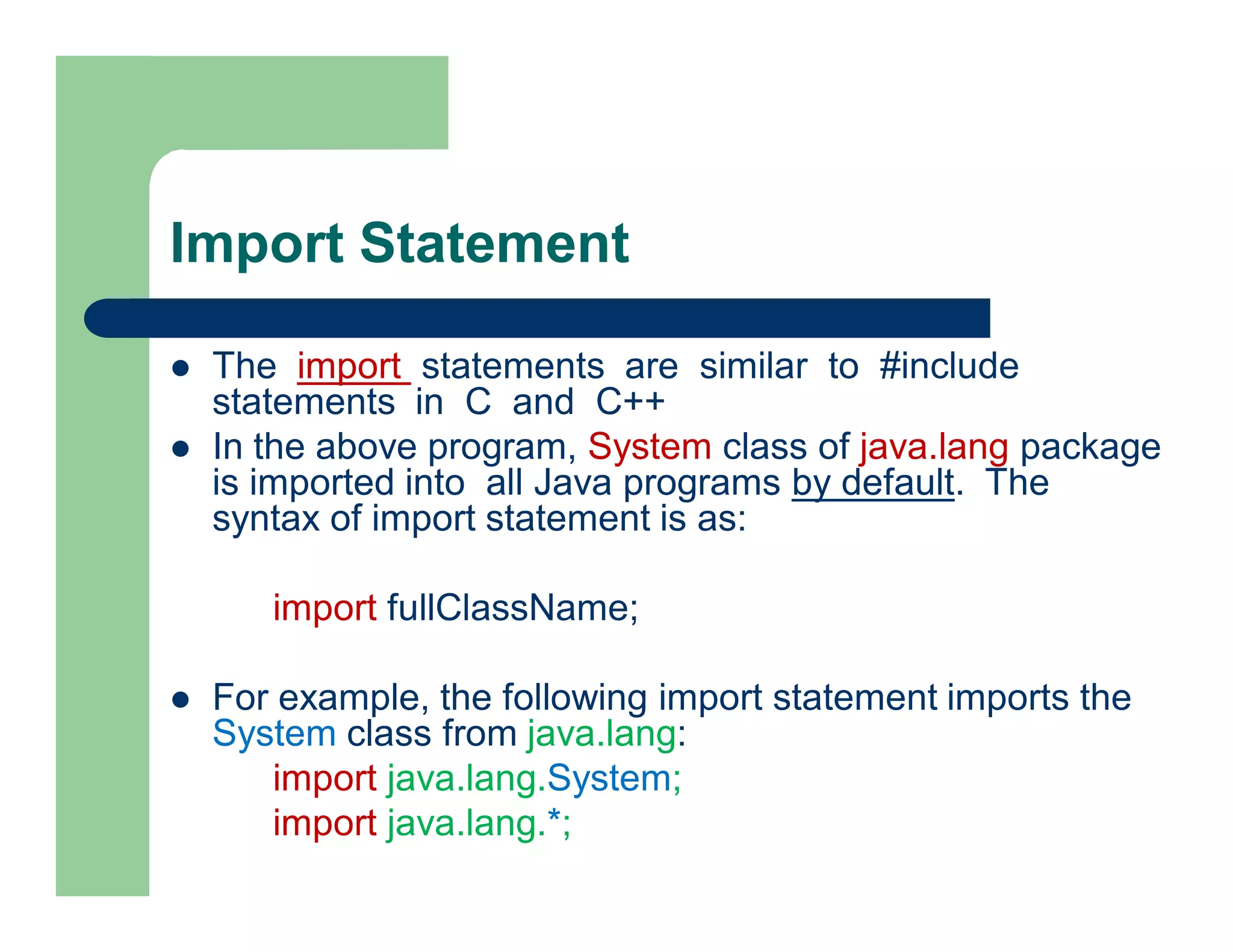
Import Statement
 The import statements are similar to #include
statements in C and C++
 In the above program, System class of java.lang package
is imported into all Java programs by default. The
syntax of import statement is as:
import fullClassName;
 For example, the following import statement imports the
System class from java.lang:
import java.lang.System;
import java.lang.*;
Classes and Methods
 Class declarations contain a keyword class and an identifier (Ex: A)
 Class members are enclosed within braces. The syntax of defining a
class is shown below:
class A
{
// program code
}
 To execute a class, it must contain a valid main method
 It is the first method that automatically gets invoked when the program
executed
public static void main (String args[])
{
//instructions
}
Main method
public static void main (String args[])
{
//instructions
}
 The main method must always be defined as public:
to make it publicly accessible,
 static: to declare it as a class member and
 void: returns no value
 args[]: parameter, is an array of class String. It
provides access to command line parameters
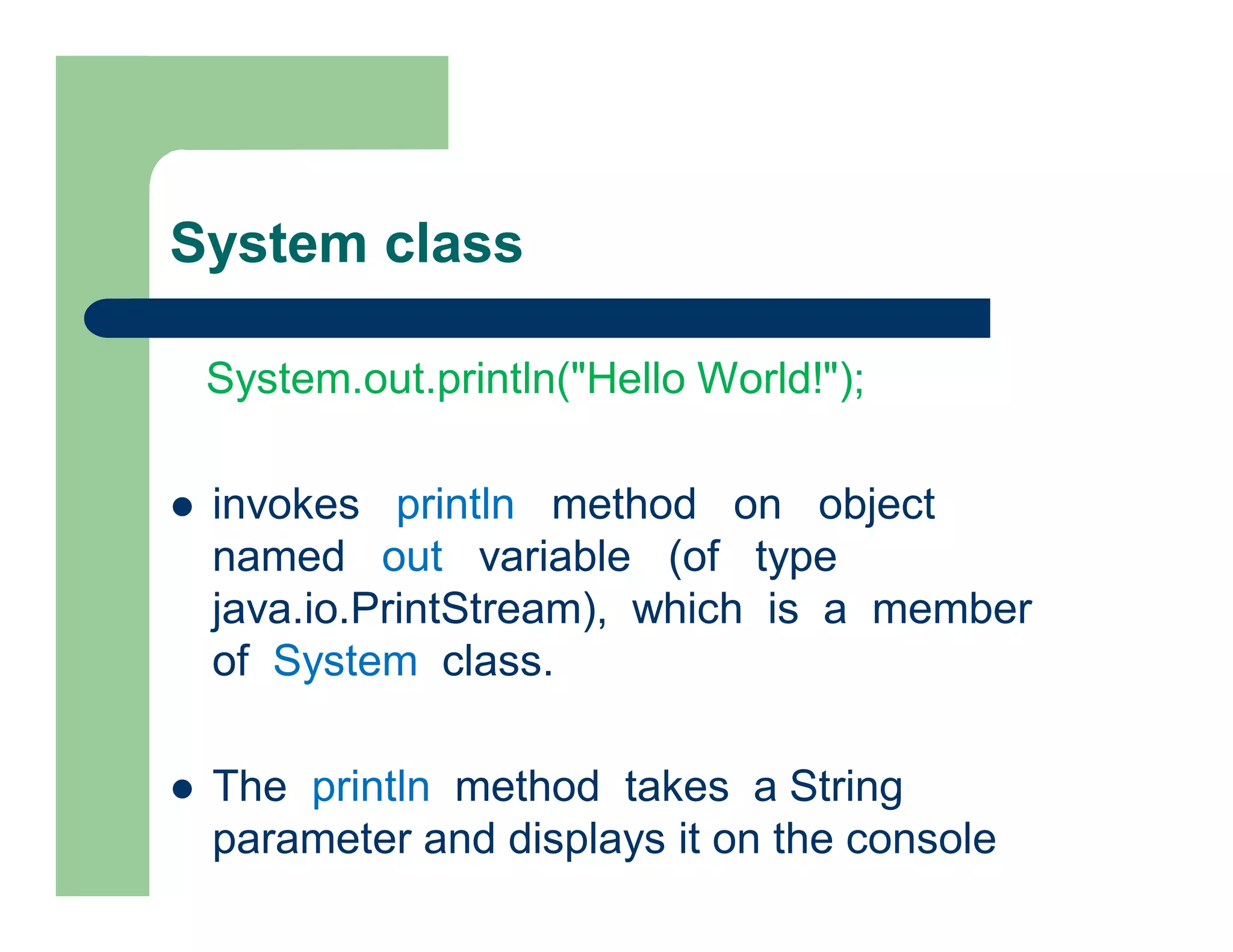
System class
System.out.println("Hello World!");
 invokes println method on object
named out variable (of type
java.io.PrintStream), which is a member
of System class.
 The println method takes a String
parameter and displays it on the console
Example
/* Traditional "Hello World!" program. */
// package pack1;
// import java.lang.System;
class A
{
public static void main (String args[])
{
System.out.println("Hello World!");
}
}
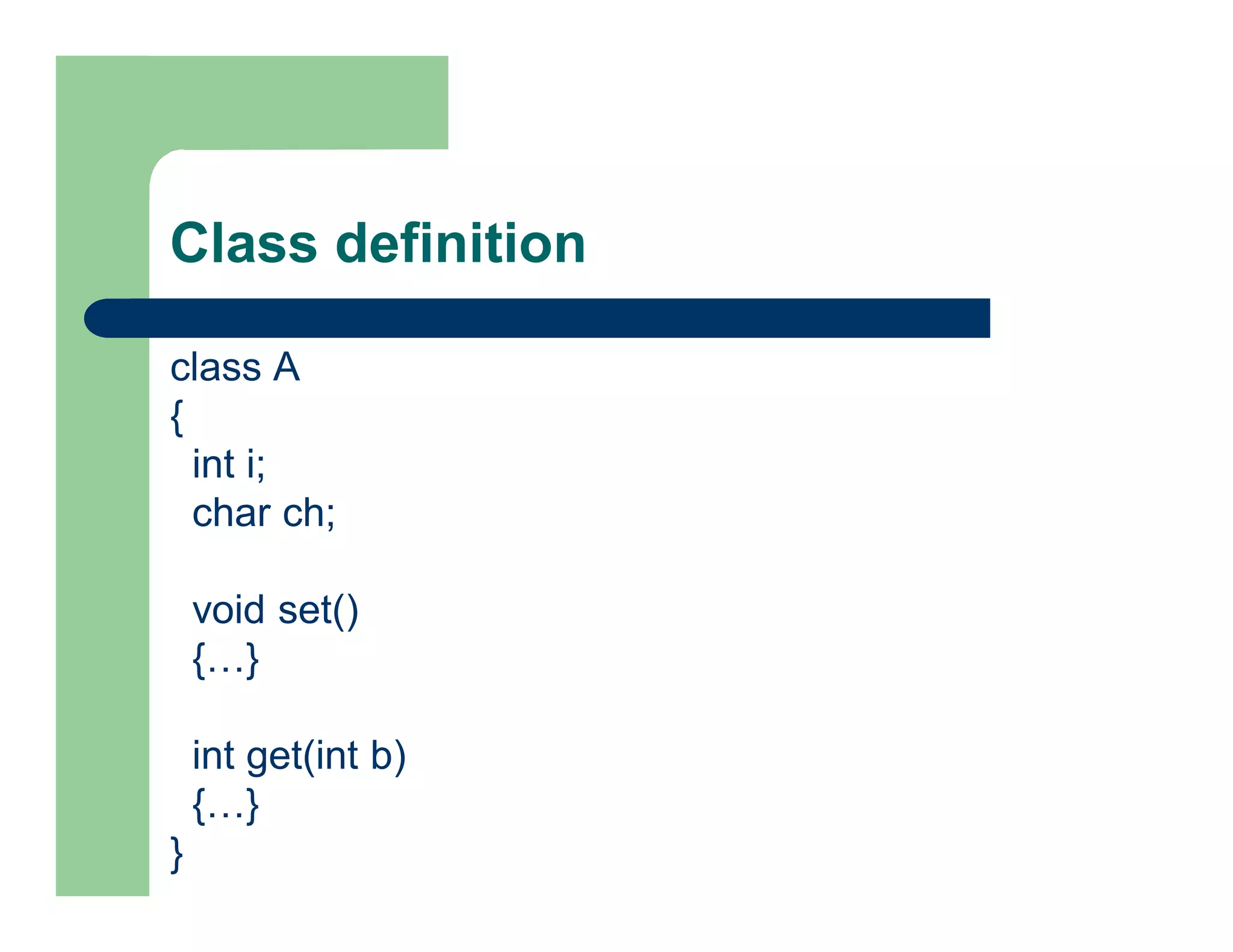
Class definition
class A
{
int i;
char ch;
void set()
{…}
int get(int b)
{…}
}
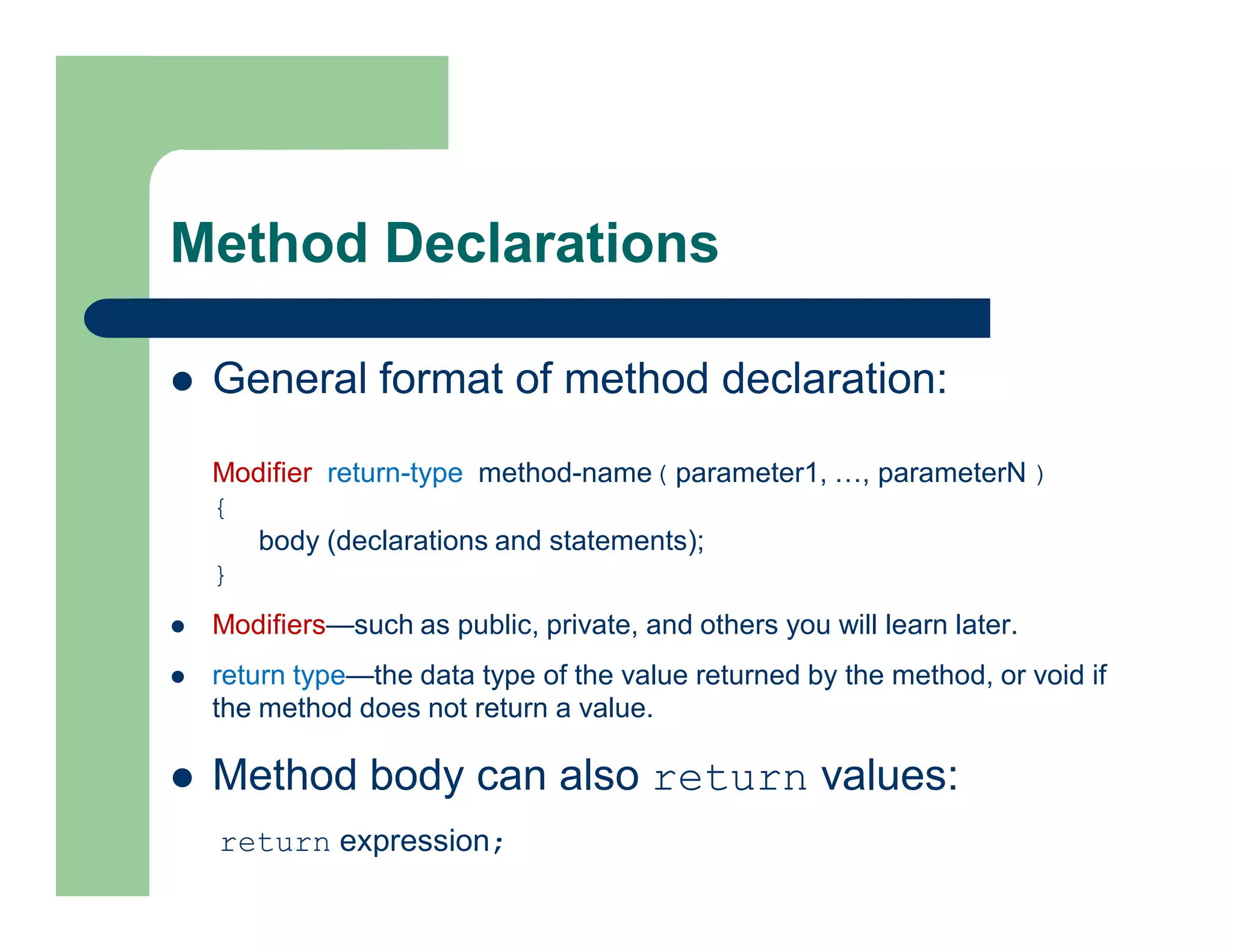
Method Declarations
 General format of method declaration:
Modifier return-type method-name( parameter1, …, parameterN )
{
body (declarations and statements);
}
 Modifiers—such as public, private, and others you will learn later.
 return type—the data type of the value returned by the method, or void if
the method does not return a value.
 Method body can also return values:
return expression;
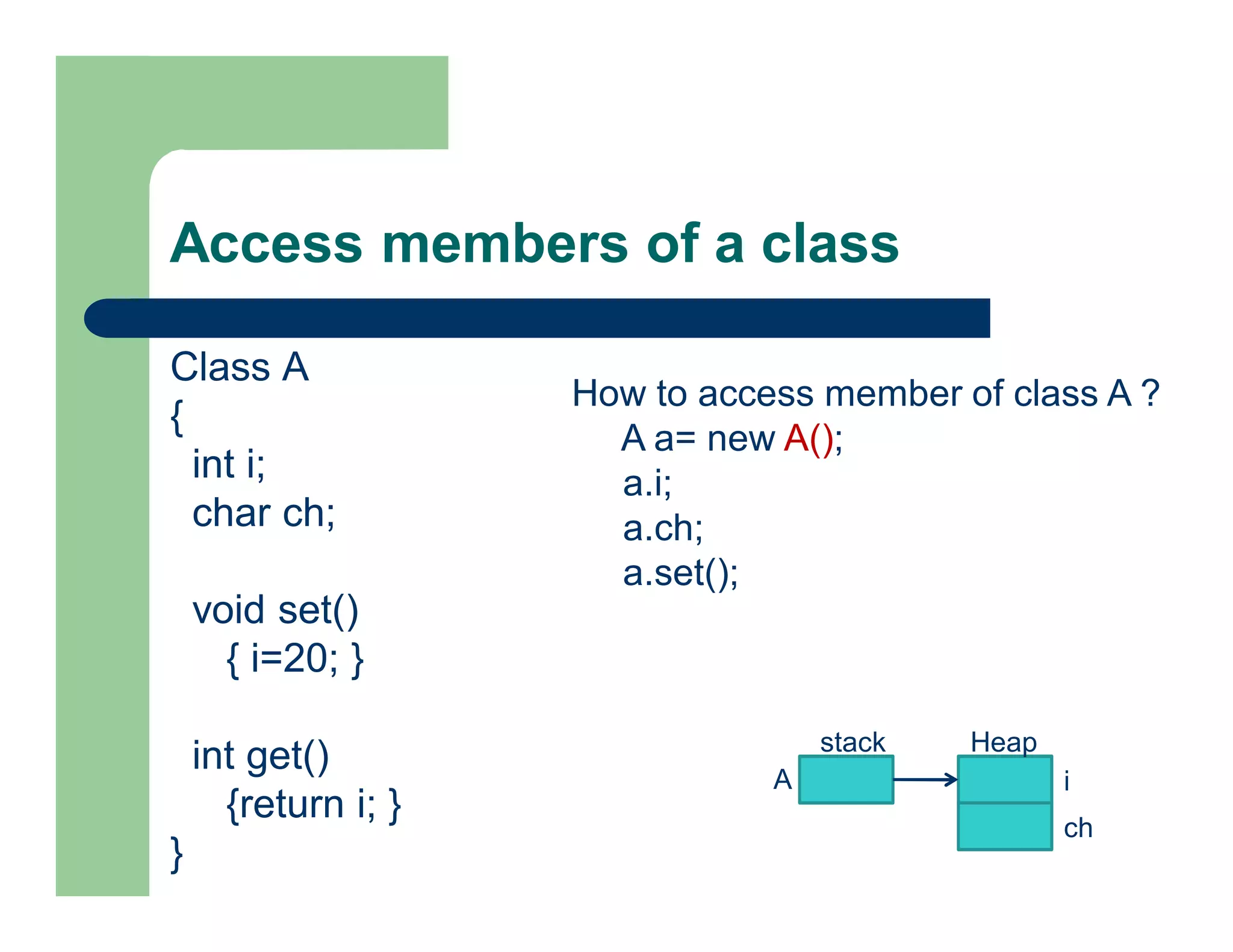
Access members of a class
Class A
{
int i;
char ch;
void set()
{ i=20; }
int get()
{return i; }
}
stack Heap
i
ch
A
How to access member of class A ?
A a= new A();
a.i;
a.ch;
a.set();
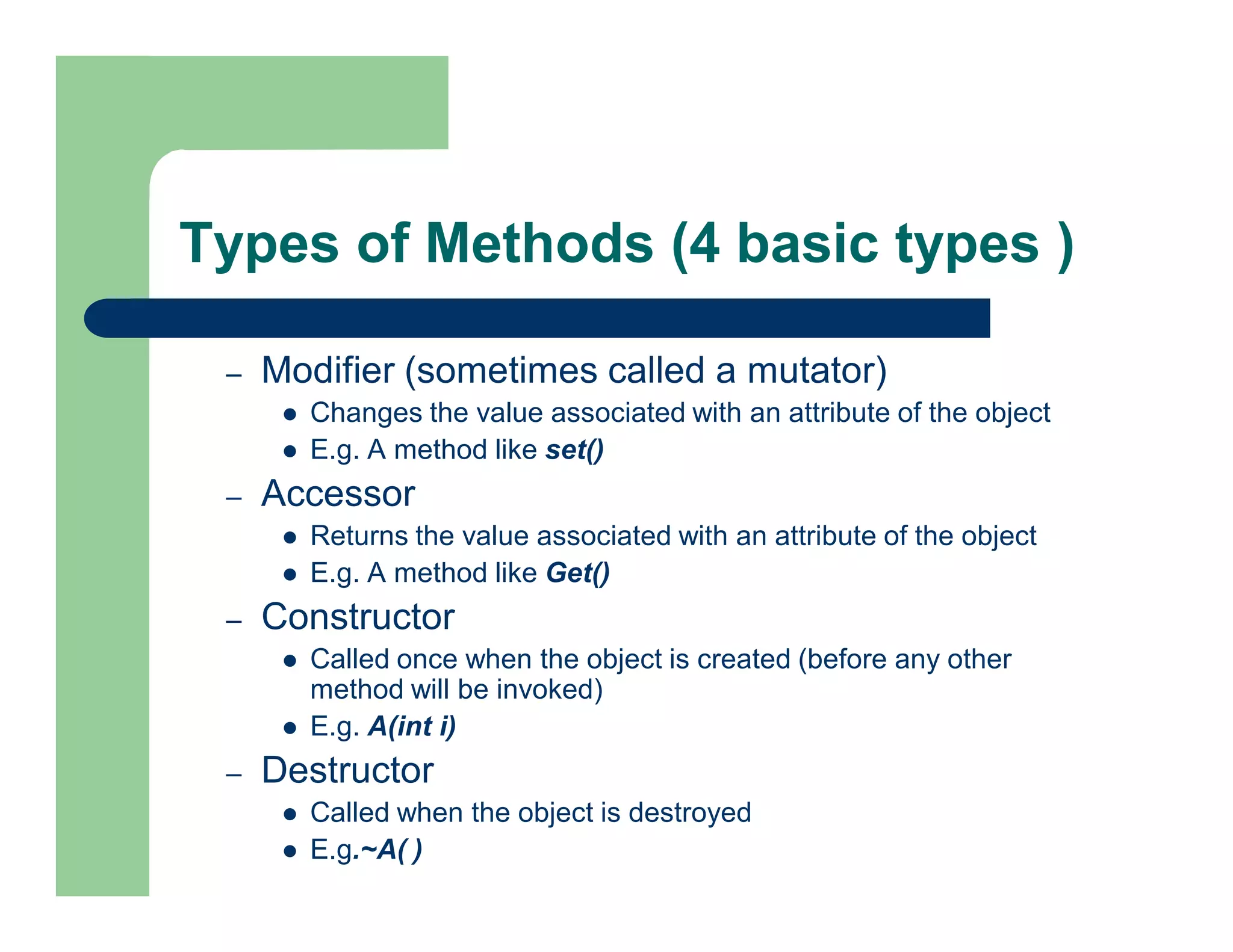
Types of Methods (4 basic types )
– Modifier (sometimes called a mutator)
 Changes the value associated with an attribute of the object
 E.g. A method like set()
– Accessor
 Returns the value associated with an attribute of the object
 E.g. A method like Get()
– Constructor
 Called once when the object is created (before any other
method will be invoked)
 E.g. A(int i)
– Destructor
 Called when the object is destroyed
 E.g.~A( )
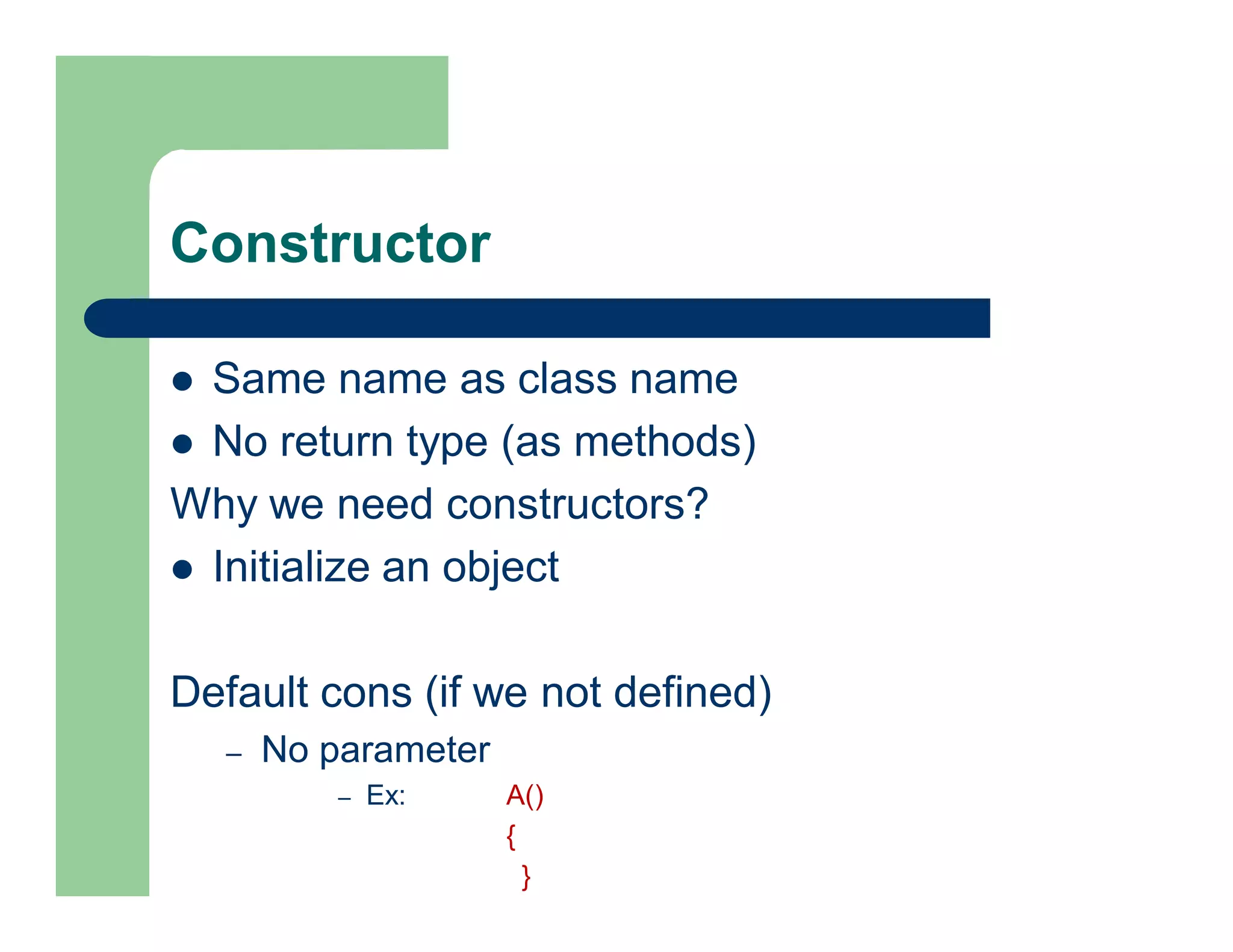
Constructor
 Same name as class name
 No return type (as methods)
Why we need constructors?
 Initialize an object
Default cons (if we not defined)
– No parameter
– Ex: A()
{
}
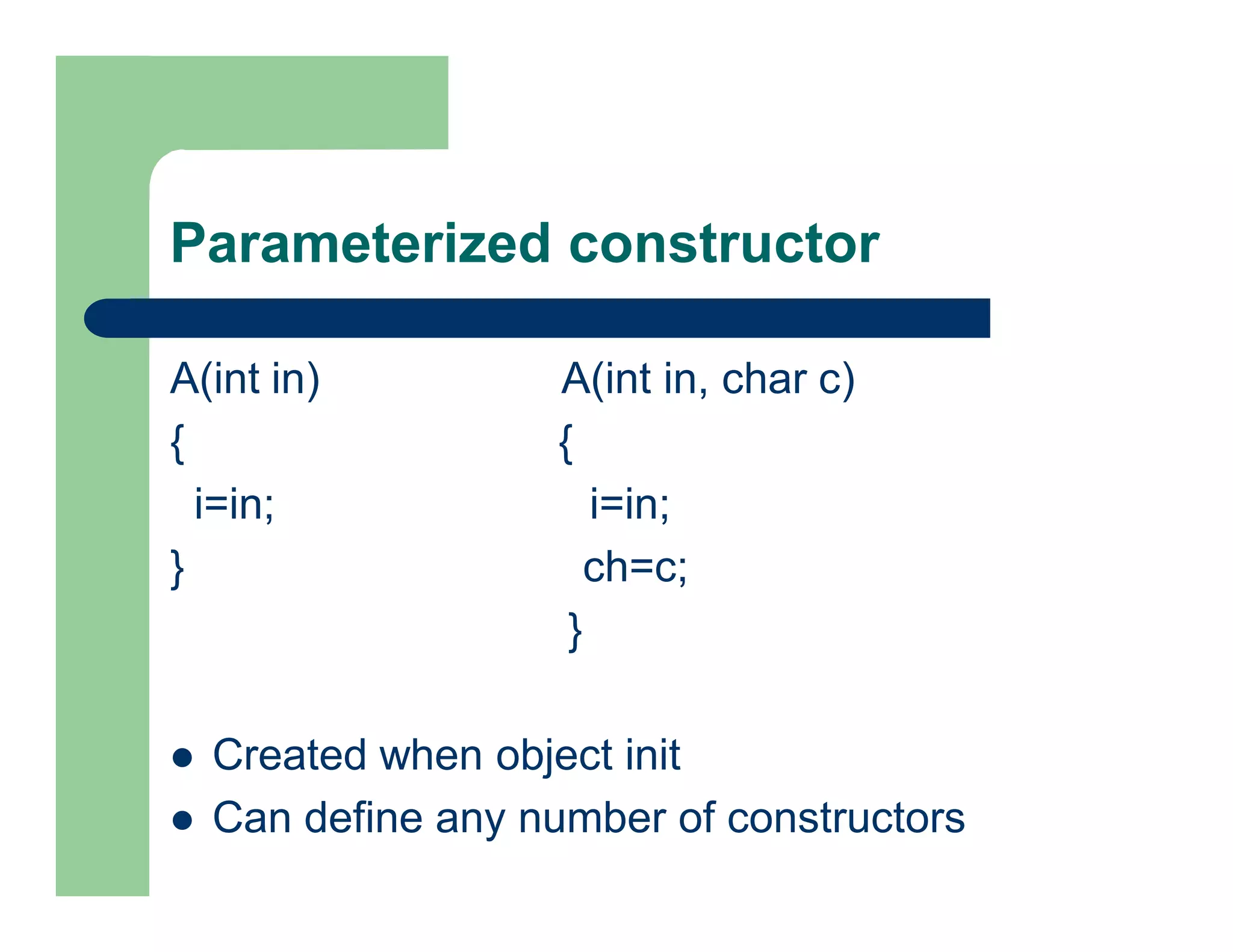
Parameterized constructor
A(int in) A(int in, char c)
{ {
i=in; i=in;
} ch=c;
}
 Created when object init
 Can define any number of constructors
Example 2: two classes
class aa2
{
int i;
char ch;
void set()
{ i=20;}
int get()
{return i;}
}
19
public class aa4
{
public static void main(String args[])
{
aa2 obj= new aa2();
int b;
obj.set();
b= obj.get();
System.out.println("i="+ obj.i);
System.out.println("i="+ b);
}
}
Example 3: two classes uses cons.
class aa2
{
int i;
char ch;
void set()
{ i=20;}
int get()
{return i;}
aa2 (int in, char c)
{
i=in; ch=c;
}
}20
public class aa4
{
public static void main(String args[])
{
aa2 obj= new aa2(20,‘g’);
System.out.println("i="+ obj.i);
System.out.println("i="+ obj.ch);
}
}
Example 4: single class
public class aa1
{
int i;
char ch;
void set()
{ i=20;}
int get()
{return i;}
21
public static void main(String args[])
{
aa1 a= new aa1();
int b;
a.set();
b=a.get();
System.out.println("i="+ a.i);
System.out.println("i="+ b);
}
}
Introduction to Applets
 Java applet is a small appln. written in Java
 delivered to users in the form of bytecode
 user can launches Java applet from a web page
 it can appear in a frame of the web page, in a
new application window, or in Sun's
AppletViewer, a stand-alone tool for testing
applets
22
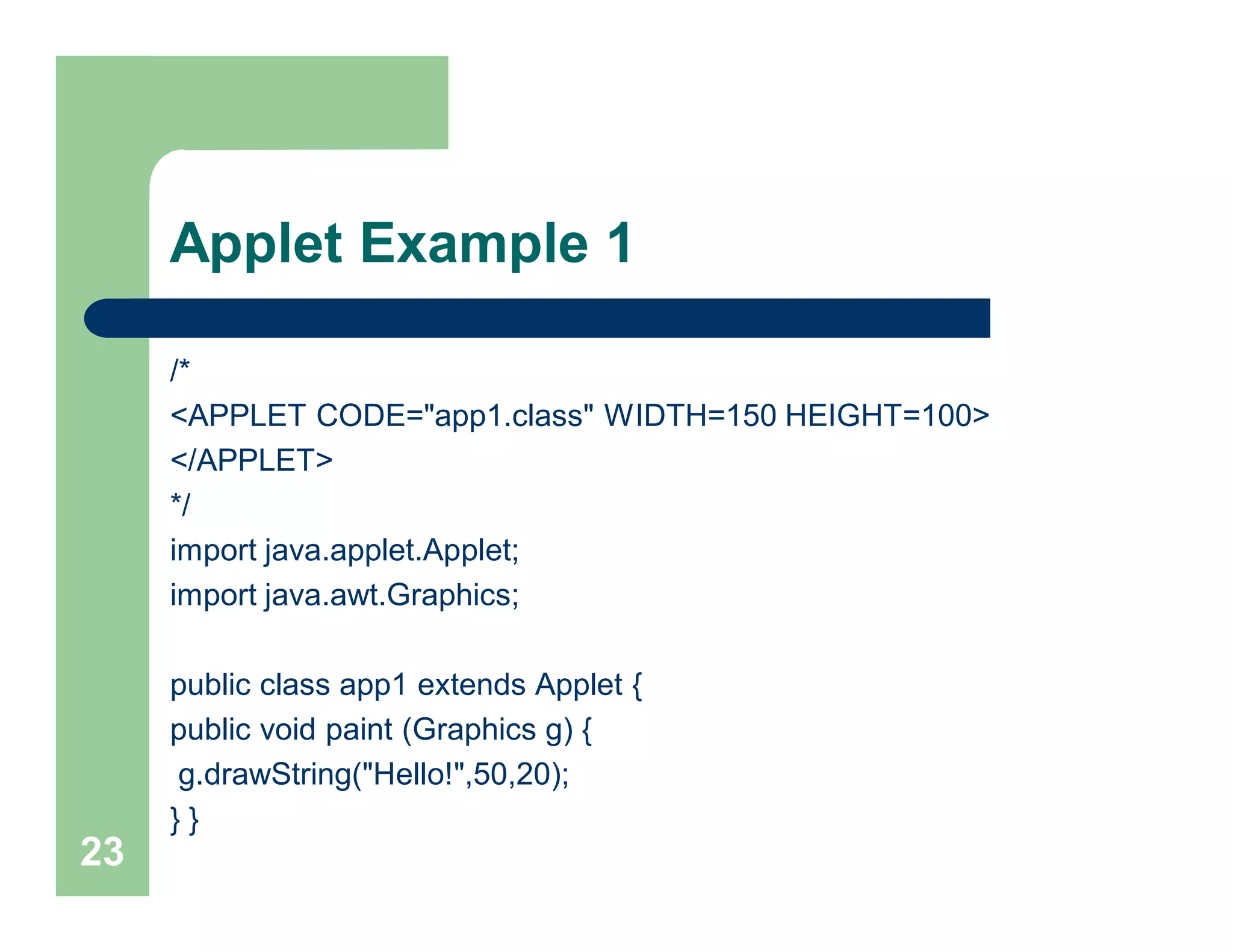
Applet Example 1
/*
<APPLET CODE="app1.class" WIDTH=150 HEIGHT=100>
</APPLET>
*/
import java.applet.Applet;
import java.awt.Graphics;
public class app1 extends Applet {
public void paint (Graphics g) {
g.drawString("Hello!",50,20);
} }
23
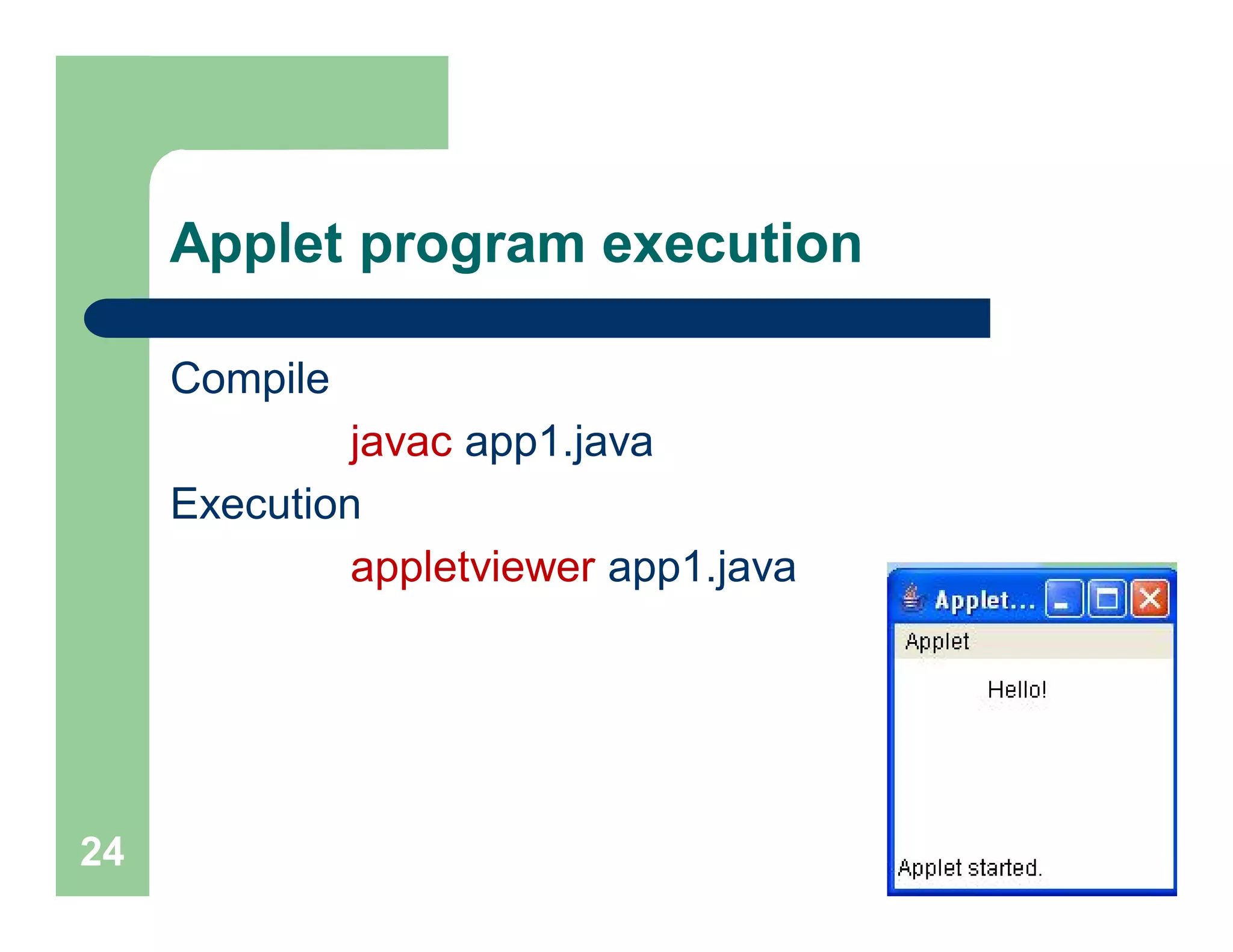
Applet program execution
Compile
javac app1.java
Execution
appletviewer app1.java
24
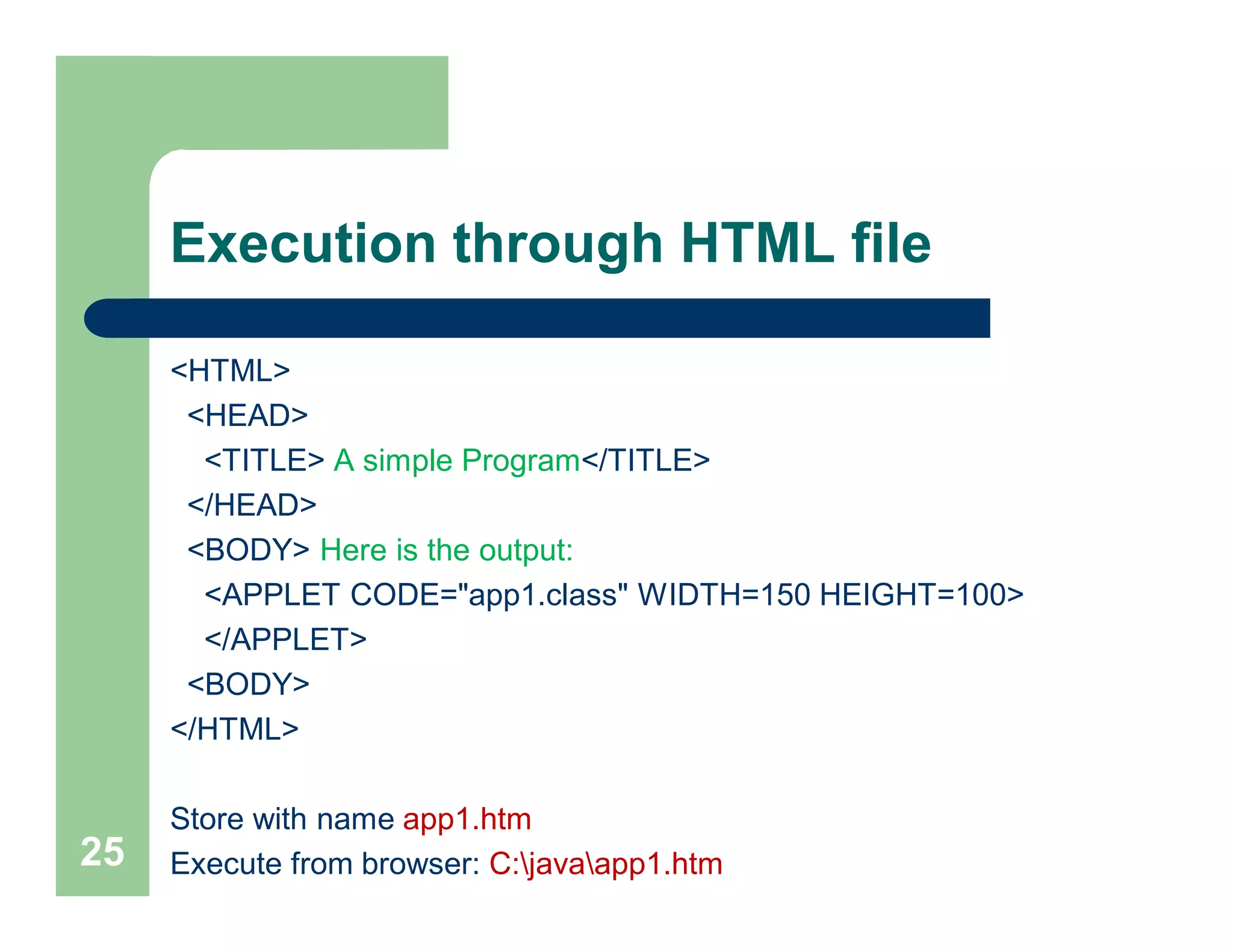
Execution through HTML file
<HTML>
<HEAD>
<TITLE> A simple Program</TITLE>
</HEAD>
<BODY> Here is the output:
<APPLET CODE="app1.class" WIDTH=150 HEIGHT=100>
</APPLET>
<BODY>
</HTML>
Store with name app1.htm
Execute from browser: C:javaapp1.htm25

Lec 5 13_aug [compatibility mode]

  • 1.
  • 2.
     Development tools-partof java development kit (JDK)  Classes and methods-part of Java Standard Library (JSL), also known as Application Programming Interface (API) 1. JDK:  Appletviewer ( for viewing applets)  Javac (Compiler)  Java (Interpreter)  Javah (for C header files)  Javadoc ( for creating HTML description) Java Environment
  • 3.
    2. Application PackageInterface (API) Contains hundreds of classes and methods grouped into several functional packages:  Language Support Package (String, Integer, Double, etc)  Utility Packages (rand. num. gen., sys. date)  Input/Output Packages  Networking Packages (implementing networking appl. )  AWT Package (classes for painting graphics and images)  Applet Package (web page using java) Java Environment
  • 4.
    1. Java 1.0(96) 2. Java 1.1 (97)(Add new library, redefine applet handling and reconfigured many features.) 3. Java 2 (98)(Second generation). Version no:1.2 (Internal version number of java library). Also known as J2SE [ Java 2 Platform Standard Edition]. - Add swing, the collection framework, enhanced JVM etc. 4. J2SE 1.3 (2000) 5. J2SE 1.4 (2002) 6. J2SE 1.5 (2004) 7. J2SE 1.6 (2006) [1.7-(2013), in queue 1.8 (exp in 2014) ] The Evolution of Java
  • 5.
    Comments In Java, commentsare preceded by two slashes (//) in a line, or enclosed between /* and */ in one or multiple lines When the compiler sees //, it ignores all text after // in the same line When it sees /*, it scans for the next */ and ignores any text between /* and */
  • 6.
    Example /* Traditional "HelloWorld!" program. */ // package pack1; // import java.lang.System; class A { public static void main (String args[]) { System.out.println("Hello World!"); } } Save program as A.java
  • 7.
    Java Program Structure PackageStatement  Javac command compiles the source code A.java then, generates A.class and store it under a directory which is called as name of the package  package statement if used must be the first statement in a compilation unit. Its syntax is: package packageName;  For example: package pack1;
  • 8.
    Import Statement  Theimport statements are similar to #include statements in C and C++  In the above program, System class of java.lang package is imported into all Java programs by default. The syntax of import statement is as: import fullClassName;  For example, the following import statement imports the System class from java.lang: import java.lang.System; import java.lang.*;
  • 9.
    Classes and Methods Class declarations contain a keyword class and an identifier (Ex: A)  Class members are enclosed within braces. The syntax of defining a class is shown below: class A { // program code }  To execute a class, it must contain a valid main method  It is the first method that automatically gets invoked when the program executed public static void main (String args[]) { //instructions }
  • 10.
    Main method public staticvoid main (String args[]) { //instructions }  The main method must always be defined as public: to make it publicly accessible,  static: to declare it as a class member and  void: returns no value  args[]: parameter, is an array of class String. It provides access to command line parameters
  • 11.
    System class System.out.println("Hello World!"); invokes println method on object named out variable (of type java.io.PrintStream), which is a member of System class.  The println method takes a String parameter and displays it on the console
  • 12.
    Example /* Traditional "HelloWorld!" program. */ // package pack1; // import java.lang.System; class A { public static void main (String args[]) { System.out.println("Hello World!"); } }
  • 13.
    Class definition class A { inti; char ch; void set() {…} int get(int b) {…} }
  • 14.
    Method Declarations  Generalformat of method declaration: Modifier return-type method-name( parameter1, …, parameterN ) { body (declarations and statements); }  Modifiers—such as public, private, and others you will learn later.  return type—the data type of the value returned by the method, or void if the method does not return a value.  Method body can also return values: return expression;
  • 15.
    Access members ofa class Class A { int i; char ch; void set() { i=20; } int get() {return i; } } stack Heap i ch A How to access member of class A ? A a= new A(); a.i; a.ch; a.set();
  • 16.
    Types of Methods(4 basic types ) – Modifier (sometimes called a mutator)  Changes the value associated with an attribute of the object  E.g. A method like set() – Accessor  Returns the value associated with an attribute of the object  E.g. A method like Get() – Constructor  Called once when the object is created (before any other method will be invoked)  E.g. A(int i) – Destructor  Called when the object is destroyed  E.g.~A( )
  • 17.
    Constructor  Same nameas class name  No return type (as methods) Why we need constructors?  Initialize an object Default cons (if we not defined) – No parameter – Ex: A() { }
  • 18.
    Parameterized constructor A(int in)A(int in, char c) { { i=in; i=in; } ch=c; }  Created when object init  Can define any number of constructors
  • 19.
    Example 2: twoclasses class aa2 { int i; char ch; void set() { i=20;} int get() {return i;} } 19 public class aa4 { public static void main(String args[]) { aa2 obj= new aa2(); int b; obj.set(); b= obj.get(); System.out.println("i="+ obj.i); System.out.println("i="+ b); } }
  • 20.
    Example 3: twoclasses uses cons. class aa2 { int i; char ch; void set() { i=20;} int get() {return i;} aa2 (int in, char c) { i=in; ch=c; } }20 public class aa4 { public static void main(String args[]) { aa2 obj= new aa2(20,‘g’); System.out.println("i="+ obj.i); System.out.println("i="+ obj.ch); } }
  • 21.
    Example 4: singleclass public class aa1 { int i; char ch; void set() { i=20;} int get() {return i;} 21 public static void main(String args[]) { aa1 a= new aa1(); int b; a.set(); b=a.get(); System.out.println("i="+ a.i); System.out.println("i="+ b); } }
  • 22.
    Introduction to Applets Java applet is a small appln. written in Java  delivered to users in the form of bytecode  user can launches Java applet from a web page  it can appear in a frame of the web page, in a new application window, or in Sun's AppletViewer, a stand-alone tool for testing applets 22
  • 23.
    Applet Example 1 /* <APPLETCODE="app1.class" WIDTH=150 HEIGHT=100> </APPLET> */ import java.applet.Applet; import java.awt.Graphics; public class app1 extends Applet { public void paint (Graphics g) { g.drawString("Hello!",50,20); } } 23
  • 24.
    Applet program execution Compile javacapp1.java Execution appletviewer app1.java 24
  • 25.
    Execution through HTMLfile <HTML> <HEAD> <TITLE> A simple Program</TITLE> </HEAD> <BODY> Here is the output: <APPLET CODE="app1.class" WIDTH=150 HEIGHT=100> </APPLET> <BODY> </HTML> Store with name app1.htm Execute from browser: C:javaapp1.htm25