Java - An Introduction
 Java - The new programming language from Sun
Microsystems
 Java -Allows anyone to publish a web page with Java
code in it
 Java - CPU Independent language
 Created for consumer electronics
 Java - James , Arthur Van , and others
 Java -The name that survived a patent search
 Oak -The predecessor of Java
 Java is “C++ -- ++ “
According to Sun, Java is...
 Simple and Powerful
 Object Oriented
 Portable
 Architecture Neutral
 Distributed
 Multi-threaded
 Robust, Secure/Safe
 Interpreted
 High Performance
 Dynamic pogramming language/platform.
On Closer Inspection, Java
is...
 Simple
 Pure
 Portable
 Surprisingly effective
As a whole, Java is a Comprehensive
Programming Solution
 Object Oriented
 Portable
 High Performance
 Geared for Distributed Environments
 Secure
Java as Object Oriented
 “Objects all the way down”
 Simple and Familiar: “C++ Lite”
 No Pointers!
 Garbage Collector
 Dynamic Binding
 Single Inheritance with “Interfaces”
Java as Portable
 Unlike other language compilers, Java complier
generates code (byte codes) for Universal Machine.
 Java Virtual Machine (JVM): Interprets bytecodes at
runtime
 Architecture Neutral
 No Link Phase
 Higher Level Portable Features: AWT, Unicode
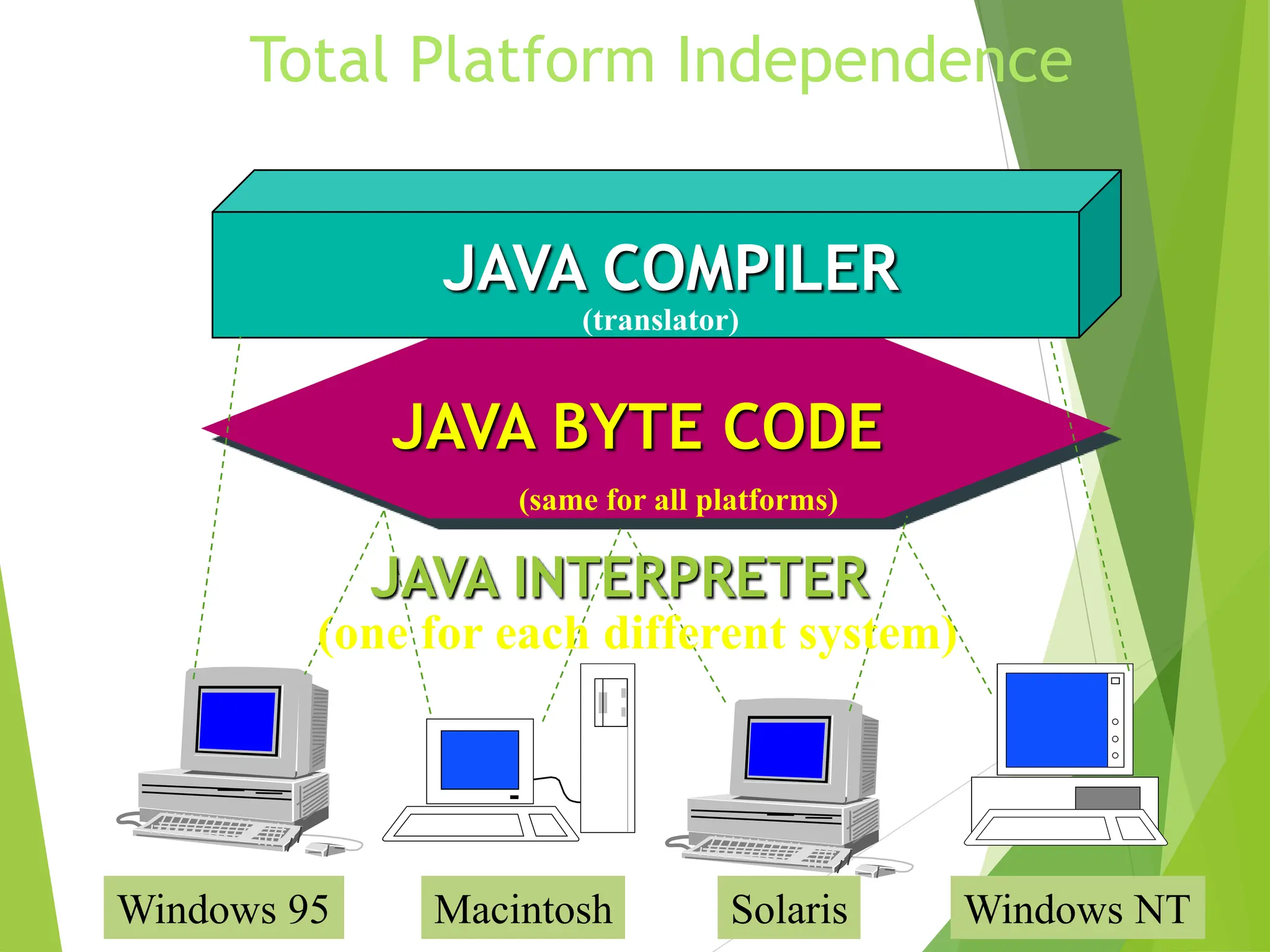
Total Platform Independence
JAVA COMPILER
JAVA BYTE CODE
JAVA INTERPRETER
Windows 95 Macintosh Solaris Windows NT
(translator)
(same for all platforms)
(one for each different system)
Java
Write Once, Run Anywhere
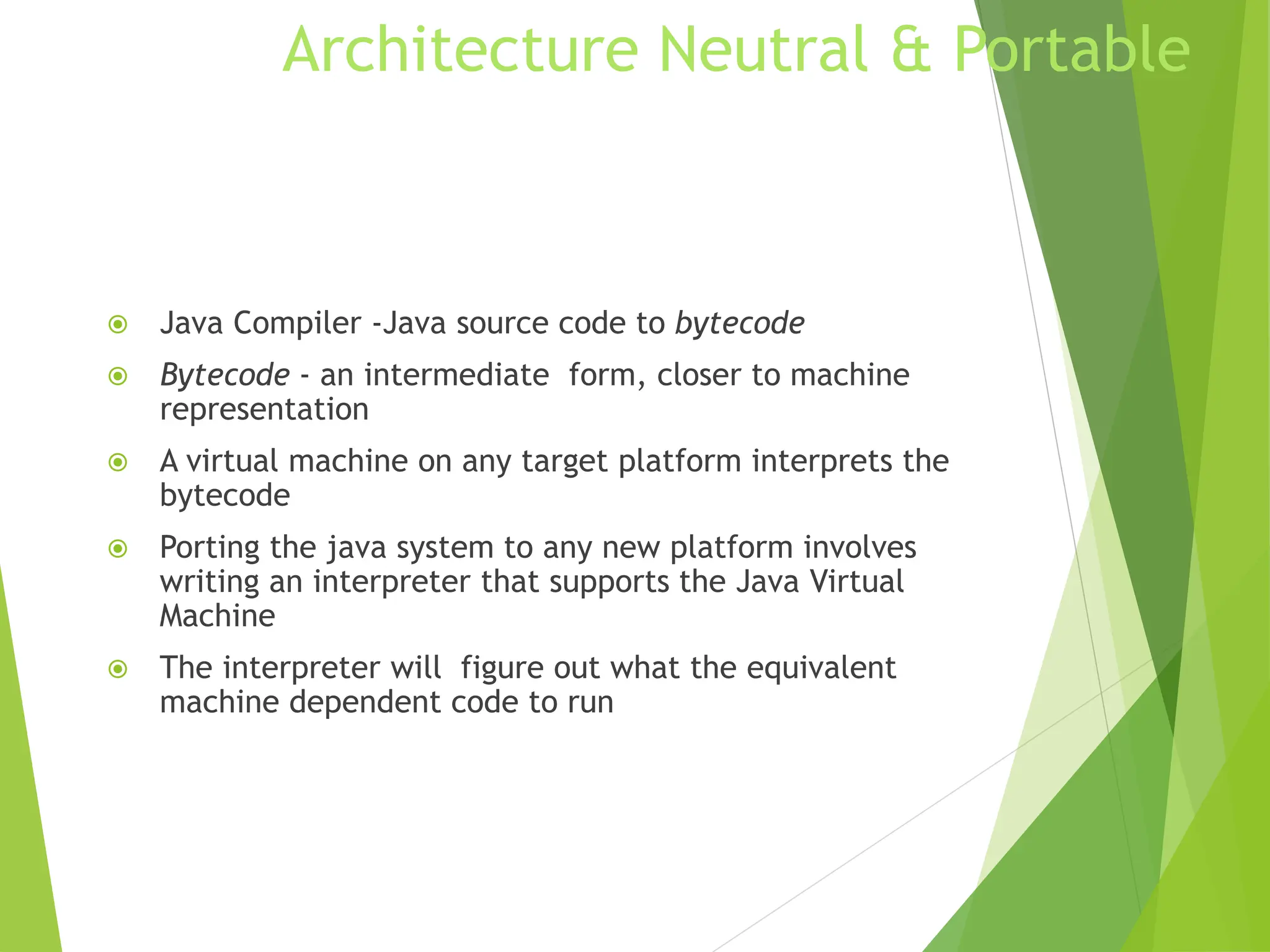
Architecture Neutral & Portable
 Java Compiler -Java source code to bytecode
 Bytecode - an intermediate form, closer to machine
representation
 A virtual machine on any target platform interprets the
bytecode
 Porting the java system to any new platform involves
writing an interpreter that supports the Java Virtual
Machine
 The interpreter will figure out what the equivalent
machine dependent code to run
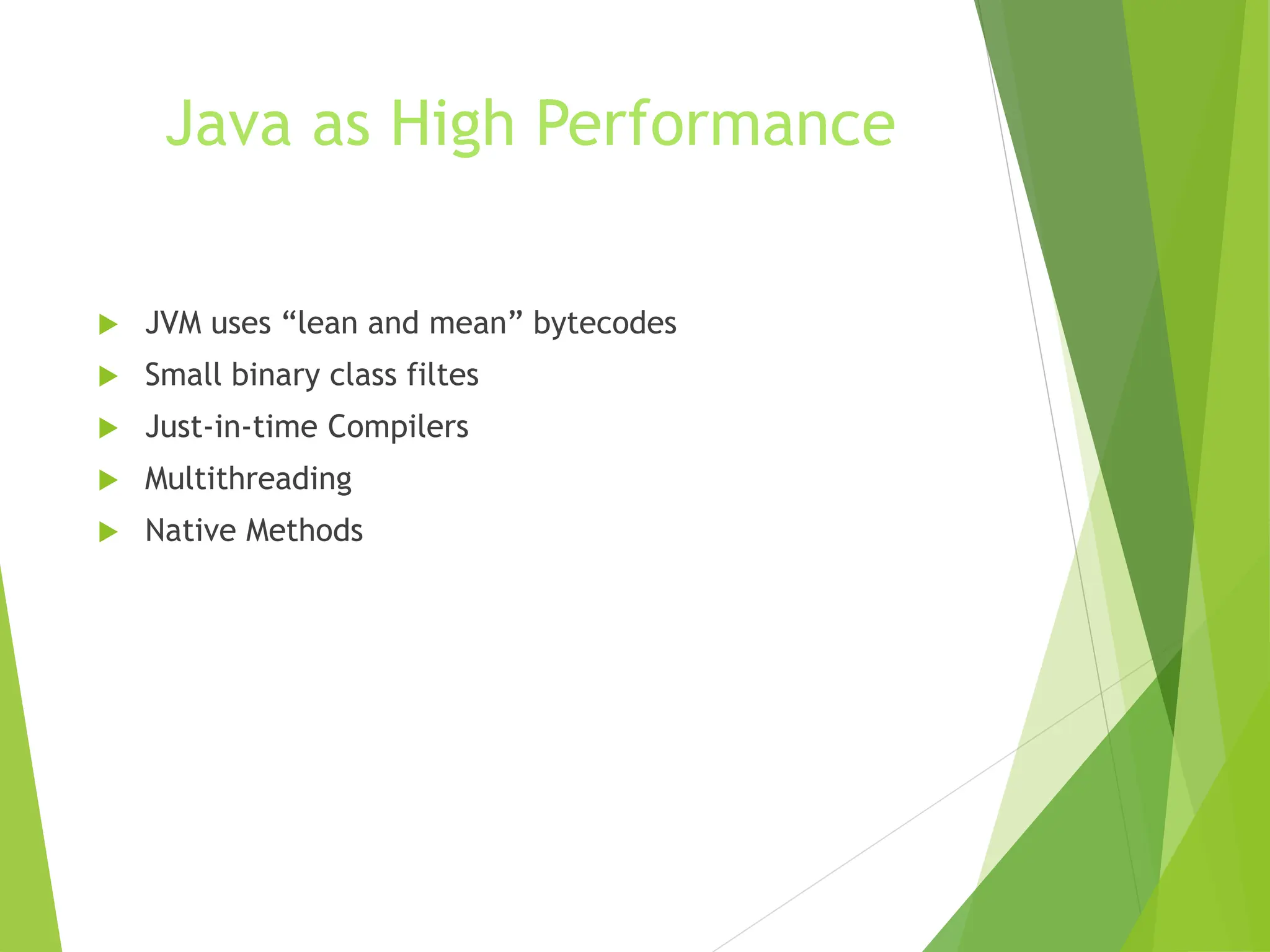
Java as High Performance
 JVM uses “lean and mean” bytecodes
 Small binary class filtes
 Just-in-time Compilers
 Multithreading
 Native Methods
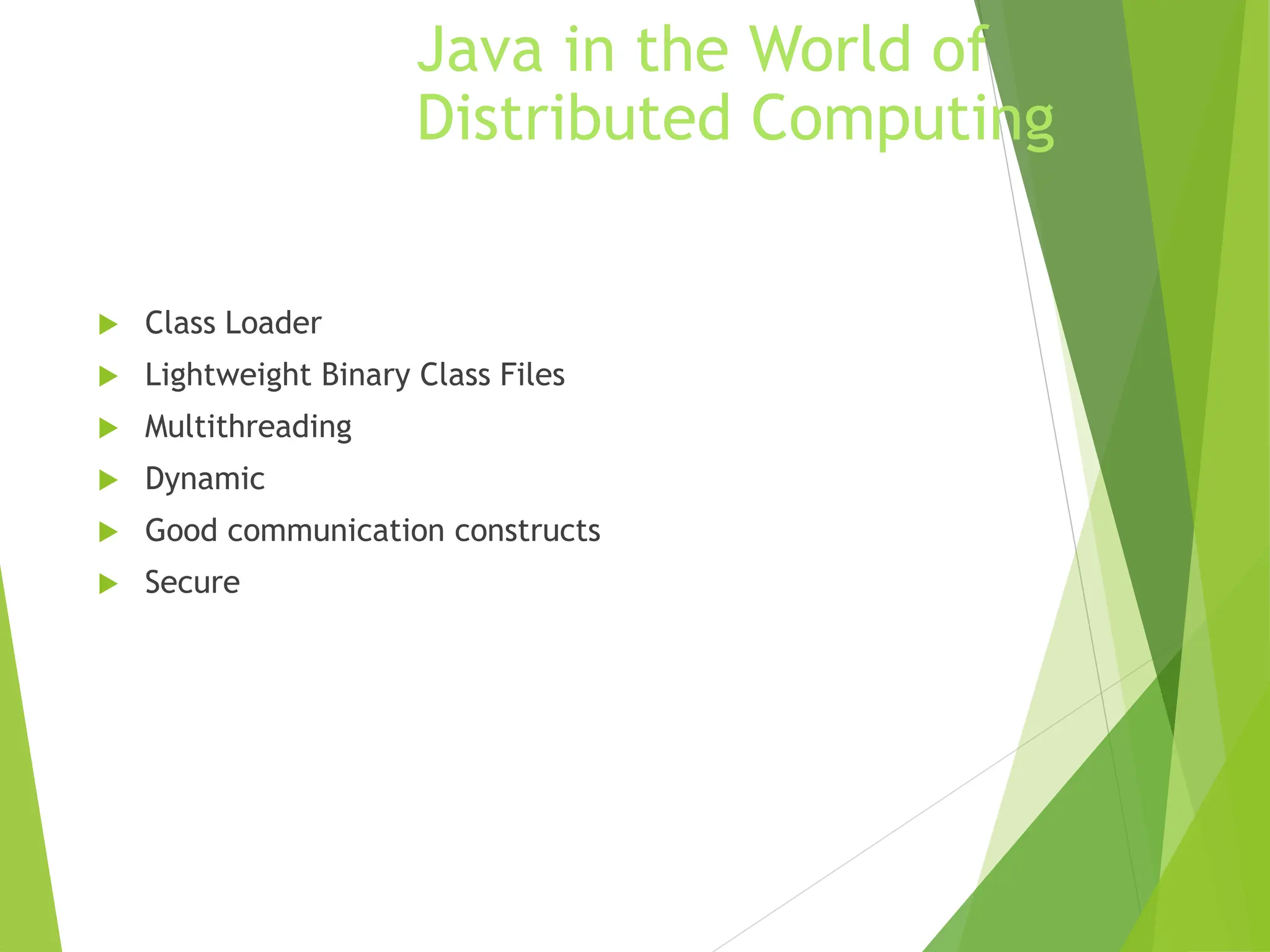
Java in the World of
Distributed Computing
 Class Loader
 Lightweight Binary Class Files
 Multithreading
 Dynamic
 Good communication constructs
 Secure
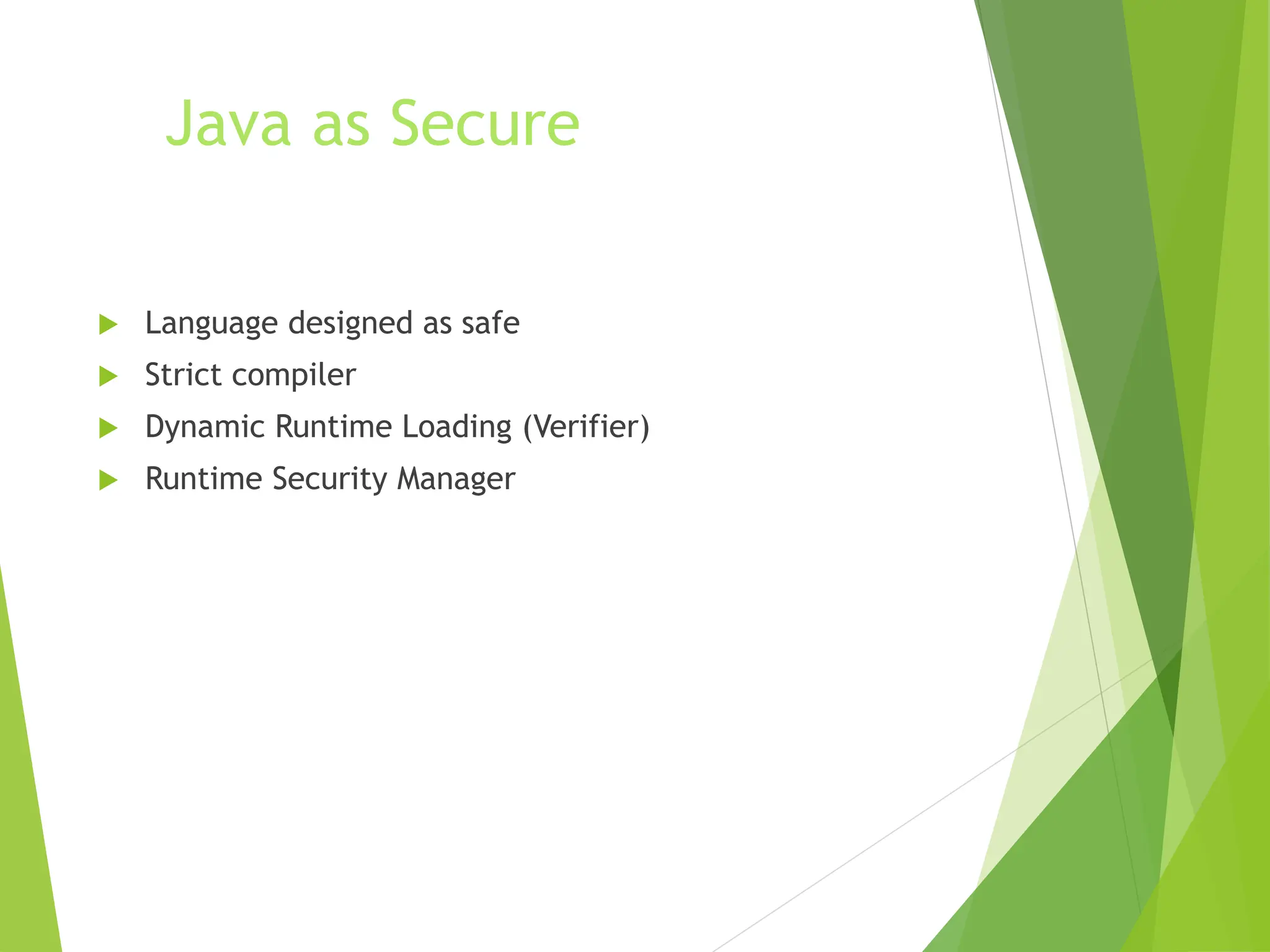
Java as Secure
 Language designed as safe
 Strict compiler
 Dynamic Runtime Loading (Verifier)
 Runtime Security Manager
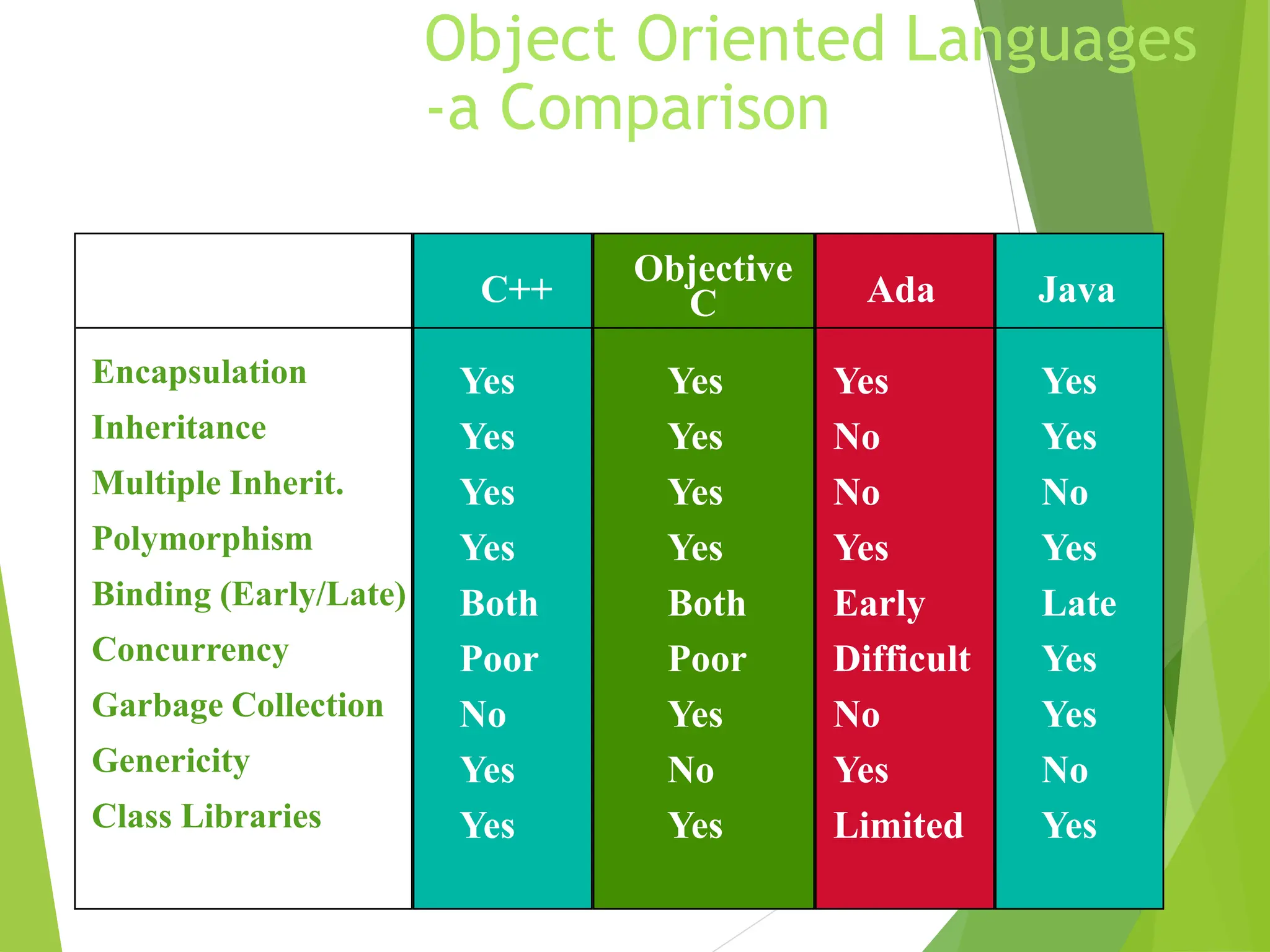
Object Oriented Languages
-a Comparison
Feature C++
Objective
C Ada Java
Encapsulation Yes Yes Yes Yes
Inheritance Yes Yes No Yes
Multiple Inherit. Yes Yes No No
Polymorphism Yes Yes Yes Yes
Binding (Early/Late) Both Both Early Late
Concurrency Poor Poor Difficult Yes
Garbage Collection No Yes No Yes
Genericity Yes No Yes No
Class Libraries Yes Yes Limited Yes
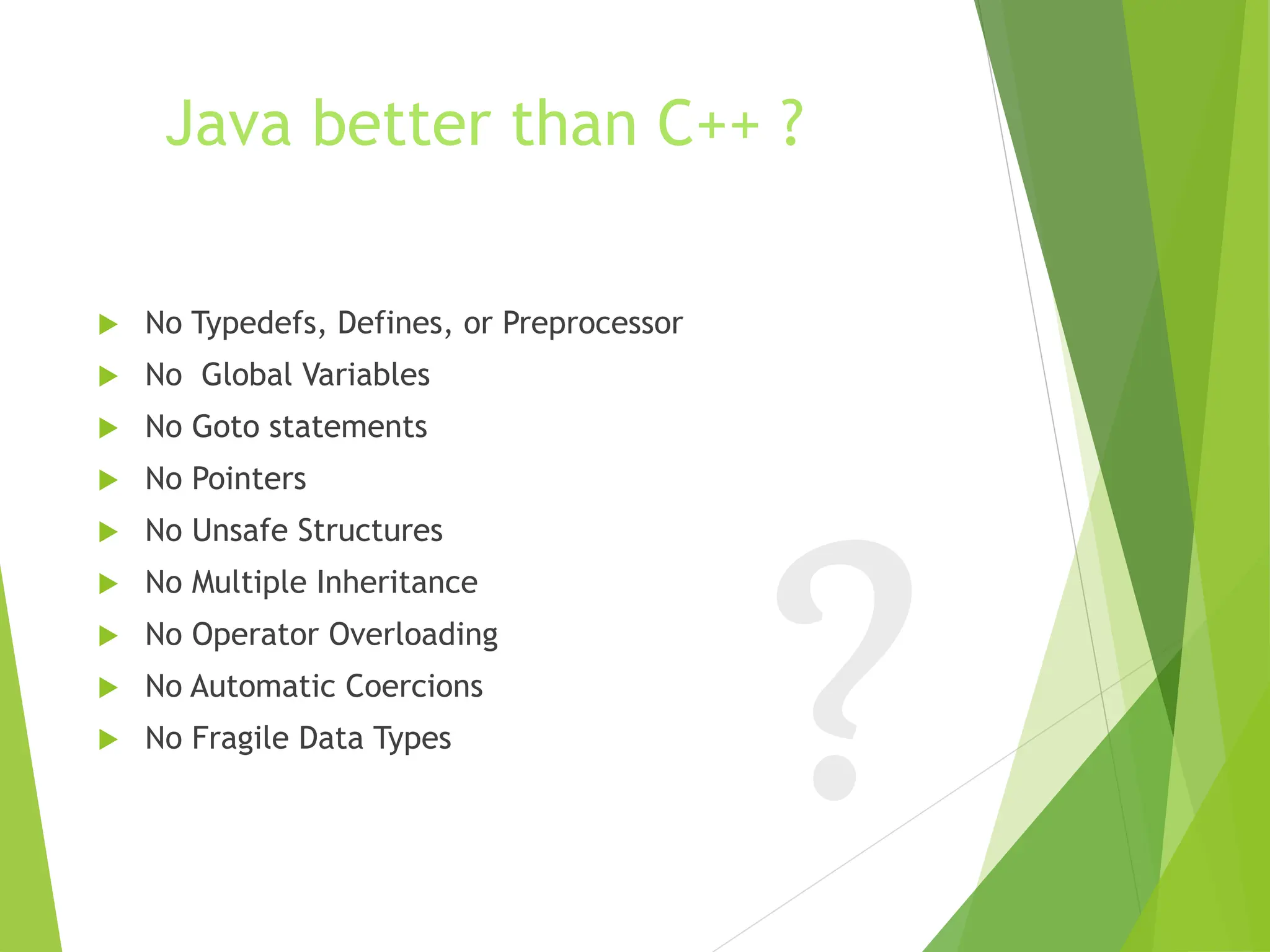
Java better than C++ ?
 No Typedefs, Defines, or Preprocessor
 No Global Variables
 No Goto statements
 No Pointers
 No Unsafe Structures
 No Multiple Inheritance
 No Operator Overloading
 No Automatic Coercions
 No Fragile Data Types
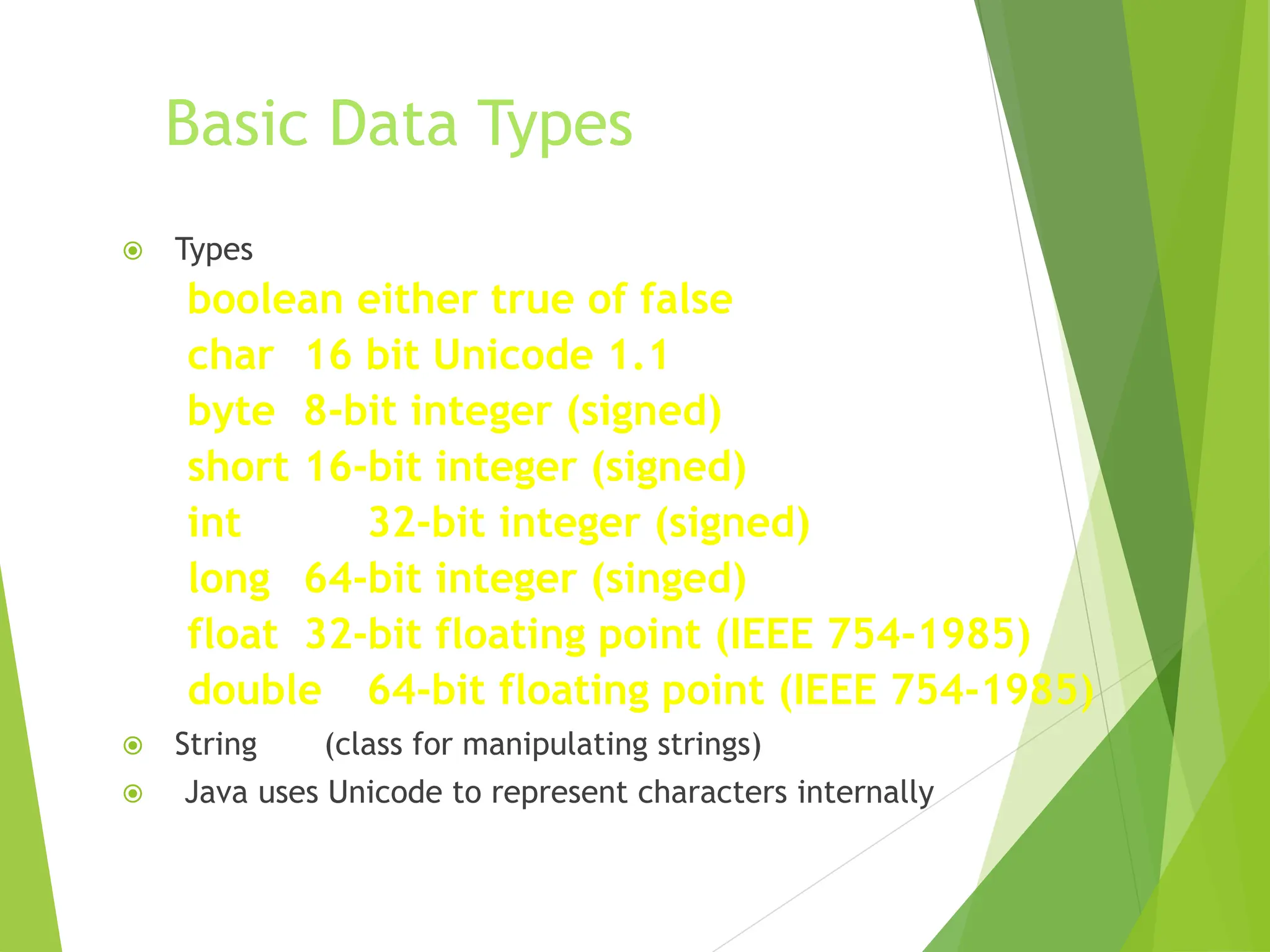
Basic Data Types
 Types
boolean either true of false
char 16 bit Unicode 1.1
byte 8-bit integer (signed)
short 16-bit integer (signed)
int 32-bit integer (signed)
long 64-bit integer (singed)
float 32-bit floating point (IEEE 754-1985)
double 64-bit floating point (IEEE 754-1985)
 String (class for manipulating strings)
 Java uses Unicode to represent characters internally
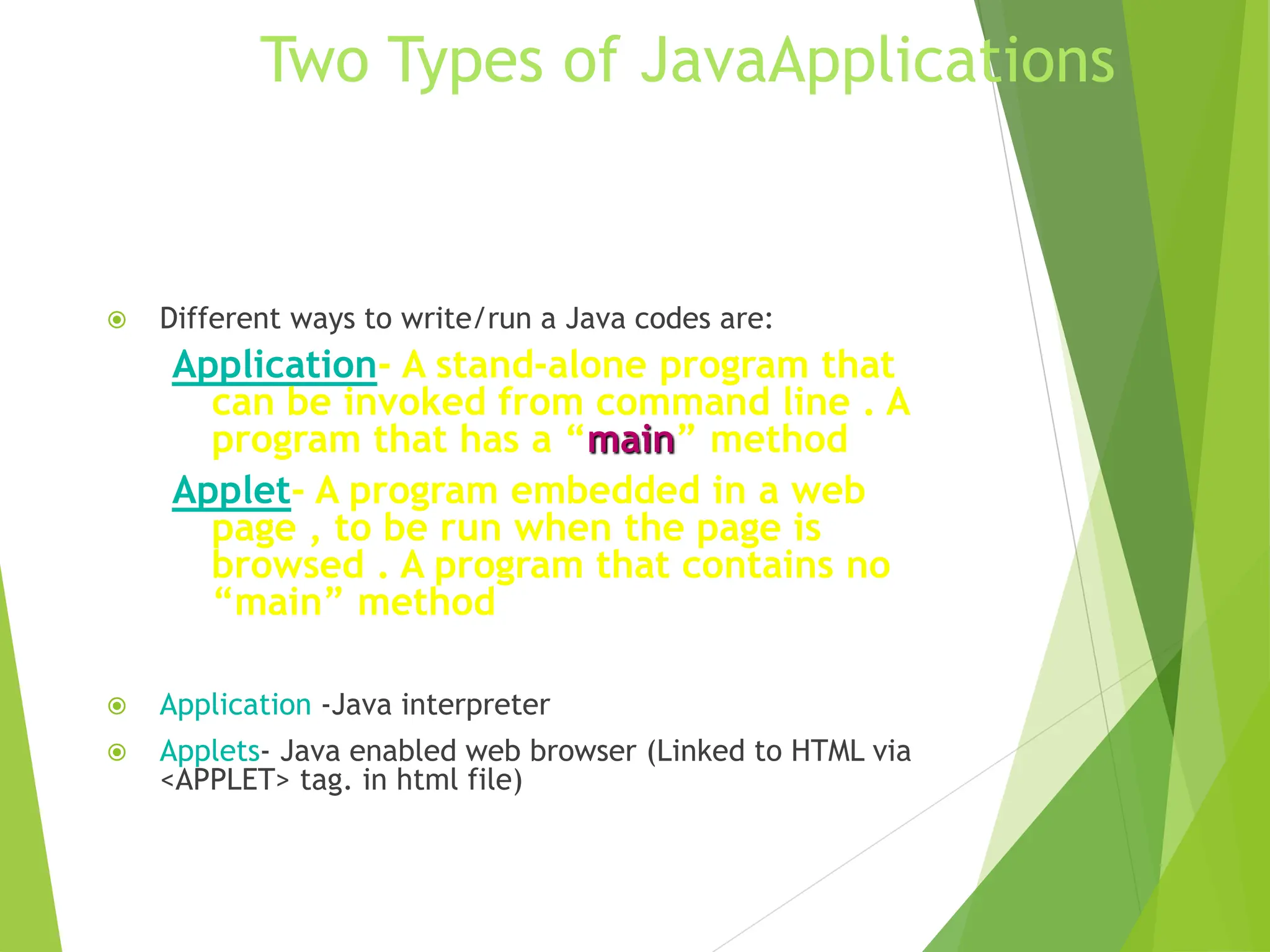
Two Types of JavaApplications
 Different ways to write/run a Java codes are:
Application- A stand-alone program that
can be invoked from command line . A
program that has a “main” method
Applet- A program embedded in a web
page , to be run when the page is
browsed . A program that contains no
“main” method
 Application -Java interpreter
 Applets- Java enabled web browser (Linked to HTML via
<APPLET> tag. in html file)
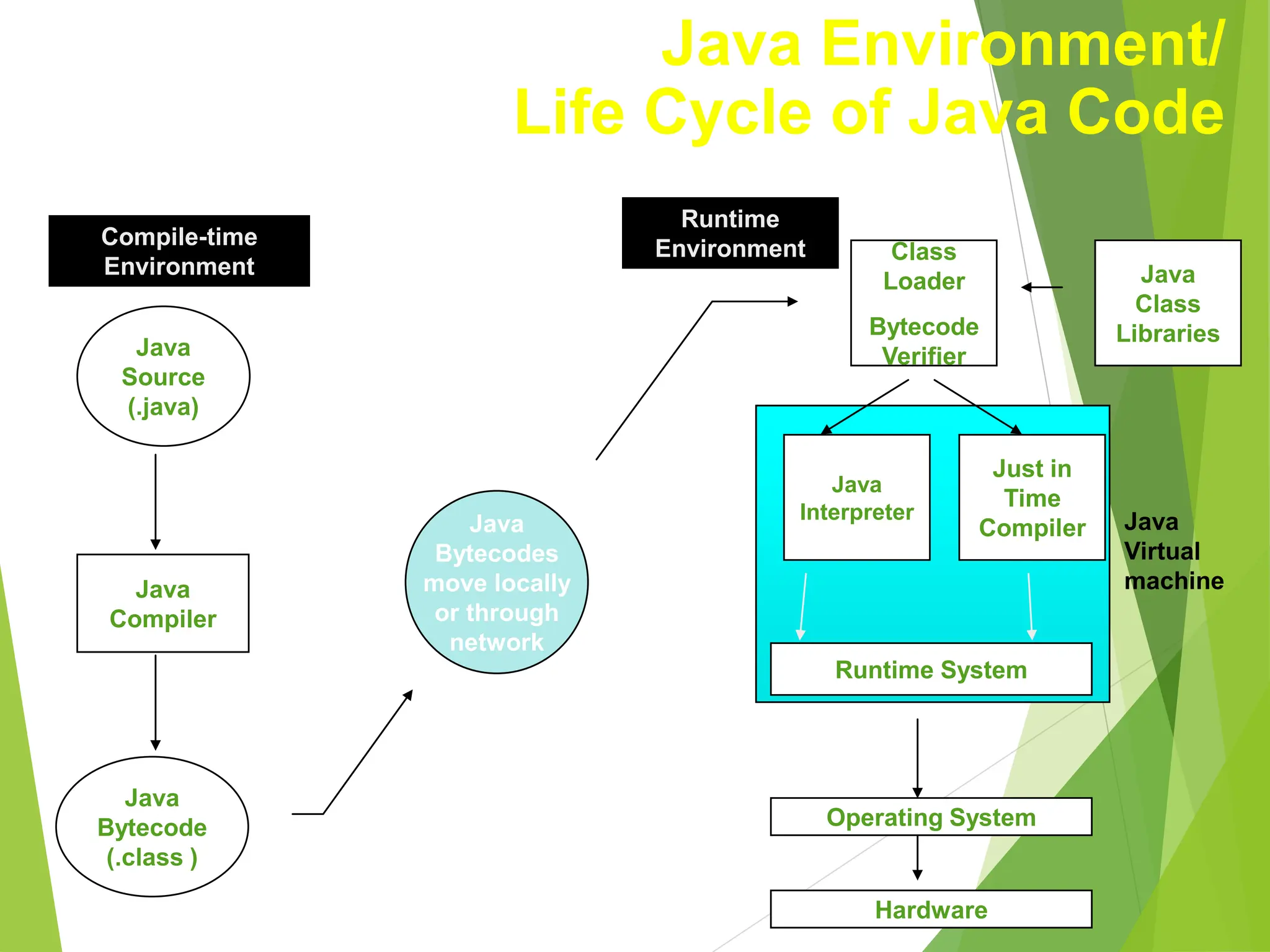
Java
Bytecodes
move locally
or through
network
Java
Source
(.java)
Java
Compiler
Java
Bytecode
(.class )
Java
Interpreter
Just in
Time
Compiler
Runtime System
Class
Loader
Bytecode
Verifier
Java
Class
Libraries
Operating System
Hardware
Java
Virtual
machine
Runtime
Environment
Compile-time
Environment
Java Environment/
Life Cycle of Java Code
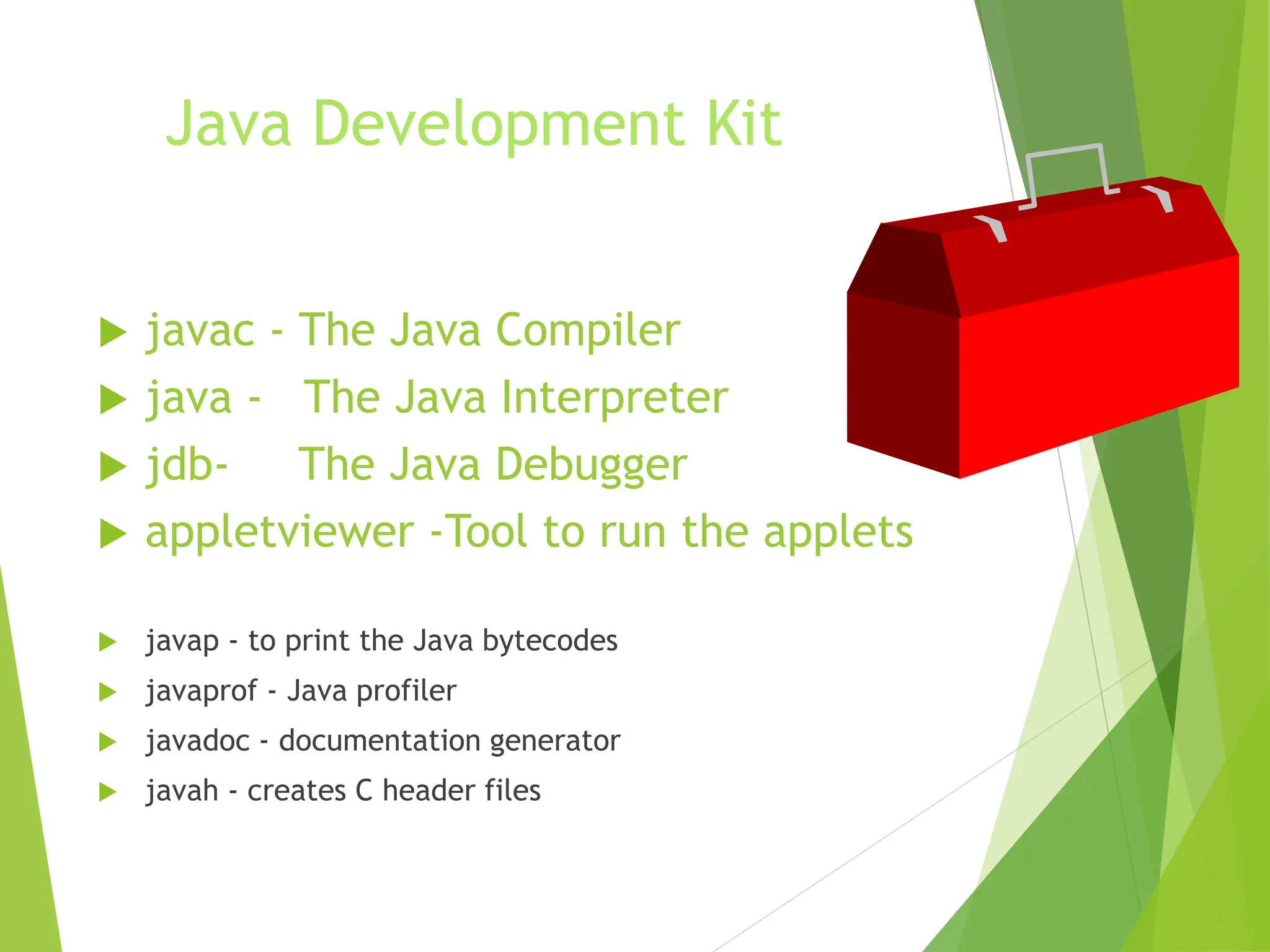
Java Development Kit
 javac - The Java Compiler
 java - The Java Interpreter
 jdb- The Java Debugger
 appletviewer -Tool to run the applets
 javap - to print the Java bytecodes
 javaprof - Java profiler
 javadoc - documentation generator
 javah - creates C header files
Hello Internet
// hello.java: Hello Internet program
class HelloInternet
{
public static void main(String args[])
{
System.out.println(“Hello Internet”);
}
}
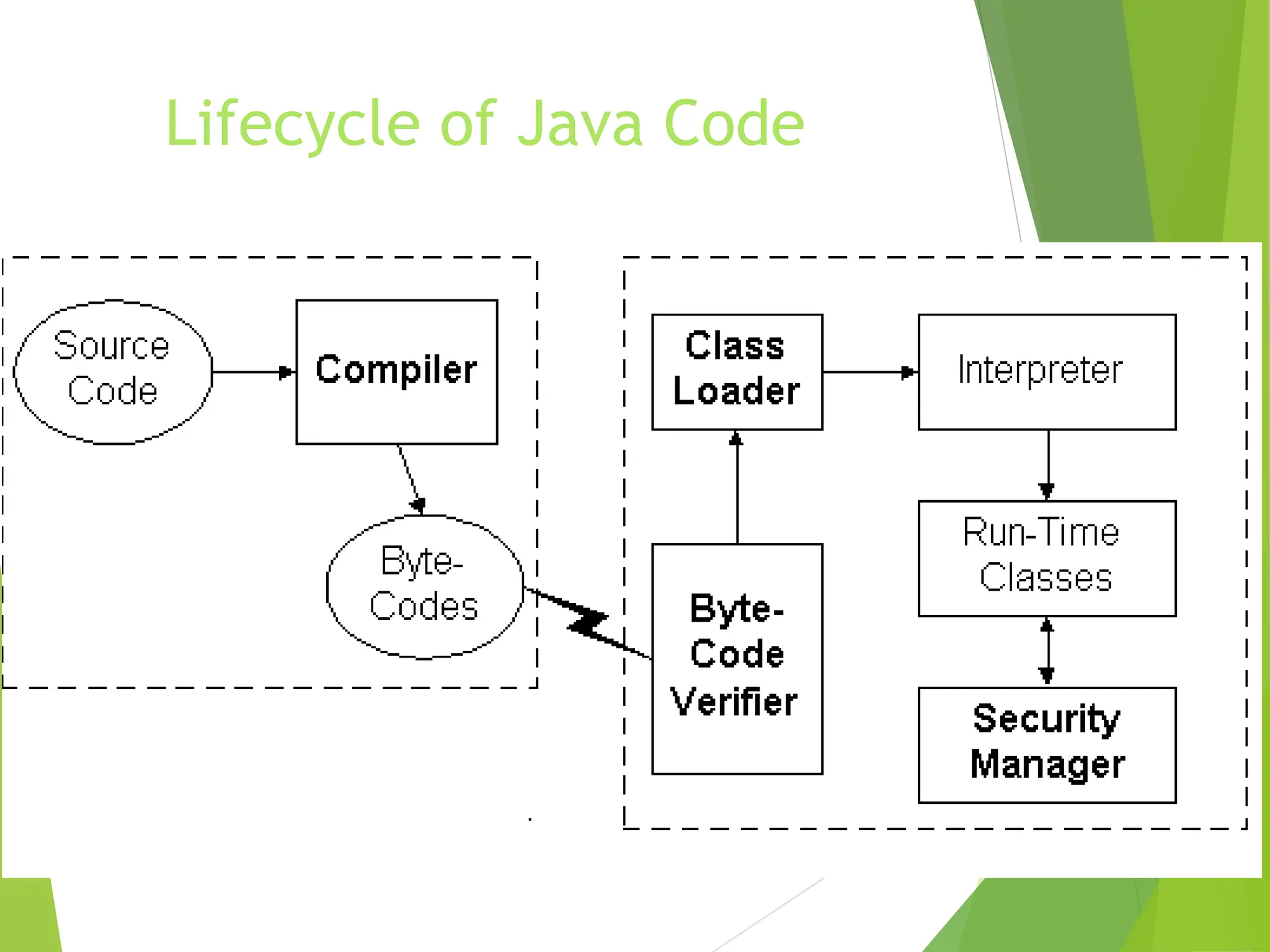
Lifecycle of Java Code
Bytecode Verifier
 Called when class is first loaded in runtime environment
 Verifies bytecodes meet certain set of properties
 Verifier uses Theorem Prover
 Verified code runs faster
 After verification, interpreter defines memory layout
Class Loader
 Unique “Namespace” for each origin
 Local namespace classes are called “built-ins”
 Prevents class “spoofing”
Security Manager
 Prevents unauthorized disk read/writes
 Restricts network access
 Other access restrictions (native methods)
 Implementation is browser dependent
General Language Features
 C/C++ like syntax
 No pointers
 Objects all the way down
 Objects request services of other objects through
messages
 Messages result in invocation of class methods
Removed From C++
 Operator overloading
 Pointers and Array/pointers
 Multiple-inheritance of implementation
 Enum, typedef, #define
 Copy constructors, destructors
 Templates
 And other stuff....
Added or Improved over C++
 Interfaces: type Vs. class
 Garbage collection
 Exceptions (More powerful than C++)
 Strings
 Instanceof
 Package
 Multi-threads
Rich Object Environment
 Core Classes
language
Utilities
Input/Output
Low-Level Networking
Abstract Graphical User Interface
 Internet Classes
TCP/IP Networking
WWW and HTML
Distributed Programs
Main Packages
 java.lang
 java.util
 java.io
 java.awt
 java.awt.image
 java.applet
 java.net
Java Fundamentals
Constructs
Graphics
Multithreading
Streams and Networking
Networking
What is Java ?
 A programming language:
 Object oriented (no friends, all functions are members of
classes, no function libraries -- just class libraries)
 simple (no pointer arithmetic, no need for programmer to
deallocate memory)
 platform independent
 dynamic
 interpreted
Types
 Eight basic types
 4 integers (byte, short, int, short) [ int a; ]
 2 floating point (float, double) [ double a;]
 1 character (char) [ char a; ]
 1 boolean (boolean) [ boolean a; ]
 Everything else is an object
 String s;
Classes and objects
 declaring a class
class MyClass {
member variables;
…
member functions () ;
…
} // end class MyClass
Java programs
 Two kinds
 Applications
 have main()
 run from the OS prompt
 Applets
 have init(), start(), stop(), paint(), update(), repaint(),
destroy()
 run from within a web page
The first Java Application
class MyApp {
public static void main(String s [ ] ) {
System.out.println(“Hello World”);
}
} // end class MyApp
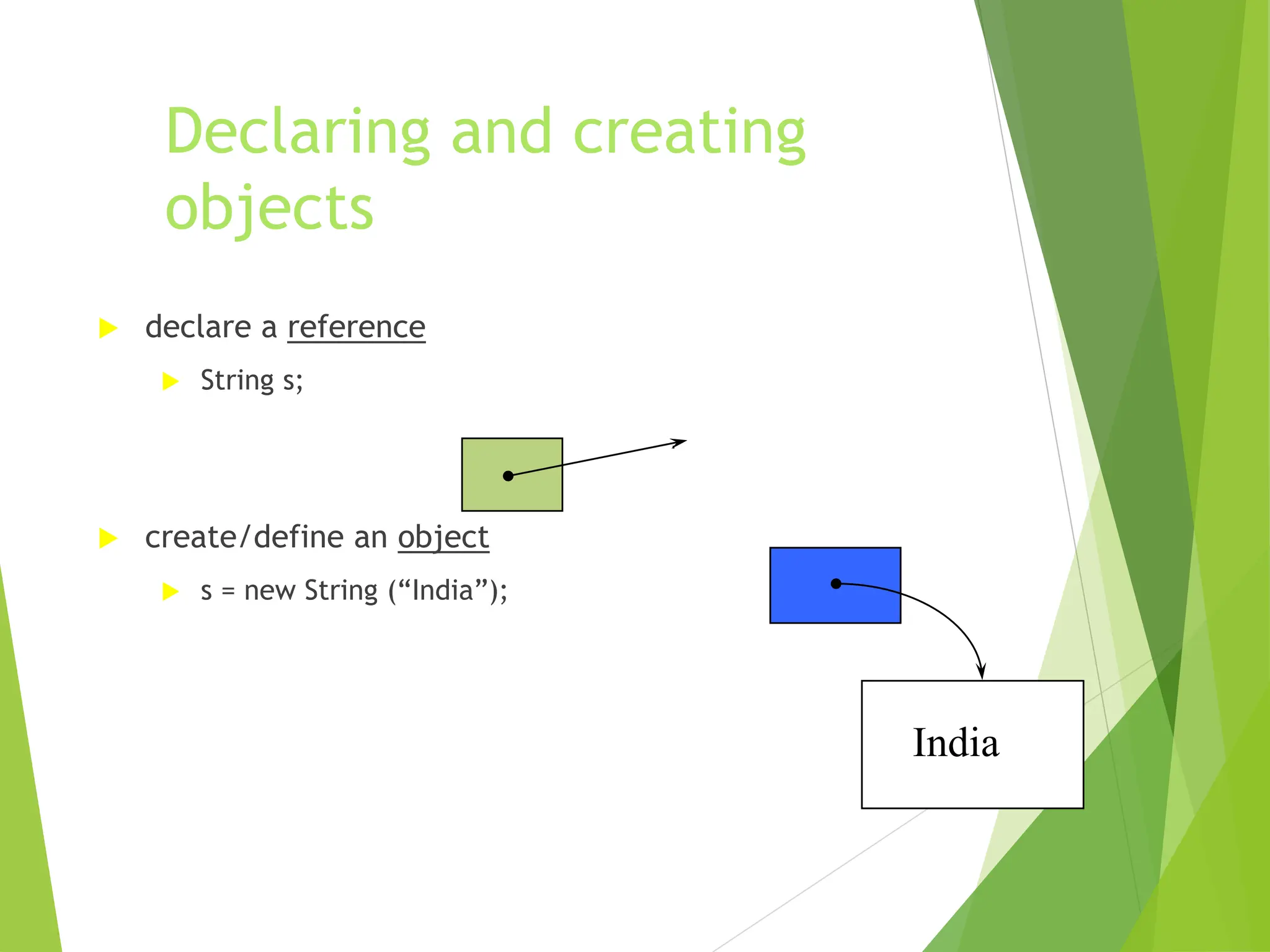
Declaring and creating
objects
 declare a reference
 String s;
 create/define an object
 s = new String (“India”);
India
Arrays (are objects in Java)
 declare
 int a [ ] ; // 1-dim
 int [ ] b ; // 1-dim
 int [ ] c [ ]; // 2-dim
 int c [ ][]; // 2-dim
 allocate space
 a = new int [7];
 c = new int [7][11];
Arrays have length
 used to retrieve the size of an array
› int a [ ] = new int [7]; // 1-dim
 System.out.println(a.length); will print ‘7’
› int b [ ] [ ] = new int [7] [11];
 System.out.println(a.length); will print ‘7’
 System.out.println(b.length * b[0].length); will print ‘77’
… this is because
 Let int [][][][] array = new int [7][11][10][21] , then …
 array.length * array[3].length * array[3][5].length *
array[3][5][2].length is 7 x 11 x 10 x 21
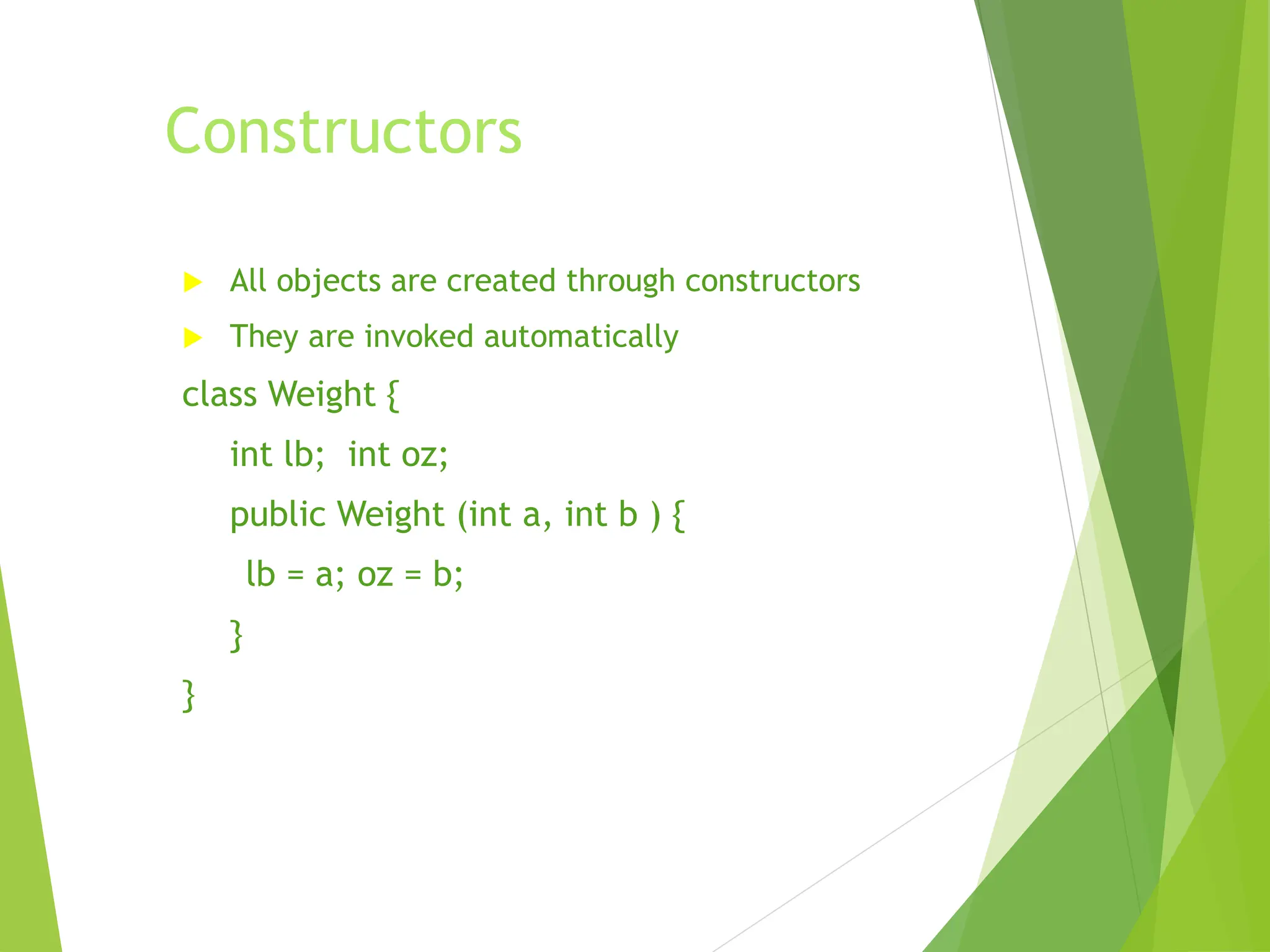
Constructors
 All objects are created through constructors
 They are invoked automatically
class Weight {
int lb; int oz;
public Weight (int a, int b ) {
lb = a; oz = b;
}
}
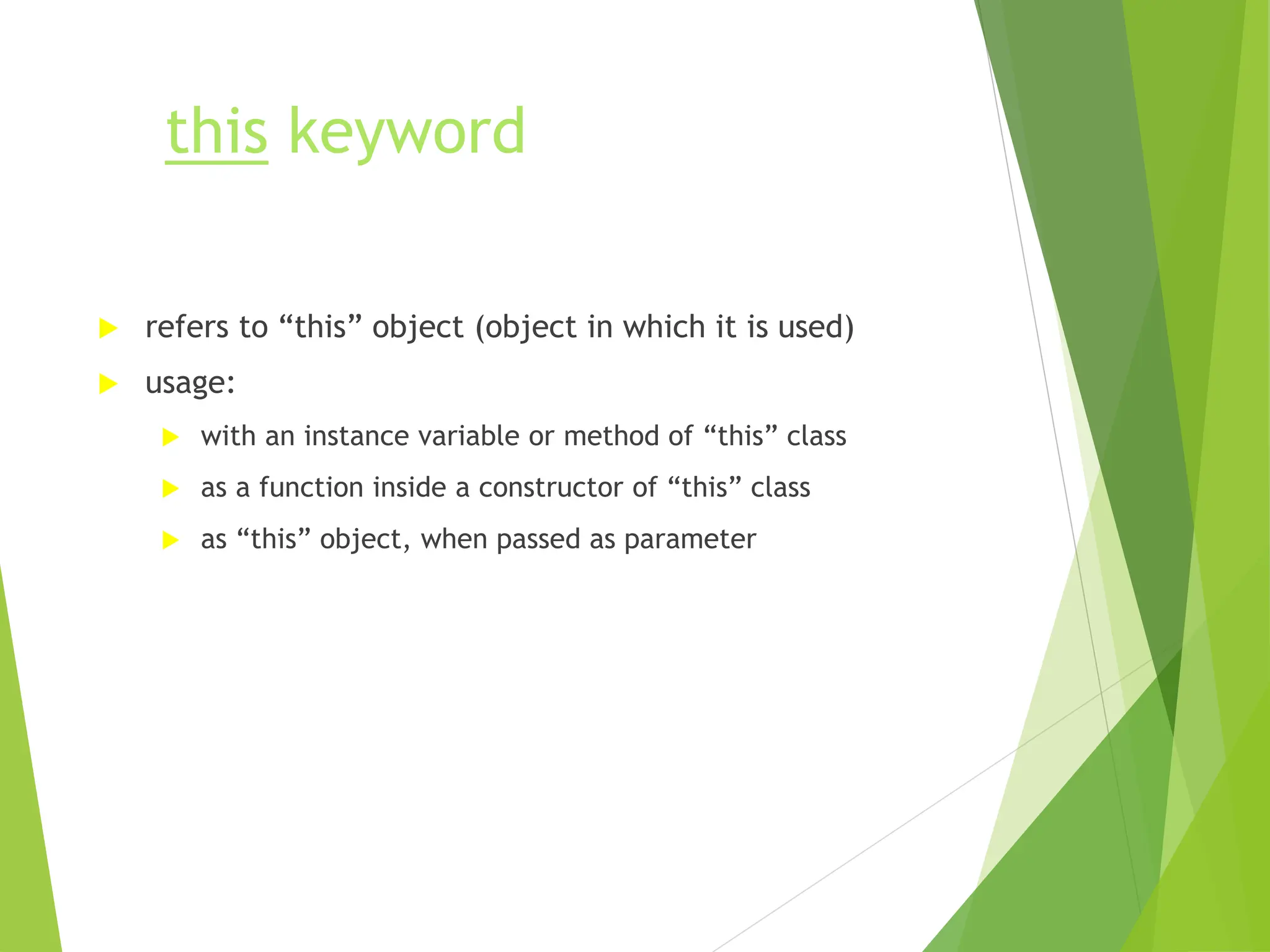
this keyword
 refers to “this” object (object in which it is used)
 usage:
 with an instance variable or method of “this” class
 as a function inside a constructor of “this” class
 as “this” object, when passed as parameter
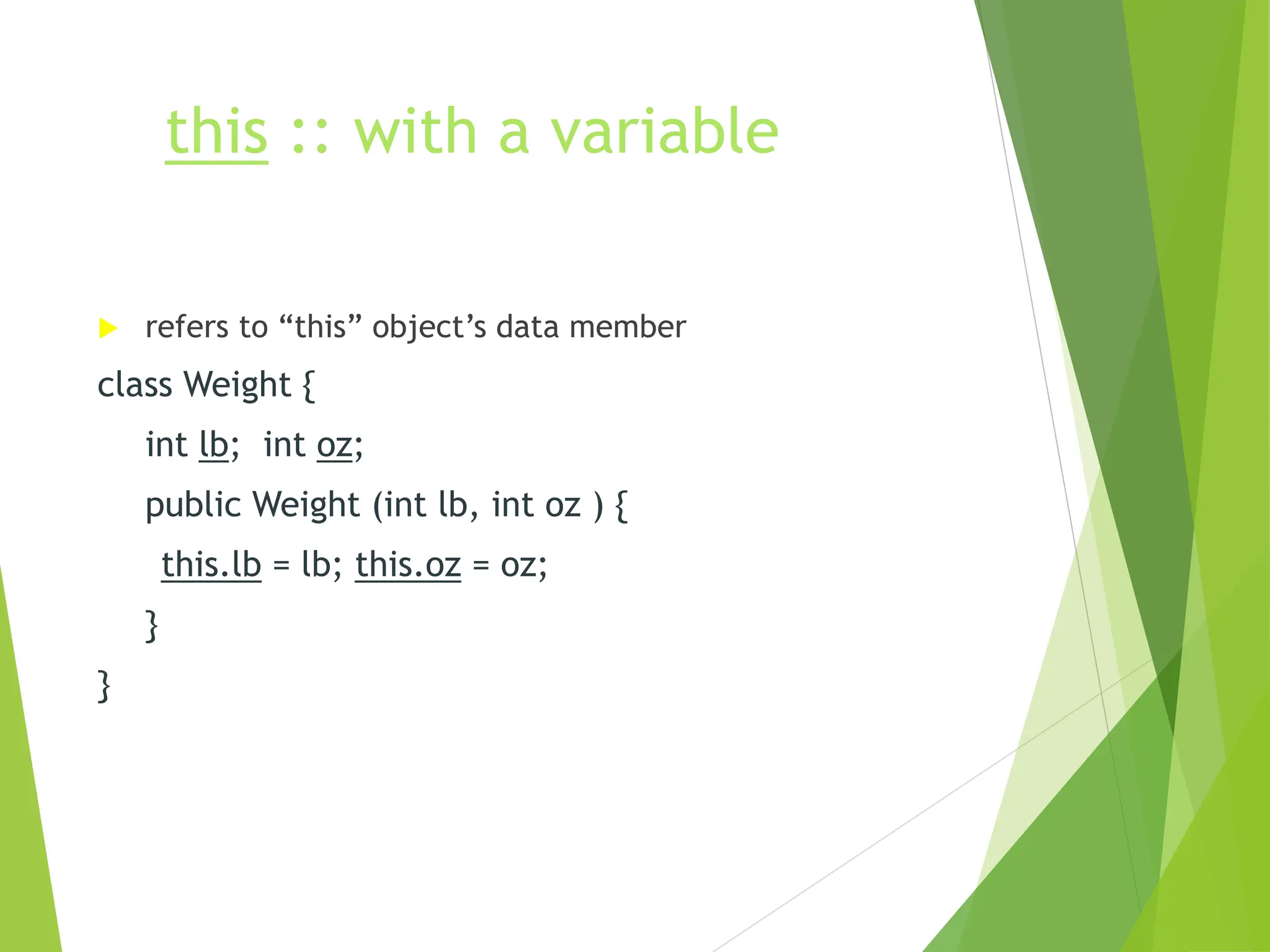
this :: with a variable
 refers to “this” object’s data member
class Weight {
int lb; int oz;
public Weight (int lb, int oz ) {
this.lb = lb; this.oz = oz;
}
}
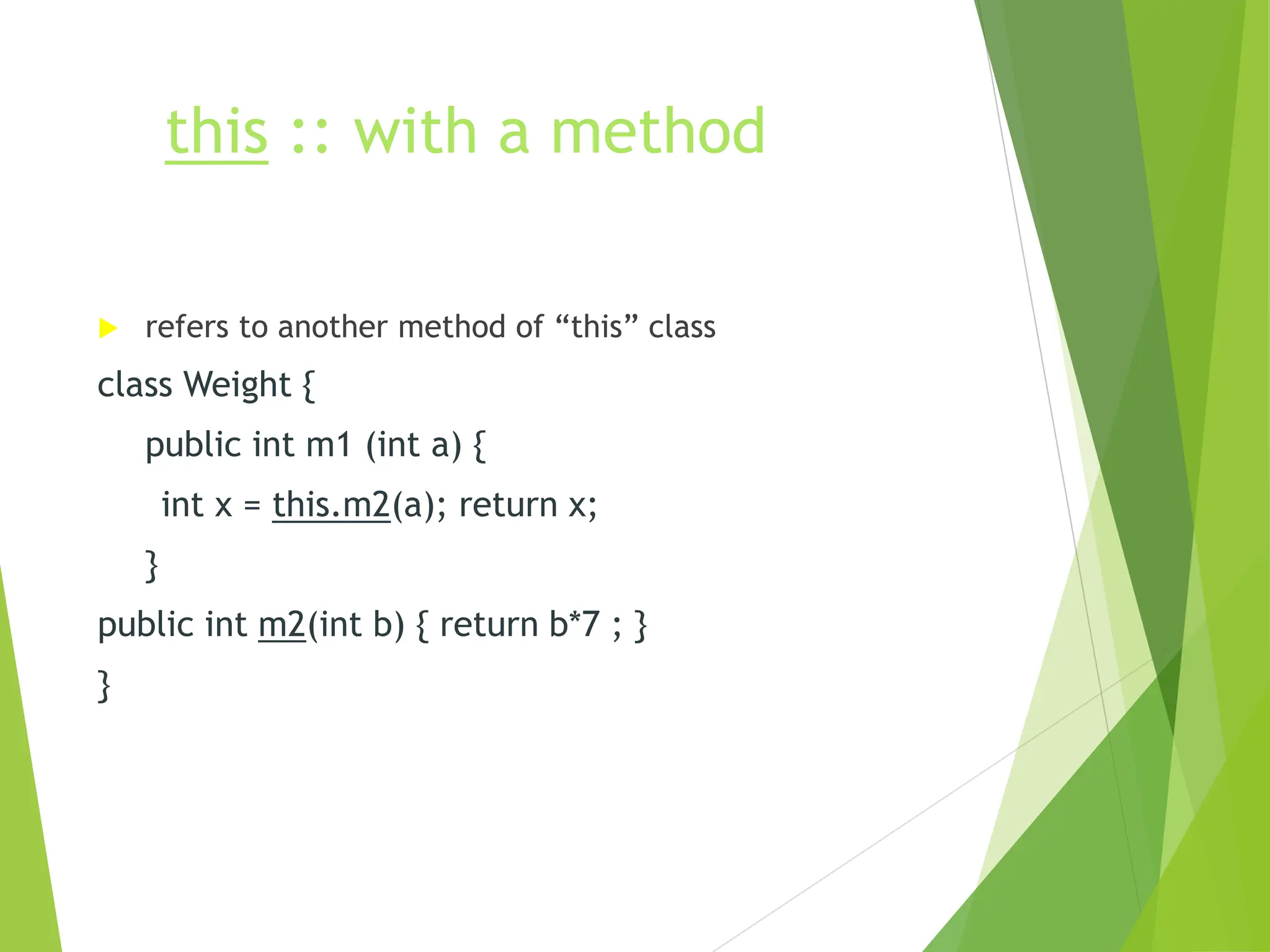
this :: with a method
 refers to another method of “this” class
class Weight {
public int m1 (int a) {
int x = this.m2(a); return x;
}
public int m2(int b) { return b*7 ; }
}
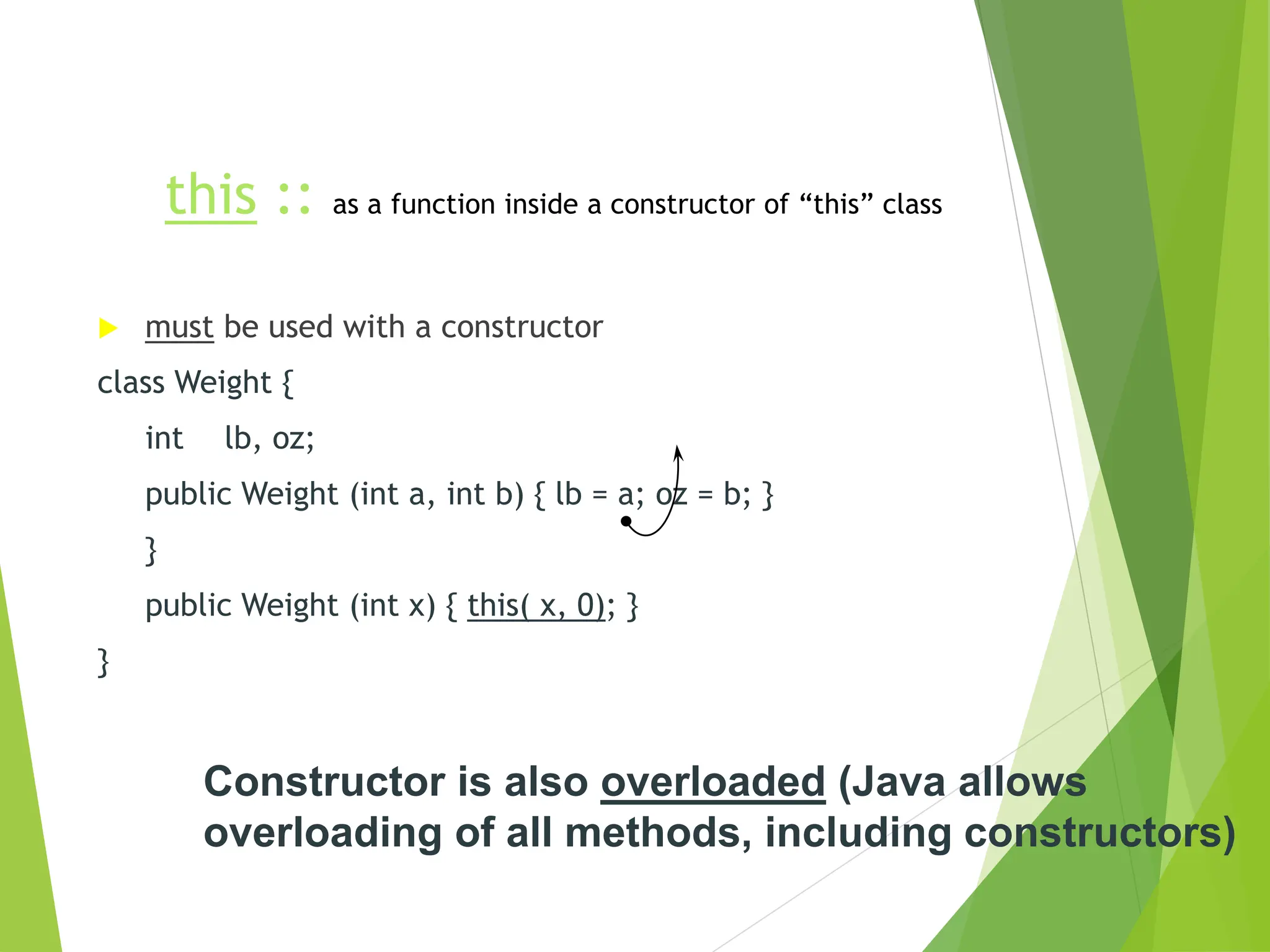
this :: as a function inside a constructor of “this” class
 must be used with a constructor
class Weight {
int lb, oz;
public Weight (int a, int b) { lb = a; oz = b; }
}
public Weight (int x) { this( x, 0); }
}
Constructor is also overloaded (Java allows
overloading of all methods, including constructors)
this :: as “this” object, when passed as
parameter
 refers to the object that used to call the calling method
class MyApp {
int a;
public static void main(String [] s ) { (new MyApp()).myMethod(); }
public void myMethod() { yourMethod(this); }
public void yourMethod(MyApp inMyApp) { inMyApp.a = 77; }
}
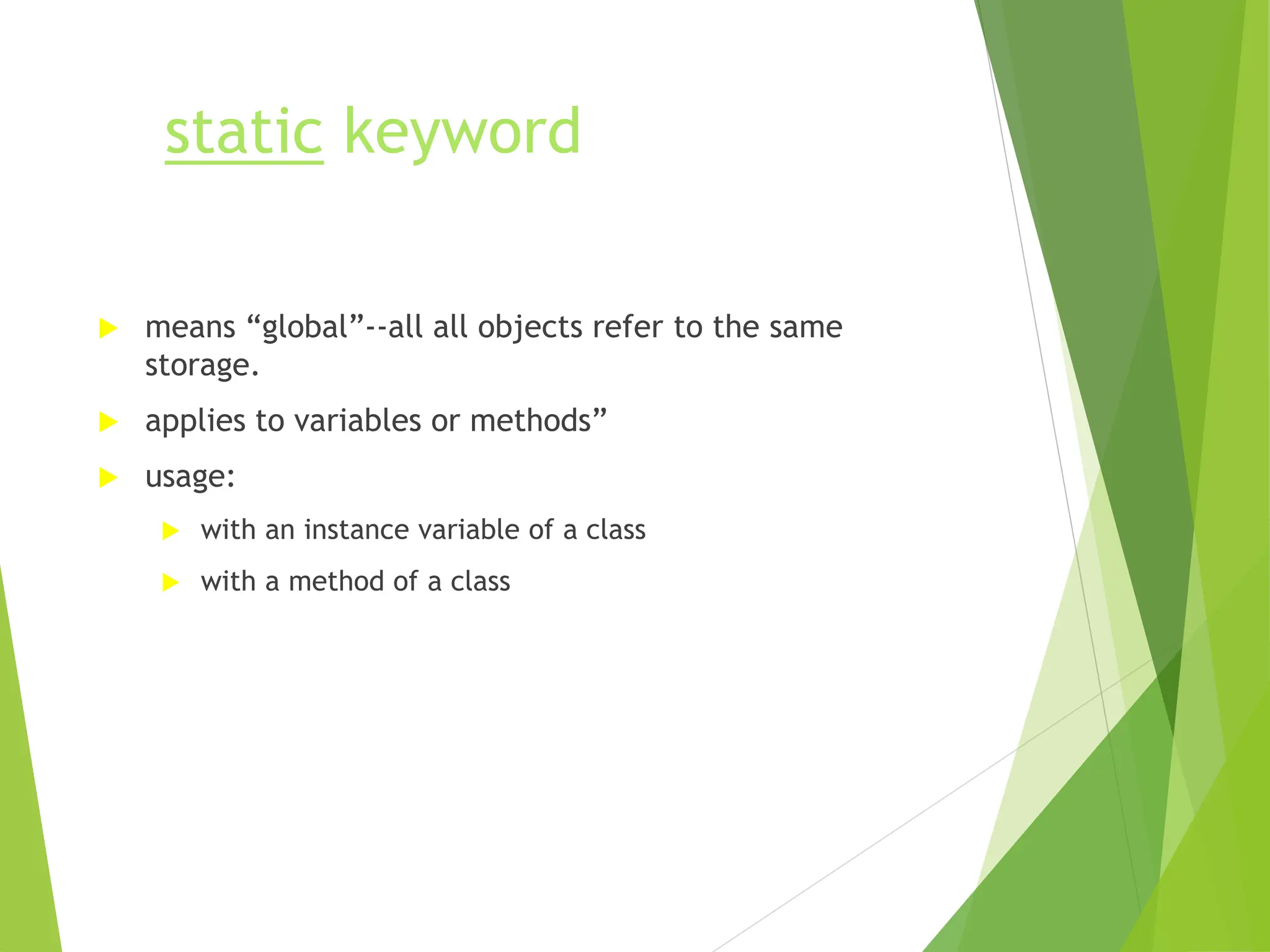
static keyword
 means “global”--all all objects refer to the same
storage.
 applies to variables or methods”
 usage:
 with an instance variable of a class
 with a method of a class
static keyword (with
variables)
class PurchaseOrder {
private static int POCount; // var. ‘a’ is shared by all objects of this
class
public static void main(String [] s ) {
PurchaseOrder po1 = new PurchaseOrder();
po1.updatePOCount();
}
public void updatePOCount() { POCount++; }
}
static keyword (w/
methods)
class Math {
public static double sqrt(double x) {
// calculate
return result;
}
}
class MyApp {
public static void main(String [] s ) {
double dd;
dd = Math.sqrt(7.11);
}
}
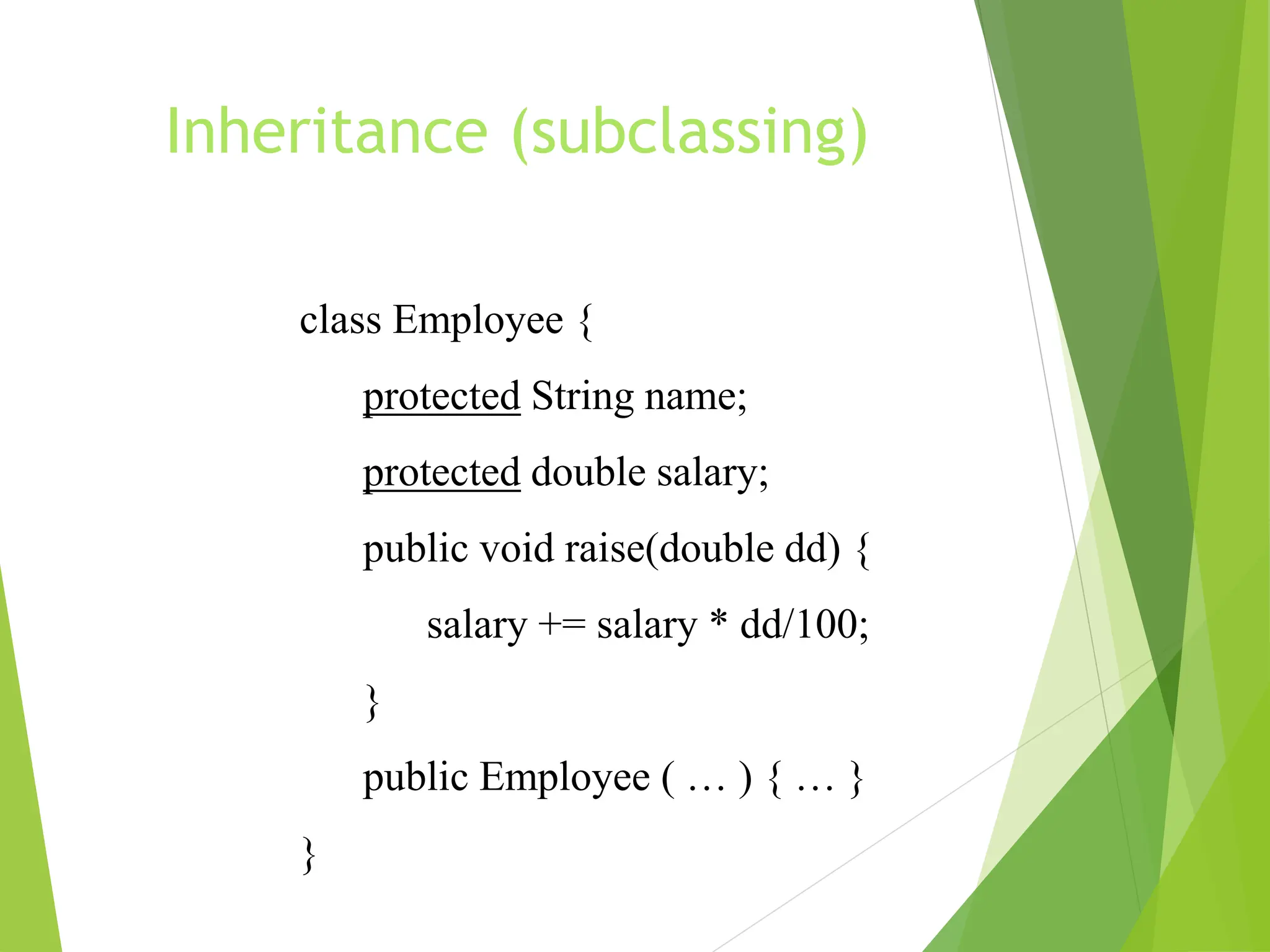
Inheritance (subclassing)
class Employee {
protected String name;
protected double salary;
public void raise(double dd) {
salary += salary * dd/100;
}
public Employee ( … ) { … }
}
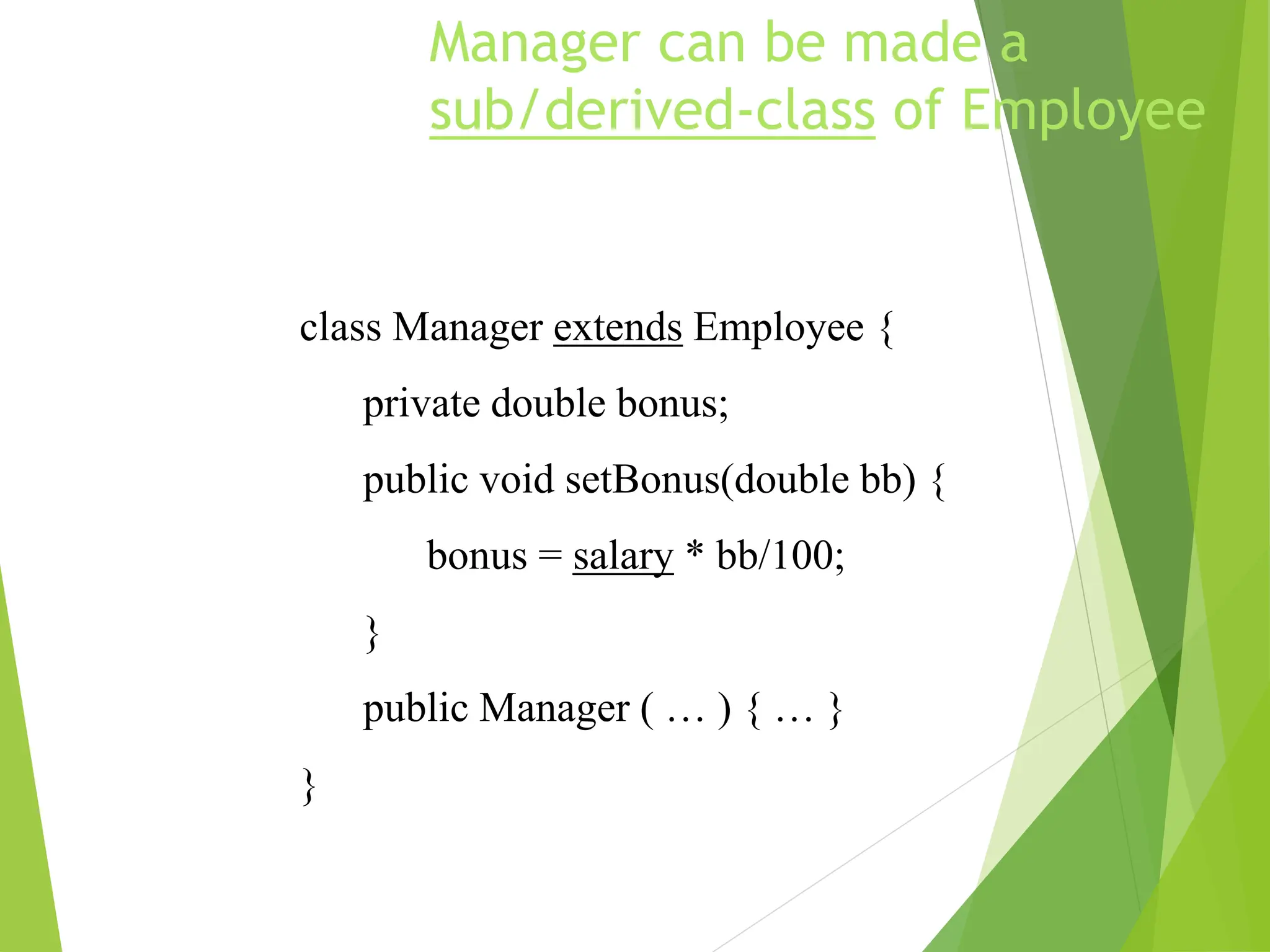
Manager can be made a
sub/derived-class of Employee
class Manager extends Employee {
private double bonus;
public void setBonus(double bb) {
bonus = salary * bb/100;
}
public Manager ( … ) { … }
}
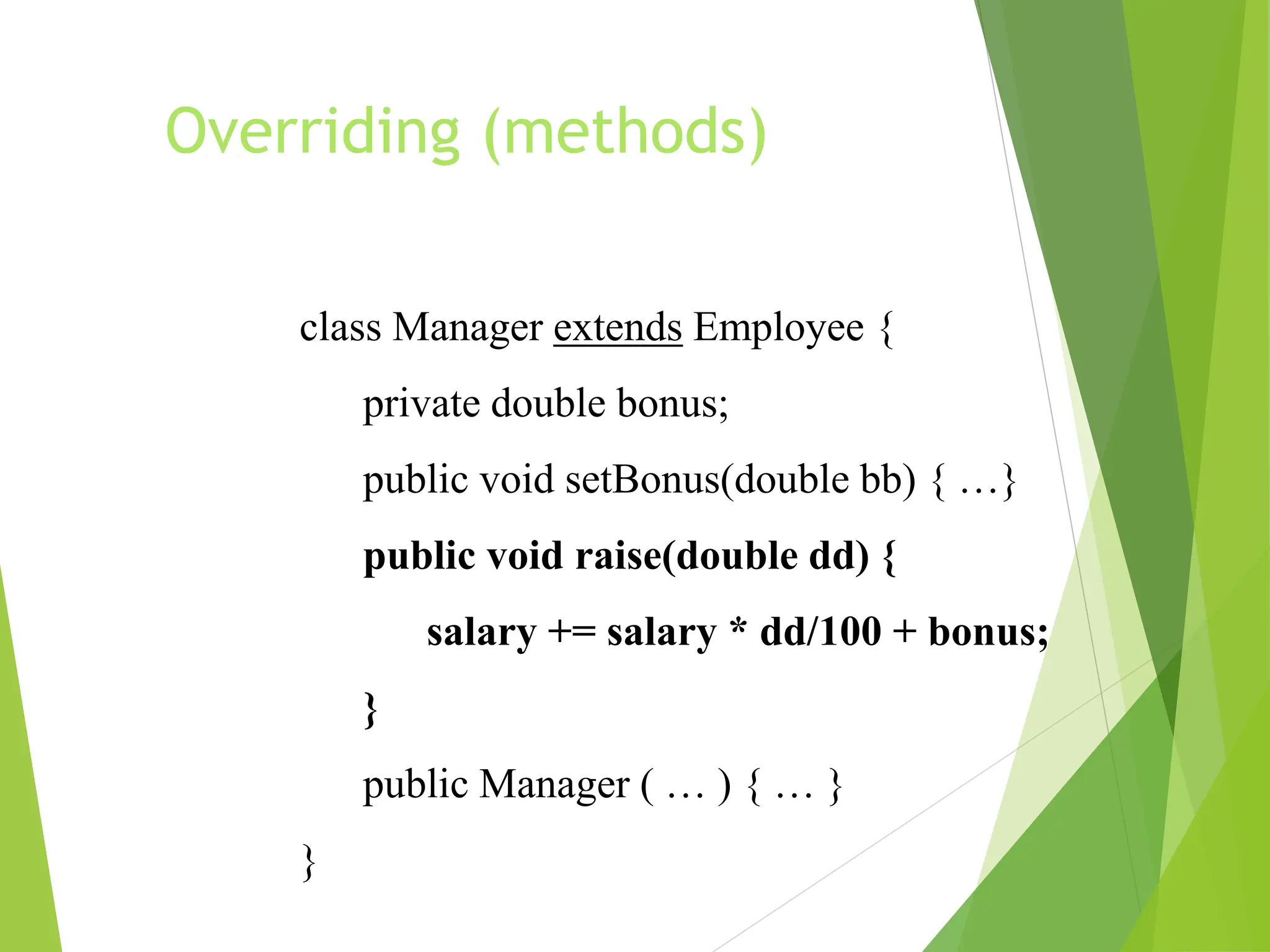
Overriding (methods)
class Manager extends Employee {
private double bonus;
public void setBonus(double bb) { …}
public void raise(double dd) {
salary += salary * dd/100 + bonus;
}
public Manager ( … ) { … }
}
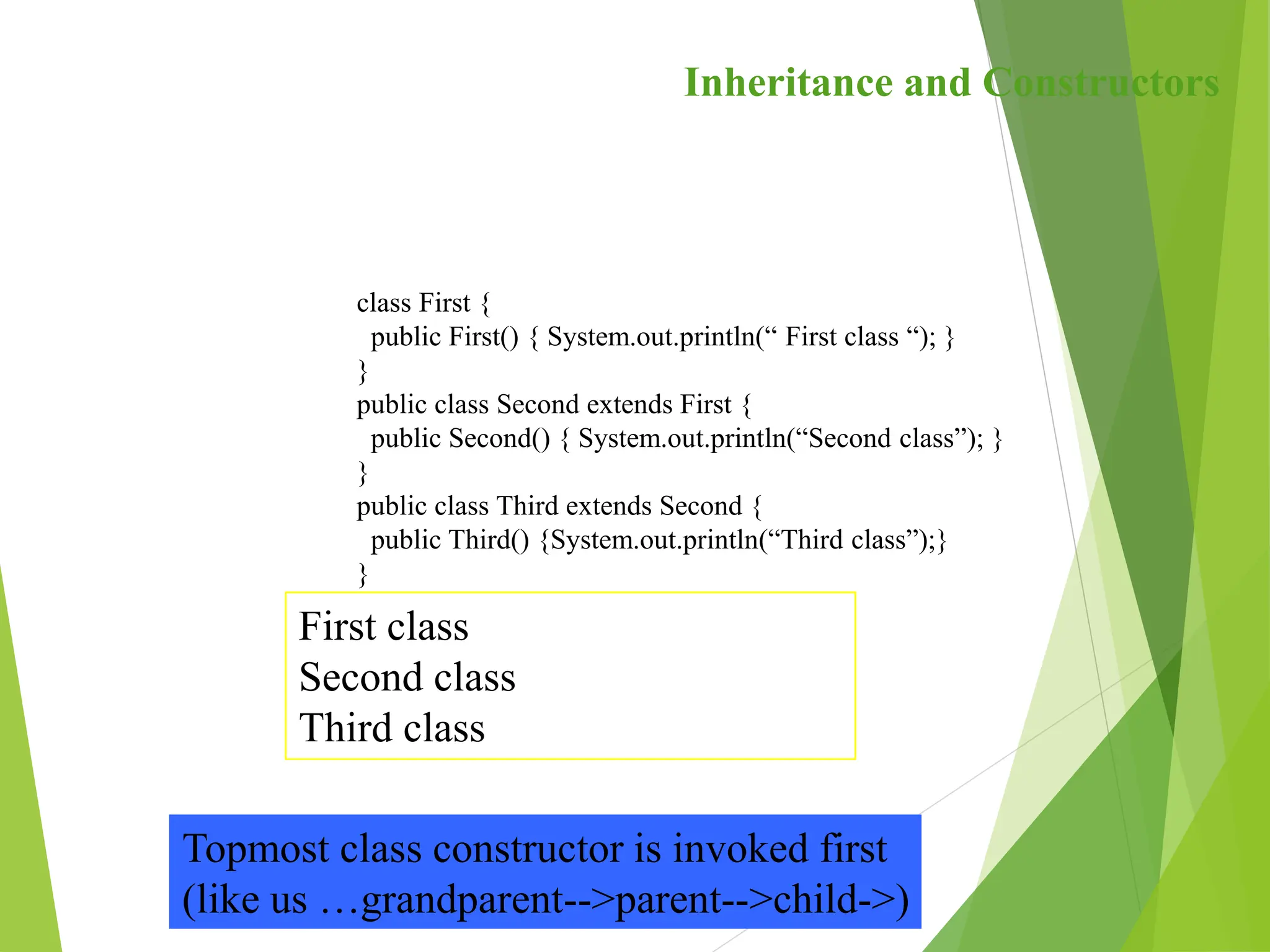
class First {
public First() { System.out.println(“ First class “); }
}
public class Second extends First {
public Second() { System.out.println(“Second class”); }
}
public class Third extends Second {
public Third() {System.out.println(“Third class”);}
}
Inheritance and Constructors
First class
Second class
Third class
Topmost class constructor is invoked first
(like us …grandparent-->parent-->child->)
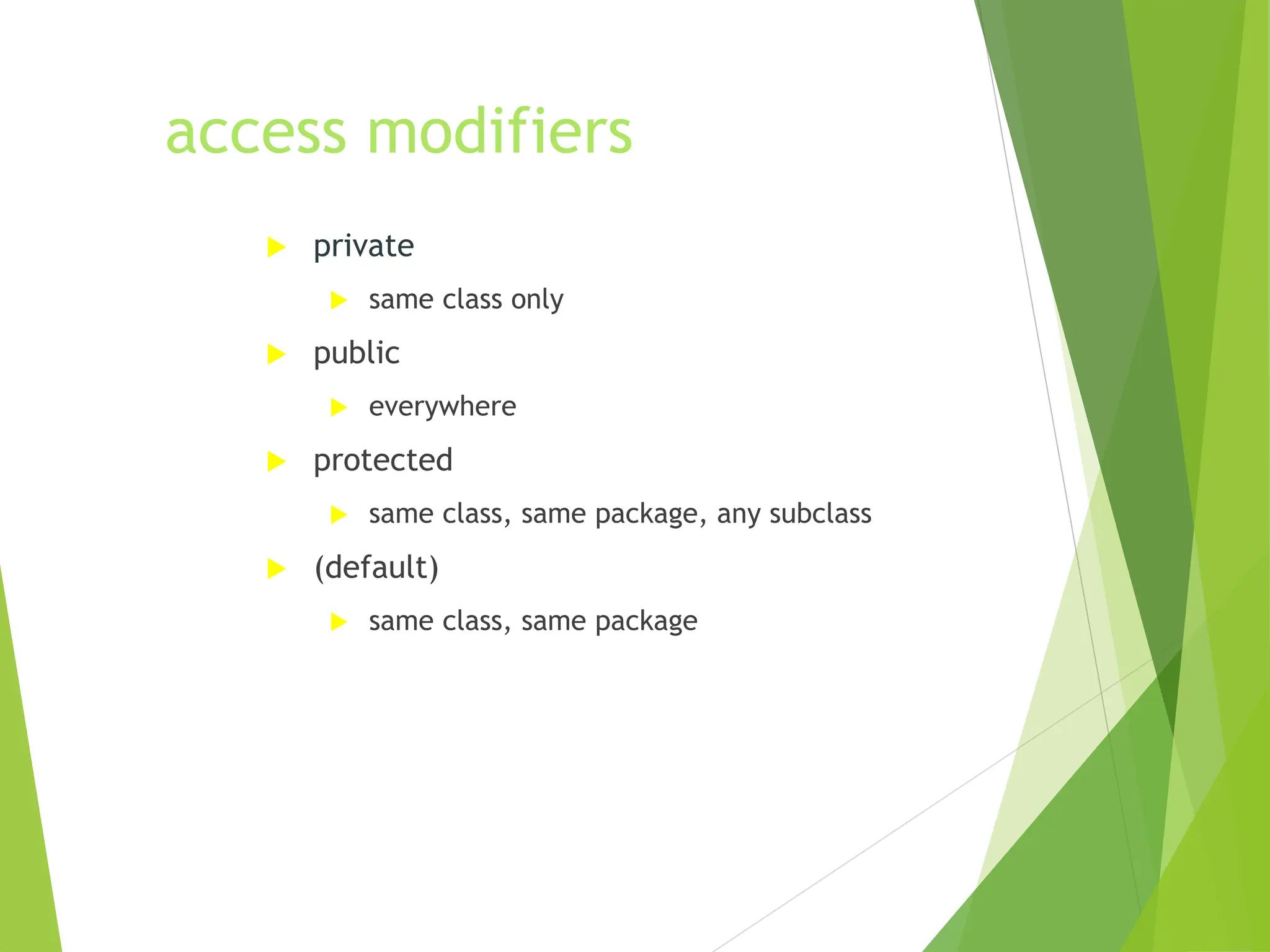
access modifiers
 private
 same class only
 public
 everywhere
 protected
 same class, same package, any subclass
 (default)
 same class, same package
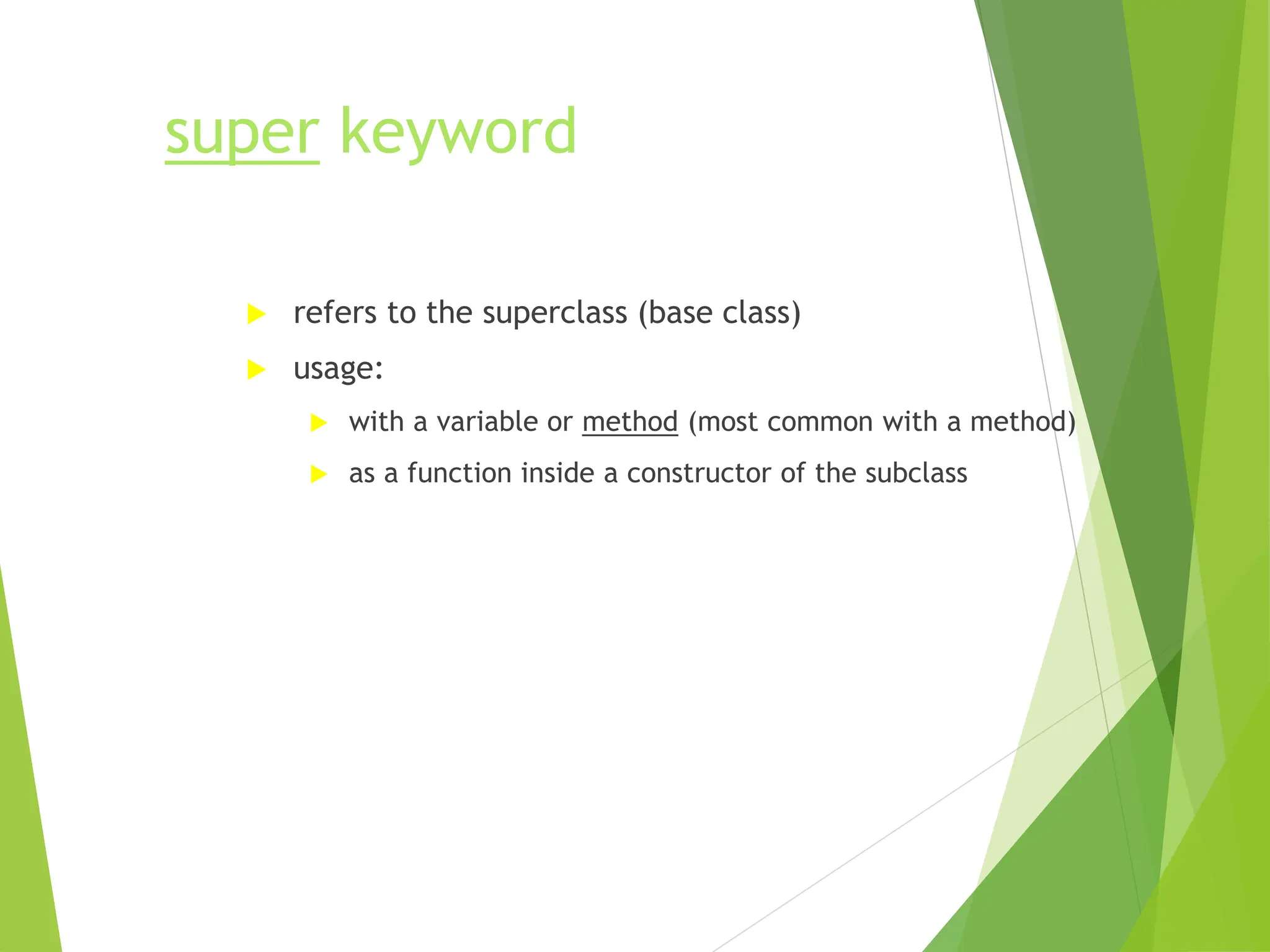
super keyword
 refers to the superclass (base class)
 usage:
 with a variable or method (most common with a method)
 as a function inside a constructor of the subclass
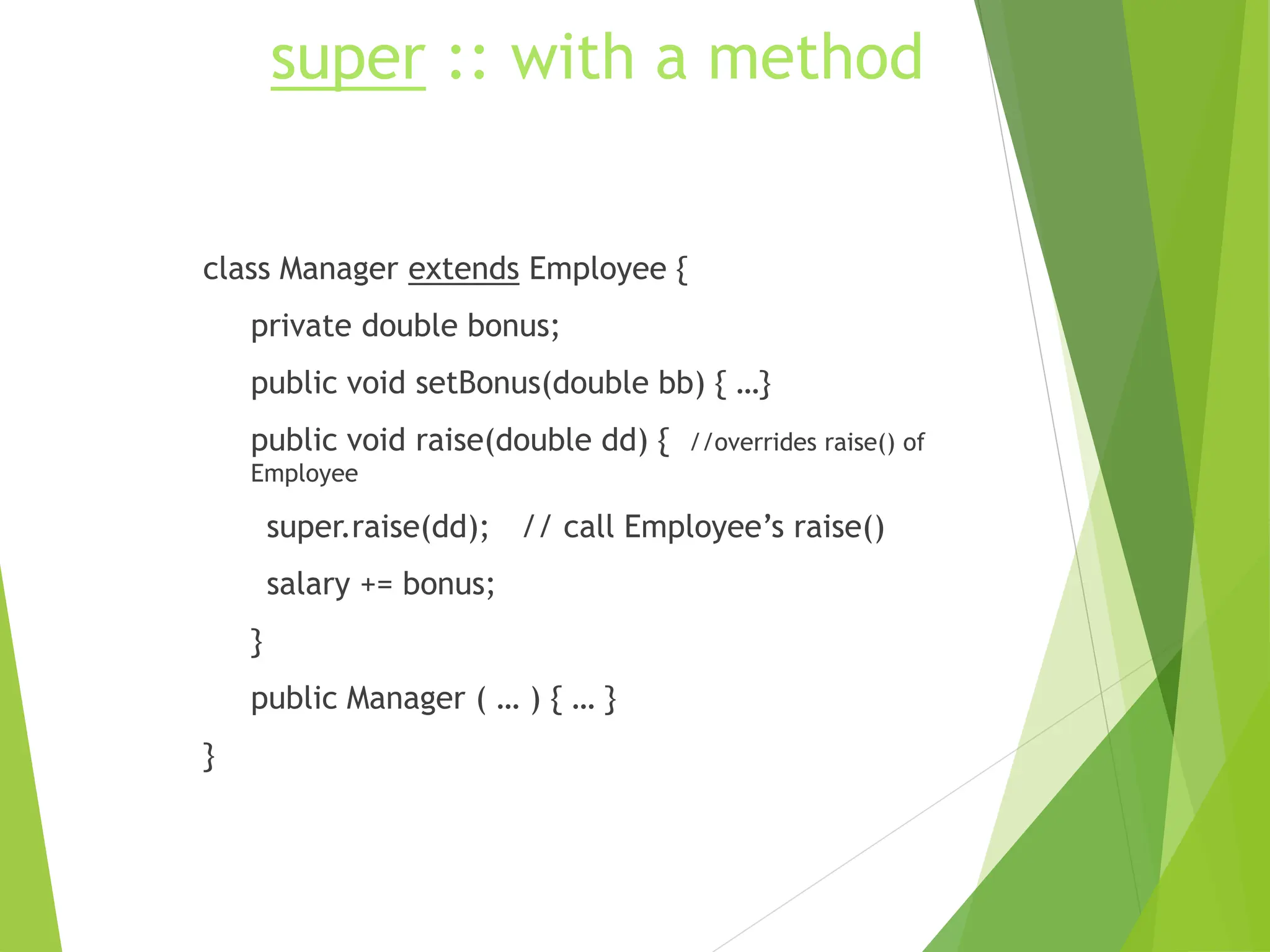
super :: with a method
class Manager extends Employee {
private double bonus;
public void setBonus(double bb) { …}
public void raise(double dd) { //overrides raise() of
Employee
super.raise(dd); // call Employee’s raise()
salary += bonus;
}
public Manager ( … ) { … }
}
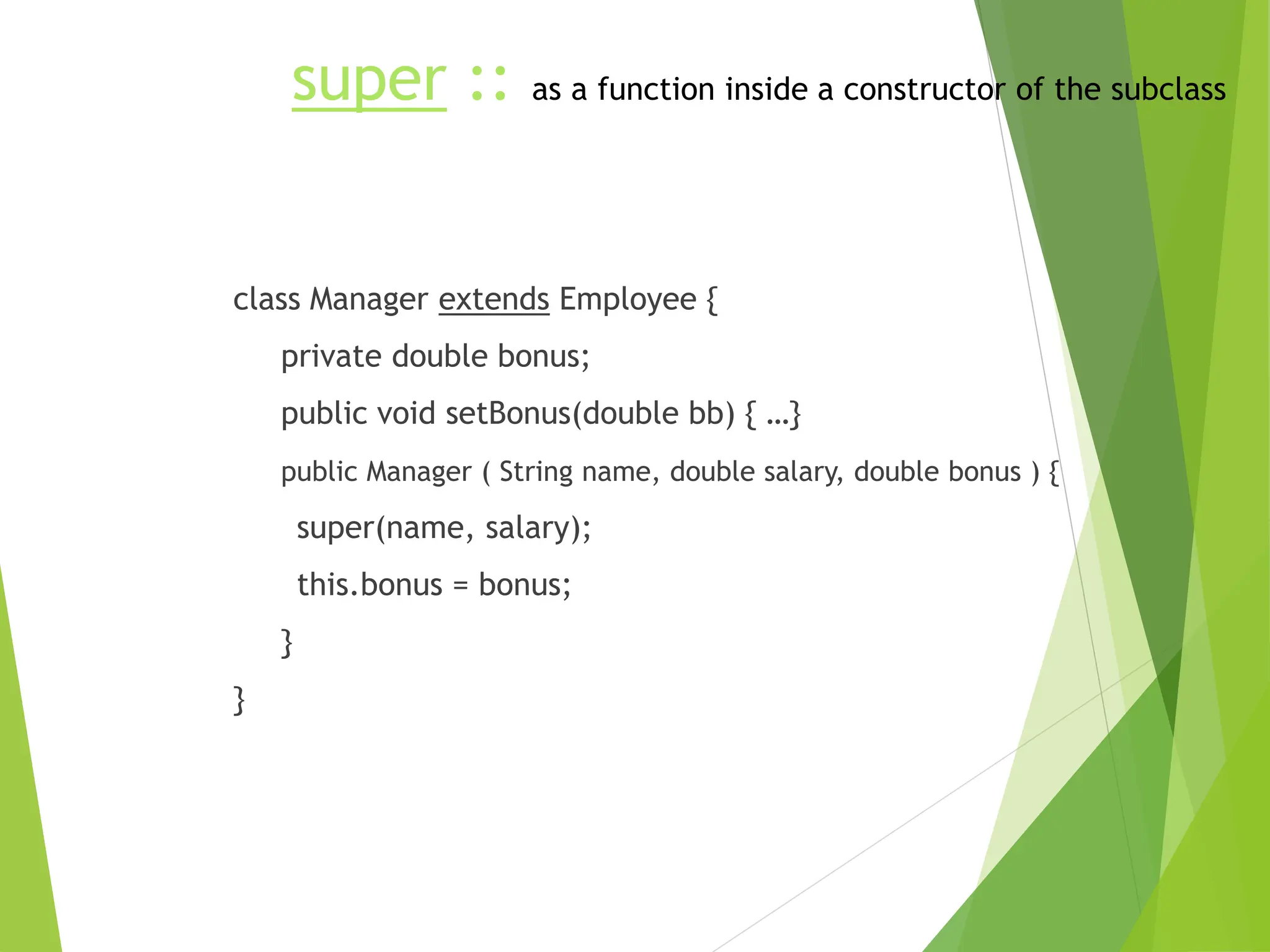
super :: as a function inside a constructor of the subclass
class Manager extends Employee {
private double bonus;
public void setBonus(double bb) { …}
public Manager ( String name, double salary, double bonus ) {
super(name, salary);
this.bonus = bonus;
}
}
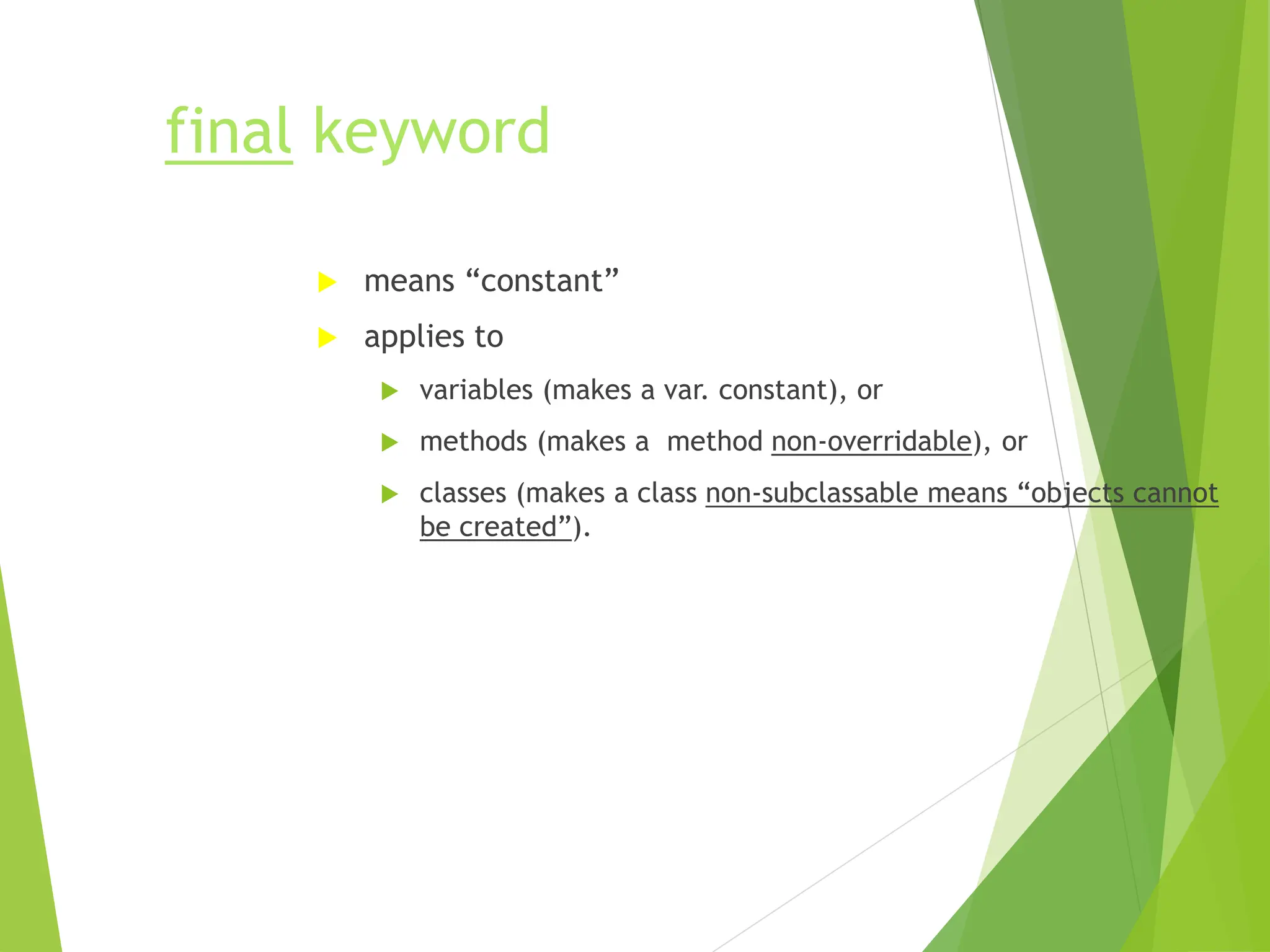
final keyword
 means “constant”
 applies to
 variables (makes a var. constant), or
 methods (makes a method non-overridable), or
 classes (makes a class non-subclassable means “objects cannot
be created”).
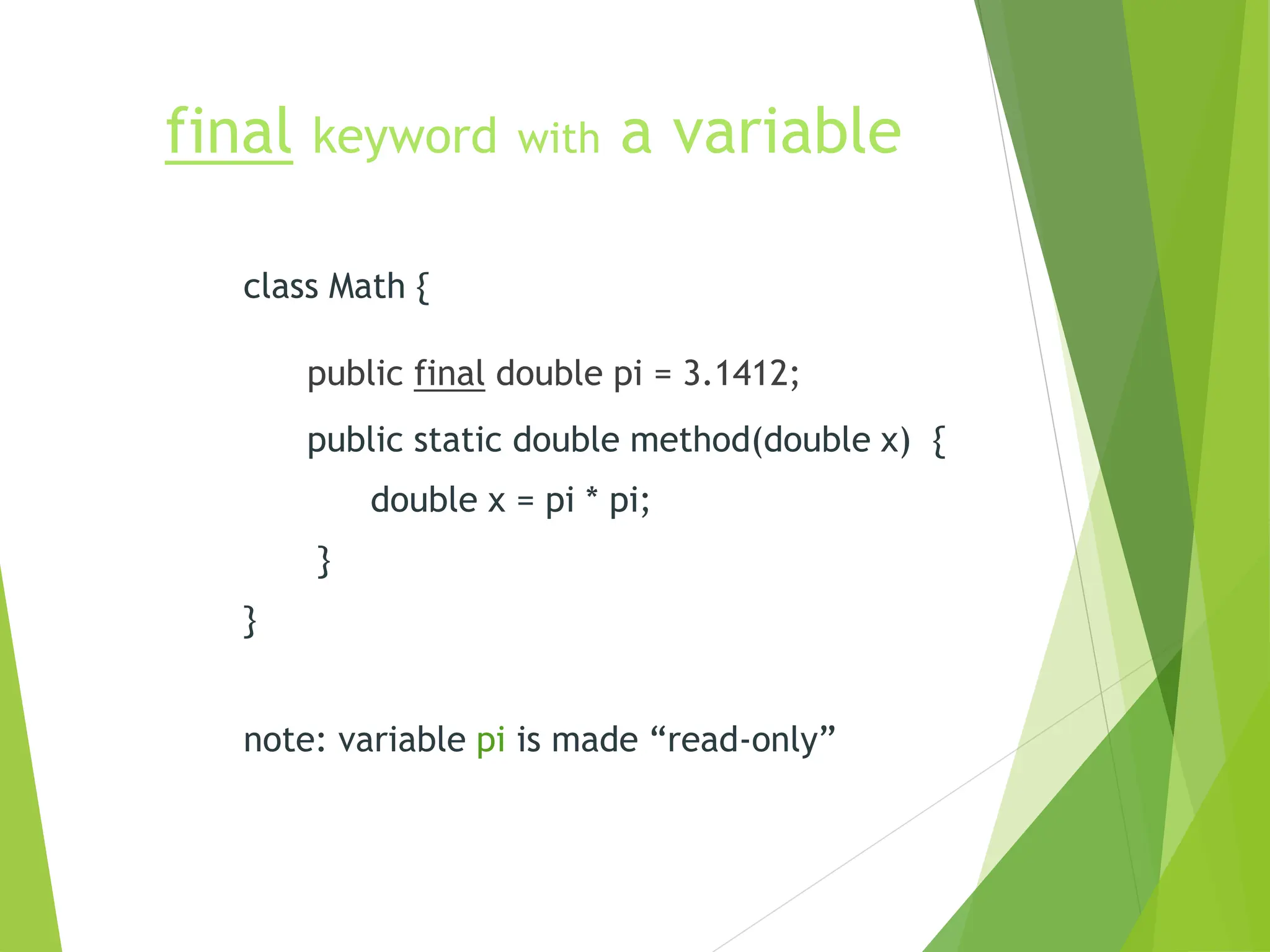
final keyword with a variable
class Math {
public final double pi = 3.1412;
public static double method(double x) {
double x = pi * pi;
}
}
note: variable pi is made “read-only”
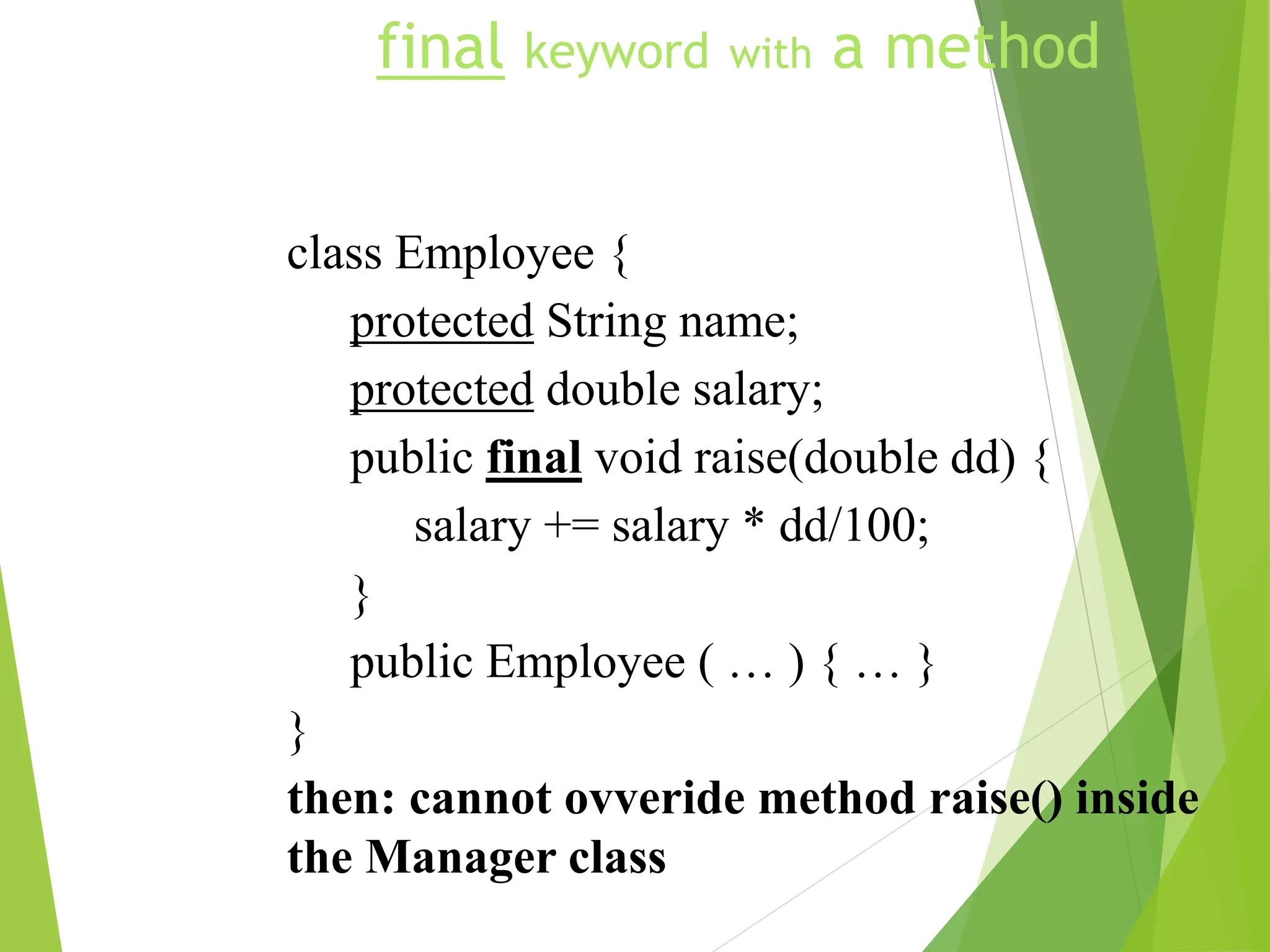
final keyword with a method
class Employee {
protected String name;
protected double salary;
public final void raise(double dd) {
salary += salary * dd/100;
}
public Employee ( … ) { … }
}
then: cannot ovveride method raise() inside
the Manager class
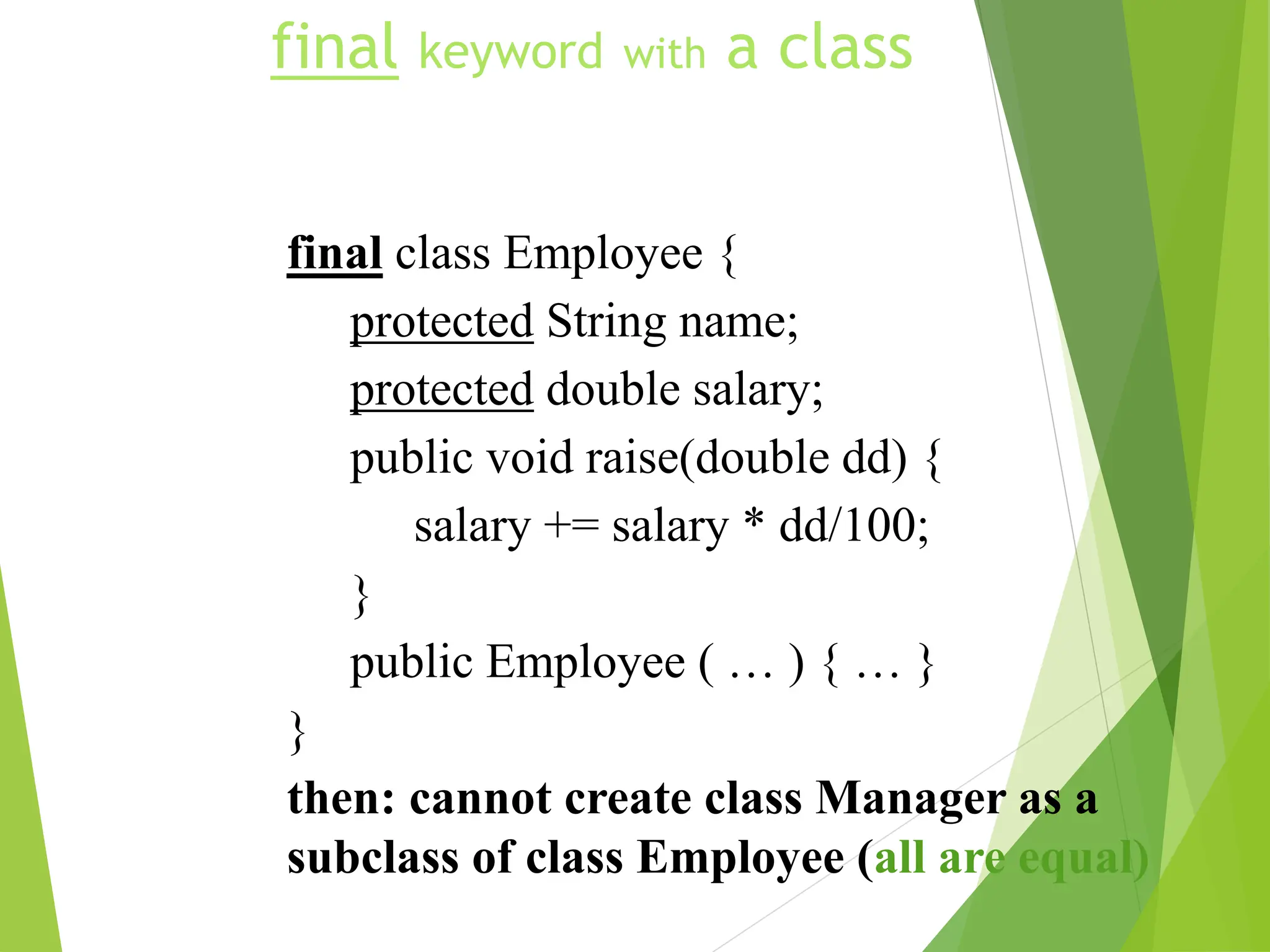
final keyword with a class
final class Employee {
protected String name;
protected double salary;
public void raise(double dd) {
salary += salary * dd/100;
}
public Employee ( … ) { … }
}
then: cannot create class Manager as a
subclass of class Employee (all are equal)
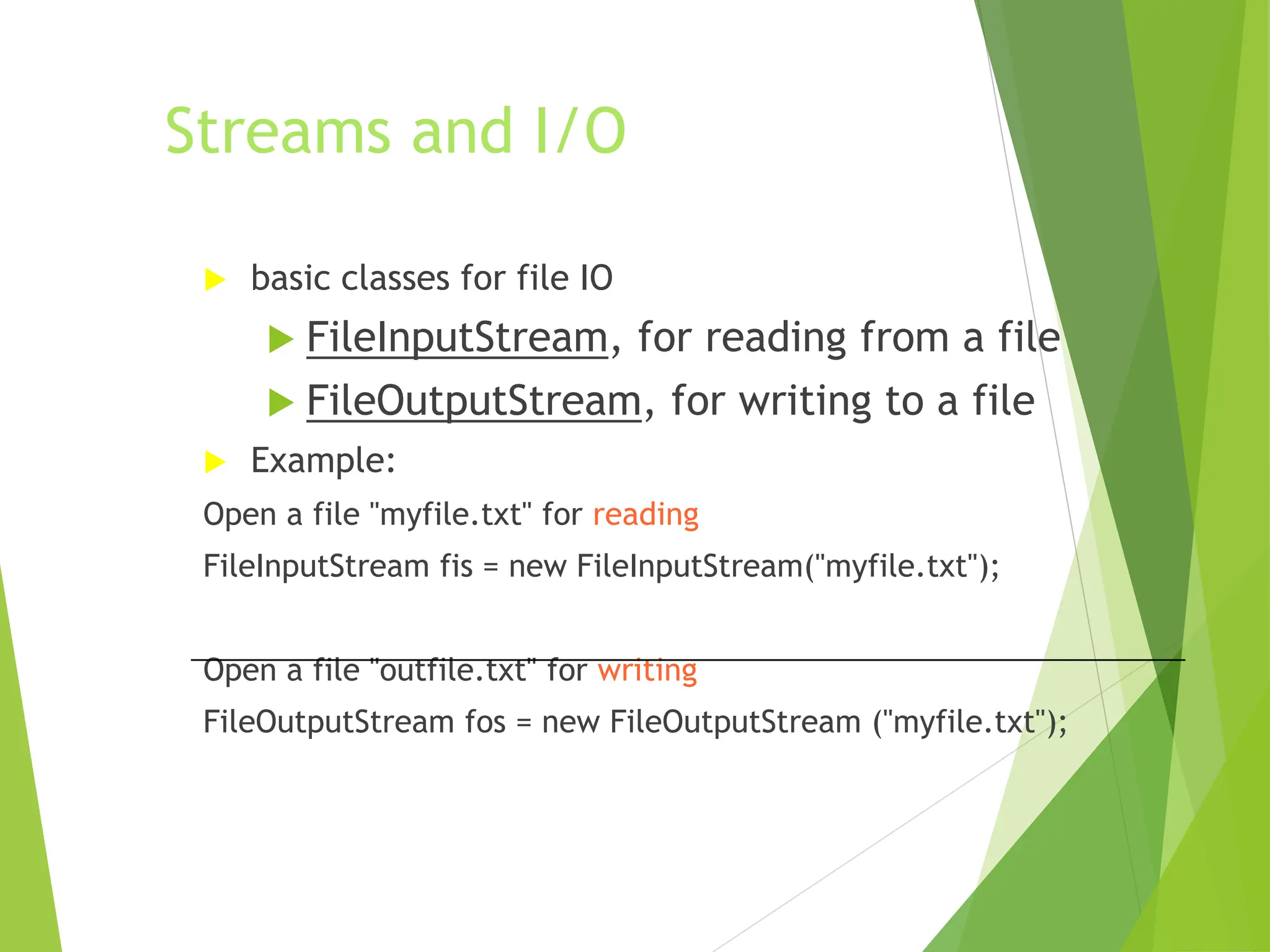
Streams and I/O
 basic classes for file IO
 FileInputStream, for reading from a file
 FileOutputStream, for writing to a file
 Example:
Open a file "myfile.txt" for reading
FileInputStream fis = new FileInputStream("myfile.txt");
Open a file "outfile.txt" for writing
FileOutputStream fos = new FileOutputStream ("myfile.txt");
Display File Contents
import java.io.*;
public class FileToOut1 {
public static void main(String args[]) {
try {
FileInputStream infile = new FileInputStream("testfile.txt");
byte buffer[] = new byte[50];
int nBytesRead;
do {
nBytesRead = infile.read(buffer);
System.out.write(buffer, 0, nBytesRead);
} while (nBytesRead == buffer.length);
}
catch (FileNotFoundException e) {
System.err.println("File not found");
}
catch (IOException e) { System.err.println("Read failed"); }
}
}

basic_java.ppt

  • 1.
    Java - AnIntroduction  Java - The new programming language from Sun Microsystems  Java -Allows anyone to publish a web page with Java code in it  Java - CPU Independent language  Created for consumer electronics  Java - James , Arthur Van , and others  Java -The name that survived a patent search  Oak -The predecessor of Java  Java is “C++ -- ++ “
  • 2.
    According to Sun,Java is...  Simple and Powerful  Object Oriented  Portable  Architecture Neutral  Distributed  Multi-threaded  Robust, Secure/Safe  Interpreted  High Performance  Dynamic pogramming language/platform.
  • 3.
    On Closer Inspection,Java is...  Simple  Pure  Portable  Surprisingly effective
  • 4.
    As a whole,Java is a Comprehensive Programming Solution  Object Oriented  Portable  High Performance  Geared for Distributed Environments  Secure
  • 5.
    Java as ObjectOriented  “Objects all the way down”  Simple and Familiar: “C++ Lite”  No Pointers!  Garbage Collector  Dynamic Binding  Single Inheritance with “Interfaces”
  • 6.
    Java as Portable Unlike other language compilers, Java complier generates code (byte codes) for Universal Machine.  Java Virtual Machine (JVM): Interprets bytecodes at runtime  Architecture Neutral  No Link Phase  Higher Level Portable Features: AWT, Unicode
  • 7.
    Total Platform Independence JAVACOMPILER JAVA BYTE CODE JAVA INTERPRETER Windows 95 Macintosh Solaris Windows NT (translator) (same for all platforms) (one for each different system)
  • 8.
  • 9.
    Architecture Neutral &Portable  Java Compiler -Java source code to bytecode  Bytecode - an intermediate form, closer to machine representation  A virtual machine on any target platform interprets the bytecode  Porting the java system to any new platform involves writing an interpreter that supports the Java Virtual Machine  The interpreter will figure out what the equivalent machine dependent code to run
  • 10.
    Java as HighPerformance  JVM uses “lean and mean” bytecodes  Small binary class filtes  Just-in-time Compilers  Multithreading  Native Methods
  • 11.
    Java in theWorld of Distributed Computing  Class Loader  Lightweight Binary Class Files  Multithreading  Dynamic  Good communication constructs  Secure
  • 12.
    Java as Secure Language designed as safe  Strict compiler  Dynamic Runtime Loading (Verifier)  Runtime Security Manager
  • 13.
    Object Oriented Languages -aComparison Feature C++ Objective C Ada Java Encapsulation Yes Yes Yes Yes Inheritance Yes Yes No Yes Multiple Inherit. Yes Yes No No Polymorphism Yes Yes Yes Yes Binding (Early/Late) Both Both Early Late Concurrency Poor Poor Difficult Yes Garbage Collection No Yes No Yes Genericity Yes No Yes No Class Libraries Yes Yes Limited Yes
  • 14.
    Java better thanC++ ?  No Typedefs, Defines, or Preprocessor  No Global Variables  No Goto statements  No Pointers  No Unsafe Structures  No Multiple Inheritance  No Operator Overloading  No Automatic Coercions  No Fragile Data Types
  • 15.
    Basic Data Types Types boolean either true of false char 16 bit Unicode 1.1 byte 8-bit integer (signed) short 16-bit integer (signed) int 32-bit integer (signed) long 64-bit integer (singed) float 32-bit floating point (IEEE 754-1985) double 64-bit floating point (IEEE 754-1985)  String (class for manipulating strings)  Java uses Unicode to represent characters internally
  • 16.
    Two Types ofJavaApplications  Different ways to write/run a Java codes are: Application- A stand-alone program that can be invoked from command line . A program that has a “main” method Applet- A program embedded in a web page , to be run when the page is browsed . A program that contains no “main” method  Application -Java interpreter  Applets- Java enabled web browser (Linked to HTML via <APPLET> tag. in html file)
  • 17.
    Java Bytecodes move locally or through network Java Source (.java) Java Compiler Java Bytecode (.class) Java Interpreter Just in Time Compiler Runtime System Class Loader Bytecode Verifier Java Class Libraries Operating System Hardware Java Virtual machine Runtime Environment Compile-time Environment Java Environment/ Life Cycle of Java Code
  • 18.
    Java Development Kit javac - The Java Compiler  java - The Java Interpreter  jdb- The Java Debugger  appletviewer -Tool to run the applets  javap - to print the Java bytecodes  javaprof - Java profiler  javadoc - documentation generator  javah - creates C header files
  • 19.
    Hello Internet // hello.java:Hello Internet program class HelloInternet { public static void main(String args[]) { System.out.println(“Hello Internet”); } }
  • 20.
  • 21.
    Bytecode Verifier  Calledwhen class is first loaded in runtime environment  Verifies bytecodes meet certain set of properties  Verifier uses Theorem Prover  Verified code runs faster  After verification, interpreter defines memory layout
  • 22.
    Class Loader  Unique“Namespace” for each origin  Local namespace classes are called “built-ins”  Prevents class “spoofing”
  • 23.
    Security Manager  Preventsunauthorized disk read/writes  Restricts network access  Other access restrictions (native methods)  Implementation is browser dependent
  • 24.
    General Language Features C/C++ like syntax  No pointers  Objects all the way down  Objects request services of other objects through messages  Messages result in invocation of class methods
  • 25.
    Removed From C++ Operator overloading  Pointers and Array/pointers  Multiple-inheritance of implementation  Enum, typedef, #define  Copy constructors, destructors  Templates  And other stuff....
  • 26.
    Added or Improvedover C++  Interfaces: type Vs. class  Garbage collection  Exceptions (More powerful than C++)  Strings  Instanceof  Package  Multi-threads
  • 27.
    Rich Object Environment Core Classes language Utilities Input/Output Low-Level Networking Abstract Graphical User Interface  Internet Classes TCP/IP Networking WWW and HTML Distributed Programs
  • 28.
    Main Packages  java.lang java.util  java.io  java.awt  java.awt.image  java.applet  java.net
  • 29.
  • 30.
    What is Java?  A programming language:  Object oriented (no friends, all functions are members of classes, no function libraries -- just class libraries)  simple (no pointer arithmetic, no need for programmer to deallocate memory)  platform independent  dynamic  interpreted
  • 31.
    Types  Eight basictypes  4 integers (byte, short, int, short) [ int a; ]  2 floating point (float, double) [ double a;]  1 character (char) [ char a; ]  1 boolean (boolean) [ boolean a; ]  Everything else is an object  String s;
  • 32.
    Classes and objects declaring a class class MyClass { member variables; … member functions () ; … } // end class MyClass
  • 33.
    Java programs  Twokinds  Applications  have main()  run from the OS prompt  Applets  have init(), start(), stop(), paint(), update(), repaint(), destroy()  run from within a web page
  • 34.
    The first JavaApplication class MyApp { public static void main(String s [ ] ) { System.out.println(“Hello World”); } } // end class MyApp
  • 35.
    Declaring and creating objects declare a reference  String s;  create/define an object  s = new String (“India”); India
  • 36.
    Arrays (are objectsin Java)  declare  int a [ ] ; // 1-dim  int [ ] b ; // 1-dim  int [ ] c [ ]; // 2-dim  int c [ ][]; // 2-dim  allocate space  a = new int [7];  c = new int [7][11];
  • 37.
    Arrays have length used to retrieve the size of an array › int a [ ] = new int [7]; // 1-dim  System.out.println(a.length); will print ‘7’ › int b [ ] [ ] = new int [7] [11];  System.out.println(a.length); will print ‘7’  System.out.println(b.length * b[0].length); will print ‘77’
  • 38.
    … this isbecause  Let int [][][][] array = new int [7][11][10][21] , then …  array.length * array[3].length * array[3][5].length * array[3][5][2].length is 7 x 11 x 10 x 21
  • 39.
    Constructors  All objectsare created through constructors  They are invoked automatically class Weight { int lb; int oz; public Weight (int a, int b ) { lb = a; oz = b; } }
  • 40.
    this keyword  refersto “this” object (object in which it is used)  usage:  with an instance variable or method of “this” class  as a function inside a constructor of “this” class  as “this” object, when passed as parameter
  • 41.
    this :: witha variable  refers to “this” object’s data member class Weight { int lb; int oz; public Weight (int lb, int oz ) { this.lb = lb; this.oz = oz; } }
  • 42.
    this :: witha method  refers to another method of “this” class class Weight { public int m1 (int a) { int x = this.m2(a); return x; } public int m2(int b) { return b*7 ; } }
  • 43.
    this :: asa function inside a constructor of “this” class  must be used with a constructor class Weight { int lb, oz; public Weight (int a, int b) { lb = a; oz = b; } } public Weight (int x) { this( x, 0); } } Constructor is also overloaded (Java allows overloading of all methods, including constructors)
  • 44.
    this :: as“this” object, when passed as parameter  refers to the object that used to call the calling method class MyApp { int a; public static void main(String [] s ) { (new MyApp()).myMethod(); } public void myMethod() { yourMethod(this); } public void yourMethod(MyApp inMyApp) { inMyApp.a = 77; } }
  • 45.
    static keyword  means“global”--all all objects refer to the same storage.  applies to variables or methods”  usage:  with an instance variable of a class  with a method of a class
  • 46.
    static keyword (with variables) classPurchaseOrder { private static int POCount; // var. ‘a’ is shared by all objects of this class public static void main(String [] s ) { PurchaseOrder po1 = new PurchaseOrder(); po1.updatePOCount(); } public void updatePOCount() { POCount++; } }
  • 47.
    static keyword (w/ methods) classMath { public static double sqrt(double x) { // calculate return result; } } class MyApp { public static void main(String [] s ) { double dd; dd = Math.sqrt(7.11); } }
  • 48.
    Inheritance (subclassing) class Employee{ protected String name; protected double salary; public void raise(double dd) { salary += salary * dd/100; } public Employee ( … ) { … } }
  • 49.
    Manager can bemade a sub/derived-class of Employee class Manager extends Employee { private double bonus; public void setBonus(double bb) { bonus = salary * bb/100; } public Manager ( … ) { … } }
  • 50.
    Overriding (methods) class Managerextends Employee { private double bonus; public void setBonus(double bb) { …} public void raise(double dd) { salary += salary * dd/100 + bonus; } public Manager ( … ) { … } }
  • 51.
    class First { publicFirst() { System.out.println(“ First class “); } } public class Second extends First { public Second() { System.out.println(“Second class”); } } public class Third extends Second { public Third() {System.out.println(“Third class”);} } Inheritance and Constructors First class Second class Third class Topmost class constructor is invoked first (like us …grandparent-->parent-->child->)
  • 52.
    access modifiers  private same class only  public  everywhere  protected  same class, same package, any subclass  (default)  same class, same package
  • 53.
    super keyword  refersto the superclass (base class)  usage:  with a variable or method (most common with a method)  as a function inside a constructor of the subclass
  • 54.
    super :: witha method class Manager extends Employee { private double bonus; public void setBonus(double bb) { …} public void raise(double dd) { //overrides raise() of Employee super.raise(dd); // call Employee’s raise() salary += bonus; } public Manager ( … ) { … } }
  • 55.
    super :: asa function inside a constructor of the subclass class Manager extends Employee { private double bonus; public void setBonus(double bb) { …} public Manager ( String name, double salary, double bonus ) { super(name, salary); this.bonus = bonus; } }
  • 56.
    final keyword  means“constant”  applies to  variables (makes a var. constant), or  methods (makes a method non-overridable), or  classes (makes a class non-subclassable means “objects cannot be created”).
  • 57.
    final keyword witha variable class Math { public final double pi = 3.1412; public static double method(double x) { double x = pi * pi; } } note: variable pi is made “read-only”
  • 58.
    final keyword witha method class Employee { protected String name; protected double salary; public final void raise(double dd) { salary += salary * dd/100; } public Employee ( … ) { … } } then: cannot ovveride method raise() inside the Manager class
  • 59.
    final keyword witha class final class Employee { protected String name; protected double salary; public void raise(double dd) { salary += salary * dd/100; } public Employee ( … ) { … } } then: cannot create class Manager as a subclass of class Employee (all are equal)
  • 60.
    Streams and I/O basic classes for file IO  FileInputStream, for reading from a file  FileOutputStream, for writing to a file  Example: Open a file "myfile.txt" for reading FileInputStream fis = new FileInputStream("myfile.txt"); Open a file "outfile.txt" for writing FileOutputStream fos = new FileOutputStream ("myfile.txt");
  • 61.
    Display File Contents importjava.io.*; public class FileToOut1 { public static void main(String args[]) { try { FileInputStream infile = new FileInputStream("testfile.txt"); byte buffer[] = new byte[50]; int nBytesRead; do { nBytesRead = infile.read(buffer); System.out.write(buffer, 0, nBytesRead); } while (nBytesRead == buffer.length); } catch (FileNotFoundException e) { System.err.println("File not found"); } catch (IOException e) { System.err.println("Read failed"); } } }

Editor's Notes