Overview of C#
Structure of a C# Program
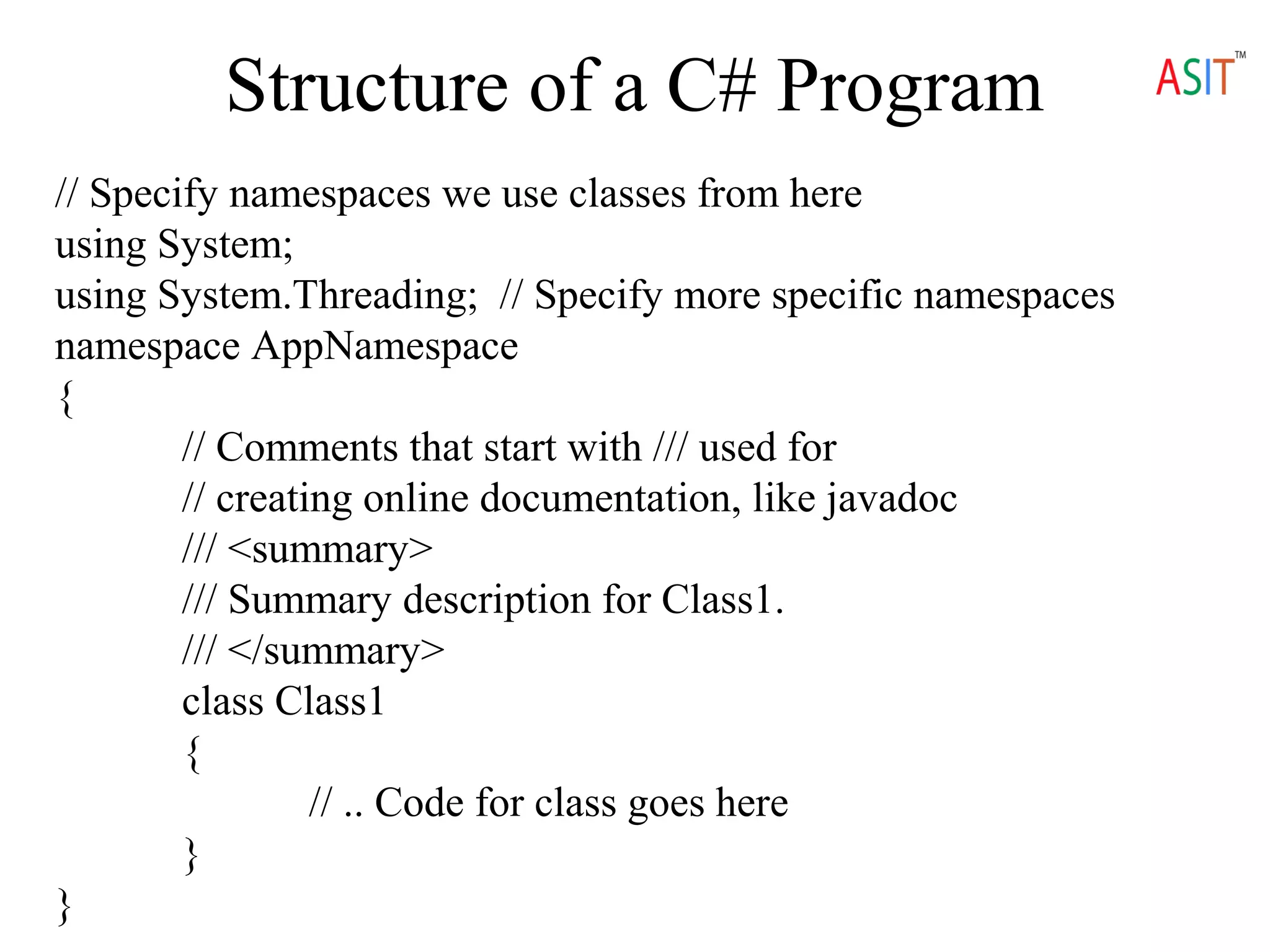
// Specify namespaces we use classes from here
using System;
using System.Threading; // Specify more specific namespaces
namespace AppNamespace
{
// Comments that start with /// used for
// creating online documentation, like javadoc
/// <summary>
/// Summary description for Class1.
/// </summary>
class Class1
{
// .. Code for class goes here
}
}
C# Basics
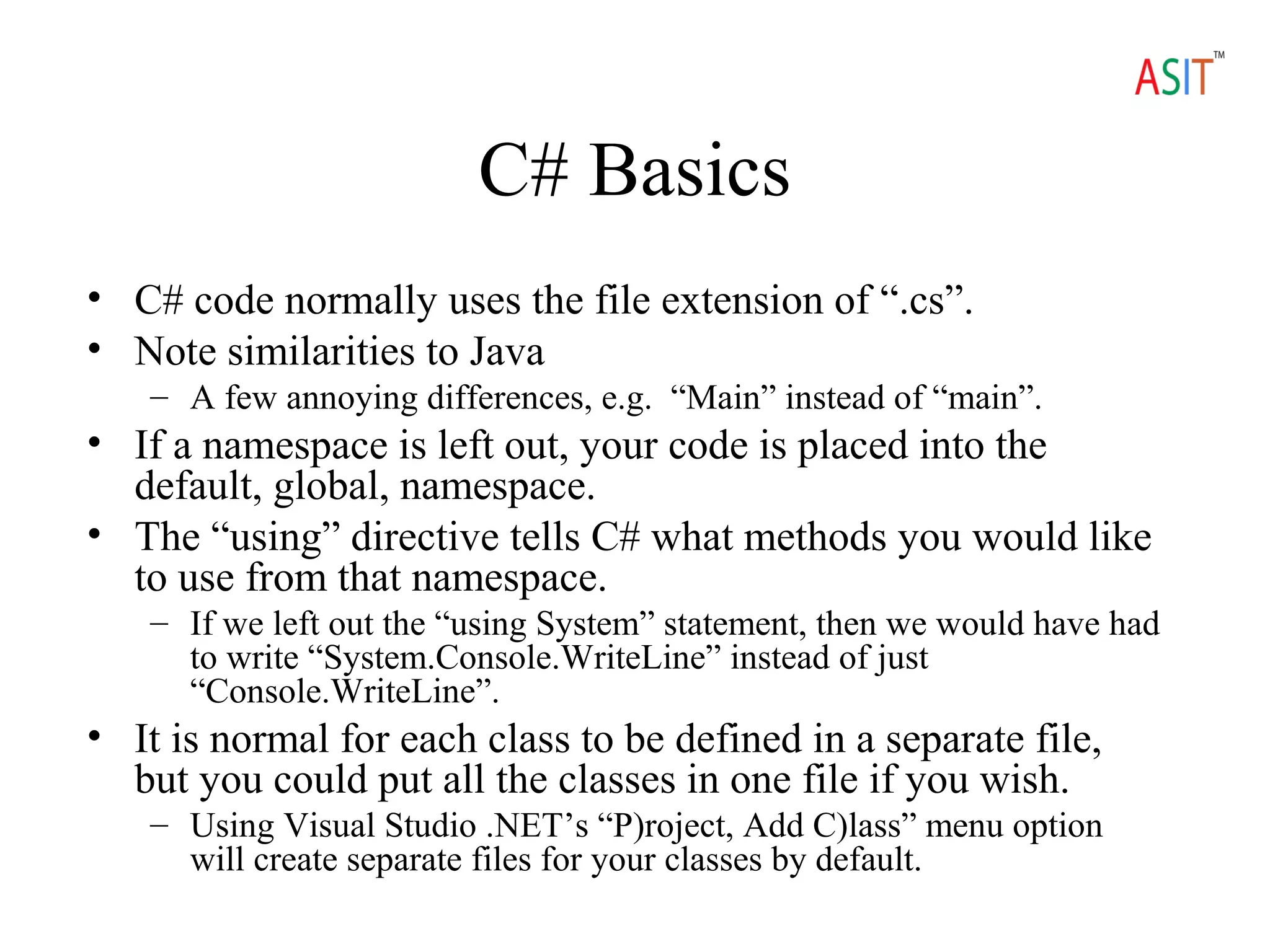
• C# code normally uses the file extension of “.cs”.
• Note similarities to Java
– A few annoying differences, e.g. “Main” instead of “main”.
• If a namespace is left out, your code is placed into the
default, global, namespace.
• The “using” directive tells C# what methods you would like
to use from that namespace.
– If we left out the “using System” statement, then we would have had
to write “System.Console.WriteLine” instead of just
“Console.WriteLine”.
• It is normal for each class to be defined in a separate file,
but you could put all the classes in one file if you wish.
– Using Visual Studio .NET’s “P)roject, Add C)lass” menu option
will create separate files for your classes by default.
Data Types
• C# supports value
types and reference
types.
– Value types are
essentially the
primitive types found
in most languages, and
are stored directly on
the stack.
– Reference types are
objects and are created
on the heap.
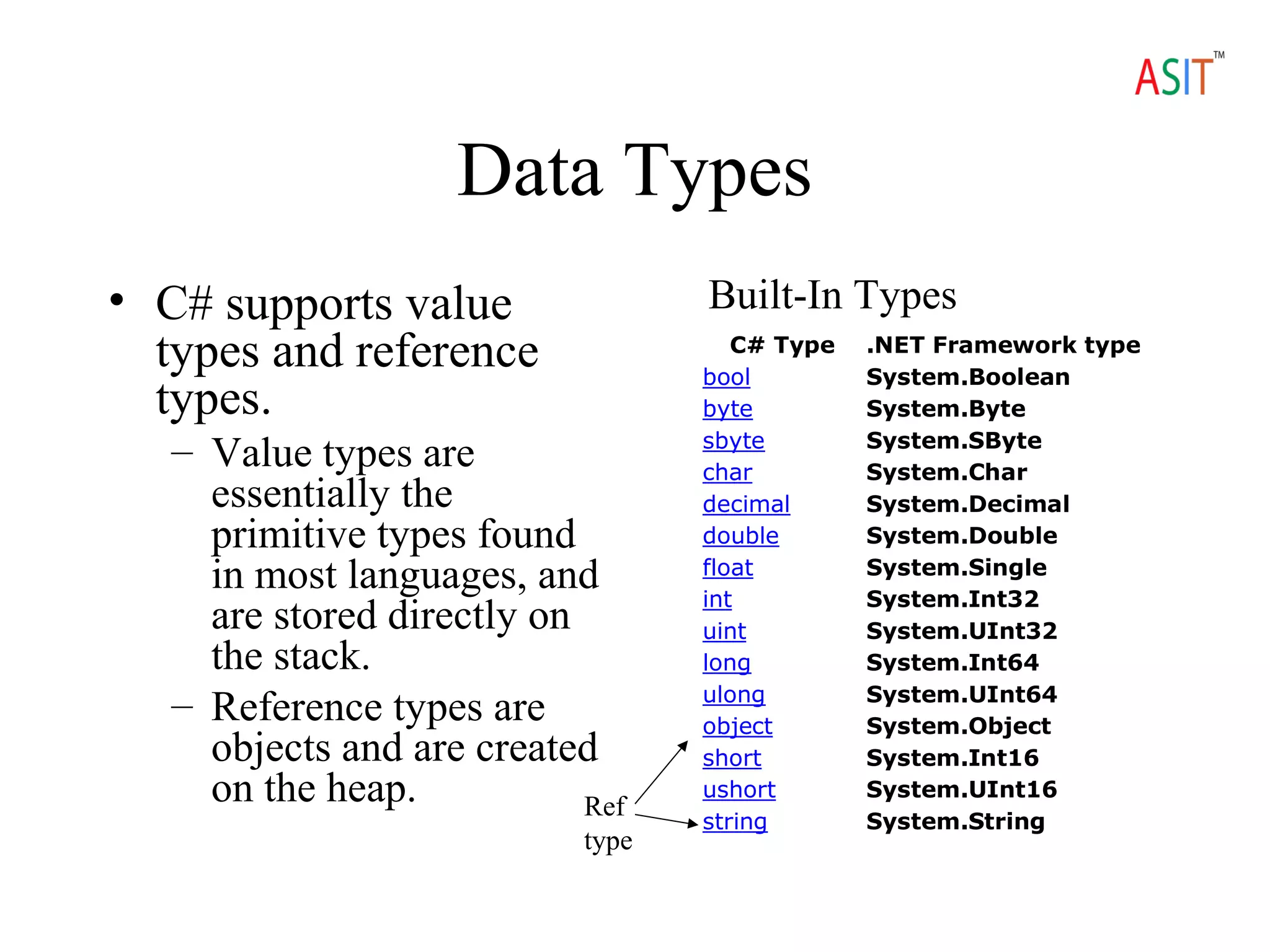
C# Type .NET Framework type
bool System.Boolean
byte System.Byte
sbyte System.SByte
char System.Char
decimal System.Decimal
double System.Double
float System.Single
int System.Int32
uint System.UInt32
long System.Int64
ulong System.UInt64
object System.Object
short System.Int16
ushort System.UInt16
string System.String
Built-In Types
Ref
type
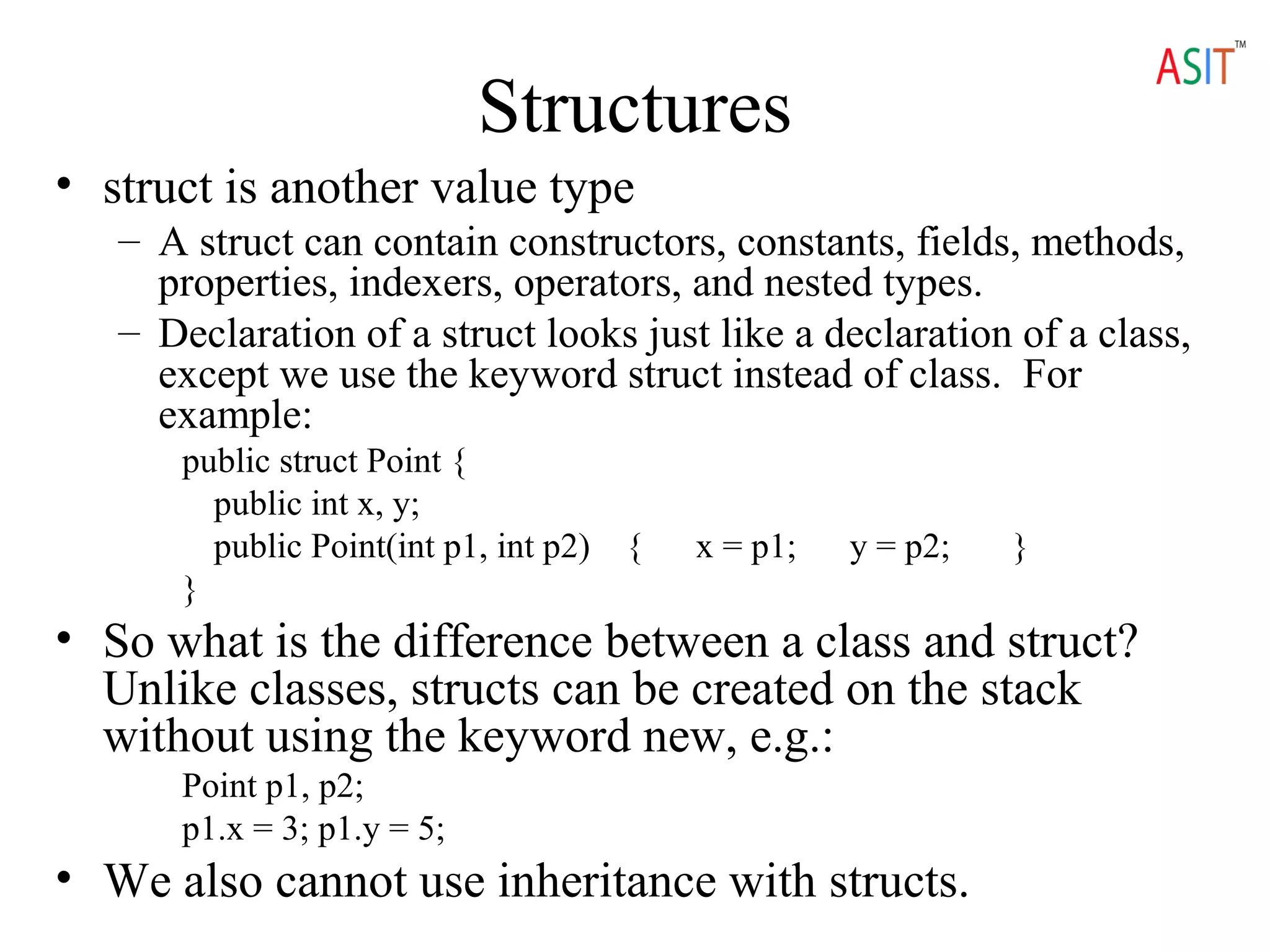
Structures
• struct is another value type
– A struct can contain constructors, constants, fields, methods,
properties, indexers, operators, and nested types.
– Declaration of a struct looks just like a declaration of a class,
except we use the keyword struct instead of class. For
example:
public struct Point {
public int x, y;
public Point(int p1, int p2) { x = p1; y = p2; }
}
• So what is the difference between a class and struct?
Unlike classes, structs can be created on the stack
without using the keyword new, e.g.:
Point p1, p2;
p1.x = 3; p1.y = 5;
• We also cannot use inheritance with structs.
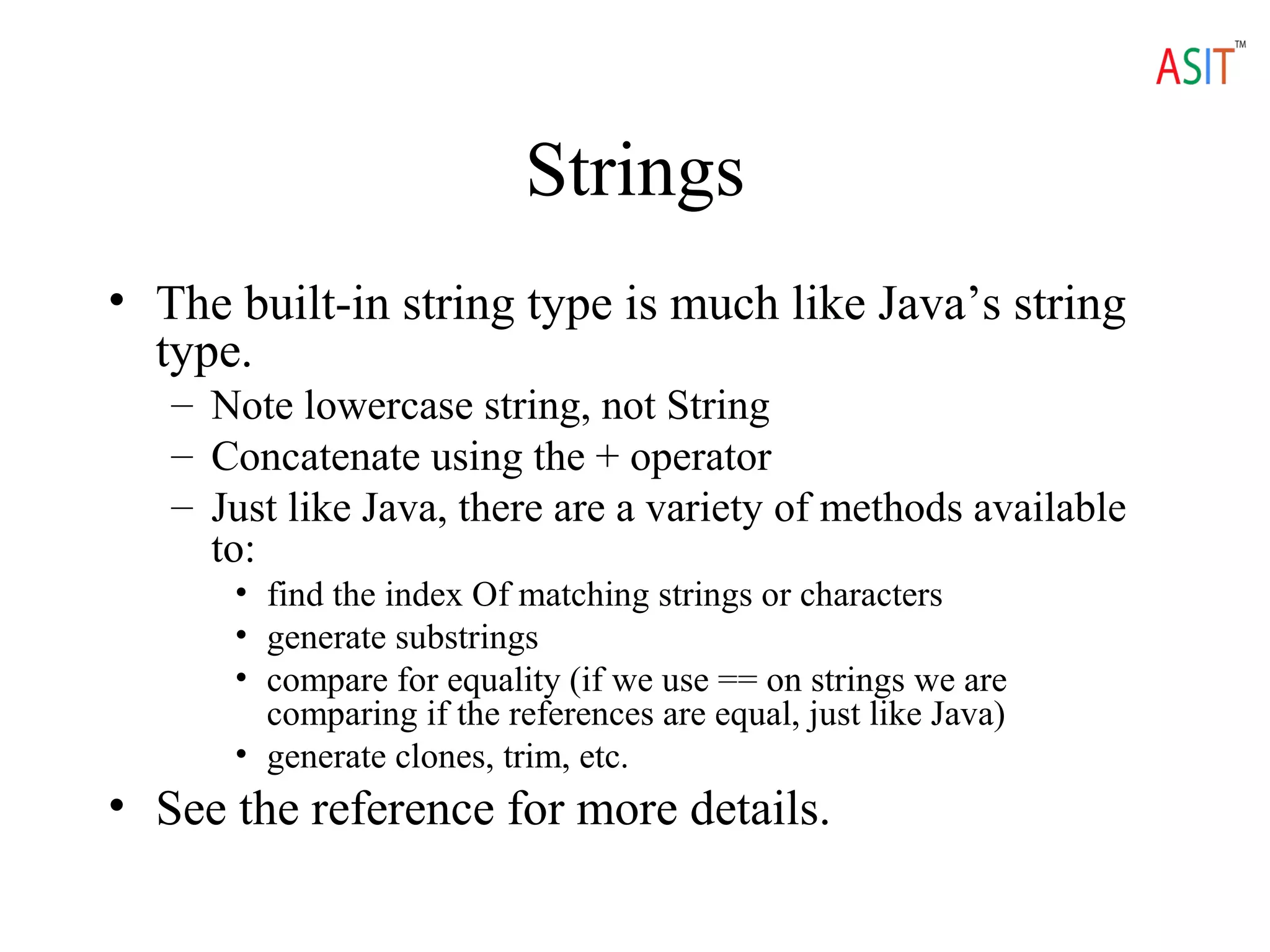
Strings
• The built-in string type is much like Java’s string
type.
– Note lowercase string, not String
– Concatenate using the + operator
– Just like Java, there are a variety of methods available
to:
• find the index Of matching strings or characters
• generate substrings
• compare for equality (if we use == on strings we are
comparing if the references are equal, just like Java)
• generate clones, trim, etc.
• See the reference for more details.
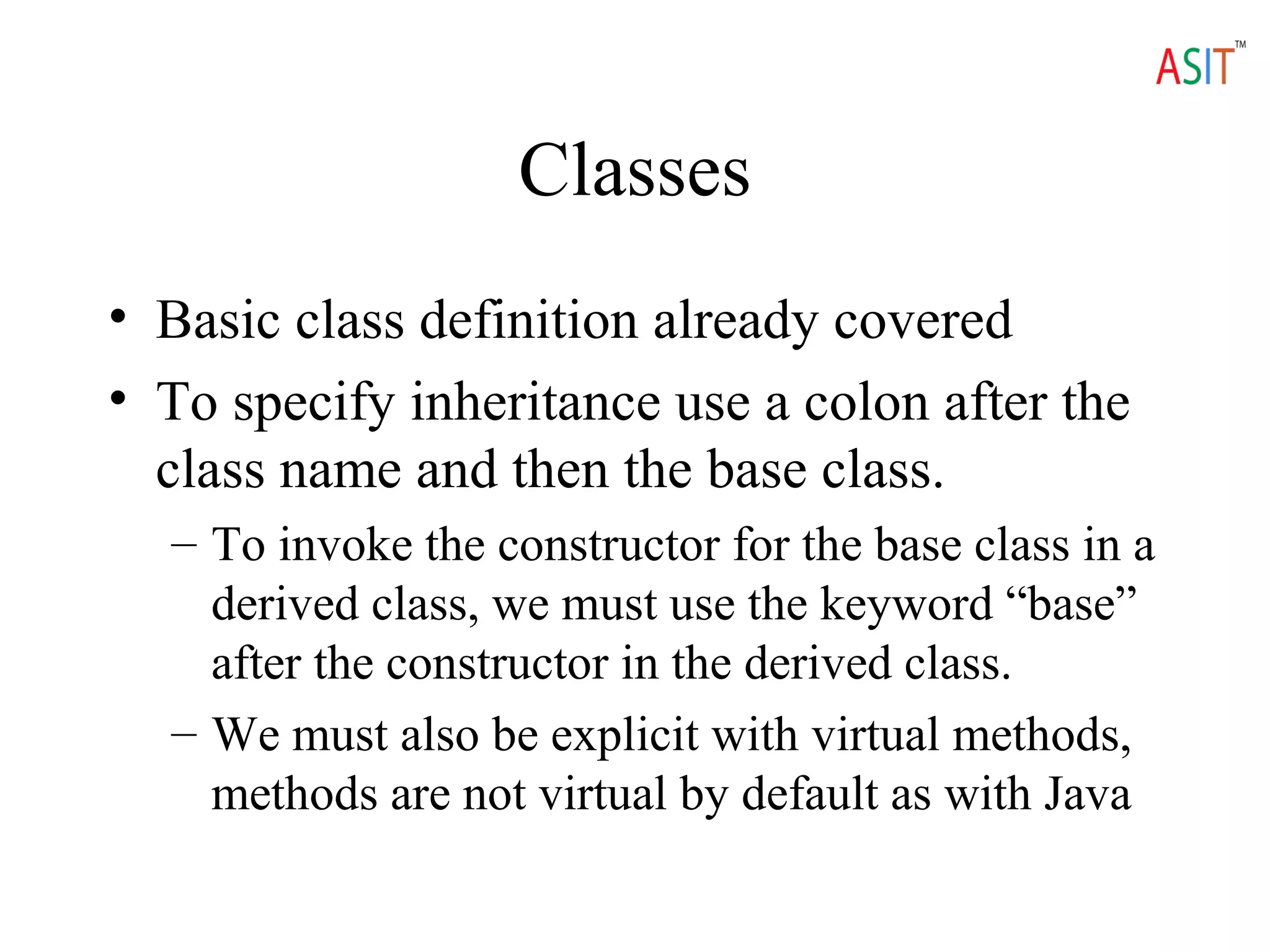
Classes
• Basic class definition already covered
• To specify inheritance use a colon after the
class name and then the base class.
– To invoke the constructor for the base class in a
derived class, we must use the keyword “base”
after the constructor in the derived class.
– We must also be explicit with virtual methods,
methods are not virtual by default as with Java
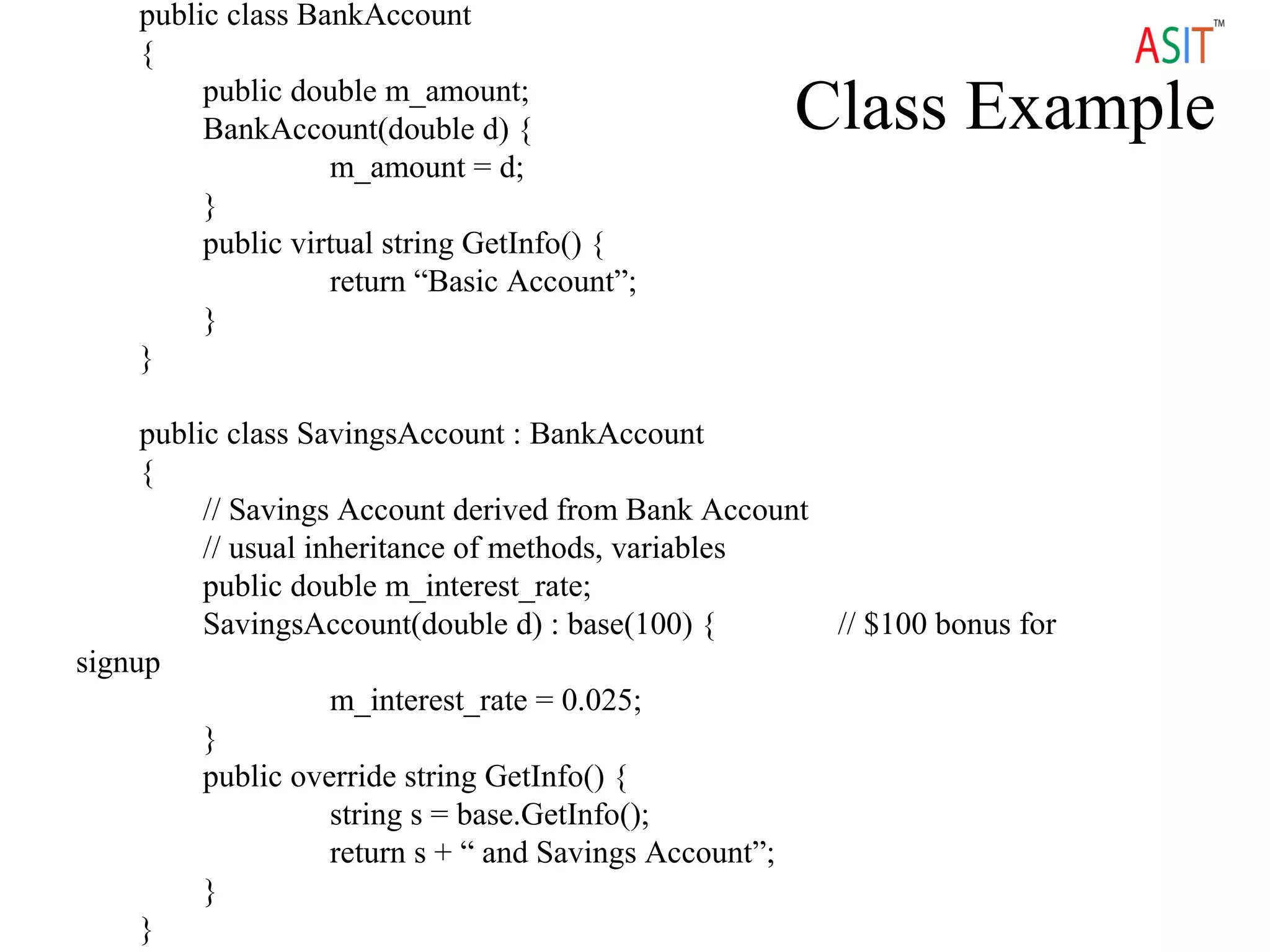
Class Example
public class BankAccount
{
public double m_amount;
BankAccount(double d) {
m_amount = d;
}
public virtual string GetInfo() {
return “Basic Account”;
}
}
public class SavingsAccount : BankAccount
{
// Savings Account derived from Bank Account
// usual inheritance of methods, variables
public double m_interest_rate;
SavingsAccount(double d) : base(100) { // $100 bonus for
signup
m_interest_rate = 0.025;
}
public override string GetInfo() {
string s = base.GetInfo();
return s + “ and Savings Account”;
}
}
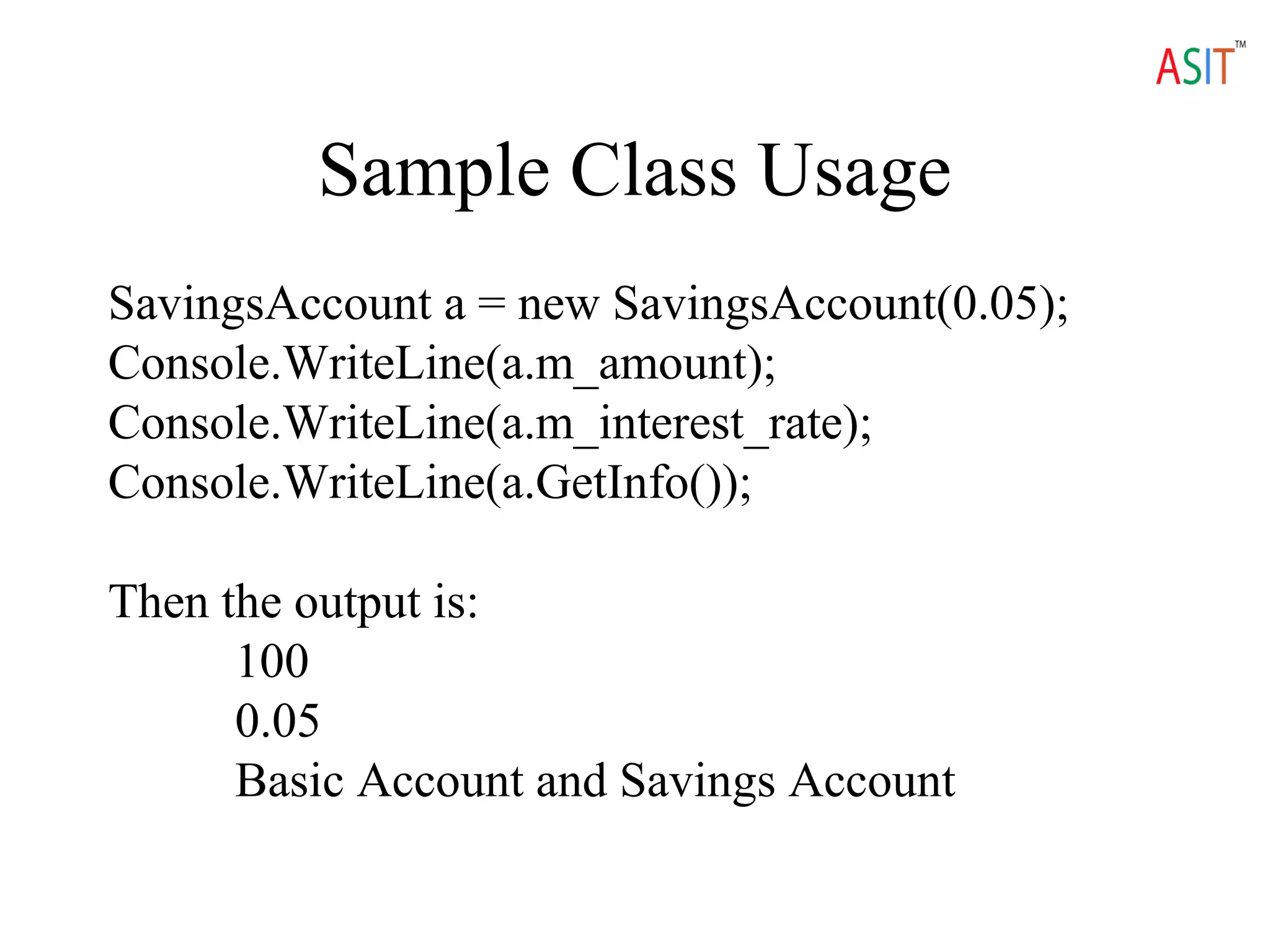
Sample Class Usage
SavingsAccount a = new SavingsAccount(0.05);
Console.WriteLine(a.m_amount);
Console.WriteLine(a.m_interest_rate);
Console.WriteLine(a.GetInfo());
Then the output is:
100
0.05
Basic Account and Savings Account
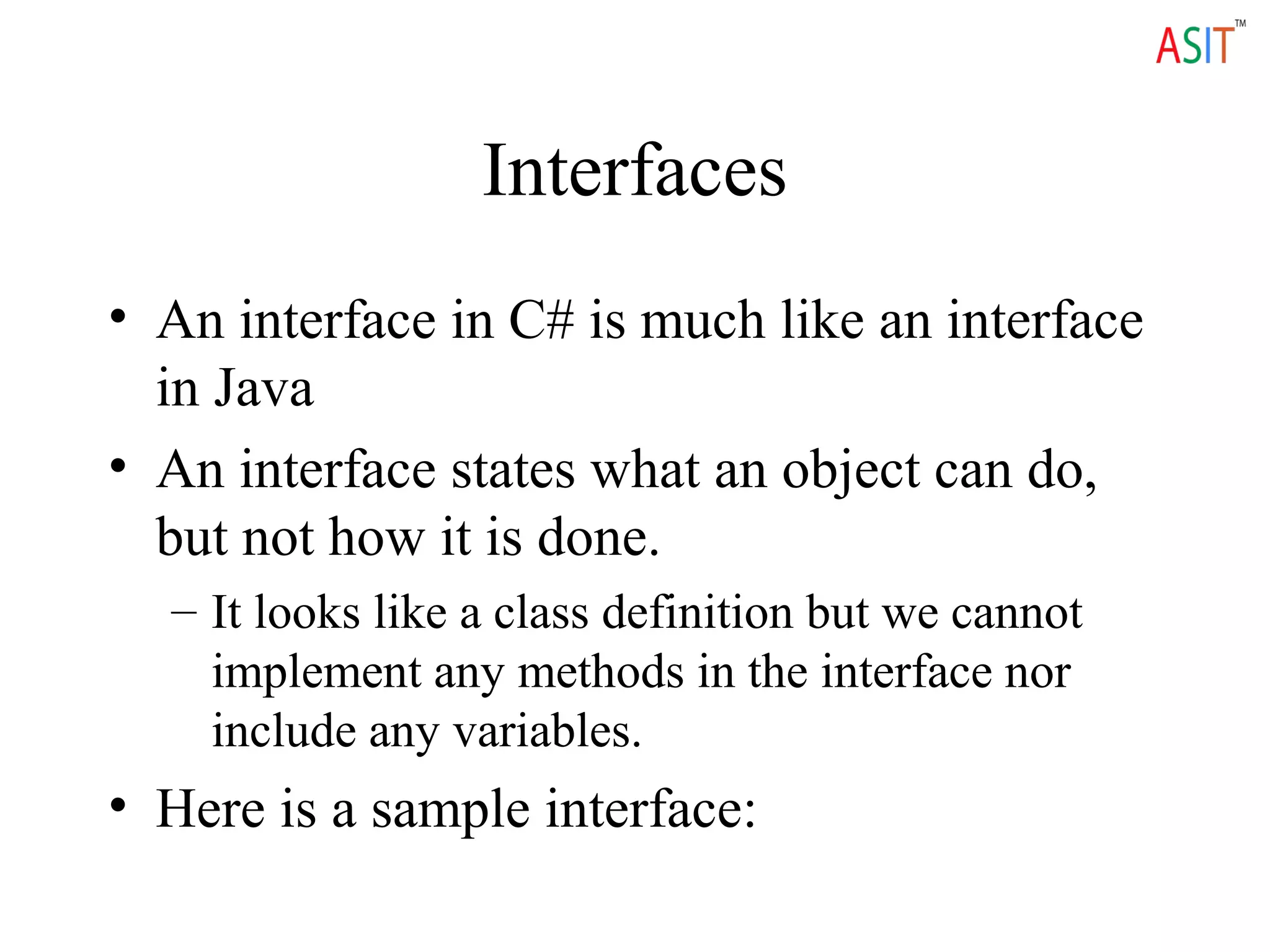
Interfaces
• An interface in C# is much like an interface
in Java
• An interface states what an object can do,
but not how it is done.
– It looks like a class definition but we cannot
implement any methods in the interface nor
include any variables.
• Here is a sample interface:
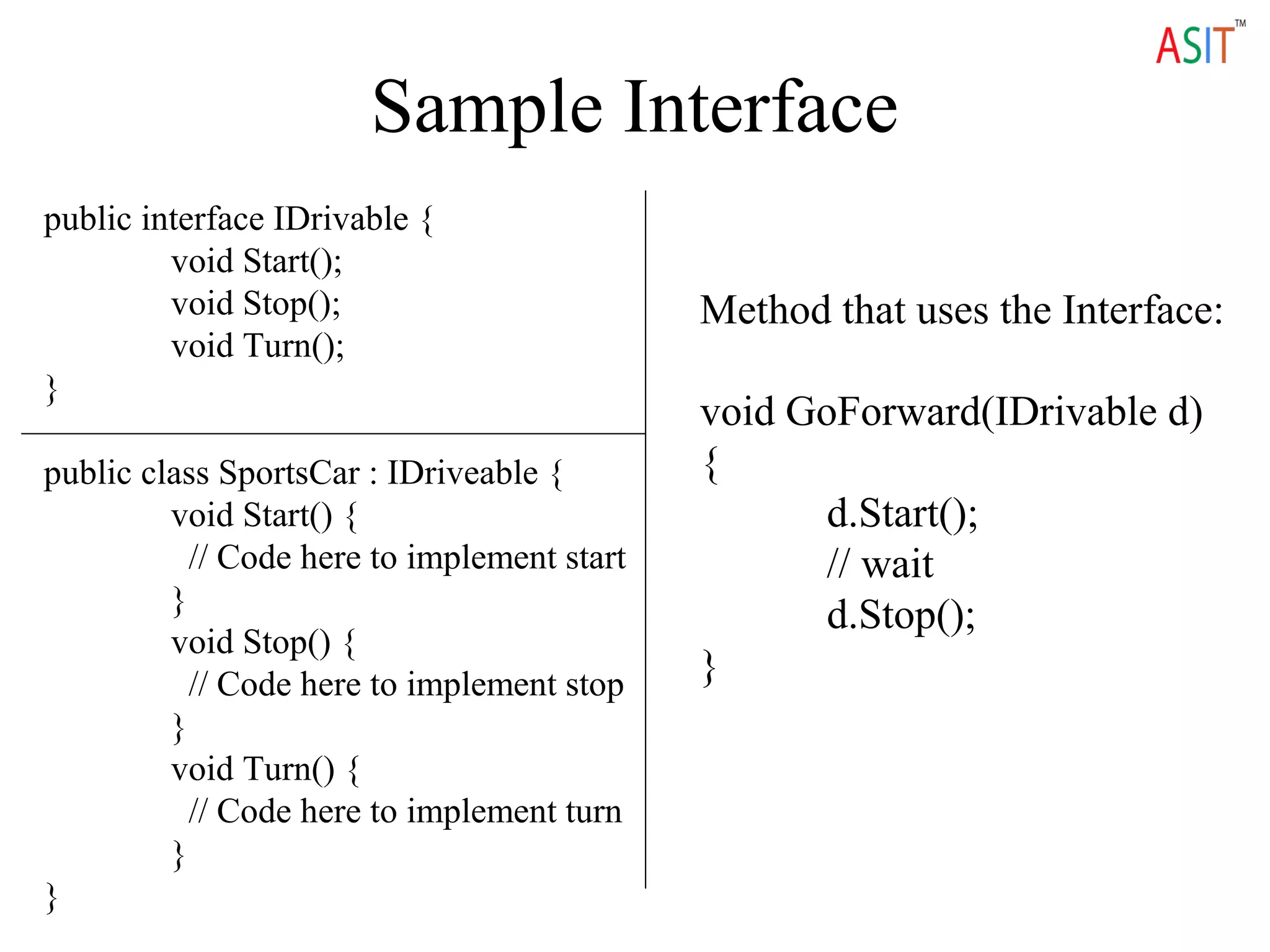
Sample Interface
public interface IDrivable {
void Start();
void Stop();
void Turn();
}
public class SportsCar : IDriveable {
void Start() {
// Code here to implement start
}
void Stop() {
// Code here to implement stop
}
void Turn() {
// Code here to implement turn
}
}
Method that uses the Interface:
void GoForward(IDrivable d)
{
d.Start();
// wait
d.Stop();
}
• More Topics on C#
• Passing Parameters
• Passing by Reference
• Passing Reference Variables
• Passing a Reference Variable
• Passing Reference Var by Reference
• Arrays
• More on Arrays
• Multidimensional Arrays
• Related to Arrays
• Several topics C#
We Provide Online and Classroom Training for
For More Details
www.asit.amcsquare.com
Wise Machines India Pvt Ltd
#360, Sri Sai Padma Arcade,
Varthur Main Road,
Ramagondanahalli,
Whitefiled ,Bangalore – 560066
We also having Branches in Hyderabad & Chennai.

Learn C# at ASIT

  • 1.
  • 2.
    Structure of aC# Program // Specify namespaces we use classes from here using System; using System.Threading; // Specify more specific namespaces namespace AppNamespace { // Comments that start with /// used for // creating online documentation, like javadoc /// <summary> /// Summary description for Class1. /// </summary> class Class1 { // .. Code for class goes here } }
  • 3.
    C# Basics • C#code normally uses the file extension of “.cs”. • Note similarities to Java – A few annoying differences, e.g. “Main” instead of “main”. • If a namespace is left out, your code is placed into the default, global, namespace. • The “using” directive tells C# what methods you would like to use from that namespace. – If we left out the “using System” statement, then we would have had to write “System.Console.WriteLine” instead of just “Console.WriteLine”. • It is normal for each class to be defined in a separate file, but you could put all the classes in one file if you wish. – Using Visual Studio .NET’s “P)roject, Add C)lass” menu option will create separate files for your classes by default.
  • 4.
    Data Types • C#supports value types and reference types. – Value types are essentially the primitive types found in most languages, and are stored directly on the stack. – Reference types are objects and are created on the heap. C# Type .NET Framework type bool System.Boolean byte System.Byte sbyte System.SByte char System.Char decimal System.Decimal double System.Double float System.Single int System.Int32 uint System.UInt32 long System.Int64 ulong System.UInt64 object System.Object short System.Int16 ushort System.UInt16 string System.String Built-In Types Ref type
  • 5.
    Structures • struct isanother value type – A struct can contain constructors, constants, fields, methods, properties, indexers, operators, and nested types. – Declaration of a struct looks just like a declaration of a class, except we use the keyword struct instead of class. For example: public struct Point { public int x, y; public Point(int p1, int p2) { x = p1; y = p2; } } • So what is the difference between a class and struct? Unlike classes, structs can be created on the stack without using the keyword new, e.g.: Point p1, p2; p1.x = 3; p1.y = 5; • We also cannot use inheritance with structs.
  • 6.
    Strings • The built-instring type is much like Java’s string type. – Note lowercase string, not String – Concatenate using the + operator – Just like Java, there are a variety of methods available to: • find the index Of matching strings or characters • generate substrings • compare for equality (if we use == on strings we are comparing if the references are equal, just like Java) • generate clones, trim, etc. • See the reference for more details.
  • 7.
    Classes • Basic classdefinition already covered • To specify inheritance use a colon after the class name and then the base class. – To invoke the constructor for the base class in a derived class, we must use the keyword “base” after the constructor in the derived class. – We must also be explicit with virtual methods, methods are not virtual by default as with Java
  • 8.
    Class Example public classBankAccount { public double m_amount; BankAccount(double d) { m_amount = d; } public virtual string GetInfo() { return “Basic Account”; } } public class SavingsAccount : BankAccount { // Savings Account derived from Bank Account // usual inheritance of methods, variables public double m_interest_rate; SavingsAccount(double d) : base(100) { // $100 bonus for signup m_interest_rate = 0.025; } public override string GetInfo() { string s = base.GetInfo(); return s + “ and Savings Account”; } }
  • 9.
    Sample Class Usage SavingsAccounta = new SavingsAccount(0.05); Console.WriteLine(a.m_amount); Console.WriteLine(a.m_interest_rate); Console.WriteLine(a.GetInfo()); Then the output is: 100 0.05 Basic Account and Savings Account
  • 10.
    Interfaces • An interfacein C# is much like an interface in Java • An interface states what an object can do, but not how it is done. – It looks like a class definition but we cannot implement any methods in the interface nor include any variables. • Here is a sample interface:
  • 11.
    Sample Interface public interfaceIDrivable { void Start(); void Stop(); void Turn(); } public class SportsCar : IDriveable { void Start() { // Code here to implement start } void Stop() { // Code here to implement stop } void Turn() { // Code here to implement turn } } Method that uses the Interface: void GoForward(IDrivable d) { d.Start(); // wait d.Stop(); }
  • 12.
    • More Topicson C# • Passing Parameters • Passing by Reference • Passing Reference Variables • Passing a Reference Variable • Passing Reference Var by Reference • Arrays • More on Arrays • Multidimensional Arrays • Related to Arrays • Several topics C#
  • 13.
    We Provide Onlineand Classroom Training for For More Details www.asit.amcsquare.com Wise Machines India Pvt Ltd #360, Sri Sai Padma Arcade, Varthur Main Road, Ramagondanahalli, Whitefiled ,Bangalore – 560066 We also having Branches in Hyderabad & Chennai.