Search Engine Back End API
Solution for Fast Prototyping
https://github.com/jimmylai/
search_engine_backend_template

Solr
Jimmy Lai
r97922028 [at] ntu.edu.tw
http://tw.linkedin.com/pub/jimmy-lai/27/4a/536
2013/01/28
Outline - Solr
• 
• 
• 
• 
• 

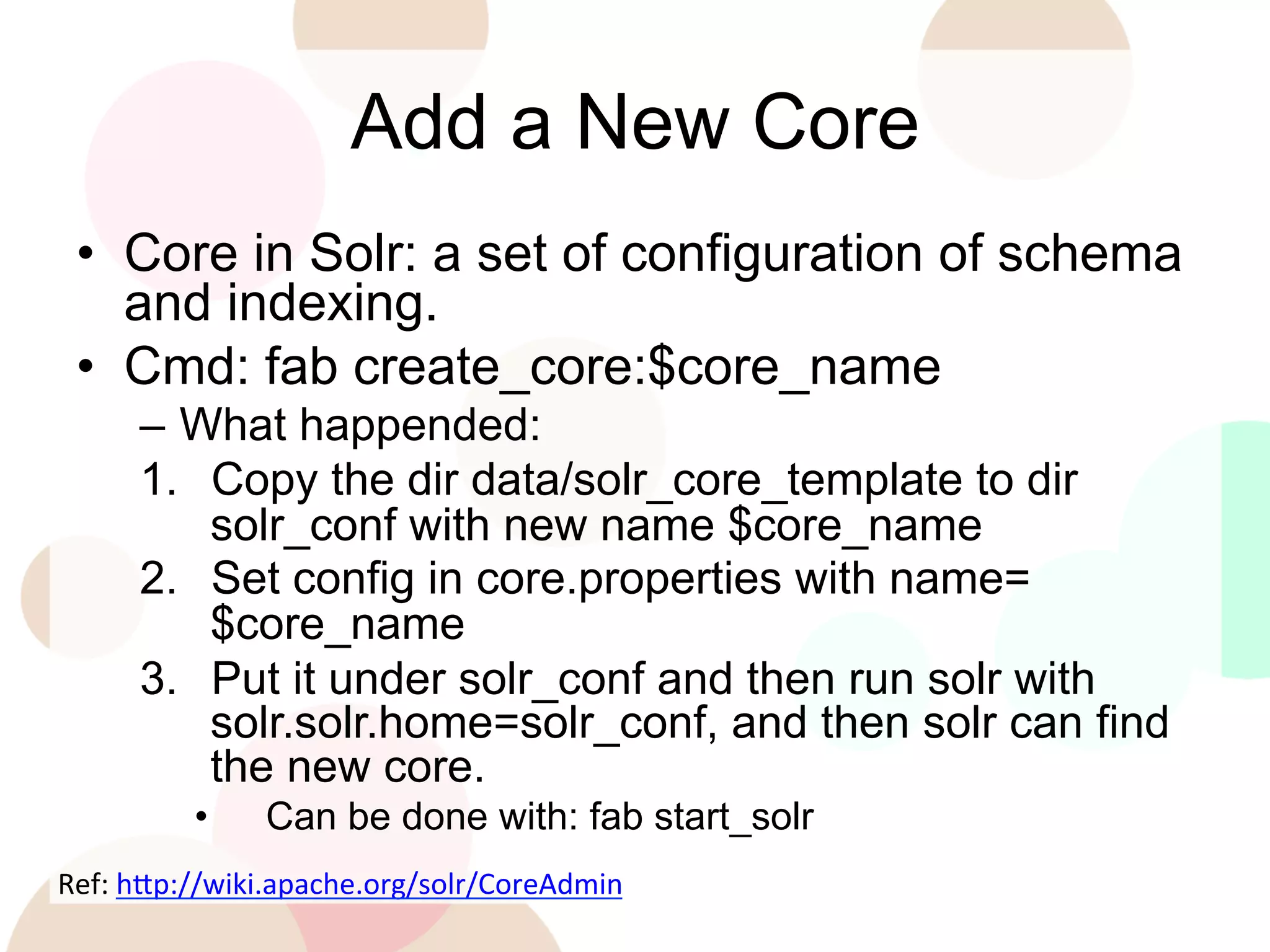
Add a new core
Define the schema
Feed data and update partial data
Query and Ranking
Spatial Query

•  Prerequisite: Introduction and Tutorial
http://www.slideshare.net/jimmy_lai/search-engine-back-end-api-solution-for-fast-prototyping

LDSP

2
Add a New Core
•  Core in Solr: a set of configuration of schema
and indexing.
•  Cmd: fab create_core:$core_name
–  What happended:
1.  Copy the dir data/solr_core_template to dir
solr_conf with new name $core_name
2.  Set config in core.properties with name=
$core_name
3.  Put it under solr_conf and then run solr with
solr.solr.home=solr_conf, and then solr can find
the new core.
• 

Can be done with: fab start_solr

Ref:	
  h'p://wiki.apache.org/solr/CoreAdmin	


Define the Schema
•  Edit file solr_conf/$core_name/conf/
shcema.xml
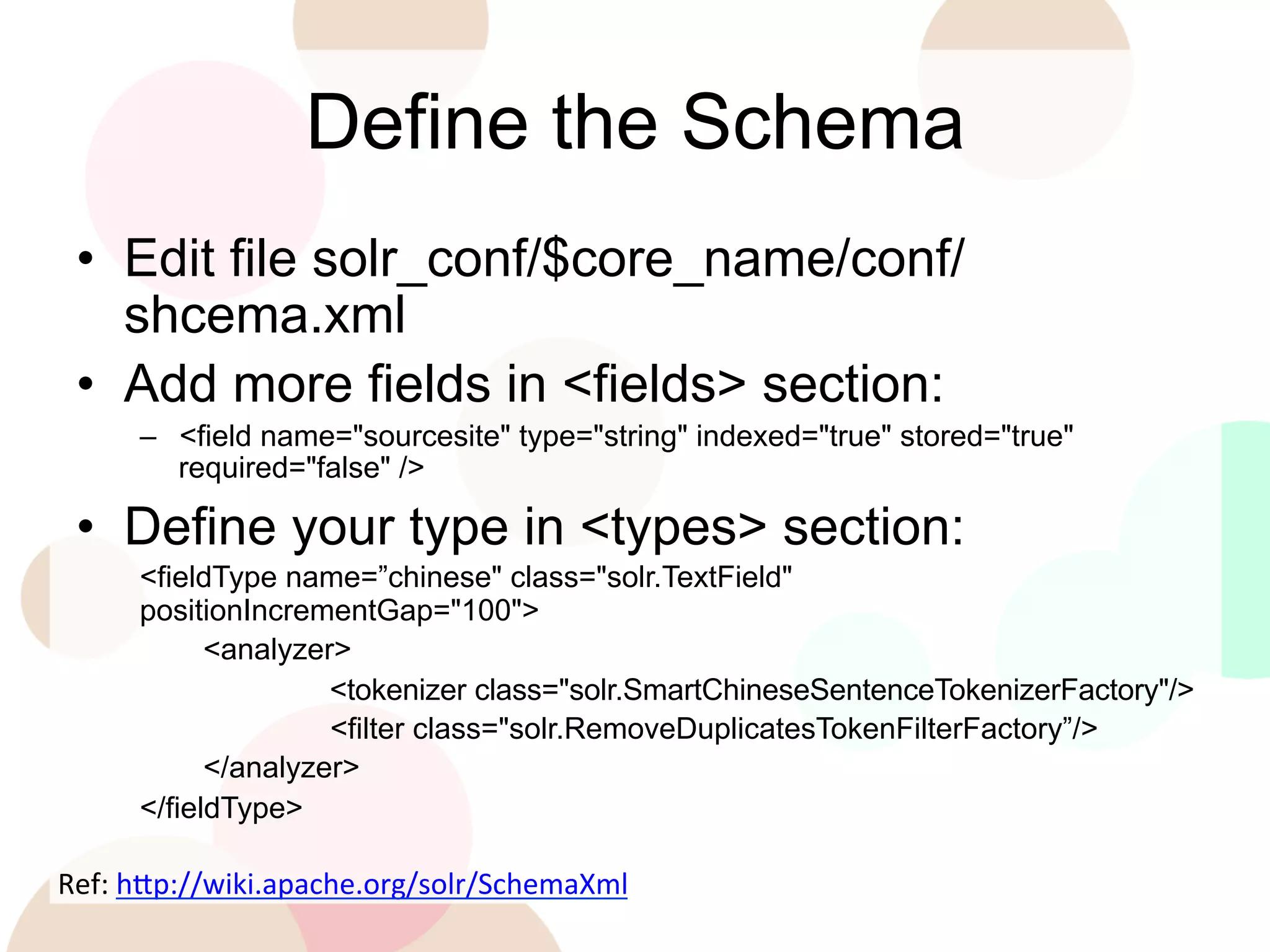
•  Add more fields in <fields> section:
–  <field name="sourcesite" type="string" indexed="true" stored="true"
required="false" />

•  Define your type in <types> section:
<fieldType name=”chinese" class="solr.TextField"
positionIncrementGap="100">
<analyzer>
<tokenizer class="solr.SmartChineseSentenceTokenizerFactory"/>
<filter class="solr.RemoveDuplicatesTokenFilterFactory”/>
</analyzer>
</fieldType>

Ref:	
  h'p://wiki.apache.org/solr/SchemaXml	


Feed Data and Update Partial Data
•  Run solr after schema updated:
–  fab run_solr

•  Prepare new feed data in JSON format:
–  [{‘id’: id1, ‘field1’: value11, ‘field2’: value21}, {‘id’: id2,
‘field_1’:value21}]

•  Send by Http Post to Solr:
–  curl http://localhost:8983/solr/$core_name/update/json?
commit=true --data-binary @$json_file_name -i -H 'Contenttype:application/json’

•  Partial Update JSON format:
–  [{‘id’: id1, ‘field1’: {‘set’: new_value}]
Ref:	
  h'p://wiki.apache.org/solr/UpdateJSON	


Query and Ranking
•  Let’s use pysolr:
–  solr = pysolr.Solr('http://localhost:8983/solr/movie’)
–  results = [i for i in solr.search('*:*', **{‘row’: 100})]

•  Query (1st parameter of search())
–  Specify value of a field ‘field:value’
–  Range query
‘field:[1 TO 100]’
–  Boolean operation ‘field1:v1 AND field2:v2’

•  Sort (put in 2nd parameter of search())
–  {‘sort’: ‘field desc’}
Ref:	
  h'p://wiki.apache.org/solr/SolrQuerySyntax	


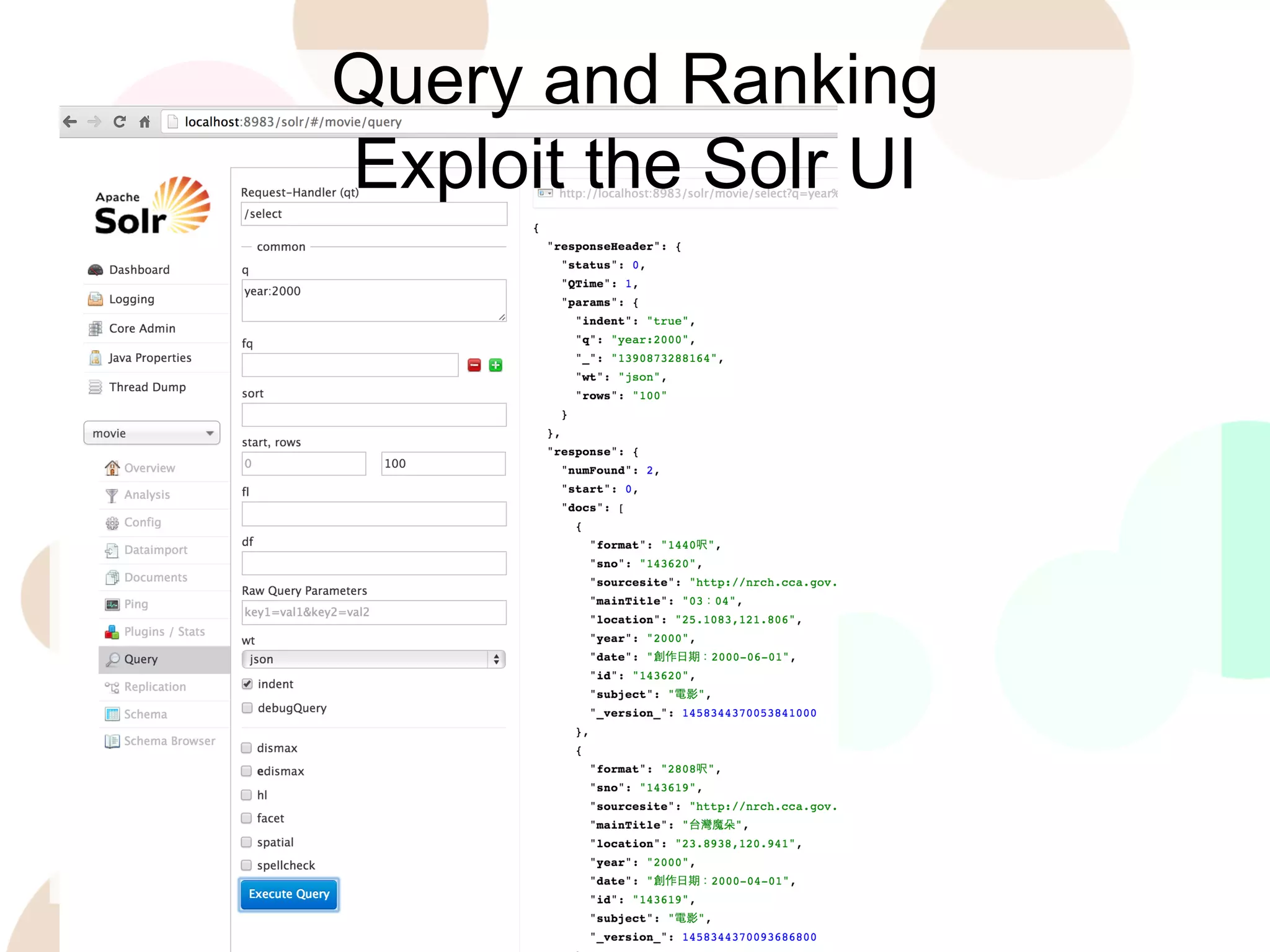
Query and Ranking
Exploit the Solr UI
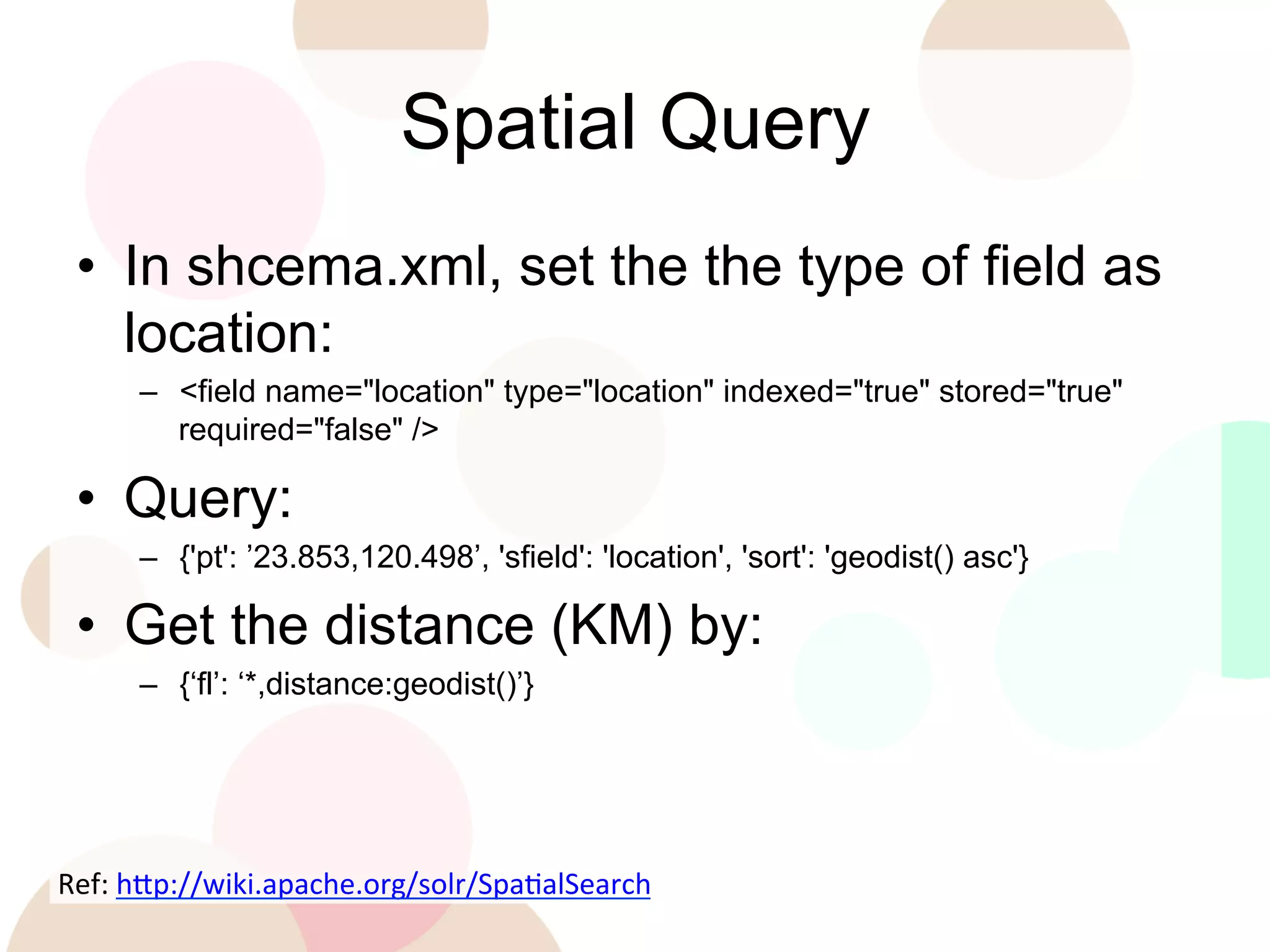
Spatial Query
•  In shcema.xml, set the the type of field as
location:
–  <field name="location" type="location" indexed="true" stored="true"
required="false" />

•  Query:
–  {'pt': ’23.853,120.498’, 'sfield': 'location', 'sort': 'geodist() asc'}

•  Get the distance (KM) by:
–  {‘fl’: ‘*,distance:geodist()’}

Ref:	
  h'p://wiki.apache.org/solr/SpaEalSearch	


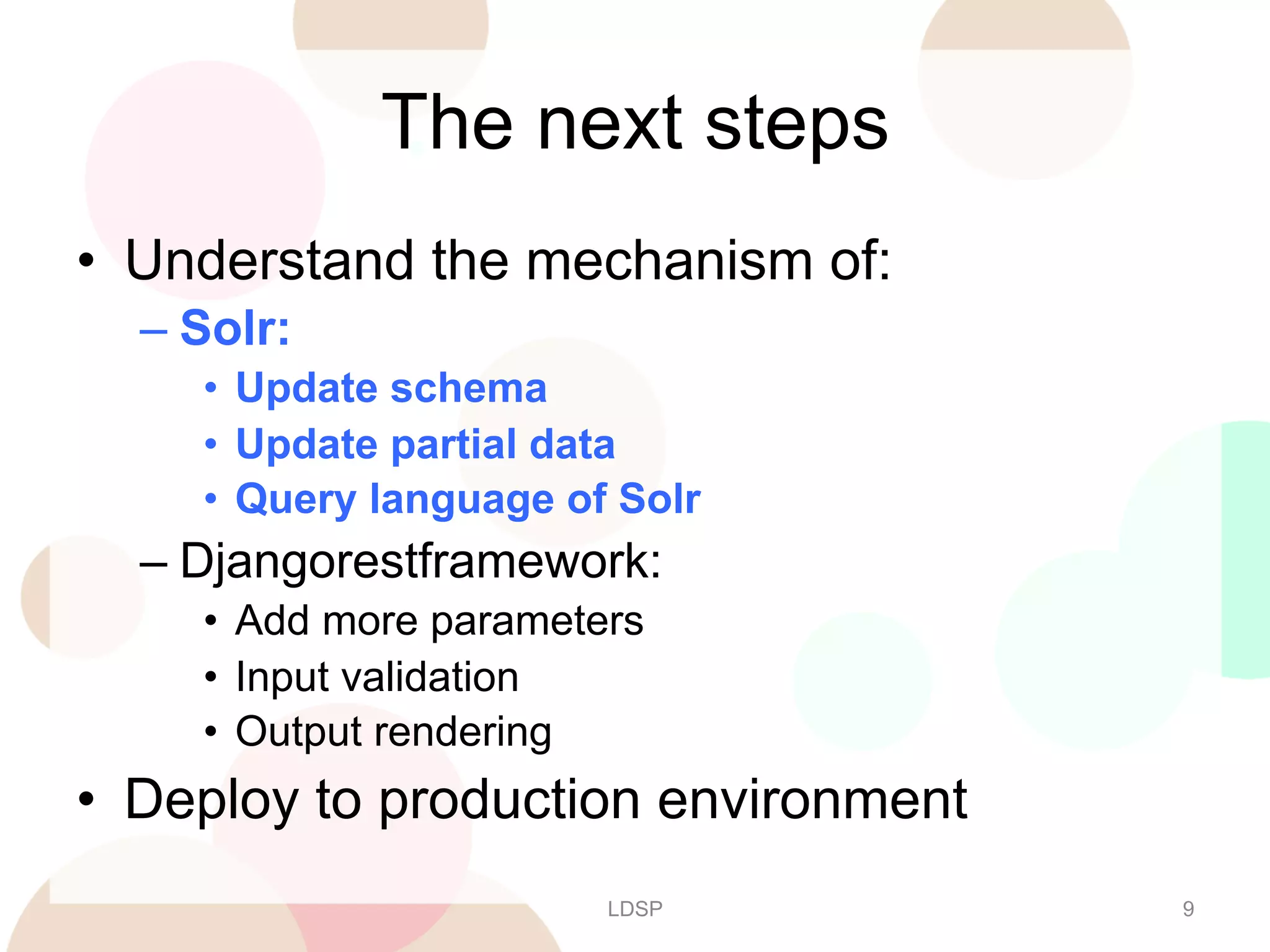
The next steps
•  Understand the mechanism of:
–  Solr:
•  Update schema
•  Update partial data
•  Query language of Solr

–  Djangorestframework:
•  Add more parameters
•  Input validation
•  Output rendering

•  Deploy to production environment
LDSP

9

[LDSP] Solr Usage

  • 1.
    Search Engine BackEnd API Solution for Fast Prototyping https://github.com/jimmylai/ search_engine_backend_template Solr Jimmy Lai r97922028 [at] ntu.edu.tw http://tw.linkedin.com/pub/jimmy-lai/27/4a/536 2013/01/28
  • 2.
    Outline - Solr •  •  •  •  •  Adda new core Define the schema Feed data and update partial data Query and Ranking Spatial Query •  Prerequisite: Introduction and Tutorial http://www.slideshare.net/jimmy_lai/search-engine-back-end-api-solution-for-fast-prototyping LDSP 2
  • 3.
    Add a NewCore •  Core in Solr: a set of configuration of schema and indexing. •  Cmd: fab create_core:$core_name –  What happended: 1.  Copy the dir data/solr_core_template to dir solr_conf with new name $core_name 2.  Set config in core.properties with name= $core_name 3.  Put it under solr_conf and then run solr with solr.solr.home=solr_conf, and then solr can find the new core. •  Can be done with: fab start_solr Ref:  h'p://wiki.apache.org/solr/CoreAdmin    
  • 4.
    Define the Schema • Edit file solr_conf/$core_name/conf/ shcema.xml •  Add more fields in <fields> section: –  <field name="sourcesite" type="string" indexed="true" stored="true" required="false" /> •  Define your type in <types> section: <fieldType name=”chinese" class="solr.TextField" positionIncrementGap="100"> <analyzer> <tokenizer class="solr.SmartChineseSentenceTokenizerFactory"/> <filter class="solr.RemoveDuplicatesTokenFilterFactory”/> </analyzer> </fieldType> Ref:  h'p://wiki.apache.org/solr/SchemaXml    
  • 5.
    Feed Data andUpdate Partial Data •  Run solr after schema updated: –  fab run_solr •  Prepare new feed data in JSON format: –  [{‘id’: id1, ‘field1’: value11, ‘field2’: value21}, {‘id’: id2, ‘field_1’:value21}] •  Send by Http Post to Solr: –  curl http://localhost:8983/solr/$core_name/update/json? commit=true --data-binary @$json_file_name -i -H 'Contenttype:application/json’ •  Partial Update JSON format: –  [{‘id’: id1, ‘field1’: {‘set’: new_value}] Ref:  h'p://wiki.apache.org/solr/UpdateJSON    
  • 6.
    Query and Ranking • Let’s use pysolr: –  solr = pysolr.Solr('http://localhost:8983/solr/movie’) –  results = [i for i in solr.search('*:*', **{‘row’: 100})] •  Query (1st parameter of search()) –  Specify value of a field ‘field:value’ –  Range query ‘field:[1 TO 100]’ –  Boolean operation ‘field1:v1 AND field2:v2’ •  Sort (put in 2nd parameter of search()) –  {‘sort’: ‘field desc’} Ref:  h'p://wiki.apache.org/solr/SolrQuerySyntax    
  • 7.
  • 8.
    Spatial Query •  Inshcema.xml, set the the type of field as location: –  <field name="location" type="location" indexed="true" stored="true" required="false" /> •  Query: –  {'pt': ’23.853,120.498’, 'sfield': 'location', 'sort': 'geodist() asc'} •  Get the distance (KM) by: –  {‘fl’: ‘*,distance:geodist()’} Ref:  h'p://wiki.apache.org/solr/SpaEalSearch    
  • 9.
    The next steps • Understand the mechanism of: –  Solr: •  Update schema •  Update partial data •  Query language of Solr –  Djangorestframework: •  Add more parameters •  Input validation •  Output rendering •  Deploy to production environment LDSP 9