Download as PDF, PPTX


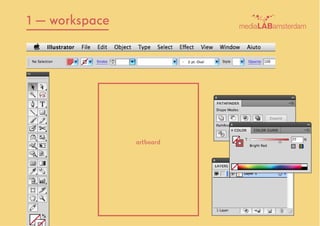
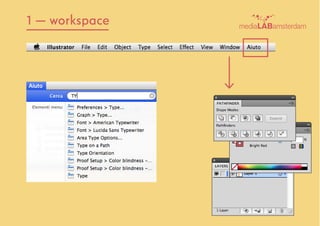
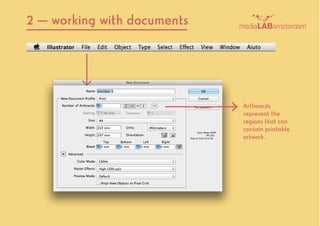
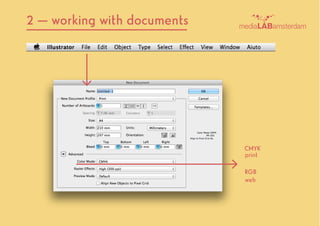
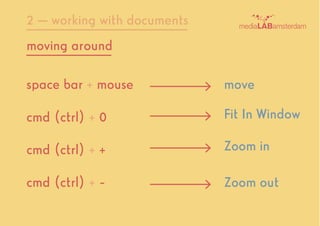
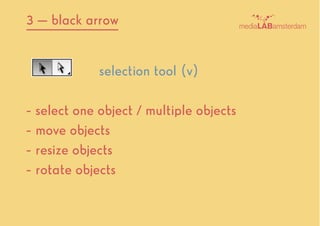
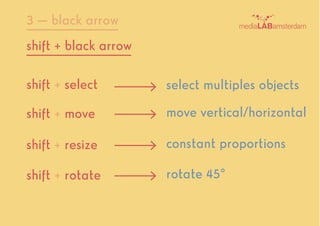
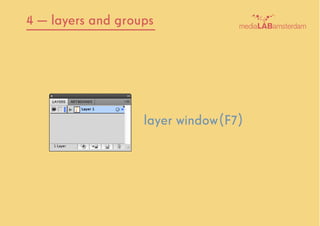
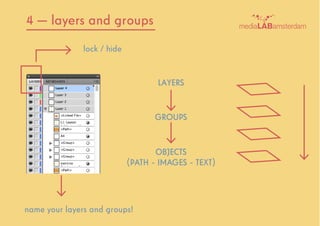
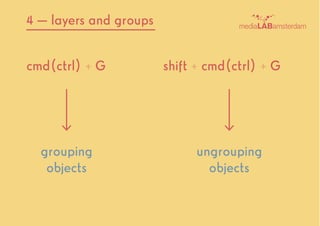
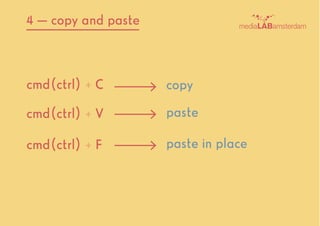
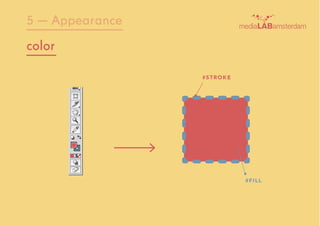
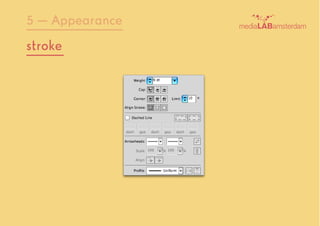
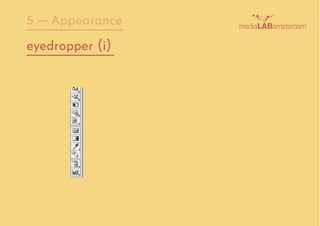


The document provides instructions for using Adobe Illustrator. It includes the following topics: 1. An overview of the workspace and tools like the selection tool. 2. How to work with documents including managing layers and groups to organize artwork. 3. How to select, move, resize and rotate objects using keyboard shortcuts with the selection tool. 4. Descriptions of basic functions like copying and pasting objects within Illustrator. 5. How to modify object appearances by adjusting fill and stroke color, size and using the eyedropper tool.


