Add Organizations and Users
Set device and application management profiles
Deploy management profiles and applications
Support diverse Kiosk modes
(Single-app, Multi-app, Web BrowserKiosks)
Create launcherapp using drag and drop components
Add bookmarks, folders, banners, memo, text,
calendarand clock
Rearrange icons and adjust size and text
Change wallpaperand background color
Disable hardware keys (Home, Back, Volume, Power)
Allow/Disallow use of Task manager, Status bar,
Multi windows
IMEI/Serial Numberbased device enrollment
Automatic client installation and enrollment
Skip unwanted Setup Wizard steps
Install specific applications automatically
Auto-push settings (Wi-Fi, EAS, Email, APN,
Bookmarks, VPN and Certificate)
Mandate device enrollment even afterfactory reset
Quick StartWizard KioskWizard
Automated Provisioning
Quick and Easy Deployment
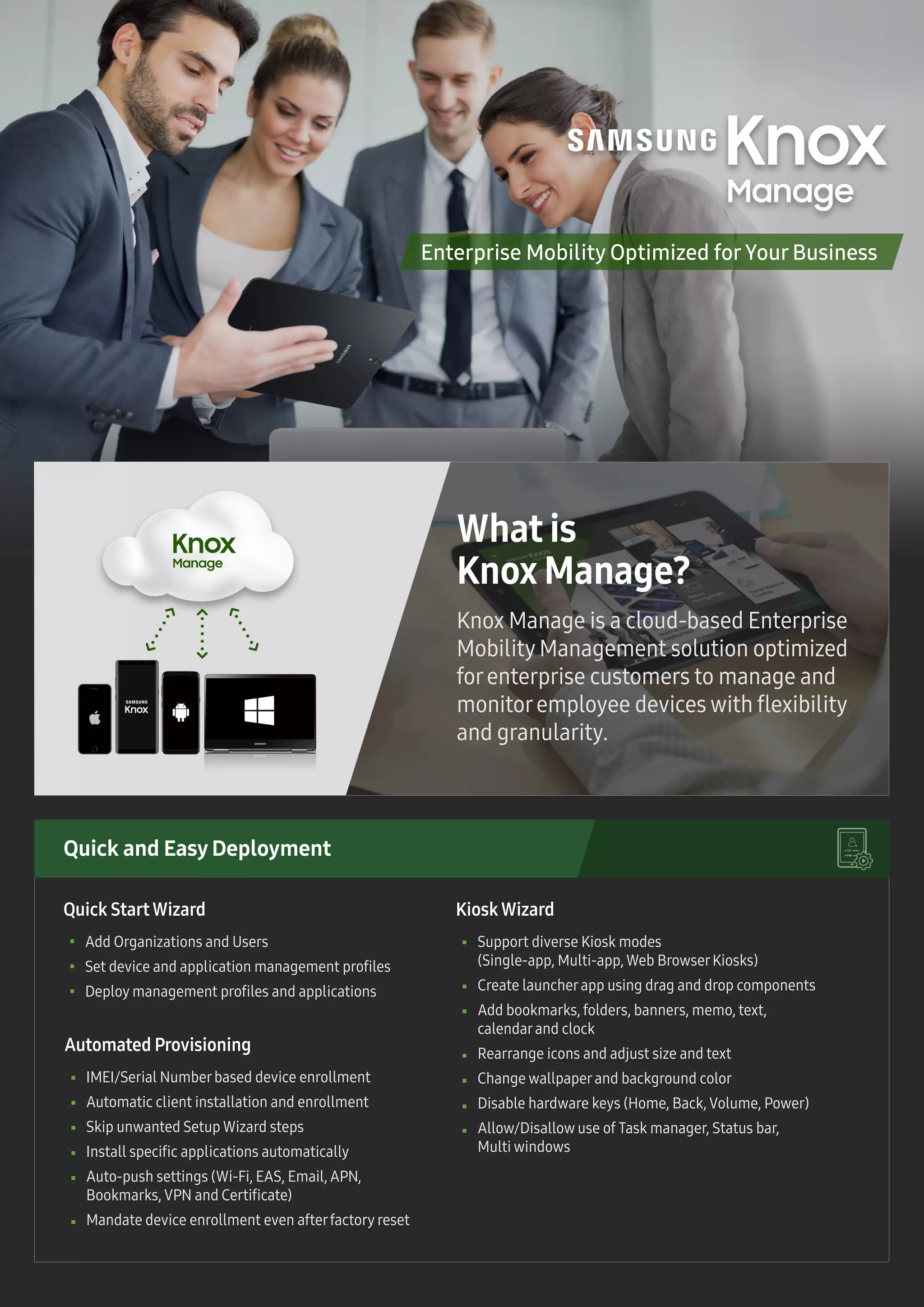
Knox Manage is a cloud-based Enterprise
Mobility Management solution optimized
forenterprise customers to manage and
monitoremployee devices with flexibility
and granularity.
What is
Knox Manage?
Enterprise Mobility Optimized for Your Business
Purpose-Built Appliance
Get started nowwith free trial @ www.samsungknox.com/km
Event-based PolicyEnforcement
Multi-OS Support (Android, iOS and Windows)
Manage multi-OS devices from a single console
Cross-Platform Support
Time-fencing
Geo-fencing
Application
Roaming
SIM : Device locks down if SIM is changed or
no longerinserted
Wi-Fi : If connected to a specific network, different
set of policies are applied
Install and update apps without usernotification and
disallow uninstallation
Black/whitelist apps
Block access to public online app stores
Differentiated Knox Platform Features
Application Management
Robust Management
Enforce multi-factorauthentication
Manage Containerpolicies (data loss prevention,
containerlock, per-containerVPN)
Device Feature Restriction
Enterprise Mobility Management made
easy and affordable,
yet powerful
Allow/Disallow use of Camera, Screen Capture, Browser
Allow/DisallowWi-Fi, Bluetooth, USB, NFC and GPS
Allow/Disallowvoice call, data usage and roaming
Set authentication policies
Android Kitkat v4.4 +
iOS 8+
Windows10
Device Eligibility
Feature availability mayvary depending on the OS and platform versions
Comprehensive Controls
Monitorstatus of userdevices
Check policy compliance
Alerts, Logs and Command history details
Track specific device information (location, phone/data
usage, battery, connectivity status, installed app list)
Remote Support to UserDevice
Remote Support to Admin Console
Lock/unlock userdevice remotely
Offline unenrollment capability
Disable software (firmware) updates
Control the specific date, time and version
forforced firmware update (*E-FOTA)
Precise Device AuditRemote Device Support
Control OS Update

Knox Manage Tech Sheet

  • 1.
    Add Organizations andUsers Set device and application management profiles Deploy management profiles and applications Support diverse Kiosk modes (Single-app, Multi-app, Web BrowserKiosks) Create launcherapp using drag and drop components Add bookmarks, folders, banners, memo, text, calendarand clock Rearrange icons and adjust size and text Change wallpaperand background color Disable hardware keys (Home, Back, Volume, Power) Allow/Disallow use of Task manager, Status bar, Multi windows IMEI/Serial Numberbased device enrollment Automatic client installation and enrollment Skip unwanted Setup Wizard steps Install specific applications automatically Auto-push settings (Wi-Fi, EAS, Email, APN, Bookmarks, VPN and Certificate) Mandate device enrollment even afterfactory reset Quick StartWizard KioskWizard Automated Provisioning Quick and Easy Deployment Knox Manage is a cloud-based Enterprise Mobility Management solution optimized forenterprise customers to manage and monitoremployee devices with flexibility and granularity. What is Knox Manage? Enterprise Mobility Optimized for Your Business
  • 2.
    Purpose-Built Appliance Get startednowwith free trial @ www.samsungknox.com/km Event-based PolicyEnforcement Multi-OS Support (Android, iOS and Windows) Manage multi-OS devices from a single console Cross-Platform Support Time-fencing Geo-fencing Application Roaming SIM : Device locks down if SIM is changed or no longerinserted Wi-Fi : If connected to a specific network, different set of policies are applied Install and update apps without usernotification and disallow uninstallation Black/whitelist apps Block access to public online app stores Differentiated Knox Platform Features Application Management Robust Management Enforce multi-factorauthentication Manage Containerpolicies (data loss prevention, containerlock, per-containerVPN) Device Feature Restriction Enterprise Mobility Management made easy and affordable, yet powerful Allow/Disallow use of Camera, Screen Capture, Browser Allow/DisallowWi-Fi, Bluetooth, USB, NFC and GPS Allow/Disallowvoice call, data usage and roaming Set authentication policies Android Kitkat v4.4 + iOS 8+ Windows10 Device Eligibility Feature availability mayvary depending on the OS and platform versions Comprehensive Controls Monitorstatus of userdevices Check policy compliance Alerts, Logs and Command history details Track specific device information (location, phone/data usage, battery, connectivity status, installed app list) Remote Support to UserDevice Remote Support to Admin Console Lock/unlock userdevice remotely Offline unenrollment capability Disable software (firmware) updates Control the specific date, time and version forforced firmware update (*E-FOTA) Precise Device AuditRemote Device Support Control OS Update